YouTube has 2.53 billion people within its potential advertising reach worldwide, according to DataReportal (2025). Yet most growth marketers treating it as a serious acquisition channel run into the same wall: Keyword demand, metadata performance, ranking data, and engagement signals all live in different places, and there's no obvious way to stitch them into a defensible report.
Publishing consistently doesn't fix that. Neither does guessing at titles.
The gap isn't effort. The gap is measurement. The right YouTube SEO tools help you decide what to create before production, diagnose what's underperforming after publish, and track whether ranking improvements translate into actual reach. That's the difference between YouTube as a guesswork channel and YouTube as a measurable acquisition lever.
Wyzowl (2025) found that 89% of businesses now use video as a marketing tool, with 93% reporting a strong ROI. The question is which tools help you get there without adding more dashboards you won't trust.
What's inside
This guide compares 12 YouTube SEO tools for creators, growth marketers, and agencies. Tools were selected based on the following criteria:
- Keyword research and search-volume capability: Does the tool help you find topics with real demand before you film?
- Metadata optimization: Does it support titles, tags, descriptions, and hashtag generation?
- Rank tracking and channel audits: Can you monitor position changes and diagnose performance problems?
- Free tier versus paid platform: Does the tool earn its place in a stack, or is it a one-off utility?
Pricing and G2 ratings were verified at generation time against each vendor's live pricing page and G2 listing.
TL;DR
- Best overall YouTube SEO platform: TubeBuddy for creators and teams that want keyword research, SEO scoring, channel diagnostics, and publishing workflow support in one place
- Best dedicated YouTube SEO tool: TubeRanker for keyword research, channel audits, tag extraction, and rank tracking
- Best for broader video SEO: Ahrefs or Semrush when YouTube is part of a larger search acquisition strategy
- Best free research stack: Google Trends plus TubePilot or TunePocket for quick keyword and metadata checks without a paid subscription
- Best for channel benchmarking: Social Blade for monitoring competitor growth trends and channel-level rankings
- Best for autocomplete keyword expansion: Keyword Tool or Keyword Tool Dominator for fast long-tail keyword mining from YouTube suggestions
What is YouTube SEO software?
YouTube SEO software helps creators and marketers research video keywords, optimize titles and metadata, analyze channel performance, and track rankings inside YouTube search.
YouTube search engine optimization differs from traditional web SEO because performance depends on a layered set of signals. A video needs to rank for the right query, earn a click through its thumbnail, hold attention long enough to satisfy the algorithm, and generate engagement that reinforces its relevance. Tools in this category address one or more of those layers.
Core capabilities you'll find across YouTube SEO tools:
- Keyword research: Surfaces topics people search for on YouTube, often pulled from autocomplete and suggestion data
- Search-volume analysis: Estimates demand for a topic and helps prioritize which videos to produce
- Metadata optimization: Assists with writing titles, tags, hashtags, and descriptions that reflect search intent
- Channel audits: Identifies missing optimizations and flags videos with weak metadata or low click-through rate
- Rank tracking: Monitors where specific videos appear for target keywords over time
- Competitor analysis: Reveals competitor tags, publishing patterns, and channel growth trends
- Thumbnail and CTR testing: Helps improve click performance through A/B testing or thumbnail scoring
- Analytics: Connects views, watch time, and subscriber growth to content decisions
- Content planning: Turns research into publishing workflows and editorial calendars
One important boundary: YouTube video optimization tools don't replace creative judgment, audience understanding, or content strategy. They help you decide what to create, how to package it, and whether search visibility is improving. The creative work is still yours.
When to use YouTube SEO tools
Validate topics before production
The highest-ROI moment to use a YouTube keyword research tool is before filming. Checking search demand, mapping topic clusters, and identifying long-tail queries before you spend production budget prevents building content around topics with weak or declining interest.
Fix underperforming videos
A YouTube SEO checker is useful for diagnosing why a published video isn't gaining traction. Weak titles, missing tags, poor descriptions, and declining rankings are all diagnosable with the right tool. This matters most for growth marketers with existing libraries worth recovering rather than abandoning.
Monitor rankings and channel momentum
Once YouTube becomes part of pipeline or brand reporting, you need a YouTube rank tracker, channel analytics, and competitor benchmarks. That's the layer where you can produce a defensible attribution story rather than a view count.
YouTube SEO tools comparison
The table below gives you a quick decision filter. Use it to narrow the list before reading each entry. G2 ratings and pricing reflect verified data from each vendor's live page.
| # | Product | Best for | Key differentiator | Pricing | G2 rating |
|---|---|---|---|---|---|
| 1 | TubeBuddy | All-in-one YouTube optimization | Browser extension plus creator workflow tools | Free; paid from $3.60/mo | 4.6/5 |
| 2 | TubeRanker | Dedicated YouTube SEO workflows | Keyword research, audits, tags, and rank tracking | Contact TubeRanker for pricing | 4.7/5 |
| 3 | vidIQ | Creator growth and ideation | Research, trend alerts, and competitor insights | Free; paid from $16.58/mo | 4.5/5 |
| 4 | Ahrefs | Broader video and web SEO | Search data across YouTube, Google, and web | From $29/mo | 4.5/5 |
| 5 | Semrush | Multi-channel SEO teams | YouTube inside a full SEO and content stack | Free; paid from $117.33/mo | 4.4/5 |
| 6 | Keyword Tool | YouTube autocomplete expansion | Long-tail keyword lists from YouTube suggestions | Free use; paid from $68/mo | 4.5/5 |
| 7 | Morningfame | Creator performance coaching | Channel analytics plus actionable growth prompts | From $4.90/mo | N/A |
| 8 | Social Blade | Channel benchmarking | Channel stats and competitor growth trends | Free; paid from $59.99/yr | 4.2/5 |
| 9 | TubePilot | Free YouTube SEO utilities | 106 free YouTube-specific tools | Free | N/A |
| 10 | TunePocket | Free creator utilities | SEO, audio, and creator workflow tools | Free creator tools; audio licensing from $39 | N/A |
| 11 | Keyword Tool Dominator | Autocomplete keyword mining | Autocomplete-based keyword exports with popularity scoring | Free; paid from $9 (30-day access) | 4.0/5 |
| 12 | Google Trends | Free demand validation | Search interest trends by topic and geography | Free | N/A |
Best 12 YouTube SEO tools for 2026
1. TubeBuddy
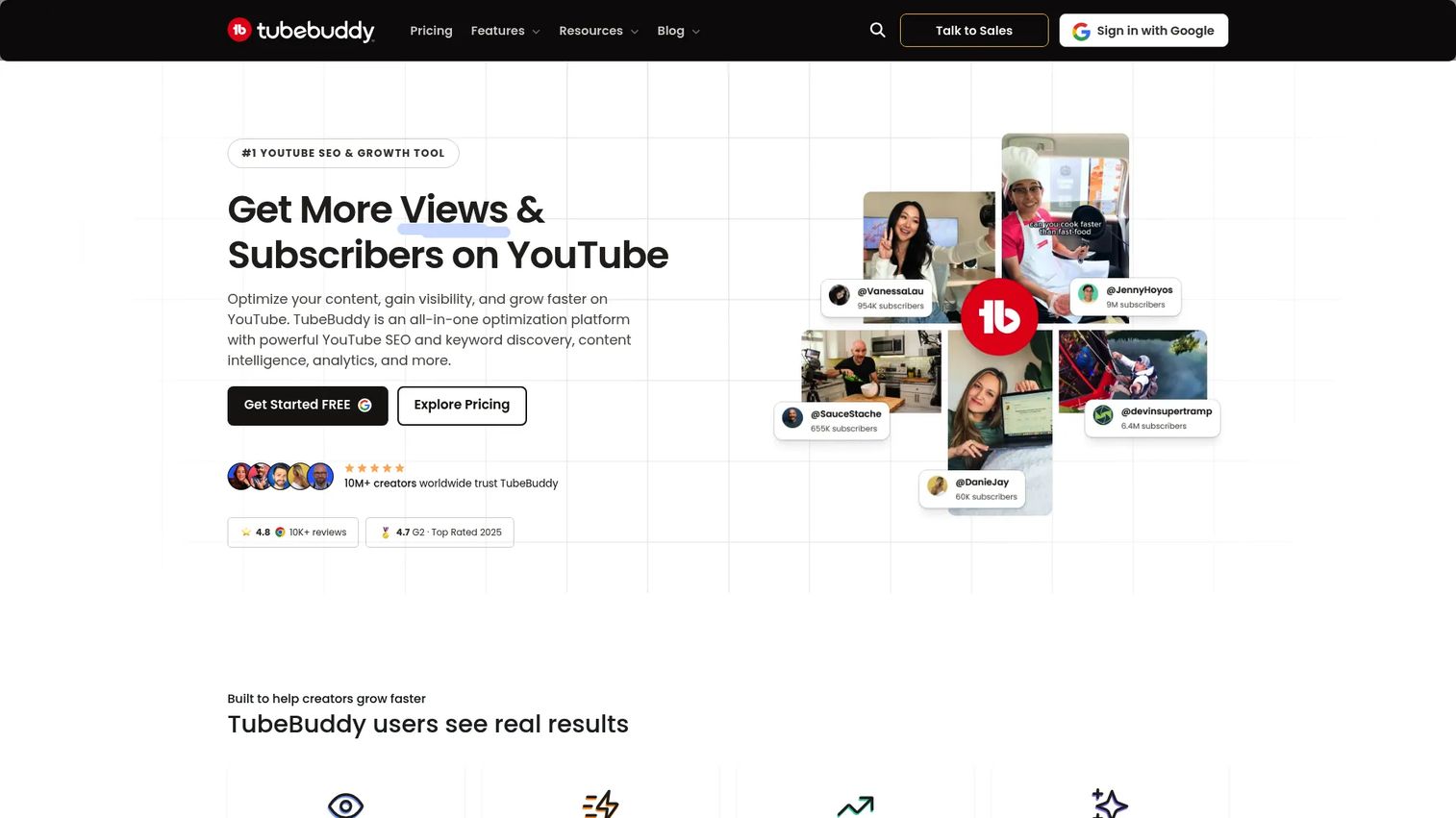
TubeBuddy is a YouTube creator platform that combines SEO, analytics, channel management, and growth tools into a browser extension. It supports keyword discovery, SEO scoring, tag generation, thumbnail A/B testing, bulk editing, and competitor analysis. For marketing teams, its value is consolidation: One tool handles keyword research, optimization guidance, channel diagnostics, and publishing workflow without requiring a separate platform for each job.
Best for: Creators and marketing teams that want keyword research, SEO scoring, channel diagnostics, and publishing workflow support without buying multiple tools.
Key features
- Keyword discovery with search volume and competition data
- SEO scoring and optimization recommendations for each video
- Thumbnail A/B testing and CTR performance analysis
- Bulk editing for titles, descriptions, and tags across multiple videos
- Competitor scorecards and audience insights on the Legend plan
Why choose TubeBuddy: It earns its place when you need a youtube channel audit, keyword research, and metadata help from a single tool. Teams managing branded channels will find the bulk editing and scheduling features reduce operational overhead.
TubeBuddy pricing: A free plan is available. The Pro plan runs $4.50/month billed monthly or $3.60/month on annual billing. Legend, which adds unlimited rank tracking, A/B testing, predictive analytics, and competitor scorecards, is $28.99/month monthly or $23.19/month annually.
G2 rating: 4.6/5
2. TubeRanker
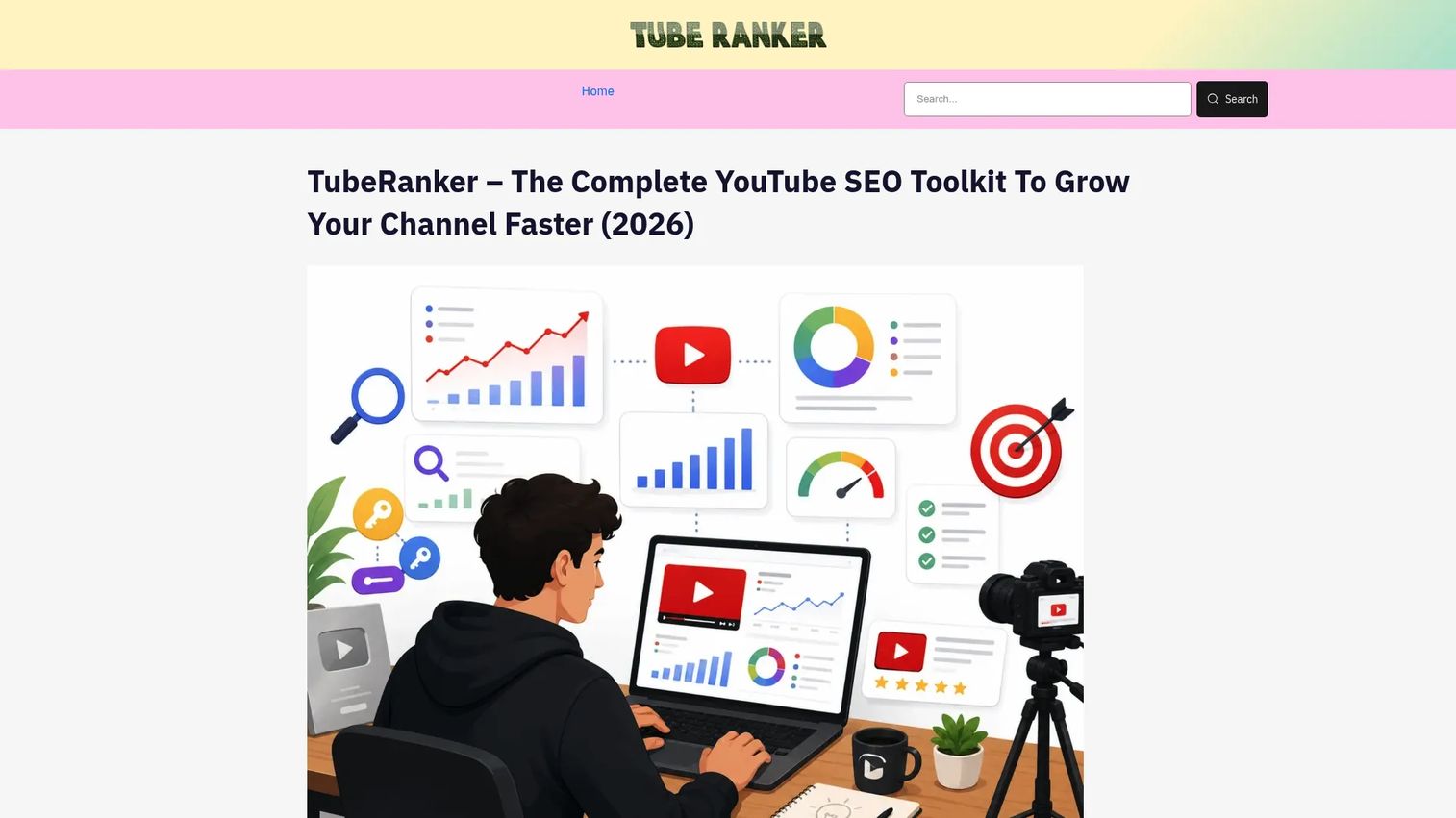
TubeRanker is a dedicated YouTube SEO tool built around the core tasks that matter for video search: Keyword research, channel auditing, tag extraction, rank tracking, and metadata generation. Its scope is deliberately focused. Where TubeBuddy covers the broader creator workflow, TubeRanker keeps everything anchored to YouTube SEO.
Best for: Marketers who need a focused youtube seo checker and rank tracker without committing to a full enterprise SEO platform.
Key features
- YouTube keyword research with search volume and competition scoring
- Channel audit identifying missing metadata and optimization gaps
- Rank tracker monitoring keyword positions over time and by geography
- Tag extractor pulling competitor video tags for research
- Title and description generators for faster metadata drafting
Why choose TubeRanker: Choose it when the team's bottleneck is specifically YouTube SEO, not broader web search. It's a practical fit for agencies or in-house teams running focused youtube video optimization workflows without needing social scheduling or CRM integration.
TubeRanker pricing: Contact TubeRanker directly at tuberanker.net for current plan details and trial availability.
G2 rating: 4.7/5
3. vidIQ
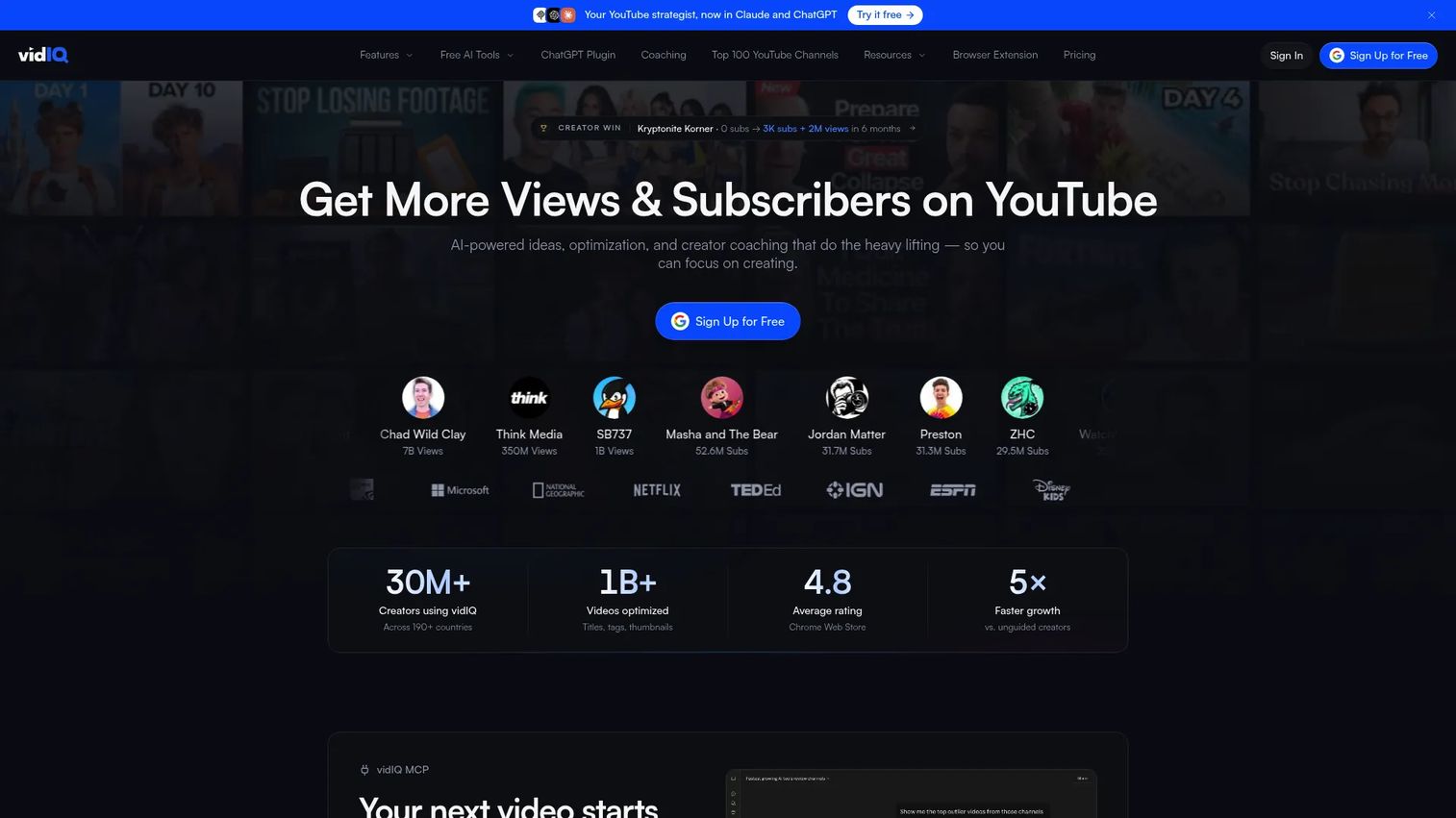
vidIQ is a YouTube growth and analytics platform that pairs keyword research with ongoing ideation support. It includes SEO scorecards, competitor analysis, trend alerts, a thumbnail maker, channel audits, and an AI Coach for daily video ideas. The tool covers the full range from initial research to post-publish optimization.
Best for: Creators and growth teams that want both keyword research and regular video idea prompts to maintain publishing consistency.
Key features
- Keyword research with competition and search volume data
- SEO scorecards scoring videos against optimization criteria
- Competitor analysis showing tags, topics, and channel patterns
- Trend alerts surfacing rising topics before they peak
- AI Coach providing daily personalized video ideas and growth suggestions
Why choose vidIQ: vidIQ works well for teams treating YouTube as an ongoing content operation rather than a one-time optimization project. The AI Coach and idea generation features reduce the planning overhead that slows down small marketing teams.
vidIQ pricing: A free plan is available. The Boost plan is $16.58/month billed annually (or $19/month monthly). MAX is $39/month billed annually (or $49/month monthly). Enterprise and 1-on-1 coaching plans are available by contacting vidIQ directly.
G2 rating: 4.5/5
4. Ahrefs
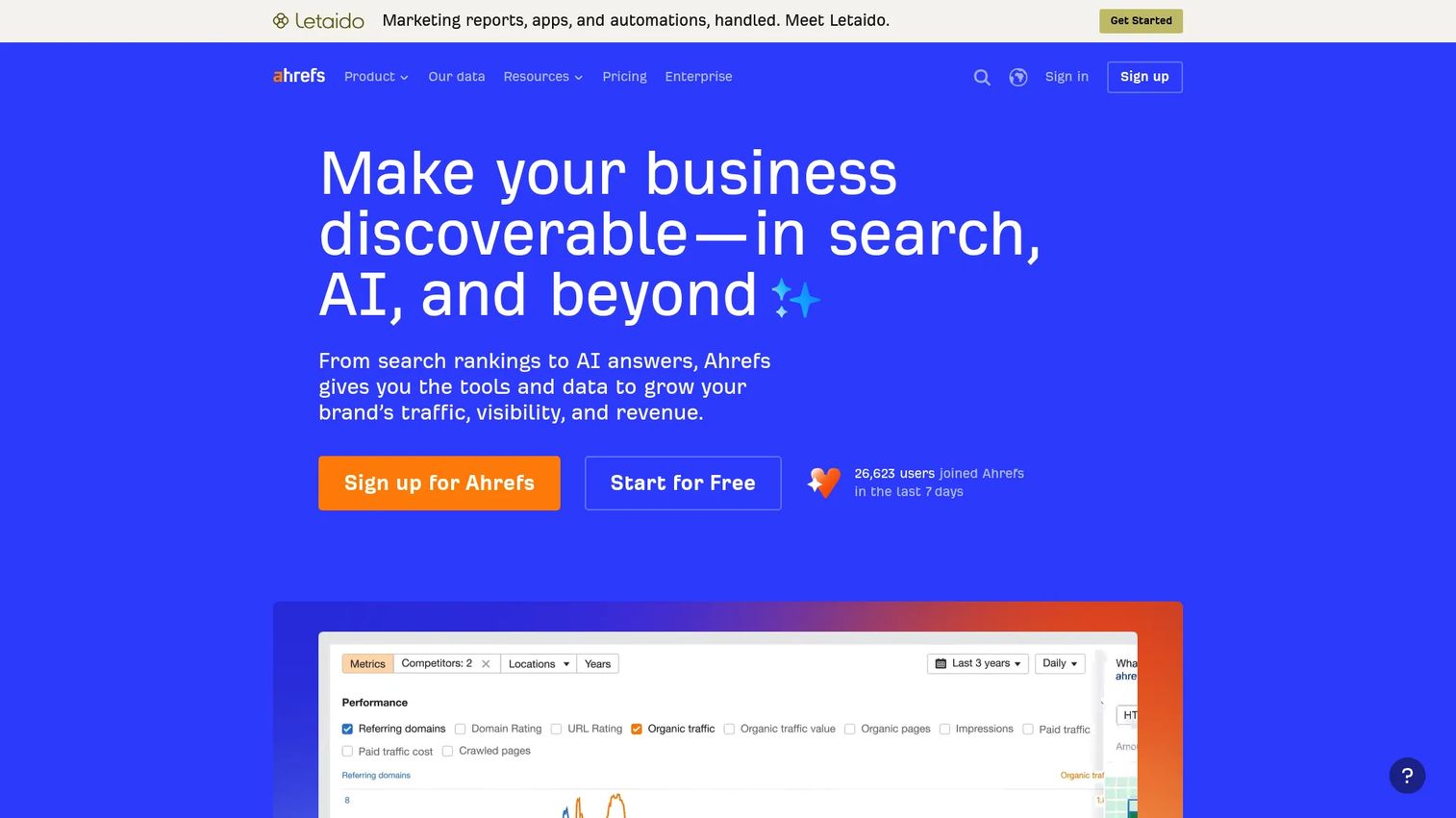
Ahrefs is a broad SEO and marketing platform covering keyword research, competitor analysis, backlink auditing, content gap analysis, rank tracking, and SERP analysis. Its Keywords Explorer includes YouTube as a data source, making it one of the stronger options when video SEO needs to connect to a wider content and acquisition strategy.
Best for: SEO and content teams where YouTube keyword research needs to align with blog SEO, landing pages, and organic acquisition planning.
Key features
- Keywords Explorer covering YouTube, Google, and other search platforms
- Competitor research showing traffic, top pages, and keyword gaps
- Content gap analysis finding topics competitors rank for that you don't
- SERP analysis revealing ranking difficulty and opportunity
- Rank tracker monitoring keyword positions across search engines
Why choose Ahrefs: Ahrefs is the right call when YouTube is one channel inside a broader SEO program. It's not built exclusively for video, so creators who need only YouTube-specific tools will pay for more than they use. For marketers who want keyword decisions to inform both video and written content, the overlap justifies the cost.
Ahrefs pricing: A Starter plan is available at $29/month. Lite starts at $129/month, Standard at $249/month, Advanced at $449/month, and Enterprise at $1,499/month (annual commitment required). A free tier also exists with limited access.
G2 rating: 4.5/5
5. Semrush
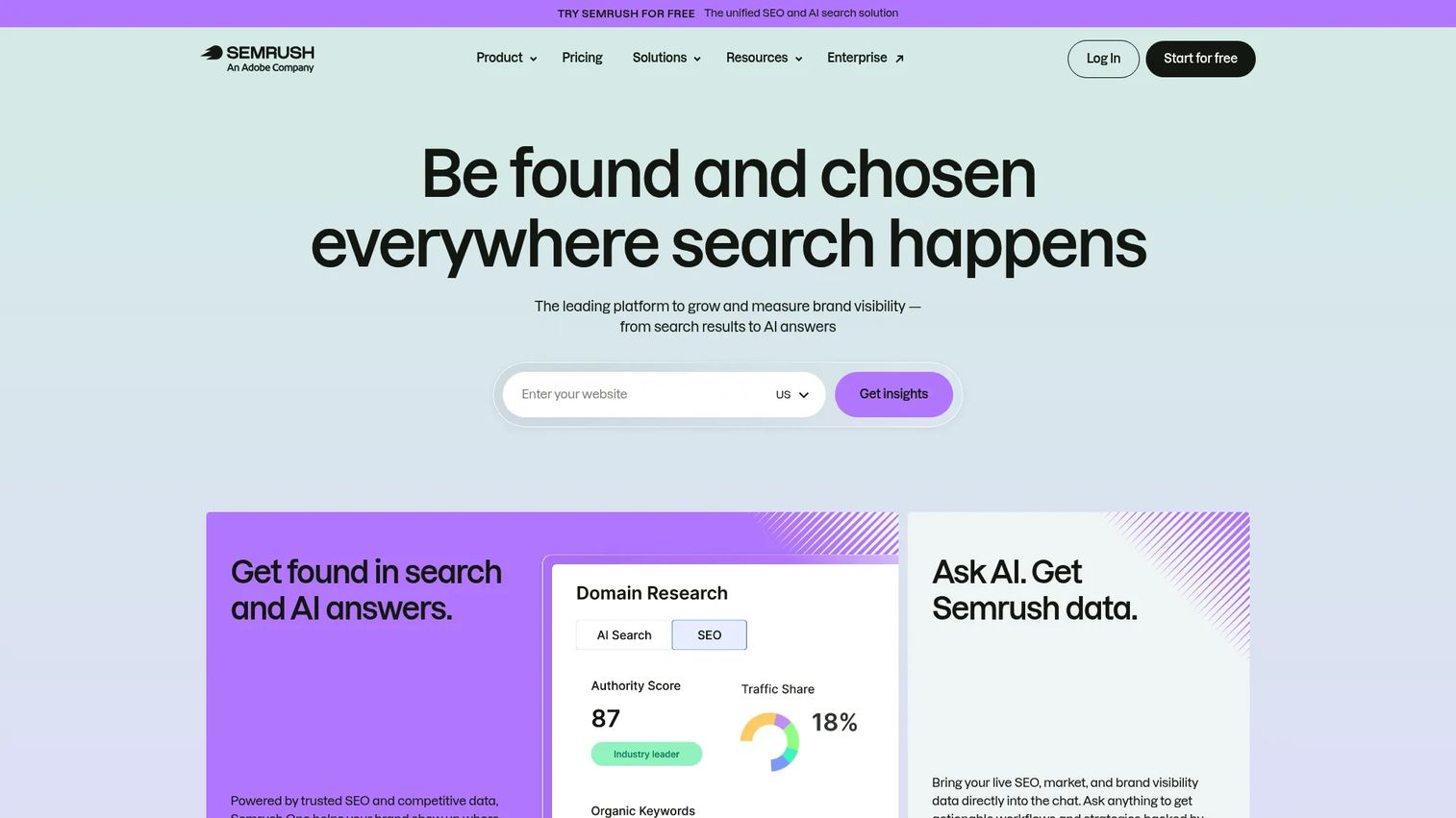
Semrush is a full-stack SEO and digital marketing platform. It covers keyword research, topic research, competitor analysis, content planning, rank tracking, and paid media reporting. YouTube SEO fits inside its broader content and keyword workflows rather than as a standalone module.
Best for: Mid-market and enterprise marketing teams managing YouTube as one channel inside a larger SEO, content, and reporting program.
Key features
- Keyword research with search volume, difficulty, and intent data
- Topic research surfacing content ideas by subject and trend
- Competitor analysis revealing organic rankings and content gaps
- Content planning tools for editorial calendars and content briefs
- SEO reporting across organic, paid, and competitive data
Why choose Semrush: Choose Semrush when your team already reports on organic search, paid campaigns, and content performance, and YouTube needs to connect to that existing workflow. It's strongest as a consolidation play rather than a YouTube-first tool.
Semrush pricing: A free plan is available. The SEO plan starts at $117.33/month billed annually. Starter runs $165.17/month annually, Pro+ at $248.17/month annually. Advanced pricing requires contacting Semrush directly. A 7-day free trial is available on some plans.
G2 rating: 4.4/5
6. Keyword Tool
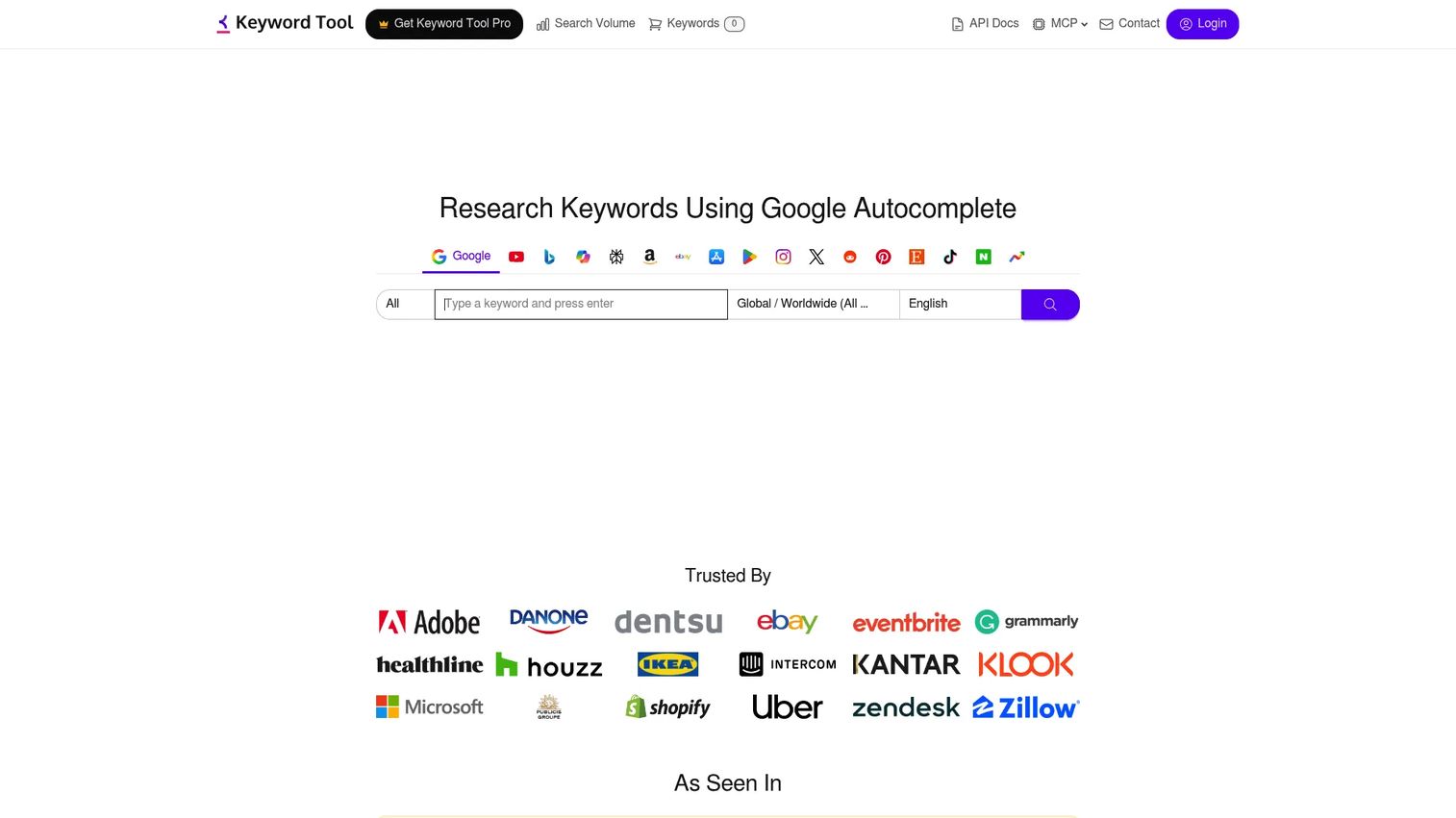
Keyword Tool is a keyword research platform built around autocomplete-based suggestions. It generates long-tail keyword ideas from YouTube's search suggestions and covers question keywords, related terms, country-specific results, and export options. It supports 17 search platforms, with YouTube as a primary use case.
Best for: Marketers who need fast YouTube keyword expansion from autocomplete data at the ideation stage.
Key features
- YouTube autocomplete pulling hundreds of keyword suggestions per seed term
- Long-tail and question keyword generation for topic coverage
- Country and language targeting for localized keyword research
- Export options for use in spreadsheets and content planning tools
- Multi-platform research across 17 search and marketplace platforms
Why choose Keyword Tool: Use it when the specific bottleneck is generating keyword lists quickly at scale. It's most useful at the brief-writing and ideation stage, not as a rank tracker or audit tool. Teams that already have analytics and reporting elsewhere benefit from its speed and depth of autocomplete coverage.
Keyword Tool pricing: A free version is available with limited daily searches. Paid plans start at the Starter tier at $68/month billed monthly. Growth is $148/month, Scale is $308/month, and Agency is $628/month. An Enterprise plan is available by custom quote.
G2 rating: 4.5/5
7. Morningfame
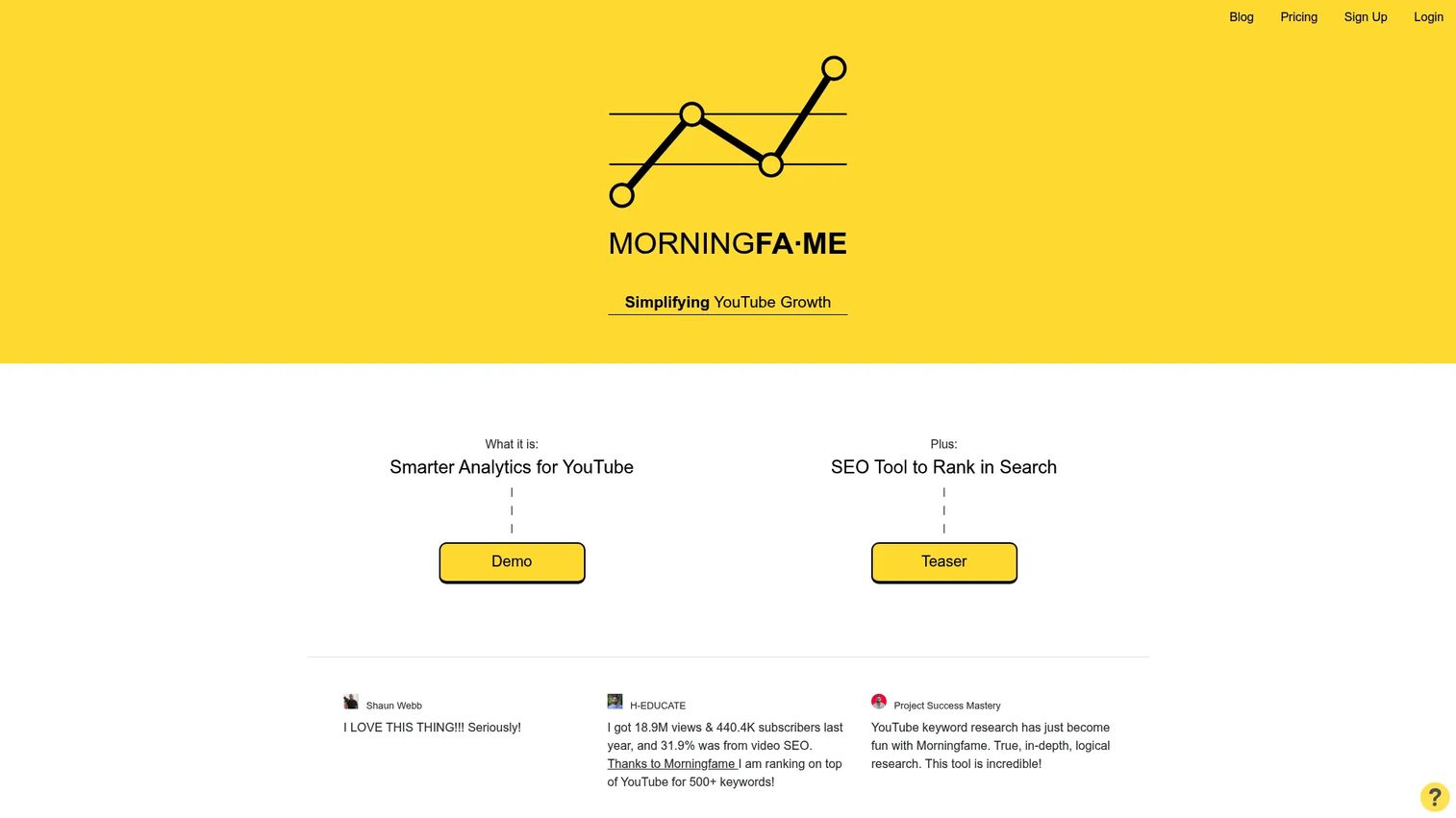
Morningfame is a YouTube analytics and channel growth platform with a focus on making data readable rather than overwhelming. It offers channel analytics, keyword research, a Niche Spy tool for topic analysis, video grading, and optimization prompts. The interface is built to surface clear next steps rather than raw data dumps.
Best for: Creators and small marketing teams who want clearer guidance from their analytics rather than another dashboard to interpret manually.
Key features
- Rich channel analytics with performance breakdowns by video and period
- Keyword research tool with niche-level topic analysis
- Niche Spy for exploring what's working in a specific content category
- Video grading showing how individual videos perform against channel benchmarks
- Optimization prompts turning data into specific next-step recommendations
Why choose Morningfame: Morningfame is a strong fit when analytics fatigue is the real problem. It won't replace a full youtube seo software suite, but it makes the data actionable for creators and lean teams who need direction without spending hours in spreadsheets.
Morningfame pricing: Morningfame is invitation-only. The Basic plan is $4.90/month and the Plus plan is $12.90/month. A one-month free trial is available.
8. Social Blade
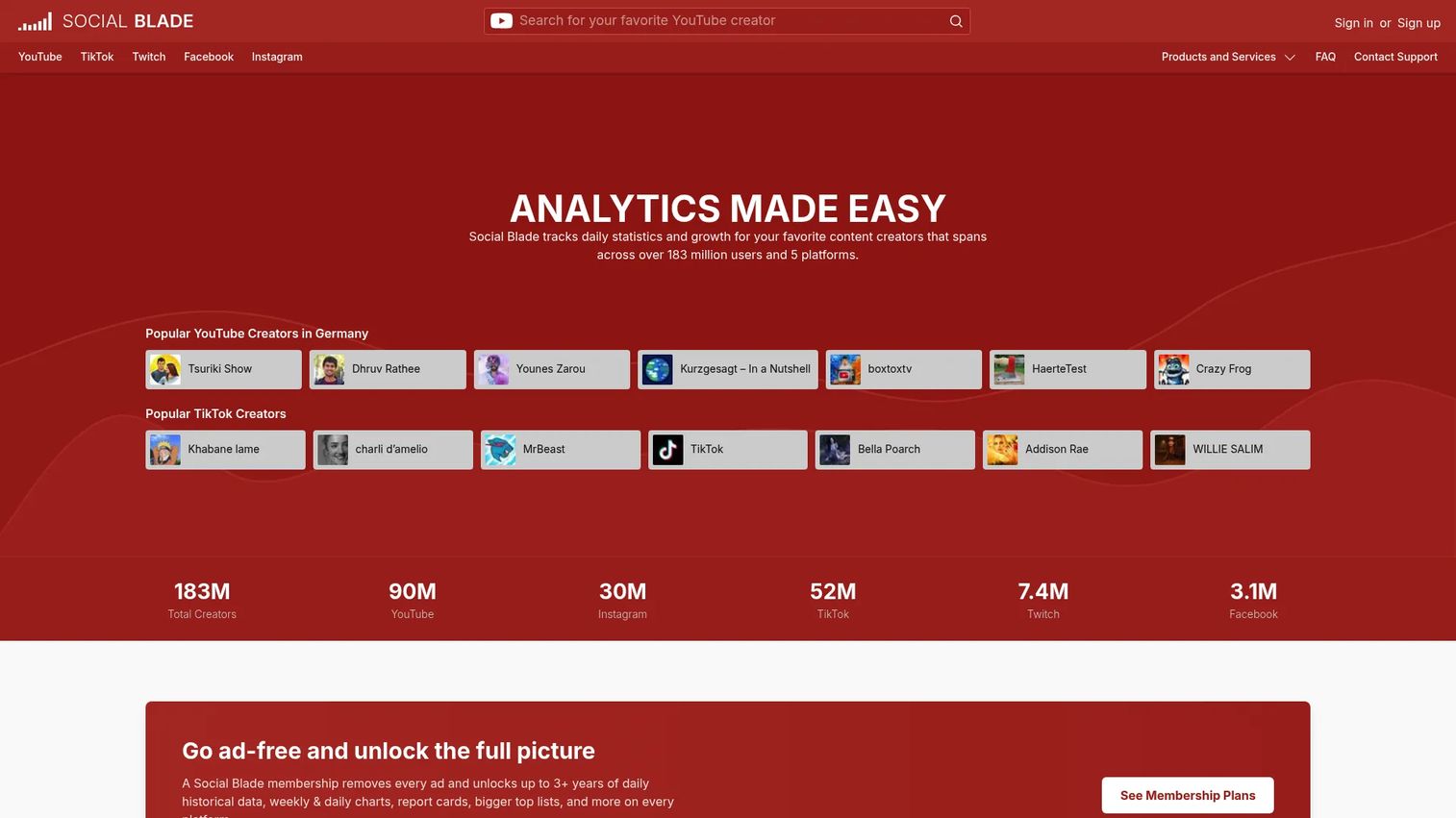
Social Blade is a public analytics and benchmarking platform tracking daily statistics for YouTube channels and other social platforms. It surfaces subscriber trends, estimated earnings, channel growth projections, historical charts, and platform rankings. The data is publicly accessible, making it a research tool for competitive intelligence rather than metadata optimization.
Best for: Marketers who need fast channel benchmarking and competitor growth monitoring before investing in content production.
Key features
- Daily statistics and historical growth tracking for channels
- Estimated earnings ranges and future projections
- YouTube report cards grading channel performance
- Platform rankings and top-channel lists by category
- Business API access for custom data pulls on higher-tier plans
Why choose Social Blade: Social Blade is a diagnostic and benchmarking tool, not a youtube video optimization platform. Use it to understand market movement, evaluate competitor channels, and decide whether a niche is growing before committing to a production schedule.
Social Blade pricing: Free access is available with standard channel lookup. Paid plans are priced annually: Bronze at $59.99/year, Silver at $149.99/year, Gold at $599.99/year, and Platinum at $1,439.99/year. Paid tiers add report cards, historical table data, expanded lists, and Business API credits.
G2 rating: 4.2/5
9. TubePilot
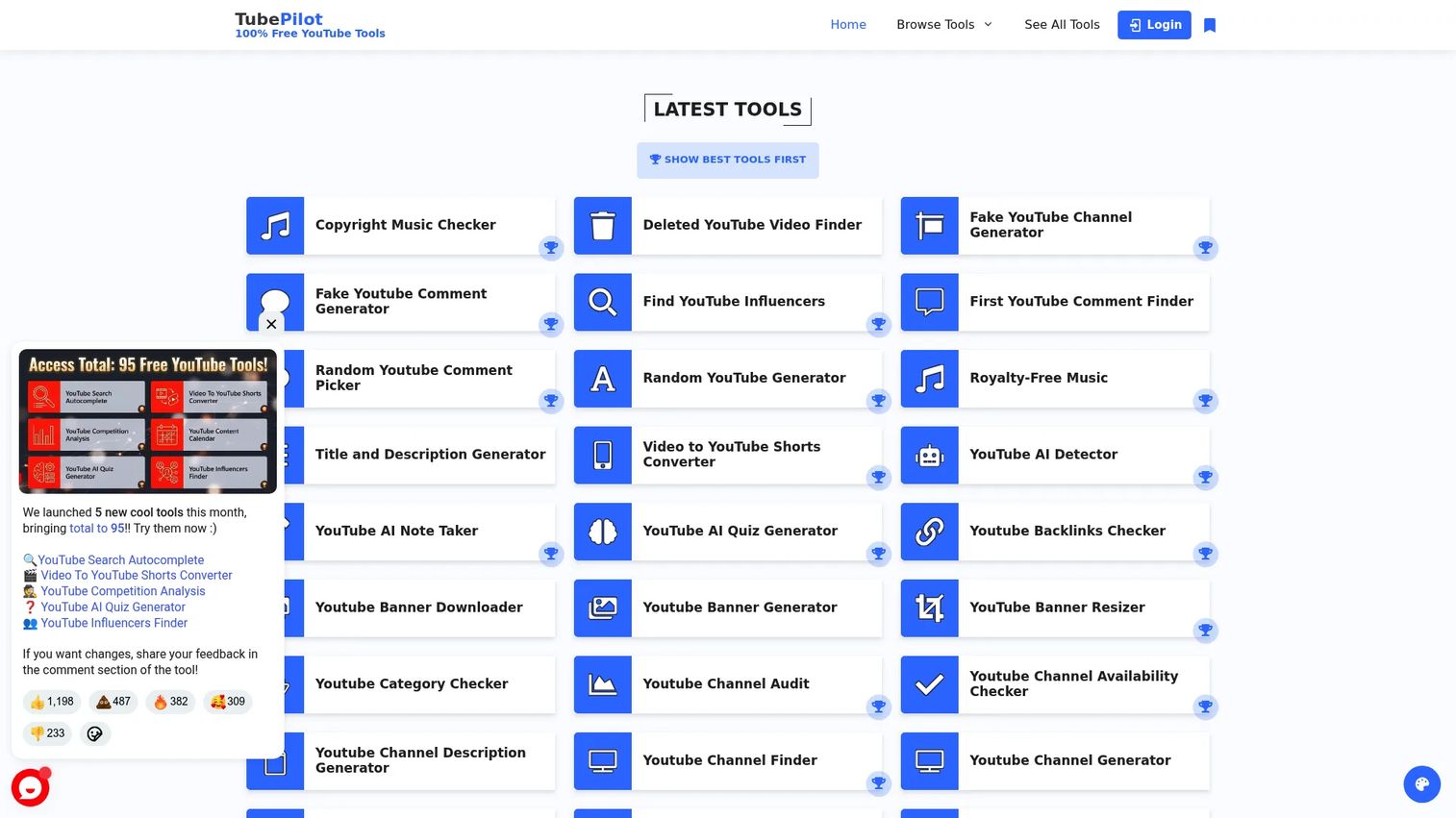
TubePilot is a directory of 106 free YouTube tools organized across research, SEO, analytics, growth, and channel management. The collection includes keyword research, rank checkers, SEO score checkers, competition analysis, channel audits, content calendars, transcript tools, and repurposing utilities.
Best for: Creators and marketers who need a range of free YouTube SEO utilities for specific tasks without committing to a paid platform.
Key features
- YouTube keyword research and autocomplete tools
- Rank checker monitoring video positions for target keywords
- SEO score checker auditing video metadata and optimization
- Channel audit identifying gaps across your channel
- Content calendar and repurposing utilities for workflow planning
Why choose TubePilot: TubePilot works best for one-off checks and quick youtube channel audits rather than centralized reporting. It's the right starting point for creators or teams exploring YouTube without a tool budget, and a useful supplementary resource even when a paid platform is in use.
TubePilot pricing: All 106 tools are free.
10. TunePocket
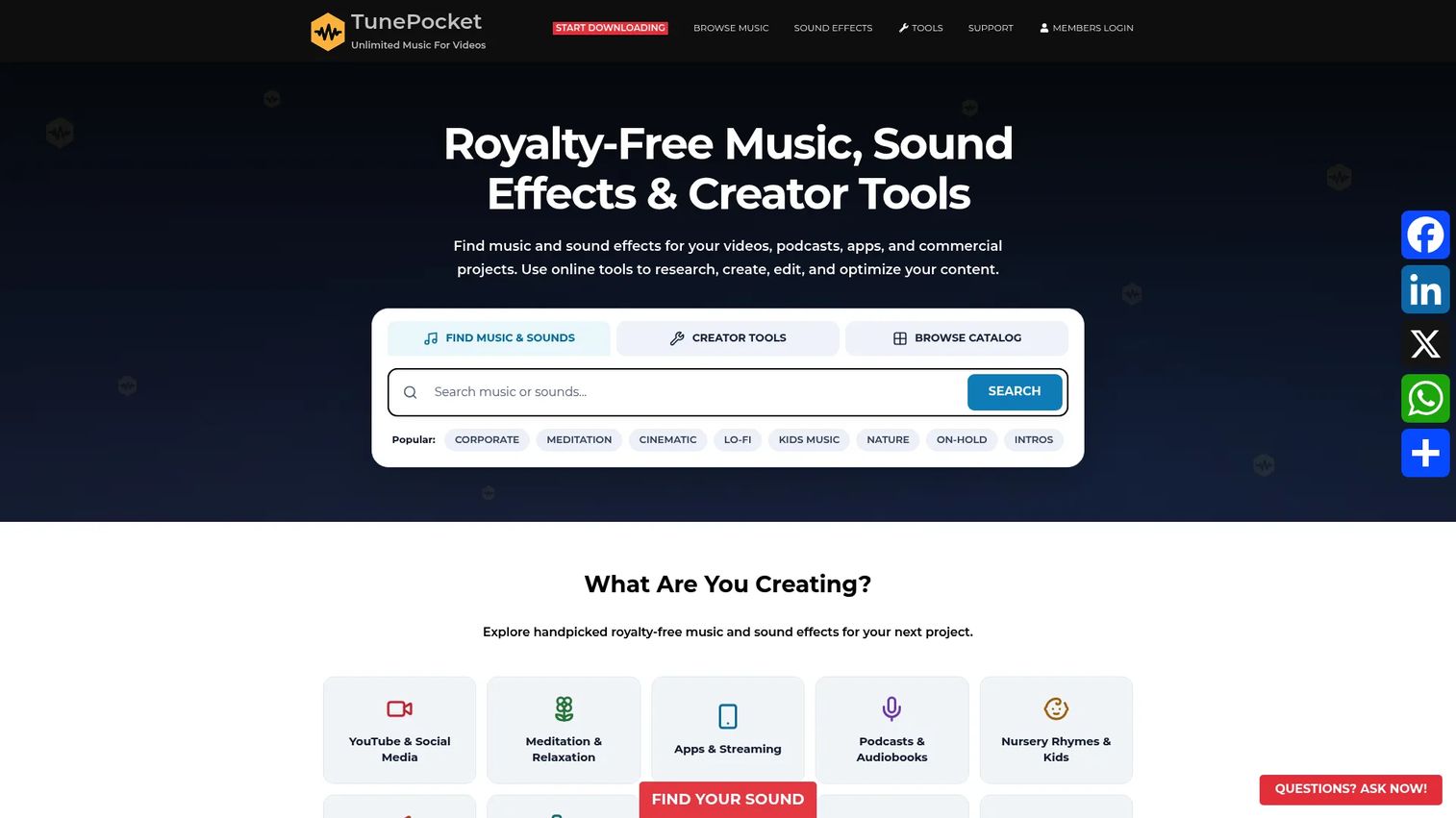
TunePocket is primarily a royalty-free music and audio platform, but it includes a set of creator tools covering YouTube keyword generation, tag generation, hashtag tools, channel statistics, and a data viewer. The SEO utilities are free, while audio licensing is sold separately on a membership model.
Best for: Creators who want free SEO utilities alongside royalty-free audio access in a single platform.
Key features
- YouTube keyword generator for topic and search research
- Tags generator for video metadata
- Hashtag tools for discovery optimization
- Channel stats viewer for quick channel-level data
- Data viewer for exploring video and channel metrics
Why choose TunePocket: TunePocket is useful when a creator needs quick metadata utilities around publishing and media handling. The SEO tooling is lightweight compared to dedicated youtube seo software platforms, so it's best suited as a supplementary resource rather than a primary research workflow.
TunePocket pricing: The creator SEO tools are free. Audio licensing runs on a membership model: Personal at $99/year, Business at $199/year for one user, Pay As You Go at $39 as a one-time purchase for five downloads, and Business (5 Users) at $399/year. Audio licensing and SEO tools are separate offerings.
11. Keyword Tool Dominator
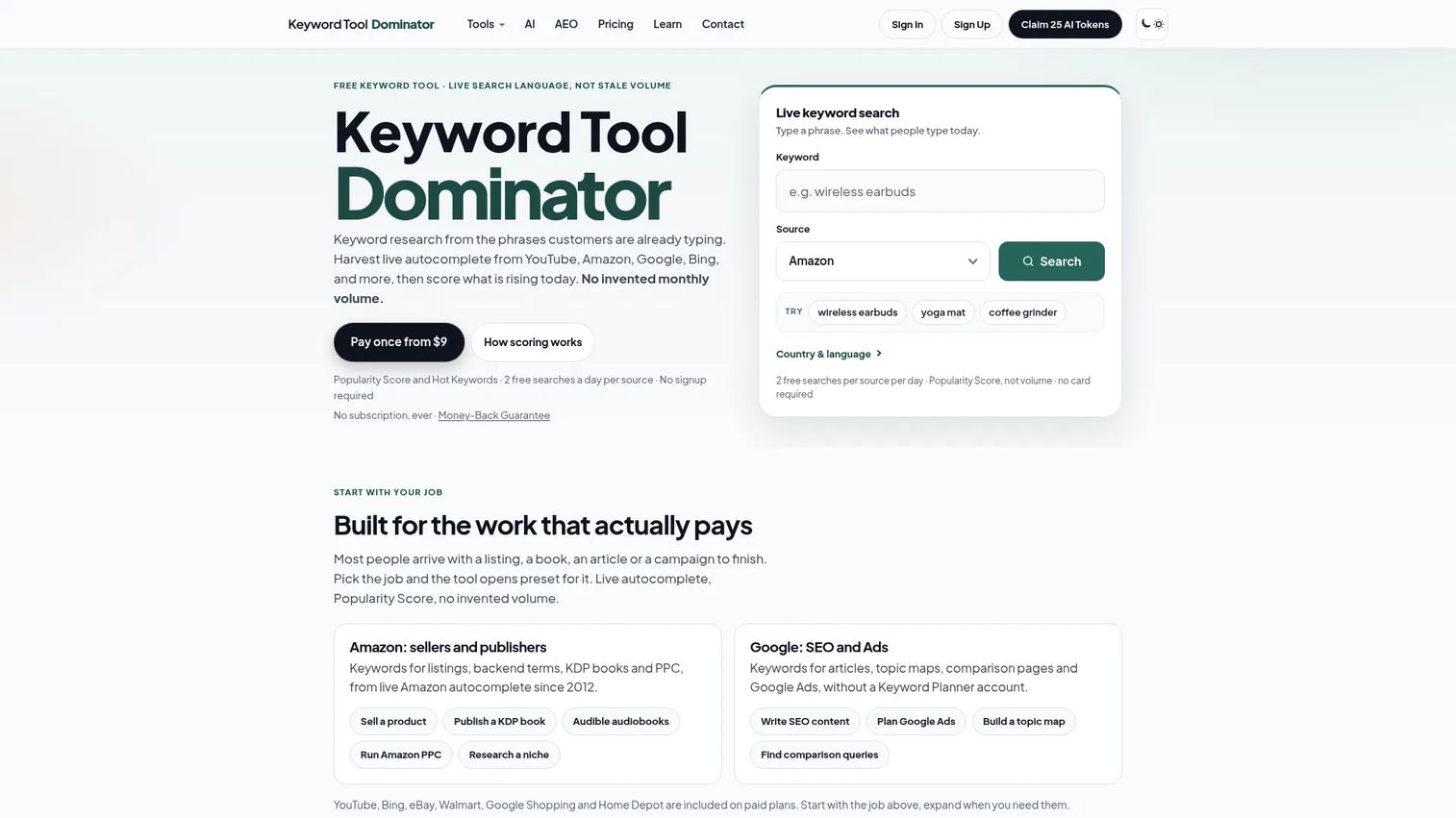
Keyword Tool Dominator is a keyword-mining platform that pulls live autocomplete suggestions from multiple platforms, including YouTube. It generates keyword lists with Popularity Scores instead of estimated search volumes, which avoids the accuracy issues common in volume-based tools. It also includes AEO research tools for question, preposition, and comparison keywords.
Best for: Marketers who need fast autocomplete keyword mining for YouTube topic ideation and early-stage research.
Key features
- YouTube keyword tool harvesting live autocomplete suggestions
- Popularity Score and Hot Keywords flagging rising terms
- AEO research covering question, preposition, and comparison keywords
- Country targeting for region-specific keyword discovery
- Keyword list exports in CSV and Excel formats
Why choose Keyword Tool Dominator: Use it at the ideation stage when the goal is building a keyword list quickly rather than running a full youtube channel audit or rank tracking workflow. It's not a monitoring platform, but it's one of the faster tools for expanding a seed topic into a research list.
Keyword Tool Dominator pricing: A free tier with limited daily searches is available. Paid plans are one-time payments for 30-day access: Plus at $9, Pro at $15, and Max at $25. Longer access options include 90 days from $19, one year from $39, and lifetime access from $89.
G2 rating: 4.0/5
12. Google Trends
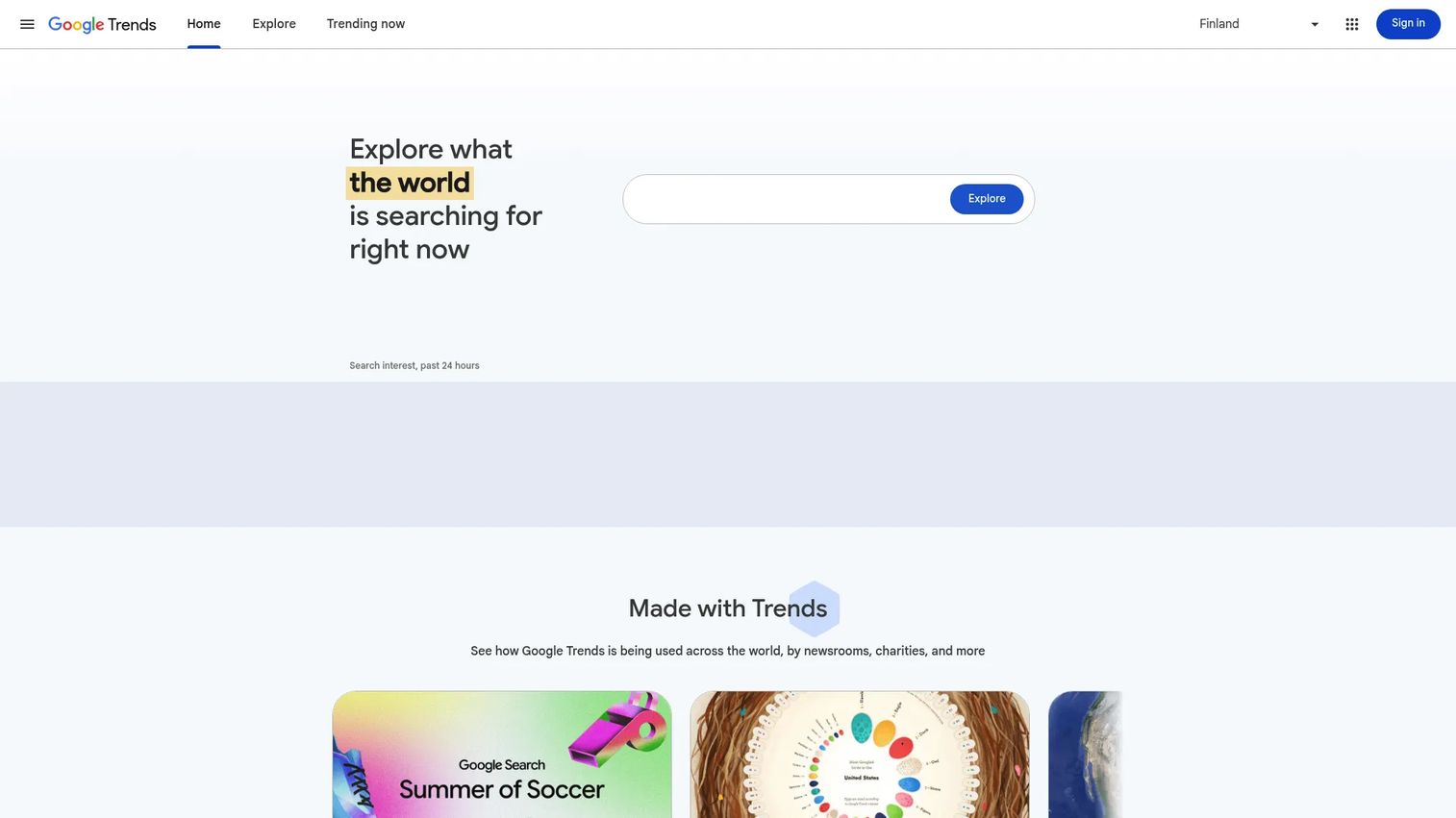
Google Trends is a free research tool for exploring search interest over time, comparing topics, analyzing seasonality, and filtering by region. It includes a YouTube Search filter that shows interest trends specifically within YouTube, making it a useful demand validation tool before committing to a video topic.
Best for: Marketers who need free demand validation before choosing video topics or planning a YouTube content calendar.
Key features
- Trend comparison across multiple search terms or topics
- Seasonality checks identifying when interest peaks and troughs
- Geographic filters showing interest by region or country
- Related queries surfacing rising and breakout topics
- YouTube Search filter for YouTube-specific interest data
Why choose Google Trends: Google Trends is not a complete youtube seo software suite. It doesn't generate metadata, track rankings, or audit channels. Its value is specific: It helps you avoid building a production plan around topics with weak or declining demand. Used alongside a keyword tool, it adds the temporal and geographic context most tools miss.
Google Trends pricing: Free.
Considerations when choosing YouTube SEO tools
Match the tool to your YouTube maturity
A solo creator needs keyword ideas and metadata help. A demand gen team managing a branded channel needs rank tracking, repeatable reporting, and attribution data. The same tool won't serve both situations equally well, so identify the actual workflow bottleneck before evaluating features.
Decide whether YouTube-only is enough
YouTube-specific tools move faster for creator workflows and tend to have tighter feature sets built around video metadata. Broader SEO platforms like Ahrefs or Semrush are better when YouTube keyword research needs to inform blog content, landing pages, and organic acquisition programs at the same time.
Check whether the tool supports reporting, not just research
Growth marketers need more than a keyword list at the end of a session. The right tool should help you show which topics and optimizations contributed to measurable rank improvements, so the YouTube channel earns its place in a pipeline report rather than a vanity metrics update.
Separate free utilities from operating systems
Free tools handle one-off checks well. Paid platforms justify the spend when they reduce manual work, centralize decisions, or improve reporting accuracy across a channel with real publishing volume. If you're publishing fewer than four videos per month, free utilities may cover most of your needs.
Verify limits before committing
Most tools have usage caps, seat restrictions, export limits, and feature gating tied to specific plan tiers. Confirm what the entry plan actually includes before signing up, particularly for rank tracking and bulk editing, which are commonly gated to higher tiers.
Conclusion
The right YouTube SEO tool depends on where your workflow actually breaks down.
If the bottleneck is topic selection, start with keyword research. TubeBuddy and vidIQ both cover this well for creators, while Keyword Tool and Keyword Tool Dominator are faster for pure keyword expansion. If the bottleneck is existing content that isn't ranking, TubeRanker's audit and rank-tracking focus or TubeBuddy's bulk editing tools are the more direct fix.
For teams connecting YouTube to a broader SEO strategy, Ahrefs and Semrush offer the best cross-channel coverage. For quick benchmarking or competitive research without a paid plan, Social Blade, TubePilot, and Google Trends cover the basics without commitment.
The pattern worth avoiding: Picking a tool based on its feature list rather than your actual constraint. Most YouTube SEO tools overlap on keyword research. Where they differ is in rank tracking depth, channel audit quality, reporting accuracy, and how well they fit into an existing measurement stack.
Pick one tool that solves your current bottleneck, run it for a quarter, then decide whether the adjacent features are worth the upgrade.
Start your journey with Guideflow today!
FAQs
YouTube SEO tools are software platforms and utilities that help creators and marketers improve video discoverability through keyword research, metadata optimization, channel audits, rank tracking, and analytics. The goal is to improve how videos surface in YouTube search and suggested content, not to guarantee specific ranking positions. Most tools work across a mix of these functions, while some focus on one specific task like keyword generation or rank monitoring.
TubeBuddy is a strong starting point because it combines keyword research, SEO scoring, and optimization guidance in a browser extension that sits directly inside YouTube Studio. For creators on a tighter budget, TubePilot's free tools and Google Trends can cover early research needs before committing to a paid plan. The key for beginners is to use a tool that shows what to fix, not just what the data looks like.
Free tools are sufficient for basic keyword discovery, trend validation, and one-off metadata checks. TubePilot, Google Trends, TunePocket's SEO utilities, and the free tiers of TubeBuddy and vidIQ all provide real value without payment. Where paid tools earn their cost is rank tracking at scale, bulk editing across a large video library, deeper competitor analysis, and the kind of reporting that makes YouTube defensible in a marketing review.
Most tools pull data from YouTube's autocomplete suggestions, which reflect what real users are typing into the search bar. Some platforms also use proprietary search-volume estimates, related-query data, trending topics, and competitor tag extraction to expand keyword lists. The accuracy of volume estimates varies significantly across platforms, so using multiple signals rather than relying on a single tool's numbers tends to produce more reliable topic decisions.
Tags remain one metadata signal, but they're not the highest-priority optimization. YouTube has indicated that titles, thumbnails, and viewer behavior signals like watch time and CTR carry more algorithmic weight. Tags help in edge cases, particularly for terms not easily included in a title, and they're still worth optimizing as part of a complete metadata strategy. Spending more time on a strong title and thumbnail will typically move the needle further than spending the same time refining tags.
YouTube SEO focuses on improving video visibility inside YouTube's own search results and recommendation engine. Performance depends on metadata relevance, viewer behavior, engagement, and watch time. Google SEO focuses on web pages, with ranking signals rooted in backlinks, technical site health, page content, and authority. The two overlap when YouTube videos appear in Google search results, and keyword research workflows apply to both, but the underlying mechanics and tools are different.
Review underperforming videos when rank positions decline noticeably or when click-through rates drop below your channel average. Targeted updates based on data are more effective than frequent edits without tracking. Changing titles too often without measuring the impact makes it harder to understand what actually moved performance, so tie each edit to a specific hypothesis and monitor for at least two to four weeks after making a change.
The most useful metrics for growth marketers are impressions, click-through rate (CTR), average view duration, audience retention rate, keyword rankings, traffic source breakdown (search vs. suggested vs. external), and subscriber growth tied to specific videos. For teams treating YouTube as a pipeline channel, tracking conversion behavior after viewers click through to a product page or landing page adds the attribution layer that makes the channel defensible in a revenue conversation.