You rewrote the video title and replaced the thumbnail. Views moved, but the weekly report still can’t explain whether search visibility improved.
A YouTube rank tracker helps answer that question. The useful output is a decision about what to optimize next, supported by comparable observations over time.
Wyzowl’s 2026 research found that 82% of video marketers used YouTube. For growth teams, that makes measurement worth getting right.
Yet another subscription needs to earn its place. A creator publishing weekly has different requirements from an agency reporting across several countries. Your existing SEO platform also deserves a look before you add another dashboard.
Effective YouTube rank tracking starts with a defined keyword set and a consistent measurement process. Connect the results to viewer behavior, then decide whether the next change belongs in your metadata or content.
The right video rank tracker should make that decision clearer.
What’s inside
- Who this guide serves: Digital marketers managing YouTube acquisition, creators optimizing a channel, and agencies responsible for client reporting.
- How the options were selected: Relevance to video search workflows, optimization support, reporting capabilities, and cost. The shortlist includes dedicated tracking tools and complementary research methods.
- What you’ll compare: YouTube SEO suites, a free browser checker, broader search platforms, and native keyword discovery.
- What deserves scrutiny: Historical visibility, country support, export access, and the difference between a product rating and a parent platform’s rating.
Product details and prices below come from vendor research dated November 24, 2026. Recommendations distinguish documented capabilities from requirements you should test before buying.
TL;DR
- Best starting point for YouTube optimization: vidIQ combines keyword discovery with channel analysis and content tools. It suits marketers who want research to inform publishing.
- Best for an extension-based workflow: TubeBuddy puts YouTube optimization close to channel management, with title and thumbnail testing.
- Best free dedicated checker: TranscribeTube YouTube Rank Checker supports keyword position checks and monitoring over time.
- Best for content research alongside tracking: TubeLab combines YouTube rank tracking with niche discovery and outlier analysis.
- Best for an established SEO operation: Evaluate SE Ranking for broader reporting, or Link Assistant Rank Tracker for desktop control. The latter starts at $179/year.
- Best research companions: Google Trends and YouTube autocomplete help decide which queries deserve attention. Neither replaces historical ranking measurement.
What is a YouTube rank tracker?
A YouTube rank tracker monitors where a video appears in search results for a target keyword over time.
The basic unit is a video and query pair. Add the country and observation date to make comparisons useful.
A YouTube video rank checker typically returns a snapshot. Ongoing monitoring builds a record that helps you assess changes after an optimization cycle.
A broader YouTube SEO tool can support additional work, including keyword discovery and competitive research. Those capabilities help you decide what to publish or revise. They should be evaluated separately from position monitoring.
Key capabilities to evaluate
Look for the functions your reporting process requires:
- Keyword and video URL inputs
- Country or location selection
- Historical ranking data
- Nearby competing videos
- Engagement context alongside position
- CSV or Excel export
- Supported URL formats and video IDs
- Scheduled checks and reporting
- Clearly defined search result depth
Treat this as a buying checklist. Coverage varies across products, and a broad SEO feature list doesn’t establish YouTube-specific support.
Rank checker vs. rank tracker
| Feature | YouTube rank checker | YouTube rank tracker |
|---|---|---|
| Main job | One-time position lookup | Ongoing position monitoring |
| Best for | Quick validation | Trend reporting |
| Data output | Snapshot | Historical movement |
| Typical inputs | Keyword and video, sometimes country | Keyword set, videos, location, and schedule |
| Best user | Creator checking a specific upload | Marketer managing recurring optimization |
YouTube search ranking also changes with context. Location and personalization can affect what appears, while a tool’s inspected result depth affects what it finds.
A missing result therefore needs interpretation. Record whether the video fell outside the search depth rather than assuming it disappeared entirely.
Keep keyword discovery separate from measurement, too. A suggestion identifies potential audience language; it doesn’t establish your video’s position.
Likewise, a YouTube tag rank checker label can obscure the question you need answered. Tags describe metadata. Your reporting should identify the query searched and the video returned.
The practical goal is a consistent record that supports an optimization decision, followed by a check against audience engagement.
When to use a YouTube rank tracker
Validate video SEO changes
Establish a baseline before editing a title or description. Record the change date and the intended outcome, then compare subsequent observations under the same settings.
Read movement alongside click-through rate and retention. Improved visibility without stronger viewing behavior calls for a different response than declining position with healthy engagement.
Avoid changing every variable together if you want to understand which intervention deserves further testing.
Monitor country-specific performance
Country-specific YouTube rankings matter when your acquisition plan spans markets. A result from one location shouldn’t stand in for the audience you’re trying to reach elsewhere.
Keep language variants in separate groups, even when they describe the same topic. Compare each group against its own baseline.
For YouTube video rank tracking, specify the reporting market before collecting data. Otherwise, changes in settings can look like changes in performance.
Compare competing videos on the SERP
Use YouTube SERP analysis to examine the videos surrounding yours. Review their titles and presentation, then inspect how they answer the searcher’s question.
Consider video length and publishing recency as context rather than explanations on their own. A neighboring result’s view count doesn’t prove why it ranks.
Turn the observation into a testable hypothesis, such as making the video’s promised outcome clearer.
YouTube rank tracker tools comparison
The best YouTube rank tracker for your team depends on the job you’re buying it to do.
This shortlist deliberately spans different categories. Some options monitor video positions directly. Others support optimization or help you choose queries before tracking begins.
For a YouTube keyword rank checker purchase, request a demonstration using your video and target market. Broad search-engine coverage alone doesn’t establish every YouTube workflow you need.
Prices below show entry access rather than guaranteed access to every capability described. Ratings also require context. TranscribeTube’s score belongs to its broader offering; Link Assistant’s score belongs to SEO PowerSuite.
“N/A” means no applicable verified score is included here. It doesn’t indicate poor product quality.
| # | Product | Best for | Key differentiator | Pricing | G2 rating |
|---|---|---|---|---|---|
| 1 | vidIQ | YouTube content optimization | Keyword research, channel audits, and creation tools | Free; Boost $16.58/month, billed annually | 4.5/5 |
| 2 | TubeBuddy | Publishing and optimization workflows | Browser extension with title and thumbnail testing | Free; Pro $4.50/month | 4.6/5 |
| 3 | TubeLab | Tracking alongside content planning | YouTube ranking, niche discovery, and outlier research | See Starter, Pro, and Team plans | N/A |
| 4 | TranscribeTube YouTube Rank Checker | Free keyword position monitoring | Browser-based checks with tracking over time | Free | 4.8/5, broader offering |
| 5 | SE Ranking | Broader search marketing operations | Research, website audits, and reporting integrations | Core $103.20/month annually; $129 monthly | 4.7/5 |
| 6 | Link Assistant Rank Tracker | Desktop SEO practitioners | Configurable tracking and scheduled reporting | Free; Professional $179/year | 4.5/5, SEO PowerSuite |
| 7 | Google Trends | Search demand research | Topic and regional interest analysis | Free | N/A |
| 8 | YouTube autocomplete | Native keyword discovery | Search-bar suggestions | Free | N/A |
Best 8 tools for YouTube rank tracking
1. vidIQ
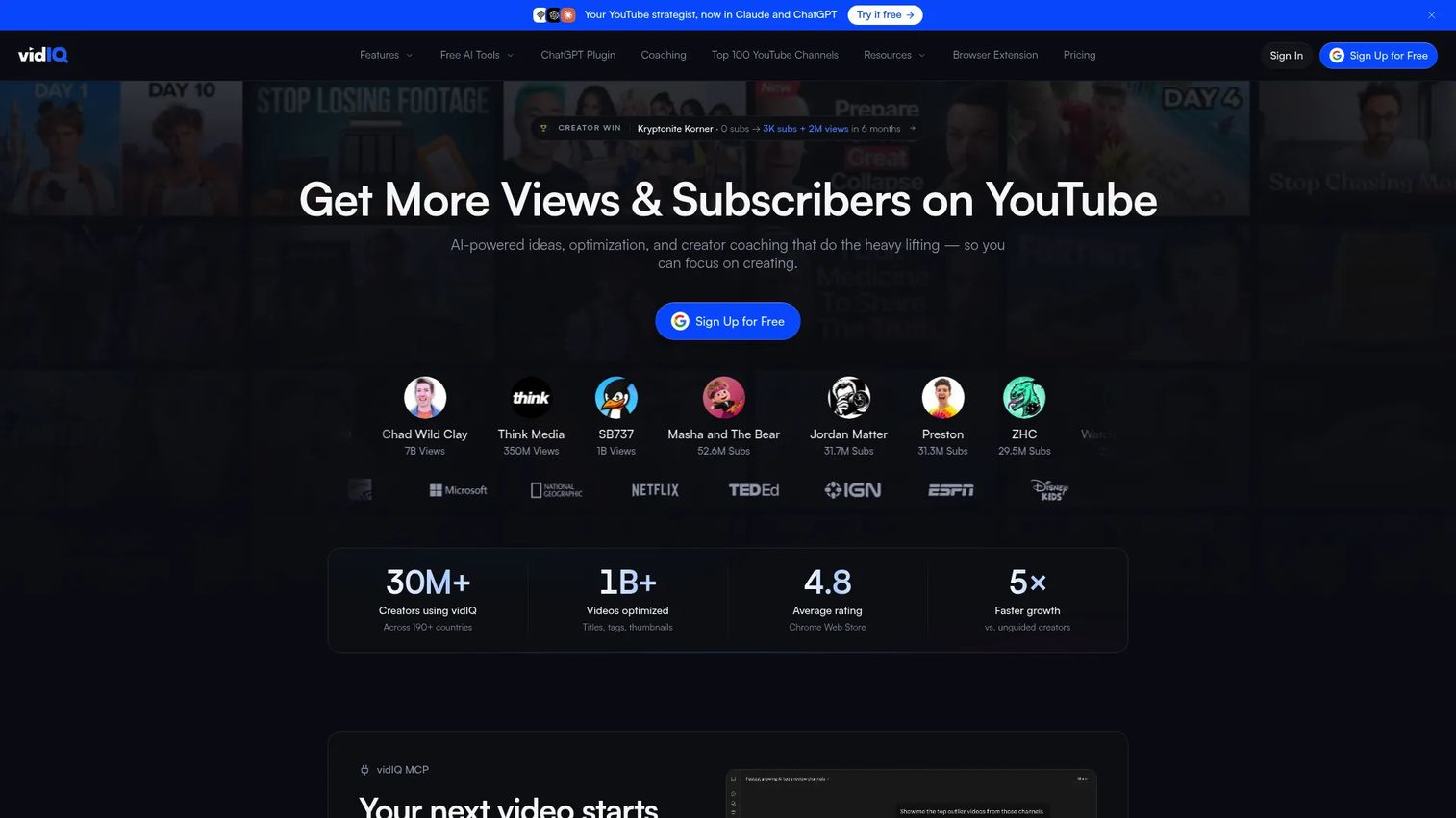
vidIQ is a YouTube optimization and analytics platform for creators and channel teams. It connects research with content production, including AI tools for titles and thumbnails. Its competitive analysis helps marketers investigate what to create next rather than treating every upload as an isolated experiment.
Best for: Creators and channel marketers who want YouTube-specific research alongside optimization guidance.
Key features
- Keyword research and trend discovery
- Channel audits
- Competitor tracking
- Outlier analysis
- AI title and thumbnail tools
A useful evaluation starts with an upcoming content decision. Bring a topic your team already understands, then assess whether the research changes your angle or keyword selection.
For example, ask whether the competitive analysis suggests a clearer viewer problem to address. Record the decision before publishing, then measure the outcome against your baseline.
Separate creative assistance from tracking requirements during procurement. If your buying requirement is a YouTube rank tracker, ask to see its position-monitoring workflow and historical reporting.
Include your target countries in that test. You should understand what the subscription measures before committing an entire reporting process to it.
The same applies to consolidation. Inventory the research and creation tasks your team already pays for, then identify which ones this platform would replace. Keep savings tied to work you can remove.
Why choose vidIQ: Choose it when YouTube optimization is an ongoing operating task, with research feeding a regular publishing calendar. Occasional position checks alone provide a narrower buying case.
vidIQ pricing: A free plan is available. Boost costs $16.58/month, billed annually at $199; MAX costs $39/month, billed annually at $468.
G2 rating: 4.5/5.
2. TubeBuddy
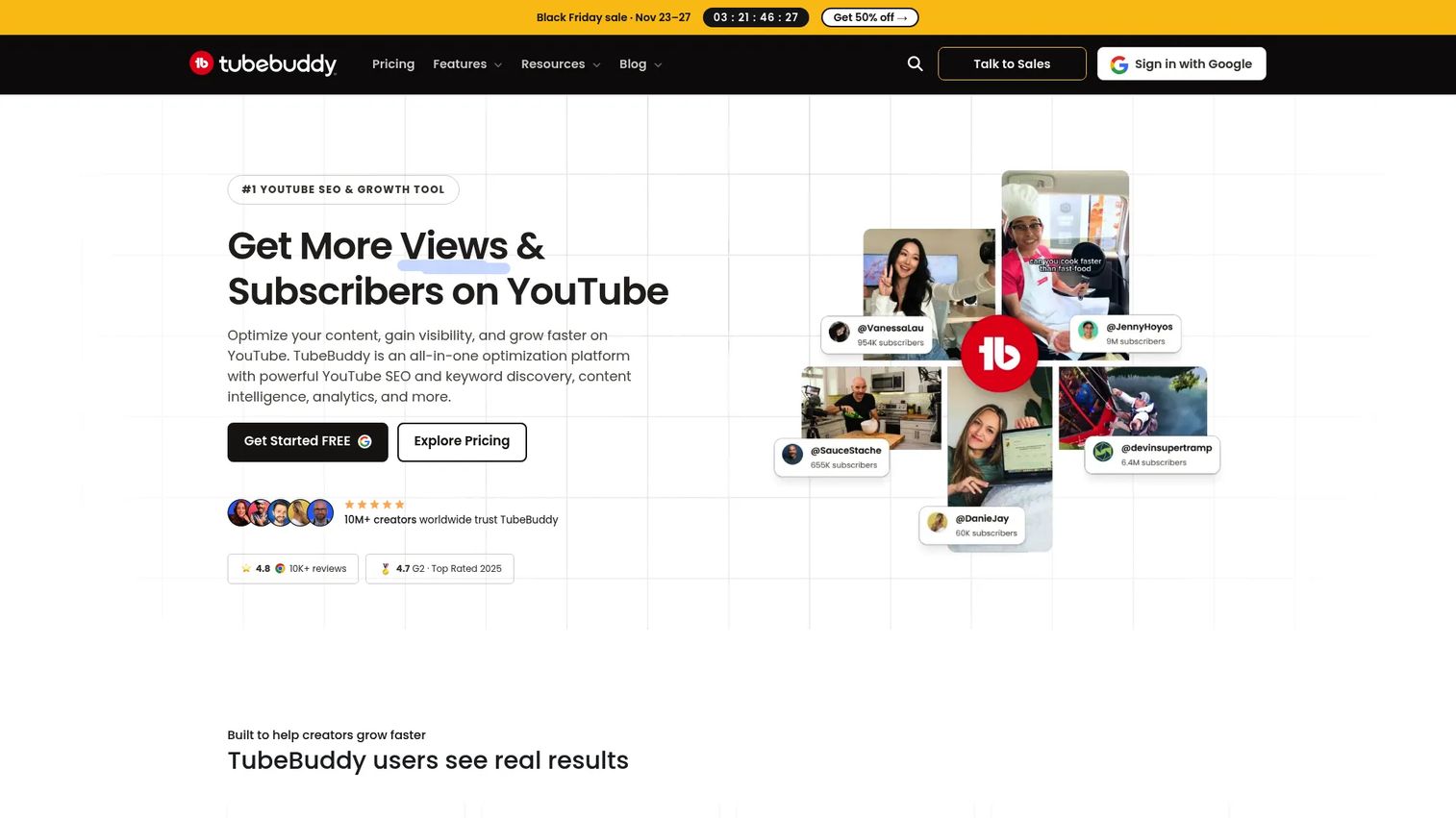
TubeBuddy is a YouTube optimization platform and browser extension. Its offering covers keyword discovery and channel insights, with testing tools for video packaging. That makes it relevant when the person investigating performance also owns publishing and ongoing optimization.
Best for: YouTube teams that want optimization work close to their channel-management process.
Key features
- YouTube keyword research
- SEO optimization tools
- Thumbnail A/B testing
- Title A/B testing
- Performance analytics and channel insights
Evaluate the working environment as carefully as the feature list. Have the person responsible for uploads complete a representative task, including the review and approval steps your team uses.
An extension-based workflow deserves a practical trial. Determine whether it keeps the operator focused or creates another process that someone must remember.
For a growth marketer, packaging tests should have a specific question. Decide whether you’re testing the clarity of the promise or the appeal of the visual.
Then connect that experiment to the metric it should influence. A title test and a search-position report answer different questions, even when both inform the same video.
If you’re shopping for a YouTube SEO ranking checker, require a separate demonstration of that task. Also establish which subscription includes the testing and reporting functions you intend to use.
This prevents a low entry price from becoming the basis for an incomplete budget. Your purchase should reflect the recurring workflow, including the people who need access.
Why choose TubeBuddy: It suits teams whose optimization decisions happen during publishing and channel management. Favor it when the extension fits your operators’ working habits.
TubeBuddy pricing: A free plan is available. Pro costs $4.50/month and Legend costs $23.19/month with monthly billing.
G2 rating: 4.6/5.
3. TubeLab
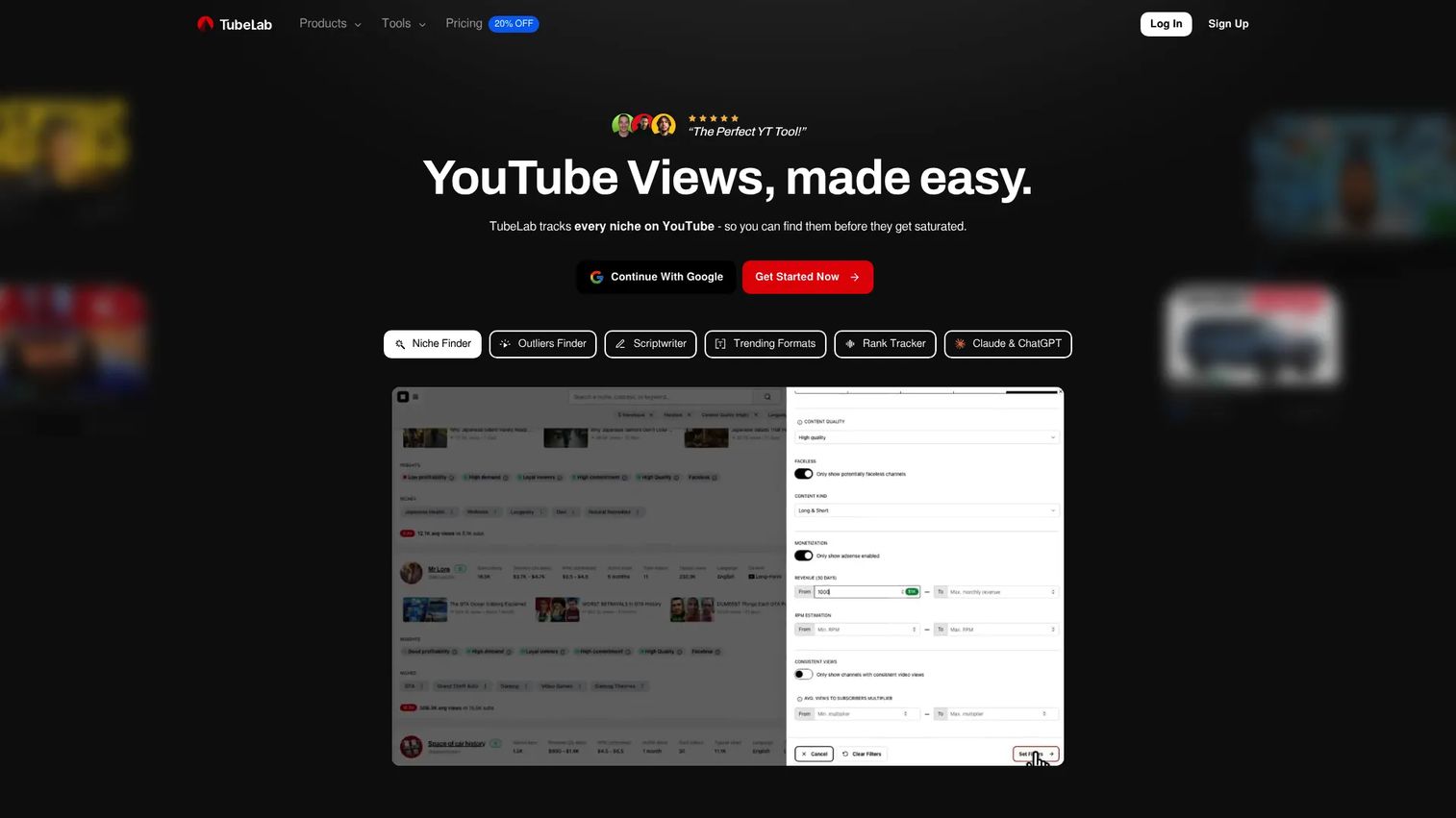
TubeLab combines YouTube rank tracking with content research. Its platform covers niche discovery and outlier analysis, plus AI-assisted ideas and scripts. This gives it a different buying case from a checker used only after publication.
Best for: Creators and marketing teams connecting content planning with ongoing video performance research.
Key features
- YouTube rank tracking
- Niche discovery
- Outlier video analysis
- Trending format research
- AI idea and script generation
The practical attraction is continuity between deciding what to make and evaluating what happened afterward. Build your trial around a topic your team plans to publish.
Start by identifying the audience question and the format you expect to use. Then assess whether the research helps you refine that choice without copying another channel’s approach.
An outlier is a starting point for investigation. Ask what audience or distribution differences could explain its performance before turning it into a production brief.
For the YouTube rank tracker itself, test the details your reporting depends on. Specify the markets and keywords you need, then inspect how historical movement is presented.
Require a sample export if spreadsheet analysis is part of your process. Test scheduling separately rather than assuming that tracking automatically means daily unattended collection.
This is especially important for agencies. A useful interface for an individual creator may not match the handoff your account managers need.
Keep the acceptance criteria written down. They should describe a report you can deliver, not a collection of attractive screenshots.
Why choose TubeLab: Evaluate it when content planning and ranking analysis share an owner. Its research capabilities provide a broader reason to buy than a standalone position lookup.
TubeLab pricing: Compare Starter, Pro, and Team plans, with monthly and yearly billing options.
4. TranscribeTube YouTube Rank Checker
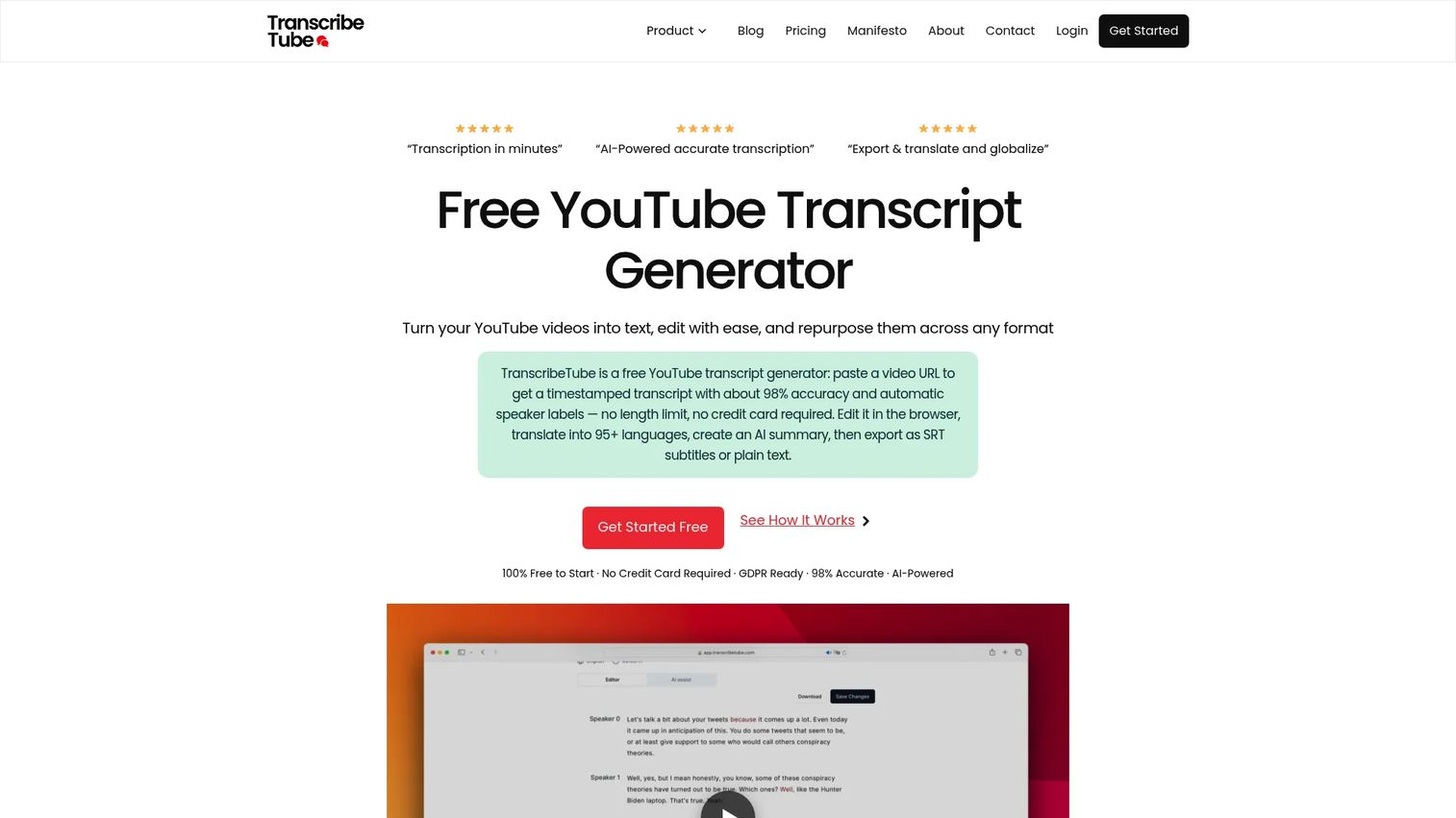
TranscribeTube YouTube Rank Checker is a free browser-based tool for checking video positions by keyword. It also supports tracking those positions over time. The focused workflow makes it relevant when you need evidence about visibility without buying a larger optimization platform.
Best for: Creators and marketers who want free keyword position monitoring.
Key features
- Keyword-based video rank checking
- Position monitoring over time
- Browser-based access
- Free rank checker
Start with a small set of videos tied to an active campaign. Choose queries that match the content’s intended audience, then record the initial results before making changes.
A YouTube keyword rank checker is most useful when each observation has enough context to compare later. Keep the query wording consistent and record your collection settings.
Use the historical view to look for a pattern rather than reacting to every movement. Pair it with your change log to identify which updates deserve closer investigation.
The financial commitment is attractive for a marketer testing whether ranking reports will influence decisions. That doesn’t remove the need to evaluate workflow fit.
Before using it for client reporting, test your required countries and supported URL formats. Inspect the available history and determine how you’ll share findings with stakeholders.
Its parent platform also sells transcription subscriptions. Keep that separate from the rank checker’s buying case so your team doesn’t confuse paid transcription access with the free ranking utility.
For a lean operation, this is a sensible starting point for establishing measurement discipline. Expand the stack only after identifying a reporting requirement the current process doesn’t cover.
Why choose TranscribeTube YouTube Rank Checker: Choose it when keyword position monitoring is the immediate task. It offers a focused starting point before a broader software purchase.
TranscribeTube YouTube Rank Checker pricing: Free.
G2 rating: 4.8/5 for TranscribeTube’s broader offering, rather than a standalone checker rating.
5. SE Ranking
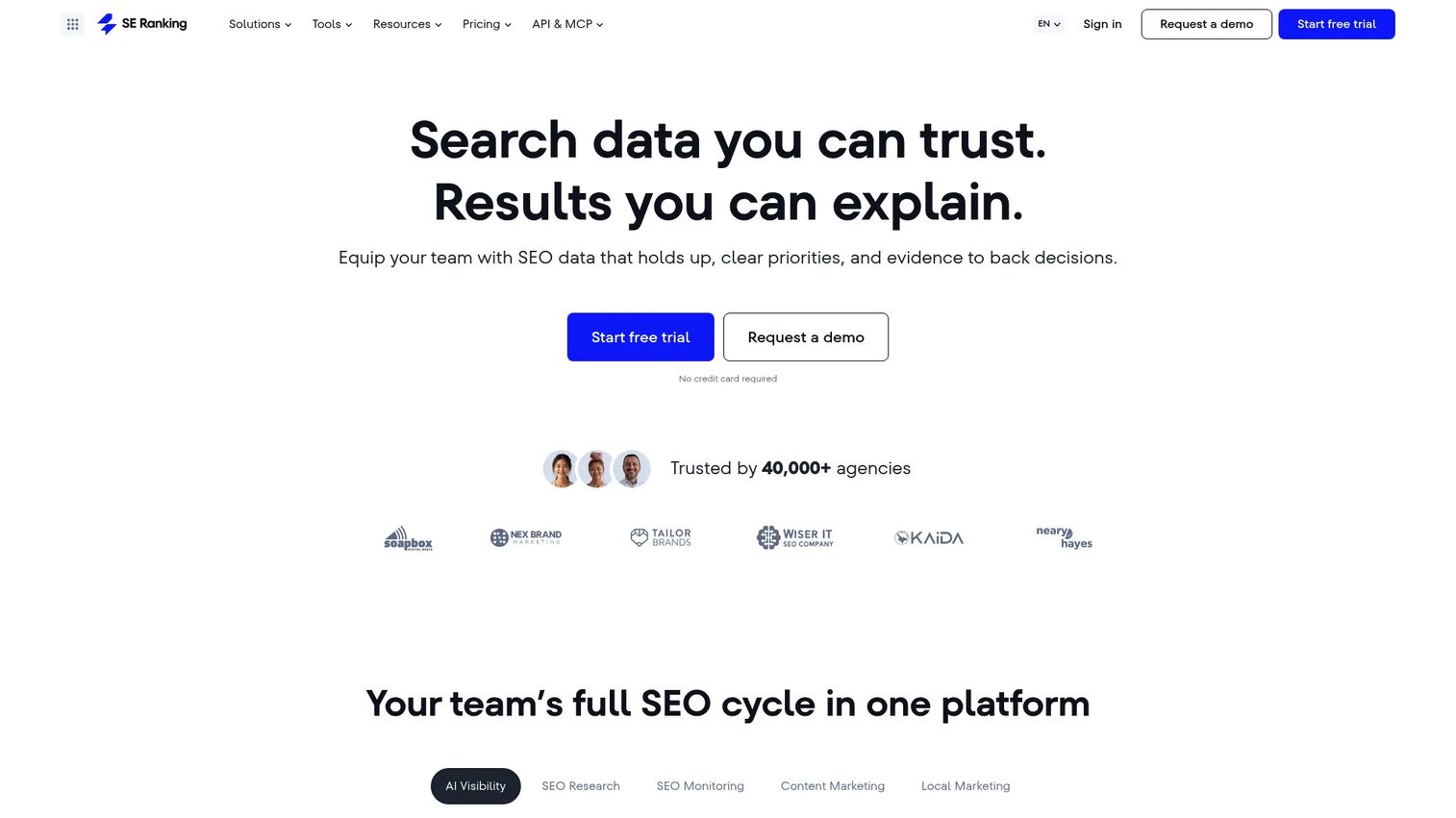
SE Ranking serves agencies and in-house marketing teams managing broader search programs. Its documented capabilities include ranking analysis, website auditing, and reporting integrations. Consider it here as a stack-consolidation candidate rather than assuming every general SEO function extends to YouTube.
Best for: Search marketers evaluating shared research and reporting across an existing SEO operation.
Key features
- Rank tracking across major search engines
- Keyword and competitor research
- Website and on-page audits
- Backlink research
- Reporting integrations
The consolidation question is concrete. Would this replace a website audit subscription or reduce reporting work your team already performs?
Map those existing costs before adding YouTube requirements. You’ll get a clearer purchase decision than comparing a broad platform directly against a free video checker.
SE Ranking’s research confirms integrations with GA4 and Google Search Console, among other reporting systems. Those connections matter when the same team owns website acquisition and content performance.
They don’t establish native YouTube position tracking. Ask the vendor to demonstrate the exact video query workflow before treating that capability as a reason to purchase.
During the trial, bring a representative client or campaign. Test whether the reports answer the questions your stakeholders ask without requiring extensive manual reconstruction.
Include the handoff to your analyst. A dashboard that looks useful during a presentation still needs to produce data your team can interpret consistently.
If YouTube is your only acquisition channel, evaluate the broader package cautiously. Purchase platform breadth when it replaces work or subscriptions, rather than because it contains more features.
Why choose SE Ranking: Choose it for a wider SEO operating model with established research and reporting needs. Validate YouTube-specific requirements separately.
SE Ranking pricing: Core costs $103.20/month billed annually, or $129/month billed monthly. A 14-day free trial is available.
G2 rating: 4.7/5.
6. Link Assistant Rank Tracker
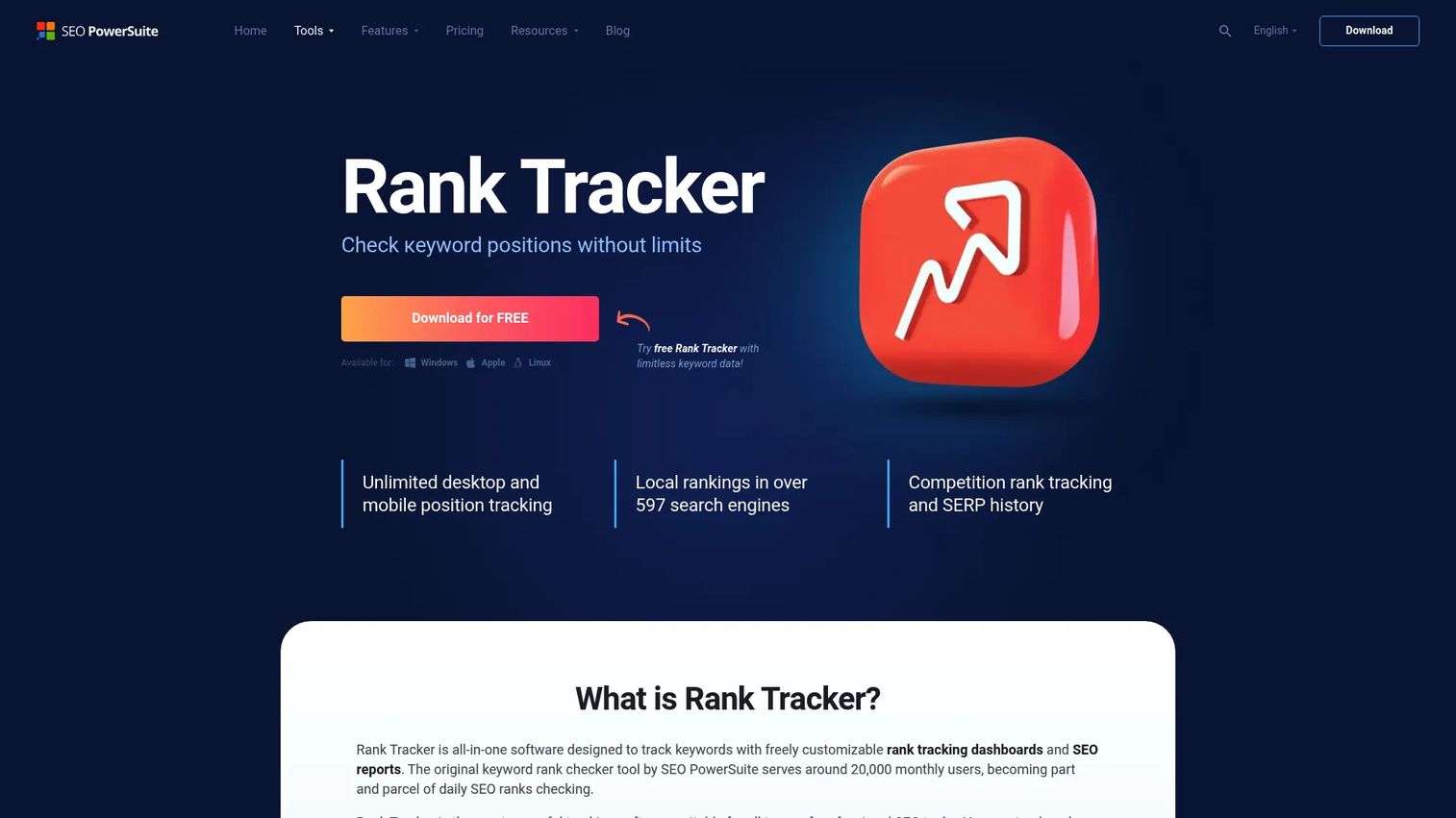
Link Assistant Rank Tracker is the desktop ranking product within SEO PowerSuite. It combines keyword research with competitive monitoring and SERP history. Scheduled checks and customizable reports make it relevant to SEO practitioners who want control over their collection process.
Best for: SEO specialists who prefer desktop software and configurable reporting.
Key features
- Desktop and mobile rank tracking
- Local ranking configuration
- Keyword difficulty analysis
- Competitor monitoring and SERP history
- Scheduled checks and customizable reports
Begin your evaluation with the operating model. Decide who will own the software and how reports will reach colleagues who don’t work in the same environment.
For YouTube requirements, test the exact search source and video targets. Broad engine coverage shouldn’t substitute for a demonstration of your intended reporting configuration.
The license differences are relevant to agencies. Professional includes project saving and five competitors per project. Enterprise expands that allowance to 40 and adds report distribution capabilities.
Its Enterprise exports include CSV, SQL, and HTML. That is useful context when your analyst needs structured output rather than a screenshot of a dashboard.
Build a sample report during evaluation. Include a ranking change and the action you want the client to approve, then ask whether the format supports that conversation.
Desktop ownership also deserves an operational checklist. Assign responsibility for scheduled collection and define how another teammate takes over when the primary user is unavailable.
This makes the purchase about repeatable delivery rather than configuration options alone.
Why choose Link Assistant Rank Tracker: Choose it when a dedicated SEO operator will manage collection and reporting. Teams preferring browser-based collaboration should evaluate that working arrangement carefully.
Link Assistant Rank Tracker pricing: A free license is available. Professional costs $179/year; Enterprise costs $419/year.
G2 rating: 4.5/5 for SEO PowerSuite, the suite containing Rank Tracker.
7. Google Trends
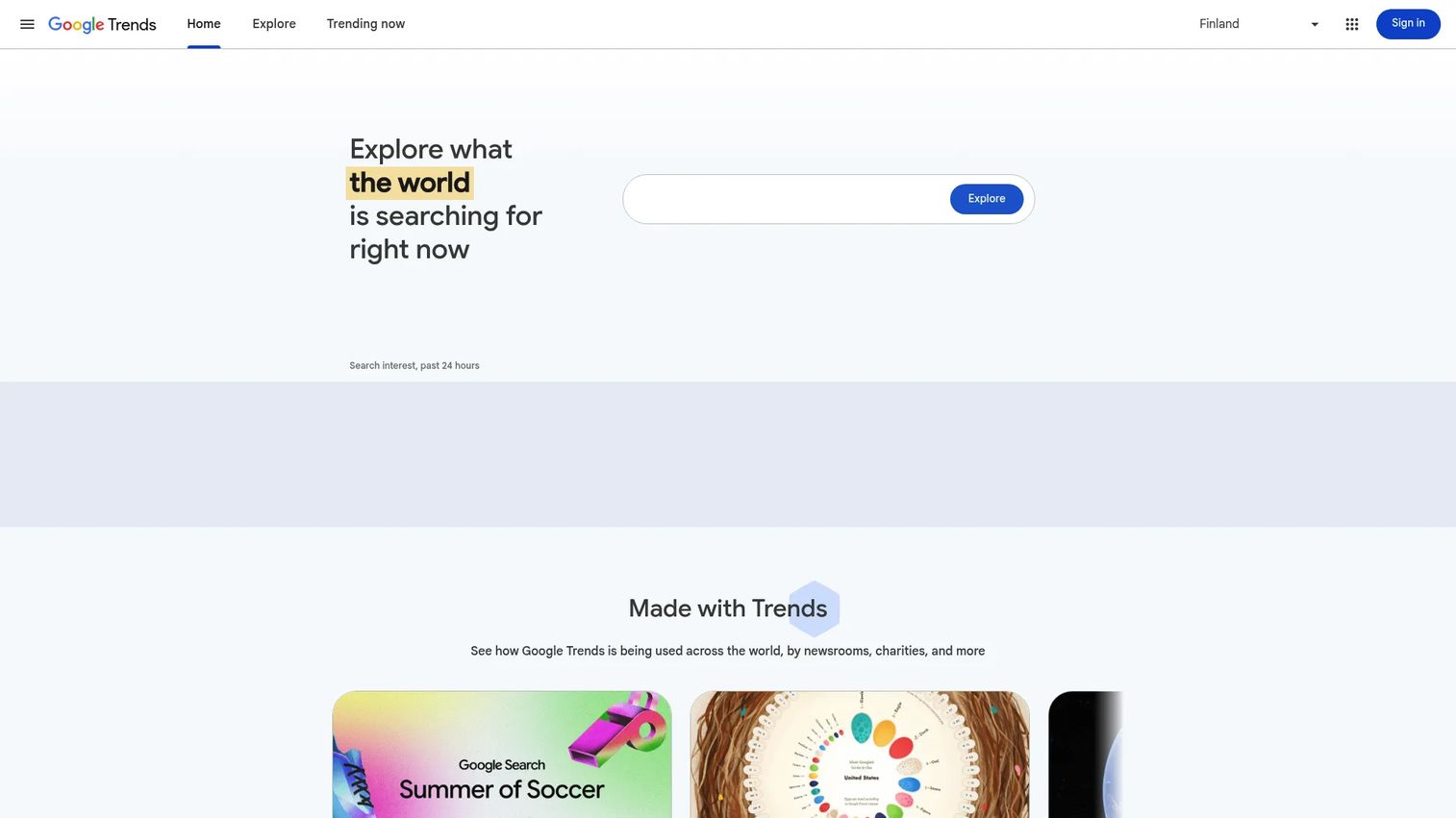
Google Trends helps marketers explore search-interest patterns across topics and regions. It belongs before rank tracking in the workflow, when you’re deciding what deserves production effort. It does not report a particular video’s search position.
Best for: Marketers validating topic demand before choosing keywords to monitor.
Key features
- Search-term and topic comparisons
- Interest over time
- Regional demand analysis
- Related topics and queries
- Google property filters
Use it to challenge an editorial assumption. A topic that sounds important internally still needs evidence of audience interest.
Compare candidate terms over the same period and geography. Keep the settings consistent so the discussion centers on demand rather than mismatched views.
For YouTube planning, select the relevant search property instead of treating general web interest as interchangeable. Investigate related queries to refine the question your video should answer.
The output should influence a content decision. You might prioritize a regional variation or adjust publication timing after reviewing the pattern.
Avoid converting a trend observation into an unsupported traffic forecast. Use it as directional research, then bring the selected query into your measurement workflow.
This distinction matters in a performance meeting. Interest in a topic and your channel’s visibility for that topic are separate observations.
A practical handoff is a short keyword brief explaining the audience question and why the team selected it. Attach the research settings so another marketer can reproduce the comparison.
Once the video is published, evaluate its position with a dedicated checker or tracking system. Google Trends remains useful when you revisit demand during later optimization cycles.
Why choose Google Trends: Use it to improve keyword selection before investing in production. It complements a YouTube video rank checker rather than replacing one.
Google Trends pricing: Free.
8. YouTube autocomplete
YouTube autocomplete is the suggestion system in YouTube’s search bar. It provides a native starting point for exploring query wording. This is a research method rather than a dedicated tracking product, but it can inform which phrases you monitor.
Best for: Creators and marketers building an initial keyword set without another subscription.
Key features
- Native search suggestions
- Long-tail query discovery
- Audience phrasing clues
- Direct access within YouTube
Begin with the problem your video addresses. Enter a seed phrase, then record relevant suggestions without treating their order as a performance score.
Group the results by intent. A beginner asking for an explanation may need different content from someone comparing products or troubleshooting a specific task.
Next, compare each candidate with the video itself. Reject phrases that promise an answer the upload doesn’t provide, even if they appear commercially attractive.
This is particularly useful for SaaS marketers whose internal language differs from customer language. The research can expose wording worth testing in a content brief.
Keep a manual record of the queries you select and why they fit. That record becomes the input to your YouTube keyword ranking checker.
Autocomplete doesn’t provide the historical report you need to measure progress. It also shouldn’t become a substitute for evaluating competing results or reviewing viewer behavior.
The absence of another software purchase is valuable when your immediate need is discovery. Your operating cost is the time spent collecting and organizing the findings.
Assign that task to the person who understands the audience. A longer keyword list is only useful if it leads to better content choices.
Why choose YouTube autocomplete: Use it when you need phrasing ideas directly from the search experience. Move selected queries into a dedicated measurement process afterward.
YouTube autocomplete pricing: Free.
Considerations when choosing a YouTube rank tracker
Decide whether you need snapshots or history
Start with the decision your report must support. A quick lookup can validate visibility, while optimization reporting needs comparable observations across time.
For video keyword rank tracking, define how long you need to retain those observations.
Check country and localization support
Test the markets your team reports on, including relevant language variants. Keep each location’s baseline separate.
Ask how collection settings appear in exports so another analyst can interpret the results without reconstructing your process.
Look for SERP context
A position number tells you where the tool found a video. Surrounding results help you investigate what to change.
Look for enough context to form a hypothesis, then avoid presenting correlations as explanations for YouTube video ranking.
Verify exports and reporting
Request a sample rank-data export before buying. Check whether it contains the query, video identifier, collection date, and location.
Evaluate scheduled delivery and access permissions if stakeholders need reports without entering the tool.
Match the purchase to your existing stack
List the subscriptions and manual tasks the new software would replace. Price the plan containing your required workflow rather than the cheapest available tier.
If a broader platform already covers research, a focused checker may be enough. Conversely, creator-specific optimization can justify a dedicated tool when YouTube drives regular acquisition work.
Conclusion
Choose a YouTube rank tracker around the next decision you need to make.
vidIQ is a strong starting point for YouTube content research and optimization. TubeBuddy deserves attention when publishing and packaging tests happen within an extension-based workflow.
TubeLab combines ranking with content planning. TranscribeTube YouTube Rank Checker provides a free route into dedicated keyword position monitoring.
For established SEO teams, SE Ranking presents a broader consolidation opportunity. Link Assistant Rank Tracker suits desktop operators who want configurable collection and reporting.
Google Trends and YouTube autocomplete belong earlier in the process. Use them to select meaningful queries before committing time to measurement.
Before subscribing, define the report you want to produce and the action it should support. Test that workflow with your own content. A tool earns its place when its output changes what your team does next.
Start with three priority videos and five target keywords per upload. Run a baseline check for each reporting country, document the next optimization, and review movement afterward.
FAQs
The strongest choice depends on whether you need dedicated position monitoring or broader optimization support. TranscribeTube offers a free checking workflow, while TubeLab combines tracking with content research. Evaluate vidIQ and TubeBuddy for YouTube optimization; consider broader SEO platforms when they also replace existing work. Require a demonstration of your exact reporting requirements before subscribing.
A checker usually answers a position question at a particular moment, while a tracker maintains observations across time. Use the former for a specific visibility check. Choose historical monitoring when you need to compare performance before and after a content update. In either case, preserve the query and collection settings so later comparisons remain meaningful.
Choose a target query, then enter your video URL or supported identifier into a YouTube keyword ranking checker. Select the reporting country where that option exists and run the lookup. Save the result with its date, then examine neighboring videos for context. Repeat with consistent settings after your next optimization rather than relying on a personal search alone.
Search context differs across markets, including language and regional audience behavior. Personalization can also change the results someone sees. Maintain separate country baselines instead of comparing one market’s current result with another market’s previous observation. For multilingual campaigns, evaluate translated keyword intent rather than assuming every phrase maps directly to the same audience need.
A tracker cannot represent every viewer’s personalized search experience. Login state, watch history, location, and device can affect the results someone sees. Collection depth also matters because a tool may stop inspecting results before reaching your video. Treat the output as a consistent measurement under defined conditions, and investigate discrepancies before declaring an optimization successful or unsuccessful.
Check the chosen tool’s support for Shorts URLs and video identifiers before building your reporting process. Ask for a demonstration using an upload from your channel rather than assuming support from a general YouTube label. Keep search-position measurement separate from other Shorts discovery surfaces. Your report should explain which surface it measures so stakeholders don’t mistake search visibility for total distribution.
Choose a cadence that matches your publishing and optimization cycle. Daily collection can support active campaigns, while weekly reviews are a practical starting point for many ongoing programs. Stable evergreen content may need a less frequent review unless performance changes. Separate collection frequency from decision frequency so your team can preserve history without reacting to every fluctuation.
Review impressions and click-through rate to understand exposure and selection, then examine retention and watch time for viewing quality. Use views and engagement as additional context rather than proof of business impact. For acquisition programs, connect the analysis to website visits and qualified conversions where your measurement supports that connection. A ranking improvement should inform the next experiment, not end the evaluation.