Wistia works well for hosted marketing video. But the moment your team's content needs split across sales video, secure streaming, internal training, AI-assisted creation, or interactive software](https://www.guideflow.com/blog/interactive-walkthrough-software) education, you are asking one platform to do too many jobs. That is when the search for Wistia alternatives begins.
The best Wistia alternative depends on the job: Guideflow for interactive demos and software education, Vimeo for polished branded video hosting, Vidyard for sales video and viewer analytics, and Gumlet for secure CDN-backed streaming. This list spans video hosting, video marketing, screen recording, AI video creation, and interactive demo platforms, with 17 tools labeled by category so you can tell a like-for-like swap from a category upgrade.
If the question is "what replaces passive video when buyers need to click through a product?", that answer is below too.
TL;DR
- Best for interactive demos and software education: Guideflow. Teams capture software once and publish interactive demos for onboarding, SOPs, sales leave-behinds, and landing pages.
- Best for branded video hosting: Vimeo, with plans starting at $9/month billed annually after a free tier.
- Best for sales video: Vidyard, with a free plan and Starter at $59/seat/month billed annually.
- Best for secure CDN streaming: Gumlet, with a free tier and paid plans from $6/month billed annually.
- Best for screen recording: Loom, free for up to 25 videos and $18/user per month for Business.
- Best for AI video creation: ngram, with a free tier and paid plans from $23.20/month billed annually.
- Best for European or multilingual video: alugha or Mave, depending on whether the need is multilingual hosting or creator-driven publishing.
What's inside
- Why teams leave Wistia and which jobs drive the switch
- Category analysis: Video hosting, marketing video, screen recording, AI creation, interactive demos
- 17-tool comparison table with G2 ratings, free plans, and starting prices
- Ranked cards with pricing, shortfalls, and head-to-head framing
- Use-case routing for internal training, sales video, and secure hosting
- FAQs on migration and selection
What is Wistia?
Wistia is a video marketing platform for hosting, embedding, customizing, and measuring business video. It serves marketing teams that treat video as a conversion asset rather than a media library.
Key strengths include a branded, ad-free video player, embedded CTAs and lead capture forms, viewer analytics tied to individual contacts, webinar and virtual event capabilities, and integrations with marketing automation platforms. Over 40% of companies now produce at least one video per week, according to Wistia's 2025 State of Video report, and Wistia is built for teams where that output feeds directly into campaign and funnel performance.
The platform suits B2B marketing teams that want hosted video alongside conversion data. Its limits show up when the job shifts to streaming infrastructure, transcript-based editing, multilingual content, or software education where the learner needs to click through a process rather than watch a recording.
Why teams look for Wistia alternatives
Teams usually compare Wistia alternatives when their content needs split across jobs the platform was not designed to cover.
Pricing and plan pressure
Wistia's pricing is structured for video marketing teams with growing content libraries. Marketing teams report that advanced analytics, lead capture, and CRM integrations are gated to higher tiers. When budget pressure rises, teams audit whether Wistia's cost maps to the jobs they use it for most.
The job is streaming infrastructure
Some teams primarily need fast global playback, DRM content protection, adaptive bitrate delivery, geo-blocking, and usage-based CDN pricing. Wistia's strengths are in marketing analytics, not streaming infrastructure. G2 reviewers who shifted toward developer-controlled or broadcast-grade delivery found platforms like Gumlet, Brightcove, and Bunny Stream a closer fit for those requirements.
The job is video creation and editing
Teams producing social clips, podcast-style training videos, or AI-narrated product updates often find dedicated editors such as VEED and Descript more practical for the production workflow. Wistia hosts and measures finished video; it does not replace a transcript-based editor or an AI avatar creation tool.
The job is interactive software education
Wistia plays video. It cannot let a learner click through a software workflow, complete an onboarding step, or explore a product feature by navigating a captured interface. Teams handling employee onboarding, internal training, SOPs, or buyer-led product exploration need a fundamentally different engagement model. Guideflow's interactive demos deliver materially higher engagement than passive video for those use cases because the viewer drives the experience.
Privacy, regional hosting, or multilingual delivery
Marketing teams operating in regulated industries or European markets sometimes need GDPR-conscious hosting with data stored in-region, or multilingual video with per-track audio and subtitles. Platforms like alugha and Mave address those requirements directly.
How we picked these Wistia alternatives
Each tool was selected based on a clear fit for at least one Wistia replacement job, pricing available from vendor pages or G2 reviewer reports, and a G2 rating where listed. The list covers video hosting, marketing video, screen recording, video creation, streaming, and interactive demo platforms. According to Wyzowl's 2026 video marketing report, 91% of businesses use video as a marketing tool. That spread of use cases explains why no single tool replaces every Wistia job.
The list labels every tool by category so readers can distinguish a direct video swap from a category upgrade into interactive demos.
Wistia alternatives at a glance
Guideflow is the top pick when the goal is interactive software education. For video hosting and marketing video, Vimeo, Vidyard, and Gumlet all outperform Wistia in specific dimensions depending on the job.
| Tool | Category | Best for | G2 rating | Free plan | Starting price |
|---|---|---|---|---|---|
| Guideflow | Interactive demo platform | Interactive demos, onboarding, SOPs, sales leave-behinds | 5.0 | Yes | $35/user/month (annual) |
| Vimeo | Video hosting | Branded video hosting and marketing video | 4.3/5 | Yes | $9/month (annual) |
| Vidyard | Sales and marketing video | Sales video, personalized outreach, viewer analytics | 4.5/5 | Yes | $59/seat/month (annual) |
| SproutVideo | Video hosting | Private business video hosting and embeds | 4.6/5 | No (30-day trial) | $12/month (annual) |
| Loom | Screen recording | Async screen recordings and video messages | 4.7/5 | Yes | $18/user/month |
| VEED | Video editing | Browser-based editing, captions, and social clips | 4.6/5 | Yes | $9/month (annual) |
| Gumlet | Video hosting and streaming | Secure CDN streaming and adaptive bitrate delivery | 4.7/5 | Yes | $6/month (annual) |
| ngram | AI video creation | AI-powered product and feature announcement videos | 4.5/5 | Yes | $23.20/month (annual) |
| Descript | Screen recording and editing | Transcript-based editing, podcasts, and training clips | 4.6/5 | Yes | $16/person/month |
| Cinema8 | Interactive video | Interactive video, overlays, lead forms, and quizzes | 5.0/5 | Yes | $12/month (annual) |
| Brightcove | Enterprise video platform | Enterprise streaming, media governance, and monetization | 4.1/5 | No | Contact sales |
| YouTube | Public video platform | Free public distribution and SEO reach | 5.0/5 | Yes | Free |
| JW Player | Video platform | Streaming, monetization, and developer-controlled delivery | 3.4/5 | Yes (limited) | Contact sales |
| Mave | Creator video platform | Simple audio/video publishing with paid subscriptions | 4.7 | N/A | Author-set pricing |
| alugha | Multilingual video platform | Multilingual hosting, AI dubbing, and GDPR-compliant delivery | 5.0/5 | Yes | €10/month |
| Bunny Stream | Video CDN and streaming | Usage-based CDN streaming and cost-controlled delivery | 4.8/5 | Yes (14-day trial) | From $0.005/GB |
| Jet-Stream | Streaming platform | European enterprise streaming and webcasts | 5.0/5 | No (€97 trial) | Request pricing |
The best Wistia alternatives in 2026
1. Guideflow (interactive demo platform)

Guideflow helps teams publish interactive demos their audience navigates. Viewers click through software steps, explore features, and complete training flows rather than watching a recording play out.
Best for: Marketing, enablement, HR, support, and customer success teams that need interactive software education instead of passive video.
What it is: Guideflow is a demo automation platform. Teams capture their software through the Chrome extension or the native app, then publish interactive demos covering six formats: Interactive demos, demo pages, demo centers, sandboxes, live demos, and mobile demos. Step content and CTAs are written automatically. The editor supports text, images, graphs, and branching. More than 500,000 guideflows have been created.
Key features:
- Interactive demos for employee onboarding, SOPs, software training, landing pages, and sales follow-ups
- Capture via Chrome extension or native app across screenshot, HTML, and video modes
- Demo centers for organized libraries of demos by use case or persona
- Sandboxes for free-form product exploration
- Step-level analytics covering completion, drop-off, and viewer flow
- Translation into more than 30 languages
- Integrations with HubSpot, Salesforce, Pipedrive, Zoho, and Marketo
Where Guideflow falls short:
- Look elsewhere if the primary job is hosting passive marketing video, running a branded video player, or streaming recorded content to a public audience.
- Look elsewhere if the team's main need is editing talking-head videos or producing social clips from recorded footage.
Pricing: Free plan at $0. Solo at $35/user/month (annual). Growth at $499/month (annual). Advanced at $1,499/month (annual). Enterprise from $2,999/month (annual), adding SSO, advanced governance, and enterprise security.
G2: 5.0
How it compares to Wistia: Wistia measures who watched a video and for how long. Guideflow measures which steps a viewer clicked through, where they dropped off, and what their company was. The two tools serve different learning models.
2. Vimeo (video hosting)
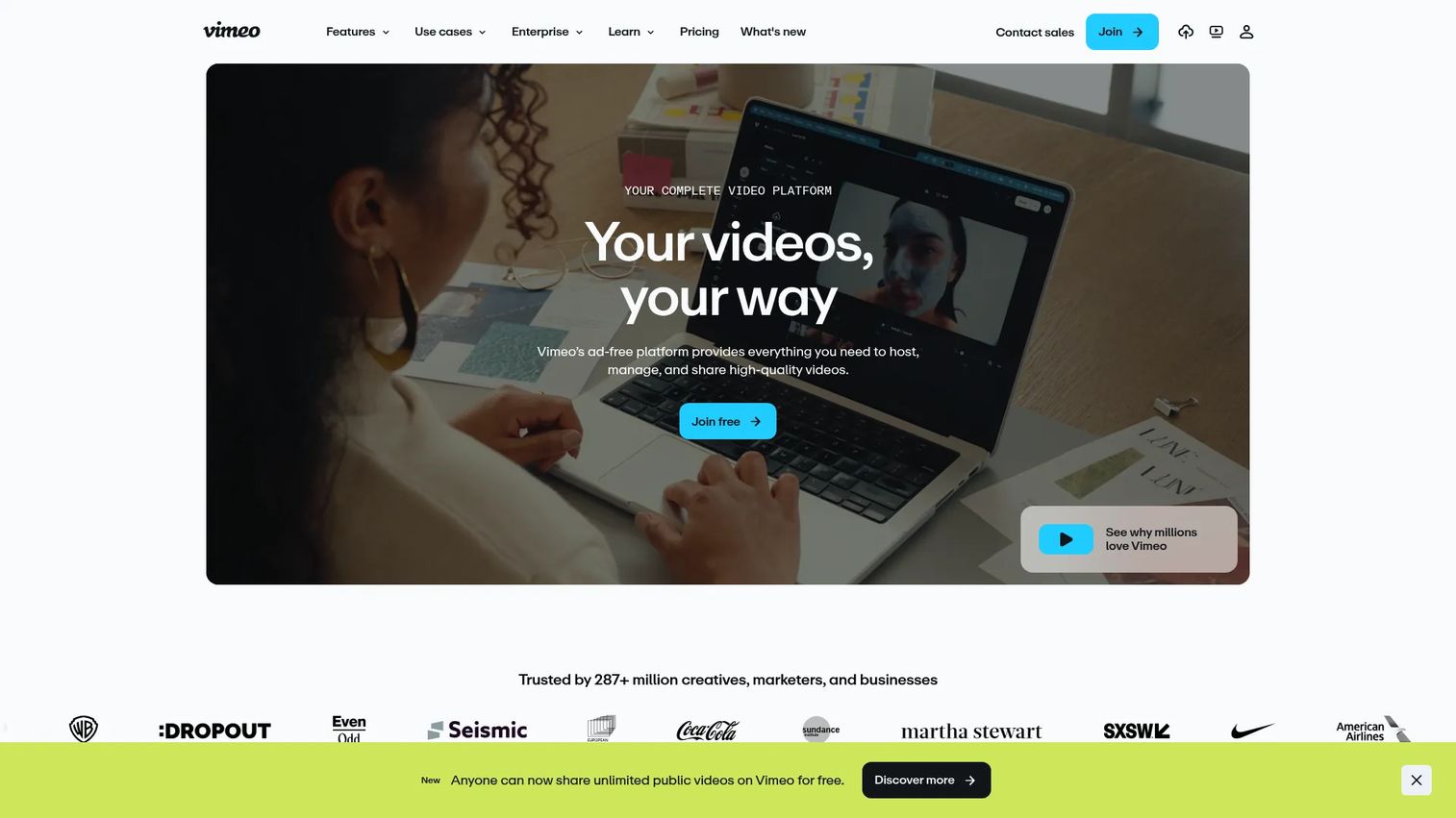
Vimeo is the most direct like-for-like swap for teams leaving Wistia's core video hosting and marketing features. It covers branded players, screen recording, live streaming, interactive video, and AI-assisted metadata tools under one subscription.
Best for: Brand teams and content teams that need polished, ad-free video hosting alongside creative and collaboration tools.
What it is: Vimeo is a video experience platform for hosting, sharing, streaming, and managing business video. It supports individual creators through enterprise studios, with AI script generation, transcription, and translation tools layered onto its hosting and player capabilities.
Key features:
- Ad-free HTML5 video hosting with branded player customization
- Screen recording and in-platform video editing
- Live streaming, virtual events, and webinar tools
- Interactive video and AI-powered metadata generation
- Video analytics and team collaboration features
Where Vimeo falls short: G2 reviewers on paid plans note that storage limits and bandwidth restrictions become noticeable at higher content volumes before upgrading to higher tiers. Some reviewers on the Creator plan report that marketing integrations are shallower than those on Wistia's higher tiers. Analytics depth also draws comparison to purpose-built video marketing platforms.
Pricing: Free plan available. Creator at $9/month (annual). Core at $24.50/month (annual). Professional at $71/month (annual). Studio at $400/month (annual, business-focused).
G2 rating: 4.3/5
How it compares to Wistia: Vimeo and Wistia overlap heavily on video hosting for marketing teams. Vimeo's creative tools and streaming capabilities give it a wider surface area; Wistia's lead capture and marketing analytics integrations tend to be more tightly built for B2B demand gen workflows.
3. Vidyard (sales and marketing video)
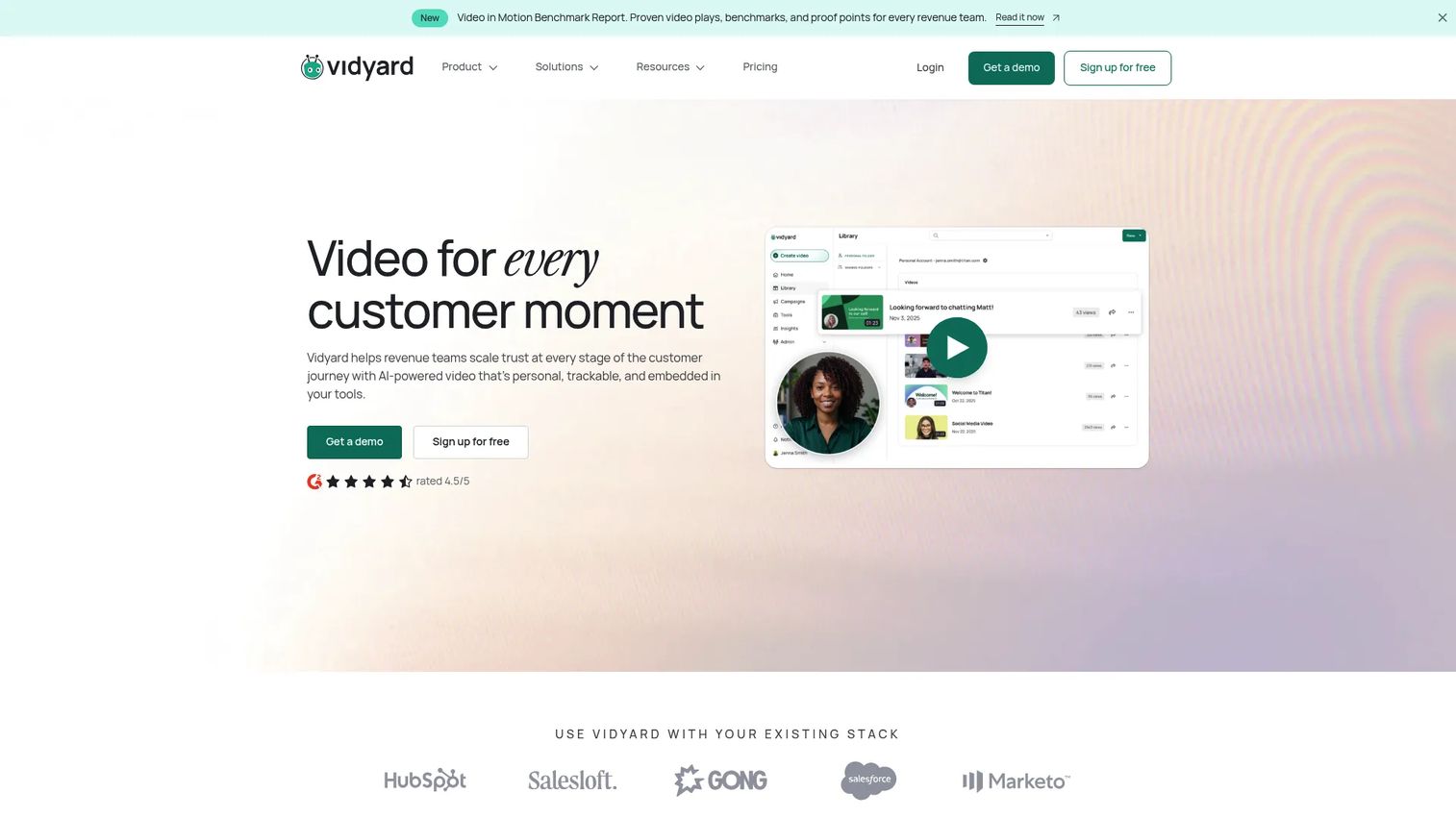
Vidyard is the clearest alternative when the job is sales video rather than marketing video hosting. It was built for revenue teams that record personalized outreach, track who watched what, and push that data into their CRM.
Best for: Sales teams, SDRs, and revenue marketers running personalized video outreach and tracking viewer behavior by contact.
What it is: Vidyard is a video platform for recording, hosting, sharing, and analyzing sales and marketing video. AI avatars, automated personalized video workflows, and deep CRM integrations distinguish it from general-purpose hosting platforms.
Key features:
- Video recording, editing, and AI avatar-generated video
- Branded hosting pages and video hubs
- Viewer analytics and team performance dashboards
- CRM and marketing automation integrations
- AI Video Agent add-on for automated video personalization
Where Vidyard falls short: Vidyard's Starter plan sits at $59/seat/month billed annually, which G2 reviewers note is a step up from free-tier expectations. Some reviewers report that advanced analytics and CRM integrations require the Teams tier. The learning curve for AI features draws occasional comment in reviews.
Pricing: Free plan available. Starter at $59/seat/month (annual). Teams and Enterprise plans at custom pricing. Video Agent add-on at $24/seat/month (annual).
G2 rating: 4.5/5
How it compares to Wistia: Vidyard leans toward sales video and outbound personalization; Wistia leans toward marketing video hosting and campaign analytics. Teams that use video primarily as a sales prospecting and follow-up tool will find Vidyard's workflow more aligned.
4. SproutVideo (video hosting)
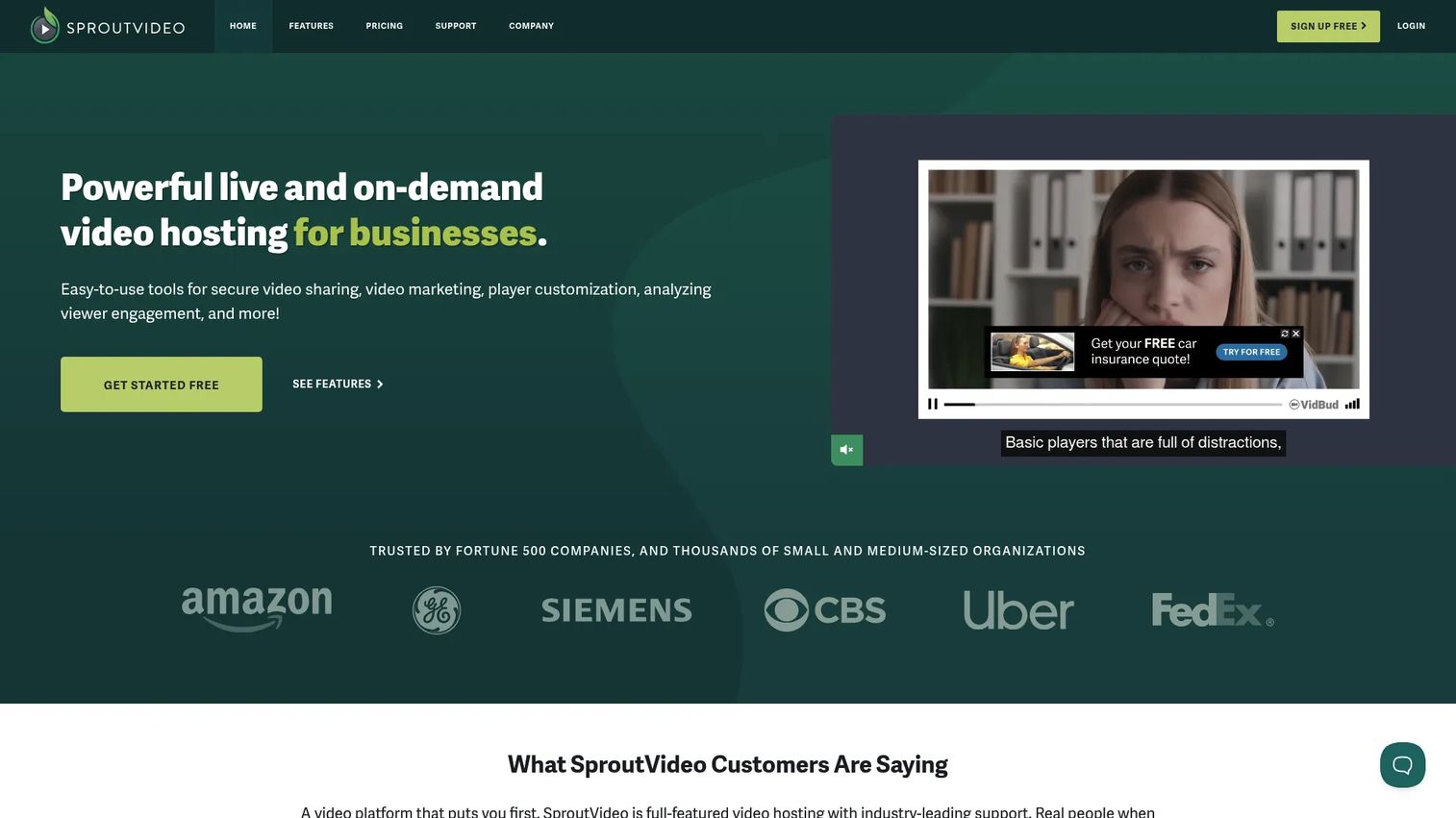
SproutVideo focuses on private, controlled business video hosting without the full video marketing suite. If domain restrictions, password protection, and clean embeds matter more than lead capture workflows, it earns a close look.
Best for: Businesses that want secure, private video hosting for internal communications, training libraries, or gated client content.
What it is: SproutVideo is a business video hosting and live streaming platform with privacy controls, analytics, customizable players, and marketing integrations. No free tier, but a 30-day trial covers initial evaluation.
Key features:
- On-demand hosting and live streaming
- Video privacy controls including domain restrictions and password protection
- Viewer engagement analytics
- Customizable embeds and landing pages
- REST API and JavaScript Player API for developer integration
Where SproutVideo falls short: G2 reviewers mention that the UI feels less modern than some competitors. Advanced integrations and analytics features are more limited compared to platforms focused on marketing automation. Design flexibility on player customization draws occasional comment.
Pricing: No free tier. Seed at $12/month (annual). Sprout at $35/month (annual). Tree at $72/month (annual). Forest at $195/month (annual). 30-day free trial available.
G2 rating: 4.6/5
How it compares to Wistia: SproutVideo is more hosting-focused and less oriented around campaign analytics. Teams switching from Wistia primarily for cost or privacy reasons will find the feature set appropriately lean.
5. Loom (screen recording)
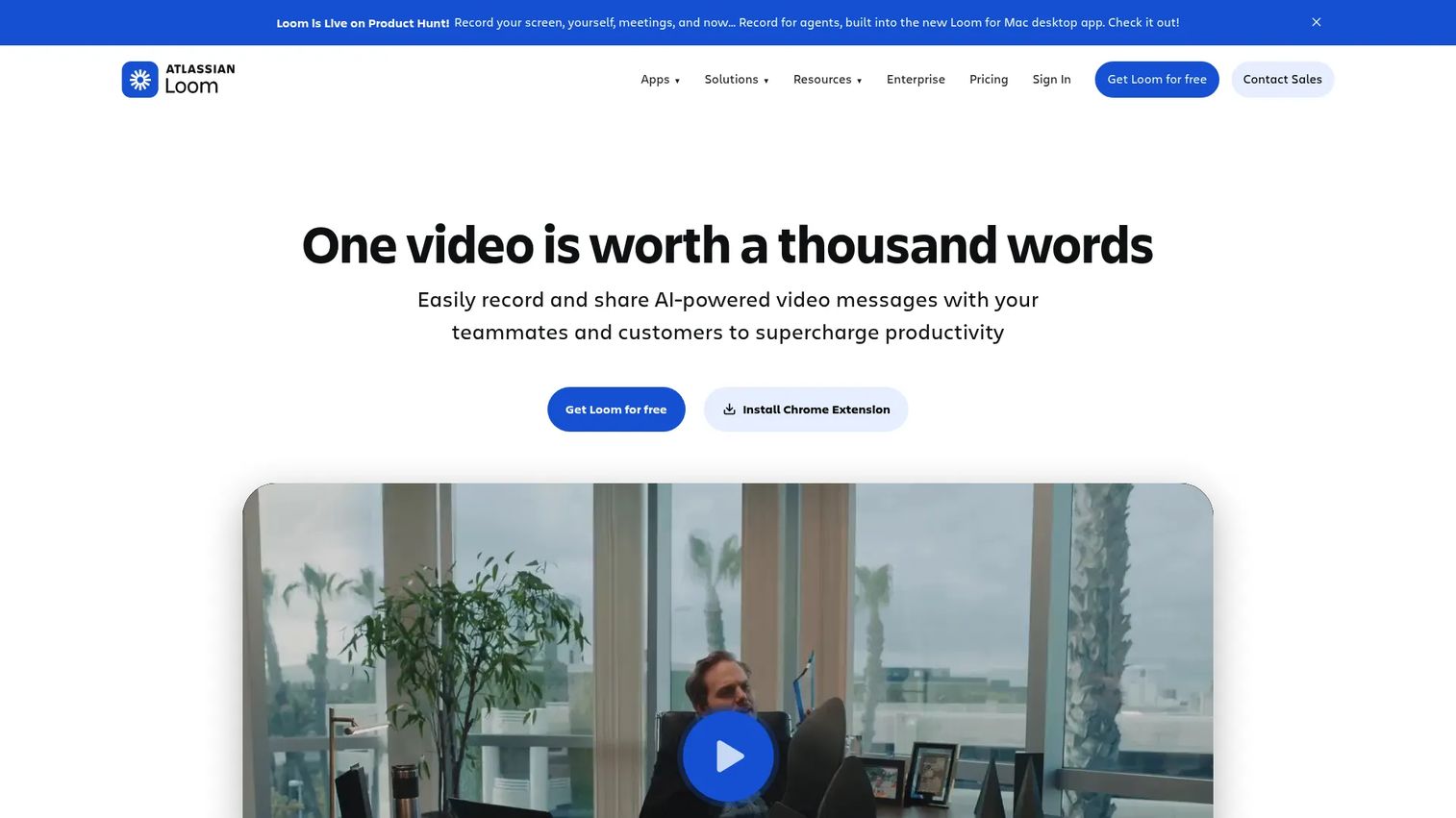
Loom handles quick internal video communication and async sales follow-ups. It records a clip, generates a shareable link, and delivers it to whoever needs to watch.
Best for: Teams replacing text updates with short video messages, and sales reps sending quick personalized follow-ups.
What it is: Loom, now part of Atlassian, is an AI-powered video messaging platform for recording and sharing screen-and-camera videos. It generates transcripts, AI summaries, chapters, and viewer analytics automatically.
Key features:
- Screen and camera recording with AI-generated titles and summaries
- Viewer comments, reactions, and engagement tracking
- Shared team libraries and workspace management
- Transcription with auto-generated captions
Where Loom falls short: The Starter plan caps videos at 25 and recordings at five minutes. Business and enterprise pricing rises to $18 and beyond per user per month, which G2 reviewers note can add up at team scale. Workspace governance and advanced admin controls require the Enterprise tier.
Pricing: Starter free plan at $0 (25 videos, 5-minute cap). Business at $18/user/month. Business + AI at $24/user/month. Enterprise pricing on request.
G2 rating: 4.7/5
How it compares to Wistia: Loom is for recorded communication; Wistia is for hosted marketing video. The overlap is minimal. Teams that want to replace Wistia's lead capture and campaign analytics with Loom will find they are solving a different problem.
6. VEED (video editing)
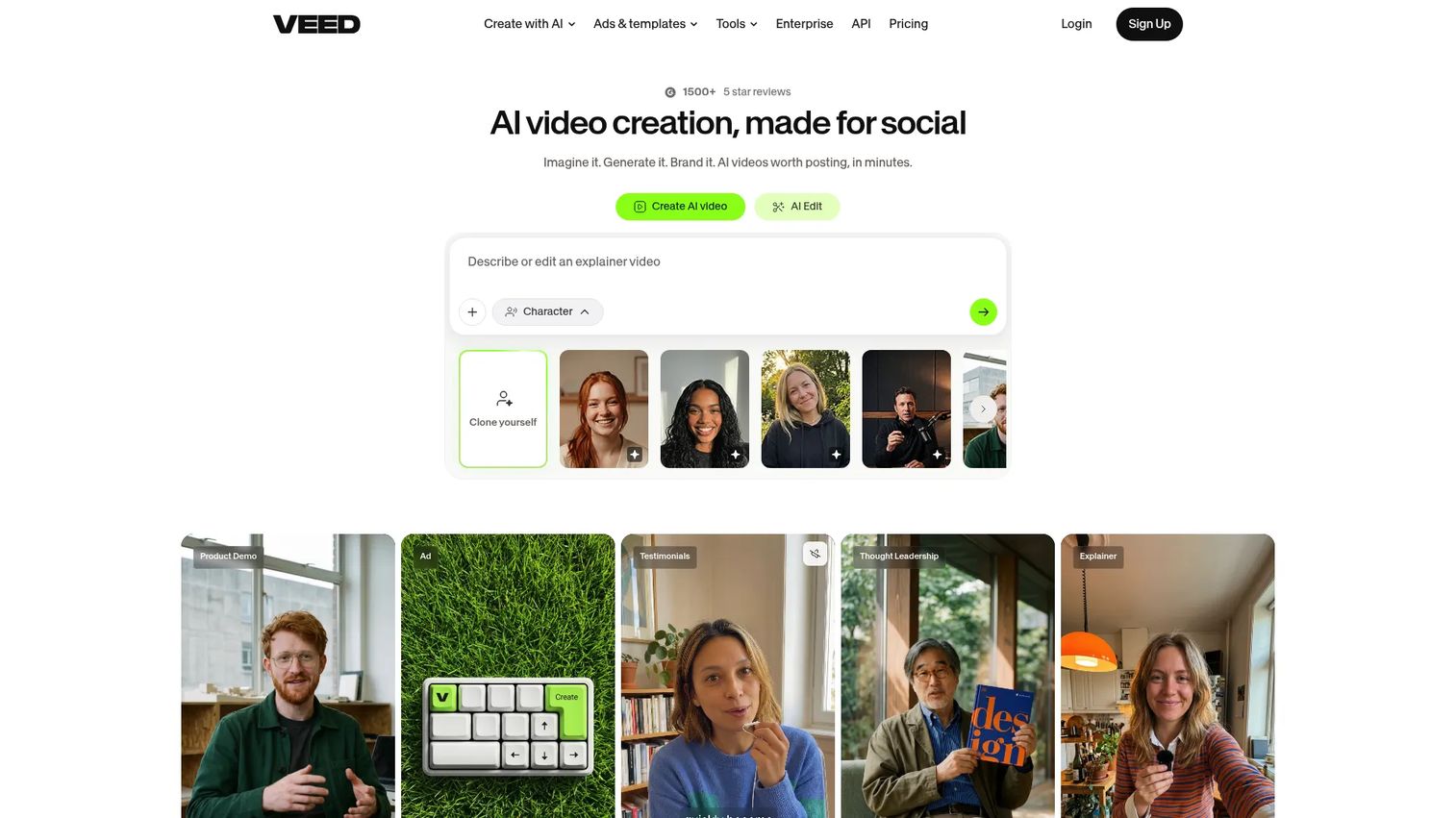
VEED makes video editing accessible in a browser without installation. It is the go-to for marketing teams producing social clips, captioned product videos, and campaign-ready exports without a production workflow.
Best for: Marketers creating short-form and social video who need captions, subtitles, templates, and AI-assisted production in one browser tab.
What it is: VEED is an AI video creation and editing platform. Its capabilities span text-based editing, AI avatar generation, voice cloning, dubbing, and background removal. It sits in the screen recorder and editor category.
Key features:
- Browser-based video editing with text-based clip trimming
- Automatic subtitles and captions
- AI avatars, voice generation, and dubbing tools
- Brand templates and resizing for social formats
Where VEED falls short: VEED's pricing page reports paid plans from $9/month billed annually, but plan names and feature inclusions are not fully detailed in publicly accessible plan tables. G2 reviewers note that some AI credit allocations feel restrictive on lower plans, and watermarks appear on free-tier exports.
Pricing: Free plan available. Paid plans from $9/month (annual). Enterprise pricing on request.
G2 rating: 4.6/5
How it compares to Wistia: VEED creates and edits video; Wistia hosts and measures finished video. Teams leaving Wistia to get more from their production workflow will find VEED practical. Teams needing marketing analytics and embeds will want to pair it with a hosting platform.
7. Gumlet (video hosting and streaming)
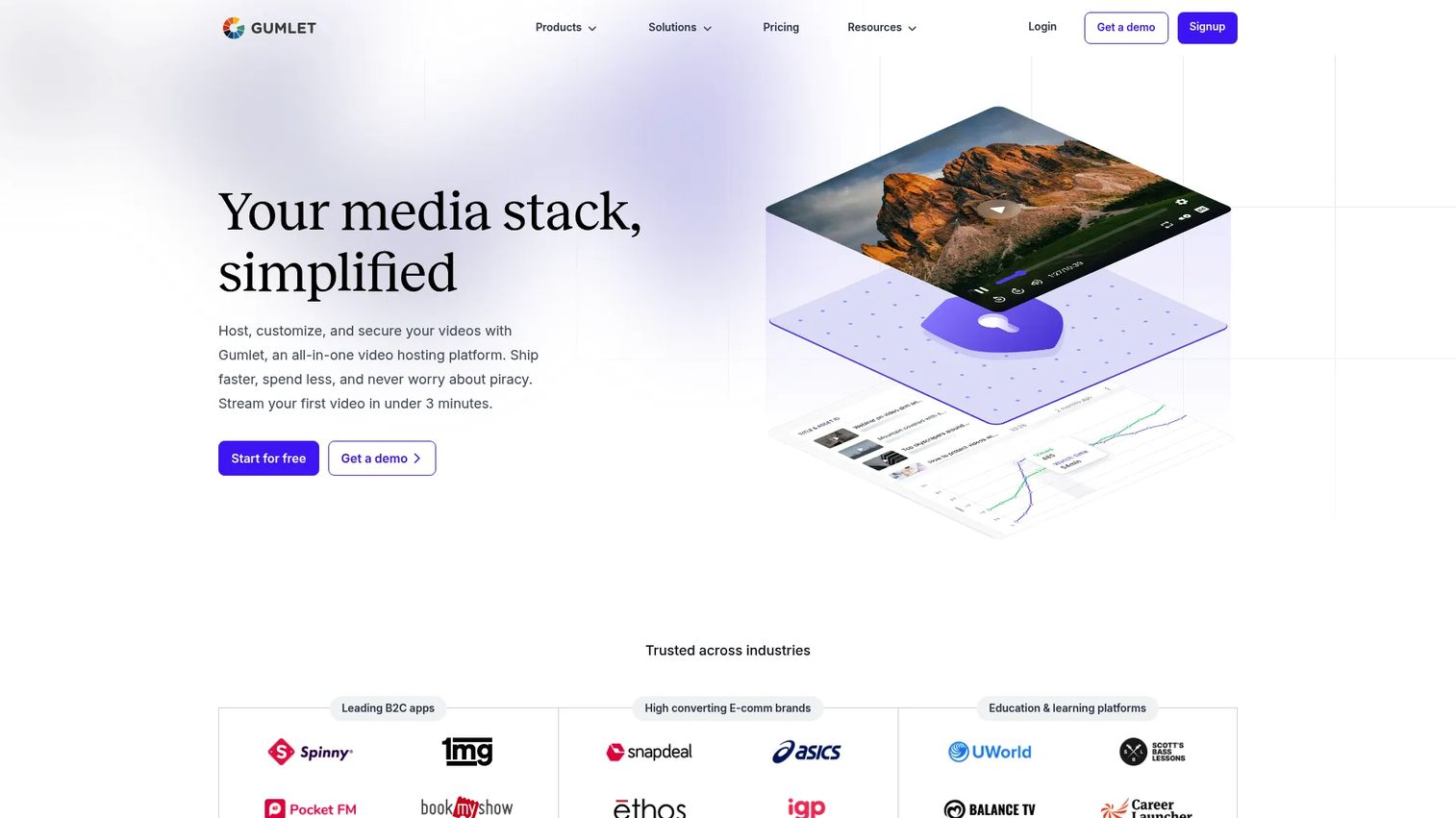
Gumlet is the strongest pick when streaming performance, CDN delivery, and content protection are the primary drivers. It combines video hosting with image optimization under one platform, with pricing that scales by usage rather than seat count.
Best for: Businesses that prioritize CDN-backed delivery, adaptive bitrate streaming, DRM protection, and engagement heatmaps over marketing automation features.
What it is: Gumlet is an all-in-one platform for hosting, securing, streaming, and optimizing video and image content. It supports adaptive streaming up to 4K HDR, Widevine and FairPlay DRM, geo-blocking, and dynamic watermarking alongside standard embed and analytics tools.
Key features:
- Adaptive streaming up to 4K HDR
- DRM content protection with signed URLs and geo-blocking
- Video analytics with engagement heatmaps and drop-off tracking
- In-player lead forms, CTAs, playlists, and API access
- Automatic image optimization on the same platform
Where Gumlet falls short: G2 reviewers note that initial setup for DRM and advanced CDN configuration requires more technical attention than Wistia's more marketer-friendly setup. The dashboard and reporting tools are functional but draw fewer compliments from non-technical users compared to competitors. The dedicated pricing page was not available during drafting; pricing was sourced from the video hosting product page.
Pricing: Free plan available. Creator at $6/month (annual). Growth at $19/month (annual). Business at $99/month (annual).
G2 rating: 4.7/5
How it compares to Wistia: Gumlet is stronger on streaming infrastructure; Wistia is stronger on marketing analytics and lead capture. Teams leaving Wistia for CDN performance and content protection will find Gumlet's technical depth a good match.
8. ngram (AI video creation)
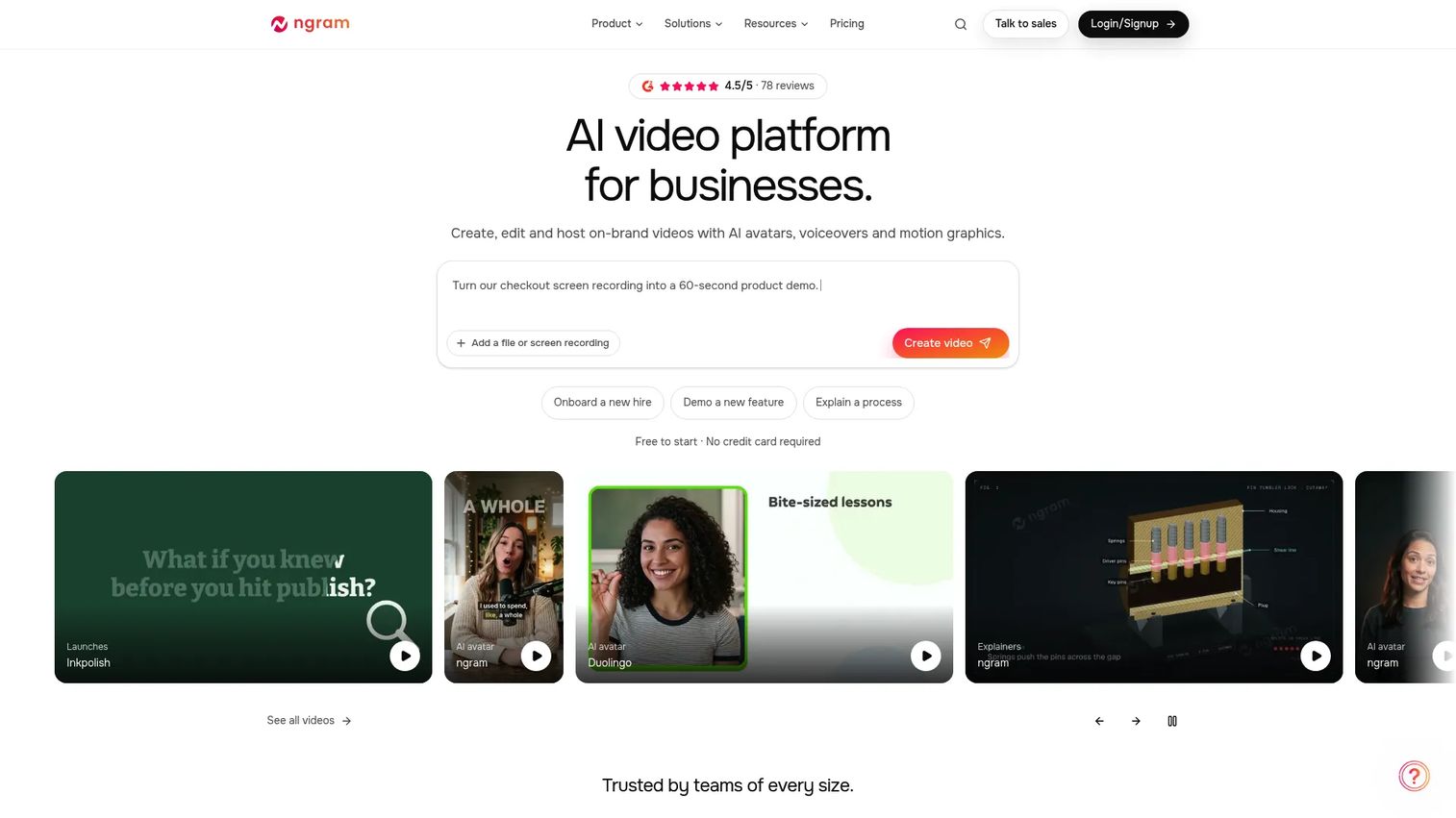
ngram targets teams producing recurring product announcement videos, training clips, and AI-narrated content from documents, links, and scripts without a production team.
Best for: Marketing and product teams creating AI-generated product demos, company updates, and feature announcement videos at scale.
What it is: ngram is an AI-powered video creation platform that generates professional business videos from ideas, documents, links, and recordings. It includes AI avatars, voiceovers, brand kits, and translation tools alongside video hosting with embeds, access controls, and analytics.
Key features:
- AI video generation from scripts, prompts, source pages, and recordings
- AI avatars and voiceovers with brand customization
- Video translation and localization
- Video hosting with embeds, quizzes, and action buttons
- Team collaboration and Brand Kits
Where ngram falls short: G2 reviewers note that credit allocations on lower plans can limit high-volume production workflows. Output quality for complex UI-heavy product videos varies by content type. The platform is relatively newer compared to established video hosting tools, so the review base is smaller.
Pricing: Free plan with 600 one-time credits. Basic at $23.20/month (annual). Premium at $47.20/month (annual). Ultimate at $239.20/month (annual). Enterprise at custom pricing.
G2 rating: 4.5/5
How it compares to Wistia: ngram generates video content; Wistia hosts and measures it. Teams wanting AI-assisted production alongside hosting may run both. For teams primarily needing finished-video hosting with analytics, Wistia or Vimeo remains the more direct fit.
9. Descript (screen recording and editing)
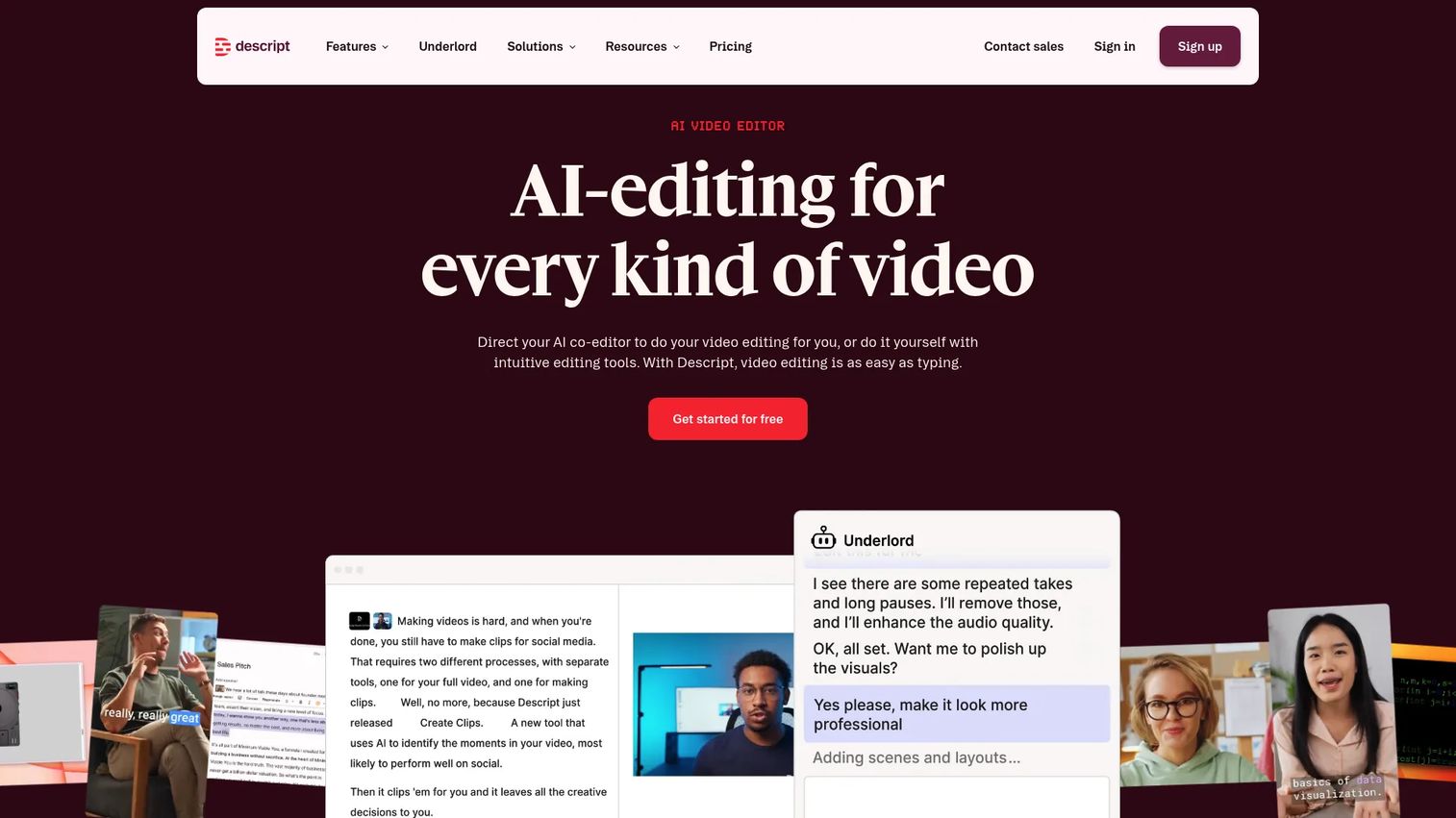
Descript's distinguishing feature is text-based editing. Cutting a word from the transcript removes it from the video. For teams producing training content, podcast-style videos, or webinar recordings, that workflow removes most of the production friction.
Best for: Teams editing video and podcast content who want to work from transcripts rather than timelines, with AI-assisted cleanup and repurposing built in.
What it is: Descript is an AI video and audio editor covering recording, transcription, editing, captions, voice cloning, translation, and publishing. Its AI co-editor Underlord handles repetitive editing tasks, and Studio Sound cleans up audio automatically.
Key features:
- Text-based video and audio editing
- Automatic transcription with AI editing via Underlord
- Screen and remote recording
- AI voice cloning and Studio Sound audio enhancement
- Video translation, dubbing, captions, and publishing
Where Descript falls short: G2 reviewers mention a learning curve for users new to transcript-based editing workflows. Export behavior and rendering performance on longer recordings draw occasional comment. Some advanced features, including AI voice cloning, are gated to higher plan tiers.
Pricing: Free plan at $0. Hobbyist at $16/person/month. Creator at $24/person/month. Business at $50/person/month. Enterprise at custom pricing.
G2 rating: 4.6/5
How it compares to Wistia: Descript creates and edits video; it does not replace a hosted video marketing platform. Teams leaving Wistia to invest in production quality will find Descript a practical production tool, but will likely still need a separate host.
10. Cinema8 (interactive video)
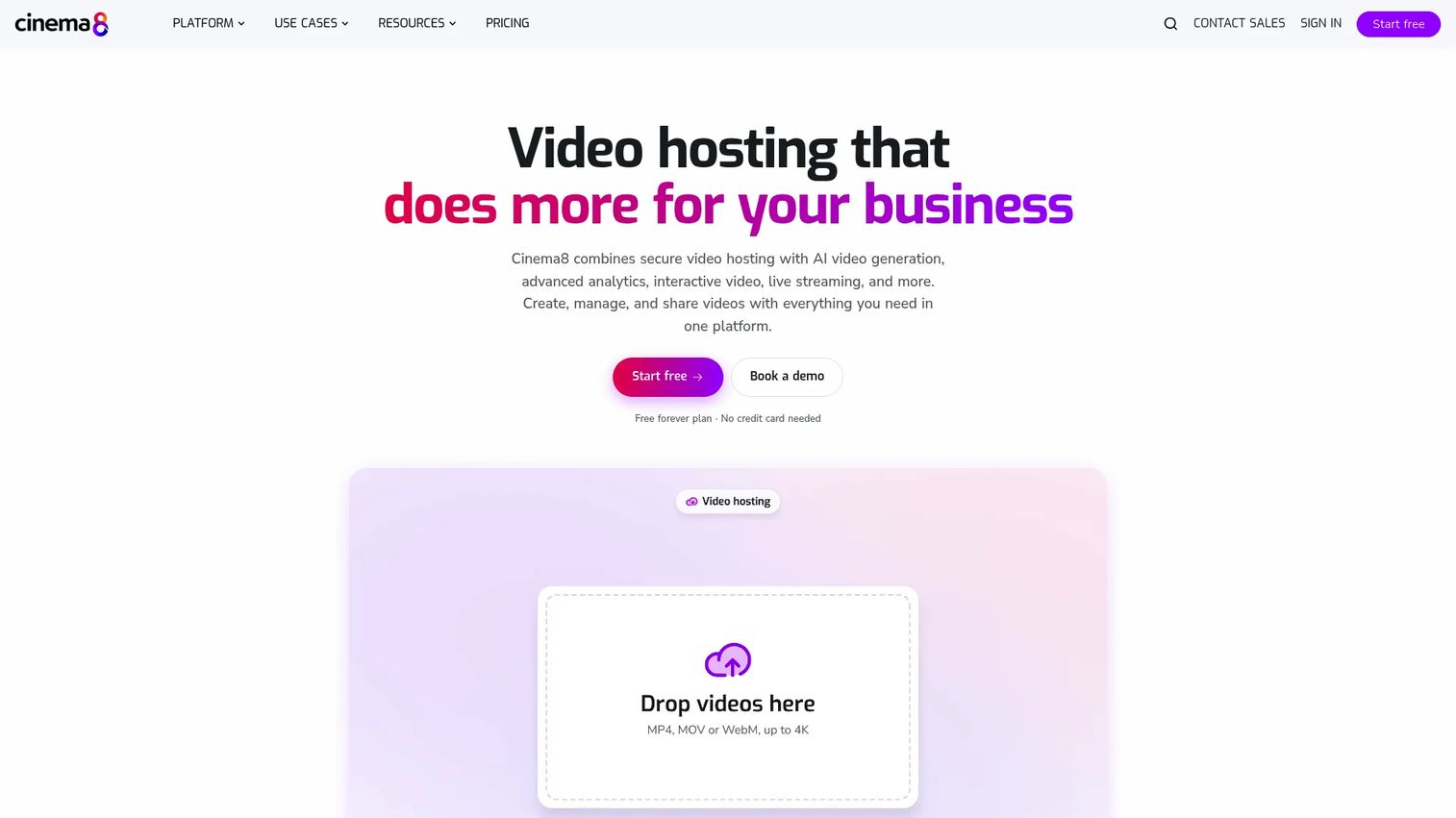
Cinema8 sits between passive video hosting and Guideflow's clickable demo approach. It keeps the video format but layers on interaction: Hotspots, lead forms, branching, quizzes, and 360-degree scenes play inside the video itself.
Best for: Marketing and training teams that want viewer interaction embedded inside video without moving to a full interactive demo platform.
What it is: Cinema8 is a secure video hosting and interactive video platform combining AI tools, live streaming, screen recording, analytics, and CRM integrations. It supports SCORM and xAPI export for LMS workflows, making it a practical fit for learning and development teams.
Key features:
- Secure ad-free hosting with adaptive streaming
- Interactive CTAs, hotspots, branching, quizzes, and lead-generation forms inside video
- AI subtitles, translation, chapterization, and media generation
- Advanced analytics with heatmaps, interaction reports, and A/B testing
- SCORM and xAPI export for LMS platforms
Where Cinema8 falls short: G2 reviewers note that the setup learning curve for interactive branching and hotspot configurations takes time. Pricing visibility beyond the publicly listed tiers requires direct contact for Enterprise. Some reviewers mention that the UI complexity increases with deeper interactivity configurations.
Pricing: Free plan at $0/month (annual). Starter at $12/month (annual). Pro at $24/month (annual). Pro Plus at $84/month (annual). Business at $639/month (annual). Enterprise at custom pricing.
G2 rating: 5.0/5
How it compares to Wistia: Cinema8 goes further on interactivity than Wistia's CTA overlays, but stays within the video format. Guideflow goes further still by turning the product interface itself into the navigable content, which is a different category of experience.
11. Brightcove (enterprise video platform)
Brightcove is built for organizations that run video operations at scale: Media libraries, enterprise governance, OTT apps, live streaming, monetization, and multi-platform delivery. The scope is well beyond marketing video hosting.
Best for: Enterprise media teams, broadcasters, and large organizations needing governance, media management, streaming infrastructure, and monetization at scale.
What it is: Brightcove is an enterprise video technology platform. It covers video hosting, live streaming, media library management, security and access controls, developer APIs, OTT and multi-platform apps, and content monetization. Studio packages cover marketing, communications, and media use cases separately.
Key features:
- Video hosting with adaptive streaming and customizable player
- Live streaming and enterprise governance
- Media library management and security controls
- OTT and multi-platform app delivery
- Developer APIs and content monetization
Where Brightcove falls short: Brightcove requires contacting sales for all plan pricing. G2 reviewers note that implementation effort and setup complexity reflect an enterprise deployment model. The 4.1/5 G2 rating is lower than most tools on this list, with reviewers citing admin complexity and pricing opacity as recurring themes.
Pricing: Contact sales.
G2 rating: 4.1/5
How it compares to Wistia: Brightcove serves organizations where video is an infrastructure problem. Wistia serves organizations where video is a marketing and pipeline problem. The two rarely compete for the same buyer.
12. YouTube (public video platform)
YouTube is the most reached-for free alternative when the job is public distribution and SEO reach. It is not a Wistia replacement for private, branded business video, but it earns a place in every B2B marketer's distribution stack for a different reason.
Best for: Teams that want public video reach, search discovery, and audience building at no hosting cost.
What it is: YouTube is a public video-sharing platform for uploading, sharing, and engaging with video content. It provides channel management, creator analytics, monetization, and live streaming alongside its core hosting and playback capabilities.
Key features:
- Free public video uploads and hosting
- Channel management and playlist organization
- Creator analytics and audience insights
- Live streaming and Shorts for short-form content
- Broad audience reach and search engine visibility
Where YouTube falls short: YouTube surfaces competitor recommendations in and after every video, which removes brand control from the viewing experience. Privacy options are limited compared to business video platforms. B2B lead capture, branded players, and CRM integrations are not part of the core YouTube offering.
Pricing: Free for creators and viewers.
G2 rating: 5.0/5
How it compares to Wistia: YouTube trades brand control and analytics depth for free reach and search visibility. Many teams run Wistia or a Wistia alternative for owned-channel video and YouTube for public distribution, treating them as parallel channels rather than substitutes.
13. JW Player (video platform)
JW Player is built for publishers and broadcasters that need developer-controlled video delivery, ad monetization, and high-volume streaming. The platform requires more technical investment than Wistia but offers more control over playback infrastructure.
Best for: Publishers, broadcasters, and developer teams needing API-driven video delivery, ad integration, and high-volume streaming with granular control.
What it is: JW Player is a video platform covering hosting, adaptive-bitrate delivery up to 4K, live streaming, simulcasting, advertising, DRM, and geoblocking. Its Express, Publishing, and Broadcasting offerings serve different volumes and use cases.
Key features:
- Video hosting with adaptive bitrate delivery up to 4K
- Live streaming, simulcasting, and live clipping
- Advertising, DRM, geoblocking, and token-signing security
- Video analytics and developer APIs
Where JW Player falls short: JW Player's 3.4/5 G2 rating is the lowest on this list. Reviewers cite pricing opacity (no public numeric prices), developer dependency for meaningful customization, and marketer-unfriendly setup as the most common friction points. The platform suits engineering-led teams rather than marketing-led ones.
Pricing: Free tier includes 5,000 plays/month, 5 GB storage, 25 GB streaming, and 10 videos. Enterprise pricing requires contacting sales.
G2 rating: 3.4/5
How it compares to Wistia: JW Player offers more streaming and monetization infrastructure at the cost of marketer-friendliness. Teams leaving Wistia for broadcasting or publisher-grade delivery will find JW Player capable; teams leaving for better marketing analytics will not.
14. Mave (creator video platform)
Mave is a media platform for audio and video publishing where creators set their own subscription prices. It sits outside the standard SaaS video hosting model, which makes it an unusual entry in a Wistia alternatives comparison.
Best for: Individual creators and niche publishers who want to publish audio and video with paid subscription access and community features.
What it is: Mave combines audio and video content streaming, posts, paid subscriptions, group chats, and personalized feeds on a single platform. Authors set their own subscription prices and billing periods rather than paying a platform-level SaaS fee.
Key features:
- Audio and video content streaming
- Posts, articles, and paid subscription tiers
- Private or paid-access group chats
- Personalized content feeds and recommendations
Where Mave falls short: The ecosystem is smaller than established video marketing platforms. Marketing automation integrations, analytics depth, and enterprise governance are not part of the documented feature set.
Pricing: Author-set subscription pricing.
G2: 4.7
How it compares to Wistia: Mave serves creator-led publishing with audience monetization. Wistia serves marketing teams distributing branded video to prospects and customers. The jobs barely overlap.
15. alugha (multilingual video platform)
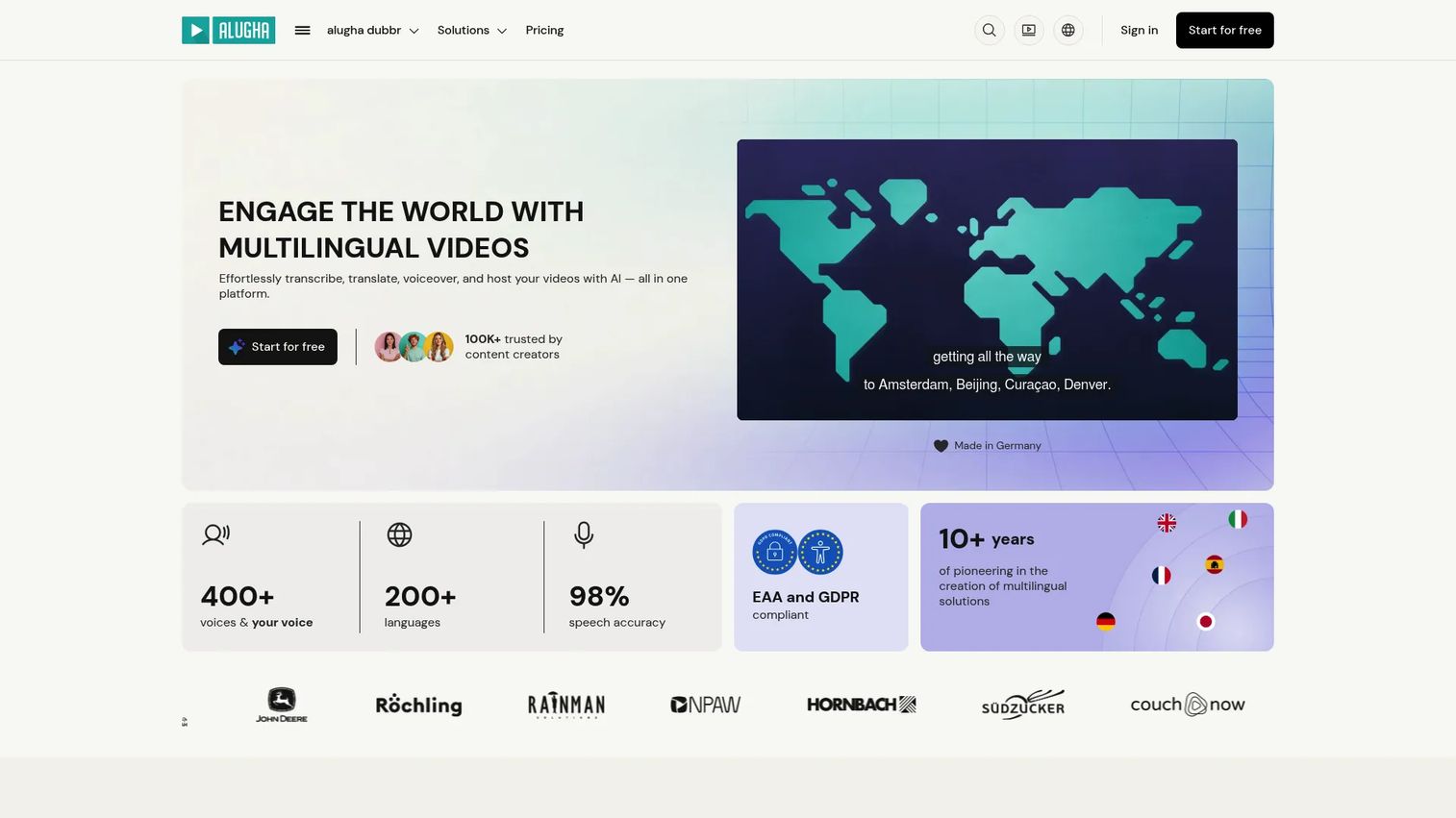
Multilingual video at scale is alugha's specific job. If the team needs one video to run with separate audio tracks for German, Spanish, and French audiences, alugha handles that workflow without manual re-recording for each market.
Best for: Global content and marketing teams that need multilingual video hosting, AI dubbing, subtitles across 200-plus languages, and GDPR-compliant EU delivery.
What it is: alugha is a GDPR-compliant video platform for AI-powered translation, dubbing, subtitling, multilingual hosting, and playback. Its multilingual player supports multiple audio tracks per video. Data is hosted in the EU.
Key features:
- AI transcription and subtitles
- AI translation supporting 200-plus languages
- AI voiceover and voice cloning per track
- Multilingual player with per-track audio switching
- GDPR-compliant EU video hosting and team collaboration
Where alugha falls short: alugha is a specialist platform. Marketing automation integrations, advanced lead capture, and CRM-connected analytics are not core to its positioning. G2 reviewers note that the platform suits multilingual workflows specifically and is less versatile as a general-purpose video marketing host.
Pricing: Free plan at €0/month. Creator at €10/month. Business at €99/month. Enterprise at custom pricing. Prices exclude VAT.
G2 rating: 5.0/5
How it compares to Wistia: alugha covers the multilingual video workflow that Wistia does not. For teams distributing to multiple language markets, alugha's per-track audio model reduces production cost significantly. For teams focused on English-language marketing video analytics, Wistia or Vimeo remains more appropriate.
16. Bunny Stream (video CDN and streaming)
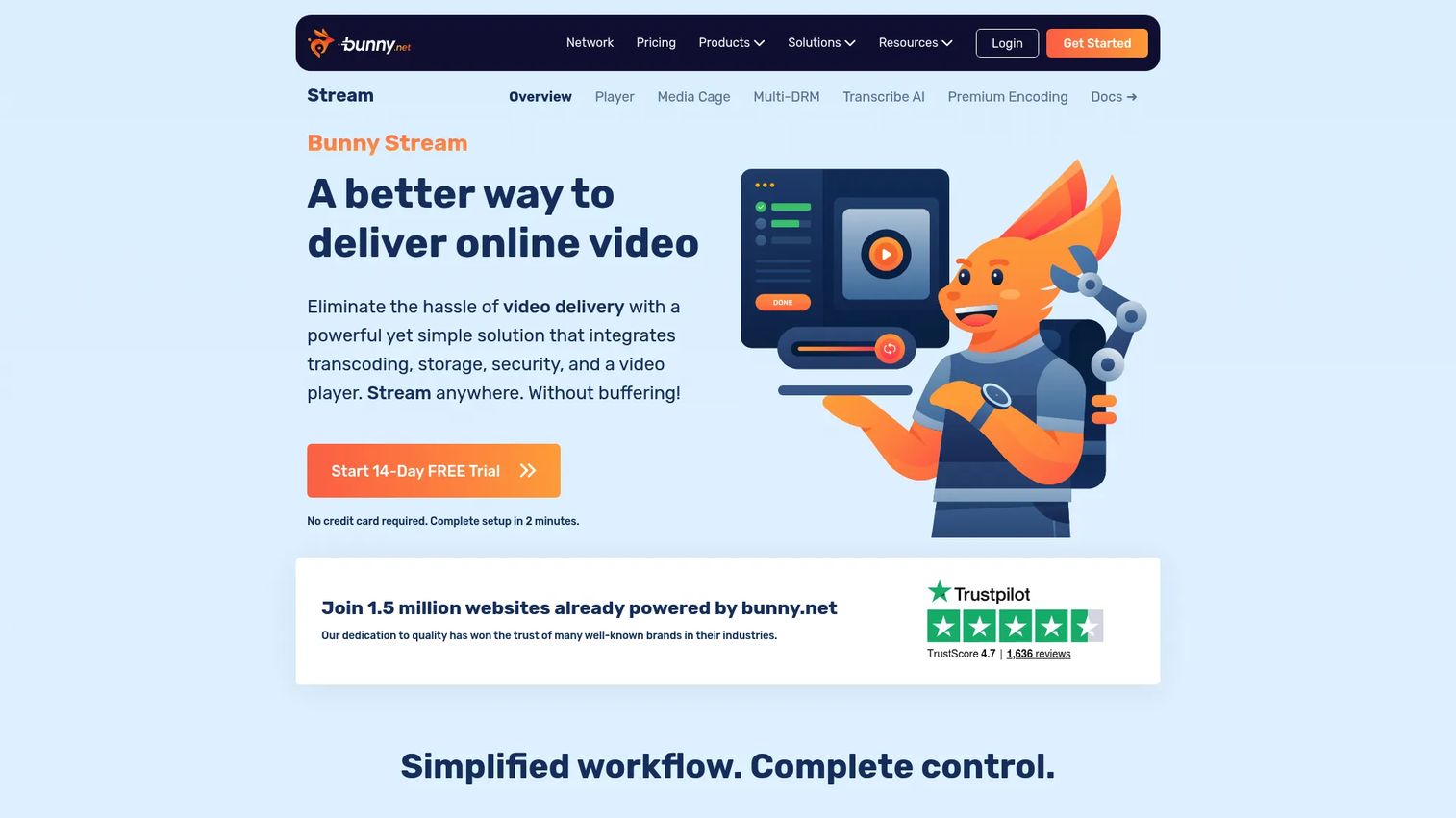
Usage-based pricing is Bunny Stream's main draw. Teams that pay per gigabyte of storage and delivery rather than per seat or per month can reduce video infrastructure costs significantly at certain volumes.
Best for: Cost-conscious teams and developers needing scalable CDN-backed video hosting and global delivery without a seat-based subscription.
What it is: Bunny Stream is a video hosting and delivery platform combining upload, transcoding, globally replicated CDN storage, adaptive streaming, hotlinking protection, token authentication, watermarking, and enterprise DRM. The player, transcoding, and security features carry no base fee; customers pay for storage and outbound traffic.
Key features:
- Multi-resolution transcoding and adaptive streaming
- Globally replicated CDN storage and delivery
- Hotlinking protection and token authentication
- Watermarking and enterprise DRM
- Customizable video player and AI content tagging
Where Bunny Stream falls short: G2 reviewers note that Bunny Stream's marketer-friendly features are limited compared to dedicated video marketing platforms. Lead capture, marketing integrations, and viewer analytics are not at the same depth as Wistia or Vidyard. Initial setup requires more technical attention than a typical SaaS video platform.
Pricing: Usage-based. Storage from $0.01/GB. CDN delivery from $0.005/GB. Player, transcoding, and security features are free. 14-day trial available.
G2 rating: 4.8/5
How it compares to Wistia: Bunny Stream is infrastructure-first; Wistia is marketing-first. Teams comparing total video delivery cost will find Bunny Stream compelling for high-volume or developer-managed workflows. Teams comparing campaign analytics and lead capture will not.
17. Jet-Stream (streaming platform)
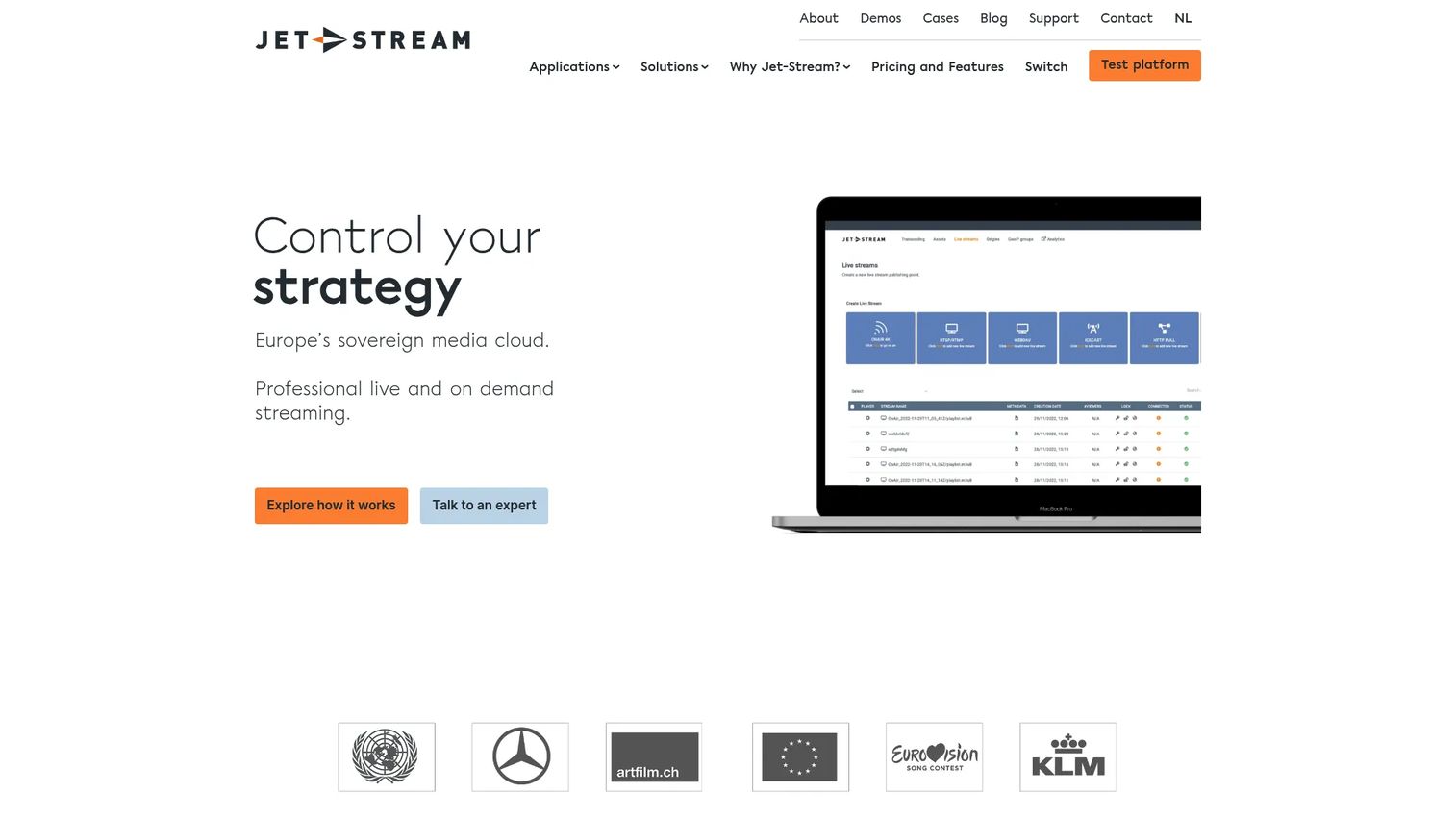
Jet-Stream targets broadcasters, sports organizations, and enterprise media teams that need broadcast-grade live streaming alongside on-demand hosting, with European infrastructure as a differentiator.
Best for: European enterprises, broadcasters, and event producers needing broadcast-grade live streaming, webcasts, and OTT delivery with Multi-CDN distribution.
What it is: Jet-Stream is a broadcast-grade video, live streaming, music streaming, OTT, and media hosting platform. It covers transcoding, real-time packaging, Multi-CDN distribution, analytics, workflow orchestration, and security features including password protection, geofencing, URL signing, and DRM encryption.
Key features:
- Video and live streaming with HLS/DASH adaptive bitrate delivery
- Transcoding, storage, and Multi-CDN distribution
- Security: Password protection, geofencing, URL signing, DRM
- Analytics, customizable player, and API access
- Workflow orchestration tools
Where Jet-Stream falls short: Jet-Stream displays only a €97 one-time trial fee publicly; paid plan pricing requires a direct conversation. G2 reviewers note that the platform is calibrated for broadcast and enterprise media workflows, which makes it overbuilt for smaller marketing teams. Marketer-focused features such as lead capture and CRM integrations are not documented at the same depth as Wistia.
Pricing: Trial at €97 one time. Basic, Pro, Enterprise, and Broadcaster plans require pricing requests.
G2 rating: 5.0/5
How it compares to Wistia: Jet-Stream handles broadcast-scale streaming operations; Wistia handles marketing video for B2B teams. The overlap is narrow. Teams leaving Wistia for European streaming infrastructure with governance requirements will find Jet-Stream's technical depth appropriate; everyone else will find it outside their scope.
What is the best Wistia alternative for interactive software guides?
Guideflow is the best Wistia alternative when the problem is passive video and the team needs viewers to click through software.
Wistia plays a recording. Guideflow publishes an interactive demo that the viewer navigates step by step. The two formats address different learning jobs: Watching versus doing. For employee onboarding, internal SOPs, software training, sales leave-behinds, support education, and landing page product exploration, Guideflow's engagement model is fundamentally different from anything a video hosting platform delivers. Teams capture software once using the Chrome extension or native app, and the demo is ready to share in about two and a half minutes.
Which Wistia alternative is best for hosted marketing video?
Vimeo is the strongest like-for-like swap for branded video hosting.
It covers the same core jobs as Wistia: A branded ad-free player, embeds, video analytics, and marketing integrations. Gumlet is the better choice when CDN performance, adaptive bitrate streaming, and content protection drive the decision more than marketing analytics. For teams that are content with Wistia's marketing video model but need a cost adjustment, Vimeo's Creator plan at $9/month (annual) provides a meaningful entry point.
Which Wistia alternative is best for sales video?
Vidyard leads for sales video workflows. It was built for recorded personalized outreach, viewer tracking by contact, and CRM-connected analytics. Loom handles quick async follow-up recordings, particularly for SDRs and AEs sending short personalized clips. When the sales asset needs to be clickable rather than watchable, Guideflow's interactive demos serve as leave-behinds and pre-call product experiences that buyers can explore at their own pace.
What is the cheapest Wistia alternative?
YouTube is the clearest free option for public video distribution, with no hosting cost and broad audience reach. For private or business video hosting, Gumlet offers a free tier and paid plans from $6/month. Loom's Starter plan is free for up to 25 videos. Guideflow has a free plan. The right answer depends on the job: Free for public reach looks like YouTube, free for screen recording looks like Loom, and free for interactive demos looks like Guideflow's free plan.
Which Wistia alternative is best for secure video hosting?
Gumlet is the strongest pick for CDN delivery, adaptive streaming, and content protection. It supports DRM encryption, signed URLs, geo-blocking, and dynamic watermarking on paid plans. SproutVideo covers private business video with domain restrictions and password protection. Brightcove and Jet-Stream serve enterprise governance and broadcast-grade security at larger scale. Bunny Stream adds token authentication and enterprise DRM with usage-based pricing.
Which Wistia alternative is best for internal training?
Guideflow fits internal training, employee onboarding, and SOPs where the learner needs to click through a software process rather than watch a recording.
The distinction matters: A training video explains what to do; a Guideflow interactive demo lets the employee do it. For quick recorded explanations, Loom covers that job. For edited training clips with captions, transcripts, and AI cleanup, Descript or VEED handle the production workflow. Guideflow's analyze capabilities show step-level completion and drop-off, which turns training content into measurable data.
When should you stay with Wistia?
Wistia remains the right choice when hosted marketing video is the core job and your team already gets the reporting, embeds, and lead capture it needs from the platform.
Stay if your content library performs well inside Wistia's player, your marketing team relies on its CTA and lead capture workflows, and your campaign attribution connects cleanly to its analytics. The switching cost of migrating a video library, updating embeds across the site, and re-connecting integrations is real. If Wistia covers the job, that cost is not worth paying.
Where Wistia earns its place: B2B marketing teams treating video as a conversion asset, teams using its webinar and virtual event capabilities, and organizations that have already built their demand gen reporting around its viewer analytics. No tool on this list replicates that combination at Wistia's level of integration between hosting, analytics, and lead capture.
Why teams switch from Wistia to Guideflow
The teams that move from passive video to Guideflow share a common trigger: Their audience needs to do something with the product, not just watch it.
Employee onboarding built on Wistia videos asks new hires to remember what they watched. Onboarding built on Guideflow's interactive demos asks them to click through the actual software workflow. That difference shows up in time-to-productivity and in the number of support requests that follow. For internal training teams tracking whether employees completed a process, step-level analytics from Guideflow's analyze feature provides data that video completion rates do not.
For marketing teams, the shift happens when a landing page needs to convert without adding a sales call. An embedded interactive demo lets the visitor explore the product's core workflow before they ever talk to sales. Guideflow connects those interactions to CRM records through HubSpot, Salesforce, Pipedrive, Zoho, and Marketo via its integrations, which turns demo engagement into pipeline signal.
For sales teams, the leave-behind problem is real. A recorded demo video plays linearly. A Guideflow interactive demo lets the prospect navigate to the feature they care about and share it with their buying committee. More than 500,000 guideflows have been created by teams using exactly that motion.
The limitation to name: If the job is passive video hosting, campaign analytics tied to viewed minutes, or a branded video player for marketing pages, Wistia or Vimeo remains the more direct fit. Guideflow solves a different problem.
Start your journey with Guideflow today!
Frequently asked questions: Wistia alternatives
The right answer depends on the job. Guideflow is the best pick when the goal is interactive software education for onboarding, training, SOPs, or buyer-led product exploration. Vimeo is the strongest like-for-like swap for branded video hosting. Vidyard leads for sales video and viewer analytics. Gumlet is the best option when CDN delivery and streaming performance are the primary drivers.
Several tools on this list offer free plans. YouTube is free for public video distribution with no hosting limits. Loom's Starter plan covers up to 25 videos at no cost. Gumlet offers a free tier for video hosting. VEED has a free tier for video editing with watermarked exports. Guideflow has a free plan. Free tiers typically trade off some combination of brand control, storage, analytics depth, or export quality.
Video exports from Wistia can be downloaded and re-uploaded to most video hosting platforms, but migration involves more than the files. Embed codes across the site need updating, caption files and metadata may need re-importing, and analytics history typically does not transfer between platforms. Auditing the library before moving reduces the scope of the work. Interactive demo migration is a different exercise: Guideflow recreates software workflows as clickable steps rather than importing hosted video files.
Guideflow is the strongest fit for internal software training, employee onboarding, and SOPs where employees need to click through a process rather than watch a video. For quick recorded explanations from a manager or trainer, Loom covers that job. Descript and VEED handle edited training video production with transcript-based workflows and captions.
Vimeo, Vidyard, Gumlet, SproutVideo, and Brightcove each fit different video marketing jobs. Vimeo covers branded hosting and creative tools for content teams. Vidyard covers sales video and CRM-connected analytics for revenue teams. Gumlet serves teams where streaming performance and CDN delivery drive the choice. Brightcove serves enterprise governance and media library scale. SproutVideo covers private business video hosting. The best fit depends on whether the primary driver is distribution, production, analytics, or infrastructure.
Video hosting stores a recording and delivers it for playback. The viewer watches a linear sequence from start to finish. An interactive demo lets the viewer navigate a captured software interface: Clicking buttons, moving between screens, and completing steps in an order they control. The two formats suit different learning jobs. Watching a campaign video and clicking through a software onboarding flow are not the same experience.
Some are cheaper for specific jobs. Gumlet and Bunny Stream reduce per-unit streaming costs compared to subscription-based platforms. YouTube eliminates hosting costs for public content. Platforms like Brightcove and Jet-Stream cost more than Wistia for the enterprise governance and streaming infrastructure they provide. Total cost depends on the volume of content, the number of seats, the integrations required, and whether the team needs hosting, production, streaming, or interactive demos.
Yes, and many teams do. Wistia handles passive marketing videos: Campaign assets, webinar recordings, and brand content that audiences watch. Guideflow handles interactive software education: Product demos, employee onboarding flows, SOPs, and sales leave-behinds that buyers and employees click through. Running both covers passive viewing and active exploration without forcing either tool to do a job it was not built for.