You're posting consistently, but leadership still asks whether X drives pipeline. The feed moves fast, the algorithm shifts without warning, and the native analytics only tell part of the story. According to HubSpot's State of Marketing report (2024), 39% of marketers use X for marketing, yet most of them spend more time managing the channel than measuring it.
The right X marketing tools close that gap. They handle publishing, track what performs, monitor mentions before they escalate, and give you reporting that holds up in a budget conversation. But adding more tools when you already have too many is its own problem.
This guide cuts through that by organizing the 17 best tools around the job each one does, whether that's scheduling, analytics, listening, content creation, or hashtag tracking, so you pick what replaces something in your stack rather than stacking on top of it.
What's inside
This guide compares 17 Twitter marketing tools for 2026, covering both broad social media platforms and X-specific software.
- Who it's for: Social media managers, growth marketers, demand gen teams, and agencies managing X as a marketing channel
- How tools were chosen: Recurring SERP coverage, verified G2 ratings, and fit for real marketing workflows
- Selection criteria: Scheduling depth, analytics and reporting quality, listening and monitoring capability, creative production support, and pricing fit for team size
Pricing and G2 ratings were verified against live sources at time of writing.
TL;DR
- Best native option: X/Twitter for basic publishing and in-platform analytics before adding paid tools
- Best for multi-channel teams: Hootsuite or Sprout Social for managing publishing, monitoring, and reporting across channels
- Best for campaign and hashtag analytics: Keyhole for tracking hashtags, influencers, and campaign performance in one report
- Best for lean teams and agencies: Buffer ($5/month per channel) or SocialPilot ($25.50/month) for affordable scheduling
- Best for content production: Canva for branded visuals, Lumen5 for turning articles into short video, Tweet Hunter for writing better posts
- Best for listening and monitoring: Mention or Agorapulse for brand mention tracking and response workflows
What are Twitter marketing tools?
Twitter marketing tools, now commonly called X marketing tools, are software products that help marketers plan, publish, monitor, analyze, and improve marketing activity on X, the platform still widely searched as Twitter.
The category spans several distinct job types:
Scheduling and publishing platforms: Queue posts, manage content calendars, handle thread scheduling, and route content through approval workflows.
Analytics and reporting tools: Track engagement rate, follower growth, clicks, conversions, and campaign attribution. The range goes from native X analytics to deep third-party dashboards with export capabilities.
Social listening and monitoring tools: Watch brand mentions, competitor conversations, and trending topics in real time. These matter most for PR, support escalation, and reputation management.
Audience intelligence tools: Analyze follower quality, segment your audience by interest or behavior, and benchmark accounts against competitors.
Hashtag and campaign tracking tools: Measure the reach, engagement, and sentiment of specific hashtags, particularly useful during product launches, events, or PR campaigns.
Creative and content generation tools: Produce branded visuals, convert written content into video, or generate tweet copy faster.
Key capabilities to look for across the category:
- Post scheduling and queue management
- Thread planning and content calendars
- Native and third-party analytics dashboards
- Mention monitoring and sentiment tracking
- Hashtag performance analysis
- Competitor benchmarking
- Audience segmentation and follower research
- Creative asset production
- Team approvals and client reporting
The boundary between categories blurs often. A tool like Sprout Social covers publishing, listening, and analytics together. Tweet Binder does only hashtag reporting. Knowing which job you need done first prevents you from paying for capabilities you won't use.
When to use Twitter marketing tools
Plan and schedule content before the week starts
Manual posting one tweet at a time burns time that should go toward measurement. Scheduling tools let you batch-create content, fill a queue, and keep the channel active without staying logged in all day. Tools with content calendars, approval workflows, and thread scheduling are worth prioritizing when the team has more than one person touching X.
Prove which posts drive engagement and pipeline
Native X analytics show impressions and clicks, but they don't connect to pipeline. Third-party analytics tools add UTM tracking, engagement rate benchmarks, campaign attribution, and exportable reports you can share with leadership. If the question in your next review is "what did X actually produce," you need more than the native dashboard.
Catch mentions before they become problems
X moves fast. A product complaint, a competitor mention, or a brand tag can go from one post to a trending thread in hours. Social listening and monitoring tools send alerts for brand keywords, competitor activity, and sentiment shifts so you can respond before the conversation gets away from you.
Twitter marketing tools comparison
Each tool below is sorted by role in your stack. Use the table to find your category quickly, then read the entry for the tool that fits your job.
| # | Product | Best for | Key differentiator | Pricing | G2 rating |
|---|---|---|---|---|---|
| 1 | X/Twitter | Native publishing and analytics | Built-in account analytics, Spaces, Communities | Free / from $3/mo | 4.2/5 |
| 2 | Hootsuite | Multi-channel management | Broad scheduling, monitoring, and reporting suite | From $99/user/mo | 4.3/5 |
| 3 | Keyhole | Campaign and hashtag analytics | Real-time hashtag, influencer, and campaign tracking | Contact for pricing | 4.3/5 |
| 4 | SocialPilot | Agencies and lean teams | Affordable multi-account publishing with client workflows | From $25.50/mo | 4.5/5 |
| 5 | Sprout Social | Enterprise social teams | Advanced listening, reporting, and engagement workflows | From $79/seat/mo | 4.4/5 |
| 6 | Later | Visual content planning | Calendar-first planning with media library | From $18.75/mo | 4.5/5 |
| 7 | Mention | Brand and web monitoring | Social listening and web monitoring for mentions | From $599/mo | N/A |
| 8 | Agorapulse | Social inbox and reporting | Unified inbox with ROI measurement | From $79/user/mo | 4.5/5 |
| 9 | Buffer | Simple scheduling | Lightweight publishing and analytics per channel | From $5/mo | 4.3/5 |
| 10 | MeetEdgar | Evergreen content recycling | Automated content library with category scheduling | From $24.91/mo | 4.3/5 |
| 11 | SocialBee | Category-based scheduling | Content category queues with AI caption generation | From $24/mo | 4.7/5 |
| 12 | Post Planner | Content discovery | Post ideas and engagement-focused scheduling | From $9/mo | 4.0/5 |
| 13 | Fedica | Audience intelligence | Follower analysis, segmentation, and community insights | Free / from $10/mo | 3.5/5 |
| 14 | Tweet Binder | Hashtag and event reporting | X hashtag analytics with contributor rankings | Free report / PRO by request | 4.4/5 |
| 15 | Canva | Visual content creation | Branded social graphics with templates and Brand Kits | Free / from $144/yr | 4.7/5 |
| 16 | Lumen5 | Social video creation | Converts text and articles into short video | Free / from $19/mo | 4.5/5 |
| 17 | Tweet Hunter | Tweet writing and growth | AI writing assistant with thread scheduling and X CRM | From $29/mo | 3.5/5 |
Best 17 Twitter marketing tools for 2026
1. X/Twitter
X/Twitter is the platform itself, and for many teams it's also the first tool they use. The native publishing interface covers standard posts, threads, Spaces, Communities, and Lists. X Premium adds longer video uploads, reduced ads, Grok AI access, Media Studio, and Radar Search for monitoring trending conversations.
Best for: Marketers starting on X before committing to a paid third-party tool.
Key features
- Native post publishing and thread creation
- Built-in account analytics dashboard
- Communities, Spaces, and Lists for audience engagement
- Pinned posts and profile management
- Native ad campaign access
Why choose X/Twitter: Use the native tools to validate your X strategy before paying for third-party software. If your volume is low or you only need one account, the free tier handles basic publishing and analytics without overhead.
X/Twitter pricing: A free account covers standard access. X Premium tiers run Basic at $3/month, Premium at $8/month, and Premium+ at $40/month, all billed monthly (or $32, $84, and $395 annually).
G2 rating: 4.2/5
2. Hootsuite

Hootsuite is a full social media management suite covering publishing, social listening, analytics, and team workflows across multiple channels. It's one of the more established platforms in the space and comes with an extensive app directory for integrations.
Best for: Marketing teams managing X alongside other channels who want publishing, monitoring, and reporting in one workflow.
Key features
- Multi-channel scheduling and publishing
- Social streams for monitoring mentions and keywords
- Reporting dashboards and custom analytics
- Team permissions and approval workflows
- AI-powered content suggestions and insights
Why choose Hootsuite: Choose Hootsuite when the consolidation argument matters. If your team is running X, LinkedIn, and paid social through separate tools, Hootsuite can replace the scheduler and reporting layer in one platform.
Hootsuite pricing: Plans start at $99 per user per month (Standard, billed annually). Professional is $199 per user per month and Advanced $399 per user per month. Enterprise pricing is custom. A 14-day free trial is available across paid tiers.
G2 rating: 4.3/5
3. Keyhole
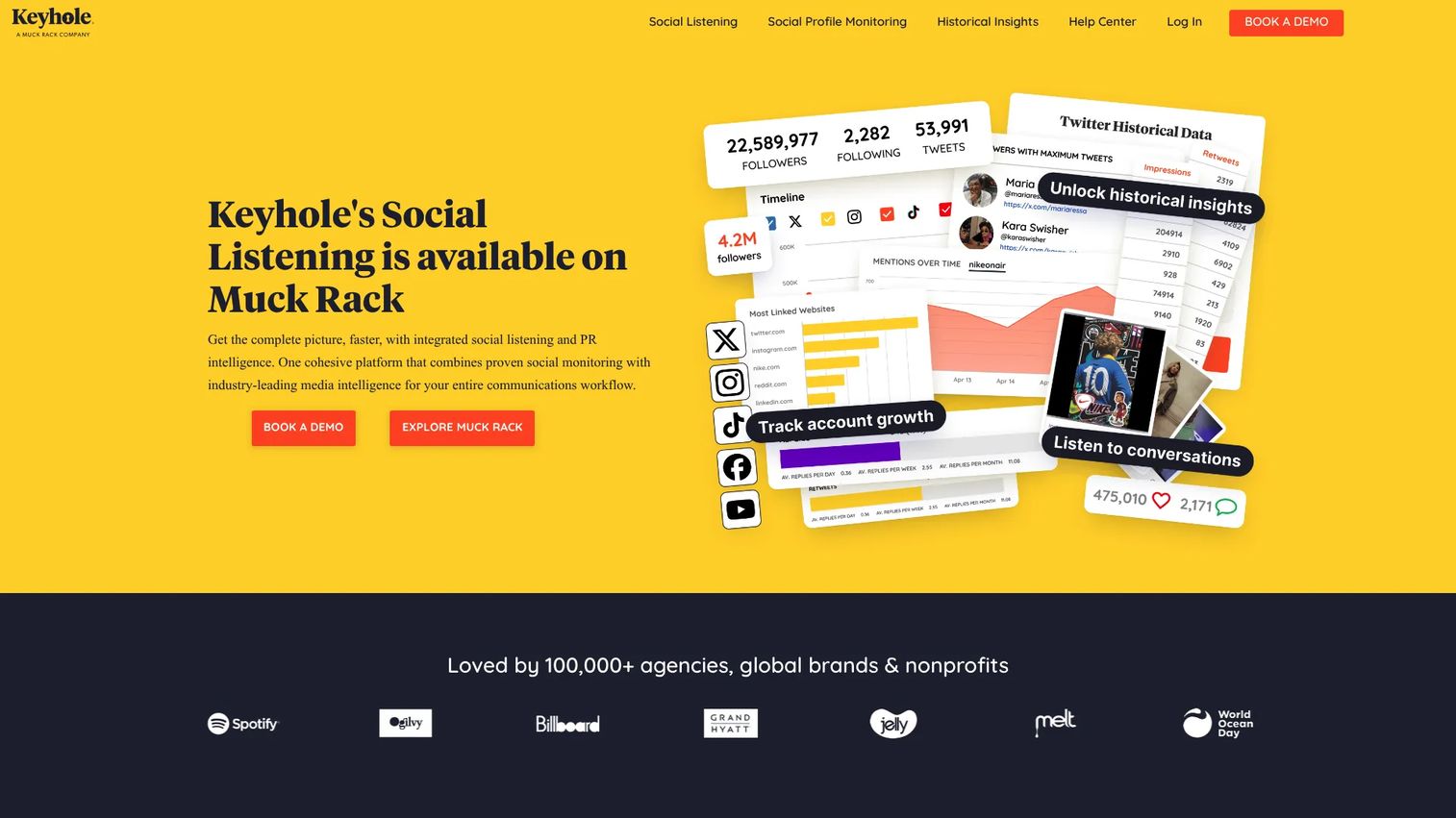
Keyhole is a social listening and analytics platform that covers hashtag tracking, influencer monitoring, campaign reporting, and competitor benchmarking. The company was acquired by Muck Rack, with its social listening now available through that platform. Keyhole's X historical reports remain available directly.
Best for: Growth and social teams tracking campaign hashtags, influencer activity, and event performance on X.
Key features
- Real-time and historical hashtag tracking
- Influencer identification and monitoring
- Campaign and competitor benchmarking
- Sentiment analysis and trend reporting
- Cross-platform analytics (X, Instagram, Facebook, TikTok, YouTube)
Why choose Keyhole: When your reporting centers on a hashtag, a campaign, or an influencer set rather than a single account, Keyhole gives you the reporting depth that native X analytics and general schedulers don't cover.
Keyhole pricing: X historical data reports start at $50 USD per report (price varies by tweet volume). Full platform pricing is sales-assisted; request a demo through the Keyhole or Muck Rack site for current recurring plan rates.
G2 rating: 4.3/5
4. SocialPilot

SocialPilot is a social media management platform built around multi-account publishing, agency client workflows, and white-label reporting. It supports bulk scheduling, content approval, a social inbox, and AI-generated captions.
Best for: Agencies, freelancers, and lean teams managing multiple brand or client accounts without enterprise pricing.
Key features
- Bulk scheduling across multiple accounts
- Client approval workflows and white-label reports
- Social inbox for engagement management
- AI caption generation
- Team collaboration and workspace management
Why choose SocialPilot: For agencies or solo marketers running more than five accounts, SocialPilot covers what Hootsuite does at a significantly lower price point. It's a strong answer to the consolidation question when client reporting and approvals are part of the workflow.
SocialPilot pricing: Essentials starts at $25.50/month (billed annually; $30 monthly) for 7 social accounts. Standard is $42.50/month, Premium $85/month, and Ultimate $170/month. A 14-day free trial is available.
G2 rating: 4.5/5
5. Sprout Social
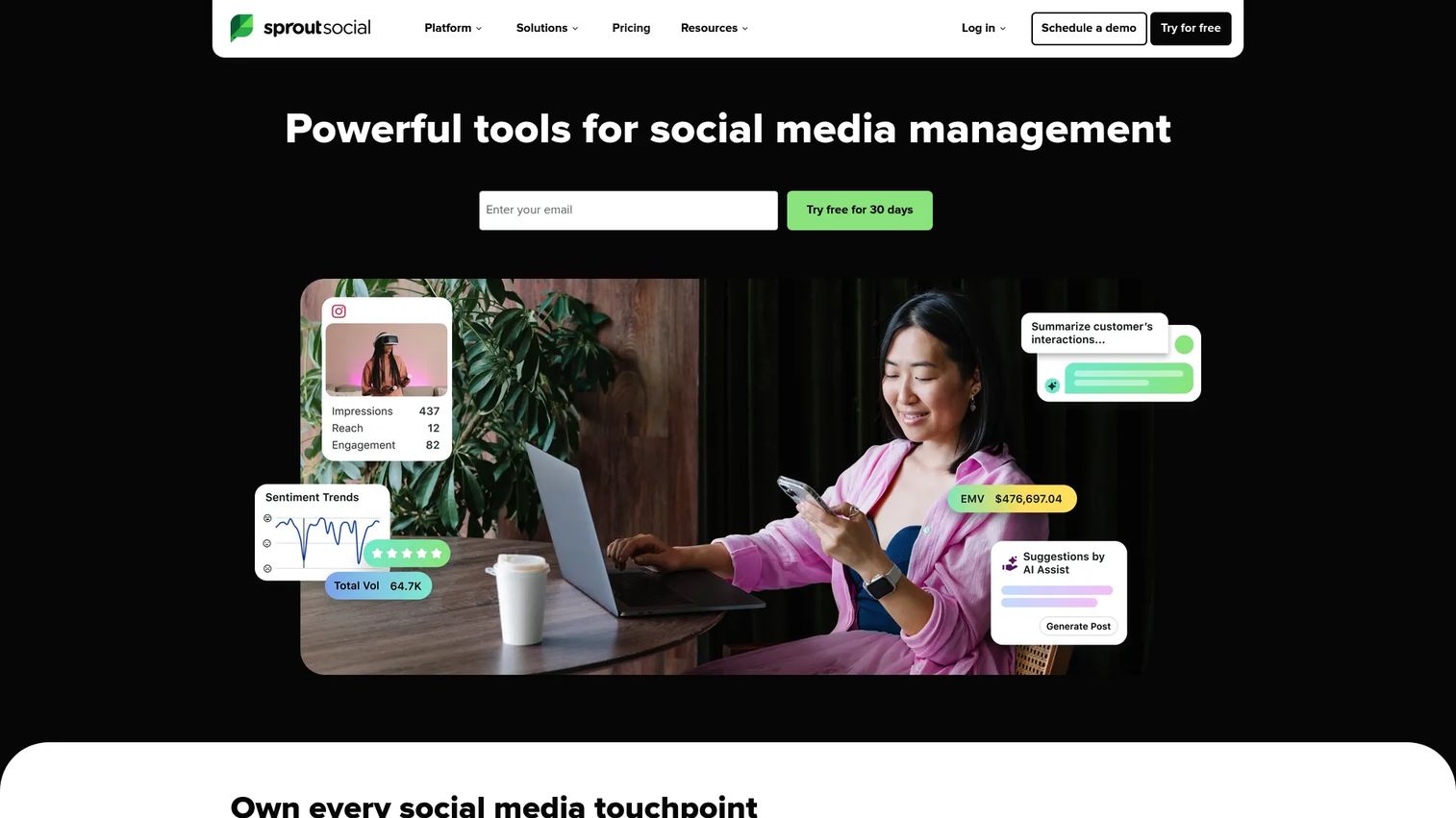
Sprout Social is a social media management platform aimed at mid-market and enterprise teams. It covers publishing calendars, a smart social inbox, advanced analytics, social listening, and influencer marketing features.
Best for: Established social teams that need governance, cross-channel reporting, and listening inside a single managed platform.
Key features
- Smart inbox for messages, mentions, and engagement
- Advanced analytics and custom report building
- Social listening and trend insights
- Publishing calendar with team workflows
- Influencer marketing module
Why choose Sprout Social: Use Sprout Social when X marketing is part of a broader social operation covering care, brand monitoring, and cross-functional reporting. The analytics and listening depth justify the cost at mid-market and enterprise scale.
Sprout Social pricing: Essentials starts at $79 per seat/month (annual billing). Standard is $199, Professional $299, and Advanced $399 per seat/month. Enterprise pricing is custom. A 30-day free trial is available.
G2 rating: 4.4/5
6. Later
Later is a social media scheduling and analytics platform built around a visual content calendar and media library. It supports scheduling, link-in-bio pages, collaboration workflows, and competitive benchmarking.
Best for: Visual-first brands and creators that plan campaigns around images and short video across multiple social channels.
Key features
- Visual drag-and-drop content calendar
- Media library with user-generated content collection
- Link in Bio pages
- Social analytics and competitive benchmarking
- Collaboration and approval workflows
Why choose Later: Choose Later when your X content planning is visual-led and tied to a broader cross-channel calendar. The media library makes content reuse across channels faster than managing files separately.
Later pricing: A free plan is available with limited features. Starter is $18.75/month (billed annually), Growth $37.50/month, and Scale $82.50/month. A 14-day free trial is included on paid plans.
G2 rating: 4.5/5
7. Mention
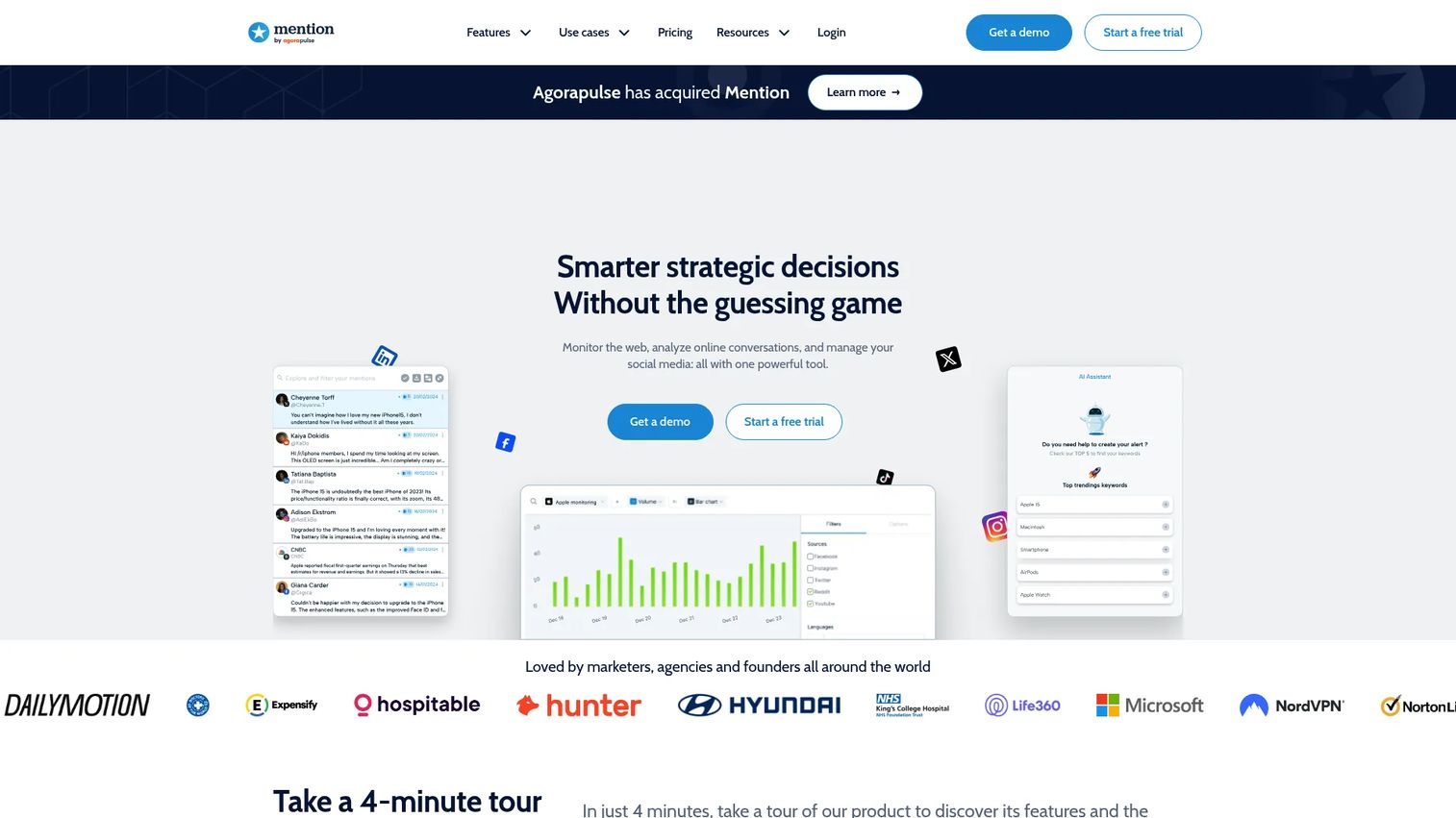
Mention is a social listening and media monitoring platform for tracking brand mentions, keywords, competitors, and sentiment across social networks, news, blogs, and forums. As of July 2026, Mention is no longer sold as a standalone product; Agorapulse Listening is its positioned successor.
Best for: Teams with a dedicated need for brand, competitor, and topic monitoring across X and the broader web.
Key features
- Real-time monitoring across web, news, blogs, forums, and social platforms
- Boolean search and keyword alert configuration
- Sentiment analysis and trend identification
- Competitive benchmarking and share-of-voice reports
- Custom dashboards and reporting exports
Why choose Mention: If brand safety and fast response to online conversation are the primary X use case, Mention covers more of the web than a pure social scheduler. Given its transition to Agorapulse Listening, teams evaluating Mention should check current availability directly.
Mention pricing: The Company plan starts at $599 per month on an annual contract. Historical data and API access are paid add-ons. Contact the Mention or Agorapulse team for current availability.
8. Agorapulse
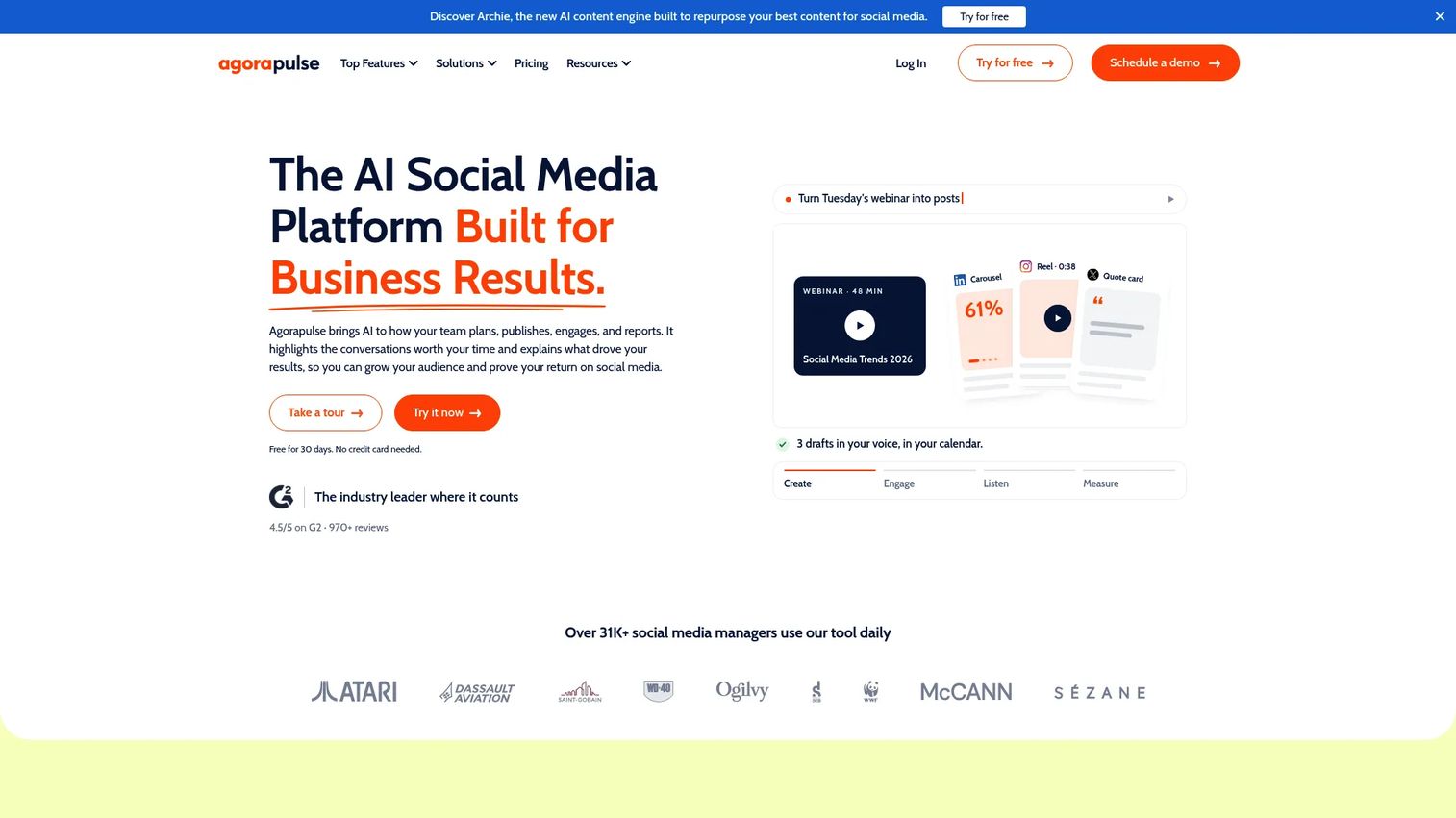
Agorapulse is a social media management platform combining publishing, a unified social inbox, social listening, custom reporting, and ROI measurement. Its ROI tracking integrates with Google Analytics to connect social activity to revenue.
Best for: Social teams that handle both publishing and engagement and want reporting tied to business outcomes rather than vanity metrics.
Key features
- Unified inbox with sentiment, assignments, and suggested replies
- Publishing calendar with bulk upload and recurring queues
- Social listening across X, Reddit, news sites, and forums
- Custom branded reports with Google Analytics ROI integration
- AI content creation through Agorapulse AI
Why choose Agorapulse: The ROI measurement capability separates Agorapulse from most scheduling tools. If leadership keeps asking whether X drives results, Agorapulse's Google Analytics connection gives you a defensible answer.
Agorapulse pricing: A free plan covers 3 social profiles and 1 user. Standard starts at $79 per user/month (annual) or $99 monthly. Professional is $119/$149, and Advanced is $149/$199. Custom plans are available for larger teams.
G2 rating: 4.5/5
9. Buffer
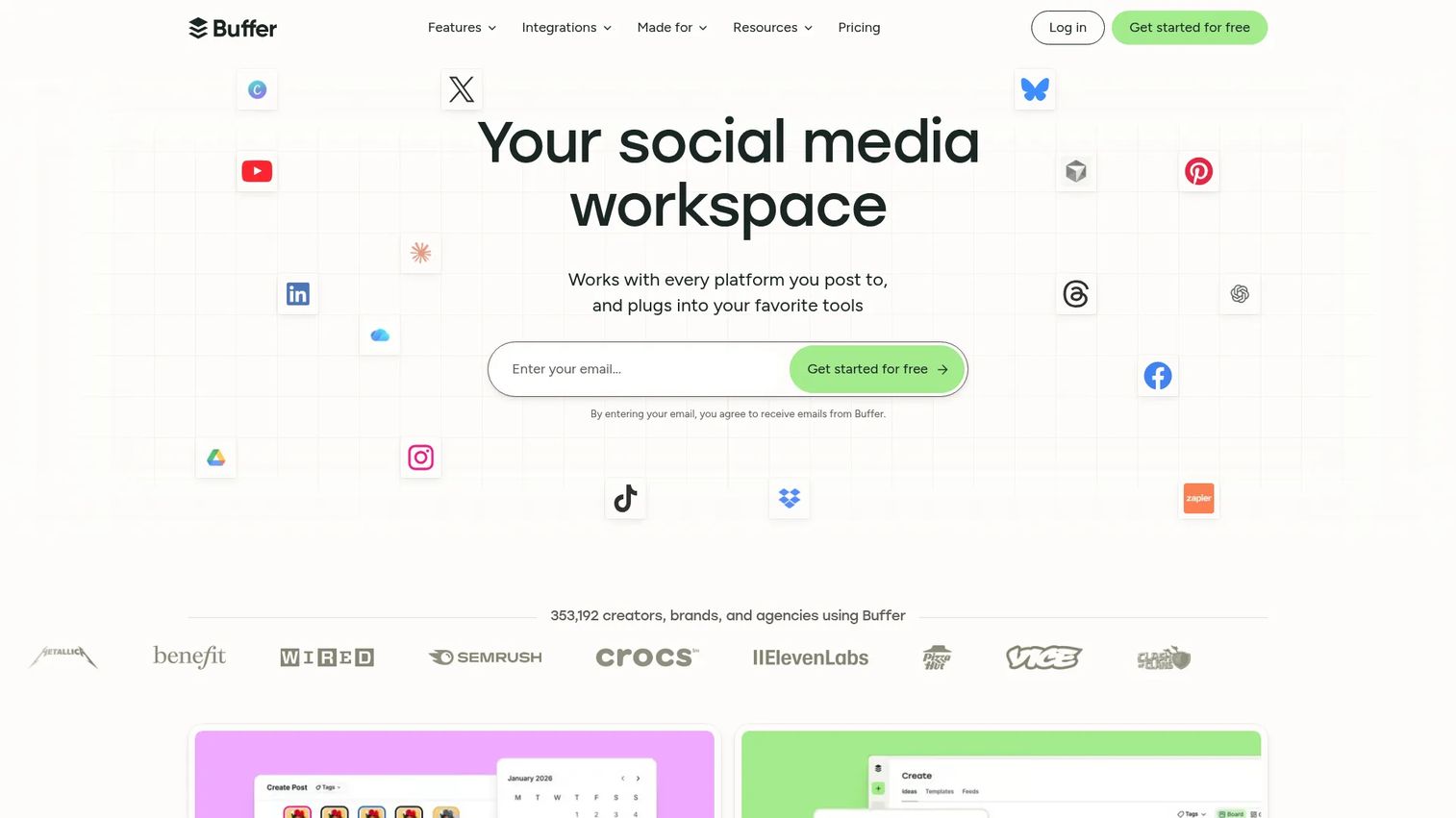
Buffer is a social media scheduling and analytics tool designed for small teams, solo marketers, and creators. It runs on a per-channel pricing model and covers queue scheduling, basic analytics, an AI writing assistant, and team collaboration on paid tiers.
Best for: Solo marketers, small teams, and founders who need reliable X scheduling without the overhead of a larger platform.
Key features
- Queue-based scheduling and auto-publishing
- AI writing assistant for captions and post ideas
- Basic analytics and engagement tracking
- Draft collaboration and approval workflows
- API access on paid plans
Why choose Buffer: Buffer is the lightest-footprint scheduling option on this list. At $5/month per channel, it's the right answer when the question is "what's the cheapest way to stop posting manually every day."
Buffer pricing: A free plan is available. Essentials is $5/month per channel ($60 billed annually). The Team plan is $10/month per channel ($120 billed annually) with unlimited team members.
G2 rating: 4.3/5
10. MeetEdgar
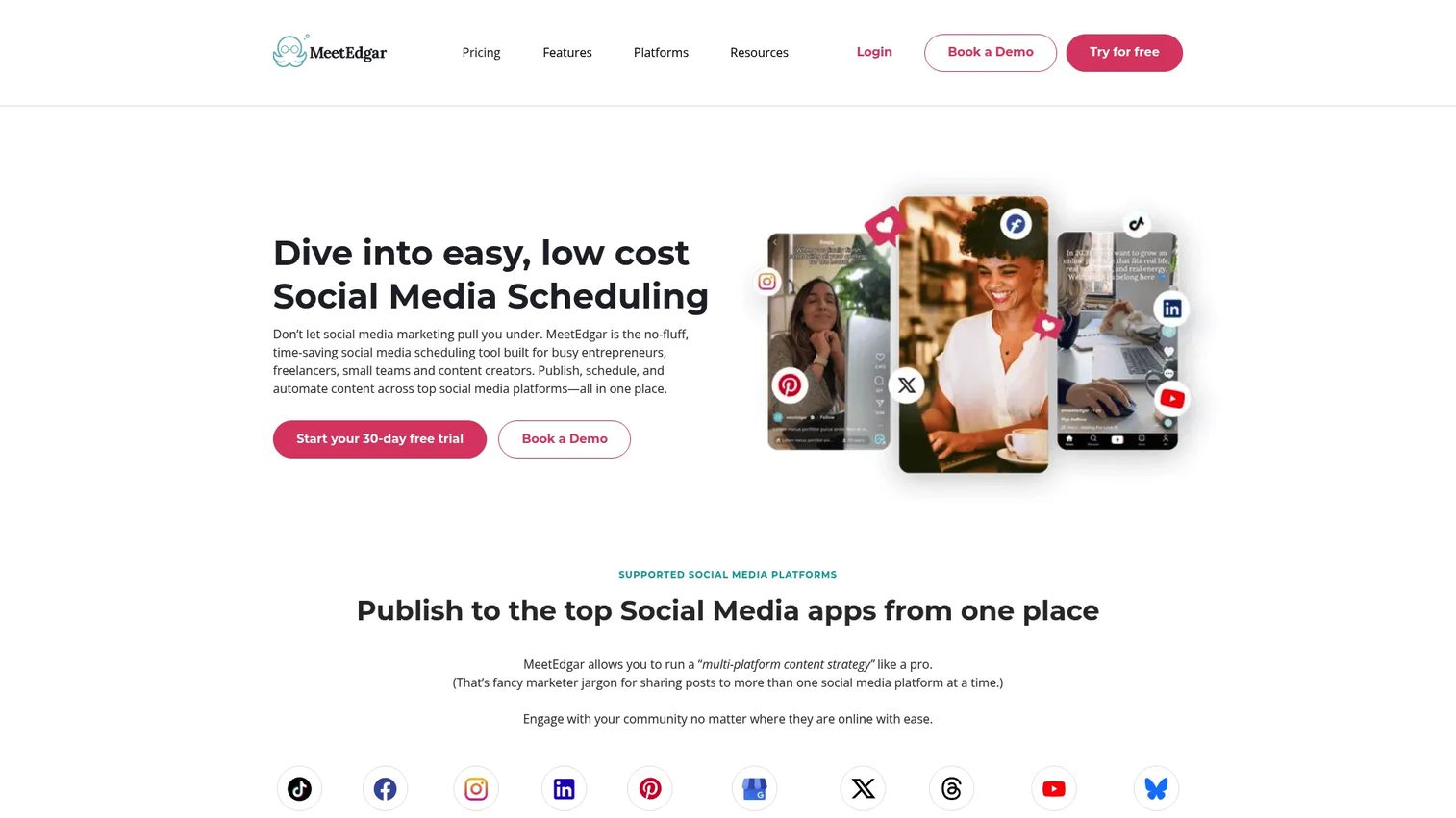
MeetEdgar is a social media scheduling tool built around evergreen content recycling. Instead of posting content once and moving on, MeetEdgar stores posts in a categorized library and automatically recycles them on a set schedule.
Best for: Creators, entrepreneurs, and small teams with existing content libraries who want X to stay active without constant new content.
Key features
- Evergreen content library with automatic recycling
- Category-based posting schedules
- Unlimited scheduled posts
- Inky AI assistant for copy and hashtag suggestions
- Social Inbox on the Edgar plan
Why choose MeetEdgar: If your X strategy is "keep the channel active with the best content you've already created," MeetEdgar automates that job. It's not built for high-volume new content; it's built for teams where evergreen recycling handles 80% of posting.
MeetEdgar pricing: No free plan, but a 30-day free trial is available. Eddie is $29.99/month ($24.91/month billed annually) for 5 social accounts. Edgar is $49.99/month ($41.58/month billed annually) for 25 accounts and includes the Social Inbox.
G2 rating: 4.3/5
11. SocialBee
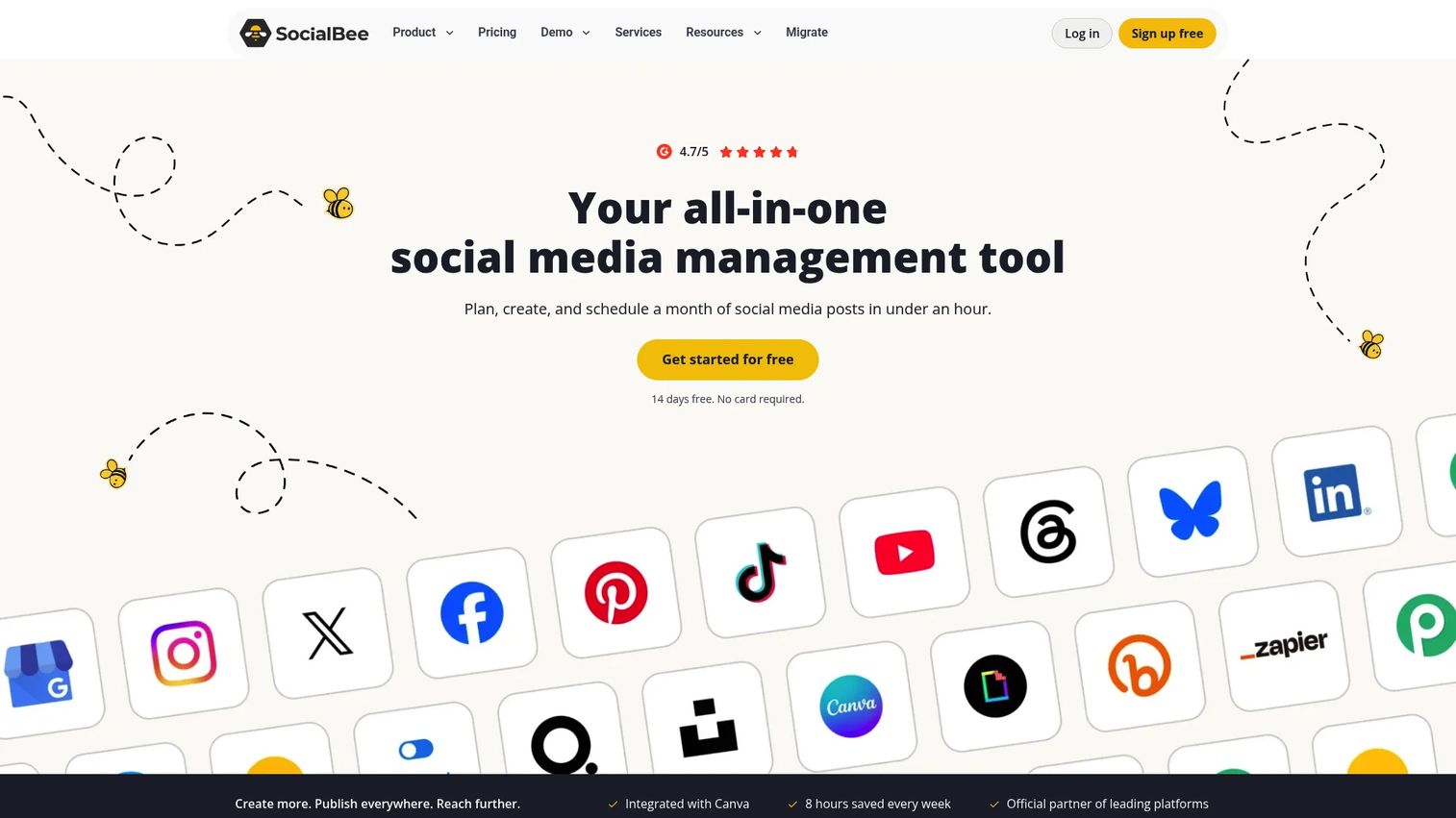
SocialBee is a social media management tool built around content categories and structured scheduling. Teams organize posts by content type, assign posting frequencies per category, and use AI caption generation to maintain output volume.
Best for: Social media managers and agencies that organize X around content pillars with repeatable, structured posting schedules.
Key features
- Content category queues with per-category posting frequencies
- AI caption and image generation
- Content recycling and expiration settings
- Multi-platform scheduling and publishing
- Analytics reports and engagement management
Why choose SocialBee: Use SocialBee when your content strategy is pillar-based and you want the tool to enforce those ratios automatically. The category system gives more control over content mix than a flat queue.
SocialBee pricing: No free plan; a 14-day free trial is available. Bootstrap starts at $29/month (monthly billing) for 5 social profiles. Accelerate is $49/month, Pro $99/month. Annual billing reduces prices; the annual entry rate is $24/month.
G2 rating: 4.7/5
12. Post Planner
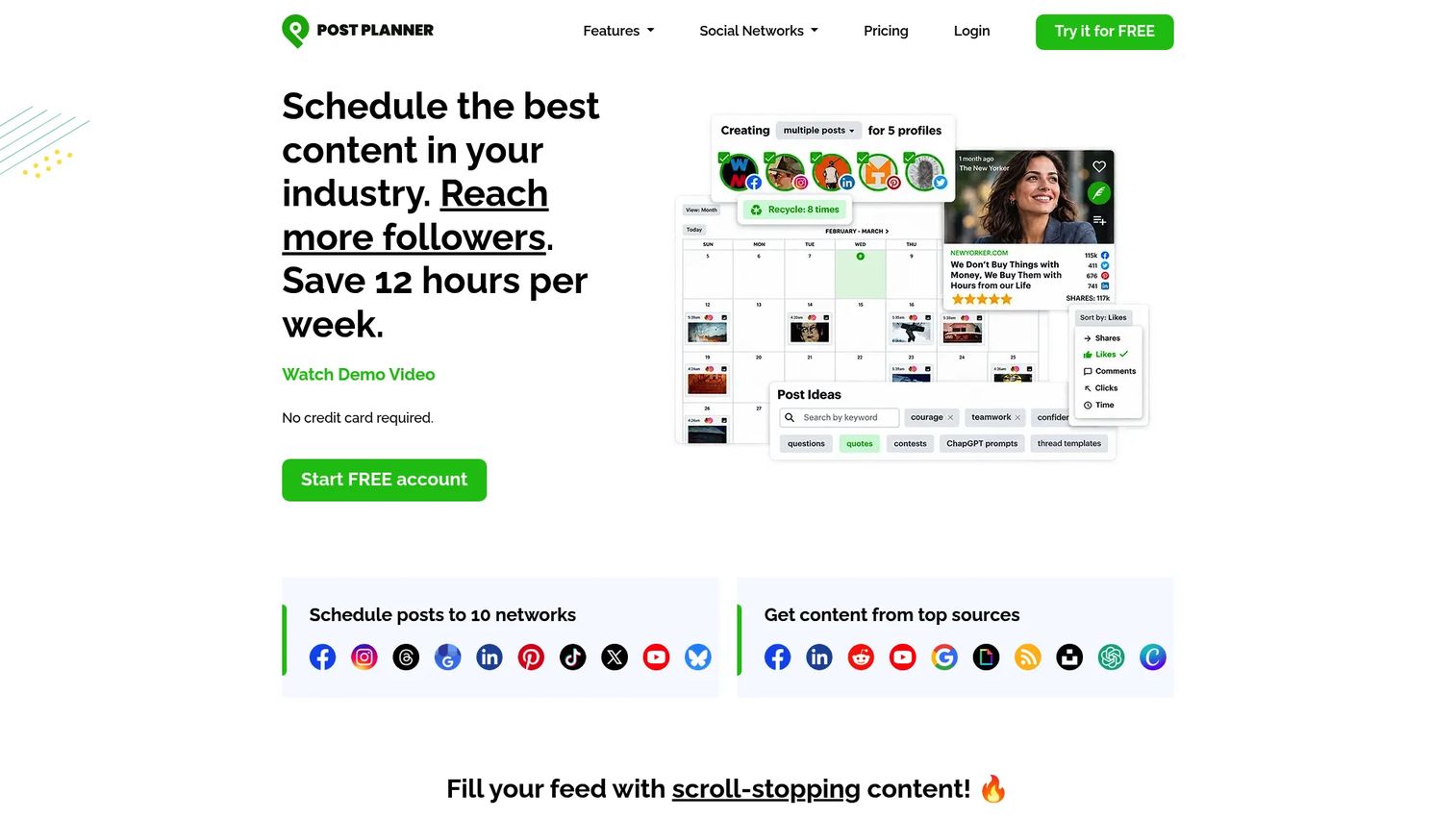
Post Planner is a social media scheduling and content discovery tool that surfaces high-performing post ideas alongside its scheduling capabilities. It supports content streams, viral content curation, bulk scheduling, and AI post creation.
Best for: Small businesses and creators who struggle with what to post rather than how to post it.
Key features
- Viral content curation and content streams
- Bulk post scheduling
- AI post and image creation
- Engagement signal-based content sorting
- Multi-network publishing and direct post recycling
Why choose Post Planner: When ideation is the actual bottleneck rather than governance or analytics, Post Planner addresses it directly. It's priced for small businesses and covers discovery and scheduling without the overhead of enterprise platforms.
Post Planner pricing: A free plan is available for one social account. Starter is $9/month (billed annually; $14/month monthly). Growth is $39/month and Business $69/month. Agency plans run from $119/month to $419/month. A 7-day free trial is included.
G2 rating: 4.0/5
13. Fedica
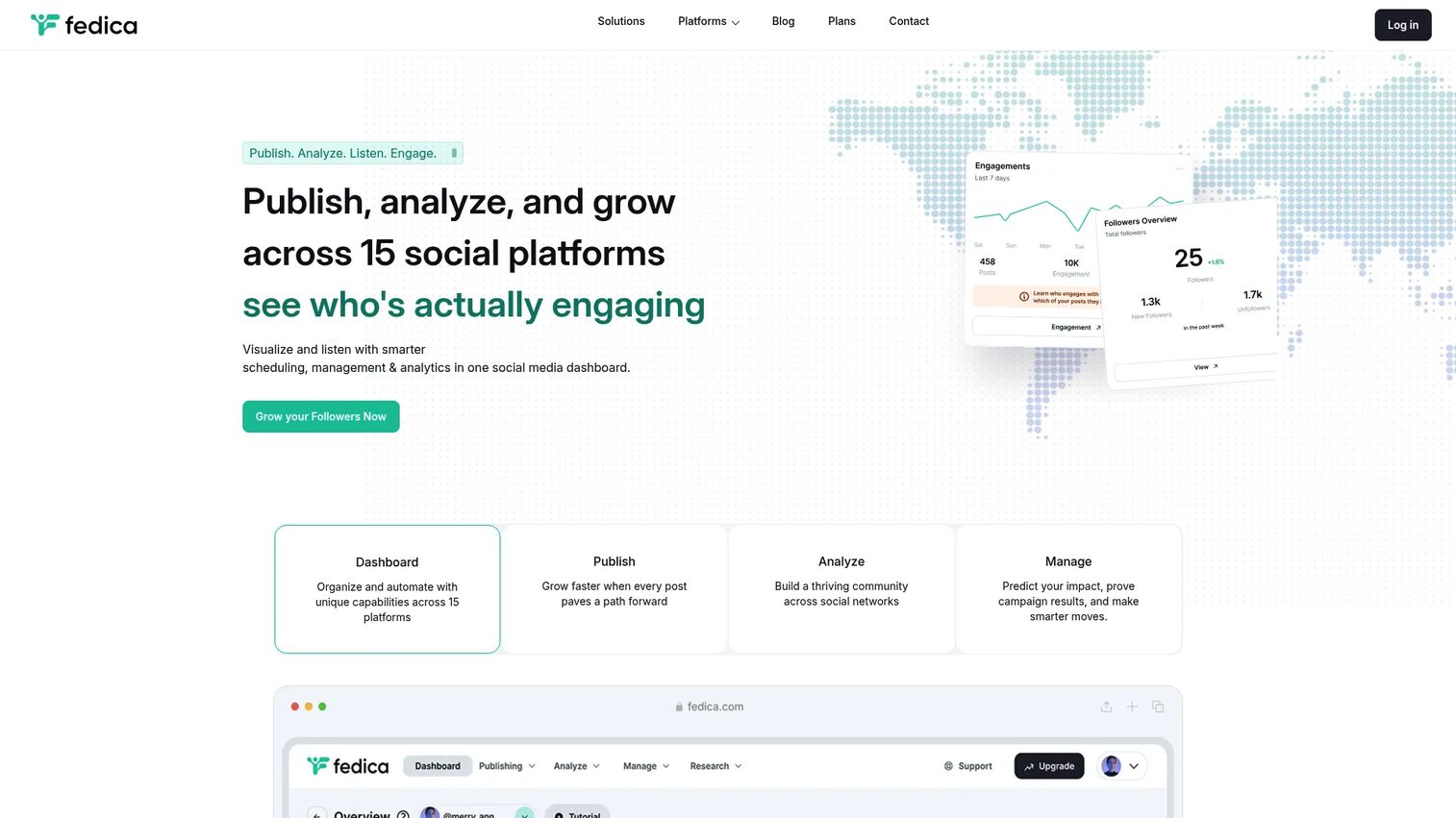
Fedica is a social media analytics and publishing platform specializing in audience analysis. It offers follower segmentation, demographic analysis, community mapping, and cross-platform scheduling across 15 social platforms.
Best for: Marketers who need deeper X audience intelligence, specifically follower quality, segment composition, and community structure.
Key features
- Follower analysis and audience segmentation
- Demographic reports and community mapping
- Keyword, hashtag, and competitor research
- Cross-platform scheduling and publishing
- Filterable engagement and account analytics
Why choose Fedica: Most scheduling tools tell you how your posts performed. Fedica tells you who your audience actually is and whether the follower growth you're seeing is qualified. Use it when audience quality matters as much as posting frequency.
Fedica pricing: A free plan is available. Publish is $15/month ($10/month billed annually). Grow is $29/month ($19/month annually). Research is $129/month ($79/month annually). Custom plans are available on request.
G2 rating: 3.5/5
14. Tweet Binder
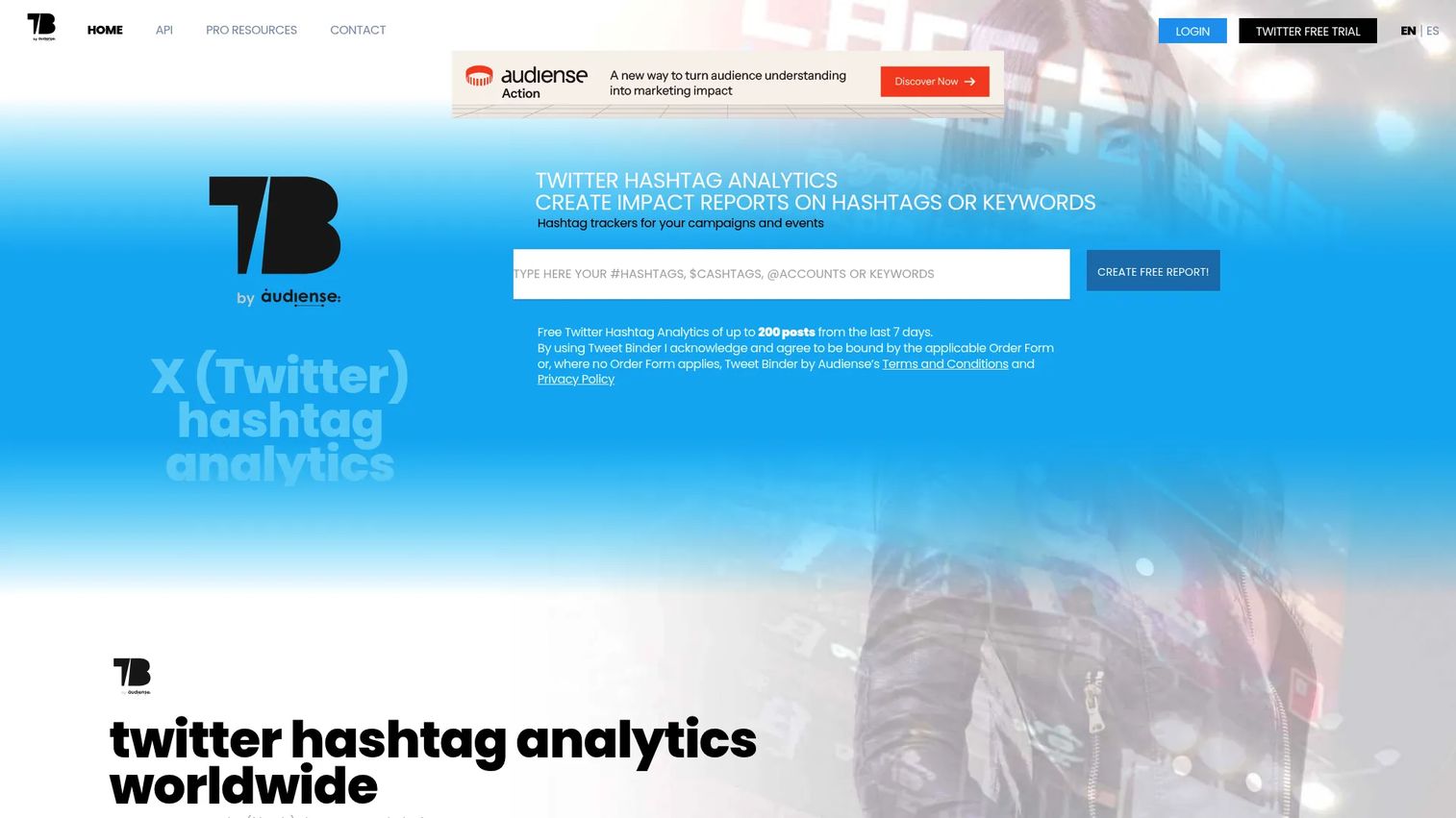
Tweet Binder is an X analytics platform focused on hashtag and campaign reporting. It tracks reach, impressions, engagement, sentiment, economic value, and contributor rankings for any hashtag, keyword, or account.
Best for: Event marketers, PR teams, and campaign managers who need to report on hashtag performance and X conversation volume.
Key features
- Historical and real-time X hashtag and keyword analytics
- Impressions, reach, engagement, and sentiment tracking
- Contributor rankings and account analysis
- Report exports and API access
- Social wall creation for events
Why choose Tweet Binder: When a hashtag is the reporting object, not an account, Tweet Binder is purpose-built for that job. It handles event campaigns and product launches where proving conversational reach matters.
Tweet Binder pricing: A free report covers up to 200 tweets from the last 7 days. Paid PRO access is offered annually and available by request only; contact Tweet Binder directly for current PRO pricing.
G2 rating: 4.4/5
15. Canva
Canva is a visual design and communication platform used by marketers to produce social posts, presentations, videos, and other branded assets without a dedicated designer.
Best for: Marketers who need fast, branded X visuals and can't afford to wait on a design queue.
Key features
- Social media templates with drag-and-drop editing
- Brand Kits for consistent colors, fonts, and logos
- Magic Resize for adapting designs across formats
- AI design and editing tools
- Social content scheduling on Pro plans
Why choose Canva: Canva is the fastest path from "we need a post graphic" to a finished, on-brand asset. For teams that have a creative bottleneck, it removes the design dependency without requiring design skills.
Canva pricing: A free plan covers core design functionality. Pro is $144/year for one person. Business is $250/year per person. Enterprise pricing is custom.
G2 rating: 4.7/5
16. Lumen5

Lumen5 is a video creation platform that converts text, scripts, and blog articles into short branded videos using AI. It covers voiceovers, automated captions, stock media, and brand preset configurations.
Best for: Content and marketing teams that want to repurpose written content into short X-ready video without video production experience.
Key features
- Text and script-to-video creation
- AI voiceovers and voice cloning
- Automated captions and translations
- Brand kits and custom branding presets
- Stock media library with video and image assets
Why choose Lumen5: If your content backlog includes blog posts, newsletters, or webinar recaps, Lumen5 turns those into X video without a production team. It's a better answer than a recording tool when the source material is already written.
Lumen5 pricing: A free plan allows up to 5 videos per month with Lumen5 branding. Basic is $19/month (billed annually), Starter $59/month, Pro $149/month. Team plans are custom-priced.
G2 rating: 4.5/5
17. Tweet Hunter
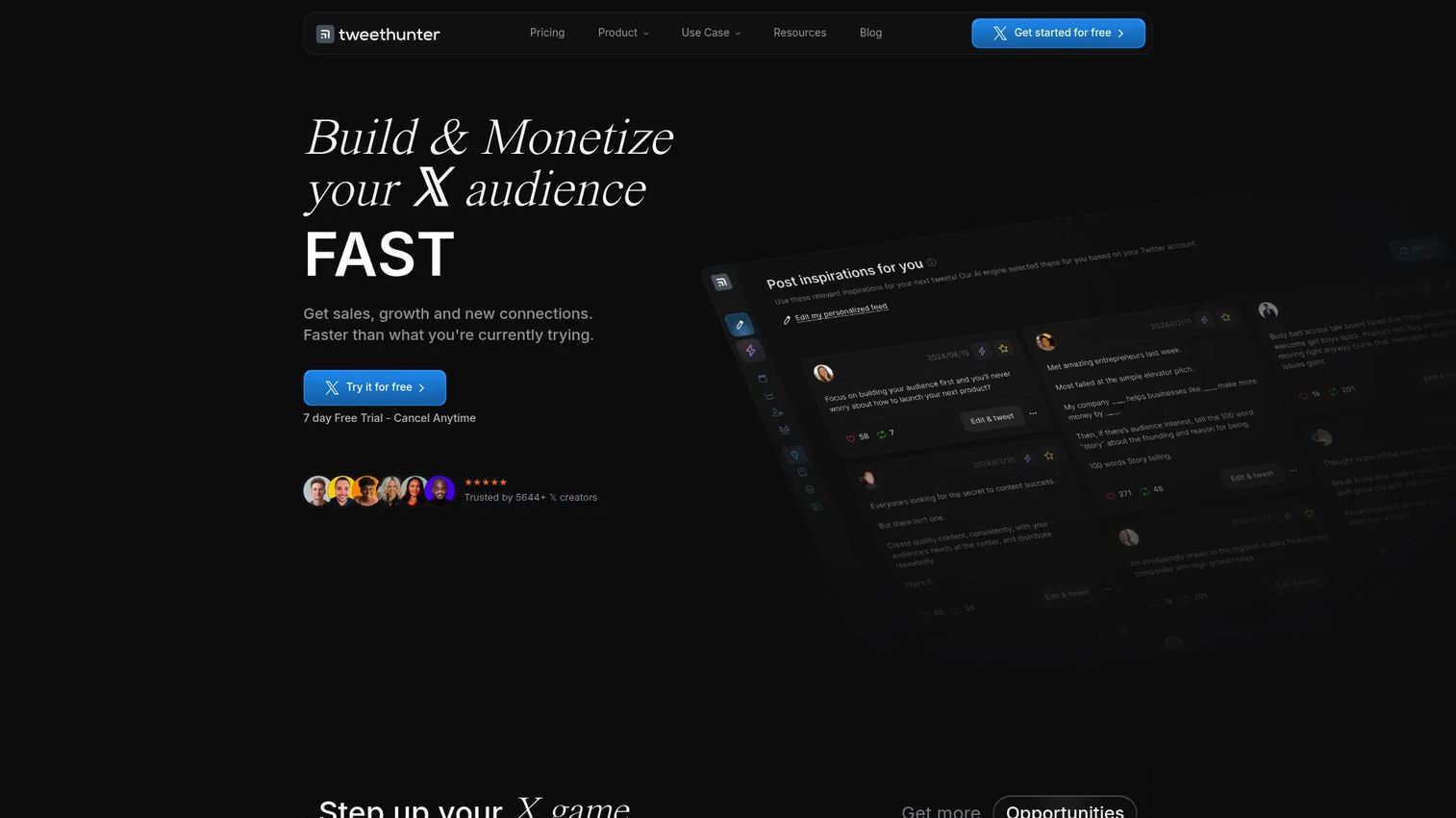
Tweet Hunter is an AI-powered X growth tool for content creation, scheduling, automation, and audience development. It includes a viral tweet inspiration library, an AI writing assistant, thread scheduling, auto-DM flows, an X CRM, and performance analytics.
Best for: Creators, founders, and marketers using X as a thought-leadership and audience-building channel.
Key features
- Viral tweet library and AI writing assistant
- Thread scheduling with performance analytics
- Auto-DM and engagement automation
- X CRM for tracking leads and conversations
- Content library and scheduling calendar
Why choose Tweet Hunter: Use Tweet Hunter when the problem is writing better posts and building a consistent publishing habit, not enterprise governance. The CRM feature is particularly useful for founders or solo marketers turning X engagement into pipeline.
Tweet Hunter pricing: No free plan, but a 7-day free trial is available. Discover is $29/month, Grow is $49/month, and Enterprise is $199/month. All plans are billed monthly.
G2 rating: 3.5/5
Considerations when choosing Twitter marketing tools
Match the tool to the job you need done
A large social media suite adds value when you're managing multiple channels and need a unified dashboard. A specialized hashtag tool adds value when campaign tracking is the actual reporting need. Buy the tool that solves the specific job, not the one with the most features on its pricing page.
Check whether it replaces part of your stack
The most common objection from growth marketers evaluating new software is "what does this replace?" A scheduler like Buffer can replace manual posting and a separate content calendar. Agorapulse can replace a scheduler and a reporting tool. Before adding, identify what you're consolidating.
Verify current X API access and platform coverage
X's API access and third-party integrations have changed multiple times in recent years. Before purchasing, confirm that the tool you're evaluating has verified, current access to the X features you need, particularly scheduling, analytics, and listening.
Look at reporting depth before pricing
Cheap scheduling is not enough if leadership wants channel ROI. Before committing to a plan, check whether it includes exportable reports, UTM-level attribution, benchmark data, and the ability to build a dashboard for someone outside the marketing team.
Test the daily workflow before committing
A tool that looks strong in a comparison table can slow your team down in practice. Run a free trial across a real publishing and reporting week before making a decision. Pay attention to how many clicks it takes to schedule a post, pull a report, and respond to a mention.
Conclusion
The right Twitter marketing tool comes down to the job you're trying to get done.
Start with X/Twitter if you need native controls and basic analytics before adding cost. Move to Hootsuite, Sprout Social, SocialPilot, Agorapulse, or Buffer when scheduling, inbox management, or cross-channel reporting becomes the bottleneck. Choose Keyhole, Tweet Binder, Fedica, or Mention when you need campaign analytics, hashtag tracking, audience intelligence, or brand monitoring. Reach for Canva, Lumen5, or Tweet Hunter when content production is the constraint. Use MeetEdgar, SocialBee, or Post Planner when repeatable publishing workflows need structure.
Pick the one job that is currently costing the most time or creating the most reporting pain. Trial tools against that job before adding another platform to the stack. A tool that solves one problem well is more valuable than a suite that covers ten problems loosely.
Start your journey with Guideflow today!
FAQs
Twitter marketing tools, often called X marketing tools, are software products that help marketers plan, publish, monitor, analyze, and improve campaigns on X (the platform formerly known as Twitter). They cover a range of jobs from scheduling and queue management to hashtag analytics, social listening, audience research, and content creation. The category includes both broad social media management suites and specialized tools built for one specific job.
Buffer is the lightest option, starting at $5/month per channel with a free plan available. SocialPilot covers more accounts and adds client workflows from $25.50/month, making it stronger for small agencies. If you only need one X account and basic analytics, the native X free tier handles posting and performance tracking without any additional cost.
The right choice depends on what you're measuring. For account-level and campaign analytics with cross-channel reporting, Sprout Social and Hootsuite go deeper than native X analytics. For hashtag and event tracking, Keyhole and Tweet Binder are purpose-built. For audience intelligence and follower composition, Fedica is the most focused option on this list.
Buffer fits solo marketers and small teams who need simple queue-based scheduling. SocialPilot fits agencies managing multiple client accounts. MeetEdgar works best when the content is evergreen and recycling matters more than publishing new posts daily. For teams that need scheduling alongside listening and reporting, Hootsuite or Agorapulse covers the full workflow.
Paid tools earn their cost when they save reporting time, improve publishing consistency, or help you prove channel value with clean metrics. If you're currently spending 3+ hours per week on manual posting, pulling reports from multiple places, or missing brand mentions, a paid tool addresses those problems directly. For small budgets, start with Buffer or SocialPilot before investing in a larger suite.
Yes. The native X interface and analytics handle basic publishing, thread creation, and performance tracking for a single account without any extra cost. Third-party tools become necessary when you need queue scheduling, multi-account management, team approvals, listening across the web, campaign-level reporting, or integrations with your CRM and attribution stack.
Start with the job that's costing you the most time. For publishing: Scheduling, queue management, and approvals. For reporting: Exportable analytics, UTM tracking, and campaign-level dashboards. For monitoring: Keyword alerts, sentiment analysis, and competitor tracking. For content: Templates, AI writing assistance, and video creation. Add features in order of pain, not feature-list length.
Scheduling tools help you plan and publish content, managing queues, calendars, and approval flows. Analytics tools measure what happens after publishing: Engagement rate, follower growth, clicks, campaign attribution, and audience behavior. The distinction matters when budgeting. A scheduler alone doesn't tell you whether X is working. Many platforms combine both, but specialized analytics tools like Keyhole or Tweet Binder go deeper on measurement than any general scheduler does.