



You started your community in a free tool. A Facebook group, maybe a Slack workspace, or a busy email thread. It worked for a while. Then the questions piled up, the threads got buried, and nobody could find last week's answer.
That is the moment most teams start shopping for a real platform.
The market reflects that shift. The global online community platform market was valued at $2.0 billion in 2024 and is projected to reach $6.0 billion by 2032, growing at a 15% CAGR, according to Future Data Stats (2024). More teams are treating community as core infrastructure, not a side project.
But the choice is messy. A chat-first tool feels alive but hard to organize. A course-first tool structures content but flattens conversation. A structured community platform balances both, at a cost. The right pick depends less on features and more on how your community actually operates day to day.
What's inside
This guide is for community managers, customer success teams, product marketers, course creators, and B2B SaaS teams choosing a home for their members.
We picked platforms based on four things:
- Member engagement and interaction depth
- Monetization and pricing structure
- Onboarding, mobile experience, and analytics
- Flexibility across community models (chat, courses, forums, customer hubs)
You get a comparison table, plain pricing, real use cases, and a decision framework built around your community model, not a feature checklist.
TL;DR
- Best for all-in-one community and courses: Circle
- Best for simple, fast setup: Skool
- Best for real-time chat communities: Discord
- Best for course-heavy communities: Heartbeat
- Best for native mobile community experiences: Mighty Networks
- Best for enterprise or association-style communities: Forj
- Best for B2B SaaS customer communities: Bettermode
If you run courses and memberships together, start with Circle or Heartbeat. If you want members talking in real time, Discord. If you sell software and need a customer community platform, Bettermode.
What is a user community platform
A user community platform is software that gives your members a shared space to connect, discuss, learn, and get support around a common interest, product, or goal.
The category spans several formats, and mixing them up leads to bad buying decisions. The main types:
- Forums: threaded, searchable discussions organized by topic
- Membership communities: gated access, often paired with paid tiers
- Customer communities: peer support and product education for a software's users
- Course communities: structured learning wrapped in discussion
- Chat-based communities: real-time messaging, channels, and voice
Most modern community software blends two or three of these. The best community platforms give you the pieces you need without forcing a format that fights your model.
Core features to expect across online community platforms:
- Member profiles and permissions: roles, access levels, and moderation controls
- Discussions and threads: posts, replies, reactions, and topic organization
- Events and content hosting: live sessions, courses, and file libraries
- Mobile access: apps or responsive web for daily participation
- Analytics and moderation: engagement data, retention signals, and admin tools
These are the building blocks. What separates one online community platform from another is how well each block fits your specific community model and how much operational work it demands from your team.
When to use a user community platform
Not every audience needs a dedicated platform. These three situations are where one earns its cost.
Build a customer community
When your users keep asking the same questions, a customer community platform gives them a place to help each other. Peer support deflects tickets. Product education lives in one searchable spot. Power users answer newcomers, and your support team stops repeating itself. This works best once you have enough active users to sustain conversation without your team seeding every thread.
Launch a paid membership or course community
When monetization matters, you need gated access, payment handling, and structured learning in one place. A membership model turns your audience into recurring revenue. Course communities pair lessons with discussion, so members learn together instead of alone. This fits creators, coaches, and education businesses who want content and community under one roof.
Run an engagement-first brand community
When the goal is belonging and repeated participation, not one-way broadcasting, you want a platform built for conversation. Members return because other members are there. Discussion, events, and shared identity drive community engagement. This fits brands building loyalty, movements, and interest-based groups where the connection is the product.
Comparison table
We ranked these seven platforms by how well they match distinct community models and how broadly useful each is across use cases. Pricing reflects publicly listed rates as of August 2026. Ratings come from G2 where a current, verifiable score was available.
| # | Product | Best for | Key use case | Pricing | G2 rating |
|---|---|---|---|---|---|
| 1 | Circle | All-in-one community and courses | Branded memberships with paid content | From $89/mo | 4.5/5 |
| 2 | Skool | Simple, fast setup | Community plus courses with minimal config | From $9/mo | Not listed |
| 3 | Discord | Real-time chat communities | Always-on chat, voice, and channels | Free; Nitro from $2.99/mo | 4.7/5 |
| 4 | Heartbeat | Course-heavy communities | Structured learning with chat and workflows | From $49/mo | Not listed |
| 5 | Mighty Networks | Native mobile experiences | Branded memberships and courses on mobile | From $79/mo | Not listed |
| 6 | Forj | Associations and pro networks | Community plus continuing education | Custom | Not listed |
| 7 | Bettermode | B2B SaaS customer communities | Branded self-service and feedback hubs | Free; paid from $399/mo | 4.7/5 |
Pricing is a starting point, not the whole story. The real cost is time: how long onboarding takes, how much moderation your model needs, and whether the platform fits how members already behave.
Best user community platforms for 2026
1. Circle
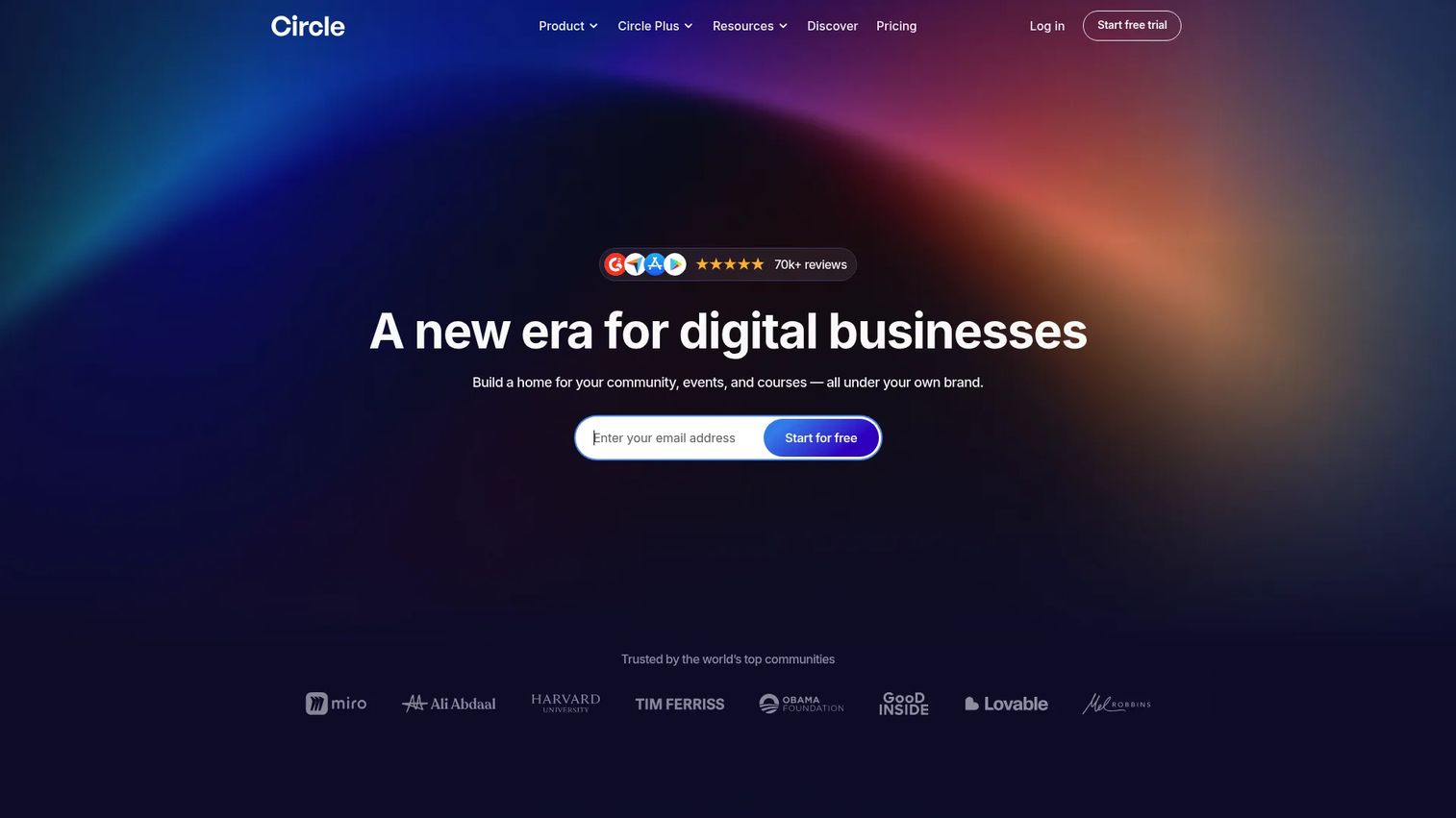
Circle is an all-in-one branded community platform built for creators and businesses that want memberships, courses, events, and discussion in one place. It ships with a website builder, native payments, and structured spaces, so you can run a paid community without stitching together three separate tools. The platform leans toward polish and brand control, which suits teams that care how the community looks and feels.
Best for: Creators and businesses building a branded community with memberships and paid content.
Key strengths
- Community spaces and threaded discussions
- Courses, events, live streams, and chat
- Website builder, memberships, and payments
- Structured content organization by space
- Custom branding and member permissions
Why choose Circle: Circle fits teams that want one home for content, conversation, and revenue. It rewards structure, so it shines for organized memberships and course businesses. If your community is chat-first and thrives on real-time energy, a messaging-native tool may match that rhythm better.
Circle pricing: The Professional plan starts at $89/month, Business is $199/month, and Circle Plus uses custom pricing. Circle offers a 14-day free trial. There is no free tier.
2. Skool
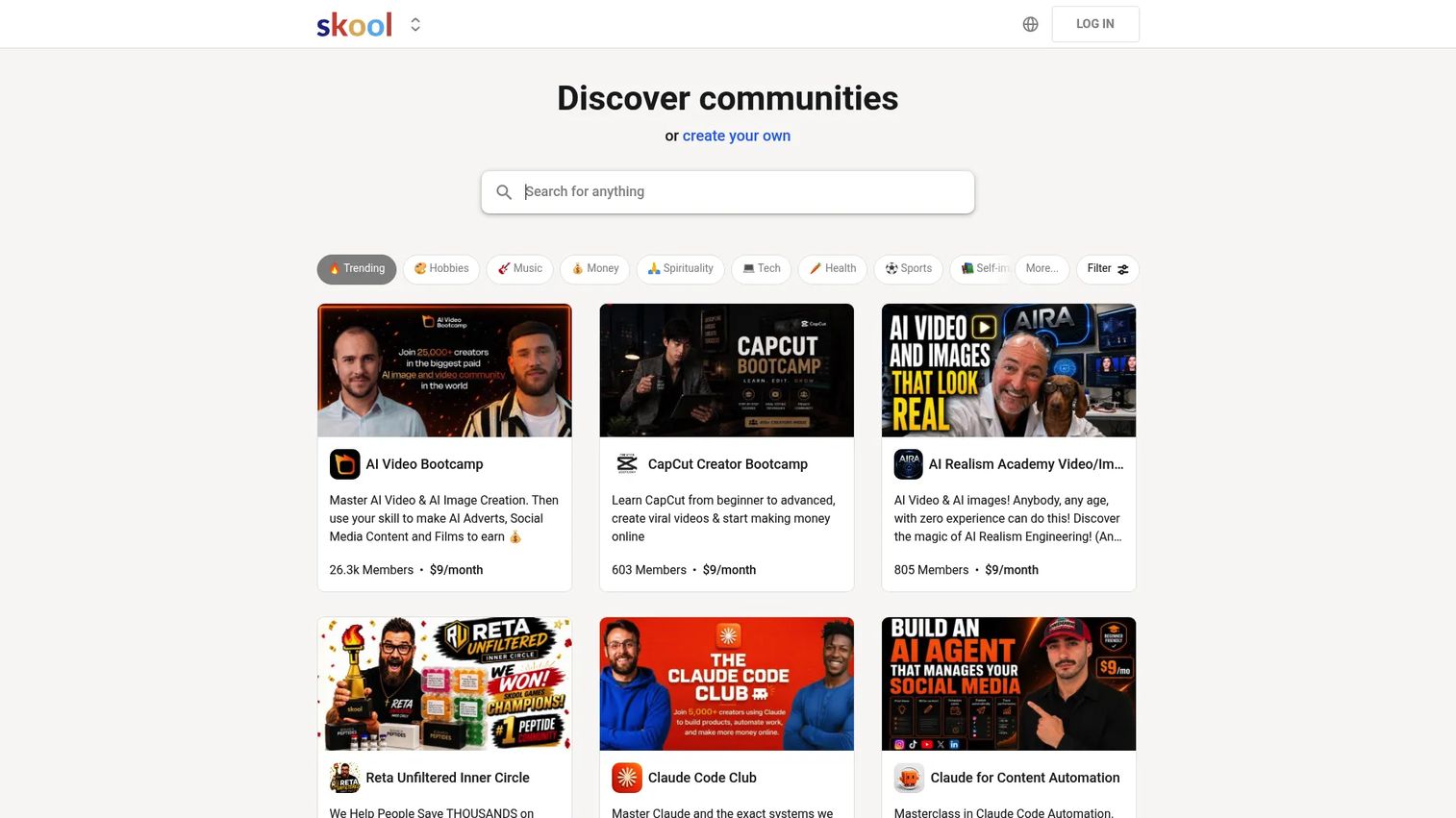
Skool is an all-in-one community platform built around simplicity. The interface is deliberately minimal: a feed, courses, a calendar, and a gamified leaderboard. That focus makes it fast to launch and easy for members to understand without a tour. Skool suits creators who value getting live over configuring every setting.
Best for: Creators who want to run paid or free communities with courses and events in one platform.
Key strengths
- Community creation and discovery
- Courses and one-time course purchases
- Native live calls and scheduled events
- Gamification with points and leaderboards
- Clean, low-config member experience
Why choose Skool: Skool wins on speed and clarity. New members rarely need help finding their way, which lifts early participation. If you need deep customization, granular permissions, or heavy branding control, a more configurable platform may serve you better.
Skool pricing: The Hobby plan is $9/month with a 10% transaction fee. The Pro plan is $99/month with a 2.9% transaction fee. Both include unlimited members, courses, videos, and live calls.
3. Discord
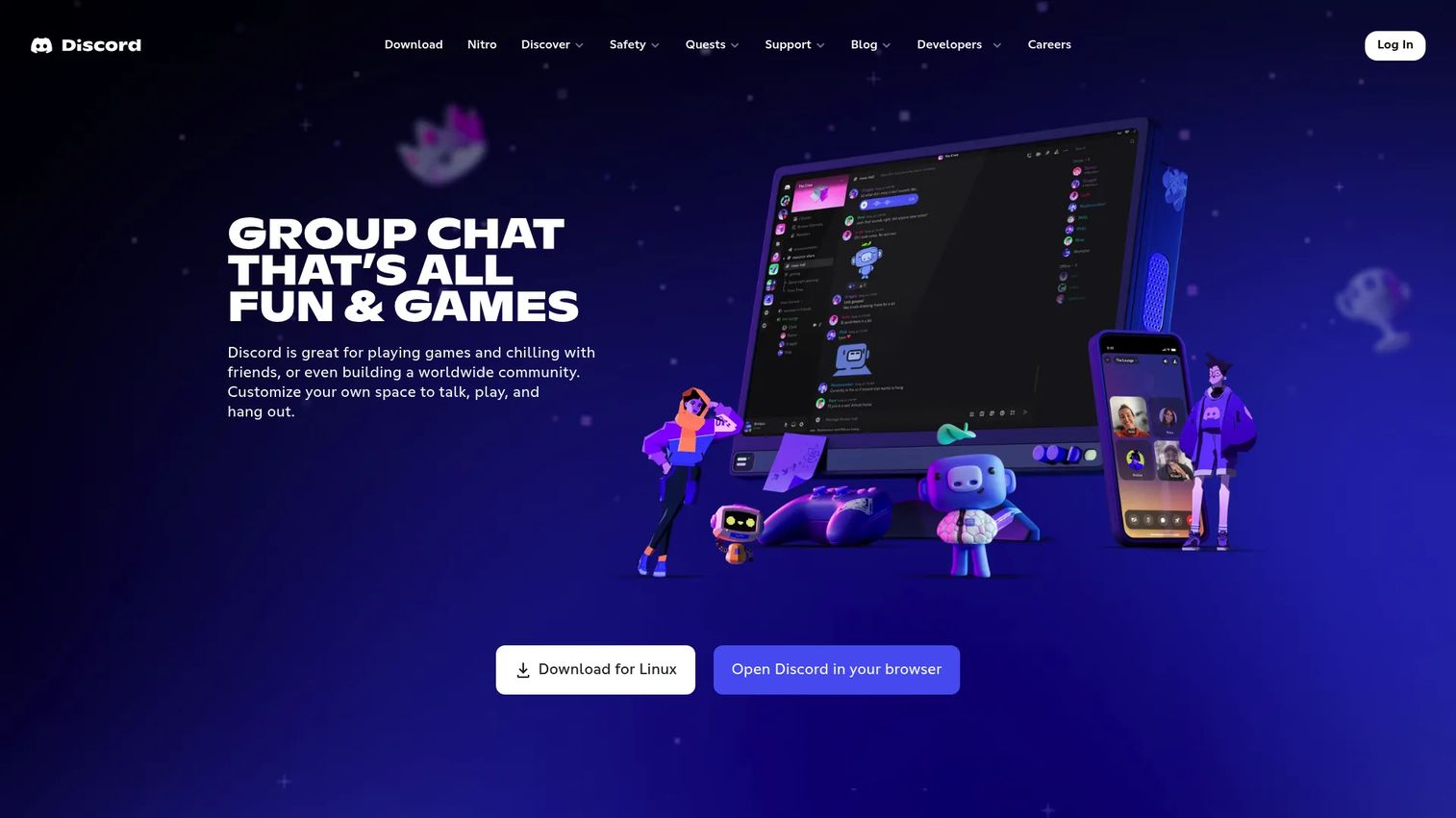
Discord is a chat, voice, and video platform built for real-time community energy. Servers hold topic-based channels, roles set permissions, and voice channels keep conversation always-on. It started with gaming but now hosts brand communities, creator groups, and product user bases that want constant, casual interaction rather than structured content.
Best for: Communities and teams that need flexible chat, voice, and video in one place.
Key strengths
- Text, voice, and video communication
- Servers, channels, and roles
- Real-time interaction and always-on energy
- Bots and integrations for moderation
- Nitro premium subscriptions for members
Why choose Discord: Discord is unmatched for live, high-frequency conversation and belonging. Members drop in throughout the day, which builds momentum fast. Where structured courses, gated paid content, and searchable knowledge are central, a purpose-built community platform handles those jobs more directly.
Discord pricing: Discord has a free tier. Nitro Basic is $2.99/month or $29.99/year. Nitro is $9.99/month or $99.99/year. Localized pricing may apply in select countries.
4. Heartbeat
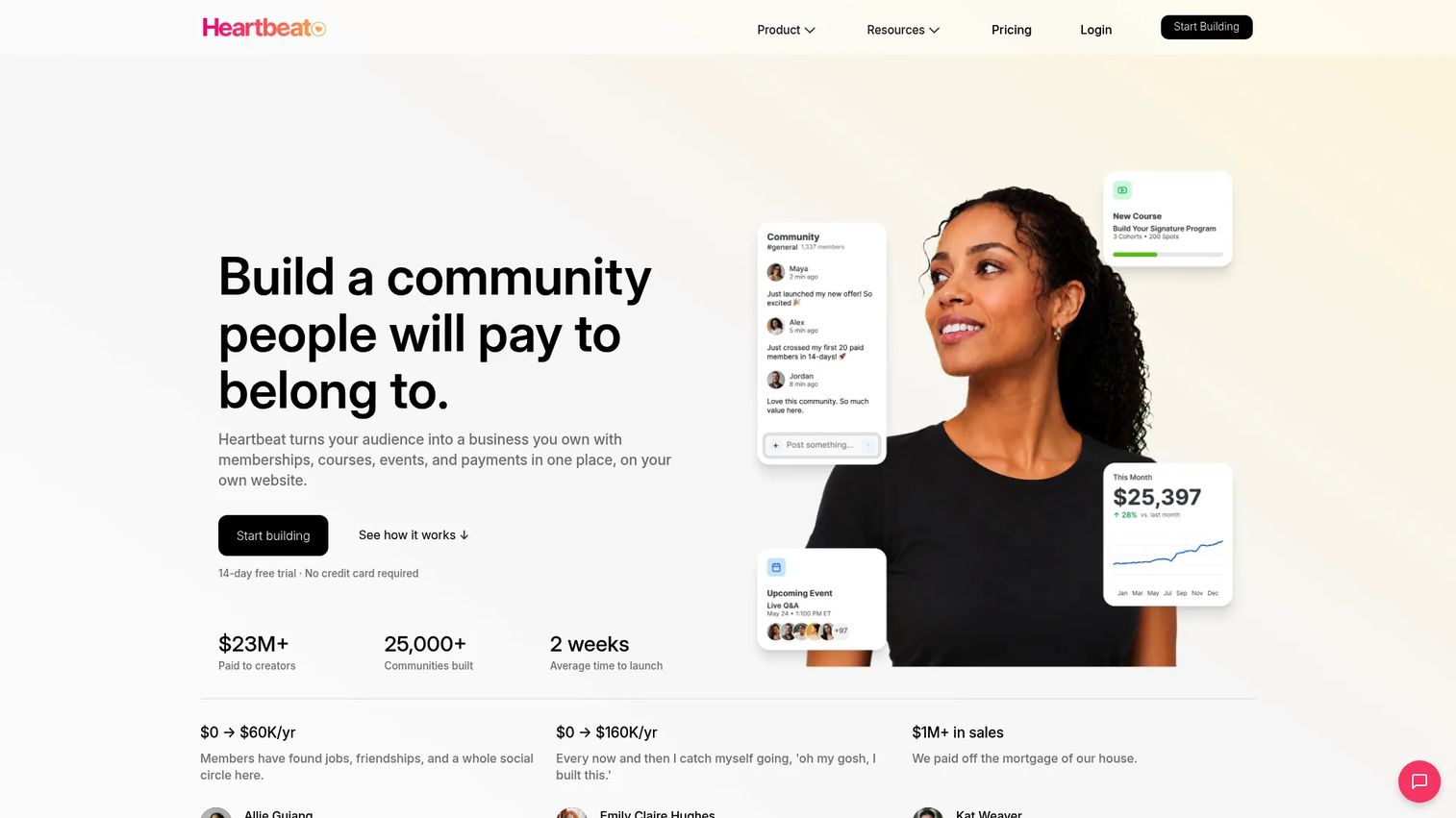
Heartbeat is a community platform that pairs chat and channels with courses, events, and automated member workflows. It sits between a chat tool and a structured course platform, which makes it strong for content-driven communities that also want live conversation. Automation and member match-ups help teams guide people through onboarding without manual work.
Best for: Creators and community businesses that want an all-in-one monetized community platform.
Key strengths
- Chats, channels, direct messages, and member match-ups
- Courses, workflows, and documents
- Events with ticketing and reminders
- Automated member journeys and onboarding
- Pulse AI for community insights
Why choose Heartbeat: Heartbeat fits communities where structured learning and ongoing chat both matter. The workflow automation reduces manual onboarding, which helps small teams scale. Expect to invest setup time upfront to map those member journeys before you launch.
Heartbeat pricing: The Build plan is $49/month (or $490/year) for up to 350 members. Grow is $149/month (or $1,490/year) for up to 5,000 members. Scale is $849/month (or $9,200/year) for unlimited members. A 14-day free trial is available.
5. Mighty Networks
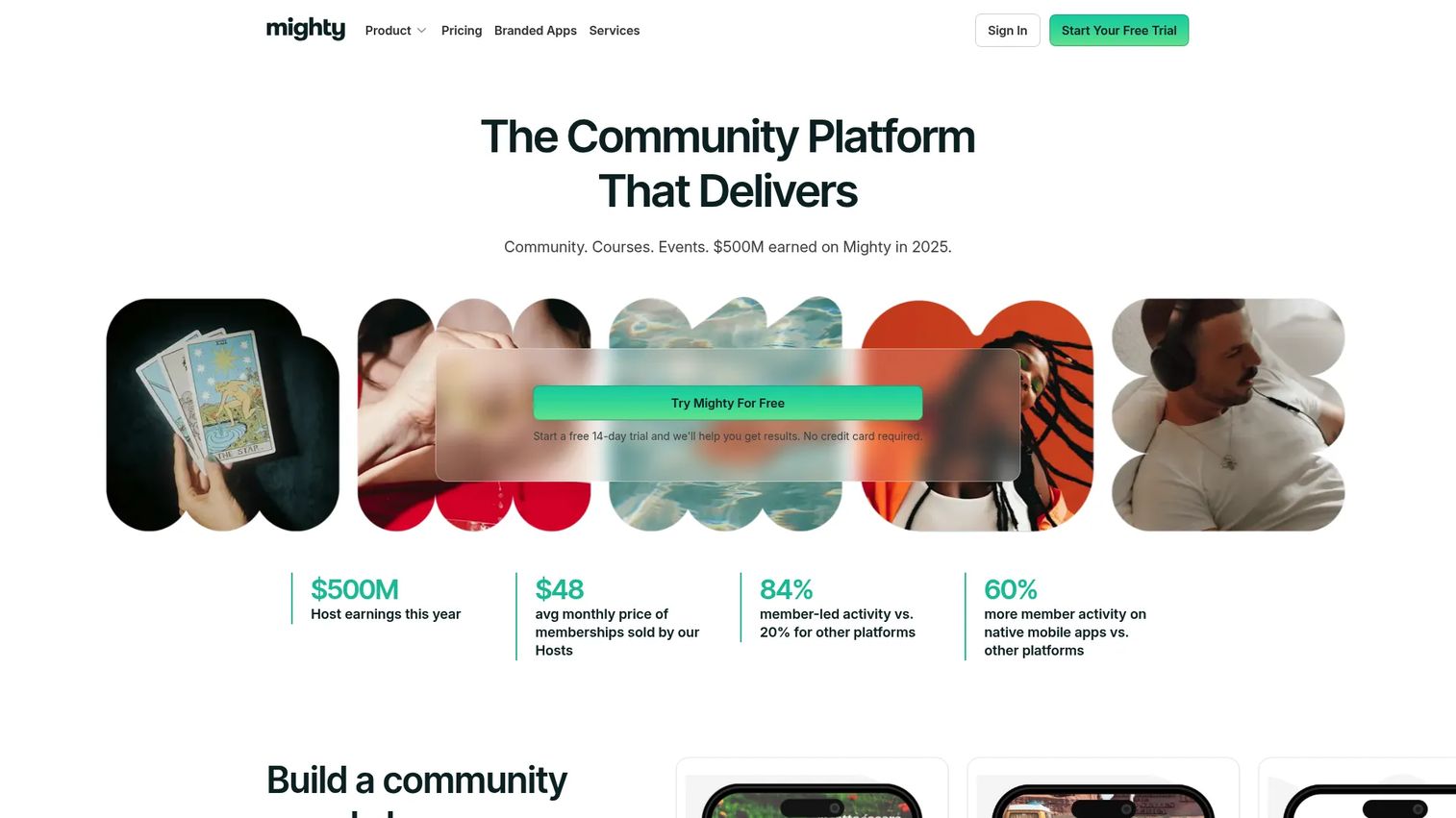
Mighty Networks is a community platform built for branded memberships, courses, and events, with a strong focus on the mobile app experience. Members can post, chat, join events, and take courses from a native app, which matters when daily participation happens on a phone. It fits creators and businesses that want a polished, owned community rather than a rented corner of a social network.
Best for: Creators and businesses building a branded community with paid memberships and courses.
Key strengths
- Communities with posts, polls, chat, and events
- Courses, lessons, quizzes, and certifications
- Native mobile app experience
- Embeds, integrations, APIs, and automations
- Monetization through memberships and content
Why choose Mighty Networks: Mighty Networks stands out when mobile engagement drives retention. A native app keeps members returning daily, which sustains momentum. If your community lives mostly on desktop or you want the lightest possible setup, other platforms may fit more cleanly.
Mighty Networks pricing: The Launch plan is $79/month and the Scale plan is $179/month. Mighty Pro uses custom pricing for teams that want a fully branded app. A 14-day free trial is offered. There is no free tier.
6. Forj
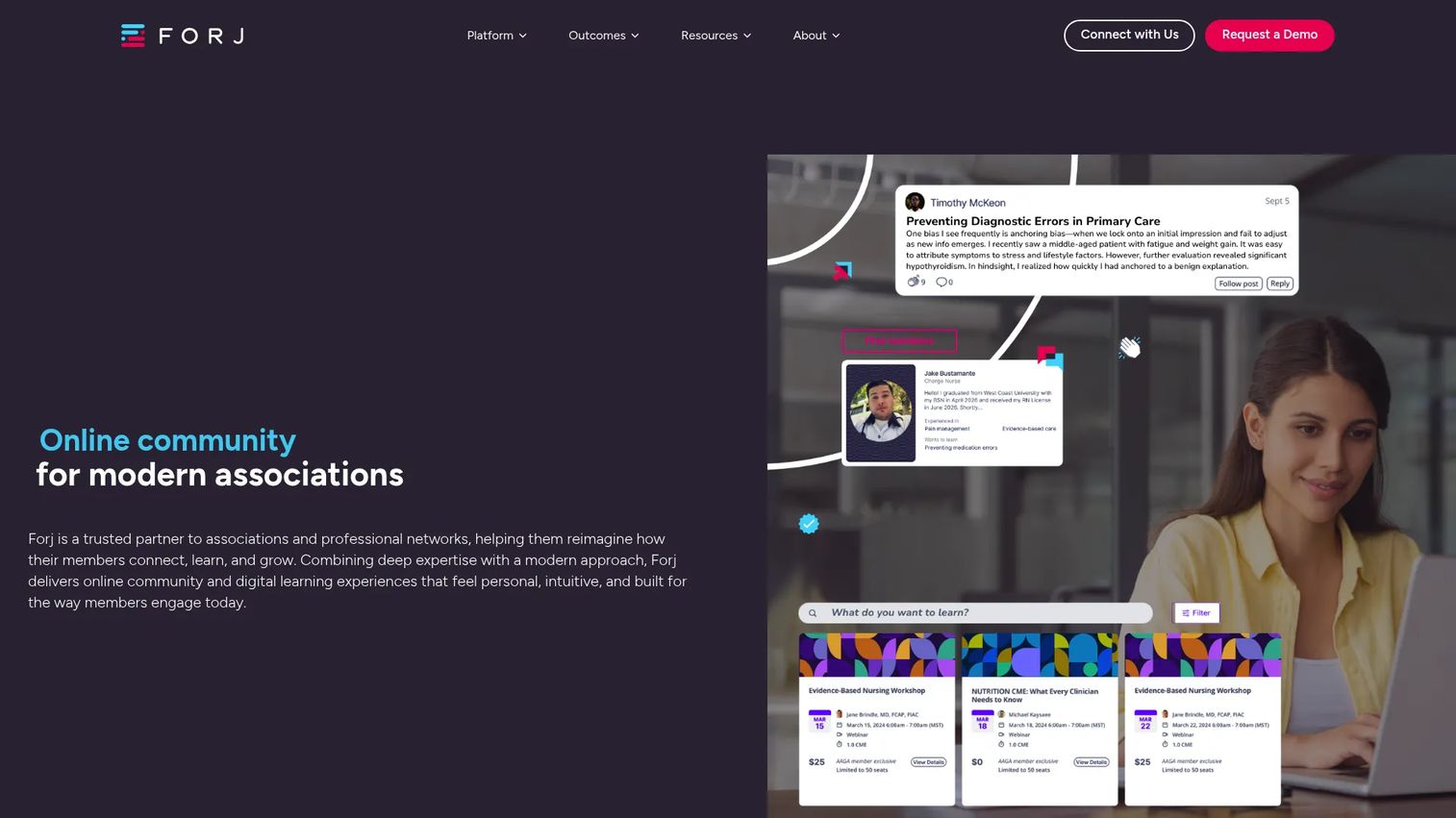
Forj is a community and learning platform built for associations and professional networks. It combines peer-to-peer communication, continuing education, and behavioral analytics into one member experience. The focus on certification, social learning, and engagement data makes it a fit for membership organizations that need to prove value and measure ROI, not just host conversation.
Best for: Associations and professional networks that want integrated community and learning tools.
Key strengths
- Forj Connect for peer and group communication
- Forj Learn for continuing education and certification
- Forj Analyze for behavioral and engagement data
- Unified member experience across community and learning
- Integrations for association tech stacks
Why choose Forj: Forj fits professional and association-style communities where learning, credentials, and member analytics carry weight. The unified experience keeps members in one place across activities. Smaller creator communities that only need discussion and courses may find it more than they require.
Forj pricing: Forj uses custom, flexible pricing and directs prospects to request a demo. No public price is listed, which is common for association and enterprise platforms sold through sales conversations.
7. Bettermode
Bettermode is a customer community platform for launching and managing branded communities. It targets B2B SaaS teams that want self-service support, feedback collection, and product engagement in one hub. Configurable spaces, strong moderation, and an API-friendly developer platform let teams shape the community around their product and route high-intent activity into their workflows.
Best for: Teams building a branded customer community with configurable engagement and self-serve management.
Key strengths
- Community structure and Spaces
- Engagement tools: Q&A, discussions, events, polls, chat
- Customization, moderation, and analytics
- API, webhooks, and developer platform
- Branded self-service and feedback hubs
Why choose Bettermode: Bettermode fits B2B SaaS teams that need a customer community platform for support deflection, feedback, and education. The customization and API depth suit product teams that want control. Creators running paid course businesses will find a course-first platform closer to their model.
Bettermode pricing: Bettermode offers a free plan. The Starter plan is $399/month and Growth is $1,500/month. Premium is quote-based. Yearly billing is available on Starter and Growth.
Considerations
Before you commit, pressure-test each shortlisted platform against how your community actually runs.
Choose based on your community model
The biggest mistake is picking a platform that fights your model. Course-led communities need structured lessons and progress tracking. Chat-led communities need real-time channels and low-friction posting. Forum-led communities need searchable, threaded discussion. Match the tool to the behavior you already see, not the behavior you hope to create.
Check monetization and pricing structure
Look past the headline price. Some platforms charge a flat monthly fee, others add transaction fees on every payment your members make. Check member limits per tier, whether payments are native, and how costs scale as you grow. A low base price with high transaction fees can cost more than a higher flat plan.
Evaluate mobile experience
If members participate daily, mobile experience drives member retention. A native app keeps people returning; a clunky mobile web view quietly kills engagement. Test the actual app before you decide, not the marketing screenshots. Ask how push notifications and offline access work, since those shape daily habit.
Review moderation and admin workload
Scale changes everything. A 200-member community runs itself. A 20,000-member community needs roles, automated moderation, and clear workflows or it descends into noise. Check what moderation tools, permission levels, and automation each platform offers before your community outgrows manual oversight.
Confirm analytics and integrations
You cannot improve what you cannot see. Community analytics should show active members, engagement trends, and drop-off, not just vanity totals. Confirm the platform integrates with your CRM, email, and payment tools so member data flows into the systems your team already uses.
Conclusion
There is no single best user community platform, only the best fit for your model.
For all-in-one community and courses with brand polish, Circle leads. For the fastest, simplest launch, Skool. For real-time chat and always-on energy, Discord. For course-heavy communities with automated onboarding, Heartbeat. For native mobile engagement, Mighty Networks. For associations and professional networks, Forj. For B2B SaaS customer communities, Bettermode.
Your next step: shortlist two or three that match your community model, then test the three things that matter most. Run the onboarding flow as a new member would. Feel the member experience on both desktop and mobile. Walk through the admin and moderation flow as the person who will run it daily. Pricing decides ties; fit decides the winner.
The community you build will outlast the tool you pick this year, so choose the one your members will actually use.
FAQs
It depends on your model, but small businesses often start with Skool or Circle. Skool wins on simplicity and fast setup, while Circle offers more brand control and structure. If your customers mainly need peer support, a customer community platform like Bettermode fits better than a course-first tool.
Circle, Heartbeat, and Mighty Networks all combine courses with community and native payments. Circle leans polished and structured, Heartbeat adds automated member workflows, and Mighty Networks emphasizes the mobile app experience. Choose based on whether your priority is branding, automation, or mobile engagement.
Focus on member profiles and permissions, threaded discussions, events and content hosting, mobile access, and analytics with moderation tools. Beyond features, weigh how well the platform matches your community model. A great chat tool is the wrong pick for a course business, and vice versa.
Pricing ranges widely. Skool starts at $9/month, Circle at $89/month, and B2B-focused Bettermode paid plans start at $399/month, while enterprise and association platforms like Forj use custom pricing. Watch for transaction fees on member payments, since those can add more than the base subscription over time.
Yes, for brands that want real-time conversation, voice channels, and always-on member energy. Discord excels at casual, high-frequency interaction and belonging. If you need gated paid content, structured courses, or searchable knowledge as the core, a purpose-built community platform will handle those jobs more directly.
A forum is one format: threaded, searchable, topic-based discussion. A community platform is broader, often bundling forums with courses, events, chat, memberships, payments, and analytics. Think of a forum as one room and a community platform as the whole building, with the room included.
Start with how your audience already behaves. If they chat constantly, pick a chat-led tool. If they want to learn, pick a course-led one. If they want peer support around your product, pick a customer community platform. Then shortlist two or three and test onboarding, mobile, and admin flow before committing.
Yes, and most teams that switch gain ownership of their data, better organization, and analytics a Facebook group cannot provide. You trade the built-in discovery of a social network for control, branding, and monetization options. For serious communities, the tradeoff usually favors a dedicated platform.










