The company doubled headcount. Now every new hire's first week involves at least one Slack message to the founder asking how something works. Trainual helped centralize the first round of SOPs and role docs, but the job has changed. Some teams need a deeper LMS with certificates and compliance tracking. Others need employees to learn software workflows by clicking through the actual process, not reading a static document. And some just need a faster way to find a trusted answer mid-task.
This guide covers the best Trainual alternatives for 2026, organized across four distinct jobs: Interactive internal software training, structured LMS learning, SOP execution, and searchable knowledge management. For teams where the training object is the software workflow itself, Guideflow is the top pick. The best LMS-style options include TalentLMS, Absorb LMS, LearnUpon, and Docebo. For SOP documentation and process execution, Whale and Process Street lead. Guru, Confluence, Bloomfire, Document360, and KnowledgeOwl cover knowledge management.
The list spans 16 Trainual alternatives across those four categories, each labeled so you can spot the right fit at a glance.
TL;DR
- Best for interactive internal software training: Guideflow, for teams whose employees need to learn workflows by clicking through step-by-step interactive demos, not reading SOPs.
- Best lightweight LMS: TalentLMS, starting at $119/month, for structured course delivery without a heavy enterprise rollout.
- Best for SOP documentation: Whale, with a free-forever plan available, for process playbooks and operational knowledge.
- Best enterprise LMS: Absorb LMS, LearnUpon, or Docebo, depending on compliance requirements and learner scale.
- Best knowledge management: Guru, Confluence, Bloomfire, Document360, or KnowledgeOwl, depending on whether the team needs in-workflow answers, a wiki, or a structured docs portal.
- Founder takeaway: Pick based on the bottleneck: Software workflow training, formal learning completion, SOP execution, or searchable knowledge. The wrong category match costs more than any license fee.
What's inside
- A fair definition of Trainual and where it fits
- The four reasons teams look for Trainual alternatives
- A comparison table with category, pricing, G2 rating, and free plan for all 16 tools
- Ranked cards for each alternative with key features and sourced limitations
- Use-case routing for founders choosing by job, not by feature list
- FAQs about switching from Trainual
What is Trainual?
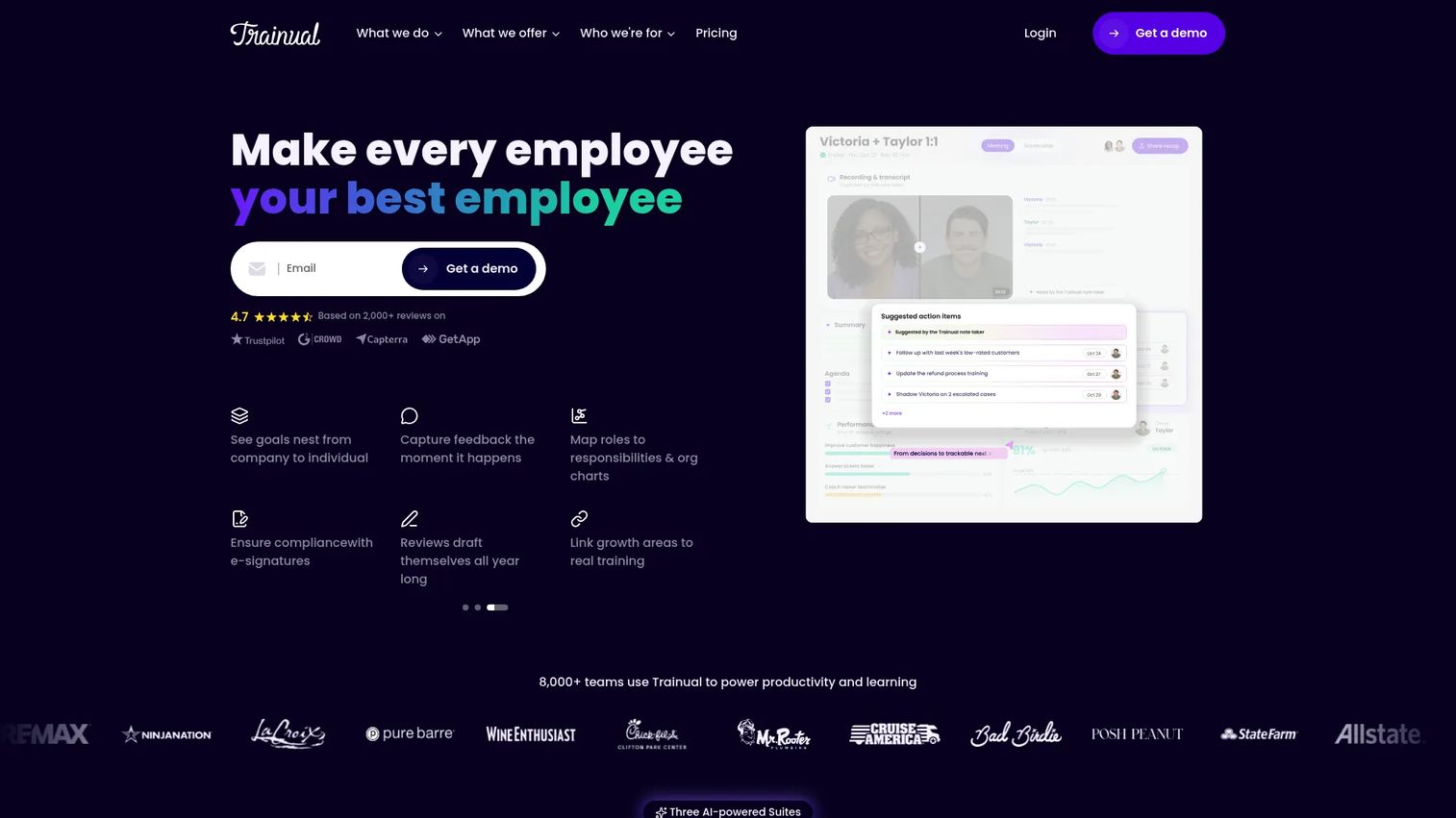
Trainual is an employee training and SOP platform for documenting company processes, roles, policies, and onboarding content. It sits in the employee training category and covers new hire onboarding, SOP centralization, role-based training paths, lightweight testing, and accountability tracking. Per Trainual's own site, it now also includes meetings, goals, and performance features.
Trainual typically fits small to mid-sized businesses and operations-heavy teams formalizing process knowledge. Franchises use it heavily. G2 rates it at 4.7/5.
The boundaries worth knowing before evaluating alternatives: Trainual is not a deep LMS with SCORM support, formal learning paths, or compliance audit trails. It is not a full knowledge base for real-time search and answer retrieval. And it does not produce interactive software demos that employees click through to practice a workflow. Those are separate jobs, covered by different categories of tools.
Why teams look for Trainual alternatives
Teams typically outgrow or reassign Trainual when the job description changes.
The training object is the software, not the SOP
Written SOPs tell employees what to do. For software-heavy operations, teams increasingly need people to practice the actual workflow, clicking through CRM hygiene steps, troubleshooting flows, or RevOps processes. G2 reviewers of static training tools frequently cite the gap between reading a process document and knowing how to execute it in the tool. Trainual's format is document-first, which works well for policies and role clarity but leaves a gap when the training is better learned by doing.
The job requires a deeper LMS
As compliance requirements grow, so does demand for SCORM content, certificates, learning paths, and formal audit trails. LinkedIn Learning's 2025 report found that 49% of learning and talent development professionals said executives were concerned employees lacked the skills to execute business strategy. When the board or People function starts asking for structured learning data, Trainual's lighter tracking model can fall short of what an LMS delivers.
SOP execution is the bottleneck, not documentation
Some teams have documented their processes but still see inconsistent execution. The SOP exists; people just do not follow it on every run. Trainual stores and assigns SOPs, but recurring checklists, automated task assignments, and process enforcement are outside its core design. G2 reviewers on adjacent process tools frequently flag this gap: They want processes to run, not just exist.
Pricing grows with headcount
Trainual's per-user pricing starts at $3 per user per month on annual billing, with a 10-seat minimum and a $3,000 annual floor. Teams that scaled from 20 to 80 people between Series A and Series B often find the cost conversation changes materially. G2 reviewers of Trainual occasionally flag that pricing becomes a larger consideration as teams grow.
How we picked these Trainual alternatives
Sixteen tools were selected based on real capability overlap with the switching reasons above, pricing sourced from each vendor's own pricing page, ratings from G2, and fit across the four job categories a Trainual buyer might need.
The list includes interactive guide platforms, LMS tools, SOP documentation tools, and knowledge management tools, labeled clearly so readers can tell a category swap from a like-for-like replacement. Any statistic in this article is attributed to a named source. No pricing figure was inferred or estimated.
Virtual training accounted for 64.1% of corporate training market revenue in 2025, according to GlobeNewswire (2026). The shift toward digital-first training is what makes all 16 categories relevant for a growing SaaS team.
Trainual alternatives at a glance
Guideflow leads for teams whose training job is software workflow learning. LMS tools handle formal course delivery. Process tools enforce recurring execution. Knowledge tools serve real-time retrieval.
| Tool | Category | Best for | G2 rating | Free plan | Starting price |
|---|---|---|---|---|---|
| Guideflow | Interactive guide platform | Internal software training and SOP enablement | 5.0 | Yes | $35/user/month (annual) |
| TalentLMS | LMS | Lightweight employee training | 4.6/5 | Yes (up to 5 users) | $119/month |
| Whale | SOP and process training | Process documentation for growing teams | 4.8/5 | Yes | $0 forever |
| Absorb LMS | LMS | Enterprise learning management | 4.6/5 | Not confirmed | Custom pricing |
| 360Learning | Collaborative LMS | Peer-led and cohort learning | 4.6/5 | No (30-day trial) | $8/user/month |
| Coassemble | LMS and course builder | Course creation for smaller teams | 4.6/5 | Free sandbox | $2,500/year |
| LearnUpon | LMS | Multi-audience training programs | 4.5/5 | Not confirmed | Custom pricing |
| Document360 | Knowledge base | Structured documentation portals | 4.7/5 | No (14-day trial) | Custom pricing |
| KnowledgeOwl | Knowledge base | Simple internal and external knowledge bases | 4.7/5 | No (30-day trial) | $100/month |
| Bloomfire | Knowledge management | Searchable organizational knowledge | 4.6/5 | Not confirmed | Custom pricing |
| Atlassian Confluence | Wiki and collaboration | Internal documentation at scale | 4.1/5 | Yes (up to 10 users) | $5.42/user/month |
| Zoho Learn | LMS and knowledge base | Budget-conscious training and knowledge | 4.4/5 | Yes | $0/month |
| Guru | Knowledge management | In-workflow answers and verified knowledge | 4.7/5 | Not confirmed | Custom pricing |
| Docebo | Enterprise LMS | AI-assisted enterprise learning | 4.3/5 | Not confirmed | Custom pricing |
| WorkRamp | LMS and enablement | Employee and customer learning programs | 4.4/5 | Not confirmed | Custom pricing |
| Process Street | Process management | Recurring checklists and SOP execution | 4.6/5 | Not confirmed | Custom pricing |
The best Trainual alternatives in 2026
1. Guideflow (interactive guide platform)
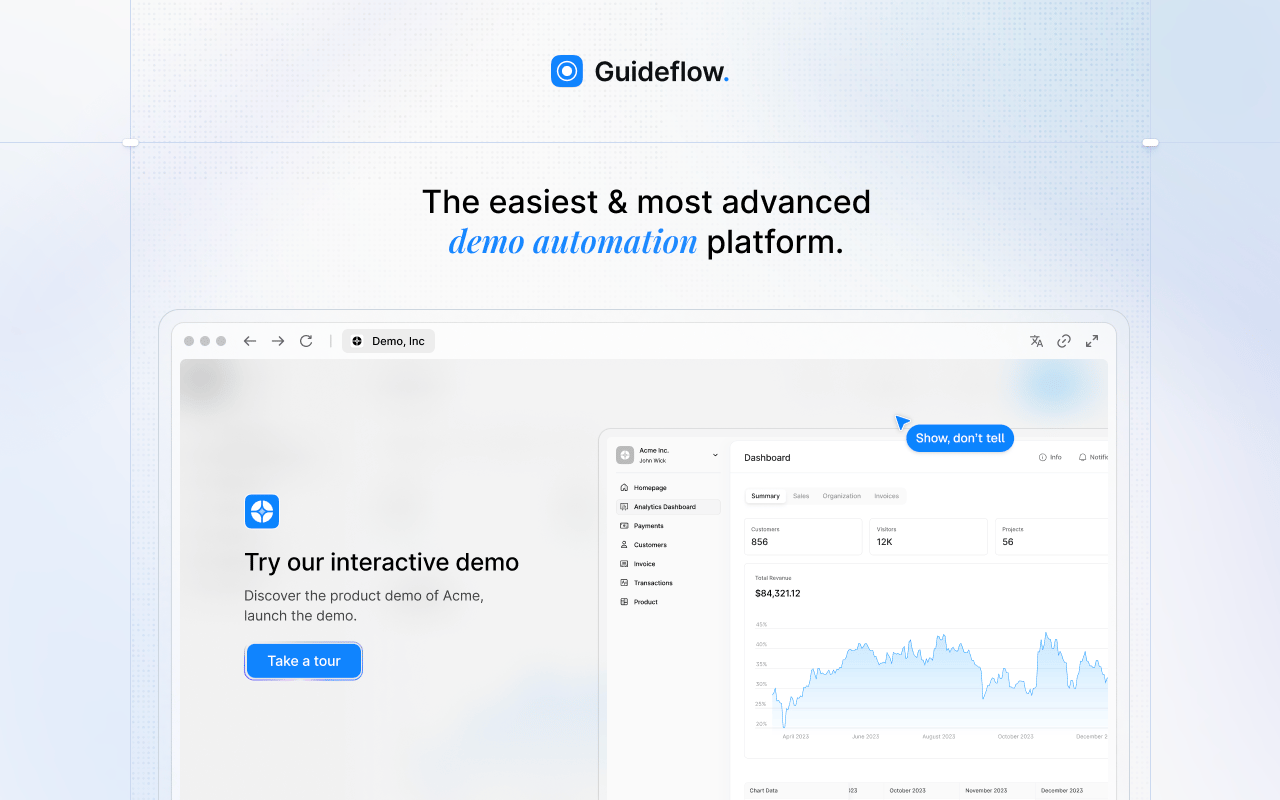
Guideflow earns the top spot for a specific job: Teaching employees to execute software workflows by clicking through the process rather than reading about it. Capture your software flow once through the Chrome extension or native app, then share it internally as a step-by-step interactive demo that employees navigate at their own pace. This is the gap Trainual and most LMS tools leave open.
Best for: SaaS teams whose onboarding, RevOps, support, or GTM training centers on software workflows employees need to practice before they own them independently.
What it is: Guideflow is a demo automation platform used here as an interactive guide platform for internal training. Teams capture software flows through the Chrome extension or native app and turn them into clickable, step-by-step interactive demos. Step content and CTAs are written automatically. The editor supports text, images, graphs, and branching paths. Analytics track step-level completion, drop-off, and viewer flow, so managers can see exactly where employees get stuck.
Key features:
- Capture through the Chrome extension or native app (screenshot, HTML, and video modes)
- Automated step content and CTAs
- Editor for text, images, graphs, and branching
- Translation into more than 30 languages
- Step-level completion, drop-off, and viewer flow analytics
- Integrations with HubSpot, Salesforce, Pipedrive, Zoho, and Marketo
Where Guideflow falls short: Look elsewhere if the primary need is a formal LMS with certificates, SCORM packages, compliance audits, or instructor-led training assignments. Look elsewhere if the team wants a static internal wiki with no requirement for employees to click through software processes.
Pricing: Free plan available. Solo: $35/user/month (annual). Growth: $499/month (annual). Advanced: $1,499/month (annual). Enterprise: From $2,999/month (annual), adding SSO, advanced governance, and enterprise security.
G2 rating: 5.0
How it compares to Trainual: Trainual helps centralize SOPs and assign role-based training. Guideflow is the stronger fit when the training object is a software workflow and the employee needs to learn by doing, not by reading.
2. TalentLMS (LMS)
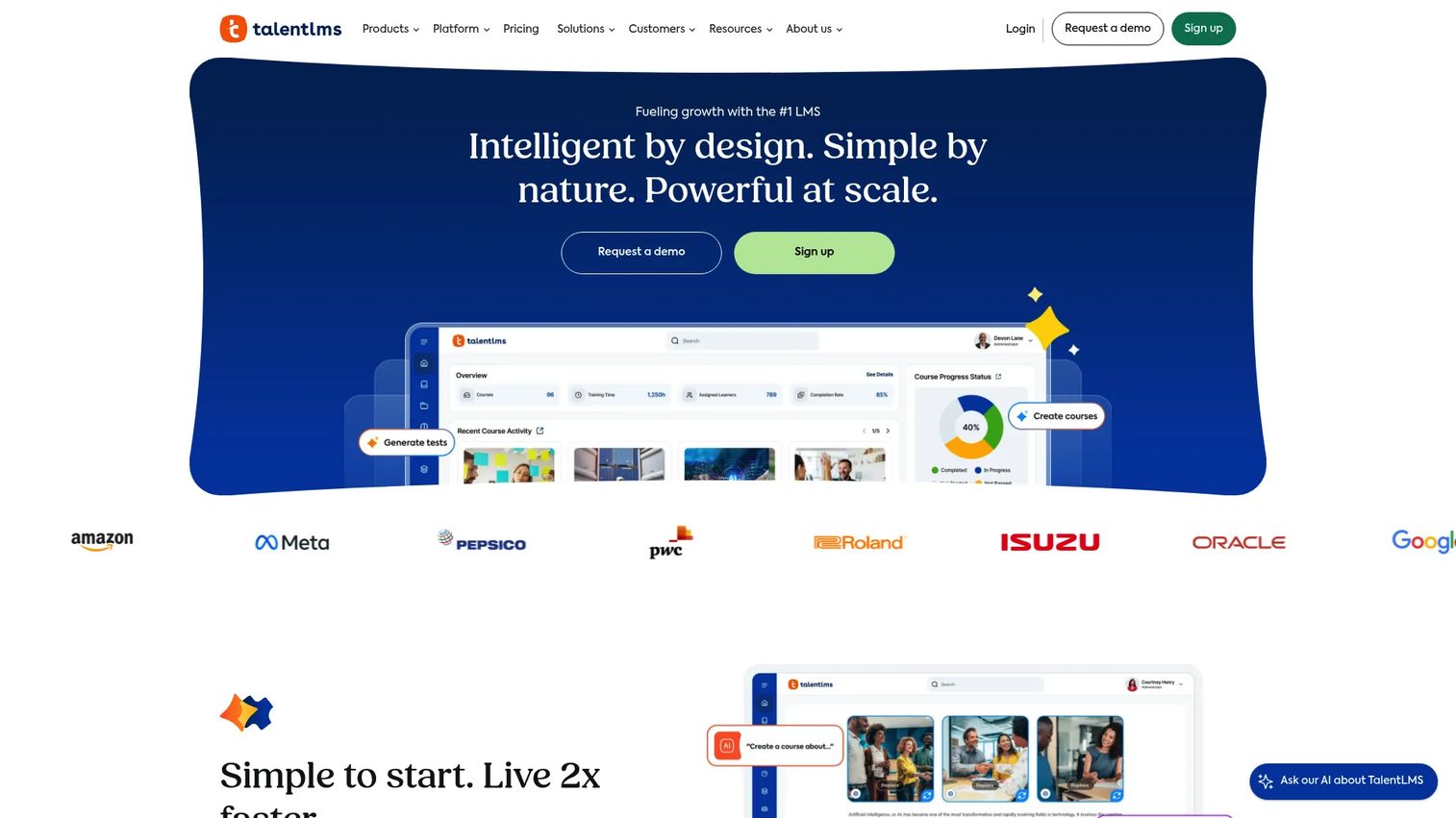
For teams that need course structure, assessments, and certificates without an enterprise rollout, TalentLMS is the most accessible LMS on this list. Its free plan supports up to five users, which lets a small team validate the approach before committing.
Best for: Growing teams that want a lightweight LMS for structured employee training, partner training, or basic compliance programs.
What it is: TalentLMS is a cloud LMS for building, assigning, and tracking courses. It supports SCORM, Tin Can, and cmi5 content, and includes AI-assisted course creation tools. G2 rates it at 4.6/5.
Key features:
- Unlimited courses with AI-assisted creation
- Learning paths, assessments, and certificates
- SCORM 1.2, Tin Can, and cmi5 support
- Custom portals, branches, SSO, and API access
- Reporting and analytics dashboards
Where TalentLMS falls short: G2 reviewers note that advanced customization and certain integrations require the higher Pro or Enterprise tiers. Some reviewers flag that reporting depth becomes a limitation at larger team sizes, and that the admin interface can feel dated compared with newer LMS platforms.
Pricing: Free for up to 5 users. Core: $119/month. Grow: $229/month. Pro: $449/month. Enterprise: Custom pricing.
G2 rating: 4.6/5
How it compares to Trainual: TalentLMS is the better fit when the main job is structured course delivery, formal assessments, and certificates rather than SOP-first onboarding and role documentation.