Your SDR calls from a dialer. An AE texts from a personal phone. Recordings sit elsewhere, while CRM activity tells only half the story.
This fragmented phone stack creates measurable handoff problems. Managers lose coaching context. RevOps can’t trust activity reports. Reps spend time reconstructing conversations instead of progressing deals.
The category keeps growing as companies replace office hardware with cloud based systems. Research and Markets valued cloud telephony services at $37.49 billion in 2025. Its 2026 report projects the market will reach $44.02 billion in 2026.
Good telephony software gives sales and customer facing teams a shared system for calls, numbers, routing, recordings, SMS messaging, and reporting. The right choice depends on how your team sells and who needs the resulting data.
What's inside
This guide compares 17 telephony software platforms for sales teams, support groups, operations leaders, and growing businesses.
We selected products based on:
- Business phone and VoIP capabilities
- Sales dialing and CRM connectivity
- Contact center routing and monitoring
- Phone number management and migration support
- Pricing structure and cross team fit
You’ll find packaged cloud phone systems, outbound dialers, and programmable communications platforms. Each entry covers verified features, current vendor pricing, and its current G2 rating where available.
TL;DR
- Best overall for sales and support calling: CloudTalk combines routing, dialers, CRM integrations, and call analytics
- Best sales focused alternative: Ringover brings voice, SMS, coaching, and CRM synchronization together
- Best full business phone systems: Nextiva and RingCentral cover broader communications requirements
- Best AI assisted calling: Dialpad adds transcription, summaries, sentiment analysis, and coaching
- Best for developers: Telnyx offers network control, while Twilio covers broad communications APIs
- Best outbound dialers: PhoneBurner prioritizes power dialing, while Kixie keeps activity close to CRM records
What is telephony software?
Telephony software is a cloud based system that lets businesses make, receive, route, record, and manage calls through internet connected devices and business applications.
Most platforms use Voice over Internet Protocol, or VoIP, to transmit calls. VoIP software handles the internet calling method. Telephony software adds the management layer around users, phone numbers, routing rules, recordings, and reporting.
A cloud phone system can replace an on premises PBX. Instead of maintaining a local switchboard, administrators configure extensions and call flows through an online dashboard. Employees use a softphone, mobile application, browser, compatible desk phone, or several devices.
Computer telephony integration, often shortened to CTI, connects calling functions with CRM and help desk records. A strong CRM telephony integration can log activity and associate recordings with customer records. It may also synchronize notes, outcomes, and SMS messaging.
Common telephony software features
- VoIP calling
- Local and toll free numbers
- Call routing and queues
- Auto attendants and IVR
- Call recording and monitoring
- Business SMS and MMS
- CRM and help desk integrations
- Call analytics and reporting
- Mobile and desktop applications
- Compatible desk phone support
Telephony software covers more ground than sales dialer software. A dialer primarily improves outbound calling speed. A business phone system also manages inbound calls, shared numbers, extensions, voicemail, and office communications.
Cloud PBX focuses on replacing traditional office phone infrastructure. Hosted PBX is another term for this model.
Contact center software goes further. It can add automatic call distribution, quality management, digital channels, and deeper call queue management. Some telephony vendors offer these functions inside separate plans or product lines.
When to use telephony software
Replace an on premises PBX
Move to a cloud PBX when local hardware and fixed desk phones no longer suit hybrid work. Reps can call through browser, desktop, or mobile applications while keeping a business identity.
Check number porting before canceling your existing contract. Teams that still prefer physical phones should confirm device compatibility and provisioning support.
Connect sales calls to CRM data
Use telephony software when call activity disappears between your phone system and CRM. Calls, recordings, dispositions, and notes should reach the relevant account or opportunity record.
This connection supports cleaner AE handoffs and more reliable activity reporting. Managers also gain call monitoring data without chasing reps for context.
Route inbound calls without losing context
Call routing software helps direct inbound conversations by business hours, team, territory, or queue. Automatic call distribution sends each caller to an available qualified agent.
IVR software and an auto attendant can collect intent before routing. Shared numbers, callbacks, and voicemail rules help teams handle overflow without abandoning the conversation.
Telephony software comparison
The table compares all 17 platforms by operating fit, key differentiator, current entry pricing, and G2 rating.
Subscription prices can exclude taxes, calling charges, messaging fees, or add ons. Usage based platforms calculate costs from numbers, routes, and traffic. Quote led plans require a sales conversation.
| # | Product | Best for | Key differentiator | Pricing | G2 rating |
|---|---|---|---|---|---|
| 1 | CloudTalk | Sales and support calling | Routing, dialers, AI tools, and CRM integrations | From €25 per user monthly, billed annually | 4.4/5 |
| 2 | Ringover | Sales calling and coaching | Voice, SMS, analytics, and conversation intelligence | From $19 per user monthly | 4.6/5 |
| 3 | Nextiva | Full business communications | Phone, customer engagement, and collaboration | From $10 per user monthly | 4.5/5 |
| 4 | RingCentral | Mature UCaaS | Broad communications with administrative depth | From $20 per user monthly, billed annually | 4.3/5 |
| 5 | Dialpad | AI assisted calling | Native transcription, recaps, sentiment, and coaching | From $15 per user monthly, billed annually | 4.4/5 |
| 6 | Aircall | CRM connected calling | More than 250 integrations and call center workflows | From $30 per license monthly, billed annually | 4.4/5 |
| 7 | Zoom Phone | Zoom based teams | Cloud calling inside Zoom Workplace | Custom pricing | 4.6/5 |
| 8 | 8x8 | Unified global communications | UCaaS, contact center, and communications APIs | Custom pricing | 4.1/5 |
| 9 | Vonage | Flexible business communications | Packaged phone service with programmable options | From $14.99 per extension monthly | 4.3/5 |
| 10 | Ooma Office | Small offices | Familiar office phone functions with hardware support | From $19.95 per user monthly | 4.5/5 |
| 11 | Quo | Shared business numbers | Collaborative calling and texting for small teams | From $15 per user monthly, billed annually | 4.7/5 |
| 12 | Intermedia Unite | SMB unified communications | Phone, meetings, chat, and file sharing | From $27.99 per user monthly | 4.5/5 |
| 13 | Telnyx | Programmable voice infrastructure | Carrier owned network and granular number control | Pay as you go with no monthly minimum | 4.7/5 |
| 14 | Twilio | Custom communications development | Broad voice, messaging, and engagement APIs | Usage based pricing | 4.1/5 |
| 15 | VoIP.ms | Cost conscious VoIP | Granular usage billing and BYOD support | Numbers from $1.10 monthly | N/A |
| 16 | PhoneBurner | High volume outbound sales | Power dialing with automated follow up | From $140 per user monthly, billed annually | 4.7/5 |
| 17 | Kixie | CRM native sales calling | Multiline dialing, SMS, and CRM automation | Custom pricing | 4.8/5 |
Best 17 tools for telephony software
1. CloudTalk
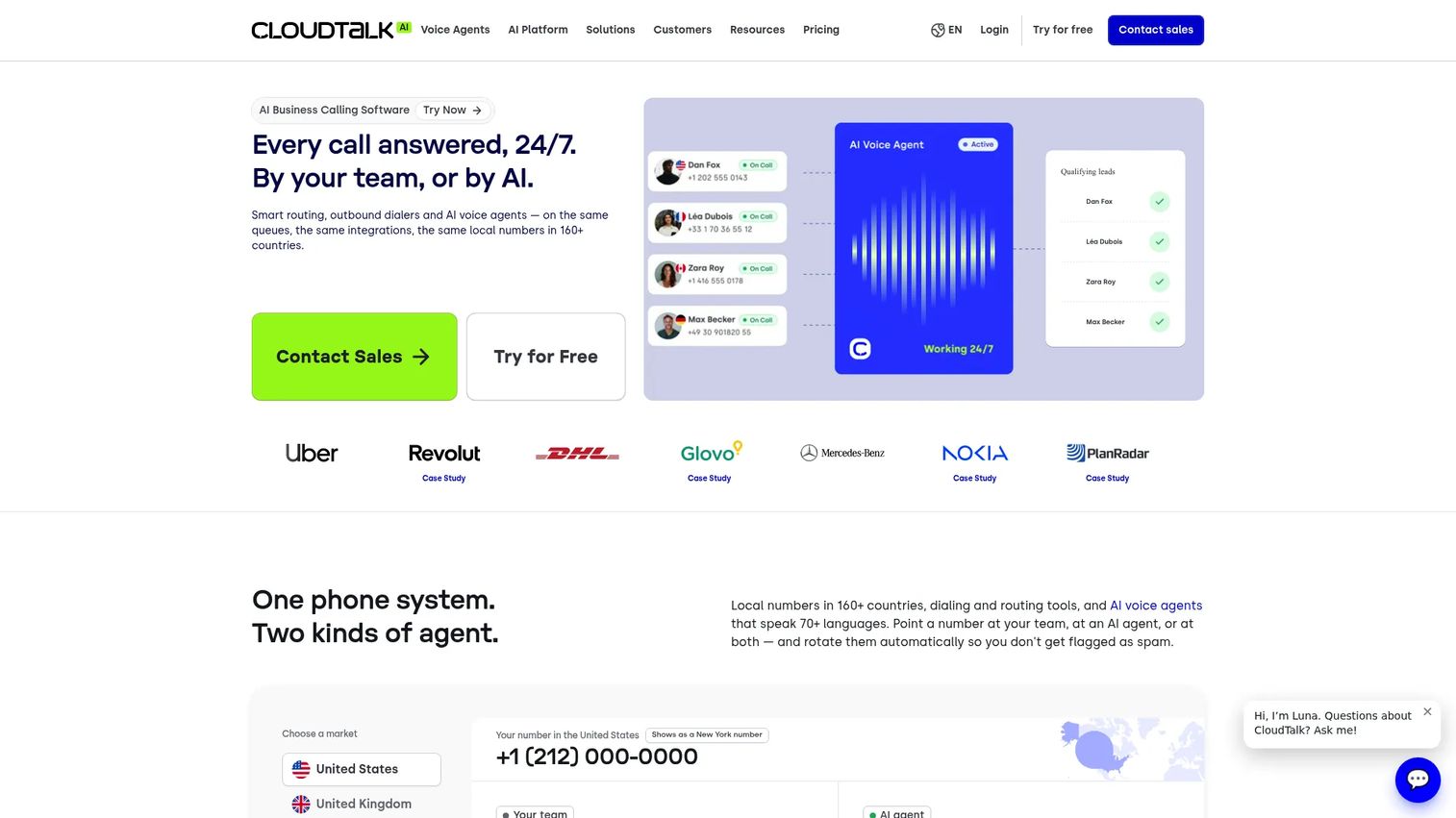
CloudTalk is business calling and contact center software for sales and support teams. It combines inbound routing with outbound dialers, call monitoring, AI voice agents, and reporting.
Its CRM integrations help teams keep phone activity connected to customer records. Managers can review transcripts, summaries, sentiment, and scoring alongside agent performance.
Best for: Growing teams that need cloud calling, routing, dialers, and CRM connectivity.
Key features
- IVR, queues, transfers, and call routing
- Power and parallel dialers
- Call recording and monitoring
- AI transcription and summaries
- CRM integrations and agent reports
Why choose CloudTalk: It occupies the practical middle ground between a basic business phone and a large contact center deployment. Sales and support can share one calling layer without recreating every workflow.
CloudTalk pricing: Starter costs €25 per user monthly when billed annually. Monthly billing starts at €34, and a free trial is available.
G2 rating: 4.4/5.
2. Ringover
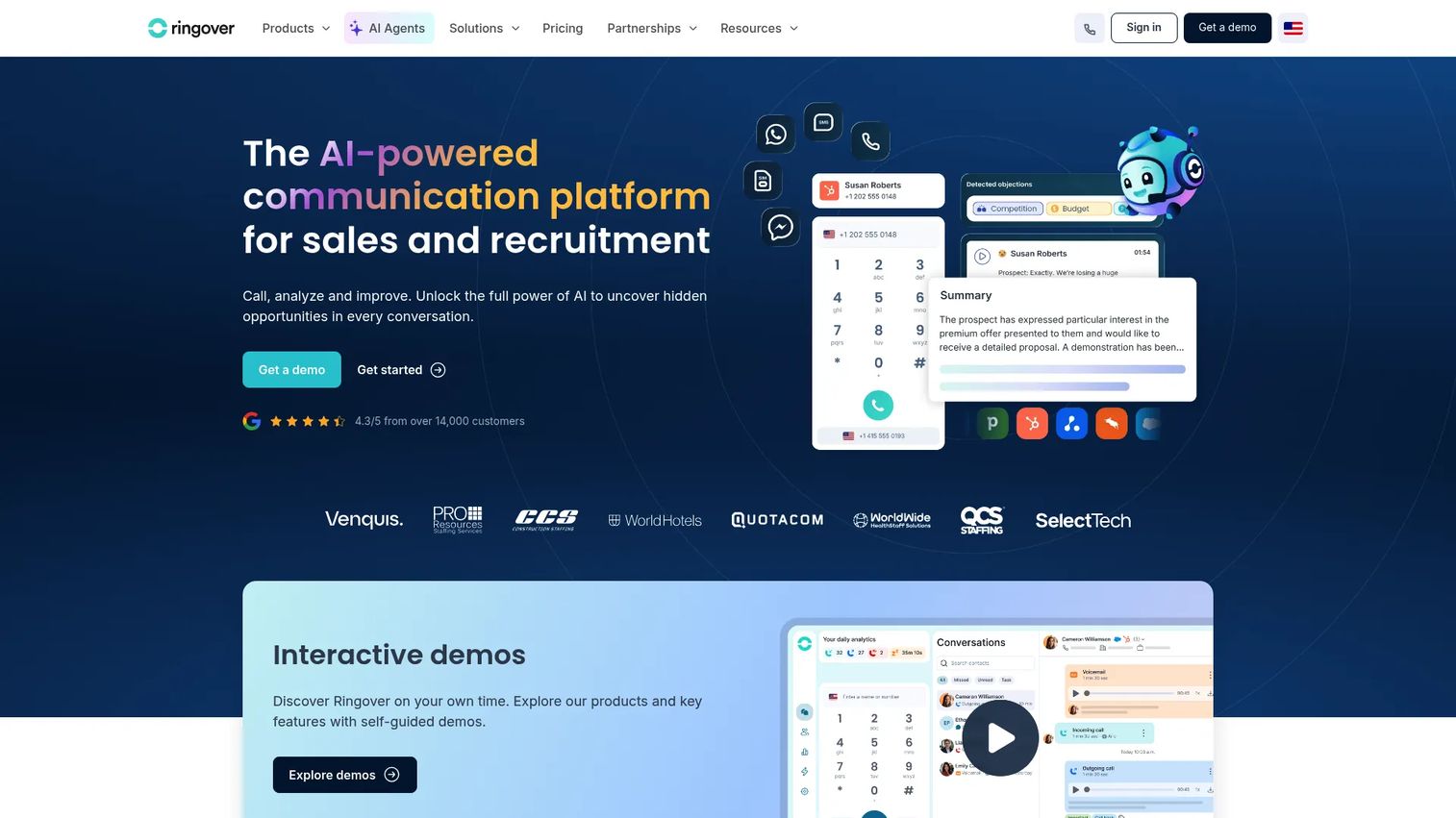
Ringover provides cloud telephony for sales, recruitment, and customer service teams. The platform connects voice and SMS with analytics, coaching, call campaigns, and CRM synchronization.
Its broader messaging coverage includes several digital channels. Sales managers can review conversations while reps work from a shared communication system.
Best for: Sales teams that want calling, texting, coaching signals, and CRM data together.
Key features
- Cloud calling and call campaigns
- Virtual and international numbers
- Intelligent IVR routing
- AI transcription and summaries
- CRM and ATS integrations
Why choose Ringover: It suits teams focused on conversation visibility and rep execution. The combination of phone workflows and coaching data reduces the need for separate reporting processes.
Ringover pricing: Talk starts at $19 per user monthly. Business starts at $49, while Enterprise uses custom pricing.
G2 rating: 4.6/5.
3. Nextiva
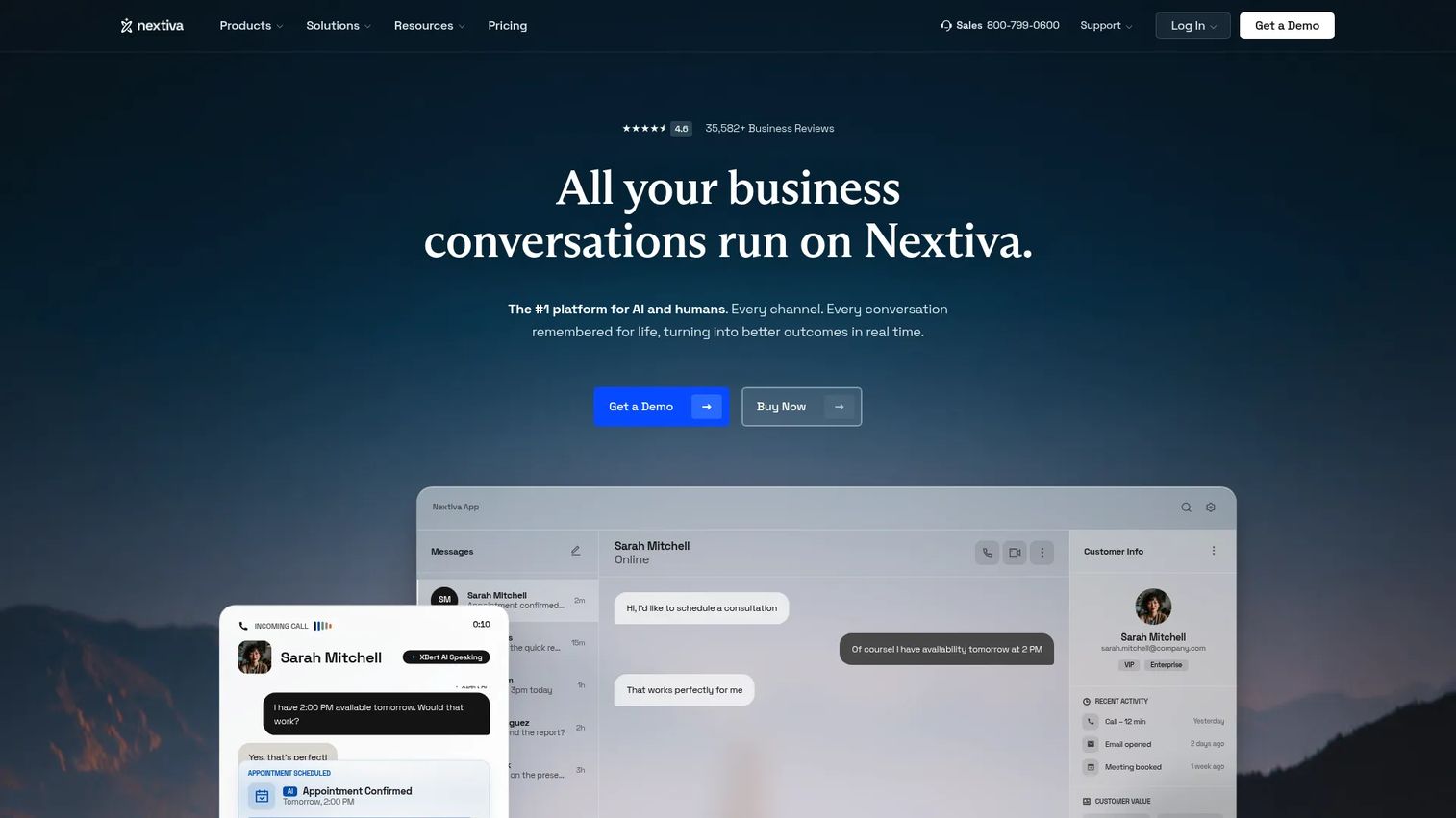
Nextiva combines business voice with video, SMS, team chat, and customer engagement capabilities. It works across mobile, desktop, and browser applications.
Skills based routing supports customer facing teams with more structured inbound workflows. AI transcription and summarization add searchable context to calls.
Best for: Businesses wanting phone, collaboration, and customer communications from one vendor.
Key features
- Voice and video calling
- Business SMS and MMS
- Team chat and collaboration
- Skills based call routing
- AI transcription and summaries
Why choose Nextiva: It fits companies replacing several disconnected communication tools. The platform covers general office calling and wider customer communication requirements.
Nextiva pricing: Go starts at $10 per user monthly. Business costs $25, while CX costs $75 per user monthly.
G2 rating: 4.5/5.
4. RingCentral
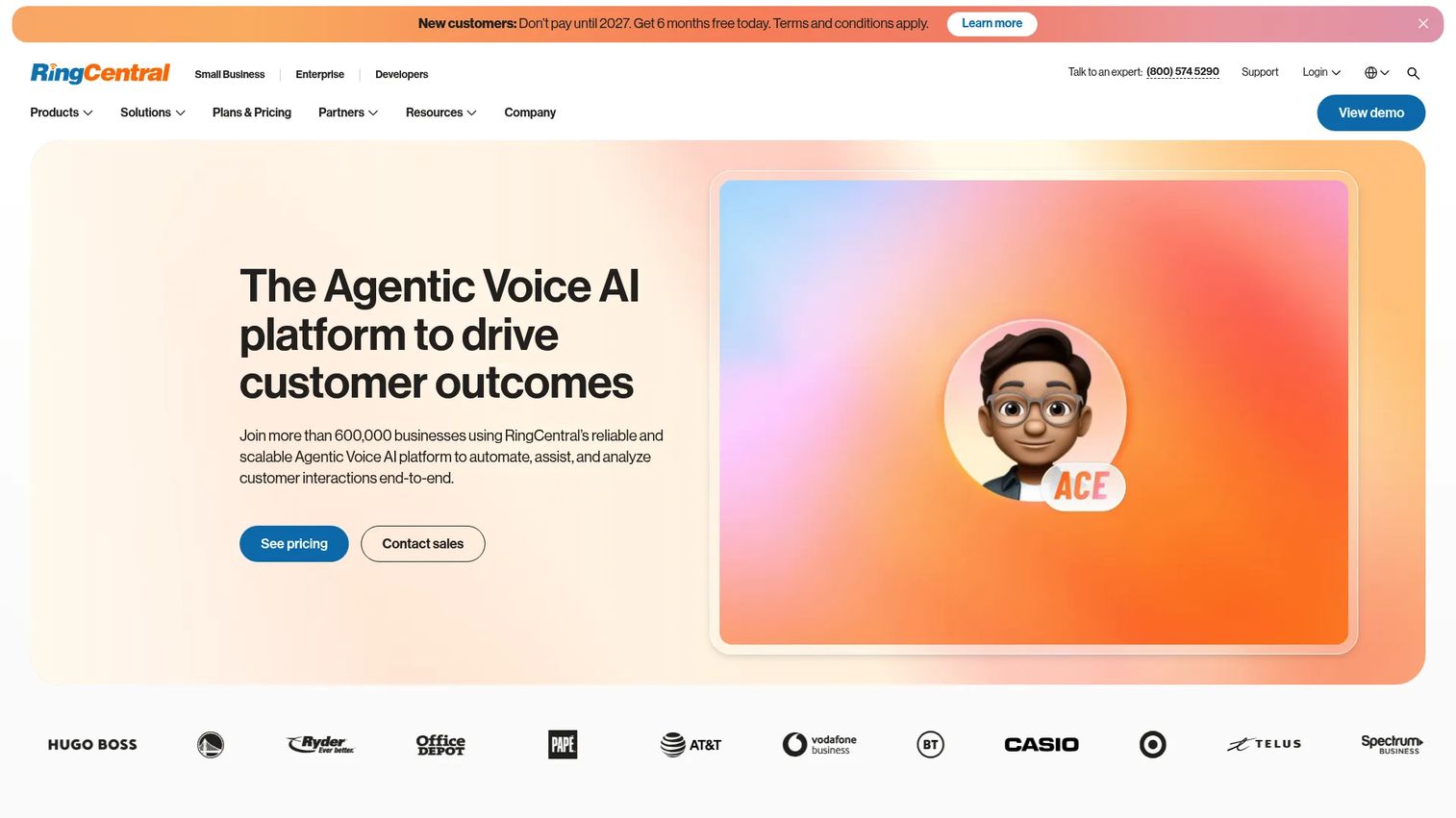
RingCentral is a UCaaS platform covering business phone, messaging, video meetings, SMS, and online fax. Its product range also includes customer engagement capabilities.
Analytics and administrative controls make it a fit for larger deployments. CRM integrations help connect calls with existing sales workflows.
Best for: Midmarket and enterprise teams standardizing communications across departments.
Key features
- Business phone and VoIP
- Team messaging and collaboration
- Video meetings
- Business SMS and MMS
- Analytics and reporting
Why choose RingCentral: Its breadth suits organizations replacing a patchwork phone stack across offices and remote teams. Buyers should map required features to the correct product before signing.
RingCentral pricing: Core starts at $20 per user monthly when paid annually. Advanced costs $25, while Ultra costs $35.
G2 rating: 4.3/5.
5. Dialpad
Dialpad combines business calling with messaging, meetings, contact center tools, and AI assisted analysis. Its system generates real time transcription and call recaps.
Managers can use sentiment analysis, coaching, and reporting to understand conversation quality. Separate products cover business communications and other customer facing workflows.
Best for: Teams that want call intelligence embedded in their phone system.
Key features
- Real time transcription
- AI call recaps
- Sentiment analysis
- Call recording and analytics
- Coaching tools
Why choose Dialpad: It gives managers searchable context instead of leaving conversations inside raw audio files. Sales teams can use summaries for coaching and follow up.
Dialpad pricing: Standard starts at $15 per user monthly with annual billing. Pro starts at $25, while Enterprise uses custom pricing.
G2 rating: 4.4/5.
6. Aircall
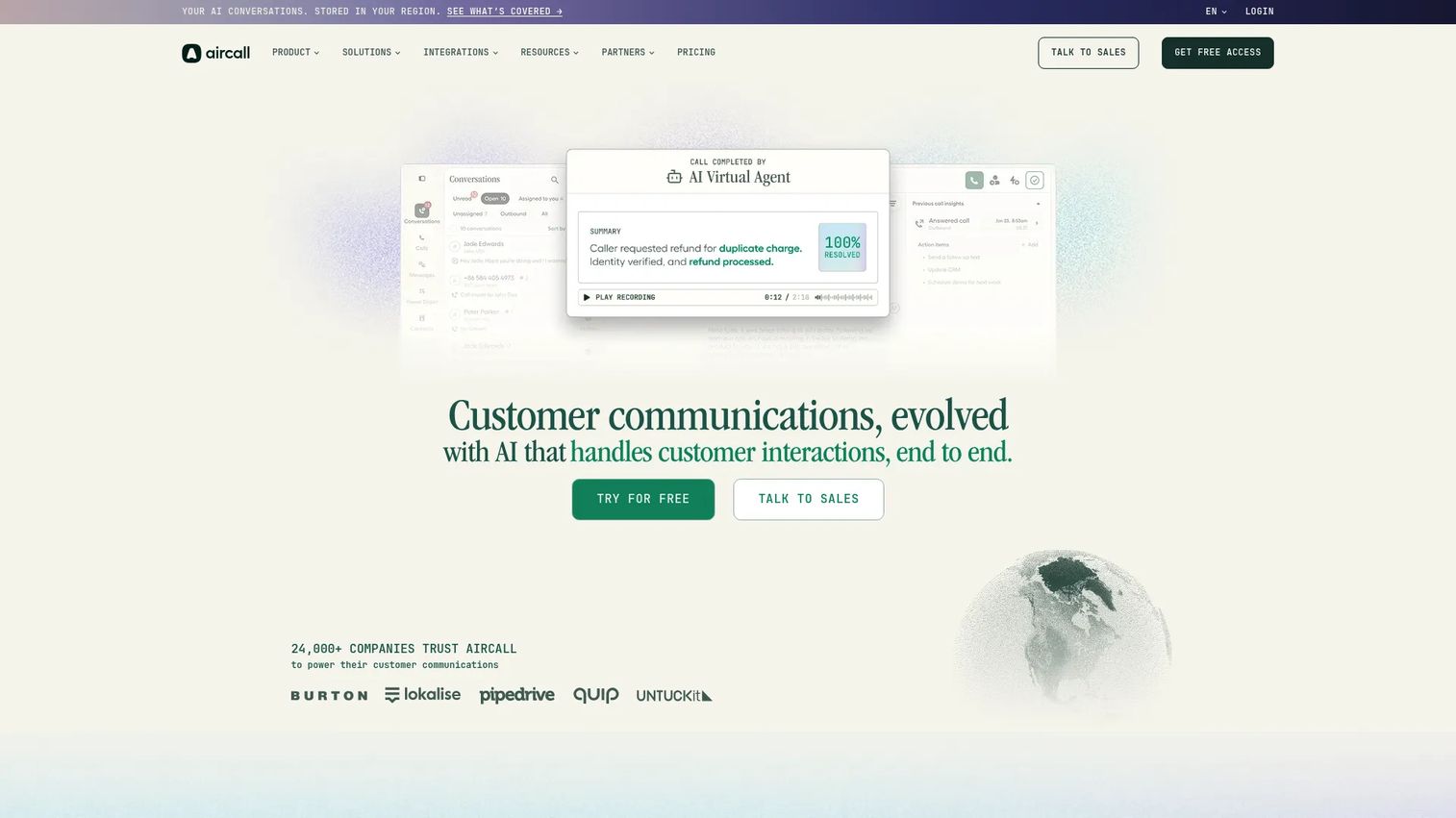
Aircall is a cloud phone and call center platform for sales and customer support. It offers IVR, routing, call recording, outbound campaigns, SMS, and AI transcription.
More than 250 integrations connect calls with CRM, help desk, and productivity tools. This app coverage is useful when call data must remain within established workflows.
Best for: Teams prioritizing CRM connected calling and application coverage.
Key features
- IVR and call routing
- Call recording and transcription
- Power dialer
- Outbound campaigns
- More than 250 integrations
Why choose Aircall: Integration depth is the central reason to shortlist it. The platform works well when calls need to reach customer records and support queues automatically.
Aircall pricing: Essentials starts at $30 per license monthly with annual billing. A three license minimum applies, and free access is available for evaluation.
G2 rating: 4.4/5.
7. Zoom Phone
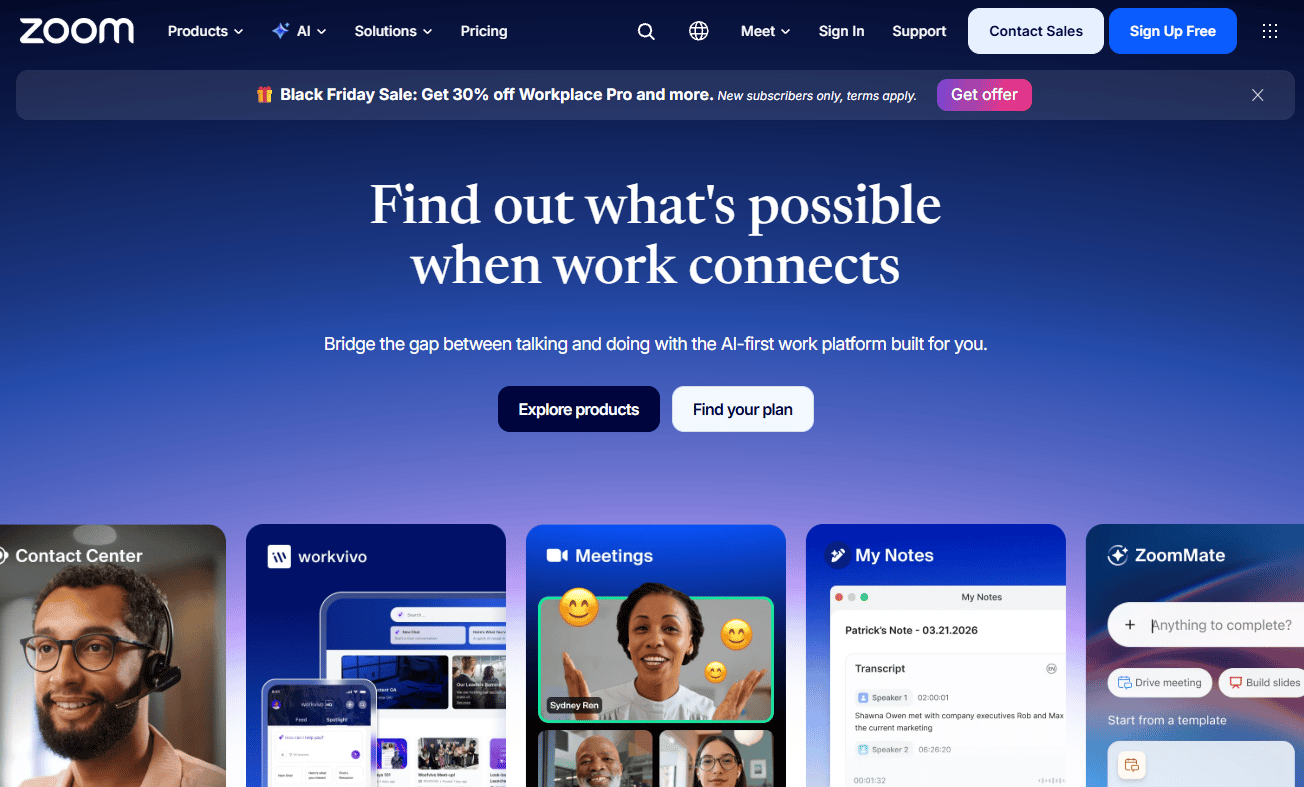
Zoom Phone brings cloud calling into Zoom Workplace. It supports business SMS, voicemail transcription, auto attendants, call queues, recording, and multi device calling.
Teams can connect phone conversations with their existing meeting and messaging environment. CRM integrations extend that activity into sales records.
Best for: Organizations already using Zoom for meetings and internal communication.
Key features
- Unlimited US and Canada calling
- Business SMS and MMS
- Auto attendants and queues
- Voicemail transcription
- Call recording
Why choose Zoom Phone: It reduces application switching for teams already centered on Zoom. Administrators can add business calling without introducing an unrelated communications workspace.
Zoom Phone pricing: Custom pricing. Available plans include US and Canada Unlimited, Pro Plus, and Business Plus.
G2 rating: 4.6/5.
8. 8x8
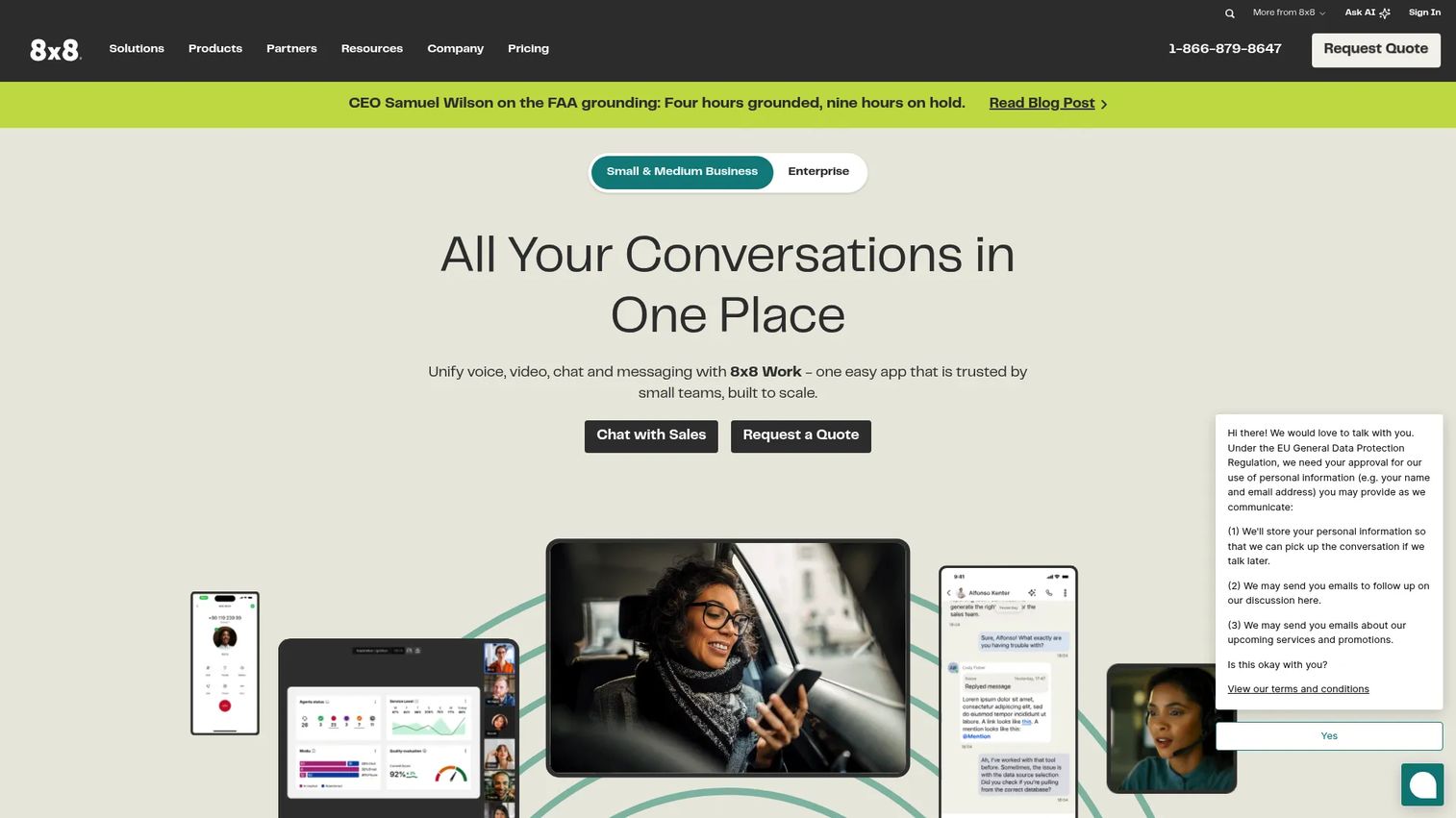
8x8 combines unified communications with contact center capabilities and communications APIs. Its platform covers cloud calling, messaging, video meetings, and digital channel routing.
AI functions include transcription, summaries, and analytics. The broader product range suits businesses managing customer conversations across several markets.
Best for: Distributed organizations needing unified communications and contact center coverage.
Key features
- Cloud business calling
- Team messaging
- Video meetings
- Omnichannel contact center routing
- AI summaries and analytics
Why choose 8x8: Its range supports companies that want internal communications and customer queues under the same vendor. Evaluate geographic coverage against your calling footprint.
8x8 pricing: Custom pricing across unified communications, customer engagement, contact center, and API offerings.
G2 rating: 4.1/5 for 8x8 Contact Center.
9. Vonage
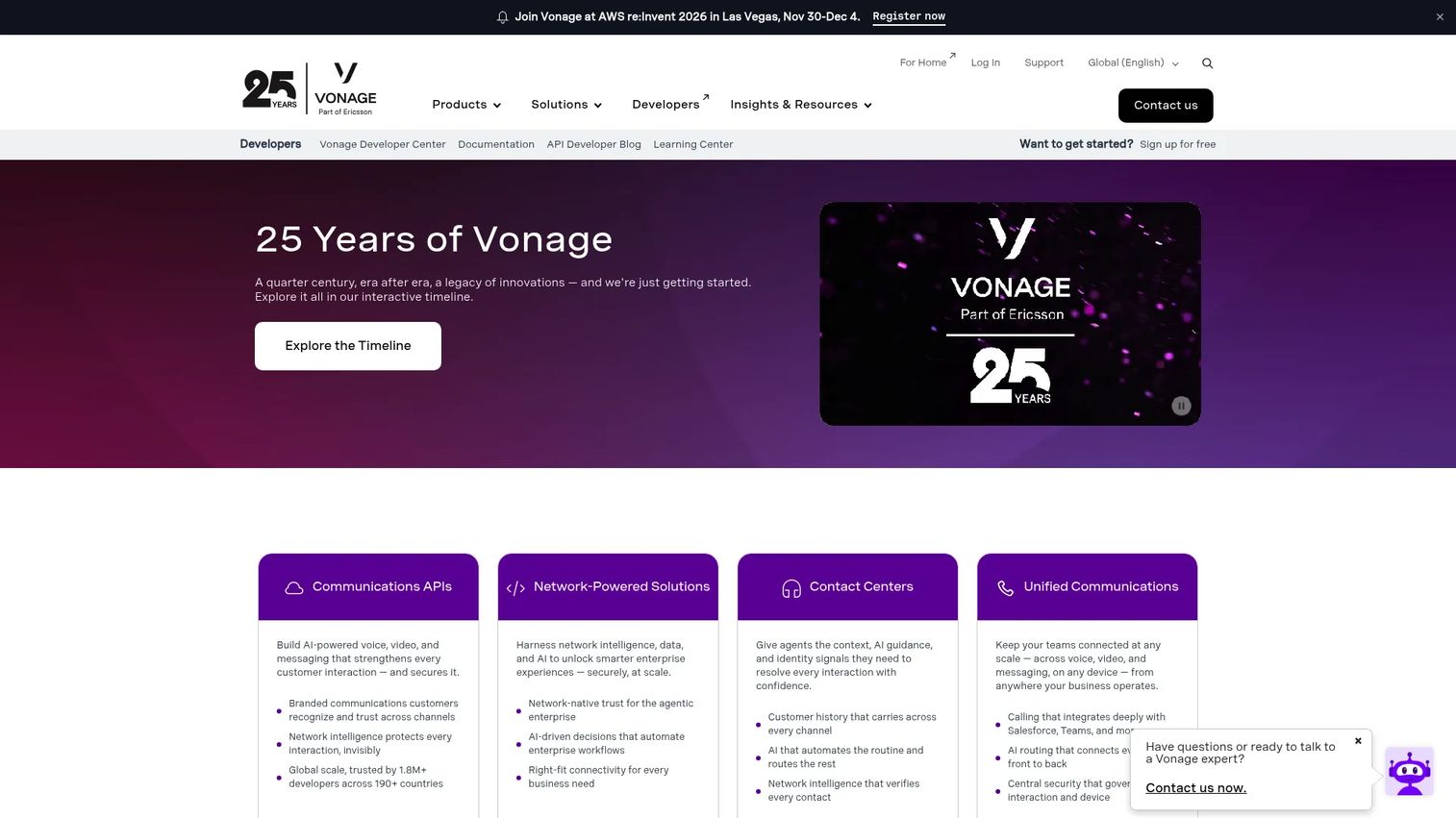
Vonage provides business phone service alongside contact center products and programmable communications APIs. Its packaged system includes calling, messaging, video conferencing, and desktop applications.
Call recording and virtual receptionist functions support everyday business phone workflows. CRM integrations connect customer conversations with sales records.
Best for: Teams wanting a packaged phone system with programmable options available later.
Key features
- Cloud business calling
- Business SMS
- Team messaging
- Video conferencing
- Communications APIs
Why choose Vonage: It offers a path from standard business calling toward more customized communications. Buyers should separate packaged phone costs from API usage during evaluation.
Vonage pricing: Mobile starts at $14.99 per extension monthly. Premium starts at $19.59, while Advanced starts at $26.59 under current promotional terms.
G2 rating: 4.3/5.
10. Ooma Office
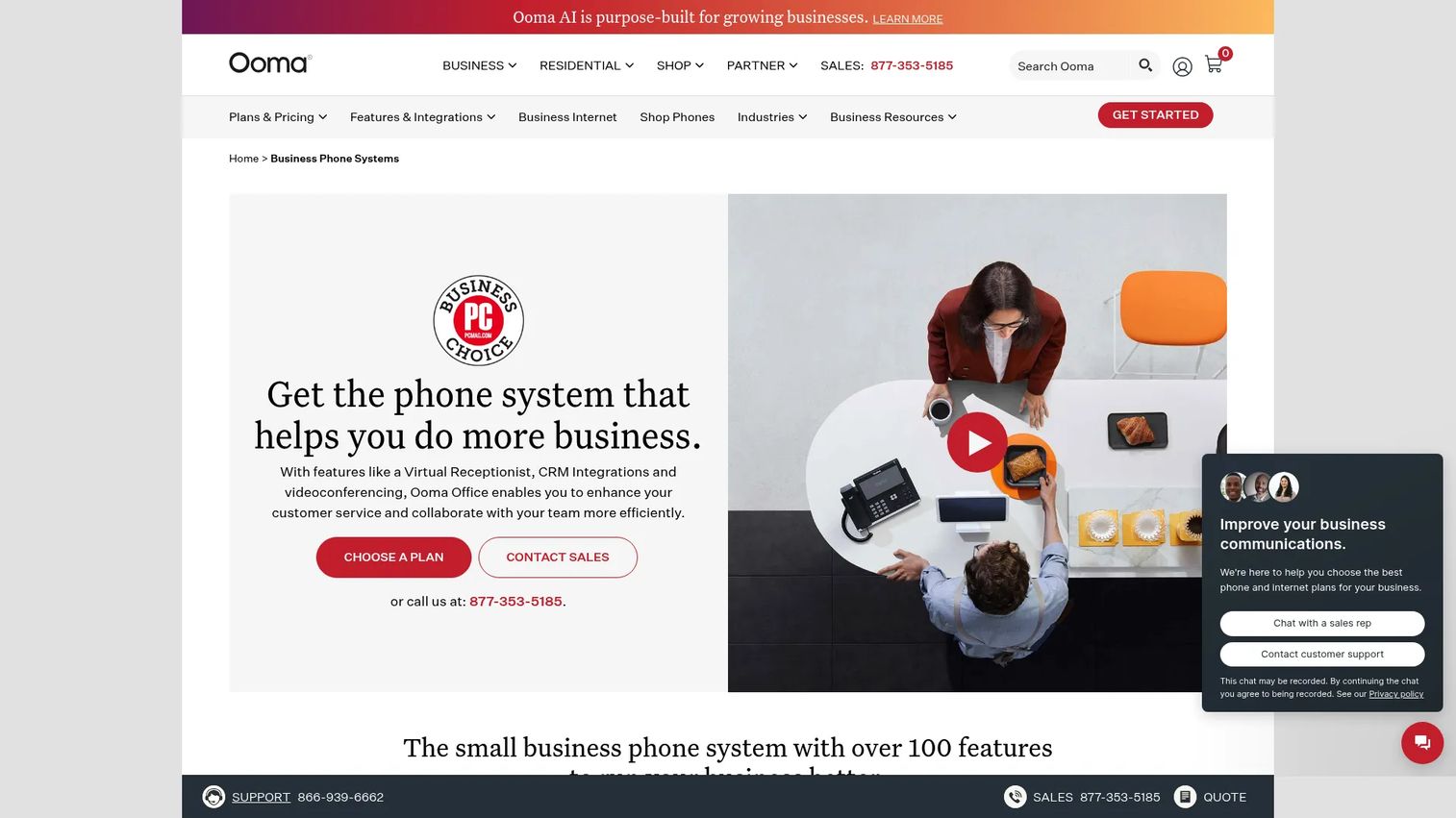
Ooma Office is a small business phone system with VoIP calling, mobile applications, and desk phone support. It includes a virtual receptionist and call forwarding.
Higher plans add text messaging, videoconferencing, recording, and CRM integration. This structure suits offices moving away from local phone hardware.
Best for: Small offices that want familiar phone behavior and optional desk phones.
Key features
- VoIP calling
- Virtual receptionist
- Desk phone support
- Mobile and desktop applications
- Call forwarding
Why choose Ooma Office: It provides a recognizable office phone model without requiring a local PBX. Professional services and local businesses may value its hardware support.
Ooma Office pricing: Essentials starts at $19.95 per user monthly. Pro costs $24.95, while Pro Plus costs $29.95.
G2 rating: 4.5/5.
11. Quo
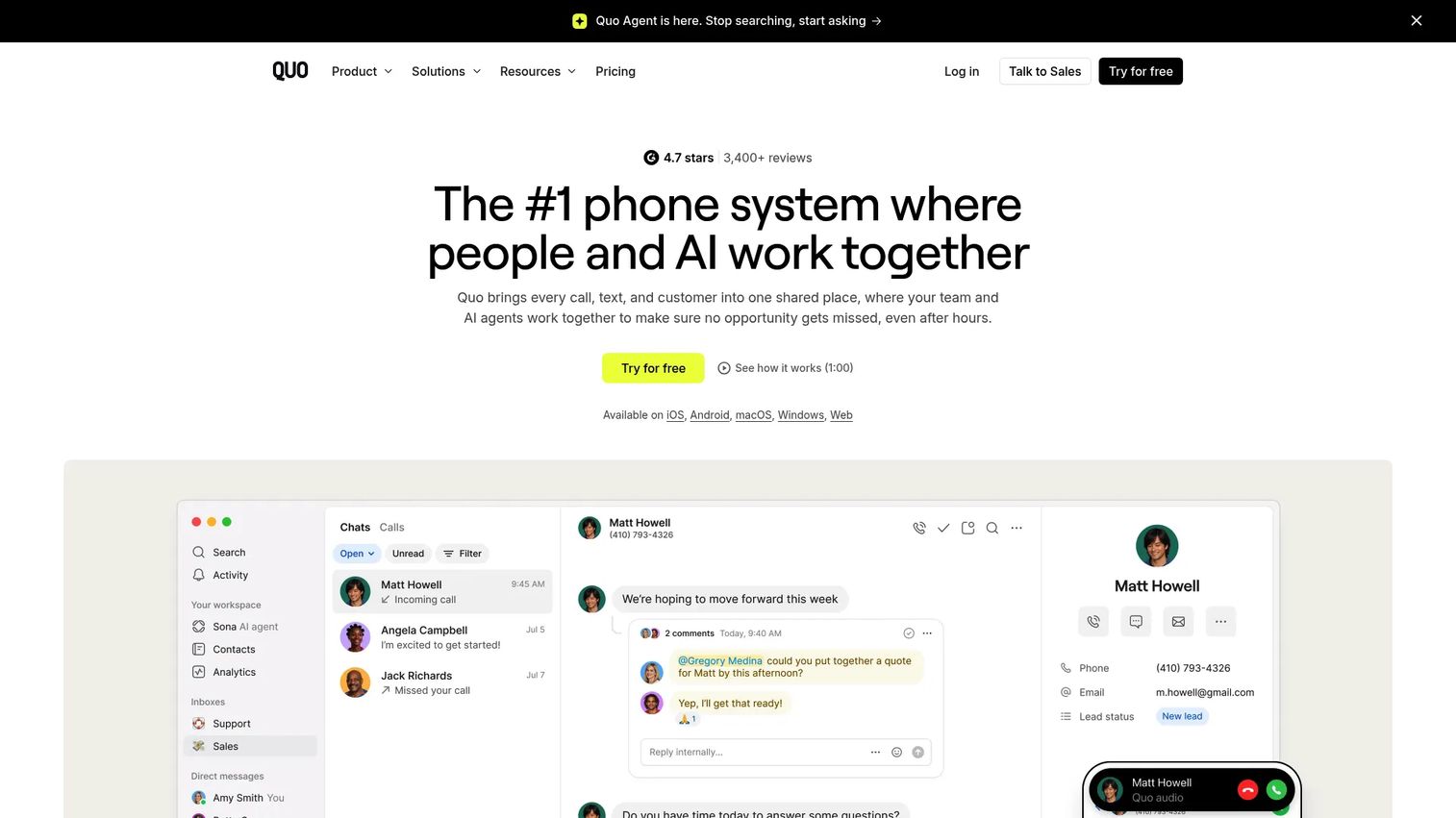
Quo is a shared business phone system for small and growing teams. It combines calls, messaging, shared numbers, routing, and team collaboration.
Call summaries and an AI agent assist with conversation handling. Integrations and an API support CRM and workflow connections.
Best for: Small teams separating business communications from personal phone use.
Key features
- Shared phone numbers
- Business calling and messaging
- AI call summaries
- Call routing and menus
- CRM and workflow integrations
Why choose Quo: It offers a focused first business phone system without requiring contact center infrastructure. Shared numbers help several team members manage one customer facing identity.
Quo pricing: Starter costs $15 per user monthly when billed annually or $19 monthly. Every plan includes a seven day free trial.
G2 rating: 4.7/5.
12. Intermedia Unite
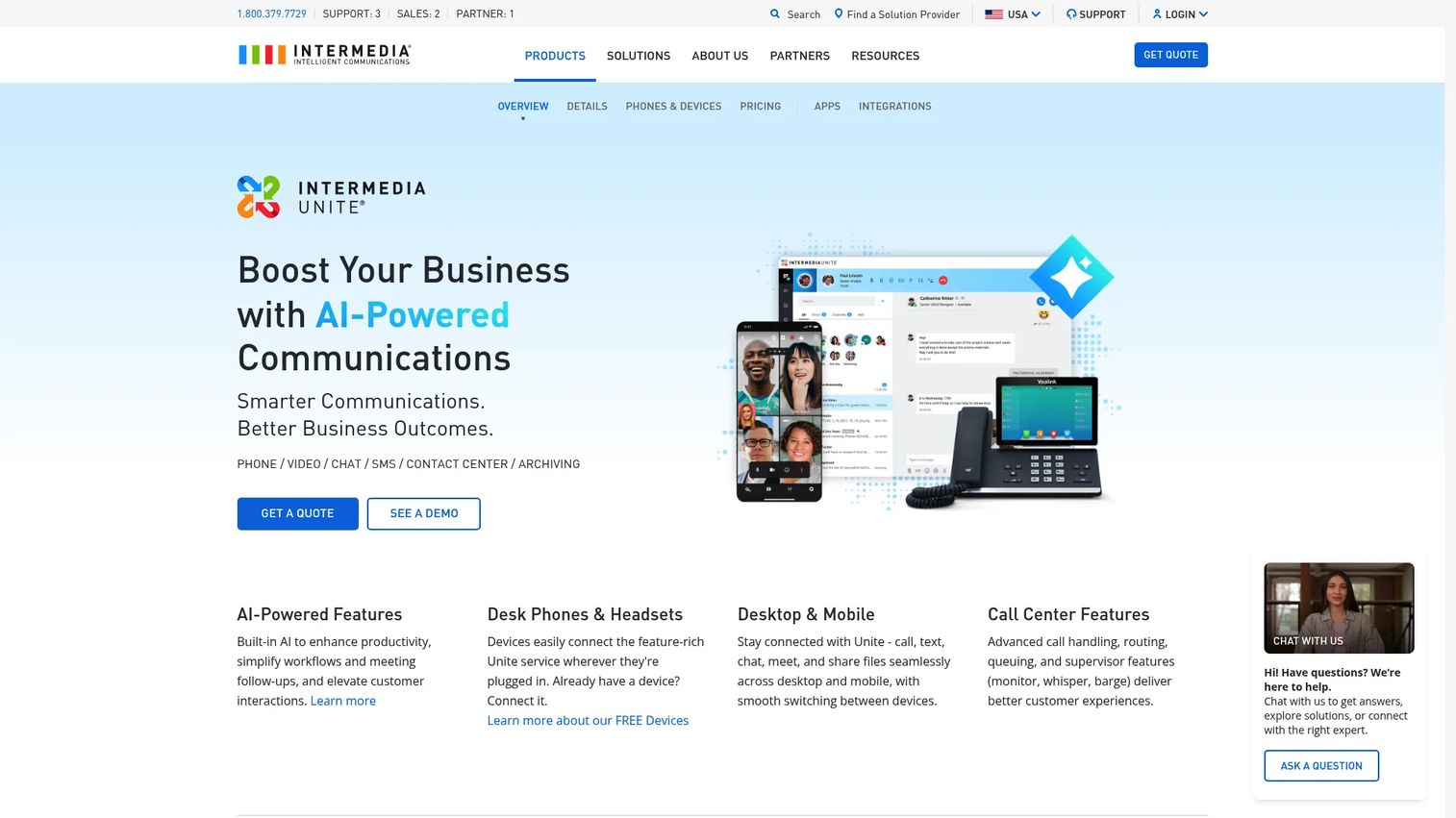
Intermedia Unite combines cloud calling with video meetings, team chat, SMS, and file sharing. It targets small and midsize businesses seeking bundled communications.
The platform also offers contact center capabilities and analytics. Desk phone support helps businesses maintain physical devices where needed.
Best for: SMBs wanting phone, meetings, collaboration, and file sharing together.
Key features
- Cloud business phone
- HD video meetings
- Team chat and SMS
- File sharing
- Contact center capabilities
Why choose Intermedia Unite: It fits companies trying to reduce the number of communication vendors they manage. Its plans combine calling with day to day collaboration features.
Intermedia Unite pricing: Unite Pro starts at $27.99 per user monthly. Unite Enterprise costs $32.99 per user monthly.
G2 rating: 4.5/5.
13. Telnyx
Telnyx is a carrier owned communications platform for programmable voice, messaging, identity, and connectivity. Its telephony capabilities include voice APIs and SIP trunking.
Global phone numbers, porting, and network controls give technical teams granular infrastructure access. Developers can also build messaging and AI voice workflows.
Best for: Technical teams creating custom voice and number management systems.
Key features
- Programmable voice APIs
- SIP trunking
- Global phone numbers
- Number porting
- Messaging APIs
Why choose Telnyx: It provides deeper network and routing control than a packaged virtual phone system. Teams need development resources to turn that flexibility into an operating workflow.
Telnyx pricing: Pay as you go has no monthly minimum. Committed plans start at $500 monthly, with product usage charged separately.
G2 rating: 4.7/5.
14. Twilio
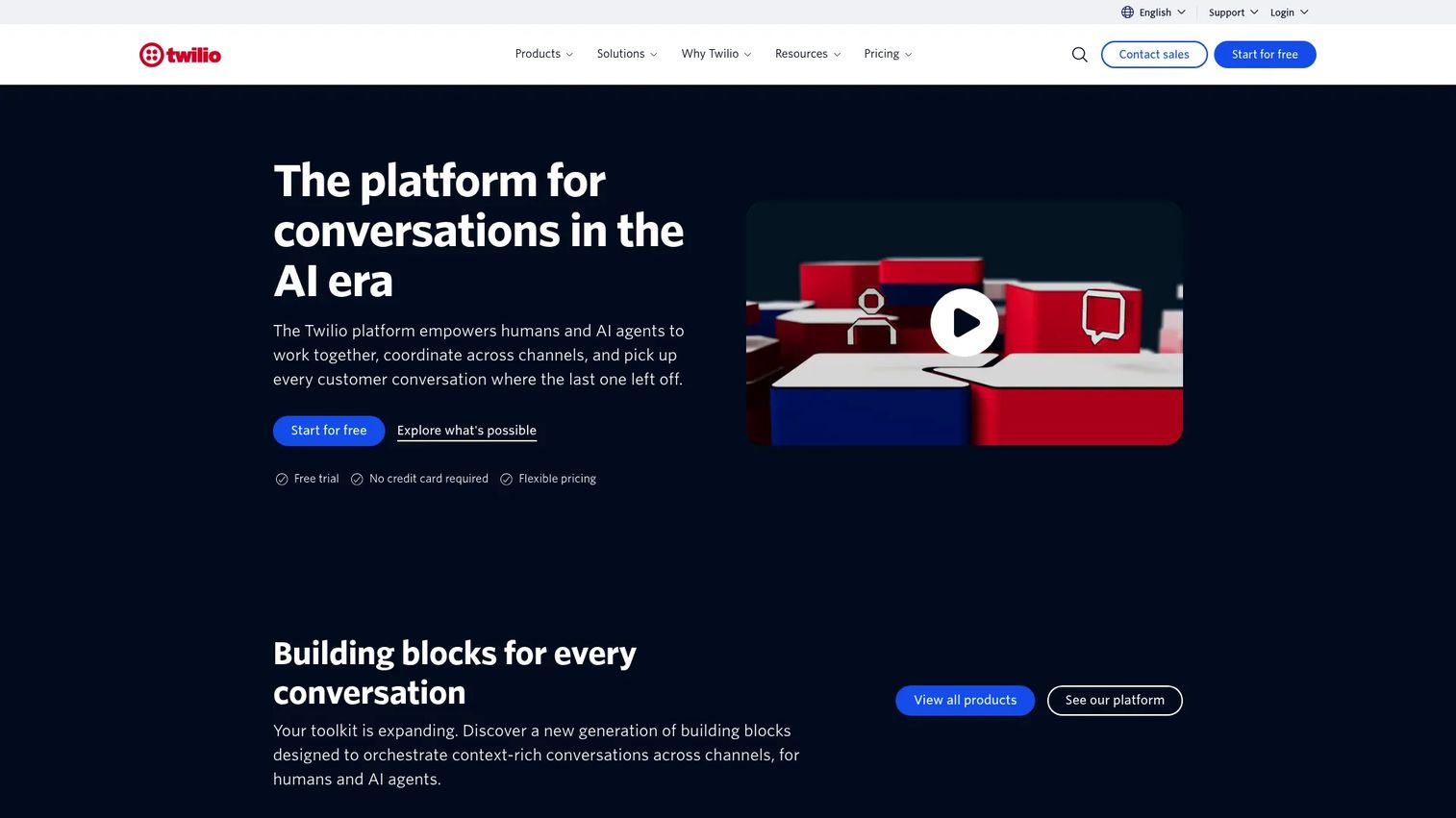
Twilio provides APIs for voice, SMS, email, video, authentication, and customer engagement. Developers can embed telephony into applications or internal processes.
Programmable Voice supports inbound and outbound calling. Additional tools cover number provisioning, IVR workflows, and serverless development.
Best for: Product and engineering teams building custom communications into software.
Key features
- Programmable Voice APIs
- SMS and messaging APIs
- Phone number provisioning
- IVR workflows
- Serverless development tools
Why choose Twilio: It fits companies that want to build their own calling experience rather than adopt a ready made business phone system. Development and maintenance capacity remain essential.
Twilio pricing: Voice starts at $0.0085 per inbound minute and $0.014 per outbound minute. Phone numbers and other products carry separate usage charges.
G2 rating: 4.1/5.
15. VoIP.ms
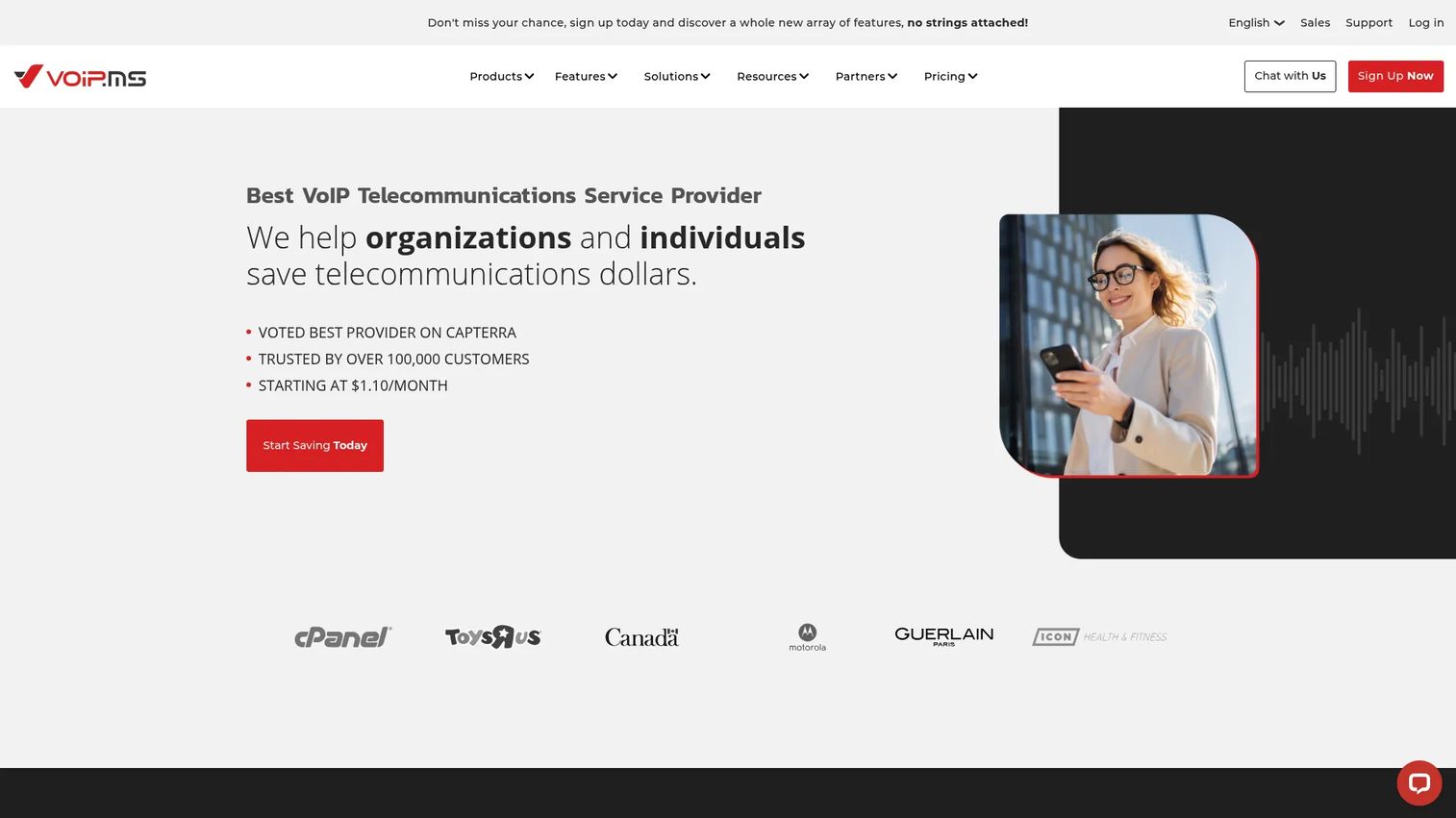
VoIP.ms offers usage based business VoIP with bring your own device support. Its features include SIP trunking, IVR, call queues, voicemail, forwarding, and recording.
The service gives technical users granular control over numbers and calling costs. It suits buyers comfortable configuring telephony details without a bundled collaboration suite.
Best for: Cost conscious teams seeking configurable VoIP and usage billing.
Key features
- SIP trunking
- DID phone numbers
- IVR and call queues
- Call recording
- SMS and MMS
Why choose VoIP.ms: It prioritizes control and itemized usage costs. Teams seeking a polished communications workspace may prefer a bundled cloud phone system.
VoIP.ms pricing: Voice numbers start at $1.10 monthly. Outbound calling starts at $0.005 per minute, while inbound calling starts at $0.009.
16. PhoneBurner
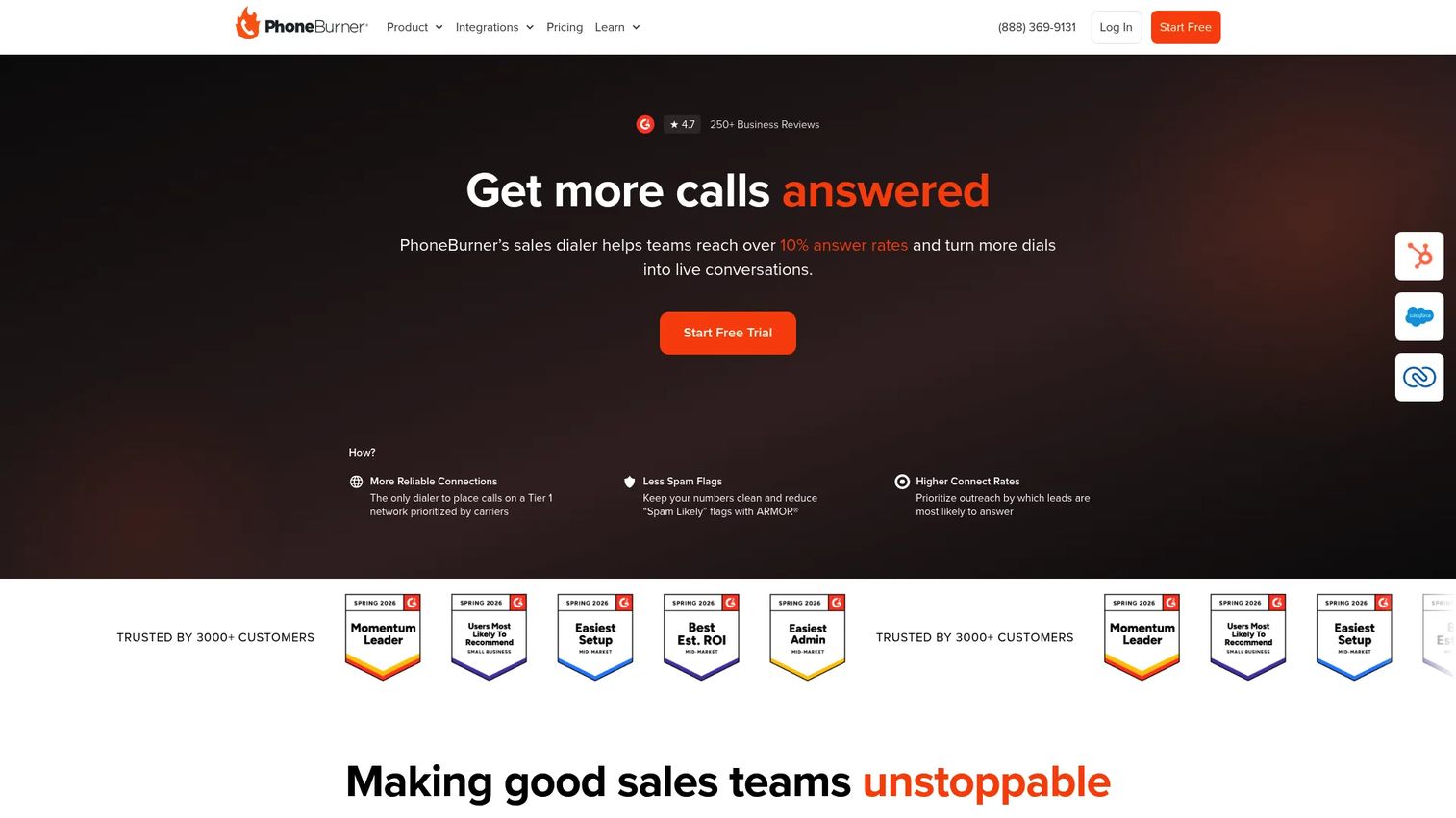
PhoneBurner is outbound sales dialer software with CRM, workflow automation, and follow up tools. It supports power dialing, email, SMS, call recording, and analytics.
Live call monitoring and coaching help managers review rep execution. The product focuses on outbound productivity rather than replacing a general office phone system.
Best for: SDR teams running structured, high volume outbound calling.
Key features
- Unlimited power dialing
- Automated follow up
- Call recording and transcription
- Live coaching
- CRM and integrations
Why choose PhoneBurner: It fits teams whose bottleneck is dialing volume and consistent follow up. Its sales workflow focus is stronger than its office telephony coverage.
PhoneBurner pricing: Standard starts at $140 per user monthly with annual billing or $165 monthly. A free trial is available.
G2 rating: 4.7/5.
17. Kixie
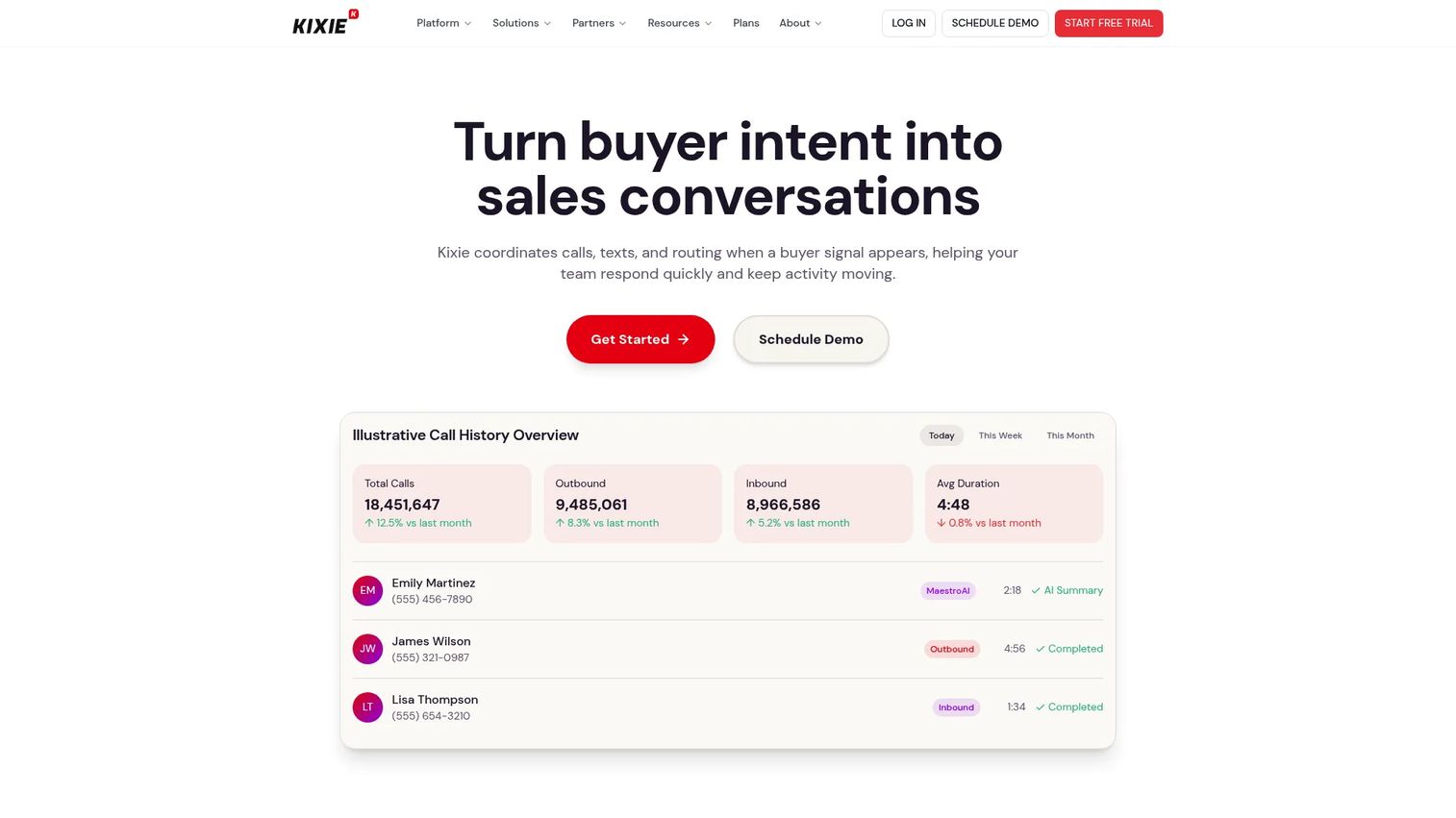
Kixie is a revenue communications platform for calling, texting, routing, and sales automation. Its multiline PowerDialer supports up to four simultaneous lines.
CRM integration keeps calls and SMS close to customer records. Conversation intelligence adds summaries, while reporting and coaching give managers execution data.
Best for: Sales teams that want CRM native calling, SMS, and power dialing.
Key features
- Multiline PowerDialer
- Business calling and SMS
- CRM integration
- AI call summaries
- Live coaching and analytics
Why choose Kixie: It suits revenue teams that want dispositions and conversations connected to CRM workflows. General office phone buyers may need broader collaboration features.
Kixie pricing: Custom pricing across Professional and PowerDialer plans. A seven day free trial requires no credit card.
G2 rating: 4.8/5.
Considerations when choosing telephony software
Call routing and queue logic
Map your inbound handoffs before comparing products. Document IVR paths, business hours, territory rules, callbacks, overflow behavior, and escalation requirements.
Automatic call distribution should reflect team capacity. Complex routing features add little value when nobody owns the underlying logic.
CRM and workflow integrations
Check which data synchronizes with account and opportunity records. Look beyond click to call and confirm support for recordings, notes, dispositions, and SMS.
Test duplicate handling and field mapping. Poor CRM telephony integration creates more cleanup work for RevOps.
Number management and migration
Inventory local numbers, toll free lines, shared numbers, and extensions. Confirm ownership rules for every new number.
Ask vendors for number porting requirements and expected timelines. Maintain overlap between systems until inbound and outbound calls pass testing.
Hardware and application requirements
Decide whether reps will use softphones, browser calling, mobile applications, or desk phones. Confirm headset support and network requirements before rollout.
Physical offices may need SIP device compatibility. Remote sales teams often need no phone hardware beyond headsets.
Pricing structure and contract shape
Compare the full cost, including per user fees and usage charges. Check seat minimums, SMS registration, international rates, AI add ons, and hardware.
Annual contracts can lower subscription prices but complicate migration. Model expected call volume before comparing bundled and usage based plans.
Conclusion
The strongest telephony software depends on the workflow you’re replacing.
CloudTalk offers a balanced mix of sales calling, routing, analytics, and CRM connectivity. Ringover is a strong alternative for teams prioritizing coaching and synchronized conversations.
Nextiva and RingCentral fit broader business phone deployments. Dialpad adds searchable call intelligence, while Aircall focuses heavily on connected sales and support workflows.
Zoom Phone makes sense for teams already centered on Zoom. Organizations with distributed communications requirements should compare 8x8 and Vonage against their geographic footprint.
Developers can shortlist Telnyx or Twilio for programmable telephony. Outbound sales teams should evaluate PhoneBurner and Kixie against their CRM process and dialing volume.
Pick three candidates that match your operating model. Test call quality, CRM synchronization, and routing with working reps. Complete a number porting checklist before signing the contract.
FAQs
Telephony software lets businesses make, receive, route, record, and manage calls through internet connected applications and devices. It often includes business numbers, voicemail, SMS, analytics, and integrations.
Teams can use it through computers, browsers, mobile devices, or compatible desk phones. Cloud administration replaces much of the hardware associated with traditional office systems.
VoIP is the technology that carries voice traffic over the internet. Telephony software uses that technology while adding numbers, routing, recording, administration, and reporting.
A basic VoIP service may only provide calling. Business telephony platforms usually include broader workflow and management capabilities.
A cloud PBX replaces the office switchboard used to manage lines, extensions, transfers, and voicemail. It moves those controls from local hardware to an online service.
Telephony software can include cloud PBX functions plus SMS, CRM integrations, call analytics, and contact center features. The terms overlap because many vendors package both together.
Sales teams should prioritize CRM logging, click to call, recording, SMS, and clear call dispositions. Outbound groups may also need power dialing or voicemail drops.
Managers benefit from call monitoring and coaching tools. RevOps should evaluate field mapping, duplicate handling, activity reporting, and routing governance.
Many teams operate entirely through softphones, browsers, headsets, and mobile applications. This setup works well for remote or hybrid sales organizations.
Desk phones remain useful in reception areas and fixed offices. Confirm device compatibility before buying hardware or reusing existing SIP phones.
Entry subscriptions in this comparison start around $10 per user monthly. Other products charge by phone number, minute, message, extension, or API request.
Total cost may include seat minimums, international calling, SMS registration, AI features, and hardware. Model your expected usage before comparing headline prices.
The main work involves number porting, call flow setup, CRM configuration, and user training. Porting can require account records and authorization documents from your current carrier.
Run both systems in parallel when possible. Test inbound routes, outbound caller ID, call recording, emergency calling, and CRM synchronization before completing the move.
Computer telephony integration connects a phone system with business software. Common destinations include CRM records, support tools, and sales applications.
CTI can support click to call, automatic activity logging, customer record popups, and recording access. It reduces manual data entry when configured correctly.