Your Reel got views. The carousel picked up saves. Follower count moved up. Leadership still asks what changed.
That gap between visible activity and defensible reporting is the real problem with Instagram measurement. Instagram ads reached 1.96 billion users worldwide in October 2026, according to DataReportal, which means more brands competing for the same attention and more pressure to prove your slice of it is working. Native analytics give you a starting point, but they rarely answer the questions that matter for budget decisions: Which content types drive follower growth, how your engagement rate compares to competitors, and whether this channel is actually moving pipeline.
The right instagram analytics tool closes that gap. The wrong one adds another dashboard no one opens by Friday.
What's inside
This guide compares 12 instagram analytics tools for marketers, agencies, brands, and creators in 2026. Tools were selected based on four criteria:
- Instagram metric depth: Follower growth, reach, engagement rate, saves, views, and content breakdowns
- Reporting quality: PDF exports, CSV downloads, scheduled reports, and stakeholder-ready formats
- Competitor tracking: Public profile checks and benchmarking capabilities
- Pricing clarity: Verified plans that fit different team sizes and reporting jobs
The list covers free native analytics, dedicated Instagram trackers, full social media suites, and lightweight engagement calculators.
TL;DR
- Best free starting point: Instagram Insights gives you first-party performance data inside any business or creator account at no cost
- Best for dedicated Instagram tracking: InsTrack handles follower growth, account grouping, competitor benchmarking, and report exports
- Best for competitor analysis: Not Just Analytics and Socialinsider both cover public profile comparisons and benchmarking depth
- Best for social teams: Sprout Social covers cross-platform reporting, stakeholder dashboards, and team workflows
- Best for scheduling plus analytics: Later and Buffer connect content planning to post performance without splitting your stack
- Best for influencer checks: Phlanx handles quick instagram engagement rate calculations before partnership outreach
What is Instagram analytics software?
Instagram analytics software helps marketers measure, compare, and report Instagram account performance across metrics such as follower growth, reach, impressions, engagement, saves, views, clicks, and content performance.
The category splits into two types. Native tools live inside Instagram and report on accounts you own. Third-party tools pull that same data via API and add layers native analytics cannot provide: Competitor benchmarking, historical exports, multi-account dashboards, and scheduled reports.
Core Instagram metrics to track
- Follower growth: Net change in followers over a defined period
- Reach and impressions: How many unique accounts saw your content versus total views
- Engagement rate: Interactions (likes, comments, saves, shares) divided by followers or reach
- Saves and shares: Signals that content is useful enough to return to or pass on
- Reel views and video performance: View counts, average watch time, and completion rates
- Profile visits and website clicks: Downstream intent from content exposure
- Posting frequency: Cadence consistency over time
- Audience demographics: Age, location, gender, and active hours
What paid tools add beyond native analytics
- Longer historical data windows (some native tools cap at 30 to 90 days)
- Multi-account dashboards for agencies managing several clients
- Competitor and influencer profile analysis using public data
- Automated PDF and CSV reports on a schedule
- White-label report branding for client delivery
- Cross-platform reporting (Instagram alongside TikTok, LinkedIn, or YouTube)
- Best-time-to-post recommendations based on audience activity
When to use Instagram analytics tools
Prove Instagram performance beyond likes
Likes are visible, but they rarely survive a budget conversation. Growth marketers need to connect content output to reach trends, follower movement, saves, and profile clicks before making the case that Instagram contributes to pipeline. A dedicated instagram analytics tool turns weekly content work into a report leadership can read.
Benchmark competitors and creators
Understanding your own performance means nothing without context. Third-party tools that check public profiles can show how your posting frequency, engagement rate, and follower growth compare to direct competitors. Before signing an influencer deal, the same analysis tells you whether a creator's audience engages or just follows.
Automate reports for clients or leadership
Rebuilding a monthly deck by hand is a tax on the entire team. Agencies and in-house managers who connect their Instagram accounts to a reporting tool can schedule PDF exports or stakeholder dashboards once and stop pulling screenshots every four weeks.
Instagram analytics tools comparison
Pricing and G2 ratings in this table reflect figures verified against vendor pricing pages and G2 listings. Where no G2 listing exists, the rating is marked N/A.
| # | Product | Best for | Key differentiator | Pricing | G2 rating |
|---|---|---|---|---|---|
| 1 | Instagram Insights | Free native analytics | Built into every business and creator account | Free | N/A |
| 2 | InsTrack | Dedicated Instagram tracking | Account grouping, benchmarking, and exports | From $4.99/mo | N/A |
| 3 | Not Just Analytics | Competitor and profile analysis | Multi-profile comparisons and PDF reports | From €15.83/mo | N/A |
| 4 | Socialinsider | Benchmarking and cross-platform | 14-day trial, historical data up to 12 months | From $82/mo | 4.7/5 |
| 5 | Perch by Hootsuite | Multi-channel social teams | Planning, scheduling, and analytics in one platform | From $99/user/mo | 4.3/5 |
| 6 | Later | Scheduling plus analytics | Visual calendar tied directly to post performance | From $18.75/mo | 4.5/5 |
| 7 | Buffer | Small teams, simple reporting | Per-channel pricing, free tier available | Free; from $5/mo | 4.3/5 |
| 8 | Sprout Social | Enterprise social reporting | Cross-platform dashboards and social listening | From $79/seat/mo | 4.4/5 |
| 9 | Panoramiq Insights | Instagram-focused reports | Instagram-specific analytics and export views | Contact vendor | N/A |
| 10 | Panoramiq Multiview | Multi-stream Instagram monitoring | Multiple Instagram streams in one Hootsuite view | $7.99 | N/A |
| 11 | Mentionlytics | Social listening plus Instagram | Brand mentions, sentiment, and competitor monitoring | From $49/mo | 4.9/5 |
| 12 | Phlanx | Influencer engagement checks | Quick engagement rate calculations for vetting | Contact vendor | 3.5/5 |
Best 12 Instagram analytics tools for 2026
1. Instagram Insights
Instagram Insights is the native analytics tool built into every Instagram professional account. Available for both business and creator account types, it covers account-level reach and engagement, content performance across posts, Reels, Stories, and Lives, as well as audience demographic data and follower trends. No third-party connection is required, and all data comes directly from Meta.
Best for: Creators, small businesses, and marketers who need a free baseline on their own account's performance.
Key features
- Native account reach and engagement tracking
- Content performance for posts, Reels, Stories, and Lives
- Audience demographic and follower insights
- Posting frequency and content trend views
- Overview of profile visits and website clicks
Why choose Instagram Insights: It is the only tool on this list that requires nothing beyond a professional Instagram account. Use it when you need daily content feedback and audience data at zero cost. Teams hit its ceiling when they need historical exports, competitor tracking, or multi-account reporting.
Instagram Insights pricing: Free with any eligible Instagram business or creator account.
2. InsTrack
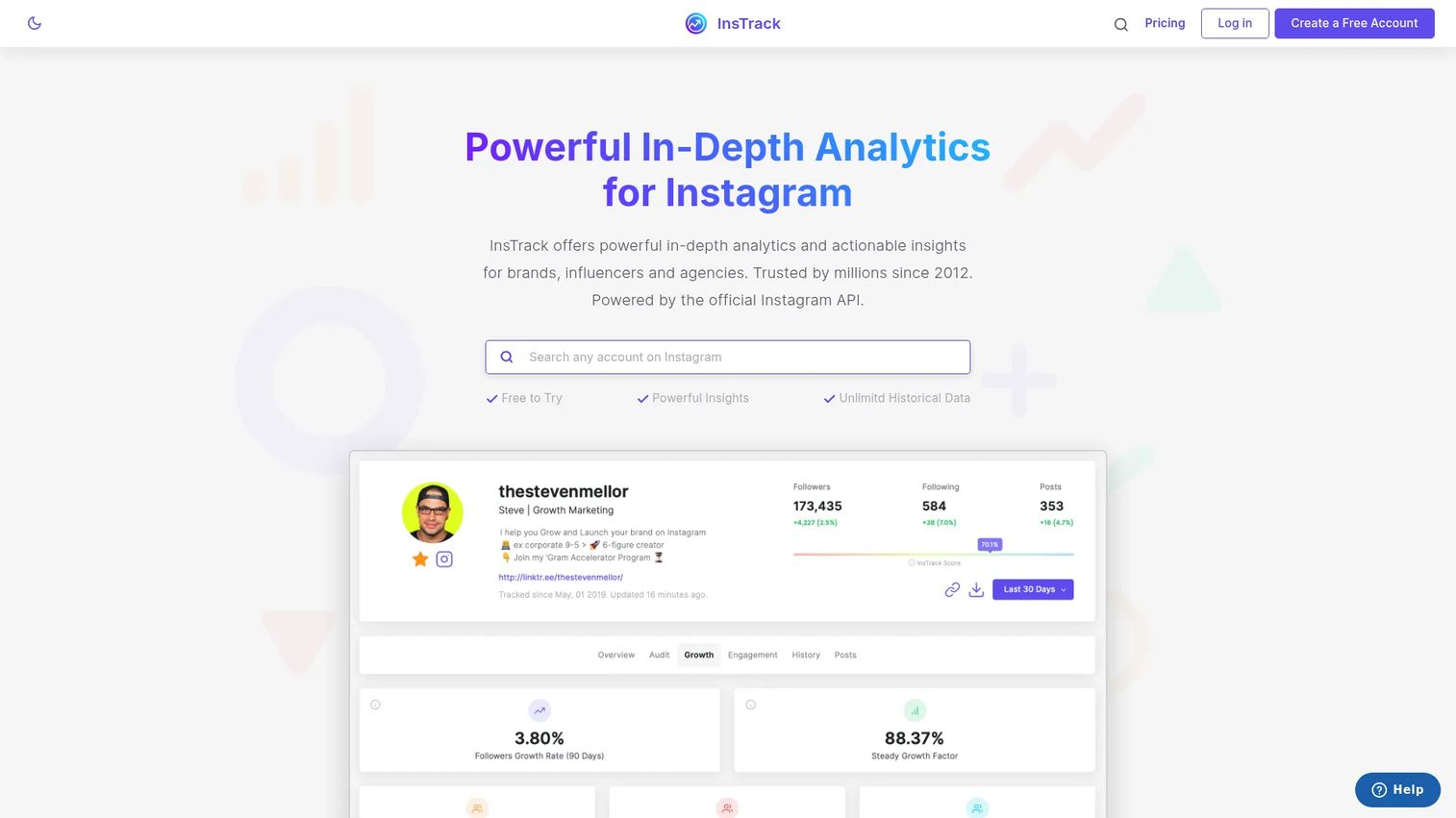
InsTrack is a dedicated Instagram analytics and scheduling app built for professionals who need more than native reporting. The platform covers KPI tracking, competitor and hashtag analysis, audience and media insights, comment management, and smart post scheduling, all organized around multiple connected accounts. It supports both owned accounts and competitor tracking within a single interface.
Best for: Agencies, influencers, and marketing teams that need focused Instagram tracking and recurring performance exports.
Key features
- Instagram KPI tracking and audience analysis
- Competitor and hashtag monitoring
- Comment management across accounts
- Multi-account support and account grouping
- Smart post scheduling
Why choose InsTrack: Choose it when Instagram is a primary channel that needs its own dedicated reporting workflow rather than a tab inside a broader social suite. It fits teams managing owned accounts alongside client or competitor profiles.
InsTrack pricing: A free tier is available. Paid plans start at $4.99/month (Pro Monthly) or $29.99/year (Pro Yearly). Advanced plans are $9.99/month or $46.99/year. All prices are in-app subscription figures from the official App Store listing.
3. Not Just Analytics
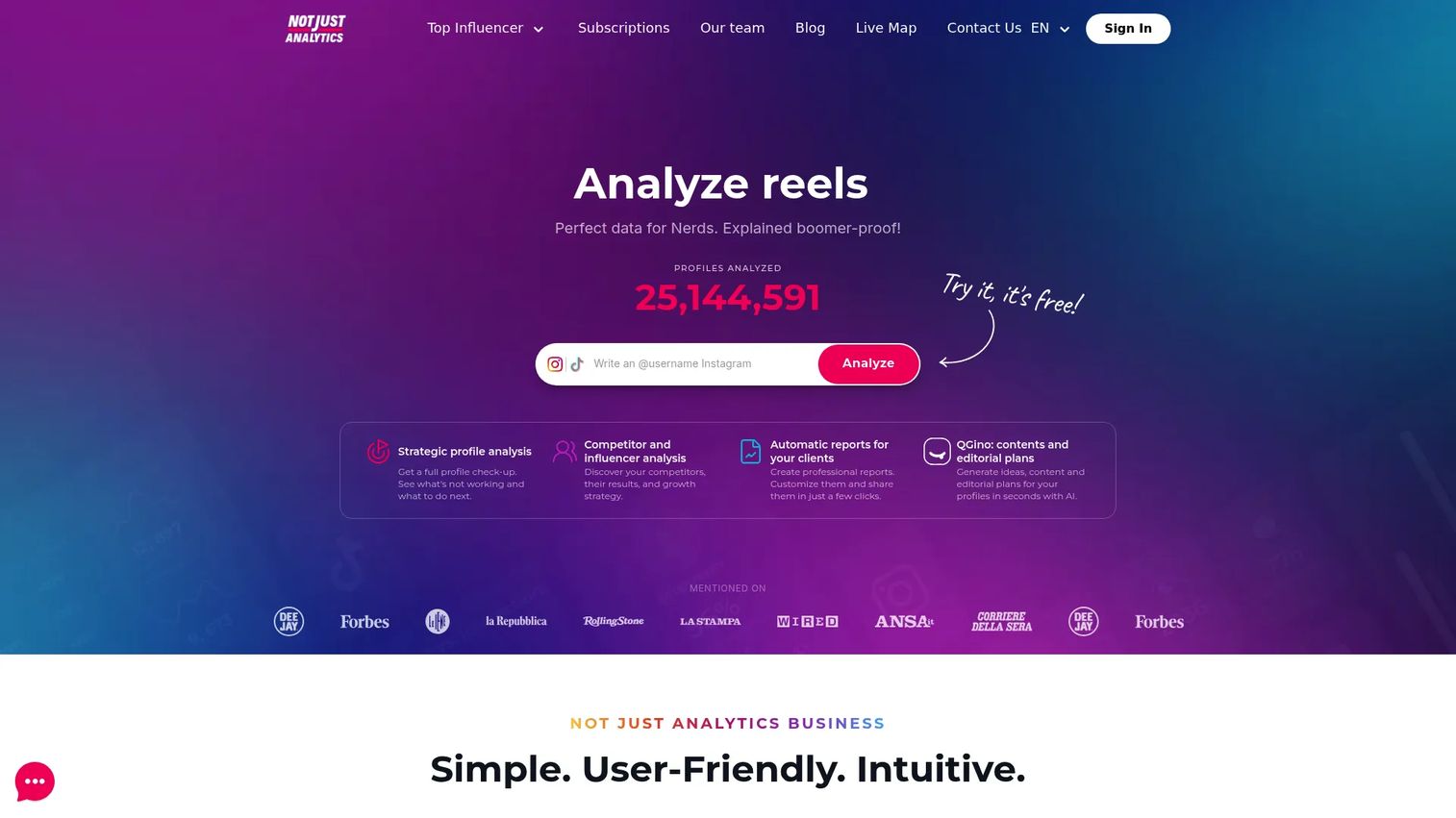
Not Just Analytics is a social media analytics platform for Instagram and TikTok that covers profile analysis, competitor comparisons, influencer benchmarking, and content optimization. It generates automatic customizable PDF reports and includes hashtag, Reel, caption, and sentiment analysis alongside AI-generated content ideas and editorial planning features. The platform targets freelancers, agencies, brands, and social teams that need readable analytics without a heavy enterprise dashboard.
Best for: Marketers, creators, and influencer teams that need accessible instagram profile analytics and competitor comparisons in one place.
Key features
- Strategic Instagram profile analysis with recommendations
- Competitor and influencer benchmarking
- Automatic customizable PDF reports
- Hashtag, Reel, and sentiment analysis
- AI-generated content ideas and editorial plans
Why choose Not Just Analytics: Choose it when your reporting job includes explaining performance to non-technical clients or stakeholders. The PDF reports and profile comparison tools make it practical for agencies handling multiple Instagram clients without needing enterprise pricing.
Not Just Analytics pricing: Plans are billed annually and shown in EUR. The NJL Light plan starts at €15.83/month (€190/year). NJL Standard is €32.50/month (€390/year), NJL Advanced is €57.50/month (€690/year), and NJL Pro is €90.83/month (€1,090/year). An Enterprise tier is available on request. All prices exclude VAT.
4. Socialinsider
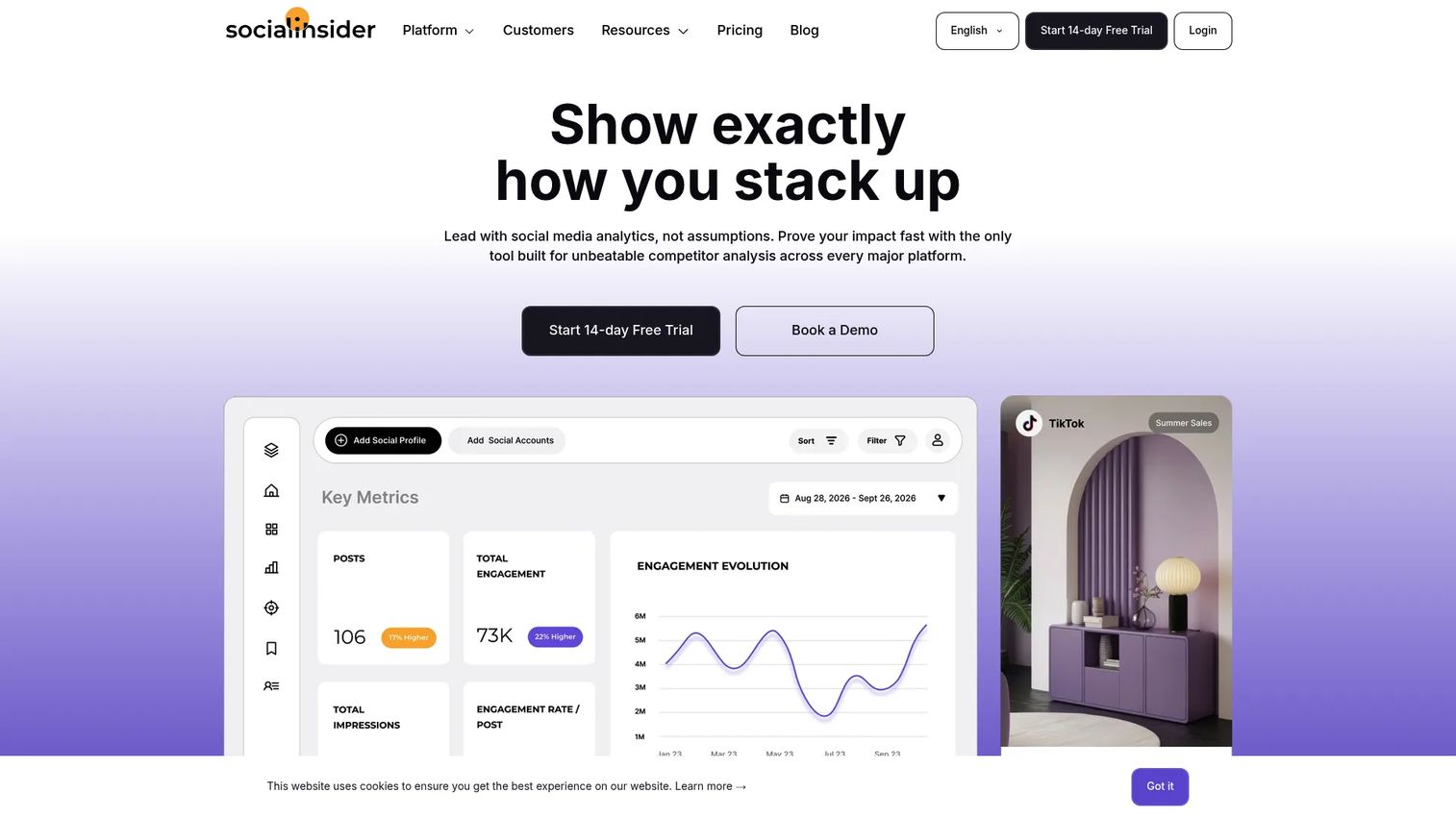
Socialinsider is a social media analytics platform built for cross-network performance measurement, competitor benchmarking, historical data analysis, and automated reporting. It covers Instagram alongside other major networks, includes AI-powered content pillar analysis, and offers unlimited exports and Looker Studio integration. A 14-day free trial is available on all paid plans.
Best for: Brands and agencies that need instagram competitor analysis and cross-platform benchmarking in one reporting platform.
Key features
- Cross-network analytics and competitor benchmarking
- Historical Instagram data (up to 12 months on the Predict plan)
- AI-powered content pillar analysis
- Automated reports and unlimited exports
- Looker Studio and social media API access
Why choose Socialinsider: Choose Socialinsider when competitor benchmarking is a regular reporting job, not a one-off check. The historical data depth and automated exports make it practical for teams that produce monthly channel performance decks.
Socialinsider pricing: Plans are billed annually at monthly equivalents. The Adapt plan starts at $82/month (up to 20 social accounts, 1 seat, 3 months of historical data). Optimize is $124/month (30 accounts, 2 seats, 6 months history). Predict is $199/month (40 accounts, 5 seats, 12 months history). Enterprise pricing is custom. A 14-day free trial is included on all plans.
G2 rating: 4.7/5.
5. Perch by Hootsuite
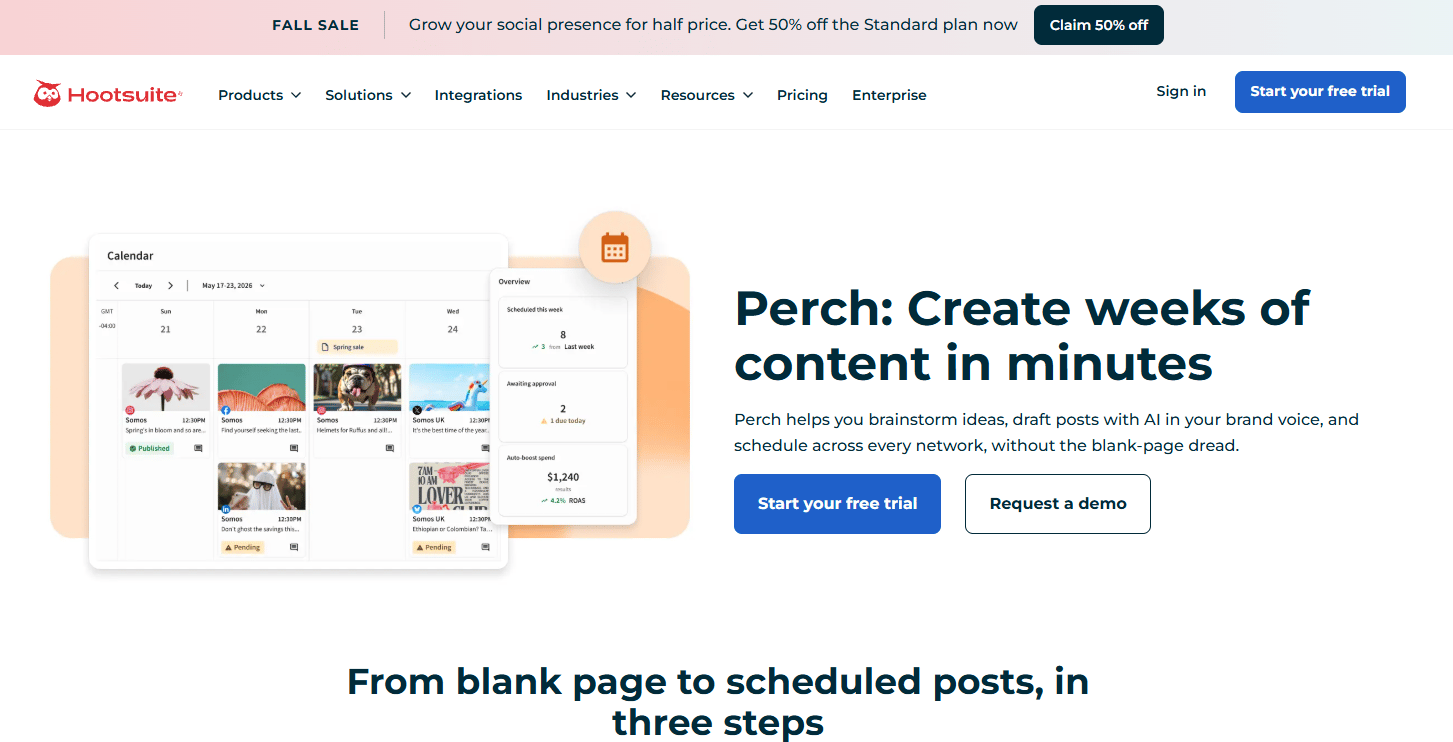
Perch by Hootsuite is Hootsuite's content planning, creation, scheduling, and publishing app. It consolidates AI-assisted content generation, a visual calendar across Instagram, LinkedIn, TikTok, Facebook, and other networks, bulk scheduling of up to 350 posts, collaboration and approval workflows, social listening, and trend discovery. The platform is built into Hootsuite's paid plans rather than sold as a standalone subscription.
Best for: Social media teams that want Instagram analytics and scheduling inside a broader multi-channel workflow.
Key features
- AI-assisted caption, image, and hashtag generation
- Cross-network calendar and bulk scheduling (up to 350 posts)
- Collaboration and approval workflows
- Social listening and trend discovery
- Link-in-bio pages and best-time publishing recommendations
Why choose Perch by Hootsuite: Choose it when Instagram is one channel in a multi-network strategy and the team needs content creation, scheduling, and reporting to live in the same platform. It is not the right fit if Instagram is the only channel and you want a standalone dedicated tracker.
Perch by Hootsuite pricing: Perch features are included in Hootsuite plans. The Standard plan is $99/user/month (billed annually). Professional is $199/user/month and Advanced is $399/user/month, both billed annually. Enterprise pricing is custom. A 14-day free trial is available on Standard, Professional, and Advanced plans.
G2 rating: 4.3/5
6. Later
Later is an all-in-one social media management platform that connects content planning to performance measurement. It covers post scheduling and auto-publishing, a visual content calendar with a media library, Instagram post analytics, best-time-to-post recommendations, link-in-bio tracking, and collaboration with approval workflows. A free plan is available; paid plans include a 14-day free trial.
Best for: Visual-first brands and social media managers who plan Instagram content in a calendar and want performance data in the same tool.
Key features
- Visual content calendar and auto-publishing
- Instagram post and engagement analytics
- Best-time-to-post recommendations
- Link in Bio tracking and performance
- Collaboration, approvals, and social inbox
Why choose Later: Choose Later when your team plans Instagram visually and wants to skip the step of pulling performance data from a separate dashboard. It is a strong fit for lean teams where the person scheduling is also the person reporting.
Later pricing: A free plan is available. Paid plans are billed annually. The Starter plan is $18.75/month, Growth is $37.50/month, and Scale is $82.50/month. A 14-day free trial is included on paid plans.
G2 rating: 4.5/5.
7. Buffer
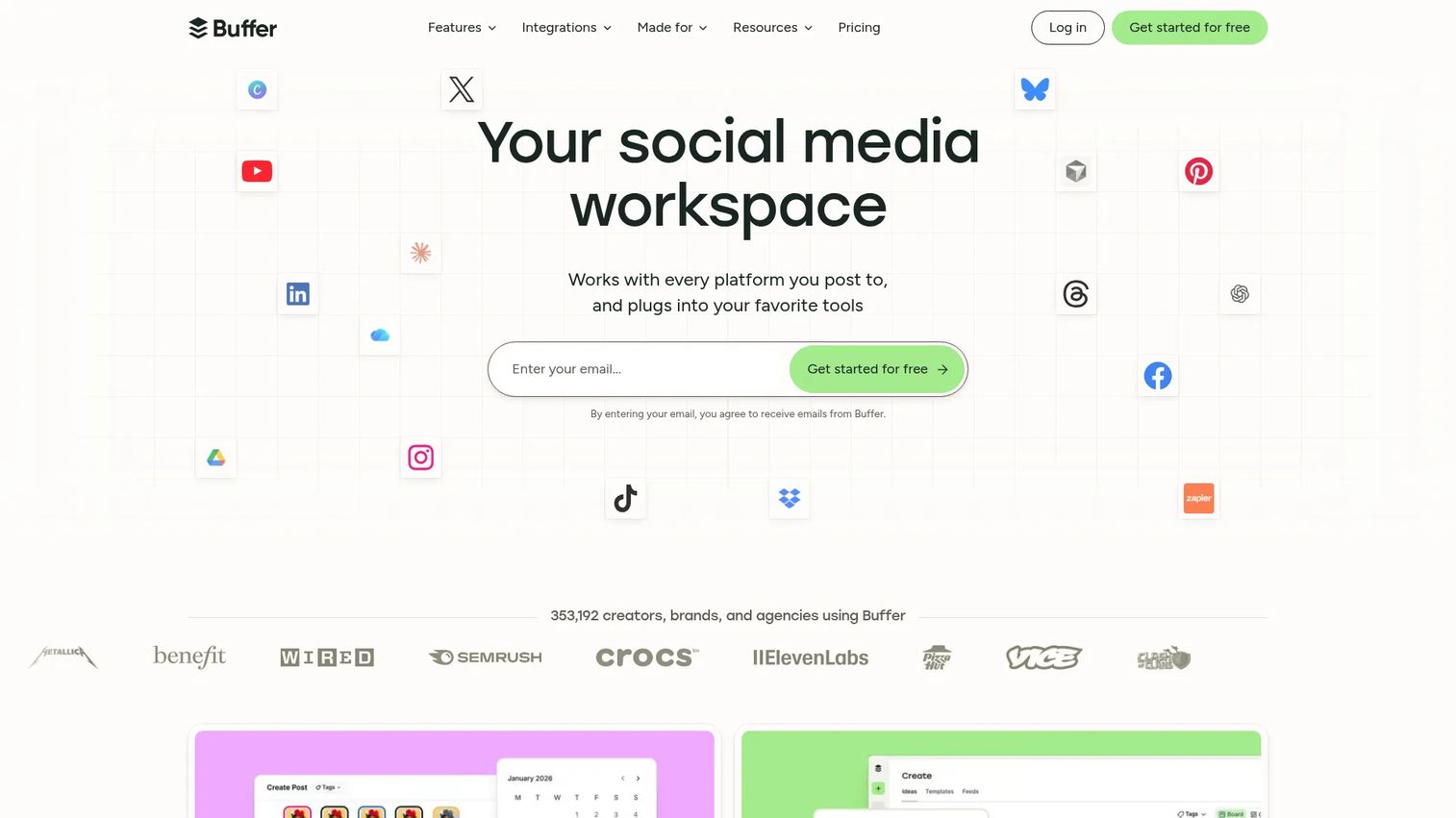
Buffer is a social media management platform for scheduling, publishing, engagement, and analytics across multiple channels. The analytics side covers Instagram post performance, engagement tracking, AI-powered performance takeaways, and a community inbox for responding to comments. The free plan supports up to three connected channels; paid plans add unlimited scheduled posts and team features.
Best for: Small teams and creators managing Instagram alongside other social channels who want straightforward scheduling and reporting without enterprise pricing.
Key features
- Instagram post scheduling and publishing
- Post analytics and engagement tracking
- AI-powered performance takeaways
- Community inbox for comment replies
- Multi-channel publishing from one dashboard
Why choose Buffer: Choose Buffer when ease of adoption matters as much as reporting depth. The per-channel pricing model keeps costs predictable at small scale, and the free tier makes it a low-risk starting point for teams not ready to commit to a paid analytics workflow.
Buffer pricing: A free plan covers up to 3 channels. The Essentials plan is $5/month per channel (billed annually at $60/year per channel). The Team plan is $10/month per channel (billed annually at $120/year per channel). Annual billing provides a 20% discount over monthly rates.
G2 rating: 4.3/5.
8. Sprout Social
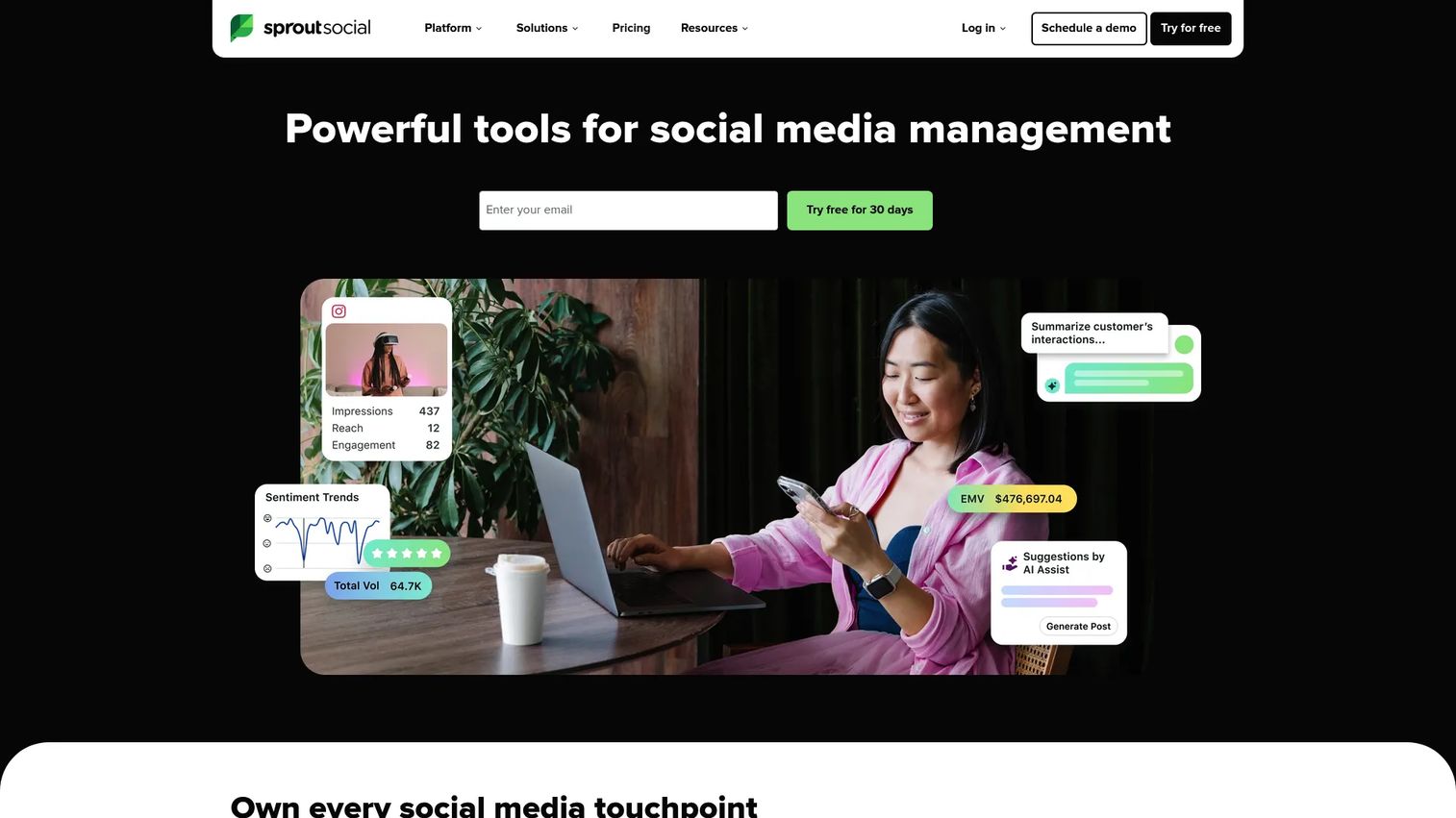
Sprout Social is an AI-powered social media management and intelligence platform covering publishing, engagement, analytics, social listening, and customer care. For instagram analytics, it provides multi-profile reporting dashboards, cross-channel performance breakdowns, competitive benchmarking, social listening across networks, and team collaboration tools. A 30-day free trial is available on all plans.
Best for: Mid-market and enterprise marketing teams that need robust Instagram and cross-platform reporting with governance and stakeholder dashboards built in.
Key features
- Cross-platform analytics and Instagram reporting dashboards
- Unified social inbox and engagement management
- Social listening tools across networks
- Team workflow management and approvals
- Competitive benchmarking and audience insights
Why choose Sprout Social: Choose Sprout Social when Instagram reporting is part of a larger channel mix and leadership expects clean, exportable dashboards. It fits teams that need analytics, social listening, and publishing governance in one system without stitching together separate tools.
Sprout Social pricing: No free tier. The Essentials plan starts at $79/seat/month (billed annually) or $99/seat/month billed monthly. Standard is $199/seat/month, Professional is $299/seat/month, and Advanced is $399/seat/month, all billed annually. Enterprise pricing is custom. A 30-day free trial is available.
G2 rating: 4.4/5.
9. Panoramiq Insights
Panoramiq Insights is an Instagram-focused analytics and reporting tool. It is designed for teams that want cleaner Instagram account reporting without upgrading to a full social media suite. The product covers account performance, post metrics, follower tracking, and exportable report views.
Best for: Marketers and agencies that need dedicated Instagram reporting without the overhead of a broader social management platform.
Key features
- Instagram account performance tracking
- Post and media analytics
- Follower insight and growth tracking
- Exportable report views
- Agency reporting support
Why choose Panoramiq Insights: Choose it when your reporting job is Instagram-specific and a full suite adds cost and complexity you do not need. It suits teams that already use a scheduling tool and want analytics coverage without switching platforms.
Panoramiq Insights pricing: Contact the vendor directly for current plan details.
10. Panoramiq Multiview
Panoramiq Multiview is an Instagram interaction management app that works within Hootsuite. It consolidates comments, mentions, photo-tags, and account analytics from multiple Instagram profiles into one stream. Reusable response templates help teams handle repeated interactions faster. It is distinct from Panoramiq Insights: Multiview is focused on monitoring and engagement management, not analytics reporting.
Best for: Social teams managing interactions across multiple Instagram accounts through Hootsuite.
Key features
- Monitor and respond to Instagram mentions and comments
- Monitor and respond to photo-tags
- Manage multiple Instagram accounts in one stream
- Analytics for comments, mentions, and photo-tag interactions
- Reusable response templates
Why choose Panoramiq Multiview: Choose it when monitoring many Instagram accounts inside Hootsuite is the daily bottleneck. It is an add-on tool for workflow efficiency, not a standalone analytics platform.
Panoramiq Multiview pricing: Listed at $7.99 on the Hootsuite App Marketplace.
11. Mentionlytics
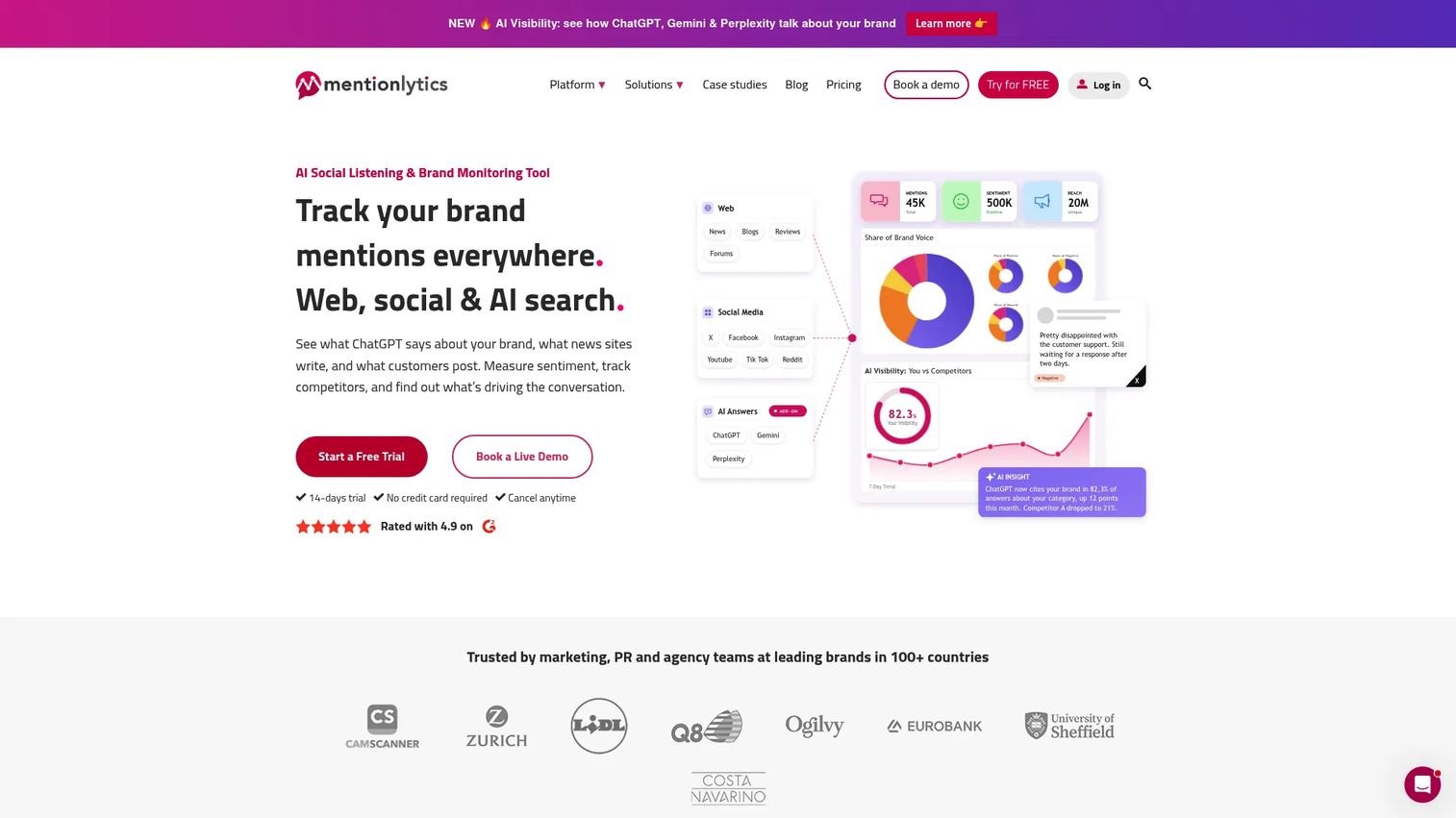
Mentionlytics is an AI-powered social listening and brand monitoring platform that tracks online mentions, analyzes sentiment, monitors competitors, and measures share-of-voice across the web and social media including Instagram. It covers hashtag tracking, influencer discovery, review monitoring, and customizable dashboards. A 14-day free trial is available; no permanent free tier exists.
Best for: Brands and agencies tracking instagram mentions, campaign response, competitor conversations, and audience sentiment alongside standard performance metrics.
Key features
- Web and social media mention tracking
- AI sentiment and emotion analysis
- Competitor monitoring and share-of-voice analytics
- Hashtag tracking and influencer discovery
- Customizable reports and dashboards
Why choose Mentionlytics: Choose Mentionlytics when Instagram analytics needs brand context beyond post performance. It fits teams running campaigns that generate conversation and needing to know how the brand is being discussed, not just how the posts are performing.
Mentionlytics pricing: Plans are billed annually. Basic starts at $49/month, Essential is $169/month, Advanced is $299/month, Pro is $499/month, and Business is $749/month. Enterprise plans start from $1,299/month. An AI Visibility add-on starts at $49/month and requires the Essential tier or higher. A 14-day free trial is available on all plans.
G2 rating: 4.9/5.
12. Phlanx
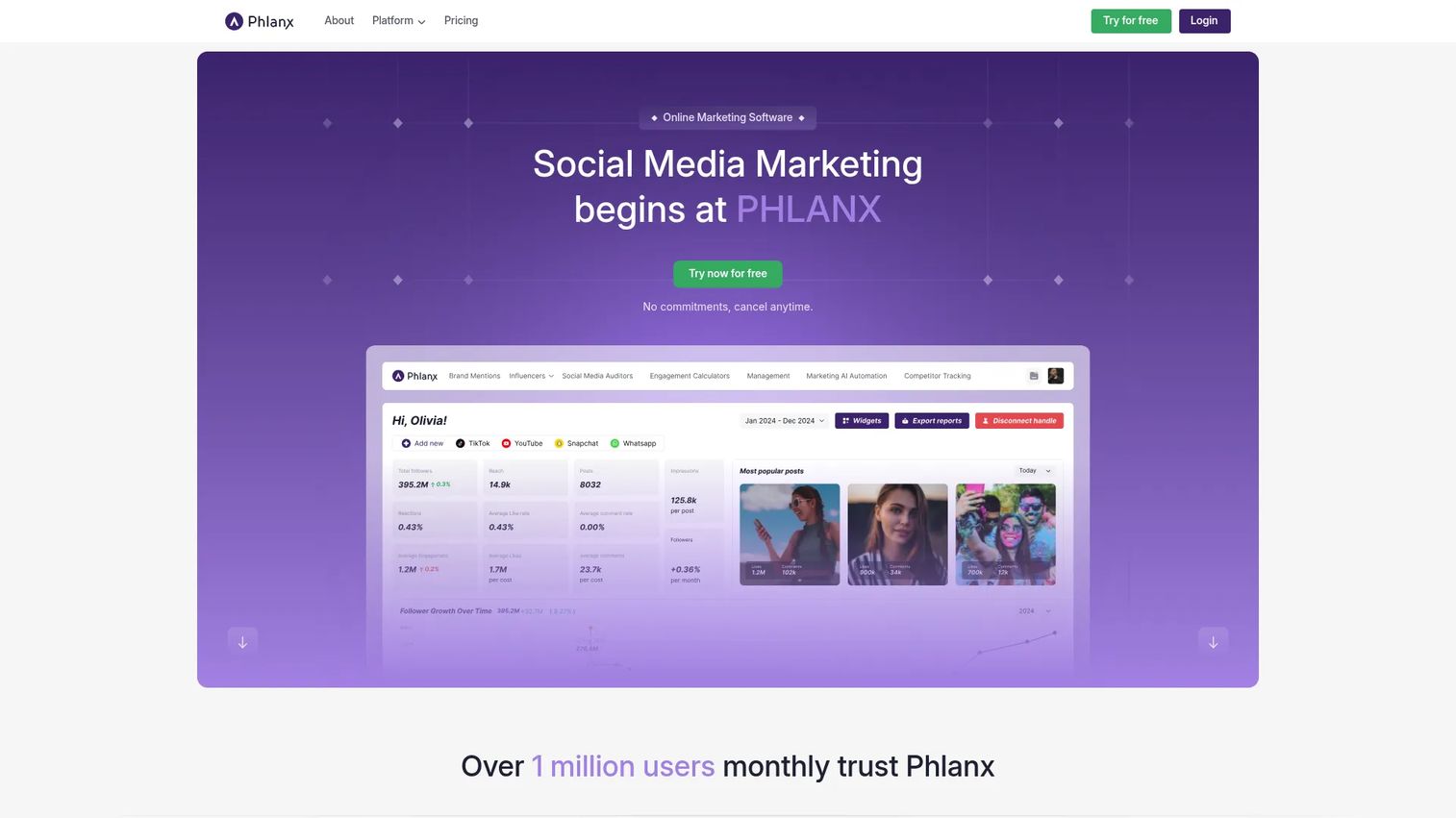
Phlanx is an influencer marketing platform for discovering influencers, measuring engagement, and managing collaborations. Its most common use case in the Instagram analytics category is the engagement rate calculator, which lets marketers check a creator's instagram engagement rate quickly before outreach. It is not a full analytics platform for owned-account reporting.
Best for: Influencer marketers and brands that need quick engagement rate checks before committing to a partnership.
Key features
- Instagram engagement rate calculator
- Influencer discovery tools
- Social media engagement measurement
- Collaboration and contracts management
- Creator vetting support
Why choose Phlanx: Choose Phlanx when the job is vetting a creator's audience quality before a deal, not reporting on your own account. It answers one question fast: Does this creator's engagement rate warrant a closer look?
Phlanx pricing: Contact the vendor directly for current plan and free-tier details.
G2 rating: 3.5/5
Considerations when choosing Instagram analytics tools
Start with the reporting job
A creator checking daily content feedback needs different analytics than an agency producing monthly client decks. Before evaluating tools, name the actual question you answer each week. Post performance questions fit native analytics. Competitor benchmarking and stakeholder exports require dedicated or suite-level tools.
Check historical data limits
Many third-party tools only begin tracking data after you connect an account. Free checkers often use short lookback windows of 30 days or less. If you need 6 to 12 months of historical data for trend analysis or year-over-year reporting, verify that the plan you are evaluating actually covers it before committing.
Compare native and third-party data
Native first-party data from Instagram Insights is the most complete source for owned account performance. Third-party tools add public profile benchmarking, automated exports, and competitor comparisons, but they depend on API access and public data. Competitor metrics from third-party tools reflect only what Instagram makes publicly available.
Evaluate reporting export quality
PDFs, CSVs, scheduled emails, and white-label options matter differently depending on who receives the report. Agencies need branded exports for clients. In-house teams need dashboards leadership can read without opening a tool. Test an exported report against the actual question your stakeholder asks before deciding a tool fits.
Watch total stack overlap
Most digital marketers already pay for a social scheduling tool, a CRM, and at least one reporting dashboard. The right Instagram analytics tool should replace manual reporting or consolidate an existing workflow, not create another tab in the rotation. Ask what the tool replaces before adding it to the stack.
Conclusion
Instagram analytics tools exist to close the gap between visible activity and decisions you can defend. Free native analytics and lightweight checkers answer content questions quickly and at zero cost. Dedicated trackers like InsTrack and Not Just Analytics make sense when Instagram needs its own reporting workflow. Socialinsider fits when competitor benchmarking and cross-platform data become recurring priorities. Sprout Social covers teams running Instagram as one channel inside a larger social strategy. Later and Buffer work when scheduling and performance reporting need to live in the same place.
The practical approach is to start with the cheapest tool that answers the main reporting job. Instagram Insights handles basic performance tracking at no cost. Upgrade when reporting, benchmarking, multi-account management, or historical exports become weekly requirements rather than occasional checks.
Choose based on the specific decision you need to make each week, not the longest feature list. A tool that answers your actual reporting question is worth more than a platform that covers everything but speeds up nothing.
FAQs about Instagram analytics tools
No single tool fits every team. Instagram Insights is the best free option for owned account performance. InsTrack suits teams that need dedicated Instagram tracking and recurring reports. Socialinsider covers cross-platform benchmarking. Sprout Social fits larger teams with multi-channel reporting requirements.
Instagram Insights is the strongest free option for owned business and creator accounts, covering reach, engagement, audience data, and content performance. Some platforms like Socialinsider offer free trial periods that allow basic public account analysis before requiring a paid plan.
Native Instagram Insights requires a professional account (business or creator). Third-party tools with public profile checkers can display limited metrics for public accounts without requiring a professional account. For complete owned-account data, switching to a business or creator account is the most reliable path.
The most useful metrics for growth marketers are reach, impressions, engagement rate, saves, shares, follower growth, profile visits, link clicks, Reel views, and posting frequency. The right metric depends on the campaign goal: Saves and shares signal content usefulness, while profile visits and link clicks indicate downstream intent.
Two formulas are common: Interactions divided by followers, or interactions divided by reach. The first is easier to compare across accounts; the second reflects how well content performed given its actual audience. Check which formula each tool uses before comparing your engagement rate against a competitor's, since inconsistent formulas create misleading benchmarks.
Third-party tools can analyze public competitor profiles and show metrics like posting frequency, follower growth, engagement rate, and top-performing posts. They cannot access owned-account data from a competitor's private analytics. Any competitor data from these tools reflects only what Instagram makes publicly visible.
Accuracy depends on the data source. Native tools are the most reliable for owned account data because they pull directly from Meta. Third-party tools depend on API access, public data availability, and how recently the tool refreshed its data. Always check the data freshness window and verify whether the tool's metric definitions match your reporting needs.
Most tools cover Reel analytics, including views and engagement. Story data is more variable: Instagram's API limits how much Story data third-party tools can access, and retention windows can be short. Instagram Insights tends to be the most complete starting point for Story performance. Ask vendors specifically about Story history depth and completion metrics before buying a plan.