Your leadership meeting ends with agreement. By Thursday, sales and product remember different decisions. Someone asks you to settle it, again.
Team communication software should help your company operate without the founder reconstructing every conversation. That means searchable decisions and clear ownership, with fewer status calls filling gaps between departments.
The problem extends beyond software selection. In HR.com’s 2024 research, only 31% of surveyed HR professionals rated their organization’s communication effectiveness as high or very high.
Adding another chat window won’t establish an operating rhythm. Your team also needs rules for where decisions live and when a conversation deserves a meeting.
The useful question is whether your workplace communication software supports those rules. Can a new VP find the reasoning behind a product commitment? Can someone working another time zone contribute without staying online all evening? Those are better buying tests than message volume.
What’s inside
- A shortlist for scaling teams: Fifteen team communication tools spanning workplace chat, meeting platforms, secure messaging, and employee communications.
- Four selection criteria: Conversation structure, searchable context, deployment control, and fit with your existing software stack.
- Founder-focused recommendations: Options for reducing recurring status meetings and handing coordination to department leaders.
- A comparison table: Starting prices and G2 ratings alongside each product’s strongest use case.
- Practical evaluation guidance: What to test before moving company history or introducing another subscription.
The comparison draws on vendor product pages and pricing, with G2 ratings where available. Product status matters too, including a scheduled closure that changes the recommendation for one listed tool.
TL;DR
- Best overall for scaling SaaS teams: Slack suits cross-functional work that needs searchable channels and connected business applications. Establish posting rules before expanding usage.
- Best for Microsoft 365 companies: Microsoft Teams combines conversation with meetings and document collaboration inside an existing suite.
- Best for Google Workspace teams: Google Chat keeps discussions close to Gmail and shared documents, making it a logical consolidation candidate.
- Best for secure self-hosted messaging: Mattermost fits technical organizations that need deployment control and repeatable operational workflows.
- Best for privacy-first federated communication: Element serves organizations prioritizing encrypted messaging and communication across independently operated systems.
- Best for frontline and shift teams: Connecteam combines mobile communication with workforce operations when employees work away from desks.
What is team communication software?
Team communication software helps employees exchange messages, organize discussions, share files, hold calls, and retrieve context across departments and locations.
A team communication app gives those interactions a persistent home. Instead of asking the founder who approved a customer commitment, an account manager can search the relevant discussion.
Team chat apps emphasize channels and direct messages. Broader platforms add meeting capabilities or employee broadcasts. Business messaging software also overlaps with collaboration tools through shared content and workflow automation.
The organizing model matters. A chat application built around a chronological feed encourages a different working rhythm from one requiring a topic for every conversation. Neither approach creates accountability automatically. Your team still needs an owner and a clear decision deadline.
Core features to look for
- Channels organized around teams or projects
- Threads that preserve context around specific decisions
- Search across messages and shared content
- Calls and screen sharing for live discussion
- File sharing with appropriate access controls
- Connections to existing business applications
- Notification settings that distinguish urgency from routine updates
- Guest access for external collaboration
- Administration and retention controls
- Mobile access for employees working away from desks
Instant messaging for business works best when its role is explicit. Use it for active coordination, then record durable policies in documentation. Give unresolved issues a named owner rather than leaving them inside an unread thread.
AI summaries can help people catch up where the platform supports them. Treat generated recaps as drafts that require review before they become an official decision record.
For a scaling SaaS company, the buying test should reflect an ordinary handoff. Ask a new team member to locate a customer promise and explain who owns delivery. If they still need the CEO’s interpretation, revisit the communication process.
The category extends beyond chat. Meetings, leadership broadcasts, frontline updates, and employee engagement each deserve different evaluation criteria. Buying company-wide communication software starts with identifying which of those jobs needs attention.
When to use team communication software
Reduce recurring status meetings
Move routine updates into a consistent written format with an owner and an explicit request. Keep the meeting for unresolved disagreements or decisions requiring live discussion.
Async communication software supports that change when participants can follow a topic without monitoring every message. Give department leaders responsibility for closing discussions instead of escalating ordinary coordination to the founder.
Keep decisions searchable after the call
Publish the outcome where affected colleagues already work, alongside the source document. Include the decision owner and what would justify revisiting it.
Recordings and transcripts provide supporting context where available. A short written conclusion gives absent teammates a practical starting point without requiring them to replay an entire discussion.
Connect distributed teams without more noise
Remote team communication software should let colleagues contribute across working hours without treating every message as urgent. Agree on response expectations and a separate escalation route.
Test mobile access with employees who work away from a laptop. For distributed leadership teams, also test whether someone can return from leave and identify important changes without reading every conversation.
Team communication software comparison
Use this table to narrow the field before comparing contracts. These team communication apps serve different operating models, so a higher rating doesn’t automatically mean a better fit.
Start with the category. Chat platforms support daily coordination; employee communication platforms emphasize organizational reach. Meeting platforms provide a live layer, while self-managed tools give technical teams more deployment control.
Pricing also uses different units. Some vendors charge per person, while Connecteam packages plans by hub and an initial user allowance. Compare the configuration you need rather than multiplying every headline figure by headcount.
The research underlying this table is dated November 24, 2026. Prices are in USD where amounts appear. Ratings reference the linked G2 product or vendor profiles; no Google Chat-specific score is reported.
| # | Product | Best for | Key differentiator | Pricing | G2 rating |
|---|---|---|---|---|---|
| 1 | Slack | Scaling SaaS teams | Connected channels and workflow automation | Free; Pro $7.25/user/month annually | 4.5/5 |
| 2 | Microsoft Teams | Microsoft 365 companies | Suite-connected chat and meetings | Free individual option; Essentials $4/user/month annually | 4.4/5 |
| 3 | Google Chat | Google Workspace teams | Messaging within Workspace | Workspace Starter $7/user/month | N/A |
| 4 | Zoom | Meeting-centered teams | Live communication and meeting outputs | Free; Pro $14.16/user/month annually | 4.6/5 |
| 5 | Mattermost | Security-conscious technical teams | Controlled deployment and operational Playbooks | Custom pricing; prepaid annual subscriptions | 4.3/5 |
| 6 | Element | Encrypted cross-organization communication | Matrix-based decentralized messaging | Free Community; custom business pricing | 4.2/5 |
| 7 | Rocket.Chat | Customizable secure messaging | Self-managed deployment and federation | Free options; custom paid plans | 4.2/5 |
| 8 | Zulip | Detailed async discussions | Topic-based conversation organization | Free; Cloud Standard $6.67/user/month annually | 4.6/5 |
| 9 | Connecteam | Deskless and shift teams | Communication alongside workforce operations | Free options; Basic from $29/month annually, first 30 users | 4.6/5 |
| 10 | Workvivo | Employee engagement | Company news and employee communities | Custom pricing | 4.8/5 |
| 11 | Pumble | Budget-conscious teams | Free chat with unlimited message history | Free; Pro $2.49/seat/month annually | 4.5/5 |
| 12 | Chanty | Small teams coordinating tasks | Messaging with message-to-task conversion | Free; Business $3/user/month annually | 4.4/5 |
| 13 | Flock | Business chat with built-in utilities | Messaging with polls and reminders | Free Starter; ask sales for paid plans | 4.4/5 |
| 14 | Twist | Existing users planning migration | Async threads; scheduled closure | Free; Unlimited $6/user/month annually | 4.1/5 |
| 15 | Staffbase | Structured workforce communications | Targeted delivery across employee channels | Custom pricing | 4.6/5 |
Best 15 tools for team communication
1. Slack
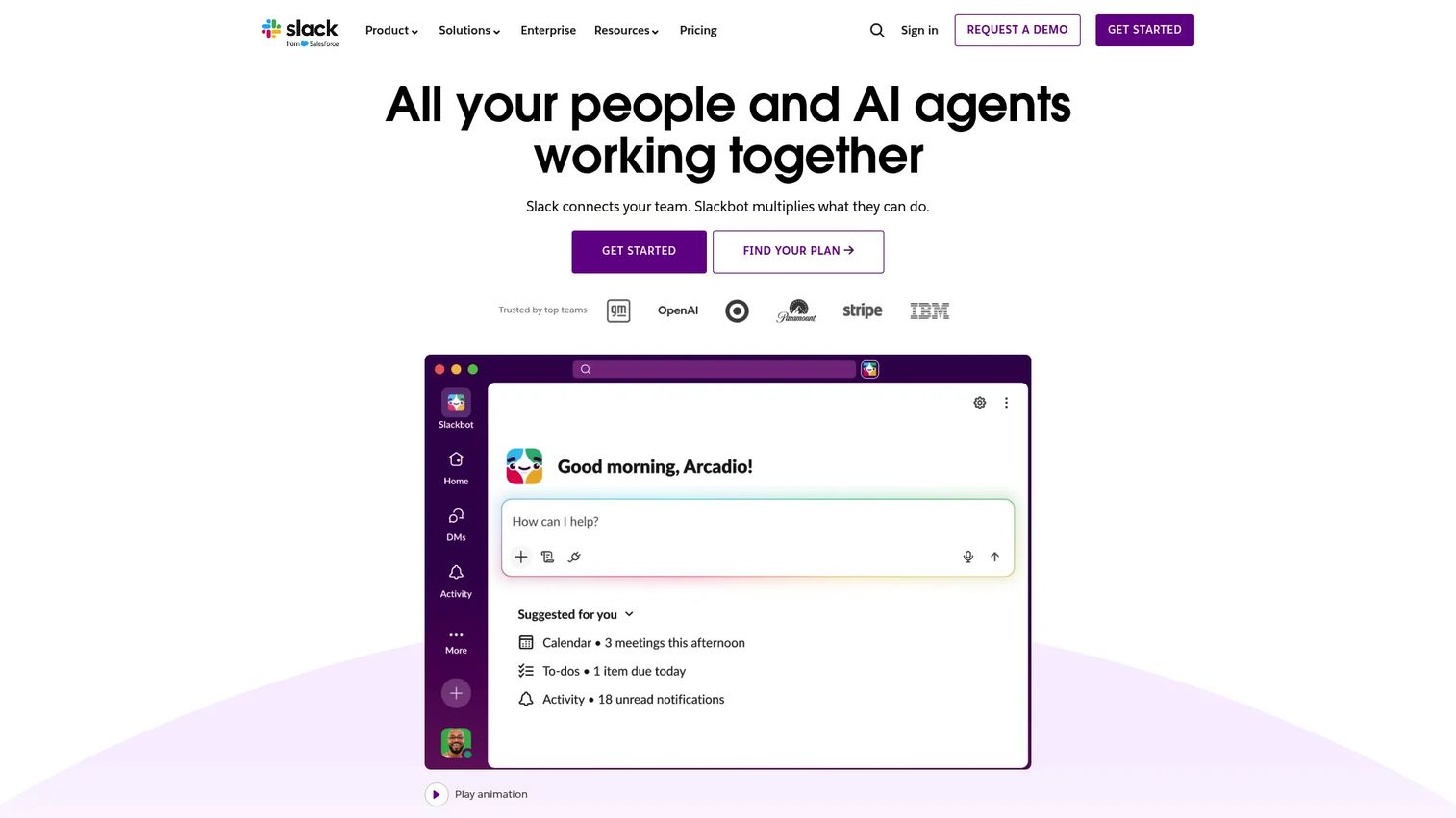
Slack combines workplace messaging with connected applications and workflow automation. Its communication layer includes huddles and recorded clips alongside persistent conversations. For a founder handing coordination to department leaders, that creates a useful place to connect discussion with operational work.
Best for: Scaling SaaS teams that want cross-functional communication connected to their business applications.
Key features
- Channels, direct messages, and Slack Connect
- Huddles and recorded audio or video clips
- Canvases and Lists
- Workflow Builder automation
- AI conversation summaries and search
Start the evaluation with a handoff between sales and product. Ask the participants to document a customer request, identify its owner, and preserve the resulting decision.
Then have someone outside the original discussion retrieve the outcome. This tests whether your proposed channel structure supports independent execution.
The operating discipline matters as much as the application. Create a clear distinction between announcements and working conversations. Reserve direct messages for exchanges that don’t require broader visibility.
Slack’s breadth also deserves restraint. Connect the applications that support a defined workflow, rather than sending every system notification into a shared channel. Otherwise, the founder’s inbox becomes a company-wide feed of the same unresolved coordination.
Why choose Slack: It’s our default shortlist choice for SaaS teams coordinating across functions. Its value grows when leaders maintain channel ownership and posting norms.
Slack pricing: A free plan is available. Pro costs $7.25 per user/month annually or $8.75 monthly; Business+ costs $15 annually or $18 monthly.
G2 rating: 4.5/5.
2. Microsoft Teams

Microsoft Teams brings workplace conversation and meetings into Microsoft’s collaboration environment. File sharing and simultaneous editing keep discussion close to the material being reviewed. Companies already committed to Microsoft 365 should evaluate that existing investment before buying another communication layer.
Best for: Organizations using Microsoft 365 that want to consolidate workplace communication.
Key features
- Workplace chat and channels
- Audio and video meetings
- File sharing and collaborative editing
- Meeting recordings and transcripts
- Live captions
For a Series B founder, the useful question is what separate subscriptions this setup would replace. Inventory your meeting tools and document collaboration before comparing headline seat prices.
Run a leadership review using the same files your team uses today. Have one participant join remotely, another review the recording, and an absent colleague locate the final decision.
Assess the experience outside leadership too. Customer success and engineering should be able to follow shared work without creating separate copies of the same document.
Don’t treat suite consolidation as an automatic win. Ask IT to map the required capabilities to your intended subscription. Include any calling or AI requirements in that evaluation rather than assuming every named feature comes with the entry plan.
Why choose Microsoft Teams: Choose it when Microsoft 365 already anchors your company’s working habits. Consolidation is valuable when it removes overlapping tools without disrupting established document workflows.
Microsoft Teams pricing: A free individual option is available. Teams Essentials costs $4 per user/month annually; Microsoft 365 Business Basic costs $7 per user/month annually.
G2 rating: 4.4/5.
3. Google Chat
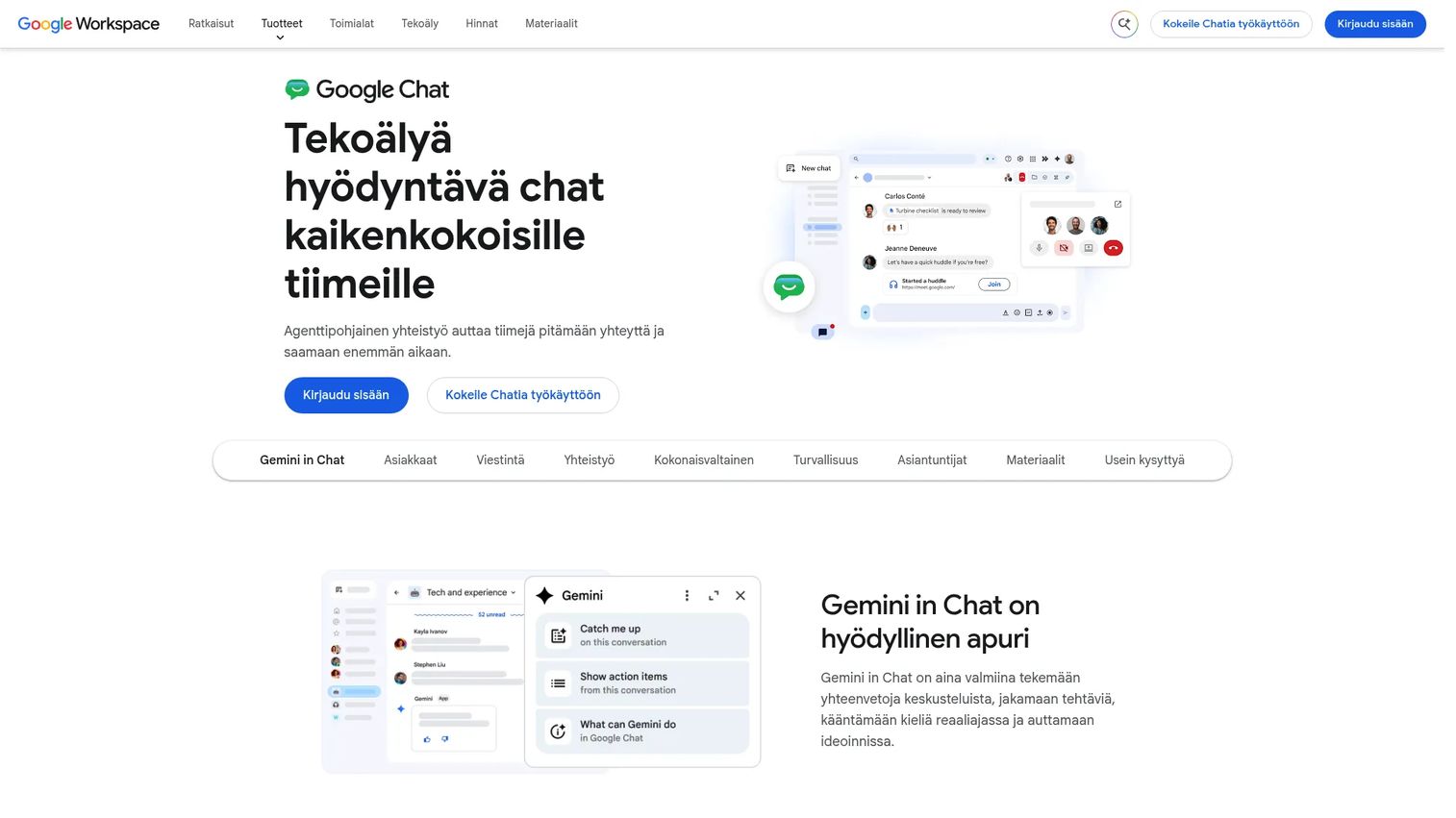
Google Chat provides business messaging within Google Workspace. Persistent spaces connect discussions with shared files and tasks. Its proximity to Gmail and Drive makes it a practical starting point for companies already working inside Google’s suite.
Best for: Google Workspace organizations that want conversation close to email and shared documents.
Key features
- Direct messages and persistent spaces
- Threaded conversations and integrated tasks
- Gmail, Drive, Calendar, and Meet connections
- Gemini summaries and writing assistance
- APIs and webhooks
Evaluate Chat with a document-heavy process, such as a launch review or quarterly planning discussion. Ask contributors to move between the conversation and the underlying material without duplicating work.
Your COO should also test retrieval. Can a department head find the discussion behind a changed forecast, rather than only the latest spreadsheet?
For Google-heavy teams, the adoption question is concrete. Determine whether existing habits transfer into shared spaces or whether employees continue making consequential decisions in private email threads.
The suite connection doesn’t settle every buying question. Review notification behavior and external collaboration requirements with the people who will use them. Give your operations lead a specific acceptance test rather than asking whether the application feels familiar.
Why choose Google Chat: It deserves the first evaluation when Workspace already supports daily work. Choose it if shared spaces make decisions easier to retrieve without adding another communication destination.
Google Chat pricing: Chat is included with Workspace; Starter costs $7 per user/month, Standard $14, and Plus $22. A 14-day trial is available.
4. Zoom
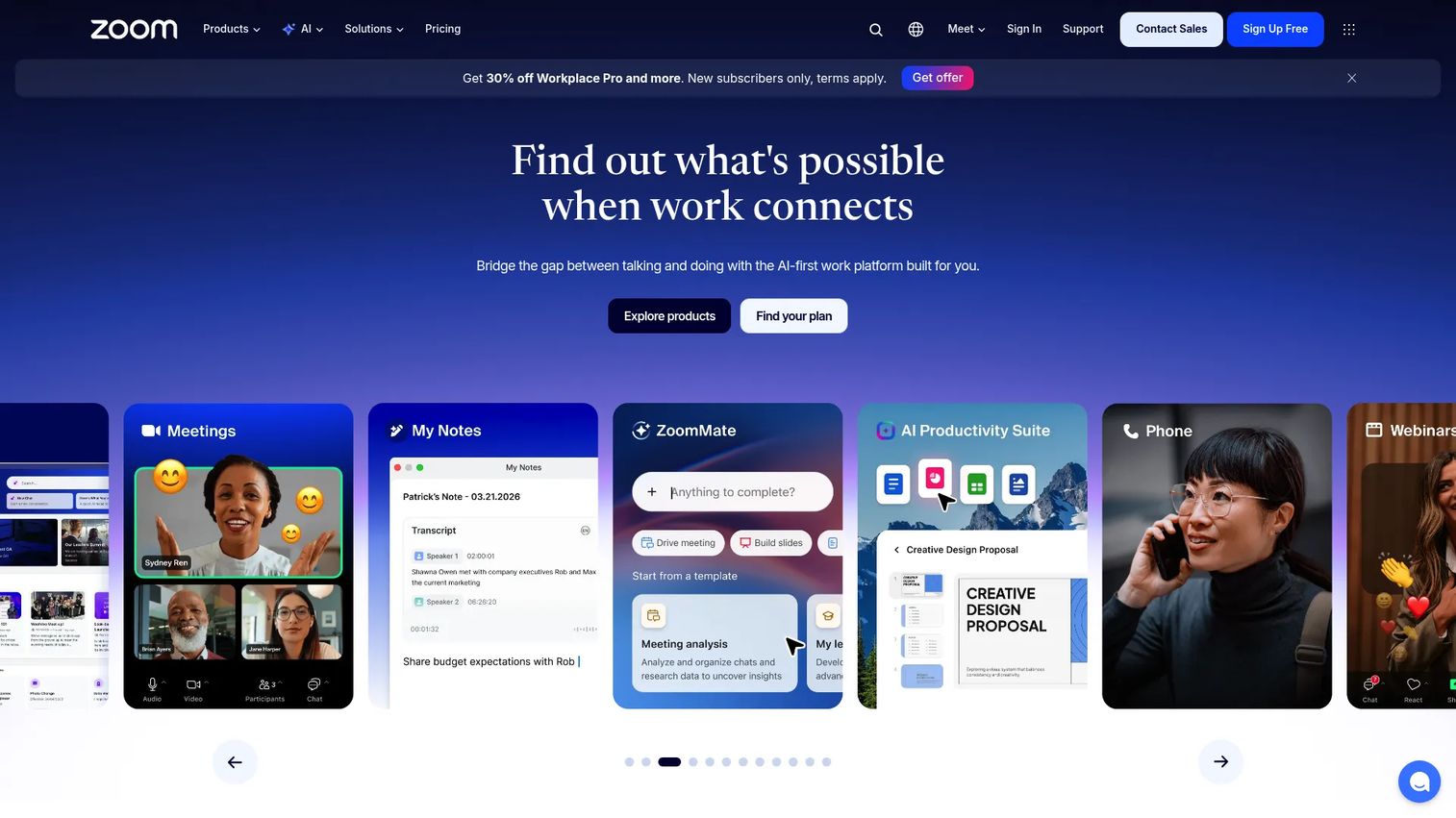
Zoom combines video meetings with a broader workplace communication platform. Team chat and collaborative content extend work beyond the call itself. Its meeting-centered approach fits companies where customer conversations and live decision-making remain essential.
Best for: Teams that need a live communication layer alongside written follow-up.
Key features
- Video meetings and team chat
- Phone capabilities
- AI meeting notes and summaries
- Whiteboards and collaborative documents
- Webinars and recorded clips
Separate necessary meetings from habitual ones before evaluating Zoom. A customer workshop and an internal status roundtable have different purposes, even if they use the same application.
For the former, assess participation and the quality of the resulting artifacts. For the latter, ask whether written preparation could remove the need for a call entirely.
Test the handoff after a meeting. An owner should review the recap and publish the agreed actions where colleagues can find them. Generated notes need a clear place in your operating process.
Also inventory overlapping subscriptions. Zoom’s broader product range makes it worth reviewing whether your company is paying separately for capabilities already covered by its intended configuration. Check the relevant plan rather than treating the full portfolio as one package.
Why choose Zoom: Choose it when live communication remains central to how your company serves customers. Use the surrounding written workflow to reduce repeated catch-up calls.
Zoom pricing: Basic is free. Pro costs $14.16 per user/month annually, while Business costs $18.33 per user/month annually.
G2 rating: 4.6/5.
5. Mattermost
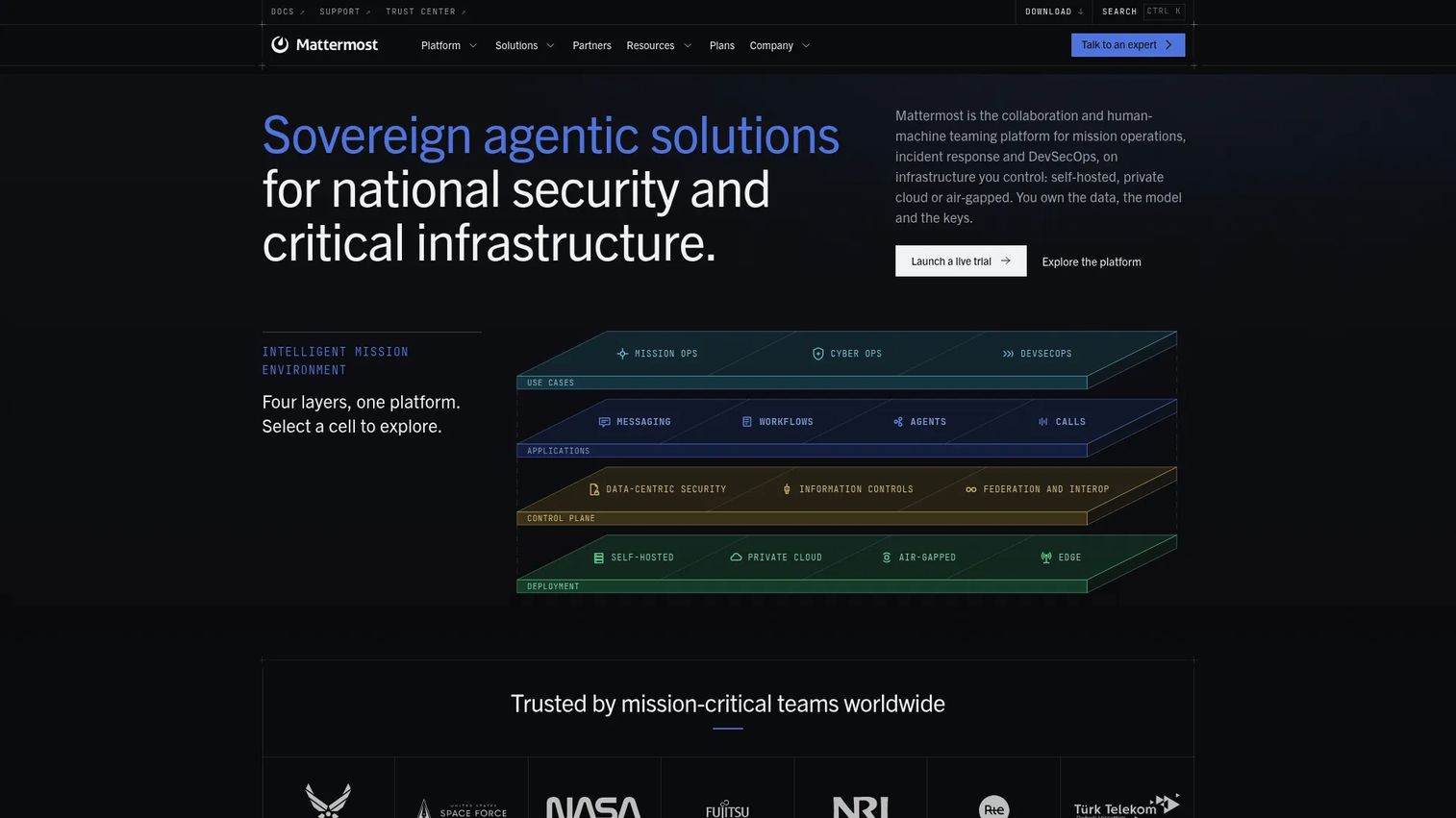
Mattermost focuses on operational collaboration, including incident response and DevSecOps. Its deployment options include self-hosted environments and private cloud. Technical teams can connect communication to repeatable procedures rather than relying on an unstructured incident channel.
Best for: Security-conscious SaaS and engineering organizations requiring control over communication infrastructure.
Key features
- Channel messaging and threaded discussions
- Search and file sharing
- Playbooks for operational workflows
- Calls with screen sharing and transcription
- Self-hosted and air-gapped deployment options
Bring your security lead into the shortlist early. Deployment requirements should shape the decision before your team becomes attached to an editor or interface.
A useful evaluation is an incident simulation. Ask the on-call group to coordinate a response, preserve the timeline, and hand responsibility to another engineer.
Then examine what a manager can learn afterward without interviewing every participant. The goal is a repeatable operational record that survives a shift change or staff departure.
Include infrastructure ownership in the buying decision. Assign responsibility for the deployment and document the service expectations before selecting a self-managed approach. Compare the total operating commitment with your team’s available capacity.
Why choose Mattermost: It fits companies whose customer or operational requirements make infrastructure control a purchasing criterion. Evaluate it around technical workflows rather than general office messaging alone.
Mattermost pricing: Custom pricing applies to Professional, Enterprise, and Enterprise Advanced. Subscriptions are prepaid annually.
G2 rating: 4.3/5.
6. Element
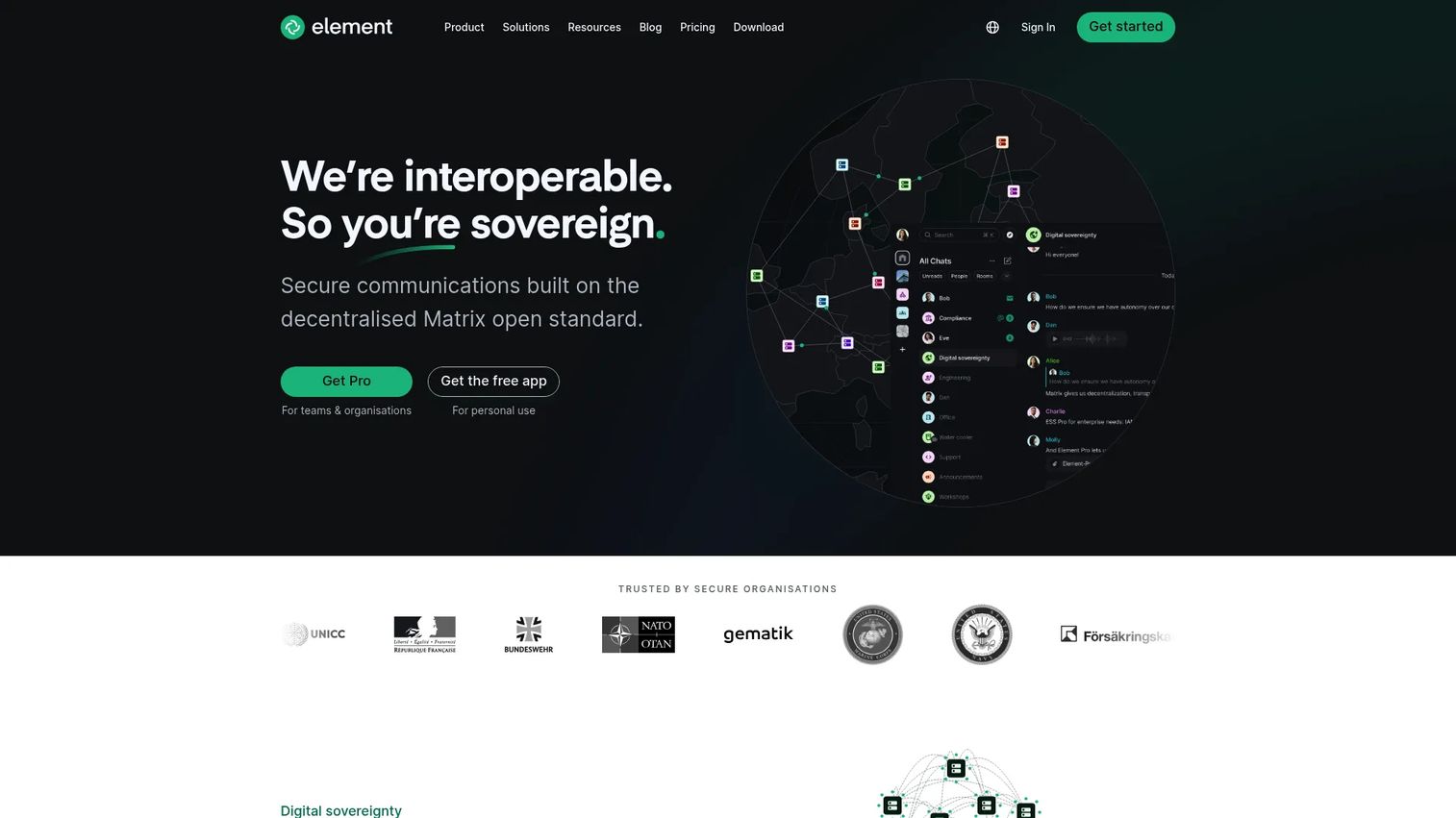
Element is a decentralized communication platform built on the Matrix open standard. It combines encrypted messaging with calls and shared content. Its interoperability and deployment options distinguish it from a conventional proprietary workplace chat service.
Best for: Organizations needing encrypted communication across independently operated systems.
Key features
- End-to-end encrypted messaging
- Matrix-based interoperability
- Voice and video calls
- File sharing and conversation threads
- Polls and read receipts
Element belongs on the shortlist when your communication boundary extends beyond your own organization. Define which partners need access and which entity controls the relevant infrastructure.
For a SaaS founder, this can be a procurement question rather than a user preference. Ask your security team to write down the required trust boundaries before evaluating the product.
Test an ordinary collaboration across those boundaries. Include a new participant joining the discussion and an existing participant leaving it.
Review account recovery and administrative procedures with the intended operators. Encryption is one part of the requirement; your organization also needs a workable approach to access and employee departures.
Avoid selecting a privacy-focused platform solely because the label sounds reassuring. The configuration must match the communication you need to protect.
Why choose Element: Choose it when encrypted, interoperable communication is a defined requirement. It is particularly relevant when collaboration shouldn’t depend on everyone joining one proprietary workspace.
Element pricing: Community is free for non-professional deployments and evaluations. Enterprise uses custom per-seat pricing; Sovereign uses custom per-deployment pricing.
G2 rating: 4.2/5.
7. Rocket.Chat

Rocket.Chat provides secure team messaging with extensive deployment and customization options. Organizations can operate it in self-hosted or private-cloud environments. Federation and custom applications support communication requirements that extend beyond a standard hosted workspace.
Best for: Technical organizations that need configurable messaging and control over deployment.
Key features
- Channels and searchable threaded conversations
- Self-managed and air-gapped deployment options
- Matrix and XMPP federation
- Marketplace apps and custom applications
- APIs and visual customization
Treat customization as an investment with a named owner. List the specific workflow your team cannot support through its current communication stack before requesting development work.
For example, evaluate how an operational alert reaches the responsible team and how the ensuing decision remains accessible. Test the full handoff rather than only message delivery.
Security and infrastructure teams should assess the operating model together. A deployment decision affects administration and support expectations as well as data control.
Review add-ons separately during commercial evaluation. Rocket.Chat identifies capabilities such as native video meetings and voice calls as add-on options. Build the purchase comparison around the configuration your employees will use.
For a growing SaaS business, avoid designing an elaborate custom workspace before proving a concrete operational benefit. Start with a workflow that currently consumes leadership attention.
Why choose Rocket.Chat: It suits organizations with specific deployment or integration requirements and the resources to manage them. Choose it for an identified control requirement rather than customization alone.
Rocket.Chat pricing: Community is free, and Starter is free for up to 50 users. Commercial, Government, and Defense plans use custom pricing.
G2 rating: 4.2/5.
8. Zulip
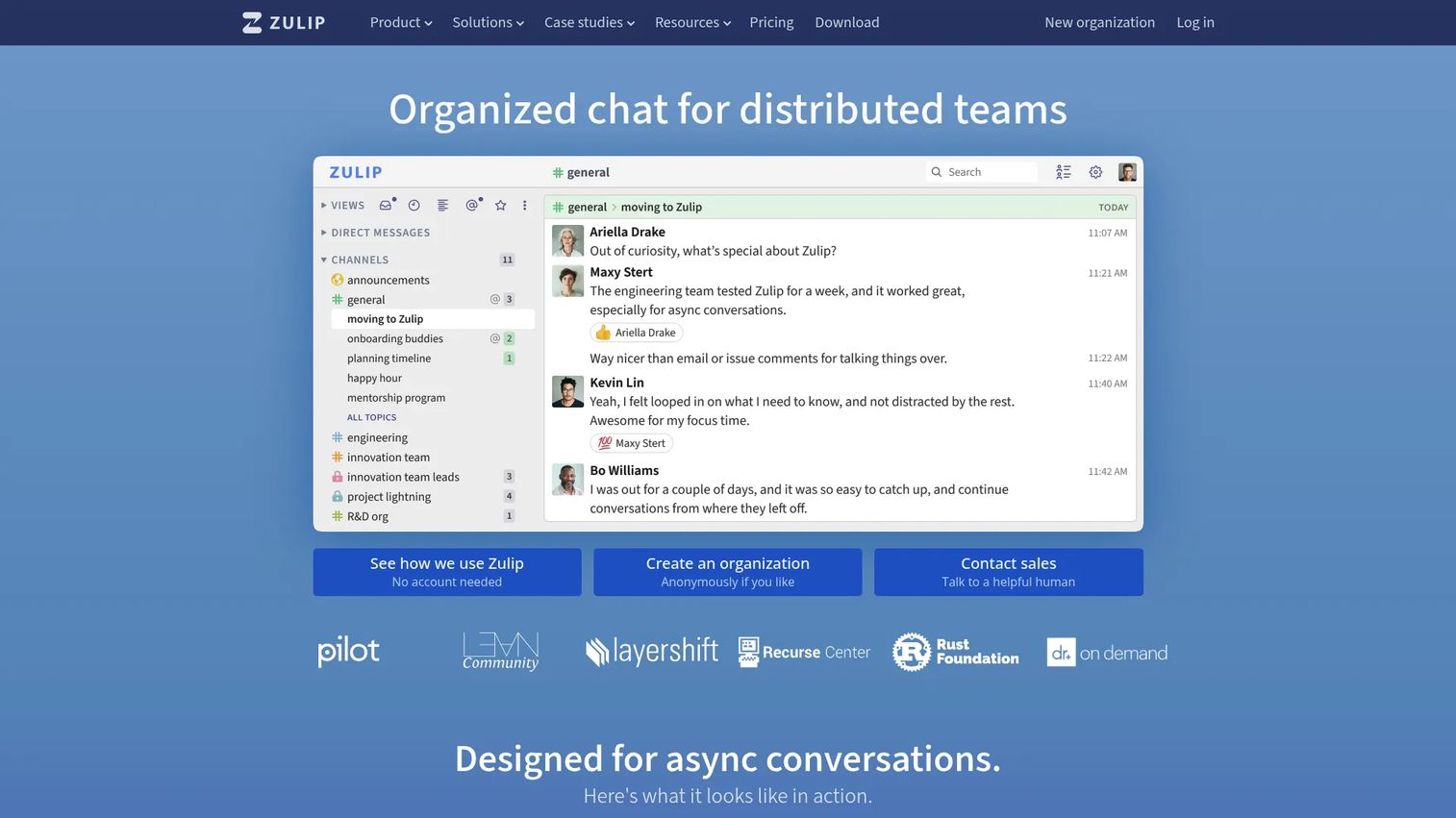
Zulip organizes team chat around topics, giving each discussion an explicit context. It is available as a hosted service or self-hosted software. That structure makes it a useful candidate for distributed teams conducting detailed written discussions.
Best for: Teams that need sustained async discussion without mixing unrelated decisions.
Key features
- Topic-based conversation threading
- Searchable message history
- Application integrations
- Cloud and self-hosted options
- Open-source software
Test Zulip with a discussion that normally spills across several meetings. A product architecture decision or a pricing review gives participants something substantive to organize.
Ask people to separate questions into named topics. Then invite a colleague who missed the initial exchange to contribute without asking for a private recap.
That evaluation should reveal whether your team will maintain useful topic names. Conversation structure requires participation from managers, especially when they are accustomed to dropping unrelated questions into a busy channel.
For founders, the potential value is independent reasoning across time zones. Give teams a response window and make the decision owner explicit. Otherwise, an organized thread can still remain unresolved.
Include nontechnical employees in the trial. A communication platform needs to work for the people receiving engineering decisions as well as those debating them.
Why choose Zulip: Its topic model supports deliberate written collaboration. Shortlist it when your recurring meetings mainly exist to reconnect fragmented discussions.
Zulip pricing: Free cloud and self-hosted plans are available. Cloud Standard costs $6.67 per user/month annually or $8 monthly; Self-hosted Basic costs $3.50 per user/month.
G2 rating: 4.6/5.
9. Connecteam

Connecteam combines workforce communication with operational tools for employees working away from desks. Its platform includes scheduling and time tracking alongside team updates. This makes it relevant when reaching employees requires more than another office chat channel.
Best for: Companies with field, deskless, or shift-based employees.
Key features
- Mobile team chat and company updates
- Job scheduling
- GPS-enabled employee time clock
- Forms and task management
- Courses and employee recognition
For a SaaS company, examine the working pattern before assuming a frontline platform is relevant. Field implementation or distributed service teams may have different requirements from office-based product staff.
Ask employees to complete a typical shift handoff on their phones. Include locating an update and responding to an operational request.
Then evaluate the manager’s side. Can the supervisor communicate the change without repeating it through personal messages or a separate call?
Connecteam’s purchasing model also needs attention because it separates capabilities into hubs. Identify the communication requirements first, then assess whether workforce operations belong in the same purchase.
An application that reaches frontline employees can complement office collaboration. Define which channel holds the official instruction so workers don’t receive conflicting versions.
Why choose Connecteam: Choose it when communication must reach employees during mobile or shift-based work. Its operational context matters more than matching a conventional office messaging interface.
Connecteam pricing: Free plans are available. Basic starts at $29/month annually or $35 monthly for the first 30 users; compare the relevant hub.
G2 rating: 4.6/5.
10. Workvivo
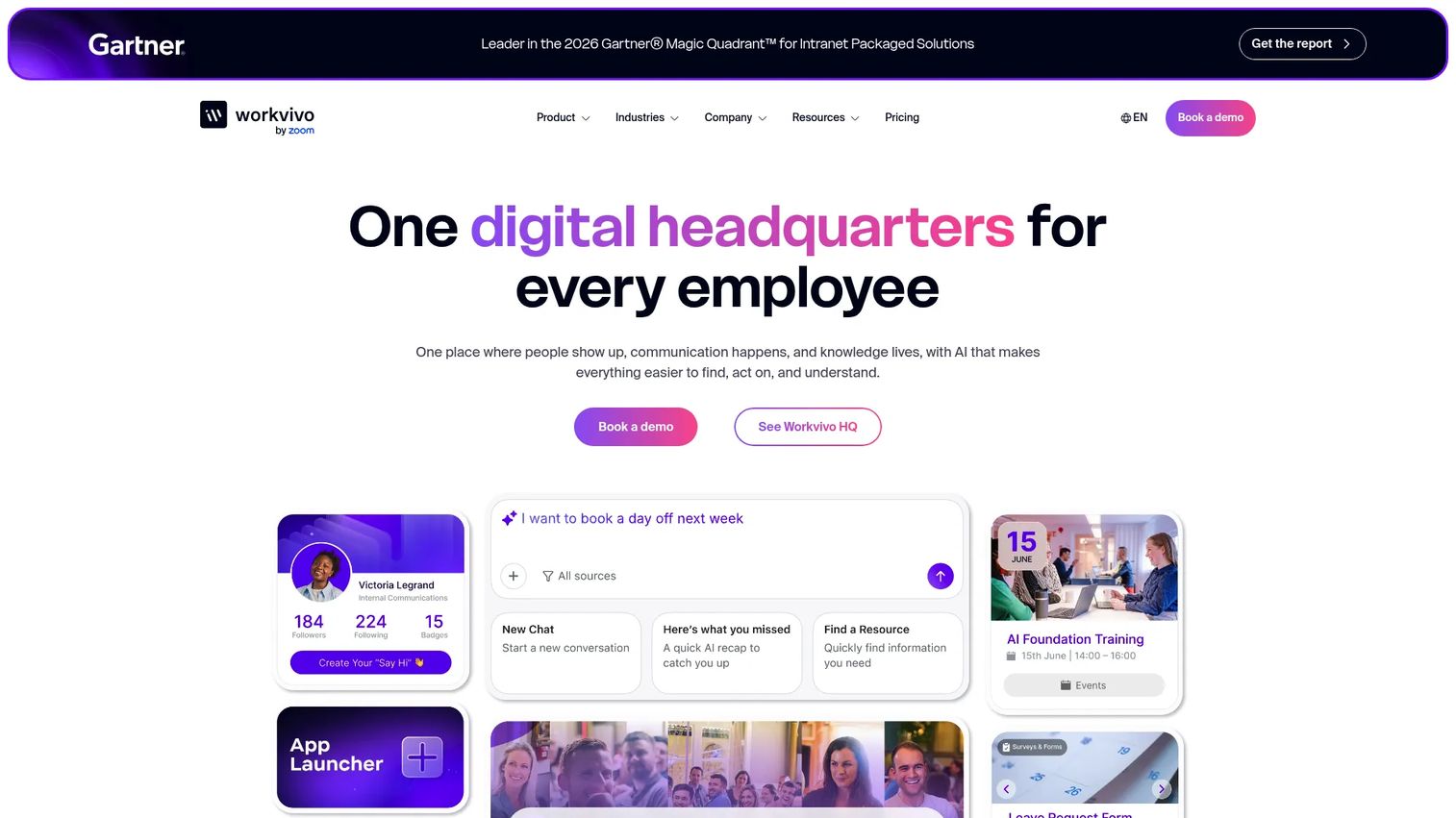
Workvivo focuses on employee communication and engagement. Company news sits alongside recognition and employee communities. Among internal communications apps, it fits organizations that need a deliberate publishing rhythm beyond daily team discussion.
Best for: Companies formalizing leadership communication and employee engagement.
Key features
- Employee news and company updates
- Recognition through shoutouts and badges
- Team and interest-based spaces
- Surveys and polls
- Mobile access and livestreams
Use an organizational change as the evaluation scenario. Publish the explanation, collect questions, and examine how employees find the answer afterward.
For the founder, the important shift is from personally repeating context to maintaining a reliable leadership narrative. Give a communications owner responsibility for that narrative.
A platform alone won’t establish editorial discipline. Decide who publishes company updates and how employees distinguish official announcements from community conversation.
Workvivo is worth evaluating when your problem is uneven reach or employee alignment. If department-level decisions are getting lost, address that collaboration workflow separately.
Ask your People leader to define success before purchase. Useful evaluation questions include whether employees can locate the latest policy and whether leadership sees recurring questions that require clarification.
Why choose Workvivo: It provides a dedicated environment for employee communication rather than treating every announcement as another chat message. Choose it when organizational publishing has a clear owner.
Workvivo pricing: Custom pricing applies to Workvivo HQ and its additional products. No free plan or free trial is offered.
G2 rating: 4.8/5.
11. Pumble
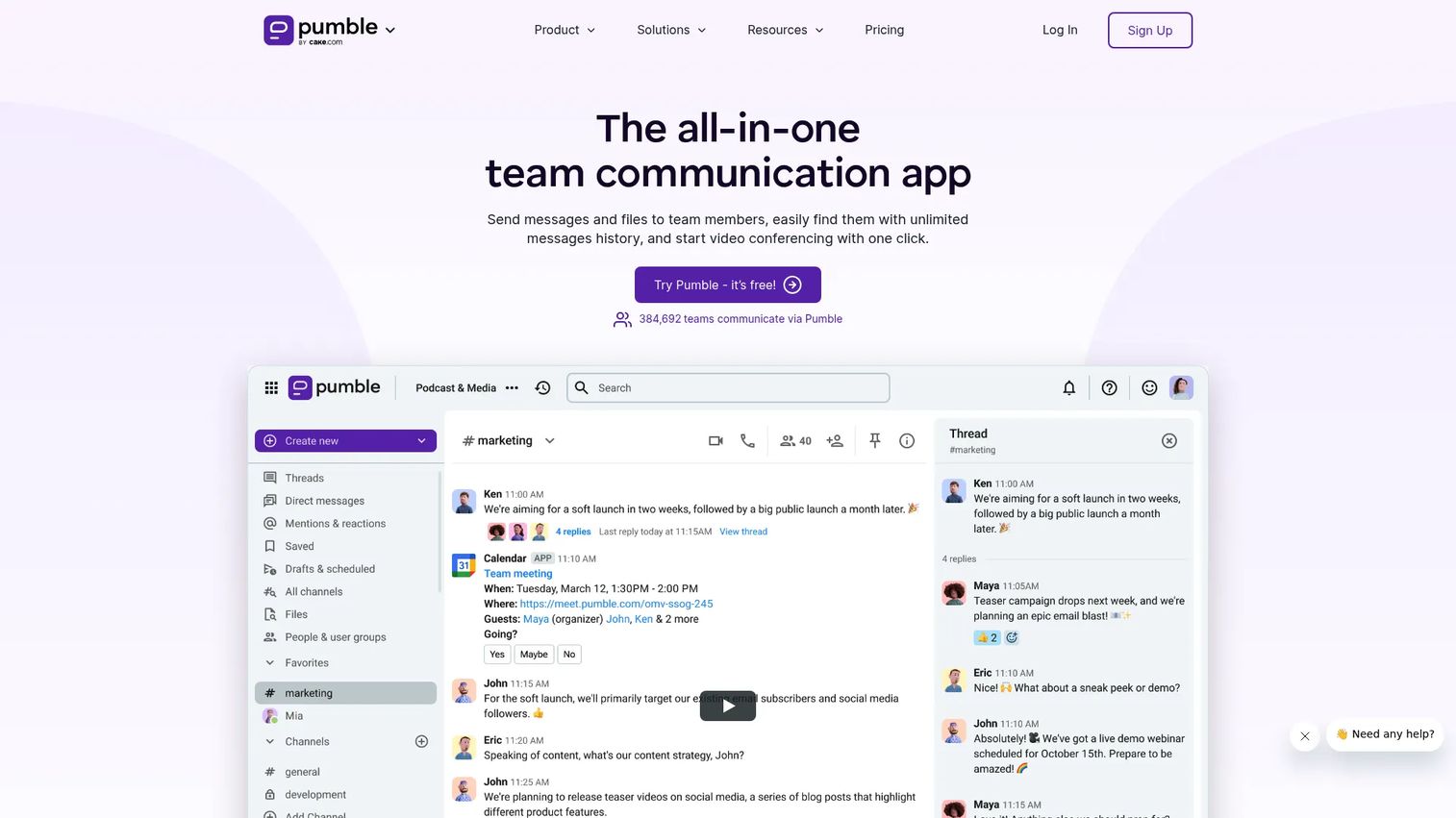
Pumble combines team messaging with file sharing and meetings. Its free plan includes unlimited users and message history, making it a relevant candidate for cost-conscious companies. Paid tiers expand collaboration and administration without requiring a broader workplace suite.
Best for: Teams that want a focused communication layer with predictable entry pricing.
Key features
- Channels and direct messages
- Threaded conversations
- Unlimited message search
- Voice and video messages
- Meetings and screen sharing
Put retrieval at the center of the evaluation. Give a new manager a question about an earlier customer commitment and ask them to find the supporting conversation.
Next, test your required integrations. The free plan includes up to three applications or integrations, so a larger connected workflow needs a deliberate plan comparison.
Meeting requirements also matter. Distinguish individual calls from group collaboration when choosing the tier, rather than assuming the free workspace covers every meeting scenario.
For founders controlling software spend, the strongest test is replacement value. Document which existing subscription would go away and which capabilities the company would retain.
Avoid buying solely on entry price. Have IT assess access requirements while department leaders test whether everyday handoffs remain clear.
Why choose Pumble: It deserves consideration when your company needs straightforward messaging without a larger suite purchase. Its free message history is particularly relevant to teams prioritizing searchable context.
Pumble pricing: A free plan is available. Pro costs $2.49 per seat/month annually or $2.99 monthly; Business costs $3.99 annually or $4.99 monthly.
G2 rating: 4.5/5.
12. Chanty
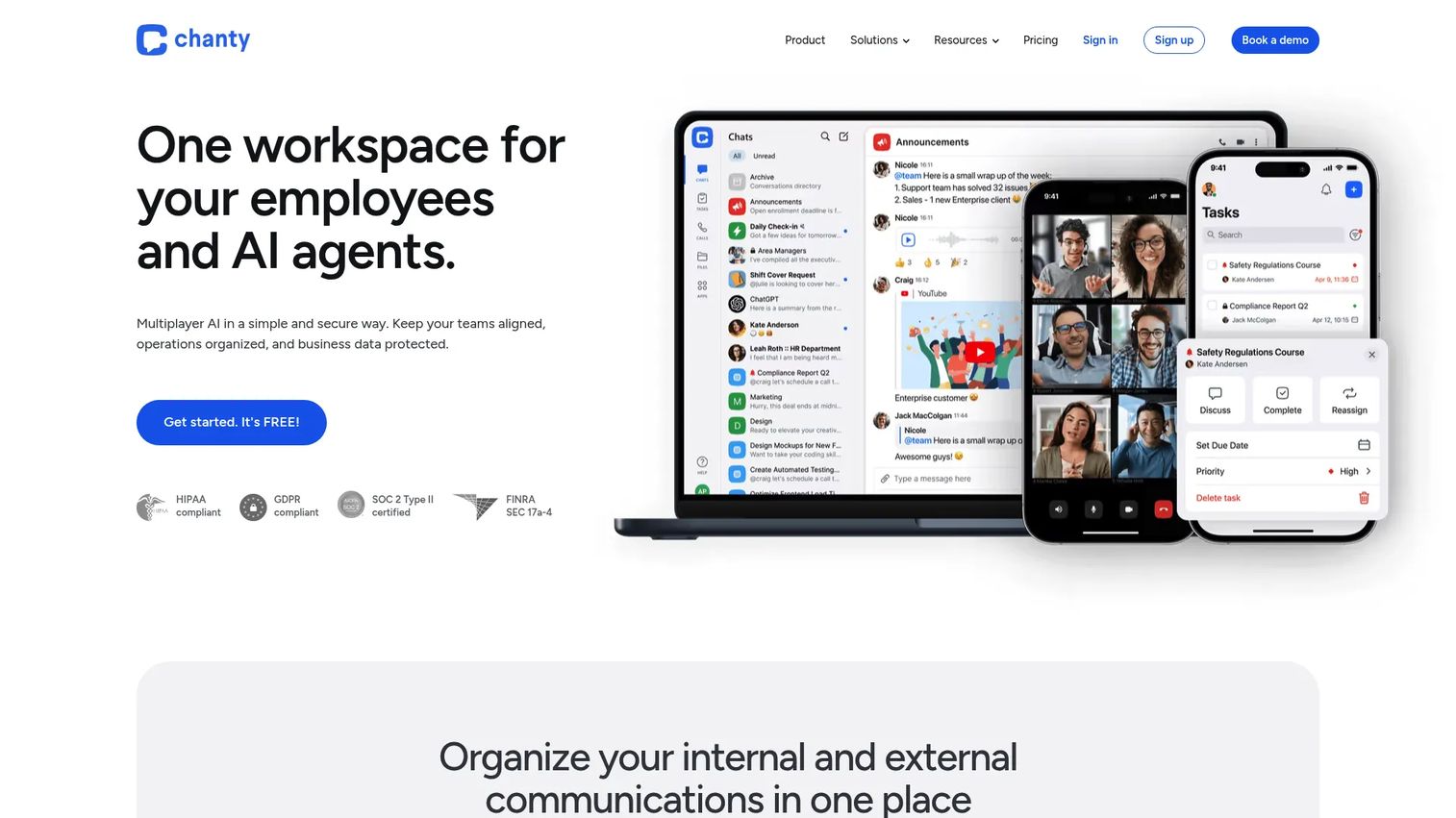
Chanty combines messaging and calls with lightweight task coordination. Employees can turn a message into a task and organize work on Kanban boards. That connection is useful when small commitments disappear between a conversation and someone’s separate task list.
Best for: Small teams that want conversation and lightweight task ownership together.
Key features
- Unlimited searchable message history
- Audio and video calls
- Message-to-task conversion
- Kanban task boards
- Roles and access controls
Evaluate Chanty around small operational commitments rather than a full product roadmap. An implementation handoff or internal request provides a practical test of conversation becoming assigned work.
Have the receiving employee identify what is due without asking the sender for clarification. Then check how a manager reviews progress without requesting another status update.
Define the boundary with your existing project management system. Decide which tasks stay in communication and which belong in the delivery record.
This distinction matters as the company grows. Two competing task lists can make ownership less clear even when both applications work as designed.
Include your administration requirements in the comparison too. Chanty offers an Enterprise tier, so assess the intended plan against your needs instead of assuming the product serves only informal teams.
Why choose Chanty: Choose it when lightweight follow-through is a recurring communication problem. Its message-to-task connection gives the evaluation a specific operating outcome.
Chanty pricing: The free plan supports five members. Business costs $3 per user/month annually or $4 monthly; Enterprise uses custom pricing.
G2 rating: 4.4/5.
13. Flock
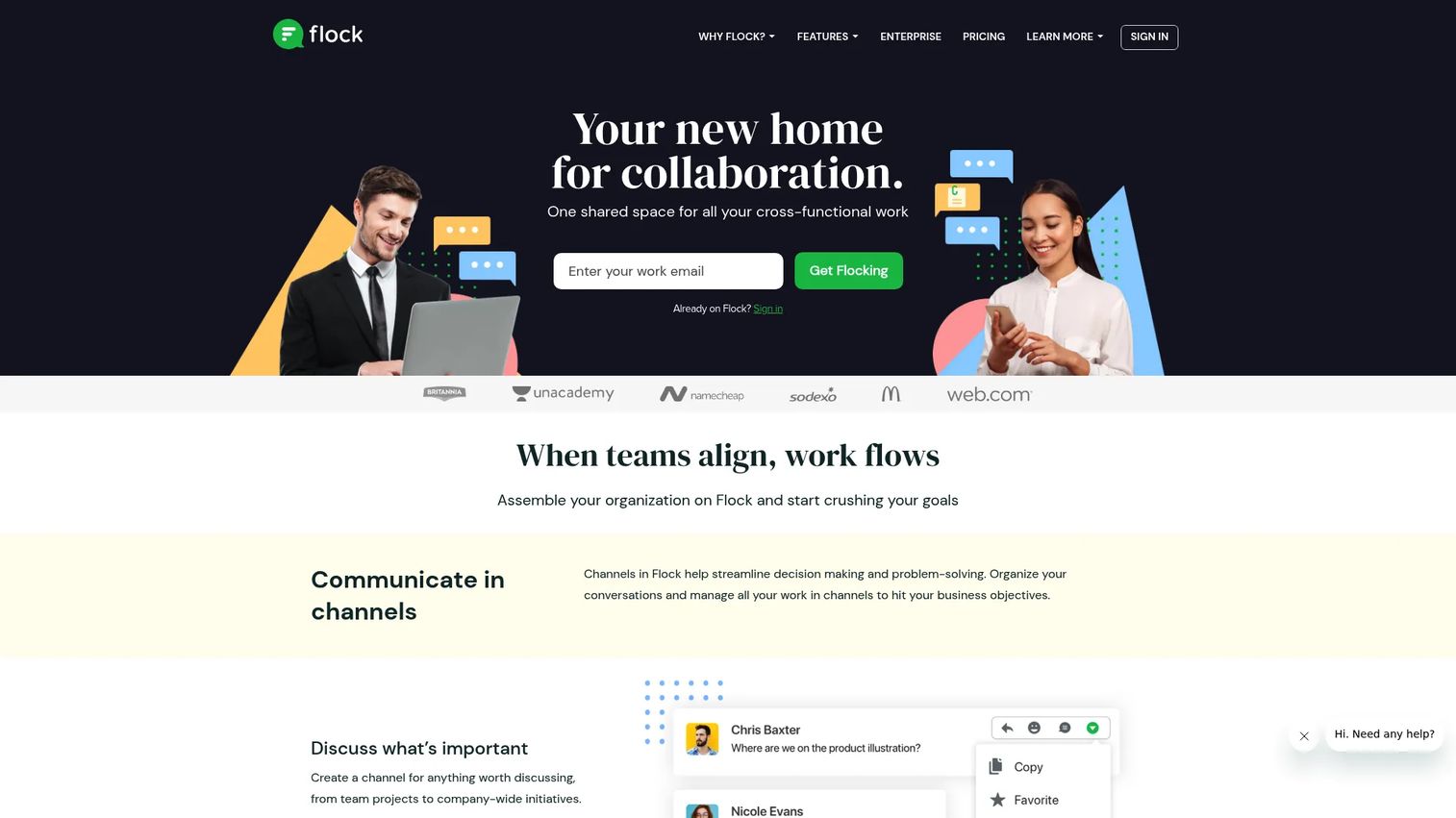
Flock combines business messaging with built-in coordination utilities. Shared notes and reminders sit alongside channels and calls. Teams evaluating it should focus on whether those utilities replace separate coordination steps.
Best for: Small and midsized teams wanting business chat with practical collaboration extras.
Key features
- Public and private channels
- Video calls and screen sharing
- File sharing and advanced search
- To-dos and shared notes
- Polls, reminders, and process automation
Try a recurring operational process, such as preparing for a customer review. Ask the team to gather input and assign the remaining work inside its proposed workflow.
The aim is to reduce manual coordination between applications. Compare that experience with your current process, including the effort required to find an earlier decision.
Built-in utilities deserve clear boundaries. Use polls to gather input, but identify who has authority to make the final call. Give shared notes an owner if they contain instructions others will follow.
Flock’s plan structure also maps to team size. Evaluate the commercial tier against your expected growth rather than choosing for today’s smallest department.
For a founder delegating this purchase, ask the evaluator to show what gets removed from the stack. An extra communication destination needs a stronger case than a convenient poll.
Why choose Flock: Choose it when its embedded utilities replace small coordination tasks scattered across other applications. Keep formal decision records distinct from informal input.
Flock pricing: Starter is free for teams of 1 to 20 members. Ask sales for Pro pricing or an Enterprise quote.
G2 rating: 4.4/5.
14. Twist
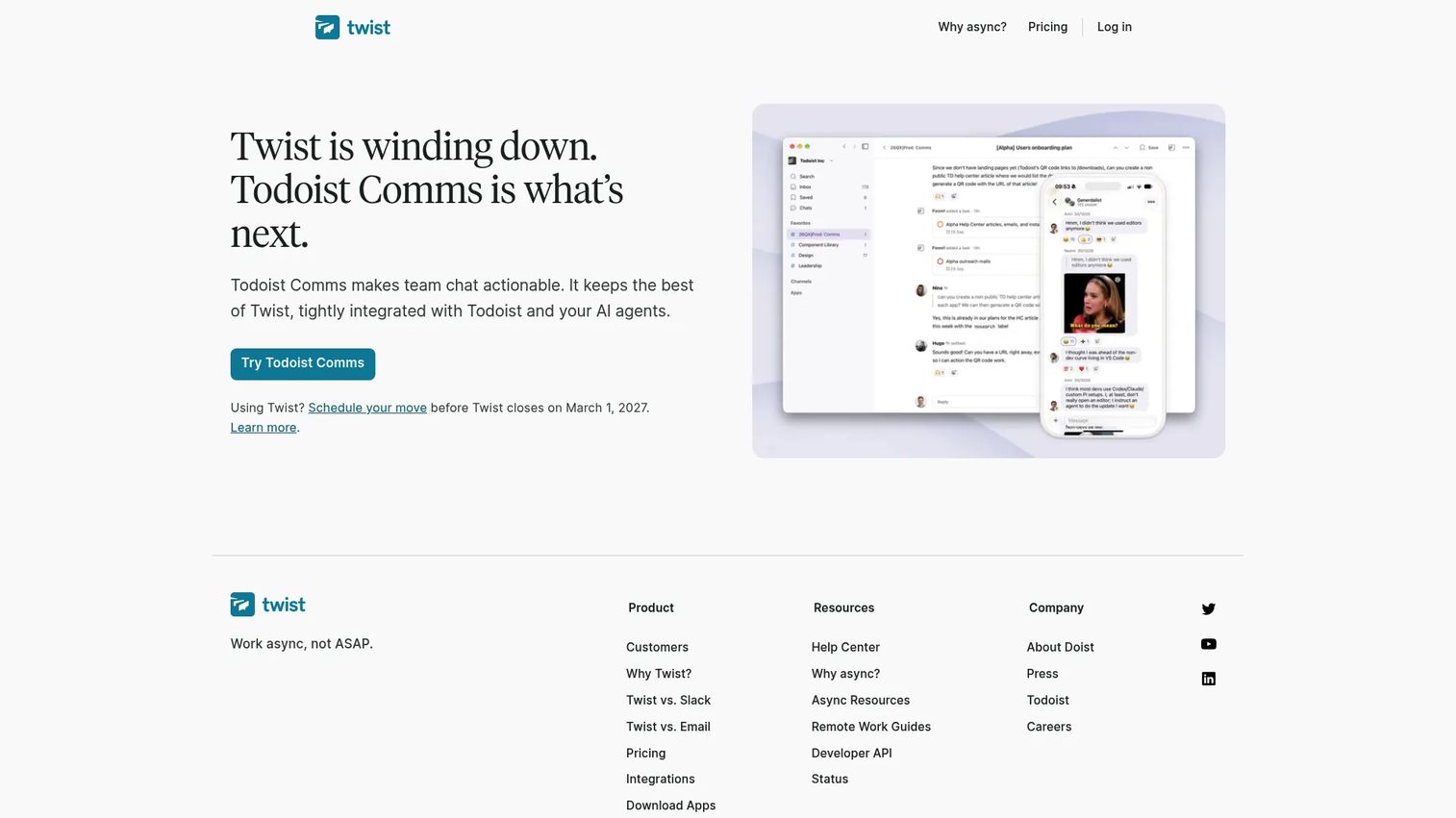
Twist organizes asynchronous communication through channels and topic-based threads. However, its homepage states that the product is winding down and will close on March 1, 2027. That changes its place in this comparison from a new-purchase candidate to a migration consideration.
Best for: Existing customers planning continuity for their async communication.
Key features
- Topic-based threaded conversations
- Channels organized around projects or teams
- Inbox for relevant thread activity
- Private and group messages
- Integrations and custom automations
For current users, start by identifying the decisions and discussions that need to remain accessible. Assign an owner to the transition rather than leaving each department to choose its replacement.
Assess prospective alternatives against the habits your team wants to preserve. Topic-based discussions and a catch-up inbox are meaningful operating preferences, independent of a particular brand.
Use a representative project to test the destination. Ask employees to retrieve a past decision and continue an unresolved discussion without reverting to private messages.
New buyers should direct their evaluation elsewhere. Beginning a company-wide rollout now would introduce a known transition into the purchasing decision.
Keep the migration brief focused on continuity. Document access requirements and the destination for active work, then establish a clear cutover plan.
Why choose Twist: Existing customers can use their current experience to define replacement requirements. It is not a recommended new deployment given the announced closure.
Twist pricing: A free plan is listed. Unlimited costs $6 per user/month annually or $8 monthly.
G2 rating: 4.1/5.
15. Staffbase
Staffbase supports employee communications across branded apps and intranets, with additional delivery channels. Its focus is targeted organizational communication rather than everyday project chat. Among internal communications apps, it fits companies that need governance around reaching distinct workforce groups.
Best for: Larger or distributed organizations formalizing employee communication across multiple channels.
Key features
- Branded employee app and intranet
- Targeted email and SMS communication
- Digital signage delivery
- AI search and content creation
- Communication analytics and sentiment analysis
For a Series B company, begin by checking whether workforce reach warrants a dedicated employee communication platform. A distributed employee population can justify different tooling from a single office-based team.
Test a policy announcement intended for a specific group. Examine the publishing process and the evidence your communications owner receives afterward.
The founder’s role should be setting direction, not manually distributing updates. Decide which leader approves sensitive announcements and who maintains the publishing calendar.
Include channels in the commercial discussion. An employee app and a broader multichannel deployment represent different requirements, even if they sit under the same vendor.
If your immediate problem is unclear ownership inside a project, fix that workflow first. Staffbase deserves consideration when organizational reach and governed publishing are the purchase drivers.
Why choose Staffbase: Choose it when leadership communication requires audience targeting and measurement across employee groups. Give the platform an accountable internal communications owner.
Staffbase pricing: Custom pricing covers Frontline workforce, Whole workforce, and Enterprise configuration options.
G2 rating: 4.6/5.
Considerations when choosing team communication software
Start with the communication problem
Name the failure you want to remove, such as repeated status calls or decisions lost in private messages. Assign an owner and a measurable acceptance test before requesting demonstrations.
A clearer operating process may resolve part of the problem without replacing your current platform.
Define where each kind of work belongs
Use chat for active coordination and meetings for discussions that require live debate. Store durable policies in documentation, with broadcasts carrying official company updates.
Write these rules down so new employees don’t have to infer them from executive behavior.
Test retrieval before migration
Ask someone outside a project to find a past decision and identify its owner. Include access permissions and message history in the test.
Company communication software should help new leaders gain context without turning the founder into a search engine.
Treat notification design as a requirement
Evaluate thread behavior and controls for interruptions. Establish an escalation route separate from routine announcements.
A successful pilot should improve the distinction between urgent work and information people can read later.
Check administration and total cost
Review SSO, SCIM, retention, legal hold, eDiscovery, guest access, and audit logs with IT. Match each requirement to the intended plan rather than the vendor’s full portfolio.
Include migration effort and any self-managed infrastructure in the cost comparison. Set an owner for rollout and a plan for retiring overlapping subscriptions.
Conclusion
The best team communication software fits how your company should make decisions.
Slack is the strongest general shortlist starting point for SaaS teams coordinating across departments. Microsoft Teams and Google Chat deserve priority when their respective suites already support daily work.
For technical organizations, Mattermost and Rocket.Chat put deployment control into the decision. Element adds a distinct focus on encrypted, interoperable communication.
Zulip is worth evaluating when detailed async discussions need clearer structure. Budget-focused teams should also examine Pumble, while Connecteam addresses work that happens away from desks.
Workvivo and Staffbase serve a different purpose. Consider them when leadership communication needs dedicated publishing ownership and broader employee reach.
Choose the failure mode before the application. If status meetings consume the week, test written updates. If decisions disappear, prioritize retrieval. If employees miss announcements, evaluate delivery channels.
Then ask your operations lead to run a contained pilot with a clear outcome. The right workplace communication software should earn its place by replacing a coordination problem, not adding another destination.
FAQs
Team communication software provides a shared environment for employee messaging and coordination, often including calls and file sharing. Channels and search help people retrieve context beyond an individual conversation. Some platforms focus on everyday teamwork, while others emphasize official employee updates or mobile workforce communication. Select the category according to the work you need to support.
Slack is a useful default shortlist candidate for a growing SaaS company with cross-functional communication needs. Microsoft Teams fits Microsoft 365 organizations, while Google Chat belongs in the evaluation for Workspace users. Compare the operating habits you want to preserve before considering a migration. A startup should also establish where decisions live before adding more channels.
Prioritize organized conversations and reliable search, then assess calls and file sharing against your existing stack. Notification controls matter because an application should distinguish urgent requests from routine updates. For office communication apps, also evaluate guest access and administration with IT. Mobile teams need a separate test that reflects working away from a desk.
Yes. Business messaging software handles conversation and coordination, while project management software records delivery work and ownership. Some products overlap through task features, but your company should still define which system holds the authoritative work record. Avoid requiring employees to reconcile competing due dates across group communication apps and project boards.
Move routine updates into written discussions with a named owner and a response deadline. Use threads to keep questions attached to the relevant topic, then publish the decision after discussion closes. Retain meetings for issues that benefit from live debate rather than moving every conversation into chat. Measure whether recurring calls disappear instead of treating more messages as progress.
Pumble is worth evaluating if retaining searchable conversation history is a priority. Zulip offers free cloud and self-hosted options, while other tools in this list also provide free tiers with different boundaries. Compare storage and administration alongside the capabilities your team needs. A free group communication app should support your operating requirements without forcing an immediate migration as usage expands.
There is no universal winner because secure team messaging depends on the threat model and deployment requirements. Mattermost and Rocket.Chat offer controlled deployment options, while Element emphasizes encrypted communication built on Matrix. Ask your security team to assess the intended configuration and operational responsibilities. Self-hosting alone does not establish that your access controls or recovery procedures are appropriate.
Begin with stack fit and a specific coordination problem, then assign an operator to run the evaluation. Test whether a new manager can retrieve a consequential decision without asking its original participants. Include IT early enough to evaluate permissions and the required subscription tier. Finish with a rollout owner, documented communication rules, and a retirement plan for overlapping tools.