A release looks ready. Then it hits production and something breaks. A column is missing, a default constraint changed, a stored procedure diverged from staging three sprints ago and nobody noticed. According to the Stack Overflow Developer Survey 2025, PostgreSQL is used by 55.6% of respondents and MySQL by 40.5%, which means most teams are running environments where schema drift is a real and recurring problem. Database comparison tools exist to catch that drift before it becomes a support ticket, a data incident, or a rollback conversation at 11pm.
This guide gives you a shortlist of 14 database comparison tools, explains what separates schema comparison from data comparison, and helps you choose the right kind of tool before you evaluate any specific product.
What's inside
This guide is for product managers, engineering managers, DBAs, DevOps teams, and data platform teams who need to compare databases reliably across SQL Server, MySQL, PostgreSQL, Oracle, and other platforms. Tools were selected and evaluated on these criteria:
- Platform support: SQL Server, Azure SQL, MySQL, MariaDB, PostgreSQL, Oracle, Db2, Sybase
- Comparison scope: Schema comparison, data comparison, or both
- Automation and CI/CD fit: Command-line support, scripting, pipeline integration
- Deployment safety: Data-loss warnings, script preview, dependency awareness
- Pricing and access model: Commercial, free, open-source, IDE-bundled
TL;DR
- Best for SQL Server schema comparison: Redgate SQL Compare, with dependency-aware deployment scripts and a 14-day trial
- Best for SQL Server table data: SQL Data Compare, purpose-built for row-level synchronization
- Best SQL Server bundle: dbForge Compare Bundle for SQL Server covers both schema and data at $299.95/year
- Best for MySQL teams: dbForge Schema Compare for MySQL or dbForge Data Compare for MySQL, both starting at $89.95/year
- Best free options: Open DBDiff (open-source, SQL Server schemas) and SQL Server TableDiff.exe (built into SQL Server tooling)
- Best for cross-platform migration validation: Microsoft Database Compare Utility, available from Microsoft documentation
What is database comparison software?
Database comparison software identifies differences between two or more databases, covering schema objects, table data, permissions, stored procedures, functions, indexes, constraints, and migration outputs.
The category splits into two distinct jobs:
Schema comparison finds structural differences: Tables, columns, indexes, views, stored procedures, functions, triggers, constraints, and permissions. Use it when you need to know whether two databases are structurally identical or what changed between release cycles.
Data comparison finds row-level differences in table data, including missing rows, changed values, and mismatched records. Use it when structure is fine but values are wrong, as happens with lookup tables, reference data, or migration targets.
Most commercial tools also handle synchronization, generating scripts or actions to align source and target databases. The better ones produce data-loss warnings so a reviewer can catch destructive changes before execution.
Key capabilities to look for across the category:
- Schema diff viewer with object-level filtering
- Table data diff viewer with row-level navigation
- Synchronization script generation and preview
- Data-loss warnings and dependency-aware sequencing
- Command-line automation and CI/CD integration
- Backup, snapshot, or source-control comparison
- Exportable reports in HTML, Excel, or XML
- Multi-database platform support
When to use database comparison tools
Compare development, staging, and production environments
If your team ships on a weekly release cadence, schema drift is not a theoretical problem. Columns get added in development and never make it to staging. Defaults change. Indexes get dropped during performance testing and never restored. A database compare tool surfaces those gaps before a deployment, not after. For PMs, this is the primary lever for reducing unplanned support load and rollback risk.
Validate database migrations
Moving data between servers, database versions, or platforms introduces silent errors. Row counts may match while data types, null handling, or constraint enforcement differ. Running a data comparison utility against source and target databases after a migration gives you a verifiable checklist rather than an assumption. This matters most for billing data, customer state records, and analytics pipelines where silent corruption affects downstream decisions.
Generate safer deployment scripts
Some database comparison tools can generate T-SQL or platform-specific synchronization scripts from the diff. That script becomes a reviewable artifact, not an ad hoc command. Teams running formal release management or working in regulated environments often need that paper trail. Check whether the tool orders operations correctly by dependencies and whether it warns before dropping columns or truncating data.
Database comparison tools comparison
The table below compares all 14 tools by best-fit use case, key differentiator, pricing, and G2 rating. Pricing reflects verified figures from each vendor's pricing page. G2 ratings are from each tool's current G2 listing; N/A means no dedicated listing was confirmed.
| # | Product | Best for | Key differentiator | Pricing | G2 rating |
|---|---|---|---|---|---|
| 1 | Redgate SQL Compare | SQL Server schema comparison | Dependency-aware deployment scripts with data-loss warnings | From $327/user/year | 4.4/5 |
| 2 | SQL Data Compare | SQL Server table data | Row-level sync and data restoration for SQL Server | From $327/user/year | 4.6/5 |
| 3 | dbForge Compare Bundle for SQL Server | SQL Server schema and data together | Combined bundle with command-line and report generation | From $299.95/year | 4.9/5 |
| 4 | dbForge Schema Compare for SQL Server | SQL Server and Azure SQL schema | Azure SQL support, SSMS integration, 30-day trial | From $239.95/year | 4.7/5 |
| 5 | dbForge Data Compare for SQL Server | SQL Server data synchronization | Custom comparison keys and backup comparison | From $239.95/year | N/A |
| 6 | dbForge Schema Compare for MySQL | MySQL and MariaDB schema | MariaDB support, perpetual license option | From $89.95/year | 5.0/5 |
| 7 | dbForge Data Compare for MySQL | MySQL and MariaDB data | Percona support and custom column mapping | From $89.95/year | 4.7/5 |
| 8 | dbForge Compare Bundle for Oracle | Oracle schema and data | Bundled Oracle schema plus data with rollback scripts | Contact vendor for pricing | 5.0/5 |
| 9 | dbForge Data Compare for PostgreSQL | PostgreSQL table data | Lightweight standalone PostgreSQL data tool | From $74.95/year | 5.0/5 |
| 10 | Microsoft Visual Studio Database Tools | Microsoft-stack dev teams | Schema and data compare inside the Visual Studio IDE | Free (Community) to $250/user/mo | N/A |
| 11 | Open DBDiff | Free SQL Server schema comparison | Open-source schema diffing for SQL Server 2005+ | Free | N/A |
| 12 | xSQL Schema Compare | SQL Server schema with snapshot support | Azure support, Lite Edition for SQL Server Express | From $299/user/year | N/A |
| 13 | SQL Server TableDiff.exe | Command-line table data checks | Built into SQL Server tooling, scriptable | Included with SQL Server | 4.4/5 (SQL Server) |
| 14 | Microsoft Database Compare Utility | Cross-platform migration validation | Compares SQL Server, Oracle, Db2, MySQL, PostgreSQL, Sybase | Free download | N/A |
Best 14 database comparison tools for 2026
1. Redgate SQL Compare
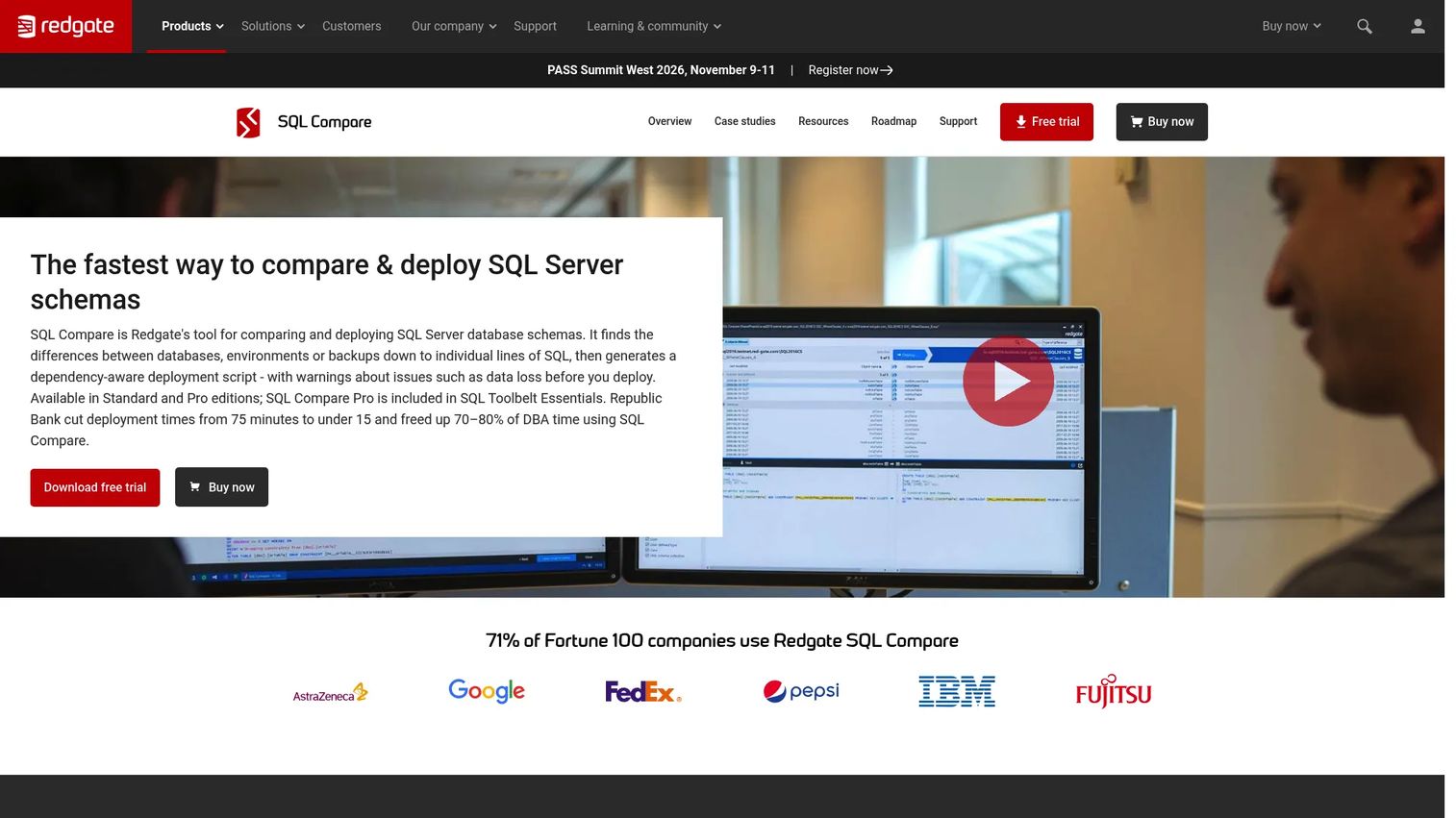
Redgate SQL Compare is a SQL Server schema comparison and deployment tool that identifies structural differences between databases and generates dependency-aware scripts to reconcile them. It compares live databases, backups, snapshots, and source-control SQL scripts, then produces reviewable deployment output with data-loss warnings so teams can catch destructive changes before they execute. The tool also integrates with SQL Server Management Studio and supports command-line automation for CI/CD pipelines.
Best for: DBAs and SQL Server development teams that need production-safe schema comparison across multiple environments.
Key features
- SQL Server schema comparison across live databases, backups, and snapshots
- Dependency-aware deployment script generation
- Data-loss warnings before script execution
- Command-line automation for pipeline integration
- HTML and Excel comparison reports
Why choose Redgate SQL Compare: This is the go-to tool when your SQL Server release workflow requires reviewable, ordered deployment scripts rather than manual diffing. The dependency awareness is what separates it from simpler tools; it sequences changes so foreign keys and constraints do not break during deployment.
Redgate SQL Compare pricing: Standard edition starts at $327/user for a 1-year subscription. A 14-day fully functional free trial is available. The Pro edition is included in Redgate's SQL Toolbelt Essentials bundle.
G2 rating: 4.4/5
2. SQL Data Compare
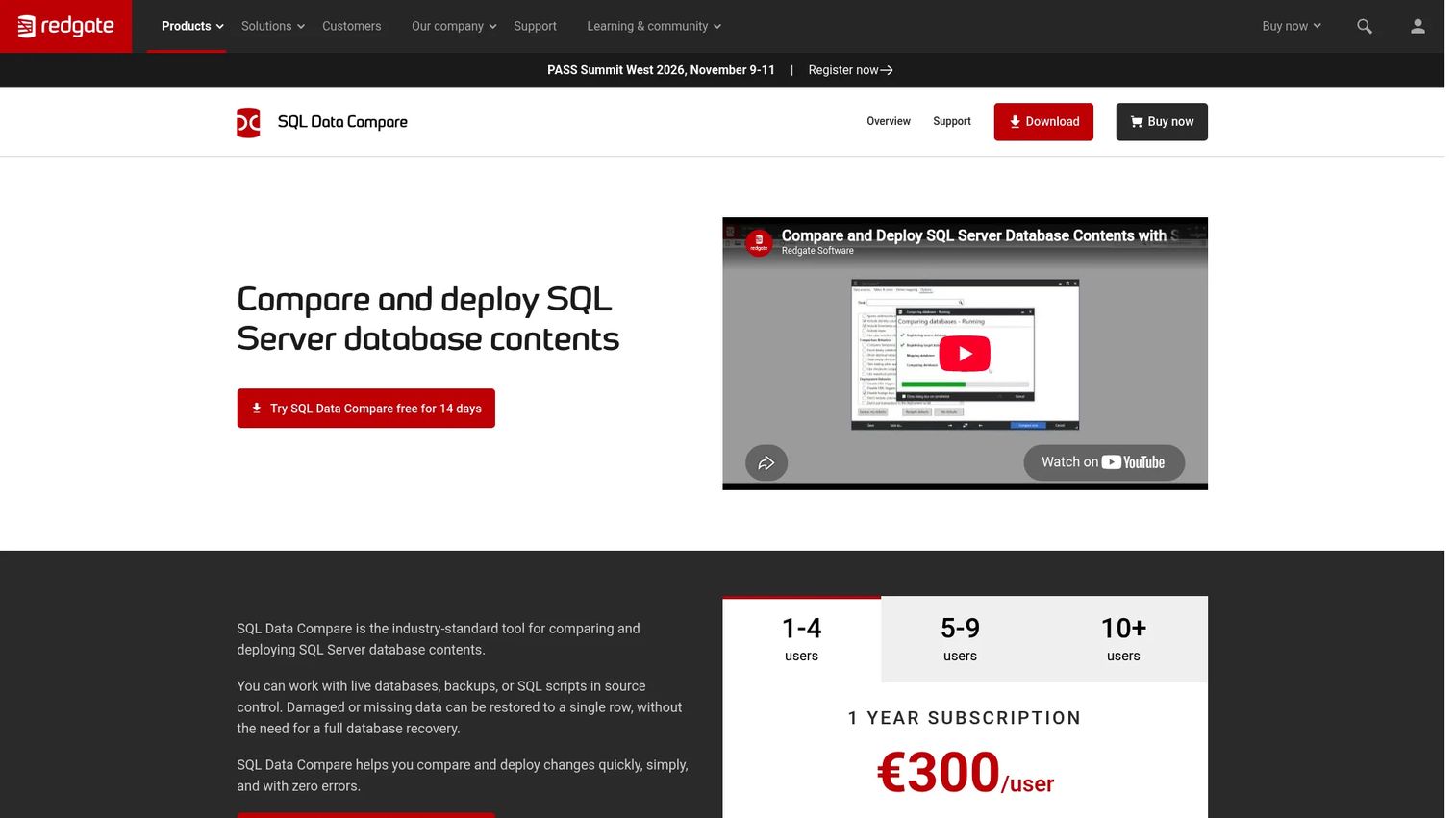
SQL Data Compare is Redgate's companion tool for SQL Server table data, handling the job that SQL Compare does not: Comparing and synchronizing row-level values rather than database structure. It generates T-SQL synchronization scripts, supports data restoration at the table, column, or row level, and deploys to SQL Server, SQL Azure, and SQL Server on Amazon RDS. Teams commonly use it for reference data synchronization, production data restoration after corruption, and migration validation where values are the concern.
Best for: Database professionals comparing and synchronizing SQL Server data across development, staging, and production environments.
Key features
- Table-level and row-level SQL Server data comparison
- T-SQL synchronization and deployment script generation
- Comparison against live databases, backups, and source-control scripts
- Row-level data restoration at table, column, or row granularity
- Command-line automation
Why choose SQL Data Compare: Choose this when structure is fine but data is wrong. It is the right tool for lookup table drift, production data repair, and post-migration validation where you need to confirm that actual values match, not just column names.
SQL Data Compare pricing: Starts at $327/user for a 1-year subscription, matching SQL Compare's entry point. A 14-day free trial is available.
G2 rating: 4.6/5
3. dbForge Compare Bundle for SQL Server
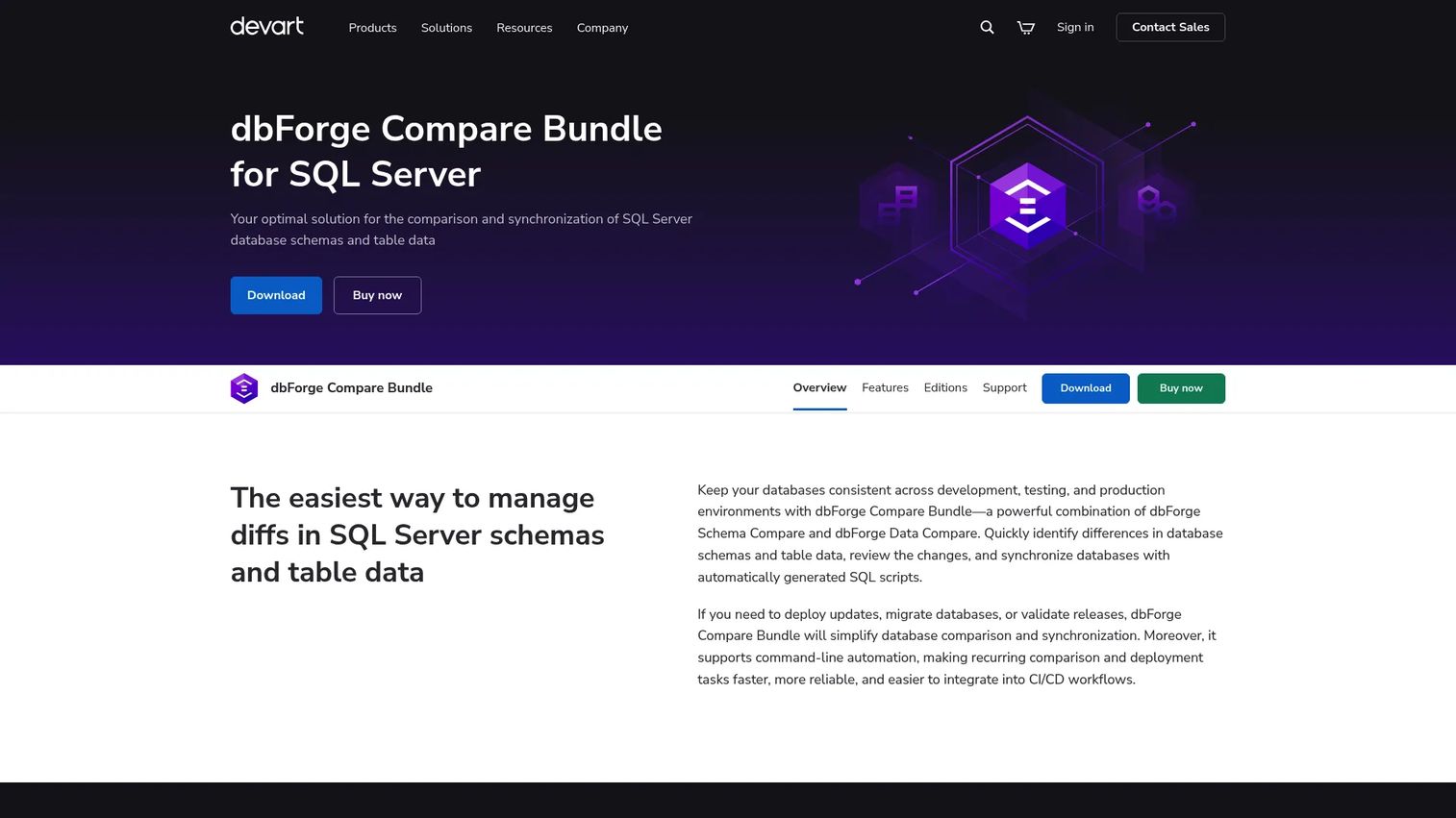
dbForge Compare Bundle for SQL Server packages both schema comparison and table data comparison into one subscription from Devart. The bundle handles multiple SQL Server schema objects, produces synchronization scripts with preview, and supports command-line scheduling for recurring comparison and synchronization tasks. Teams that need both structural and row-level validation in a single vendor package will find the bundle a more practical choice than buying standalone tools separately.
Best for: SQL Server development and operations teams that need schema comparison and data comparison without managing two separate vendor relationships.
Key features
- Combined SQL Server schema and data comparison
- Customizable object mapping and comparison options
- Synchronization scripts with preview and filtering
- Command-line automation and scheduling
- Comparison reports in multiple export formats
Why choose dbForge Compare Bundle for SQL Server: When you need both structural and data validation, buying a bundle at $299.95/year (Standard) undercuts purchasing two standalone tools. The Professional edition at $359.95/year adds scripts-folder support, native backup comparison, and command-line interface capabilities.
dbForge Compare Bundle for SQL Server pricing: Standard subscription is $299.95/year. Professional subscription is $359.95/year. A free trial is available.
G2 rating: 4.9/5
4. dbForge Schema Compare for SQL Server
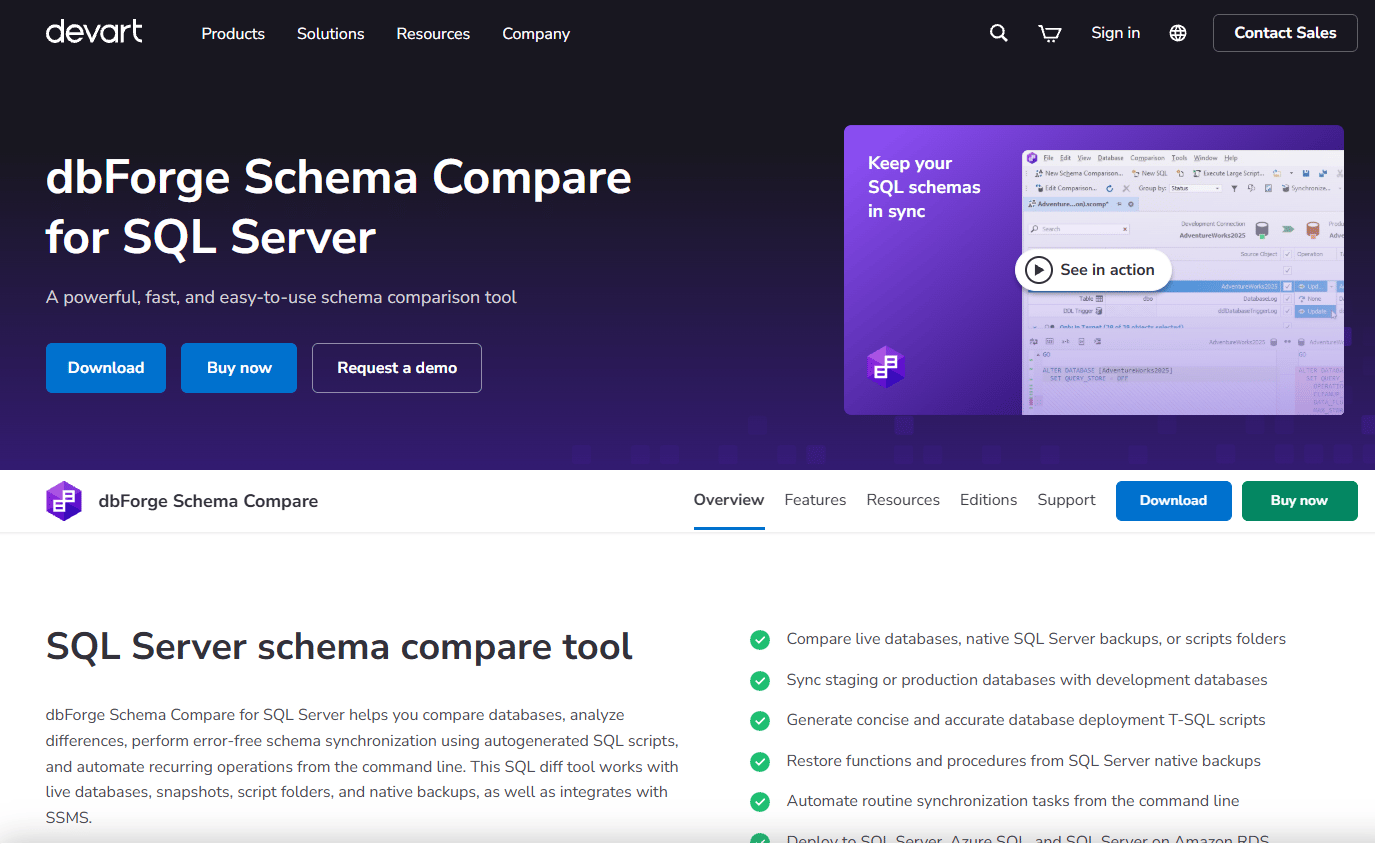
dbForge Schema Compare for SQL Server is a standalone schema comparison and synchronization tool for SQL Server and Azure SQL, available both as a Windows application and as a SQL Server Management Studio add-in. It compares databases, backups, snapshots, script folders, and Azure SQL objects, generates T-SQL synchronization scripts for review, and exports results to HTML, Excel, and XML reports. DevOps teams can run comparisons from the command line and integrate them into release pipelines.
Best for: SQL Server and Azure SQL teams focused on schema drift detection and structural release validation.
Key features
- Schema comparison for SQL Server, Azure SQL, and script folders
- T-SQL synchronization script generation and preview
- Command-line automation and DevOps pipeline integration
- HTML, Excel, and XML comparison report exports
- SSMS add-in and version-control integration
Why choose dbForge Schema Compare for SQL Server: This is the right choice when you need schema comparison without the data comparison component. The 30-day Professional trial gives teams enough time to validate it against their actual release workflow before committing.
dbForge Schema Compare for SQL Server pricing: Standard subscription starts at $239.95/year. Professional subscription is $299.95/year. A 30-day free trial of the Professional edition is available.
G2 rating: 4.7/5
5. dbForge Data Compare for SQL Server
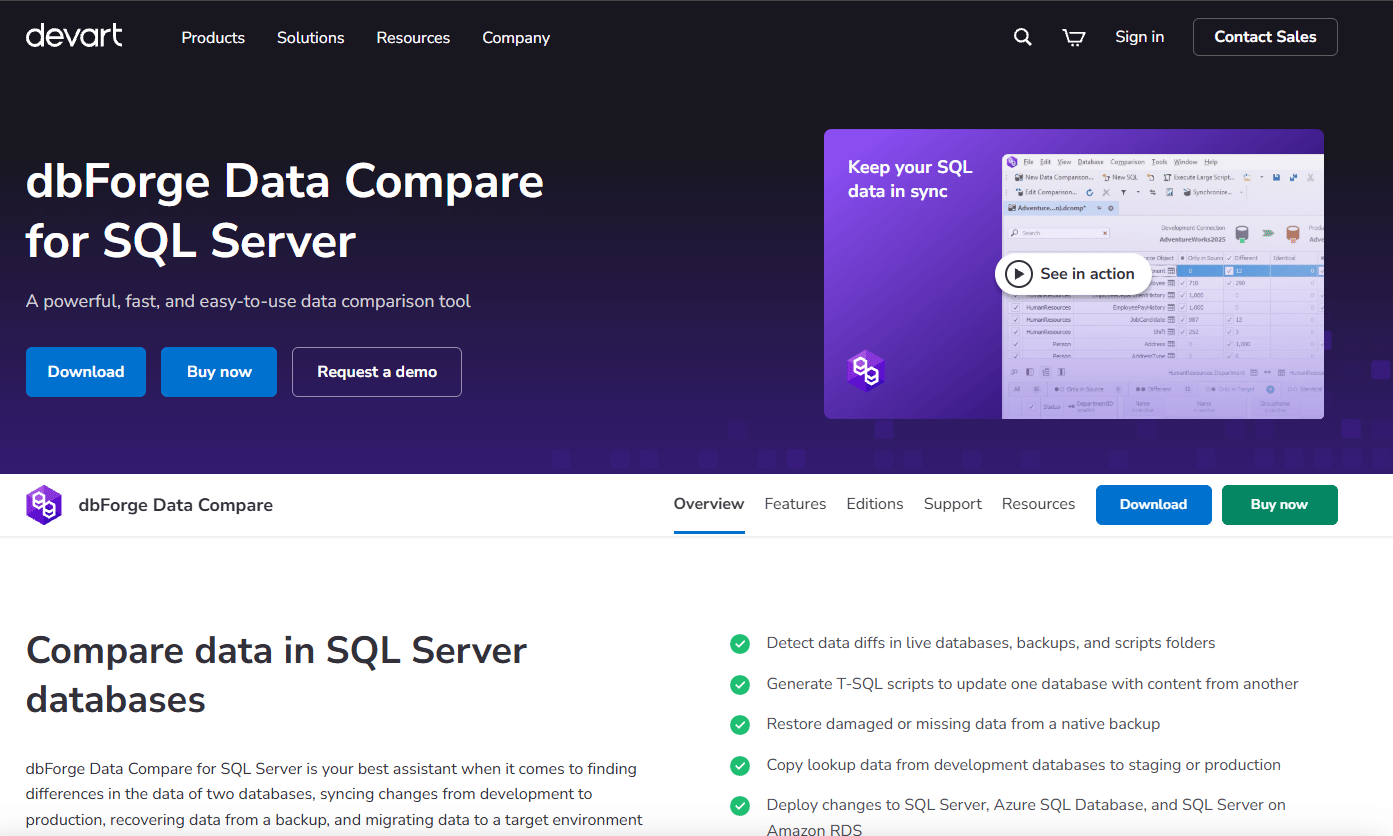
dbForge Data Compare for SQL Server handles row-level comparison and synchronization for SQL Server tables, views, backups, scripts folders, and custom query results. It generates T-SQL deployment scripts, exports results to CSV, HTML, and Excel, and supports command-line automation for recurring validation tasks. Custom comparison keys let teams control how rows are matched, which matters when primary keys are inconsistent across environments.
Best for: DBAs and developers synchronizing SQL Server data across development, testing, staging, and production environments.
Key features
- SQL Server table and view data comparison
- Custom comparison key support
- T-SQL synchronization and deployment script generation
- CSV, HTML, and Excel report exports
- Command-line automation and SSMS integration
Why choose dbForge Data Compare for SQL Server: Use this when your concern is values, not structure. Custom comparison keys make it practical for tables without clean primary keys, which is a common issue with legacy databases or migrated schemas.
dbForge Data Compare for SQL Server pricing: Standard subscription starts at $239.95/year. Professional adds scripts-folder and native backup comparison at $299.95/year. A free trial is available.
6. dbForge Schema Compare for MySQL
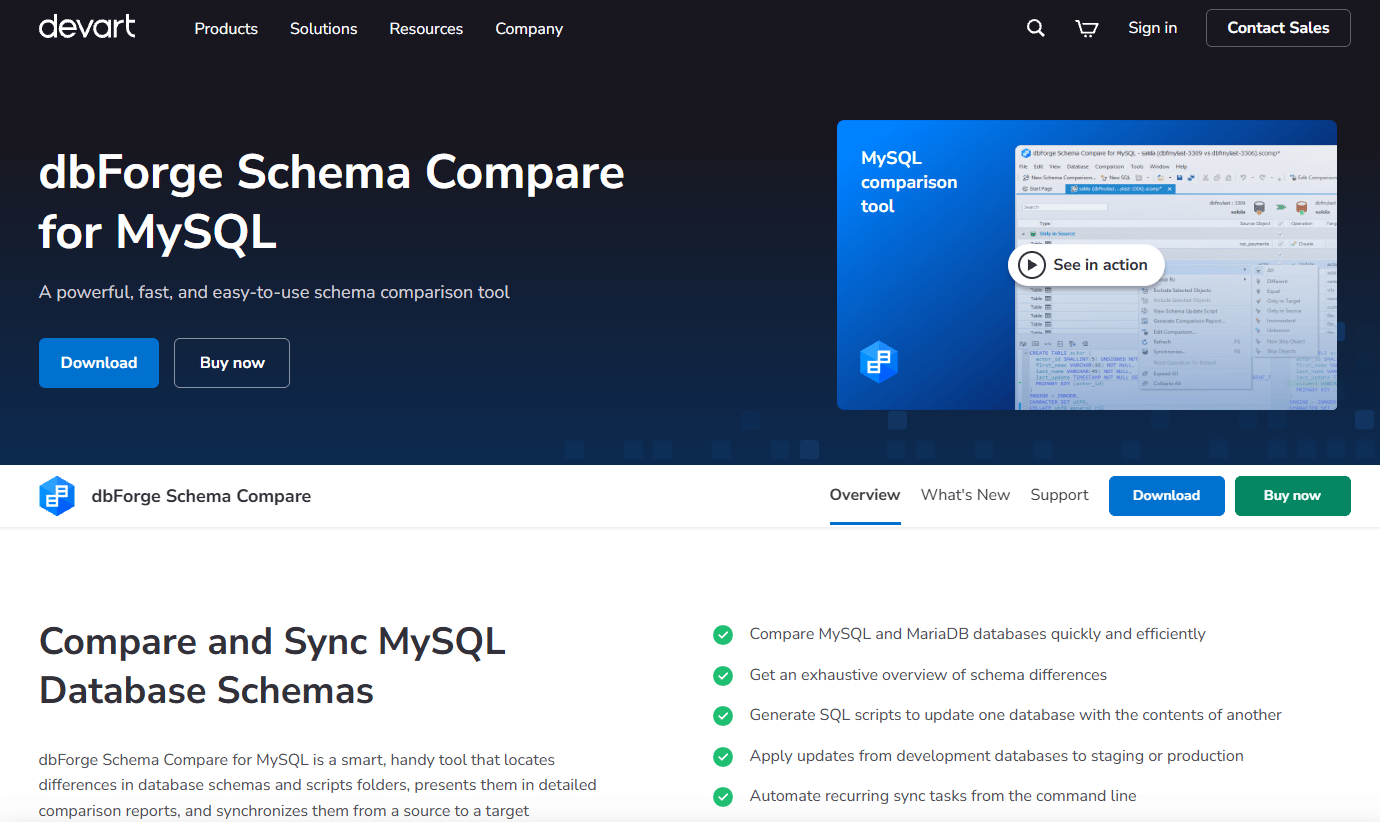
dbForge Schema Compare for MySQL compares and synchronizes schemas across MySQL, MariaDB, and Percona databases. It identifies differences across tables, views, stored procedures, functions, triggers, events, and MariaDB-specific objects like packages and sequences. Synchronization scripts are generated with a preview step, and comparisons can be automated via command line or PowerShell, making it practical for DevOps teams who want MySQL schema checks embedded in release pipelines.
Best for: Database and DevOps teams managing MySQL or MariaDB schema deployments across multiple environments.
Key features
- MySQL and MariaDB schema comparison
- Synchronization script generation with preview
- Command-line and PowerShell automation
- Comparison reports with filtering and sorting
- MariaDB packages and sequences support
Why choose dbForge Schema Compare for MySQL: MySQL teams running frequent releases benefit from automated schema checks that catch object-level drift before it reaches production. The perpetual license option ($169.95 one-time) is worth evaluating for teams that prefer not to renew annually.
dbForge Schema Compare for MySQL pricing: Standard subscription starts at $89.95/year. A one-time perpetual license costs $169.95. A 30-day free trial is available.
G2 rating: 5.0/5
7. dbForge Data Compare for MySQL
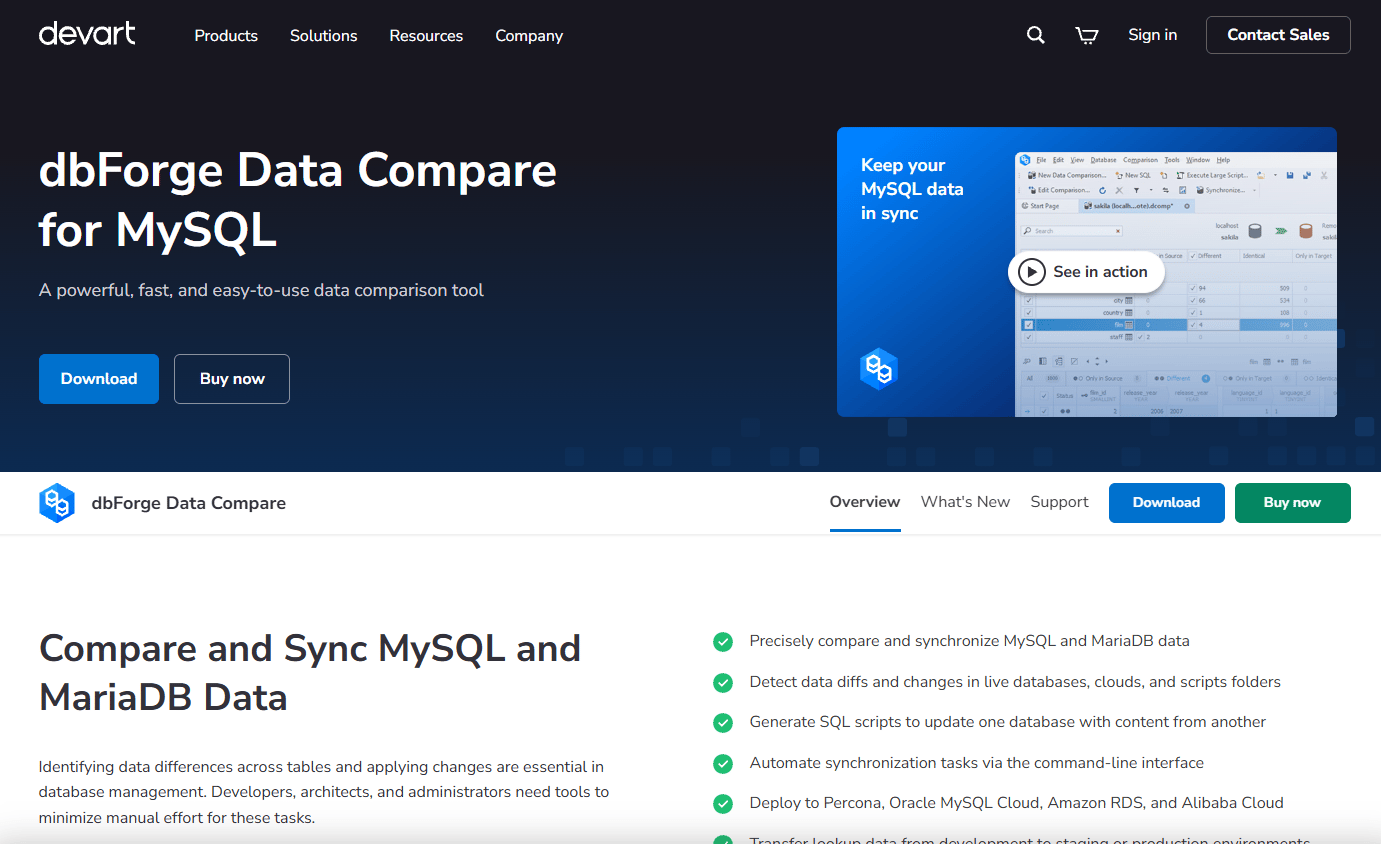
dbForge Data Compare for MySQL compares and synchronizes data across MySQL, MariaDB, and Percona databases. It handles live databases, custom queries, and scripts folders, generates synchronization scripts, and lets teams filter, search, group, and export comparison results. Custom column mapping is available for tables where column names differ between source and target, which is a practical requirement for migration validation workflows.
Best for: Database developers, DBAs, and DevOps teams comparing and synchronizing MySQL or MariaDB data across environments.
Key features
- MySQL, MariaDB, and Percona data comparison
- Custom column mapping for source-to-target alignment
- Data synchronization script generation
- Result filtering, grouping, and export
- Command-line automation
Why choose dbForge Data Compare for MySQL: This is the right tool when MySQL schemas match but data values diverge across environments. Tenant migration validation, reference data synchronization, and QA data fixtures are the most common use cases.
dbForge Data Compare for MySQL pricing: Standard subscription starts at $89.95/year. A one-time perpetual license costs $169.95. A 30-day free trial is available.
G2 rating: 4.7/5
8. dbForge Compare Bundle for Oracle
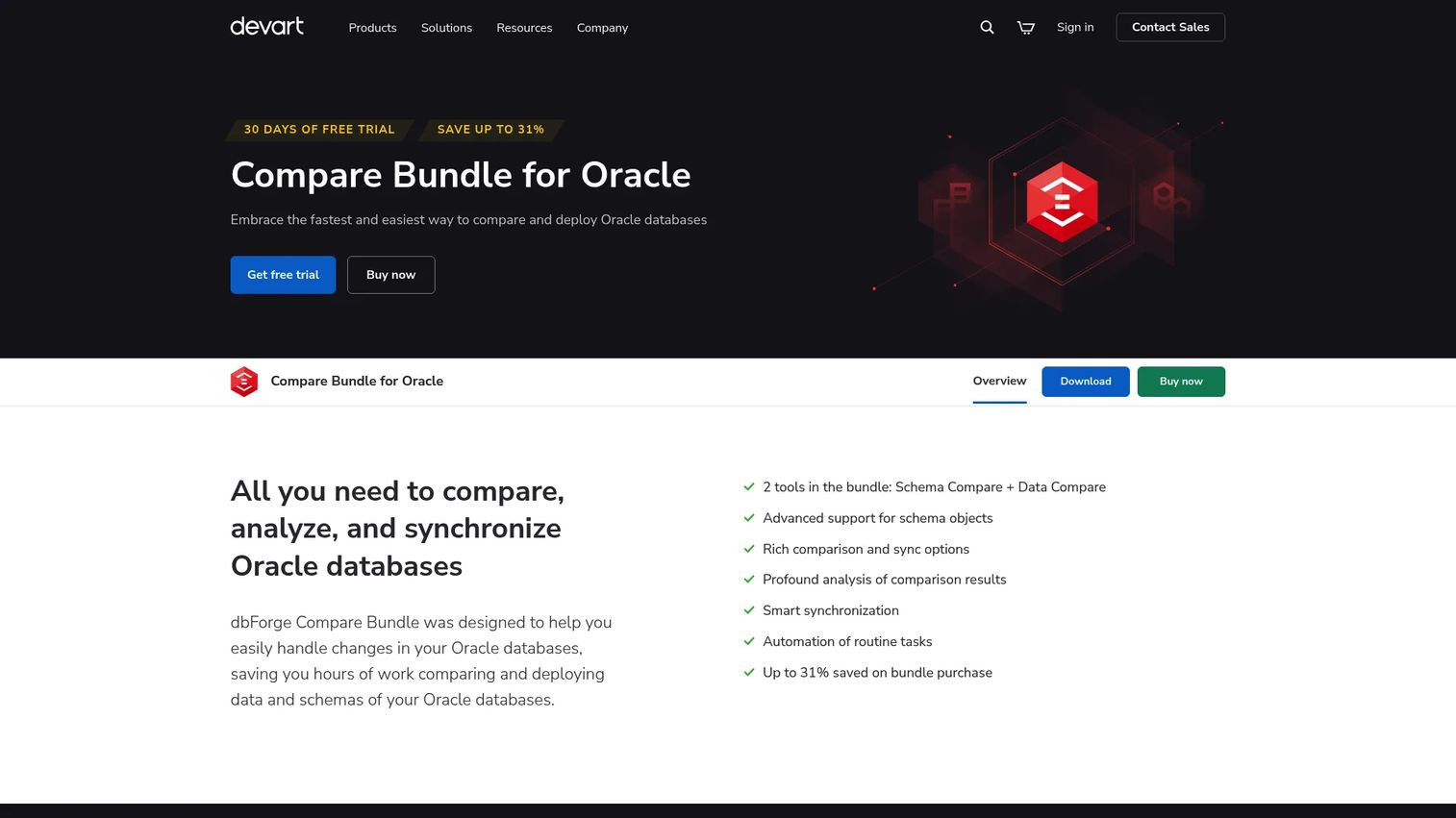
dbForge Compare Bundle for Oracle combines Oracle schema comparison and Oracle data comparison in a single package from Devart. It covers a broad range of Oracle schema objects, including tables, views, procedures, functions, triggers, packages, sequences, and synonyms. Synchronization scripts include rollback-on-error support and pre-sync warnings, and the tool supports command-line and PowerShell automation for pipeline integration.
Best for: Oracle development and administration teams that need schema and data comparison from the same vendor package.
Key features
- Oracle schema and data comparison combined
- Support for packages, sequences, synonyms, and LOB synchronization
- Synchronization scripts with rollback-on-error support
- Pre-synchronization warnings and comparison document
- Command-line interface and PowerShell support
Why choose dbForge Compare Bundle for Oracle: Oracle environments tend to be governance-heavy, and having schema and data comparison from one vendor simplifies procurement and support. Confirm Oracle version compatibility before purchasing, as older major versions may have coverage differences.
dbForge Compare Bundle for Oracle pricing: Contact Devart directly for pricing. A 30-day free trial is available.
G2 rating: 5.0/5
9. dbForge Data Compare for PostgreSQL
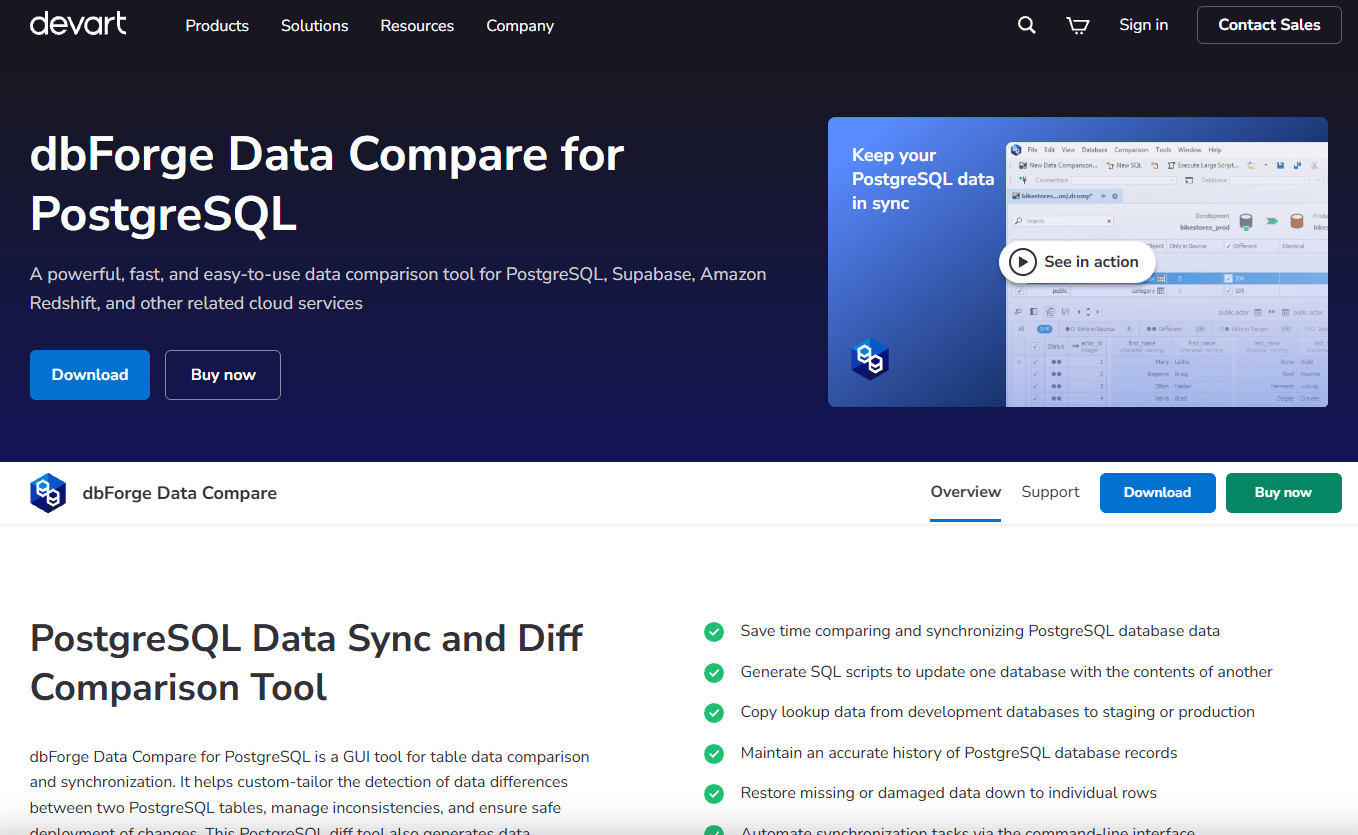
dbForge Data Compare for PostgreSQL is a standalone GUI tool for comparing and synchronizing table data between PostgreSQL databases. It supports full or partial comparison with customizable object mapping, generates SQL synchronization scripts, exports results to CSV, Excel, and HTML, and runs automated comparisons through the command line and Windows Task Scheduler. PostgreSQL adoption across SaaS is wide, with 55.6% of developers using it according to the Stack Overflow Developer Survey 2025, making row-level validation a practical need for most data platform teams.
Best for: PostgreSQL teams comparing table data across environments or migration targets.
Key features
- Full or partial PostgreSQL data comparison
- Customizable comparison options and table mapping
- SQL synchronization script generation
- CSV, Excel, and HTML comparison report exports
- Command-line automation and Task Scheduler support
Why choose dbForge Data Compare for PostgreSQL: This is a focused data-only tool, so pair it with a schema comparison product if structure validation also matters. The $74.95/year starting price makes it the most affordable Devart standalone option in this list.
dbForge Data Compare for PostgreSQL pricing: Standard subscription starts at $74.95/year. A 30-day free trial is available.
G2 rating: 5.0/5
10. Microsoft Visual Studio Database Tools
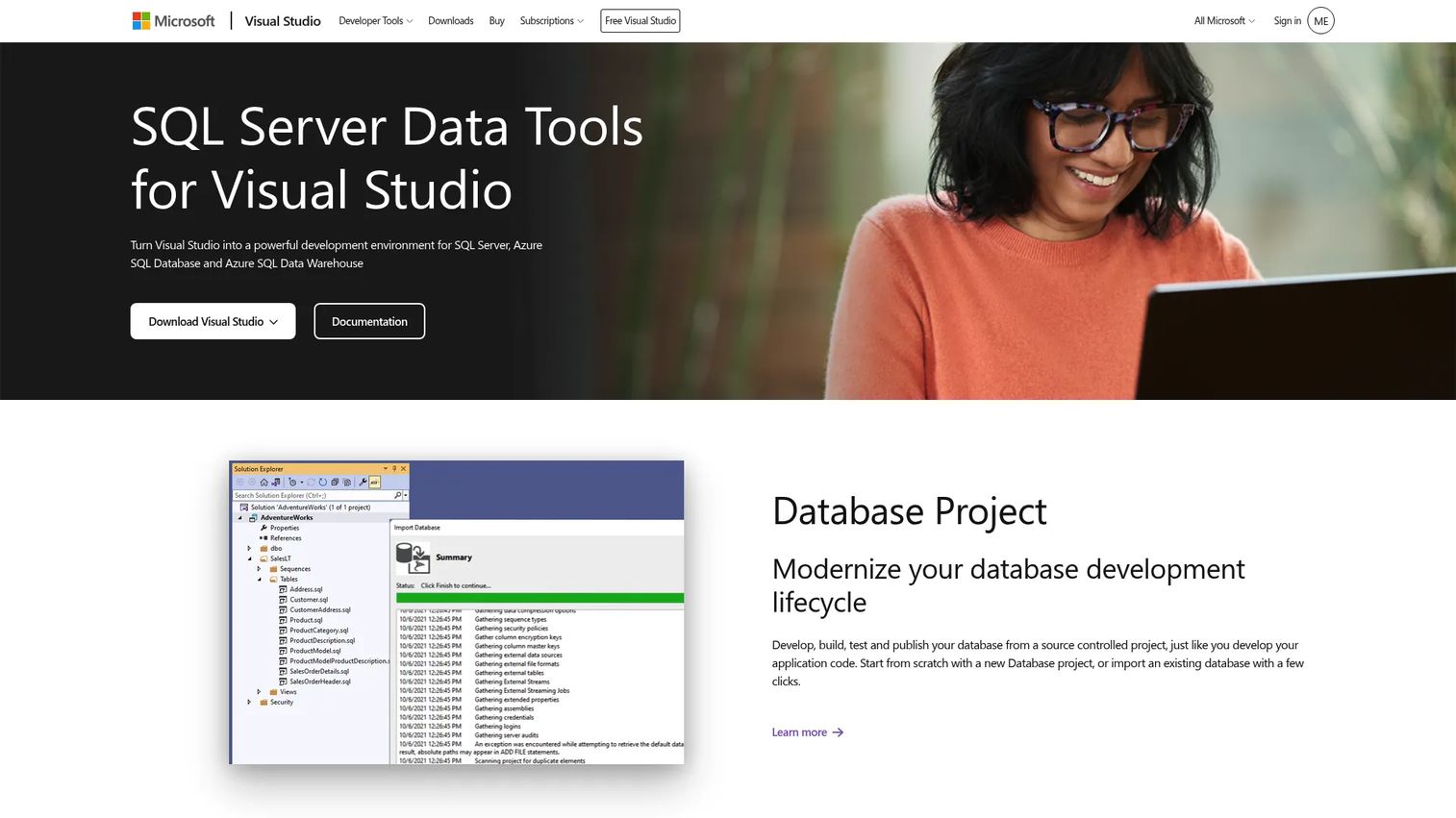
Microsoft Visual Studio Database Tools, implemented through SQL Server Data Tools (SSDT), turns Visual Studio into a SQL Server and Azure SQL development environment with built-in schema compare and data compare capabilities. Teams work with database projects under source control, run T-SQL with IntelliSense and error highlighting, design tables through a visual editor, and publish schema changes through a reviewable deployment process. Continuous integration and deployment automation are supported through MSBuild and standard CI tooling.
Best for: Microsoft-centric development teams that want database comparison and deployment inside their existing IDE workflow.
Key features
- Schema compare and data compare inside Visual Studio
- Database projects with source control, build, and publishing
- T-SQL IntelliSense, error highlighting, and Find All References
- Table Designer for columns, constraints, and indexes
- CI/CD automation through MSBuild
Why choose Microsoft Visual Studio Database Tools: If your team already builds in Visual Studio and targets SQL Server or Azure SQL, this is the most natural fit. The Community edition is free, so teams can evaluate schema compare and data compare without additional spend.
Microsoft Visual Studio Database Tools pricing: Visual Studio Community is free and includes database tools. Visual Studio Professional starts at $45/user/month (monthly) or is available on annual subscription. Visual Studio Enterprise is $250/user/month on a monthly plan. Annual subscription pricing differs; check the Visual Studio pricing page for current figures.
11. Open DBDiff
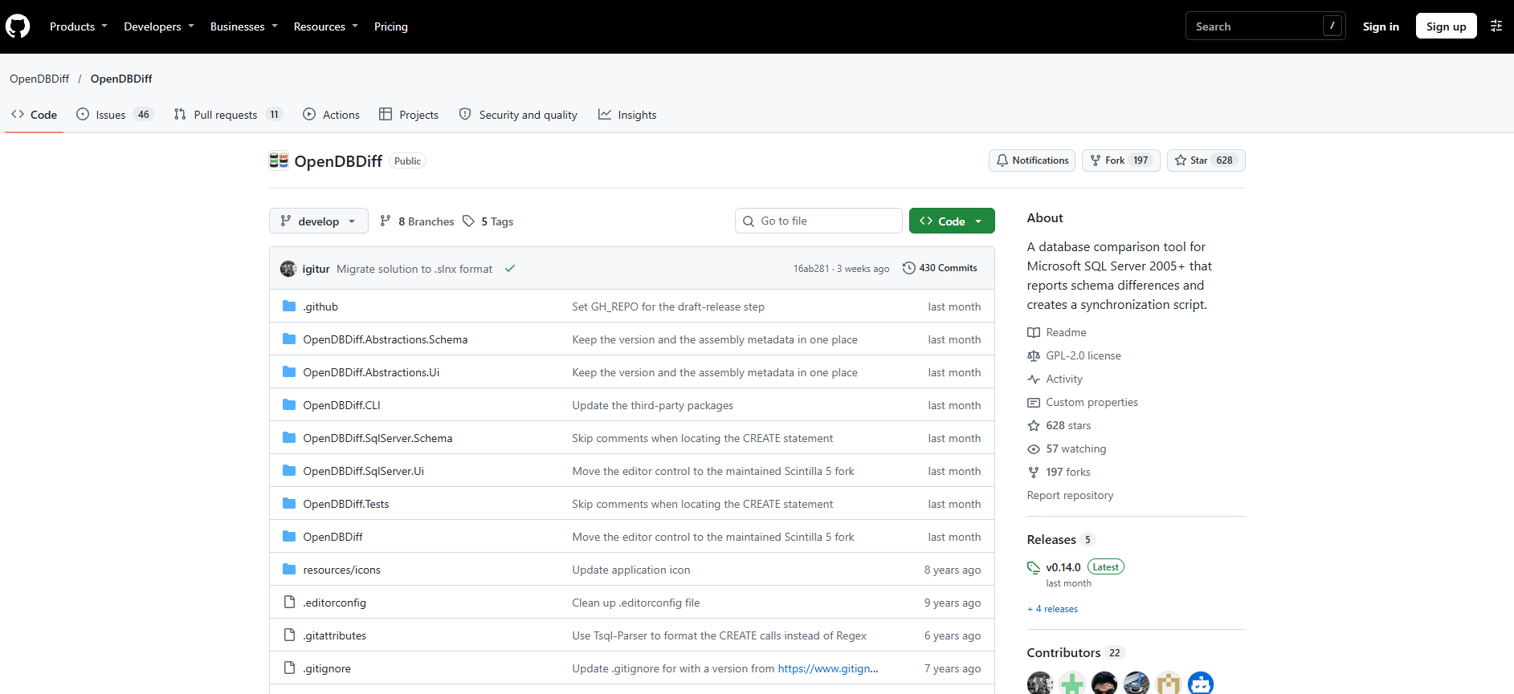
Open DBDiff is an open-source SQL Server schema comparison and synchronization tool covering SQL Server 2005 and later. It compares tables, columns, constraints, indexes, XML schemas, triggers, synonyms, views, functions, stored procedures, partition functions, and user roles, then generates synchronization scripts. The project is hosted on GitHub under the OpenDBDiff organization.
Best for: Teams that need a free SQL Server schema comparison option for lower-risk or non-production workflows.
Key features
- SQL Server schema comparison for 2005 and later
- Synchronization script generation
- Object coverage: Tables, indexes, triggers, views, stored procedures, users, and roles
- Open-source, available on GitHub
- Lightweight workflow with no commercial licensing
Why choose Open DBDiff: Cost is the main driver. For internal tooling, development environment checks, or proof-of-concept validation, Open DBDiff covers the basics without a subscription. Validate its maintenance status and test it against your SQL Server version before using it in production release workflows.
Open DBDiff pricing: Free. Open-source under its GitHub repository license.
12. xSQL Schema Compare
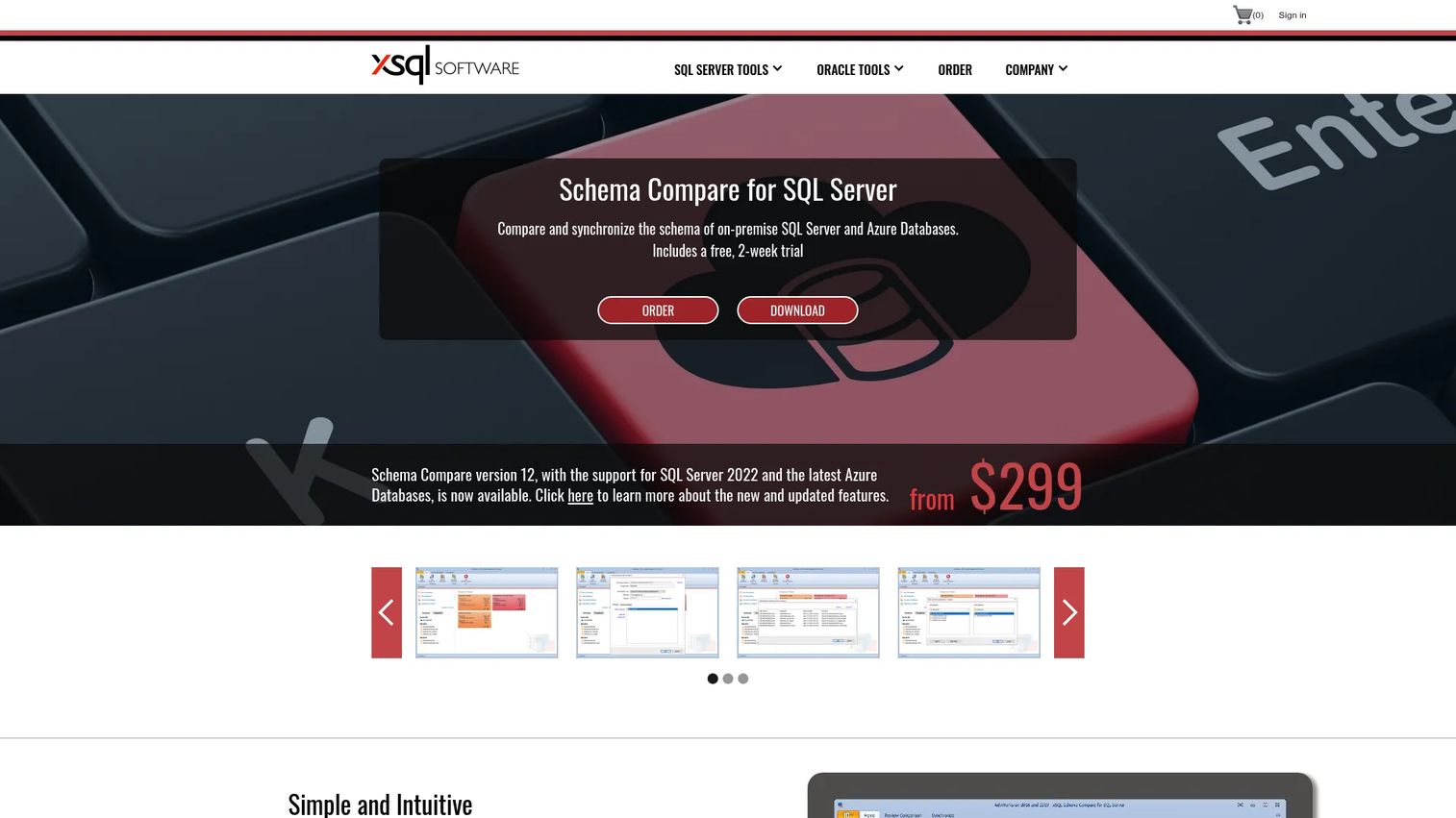
xSQL Schema Compare is a Windows-based SQL Server and Azure SQL schema comparison and synchronization tool covering SQL Server 2005 through 2022. It supports GUI-based comparison, database schema snapshots, HTML difference reports, and batch-file command-line automation. A Lite Edition activates automatically after the two-week trial period expires, with SQL Server Express comparison available without restriction in the free tier.
Best for: SQL Server teams that want a commercial schema comparison tool with a usable free tier for SQL Server Express environments.
Key features
- SQL Server 2005 through 2022 and Azure SQL schema comparison
- Schema snapshots for point-in-time comparison
- HTML difference reports
- Command-line comparison and synchronization for batch files
- Lite Edition free tier for SQL Server Express
Why choose xSQL Schema Compare: The Silver subscription at $299/year is competitive with other commercial options. The free Lite Edition is worth evaluating for teams running SQL Server Express who want schema comparison without a subscription commitment.
xSQL Schema Compare pricing: Silver subscription is $299/user/year. Gold subscription is $749/user/year. A two-week fully functional trial is available, followed by the Lite Edition.
13. SQL Server TableDiff.exe
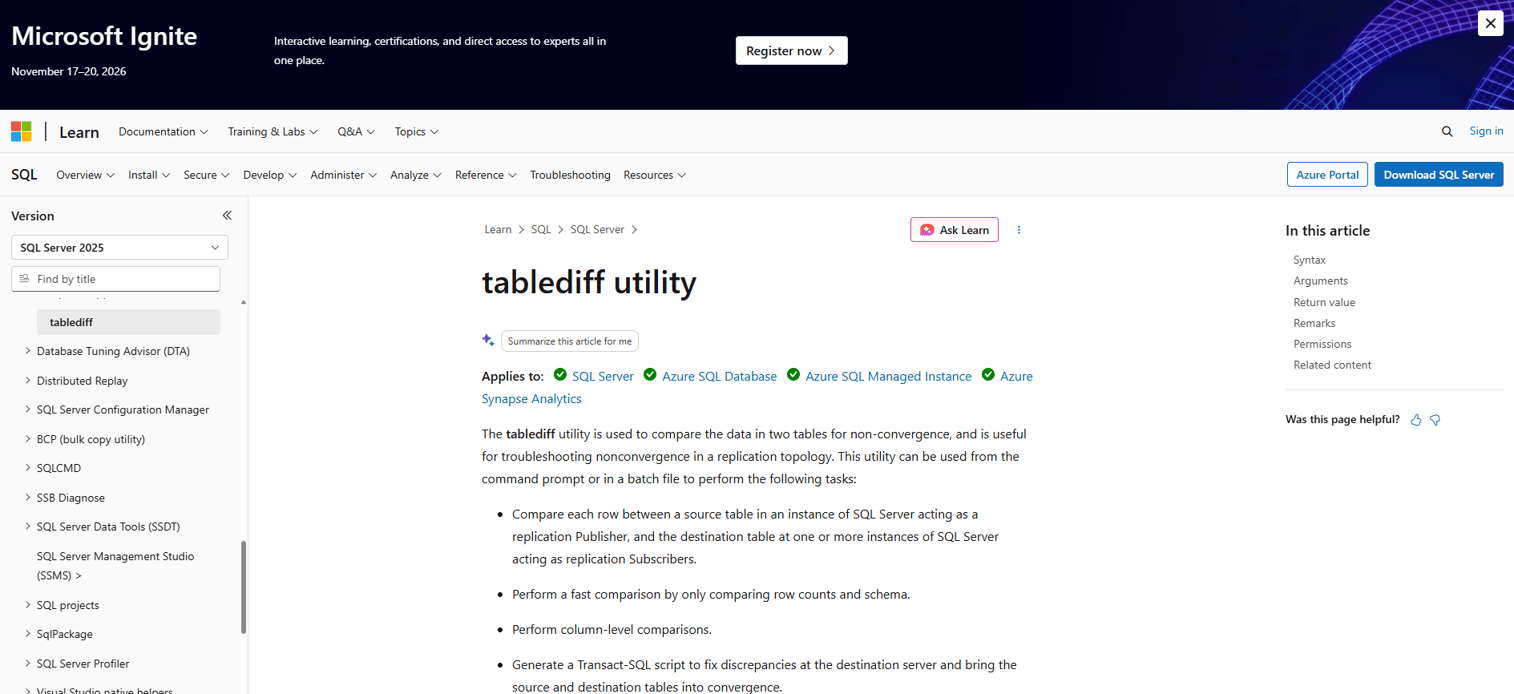
SQL Server TableDiff.exe is a Microsoft command-line utility for comparing rows between SQL Server source and destination tables. It performs fast comparisons using row counts and schema-level checks, then column-level comparisons for mismatched rows. When discrepancies are found, it generates Transact-SQL correction scripts and can log results to an output file or a destination database table. TableDiff.exe was designed for SQL Server replication administration, particularly for diagnosing non-convergence between publishers and subscribers.
Best for: SQL Server replication administrators and automation-focused teams that need a scriptable table data comparison utility.
Key features
- Command-line SQL Server table data comparison
- Fast row-count and schema-level pre-check
- Column-level comparison for mismatched rows
- T-SQL correction script generation
- Output logging to file or database table
Why choose SQL Server TableDiff.exe: This tool fits technical teams who want scriptable, lightweight table checks in automated workflows. It is not a visual comparison product and does not replace a full schema comparison tool, but it handles the job of verifying table convergence without additional licensing.
SQL Server TableDiff.exe pricing: Included with SQL Server tooling. No separate license required.
G2 rating: 4.4/5 (Microsoft SQL Server overall rating)
14. Microsoft Database Compare Utility
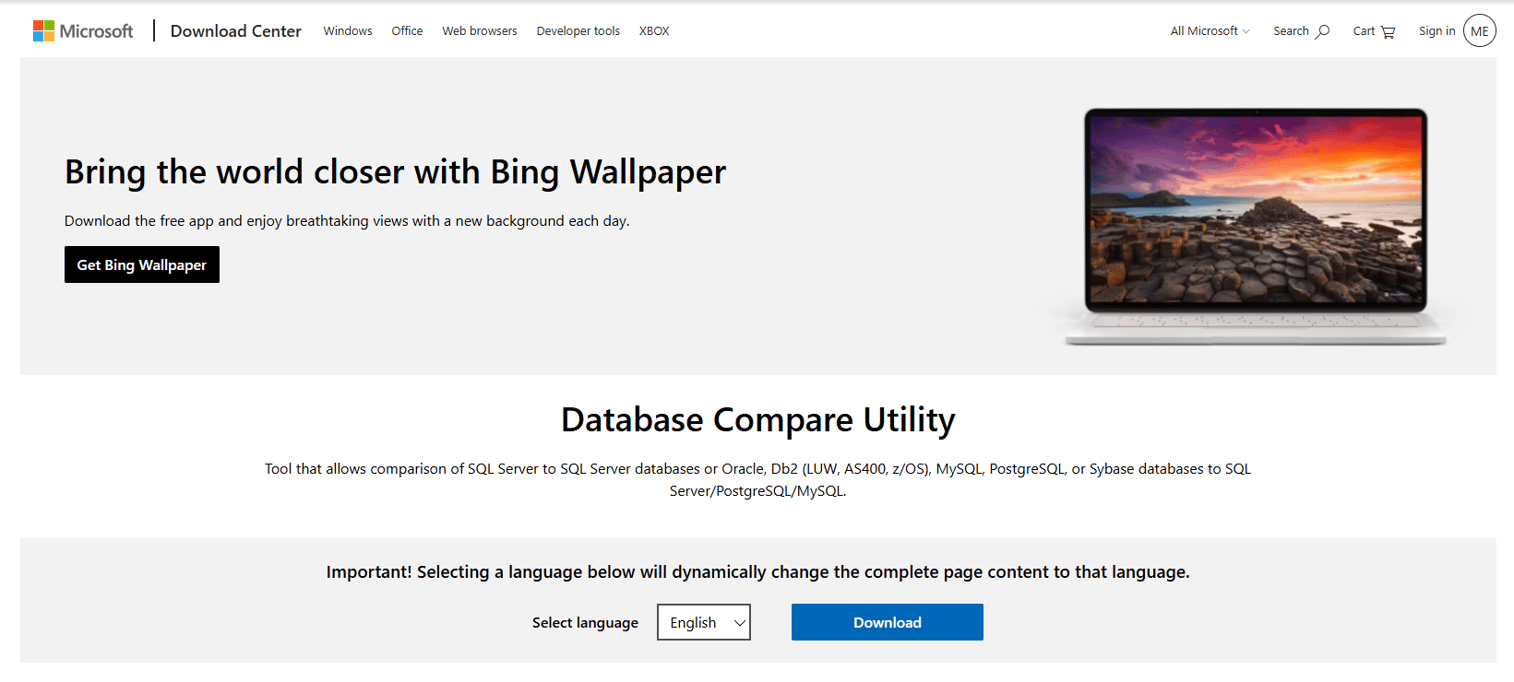
Microsoft Database Compare Utility is a Microsoft console utility for comparing database schemas across SQL Server databases, database projects, and DACPAC files. It identifies differences in tables, views, stored procedures, and functions, and can apply selected changes directly or generate a Transact-SQL update script. The utility is documented through Microsoft's official SQL tools documentation and is relevant for teams doing cross-platform migration validation.
Best for: Teams validating database schemas after migrations involving SQL Server databases, database projects, or DACPAC deployment artifacts.
Key features
- Schema comparison for SQL Server databases and database projects
- DACPAC file comparison
- Difference identification across tables, views, procedures, and functions
- Direct schema change application or T-SQL script generation
- Official Microsoft documentation and support
Why choose Microsoft Database Compare Utility: This fits migration validation workflows where teams need to confirm that a deployed database matches a known project baseline. Confirm current platform support and version compatibility in Microsoft's documentation before relying on it for production use.
Microsoft Database Compare Utility pricing: Available through Microsoft's SQL tools documentation.
Considerations when choosing database comparison tools
Match the tool to schema, data, or both
Schema tools compare structure; data tools compare row values. Many teams discover they need both, particularly during migrations or release validation. Buying a bundle when both comparison types are needed is usually more cost-effective than purchasing two standalone products from different vendors.
Check platform and version support
Verify that the tool explicitly supports your database platform, version, and hosting environment (on-premises, Azure SQL, Amazon RDS, or cloud-managed PostgreSQL). Version mismatches between the tool and the database engine can produce incomplete or inaccurate comparison results.
Review deployment safety features
Look for data-loss warnings, dependency-aware script ordering, script preview before execution, and rollback support. These features matter most for production deployments. A tool that generates a script without warning about column drops or data truncations is a liability, not an asset.
Confirm automation and CI/CD fit
If the tool will run inside a release pipeline, verify command-line support, exit codes, authentication options, and report output formats. Ask engineering what signals need to block a release; the tool needs to surface those signals in a form the pipeline can consume.
Evaluate reporting and audit needs
For regulated environments or customer-impacting systems, comparison results must be shareable beyond the team that ran them. HTML, Excel, or XML exports give reviewers and approvers a readable artifact without requiring them to access the tool directly.
Conclusion
The right database comparison tool depends on two decisions: What kind of comparison you need (schema, data, or both), and which database platform you are running.
For SQL Server schema comparison, Redgate SQL Compare is the most established option with its dependency-aware deployment scripts. SQL Data Compare covers table data on the same platform. The dbForge Compare Bundle for SQL Server handles both at a lower entry price. For MySQL and PostgreSQL teams, the dbForge standalone tools are the clearest commercial path, with PostgreSQL data comparison starting at $74.95/year. Oracle teams should evaluate the dbForge Compare Bundle for Oracle. Microsoft teams already in Visual Studio get schema and data compare through SSDT without additional spend. Open DBDiff and SQL Server TableDiff.exe are worth considering for teams with narrow requirements or tight budgets.
Before purchasing, shortlist two tools based on platform compatibility, then run each against a copy of your database. A comparison on real data exposes edge cases that marketing pages do not.
Start your journey with Guideflow today!
FAQs
A database comparison tool identifies differences between two or more databases, covering schema objects such as tables, indexes, and stored procedures, as well as row-level data values in tables. Many tools also generate synchronization scripts to reconcile the differences and produce exportable reports for review or audit purposes.
Schema comparison finds structural differences: Missing columns, changed data types, dropped indexes, altered constraints, modified views, and stored procedure changes. Data comparison finds differences in actual row values: Missing records, changed field values, and mismatched data between tables. Both are distinct jobs and require different tools or different modes within the same tool.
For SQL Server schema comparison, Redgate SQL Compare is the most widely used commercial option, with dependency-aware deployment scripts and a 14-day trial. For SQL Server table data, SQL Data Compare covers row-level synchronization and production data restoration. Teams that need both should evaluate the dbForge Compare Bundle for SQL Server, which bundles schema and data comparison at $299.95/year for the Standard edition.
Open DBDiff is an open-source option for SQL Server schema comparison, available on GitHub. SQL Server TableDiff.exe is included with SQL Server tooling and handles command-line table data comparison. Microsoft Visual Studio with SSDT includes schema and data compare in the free Community edition. These free tools suit lower-risk workflows; validate reliability and version support before using them in production release processes.
Most commercial tools in this list generate T-SQL or platform-specific synchronization scripts from the diff output. The stronger tools include a preview step and data-loss warnings before the script executes. Teams should review generated scripts before running them, particularly when changes affect columns with existing data or when dependency ordering matters for foreign key relationships.
Yes, comparing production and staging is one of the most common use cases. Connect both environments with read-only credentials where possible, or run the comparison against a backup rather than a live production connection. Some tools explicitly support backup and snapshot comparison, which reduces risk when direct production access is a concern.
PMs do not need to run these tools themselves, but they should understand the risk they mitigate. Schema drift between staging and production is a leading cause of post-deployment bugs that generate unplanned support load. Data drift after migrations can damage billing accuracy, activation flows, and analytics. Building database comparison into the release checklist reduces the chance that engineering discovers a problem after a customer does.
Yes. After moving data to a new server, version, or platform, running a comparison between source and target confirms that schemas and data values match. The comparison output becomes a verifiable migration checklist. Check that the tool supports both source and target database platforms before relying on it; cross-platform coverage varies significantly across the tools in this list.