You send the welcome email. The customer logs in once. Then nothing. No setup, no first project, no reply to your follow-up. The churn risk clock starts immediately, but you have 40 other accounts waiting.
This is the operational reality most Customer Success Managers live in. Docs go unread. Live onboarding calls fill calendars without improving activation. According to the Userpilot SaaS Product Metrics Benchmark Report (2025), the average onboarding checklist completion across 188 companies sits at just 19.2%. That number tells you exactly how much of your manual effort is not landing.
Self serve onboarding software exists to fix this gap. The right tool helps customers reach first value without waiting for a kickoff call, gives your team visibility into where they stall, and frees CSMs to focus on the accounts that need strategic attention rather than basic setup support.
This guide compares 11 tools across the full range of self-serve onboarding approaches, from in-app guidance to customer portals, interactive demos, and implementation platforms.
What's inside
This guide covers self serve onboarding software for CS teams, onboarding managers, and CS ops at SaaS companies. Tools were selected based on four criteria:
- Self-serve experience quality: Can customers learn without waiting for a human?
- Onboarding analytics: Does the tool show where customers stall?
- Workflow automation: Does it reduce manual CSM effort?
- CS stack fit: Does it connect to CRM, support, and product analytics tools?
The list covers different categories. Picking the right one depends on your onboarding motion, not feature count.
TL;DR
- Best for interactive self-serve product onboarding: Guideflow turns product flows into clickable interactive demos and demo centers customers explore without waiting for a kickoff call
- Best for in-app product-led onboarding: Userpilot or Appcues guide users contextually inside the product after login
- Best for implementation workflows: OnRamp or GUIDEcx manage tasks, milestones, and customer accountability at scale
- Best for customer portal onboarding: Dock or Moxo give customers one place for resources, tasks, and collaboration
- Best for product analytics plus adoption: Pendo pairs usage data with in-app guides to surface adoption gaps
- Best for support-led onboarding: Intercom combines help center, messaging, and bots in the same communication layer
What is self serve onboarding software?
Self serve onboarding software helps new customers learn, activate, and adopt a product without depending on repeated live training or one-to-one CSM guidance.
It sits between your product and your CS team, handling the routine education that would otherwise require a live call. Customers can move through setup, feature discovery, and configuration at their own pace. CSMs get the data to know when to intervene.
This category is distinct from employee onboarding software, which handles HR paperwork and compliance. It is also different from a knowledge base: A knowledge base answers questions customers bring to it, while self-serve onboarding software proactively guides customers through the journey whether or not they ask.
Core capabilities to look for:
- Personalized onboarding paths: Routes customers to the right content by role, plan, or use case
- In-app guidance or interactive product education: Tooltips, checklists, product tours, or clickable demos
- Customer portals and task lists: Centralized spaces for onboarding resources and next steps
- Onboarding automation: Triggers, reminders, and conditional flows that run without CSM input
- Progress dashboards: Visibility into completion, time-to-value, and stuck accounts
- Completion and drop-off analytics: Shows exactly where customers stop engaging
- CRM and product analytics integrations: Connects onboarding data to the rest of your CS stack
One important note: Self-serve does not mean no human support. The strongest onboarding programs combine reusable content with timely CSM intervention when data shows a customer is stuck. The goal is to make sure your team is spending time on accounts that need them, not repeating the same explanation for the fifth time this week.
When to use self serve onboarding software
Help customers reach first value without live calls
Every SaaS CS team has onboarding content that never changes: The same setup flow, the same admin configuration walkthrough, the same first project explanation. When every new customer needs identical initial education, live calls are an expensive delivery mechanism. Self-serve onboarding tools can capture that content once and distribute it at scale. Interactive demos work particularly well here, letting customers click through a real product flow on their own schedule rather than waiting for a slot on your calendar.
Scale onboarding across segments
A single onboarding path rarely fits every customer. Admins need different guidance than end users. SMB customers often need lighter-touch education, while enterprise accounts require structured milestone tracking. Product-led teams want activation inside the app; implementation-heavy customers need task lists and stakeholder coordination. The right self-serve onboarding tool lets you build multiple paths from one content system, so scale does not mean degraded consistency.
Spot stuck customers before churn risk rises
The most valuable thing self-serve onboarding software does is generate signal. Completion rate, drop-off step, time-to-first-value, feature adoption, and unfinished tasks all tell you which customers are heading toward churn before they know it themselves. When a customer stops at step three of your setup flow for three days, you want that information in your CRM, not discovered during a renewal conversation.
Self serve onboarding software comparison
The table below covers 11 tools across different onboarding categories. Choose based on your onboarding motion: In-app guidance, interactive demos, implementation management, or customer portals serve different jobs. Pricing verified from vendor pages; G2 ratings verified from current listings.
| # | Product | Best for | Key differentiator | Pricing | G2 rating |
|---|---|---|---|---|---|
| 1 | Guideflow | Interactive self-serve product onboarding | Demo automation with interactive demos and Demo Center | Free; paid from $40/mo | 5.0/5 |
| 2 | Userpilot | Product-led in-app onboarding | In-app flows with product analytics and AI agent | From $299/mo | 4.6/5 |
| 3 | OnRamp | Customer implementation workflows | AI-powered onboarding portals with playbook automation | From $15,000/yr | 4.4/5 |
| 4 | Userflow | No-code in-app onboarding flows | Flow builder with AI signals and adoption agent | From $240/mo (annual) | 4.8/5 |
| 5 | Precursive | Salesforce-native implementation delivery | Project, resource, and revenue management inside Salesforce | Custom pricing | 4.2/5 |
| 6 | Dock | Customer workspace onboarding | Shared workspaces combining content, tasks, and CRM sync | Free; paid from $350/mo | 4.6/5 |
| 7 | GUIDEcx | High-touch implementation management | Customer-facing project management with accountability | Custom pricing | 4.6/5 |
| 8 | Moxo | Client portals and external workflows | Workflow automation with portals, approvals, and e-signatures | From $5,000/yr | 4.5/5 |
| 9 | Appcues | In-app onboarding and adoption | Product tours, checklists, and targeted in-app messages | From $9,000/yr | 4.6/5 |
| 10 | Pendo | Product analytics and adoption | Product usage data paired with in-app guides | Free up to 500 MAUs; paid custom | 4.4/5 |
| 11 | Intercom | Support-led onboarding | Help center, Fin AI Agent, messaging, and support workflows | From $29/seat/mo (annual) | 4.5/5 |
Best 11 self serve onboarding software tools for 2026
1. Guideflow
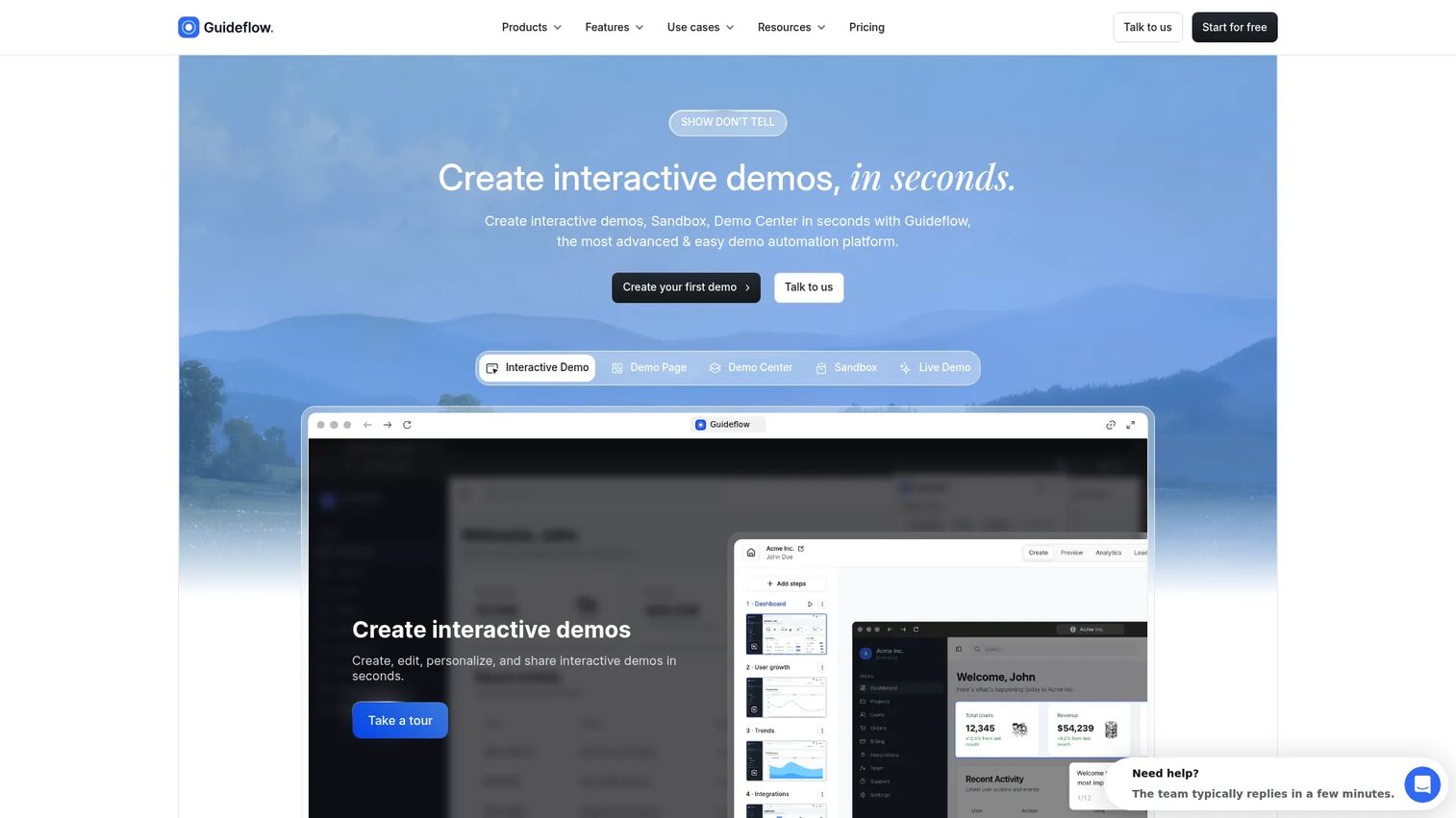
Guideflow is a demo automation platform that turns product flows into self-serve interactive demos, sandboxes, demo centers, mobile demos, and live demos. CS and onboarding teams capture product flows in a few clicks, add contextual guidance, personalize content by customer role or segment, and distribute onboarding journeys through links, embeds, help centers, or a branded Demo Center.
Best for: SaaS teams whose onboarding bottleneck is product understanding, not task tracking.
Key features
- Interactive demos, demo centers, sandboxes, mobile demos, and live demos
- No-code editor with branching, tooltips, CTAs, and forms
- Personalization with dynamic variables and AI-generated content
- Completion and drop-off analytics with CRM and Slack alerts
- Sharing via links, embeds, email, video, GIF, and PDF
Why choose Guideflow: When customers need to experience product flows before they book a call or complete a setup step, Guideflow replaces passive docs with clickable product journeys they can revisit, share internally with their own teams, and complete on their schedule. CSMs can track exactly where engagement drops, making it easier to prioritize outreach.
Guideflow pricing: A free plan is available with up to 5 guideflows, unlimited viewers, and screenshot capture. Paid plans start at $40/month (Solo) on monthly billing, or $35/user/month billed annually. The Startup plan runs $599/month (monthly) or $499/month (annual), and Advanced is $1,799/month (monthly) or $1,499/month (annual). Enterprise pricing is custom.
G2 rating: 5.0/5
Start your journey with Guideflow today!
2. Userpilot
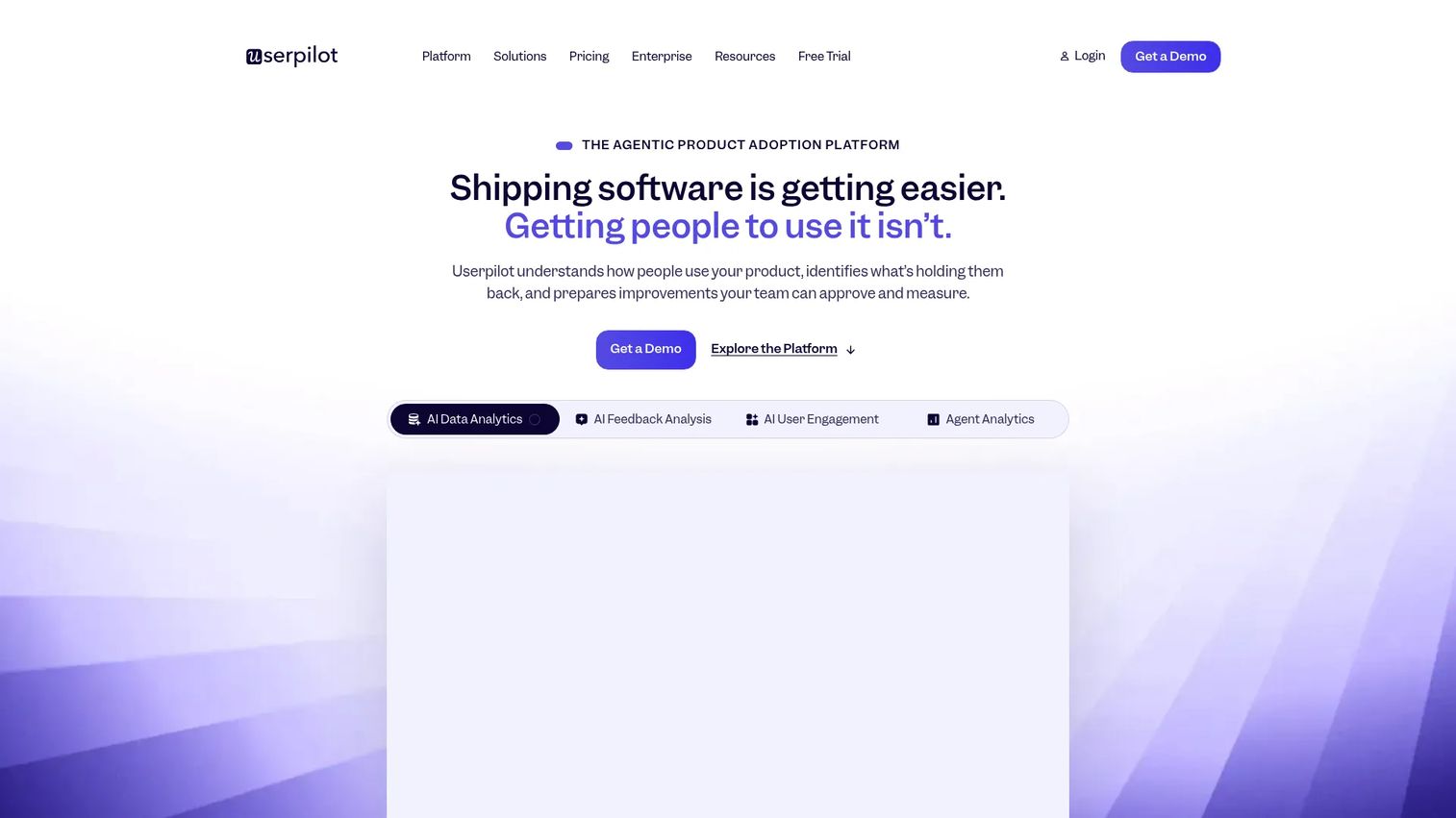
Userpilot is a product growth and analytics platform for understanding user behavior, guiding onboarding inside the product, and improving feature adoption. Teams build in-app flows, tooltips, checklists, surveys, and resource centers without engineering support. The platform includes session replay, mobile engagement, and an AI agent called Lia for product analytics assistance.
Best for: Product and CS teams at product-led SaaS companies that want to guide users contextually after login and measure activation.
Key features
- In-app onboarding flows, tooltips, and checklists
- Product usage analytics and adoption tracking
- Surveys, NPS, and in-app feedback
- Session replay and user segmentation
- Mobile engagement and email workflows
Why choose Userpilot: It fits when the core onboarding problem is what happens inside the app after login. The combination of guidance tools and product analytics means you can build an onboarding flow and immediately see how adoption changes.
Userpilot pricing: The Starter plan is $299/month, covering up to 2,000 monthly active users. Growth plans start from $849/month and scale with MAU volume. Enterprise pricing is custom.
G2 rating: 4.6/5
3. OnRamp
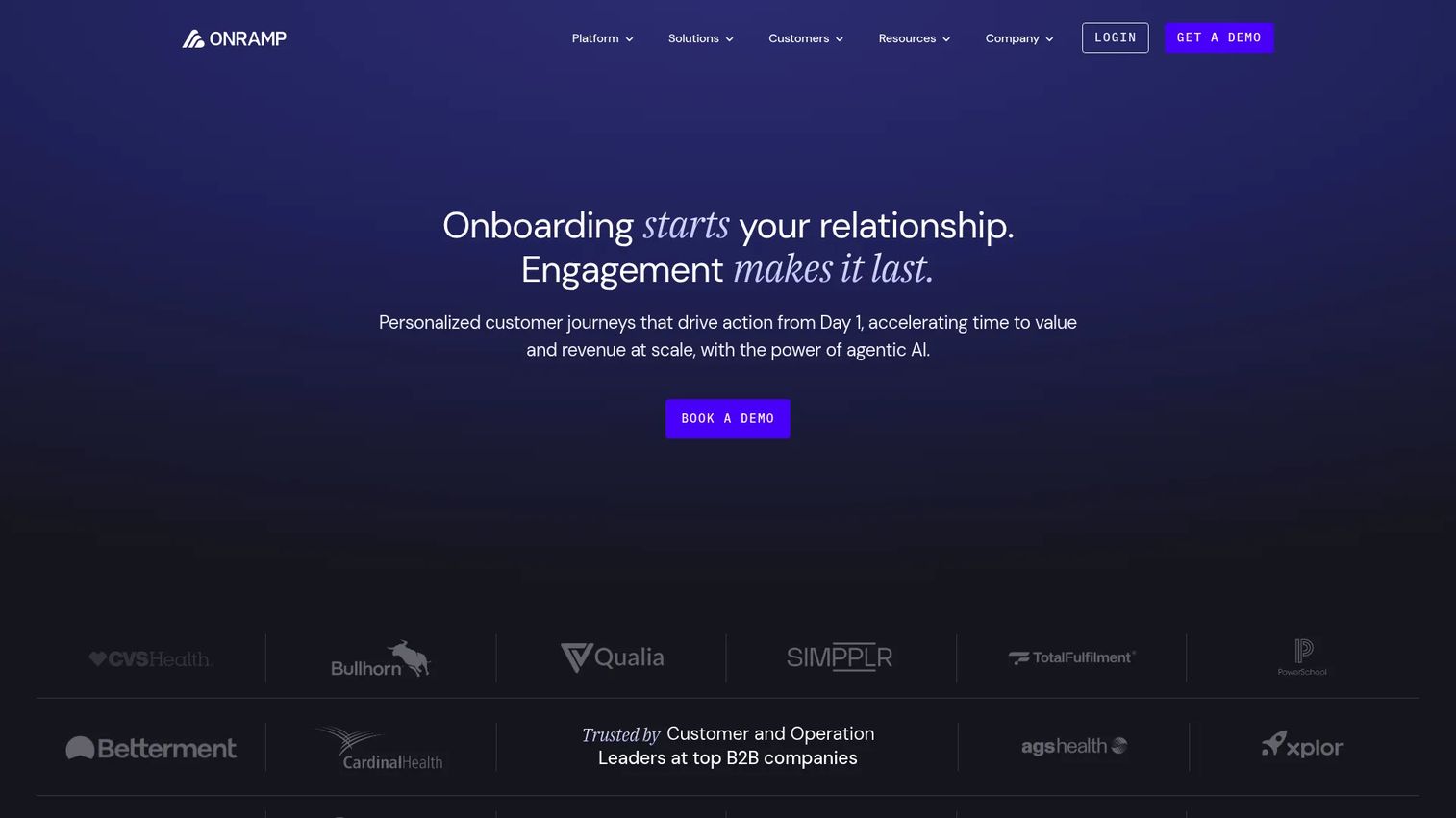
OnRamp is an AI-powered customer onboarding and engagement platform built for B2B implementation teams managing repeatable, high-touch onboarding at scale. It provides branded customer-facing portals, dynamic workflows with conditional logic and automated reminders, and AI-powered playbook generation with stall detection.
Best for: CS and implementation teams managing structured onboarding projects across many accounts simultaneously.
Key features
- Branded customer-facing onboarding portals
- Dynamic workflows with conditional logic and task automation
- AI playbook generation and stall detection
- Automated reminders and customer re-engagement
- Progress dashboards and onboarding analytics
Why choose OnRamp: It works best when onboarding is a project with defined tasks, customer owners, and a go-live date. The AI stall detection tells CSMs which accounts have gone quiet before the customer raises a concern. Aero AI is included across all plans.
OnRamp pricing: Plans start at $15,000. OnRamp does not offer a self-serve free trial, though a sandbox evaluation may be available. Pricing scales with the number of playbooks, customer accounts, and integration requirements.
G2 rating: 4.4/5
4. Userflow
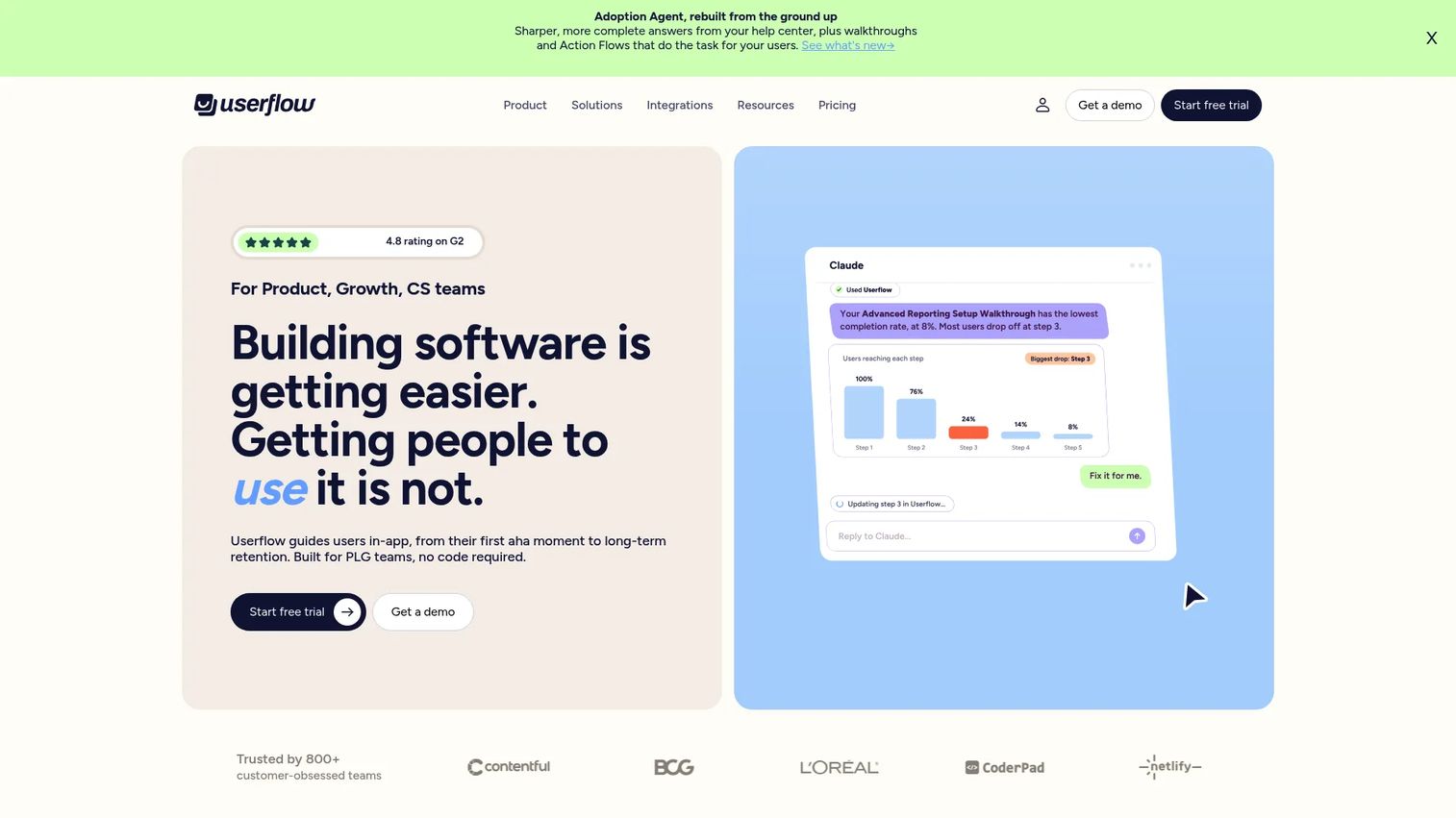
Userflow is an AI-powered product adoption and onboarding platform for building no-code in-app experiences without developer dependencies. It supports product tours, checklists, launchers, surveys, announcements, and resource centers. FlowAI Builder, FlowAI Signals, and an Adoption Agent with Action Flows are included for teams that want AI-assisted onboarding logic.
Best for: B2B SaaS teams that need flexible in-app onboarding with more targeting control than most lightweight tools provide.
Key features
- No-code flow builder for tours, checklists, and announcements
- FlowAI Builder and Adoption Agent for AI-assisted flows
- In-app surveys and feedback
- Behavior-based targeting and segmentation
- Localization support and Userflow MCP for AI tools
Why choose Userflow: Its strength is in the precision of its targeting and the range of in-app experience types. Teams that want fine-grained control over who sees what and when tend to find Userflow's logic more flexible than simpler alternatives.
Userflow pricing: Essentials is $300/month (or $240/month billed annually). Studio is $500/month (or $400/month annually). Enterprise is custom. Both Essentials and Studio include 1,000 monthly active users, with a 14-day free trial available.
G2 rating: 4.8/5
5. Precursive
Precursive is a Salesforce-native professional services automation platform for managing onboarding delivery, resource planning, revenue recognition, and project execution. It sits inside Salesforce rather than beside it, so CS and services teams do not context-switch between systems.
Best for: Salesforce-heavy CS and implementation teams where onboarding is part of a broader professional services motion.
Key features
- Project management with Gantt, Kanban, tasks, and milestones
- Resource scheduling, capacity planning, and utilization tracking
- Revenue management with billing and revenue recognition
- Customer handoff workflows between sales and onboarding
- Delivery reporting and project health visibility
Why choose Precursive: The Salesforce-native model is the deciding factor. If your team lives in Salesforce and needs project management, resource planning, and revenue tracking without adding another system, Precursive is built for that exact setup.
Precursive pricing: Annual subscription, billed per user per month, with a minimum of 30 users. Contact Precursive for specific pricing.
G2 rating: 4.2/5
6. Dock
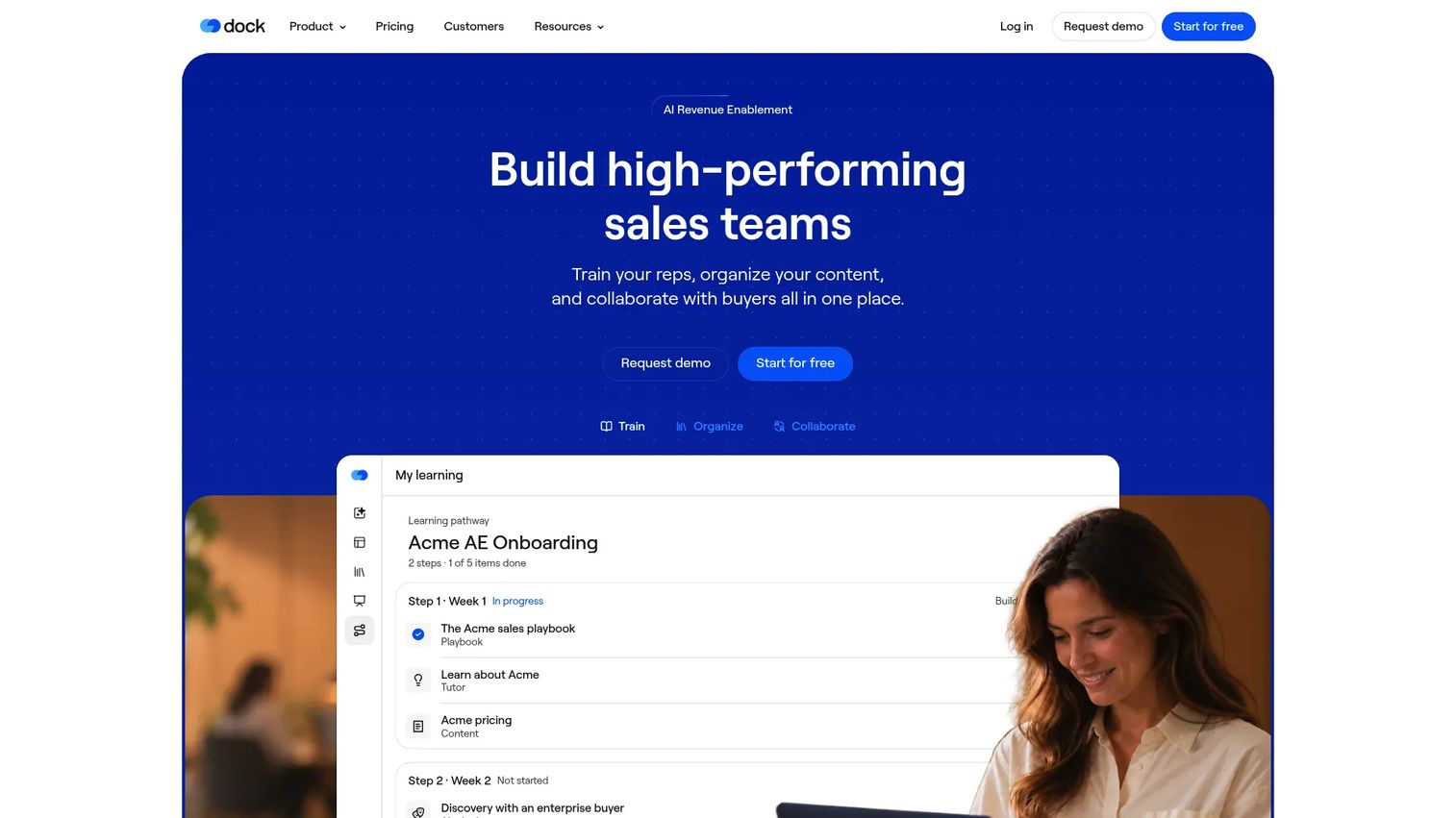
Dock is an AI revenue enablement platform that includes customer-facing workspaces for onboarding, mutual action plans, shared content, and sales collaboration. CS teams use it to give customers a single destination instead of scattered email threads with attachments.
Best for: Revenue and CS teams that need a clean, shared customer workspace combining onboarding resources, task tracking, and CRM-connected visibility.
Key features
- Customer workspaces and digital sales rooms
- Mutual action plans and task tracking
- AI-assisted content creation and search
- CRM sync with Salesforce and HubSpot
- Sales training, playbooks, and LMS capabilities
Why choose Dock: It is a good fit when customers regularly lose track of onboarding assets across email. The workspace model keeps resources, tasks, and next steps organized in one customer-accessible destination, with CRM data flowing back to the team's existing tools.
Dock pricing: A free plan is available. Standard is $350/month (includes 5 users, with additional seats at $50/month). Premium is $1,000/month billed annually (includes 10 users). Enterprise uses custom annual contracts.
G2 rating: 4.6/5
7. GUIDEcx
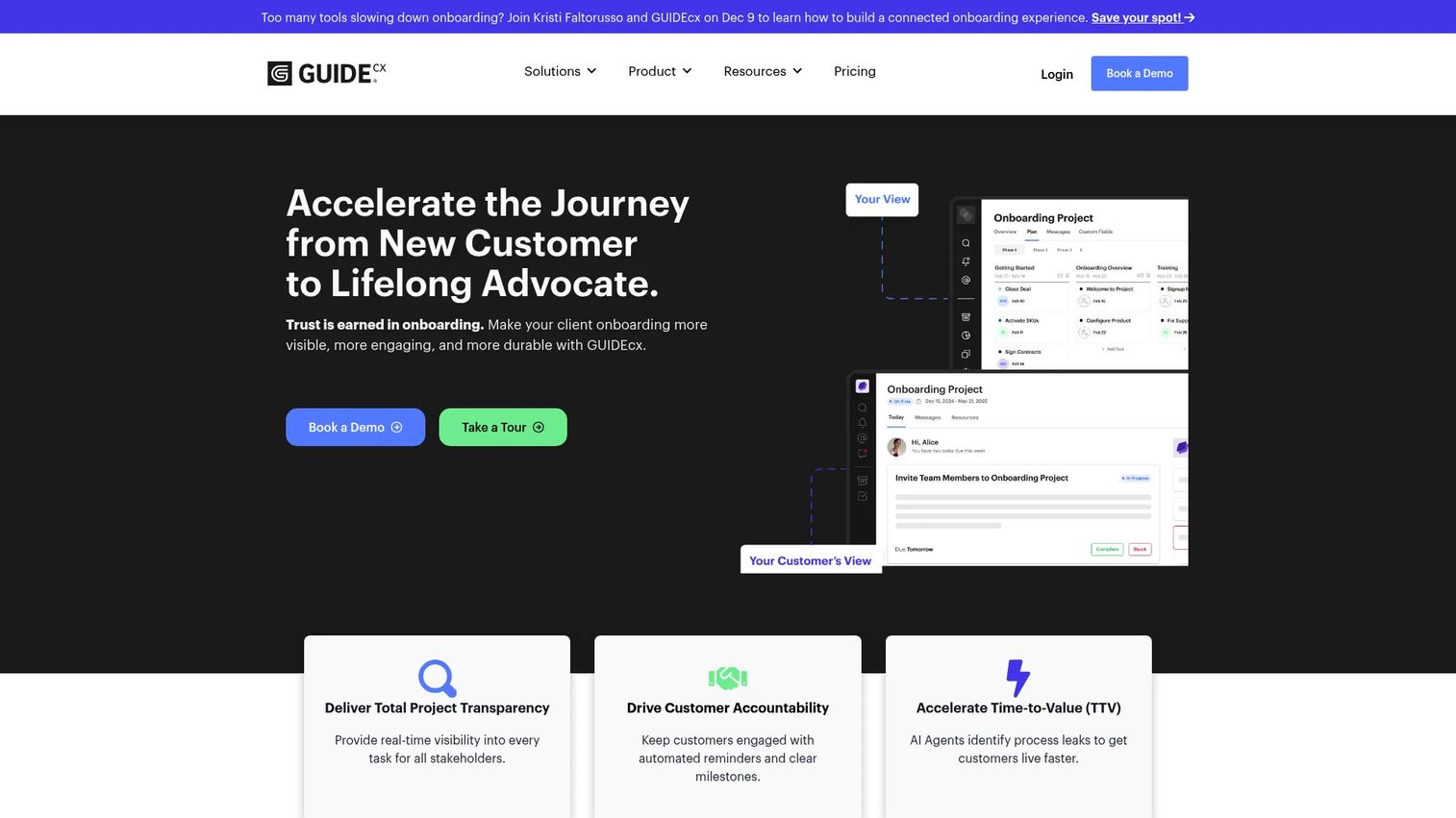
GUIDEcx is a customer onboarding and implementation management platform focused on making client onboarding more visible and accountable for both internal teams and customers. It provides customer-facing portals, project management with Gantt and board views, automated reminders, and onboarding analytics.
Best for: Organizations running complex customer implementations with many stakeholders and customer-side task dependencies.
Key features
- Customer onboarding portals with secure-link access
- Project views: Gantt, List, and Board
- Automated reminders and actionable email notifications
- Advanced reporting, CSAT, and AI guidance
- CRM, ticketing, and iPaaS integrations
Why choose GUIDEcx: When missed customer tasks are the main reason implementations go over schedule, GUIDEcx's accountability model makes a difference. Customers see their own responsibilities clearly, and automated reminders remove the manual follow-up burden from CSMs.
GUIDEcx pricing: Plan names are Starter, Premium, and Advanced. All plans include unlimited projects and unlimited customers. Pricing requires contacting their sales team.
G2 rating: 4.6/5
8. Moxo
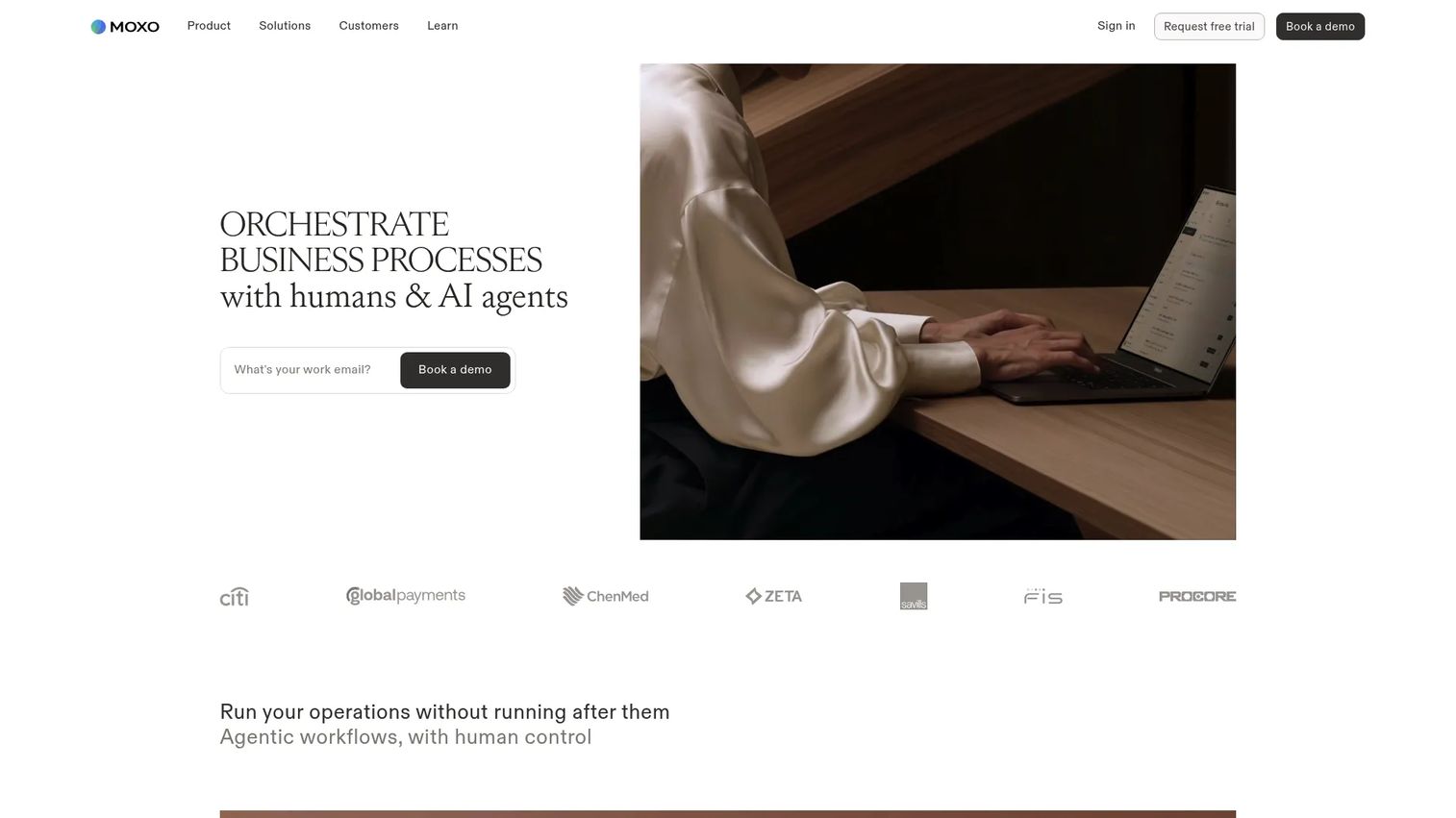
Moxo is a human-AI workflow orchestration platform for coordinating complex multi-party processes. Teams use it for branded client portals, document collection, approvals, e-signatures, and AI-assisted workflows. It suits onboarding programs that require structured document exchange and ongoing client coordination.
Best for: Operations teams managing document-heavy onboarding workflows that require portals, approvals, and secure client interaction.
Key features
- Branded portals for onboarding process participants
- AI-assisted workflow building from natural-language descriptions
- Human-in-the-loop approvals, forms, and e-signatures
- File requests, decisions, and escalations
- REST APIs, webhooks, and MCP integrations
Why choose Moxo: It fits when onboarding requires document collection, multi-party approvals, or secure client messaging alongside task management. Service-heavy customer workflows that go beyond software configuration often need this level of process orchestration.
Moxo pricing: The Team plan is $5,000/year, covering 100 flows per year and unlimited seats. Scale and Enterprise plans use custom pricing.
G2 rating: 4.5/5
9. Appcues
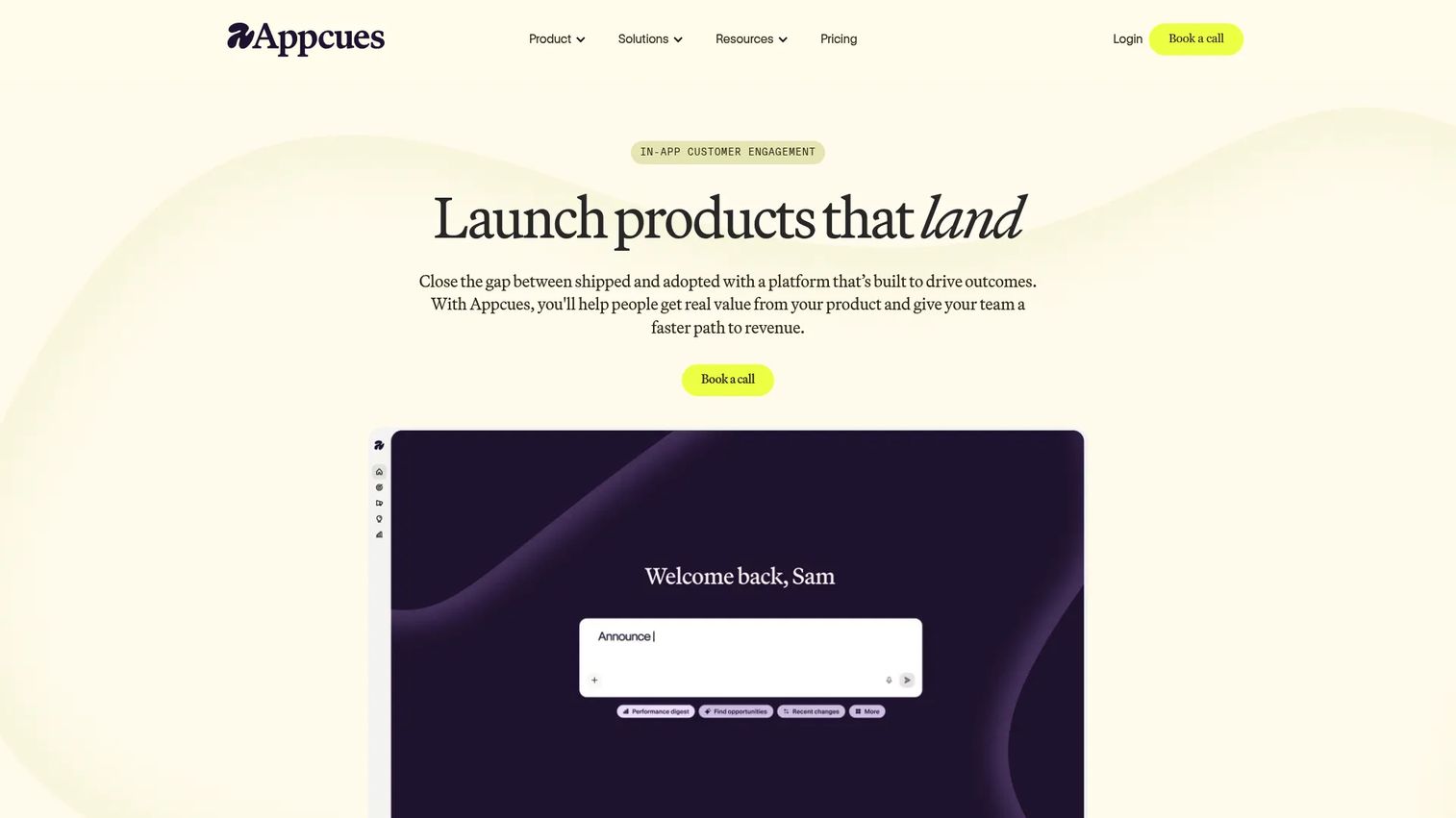
Appcues is an AI-powered customer engagement platform for building targeted in-product experiences. Product and growth teams use it to create product tours, onboarding checklists, in-app messages, banners, and embedded content without engineering support. It includes A/B testing, funnels, retention analysis, and AI-assisted experience creation.
Best for: SaaS product and marketing teams focused on in-product activation and feature adoption.
Key features
- Multi-step flows, checklists, launchpads, pins, and banners
- Audience targeting by user attributes, behavior, and environment
- A/B tests, funnels, retention analysis, and goal tracking
- AI-assisted experience creation and targeting recommendations
- Workflows combining in-product experiences with email and push notifications
Why choose Appcues: It is a strong choice when the main onboarding challenge is getting users to take the next action inside the app. The experimentation tools let teams measure whether a new onboarding flow actually improves activation, not just exposure.
Appcues pricing: The Grow plan starts at $9,000/year. The Start plan pricing is not publicly listed. Enterprise pricing is custom. No permanent free tier is available, but a trial is offered.
G2 rating: 4.6/5
10. Pendo
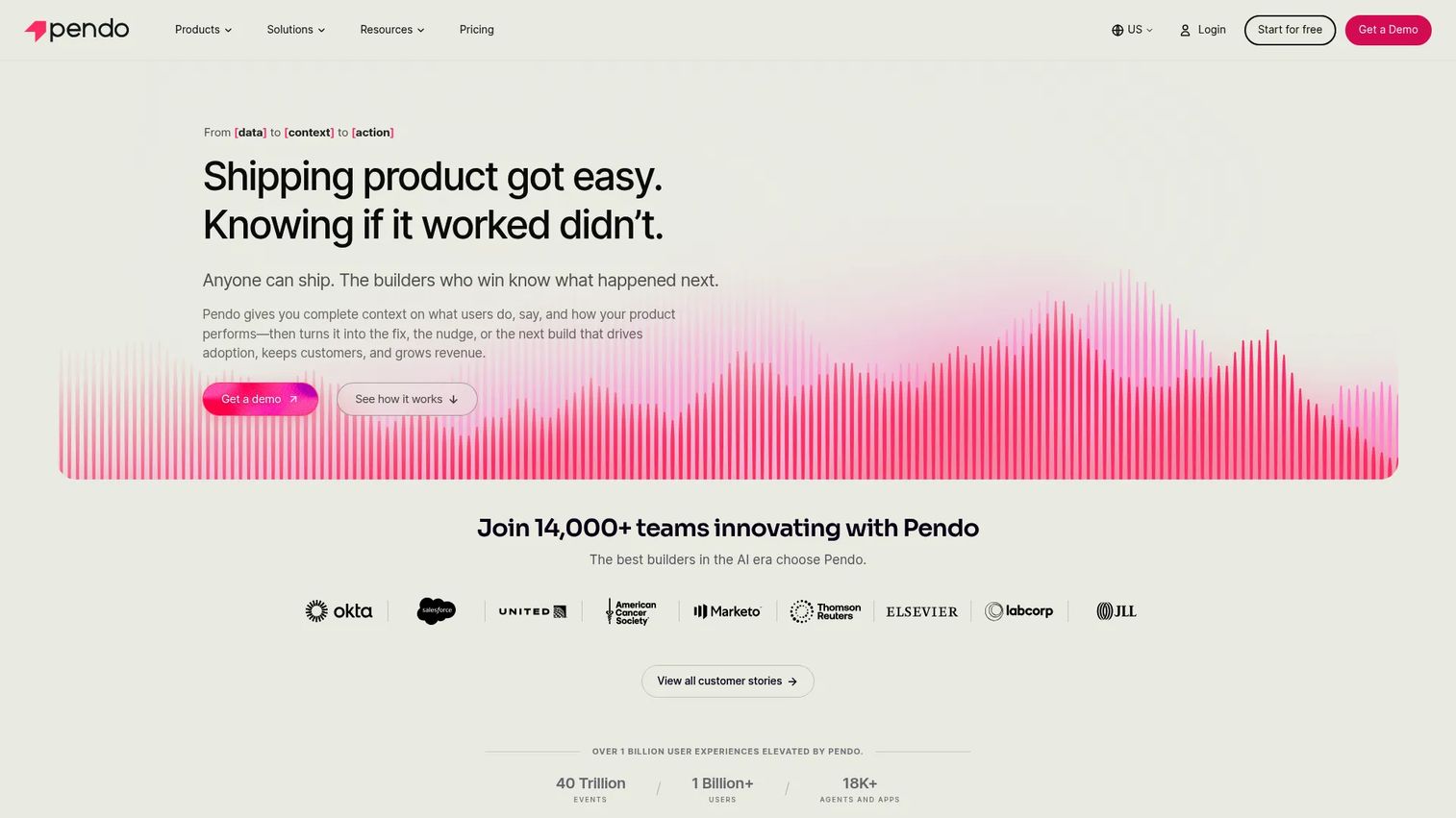
Pendo is a product experience platform combining product analytics, in-app guides, session replay, sentiment surveys, and AI-powered insights. Teams use it to understand where users spend time in the product, identify adoption gaps, and trigger guidance at the right moments.
Best for: Product and CS teams that want onboarding decisions driven by product usage data rather than assumptions.
Key features
- Product analytics and behavioral data
- In-app guides triggered by user behavior
- Session replay and journey analysis
- Sentiment surveys and NPS
- AI-powered insights and recommendations
Why choose Pendo: When you need to understand what users are doing in the product before deciding what guidance to build, Pendo's analytics foundation is the differentiator. It is especially useful for teams where CS and Product work together on adoption programs and need shared visibility.
Pendo pricing: A free plan is available for up to 500 monthly active users. The free Novus plan is available during open beta with no MAU limit. Paid Base, Core, and Ultimate plans use custom MAU-based pricing.
G2 rating: 4.4/5
11. Intercom
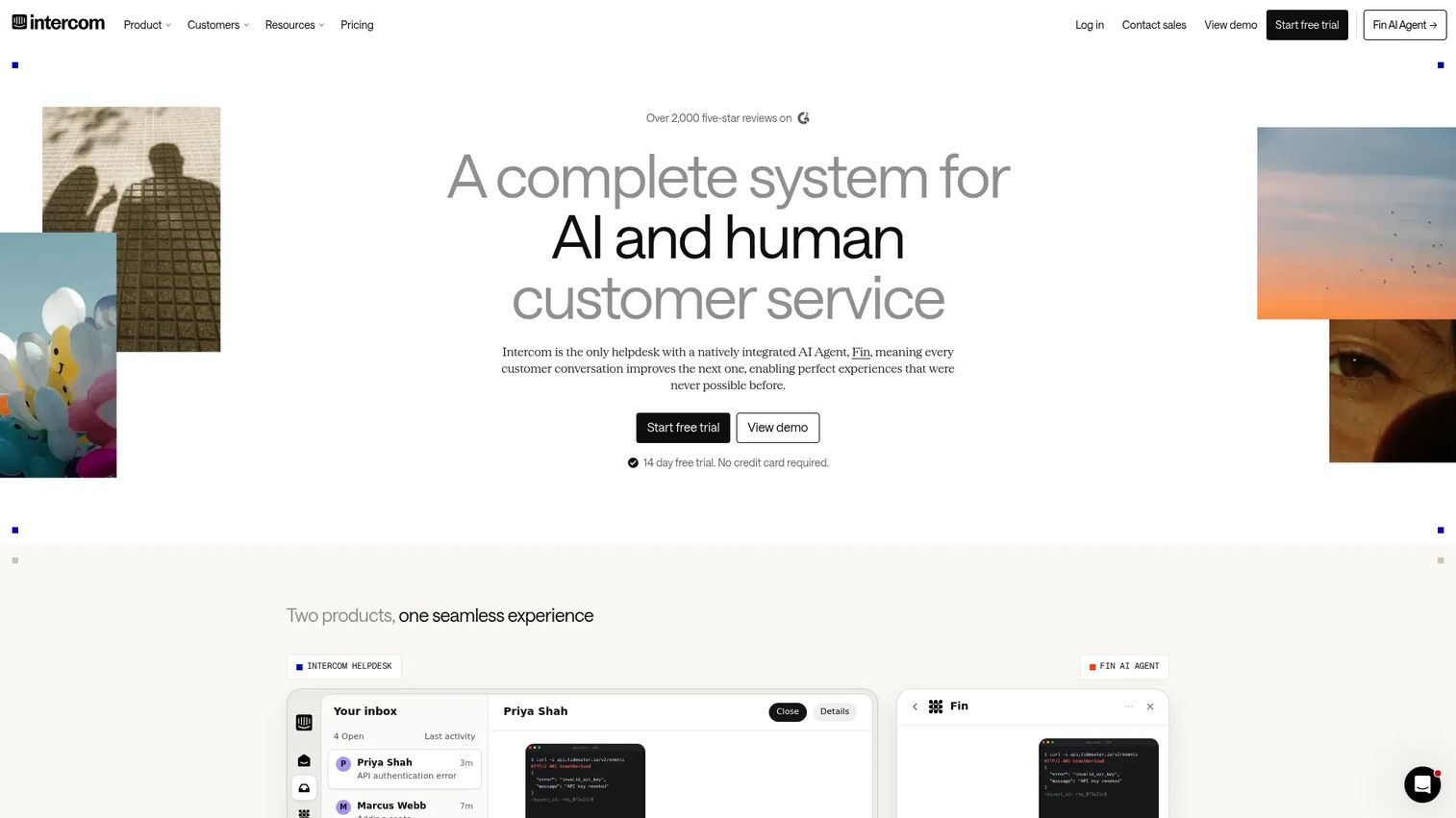
Intercom is an AI-powered customer service platform combining the Fin AI Agent with a human-agent helpdesk, omnichannel inbox, help center, outbound messaging, and product tours. Many SaaS CS teams already use it for support, making it a natural place to extend onboarding content.
Best for: Teams that want onboarding education and support to live in the same communication layer customers already interact with.
Key features
- Fin AI Agent for instant automated customer responses
- Omnichannel inbox and AI-powered ticketing
- Help center with knowledge base articles
- Outbound messaging and product tours
- Workflow automation and reporting
Why choose Intercom: It works best when onboarding questions regularly become support conversations. If a customer gets stuck in setup and messages your team, the same tool that handles the question can serve the help article and trigger a proactive guide. The overlap reduces handoffs and keeps the customer experience cohesive.
Intercom pricing: The Essential plan is $29/seat/month billed annually. Advanced is $85/seat/month. Expert is $132/seat/month. Fin AI Agent resolution is charged at $0.99 per outcome, billed separately.
G2 rating: 4.5/5
Considerations when choosing self serve onboarding software
Match the tool to the onboarding motion
In-app guidance, customer portals, interactive demos, and implementation platforms all solve different problems. A product tour does not replace a task list when implementation has 30 customer-side steps. Identify whether your onboarding bottleneck is product understanding, customer accountability, or task coordination, then pick the tool category that addresses it directly.
Measure completion and drop-off
Evaluate whether the tool shows you where customers stop engaging. Completion rate and drop-off step are more useful than session count. If a tool tells you 80% of customers opened the onboarding checklist but not what percentage finished it or where they abandoned, you are missing the signal you need for intervention. Check whether that data connects to your CRM via your integrations stack.
Keep the customer experience simple
The best self-serve onboarding feels like the next useful step, not homework. Avoid tools that add excessive portals, notifications, and task lists that overwhelm customers. One clear path with well-timed guidance will outperform a comprehensive system customers ignore.
Check integrations with your CS stack
Your onboarding tool needs to push data to your CRM, support platform, and product analytics. If customer completion data lives in an isolated dashboard, CSMs will not use it. Look for native connectors to the tools your team already works in daily.
Decide where humans still belong
Self-serve onboarding reduces the routine work. It does not replace CSM judgment on complex accounts, risk intervention, or expansion conversations. The goal is to give your team time and signal to do that work well, not to remove the human layer entirely.
Conclusion
Most CSMs searching for self serve onboarding software are dealing with the same underlying problem: Too many customers, not enough time, and not enough data about who is actually stuck.
The right tool depends on where your onboarding breaks down. Choose Userpilot or Appcues when activation happens inside the app after login. OnRamp or GUIDEcx fit when implementation is a project with customer-owned tasks and a go-live deadline. Dock or Moxo work when customers need a central place for resources and coordination. Pendo is the right call when adoption decisions should be data-driven.
Choose Guideflow when the onboarding problem is product understanding. When customers need to see how a workflow actually operates before they know what questions to ask, interactive demos and demo centers deliver that experience without requiring a live call or engineering support. The completion and drop-off analytics tell CSMs exactly what to address next.
Start your journey with Guideflow today!
FAQs
Self serve onboarding software helps new customers learn, activate, and adopt a product without depending on repeated live training or one-to-one CSM guidance. It can include in-app guidance, customer portals, interactive demos, onboarding checklists, help centers, and analytics that show where customers stall. The goal is to let customers reach first value faster while giving CS teams the data to intervene when someone gets stuck.
Customer onboarding software is the broader category, covering everything from project management and implementation delivery to CSM task tracking and handoffs. Self-serve onboarding focuses specifically on reusable experiences customers can complete on their own, without requiring a CSM on a call. Many platforms overlap, but the distinction matters when deciding whether you need a customer-facing product or an internal project management tool.
The answer depends on the onboarding motion. Product-led SaaS teams typically benefit most from in-app activation tools like Userpilot or Appcues. Implementation-heavy products are better served by OnRamp or GUIDEcx for task and milestone tracking. Guideflow fits SaaS teams where the core challenge is helping customers understand product workflows through interactive demos and demo centers before or after a kickoff call.
No. Self-serve onboarding reduces repetitive education and basic setup support, freeing CSMs to focus on strategy, relationship management, risk intervention, and expansion conversations. The data self-serve tools generate is what makes CSMs more effective: Knowing exactly which customer stopped at step four of setup is more actionable than a vague sense that an account has gone quiet.
The most important metrics are activation rate, time-to-value, onboarding completion rate, drop-off step, and feature adoption. Secondary indicators include support ticket volume on onboarding topics, CSAT from customers in their first 90 days, and expansion signals like usage of paid features. Completion data should automatically trigger alerts or CRM tasks when customers stall past a defined threshold.
It depends on when and how customers access your product. In-app onboarding works well after login, but many customers need pre-login education, admin setup guidance, stakeholder alignment, or a resource hub that multiple people on their team can access. Complex products with multiple user types often need a combination: In-app guidance for end users and a portal or interactive demo for the admin or champion who controls rollout.
A Demo Center gives customers a branded hub organized by product workflow, persona, or onboarding stage. Instead of sending multiple links or attachments, one destination houses all the relevant interactive demos a customer needs to explore at their own pace. CSMs can track which demos each customer viewed and where they dropped off, turning passive content into actionable engagement data.
Portals organize tasks and resources, which works best when onboarding has clear milestones and customer-side accountability. Interactive demo tools help customers understand product workflows by experiencing them directly, which works best when the onboarding challenge is comprehension, not task management. Many teams find the combination most effective: The portal manages the onboarding plan and customer responsibilities, while interactive demos teach the product moments embedded within that plan.