A teacher emails about a leaking pipe. A coach requests the gym. Finance needs deferred maintenance figures before the next board meeting. Each task lands in a different inbox or spreadsheet.
That fragmentation becomes expensive across a district facilities portfolio. The National Center on School Infrastructure estimated an $85 billion annual funding gap for U.S. public school facilities in its 2025 State of Our Schools report.
School facilities management software creates a shared operating record for daily maintenance and long term estate decisions. The right system shows what needs attention, who owns the work, and how today’s repairs affect future capital spending.
The harder question is choosing the right scope. Some schools need focused work order control. Others need scheduling, asset lifecycle records, utility tracking, or campus planning across dozens of buildings.
What’s inside
This guide is for K to 12 districts, independent schools, colleges, and universities comparing facilities management software for schools.
We assessed each platform by operational fit rather than generic feature volume:
- Work orders and preventive maintenance
- Facility scheduling and community use
- Asset records and capital planning
- Reporting, mobile access, and portfolio scale
The shortlist includes education specific suites, campus platforms, and CMMS products. Pricing comes from vendor materials, while ratings reflect current research supplied for this comparison.
TL;DR
- Best overall for education facilities operations: OperationsHERO connects maintenance, events, inspections, inventory, planning, and energy workflows
- Best for K to 12 scheduling and community access: Follett Facilities Suite combines bookings with building records and utilities
- Best for established district maintenance programs: Brightly provides asset lifecycle depth alongside maintenance and capital planning
- Best for approachable work order management: FMX combines request intake with preventive maintenance and facilities scheduling
- Best for complex campuses: Planon Campus Management Solution and Accruent FAMIS 360 cover space, assets, maintenance, and portfolio reporting
- Best for CMMS first teams: BlueFolder, Azzier, MPulse, Q Ware, and Landport focus on maintenance control
What is school facilities management software?
School facilities management software helps education organizations manage maintenance requests, preventive maintenance, assets, inspections, facility scheduling, utilities, and capital planning.
An education facilities management system provides a shared record for facilities directors, technicians, administrators, finance teams, and approved requesters. It replaces disconnected email threads, paper logs, spreadsheets, and isolated calendars.
Unlike generic property software, school facility management software must account for education specific operating patterns. Buildings support classes during the day, athletics after hours, and community events on weekends. Work often involves custodial teams, contractors, administrators, and external groups.
A suitable platform connects urgent repairs with longer term school estate management. Leaders can review recurring equipment issues, measure maintenance backlogs, and support budget requests with asset level evidence.
Core capabilities
- Work order intake and automated routing
- Preventive maintenance schedules
- Asset and equipment records
- Inventory and parts tracking
- Inspection and compliance records
- Facility scheduling and rentals
- Energy and utility tracking
- Capital planning and deferred maintenance reporting
- Mobile access for technicians
- Dashboards for operations and leadership
CMMS versus CAFM versus IWMS for schools
A computerized maintenance management system, or CMMS, focuses on work orders, equipment records, parts, and preventive maintenance. It suits schools that need stronger maintenance accountability before broader estate management.
Computer aided facility management, or CAFM, adds space information, drawings, room use, and building records. CAFM for schools becomes relevant when scheduling and floor level data affect daily operations.
An integrated workplace management system, or IWMS, connects facilities, space, maintenance, assets, sustainability, and portfolio planning. IWMS for education commonly fits universities and large multi campus organizations.
Start with the operating problem. A smaller school may need school work order software with preventive maintenance. A large district may require facility booking systems for schools, utilities, inspections, and capital planning in the same environment.
When to use school facilities management software
Replace email based work orders
Requests arrive from teachers, coaches, custodians, principals, and community users. Email offers little routing control or reliable status visibility.
School maintenance software gives each request a location, priority, owner, and service history. Mobile updates also reduce calls between technicians and administrators.
Plan maintenance before buildings fail
Preventive maintenance software for schools schedules recurring tasks around equipment, safety checks, and seasonal work. Asset histories show whether repeated repairs justify replacement.
This evidence strengthens deferred maintenance discussions. Finance and facilities leaders can connect daily costs with capital planning for school facilities.
Manage community use and facility bookings
Schools that rent gyms, theaters, fields, or classrooms need more than a shared calendar. Approvals can involve insurance records, custodial work, payments, and cost recovery.
Facilities scheduling software coordinates those dependencies. Strong community facility use software also prevents double bookings and records who approved each event.
School facilities management software comparison
The table compares each product by its strongest operating fit. School maintenance management software varies widely, so a lower priced CMMS should not be evaluated like a campus wide IWMS.
Pricing reflects the vendor information available in the supplied research. Custom pricing means the vendor uses a quote process. An N/A rating means a current G2 score was not verified.
| # | Product | Best for | Key differentiator | Pricing | G2 rating |
|---|---|---|---|---|---|
| 1 | OperationsHERO | District wide school operations | Connected education facilities modules | Custom pricing, free trial | N/A |
| 2 | Follett Facilities Suite | K to 12 scheduling and building records | Bookings, drawings, utilities, and community access | Custom pricing | 4.8/5 |
| 3 | Brightly | Established district maintenance teams | Asset lifecycle and capital planning depth | Custom pricing | 4.2/5 |
| 4 | FMX | Accessible maintenance and scheduling | Request intake with school facilities scheduling | Custom pricing | 4.8/5 |
| 5 | MRI Evolution | Education estates and property operations | Maintenance, compliance, contractors, and mobile work | Custom pricing | N/A |
| 6 | Planon Campus Management Solution | Universities and complex campuses | Integrated space, assets, sustainability, and real estate | Custom pricing | 4.0/5 |
| 7 | Accruent FAMIS 360 | Higher education facilities teams | Campus scale asset and space management | Custom pricing | 3.8/5 |
| 8 | BlueFolder CMMS | Work order focused service teams | Service history, scheduling, and equipment records | From $62.50 per user monthly | 4.3/5 |
| 9 | Azzier CMMS | Configurable asset heavy maintenance | Flexible preventive maintenance and inventory controls | Free plan, paid from $59 per user monthly | N/A |
| 10 | MPulse CMMS | Maintenance teams needing CMMS depth | Work orders, assets, parts, and reporting | From $29 per user monthly, billed annually | 4.0/5 |
| 11 | Q Ware CMMS | Smaller multi location facilities teams | CMMS with event booking and GIS options | From $22 per user monthly | N/A |
| 12 | Landport | Facility service coordination | Request handling, vendors, and property operations | Custom pricing, free trial | 4.1/5 |
Best 12 tools for school facilities management software
1. OperationsHERO
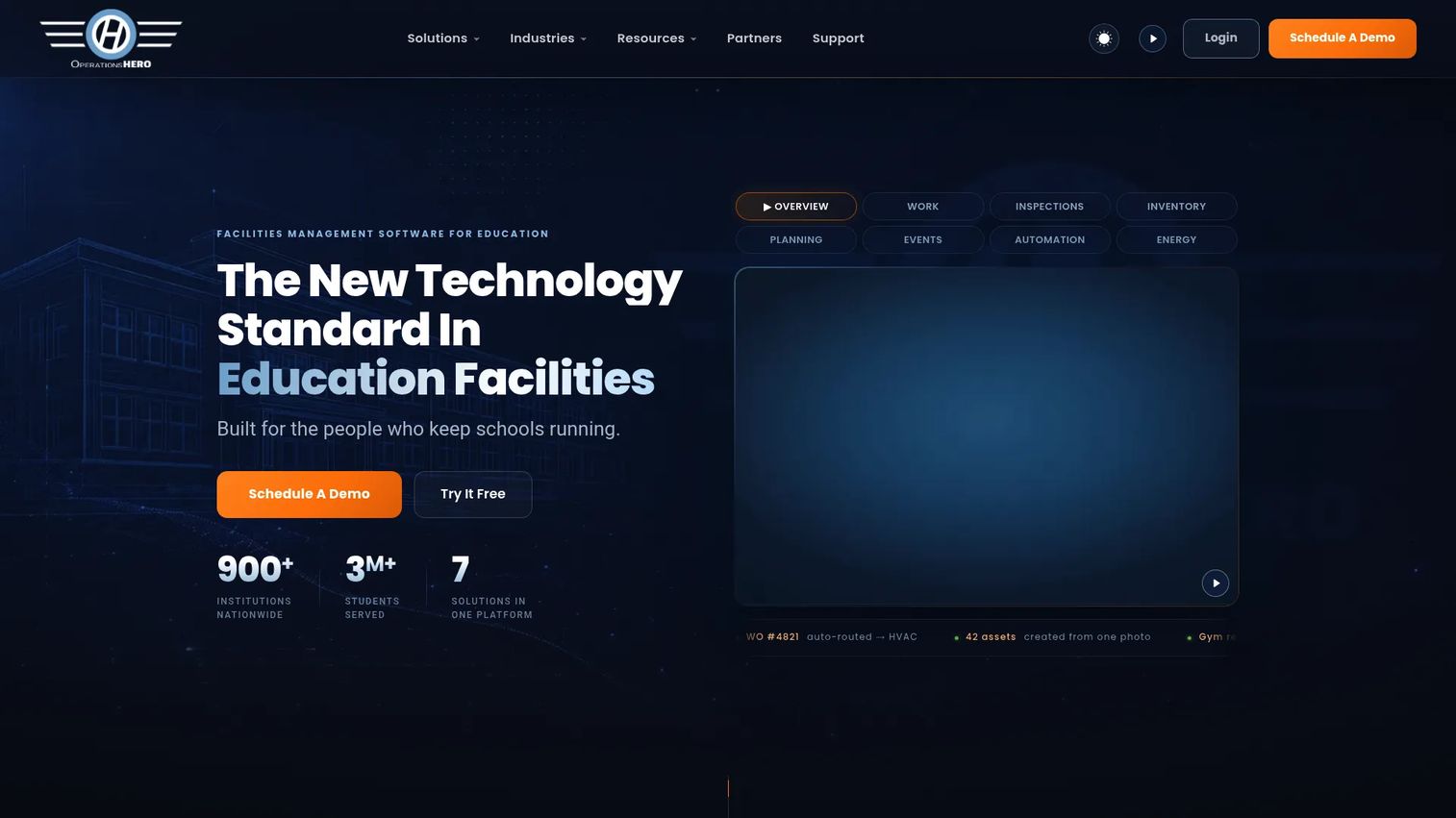
OperationsHERO is facilities management software built for education. It supports K to 12 schools, independent institutions, colleges, and universities.
The platform covers work orders, preventive maintenance, assets, inventory, capital planning, facility rentals, energy analysis, and inspections. Mobile work management helps technicians update jobs away from their desks.
Its broad module set makes OperationsHERO relevant when leadership wants connected district facilities management software. A district can manage daily repairs while building evidence for future investment decisions.
Best for: Districts seeking one operating layer across maintenance, events, inspections, inventory, energy, and planning.
Key features
- Work order intake and routing
- Preventive maintenance scheduling
- Event scheduling and facility rentals
- Inventory and parts management
- Inspections and compliance workflows
Why choose OperationsHERO: Choose it when fragmented facilities tools create operational blind spots. Its education focus covers more school specific workflows than a maintenance only CMMS.
The breadth also requires disciplined ownership. Buyers should define which modules replace existing systems before planning implementation.
OperationsHERO pricing
Custom pricing. A free trial is available.
2. Follett Facilities Suite
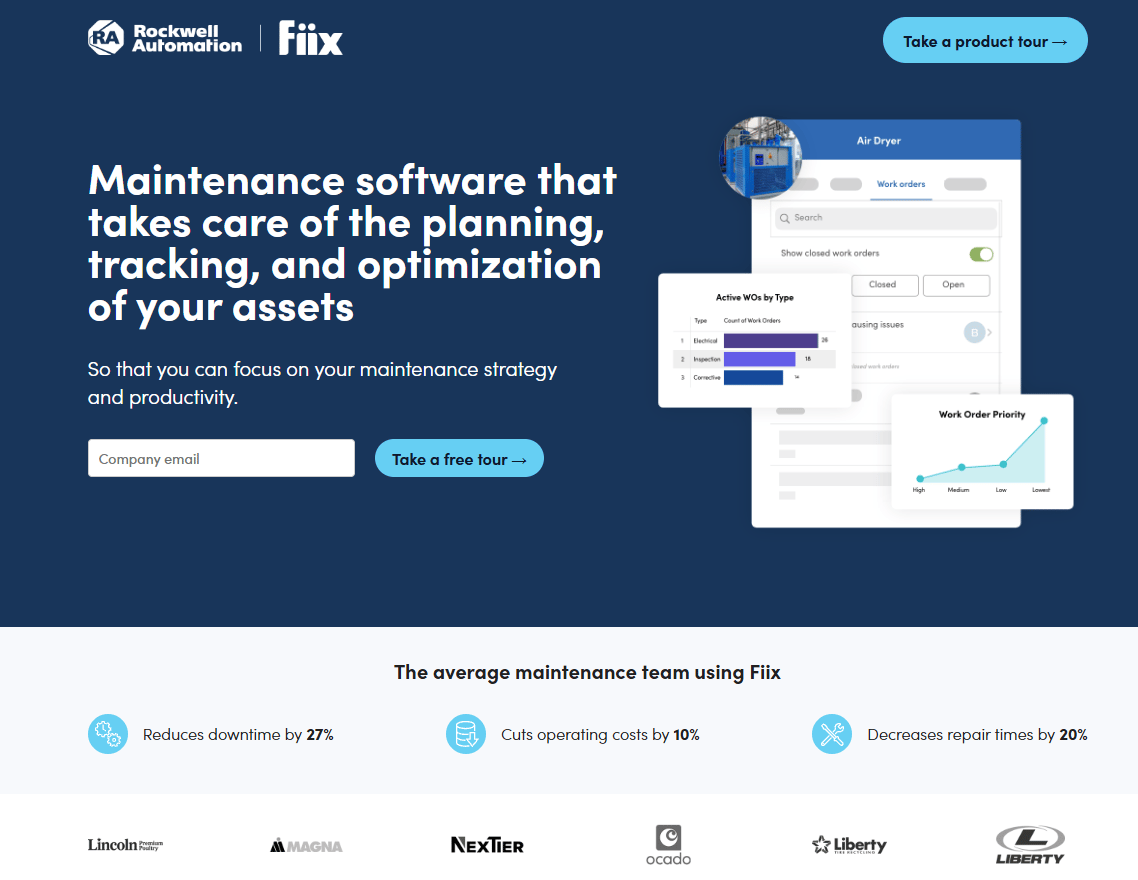
Follett Facilities Suite is a K to 12 facilities platform for scheduling, maintenance, building records, utilities, and event registration. Its active product materials sit within Follett’s dedicated facilities website.
Scheduling supports bookings, conflict checks, and insurance tracking. Work order functions include automated routing, service targets, preventive maintenance, and parts inventory.
The suite also connects interactive floor plans with assets and work orders. Electronic binders organize drawings and facility records that might otherwise remain scattered across shared drives.
Community access is a notable strength. Event registration can handle signups, payments, and calendar coordination, making the platform relevant for facility rentals for schools.
Best for: K to 12 districts managing scheduling, work orders, building intelligence, and community use.
Key features
- Facilities scheduling with conflict checks
- Automated work order routing
- Interactive floor plans
- Utility cost tracking
- Community event registration
Why choose Follett Facilities Suite: Choose it when facility bookings carry equal weight with maintenance. Its records and drawing capabilities also support school facilities audit records.
The available G2 score covers Follett Facilities Schedules rather than the complete suite. Evaluate every required module during procurement.
Follett Facilities Suite pricing
Custom pricing through a sales conversation.
G2 rating: 4.8/5 for Follett Facilities Schedules.
3. Brightly
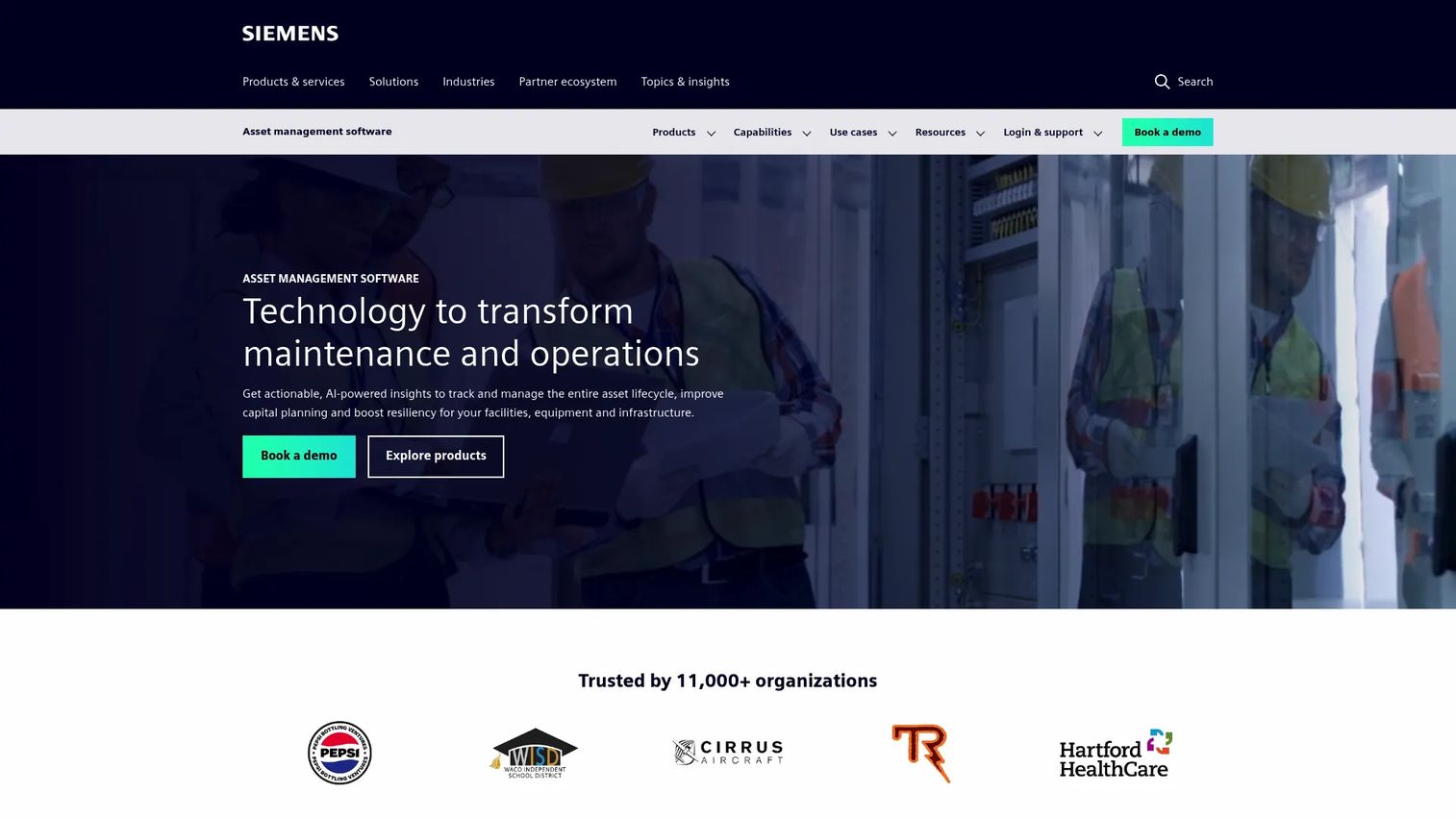
Brightly now operates under Siemens Asset Management Software. Its platform covers maintenance, assets, infrastructure, compliance, and capital planning.
Education buyers can use it for school work order software and preventive maintenance. Asset tracking stores condition history, while lifecycle functions support replacement planning.
The platform also includes predictive maintenance, remote monitoring, permitting, and investment management. This depth suits districts with established processes and formal reporting expectations.
Brightly can connect daily maintenance with school asset management software requirements. District leaders can move from reactive repair counts toward asset condition and capital investment views.
Best for: Mature K to 12 maintenance organizations with formal asset lifecycle and capital planning processes.
Key features
- Work order management
- Preventive and predictive maintenance
- Asset condition history
- Capital investment planning
- Compliance and permitting management
Why choose Brightly: Choose it when maintenance maturity has outgrown basic ticket tracking. It gives facilities and finance teams a deeper view of infrastructure condition.
Implementation deserves careful review. Map existing asset data, ownership, and reporting requirements before committing to migration.
Brightly pricing
Custom pricing.
G2 rating: 4.2/5 for Brightly Asset Essentials.
4. FMX
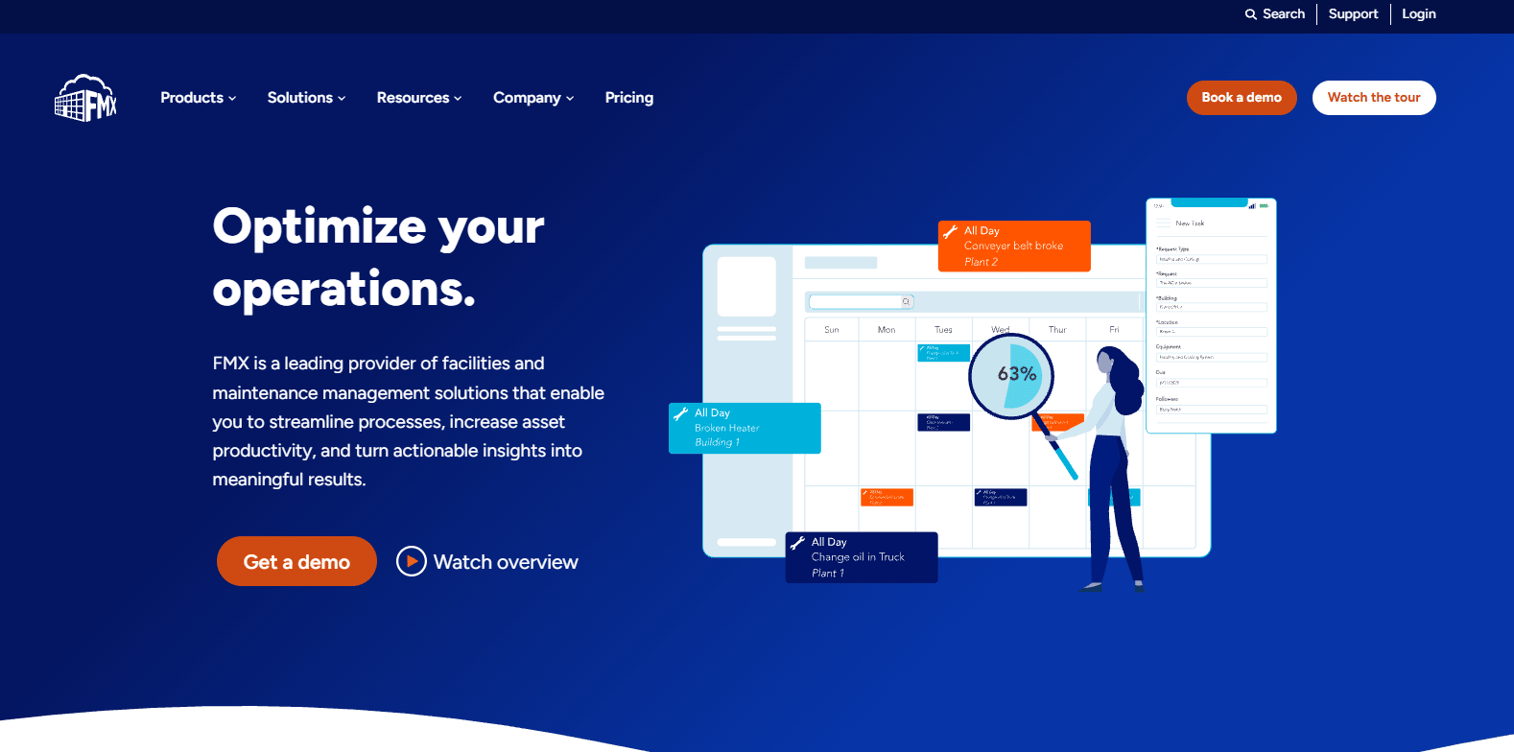
FMX combines facilities maintenance, asset management, inventory, and scheduling. It serves schools alongside government, manufacturing, property, and other multi site operations.
The platform handles work orders and recurring preventive tasks. Requesters can submit issues, while facilities teams coordinate assignments and monitor completion.
FMX also supports facility scheduling and rentals. That combination matters when a school needs maintenance and event calendars without adopting a wider campus management platform.
Reporting provides visibility into request volume, maintenance performance, and equipment work. Parts inventory functions help teams connect completed repairs with material use.
Best for: Schools seeking an approachable system for maintenance requests, preventive work, and facilities scheduling.
Key features
- Work order management
- Preventive maintenance
- Facility scheduling and rentals
- Parts inventory management
- Reporting and analytics
Why choose FMX: Choose it when adoption from teachers, custodians, and administrators is central to the rollout. Its scope suits teams replacing shared inboxes and disconnected calendars.
Buyers should compare the proposed modules against current transportation, booking, and maintenance processes. School specific pricing also warrants a written quote.
FMX pricing
Custom pricing based on users, features, and workflows. Public K to 12 schools receive enrollment based pricing, and an implementation fee may apply.
G2 rating: 4.8/5.
5. MRI Evolution
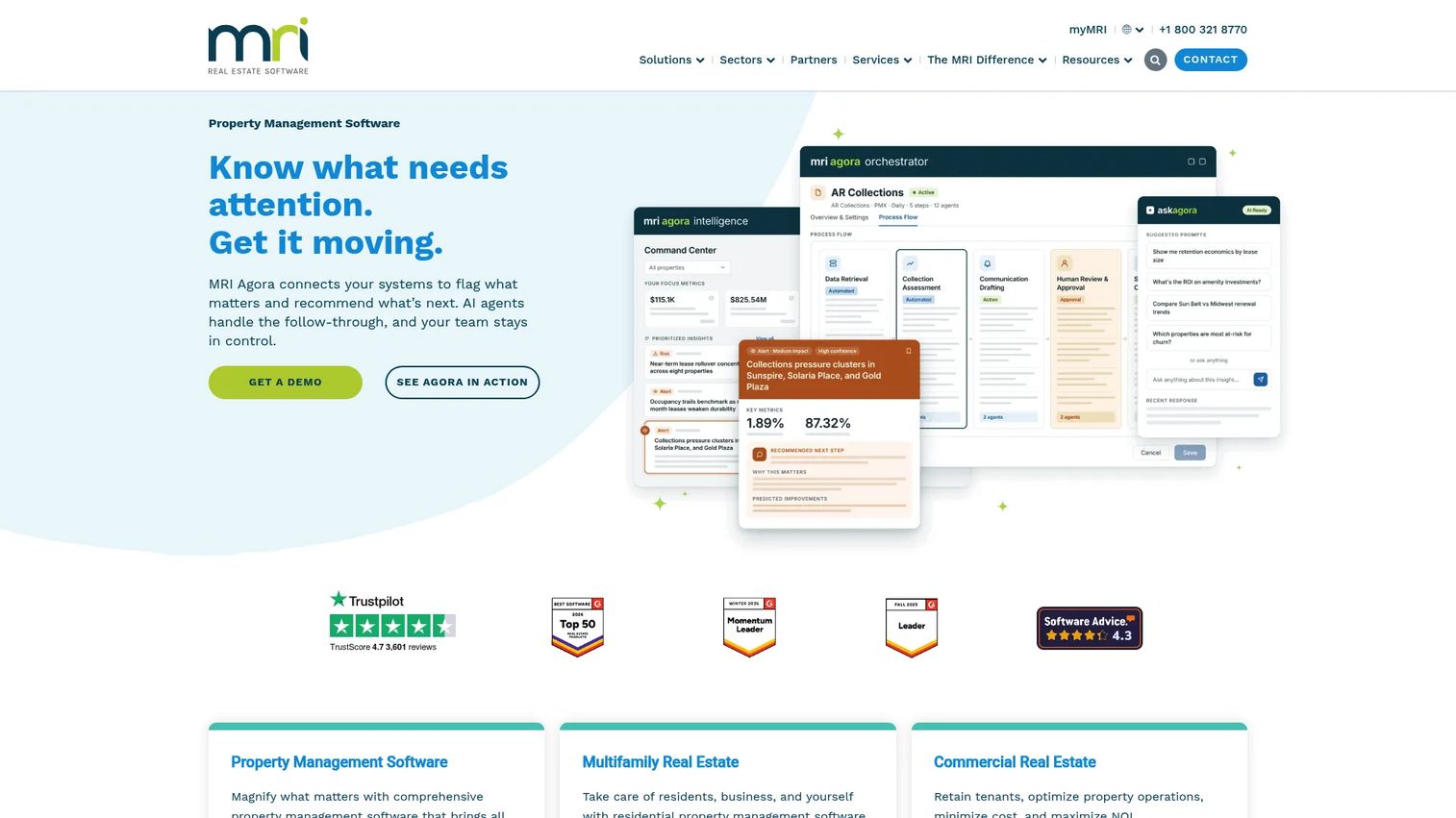
MRI Evolution is a facilities platform for service requests, maintenance, assets, compliance, vendors, and workforce operations. Its structure suits education estates that operate like complex property portfolios.
The system supports planned, reactive, and preventive work. A mobile friendly portal captures requests, while online and offline tools help field teams complete assigned tasks.
Mobile audits cover inspections and compliance checks. Dashboards provide asset lifecycle analysis alongside broader operating information.
Vendor and contractor management adds value for institutions that outsource specialist work. This can help central facilities teams maintain clearer accountability across multiple buildings.
Best for: Education organizations with formal estate, contractor, compliance, and mobile workforce processes.
Key features
- Planned and reactive maintenance
- Mobile workforce management
- Asset lifecycle analysis
- Compliance checks and inspections
- Vendor and contractor management
Why choose MRI Evolution: Choose it when campus facilities management software must coordinate internal staff with external service providers. Its property operations orientation fits larger estates.
Schools seeking education specific community booking workflows should verify that requirement separately. The supplied research confirms facilities functions, not dedicated school rental processes.
MRI Evolution pricing
Custom pricing.
6. Planon Campus Management Solution
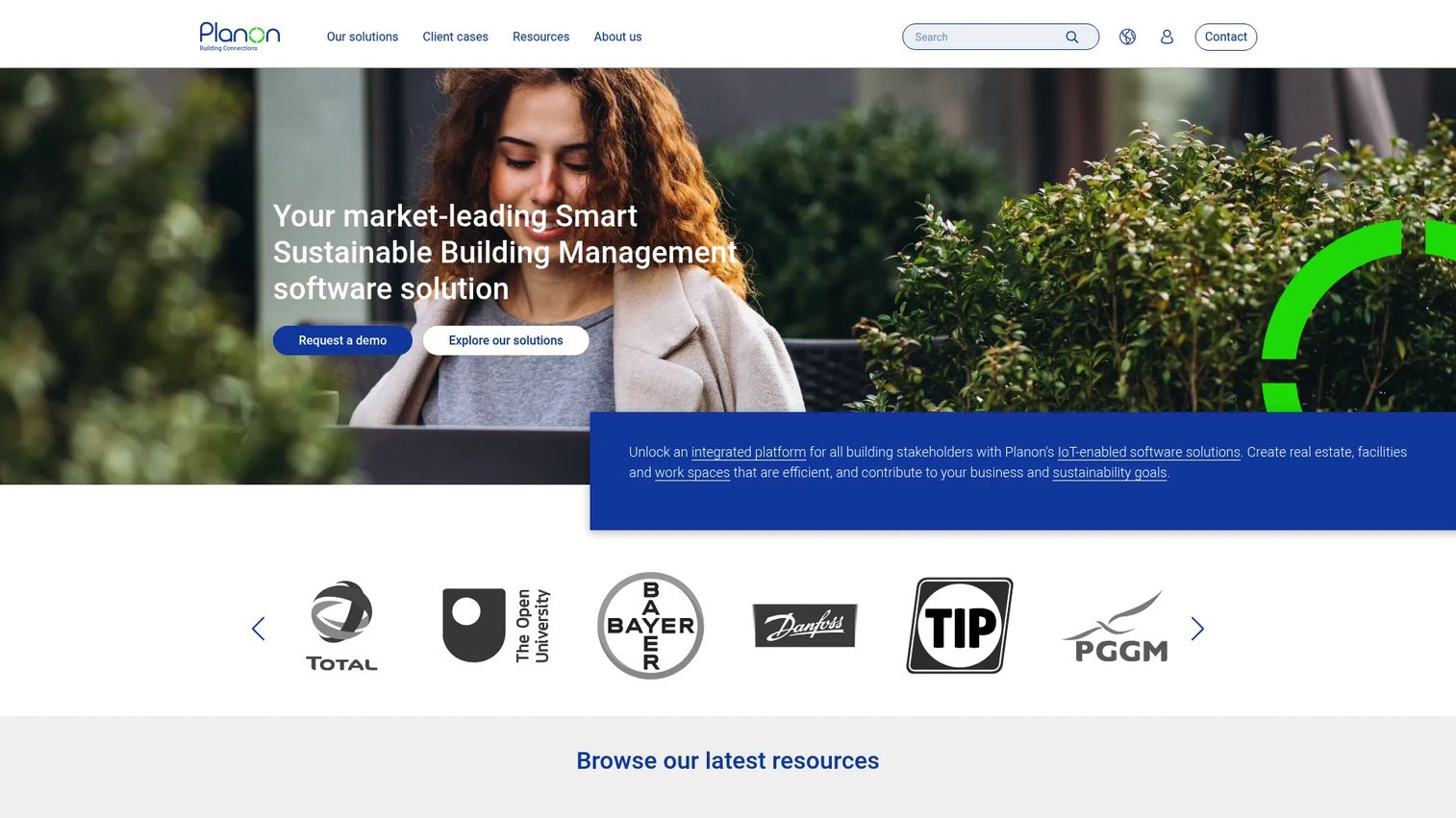
Planon Campus Management Solution is an integrated platform for higher education real estate and facilities operations. It covers space, assets, maintenance, workplace services, and sustainability.
Campus planning functions support occupancy analysis and space allocation. Room and amenity booking connects physical capacity with day to day service delivery.
Asset and maintenance management provides the operational layer. Energy and sustainability functions extend the system beyond traditional work order control.
Planon also supports integrations involving IoT, BIM, CAD, calendars, analytics, and wayfinding. That range fits universities with established property systems and complex campus data.
Best for: Universities and large multi campus organizations needing IWMS style planning and operations.
Key features
- Campus space planning
- Asset and maintenance management
- Room and amenity booking
- Energy and sustainability management
- Real estate portfolio reporting
Why choose Planon Campus Management Solution: Choose it when campus planning matters alongside service delivery. It provides a broader portfolio view than maintenance focused CMMS products.
A deployment of this scope needs IT involvement. Evaluate data migration, integration ownership, permissions, and reporting requirements before issuing an RFP.
Planon pricing
Custom pricing through a consultation or demonstration.
G2 rating: 4.0/5 for Planon overall.
7. Accruent FAMIS 360
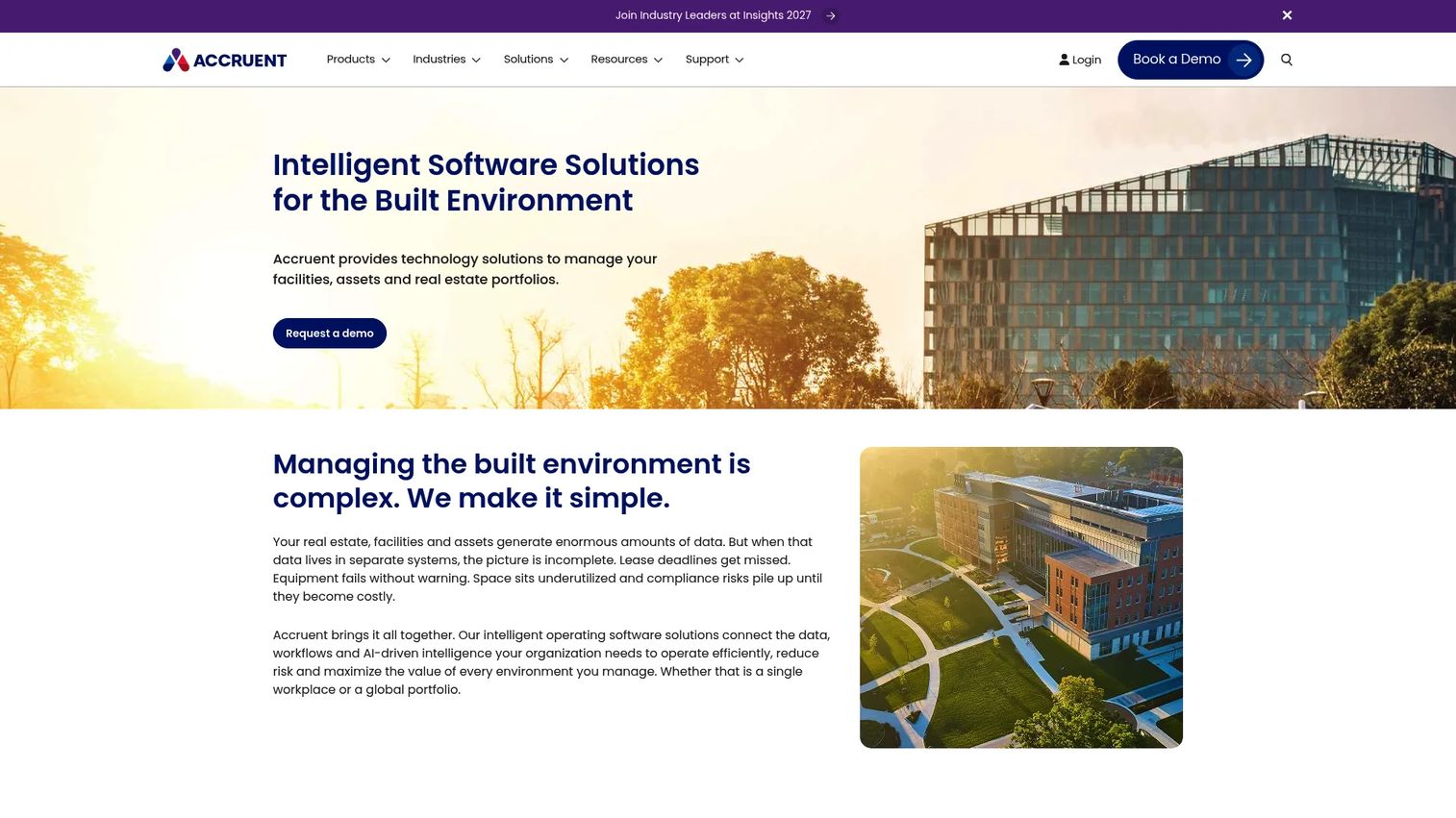
Accruent FAMIS 360 is cloud based facilities lifecycle management software for education, public sector organizations, and commercial real estate.
Its maintenance functions cover work orders and preventive schedules. Asset management connects equipment records with service activity and lifecycle decisions.
Space planning helps campuses understand utilization. Utilities and energy functions add operating cost visibility, while dashboards support campus reporting.
The platform also covers inspections, projects, incidents, reservations, and key management. Mobile tools let requesters submit issues and technicians update assigned work.
Best for: Higher education teams managing complex campus assets, spaces, utilities, and maintenance programs.
Key features
- Work order and maintenance management
- Asset lifecycle records
- Space planning and utilization
- Utilities and energy management
- Mobile request and work updates
Why choose Accruent FAMIS 360: Choose it when school building asset tracking must connect with space and portfolio reporting. Its scope supports universities with complex asset hierarchies.
Procurement teams should examine integration requirements with finance and campus systems. Data ownership also needs clear assignment before migration begins.
Accruent FAMIS 360 pricing
Custom pricing based on organization size, system type, support requirements, and integrations.
G2 rating: 3.8/5.
8. BlueFolder CMMS
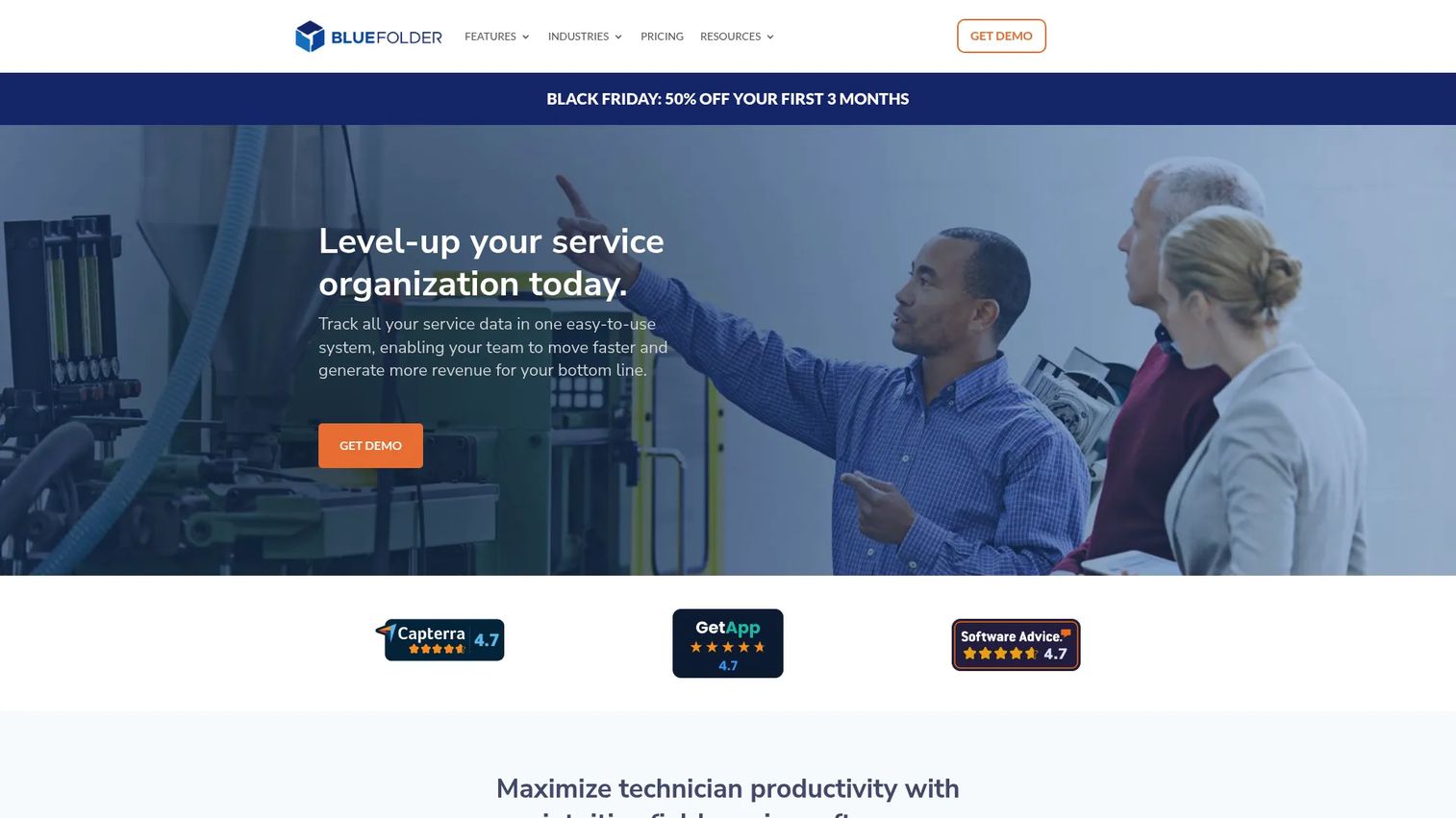
BlueFolder CMMS describes itself primarily as field service management software. Its work order, equipment, scheduling, and reporting functions still overlap with CMMS requirements.
Teams can track assignments, recurring jobs, equipment history, and warranties. Customer and location records help organize work across separate buildings.
A mobile field service interface supports technicians. Reporting, dashboards, integrations, and an API provide additional operating visibility.
BlueFolder also includes invoicing and payment processing. Those functions may interest service organizations, although many school teams will focus on requests and equipment records.
Best for: Smaller operations teams prioritizing work order accountability and service history.
Key features
- Work order tracking
- Dispatch and recurring scheduling
- Equipment service histories
- Mobile field service
- Reporting and API access
Why choose BlueFolder CMMS: Choose it when work order control is the immediate priority. Its equipment records support preventive maintenance software for schools without adding broad IWMS scope.
It is not positioned specifically for education. Schools needing facility rentals, inspections, or capital planning should compare those workflows separately.
BlueFolder CMMS pricing
Pro starts at $62.50 per user monthly with two users. Pro Plus costs $92, while Enterprise costs $110 per user monthly.
G2 rating: 4.3/5.
9. Azzier CMMS
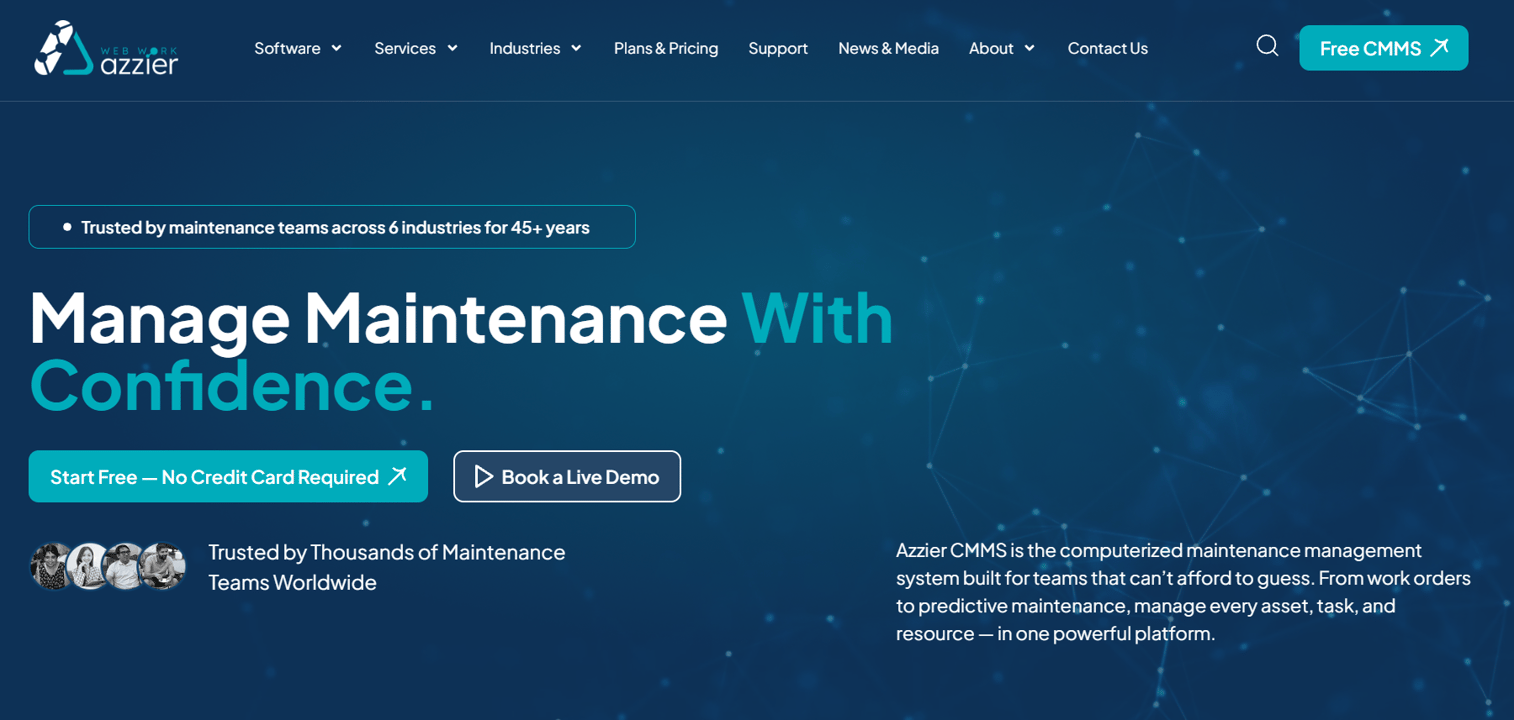
Azzier CMMS covers work orders, preventive maintenance, assets, inventory, procurement, and reporting. Its configurable structure suits asset intensive maintenance organizations.
Planning and scheduling functions coordinate recurring work. Mobile access lets technicians review tasks and update records away from a central office.
Asset and equipment management provides service history. Inventory functions connect maintenance activity with parts, while procurement supports replenishment.
Reporting and integration tools help teams adapt the platform to established processes. Schools can use these capabilities for equipment heavy maintenance programs.
Best for: Facilities teams seeking a configurable CMMS for preventive maintenance, assets, inventory, and inspections.
Key features
- Work order management
- Preventive maintenance scheduling
- Asset and equipment management
- Inventory and procurement
- Reporting and integration tools
Why choose Azzier CMMS: Choose it when asset structures and maintenance programs require configuration. It offers more CMMS depth than a simple request tracker.
Azzier serves several asset intensive sectors. Education buyers should confirm school specific workflows rather than assume support for bookings or community access.
Azzier CMMS pricing
Simply Azzier is free for up to three users. Paid plans start at $59 per user monthly, while Advanced costs $79.
10. MPulse CMMS
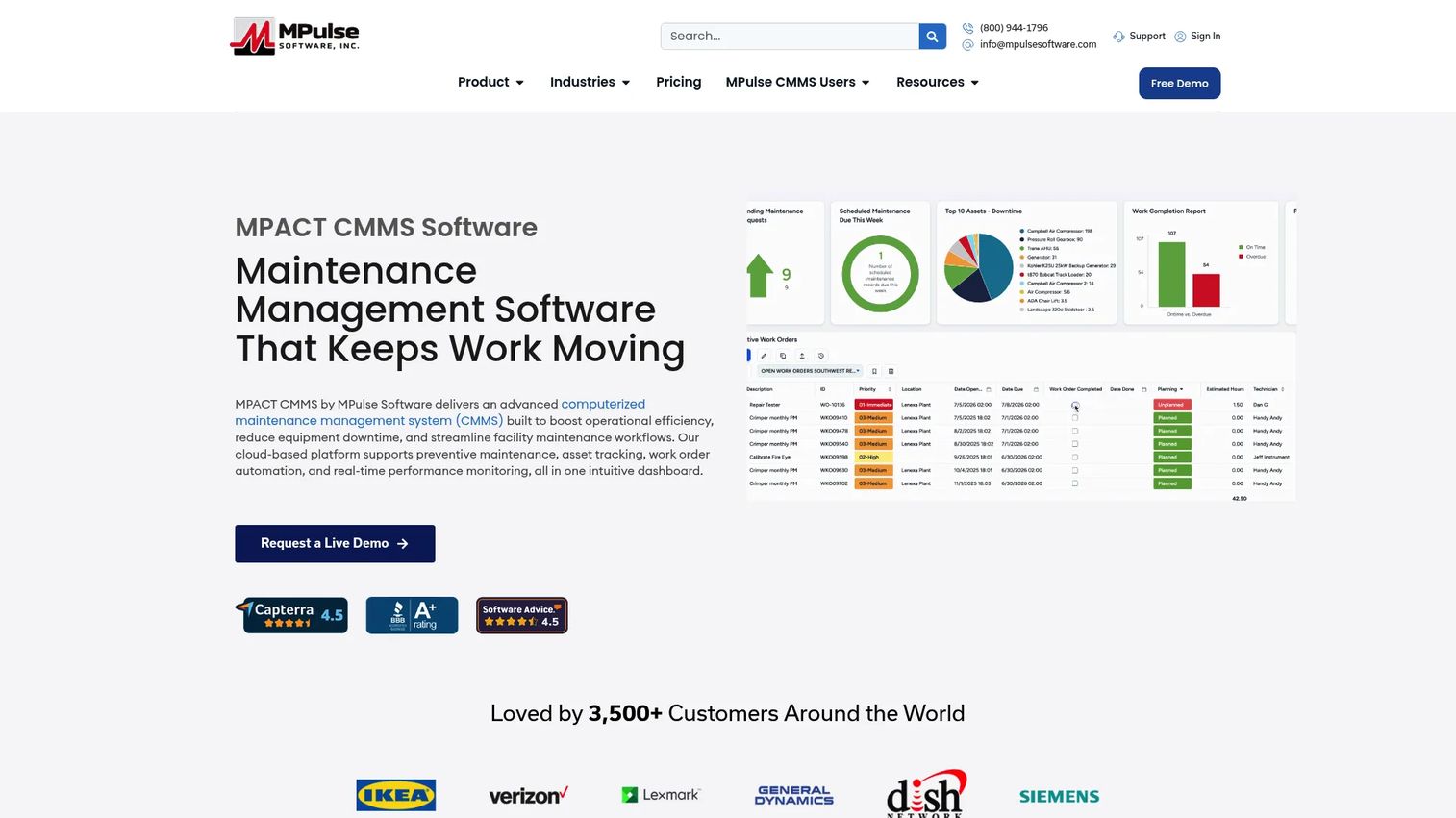
MPulse CMMS, now presented as MPACT CMMS, manages work orders, preventive maintenance, assets, inventory, and reporting.
Equipment records can include QR codes, meters, history, and documents. Those details help school maintenance departments track aging mechanical systems and recurring repairs.
Parts management connects stock with maintenance activity. Dashboards provide reporting for labor, costs, downtime, and failure analysis at supported plan levels.
The system offers adaptive web access and offline mobile use. Integration options include ERP connections, sensors, APIs, SSO, and MFA.
Best for: School maintenance departments wanting CMMS depth without a broad campus planning platform.
Key features
- Work order management
- Preventive maintenance tracking
- Equipment records and QR codes
- Parts and inventory control
- Mobile and offline access
Why choose MPulse CMMS: Choose it when maintenance backlog and aging equipment require better records. Its CMMS focus supports practical operational control before wider estate planning.
Facility booking is outside the verified core scope. Schools running significant community rentals should plan for another system or confirm an integration.
MPulse CMMS pricing
Professional starts at $29 per user monthly, billed annually, with three users minimum. Advanced costs $79 per user monthly.
G2 rating: 4.0/5.
11. Q Ware CMMS
Q Ware CMMS is cloud based maintenance and facility management software. It covers work orders, preventive schedules, assets, inventory, events, and GIS mapping.
The core CMMS supports maintenance accountability across one or several locations. Asset and inventory records give technicians context when completing work.
Optional event booking adds scheduling capability. GIS tools provide another way to organize physical locations and assets.
This combination makes Q Ware broader than a basic ticket queue. Smaller districts can start with maintenance functions and assess optional modules against their operating model.
Best for: Smaller facilities teams seeking work order control with optional event booking and mapping.
Key features
- Work order management
- Preventive maintenance scheduling
- Asset and inventory records
- Event booking option
- GIS mapping option
Why choose Q Ware CMMS: Choose it when spreadsheets no longer provide maintenance accountability. Its optional modules create room to expand beyond core CMMS work.
Large districts should test reporting and integration depth. Complex space planning and long term capital workflows may require a broader platform.
Q Ware CMMS pricing
Team starts at $22 per user monthly. Premium costs $38, while Unlimited costs $55 per user monthly. A 30 day trial is available.
12. Landport
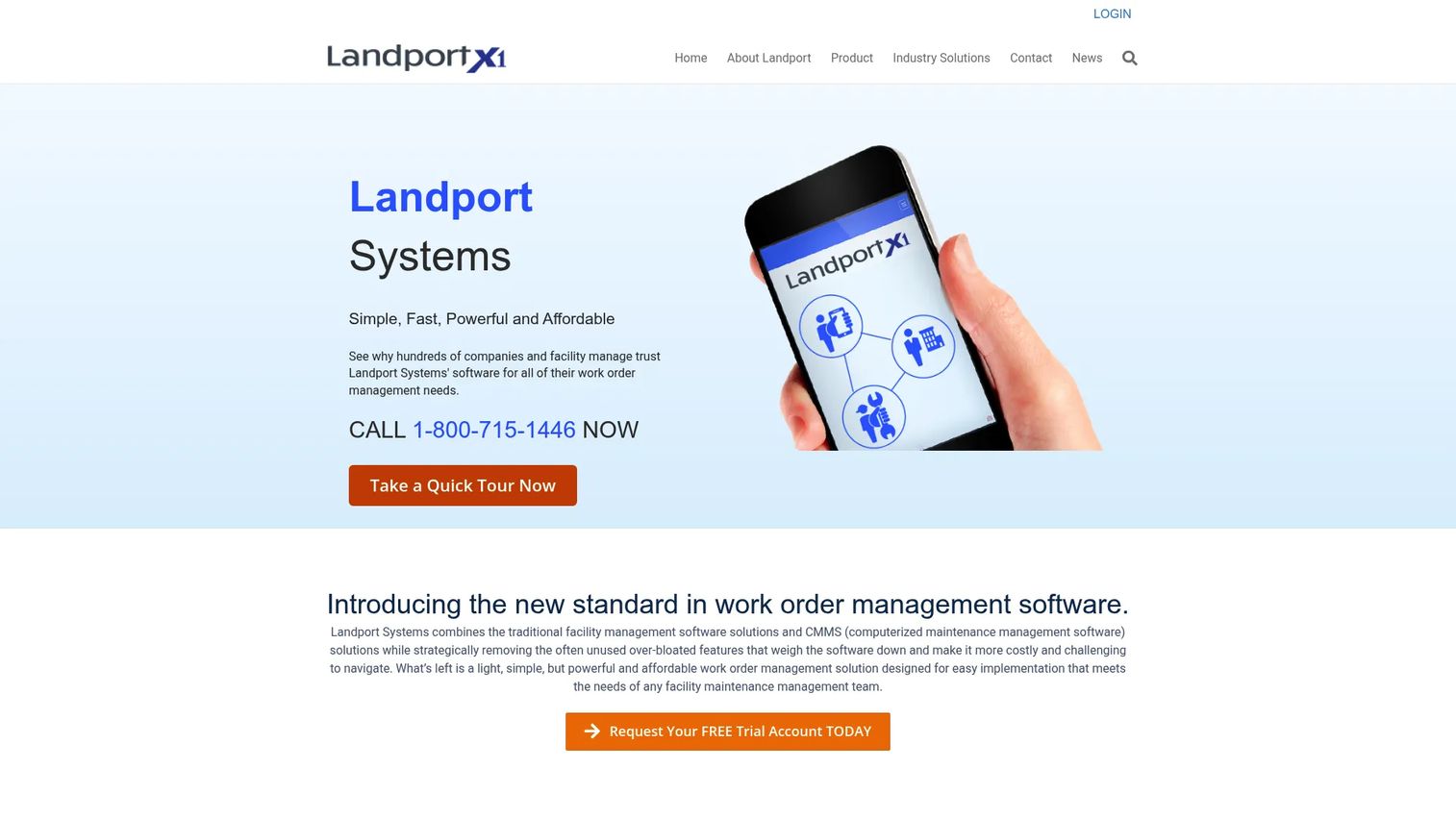
Landport focuses on online service requests and work order management. It serves facility, property, and maintenance teams coordinating internal work with outside vendors.
Requesters can submit service issues online. Notifications keep participants informed, while management reports show job status and operating activity.
Preventive maintenance supports recurring work. Asset and resource records provide context for technicians and facilities managers.
Vendor bid solicitation adds service coordination. Emergency maintenance functions help teams manage urgent incidents across buildings.
Best for: Schools and facility operators needing straightforward request accountability across multiple sites.
Key features
- Online service requests
- Work order management
- Preventive maintenance
- Vendor bid solicitation
- Management reporting
Why choose Landport: Choose it when service coordination creates the main bottleneck. Its focus suits teams that need clearer ownership across facilities staff and vendors.
Advanced IWMS and capital planning functions are outside the verified core. Education buyers should assess scheduling and school specific reporting during evaluation.
Landport pricing
Custom pricing includes a setup fee and flat monthly charges. A free trial account is offered.
G2 rating: 4.1/5.
Considerations when choosing school facilities management software
Match the system to your facilities model
A small independent school and a 40 building district face different operating pressures. Map buildings, assets, request volume, rental activity, and reporting requirements before shortlisting.
A university may need IWMS depth. A smaller estate may get better value from focused school district maintenance software.
Check work order intake from the requester’s side
Test the process as a teacher, coach, custodian, principal, and community user. Request forms should capture location, urgency, supporting information, and access details.
A technically capable platform provides little value if staff keep emailing requests.
Verify preventive maintenance and asset depth
Ask how the system records equipment, parts, inspections, PM schedules, and lifecycle history. Review whether technicians can update those records from mobile devices.
This data should support both daily work and deferred maintenance software for schools.
Review scheduling and community use workflows
If schools rent spaces, test reservations, approvals, insurance records, payments, custodial requirements, and cost recovery. Many CMMS products focus mainly on maintenance.
Check whether calendar changes automatically create related work. Manual reentry recreates the fragmentation you are trying to remove.
Test reporting for board and finance conversations
Request sample reports for backlog, labor costs, utility trends, asset condition, and planned capital work. School facilities reporting must survive budget scrutiny.
Confirm how data exports into finance and planning processes. Leadership needs evidence without stitching together five spreadsheets before every meeting.
Conclusion
Start with the operating model rather than the longest feature list.
OperationsHERO offers broad education facilities coverage across maintenance, events, inspections, inventory, planning, and energy. Follett Facilities Suite stands out where K to 12 scheduling and community access matter.
Brightly suits mature asset programs, while FMX offers an approachable mix of maintenance and scheduling. Planon and Accruent FAMIS 360 fit complex campus portfolios that need space, asset, and sustainability oversight.
BlueFolder, Azzier, MPulse, Q Ware, and Landport serve CMMS first requirements with different levels of service coordination and maintenance depth. MRI Evolution fits education estates run through formal property and contractor processes.
Count your buildings. Document request volume, asset depth, community bookings, and reporting needs. Then shortlist the products that match those constraints and test them with facilities, finance, IT, and frontline requesters.
FAQs
School facilities management software centralizes maintenance requests, preventive schedules, asset records, inspections, utilities, facility bookings, and reporting. It gives facilities teams a shared operating record across school buildings and campuses.
The software can also connect daily repairs with deferred maintenance and capital planning. Scope varies from focused CMMS products to full campus management platforms.
OperationsHERO is a strong overall option for connected school operations. It covers maintenance alongside events, inspections, inventory, planning, and energy workflows.
Follett Facilities Suite fits K to 12 scheduling and community use. Planon and Accruent FAMIS 360 suit complex campus environments with broader space and portfolio requirements.
A CMMS focuses on maintenance work, equipment assets, parts, and preventive schedules. It helps facilities departments control repairs and maintain reliable service histories.
CAFM focuses more on spaces, drawings, room use, and facility records. Large campuses may require IWMS capabilities that connect both areas with real estate and capital planning.
K to 12 school facility management software should include request intake, mobile work orders, preventive maintenance, assets, inventory, and inspections. Districts should also consider facilities scheduling, permissions, reporting, and community use.
The right scope depends on the estate. Avoid paying for campus planning functions if the immediate need is reliable maintenance control.
Yes, when the product includes scheduling, approvals, calendars, insurance records, payments, custodial requirements, and cost recovery. These functions help coordinate community access without creating separate manual processes.
Verify the workflow during evaluation. Many CMMS for schools focus on maintenance and offer little support for external bookings.
The software centralizes asset condition, repair history, inspections, deferred maintenance, and cost information. Facilities and finance teams can use those records to prioritize projects.
Strong platforms also provide capital planning exports and portfolio dashboards. These reports replace anecdotal budget requests with evidence tied to buildings and equipment.
A small school benefits when requests disappear in email, preventive work gets missed, or leadership lacks maintenance visibility. The system does not need to be a broad IWMS.
A focused CMMS can replace spreadsheets and manual logs. Start with work orders, recurring maintenance, asset records, and basic reporting.
Compare subscription fees alongside implementation, migration, support, mobile access, integrations, and required modules. Also review whether the vendor charges by user, building, enrollment, or a flat platform fee.
Custom pricing is common in this category. Request a written scope that identifies implementation costs, contract terms, and every module included.