Your product pages are ready, but structured data is still sitting in an engineering ticket. Meanwhile, your SEO plugin may already generate some markup. Adding another script without checking creates more uncertainty.
A schema markup generator helps you create structured data without writing every property manually. The useful question is which tool fits your publishing workflow and keeps the information accurate after launch.
HTTP Archive’s Web Almanac reported that 50% of desktop and mobile homepages used structured data in 2025. Adoption alone doesn’t establish quality. Your markup still needs to describe the page correctly.
For digital marketers, the payoff is practical. Generate code your CMS owner can implement, validate the result, and measure search performance without promising a ranking lift.
Start with the tools you already use. A standalone generator makes sense for occasional tasks; recurring updates deserve a repeatable process.
What’s inside
This guide compares 13 tools and references across schema creation, deployment, and validation. It includes a legacy option whose availability has changed.
The selection focuses on four buying criteria:
- Schema coverage: Whether the tool supports the page types you publish
- Output and validation: How generated markup moves into testing
- Implementation fit: Standalone snippets, WordPress controls, or managed deployment
- Maintenance: Who updates structured data when business information changes
Product details draw on vendor documentation and research dated November 24, 2026. Ratings distinguish individual products from broader vendor listings. Where pricing or a product-specific rating isn’t established, the comparison avoids assigning a figure.
TL;DR
- Best starting point for occasional generation: Merkle creates JSON-LD with required and additional properties, without a paid subscription.
- Best for format flexibility: SearchBloom supports JSON-LD and Microdata, including organization and person lookup through Google’s Knowledge Graph.
- Best for connected technical tasks: Schema.dev combines a builder with testing tools and deployment capabilities.
- Best for enterprise ownership: Schema App supports managed deployment and entity governance. Its enterprise subscription has a 12-month minimum term.
- Best for WordPress workflows: Evaluate Yoast SEO, Rank Math, or AIOSEO against your existing plugin before adding another system.
- Essential validation pair: Google Rich Results Test checks supported search features. Schema.org validator examines the underlying structured data.
What is schema markup generator software?
Schema markup generator software creates structured data code that describes webpage content using a vocabulary such as Schema.org.
A JSON-LD schema generator turns form inputs into a script containing machine-readable facts. Those facts might identify an organization, describe a product, or connect an article to its author.
Schema.org structured data supplies the vocabulary. JSON-LD supplies a format for expressing it. Microdata is another option, attaching properties directly to HTML elements.
For marketers, JSON-LD separates the structured data from visible page formatting. That makes reviewing a snippet and handing it to a CMS owner more straightforward.
The main capabilities to evaluate are:
- Schema type selection for your content
- Required and recommended property guidance
- JSON-LD generation and copying
- Validation controls or testing links
- CMS deployment options
- Entity identity fields and relationships
An organization schema generator and a person schema generator handle identity information. An article schema generator addresses editorial content, while Product markup describes an individual offering.
Other common tasks include BreadcrumbList, LocalBusiness, Event, and VideoObject markup. Select the type that describes the page rather than the result you hope to obtain.
Google’s structured data documentation explains that markup helps it understand page content and can enable special search features. Eligibility does not guarantee display.
That distinction matters when a vendor uses “rich snippet generator” as a label. The tool generates code; Google controls its search presentation.
A generator also differs from a validator. The former creates markup from inputs, while the latter examines existing code or a published URL.
Schema SEO therefore involves more than selecting a template. It requires accurate source information, an implementation owner, and a review process.
Treat schema markup for AI search with the same discipline. Explicit entities and relationships support machine understanding, but they do not guarantee citations or inclusion in generated answers.
When to use a schema markup generator
Create structured data without waiting on engineering
Use a JSON-LD schema generator for SEO when you have a defined page type and accurate source information. Prepare the snippet before requesting implementation.
Give your CMS owner the destination URL and the fields that need updating later. For recurring templates, agree on a reusable implementation rather than separate scripts.
Prepare pages for supported search features
Use generators when publishing content that matches a supported structured-data use case. A product page, for example, needs accurate product facts rather than generic organization details.
A local schema generator helps organize location information, including business identity and hours. Test the output before deployment, then inspect the published page.
Clarify business and author identity
Organization and Person markup can connect names with logos or relevant profiles. Consistent identity information helps machines distinguish the entities your content describes.
Keep SEO schema aligned with approved business information. Assign someone to maintain those facts when branding, locations, or author details change.
Schema markup generator tools comparison
Choose a schema generator by the task you need to complete. A free form-based utility, a WordPress plugin, and an enterprise platform solve different operational problems.
The comparison also includes two validators. They belong in your workflow, but neither replaces a generator. Hall Analysis remains listed as a legacy reference, with its changed availability explained below.
Prices reflect the supplied November 24, 2026 research. Promotional prices are labeled, and currencies remain unchanged.
“N/A” means no usable product-specific G2 rating was established. Vendor-level ratings are identified explicitly and should not be treated as reviews of an individual generator. “See tool page” supplies a buying path without implying that an unknown price means custom pricing.
| # | Product | Best for | Key differentiator | Pricing | G2 rating |
|---|---|---|---|---|---|
| 1 | Merkle schema markup generator | Occasional JSON-LD creation | Required and additional property fields | Free | N/A |
| 2 | SEOptimer schema markup generator | Existing SEOptimer users evaluating another utility | Generator offered by the SEO vendor | See tool page | 4.6/5, vendor listing |
| 3 | Rank Ranger schema markup generator | Generation with testing actions | Copy, Reset, Validate, and Test controls | See tool page | N/A |
| 4 | SearchBloom schema markup generator | Mixed implementation formats | JSON-LD and Microdata output | Free | 4.9/5, broader business |
| 5 | Schema.dev | Technical schema workflows | Builder, testing API, and deployment | Free tools available | N/A |
| 6 | Hall Analysis schema markup generator | Reviewing legacy implementations | Historical JSON-LD utility | Legacy tool | N/A |
| 7 | Web Code Tools schema generator | Copy-and-paste code generation | Preview and tutorial content | Free | N/A |
| 8 | Schema App | Enterprise schema management | Templated deployment and entity governance | Custom pricing | 4.7/5 |
| 9 | Google Rich Results Test | Google rich-result validation | Google-specific URL and code testing | Free | N/A |
| 10 | Schema.org validator | Vocabulary and syntax checks | Structured-data graph extraction | Free | N/A |
| 11 | Yoast SEO | Existing WordPress SEO workflows | Automated schema alongside technical SEO | Free; Premium $118.80/year, excluding VAT | N/A |
| 12 | Rank Math | WordPress schema and SEO controls | Schema within a broader optimization plugin | Free; PRO €4.99/month, annual promotional billing, excluding VAT | 4.7/5 |
| 13 | AIOSEO | WordPress business sites | Schema with local and WooCommerce SEO | Basic $49.50/year introductory | 4.8/5 |
Best 13 schema markup generator tools for 2026
1. Merkle schema markup generator
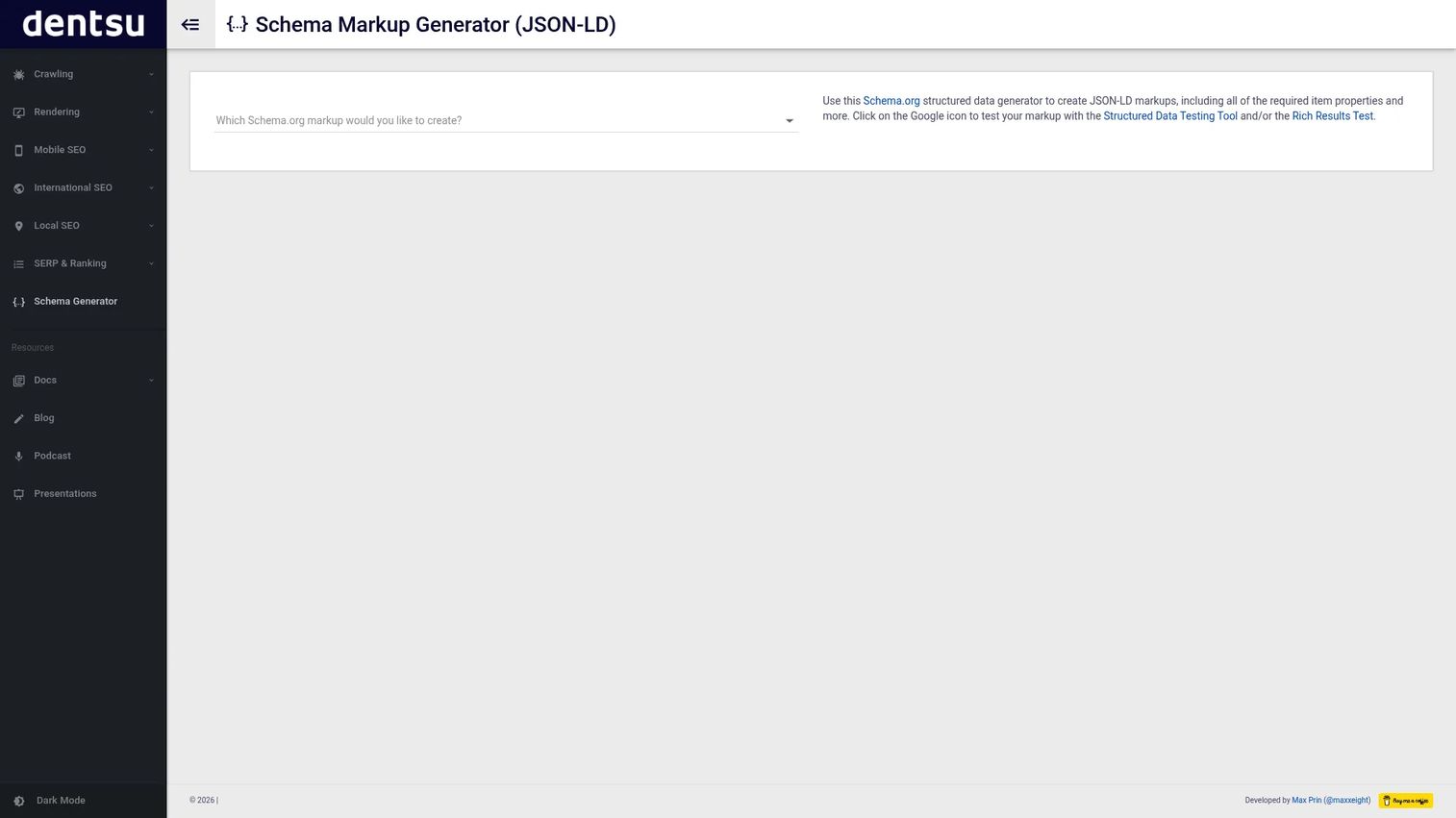
The Merkle schema markup generator creates JSON-LD using Schema.org vocabulary. Available through TechnicalSEO, it includes required item properties and additional fields. It suits marketers who need a code snippet rather than another ongoing software subscription.
Best for: SEO marketers preparing structured data for individual pages.
Key features
- JSON-LD structured data generation
- Schema.org vocabulary support
- Required item properties
- Additional property fields
Start with the page’s content and assemble its facts before opening the form. Separate confirmed information from details that still need approval.
For example, an editorial page needs accurate publication information. A commercial page requires someone to own changes to the offering’s details.
Save the finished snippet with its destination URL and implementation notes. That gives the CMS owner context beyond a block of code.
Why choose Merkle schema markup generator: Choose it for occasional markup creation when you already know the correct schema type. Use separate deployment and maintenance processes afterward.
Merkle pricing: Free.
2. SEOptimer schema markup generator
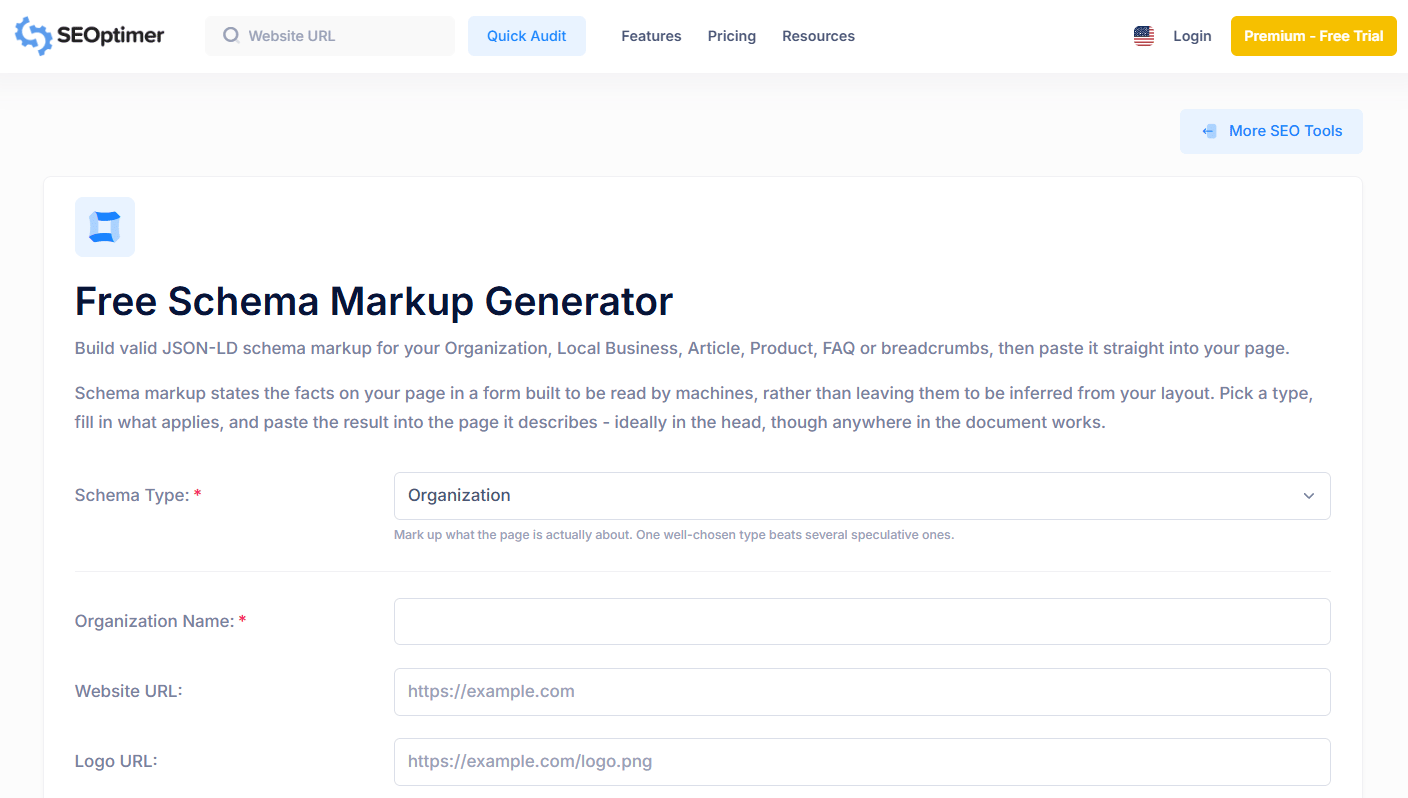
SEOptimer’s schema markup generator is a utility offered by the SEO vendor. Its availability as a named tool is established, but the research did not establish its current field coverage or commercial terms.
Best for: Existing SEOptimer users considering whether its generator fits their current workflow.
Key features
- Schema markup generation
Before adopting it, run a practical acceptance check using a page your team already maintains. Determine whether the available fields represent every fact needed for that page.
Inspect the resulting code independently. A familiar vendor name should not replace testing, particularly when your team needs a specific schema type.
Keep the evaluation narrow. Ask whether this utility removes a repeated task from your process, then compare the output with your existing implementation.
Why choose SEOptimer schema markup generator: Evaluate it if you already work with SEOptimer and want to keep related tasks close together. Establish type coverage before committing.
For current access terms, use the tool page rather than assuming its pricing matches another SEOptimer product.
3. Rank Ranger schema markup generator
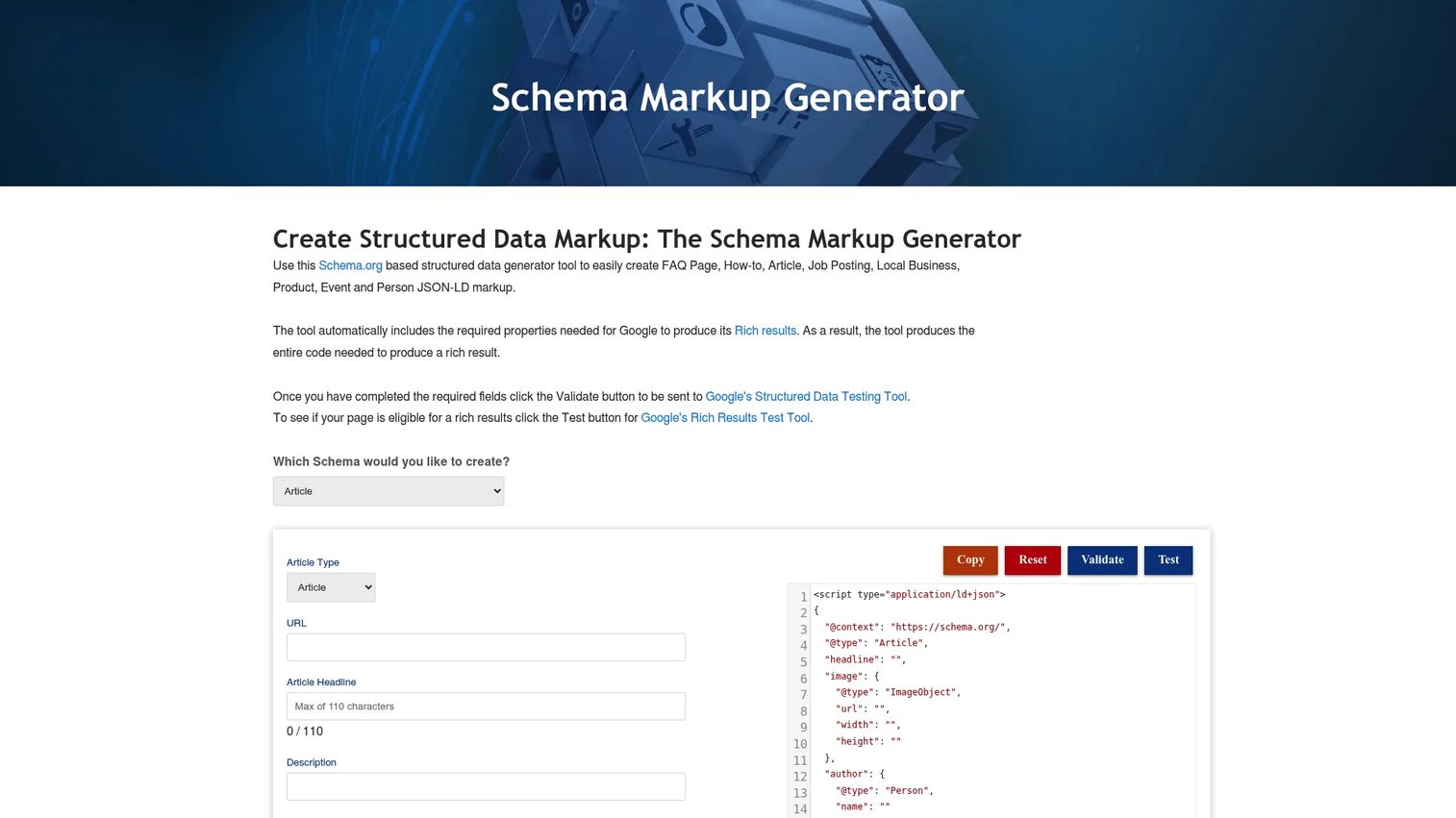
Rank Ranger’s schema markup generator produces JSON-LD for several content types. Its interface includes Copy, Reset, Validate, and Test actions. That combination gives marketers a defined route from entering information to reviewing the result.
Best for: Teams that want generation and testing actions within the same utility.
Key features
- Article and FAQPage markup
- LocalBusiness and Product fields
- Event and JobPosting support
- Copy and Reset controls
- Validate and Test actions
Its coverage is useful when your publishing calendar includes different kinds of pages. You can prepare an article separately from a recruitment page without treating both as generic website content.
Keep required properties tied to the intended use case. A generator’s schema menu does not establish whether Google currently offers a corresponding search enhancement.
During evaluation, prepare one ordinary page and one edge case. Check whether the output captures the important differences without adding unsupported information.
Why choose Rank Ranger schema markup generator: Choose it when your workflow benefits from explicit testing controls. Its range of content types also supports repeatable editorial handoffs.
Use the tool page for current access terms. The research did not establish a generator price.
4. SearchBloom schema markup generator
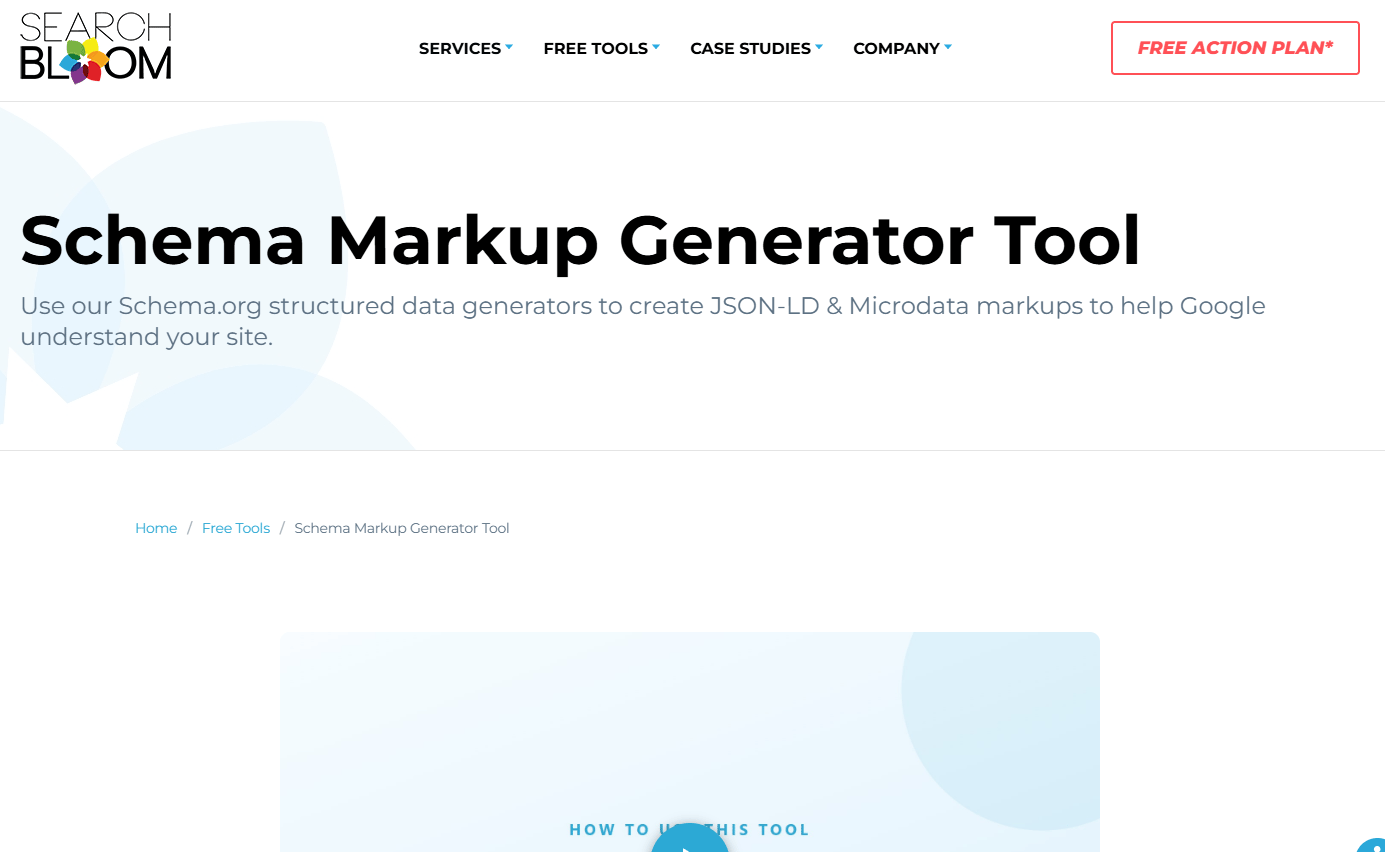
SearchBloom’s schema markup generator supports JSON-LD and Microdata. It also offers Google Knowledge Graph lookup for Organization or Person information. This makes it relevant when implementation formats vary across websites.
Best for: Marketers coordinating structured data across different CMS requirements.
Key features
- JSON-LD and Microdata output
- Organization and Person lookup
- Product and LocalBusiness schemas
- Article and Breadcrumbs support
- Copyable generated code
The format choice deserves attention before generation. Ask your CMS owner whether the page accepts a separate script or requires properties embedded in HTML.
Review automatically populated identity information against your approved business details. A lookup result should support editorial review, not replace it.
For teams managing local pages, keep a location-specific source document. That makes differences in addresses and opening hours easier to inspect before publication.
Why choose SearchBloom schema markup generator: Choose it when you need a Microdata schema generator alongside JSON-LD. Its identity lookup also supports entity-focused preparation.
SearchBloom pricing: Free, with no signup or download required.
5. Schema.dev
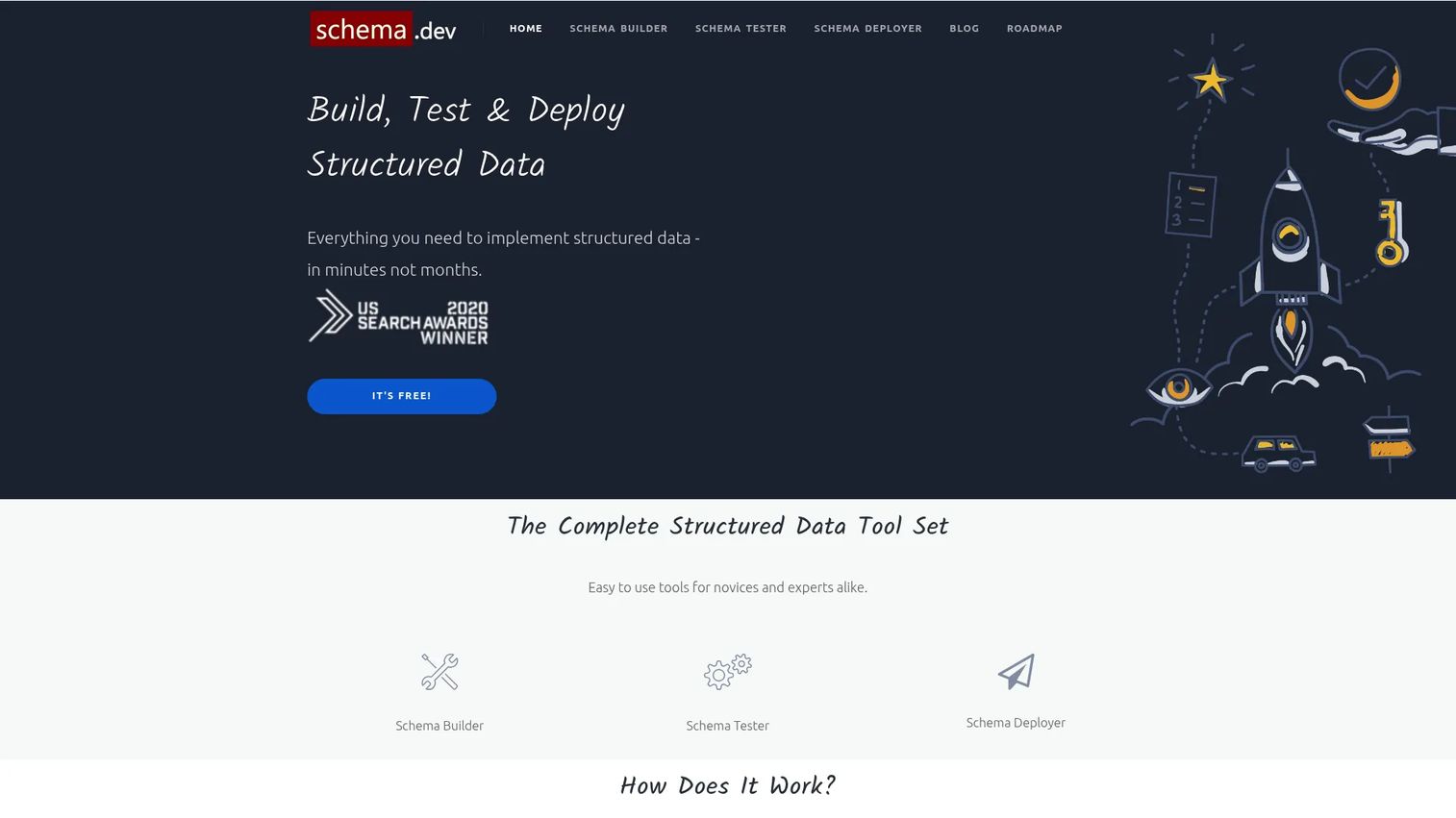
Schema.dev connects structured-data creation with testing and deployment. Its point-and-click builder supports more than 40 schema types, according to its November 2026 product information. A testing interface and API extend the workflow beyond individual snippets.
Best for: Technical marketers working with developers on recurring structured-data tasks.
Key features
- Point-and-click schema builder
- JSON-LD customization
- Structured-data testing interface
- Validation API
- Single-line deployment
This is worth evaluating when creation is only part of your workload. Testing many pages or coordinating deployment requires a different process from copying code once.
Use a representative template during assessment. Include a page with optional fields missing, then inspect how your implementation handles those differences.
Clarify which work stays with marketing and which requires technical ownership. A deployment capability still needs an approved publishing process and a way to review changes.
Why choose Schema.dev: Choose it when you want to evaluate creation and technical QA together. The API is particularly relevant to teams planning repeatable validation.
Schema.dev pricing: Free tools include the Schema Builder Chrome extension and Structured Data Testing UI.
6. Hall Analysis schema markup generator

Hall Analysis schema markup generator is a legacy reference rather than a dependable starting point for new projects. Hall Analysis rebranded as Cloud22 in September 2025 and discontinued most free SEO tools. The supplied generator URL was inaccessible during research.
Best for: Teams identifying older tooling referenced in existing documentation.
Key features
Historical capabilities included:
- JSON-LD generation
- Schema.org vocabulary support
- Business information examples
- Local-business markup examples
If your internal SEO checklist still points here, update the resource before assigning work. Otherwise, a marketer following an established process may reach an unavailable page.
The more useful task is reviewing markup already deployed through that workflow. Preserve accurate code while examining whether business facts or page requirements have changed.
Keep the original generator name in implementation records when it helps explain provenance. Choose an accessible utility for future creation and testing.
Why choose Hall Analysis schema markup generator: Treat it as historical context for older implementations. Select a current generator for new production work.
A current offering and price were not established, so this guide does not recommend a purchase or new rollout.
No usable G2 rating was found.
7. Web Code Tools schema generator
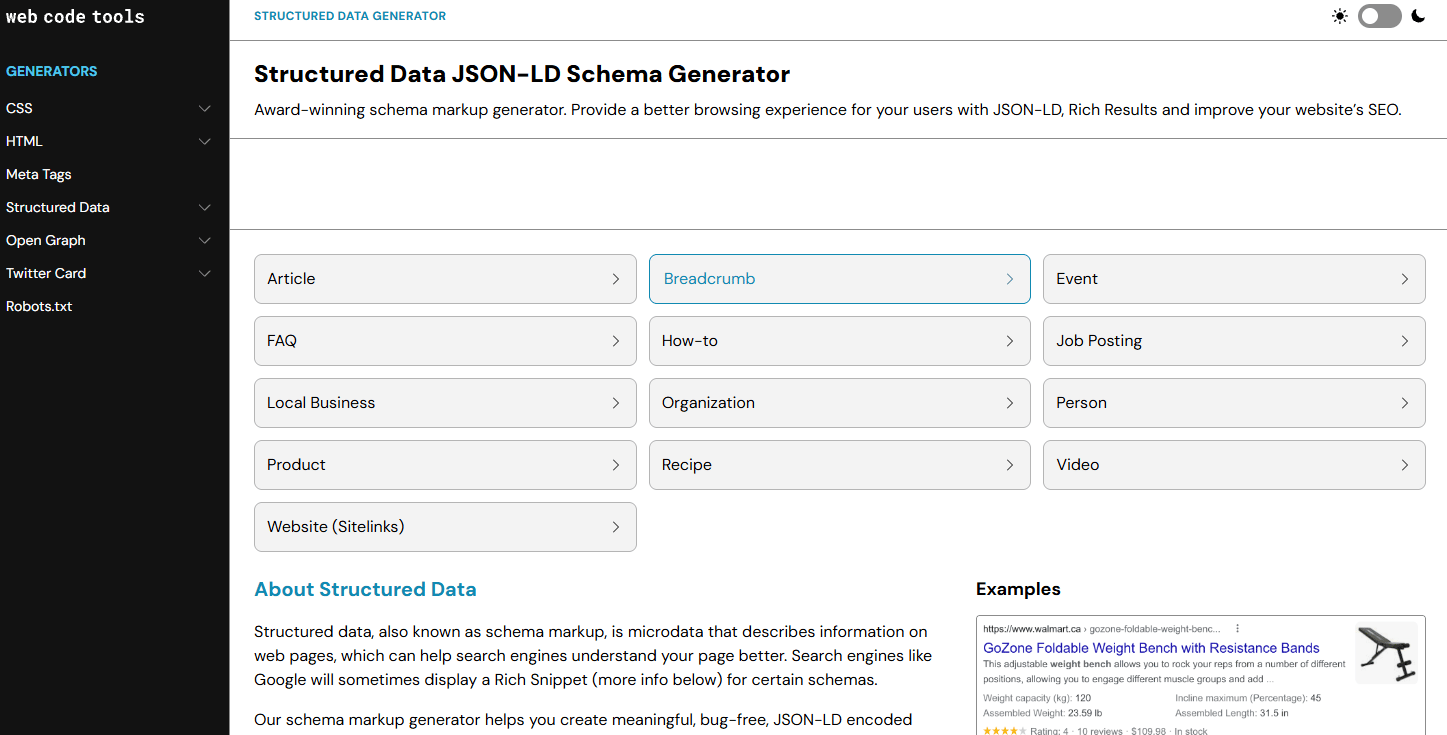
Web Code Tools offers copy-and-paste JSON-LD generation. Its current structured-data page includes previews and explanatory tutorials. The tool covers a range of editorial and business content types.
Best for: Technical marketers who want generated code without an account-based platform.
Key features
- JSON-LD output
- Article and Organization schemas
- Product and Recipe support
- Event and Video schemas
- Preview and tutorial content
The supporting explanations are useful when the person preparing markup is also responsible for implementation. Review the code alongside the page rather than treating the form as a separate exercise.
For editorial work, compare the available fields with your content model. Agree on how authors supply information that the CMS does not already store.
Keep a reusable handoff document for each recurring page type. Include the code’s location and the person responsible for replacing outdated values.
Why choose Web Code Tools schema generator: Choose it for occasional snippet generation with explanatory context. It suits teams comfortable reviewing the code they publish.
Web Code Tools pricing: Free, with no account, installation, or paywall, according to its tool policy.
8. Schema App
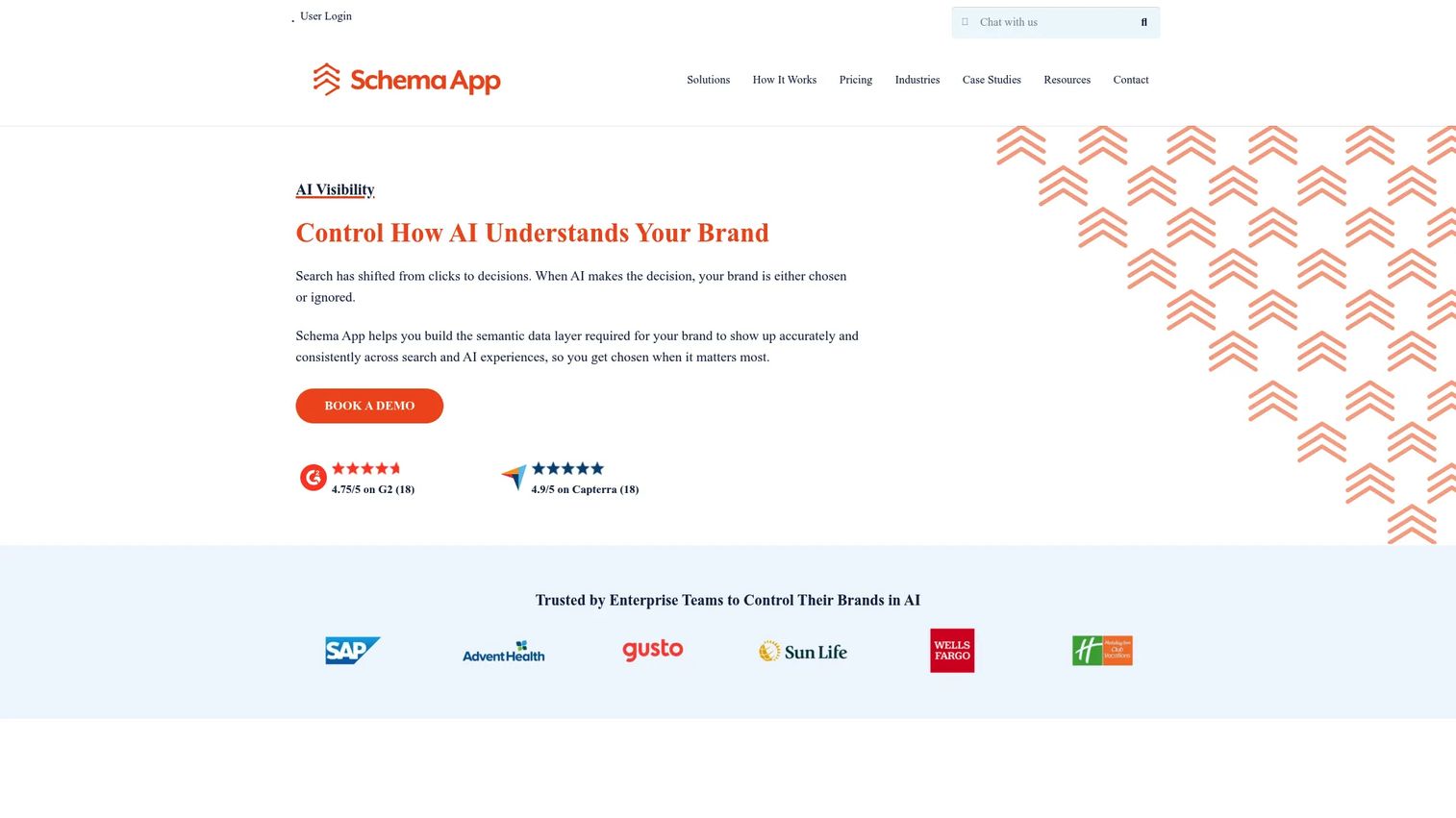
Schema App manages structured data and content knowledge graphs for enterprises. Highlighter handles templated pages, while Editor supports individual URLs. Entity management and performance reporting make it a different purchase from a free snippet generator.
Best for: Enterprise SEO teams coordinating deployment and ownership across large websites.
Key features
- Highlighter for templated deployment
- Editor for individual pages
- Entity Hub and entity linking
- Schema and entity performance analytics
- MCP Server access to knowledge-graph data
Evaluate it around operational responsibility. Bring examples of your CMS templates and document who approves changes across business units.
Ask how exceptions work when a page differs from its template. Governance should cover the unusual cases as well as ordinary publishing.
The contract also deserves attention. The enterprise subscription has a minimum 12-month term and includes a one-time strategy and setup fee.
Why choose Schema App: Choose it when managing relationships and maintaining coverage across many pages exceeds a manual workflow. Budget for implementation ownership alongside the subscription.
Schema App pricing: Custom pricing reflects website scope, complexity, and required support. No enterprise free trial is offered.
G2 rating: 4.7/5.
9. Google Rich Results Test
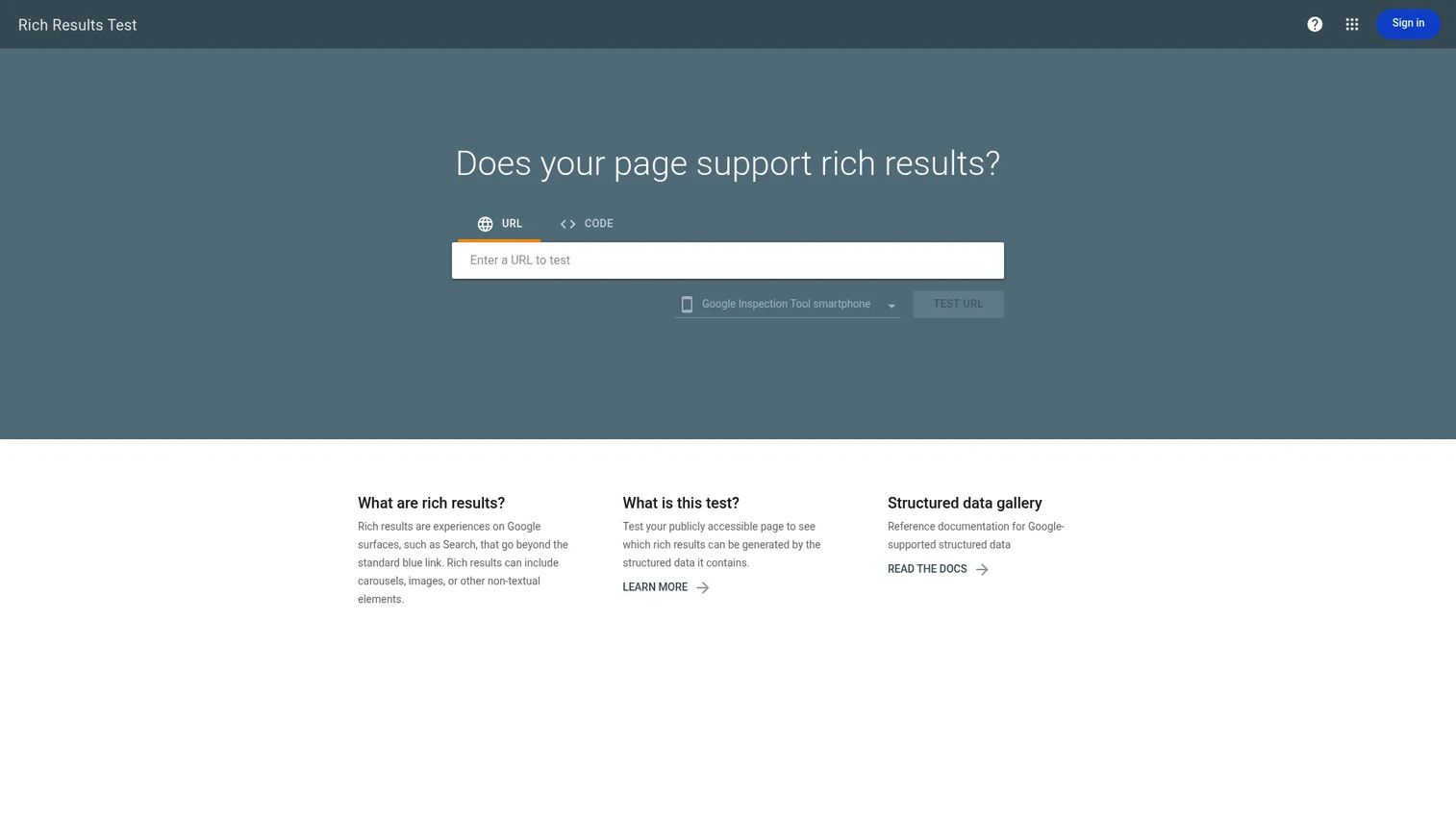
Google Rich Results Test evaluates webpages or supplied code for supported Google rich results. It is a structured data testing tool, not a generator. Use it as a QA checkpoint after creating markup.
Best for: Marketers checking Google-specific structured-data requirements.
Key features
- Live URL testing
- Code input testing
- Smartphone testing mode
- Desktop testing mode
- Previews for eligible structured data
Test the snippet while implementation is still easy to change. After deployment, run the URL through the tool to inspect the page that Google can access.
Those checks answer different practical questions. Code testing examines your prepared input; URL testing examines what the website serves.
Keep test results with the implementation ticket. That gives developers an explicit problem to resolve instead of a general request to “fix schema.”
Why choose Google Rich Results Test: Use it when Google search presentation is the objective. Pair it with a vocabulary-level validator for broader structured-data checks.
Google Rich Results Test pricing: Free.
10. Schema.org validator
The Schema.org validator extracts structured data and displays the resulting graph. It identifies syntax mistakes and accepts either a URL or direct markup. Its scope extends beyond Google-specific search enhancements.
Best for: Teams reviewing schema syntax and entity relationships.
Key features
- JSON-LD extraction
- Microdata and RDFa support
- Structured-data graph summary
- URL and direct markup inputs
- JavaScript-injected data extraction
Use the graph view to inspect what your page describes. Look beyond whether the code parses and examine whether the entities represent the intended content.
This is particularly useful when several systems contribute markup. Review the combined output before adding another script from a standalone generator.
Remember that a validator cannot approve your business facts. A technically readable price can still be outdated, and a valid organization name can still be wrong.
Why choose Schema.org validator: Choose it for standards-focused checks across supported markup formats. Its output complements Google’s result-specific interpretation.
Schema.org validator pricing: Free.
11. Yoast SEO

Yoast SEO places structured data within a WordPress SEO workflow. Its broader toolkit includes readability analysis and automated technical controls. For existing users, reviewing current output is a sensible step before introducing another plugin.
Best for: WordPress marketers who want schema managed alongside established SEO tasks.
Key features
- Schema markup generation
- SEO and readability analysis
- Automatic XML sitemaps
- Breadcrumb navigation
- Canonical and indexation controls
Inspect a representative page before adding manually generated code. Identify which system owns the existing entities and which information still needs attention.
For content teams, the operational benefit is keeping review close to publication. Include structured-data inspection in the same checklist used for titles and indexing settings.
Evaluate paid plans around your complete workload rather than schema alone. Avoid paying twice for capabilities already covered by your current WordPress setup.
Why choose Yoast SEO: Choose it when your team already manages content optimization through Yoast. Keeping ownership within that workflow reduces unnecessary tool switching.
Yoast SEO pricing: A free plugin is available. Premium costs $118.80/year, excluding VAT.
12. Rank Math
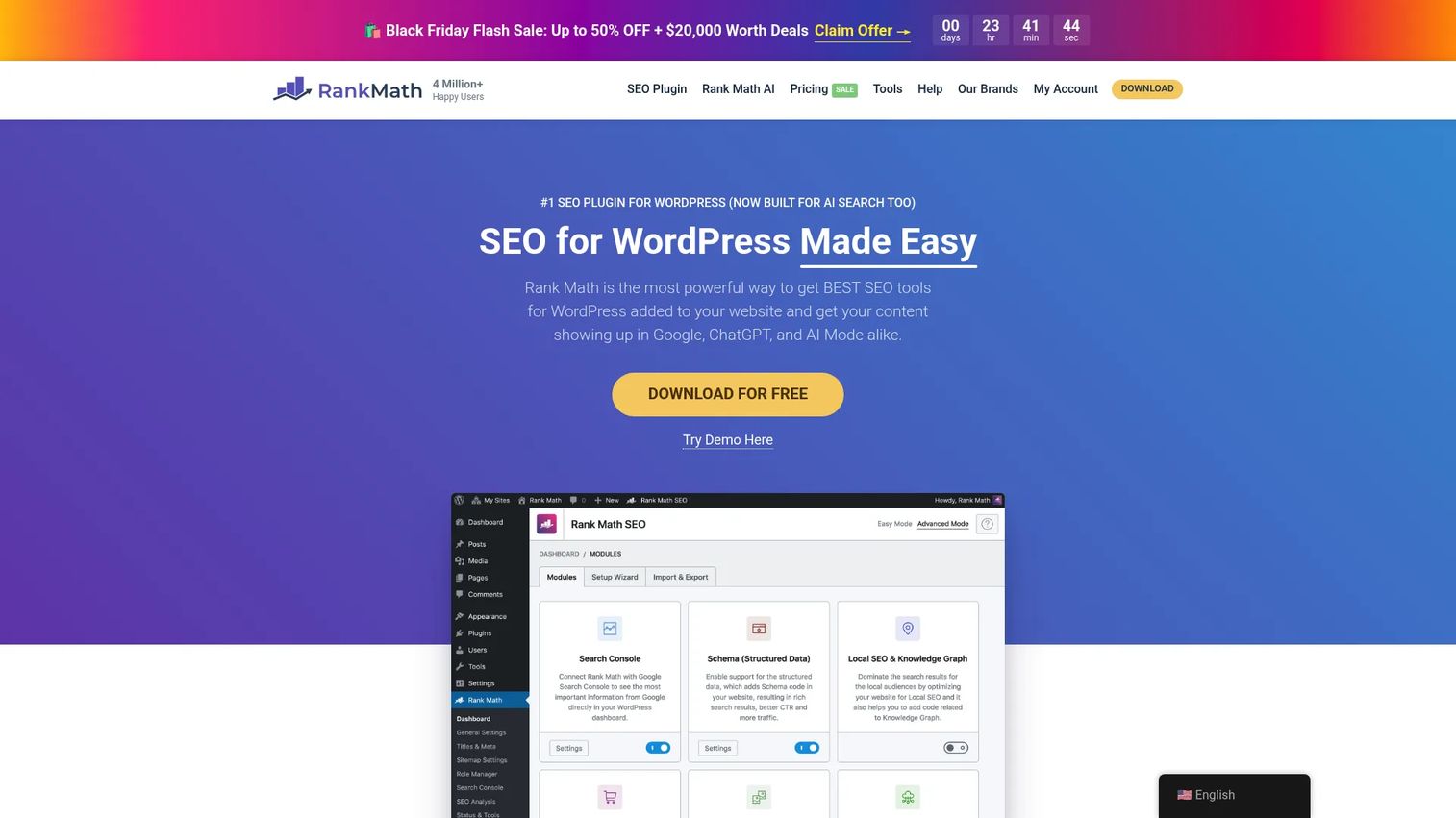
Rank Math combines WordPress structured data with broader SEO controls. It includes schema options alongside rank tracking and site analysis. This makes it relevant to marketers considering consolidation rather than a separate schema-only purchase.
Best for: WordPress teams evaluating schema within a broader optimization toolkit.
Key features
- FAQ and HowTo schema options
- Keyword rank tracking
- Automated SEO sitemaps
- Broken link checking
- AI-assisted internal linking
Assess the plugin against your existing publishing process. Test whether the people maintaining content can also maintain the related structured information.
A schema option’s presence does not establish a current Google search feature. Review the intended outcome separately from the plugin’s available vocabulary.
For budgeting, distinguish a promotional entry price from ongoing costs. Compare the renewal commitment against the tools you expect to replace.
Why choose Rank Math: Choose it when its wider SEO functions match your team’s workload. Evaluate migration and schema ownership before changing an established plugin setup.
Rank Math pricing: A free plugin is available; PRO promotional pricing is €4.99/month, billed annually, excluding VAT. Renewal rates are higher.
G2 rating: 4.7/5.
13. AIOSEO
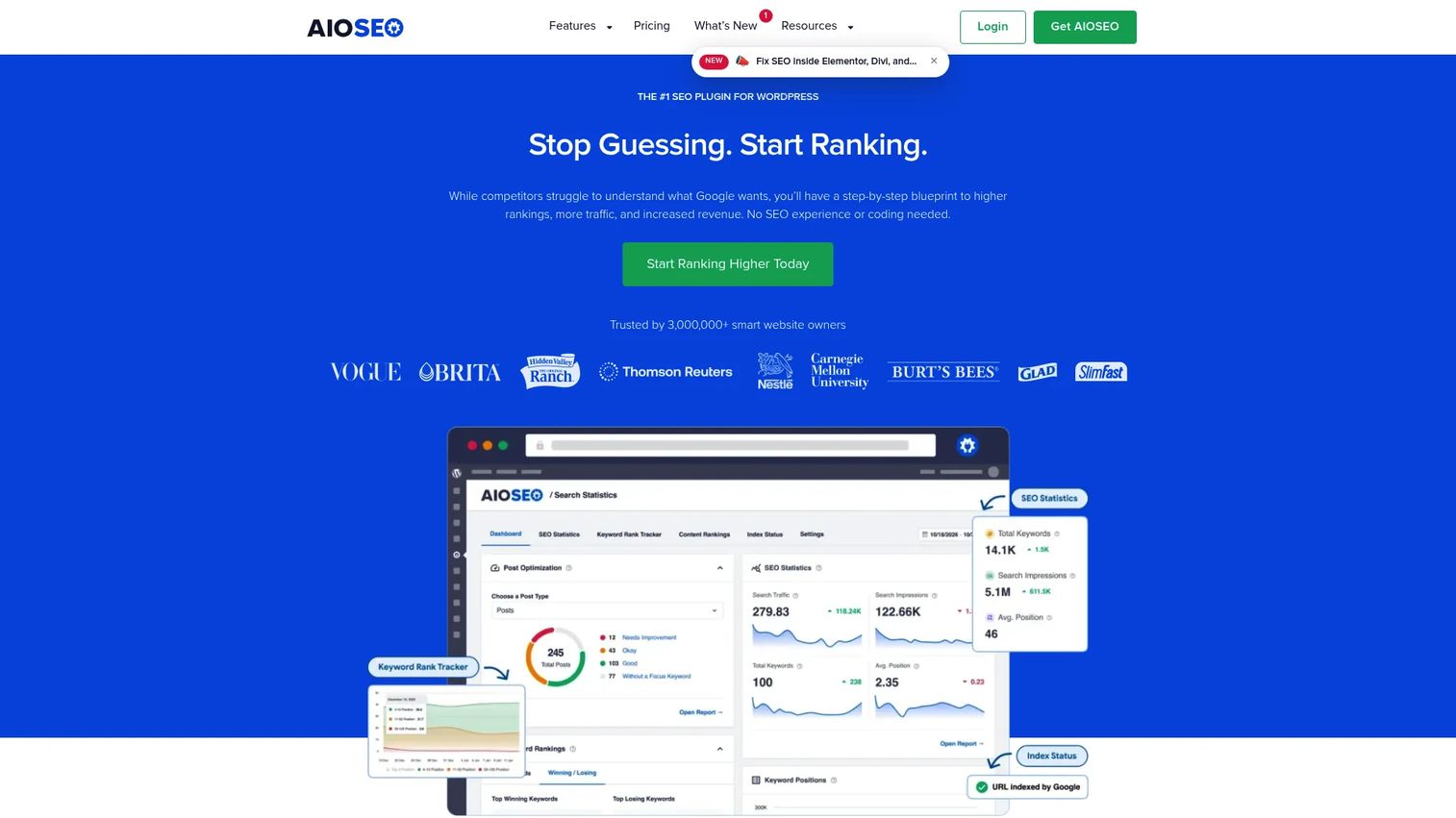
AIOSEO brings schema markup into a WordPress SEO toolkit. Its documented capabilities include local SEO and WooCommerce SEO. Business sites can evaluate it against their broader content and commercial-page requirements.
Best for: WordPress businesses seeking coordinated SEO controls within their CMS.
Key features
- Schema markup tools
- TruSEO on-page analysis
- XML sitemaps
- Local SEO capabilities
- WooCommerce SEO support
Start with the pages closest to revenue. Document the information your team changes regularly and who owns each update.
For a local business, that might mean location details. For a store, focus on keeping the structured information consistent with the product page.
Avoid selecting a plan solely from its introductory price. Consider the number of sites you manage and establish which capabilities your chosen subscription includes.
Why choose AIOSEO: Choose it when local or commerce-related SEO belongs in your WordPress workflow. Assess the complete plugin against your existing tools before adding overlap.
AIOSEO pricing: Basic starts at $49.50/year for one site at introductory pricing. Renewals are charged at full price.
G2 rating: 4.8/5.
Considerations when choosing a schema markup generator
Match markup to visible content
A schema generator tool should describe what visitors can find on the page. If information is missing, update the content before representing it in structured data.
Do not manufacture reviews or add questions solely to populate a template.
Choose an implementation format deliberately
JSON-LD keeps your structured information in a separate script block. Use Microdata when the implementation requires properties attached to HTML.
Agree on the format with your CMS owner before generating production code.
Test code and published URLs
Use Google Rich Results Test for supported search features and Schema.org validator for vocabulary-level checks. Repeat validation after deployment.
A correct snippet still needs to appear correctly on the destination page.
Assign ownership to changing facts
Business hours and product availability need maintenance. Event dates, prices, and recruitment deadlines also deserve explicit review triggers.
Name the person responsible for updates instead of assuming the generator will keep information current.
Measure outcomes without overstating attribution
Track deployment coverage and validation issues first. Then compare relevant search performance against a documented baseline.
Record other changes made during the same period. A traffic increase following schema deployment does not establish that markup caused the improvement.
Choose the workflow before choosing the tool
The best schema markup generator is the one your team can implement and maintain correctly.
For occasional code creation, begin with Merkle or Web Code Tools. SearchBloom deserves attention when your websites require different markup formats.
Schema.dev fits a more technical workflow that connects creation with testing. Schema App addresses enterprise management, where ongoing ownership matters more than copying an individual snippet.
WordPress teams should inspect their existing SEO plugin before buying anything else. Yoast SEO, Rank Math, and AIOSEO all warrant evaluation within that CMS context.
Keep generation separate from approval. Choose a representative page, assemble its facts, and create the appropriate markup. Validate the code, inspect the published URL, then monitor relevant Search Console reporting.
Set a maintenance owner before expanding to additional templates. That decision will matter more over time than which form produced your first JSON-LD script.
FAQs
Merkle is a practical starting point for occasional JSON-LD generation, while SearchBloom suits teams needing JSON-LD and Microdata. WordPress users should evaluate their existing SEO plugin before introducing another tool. Schema App fits enterprise requirements involving ongoing deployment and entity governance. Choose around publishing volume and ownership rather than the longest feature list.
JSON-LD is usually more convenient for marketing workflows because it keeps structured information in a script block. Microdata attaches properties to HTML elements and remains relevant when an implementation requires that format. The practical choice should follow your CMS requirements and maintenance process. Neither format compensates for incorrect information.
No, a rich snippet generator creates structured-data code rather than controlling Google’s results. Valid markup can support eligibility, but Google decides whether an enhancement appears. Treat generation and validation as technical preparation rather than a promise of visibility. Measure search outcomes separately from whether your implementation passes a test.
Begin with types that match existing content, such as Organization, Article, Product, or LocalBusiness. Use a local business schema generator for location details and an article generator for editorial pages. A FAQ schema generator should describe questions and answers visible on the page. A product listing schema generator still requires you to distinguish individual product information from broader listing content.
Submit the prepared code to Google Rich Results Test and Schema.org validator, then review the findings against your intended use case. Correct required-field errors and inspect the represented entities before deployment. After publication, test the URL rather than relying entirely on the earlier snippet result. Keep those results with the implementation record for future troubleshooting.
Yes, when each type accurately describes the page and its related entities. A product page may also contain breadcrumb navigation and organization information. Inspect existing output before adding another generated block, particularly when a CMS plugin already manages structured data. Keep the entities consistent rather than describing the same business differently across separate scripts.
A generator creates markup from information you provide, while a validator examines existing code or a webpage. Google Rich Results Test focuses on supported Google search features. Schema.org validator examines the underlying structured data and syntax. Use both stages, and remember that technical checks do not establish whether every business fact is accurate.
Structured data gives machines explicit information about entities and their relationships. That supports interpretation, but it does not guarantee how an AI assistant will summarize or cite a page. Keep visible content and markup consistent, using accurate identity information rather than speculative claims. Evaluate AI-search visibility separately from schema deployment so your reporting does not confuse implementation with impact.