Your reps send different decks after every call. Champions forward an outdated PDF to finance. And you have no idea which assets actually moved a deal forward. Sound familiar?
The problem isn't effort. It's structure. According to Gartner (2025), 61% of B2B buyers prefer a rep-free buying experience, which means buyers want to explore on their own terms, with the right materials, organized clearly, without chasing a rep for a follow-up email. A good sales portal gives them that.
Which sales portal software gives sellers structure and gives buyers enough context to keep a deal moving?
That's the question this guide answers.
What's inside
- Who this is for: Sales Enablement Managers, RevOps leaders, sales ops, and PMM teams evaluating buyer-facing or seller-facing sales portal software
- How tools were selected: Fit for sales portal use cases, buyer engagement capabilities, content governance, analytics, security, and CRM integrations
- What's covered: Digital sales rooms, sales enablement portals, demo centers, CRM-connected portals, and proposal-led deal rooms
- What's not the focus: Standalone client portals and standalone partner portals as separate categories
TL;DR
- Best for interactive buyer experiences: Guideflow gives buyers a branded Demo Center with interactive demos, sandboxes, live demos, and mobile demos to explore product value inside a sales portal motion
- Best for buyer-facing deal rooms: Dock, with strong templates, order forms, and engagement tracking
- Best for enablement content governance: Highspot or Seismic, for governed content libraries and rep readiness
- Best for CRM-native teams: HubSpot for mid-market, Salesforce for enterprise
- Best for proposal-led portals: GetAccept or DealHub, for quote-to-signature workflows
- Best lightweight option: Trumpet, for fast buyer-facing pods without an enterprise enablement rollout
What is sales portal software?
Sales portal software is a buyer-facing or seller-facing workspace that organizes sales content, deal resources, next steps, stakeholder collaboration, and engagement data in one secure location.
The category spans several subtypes, each serving a different part of the sales motion:
Buyer-facing portals include digital sales rooms, deal rooms, and mutual action plan tools. These give champions a clean link to forward to finance, security, or procurement, with organized collateral and clear next steps.
Seller-facing portals include sales enablement content hubs, playbooks, and training resources. These help reps find the right asset at the right deal stage without digging through shared drives or Slack threads.
CRM-connected portals sit inside or alongside your CRM, connecting deal records, proposals, documents, and pipeline workflows in one place.
Demo-led portals are product exploration hubs where prospects experience the product through interactive demos, sandboxes, and guided product stories, rather than reading static files.
Key capabilities to look for
- Branded buyer-facing workspace
- Sales collateral library with version control
- Mutual action plans with assignable tasks
- Secure document sharing and access controls
- Buyer engagement analytics and stakeholder tracking
- CRM integrations
- Role-based access and link expiration
- Content governance and ownership workflows
- Proposal, quote, and order-form support
- Interactive product experiences embedded in the portal
Sales portal vs digital sales room
A digital sales room is typically a buyer-facing subtype of sales portal software. A sales enablement portal can be internal. A demo center is a product-exploration hub that supports the portal experience. The terms overlap, but the buying decision comes down to where the workflow breaks: Internal content governance, buyer collaboration, or product proof.
When to use sales portal software
Standardize follow-up after every meeting
Reps default to attaching five files in a follow-up email because there's no structured alternative. A sales portal replaces that with one branded link, pulling from approved, version-controlled assets. For Sales Enablement Managers, this closes the gap between the content you produce and what reps actually send.
Help champions sell internally
A buying committee rarely decides together. The champion needs to share the right material with finance, operations, security, and an executive who skipped every call. A portal gives them one link with organized resources per stakeholder. When buyers need to experience the product, static files aren't enough. Portals that include interactive product proof give champions something their colleagues can actually click through.
Measure buyer engagement beyond meetings
Meeting attendance tells you nothing about which content moved a decision. Portals with engagement analytics surface asset views, demo completion rates, stakeholder activity, and mutual action plan progress. For Sales Enablement Managers tracking what's working, that's a signal worth more than a CRM stage update.
Sales portal software comparison
The 13 tools below cover the full range of the category, from lightweight digital sales rooms to enterprise enablement platforms. Tools are sorted by relevance to core sales portal use cases. Pricing and G2 ratings were verified at time of writing.
| # | Product | Best for | Key differentiator | Pricing | G2 rating |
|---|---|---|---|---|---|
| 1 | Aligned | Buyer-facing sales rooms | Mutual action plans and AI deal workspace | Free; paid from $35/seat/mo | 4.6/5 |
| 2 | Dock | Deal rooms and buyer enablement | Portal templates, order forms, and engagement tracking | Free; paid from $350/mo | 4.6/5 |
| 3 | Revspire | Sales enablement and digital sales rooms | Governed content, AI playbooks, and deal rooms | From $39.99/user/mo | N/A |
| 4 | HubSpot | CRM-native portal workflows | CRM, documents, quotes, and automation in one stack | Free; paid from $7/seat/mo | 4.4/5 |
| 5 | Guideflow | Interactive buyer experiences | Demo Centers with interactive demos, sandboxes, live demos, and mobile demos | Free; paid from $35/mo | 5.0/5 |
| 6 | Salesforce | Enterprise CRM-connected portals | Sales Cloud, Experience Cloud, and CRM data depth | From $25/user/mo | 4.4/5 |
| 7 | Highspot | Sales enablement content governance | Content management, training, guidance, and analytics | Custom pricing | 4.7/5 |
| 8 | Showpad | Sales content and coaching | Content libraries, readiness, and buyer engagement | Custom pricing | 4.6/5 |
| 9 | Seismic | Enterprise sales enablement portals | Content automation, enablement governance, and personalization | Custom pricing | 4.6/5 |
| 10 | GetAccept | Proposal-led sales rooms | Deal rooms with proposals, contracts, and e-signature | From $25/user/mo | 4.6/5 |
| 11 | Trumpet | Lightweight digital sales rooms | Pods for follow-up, mutual plans, and buyer engagement | Free; paid from $45/user/mo | 4.7/5 |
| 12 | DealHub | CPQ-led sales portals | Quotes, contracts, deal rooms, and subscription management | Custom pricing | N/A |
| 13 | The Sales Portal | Sales team training portal | Training access and sales team resources | Contact vendor | N/A |
Best 13 sales portal software tools for 2026
1. Aligned
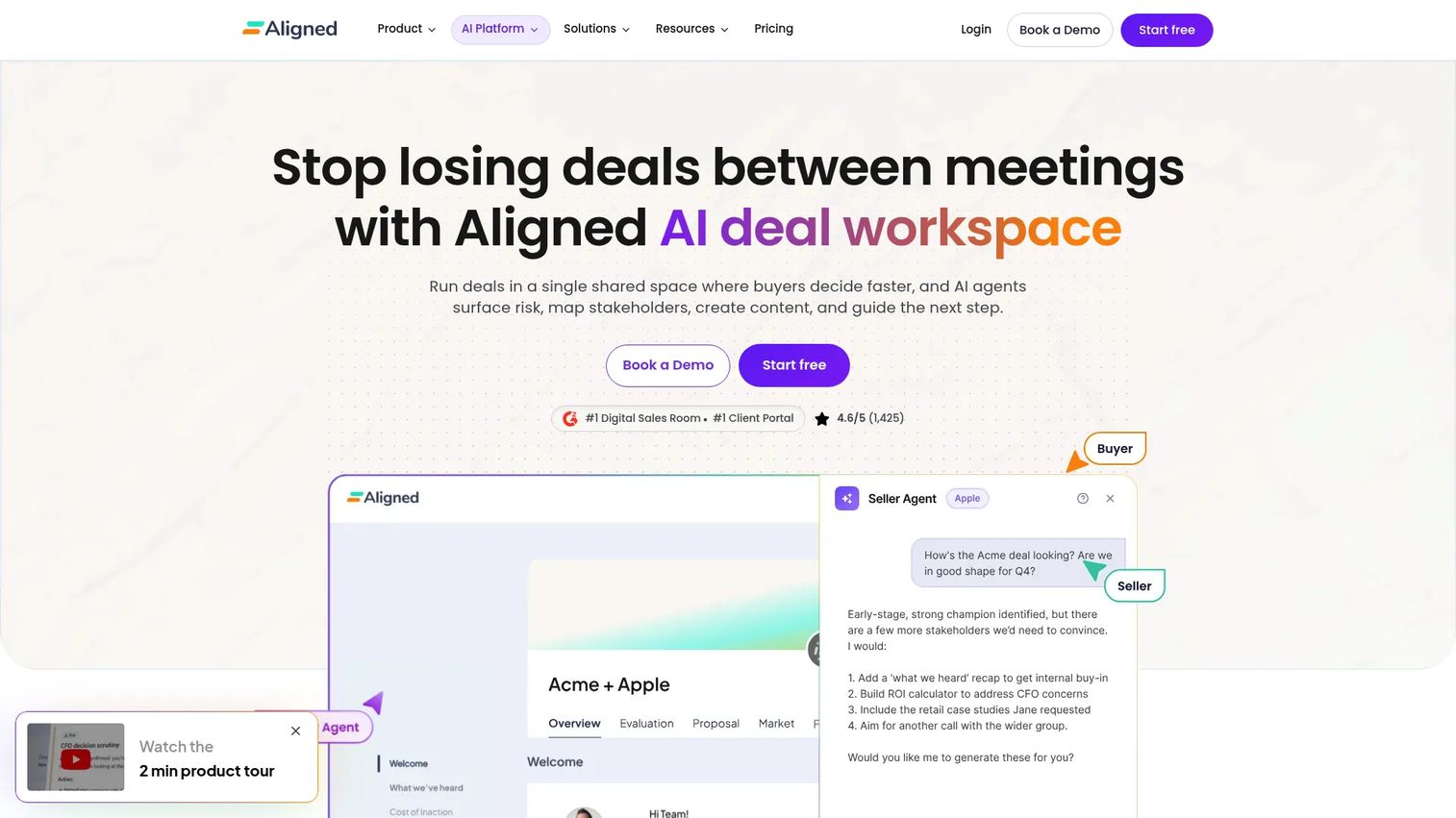
Aligned is an AI deal workspace that combines digital sales rooms, buyer collaboration, mutual action plans, and customer success workflows in one shared space. Revenue teams use it to replace scattered follow-up links with a structured buyer experience that tracks stakeholder activity and deal progress. The platform includes AI agents that can help sellers build out rooms, answer buyer questions, and generate content.
Best for: B2B sales and customer success teams managing complex, multi-stakeholder deals.
Key features
- Mutual action plans with tasks, owners, and due dates
- Digital sales rooms with shared content and buyer collaboration
- AI agents for seller assistance and deal building
- Buyer stakeholder tracking
- CRM integrations
Why choose Aligned: Aligned excels when deal complexity requires structured buyer collaboration and clear next steps. It's a strong pick for teams replacing ad hoc follow-up with a repeatable sales process.
Aligned pricing: Free Starter plan available. Basic runs $35 per seat per month (or $29 billed annually). Pro is $60 per seat per month (or $49 annually). Enterprise requires a sales conversation.
G2 rating: 4.6/5
2. Dock
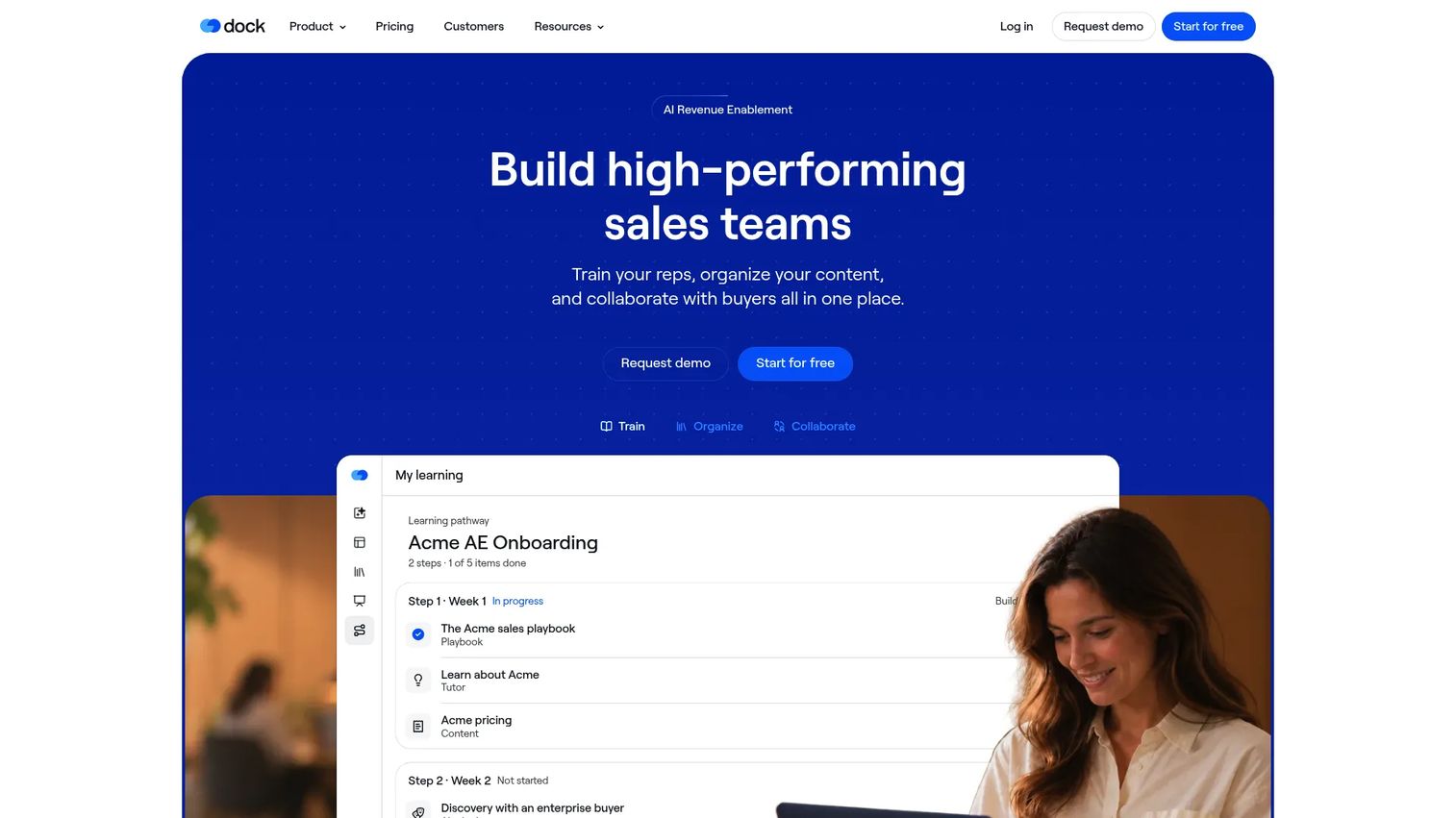
Dock is an AI revenue enablement platform built around shared customer workspaces for sales, onboarding, and renewals. It gives revenue teams a structured buyer-facing deal room, complete with templates, order forms, mutual action plans, and engagement tracking. Dock also supports customer onboarding plans with tasks, milestones, and embedded content, making it useful across the full post-sale lifecycle.
Best for: Revenue teams that need standardized buyer-facing deal rooms with templates and order-form support.
Key features
- Sales portal templates for fast deal room creation
- Mutual action plans with milestone tracking
- Order forms and CRM-integrated order forms
- Buyer engagement analytics
- Integrations with Salesforce, HubSpot, and Slack
Why choose Dock: Dock is strongest for teams that want repeatable, structured follow-up without building every deal room from scratch. Its template library accelerates standardization, and the post-sale handoff capability means CS teams can use the same workspace that closed the deal.
Dock pricing: Free plan includes 10 workspaces and core features. Standard starts at $350 per month (5 users included). Premium runs $1,000 per month billed annually (10 users). Enterprise uses a custom annual contract.
G2 rating: 4.6/5
3. Revspire
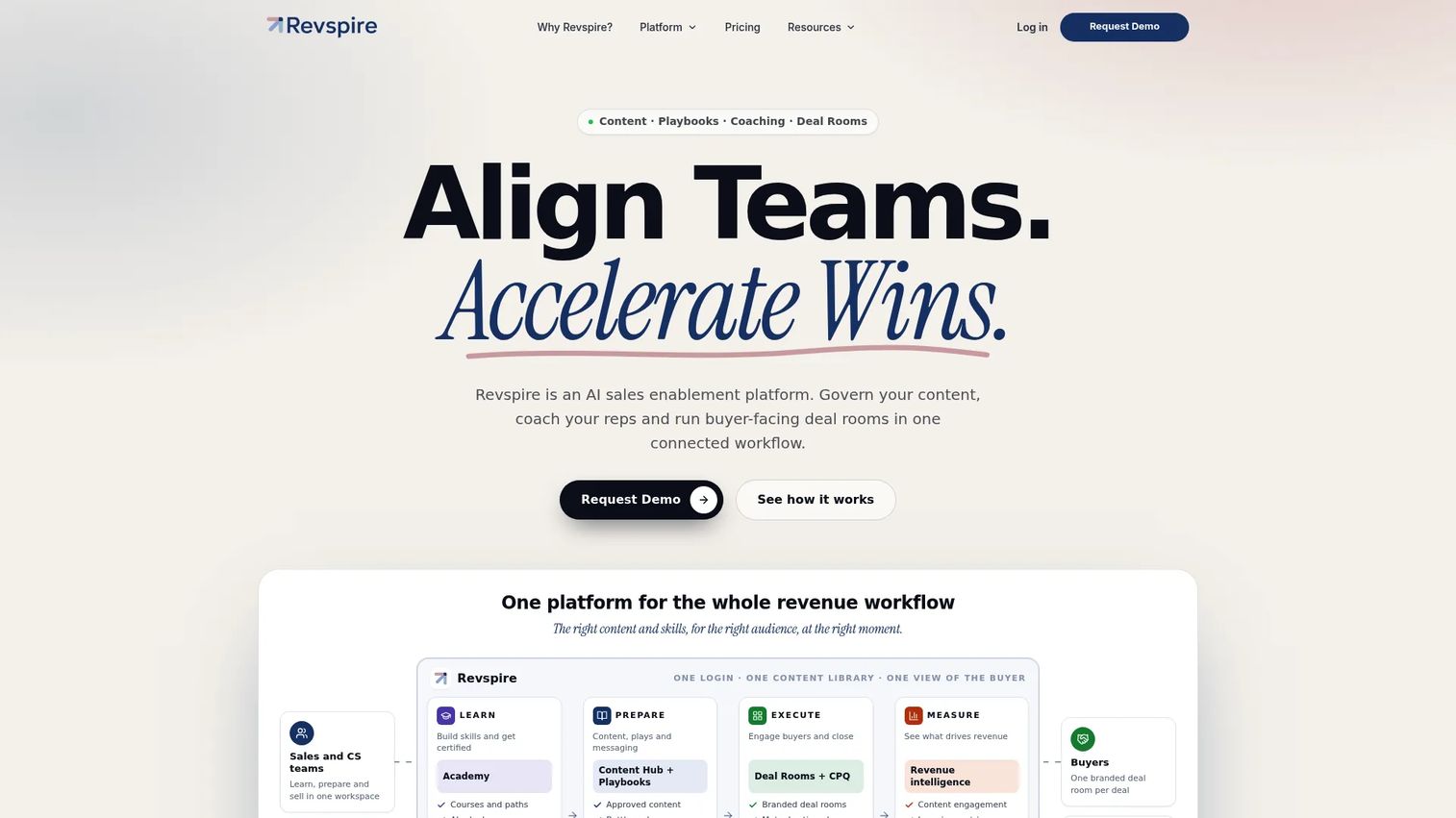
Revspire is an AI sales enablement platform combining governed content management, AI-powered playbooks, coaching tools, and buyer-facing digital sales rooms. Its semantic search and CRM content recommendations help reps find the right asset without digging through folders. Revspire also includes an AI playbook engine for battlecards, objection handling, and win/loss analysis, making it relevant for teams with both internal enablement and external buyer-facing portal needs.
Best for: Teams that need governed content, AI playbooks, and buyer-facing digital sales rooms in one platform.
Key features
- Governed content hub with semantic search and versioning
- AI playbook engine for battlecards and objection plays
- Digital sales rooms with buyer engagement analytics
- Mutual action workflows
- CRM content recommendations
Why choose Revspire: Revspire performs best when sales enablement and buyer collaboration need to run from the same system. The AI playbook capabilities make it useful for teams operationalizing competitive readiness alongside their portal motion.
Revspire pricing: Launch Suite starts at $39.99 per user per month. Elevate Suite is $79.99 per user per month. Spark Suite uses custom pricing. E-signature and advanced CPQ are available as add-ons.
4. HubSpot
HubSpot is a customer platform spanning marketing, sales, service, and CRM. For sales portal use cases, the Sales Hub covers deal records, sales documents, quotes, meeting scheduling, email tracking, and automation. Many teams use HubSpot as the CRM-connected base for seller resources and buyer follow-up, particularly when reps are already living in the platform. It's not a standalone digital sales room, but it covers a wide range of portal-adjacent workflows natively.
Best for: SMB and mid-market teams that want CRM, sales content, and automation under one roof.
Key features
- CRM deal records with pipeline management
- Sales documents and document tracking
- Quotes and meeting scheduling
- Email tracking and sequences
- AI-powered sales features
Why choose HubSpot: HubSpot fits teams where portal adoption depends on reps already using the CRM. If your team lives in HubSpot, the friction of adopting a separate portal tool disappears.
HubSpot pricing: Free CRM available. Starter runs $7 per seat per month (monthly billing). Professional is $1,300 per month (monthly). Enterprise starts at $4,700 per month.
G2 rating: 4.4/5
5. Guideflow
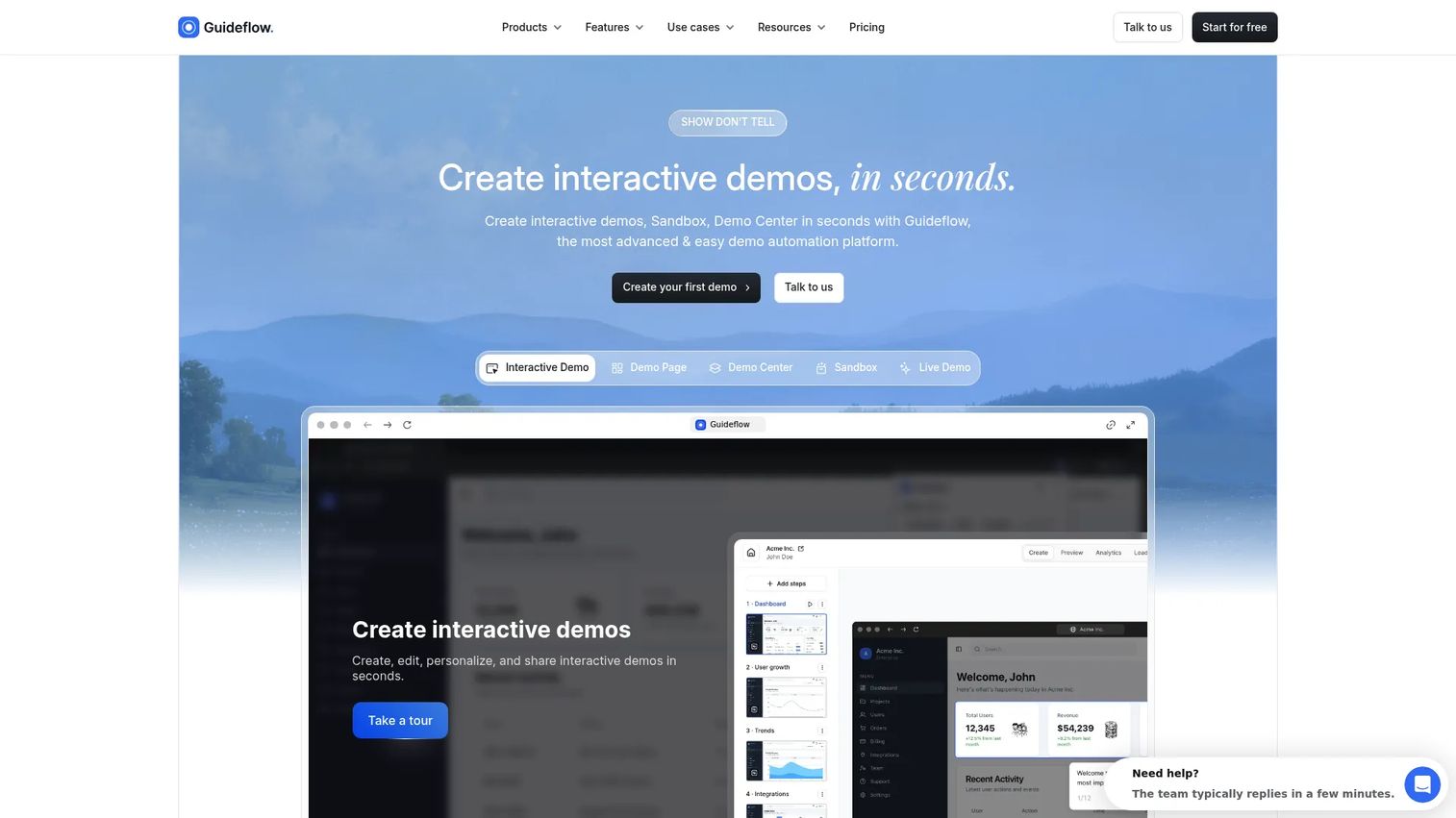
Guideflow is a demo automation platform that sits inside a sales portal motion as the interactive product experience layer. Portal tools give the rep a place to organize the deal. Guideflow gives the buyer something to do once they're there. The Demo Center acts as a branded hub where all demos live in one destination, organized by product, persona, or use case, so buyers can self-educate without waiting on a rep.
Guideflow's five demo formats cover different buyer moments: interactive demos guide buyers through a curated product story; sandboxes give users full freedom to explore workflows on their own terms; live demos add the human element for presenter-led conversations; and mobile demos meet buyers on phones and tablets. Analytics track impressions, completion rate, leads collected through forms or personalized links, and conversion. Visitor identification works at the company level, with individual identification when a viewer submits an in-demo form or uses a personalized link.
Best for: Sales enablement and GTM teams that need interactive product proof inside a sales portal motion, alongside deal rooms and content.
Key features
- Demo Center: Branded, self-serve demo hub
- Interactive demos for guided product stories
- Sandboxes for open product exploration
- Live demos for presenter-led conversations
- Mobile demos for phone and tablet experiences
- Analytics: Impressions, completion rate, leads collected, conversion
Why choose Guideflow: When buyers need to experience the product, not just read about it, Guideflow converts a static portal into an interactive product environment. Sales enablement teams use it to give champions something that travels well internally, a branded demo hub a finance lead or technical evaluator can explore independently, without scheduling another call.
Guideflow pricing: Free plan available. Solo is $35 per month (annual) or $40 per month (monthly). Growth is $499 per month (annual) or $599 per month (monthly). Advanced is $1,499 per month (annual) or $1,799 per month (monthly). Enterprise pricing requires a conversation.
G2 rating: 5.0/5
Start your journey with Guideflow today!
6. Salesforce
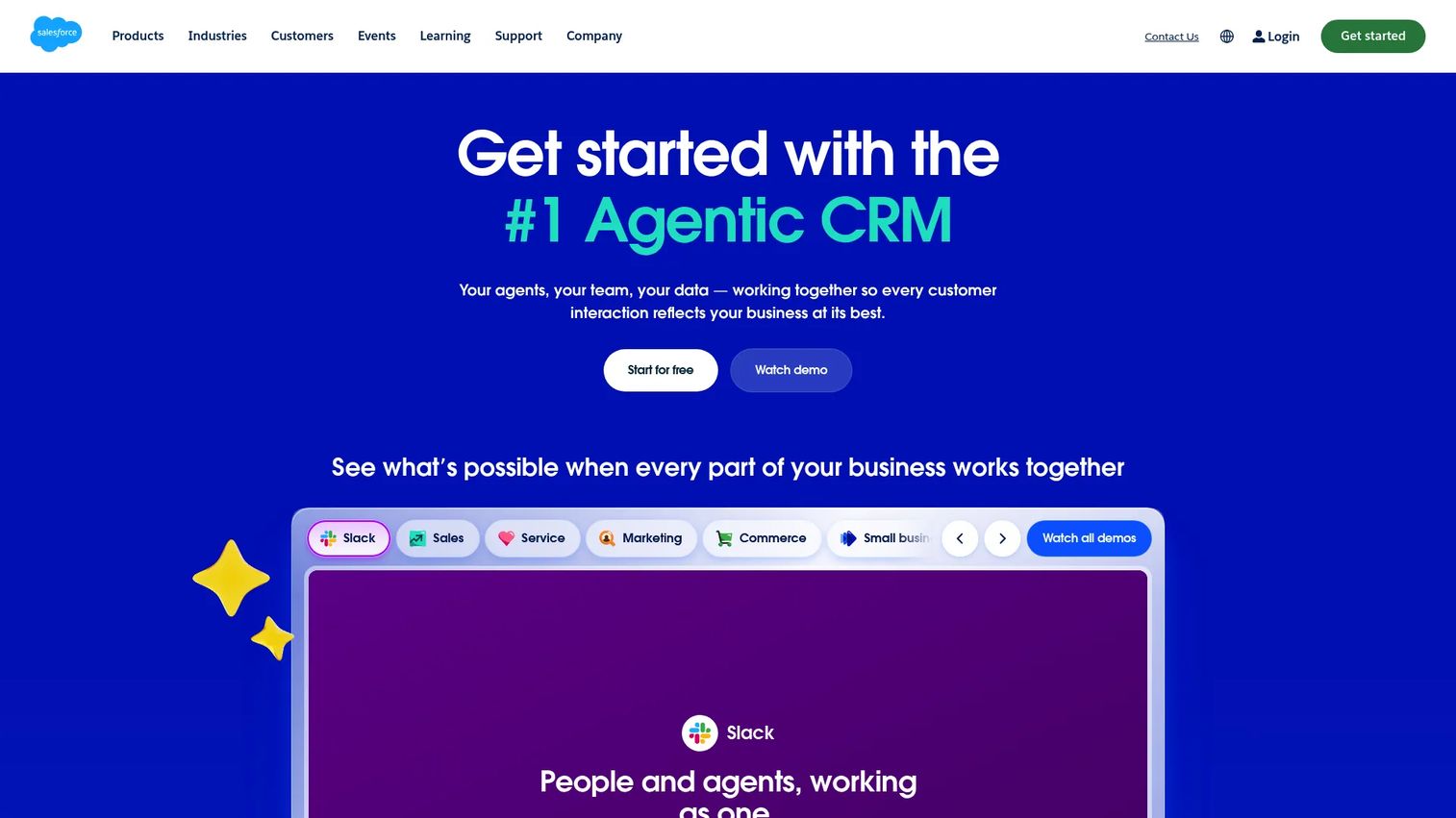
Salesforce is enterprise CRM infrastructure that supports sales portal workflows through Sales Cloud, Experience Cloud, content management, and revenue automation. Teams use it to manage deal records, pipeline approvals, partner or customer-facing access, and reporting inside a tightly governed data environment. The AppExchange extends core functionality with hundreds of third-party integrations. Implementation typically requires admin and RevOps involvement.
Best for: Enterprise teams that need sales portal workflows connected to CRM data, permissions, and revenue reporting.
Key features
- Sales Cloud for pipeline and deal management
- Experience Cloud for external portals and community access
- CRM-based permissions and role management
- Revenue workflows and approval automation
- AppExchange ecosystem for extensions
Why choose Salesforce: Salesforce makes sense when portal access, CRM records, approvals, and analytics need to live in the same governed environment. It's the strongest fit for organizations where RevOps owns the data layer and IT must approve access controls.
Salesforce pricing: Free Suite available. Starter Suite is $25 per user per month. Pro Suite is $100 per user per month (billed annually). Core is $195 per user per month (annual). Advanced is $395 per user per month (annual). Max is $550 per user per month (annual).
G2 rating: 4.4/5
7. Highspot
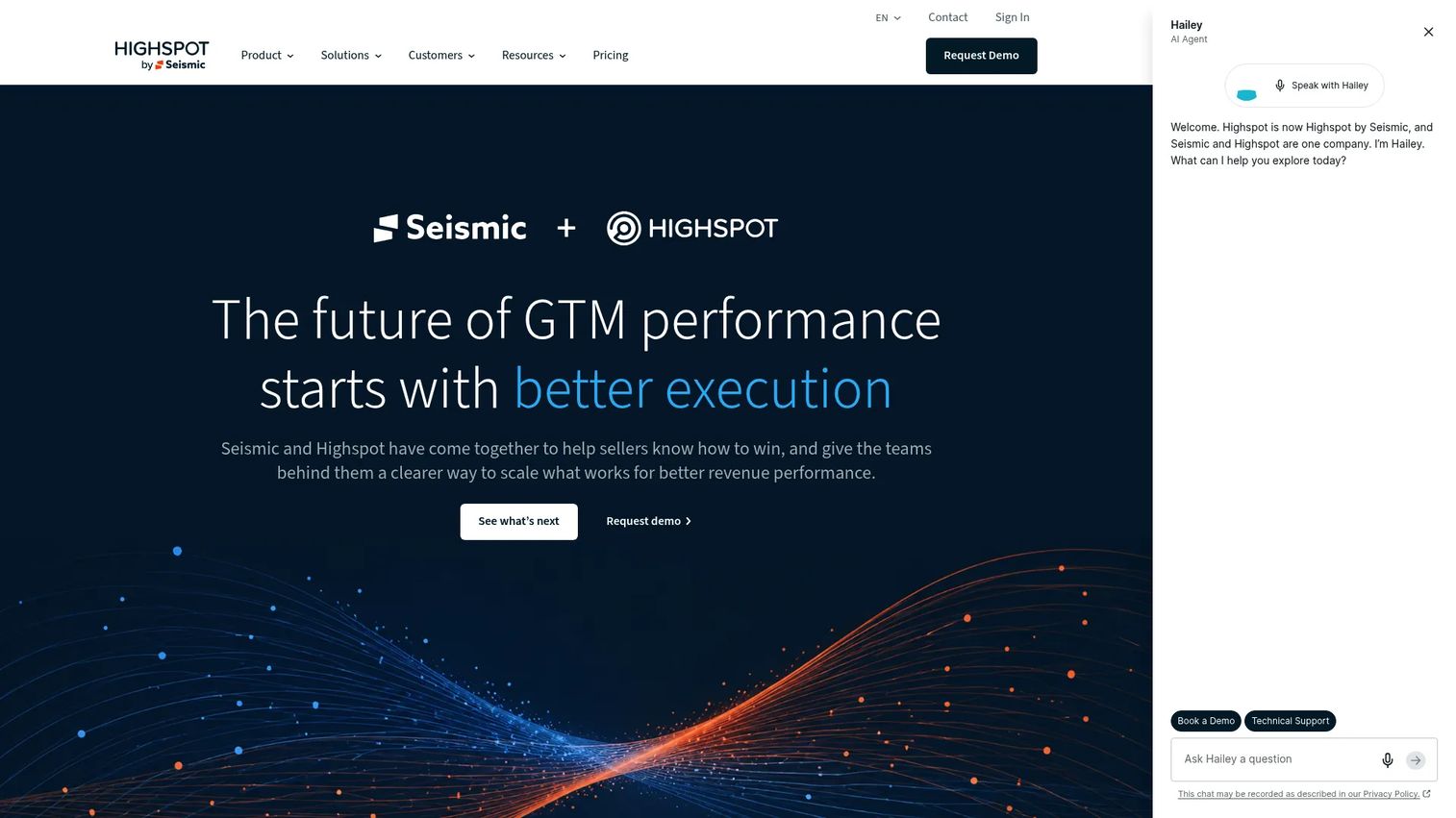
Highspot is an AI-powered go-to-market enablement platform covering sales content management, training, deal execution, coaching, and analytics. For Sales Enablement Managers, its core value is content governance: AI-powered search and recommendations, version control, sales playbooks, and usage analytics that show which assets reps actually open. It also includes digital sales rooms and meeting intelligence. Highspot currently operates as Highspot by Seismic in some product contexts.
Best for: Enterprise go-to-market teams that need governed content, rep training, and buyer engagement in one platform.
Key features
- AI-powered content organization, search, and governance
- Sales plays and digital sales rooms
- Adaptive learning and AI-assisted Role Play
- Meeting intelligence and coaching analytics
- Integrations with Salesforce, Microsoft, Slack, and Salesloft
Why choose Highspot: Highspot is the right call when content chaos is the primary problem. If reps send outdated decks because they can't find the current version, Highspot's governance and recommendation engine addresses that at scale.
Highspot pricing: Three packages: Equip and engage, Train and practice, and Coach and reinforce. All plans require a sales conversation for pricing. Contact Highspot directly to get a quote for your team size and requirements.
G2 rating: 4.7/5
8. Showpad
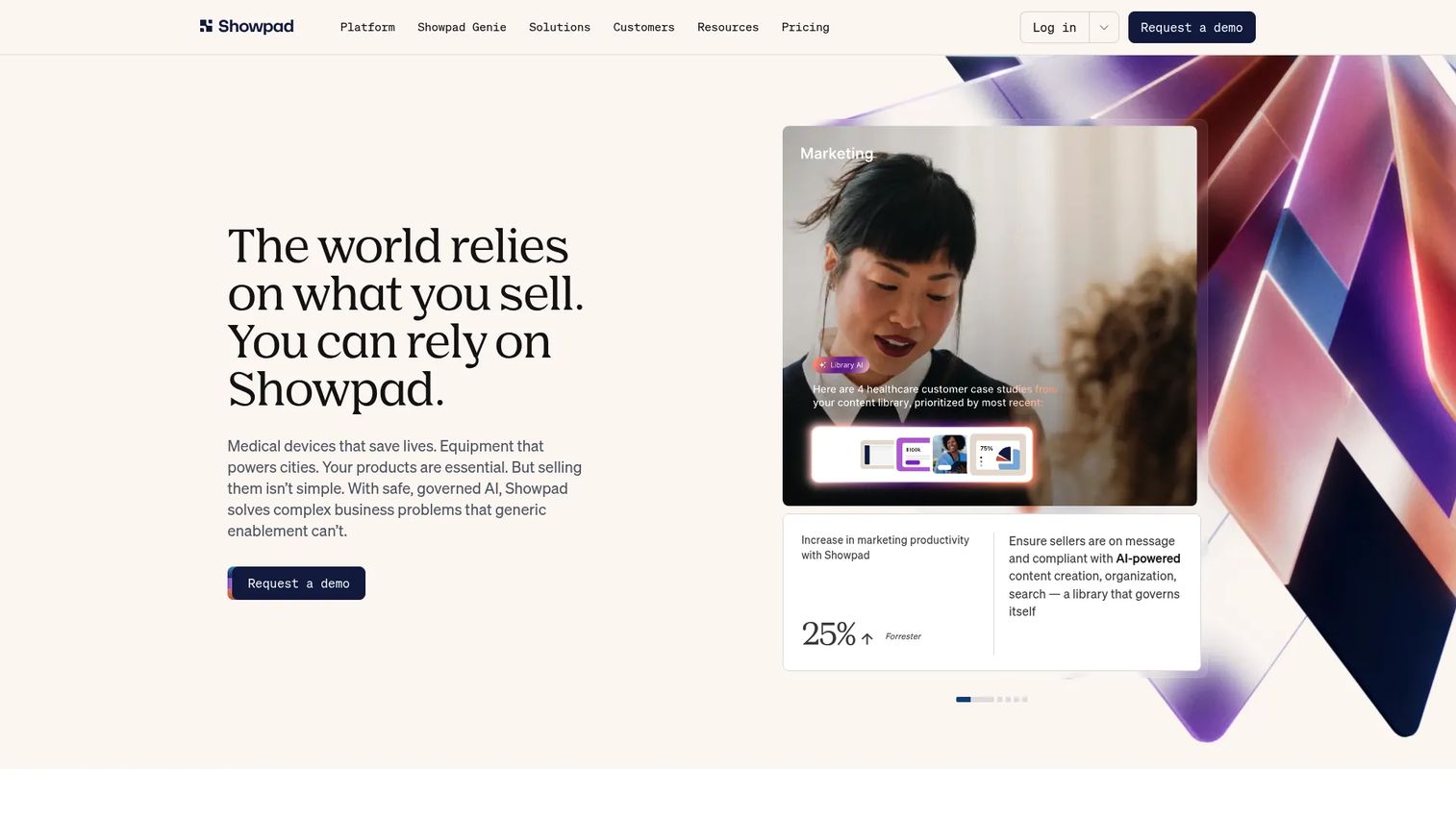
Showpad is a revenue effectiveness platform combining content management, sales readiness, buyer engagement, and analytics. Reps get a content library with AI-powered recommendations; buyers get shared spaces with curated assets; and enablement managers get a report builder and dashboard tools to track what's working. Showpad's coaching features, including roleplay AI and certifications, make it relevant for teams running both content and readiness programs.
Best for: Enablement teams that need content delivery and seller training built into the same motion.
Key features
- Content libraries and advanced buyer-facing experiences
- Sales readiness with courses, roleplay AI, and certifications
- Buyer engagement through shared spaces
- Analytics with dashboards and AI insights
- 3D and AR asset hosting for product marketing
Why choose Showpad: Showpad fits teams where Sales Enablement owns both content adoption and seller readiness. If you need a platform your PMM team fills with content and your reps use for training and deal follow-up, Showpad covers both without requiring two separate tools.
Showpad pricing: Professional, Advanced, and Expert plans are available. All pricing requires a quote. Contact Showpad's sales team for details on per-user rates and package inclusions.
G2 rating: 4.6/5
9. Seismic
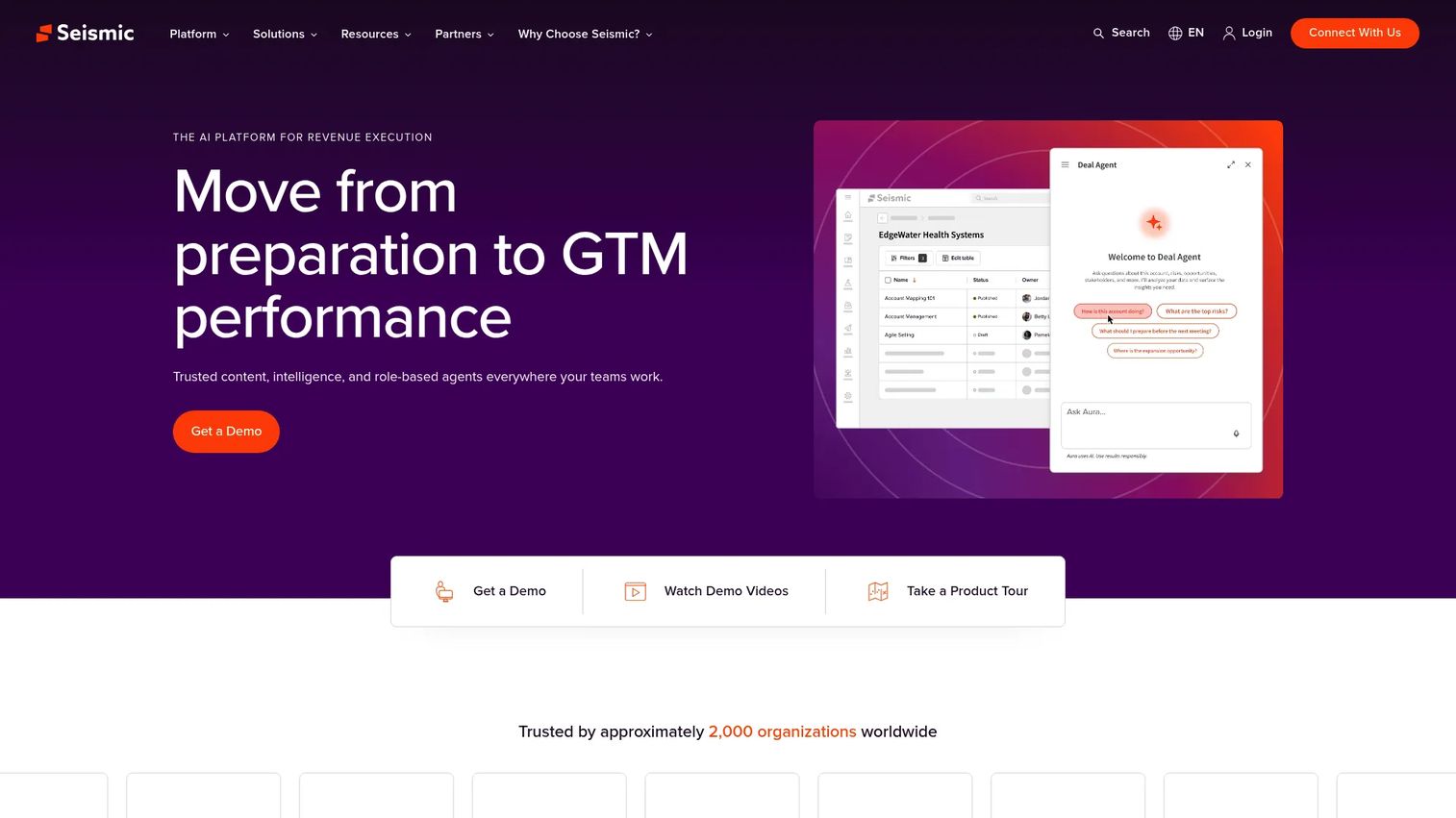
Seismic is an AI-powered enterprise sales enablement platform built around content management, training, buyer engagement, and performance analytics. Its AI engine (Aura) powers search, content recommendations, and answers across large asset libraries. Seismic also includes digital sales rooms, learning and onboarding paths, and enablement intelligence dashboards. The platform is designed for organizations with large content libraries, compliance requirements, and multi-region enablement needs.
Best for: Large enterprise enablement teams managing content at scale across regions or product lines.
Key features
- Content management and AI-powered search with Aura
- Sales playbooks and templates
- Learning, onboarding, and coaching
- Digital Sales Rooms and buyer engagement
- Enablement analytics and program intelligence
Why choose Seismic: Seismic performs best when content volume, governance, and compliance are non-negotiable. If your enablement team maintains thousands of assets across multiple geographies, Seismic's automation and analytics infrastructure is built for that scale. Smaller teams may find it more platform than they need.
Seismic pricing: Essential, Advanced, and Ultimate packages are available. Request a quote directly from the vendor for a configuration matched to your team size and requirements.
G2 rating: 4.6/5
10. GetAccept
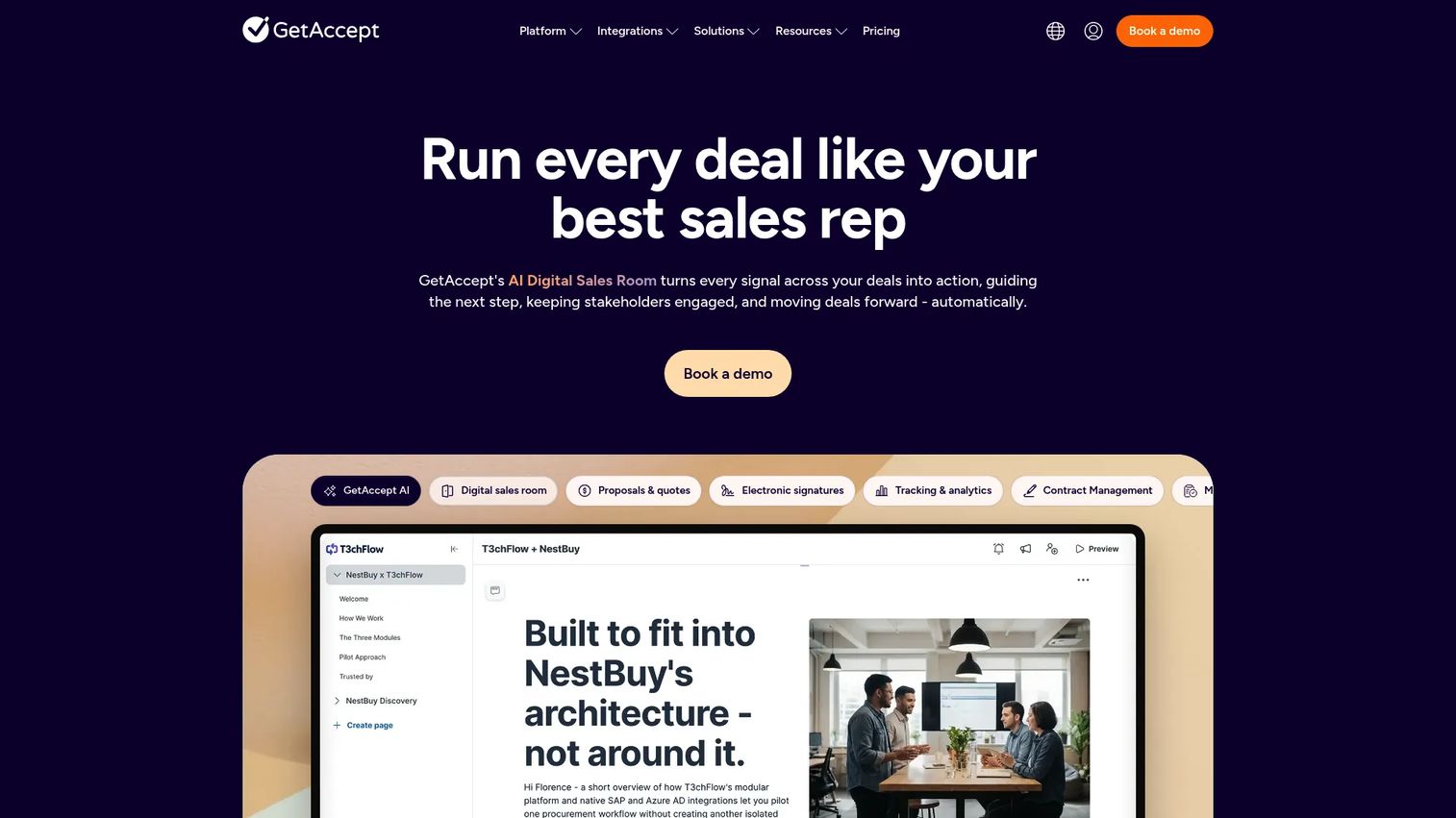
GetAccept is a digital sales room platform combining e-signature, proposals, contract management, document tracking, and buyer collaboration. Sales teams use it to move from initial proposal to signed agreement inside one buyer-facing workspace, without toggling between a document tool and a signature platform. The Professional plan adds AI, digital sales rooms, and CRM integrations. The Enterprise plan includes CPQ, an unlimited product library, and unlimited active rooms.
Best for: Sales teams where the portal's main job is moving from proposal to signed agreement efficiently.
Key features
- Digital sales rooms with buyer collaboration
- Electronic signatures and contract management
- AI editor and smart content
- Pricing tables and product library
- Document tracking and engagement analytics
Why choose GetAccept: GetAccept fits late-stage deal work. If your biggest friction point is the gap between verbal agreement and signed contract, the combination of proposals, e-signature, and engagement analytics in one buyer-facing room addresses it directly. A 14-day free trial is available.
GetAccept pricing: eSign plan starts at $25 per user per month. Professional is $49 per user per month (billed annually, minimum 5 users). Enterprise requires a sales conversation.
G2 rating: 4.6/5
11. Trumpet
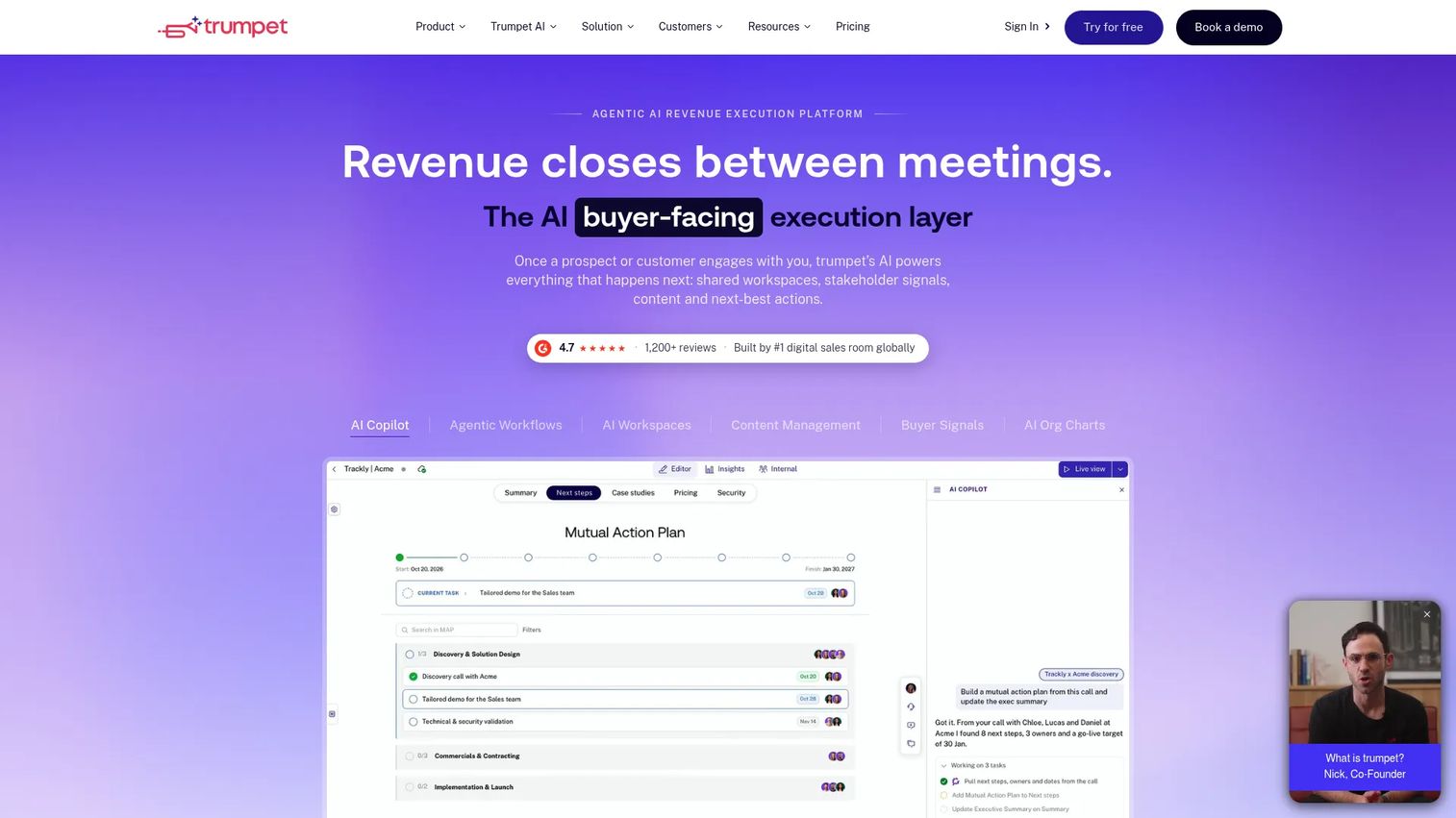
Trumpet is an AI-powered buyer-facing execution platform centered on personalized digital sales rooms called Pods. Each Pod functions as a micro-portal for a specific deal or account, complete with mutual action plans, shared content, proposals, and buyer analytics. Teams use Trumpet to send structured follow-up without an enterprise rollout. The Scale plan adds e-signature, proposals, and AI content tools. The Elite plan adds AI Copilot, agentic workflows, SSO, and custom domains.
Best for: Teams that want fast, buyer-facing deal rooms for sales follow-up without a full enablement platform.
Key features
- Personalized digital sales rooms (Pods) per deal
- Mutual action plans with live collaboration
- Buyer engagement analytics and AI insights
- Proposals, quotes, and e-signature (Scale and above)
- CRM sync and 70+ integrations
Why choose Trumpet: Trumpet excels when the team needs quick, personalized buyer rooms for specific opportunities without committing to an enterprise enablement platform. The free plan (10 Pods) lets individual reps try it before a broader rollout.
Trumpet pricing: Free plan includes 10 Pods with unlimited users. Pro is $45 per user per month ($450 annually). Scale is $100 per user per month ($1,000 annually). Elite is $160 per user per month ($1,600 annually).
G2 rating: 4.7/5
12. DealHub
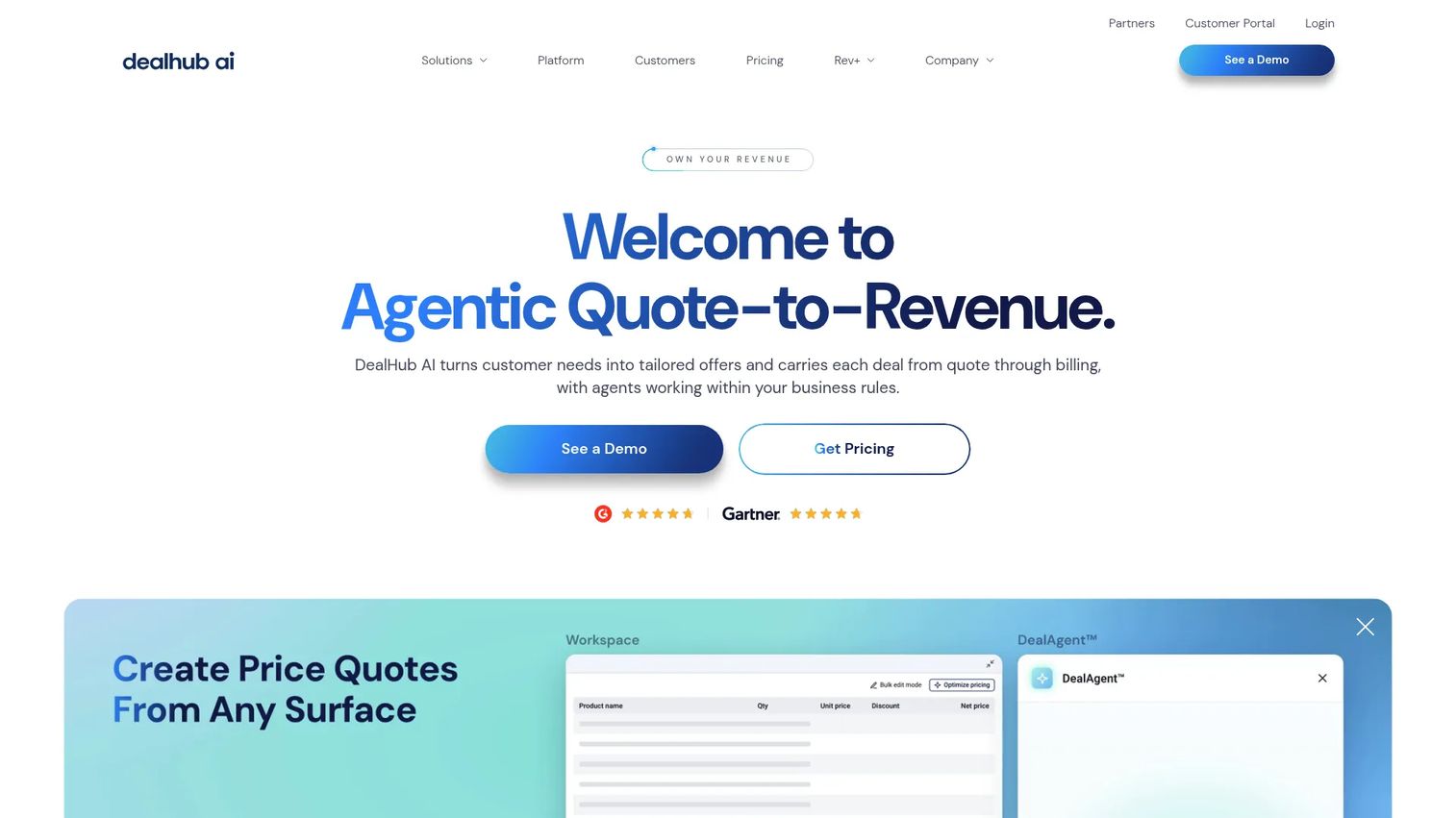
DealHub is an agentic quote-to-revenue platform connecting CPQ, contract lifecycle management, deal room collaboration, subscription management, and billing. For revenue teams where pricing and approval workflows are central to the sales process, DealHub brings guided selling, dynamic bundles, negotiation workflows, and buyer-facing deal rooms into one connected system. The DealRoom feature includes buyer-seller collaboration, buyer intent signals, contract collaboration, and built-in e-signature.
Best for: Revenue teams that need sales portals connected to CPQ, contract workflows, and subscription management.
Key features
- CPQ with guided selling and approval workflows
- Contract lifecycle management with clause management
- DealRoom with buyer collaboration and e-signature
- Subscription and billing automation
- AI conversational quoting and revenue analytics
Why choose DealHub: DealHub is a better fit for process-heavy revenue teams than for content-only portal use cases. When pricing complexity, contract negotiation, and subscription management drive the sales cycle, connecting those workflows to a buyer-facing deal room removes handoff friction between RevOps and the field.
DealHub pricing: Growth and Scale plans are available. Contact their sales team to get a quote matched to your CPQ and revenue workflow requirements.
13. The Sales Portal
The Sales Portal is a platform for managing, training, and equipping sales teams. It covers sales tracking, performance metrics, training and certification, and centralized sales resources, making it more of an internal sales team resource hub than a buyer-facing digital sales room. If your primary need is a simple internal portal for training access and team management, The Sales Portal fits that scope.
Best for: Sales management teams that need a lightweight internal resource and training portal, rather than a full buyer-facing deal room.
Key features
- Sales team training, certification, and upskilling
- Sales tracking and performance metrics
- Sales resources and marketing materials access
- User onboarding for sales teams
- Simple portal login
Why choose The Sales Portal: Choose this when the goal is internal sales team access to training and resources, not buyer-facing collaboration. Teams evaluating digital sales rooms or buyer engagement tools will likely need a tool higher in this list.
The Sales Portal pricing: Contact the vendor directly for pricing.
Considerations when choosing sales portal software
Start with the portal's primary job
Some tools are deal rooms, others are internal enablement portals, and others are CRM workspaces or demo-led experiences. Before evaluating features, name the workflow that's breaking today. A team fixing post-meeting follow-up has different needs than a team fixing content chaos or rep readiness.
Check content governance and ownership
Version control, approval workflows, asset expiration, and assigned content owners determine whether the portal stays current six months after launch. Outdated collateral forwarded to a finance lead damages credibility at exactly the wrong moment in a deal. Evaluate whether the tool supports quarterly content audits and clear ownership without manual effort.
Measure buyer behavior, not just rep activity
Asset views and CRM stage updates don't tell you whether a champion actually shared the deck with their VP or whether a technical evaluator spent 20 minutes on your security documentation. Look for tools that surface stakeholder activity, demo completion rates, mutual action plan progress, and conversion, not just document opens.
Validate security and access controls
Buyer-facing portals carry sensitive commercial information. Check for domain restrictions, password protection, role-based access, link expiration, SSO, and audit trails before deploying to enterprise accounts. Requirements vary significantly across deals, so the tool needs to support both quick public links and tightly controlled private rooms.
Plan for rep adoption before rollout
A portal fails when it becomes another tab reps ignore. Build adoption into the launch plan: Start with one sales motion, create templates so reps don't start from scratch, connect the tool to CRM so it appears in existing workflows, and review usage data weekly in the first month.
Conclusion
The right sales portal software depends on where the deal breaks down. For buyer-facing deal rooms with structured collaboration, start with Aligned or Dock. For lightweight deal follow-up, Trumpet gets reps productive quickly. GetAccept and DealHub fit teams where proposals and contracts drive the late-stage motion.
For internal enablement and content governance at scale, compare Highspot, Showpad, and Seismic. HubSpot and Salesforce make sense when the portal is an extension of an existing CRM investment, not a net-new tool decision.
When the portal needs to give buyers interactive product proof, not just organized files, add Guideflow to the shortlist. A Demo Center with interactive demos and sandboxes gives champions something they can share with the full buying committee, and gives you engagement data on who actually explored the product.
Start your journey with Guideflow today!
FAQs
Sales portal software is a buyer-facing or seller-facing workspace that organizes sales content, deal resources, next steps, stakeholder collaboration, and engagement data in one secure location. It can be a buyer-facing digital sales room, an internal enablement content hub, a CRM-connected deal workspace, or a product exploration hub with interactive demos.
A digital sales room is a buyer-facing type of sales portal. The broader sales portal category also includes internal enablement portals, CRM-connected workspaces, and training resources. A digital sales room focuses on the external buying experience: Organized content, mutual action plans, stakeholder collaboration, and engagement tracking for a specific deal.
A complete sales portal typically includes approved sales content, product proof, proposal or pricing resources, mutual action plans, stakeholder-specific assets, security or compliance documentation, and engagement analytics. For teams with complex products, interactive demos and sandboxes add product context that static files can't provide.
Sales portal software gives enablement teams control over what buyers see and what reps send. Governed content libraries reduce message drift. Engagement analytics show which assets drive stage progression. Mutual action plans create consistent deal structure across the rep population. All of that connects to the core enablement goal: Consistent execution that improves win rate and shortens cycles.
No. A CRM is the system of record for accounts, contacts, opportunities, and pipeline data. Sales portal software operates around the deal, organizing buyer collaboration, content sharing, and engagement tracking. Tools like HubSpot and Salesforce blur the line because they do both, but most purpose-built deal room or enablement portal tools integrate with a CRM rather than replacing it.
Track portal engagement (views, time spent, return visits), stakeholder activity per account, mutual action plan completion rates, demo impressions and completion rates, leads collected through forms, stage conversion rates, sales cycle length, and content usage by asset and funnel stage. Establish a baseline before rollout so the data is comparable.
A demo center is a branded hub where all of a company's demos live in one destination, organized by product, persona, or use case. It supports a sales portal motion by giving buyers interactive product proof, but it's not a full CRM or quote-to-cash portal. Teams often embed a demo center or link to one from inside a buyer-facing deal room, combining organized content with hands-on product exploration.
Start with one sales motion and build a template for it. Connect the portal to CRM so reps encounter it in their existing workflow rather than logging into a separate tab. Assign content owners so assets stay current. Train frontline managers first, since rep adoption follows manager behavior more reliably than any other lever. Review usage data weekly for the first 30 days and address drop-off quickly.