



A client asks for one more revision. You change the sun angle, swap a material, adjust the massing. Then you queue an overnight render and wait. By the time the frame lands, the review moved on and the decision was made without your visuals.
That queue is the friction. Offline rendering forces a tradeoff between realism and workflow continuity, and the queue always wins. Iteration becomes a batch job instead of a conversation.
Real-time rendering breaks that pattern. The global real-time rendering software market reached $4.8 billion in 2025 and is projected to hit $16.9 billion by 2034, per Market Intelo (2025). Growth like that tracks a real shift: Teams want to review, revise, and present at the speed a meeting actually moves.
When lighting and materials update live, stakeholder buy-in stops being a wait state. Decisions happen in the room, not the day after.
What's inside
- Who this is for: AEC teams, visualization specialists, and design leaders comparing interactive visualization tools for faster review cycles.
- How tools were selected: Workflow fit with modeling and BIM tools, interoperability, collaboration depth, output fidelity, and hardware flexibility.
- What you'll learn: A side-by-side comparison table, seven detailed tool breakdowns, and a buyer's checklist for real-time 3D rendering software.
- Why real-time, not offline: This guide focuses on interactive preview and live presentation, not offline final-frame rendering, though several picks handle both.
TL;DR
- Best overall for AEC teams: D5 Render, for AI-assisted real-time visualization and team libraries.
- Best for Revit and design review workflows: Chaos Enscape, for live rendering inside CAD and BIM tools.
- Best for polished architectural visualization: Lumion, for fast scene building and large asset libraries.
- Best for ecosystem breadth and real-time 3D flexibility: Unity Industry, for interactive apps beyond static visuals.
- Best for production pipeline and high-end interactivity: Unreal Engine, for teams with deeper technical capacity.
- Best for hybrid real-time and final-frame delivery: Redshift, for GPU-accelerated look development into production output.
What is real time rendering software
Real-time rendering software is interactive 3D visualization that updates the image as you change the scene, so lighting, materials, and camera moves render instantly instead of processing offline.
Core capabilities most AEC teams evaluate:
- Interactive preview rendering with live previews as you edit
- Photorealistic rendering for images, panoramas, and video
- Model and BIM workflow interoperability with Revit, SketchUp, Rhino, and Archicad
- Live material and lighting adjustment during review
- Presentation and stakeholder collaboration surfaces
- Asset libraries and cloud collaboration for shared scenes
The distinction that matters: Offline renderers process each frame in the background, sometimes for hours, to reach maximum fidelity. Real-time engines render the scene continuously on the GPU, trading a slice of final-frame realism for immediate feedback. That tradeoff is the whole reason the category exists.
For a product manager reading this from the SaaS side, the parallel is familiar. Real-time rendering is to offline rendering what an instrumented, live product analytics dashboard is to a weekly batch report. Both answer the same question. One answers it fast enough to change the decision in flight.
Architectural rendering software sits inside this category as the vertical-specific slice: Renderers built around AEC file formats, sun studies, entourage libraries, and the review rituals design teams run. Interactive visualization is the broader umbrella, spanning configurators, VR walkthroughs, and product experiences that reach past a single hero image. Most tools here lean one way or the other, and knowing which end of the speed-versus-realism spectrum a tool favors tells you where it fits your pipeline.
When to use
Review designs with clients before final sign-off
Bring a live scene into the review instead of a rendered still. When a client questions the ceiling height or the facade material, you adjust it on screen and they react to the change immediately. That collapses a revision cycle from days to minutes and keeps stakeholder collaboration inside a single session.
Iterate on lighting, materials, and scene composition in real time
Look development is where offline rendering hurts most, because every tweak triggers another wait. Real-time engines let you test a dozen material and lighting combinations before you would have gotten one offline frame back. Iteration speed here is a direct cost reduction on billable design hours.
Present projects to stakeholders who need to react live
Committee approvals stall when the decision-makers cannot see what they are approving. A walkthrough they can steer, or a panorama they can pan, gives non-technical stakeholders something concrete to respond to. Live presentation turns a passive slide review into an active decision.
Comparison table
The list below is ordered by AEC relevance and workflow fit, not alphabetically or by raw rendering horsepower. Pricing and G2 ratings were checked against vendor pricing pages and live G2 listings at generation time. Where a vendor gates pricing behind a quote or a G2 rating was not readable from a primary source, the cell reflects that plainly.
| # | Product | Best for | Key differentiator | Pricing | G2 rating |
|---|---|---|---|---|---|
| 1 | D5 Render | AEC and interior visualization teams | AI-native real-time workflow with team library | Free; Pro $38/mo | 4.8 |
| 2 | Chaos Enscape | Revit and BIM design reviews | Live rendering inside CAD and BIM tools | From $47.90/mo (annual) | Not listed |
| 3 | Lumion | Polished architectural visualization | Large asset library with LiveSync | From $19.99/mo | 4.5 |
| 4 | Unity Industry | Interactive real-time 3D apps | Multi-platform deployment beyond stills | Custom quote; 30-day trial | 4.5 |
| 5 | Unreal Engine | High-end interactive 3D and production | Production pipeline power and virtual production | Free under $1M; $1,850/seat/yr | 4.5 |
| 6 | Redshift | Hybrid real-time and final-frame delivery | GPU-accelerated production rendering | Subscription; 14-day trial | 4.1 |
| 7 | Twinmotion | Accessible quick design communication | Simple live updates with cloud sharing | Free under $1M; $445/seat/yr | Not listed |
Best real time rendering software for 2026
1. D5 Render
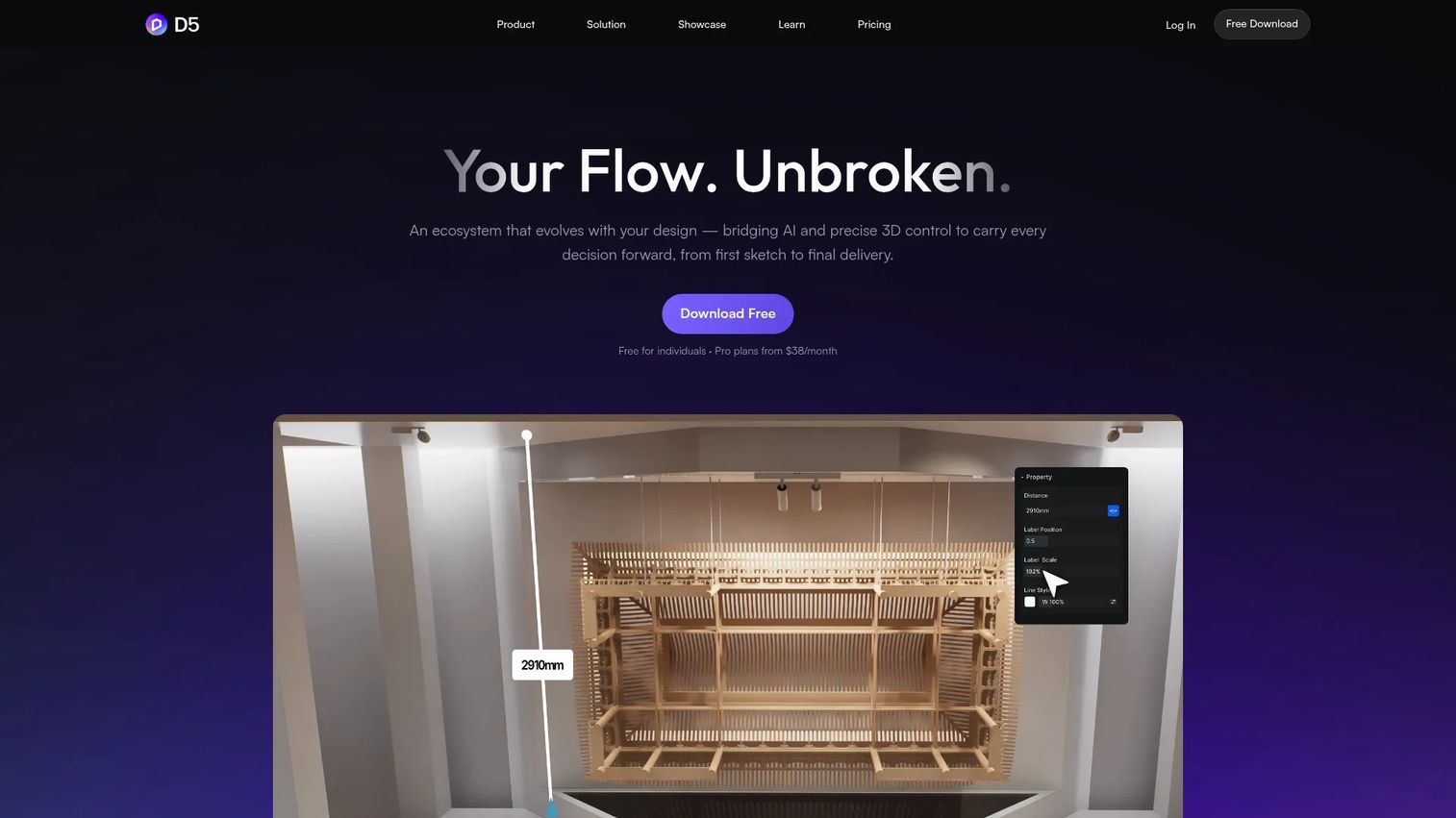
D5 Render is AI-powered real-time 3D rendering software built for architects, interior designers, and 3D artists. It combines real-time ray tracing with AI tools like scene match, material generation, and an image enhancer, then layers cloud collaboration and a team library on top. The result is a renderer that fits the way AEC teams actually iterate, with live material and lighting edits that show up instantly.
The ecosystem runs deeper than a single app. D5 Lite covers lighter jobs, and D5 Works handles heavier team production, so the tool scales from a solo reviewer to a coordinated studio.
Best for: Architectural and interior visualization teams that want fast real-time output with AI-assisted workflow support.
Key features
- Real-time rendering: Images, panoramas, and animation
- AI tools: Scene match, material generation, inpainting, enhancer
- Team library and cloud workspace for shared assets
- VR and interactive tours for stakeholder review
- Live material and lighting adjustment
Why choose D5 Render: If you want the shortest path from model change to review-ready visual, D5 pairs strong real-time fidelity with AI that removes manual look-dev steps. It fits teams optimizing for iteration speed over deep pipeline customization.
D5 Render pricing: The Community plan is free. Pro runs $38 per month, or $360 billed annually, and the Teams plan is $708 per year. D5 also offers a separate Education plan.
On G2, D5 Render holds a 4.8 out of 5 rating.
2. Chaos Enscape
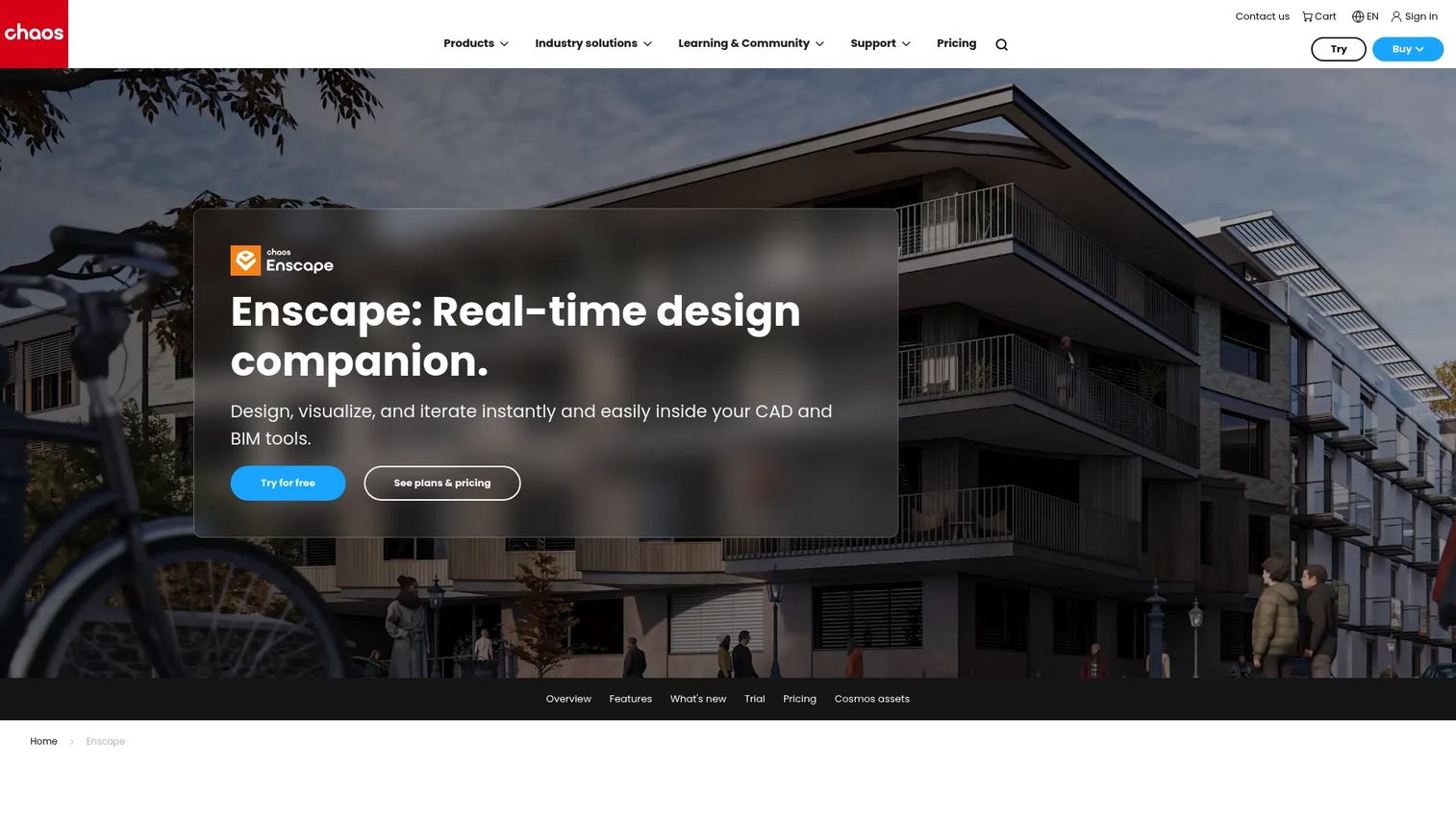
Chaos Enscape is a real-time design companion that renders directly inside CAD and BIM tools. Instead of exporting to a separate application, you keep working in Revit, SketchUp, Rhino, or Archicad while Enscape renders the scene live alongside your model. That tight integration is why design-review-first teams reach for it.
It also connects to Chaos Cloud for collaboration, ships a render-ready asset library through Chaos Cosmos, and adds AI enhancements via Veras.
Best for: Architects and BIM teams that want real-time visualization without leaving their modeling environment.
Key features
- Real-time rendering inside CAD and BIM workflows
- Cloud collaboration through Chaos Cloud
- Render-ready asset library via Chaos Cosmos
- AI enhancements with Veras AI
- VR and immersive walkthroughs
Why choose Chaos Enscape: Enscape suits teams whose BIM workflow is the source of truth and who want visualization to stay linked to the model, not fork off into a separate file that drifts out of sync.
Chaos Enscape pricing: Enscape Solo starts at $47.90 per month billed annually, which comes to $574.80 per year. Premium is $55.90 per month, and the Collection plan is $60.90 per month, both billed annually. Teams over 10 licenses contact sales for enterprise pricing.
A current G2 rating for Enscape was not readable from a primary source at generation time.
3. Lumion

Lumion is 3D rendering software built for architects and designers who want polished output fast. Its strength is scene building: A large asset library of trees, people, furniture, and materials, plus visual effects that turn a bare model into a presentation-ready image quickly. LiveSync connects it to major CAD and BIM tools so model changes flow through without a manual re-export.
That combination makes Lumion a fit for teams whose primary job is communicating a design clearly to non-technical stakeholders.
Best for: Architectural visualization teams that prioritize fast, polished output and a deep content library.
Key features
- Real-time 3D rendering for architecture
- LiveSync with major CAD and BIM tools
- Extensive asset and entourage library
- Built-in visual effects and atmosphere controls
- Photorealistic rendering for stills and video
Why choose Lumion: Lumion trades some pipeline flexibility for speed and polish out of the box. It fits teams that value a rich content library over building custom real-time experiences.
Lumion pricing: Lumion offers a free 2-week trial, and paid plans start at $19.99 per month per Capterra's listing, with Pro, Floating, Student, and Faculty editions available. Confirm the current rate on Lumion's buy page before purchase.
Lumion holds a 4.5 out of 5 rating on G2.
4. Unity Industry
Unity Industry is an enterprise subscription for building real-time 3D applications outside games and entertainment. Where the tools above render scenes, Unity Industry builds interactive experiences: Configurators, simulations, AR and VR apps, and custom visualization tools. For AEC and engineering teams that need more than a fixed walkthrough, it opens multi-platform deployment.
It bundles Unity Studio and Unity Asset Manager, and supports advanced visualization and interactive app development across architecture, manufacturing, and automotive.
Best for: Companies building non-game real-time 3D apps and interactive experiences, not just rendered visuals.
Key features
- Real-time 3D app development beyond static rendering
- Multi-platform deployment: Desktop, mobile, AR, VR
- Includes Unity Studio and Unity Asset Manager
- Simulation and interactive configurator support
- 30-day free trial
Why choose Unity Industry: Unity Industry fits teams whose deliverable is an interactive product, not a hero render. It carries more engineering cost than a plug-and-play renderer, so it suits organizations with real development capacity.
Unity Industry pricing: Unity Industry uses custom, quote-based pricing for seat-based and floating licenses, so you contact Sales for a number. The product page offers a 30-day free trial to evaluate before committing.
On G2, Unity holds a 4.5 out of 5 rating across its product reviews.
5. Unreal Engine
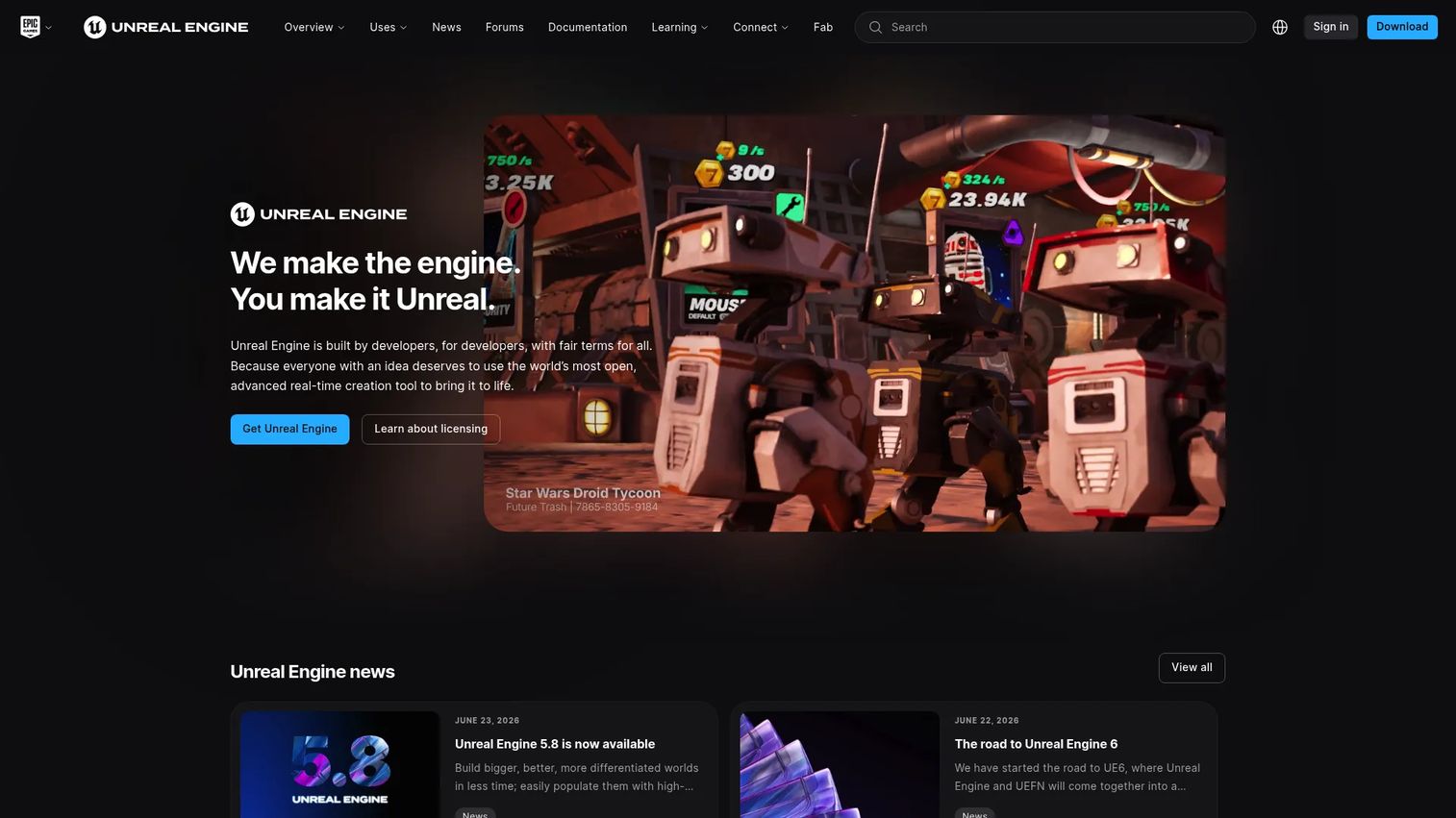
Unreal Engine is a real-time 3D creation engine used across games, architectural visualization, film, and virtual production. It sits at the high-fidelity end of the interactive spectrum, with advanced world building, lighting, and materials that rival offline output while running in real time. For AEC teams with technical depth, it produces immersive experiences that lighter tools cannot match.
The tradeoff is capacity. Unreal rewards teams that can invest in a real pipeline, and it can be more engine than a straightforward design review needs.
Best for: Teams building high-fidelity real-time 3D experiences and virtual production content with the technical resources to support them.
Key features
- World building for large, detailed scenes
- Advanced rendering, lighting, and materials
- Virtual production toolset
- Real-time ray tracing support
- Custom interactivity and blueprint scripting
Why choose Unreal Engine: Choose Unreal when fidelity and interactivity matter more than setup speed, and when you have engineering capacity to build. For a fast client review with no custom logic, a lighter AEC tool moves quicker.
Unreal Engine pricing: Unreal is free for individuals and companies under $1 million in annual gross revenue. Qualifying games and apps over $1M pay a 5% royalty on lifetime gross revenue above that threshold, while certain commercial non-game use over $1M runs $1,850 per seat per year.
Unreal Engine holds a 4.5 out of 5 rating on G2.
6. Redshift
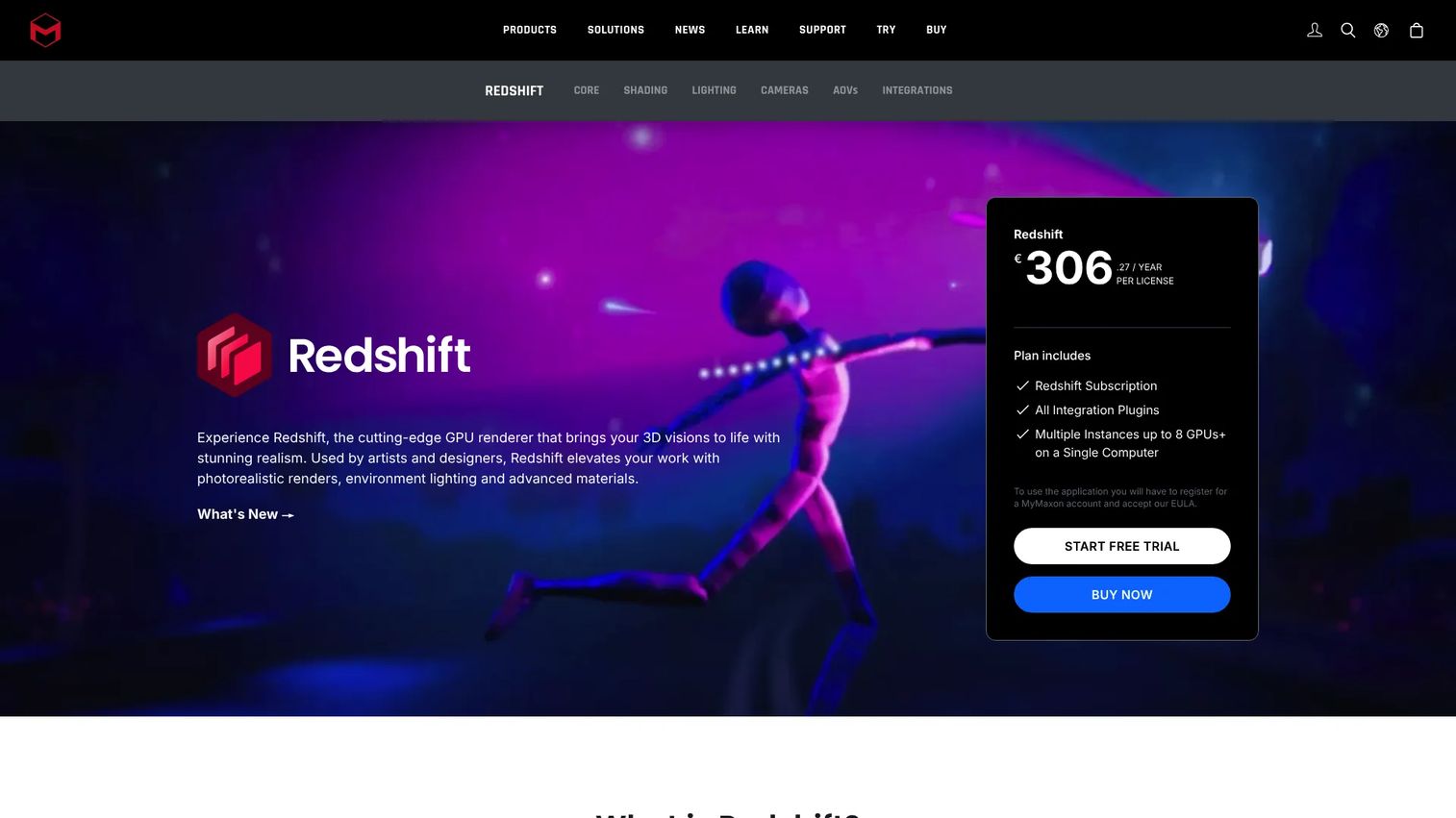
Redshift is GPU-accelerated 3D rendering software from Maxon, built for photorealistic images and animation. It is not a pure real-time engine like the AEC tools above. Instead, it uses GPU acceleration to deliver fast interactive previews during look development, then switches to production mode for final-frame delivery. That makes it a fit for hybrid workflows.
It plugs into major 3D applications and handles advanced shading and texturing, so studios balancing speed against final realism keep both in one tool.
Best for: 3D artists and studios that need fast previews during look development and high-quality final-frame output.
Key features
- GPU-accelerated rendering for speed
- Interactive preview during look development
- Advanced shading and texturing
- Integrations with major 3D applications
- Production mode for final-frame delivery
Why choose Redshift: Redshift fits teams that live on the speed-versus-realism line and need one renderer for both interactive iteration and polished production output, rather than two separate tools.
Redshift pricing: Maxon offers Redshift as a subscription and includes a 14-day free trial of Maxon One. Check Maxon's Redshift page for the current subscription rate, since it varies by term and bundle.
Redshift holds a 4.1 out of 5 rating on G2.
7. Twinmotion
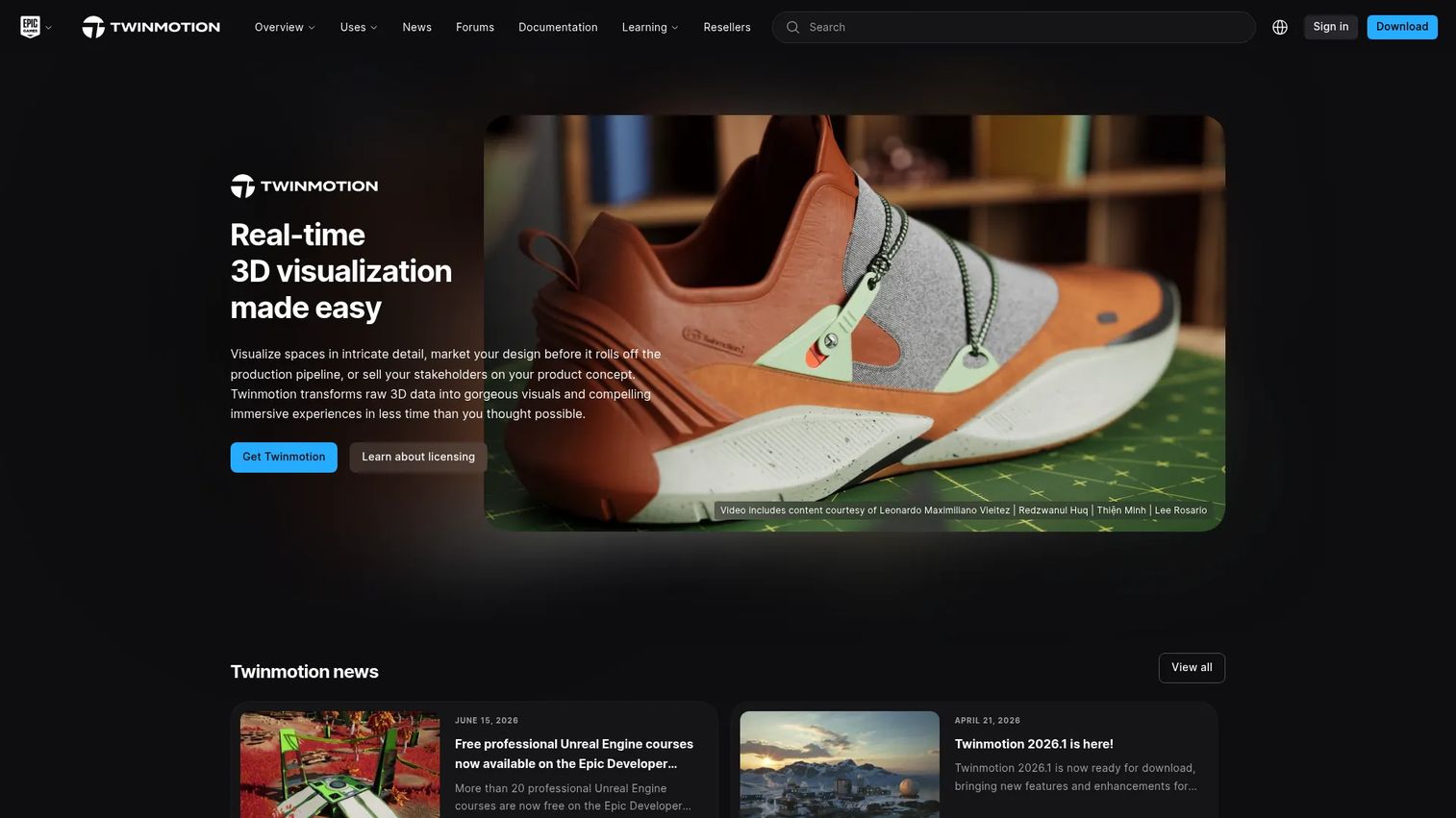
Twinmotion is real-time 3D visualization software aimed at quick architectural and design presentations. It keeps the workflow simple: Import a model, apply materials and entourage, and produce live updates without a steep learning curve. For teams that want fast scene presentation without committing to a full engine, it fills the accessible end of the category.
Twinmotion Cloud adds sharing, and the tool outputs panoramas, presentations, and configurators for stakeholder review.
Best for: Architects and design teams that want fast, simple real-time 3D visuals for client presentations.
Key features
- Real-time 3D visualization with live updates
- Twinmotion Cloud sharing
- Panoramas and interactive presentations
- Configurator support
- Simple import and material workflow
Why choose Twinmotion: Twinmotion suits teams that value speed to a shareable visual over deep customization. It gets non-technical users to a polished presentation fast, with less setup than a production engine.
Twinmotion pricing: Twinmotion is free for individuals and small businesses under $1 million in annual revenue, plus students and educational institutions. Organizations over $1M in revenue, or teams needing Twinmotion Cloud, pay $445 per seat per year.
A current G2 rating for Twinmotion was not readable from a primary source at generation time.
Considerations
Workflow stage
Decide whether you need real-time preview, final-frame delivery, or both. A tool built for live review, like Enscape or Twinmotion, moves faster in a meeting, while Redshift covers the production end. Match the tool to where the friction actually lives in your pipeline.
Interoperability and file formats
Check that the renderer connects to your modeling source of truth. Revit, SketchUp, Rhino, and Archicad support varies by tool, and a broken BIM workflow link means manual re-exports that reintroduce the queue you were trying to escape. LiveSync-style connections keep the model and the visual aligned.
Hardware and GPU requirements
Real-time rendering leans hard on the GPU. Verify GPU compatibility against your team's machines before you buy, since some engines assume high-end NVIDIA cards. If your team runs Apple Silicon, confirm native support, because performance differs sharply between platforms.
Collaboration and stakeholder review
Look at how the tool shares work with people who do not have it installed. Cloud collaboration, panoramas, and shareable links determine whether a committee can review async or only in a live call. Shared asset libraries also keep output consistent across a team.
Real-time speed versus final-frame realism
Every tool here sits somewhere on the speed-versus-realism spectrum. Interactive engines trade a slice of final fidelity for instant feedback, and that tradeoff should follow your primary job: Fast iteration and review, or maximum photorealistic rendering for a hero deliverable.
Conclusion
The right pick depends on where real-time rendering fits your workflow, not on raw horsepower alone.
For most AEC teams, D5 Render is the strongest overall choice, pairing fast real-time output with AI-assisted look development and team libraries. Chaos Enscape wins when your BIM workflow is the source of truth and you want visualization linked to the model. For interactive, custom experiences beyond a fixed walkthrough, Unity Industry and Unreal Engine give you the deployment reach and fidelity, provided you have the engineering capacity. Redshift is the pick for hybrid workflows that need fast previews feeding final-frame delivery.
Start with the tool that matches your primary decision point, run its free trial or free tier, and put a real project through it before you commit a team. The best renderer is the one that keeps your review cycle moving instead of parking it in a queue.
Start your journey with Guideflow today!
FAQs
Real-time rendering produces images instantly as you change the scene, using the GPU to update lighting, materials, and camera moves live. Offline rendering processes each frame in the background for higher final fidelity, sometimes taking minutes or hours per image. Real-time trades a slice of realism for speed, which is why teams use it for review and iteration.
For most AEC teams, D5 Render and Chaos Enscape lead, because both target architectural workflows directly and connect to modeling and BIM tools. D5 emphasizes AI-assisted real-time output, while Enscape renders live inside your CAD environment. Lumion is a strong alternative when a large asset library and polished output matter most.
Sometimes, and increasingly often. Modern real-time engines with real-time ray tracing produce output close enough to offline quality for most presentations and marketing visuals. For the highest-fidelity hero shots or film work, teams still reach for offline or hybrid tools like Redshift that offer a dedicated production mode.
A capable GPU is the main requirement, since real-time rendering runs on graphics hardware. Most tools recommend a modern dedicated GPU with ample VRAM, and heavier engines assume high-end cards. Check GPU compatibility and Apple Silicon support against your team's actual machines before you buy.
Chaos Enscape renders directly inside Revit, SketchUp, Rhino, and Archicad, making it a natural fit for BIM workflows. Lumion and Twinmotion connect through LiveSync-style links that push model changes into the renderer. D5 Render also supports major CAD and BIM formats for AEC teams.
Yes, and it changes how reviews go. A live, steerable scene lets non-technical stakeholders react to changes in the moment instead of waiting for a re-render. That turns a passive slide review into an active decision and speeds stakeholder collaboration on sign-off.
Real-time ray tracing simulates how light bounces through a scene, producing accurate reflections, shadows, and global illumination, while rendering fast enough to stay interactive. It closes much of the fidelity gap between real-time and offline output. Tools like Unreal Engine and D5 Render support it on compatible GPUs.
D5 Render and Chaos Enscape both offer cloud collaboration and shareable review surfaces, making them strong for distributed teams. Enscape links tightly to the model for BIM-driven reviews, while D5 adds a shared team library for consistent output. Twinmotion Cloud is a lighter option for quick async sharing.










