



You find out about the outage from a Slack message, not a monitor. A user pings the queue. Then three more. By the time your team traces it back, the same disk filled up that filled up last month, and the fix is the same fix you ran last month.
That is reactive support. It works until it doesn't, and it never scales.
Proactive support software flips the order. Instead of waiting for a ticket, the tooling watches endpoints, servers, and services, catches the problem before users notice, and in many cases fixes it without anyone touching a keyboard. Patch the machine before the vulnerability lands. Restart the service before it crashes. Correlate three weak signals into one alert before they cascade.
The market is moving this direction fast. Precedence Research (2025) projects the proactive services market will grow from USD 9.47 billion in 2025 to USD 61.49 billion by 2035, a 20.57% CAGR. About 62% of companies now rely on proactive service models to keep operations running, according to Reanin (2025).
This guide breaks down seven tools worth evaluating, maps each to a specific support motion, and gives you a framework to choose.
What's inside
This guide is for IT operations leaders, support managers, and infrastructure teams trying to move from break-fix to prevention. It covers what proactive support software is, when to use it, and how seven platforms stack up.
We picked tools based on four criteria that matter in real operations:
- Monitoring depth: how well it detects issues across endpoints, servers, networks, and apps
- Automation: remediation, patch management, and workflow triggers that cut manual work
- Integration fit: how cleanly it connects to your CRM, ticketing, directory, and monitoring stack
- Reporting: dashboards that track incidents prevented, MTTR, and ticket volume
TL;DR
- Best for ITSM-first teams: Freshworks, for service desk, self-service, and workflow automation in one suite
- Best for endpoint and patch automation: NinjaOne, for distributed fleets and repetitive maintenance
- Best for Microsoft and enterprise environments: ServiceNow, for cross-functional workflows at scale
- Best for multivendor and infrastructure-heavy teams: IBM, for predictive analytics and enterprise resilience
- Best for observability-led operations: Splunk, for signal detection and event correlation
- Best for hybrid endpoint management: LogMeIn, for remote and hybrid device health
- Best for broad proactive support operations: SolarWinds, for network, system, and application monitoring
What is proactive support software?
Proactive support software is a category of tools that help IT and support teams detect, prevent, and resolve issues before they become user-facing incidents. Instead of reacting to tickets, teams use monitoring, predictive analytics, and automation to catch problems early and reduce avoidable downtime.
The category spans several operational tool types, and most mature teams run more than one:
- ITSM platforms: ticketing, service desk, and workflow automation that structure how issues get caught and routed
- RMM and endpoint management tools: remote monitoring, patching, and device control across distributed fleets
- AIOps and observability platforms: signal correlation, anomaly detection, and pattern spotting across noisy telemetry
- Patch and maintenance automation: scheduled updates, restart orchestration, and preventive maintenance
- Knowledge base and self-service tooling: self-service portals that deflect repetitive requests before they hit an agent
The line between reactive vs proactive support comes down to timing. Reactive support starts when a user complains. Proactive support starts when a monitor, a model, or a rule spots the early warning.
What proactive support software usually includes
Most platforms in this category bundle some mix of the following:
- Monitoring and alerts across endpoints, servers, networks, and applications
- Predictive analytics that flag issues trending toward failure
- Automated remediation and self-healing workflows
- Patch management and update scheduling
- Asset and configuration tracking, often via a CMDB
- Workflow automation for routing, escalation, and response
- Self-service and knowledge access for end users
When to use proactive support software
Reduce recurring incidents
If the same three problems fill your queue every month, you have a prevention gap, not a staffing gap. Proactive tooling catches the pattern. A monitor flags the disk before it fills. A rule restarts the service before it hangs. You stop re-solving the same ticket and start eliminating its root cause, which drives real incident reduction over a quarter.
Automate routine maintenance
Patching, restart orchestration, and basic fixes eat hours that skilled engineers should spend elsewhere. Automation handles the repetitive work. Patch management runs on schedule across the fleet. Self-healing workflows resolve known-good fixes without a human. Your team stops firefighting and starts on the work that actually needs judgment.
Improve uptime and user experience
Fewer outages means fewer interruptions, faster response, and more internal trust in IT. When monitoring and alerts catch degradation early, you cut downtime before it spreads. The business case is straightforward: every prevented incident is time your users keep, tickets your team never opens, and downtime reduction you can put in a report.
Comparison table
Read this table as a shortlist, not a ranking. The right pick depends on your dominant support motion, whether that is ITSM, RMM, AIOps, or observability. Match the "best for" column to your actual bottleneck, then read the full section below. Pricing and ratings reflect verified public sources at the time of writing; enterprise pricing is often quote-based.
| # | Product | Best for | Key differentiator | Pricing | G2 rating |
|---|---|---|---|---|---|
| 1 | Freshworks | ITSM-first teams wanting support, IT, and self-service in one suite | AI-powered service desk plus CRM and marketing workflows | Freshservice from $19/agent/month | 4.5/5 |
| 2 | NinjaOne | Endpoint and patch automation across distributed fleets | Unified RMM, patching, and device control | Custom pricing | Not listed |
| 3 | ServiceNow | Enterprise cross-functional workflow automation | AI platform spanning IT, HR, security, and finance | Custom pricing | 4.4/5 |
| 4 | IBM | Multivendor, infrastructure-heavy enterprises | Enterprise AI, automation, and observability at scale | IBM MQ from $312 (1-year term) | 4.3/5 |
| 5 | Splunk | Observability-led support operations | Data platform for security and operational analytics | Custom pricing | 4.4/5 |
| 6 | LogMeIn | Hybrid and remote endpoint management | Remote support, access, and endpoint management | Free tier on Resolve | Not listed |
| 7 | SolarWinds | Broad monitoring and infrastructure visibility | Hybrid observability and service management | Monitoring from $8/node/month | 4.3/5 |
Best proactive support software tools for 2026
1. Freshworks
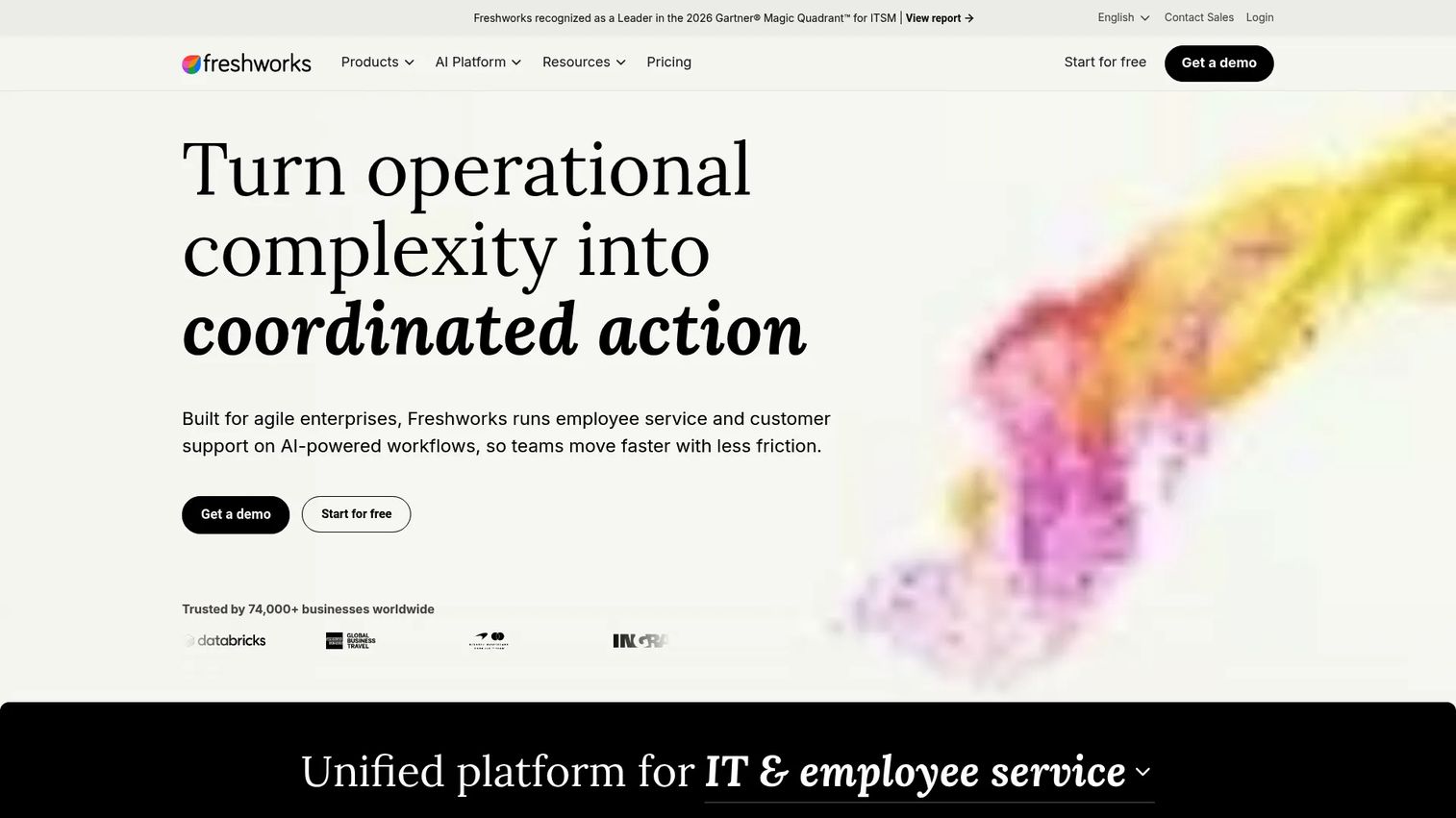
Freshworks is the strongest fit for teams that want ITSM, self-service, and proactive support running in one platform instead of a stack of disconnected tools. Its Freshservice product combines an AI-powered service desk, a knowledge base, and workflow automation, so recurring issues get caught, routed, and often deflected before an agent touches them. Because Freshworks also spans CRM and marketing, support and business workflows share one system of record.
Best for: Teams needing an all-in-one suite for support, IT, and sales workflows.
Key strengths
- AI-powered customer service and support tools
- IT service management and service desk workflows
- CRM, sales, and marketing automation
Why choose Freshworks: If your bottleneck is fragmented tooling and slow ticket routing, Freshworks consolidates the service desk, self-service portal, and automation into one place. It fits growing teams that want proactive IT support without stitching five products together.
Freshworks pricing: Freshservice starts at $19/agent/month on the Starter plan, billed annually. Growth is $49/agent/month, Pro is $99/agent/month, and Enterprise is custom. A 14-day free trial is available.
2. NinjaOne
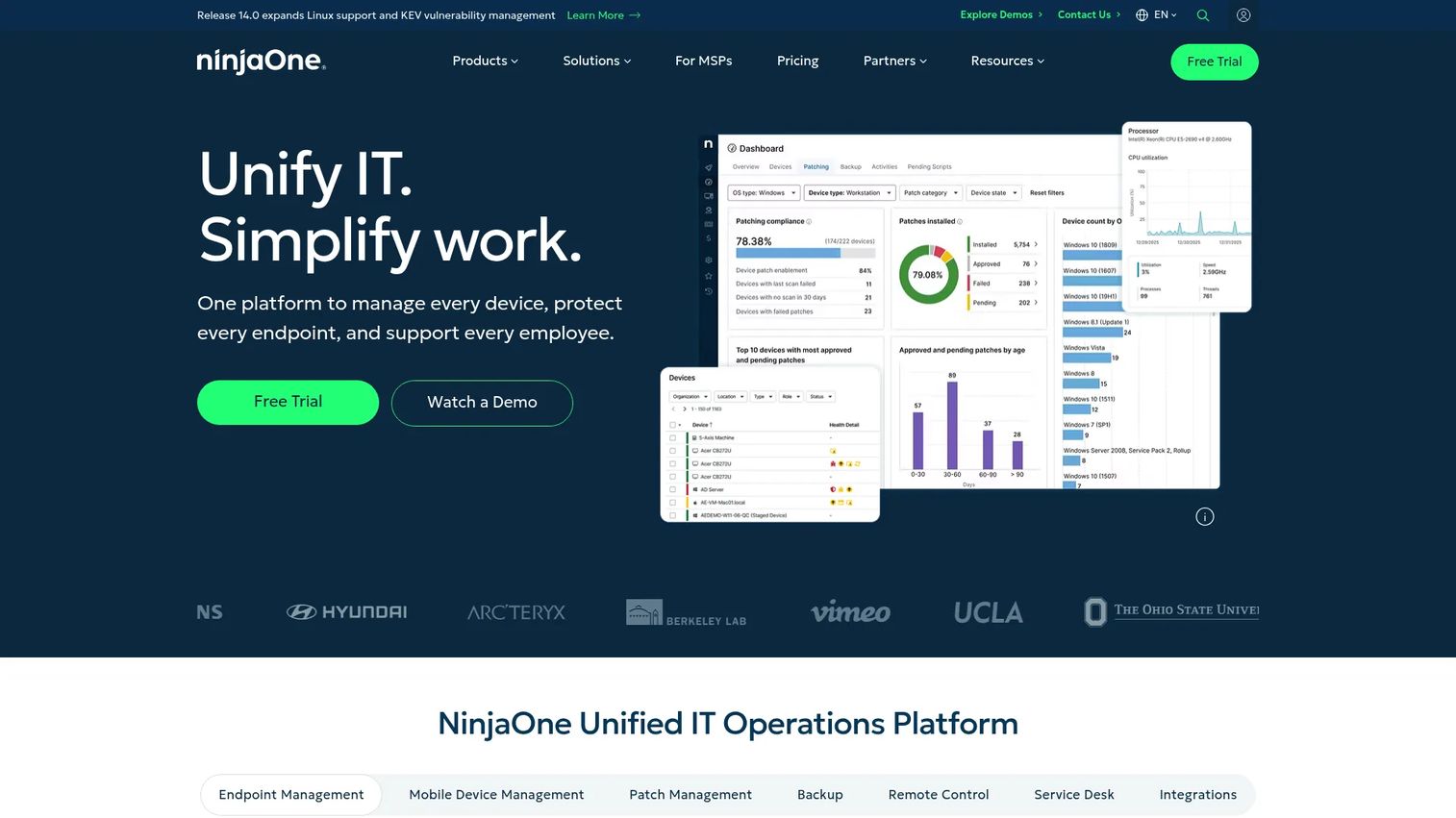
NinjaOne is the endpoint-first option for teams that need monitoring, patch management, automation, and device control in one console. It shines for distributed fleets where the same maintenance runs across hundreds of machines. Instead of chasing each device, you set the policy once and let NinjaOne enforce patching, run scripts, and flag health issues before they turn into tickets.
Best for: IT teams and MSPs managing large, distributed endpoint fleets.
Key strengths
- Remote monitoring and management across endpoints
- Automated patch management and scripting
- Device control and health alerts
Why choose NinjaOne: If your pain is repetitive endpoint maintenance and inconsistent patching across a fleet, NinjaOne centralizes it. It suits RMM-led teams that want automation to carry the routine work so engineers focus on exceptions.
NinjaOne pricing: NinjaOne uses custom pricing based on your device count and modules. Contact the vendor for a quote tailored to your fleet size and feature needs.
3. ServiceNow
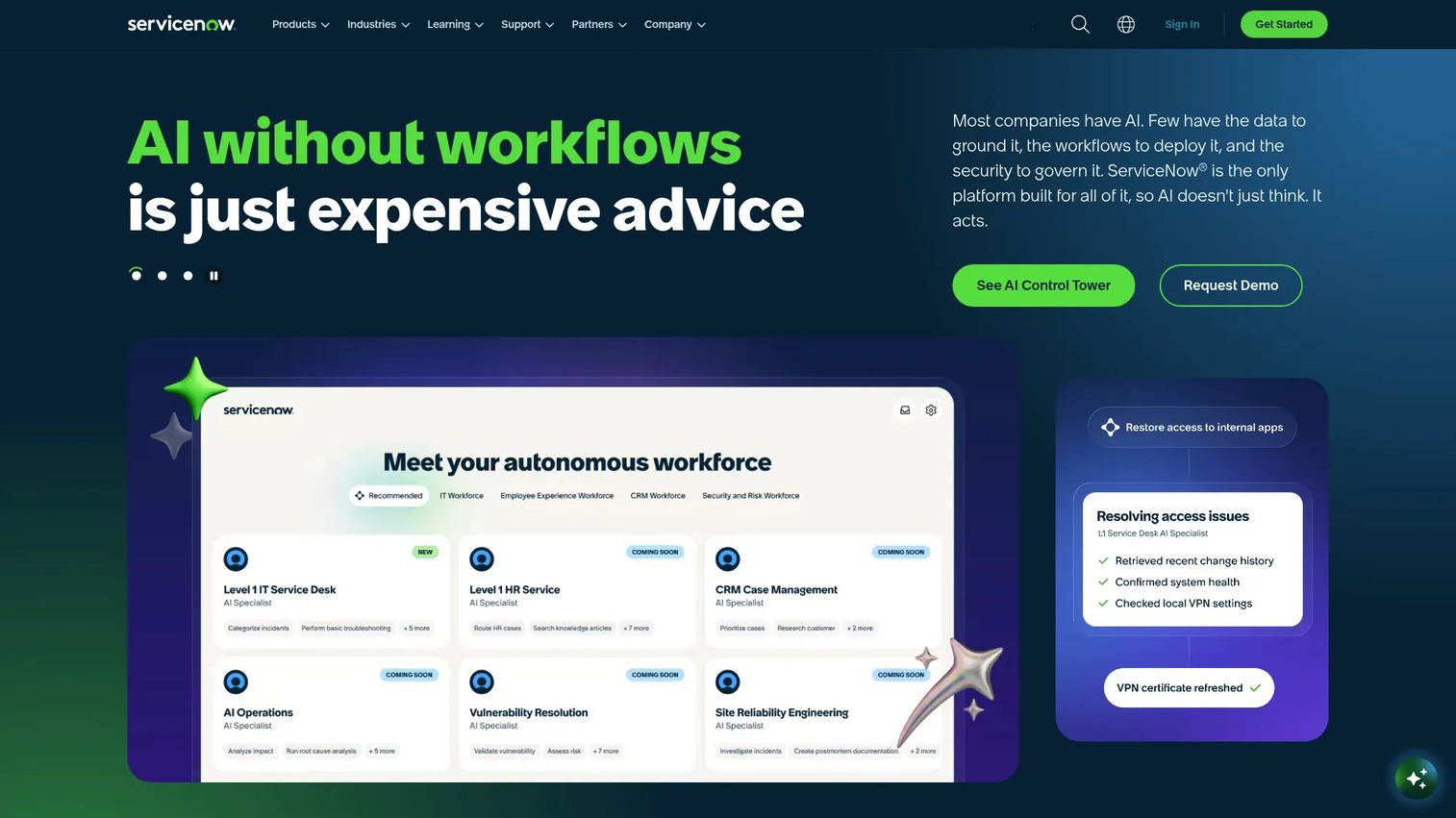
ServiceNow is the enterprise ITSM and automation choice for larger teams with process maturity. It centers on incident prevention, service operations, and workflows that span far beyond IT into HR, security, and finance. Its AI platform correlates signals, automates routing, and enforces consistent process across thousands of users, which makes it a natural fit for organizations standardizing operations at scale.
Best for: Large enterprises standardizing and automating cross-functional workflows.
Key strengths
- AI platform for business workflows
- IT Service Management packages
- Customer service, security, HR, and finance workflows
Why choose ServiceNow: If you run a large, process-heavy organization and need one platform to govern workflows across departments, ServiceNow is built for that scope. It fits teams with the maturity and budget to operationalize it fully.
ServiceNow pricing: ServiceNow publishes ITSM package names, including Foundation, Advanced, and Prime, but pricing is quote-based. Contact ServiceNow for a custom quote.
4. IBM
IBM is the infrastructure and multivendor support option for complex enterprise environments with strict availability requirements. Its portfolio combines enterprise AI, automation, and AIOks-style observability to support predictive analytics and resilience across hybrid infrastructure. For organizations juggling many vendors and systems, IBM's software helps surface problems early and keep critical services available.
Best for: Large organizations seeking enterprise software, hybrid cloud, AI, and infrastructure solutions.
Key strengths
- Enterprise AI and automation software
- Hybrid cloud and integration tools
- Data management and observability products
Why choose IBM: If your environment is multivendor, infrastructure-heavy, and held to hard availability targets, IBM's predictive and automation tooling is built for that complexity. It fits enterprises that need resilience across a sprawling stack.
IBM pricing: Pricing varies by product. As one reference, IBM MQ starts at USD 312 on a minimum one-year term, and offers a free Lite tier with up to 10,000 messages per month. Other products are priced separately.
5. Splunk
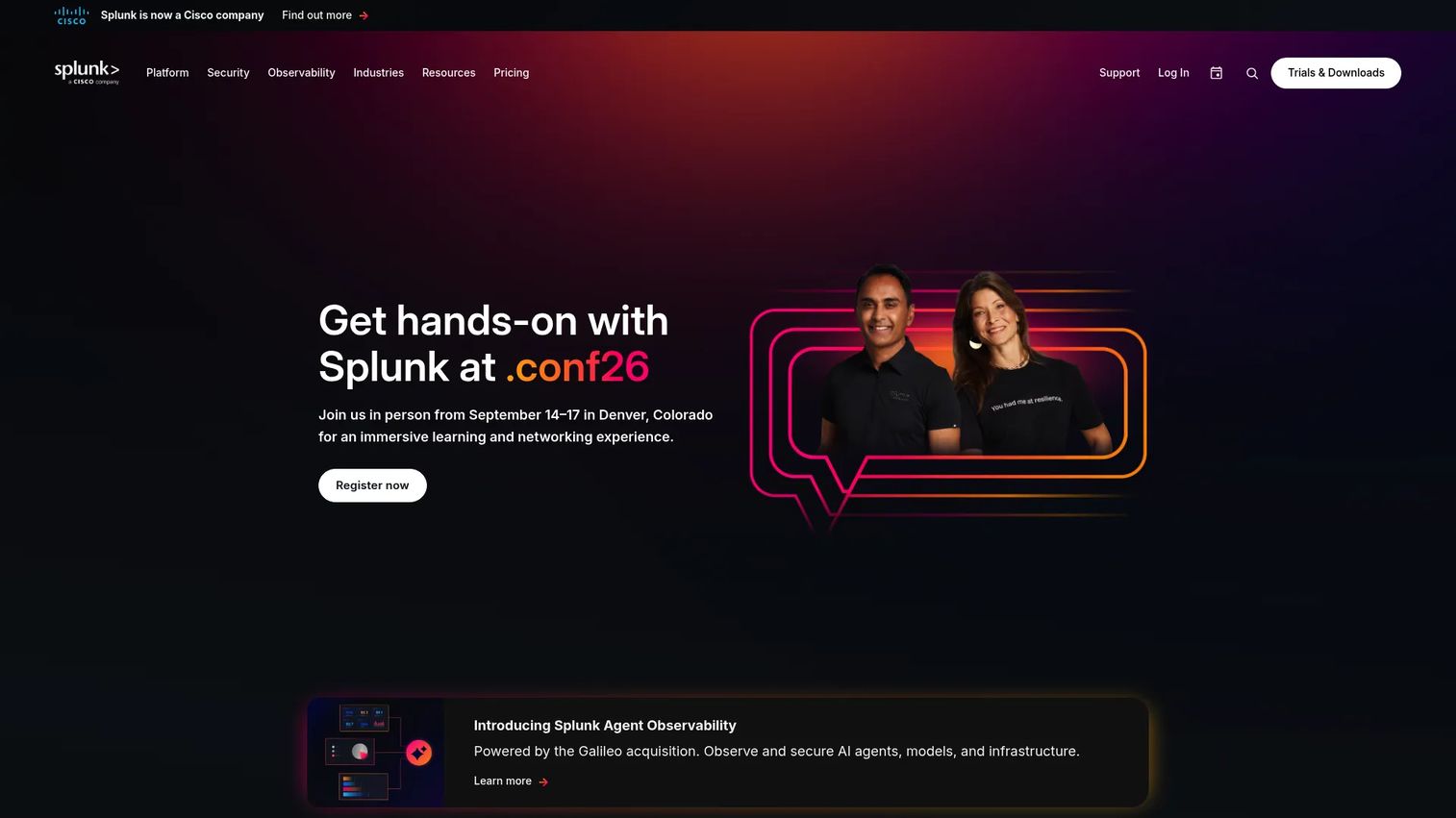
Splunk is the observability and event correlation option for operations teams that want to spot patterns before incidents spread. It ingests machine data across your environment, then uses analytics and AI-assisted troubleshooting to surface anomalies and correlate weak signals into actionable alerts. For AIOps-minded teams, that early detection is the difference between a contained blip and a cascading outage.
Best for: Enterprises needing security, observability, and machine-data analytics.
Key strengths
- Workload, ingest, and entity pricing models
- Splunk Cloud Platform and Splunk Enterprise options
- Observability products with unified telemetry and AI-assisted troubleshooting
Why choose Splunk: If your bottleneck is too much telemetry and not enough signal, Splunk turns raw data into early warnings. It fits observability-led teams that treat monitoring and alerts as their primary prevention layer.
Splunk pricing: Splunk offers Workload, Ingest, and Entity pricing models, but does not publish numeric prices publicly. Contact Splunk for a quote based on your data volume and deployment.
6. LogMeIn
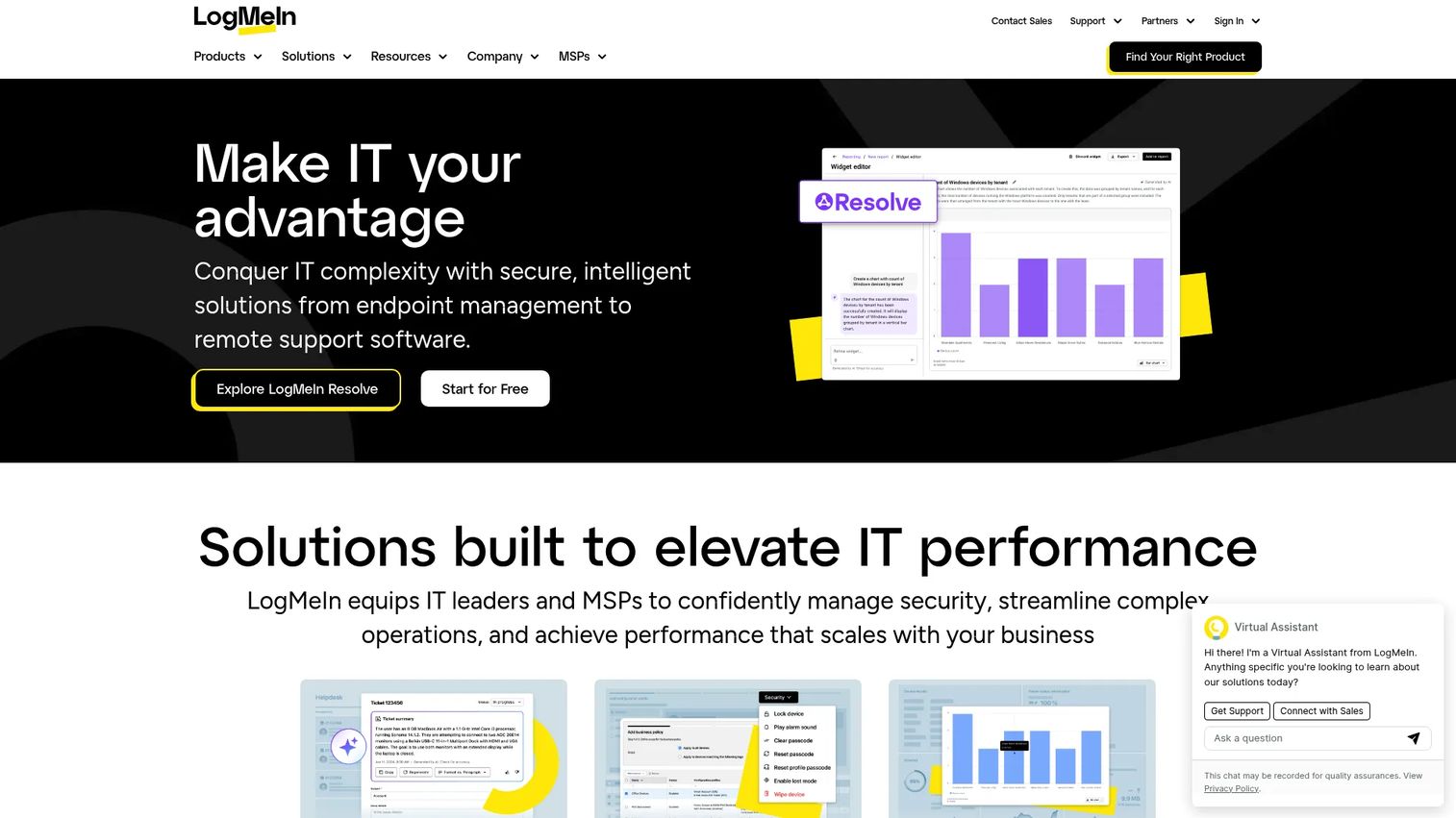
LogMeIn is the endpoint management and proactive maintenance option for remote and hybrid environments. It combines remote access, remote support, and endpoint management, so teams can monitor device health, push patches, and resolve issues on machines they never physically touch. For distributed workforces, that real-time control keeps endpoints healthy without a desk-side visit.
Best for: IT teams and MSPs needing remote support and endpoint management.
Key strengths
- Remote access and screen sharing
- Endpoint management and RMM
- Remote support and helpdesk tools
Why choose LogMeIn: If most of your fleet lives outside the office, LogMeIn's remote-first approach to support and endpoint management fits the reality. It suits hybrid teams that need patching and health monitoring across scattered devices.
LogMeIn pricing: LogMeIn Resolve offers a free tier, with paid plans available. Central and Rescue pricing is quote-based, so contact LogMeIn for details on those products.
7. SolarWinds
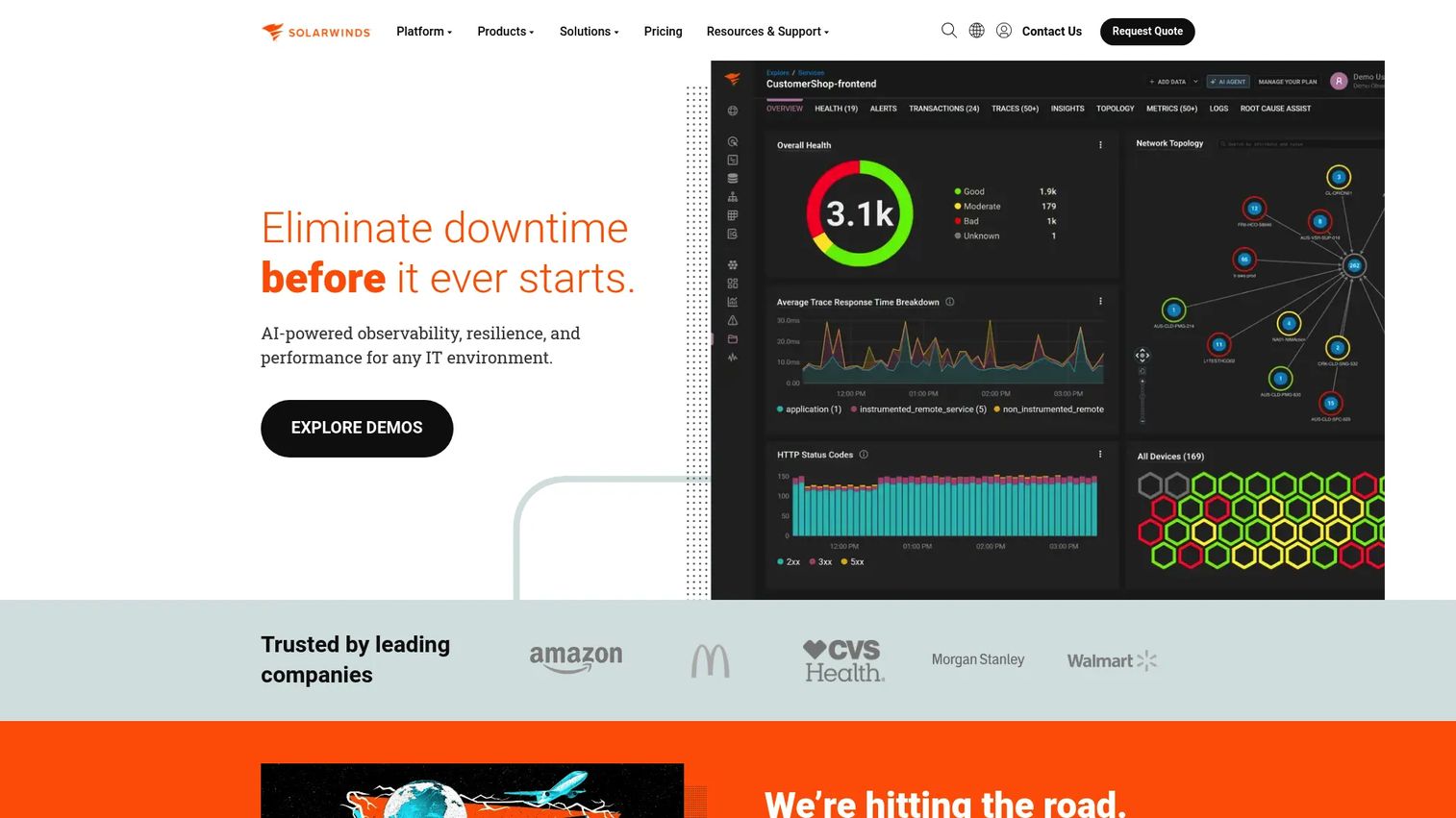
SolarWinds is the broad monitoring and infrastructure visibility option for teams that want eyes on the network, systems, and applications from one place. Its observability products pair deep monitoring and alerts with root-cause support and a service desk, so you can detect degradation early and trace it to source. For infrastructure-led teams, it covers the full path from signal to service ticket.
Best for: IT teams needing hybrid observability and infrastructure monitoring.
Key strengths
- SolarWinds Observability SaaS and self-hosted
- IT service management and service desk
- Database observability and performance monitoring
Why choose SolarWinds: If you need one platform spanning network, system, and application monitoring plus service management, SolarWinds covers wide ground. It fits infrastructure-heavy teams that want visibility and incident response together.
SolarWinds pricing: Monitoring and observability starts at $8 per node/month. Database observability is $142 per database/month, IT service management is $39 per technician/month, and incident response is $15 per user/month.
Considerations
Match the tool to the support motion
Before you shortlist, name your dominant motion. ITSM-led teams live in the service desk and workflows. Endpoint-led teams live in patching and device control. Infrastructure-led teams live in monitoring, and observability-led teams live in signal correlation. Buying against the wrong motion is the most common and most expensive mistake.
Check automation depth
Not all automation is equal. Look at how the tool handles remediation, patch management, workflow triggers, and alert routing. The goal is fewer manual touches on repetitive fixes. Ask whether self-healing workflows run known-good fixes on their own, and how much scripting or configuration that takes.
Verify integration fit
A proactive tool only helps if it plugs into what you already run. Check integrations with your CRM, ticketing, directory, endpoint agents, and monitoring stack. A tool that cannot read your CMDB or push to your ticketing system will create silos instead of removing them.
Confirm reporting and KPI visibility
You need dashboards that prove the model works. Look for reporting on incidents prevented, MTTR, downtime, and ticket volume. If you cannot show a trend line on incident reduction, you cannot defend the budget at renewal.
Plan for maintenance and ownership
Every rule, integration, and automation needs an owner. Decide up front who maintains alert thresholds, updates workflows, and audits the CMDB. Proactive tooling that nobody tends drifts into noise, and noisy alerts get ignored.
Conclusion
The best pick depends entirely on where your operations actually break. For ITSM-first teams that want support, service desk, and self-service in one place, Freshworks is the natural start. For endpoint and patch automation across a distributed fleet, NinjaOne carries the routine work. ServiceNow fits large enterprises standardizing cross-functional workflows, while IBM suits multivendor, infrastructure-heavy environments with hard availability targets.
For observability-led teams turning telemetry into early warnings, Splunk is built for signal correlation. LogMeIn fits hybrid and remote endpoint management, and SolarWinds covers broad network, system, and application monitoring.
Here is a practical next step: shortlist two tools that match your dominant support motion, then test each against one recurring incident type you already know well. Measure how early each caught it, how much of the fix it automated, and how clearly it reported the result. Proactive support software works best when it fits the real bottleneck, not the loudest sales pitch.
FAQs
Proactive support software is a set of tools that detect, prevent, and resolve IT issues before they reach users. It combines monitoring, predictive analytics, and automation across endpoints, servers, and services. The goal is to catch and fix problems early instead of waiting on tickets.
Reactive support starts after a user reports a problem. Proactive support starts when a monitor, model, or rule spots the early warning signal. The practical difference is timing: reactive support resolves incidents, while proactive support prevents them and drives incident reduction over time.
It depends on your motion. Freshworks fits ITSM-first teams, NinjaOne fits endpoint and patch automation, and ServiceNow fits enterprise workflows. Splunk suits observability-led operations, IBM suits multivendor infrastructure, and SolarWinds and LogMeIn cover monitoring and remote endpoint management.
Yes, when it is configured to catch degradation early. Monitoring and alerts flag issues before they cascade, and self-healing workflows resolve known problems automatically. Together, that early detection and automated remediation produce measurable downtime reduction and fewer user-facing outages.
ITSM is a strong foundation because it structures how issues get caught and routed. But most mature teams pair it with RMM, patch management, or AIOps to add endpoint control and signal correlation. ITSM handles the workflow; the other layers handle detection and prevention.
Track incidents prevented, MTTR, downtime, and ticket volume as your core set. Add patch compliance and self-service deflection rates to measure automation and knowledge base impact. These metrics prove whether the proactive model is actually reducing work, not just shifting it.
Automation handles the repetitive work that fills queues: patching, restarts, and known-good fixes. Self-healing workflows resolve common issues without a human, and workflow automation routes the rest instantly. That frees engineers to focus on the problems that genuinely need judgment.










