A POS decision looks simple until payments, hardware, refunds, staff permissions, and inventory all depend on the same system.
Choose poorly, and the costs surface everywhere. Store managers reconcile transactions manually. Finance questions every processing statement. Inventory reports lag behind sales. The founder becomes the escalation point for routine operational problems.
Grand View Research valued the global POS software market at $17.1 billion in 2025. Its 2026 report projects the market will reach $38.8 billion by 2033.
The right point of sale software should earn its place in your stack. It must handle busy service windows while giving leadership clean operating data.
What's inside
This guide compares POS software for small businesses, growing operators, and enterprise retailers. Each platform was assessed against the operating factors that affect cost and day to day reliability:
- Retail and hospitality workflow fit
- Payment processing costs and contract structure
- POS hardware and device support
- Inventory sync and offline mode
- Reporting, customer data, and staff controls
Pricing comes from vendor pricing pages. G2 ratings use current product listings where a matching listing exists.
TL;DR
- Best broad small business POS system: Square combines a free plan with payments, hardware, online selling, and business management tools
- Best for restaurant operations: Lavu supports ordering, kitchen workflows, labor management, and restaurant reporting
- Best for payment cost visibility: Helcim uses interchange plus processing with no monthly account fee
- Best for inventory heavy retail: Lightspeed offers retail inventory, ecommerce, supplier workflows, and multi location tools
- Best for unified commerce: Shopify POS connects physical checkout with Shopify inventory and customer data
- Best free POS software starting point: Loyverse POS offers free core tools with optional paid add ons
What is point of sale software?
Point of sale software processes sales, accepts payments, manages checkout, and connects transactions with operational business data.
Businesses use POS software at counters, tables, events, kiosks, and mobile checkout points. Modern platforms often manage much more than payment acceptance.
Common capabilities include:
- Checkout workflows: Product selection, taxes, discounts, tips, and receipts
- Payment processing: Cards, digital wallets, cash, gift cards, and QR payments
- Inventory management: Products, variants, stock counts, transfers, and alerts
- Returns and refunds: Transaction lookup, exchanges, voids, and payment reversals
- POS hardware: Readers, terminals, tablets, registers, printers, and displays
- Employee controls: Permissions, time tracking, shifts, and performance reporting
- Customer management: Profiles, purchase history, loyalty, and marketing consent
- Operating reports: Daily sales, payment totals, refunds, and inventory movement
- Omnichannel selling: Shared online and physical store data
- Offline mode: Continued selling during connectivity interruptions
Cloud POS software stores operational data online, helping managers review multiple locations without visiting each site. Capabilities still vary by platform and plan.
POS software versus a POS system
POS software is the application that runs checkout and connects sales with business records.
A complete point of sale system usually includes that application plus payment processing, hardware, and operating procedures. Hardware can include a terminal, reader, cash drawer, receipt printer, or kitchen display.
This distinction matters during cost analysis. A low software fee can become expensive after payment rates, hardware leases, and paid add ons enter the calculation.
Treat the POS as an operating system for the physical business. Your weekly reviews should use its data without requiring spreadsheet cleanup.
When to use point of sale software
Run checkout across stores and mobile sales
Use a POS system when customers pay at a counter, table, event, pop up, or service location. Mobile POS software can support phone checkout and portable card readers.
Growing businesses should also test Tap to Pay, receipt delivery, and refund handling. These workflows affect queue speed and customer experience.
Keep inventory accurate across channels
Retail POS software connects each sale with stock movement. This helps stores manage variants, purchase orders, transfers, and online inventory.
Restaurants need different controls. Menu items, modifiers, ingredients, and kitchen routing matter more than retail product catalogs.
Manage payments, staff, and reporting together
Point of sale systems can connect payment totals with permissions, tips, refunds, and shift activity. Managers gain a clearer view of each location.
For founders, the goal is repeatable operations without constant intervention. The system should make weekly reviews clear enough for a GM or finance leader to own.
Point of sale software comparison
The table below compares all 14 platforms by operating fit rather than alphabetically.
Look beyond the monthly fee. POS transaction fees, hardware costs, and add ons often matter more at scale. An inexpensive application can still carry a high total cost.
| # | Product | Best for | Key differentiator | Pricing | G2 rating |
|---|---|---|---|---|---|
| 1 | Square | Broad small business POS | Free plan with integrated payments and business tools | Free, Plus $49 monthly per location | 4.6/5 |
| 2 | Clover | Dedicated POS hardware | Hardware bundles with an app marketplace | From $14.95 monthly | 3.8/5 |
| 3 | Cake | Affiliate marketing operations | Campaign tracking rather than verified POS functions | Custom pricing | 4.5/5 |
| 4 | Shift4 Dine | Restaurant operations | Restaurant POS connected with Shift4 payments | From $29.99 monthly | Not available |
| 5 | PayPal POS | Mobile selling | PayPal payments with portable hardware | Free software, transaction fees apply | 4.4/5 |
| 6 | Helcim | Payment cost transparency | Interchange plus processing with volume discounts | $0 monthly account fee | 4.0/5 |
| 7 | Korona POS | Specialized retail | Processor flexibility with detailed inventory controls | From $59 per terminal monthly | 4.7/5 |
| 8 | Lightspeed | Inventory heavy retail | Deep retail catalog and multi location management | From $69 monthly | 4.4/5 |
| 9 | Shopify POS | Ecommerce led retail | Shared Shopify commerce and store data | From $39 monthly | 4.4/5 |
| 10 | Lavu | Restaurants and bars | Restaurant POS with operational automation | From $49 monthly | 3.8/5 |
| 11 | SkyTab POS | Hospitality operators | Restaurant payments with guest management tools | From $29.99 monthly | 3.2/5 |
| 12 | Loyverse POS | Free POS starting point | Free application with optional add ons | Free | Not available |
| 13 | Stax | Higher payment volume | Subscription processing with no interchange markup | From $99 monthly | 4.9/5 |
| 14 | Manhattan ActiveStore Point of Sale | Enterprise omnichannel retail | Unified store fulfillment and enterprise inventory | Custom pricing | 5.0/5 |
Best 14 tools for point of sale software
The list prioritizes practical fit across retail and hospitality. Each option serves a different operating model, from one counter to enterprise omnichannel selling.
1. Square
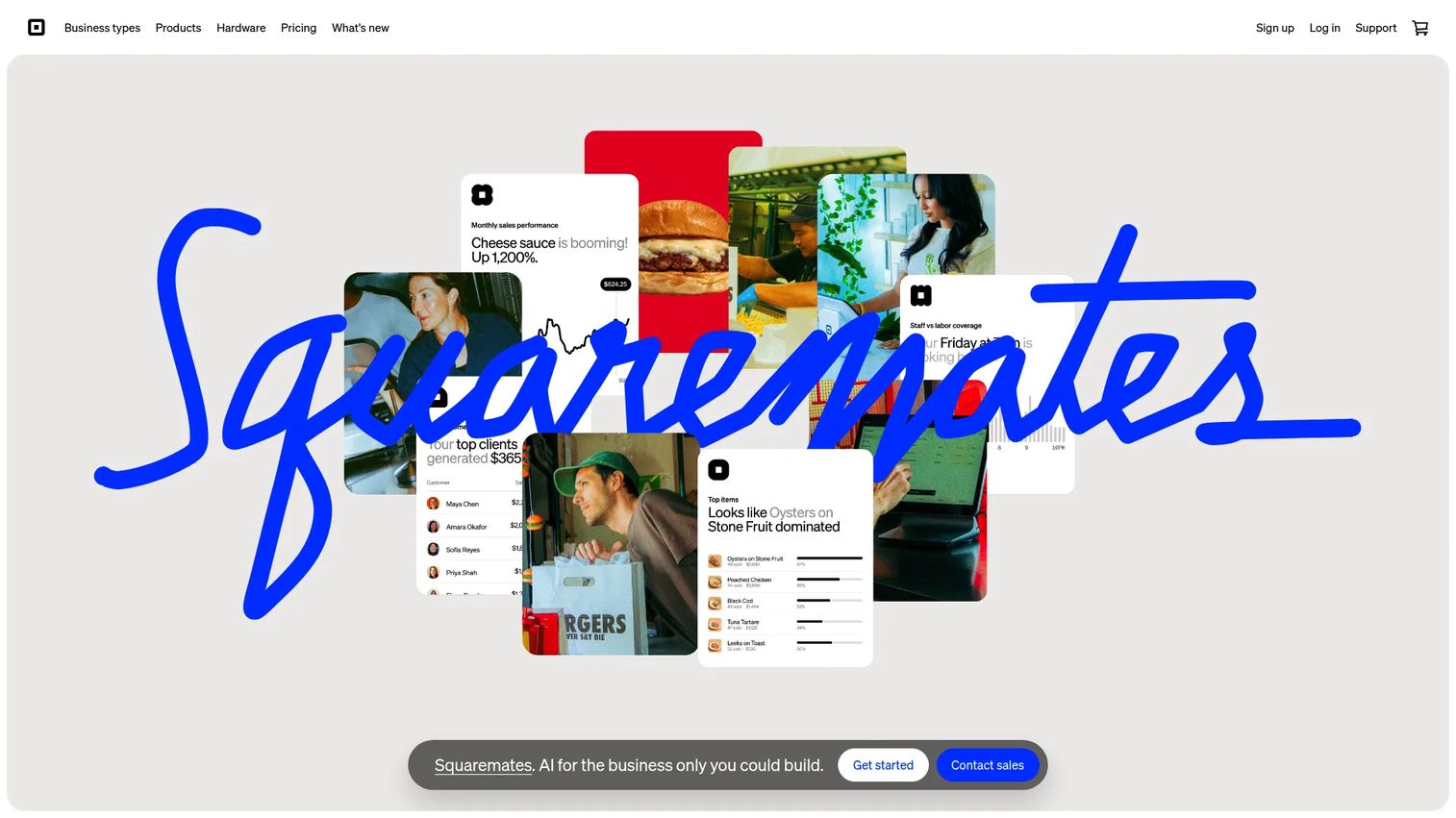
Square combines POS software with payment processing, online selling, invoicing, appointments, and business management. It fits operators who want to start with core checkout and add more tools later.
Its broad scope works well when a business spans several sales motions. A retailer can accept store payments, manage products, send invoices, and run an online store without assembling separate systems.
Best for: Small businesses and growing operators wanting POS, payments, hardware, and management tools from one vendor.
Key features
- Free POS plan
- Online store and invoicing
- Inventory and item management
- Staff and customer tools
- Advanced sales reporting
Why choose Square: It gives generalist operators a practical starting point with room to expand. The free tier also reduces commitment during initial POS setup.
Hardware and processing costs still require close review. Compare the final configuration against expected transaction volume before committing.
Square pricing: Square Free costs $0 monthly per location. Plus costs $49, while Premium costs $149 monthly per location.
G2 rating: 4.6/5.
2. Clover
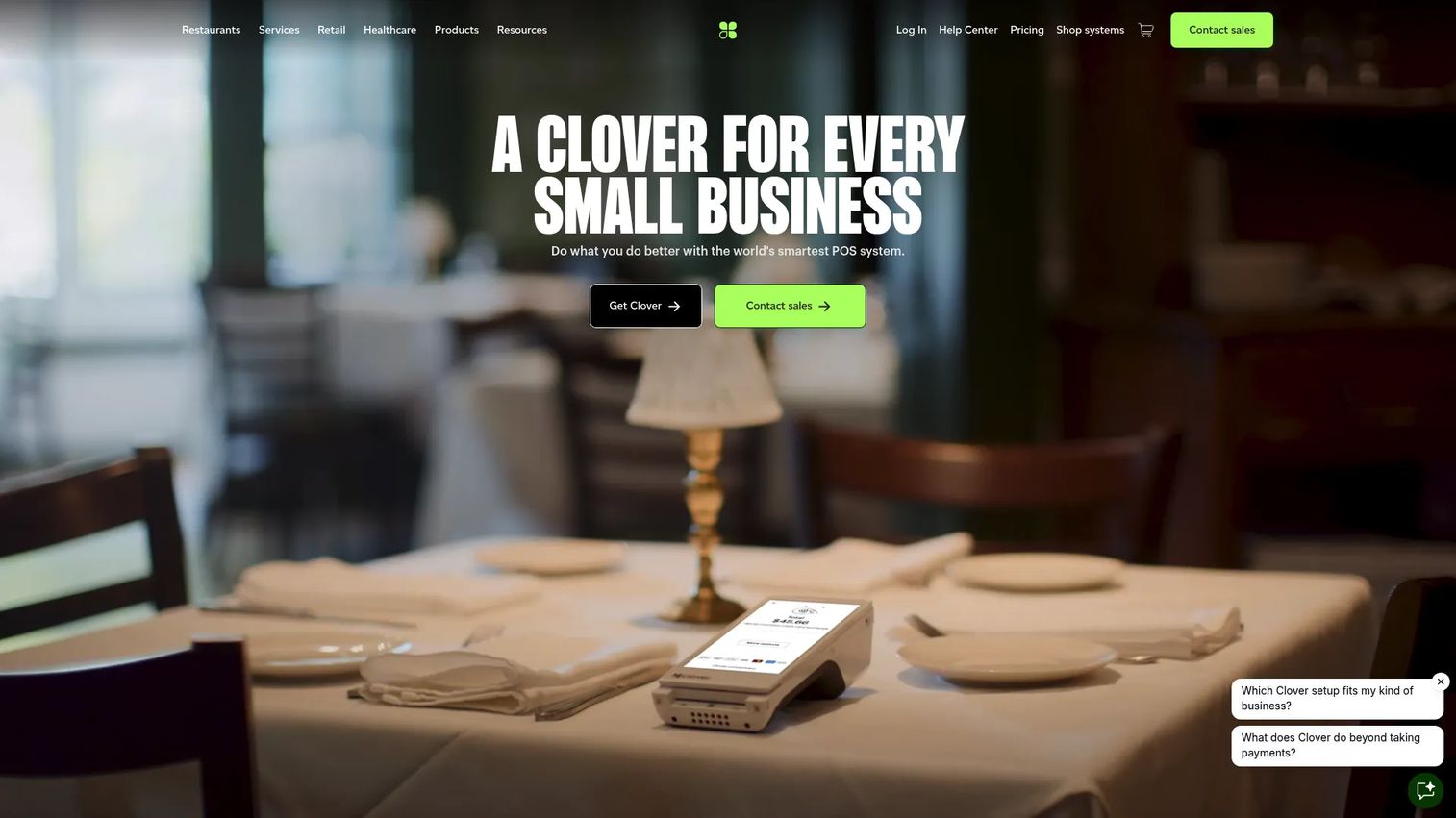
Clover combines payment processing, dedicated hardware, POS software, and operational applications. It serves retail, restaurant, professional service, and other small or midsize businesses.
The hardware range makes Clover useful when purpose built devices matter. Its application marketplace lets operators extend the system without replacing the core register.
Best for: Businesses that want dedicated POS hardware with app based expansion.
Key features
- Register and handheld devices
- Clover App Market
- Inventory and sales reporting
- Employee management tools
- Loyalty and gift cards
Why choose Clover: Dedicated devices and modular applications make it adaptable across different physical businesses. Buyers can configure the setup around their checkout environment.
Total cost varies with hardware, software, and payment terms. Review the contract length and processing agreement together.
Clover pricing: Account Only starts at $14.95 monthly. Retail Growth costs $180 monthly for 36 months, or $1,899 plus $84.95 monthly.
G2 rating: 3.8/5.
3. Cake
Cake appears in the final shortlist, but the verified product profile does not support a POS recommendation. Current research identifies it as performance marketing software for advertisers, affiliates, and publishers.
Its documented capabilities focus on campaign reporting, affiliate commissions, payouts, and cookieless tracking. Restaurant checkout, table management, kitchen workflows, and payment processing could not be confirmed from its own accessible pages.
Best for: Marketing teams managing affiliate campaigns rather than businesses seeking POS software.
Key features
- Campaign activity dashboards
- Affiliate commission management
- Publisher payout workflows
- Cookieless campaign tracking
Why choose Cake: Consider it when the operational need concerns affiliate performance and marketing attribution. It does not fit the verified requirements for retail or restaurant POS selection.
Founders evaluating a checkout platform should remove it from the operational shortlist. Keep the evaluation focused on vendors with confirmed transaction and inventory functions.
Cake pricing: Custom pricing.
G2 rating: 4.5/5.
4. Shift4 Dine
Shift4 Dine is restaurant POS software connected with Shift4 payment processing. It supports online ordering, mobile ordering, reservations, waitlists, loyalty, and labor management.
The platform also includes reporting and multi location management. This combination fits operators who want restaurant workflows and payments under the same provider.
Best for: Restaurants already evaluating Shift4 for payment processing.
Key features
- Online and mobile ordering
- Tableside payments
- Reservations and waitlists
- Loyalty and gift cards
- Labor management tools
Why choose Shift4 Dine: It groups core restaurant operations around Shift4 payments. That can reduce the number of vendors involved in ordering and transaction management.
The close payment connection deserves careful cost modeling. Compare the monthly software fee with processing charges at your projected volume.
Shift4 Dine pricing: The Table Service Bundle starts at $29.99 monthly. Standard processing costs 2.75% plus $0.15 per credit card transaction.
G2 rating: A current product specific G2 rating was not available.
5. PayPal POS
PayPal POS, formerly PayPal Zettle, provides mobile checkout, payment hardware, inventory tools, and sales reporting. It accepts cards, digital wallets, PayPal, and Venmo QR payments.
The platform suits mobile sellers and smaller businesses already using PayPal. Its hardware starts with portable readers and extends to terminal configurations.
Best for: Mobile sellers and businesses already using PayPal payments.
Key features
- Mobile payment acceptance
- Card reader and terminal options
- PayPal and Venmo QR payments
- Basic inventory management
- Sales performance reporting
Why choose PayPal POS: It keeps in person selling close to an existing PayPal account. The mobile format also works for events and portable checkout.
Inventory and operating tools are focused on smaller businesses. Retailers needing deeper supplier or multi location controls should compare broader systems.
PayPal POS pricing: The software costs $0. Card present transactions cost 2.29% plus $0.09, while the first card reader costs $29.
G2 rating: 4.4/5 under the former product name.
6. Helcim
Helcim provides payment processing for in person, keyed, and online transactions. Its platform also includes POS, invoicing, payment pages, recurring billing, and checkout tools.
The pricing structure matters most here. Helcim uses interchange plus processing and applies automatic volume discounts as transaction volume rises.
Best for: Small and midsize businesses wanting payment transparency with essential POS functions.
Key features
- Interchange plus processing
- Point of sale application
- Online invoicing
- Recurring payment tools
- Automatic volume discounts
Why choose Helcim: Founders can see the processing model without translating a long list of bundled rates. That clarity helps with gross margin planning.
Its POS capabilities cover essential payment workflows. Businesses needing specialized restaurant or retail operations should examine industry focused platforms.
Helcim pricing: The account fee is $0 monthly. In person processing starts at interchange plus 0.40% plus $0.08.
G2 rating: 4.0/5.
7. Korona POS
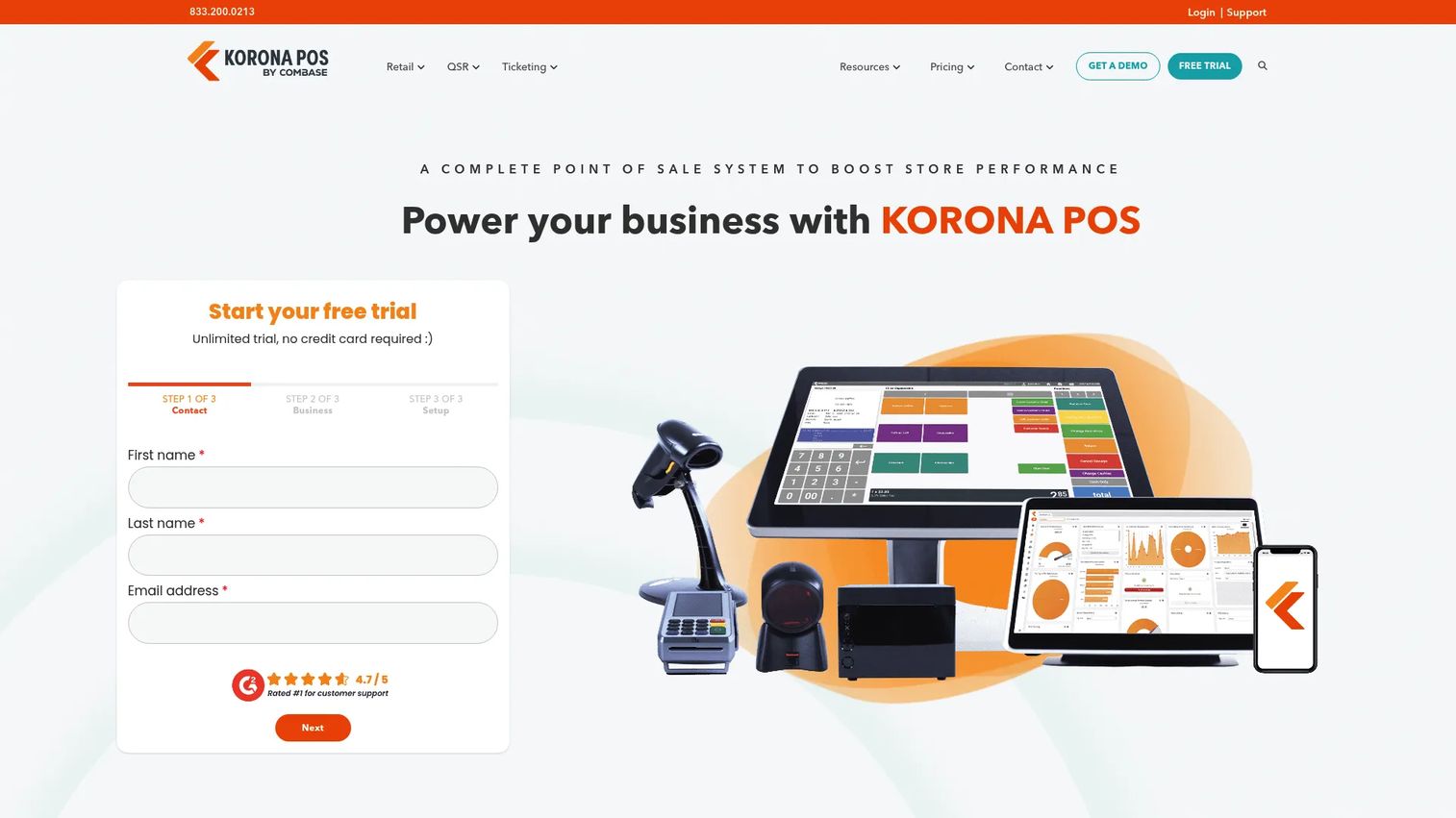
Korona POS is cloud based retail POS software for retail, quick service restaurants, ticketing, and multi location businesses. It combines checkout with inventory, reporting, employee controls, and loss prevention.
Processor flexibility separates it from platforms that tie software to one payment provider. Retailers can also use customer management and loyalty features.
Best for: Retailers needing inventory controls, processor choice, and specialized workflows.
Key features
- Real time stock tracking
- Multi location management
- Processor independent payments
- Employee loss prevention
- Customer loyalty tools
Why choose Korona POS: It fits operators who want more control over inventory and payment provider selection. The industry modules support businesses with specialized transaction patterns.
The per terminal pricing model can grow with device count. Calculate the cost across every checkout station before rollout.
Korona POS pricing: Core costs $59 per terminal monthly. Retail costs $79, while Plus costs $99 per terminal monthly.
G2 rating: 4.7/5.
8. Lightspeed
Lightspeed offers retail and restaurant POS products with inventory, payments, ecommerce, analytics, and operational tools. The retail platform is the stronger fit for inventory heavy evaluations.
Retailers can connect catalog management with ecommerce and multi location activity. Lightspeed also provides separate restaurant plans with menu and floor plan functions.
Best for: Retailers needing deeper inventory management and multi location control.
Key features
- Advanced inventory management
- Multi location operations
- Ecommerce connection
- Retail reporting and insights
- Integrated payment processing
Why choose Lightspeed: It earns consideration when inventory accuracy matters more than obtaining free software. The product range also supports retail and hospitality businesses under separate configurations.
Pricing differs between those product lines. Select the correct platform before comparing plans or implementation requirements.
Lightspeed pricing: Retail Basic costs $89 monthly. Restaurant Starter begins at $69 monthly.
G2 rating: 4.4/5.
9. Shopify POS
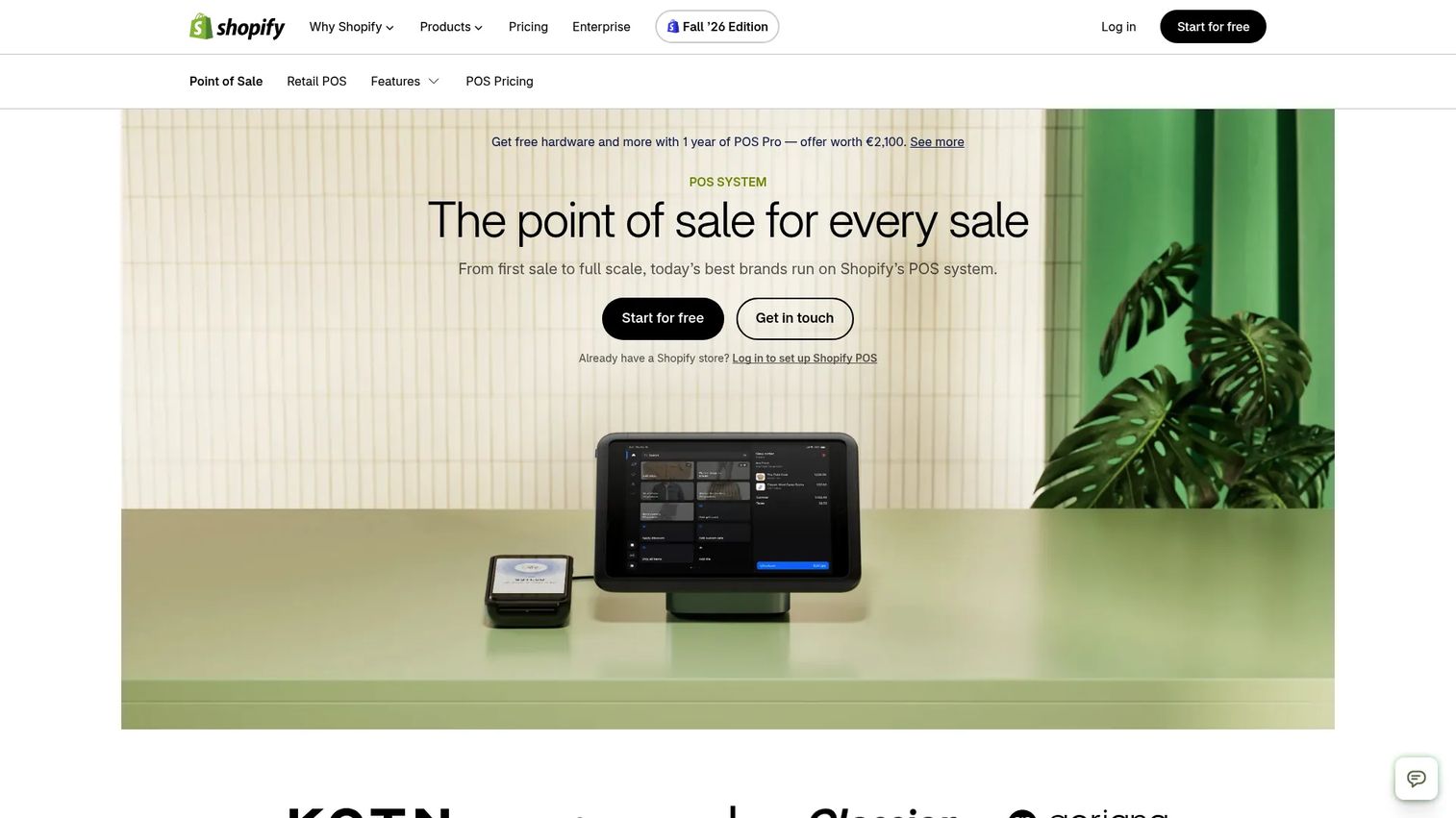
Shopify POS connects in person selling with Shopify ecommerce, inventory, customer profiles, and retail operations. It suits brands whose online store already acts as the commercial center.
The platform supports local delivery, store pickup, ship from store, and online or in store returns. Inventory data can move across locations and sales channels.
Best for: Ecommerce brands adding retail stores, pop ups, or other physical channels.
Key features
- Shopify store synchronization
- Multi location inventory
- Omnichannel returns
- Customer purchase profiles
- Staff roles and permissions
Why choose Shopify POS: It reduces data fragmentation when ecommerce and physical stores share the same catalog. Customer history and inventory stay connected across both channels.
POS Pro is an extra location based charge. Include it when modeling advanced retail requirements.
Shopify POS pricing: Shopify Basic costs $39 monthly. POS Pro costs another $89 monthly per location when billed yearly.
G2 rating: 4.4/5.
10. Lavu
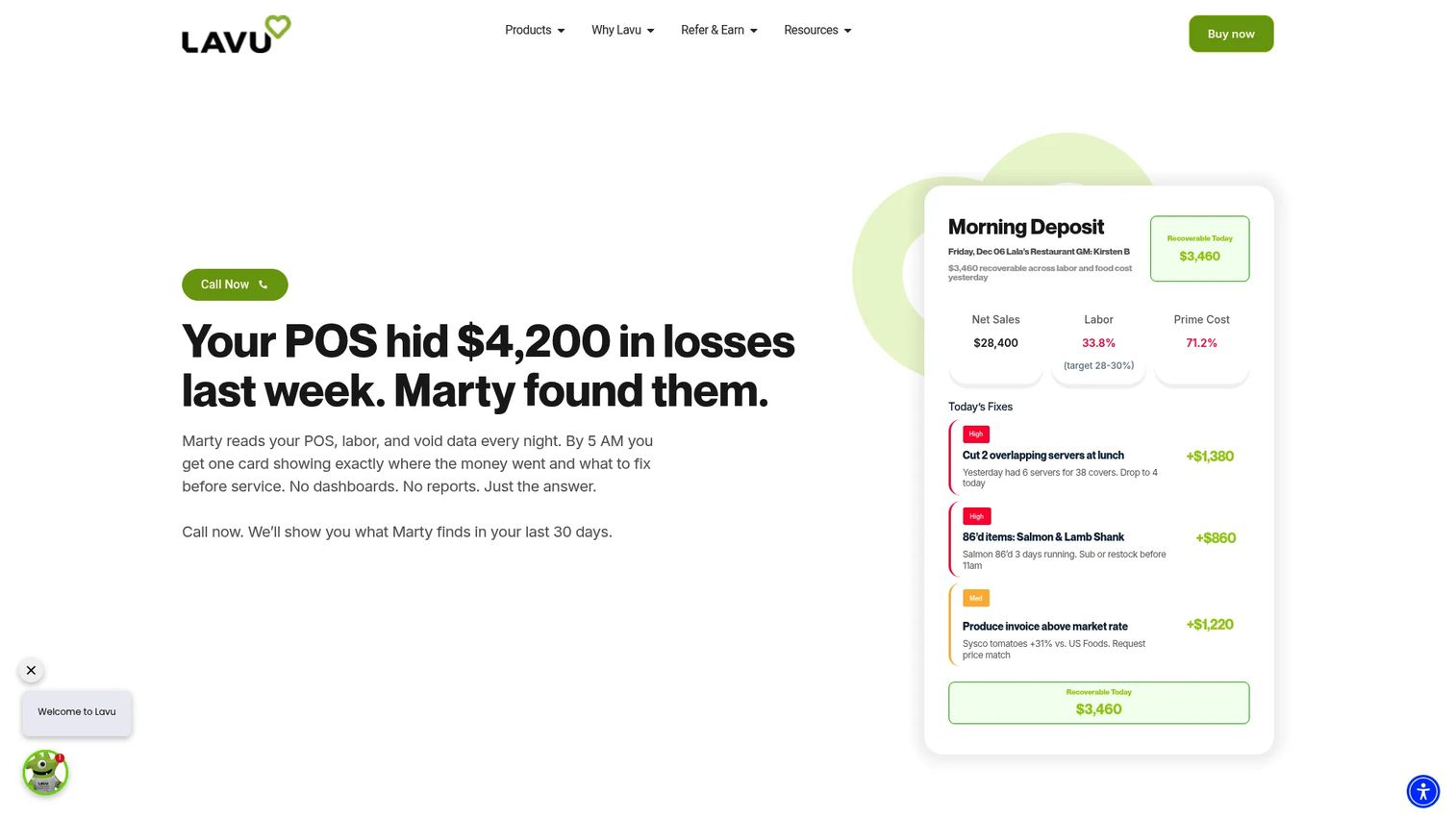
Lavu combines restaurant POS with order management, payments, payroll, marketing, and inventory tools. It also supports kitchen displays and wireless handheld devices.
Its restaurant focus helps operators manage workflows that generic retail checkout cannot cover. Tableside ordering and station management fit bars, full service restaurants, and other hospitality settings.
Best for: Restaurants and bars using tablet based service workflows.
Key features
- Restaurant order management
- Kitchen display support
- Wireless handheld hardware
- Labor and payroll tools
- Inventory and reporting
Why choose Lavu: It brings restaurant workflows and financial operations into the same product family. That can help a GM manage daily service without founder involvement.
Current plan names center on insights and automation. Confirm the complete POS configuration during the buying process.
Lavu pricing: Insights starts at $49 monthly. Automation costs $99, while Autopilot costs $199 monthly.
G2 rating: 3.8/5.
11. SkyTab POS
SkyTab POS is a restaurant point of sale and management platform. It combines ordering, payments, guest tools, labor controls, and cloud based reporting.
Hospitality capabilities include floor plans, split checks, tableside ordering, reservations, loyalty, and online orders. It also supports employee scheduling and permissions.
Best for: Restaurants and bars wanting POS, payments, and guest management together.
Key features
- Tableside ordering
- Reservations and waitlists
- Loyalty and online ordering
- Employee scheduling
- Cloud based reporting
Why choose SkyTab POS: Its restaurant scope covers both guest interactions and back office management. This can reduce the operational gaps between service, labor, and reporting.
The platform also connects closely with payment processing. Model the complete commercial agreement before signing.
SkyTab POS pricing: Promotional pricing starts at $29.99 monthly with $0 upfront cost.
G2 rating: 3.2/5.
12. Loyverse POS
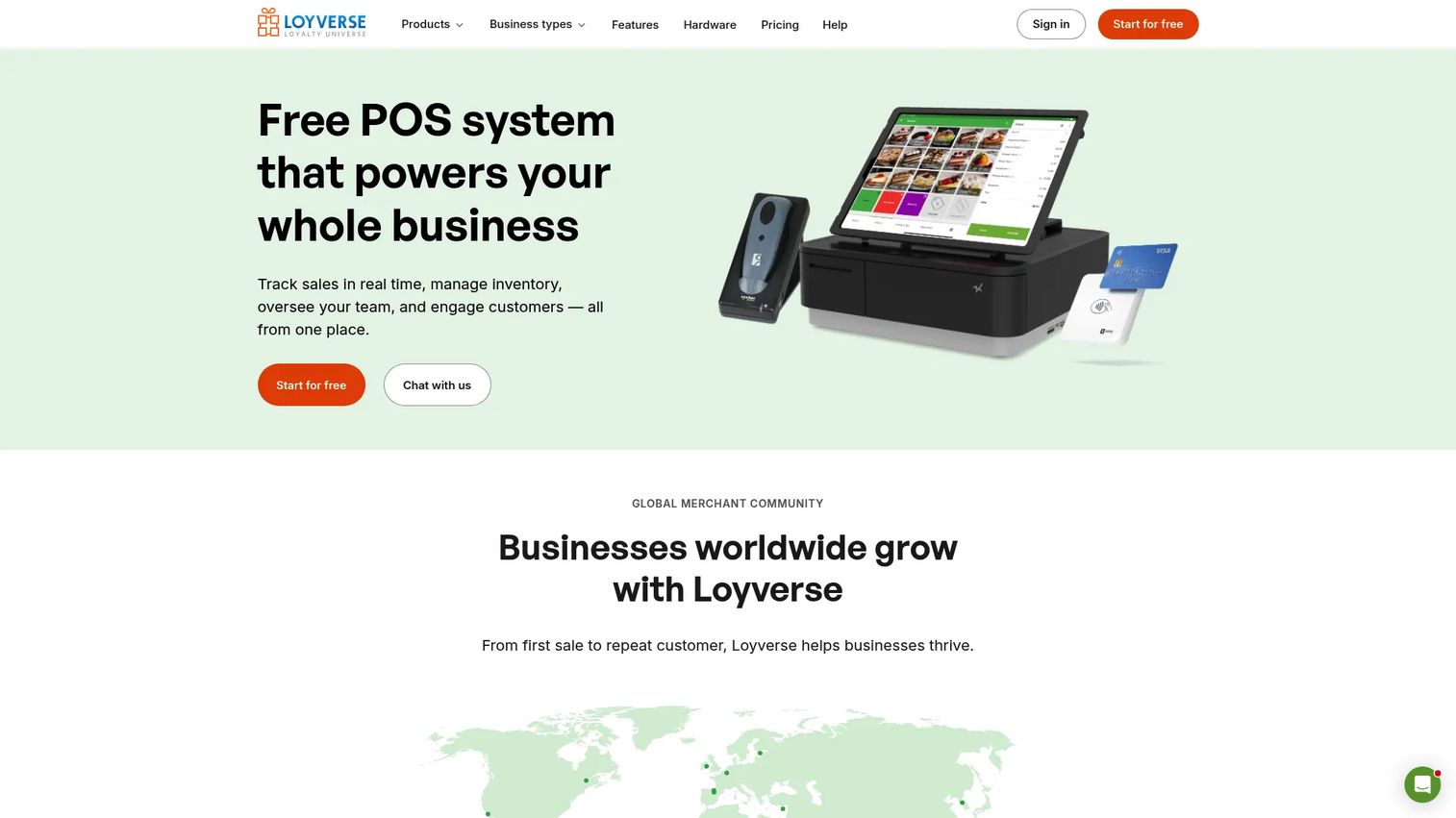
Loyverse POS provides free POS software for retail, restaurants, cafes, bars, and other small businesses. It runs on supported Apple and Android phones or tablets.
The free application includes checkout, inventory tracking, reporting, customer loyalty, and multi store management. Paid add ons extend employee controls and advanced inventory.
Best for: Small businesses that need free POS software with optional add ons.
Key features
- Free POS application
- Stock tracking and alerts
- Customer loyalty program
- Multi store management
- Kitchen display support
Why choose Loyverse POS: It gives small operators a low cost way to test POS workflows. The free core also works for businesses with straightforward checkout requirements.
Costs increase when employee management or advanced inventory becomes necessary. Review those add ons before treating it as a permanent free setup.
Loyverse POS pricing: Core POS software is free. Employee management and advanced inventory each cost $25 monthly per store.
G2 rating: A current G2 rating was not available.
13. Stax
Stax provides in person, online, mobile, invoicing, and recurring payment tools. Its subscription model includes no markup on direct cost interchange.
The pricing structure targets businesses processing meaningful transaction volume. Stax also provides payment analytics, customer management, and reconciliation functions.
Best for: Higher volume businesses focused on payment processing economics.
Key features
- Subscription processing model
- Smart terminal support
- Recurring billing tools
- Payment analytics
- Online payment pages
Why choose Stax: The subscription model becomes relevant when processing volume makes percentage markups expensive. Finance teams also gain reporting and reconciliation tools.
Lower volume operators should compare the monthly subscription against transaction based alternatives. Volume determines whether the model earns its place.
Stax pricing: Plans start at $99 monthly for businesses processing up to $150,000 annually. Card present transactions cost $0.08 each plus interchange.
G2 rating: 4.9/5.
14. Manhattan ActiveStore Point of Sale
Manhattan ActiveStore Point of Sale is a cloud native enterprise retail platform. It connects checkout with customer engagement, inventory visibility, and store fulfillment.
The product supports fixed registers and mobile POS devices. Enterprise retailers can also manage endless aisle selling, mixed carts, omnichannel returns, pickup, and ship from store workflows.
Best for: Enterprise retailers needing POS tied to order management and inventory systems.
Key features
- Omnichannel checkout
- Enterprise inventory visibility
- Endless aisle selling
- Store fulfillment workflows
- Offline resilience
Why choose Manhattan ActiveStore Point of Sale: It represents the enterprise end of the POS market. Large retailers can connect store transactions with broader order and fulfillment operations.
Its scope exceeds the requirements of smaller operators. Procurement should evaluate edition fit, implementation ownership, and integration requirements.
Manhattan ActiveStore Point of Sale pricing: Custom pricing. Available editions include Essentials, Enterprise, and Enterprise Premier.
G2 rating: 5.0/5.
Considerations when choosing point of sale software
Payment costs and contract terms
Calculate software, processing fees, hardware, chargebacks, and optional modules together. A low monthly fee can hide a higher cost per transaction.
Review contract length, cancellation terms, and hardware ownership. Check whether changing processors requires replacing the POS.
Hardware and device fit
List every terminal, handheld, reader, printer, cash drawer, scale, and kitchen display you need. Confirm compatibility before signing.
Test the devices during a busy shift. A polished dashboard cannot compensate for slow checkout hardware.
Offline mode and sync behavior
Ask what continues working during an internet outage. Confirm which payment methods remain available and how delayed transactions are handled.
Then test synchronization after connectivity returns. Staff should know how to spot a transaction that needs attention.
Inventory depth
A coffee shop and an apparel retailer need different inventory structures. Restaurants care about menu modifiers and ingredients.
Retailers may require variants, purchase orders, transfers, and multi location inventory sync. Enterprise operators also need order management across channels.
Reporting and operating visibility
Your POS reporting should support weekly operating reviews without manual cleanup. Check sales, refunds, voids, staff activity, and stock movement.
Make sure a GM or finance leader can own these reports. The founder should not become the reporting integration.
Conclusion
The best POS system depends on how the business sells and where operational complexity sits.
Square is the broad default for many small businesses. Shopify POS fits ecommerce led brands moving into physical retail, while Lightspeed goes deeper on inventory management.
Restaurant operators should compare Shift4 Dine, Lavu, and SkyTab POS against their service model. Helcim and Stax deserve attention when payment costs drive the decision.
Loyverse POS offers the clearest free starting point. Manhattan ActiveStore Point of Sale belongs in enterprise omnichannel evaluations.
Shortlist three platforms. Calculate software, hardware, transaction fees, and paid add ons for each.
Then run four tests before signing:
- Complete a typical checkout
- Process a refund
- Simulate an internet outage
- Produce an end of day report
The winner should work when the founder is no longer in every decision.
Start your journey with Guideflow today!
If your company sells software, interactive product experiences can help buyers understand workflows before a call.
Start your journey with Guideflow today!
FAQs
Point of sale software processes sales and connects each transaction with payment, product, customer, staff, and reporting data. Businesses use it at counters, tables, mobile checkout points, kiosks, or events.
A complete point of sale system often combines the application with payment processing and hardware.
POS software is the application that manages checkout and transaction records. A POS system includes the application plus hardware, payment processing, and operating procedures.
Common hardware includes terminals, card readers, receipt printers, cash drawers, barcode scanners, or kitchen displays.
Most businesses need a tablet or terminal and a card reader. Retail stores may add a barcode scanner, cash drawer, receipt printer, and customer display.
Restaurants may also need kitchen displays and handheld ordering devices. Mobile sellers can often start with a phone and reader.
Yes, when the platform supports omnichannel selling. The important test is whether inventory, customer profiles, returns, and reporting remain synchronized.
Ecommerce led brands should also verify store pickup, local delivery, and ship from store workflows.
Square and Loyverse POS both offer free starting points in the verified research. Square combines free POS software with its payment processing services.
Loyverse provides free core tools with paid add ons for employee management and advanced inventory. Compare processing costs and hardware before choosing.
Software in this comparison ranges from free to several hundred dollars monthly. Enterprise platforms use custom pricing.
Your total cost also includes payment processing, hardware, paid modules, and support. Model those expenses using expected locations and transaction volume.
Some POS systems provide an offline mode, but behavior differs. Buyers should test which payments continue and whether authorization occurs immediately or later.
Also verify how transactions sync after connectivity returns. Ask who carries the risk for declined offline payments.
Retail buyers should prioritize variants, purchase orders, barcode workflows, transfers, and multi location inventory. Ecommerce connections matter when online and physical channels share stock.
Restaurants should focus on table management, tipping, menu modifiers, kitchen displays, online ordering, and labor controls.