



You shipped 400 product photos to your paid social team last week. By Friday, three of them were live on a reseller's storefront with your brand mark cropped off. One screenshot, one crop, and your creative is now someone else's asset.
That is the quiet tax on every image you publish. Campaign visuals, portfolio shots, and product photography leave your channels and stop carrying your name the moment someone right-clicks. For a growth marketer, that is not just theft. It is lost attribution, diluted brand recall, and creative you paid to produce working for someone else.
The market has caught up to the problem. The digital watermarking market reached USD 1.45 billion in 2024 and is projected to hit USD 3.80 billion by 2033, according to Grand View Research (2024). Copyright protection drives 40.6% of watermarking adoption, per Market.us (2024). The tools got cheaper, faster, and batch-ready. The question is which one earns a slot in a stack you are already trying to trim.
What's inside
This guide is built for marketers, creators, photographers, and content teams who need to brand or protect images at volume without adding a heavy tool to the stack. Here is how the eight picks were chosen:
- Batch processing: Can it watermark hundreds of images in one pass?
- Customization controls: Opacity, rotation, placement, and logo handling depth
- Template reuse: Save a brand mark once and reapply it across campaigns
- Platform support: Desktop, browser, and mobile coverage
- Export quality: Output that holds up on landing pages and ad creative
No filler tools. Every pick solves at least one of those jobs well.
TL;DR
- Best for fast offline batch jobs: Visual Watermark and 123 Watermark handle large folders locally, no upload wait.
- Best for browser-based branding: Canva and Fotor let content teams brand images inside a tool they already open daily.
- Best for lightweight Windows use: Add Watermark covers quick photo and video marks from the Microsoft Store.
- Best for template-heavy workflows: Watermarkly and Photo Cool Apps favor reusable marks and quick mobile edits.
- Best for simple one-off overlays: Watermark Photo covers straightforward text and image marks with opacity control.
What is photo watermark software
Photo watermark software adds text or logo marks to images to signal ownership, protect copyright, and keep brand attribution attached as visuals move across channels.
The category exists because manual watermarking does not scale. Dropping a logo onto one image in a design tool is fine. Doing it to 500 product shots before a launch is a workflow, and that workflow is what these tools own.
Most watermark makers cluster around the same core capabilities. Here is what to expect:
- Text and logo watermarks: Add a brand name, signature, or transparent logo file
- Placement and opacity controls: Adjust rotation, size, and transparency per image or in bulk
- Batch watermarking: Apply one mark across an entire folder or upload set
- Template saving: Store a brand mark and reapply it to future campaigns
- Export options: Control output format, quality, and compression for web or print
The split that matters most for your workflow is where processing happens. Offline desktop tools run on your machine, which keeps large batches fast and your source files private. Browser-based tools live inside the design environment your team already uses, so branding happens in the same tab as everything else. Neither is better in the abstract. The right pick depends on batch size, privacy needs, and whether your team lives in the browser or on the desktop.
For marketers specifically, the value is consistency. A watermark template enforces brand marks the same way a UTM convention enforces clean tracking. Set it once, and every asset that ships carries the same attribution. That is the difference between hoping your team remembers the logo and knowing every export already has it.
When to use photo watermark software
Protect original photography
Creators and photographers need ownership markers on portfolio shots, stock uploads, and client previews. A visible watermark makes casual reuse harder and signals attribution before a formal license is agreed. For proofing galleries, it lets you share work while keeping the clean file behind a paywall.
Brand social and campaign assets
Marketers running paid social and organic content need consistent brand marks on every shared visual. When creative gets reposted, screenshotted, or scraped into a competitor's mood board, a watermark keeps your name attached. Consistent branding across a campaign also lifts recall, which is one lever you actually control.
Process hundreds of images at once
Agencies, ecommerce operators, and content teams face volume that manual editing cannot match. Batch watermarking applies one mark across a full product catalog or a shoot's output in a single pass. That turns a half-day of manual overlays into a few minutes, which is where the ROI on these tools shows up.
Comparison table
Here is the side-by-side view. Pricing and G2 ratings reflect verified values as of August 2026. Batch-first desktop tools sit near the top, since that is the highest-value job for marketers protecting images at scale.
| # | Product | Best for | Key differentiator | Pricing | G2 rating |
|---|---|---|---|---|---|
| 1 | Visual Watermark | Offline batch across photos, video, PDF | Local processing, no upload wait | From $19.95/mo (annual), $39.95 one-time | N/A |
| 2 | 123 Watermark | Desktop bulk on Windows and Mac | QR, EXIF, and layered watermark types | Free trial, paid license key | 4.8 |
| 3 | Canva | Browser-based branding for teams | Watermarking inside a full design tool | Free, Pro $144/yr, Business $250/yr | 4.7 |
| 4 | Add Watermark | Quick Windows photo and video marks | Free Microsoft Store app | Free | N/A |
| 5 | Photo Cool Apps | Lightweight mobile social edits | Mobile-first poster and photo tools | Free with in-app purchases | N/A |
| 6 | Watermarkly | Privacy-focused batch marking | Browser and app, offline processing | Free tier, from $19.95/mo, $39.95 one-time | N/A |
| 7 | Watermark Photo | Simple one-off text and image marks | Font, rotation, and opacity control | Free trial, $19/mo VIP | N/A |
| 8 | Fotor | Broader editing plus watermarking | Full editor with AI tools | Free, paid Pro tiers | 4.2 |
If you are consolidating tools, note that a few of these already live in your stack. Watermarking may be a feature you own but never turned on, rather than a new line item.
Best 8 tools for photo watermarking
1. Visual Watermark
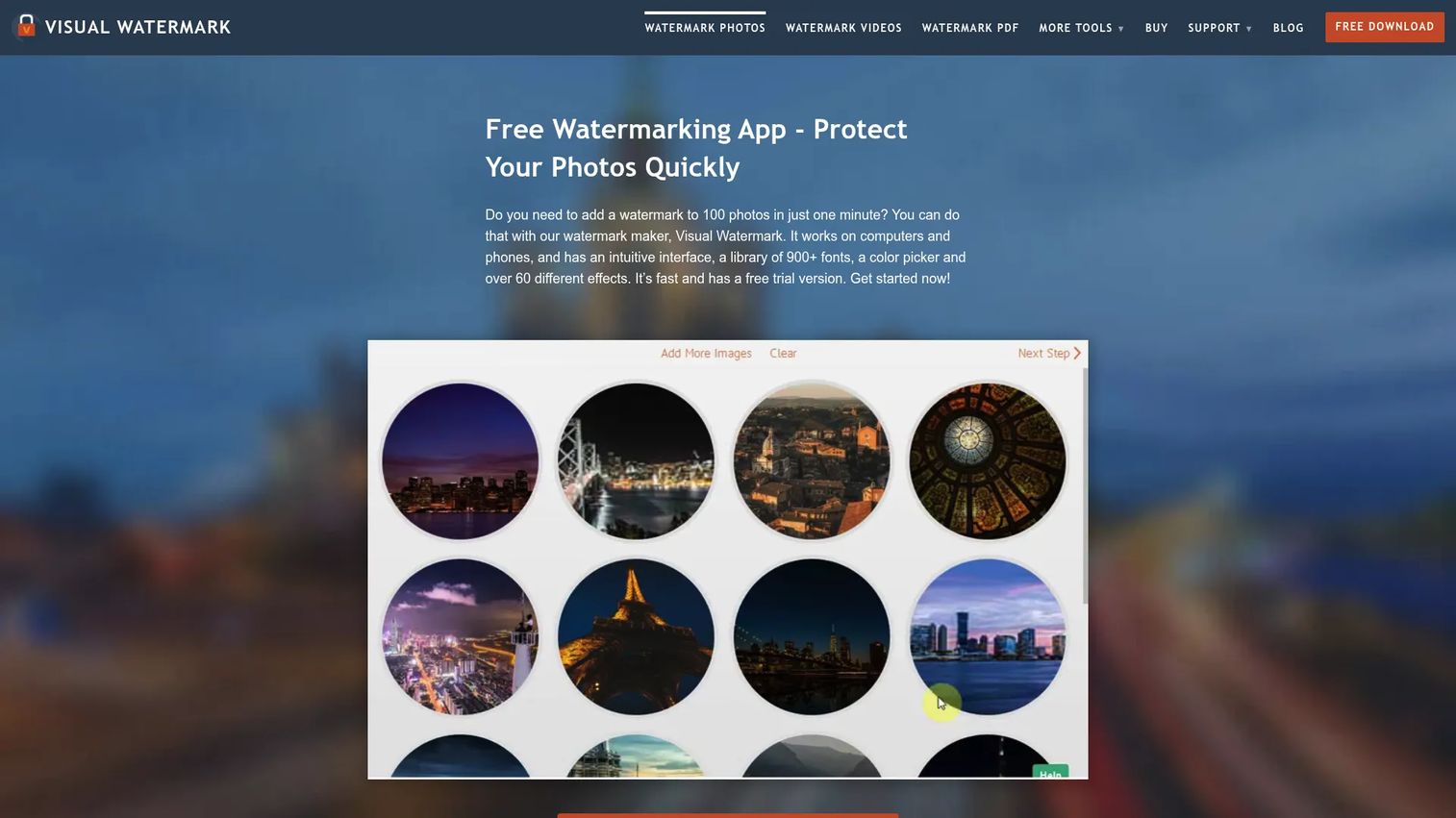
Visual Watermark is offline-first watermarking built for volume. You point it at a folder, apply a text or logo mark, and it processes the batch locally across photos, videos, and PDFs. Because nothing uploads, large sets move fast and your source files never leave your machine.
Best for: Photographers and marketing teams who want fast local batch work with template reuse.
Key features
- Batch watermarking: Photos, videos, PDFs
- Text and logo watermark creation
- Crop, resize, and compress in one pass
- Template reuse for team consistency
- Runs on Windows, Mac, and Android
Why choose Visual Watermark: If you handle large image sets and care about keeping originals off third-party servers, local processing is the draw. It suits creators and small teams over enterprise procurement flows.
Visual Watermark pricing: A free version is available with a watermark limitation. Paid access starts at $19.95 per month billed annually, or $39.95 as a one-time permanent license.
A current G2 rating for Visual Watermark was not verified on this run.
2. 123 Watermark
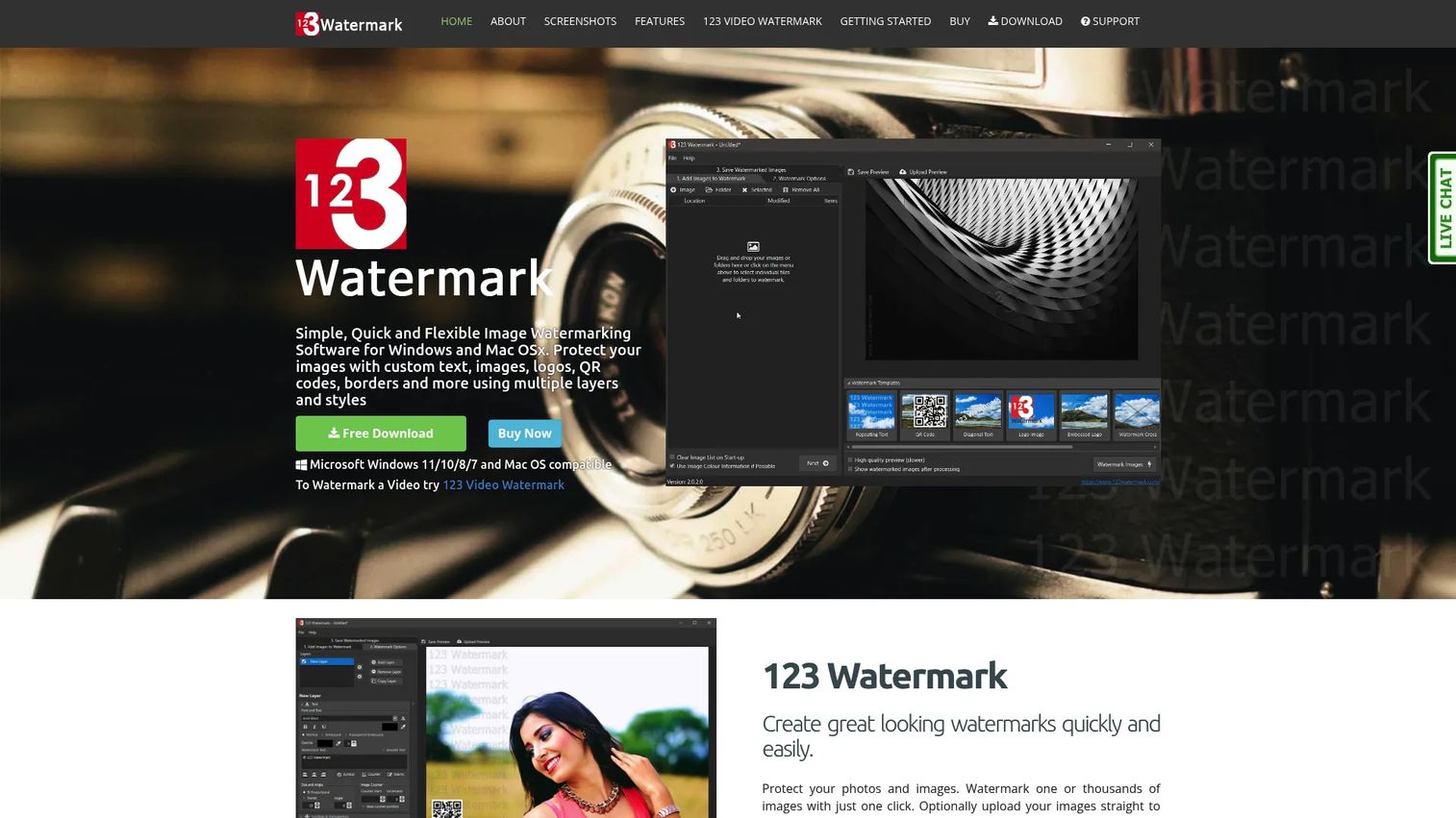
123 Watermark is desktop software for bulk watermarking on Windows and Mac. It goes beyond plain text and logo marks, supporting borders, QR codes, EXIF data, and layered watermarks. When a batch is done, it can push images straight to Dropbox, OneDrive, or Google Drive.
Best for: Photographers and teams needing flexible bulk watermarking with varied mark types.
Key features
- Batch watermarking for large image sets
- Text, image, border, QR code, layered marks
- EXIF metadata handling
- Cloud upload to Dropbox, OneDrive, Google Drive
- Preset support for repeat jobs
Why choose 123 Watermark: The range of watermark types is the differentiator here. If your workflow needs QR codes or layered marks alongside a logo, it covers more ground than single-mark tools.
123 Watermark pricing: A free trial is available for download. A paid license key unlocks the full version, and the exact figure is confirmed at checkout on the vendor's buy page.
On G2, 123 Watermark holds a 4.8 out of 5 rating.
3. Canva
Canva is the design platform most marketing teams already open daily, and watermarking is a task it handles inside the same workflow. You build a custom watermark from a logo, name, or signature, then drag it onto any design with opacity and placement control. No second tool, no export-import shuffle.
Best for: Marketers who already run creative in Canva and want branding in one place.
Key features
- Drag-and-drop watermark placement
- Custom marks from logo, name, or signature
- Opacity and positioning controls
- Templates, stock assets, collaboration
- AI tools and generators
Why choose Canva: If your team lives in Canva, adding watermarks there answers the "what does this replace" objection cleanly, since it replaces nothing and adds no cost at the free tier. It trades deep batch automation for convenience.
Canva pricing: Free for one person at $0. Pro runs $144 per year for one person, Business is $250 per year per person, and Enterprise pricing is quoted by sales.
Canva carries a 4.7 out of 5 rating on G2.
4. Add Watermark
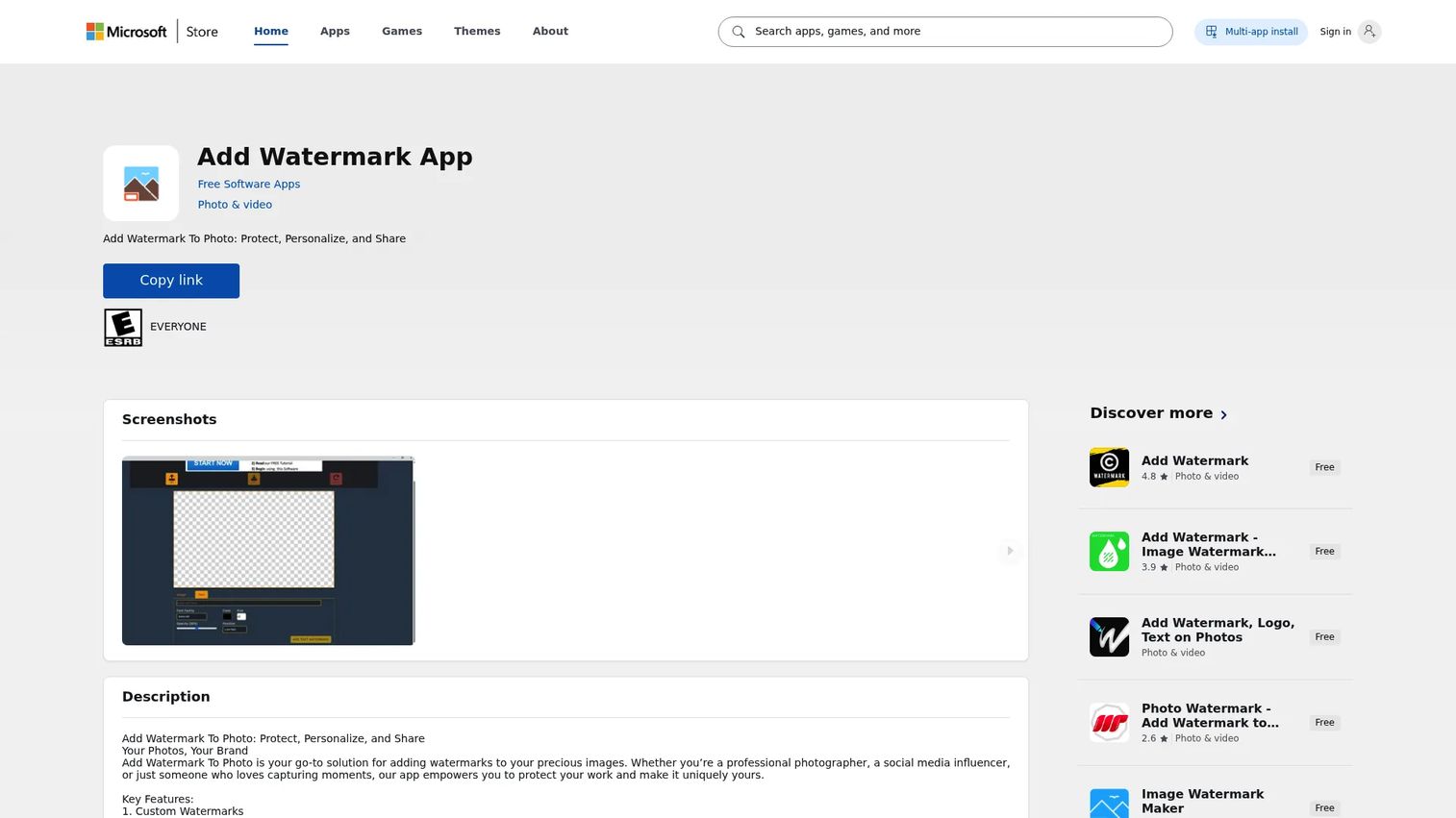
Add Watermark is a free Windows app for putting marks on photos and videos. It lives on the Microsoft Store and keeps the scope tight: Pick your media, apply a watermark, export. For quick social branding jobs on a Windows machine, it does the one thing without a learning curve.
Best for: Windows users who need basic photo and video watermarking without a subscription.
Key features
- Watermarking for photos
- Watermarking for videos
- Batch processing support
- Templates and custom effects
- Free install from Microsoft Store
Why choose Add Watermark: It is the low-overhead pick for one-off Windows jobs. If you need depth in template syncing or cloud export, a heavier desktop tool fits better.
Add Watermark pricing: The app is listed as free on the Microsoft Store, so there is no upfront cost to install and use it.
A verified G2 rating for this app was not available on this run.
5. Photo Cool Apps
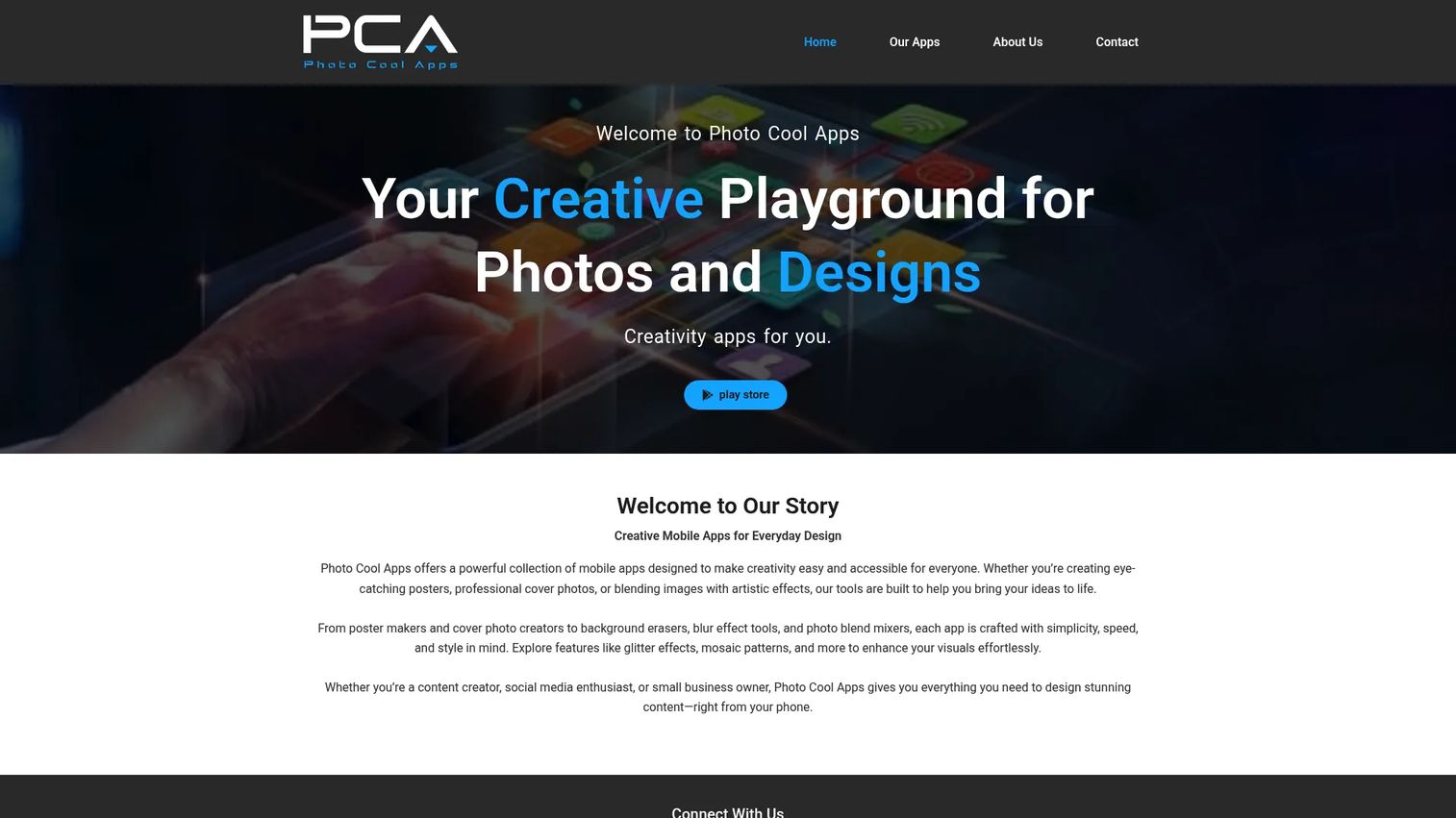
Photo Cool Apps publishes mobile apps for quick photo and design work, including watermarking for social sharing. The tools skew toward on-the-go creation: Posters, cover photos, background erasing, and blur effects. If your branding happens on a phone between shoots or posts, it fits that rhythm.
Best for: Creators and social managers who edit and brand images on mobile.
Key features
- Logo and text watermark creation
- Poster and flyer design
- Cover photo creation
- Background erasing and blur effects
- Quick editing for social sharing
Why choose Photo Cool Apps: Pick it when your workflow is mobile-first and speed beats batch depth. It is lighter than desktop batch tools by design, which is the point for fast social edits.
Photo Cool Apps pricing: The apps are free to download, with in-app purchases available for added features. Exact in-app prices show inside each app on the store.
A G2 rating for Photo Cool Apps was not verified on this run.
6. Watermarkly
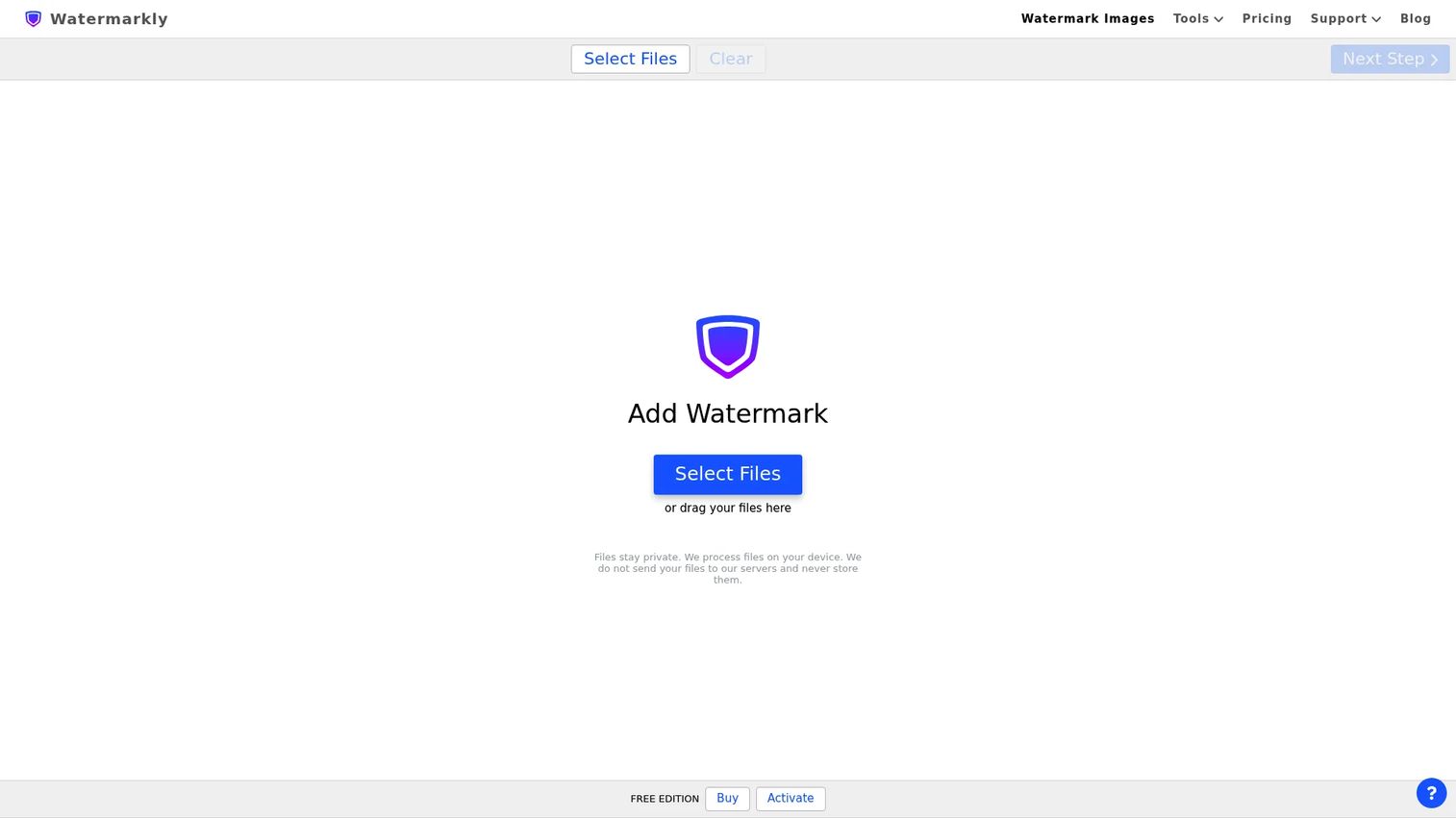
Watermarkly marks photos, videos, and PDFs in batch through a privacy-focused browser tool that processes files without sending them to a server. You build text or logo marks, save them as templates, and reapply across sets. For teams that want browser convenience without the upload trade-off, that combination is the hook.
Best for: Teams and creators wanting batch marking with template reuse and local privacy.
Key features
- Batch watermarking for images, videos, PDFs
- Text and logo marks with templates
- Privacy-focused in-browser processing
- Template syncing across a team
- Font and placement depth
Why choose Watermarkly: It splits the difference between desktop privacy and browser access, which suits marketers who want templates without installing software. Deep video editing is not its focus.
Watermarkly pricing: A free version is available with a Watermarkly logo on output. Paid access starts at $19.95 per month billed annually, or $39.95 for a one-time permanent license.
A current G2 rating for Watermarkly was not verified on this run.
7. Watermark Photo
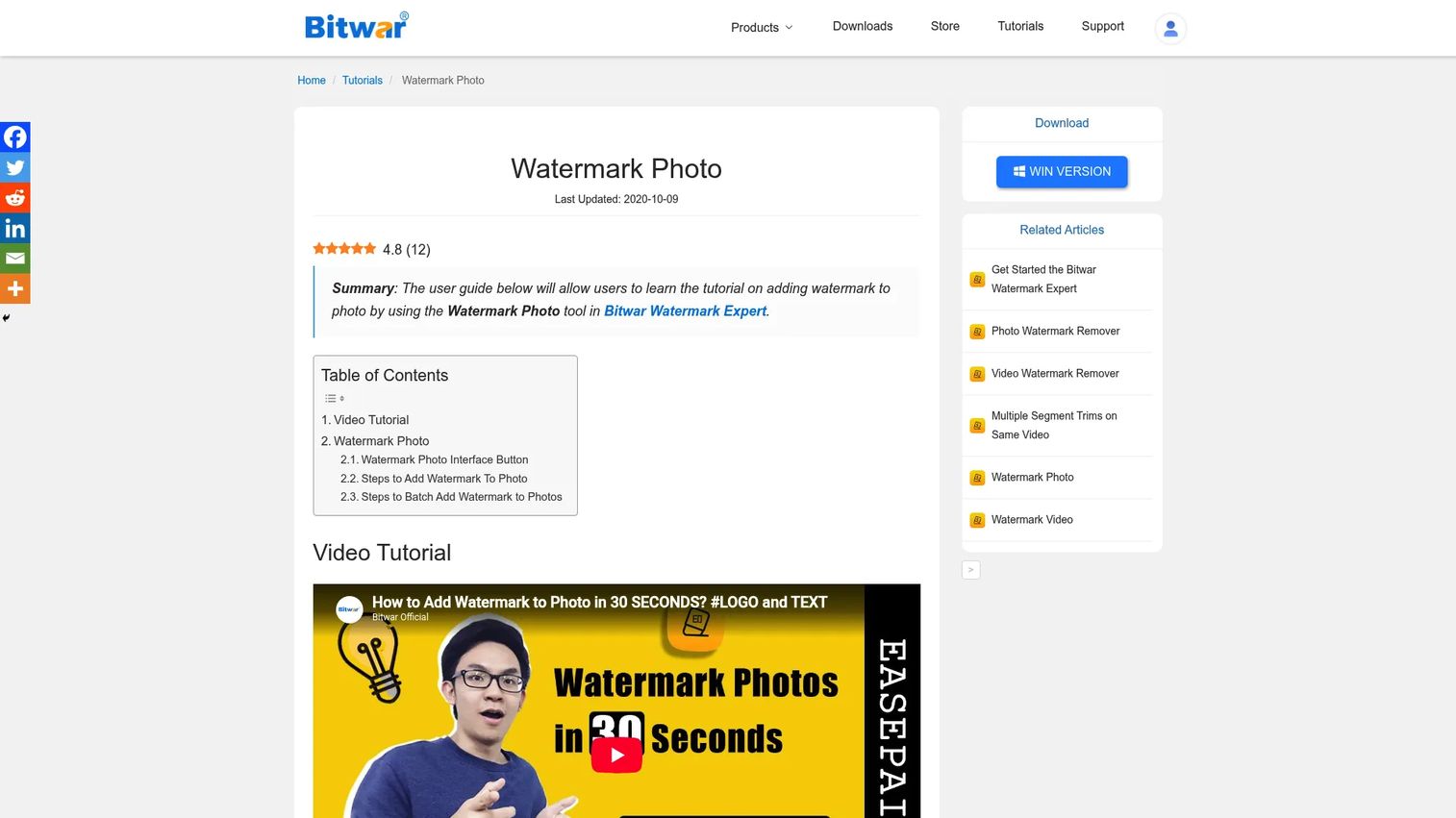
Watermark Photo is Bitwar's watermarking tool for adding text or image marks to photos. It covers the fundamentals well: Font, size, rotation, and opacity control, plus batch application across multiple photos at once. For straightforward branding without extra features to learn, it stays out of the way.
Best for: Users who want simple text and image watermarks with basic batch support.
Key features
- Text or image watermarks on photos
- Batch watermark multiple photos
- Font, size, and rotation control
- Opacity adjustment
- Quick export workflow
Why choose Watermark Photo: Choose it for one-off and small-batch jobs where you want control over the mark without a broad editing suite around it. It is a utility, not a platform.
Watermark Photo pricing: The tool is free to download and try. Bitwar lists a Monthly VIP at $19.00, with a promotional first month at $1.90.
A verified G2 rating for this specific product was not available on this run.
8. Fotor
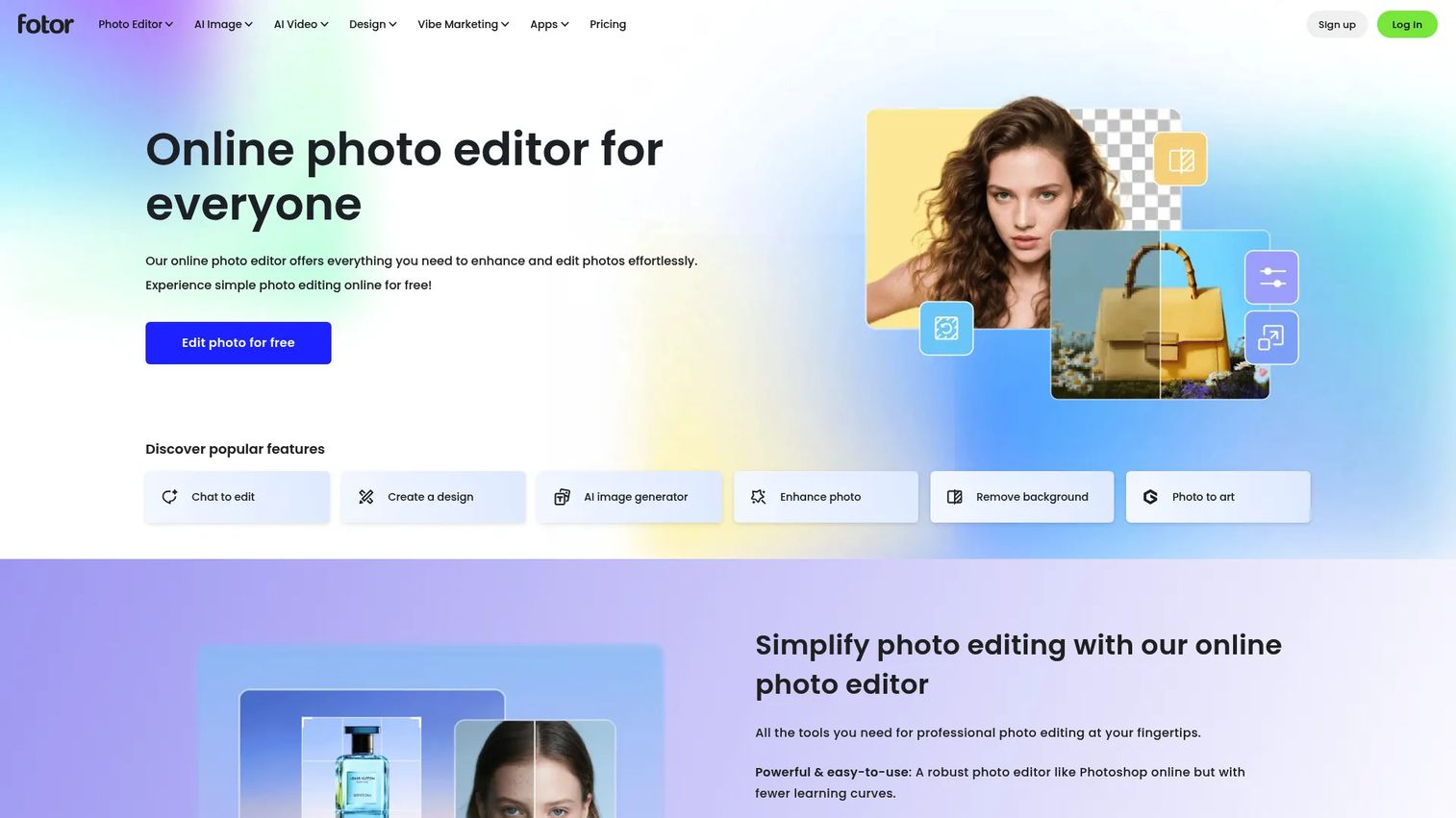
Fotor is a browser-based photo editor with watermarking as one feature inside a wider toolkit. Alongside marking images, it handles editing, AI image and video generation, and cloud sync across devices. For content teams that want branding plus general editing in one tab, it consolidates several jobs.
Best for: Teams needing quick photo editing and AI-assisted content alongside watermarking.
Key features
- Browser-based image editing
- Watermarking within the editor
- AI image and video generation
- Cloud storage and device sync
- Free and paid tool tiers
Why choose Fotor: It answers the tool-sprawl objection by covering editing and watermarking together. If you only need marks and nothing else, a dedicated watermark tool is leaner.
Fotor pricing: A free Basic plan is available forever at $0. Paid Pro and Pro+ tiers add more, with current prices shown on Fotor's pricing page.
Fotor holds a 4.2 out of 5 rating on G2.
Considerations
Before you commit, run each shortlist tool through this checklist. It maps directly to the jobs a marketer actually needs done.
Batch size and speed
Estimate your real volume, not your average day. A launch drop of 300 to 500 images behaves differently than five one-offs. Offline desktop tools like Visual Watermark and 123 Watermark tend to move large batches faster because processing runs locally with no upload queue.
Local versus cloud processing
Decide whether source files can leave your machine. Client previews, unreleased product shots, and licensed stock often carry privacy or contractual limits. Local and in-browser tools that process without a server upload keep those files under your control.
Template reuse and team workflow
A brand mark is only useful if everyone applies it the same way. Look for saved templates and, for teams, template syncing, so the same logo, opacity, and placement carry across every campaign without manual reconstruction each time.
Export quality and file formats
Check output before you standardize on a tool. Confirm it exports the formats your channels need and that compression does not soften the mark or the image on a retina landing page. Test with a real ad-sized crop, not a thumbnail.
Watermark control depth
Match the control depth to the stakes. Portfolio protection and anti-scrape work want rotation, tiling, and opacity control. Simple attribution marks need less. Buying more depth than you use is just another way to add tool bloat.
Conclusion
The right watermark tool comes down to where your images live and how many you push at once.
Visual Watermark is the pick for offline batch work when volume is high and source files need to stay local. 123 Watermark suits flexible desktop workflows that call for varied mark types like QR codes and layered watermarks. Canva is the easiest option for teams already running creative in the browser, since it adds branding without adding a tool or a cost at the free tier.
Your next step is simple. Map your real batch volume and privacy needs against the shortlist, then run one launch's worth of images through a free tier before you standardize. Watermarking is a set-it-once workflow, so the tool you pick will quietly enforce brand attribution on everything you ship for the next year.
Start your journey with Guideflow today!
FAQs
Several tools offer capable free tiers. Canva includes watermarking in its free plan for browser-based work, Watermarkly and Visual Watermark offer free versions with a small tool logo on output, and Add Watermark is fully free on the Microsoft Store. The best free pick depends on whether you want browser access or offline batch speed.
Yes. Batch watermarking is the core reason these tools exist. Visual Watermark, 123 Watermark, and Watermarkly all apply one mark across a full folder or upload set in a single pass. Offline desktop tools usually clear large batches faster since there is no upload step.
It depends on your batch size and privacy needs. Desktop tools process locally, which keeps large sets fast and source files off third-party servers. Browser tools like Canva and Fotor add convenience by living inside a design workflow you already use. High-volume, privacy-sensitive jobs lean desktop.
Use a transparent PNG logo and control opacity so the mark sits over the image rather than blocking it. Export in a lossless or high-quality format and avoid heavy compression, which softens both the mark and the photo. Test output on a full-size crop before you standardize the setting.
Most tools support this. Visual Watermark, 123 Watermark, and Watermarkly let you save a mark with its opacity and placement, then reapply it across future campaigns. For teams, template syncing keeps every member applying the same brand mark the same way.
Some tools do. 123 Watermark handles EXIF data alongside visible marks, which lets you embed copyright and attribution details in the file. Combining a visible watermark with metadata gives you both a deterrent and an ownership record inside the image itself.
Match the format to the channel. Use JPEG for web and social where file size matters, and PNG when you need transparency or crisper edges on graphics. For print or archival originals, export a high-quality or lossless format so the mark and image both hold up at full resolution.










