Patients call when they can’t find a test result, reset their password, finish a form, or understand a balance. Each failed self-service attempt becomes another ticket or phone call for support staff.
Portal adoption has grown, but access alone doesn’t remove that workload. According to ASTP and ONC research published in 2025, 65% of U.S. individuals accessed an online medical record or patient portal in 2024. That figure was 25% in 2014.
The best patient portal software makes common tasks understandable without introducing another confusing channel. Secure records access matters. So do mobile usability, account recovery, system integration, and clear routes to human help.
This guide evaluates patient access software through that operational lens. The question is simple: Will the portal help patients complete routine tasks without calling your team?
What’s inside
This guide compares 13 patient portal software companies serving health systems, ambulatory groups, behavioral health providers, and independent practices.
We assessed each option using four practical criteria:
- Secure records access and identity controls
- EHR or practice management integration
- Scheduling, intake, messaging, payments, and reminders
- Patient adoption and front desk workload impact
Pricing comes from vendor sources. G2 ratings reflect the relevant listing available during research. Some ratings cover a broader product family because a dedicated portal listing wasn’t available.
TL;DR
- Best for enterprise health systems: Epic MyChart connects patient access closely with Epic environments
- Best for Oracle Health environments: Oracle Health Patient Portal supports patient self-service within Oracle Health workflows
- Best for ambulatory practices: NextGen Patient Portal connects records and communication with NextGen systems
- Best for branded patient engagement: BridgeInteract works across existing EHR and practice management systems
- Best for intake and payments: Phreesia combines digital registration with scheduling, communications, and collections
- Best for smaller practices: SimplePractice and CharmHealth bundle portal functions with broader practice software
What is patient portal software?
Patient portal software is a secure digital system that lets patients access health records, communicate with care teams, schedule visits, complete forms, and manage healthcare payments online.
A patient portal app or web portal usually connects with an EHR, practice management system, or revenue cycle platform. This connection determines whether completed tasks update clinical and administrative workflows without staff reentering data.
Patient portal software generally falls into four categories:
- EHR native portals: Patient access built around a specific electronic health record
- EHR agnostic platforms: Patient engagement software designed to connect across different clinical systems
- Practice management portals: Client access bundled with scheduling, documentation, billing, or telehealth
- Patient access workflow layers: Communication and automation tools that handle calls, intake, reminders, or routing
EMR patient portal software often covers several patient-facing tasks. However, feature availability varies by vendor and implementation.
Common capabilities include:
- Secure login and identity verification
- Medical records and laboratory results
- Appointment scheduling and rescheduling
- Secure messaging with care teams
- Digital intake and consent forms
- Bill payment and payment reminders
- Proxy access for caregivers
- EHR, practice management, or billing integration
- Automated notifications and appointment reminders
- Audit logs, encryption, and multifactor authentication
Access design matters as much as the feature list. A complex login process can send patients straight back to the phone queue. Weak patient portal integration can also create duplicate work behind the scenes.
The operational test is whether patients can complete the intended task independently. Track failed logins, abandoned forms, unresolved messages, and calls following portal activity. Those signals reveal where self-service is moving work instead of reducing it.
When to use patient portal software
Give patients secure access to records and messages
Use a portal when patients frequently request test results, medication details, visit summaries, or care instructions. Direct patient records access can remove routine document requests from the support queue.
Account recovery needs equal attention. Patients who can’t regain access will call, regardless of how many records the portal contains.
Move scheduling, intake, and reminders out of the phone queue
Online appointment scheduling can reduce calls for booking, cancellations, and visit details. Digital patient intake also moves forms away from reception desks and paper packets.
Test these workflows on a phone. Long forms, unclear buttons, or confusing error messages can create more questions than they remove.
Connect payments and follow-up workflows
Online bill pay for patients gives people another route to review balances and submit payments. Portals can also support refill requests, follow-up instructions, and secure questions.
These functions affect average handle time and first-contact resolution. Clear self-service keeps straightforward work out of the queue while preserving human support for complex cases.
Patient portal software comparison
The best patient portal software depends heavily on your existing clinical stack. An EHR native portal often fits organizations committed to one core system. Independent platforms suit teams that need a branded experience across several systems.
The table below compares patient portal software vendors by their strongest use case. Custom pricing means the vendor provides prices through its sales process.
| # | Product | Best for | Key differentiator | Pricing | G2 rating |
|---|---|---|---|---|---|
| 1 | Epic MyChart | Enterprise health systems | Deep connection with Epic patient workflows | Custom pricing | 4.4/5 |
| 2 | Oracle Health Patient Portal | Oracle Health environments | Patient access within Oracle Health infrastructure | Custom pricing | 3.5/5 |
| 3 | NextGen Patient Portal | Ambulatory practices using NextGen | EHR native records and communication | Custom pricing | 3.8/5 |
| 4 | FollowMyHealth | Web and mobile patient access | Centralized access across provider systems | Custom pricing | 3.5/5 |
| 5 | BridgeInteract | Branded patient engagement | EHR agnostic portal and integration model | Custom pricing | N/A |
| 6 | Phreesia | Intake and front office workflows | Registration, payments, and patient communication | $0 promotional access | 5.0/5 |
| 7 | DocVilla | Independent practices | Portal bundled with a cloud EHR | From $100/provider/month | N/A |
| 8 | SimplePractice | Behavioral health and small practices | Practice management with a client portal | From $14.70/month promotional rate | 4.1/5 |
| 9 | CharmHealth | Small and medium practices | EHR, billing, and portal bundle | Free plan available | N/A |
| 10 | Mend | Behavioral health operations | Scheduling and patient engagement automation | Custom pricing | 4.7/5 |
| 11 | DoctorConnect | Patient communication automation | Reminders, recall, and digital intake | Custom pricing | N/A |
| 12 | Clinked | Secure document portals | Branded client workspaces and permissions | From $11/user/month | 4.8/5 |
| 13 | Freed Front Desk | Medical phone coverage | AI medical receptionist and call triage | $149/month per 250 calls | 4.9/5 |
Best 13 patient portal software for 2026
1. Epic MyChart
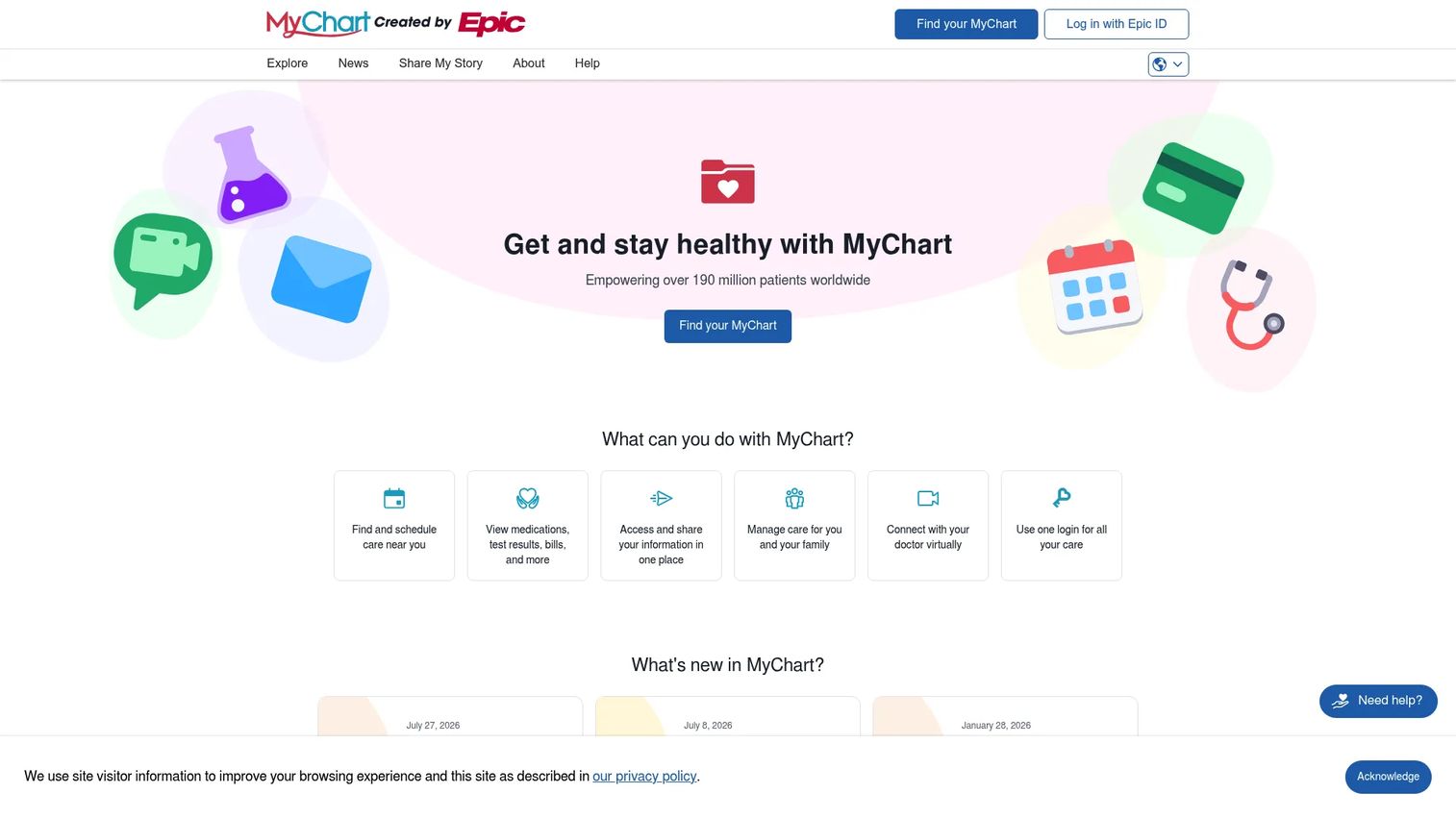
Epic MyChart is Epic’s patient-facing portal for managing health information and care tasks. Patients can access records, communicate with providers, schedule visits, and handle billing from one account.
Its connection with participating Epic organizations makes it a natural fit for large health systems already committed to that infrastructure. MyChart Central also supports one login across participating organizations.
Best for: Enterprise health systems already running Epic
Key features
- Health records and test results
- Secure provider messaging
- Appointment scheduling and eCheck-In
- Billing and payment plans
- Family proxy access
Why choose Epic MyChart: MyChart keeps patient access close to Epic clinical and administrative workflows. Patients can view medications, request prescription refills, attend video visits, or manage family care.
For support teams, the important question is configuration. Review which actions patients can complete without staff intervention. Then test how identity recovery, proxy requests, and cross-organization access reach the right queue.
MyChart fits organizations seeking broad patient self-service inside an Epic environment. A smaller practice seeking a lightweight standalone portal will likely need a different product category.
Epic MyChart pricing: Custom pricing.
G2 rating: 4.4/5. The rating comes from G2’s patient portal and patient communication category rather than a distinct MyChart review profile.
2. Oracle Health Patient Portal
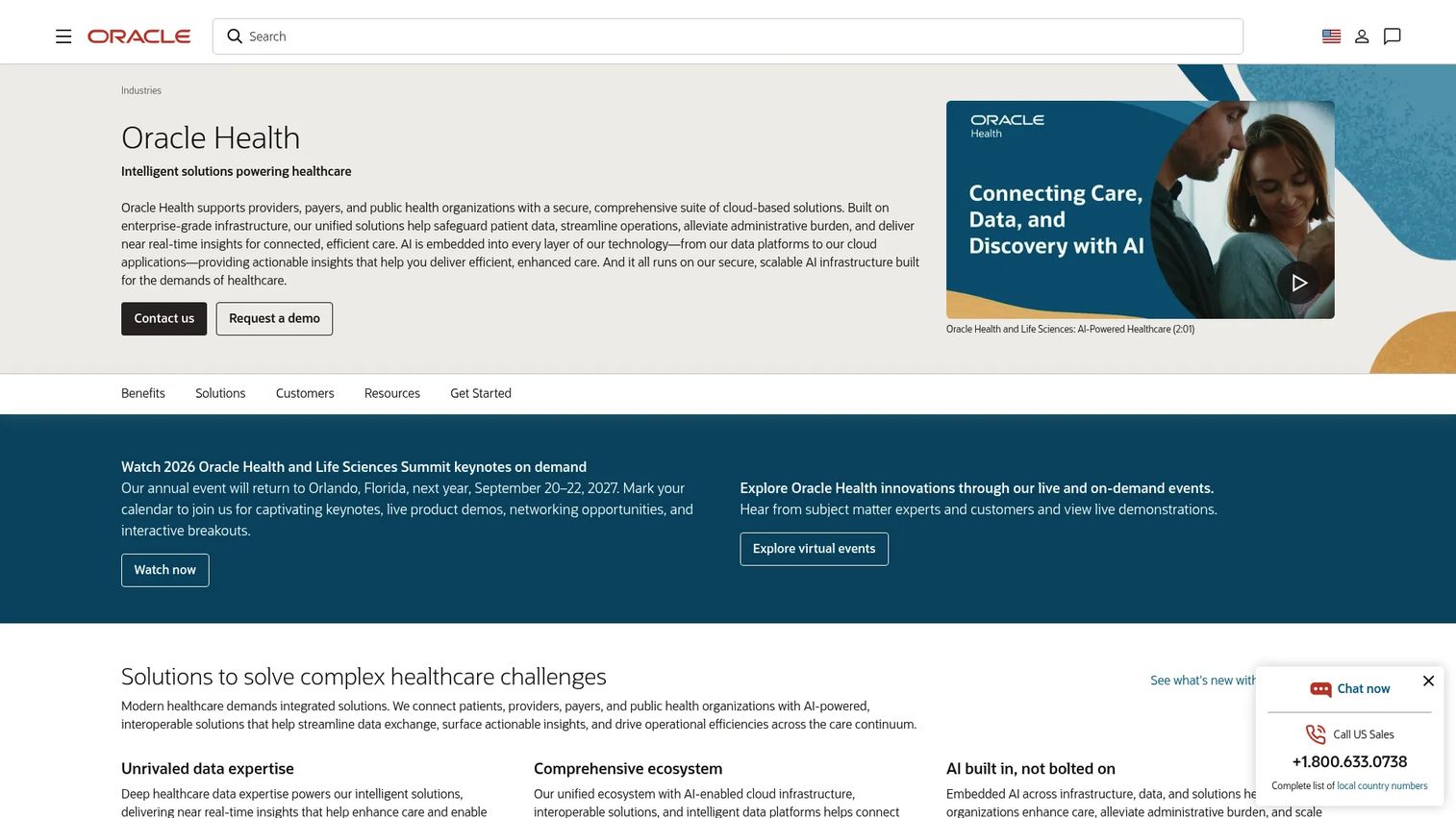
Oracle Health Patient Portal provides patient self-service for organizations using Oracle Health infrastructure. Patients can review health information, manage appointments, exchange messages, and complete care-related tasks.
The portal can expose clinical notes, test results, medications, allergies, vital signs, and immunization information. It also supports in-person or video appointment management.
Best for: Healthcare organizations using Oracle Health clinical systems
Key features
- Clinical records and test results
- Secure care team messaging
- Appointment and video visit management
- Registration and consent workflows
- Bill payment and refill requests
Why choose Oracle Health Patient Portal: The product suits organizations that want patient access connected with Oracle Health workflows. That alignment can reduce separate interfaces between the patient portal and the core clinical environment.
Support leaders should review each handoff carefully. Confirm where incomplete registration forms appear, how failed payments route, and whether message status remains visible to patients.
Appointment changes also need clear rules. Patients should know whether a request is confirmed, pending, or rejected without calling for clarification.
The available G2 score covers Oracle Health broadly. Buyers should treat it as product-family context rather than portal-specific sentiment.
Oracle Health Patient Portal pricing: Custom pricing.
G2 rating: 3.5/5 for Oracle Health overall.
3. NextGen Patient Portal
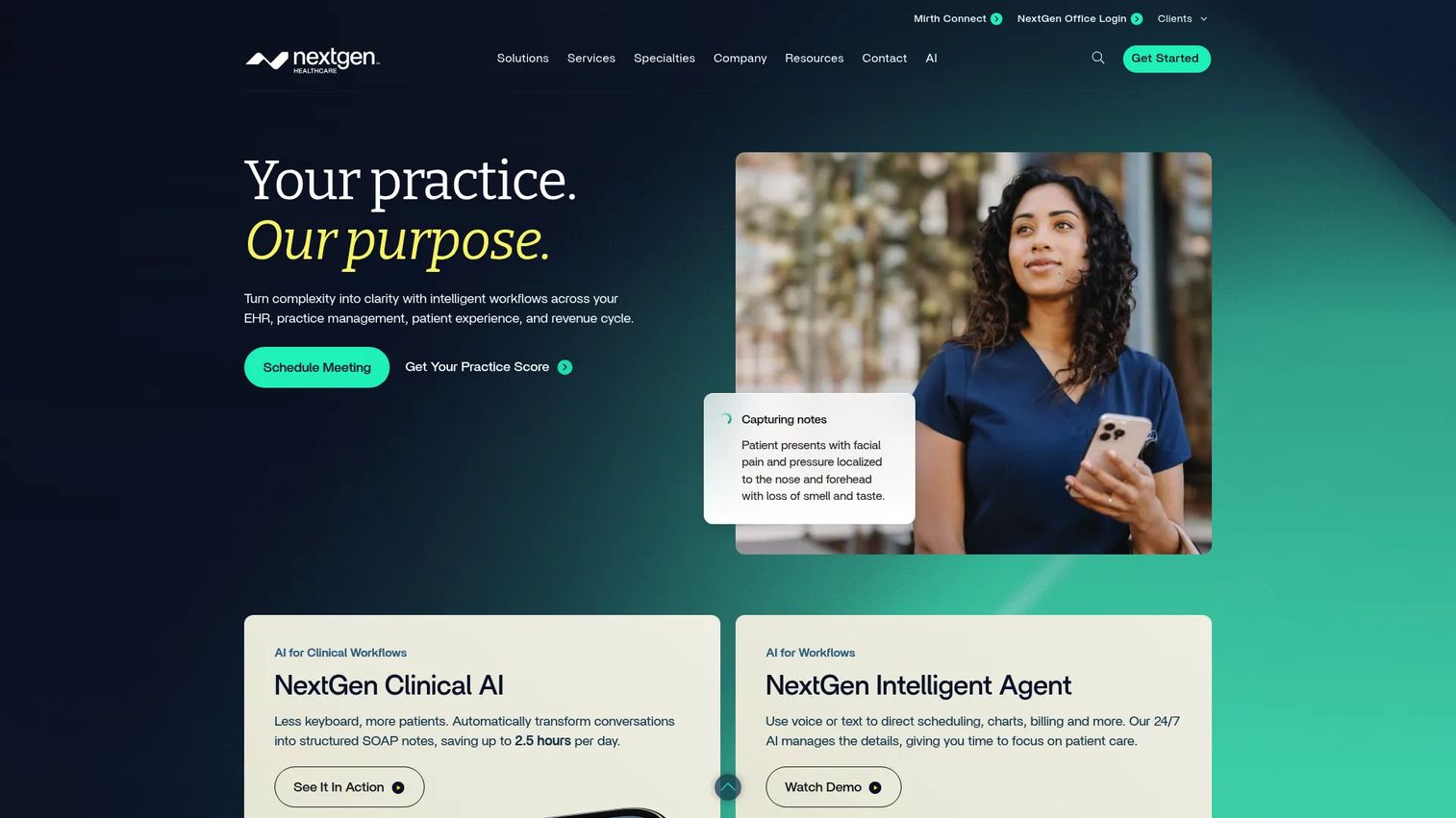
NextGen Patient Portal supports patient engagement for practices using NextGen Healthcare systems. It gives patients access to records, laboratory results, appointments, payments, and prescription renewal workflows.
The EHR native design is useful for ambulatory organizations that want patient communication connected to existing practice operations. Patients can also exchange secure messages with their practice.
Best for: Ambulatory practices already using NextGen
Key features
- Secure patient messaging
- Records and laboratory results
- Appointment requests
- Online bill payment
- Prescription renewals
Why choose NextGen Patient Portal: This option makes sense when NextGen already anchors the practice’s clinical and administrative stack. Native connectivity can limit manual updates between the portal and internal systems.
Support teams should test the full patient journey. Start with registration, then review login recovery and appointment requests. Finish with the internal response workflow.
Pay close attention to status language. An appointment request should never look like a confirmed booking unless the underlying workflow supports confirmation.
The product is less relevant for organizations that don’t use NextGen. Its value comes from alignment with that environment rather than independence from it.
NextGen Patient Portal pricing: Custom pricing.
G2 rating: 3.8/5 for NextGen Healthcare products overall, rather than the portal alone.
4. FollowMyHealth
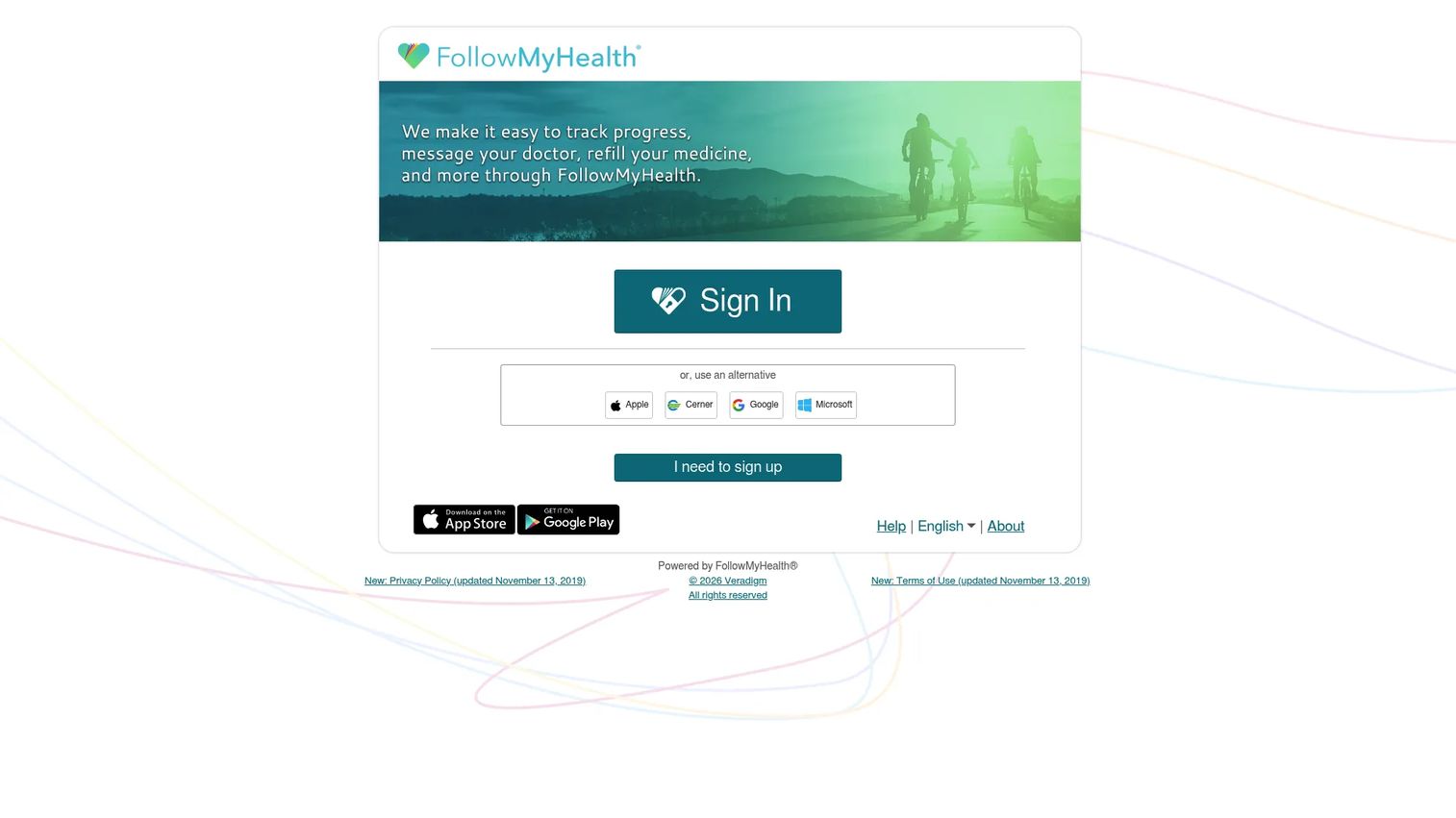
FollowMyHealth provides centralized access to health information and provider communication. It supports patient engagement through web access and a patient portal app.
The platform can connect patient access across provider systems. Patient-generated information can also flow into the electronic health record where the organization enables that workflow.
Best for: Healthcare organizations seeking broad web and mobile portal access
Key features
- Centralized patient access
- Web and mobile availability
- Healthcare messaging
- Patient notifications
- Patient-generated data exchange
Why choose FollowMyHealth: The platform fits organizations that want patients to reach information through both browser and mobile experiences. That flexibility matters because ASTP and ONC reported that 57% of portal users used an app in 2024.
Mobile availability doesn’t guarantee adoption. Test registration, notification wording, and account recovery on common phone sizes. Review whether patients can identify the correct provider before sending a message.
Support teams should also document where connected records originate. A centralized view can confuse patients when information appears late or differs between organizations.
Clear source labels and escalation paths help agents resolve those questions without lengthy investigation.
FollowMyHealth pricing: Custom pricing.
G2 rating: 3.5/5.
5. BridgeInteract

BridgeInteract is an EHR agnostic patient engagement platform. It combines patient portal functions with scheduling, mobile intake, secure messaging, payments, and virtual care.
The product connects with existing EHR and practice management systems. This approach suits organizations that want a branded patient experience without replacing their clinical platform.
Best for: Organizations connecting branded patient access across existing systems
Key features
- Branded patient portal
- Scheduling and appointment management
- Mobile intake and registration
- Secure patient messaging
- EHR and practice management integrations
Why choose BridgeInteract: BridgeInteract fits organizations whose bundled EHR portal doesn’t match their engagement strategy. Its integration model can support a more consistent experience across clinical and administrative tools.
Support teams should evaluate the data flow behind that experience. Ask which system owns appointments, patient demographics, messages, and payment status.
Proxy access also deserves a full workflow test. ASTP and ONC found that 51% of individuals reported caregiver access to another person’s portal in 2024. Account setup and revocation need clear ownership.
A branded portal can improve recognition, but branding alone won’t solve login confusion. Review authentication, recovery, and support fallback before rollout.
BridgeInteract pricing: Custom pricing.
G2 rating: N/A.
6. Phreesia
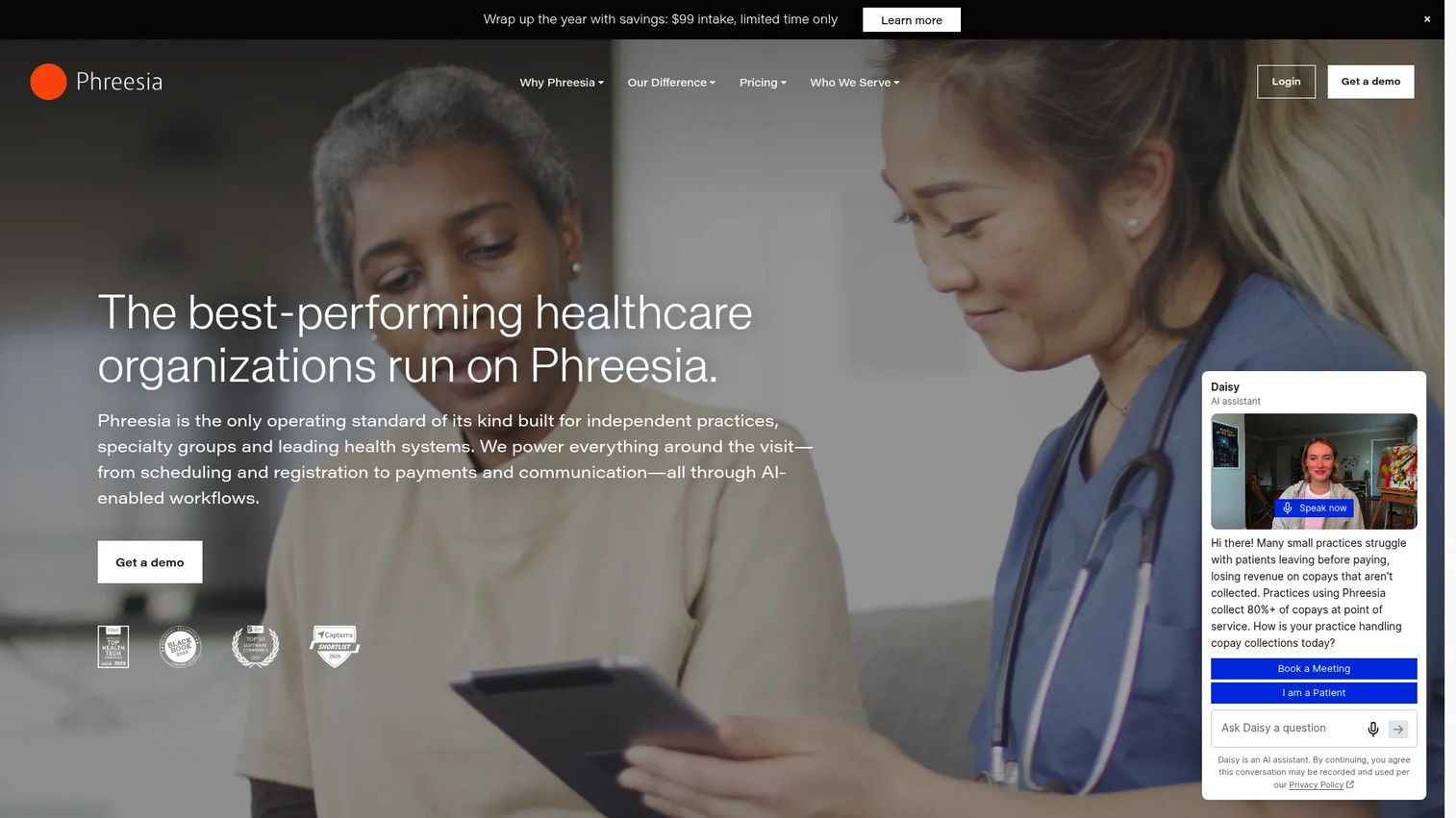
Phreesia focuses on digital patient intake and front office workflows. Its platform covers registration, appointment management, patient payments, communications, and clinical questionnaires.
Phreesia also supports patient self-check-in and bidirectional EHR or practice management connections. VoiceAI handles selected patient calls and related front desk tasks.
Best for: Healthcare organizations prioritizing intake, payments, and front office automation
Key features
- Digital registration and check-in
- Appointment scheduling workflows
- Patient payments and collections
- VoiceAI call handling
- Bidirectional system integrations
Why choose Phreesia: Phreesia addresses the work surrounding the visit rather than focusing only on records access. It suits teams dealing with incomplete forms, payment questions, and repetitive registration calls.
For support operations, map each capability to a queue. Intake issues need one owner. Payment exceptions may require another team. Appointment questions should follow a defined route.
Voice automation also needs escalation rules. Patients should reach staff when the request involves clinical judgment, a sensitive issue, or an unsupported workflow.
The platform is broader than a traditional patient records portal. Buyers needing deep longitudinal record access should verify how Phreesia works alongside their EHR portal.
Phreesia pricing: Phreesia Intake currently offers $0 promotional access. Later pricing is customized.
G2 rating: 5.0/5 in G2’s patient satisfaction management category.
7. DocVilla
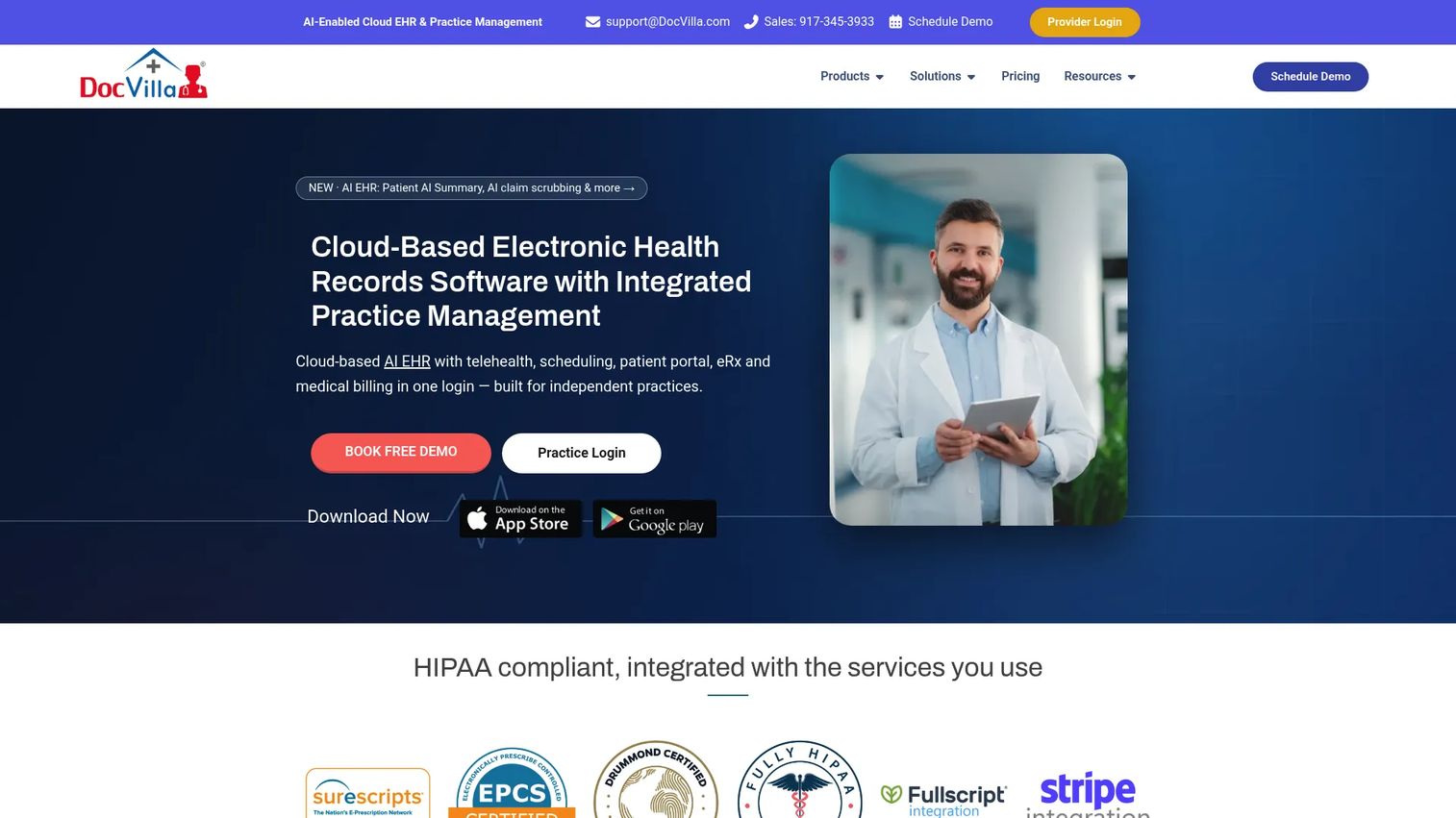
DocVilla is a cloud EHR and practice management platform for independent medical practices. Its broader product includes a patient portal, secure messaging, scheduling, billing, telehealth, and electronic prescribing.
This bundled model gives smaller practices one vendor for several clinical and administrative functions. It can reduce system handoffs when the organization wants an integrated stack.
Best for: Independent practices seeking a portal bundled with a cloud EHR
Key features
- Integrated patient portal
- Practice management and scheduling
- Secure patient messaging
- Telehealth
- Medical billing and claims
Why choose DocVilla: DocVilla is worth considering when a practice wants EHR and portal functions under the same contract. Fewer systems can simplify account management and reduce duplicate data entry.
That convenience still requires workflow testing. Check whether online appointment scheduling writes back correctly. Confirm how document uploads enter the clinical record and who reviews them.
Billing questions need similar scrutiny. Online payment availability won’t prevent calls if balances lack context or payment status updates slowly.
DocVilla uses provider-based pricing with annual commitments. Practices should include training and initiation fees when comparing total cost.
DocVilla pricing: Bronze starts at $100 per provider each month with annual upfront payment. Silver costs $200, while Gold costs $350 per provider each month.
G2 rating: N/A.
8. SimplePractice
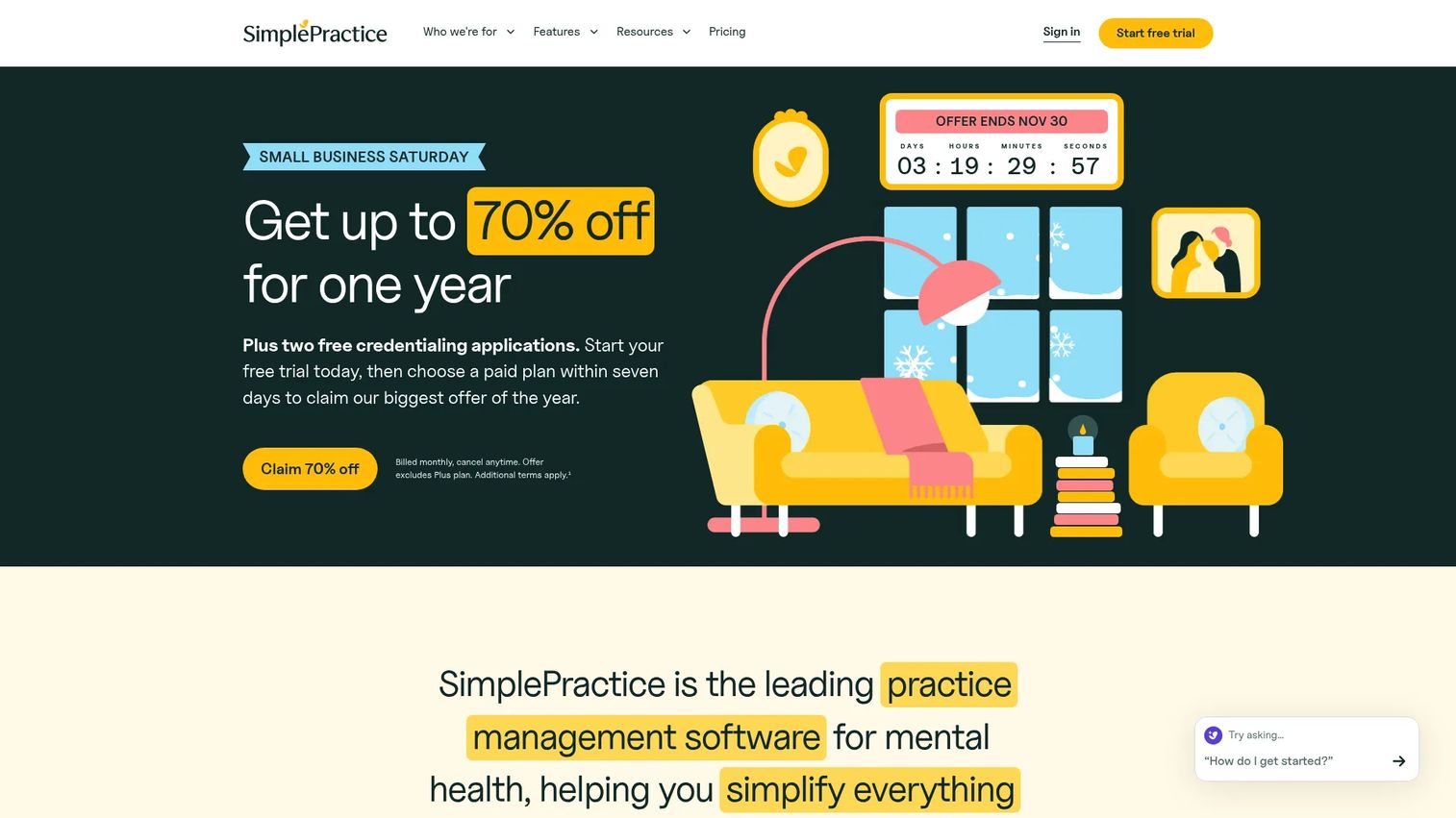
SimplePractice combines practice management with a client portal for therapists and health or wellness professionals. It supports scheduling, paperless intake, secure messaging, billing, documentation, and telehealth.
The product fits small practices that want portal access within their daily administrative system. Patients can manage appointments and complete forms without moving across several disconnected tools.
Best for: Behavioral health providers and smaller private practices
Key features
- Client portal
- Online booking
- Paperless intake forms
- Secure messaging
- Billing and telehealth
Why choose SimplePractice: SimplePractice suits smaller teams that need client access alongside practice management. Its focus differs from enterprise patient portal software built for large hospital networks.
Support teams should test invitation delivery and form completion from the client’s perspective. Behavioral health workflows also require clear communication boundaries inside secure messaging.
Online forms can reduce administrative follow-up when required fields are obvious. Long packets still create abandonment, especially on mobile devices.
Plan comparison matters because available capabilities vary across tiers. Groups with six or more practitioners receive custom pricing.
SimplePractice pricing: Starter is $14.70 per month for 12 months, then $49 monthly. A 30-day free trial is available.
G2 rating: 4.1/5.
9. CharmHealth

CharmHealth combines electronic health records, practice management, patient engagement, billing, and telehealth. Its portal supports appointment booking, health record access, messaging, and refill requests.
Independent practices can use the connected platform to manage patient-facing tasks and internal workflows. Medical billing features include claims processing, eligibility checks, and electronic remittance posting.
Best for: Small and medium practices seeking an integrated healthcare stack
Key features
- Patient portal
- EHR and practice management
- Appointment booking
- Secure messaging
- Billing and telehealth
Why choose CharmHealth: CharmHealth gives smaller organizations several core functions without requiring separate portal software. Its free and usage-based plans also provide multiple entry points.
Support teams should examine which add-ons matter before estimating total cost. Telehealth, electronic prescribing, fax, claims, and AI tools can affect the final package.
A connected portal can reduce duplicate work when patient updates reach the right internal record. Test write-back behavior and exception handling before rollout.
The free plan has a monthly encounter limit. It may suit a small practice testing the workflow, while higher-volume organizations need a paid plan.
CharmHealth pricing: A free plan includes up to 50 encounters monthly. Paid options start at $0.50 per encounter with a $25 monthly minimum.
G2 rating: N/A.
10. Mend
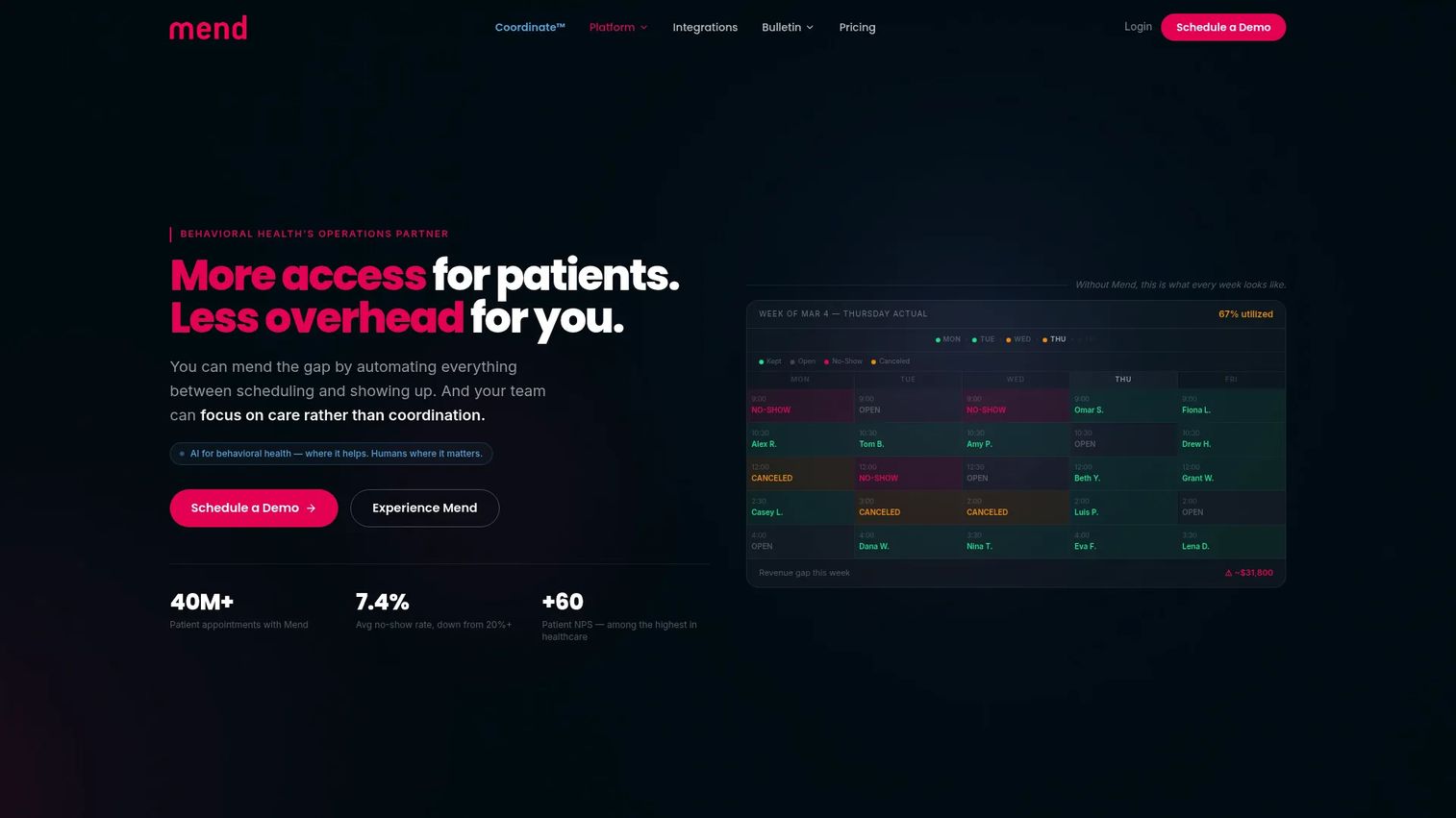
Mend is an operations platform for behavioral health organizations. It automates workflows between scheduling and care delivery, including patient outreach and digital intake.
The platform supports self-scheduling, waitlist filling, consent forms, screeners, insurance capture, and copay collection. Its focus is patient engagement around appointments rather than broad medical record access.
Best for: Behavioral health organizations managing scheduling gaps and patient engagement
Key features
- Patient self-scheduling
- Automated waitlist filling
- Digital intake and consent
- Insurance information capture
- Copay collection
Why choose Mend: Mend fits organizations where appointment completion and pre-visit readiness drive the support workload. Automated outreach can address scheduling gaps without adding repetitive manual follow-up.
It should be evaluated as a portal-adjacent engagement layer. Teams needing laboratory results, visit summaries, and full patient records should confirm how their EHR portal covers those requirements.
Support leaders should review how risk scoring or automated contact affects queue priorities. Define when staff take over and what context they receive.
Integration testing is also important. Confirm whether form data, insurance details, and scheduling changes reach the correct system without reentry.
Mend pricing: Custom pricing.
G2 rating: 4.7/5. The available G2 listing may reflect Mend’s behavioral health product identity.
11. DoctorConnect
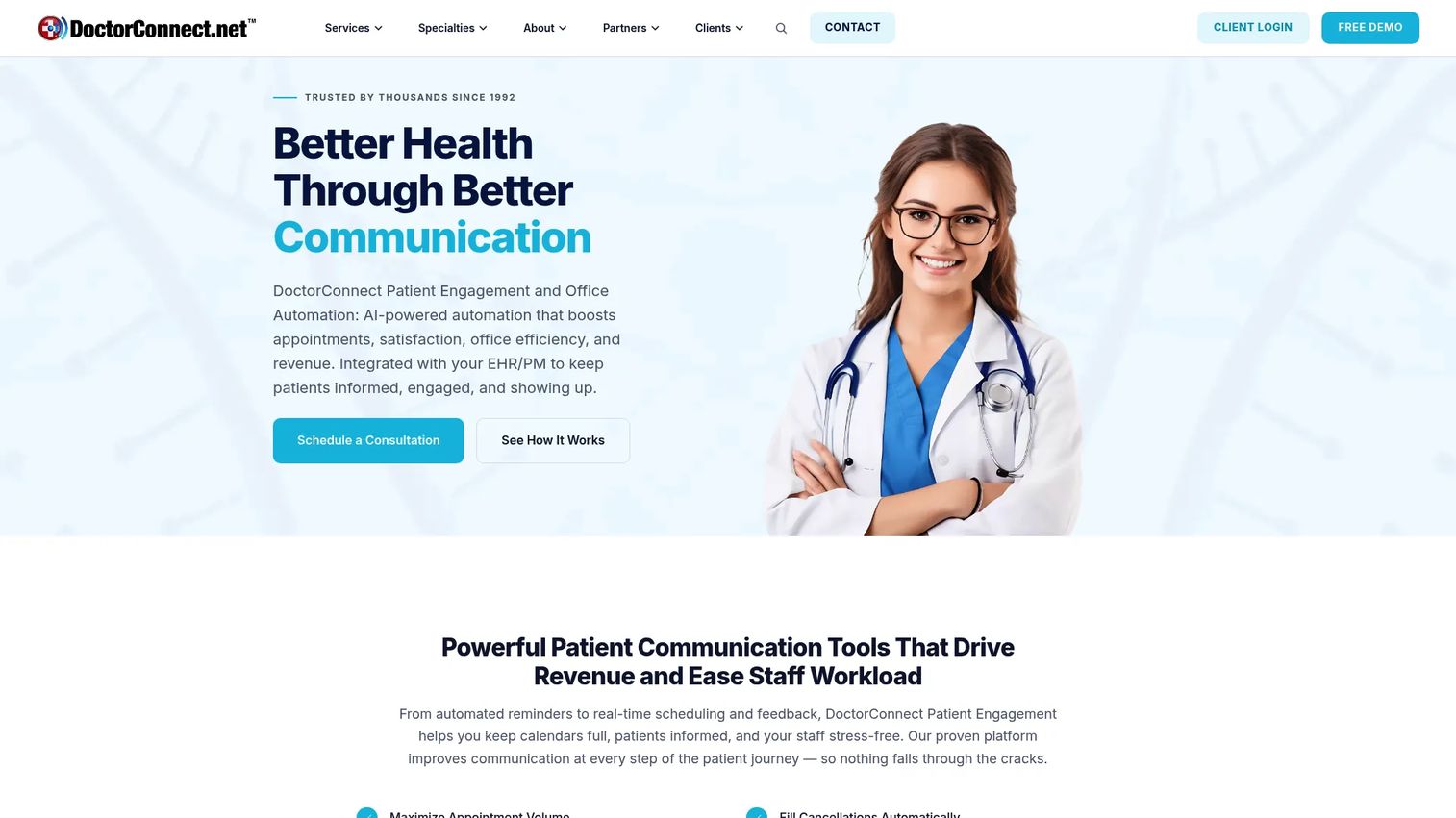
DoctorConnect is patient communication and practice automation software. It focuses on appointment reminders, digital intake, recall campaigns, surveys, and online scheduling.
The platform connects with EHR and practice management systems. It also supports waitlist management, collections automation, and telehealth.
Best for: Practices focused on reminders, recall, and patient communication automation
Key features
- Multichannel appointment reminders
- Digital patient intake
- Recall and retention campaigns
- Online patient scheduling
- Surveys and review collection
Why choose DoctorConnect: DoctorConnect fits practices where communication tasks consume front desk time. Reminder and recall workflows can automate routine outreach across text, email, or phone.
The product is better viewed as patient communication software than a full medical records portal. Buyers should verify how patients access clinical information through the connected EHR.
Support teams should inspect reply handling. An automated message can create a new queue if patient responses lack context or route to the wrong team.
Waitlist and collections workflows also require clear ownership. Define what the system handles and which exceptions reach staff.
DoctorConnect pricing: Custom pricing.
G2 rating: N/A.
12. Clinked
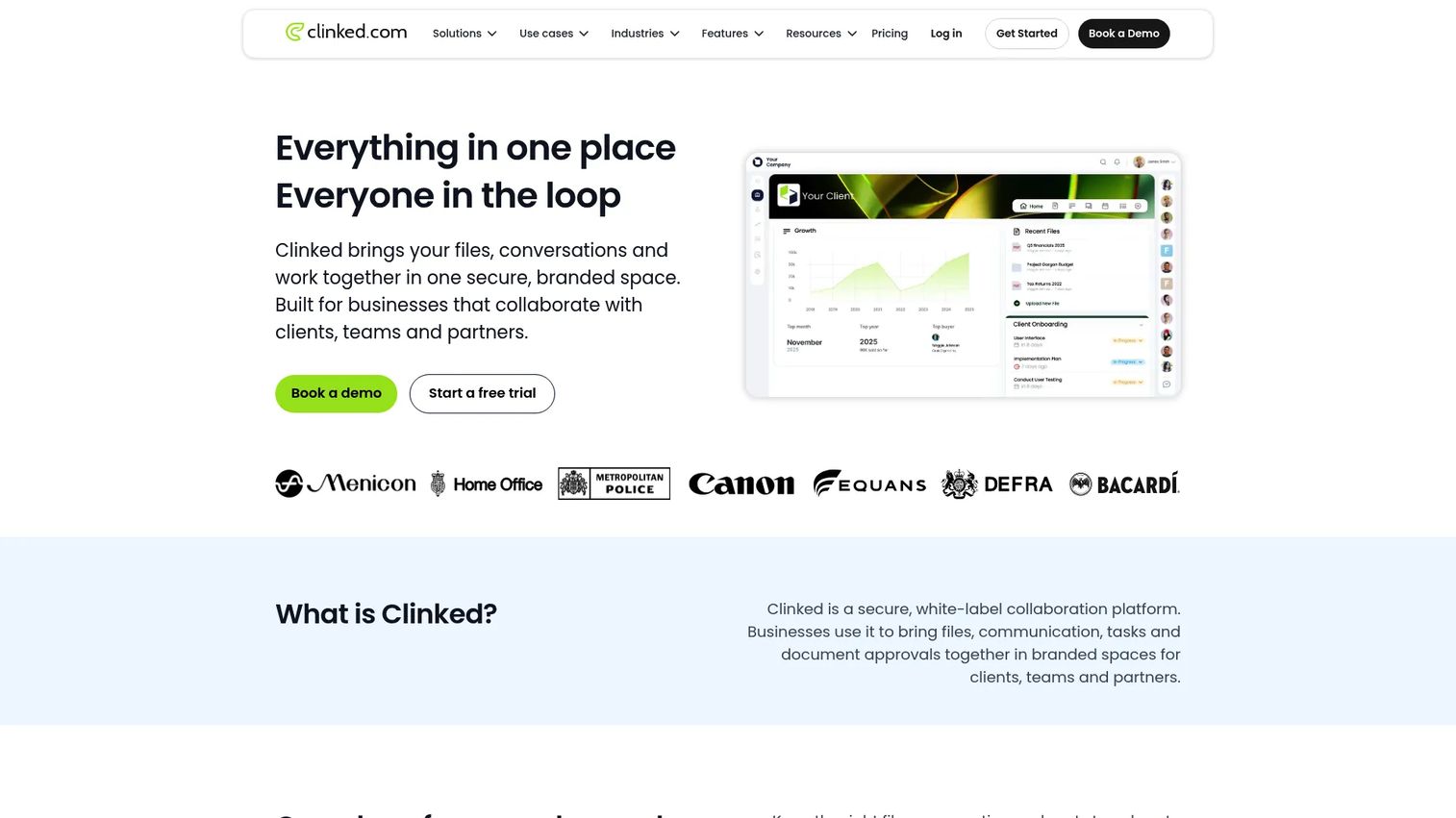
Clinked is a secure, white-label client portal for document sharing and collaboration. It provides branded workspaces, communication tools, task management, and permission controls.
Clinked isn’t healthcare-specific patient portal software. Healthcare-adjacent organizations may consider it for controlled document exchange or client communication.
Best for: Healthcare-adjacent teams needing branded document portals
Key features
- Secure document management
- White-label portal branding
- Custom permissions
- Audit trails and authentication
- Android and iOS apps
Why choose Clinked: Clinked works for organizations prioritizing controlled document access and collaboration. Version control, approvals, and guest sharing can support nonclinical client workflows.
Healthcare buyers need a stricter fit assessment. Confirm whether the vendor will sign the required agreements. Review data handling, access controls, and audit requirements with internal specialists.
Clinked doesn’t provide the clinical depth of an EHR native patient portal. Teams needing medication lists, test results, or refill workflows require suitable clinical integration elsewhere.
Support staff should also test permission changes and account recovery. Secure access only helps when authorized users can regain entry without exposing information.
Clinked pricing: Start Up begins at $11 per user monthly. Standard costs $239 per month, while Premium costs $599 per month.
G2 rating: 4.8/5.
13. Freed Front Desk
Freed Front Desk is an AI medical receptionist for clinic phone coverage. It answers calls, triages requests, and organizes interactions inside a shared inbox.
The product supports patient intake, multilingual calling, two-way SMS, warm transfers, and clinic-specific escalation rules. It complements portal software by handling patients who still choose the phone.
Best for: Small and midsized practices needing overflow or after-hours call coverage
Key features
- AI phone handling
- Patient request triage
- Two-way SMS
- Warm staff transfers
- Editable clinic knowledge base
Why choose Freed Front Desk: Freed Front Desk addresses a practical reality: Portal adoption won’t eliminate every phone call. Some patients prefer calling, while others need help after an unsuccessful online attempt.
The system can handle overflow, lunch-hour coverage, or after-hours requests. Staff receive organized interactions rather than starting each conversation without context.
This isn’t a traditional records portal. It serves as an AI front desk automation layer around appointment requests, patient questions, and routing.
Review escalation behavior before deployment. Clinical requests, emergencies, and sensitive billing issues need clear transfer rules. The shared inbox should also show staff what the caller already provided.
Freed Front Desk pricing: Front Desk Starter Beta costs $149 per month for each block of 250 calls. A free trial is available.
G2 rating: 4.9/5 for Freed.
Considerations when choosing patient portal software
EHR and practice management integration
Patient portal integration should prevent duplicate entry and conflicting status information. Ask which appointments, records, messages, payments, and forms write back to each system.
Test failure handling too. Your team needs to know where an incomplete sync appears and who owns the correction.
Identity verification and secure access
Review multifactor authentication, password recovery, proxy accounts, role permissions, encryption, and audit logs. Ask whether the vendor supports your required agreements and internal review process.
A HIPAA compliant patient portal claim doesn’t replace your own assessment. Treat vendor capabilities as inputs rather than legal advice.
Patient adoption
Portal adoption depends on mobile usability, understandable language, accessible design, and recoverable login flows. Provider encouragement also matters.
ASTP and ONC found that 87% of encouraged individuals accessed a portal in 2024. The rate was 57% among people who weren’t encouraged.
Front desk workload reduction
Map each portal function to the calls it should prevent. Scheduling should address appointment questions. Records access should handle routine document requests.
Track whether those calls decline after launch. If volume moves to login help, fix authentication and navigation before expanding features.
Workflow fit by organization size
Large health systems often prioritize EHR native access, governance, and scale. Smaller practices may prefer fewer vendors and simpler administration.
Shortlist products around your operating model. A feature-rich platform creates little value when staff can’t maintain it or patients avoid it.
Conclusion
The right patient portal software should reduce confusion at the patient boundary without creating duplicate work internally.
Epic MyChart fits health systems built around Epic. Oracle Health Patient Portal offers similar continuity for Oracle Health environments. NextGen Patient Portal serves ambulatory practices already using NextGen systems.
BridgeInteract is worth evaluating when branded, EHR agnostic patient engagement matters. Phreesia focuses on registration, intake, payments, and front office workflows.
SimplePractice and CharmHealth suit smaller organizations seeking portal functions within broader practice software. Freed Front Desk addresses phone workload that remains after portal rollout.
Create a shortlist of two to four products. Then test each one against your EHR, identity requirements, mobile experience, and most common call drivers.
Don’t stop at a feature checklist. Run common patient tasks from start to finish. The best choice is the portal that patients can use and staff can support without workarounds.
FAQs
Patient portal software is a secure online system for accessing healthcare information and completing care-related tasks. It commonly supports records, laboratory results, secure messaging, scheduling, forms, bill payment, and reminders.
Most products connect with an EHR or practice management system. This connection helps patient actions reach the appropriate clinical or administrative workflow.
Core features include secure login, medical records, appointment management, digital forms, messaging, payments, and prescription requests. Caregiver proxy access is also important for families managing another person’s care.
Look beyond the feature list. Evaluate mobile usability, account recovery, accessibility, integration behavior, and clear routes to human support.
An EHR native patient portal is built around a specific clinical system. It usually aligns closely with that EHR’s records, scheduling, communication, and billing workflows.
An EHR agnostic patient portal connects with multiple systems. This model can support broader branding and cross-system engagement, but integration design requires careful review.
Free patient portal software can work for small practices with limited volume or straightforward workflows. Bundled portals may also be included within a broader EHR package.
Check encounter limits, support availability, mobile access, and integration depth. Security controls and account recovery should receive the same scrutiny as paid products.
Online scheduling can reduce booking and rescheduling calls. Records access can handle routine document requests, while digital forms move intake away from the reception desk.
Payment tools address some balance questions. Secure messaging and refill requests can also route work without a phone conversation, provided staff ownership remains clear.
Evaluate multifactor authentication, encryption, audit logs, role-based access, proxy controls, and secure messaging. Password recovery should verify identity without creating unnecessary barriers.
Ask how the vendor handles incidents, access revocation, and data exchange. Your legal and security teams should assess contractual or regulatory requirements.
Common barriers include login friction, confusing navigation, poor mobile design, and unclear notifications. Patients may also distrust messages or invitations they don’t recognize.
Adoption planning should include plain language, accessible instructions, and a visible support path. Provider encouragement can also influence whether patients try the portal.
Start by listing every connected system and the data moving between them. Ask which changes write back, how quickly updates appear, and what happens during downtime.
Test appointment changes, completed forms, patient messages, and payment status. Document who owns errors before launch, because integration failures often surface first as support contacts.