Cable subscriptions keep shrinking. The global OTT market hit an estimated USD 400.51 billion in 2026, according to Mordor Intelligence, and that figure is projected to reach USD 612.61 billion by 2031. Viewers have quietly migrated to on-demand, internet-delivered content, and the platforms competing for their attention span everything from broad reality TV libraries to hyper-focused regional-language catalogs.
The problem is orientation. "OTT platform" covers a lot of ground. Subscription tiers, ad-supported access, live sports, regional-language originals, and bundled aggregator apps all carry the label. Knowing which service fits your viewing habits, or which platforms matter most if you're building a content or advertising strategy, requires cutting through the noise.
This guide covers the seven platforms most relevant for 2026, explains exactly what OTT means and how it differs from traditional TV, and gives you a clear comparison to make the right call.
What's inside
This guide is for viewers, cord-cutters, and marketers trying to understand the OTT landscape in 2026. Platforms were selected based on four criteria:
- Active service status: Currently operating and accepting subscribers
- Content breadth or regional depth: Either a wide library or strong focus on a specific language
- Verified pricing: Confirmed from first-party sources
- Device reach: Accessible across mobile, smart TV, and web
TL;DR
- Best for broad real-life entertainment: Discovery+ offers 70,000+ episodes of reality, food, and true crime content starting at $5.99/month
- Best for subscription aggregation: OTTplay bundles multiple services in one app, though subscriptions are currently unavailable for new purchases
- Best for Indian TV and live sports: SonyLIV covers originals, live tournaments, and international content starting at ₹399/month
- Best for Indian regional and live TV: ZEE5 has one of the deepest Hindi and regional-language libraries, starting at INR 299/month
- Best for Telugu and Tamil content: Aha, Aha Tamil, and Aha Telugu serve South Indian regional audiences with dedicated catalogs and offline downloads
What is an OTT platform
An OTT (over-the-top) platform is a digital service that delivers video or audio content directly over the internet, bypassing traditional cable, satellite, or broadcast distribution networks.
The "over-the-top" name refers to going over the infrastructure of legacy TV providers. You need an internet connection and a compatible device. No cable box required.
How OTT differs from other delivery models:
- vs. cable TV: Cable requires a physical infrastructure subscription and a set-top box. OTT runs on any internet-connected device with an app or browser
- vs. satellite TV: Satellite requires a dish and geographic coverage. OTT is available anywhere broadband reaches
- vs. IPTV: IPTV delivers TV channels over a managed private network, usually through a telecom provider. OTT uses the open internet and is device-agnostic
Key features that define OTT platforms:
- On-demand video libraries (VOD) alongside optional live TV or live sports
- App-based access on smartphones, tablets, smart TVs, laptops, and streaming sticks
- Subscription (SVOD), ad-supported (AVOD), or transactional (TVOD) access models
- Personalized profiles, recommendation algorithms, and parental controls
- Offline download support on select plans
OTT business models explained:
| Model | Description | Examples |
|---|---|---|
| SVOD | Fixed monthly or annual subscription, ad-free | Discovery+ Ad-Free, SonyLIV Premium |
| AVOD | Free access funded by advertising | Some regional tiers |
| Hybrid | Subscription with optional ad-free upgrade | Discovery+ with limited ads |
| Aggregator | Bundles multiple OTT services under one subscription | OTTplay |
Devices that support OTT platforms:
Most platforms support Android, iOS, web browsers, smart TVs (Samsung, LG), Android TV, Apple TV, Amazon Fire TV Stick, and Chromecast. Mobile-only plans exist on some services at lower price points.
When to use an OTT platform
Watch without a cable subscription
If you've cancelled cable or never had it, OTT platforms are the direct replacement. You pick the services that match your interests, pay monthly, and watch on whichever screen is nearby. Most services support multiple simultaneous streams so a household can watch different content at once.
Access live sports and events without a sports cable package
Live sports is one of the strongest draws for OTT. Platforms like SonyLIV carry major cricket tournaments and other live events that used to require expensive sports cable add-ons. Subscribing to one OTT service for a specific tournament often costs less than a full cable sports tier.
Watch regional-language content on demand
For South Indian viewers, a broad platform like Netflix or Prime Video rarely satisfies demand for Telugu or Tamil originals, theatrical releases, and web series. Dedicated regional platforms serve this gap specifically, with catalogs built around a single-language audience and pricing calibrated to that market.
OTT platform comparison
The seven platforms below represent a range of content types, access models, and geographic focus areas. Use this table to find the right fit before reading the full breakdowns.
| # | Product | Best for | Key differentiator | Pricing | G2 rating |
|---|---|---|---|---|---|
| 1 | Discovery+ | Reality and lifestyle entertainment | 70,000+ episodes from Discovery TV brands | From $5.99/month | N/A |
| 2 | OTTplay | Multi-platform content discovery | Aggregates multiple OTT services in one app | Currently unavailable | N/A |
| 3 | SonyLIV | Indian originals and live sports | Sony TV catalog plus live cricket and international content | From ₹399/month | N/A |
| 4 | ZEE5 | Hindi and regional Indian content | Deep regional library plus live TV | From INR 299/month | N/A |
| 5 | Aha | Telugu and Tamil streaming | South Indian originals and theatrical releases | Contact Aha for plans | N/A |
| 6 | Aha Tamil | Tamil-language streaming | Dedicated Tamil-language catalog | Contact Aha for plans | N/A |
| 7 | Aha Telugu | Telugu-language streaming | Dedicated Telugu-language catalog | Contact Aha for plans | N/A |
7 best OTT platforms for 2026
1. Discovery+
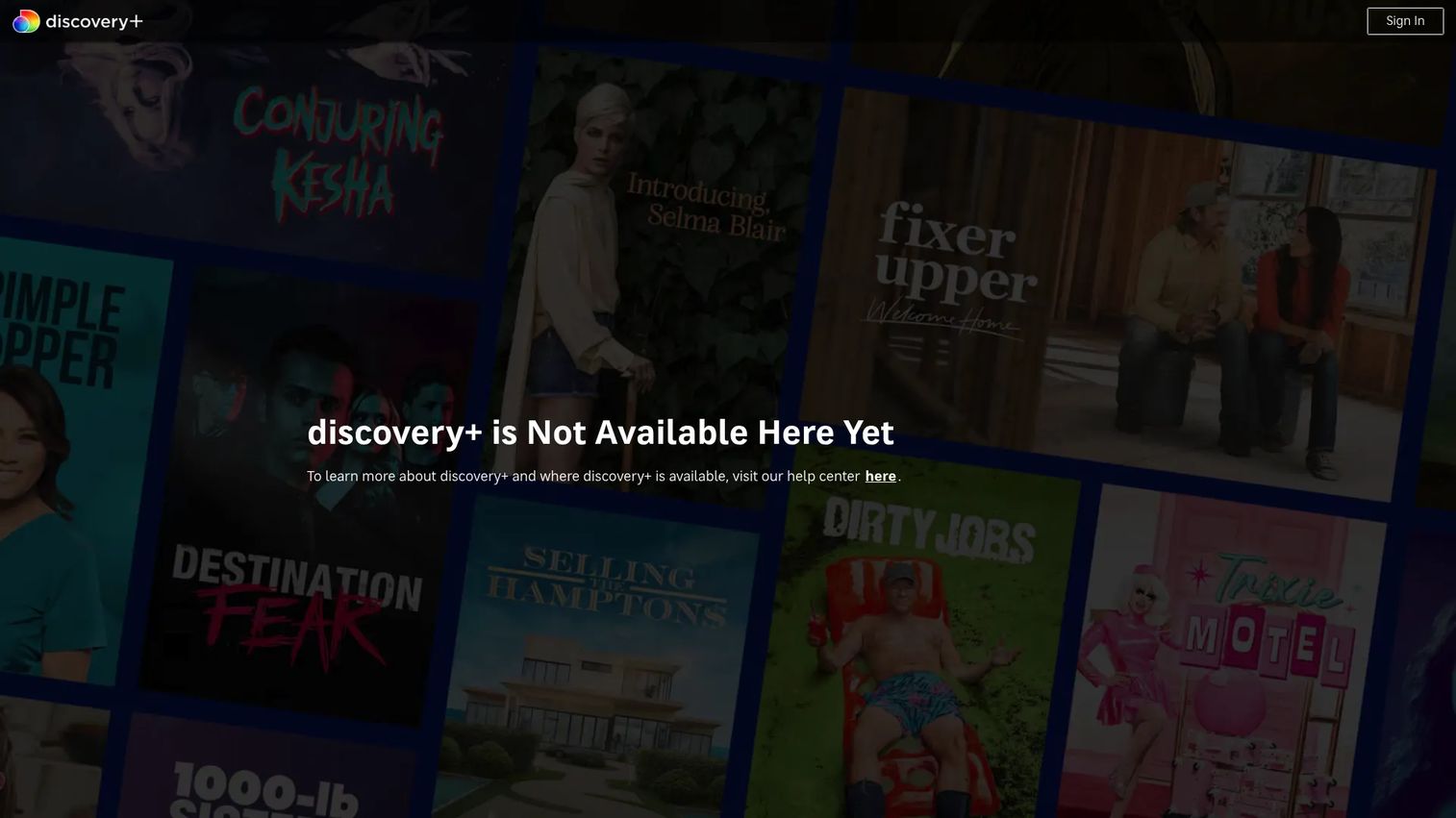
Discovery+ is the streaming home for real-life entertainment from the Discovery portfolio. It carries more than 70,000 episodes spanning 2,500 current and classic shows, covering reality TV, true crime, food, home improvement, nature, and science content built on decades of Discovery Channel, HGTV, Food Network, TLC, and Animal Planet programming.
Best for: Viewers who want a deep catalog of reality, lifestyle, and documentary content without sports or scripted drama.
Key features
- 70,000+ episodes across 2,500+ current and classic shows
- Up to five personalized profiles with My List for each
- Two plan tiers: Limited-ads access and ad-free with mobile downloads
- Compatible with smart TVs, streaming sticks, phones, and tablets
Why choose Discovery+: The catalog depth in its niche is hard to match. If reality TV, true crime, home renovation, cooking competitions, or natural history documentaries are your primary watch categories, Discovery+ covers those genres more thoroughly than any general-purpose streamer. It's not the right pick for scripted dramas or live sports.
Discovery+ pricing: Two plans are available: Discovery+ with limited ads at $5.99/month, and Discovery+ Ad-Free at $9.99/month, which adds mobile downloads. Pricing confirmed from the Discovery+ Help Center (August 2026).
G2 does not carry a verified rating for Discovery+ at this time.
2. OTTplay
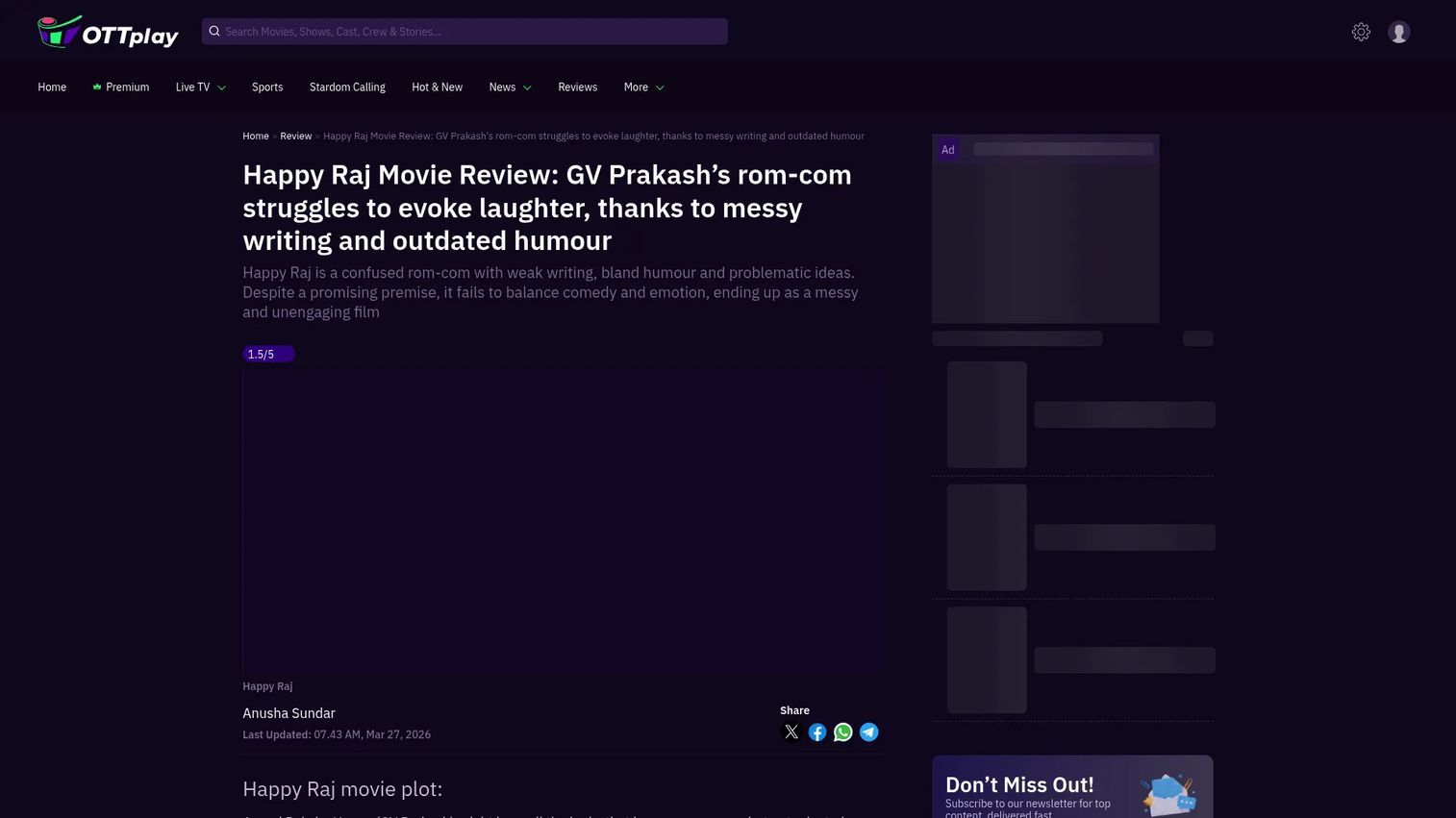
OTTplay is an aggregator platform designed to solve the fragmentation problem across Indian streaming. Rather than subscribing to each service separately, OTTplay groups content from multiple OTT providers under a single app, with smart discovery and personalized recommendations to help users find what to watch across all bundled services.
Best for: Viewers who subscribe to multiple Indian OTT services and want a single interface for discovery and playback.
Key features
- Smart content discovery and cross-platform recommendations
- Access via Android, iPhone, web browser, and mobile web
- Device support including Android TV, Apple TV, Fire TV Stick, Jio set-top-box, Samsung TVs, and LG TVs
- Consolidated search across bundled OTT libraries
Why choose OTTplay: If managing separate apps for every streaming subscription feels like overhead, an aggregator approach reduces that friction. OTTplay's recommendation layer helps surface content across services rather than within just one.
OTTplay pricing: OTTplay's first-party help pages confirm that subscription plans are currently unavailable for new purchases and renewals are paused. Check the OTTplay website directly for updated availability before committing.
No verified G2 or Capterra rating is available for OTTplay at this time.
3. SonyLIV
SonyLIV is Sony's streaming service for India, carrying the full catalog of Sony Entertainment Television, plus SonyLIV Originals, international shows, movies, and live sports coverage including major cricket tournaments. It also supports 4K UHD, HDR, and Dolby Atmos on eligible premium plans.
Best for: Indian viewers who want Sony TV's back catalog, original series, international content, and live cricket access in one subscription.
Key features
- Live sports and tournaments, including cricket
- SonyLIV Originals and a broad movie catalog
- 4K UHD, HDR, and Dolby Atmos support on premium plans
- Free content available in selected territories alongside paid tiers
Why choose SonyLIV: The combination of live sports and a strong drama catalog makes SonyLIV worth the subscription if cricket is a priority. Users who only want on-demand content and don't follow live sports will find less differentiation at the premium tier.
SonyLIV pricing: Three India plans are available: Mobile Only at ₹699/year, LIV Premium at ₹399/month, and LIV Premium at ₹1,499/year. Some free content is available in selected regions. Pricing confirmed from SonyLIV's FAQ and subscription pages (August 2026).
No verified G2 rating is available for SonyLIV at this time.
4. ZEE5
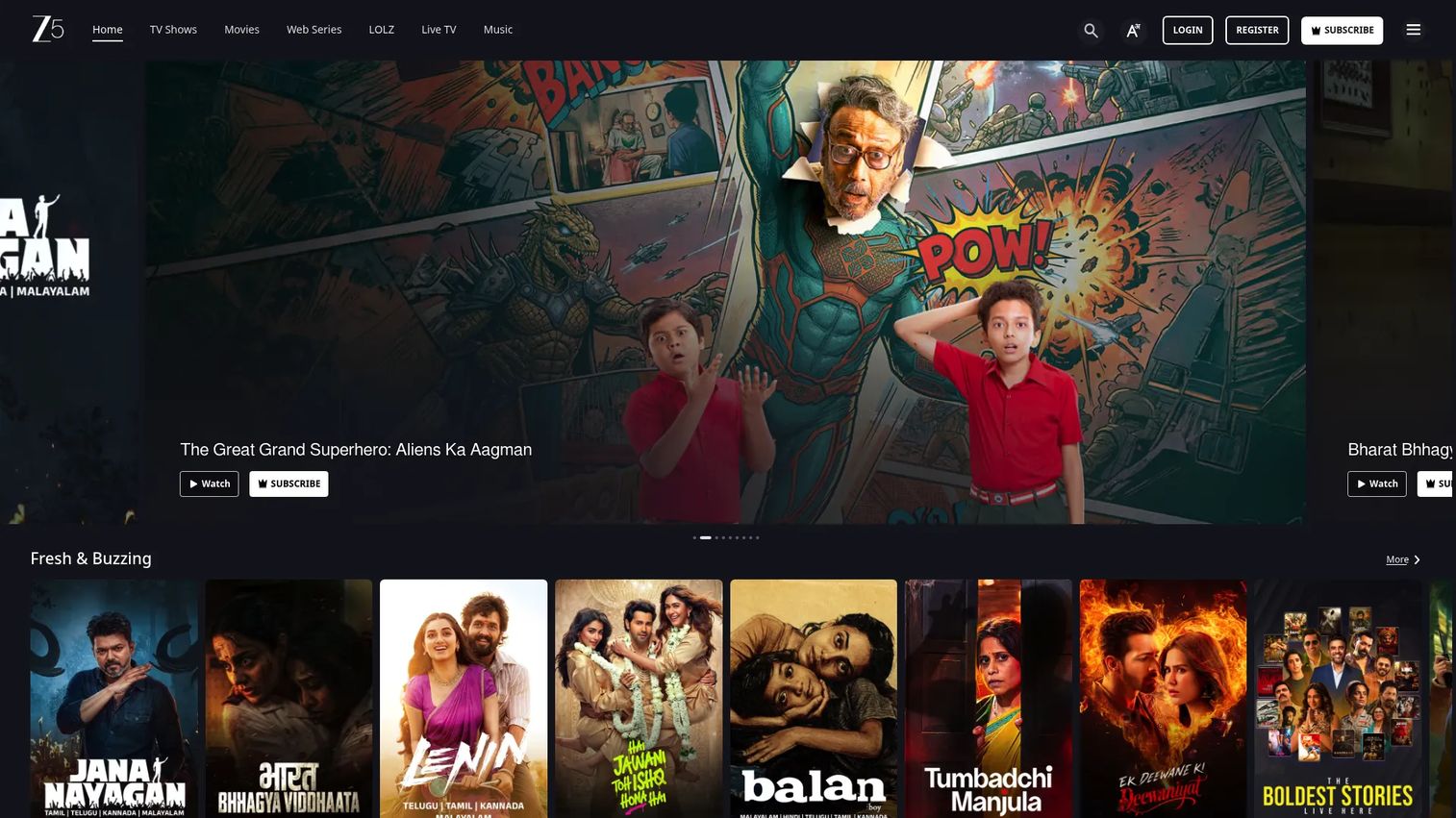
ZEE5 is one of the largest Indian OTT platforms, carrying movies, TV shows, web series, and live TV channels across Hindi and multiple regional Indian languages. The service is built for viewers who want both on-demand content and live broadcast channels from Indian television without a DTH subscription.
Best for: Indian viewers who want a wide library spanning Hindi and regional languages, combined with live TV channel access.
Key features
- Movies, TV shows, web series, and live TV channels
- Regional-language subscription plans for specific language markets
- Device support across smart TVs, mobile, laptop, PC, tablet, and Fire Stick
- Content available across multiple Indian languages
Why choose ZEE5: The breadth of regional-language coverage sets ZEE5 apart from single-language regional services. If your household watches content in more than one Indian language, ZEE5's library accommodates that without stacking separate subscriptions.
ZEE5 pricing: India premium plans are: 1 Month at INR 299, 3 Months at INR 599, and 12 Months at INR 1,499. Regional-language packs, a Kidz plan, and live TV channel add-ons are also available from INR 99 per billing period. Pricing confirmed from ZEE5's Help Center (August 2026).
No verified G2 rating is available for ZEE5 at this time.
5. Aha
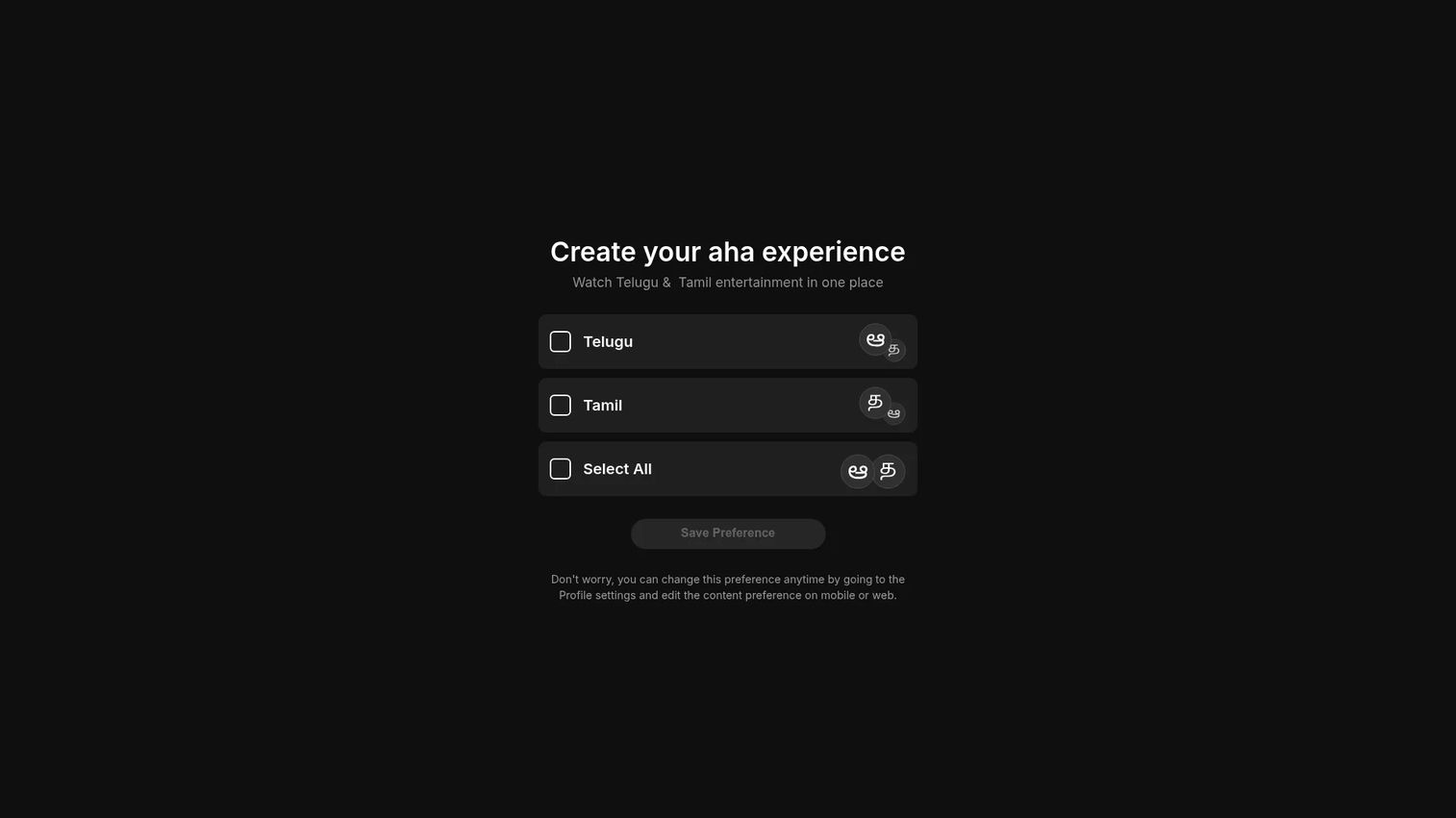
Aha is a South Indian streaming platform built primarily for Telugu and Tamil content. The library covers original web series, theatrical movie releases, live TV, and exclusive first-run content tailored to audiences who consume South Indian entertainment. It supports streaming across mobile, tablet, desktop, and smart TVs, with offline download functionality.
Best for: Viewers who primarily consume Telugu or Tamil entertainment and want a dedicated regional platform with first-run theatrical content.
Key features
- Mobile, tablet, desktop, and smart TV streaming
- Offline downloads for on-the-go viewing
- Personalized language and content recommendations
- Family profiles with parental controls
Why choose Aha: Aha invests directly in Telugu and Tamil originals, which means exclusives you won't find on general-purpose platforms. For South Indian viewers who find mainstream OTT services thin on regional content, Aha fills that gap specifically.
Aha pricing: Aha's subscription pricing page showed no active plans at the time of research (August 2026). Visit aha.video/subscription/viewplans directly for current plan availability and pricing.
6. Aha Tamil
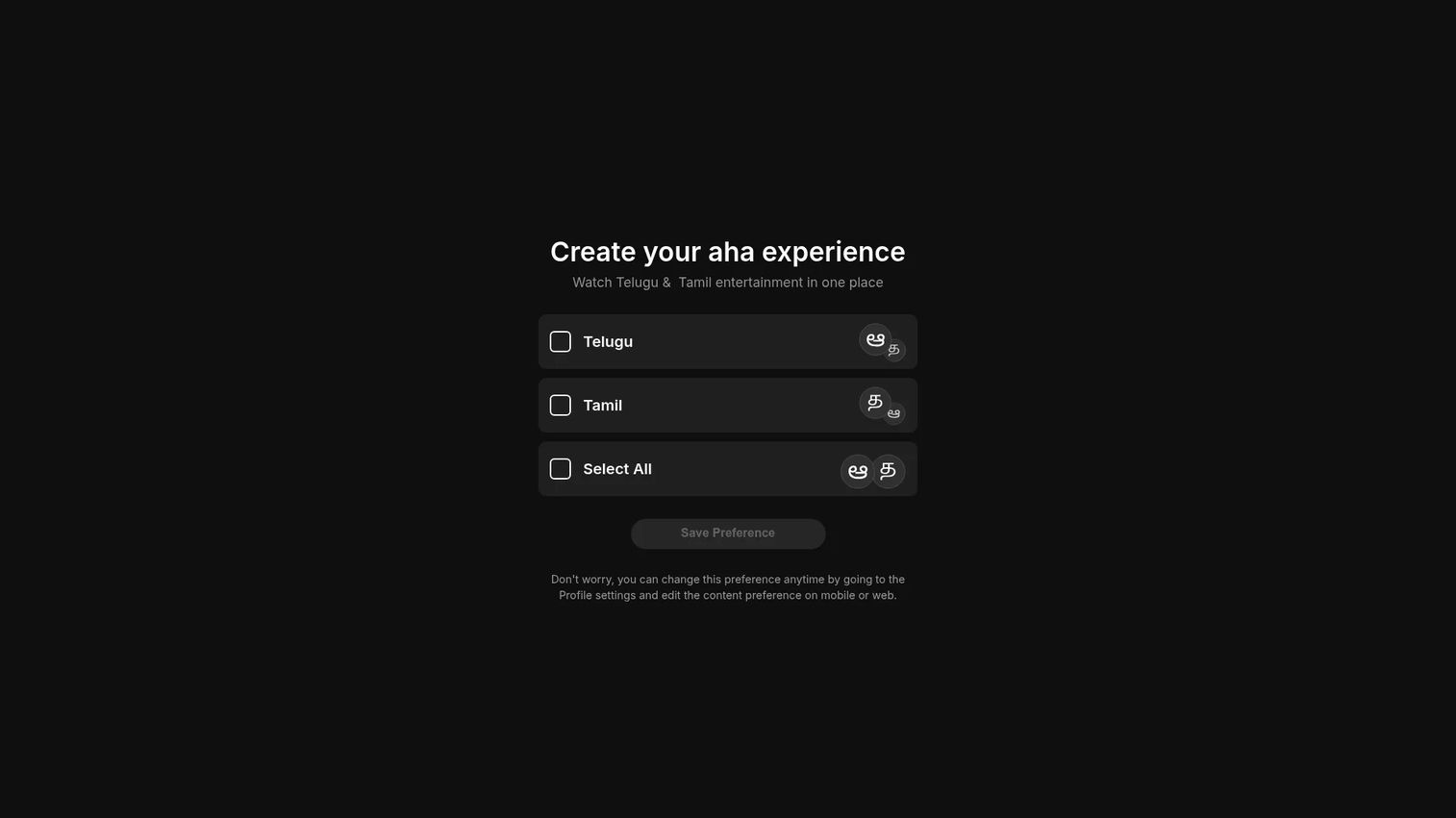
Aha Tamil is the Tamil-language tier within the Aha platform, focused exclusively on Tamil movies, web series, live TV, and original productions. It serves Tamil-speaking audiences who want a catalog built entirely around their language rather than a mixed-language service that treats Tamil as a secondary category.
Best for: Tamil-language viewers who want a focused, curated catalog of Tamil originals, theatrical releases, and web series.
Key features
- Watch on mobile, tablet, desktop, smart TV, and compatible streaming devices
- Download content for offline viewing
- Personalized recommendations with family profiles and parental controls
- Dedicated Tamil-language originals and first-run content
Why choose Aha Tamil: A single-language focus means the editorial team invests in Tamil-specific content rather than spreading across multiple markets. Audiences who primarily watch Tamil content will find the catalog more consistently relevant compared to broader Indian OTT services.
Aha Tamil pricing: The subscription page showed no active plans at the time of research (August 2026). Check aha.video/subscription/viewplans for current availability.
7. Aha Telugu
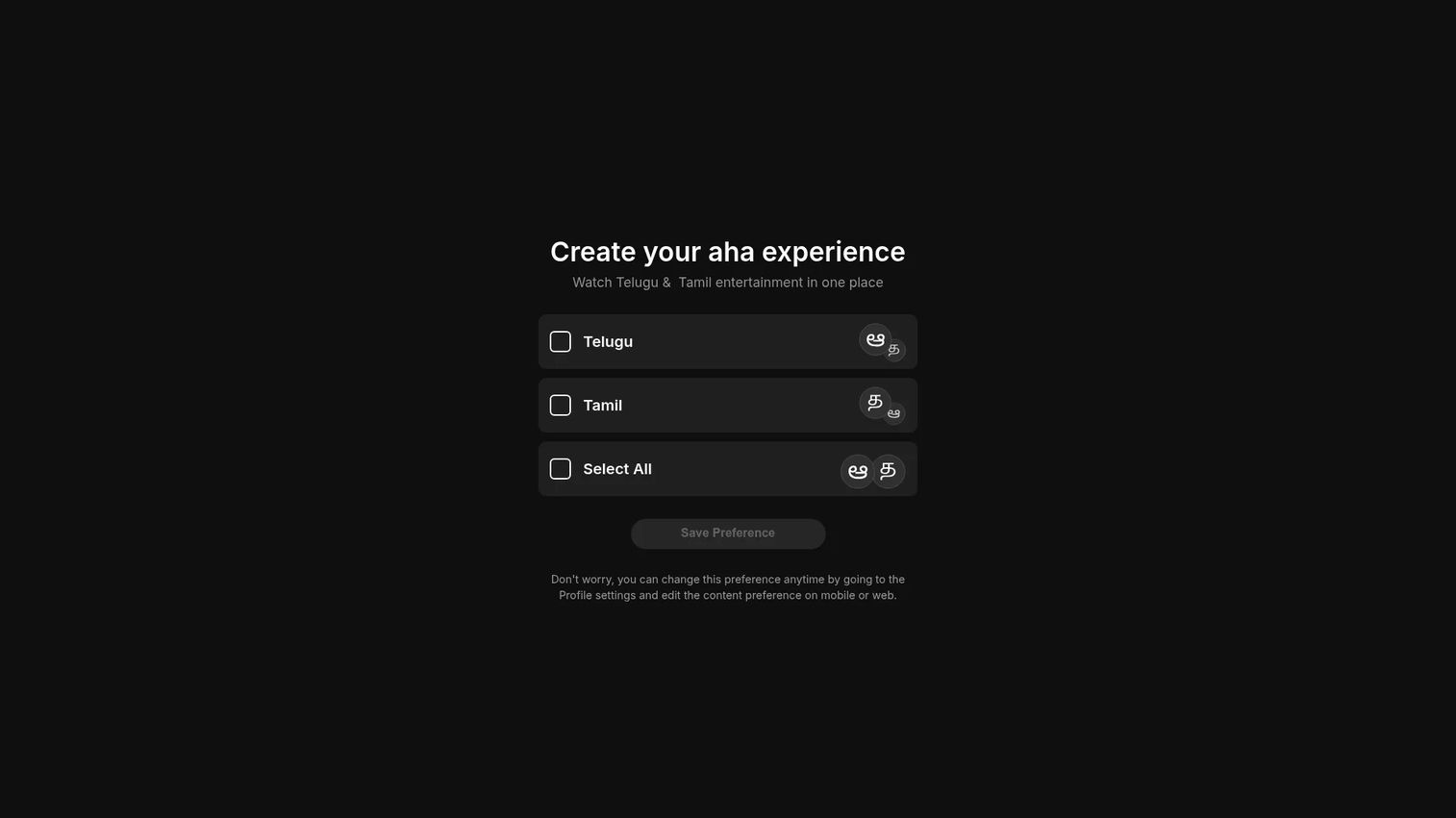
Aha Telugu is the Telugu-language tier within the Aha platform, offering movies, web series, originals, and live TV content in Telugu. The Gold experience tier adds 4K Ultra HD and Dolby audio for supported titles, and the platform includes the same offline download and family profile features available across Aha's services.
Best for: Telugu-speaking viewers who want a dedicated Telugu entertainment catalog, including 4K content on the Gold tier.
Key features
- Watch on mobile, tablet, desktop, smart TV, and streaming devices
- Offline downloads for viewing without a connection
- Personalized language recommendations with family profiles and parental controls
- 4K Ultra HD and Dolby audio on the Gold experience tier
Why choose Aha Telugu: The dedicated Telugu focus means originals and theatrical releases land here first, ahead of any cross-language aggregation. Viewers who watch primarily Telugu content won't need to filter through unrelated libraries to find what matters to them.
Aha Telugu pricing: The subscription page showed no active plans at the time of research (August 2026). Visit aha.video/subscription/viewplans directly for current plan details.
Considerations before choosing an OTT platform
Content library fit
Start by matching the platform to your actual viewing habits. A broad library means little if the genres or languages you watch aren't well represented. Regional-language viewers should check whether a service invests in originals for their language or just licenses a small back catalog.
Access model and pricing structure
OTT pricing varies significantly by plan tier, billing period, and geography. Annual plans typically reduce the effective monthly cost. If you're only interested in one event, like a cricket tournament, check whether a short-term subscription or a one-month plan gives you what you need without a long commitment.
Device compatibility
Verify that the platform works on the devices you actually own before subscribing. Most services support Android and iOS, but smart TV compatibility varies by brand and model. Fire TV Stick and Chromecast support also differs across platforms, which matters if you primarily watch on a living room screen.
Download and offline access
If you watch on commutes or in areas with unreliable connectivity, confirm that offline downloads are available on your chosen plan tier. Some platforms restrict downloads to premium or ad-free tiers, so the cheapest plan won't always give you this option.
Simultaneous streams
If multiple people in a household watch different content, check how many simultaneous streams each plan supports. Some platforms limit lower-tier plans to a single stream, which creates friction in shared households.
Conclusion
The OTT landscape in 2026 gives you real options across content type, language, and budget. For broad real-life entertainment, Discovery+ has the deepest catalog at a competitive price. SonyLIV is the clearest choice for Indian TV and live sports access. ZEE5 covers more regional languages in a single subscription than most alternatives. For dedicated South Indian content, Aha, Aha Tamil, and Aha Telugu each serve their audience directly rather than as an afterthought within a larger mixed-language service.
The right pick comes down to what you actually watch. Match the platform to your language, genre habits, and device setup, and you'll spend less time searching and more time watching.
Start your journey with Guideflow today!
FAQs
OTT stands for over-the-top, referring to video or audio content delivered over the open internet rather than through traditional cable, satellite, or broadcast infrastructure. The "over-the-top" label describes how these services bypass legacy distribution networks entirely.
An OTT platform is a service that streams video content directly to viewers via the internet. You access it through an app or browser on a smartphone, tablet, smart TV, laptop, or streaming stick, with no cable subscription required. Examples include subscription services, ad-supported services, and aggregator apps that bundle multiple services.
Discovery+, SonyLIV, ZEE5, and Aha are all OTT platforms. Each delivers content over the internet on demand. Discovery+ focuses on reality and lifestyle content. SonyLIV covers Indian TV and live sports. ZEE5 spans Hindi and regional Indian content, and Aha serves Telugu and Tamil audiences with dedicated original programming.
Traditional TV delivers content through cable wires, satellite signals, or broadcast frequencies on a fixed channel schedule. OTT delivers content on demand over the internet, so you choose what to watch and when. OTT also requires no set-top box from a cable provider, though a streaming device or smart TV app is needed.
Most OTT platforms support Android phones, iPhones, web browsers, smart TVs from Samsung and LG, Android TV, Apple TV, Amazon Fire TV Stick, and Chromecast. Some platforms also support Jio set-top-boxes and other regional devices. Check each platform's device list before subscribing, since compatibility varies by market and plan tier.
The three core models are SVOD (subscription video on demand, where a flat monthly or annual fee covers access), AVOD (ad-supported video on demand, where content is free but interrupted by ads), and TVOD (transactional, where you pay per title rather than subscribing). Many platforms combine these, offering a lower-cost ad-supported tier alongside a premium ad-free subscription.
VOD means the content is pre-recorded and available to watch at any time you choose. Live streaming means the content broadcasts in real time, such as a cricket match or a live awards show, and you watch it as it happens. Many OTT platforms offer both: A large VOD library for on-demand viewing alongside scheduled live events for sports or news.
OTT and streaming are related but not identical. Streaming is the technical method of delivering media over the internet in real time without downloading the full file first. OTT describes the distribution model that bypasses traditional TV infrastructure. All OTT platforms use streaming to deliver their content, but not all streaming is OTT. A company livestreaming an internal meeting uses streaming without being an OTT platform.