Your VP of Engineering just asked which OS your new dev team should standardize on. Your enterprise prospect wants to know if your product runs on their infrastructure. And your security audit revealed three endpoints still running something nobody quite remembers approving.
Operating systems sit underneath almost every infrastructure decision your company makes, yet most founders only think about them when something breaks. According to Statcounter Global Stats (2026), Windows holds 76.65% of desktop market share, Android commands 72.36% of mobile, and Linux powers the vast majority of cloud servers. That spread means your team, your customers, and your infrastructure are likely running three or four different operating systems right now.
The OS shapes security patch cadence, app compatibility, developer workflow, device strategy, and what enterprise customers can actually deploy. Getting this map wrong creates hiring risk, support debt, and uncomfortable moments in security questionnaires.
What's inside
This guide covers 21 operating systems across every major category, written for founders who need enough technical literacy to make smart infrastructure, hiring, and device decisions without becoming an OS specialist.
Items were selected based on:
- Current relevance in 2026
- Ecosystem and application support
- Security model and lifecycle accountability
- Infrastructure, mobile, and device fit for SaaS teams
TL;DR
- Best desktop default: Windows for broad enterprise compatibility and software coverage
- Best for Apple-standardized teams: macOS for product, design, and engineering workflows on Mac hardware
- Best server and cloud foundation: Linux, Ubuntu, Debian, and Red Hat Enterprise Linux for SaaS infrastructure
- Best mobile reach: Android for global device coverage; iOS and iPadOS for managed, premium experiences
- Best cloud-first endpoints: ChromeOS for browser-first roles and low-admin device fleets
- Best for specialized environments: z/OS and Windows Server for enterprise IT; QNX and VxWorks for safety-critical embedded systems
What is an operating system?
An operating system is the core software layer that manages computer hardware, runs applications, controls resources, and gives users or programs a way to interact with a device.
The OS sits between the physical hardware and everything that runs on top of it. Without it, applications would need to talk directly to CPUs, memory chips, and storage controllers. That is the OS's job.
Core OS functions:
- Kernel: The innermost layer, handles CPU scheduling, memory allocation, and hardware communication via system calls
- Process management: Creates, schedules, and terminates programs; enforces process isolation so one crash does not take down the whole system
- Memory management: Allocates RAM, manages virtual memory, and prevents processes from accessing each other's memory space
- File systems: Organizes data on storage devices, controls read/write permissions, and manages directories
- Device drivers: Translates generic OS commands into device-specific instructions for GPUs, NICs, storage controllers, and peripherals
- Networking: Manages TCP/IP stacks, socket connections, and network interface configuration
- Security: Enforces user permissions, process isolation, encryption at rest and in transit, and system update mechanisms
- User interfaces: Provides graphical interfaces (GUIs) and command-line interfaces (CLIs) for human interaction
- Virtualization and containers: Modern OS kernels support hypervisors and container runtimes that let multiple isolated environments share physical hardware
Types of operating systems:
- Desktop OS: Windows, macOS, Linux desktop distributions
- Mobile OS: Android, iOS, iPadOS
- Server OS: Linux distributions, Windows Server
- Embedded OS: Embedded Linux, QNX, VxWorks
- Real-time OS (RTOS): QNX, VxWorks (guaranteed timing for safety-critical systems)
- Mainframe OS: z/OS, OS/360
- Historical/legacy OS: MS-DOS, Windows NT
When to use different operating systems
Choose an OS for the device your customer uses
Device decisions drive QA cost, support documentation, and onboarding complexity. If your SaaS product has a mobile app, you need to decide how much of your roadmap budget goes to Android versus iOS versus iPadOS. Android reaches a wider global market, particularly in emerging economies and among field workers with lower-cost hardware. iOS commands higher-spend demographics and comes with tighter endpoint management. For tablet workflows, kiosks, or field sales, iPadOS offers a focused interface that works well for in-person demos and dashboards.
Choose an OS for the workload your team runs
Your production infrastructure almost certainly runs Linux. Cloud providers default to Linux-based images, containers depend on the Linux kernel, and most DevOps tooling assumes a Unix-like environment. Windows Server matters when you sell into enterprise IT environments with heavy Microsoft dependency: Active Directory, SQL Server workloads, and hybrid Azure setups. z/OS enters the picture when your enterprise customers process millions of transactions daily on IBM Z mainframes.
Choose an OS for risk, compliance, and lifecycle
Support windows matter more than most founders realize until a security audit flags an unsupported OS version. Red Hat Enterprise Linux offers a 10-year support lifecycle, which is what regulated customers expect. ChromeOS manages update delivery automatically, reducing endpoint management overhead. Embedded systems running QNX or VxWorks may need safety certifications that add years to the selection process. Map your support obligations before you commit to a platform.
Operating systems comparison
The table below covers all 21 operating systems in this guide. G2 ratings are noted where a current, meaningful listing exists for the platform; most OS products are not SaaS tools and do not carry consistent G2 profiles.
| # | Product | Best for | Key differentiator | Pricing | G2 rating |
|---|---|---|---|---|---|
| 1 | Microsoft Windows | Business endpoints and enterprise desktops | Broadest app and hardware compatibility | From $139 (one-time, Home) | N/A |
| 2 | macOS | Apple-standardized teams | Unix foundation with Apple hardware integration | Included with Mac | 4.5/5 |
| 3 | Linux | Servers, containers, cloud infrastructure | Open-source kernel powering most cloud workloads | Free | N/A |
| 4 | Android | Mobile apps with global reach | Largest mobile device ecosystem | Free on devices | 4.6/5 |
| 5 | iOS | Managed mobile devices and premium apps | Controlled hardware, long device support cycles | Included with iPhone | 4.6/5 |
| 6 | iPadOS | Tablet-first workflows and field use | Tablet-optimized interface with Apple Pencil support | Included with iPad | N/A |
| 7 | ChromeOS | Cloud-first endpoint fleets | Centralized management and automatic updates | Included with Chromebook | 4.5/5 |
| 8 | UNIX | Architecture context, portability standards | POSIX standard and multiuser design lineage | Varies by vendor | N/A |
| 9 | FreeBSD | Networking appliances and storage systems | Permissive BSD license with ZFS and Jails | Free | N/A |
| 10 | Ubuntu | Startups, dev workstations, cloud servers | Broad ecosystem with Canonical support options | Free; Pro from $25/machine/year | 4.5/5 |
| 11 | Red Hat Enterprise Linux | Enterprise and regulated workloads | 10-year support lifecycle and certification ecosystem | From $383.90/year | 4.6/5 |
| 12 | Debian | Stable servers and open-source infrastructure | Community-governed with vast package repository | Free | N/A |
| 13 | Fedora | Developer workstations and Linux experimentation | Fast-moving upstream proving ground for RHEL | Free | 4.4/5 |
| 14 | Windows Server | Microsoft-heavy enterprise IT | Active Directory, Hyper-V, and Azure Arc integration | From $1,176 (Standard, 16-core) | 4.5/5 |
| 15 | z/OS | Mainframe transaction processing | Extreme reliability and throughput for IBM Z | Contact IBM for pricing | N/A |
| 16 | QNX | Safety-critical embedded systems | Microkernel RTOS with safety certifications | Contact QNX for pricing | 4.2/5 |
| 17 | VxWorks | Aerospace, defense, and industrial control | Hard real-time with DO-178C and ISO 26262 support | Contact Wind River for pricing | 4.0/5 |
| 18 | Embedded Linux | Connected devices and IoT products | Open-source kernel adaptable to custom hardware | Free (engineering costs apply) | N/A |
| 19 | MS-DOS | Legacy systems and historical context | Early PC command-line lineage | Legacy, historical reference | N/A |
| 20 | Windows NT | Understanding modern Windows architecture | Protected memory model underpinning current Windows | Legacy | 4.5/5 |
| 21 | OS/360 | Mainframe history and enterprise context | IBM System/360 lineage leading to z/OS | Historical, not for purchase | N/A |
Best 21 operating systems for 2026
1. Microsoft Windows
Microsoft Windows is the dominant desktop operating system in business environments, holding 76.65% of global desktop market share as of October 2026, according to Statcounter. Windows 11 is the current release, with AI-powered features, enterprise security tools, and deep hardware vendor support across laptops, desktops, and hybrid devices. For teams running standard business software, Windows remains the lowest-friction default.
Best for: Organizations that need broad application compatibility across finance, sales, and operations tools.
Key features
- Copilot AI and Snap Layouts for productivity workflows
- Active Directory and Microsoft Entra integration for identity management
- Built-in Windows Security, Secure Boot, and Windows Hello biometric sign-in
- Phone Link for cross-device messaging and notifications
- Strong hardware vendor ecosystem across dozens of manufacturers
Why choose Windows: Windows makes sense when your team runs software that only exists on Windows, or when your enterprise customers expect endpoint compatibility with their own IT infrastructure.
Windows pricing: A new Windows 11 Home license costs $139.00 as a one-time purchase. Many business PCs come with Windows pre-installed; volume licensing and Microsoft 365 subscriptions handle enterprise deployment.
2. macOS
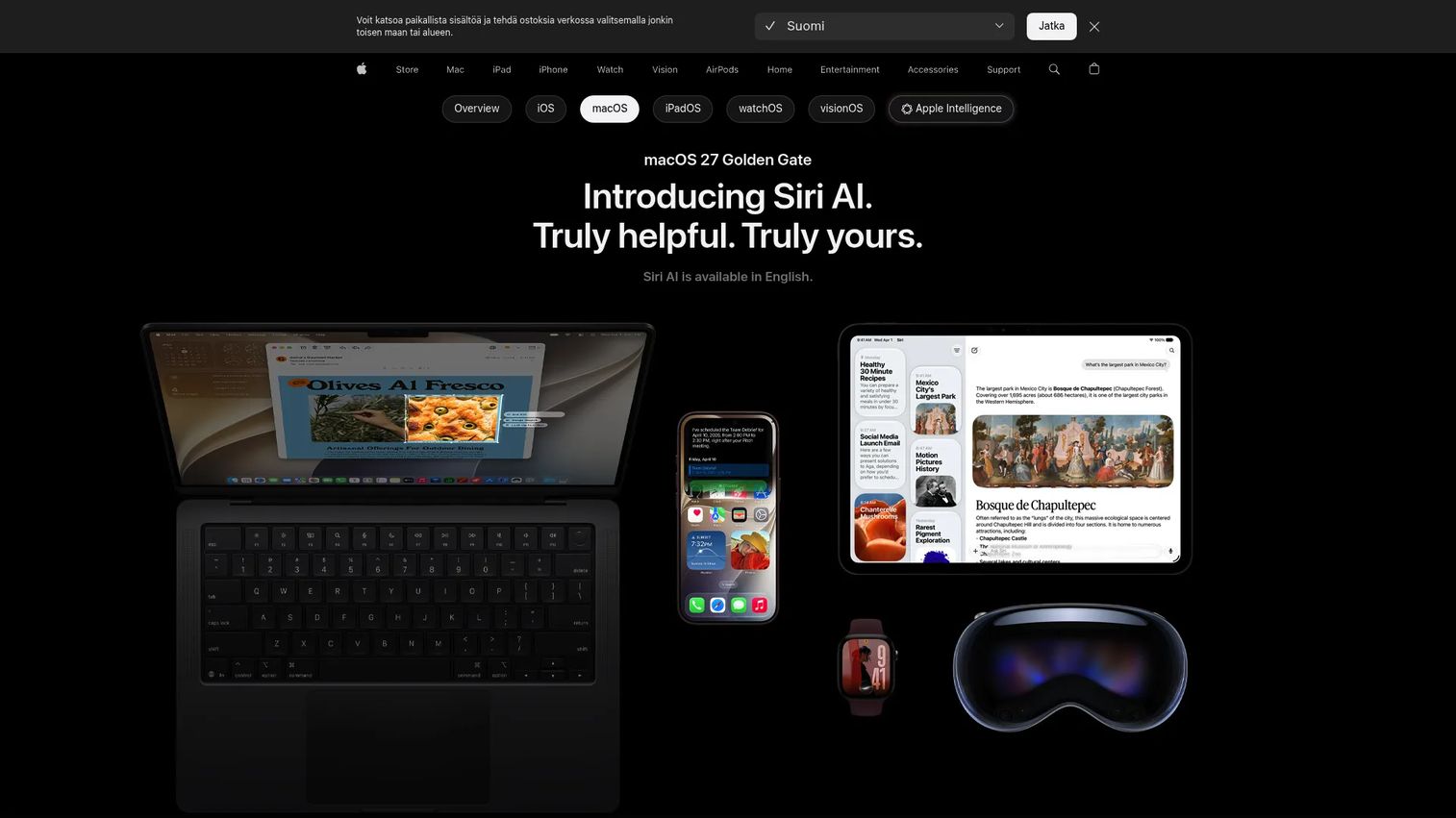
macOS is Apple's desktop operating system for Mac hardware, built on a Unix foundation that makes it a natural fit for developers, designers, and executives who work in Apple-centric environments. It ships as a free software update for supported Mac models, integrates tightly with iPhone and iPad through Continuity features, and includes Apple Intelligence capabilities for Siri, photo editing, and contextual task management. macOS holds 15.67% of global desktop share when combining OS X and macOS figures from Statcounter (2026).
Best for: Product, design, engineering, and executive teams standardized on Mac hardware.
Key features
- Unix-based architecture with developer-friendly terminal access
- Apple hardware integration and Continuity with iPhone and iPad
- Apple Intelligence with Siri AI, visual intelligence, and intelligent photo editing
- Strong creative and developer app ecosystem
- Built-in privacy controls and sandboxed application model
Why choose macOS: macOS works well for Series B teams that want premium, low-variance endpoints. When your engineering team runs entirely on Mac, macOS reduces toolchain friction and simplifies device management through Apple Business Manager.
macOS pricing: macOS is a free software update for supported Mac hardware. The hardware cost itself varies by model. Apple does not charge separately for macOS upgrades.
G2 rating: 4.5/5
3. Linux
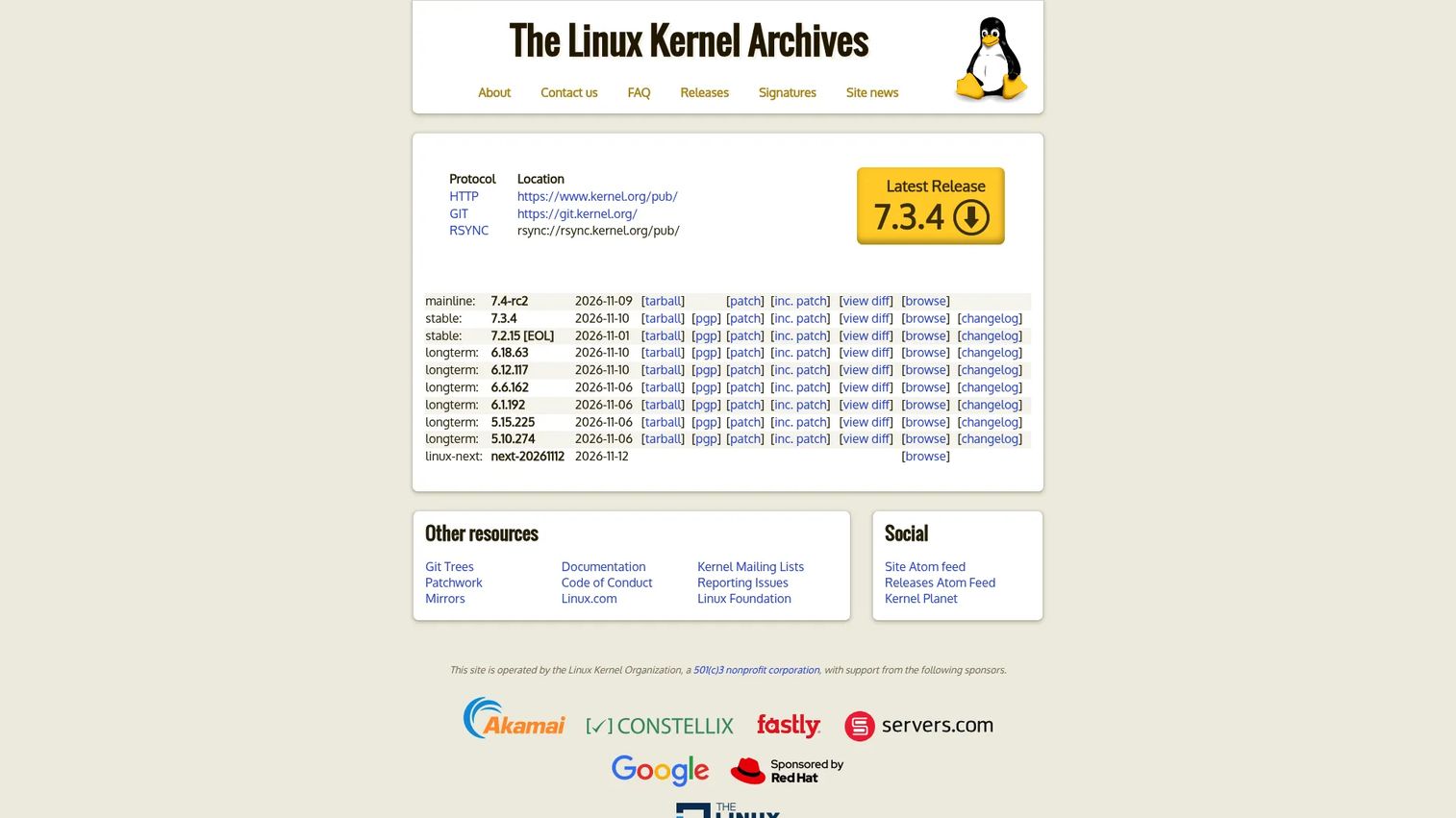
Linux is an open-source operating system kernel that powers the vast majority of cloud infrastructure, containers, and servers worldwide. It is not a single product but a family of distributions built around the same core kernel, all released under the GNU General Public License version 2. Most SaaS companies run their production workloads on some variant of Linux, often without actively choosing it, because cloud providers default to Linux-based images.
Best for: SaaS infrastructure, cloud workloads, DevOps pipelines, and technical teams that value control over the stack.
Key features
- Open-source kernel with true multitasking and virtual memory
- IPv4 and IPv6 networking with extensive protocol support
- Container-native workflows through cgroups and namespaces
- Support for a wide range of processor architectures
- Huge package ecosystem across distributions
Why choose Linux: For SaaS companies, Linux is often the invisible foundation under production systems. Choosing it consciously, through Ubuntu, Debian, or RHEL, gives your engineering team a consistent baseline for infrastructure, security patching, and hiring.
Linux pricing: The kernel and most distributions are free. Commercial support costs depend on distribution and vendor. See Ubuntu, Red Hat Enterprise Linux, and Debian entries for specific pricing.
4. Android
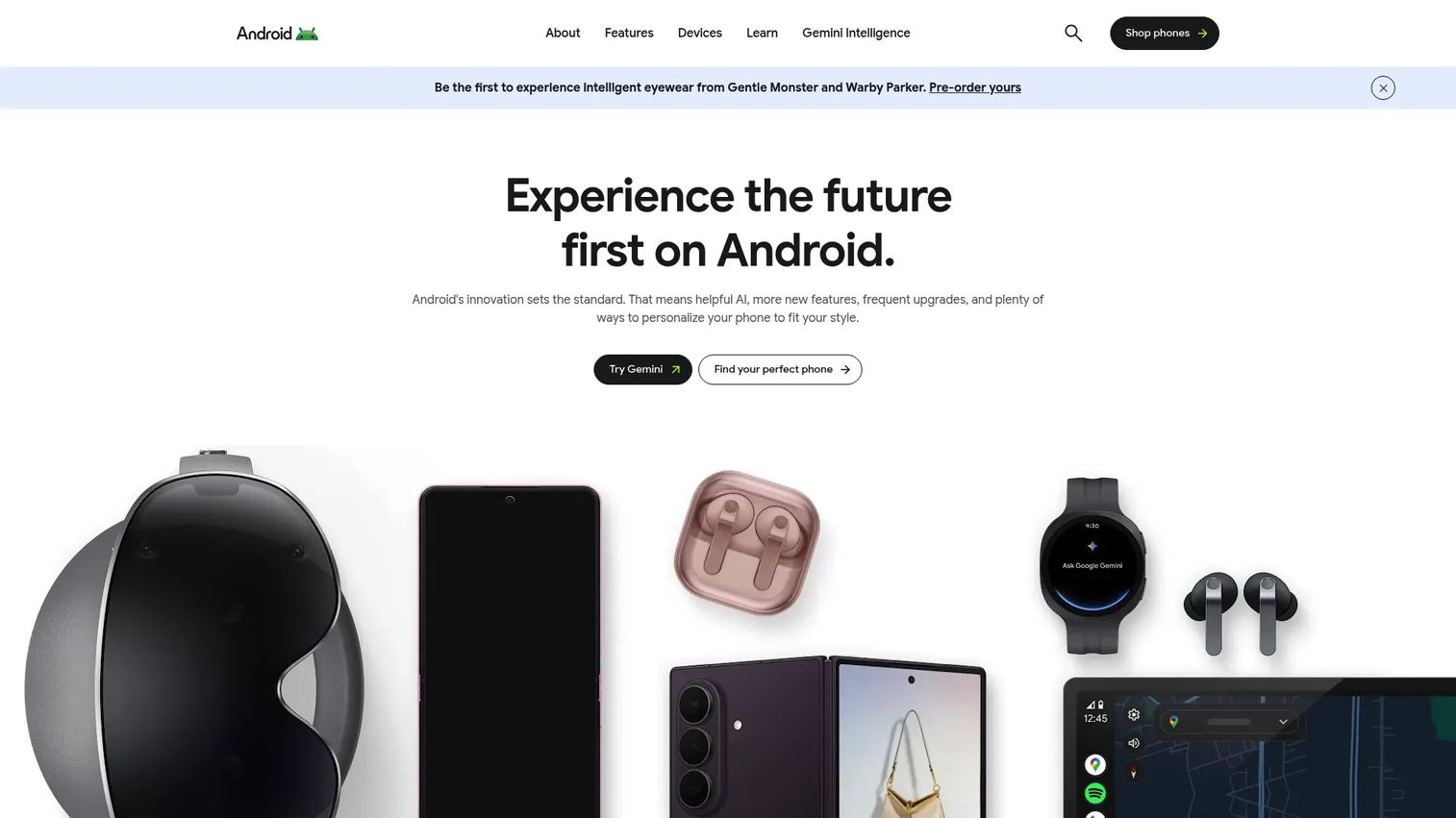
Android is Google's mobile operating system built on the Linux kernel, commanding 72.36% of global mobile market share as of October 2026, according to Statcounter. It runs across phones, tablets, wearables, TVs, and automotive displays, with a device ecosystem spanning hundreds of manufacturers. For SaaS founders, Android matters when your mobile app needs global reach, field team devices, or support for a wide range of hardware price points.
Best for: Mobile apps targeting global reach, diverse hardware, and enterprise Android device management.
Key features
- Gemini AI assistant and Circle to Search capabilities
- Google Play ecosystem for app distribution
- Quick Share across Android, Chromebook, and Windows devices
- Android Auto for in-vehicle use cases
- Enterprise device management with Android Enterprise
Why choose Android: Prioritize Android when your customers are globally distributed, when field teams use lower-cost devices, or when your SaaS product needs to run across a wide range of hardware configurations.
Android pricing: Android is free for end users on devices. App distribution through Google Play requires a one-time developer registration fee. Enterprise device management tools add separate costs.
G2 rating: 4.6/5
5. iOS
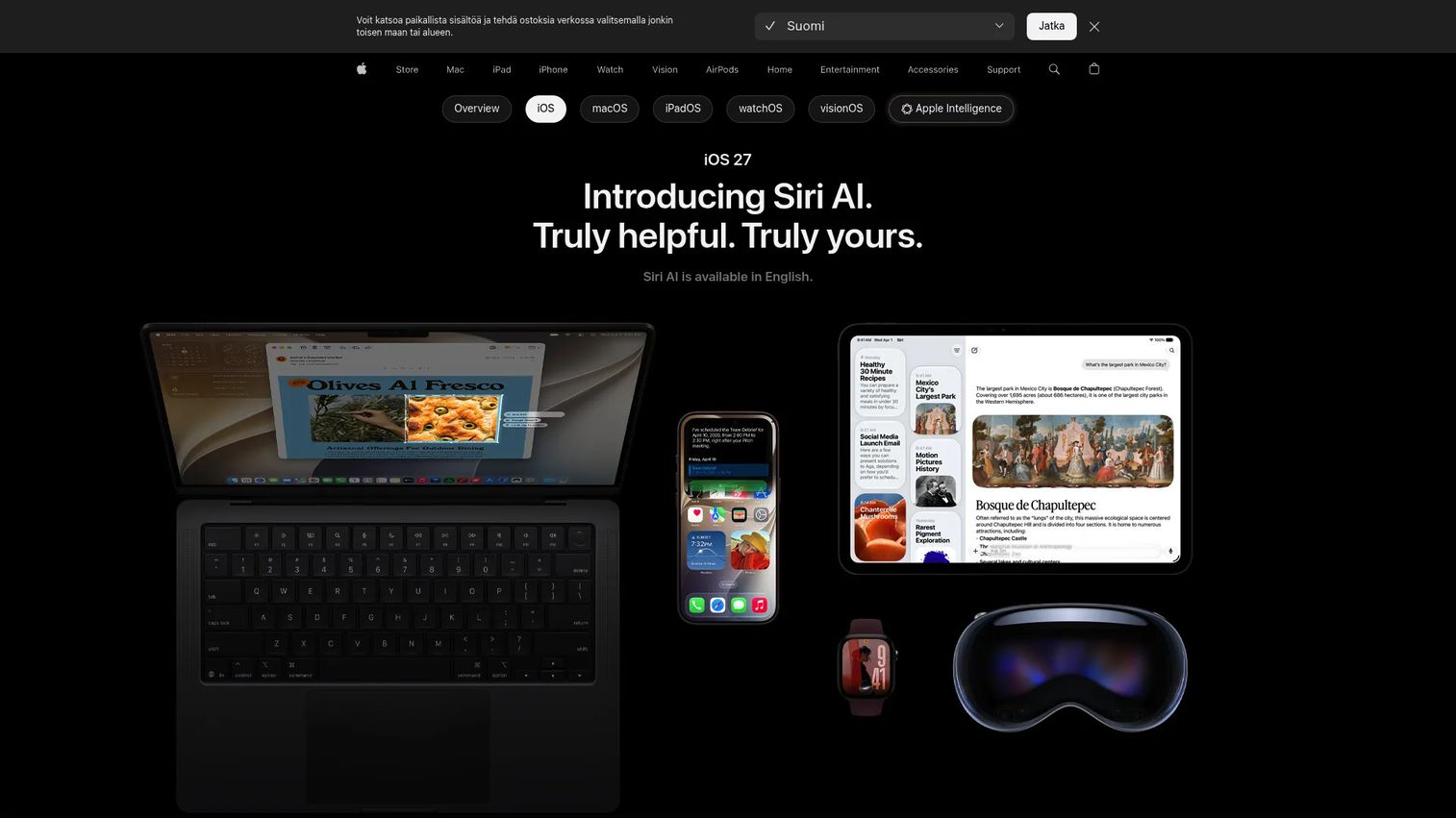
iOS is Apple's mobile operating system for iPhone, holding 27.61% of global mobile share as of October 2026, according to Statcounter. It offers a tightly controlled hardware and software environment, strong privacy defaults, long device support cycles, and a managed device ecosystem through Apple Business Manager. For SaaS teams, iOS matters most when brand experience, security expectations, and mobile app quality are front and center.
Best for: Managed company iPhones, premium consumer mobile apps, and customer-facing mobile experiences where security controls matter.
Key features
- Apple Intelligence with Siri AI, Genmoji, Image Playground, and Live Translation
- Strong privacy architecture with app tracking transparency
- Mobile device management via Apple Business Manager
- Long iPhone support cycles reducing fleet refresh costs
- App Store distribution with curated quality standards
Why choose iOS: iOS is the right call when your mobile users expect premium performance, when your enterprise customers require managed device policies, or when your SaaS product lives or dies on mobile conversion rates.
iOS pricing: iOS ships with every iPhone at no separate charge. Distributing apps through the App Store requires an Apple Developer Program membership, which costs $99 per year.
G2 rating: 4.6/5
6. iPadOS
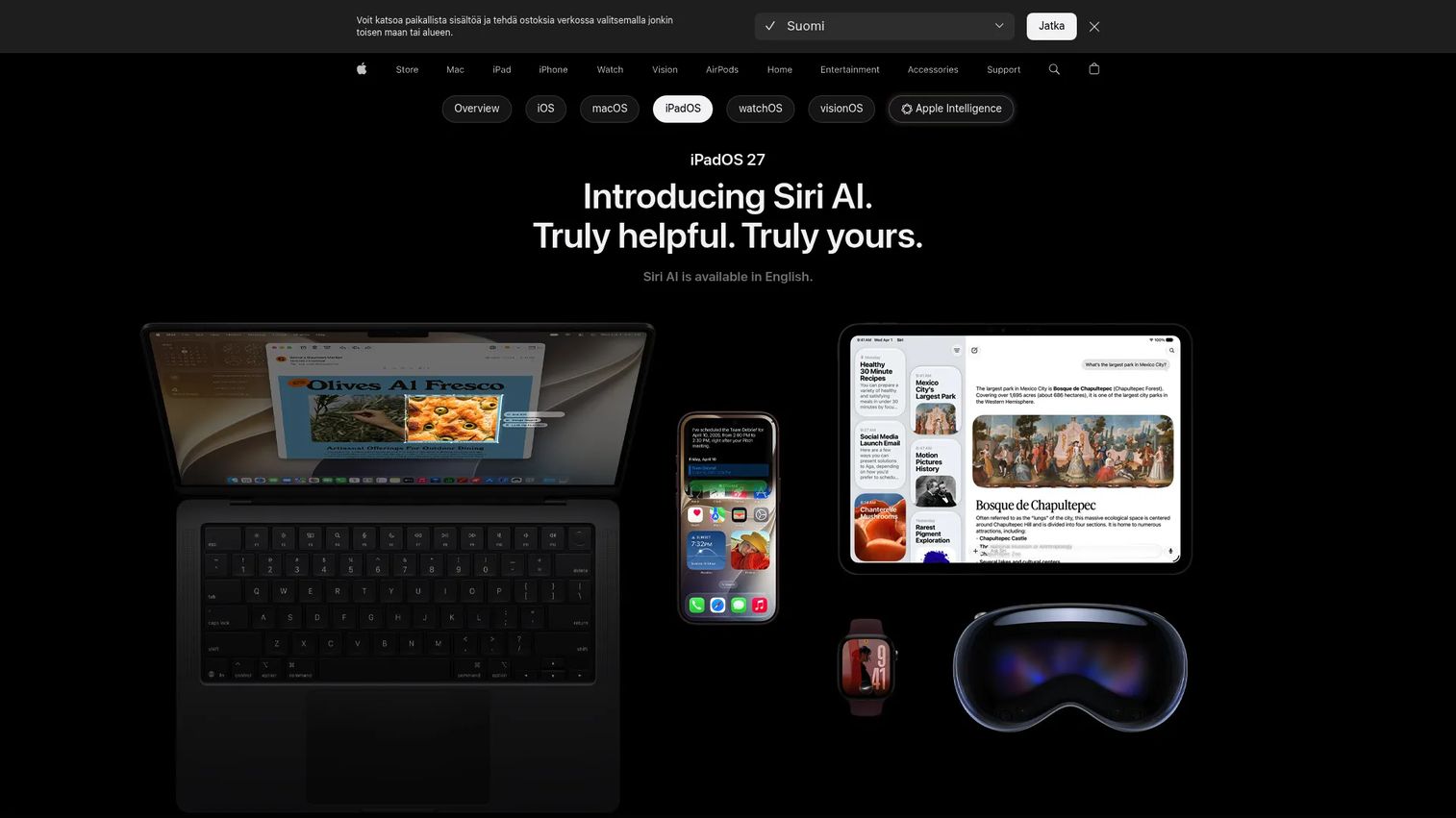
iPadOS is Apple's tablet-focused operating system, derived from iOS and optimized for larger screens, Apple Pencil workflows, Stage Manager multitasking, and windowed app layouts. It sits in a useful middle ground between a smartphone and a laptop, making it well suited to field sales presentations, healthcare intake workflows, event kiosks, and executive dashboards.
Best for: Tablet-first workflows, field sales, event kiosks, healthcare intake, and executive device fleets.
Key features
- Windowed multitasking and Stage Manager for productivity
- Apple Pencil support for annotation and creative work
- Siri AI and Apple Intelligence integration
- Managed device support through Apple Business Manager
- App Store ecosystem with iPad-optimized applications
Why choose iPadOS: If your SaaS product needs to deliver a great experience in in-person settings, from trade show booths to customer onboarding sessions, iPadOS gives you a stable, managed, professional-grade tablet platform.
iPadOS pricing: iPadOS is included with supported iPad hardware at no separate charge. App distribution follows the same Apple Developer Program fee structure as iOS.
7. ChromeOS
ChromeOS is Google's cloud-first operating system for Chromebooks and enterprise-managed devices. It is built around the browser, with centralized device management through the Google Admin console, automatic background updates, and built-in security features including verified boot, sandboxing, and data encryption. ChromeOS Flex also runs on existing PCs and Macs, letting IT teams standardize without replacing hardware.
Best for: Cloud-first endpoint fleets, frontline workers, call centers, education, and roles where browser-based apps cover the work.
Key features
- Centralized device management through Google Admin console
- Verified boot, sandboxing, encryption, and blocked executables by default
- Automatic background updates with no manual patching
- Access to web apps, Android apps, and supported virtualized Windows apps
- ChromeOS Flex for refreshing existing hardware at no cost
Why choose ChromeOS: ChromeOS is worth considering when you want to standardize a fleet of support agents, sales coordinators, or operations staff on low-maintenance, browser-first devices. The management overhead is significantly lower than Windows at scale.
ChromeOS pricing: ChromeOS ships with Chromebook hardware included.
G2 rating: 4.5/5
8. UNIX
UNIX is an open standard managed by The Open Group, defining portability and interoperability requirements for operating environments. Modern descendants include macOS, FreeBSD, and Linux-like systems. Understanding UNIX matters for founders because its design principles, multiuser architecture, file-as-everything model, and POSIX portability standards still shape how servers and developer tools behave in 2026.
Best for: Understanding server architecture history, POSIX portability standards, and the design lineage behind macOS and Linux environments.
Key features
- Open standard managed by The Open Group for portability
- Multiuser architecture with strong process isolation
- POSIX influence on modern system call interfaces
- Strong command-line model adopted by Linux and macOS
- Enterprise computing heritage and certification programs
Why choose UNIX: Most founders will not purchase a UNIX-branded product. Use it as a conceptual framework instead. When your engineering team says "it works on Unix-like systems," they mean it respects the POSIX interface that UNIX established.
UNIX pricing: Pricing depends on vendor and implementation. Most modern Unix-like systems are open-source descendants or separate certified products.
9. FreeBSD
FreeBSD is an open-source, standards-compliant Unix-like operating system known for its networking stack, storage capabilities, and permissive BSD license. It powers network appliances, storage systems, and commercial products from several large technology companies. The BSD license allows code to be incorporated into proprietary products without the copyleft obligations of the GPL, which makes it attractive for infrastructure product builders.
Best for: Network appliances, storage systems, infrastructure products, and teams building on a permissive open-source foundation.
Key features
- OpenZFS with ZFS boot environments for advanced storage management
- Jails for lightweight process and resource isolation
- bhyve virtualization hypervisor
- Linux binary compatibility layer
- Strong TCP/IP networking stack
Why choose FreeBSD: FreeBSD is relevant when licensing flexibility matters more than ecosystem breadth, particularly for infrastructure products where you want to ship BSD-licensed code inside a commercial product without licensing complications.
FreeBSD pricing: FreeBSD is free to download and use. Paid support comes from third-party providers rather than a central commercial vendor.
10. Ubuntu
Ubuntu is Canonical's widely used Linux distribution, covering desktops, servers, cloud images, and IoT devices. Its long-term support (LTS) releases receive five years of standard maintenance, with Ubuntu Pro extending that to ten years for security patches and compliance tooling. Ubuntu is a practical default for startups building on cloud infrastructure, as AWS, Azure, Google Cloud, and IBM Cloud all offer official Ubuntu images.
Best for: Startups, developer workstations, cloud servers, and teams that need a familiar Linux baseline with optional commercial support.
Key features
- LTS releases with extended security maintenance via Ubuntu Pro
- Cloud images optimized for AWS, Azure, Google Cloud, and IBM Cloud
- Ubuntu Pro for compliance tooling, security patching, and Landscape fleet management
- Large package ecosystem and active developer community
- Desktop, server, cloud, and IoT/edge deployment targets
Why choose Ubuntu: Ubuntu is a strong starting point for founders who want their engineering team on a Linux distribution with broad hiring familiarity, strong cloud image support, and a clear path to commercial support as the team scales.
Ubuntu pricing: Ubuntu is free to download and use. Ubuntu Pro Personal is free for up to 5 machines. Ubuntu Pro Workstation runs $25 per machine per year; server plans start at $500 per machine per year.
G2 rating: 4.5/5
11. Red Hat Enterprise Linux
Red Hat Enterprise Linux (RHEL) is IBM's enterprise Linux platform for production, regulated, and long-lifecycle workloads. It offers a 10-year support lifecycle, a certified software ecosystem, SELinux and FIPS security tooling, and hybrid cloud deployment across AWS, Azure, and Google Cloud. When your enterprise customers are asking whether your software runs on "certified Linux," they usually mean RHEL or a close derivative.
Best for: Enterprise servers, regulated infrastructure, hybrid cloud environments, and workloads where long-term vendor accountability matters.
Key features
- SELinux, FIPS, and OpenSCAP for security and compliance
- Red Hat Lightspeed for monitoring, vulnerability management, and automation
- Image mode for container-oriented deployments
- Leapp-supported in-place upgrades across major versions
- Certified software ecosystem from ISVs across database, middleware, and security categories
Why choose RHEL: If your enterprise sales motion regularly surfaces security questionnaires asking about OS certification, support SLAs, or compliance tooling, RHEL is the answer that closes those questions. A no-cost developer subscription is available for testing and development use cases.
Red Hat Enterprise Linux pricing: RHEL subscriptions start at $383.90 per server per year (Self-support). Standard support runs $878.90 per server per year. Premium support reaches $1,428.90 per server per year. Pricing is annual.
G2 rating: 4.6/5
12. Debian
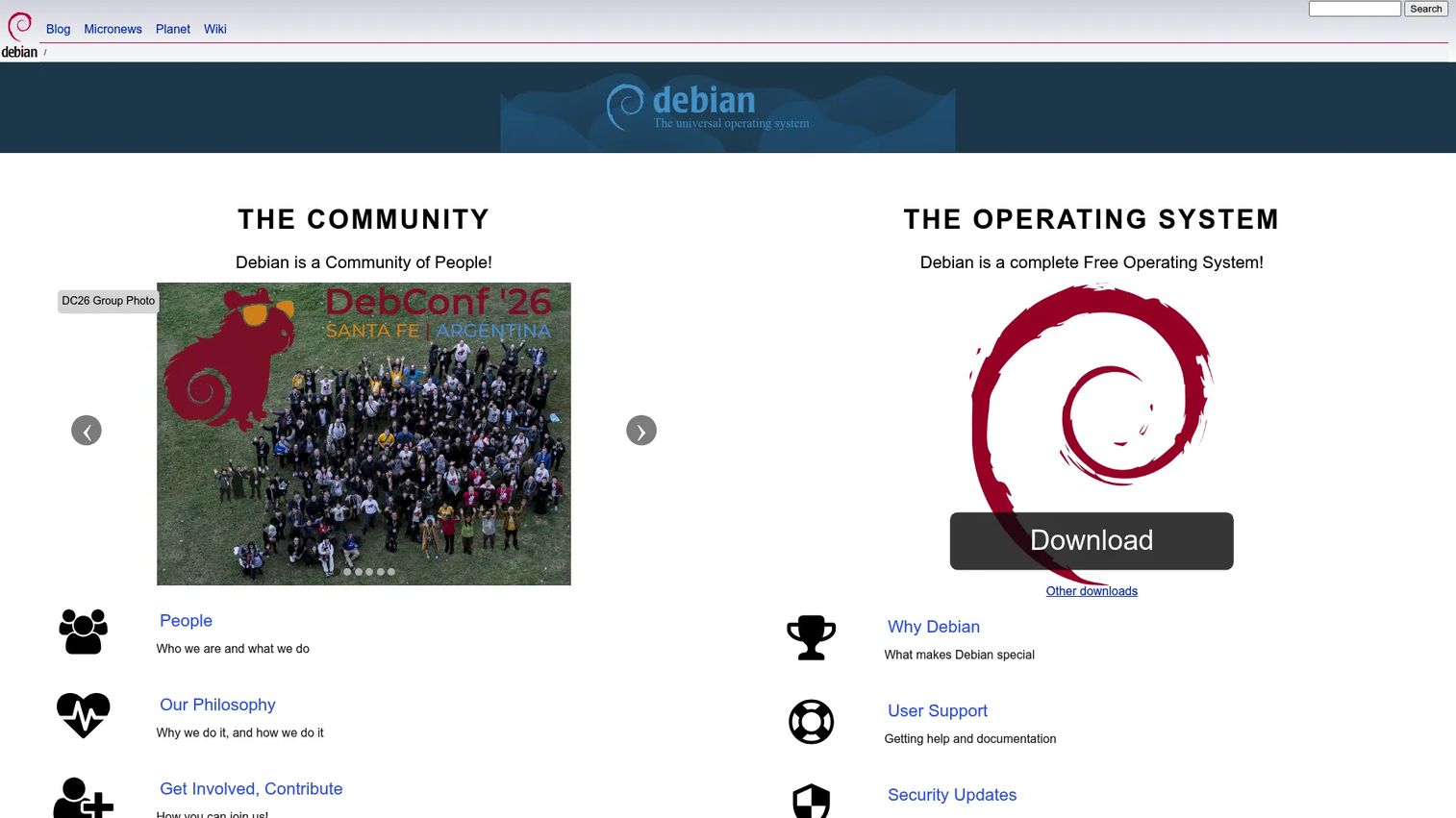
Debian is a community-governed Linux distribution known for its stability-first release cycle, comprehensive package repository, and significant influence over the broader Linux ecosystem. Ubuntu is built on Debian, which gives it broad downstream reach. Many teams run Debian on servers where they want a minimal, stable base without paying for commercial support.
Best for: Stable production servers, teams that prefer community-governed infrastructure, and use as a base image for custom Linux environments.
Key features
- APT and dpkg package management with a repository of tens of thousands of packages
- Stable, testing, and unstable release branches for different risk tolerances
- Security advisories and updates from the Debian security team
- Support for multiple processor architectures
- Strong upstream influence; Ubuntu and many other distributions derive from Debian
Why choose Debian: Debian fits engineering teams that value stability and community governance over commercial vendor support. If your infrastructure runs on containers or VMs, Debian is a common base image choice precisely because it stays predictable across releases.
Debian pricing: Debian is free to download, use, and distribute. Paid support comes from third-party providers; Debian itself does not sell support contracts.
13. Fedora
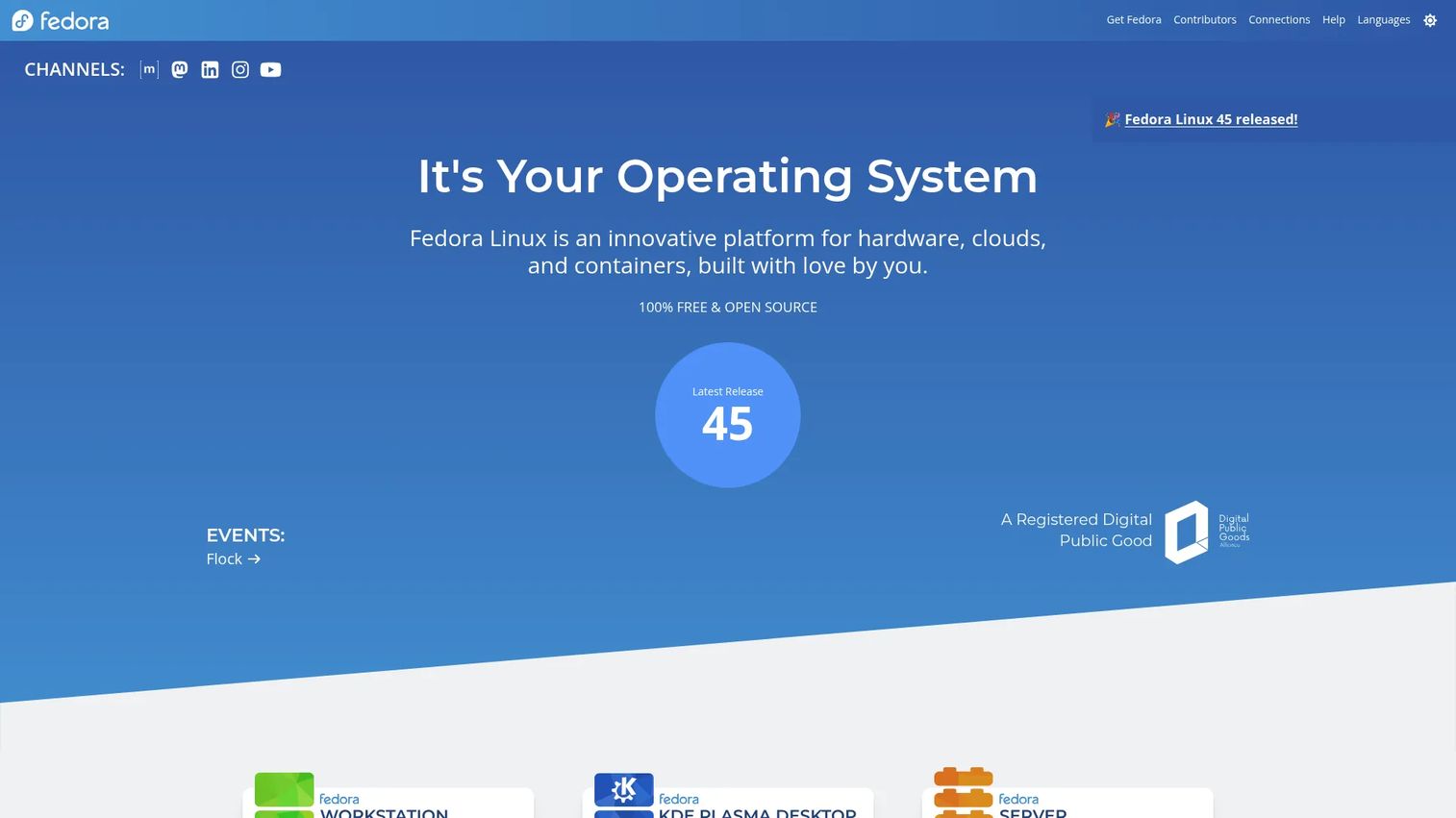
Fedora is a free Linux distribution sponsored by Red Hat that ships updated packages on a roughly six-month release cycle. Features that prove out in Fedora often make their way into future RHEL releases, which makes Fedora a useful signal for where enterprise Linux is heading. It is primarily a developer workstation and experimentation platform rather than a conservative production choice.
Best for: Developers who want current Linux tooling, engineers testing new features before they hit RHEL, and Linux workstation users.
Key features
- GNOME desktop with current Linux packages and kernel versions
- Fedora Server, Cloud, CoreOS, and IoT editions for different deployment targets
- SELinux security framework enabled by default
- Strong open-source governance and community contribution model
- Developer tools and container-focused workflows
Why choose Fedora: Fedora works well for developer workstations where staying current with the Linux ecosystem matters. It is not the safest default for production servers, where you generally want a distribution with longer support windows and slower package cadence.
Fedora pricing: Fedora is free to download and use.
G2 rating: 4.4/5
14. Windows Server
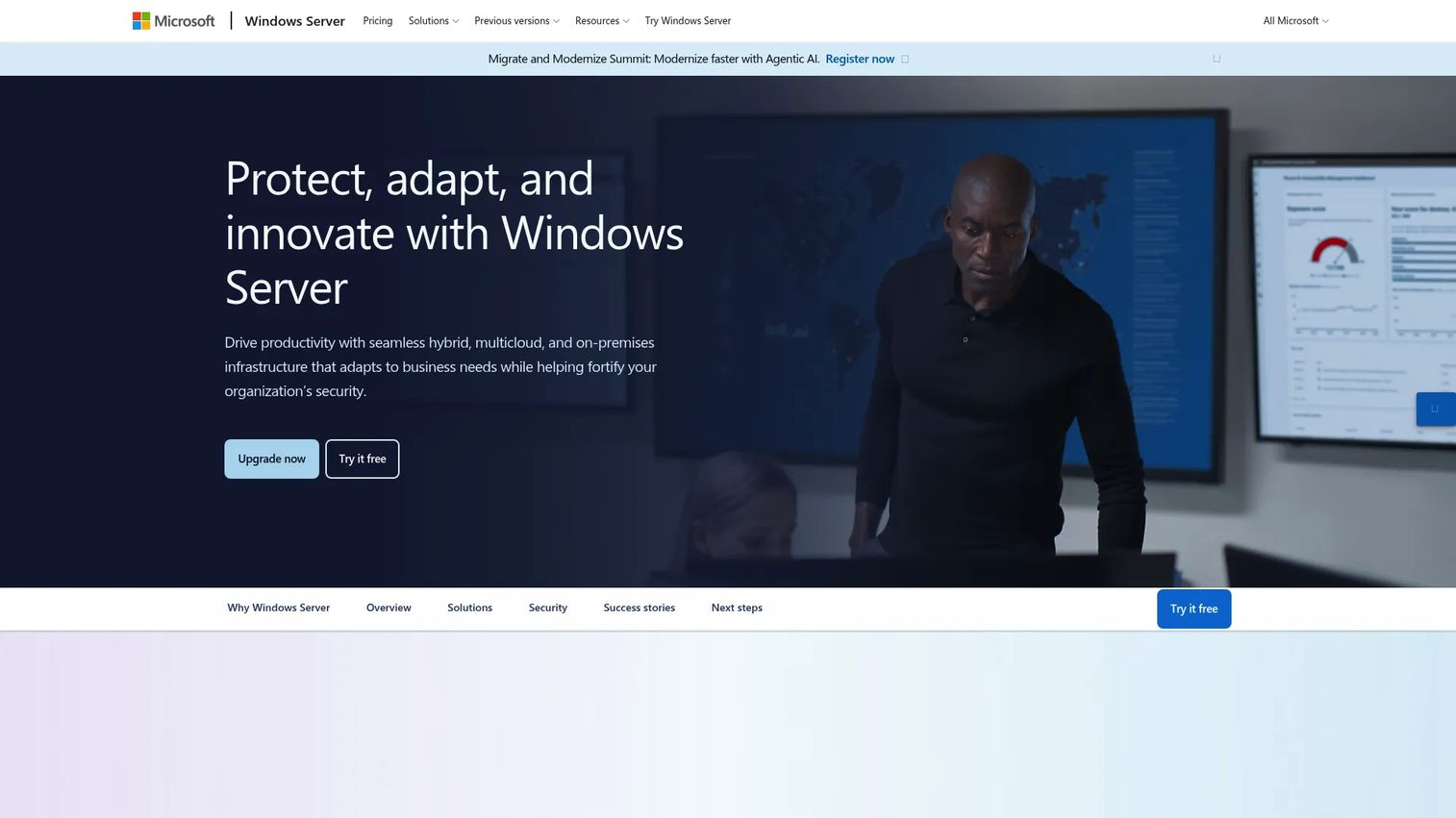
Windows Server is Microsoft's server operating system for running identity infrastructure, Windows applications, file services, and hybrid cloud workloads. Windows Server 2025 is the current release, adding SMB over QUIC, TLS 1.3 enforcement, virtualization-based security improvements, and Azure Arc integration for hybrid management. For founders selling into enterprises with Microsoft-heavy IT departments, Windows Server is often already in the room.
Best for: Organizations running Active Directory, Windows workloads, SQL Server, or hybrid Azure infrastructure.
Key features
- Active Directory and centralized identity management
- Hyper-V virtualization and Windows container support
- Azure Arc for hybrid management across on-premises and cloud
- IIS web server, file services, and Windows Admin Center
- SMB over QUIC and TLS 1.3 for secure remote access
Why choose Windows Server: Windows Server matters most when you are selling into enterprise IT environments standardized on Microsoft infrastructure, or when your product itself requires Windows-only components, COM objects, or Windows authentication protocols.
Windows Server pricing: Windows Server 2025 Standard edition carries a suggested MSRP of $1,176 for a 16-core license. Datacenter edition starts at $6,771. Client access licenses add cost per user or device.
G2 rating: 4.5/5
15. z/OS
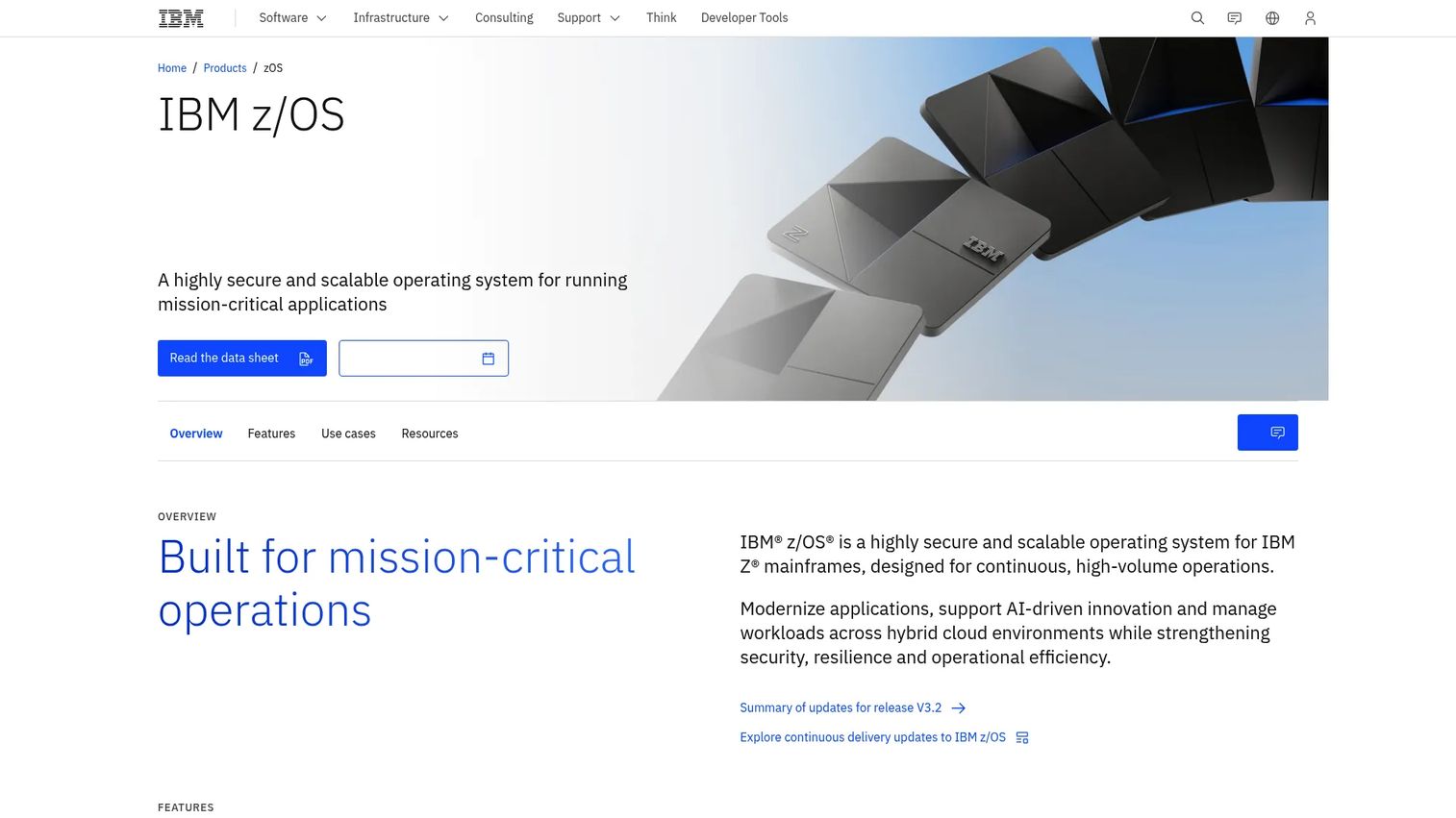
z/OS is IBM's mainframe operating system for IBM Z, designed for high-volume transaction processing, extreme reliability, and pervasive encryption. It runs in financial institutions, insurance companies, government agencies, and large retailers that process millions of transactions daily. z/OS supports Parallel Sysplex for clustering, z/OS Container Extensions for running Linux workloads alongside mainframe jobs, and System Recovery Boost for faster recovery from outages.
Best for: Mainframe workloads, high-volume transaction processing, and large enterprises with long-standing IBM Z infrastructure.
Key features
- Parallel Sysplex for operating multiple z/OS systems as a single image
- z/OS Container Extensions for running Linux containers alongside mainframe workloads
- Pervasive encryption for data in transit and at rest
- z/OS Management Facility for web-based system management and automation
- System Recovery Boost for faster workload recovery
Why choose z/OS: Most startups will not run z/OS themselves. Founders selling into banking, insurance, or government need to understand it because their enterprise prospects often process core data on IBM Z. Knowing what z/OS is prevents uncomfortable gaps during technical discovery calls.
z/OS pricing: IBM uses consumption-based and contract licensing for z/OS. Contact IBM for a quote; pricing is enterprise contract-based with no published list price.
16. QNX
QNX is a real-time operating system from BlackBerry, built on a microkernel architecture for safety-critical and mission-critical embedded systems. It is used in automotive cockpit systems, industrial robots, medical devices, and rail infrastructure where timing guarantees and system isolation matter. QNX holds safety certifications relevant to automotive (ISO 26262), medical (IEC 62304), and industrial (IEC 61508) standards.
Best for: OEMs and embedded engineers building automotive systems, medical devices, industrial controllers, and other safety-critical hardware products.
Key features
- Microkernel architecture for fault isolation and system resilience
- Safety-certified product variants for functional-safety standards
- QNX Hypervisor for running multiple operating systems on a single chip
- POSIX-compliant development environment with QNX Momentics tools
- Secure over-the-air update capabilities for embedded deployments
Why choose QNX: QNX is relevant to founders building hardware-adjacent SaaS products where connected devices, vehicles, medical equipment, or industrial machinery are part of the customer workflow. Understanding QNX helps during technical diligence with customers in those sectors.
QNX pricing: QNX does not display commercial pricing on its website. A 30-day evaluation license is available for the QNX Software Development Platform. Contact QNX directly for commercial terms.
G2 rating: 4.2/5
17. VxWorks
VxWorks is Wind River's commercial real-time operating system for mission-critical embedded systems across aerospace, defense, industrial, and automotive applications. It delivers hard real-time performance with determinism measured in nanoseconds, supports safety certifications including DO-178C for avionics and ISO 26262 for automotive, and has accumulated deployment history on satellites, aircraft, and factory automation systems.
Best for: Hard real-time systems, aerospace and defense applications, robotics, and industrial control where timing guarantees and long lifecycle support are non-negotiable.
Key features
- Hard real-time performance with single-nanosecond determinism
- Safety certification support for DO-178C/EUROCAE ED-12C, IEC 61508, IEC 62304, and ISO 26262
- Edge AI and ML readiness for connected industrial systems
- Full Time-Sensitive Networking software stack
- Long lifecycle support matching industrial deployment timelines
Why choose VxWorks: Choose VxWorks when your hardware product must meet strict timing guarantees and pass formal safety certification. The certification process adds time and cost, but the alternative in aerospace or medical device contexts is regulatory non-compliance.
VxWorks pricing: Contact Wind River directly for industry-specific edition pricing and licensing terms.
G2 rating: 4.0/5
18. Embedded Linux
Embedded Linux is the Linux kernel adapted for resource-constrained devices, including routers, kiosks, industrial machines, IoT sensors, and custom hardware appliances. Build tools like Yocto Project and Buildroot let engineers configure a minimal Linux environment for specific hardware. The kernel supports a wide range of processor architectures, including ARM, MIPS, and RISC-V, covering most embedded hardware in production today.
Best for: Connected devices, IoT products, smart appliances, and hardware products where you need Linux flexibility without full-stack overhead.
Key features
- Configurable kernel with support for embedded and MMU-less architectures
- Yocto Project and Buildroot for custom minimal Linux builds
- Broad driver support across ARM, MIPS, RISC-V, and x86 hardware
- Open-source kernel source code available for inspection and modification
- Active upstream security maintenance from the kernel community
Why choose Embedded Linux: Embedded Linux gives you flexibility and cost advantages over commercial RTOS options. The tradeoff is that engineering time for porting, security patching, and certification work falls on your team. Budget for that before committing.
Embedded Linux pricing: The kernel itself is free. Real costs come from engineering time, board support packages, commercial distributions, and security maintenance.
19. MS-DOS
MS-DOS is Microsoft's historical command-line operating system for IBM-compatible personal computers, significant as the platform that launched the PC software industry and introduced millions of users to file systems, batch scripting, and command-line interaction. Microsoft has released source code for MS-DOS 1.25, 2.0, and 4.0 for historical reference and experimentation purposes.
Best for: Historical software study, legacy industrial systems still running DOS-era software, and understanding the PC computing lineage.
Key features
- Command-line shell and command interpreter
- Batch-file scripting using .BAT files
- Single-tasking design with direct hardware access
- Simple file system operations across FAT-formatted drives
- Source code releases available for historical exploration
Why choose MS-DOS: Do not choose MS-DOS for new work. Its value in 2026 is contextual: It explains why legacy industrial equipment sometimes runs DOS-era software, and why migration projects in manufacturing or healthcare can carry surprising technical debt.
MS-DOS pricing: MS-DOS is a legacy product. The released source code versions are available for historical reference. It is not sold as a current-use product.
20. Windows NT
Windows NT is the architectural kernel lineage that underpins every modern version of Windows, from Windows 2000 and XP through Windows 11 and Windows Server 2025. It introduced protected memory, a hardware abstraction layer, preemptive multitasking, and an enterprise-grade security model to the Windows platform. Understanding Windows NT architecture helps when enterprise customers ask about Windows security models, driver signing, or kernel-level behavior.
Best for: Understanding the technical foundation of modern Windows and explaining Windows architecture during security reviews or enterprise sales conversations.
Key features
- Protected memory model preventing processes from corrupting each other
- Hardware abstraction layer enabling portability across processor architectures
- Preemptive multitasking and kernel-mode driver isolation
- Security reference monitor and access control model
- Foundation for Windows XP through Windows 11 and all current Windows Server releases
Why choose Windows NT: Windows NT is not a current purchase option. Its relevance is architectural: It explains why modern Windows behaves the way it does regarding memory protection, driver security, and process isolation.
Windows NT pricing: Windows NT is legacy software and not sold as a standalone current product. The current Windows platform is Windows 11, with Home editions starting at $139.00.
G2 rating: 4.5/5
21. OS/360
!OS/360 (IBM)
OS/360 was IBM's operating system for the System/360 mainframe family, introduced in 1964. It established the concept of a single operating system running across a family of hardware configurations at different performance levels, a principle that influenced every major OS design that followed. OS/360's lineage leads directly to z/OS, which still runs in banks and government agencies today.
Best for: Understanding mainframe history, enterprise computing lineage, and why enterprise infrastructure changes slowly.
Key features
- Standardized software across the IBM System/360 hardware family
- Multiprogramming support for running multiple jobs concurrently
- Batch processing model foundational to enterprise job scheduling
- Assembly-language implementation with extremely long operational history
- Direct historical predecessor to current z/OS mainframe deployments
Why choose OS/360: You would not. OS/360 is here as a history lesson. When your enterprise prospects explain why migrating off their IBM mainframe will take five years, OS/360 is part of that story. The software lineage running in some financial institutions traces back to code written for System/360 hardware.
OS/360 pricing: OS/360 is a historical system. It is not available for purchase as a current product.
Considerations when choosing an operating system
Application compatibility
The best OS for your team is often the one your existing tools already support. Start by auditing which applications your finance, sales, operations, and engineering teams run, then map which operating systems those applications support. Switching OS for internal teams is expensive in retraining, support burden, and tool migration costs, so only do it when the compatibility gap is real.
Security and update lifecycle
Patch cadence matters more than it used to. Cloud-exposed infrastructure needs rapid vulnerability response, and an unsupported OS version is a liability that surfaces in security audits and enterprise questionnaires. RHEL's 10-year lifecycle, Ubuntu Pro's extended security maintenance, and Windows Server's structured update model give you predictable windows. Open-source distributions without commercial support require your team to track upstream security advisories themselves.
Talent and operational familiarity
An obscure OS creates hiring risk and support concentration risk. If only one engineer on your team understands how to debug the OS running your production infrastructure, that is a single point of failure. Linux expertise, particularly Ubuntu and RHEL, is broadly available in the hiring market. QNX and VxWorks expertise is specialized and commands a premium.
Infrastructure and cloud fit
Linux is the standard for cloud-native infrastructure, containers, and observability tooling. Windows Server fits when your stack requires Windows-specific workloads or when enterprise customers need Windows-based identity services. Cloud providers abstract a lot of OS complexity, but your engineering team still depends on kernel behavior, package ecosystems, and security patching at the base layer.
Device strategy and customer experience
Match your OS choice to where your product actually runs for customers. A SaaS product used by field teams on Android tablets needs different QA coverage and support documentation than one accessed via browser on corporate Windows laptops. Getting this mapping right reduces support ticket volume and onboarding friction from day one.
Conclusion
The operating-system landscape in 2026 covers a wide range of contexts, from the Windows desktop your sales team uses daily to the Linux kernel running your production infrastructure to the z/OS mainframe inside your largest enterprise customer's data center.
For most Series B SaaS teams, the practical decisions cluster quickly. Windows and macOS cover internal endpoints. Linux, Ubuntu, and RHEL cover servers and cloud workloads. Android and iOS determine your mobile roadmap priorities. ChromeOS reduces overhead for standardized roles. For specialized environments, z/OS, QNX, VxWorks, and Embedded Linux each serve specific hardware and regulatory constraints.
The historical entries, MS-DOS, Windows NT, UNIX, and OS/360, matter less as platform choices and more as context for understanding why certain enterprise environments are complex to integrate with and slow to change.
Start by mapping your current OS footprint across endpoints, servers, and customer devices. Then identify where the gaps create security risk, support burden, or enterprise sales friction. That mapping exercise is worth doing before your next security audit or enterprise renewal conversation.
If your team needs to explain complex product workflows to buyers, employees, or partners, interactive demos work far better than static screenshots or slide decks. Start your journey with Guideflow today!
FAQs
An operating system is the software that manages a computer's hardware, runs applications, and gives users a way to interact with the device. It handles memory, processes, files, devices, and network connections so applications do not have to manage hardware directly. Without an OS, every application would need to include its own hardware drivers and resource management code.
The main types are desktop OS (Windows, macOS, Linux), mobile OS (Android, iOS, iPadOS), server OS (Linux distributions, Windows Server), embedded OS (Embedded Linux, QNX, VxWorks), real-time OS (QNX, VxWorks), mainframe OS (z/OS), and historical/legacy OS (MS-DOS, Windows NT, OS/360). Each type is designed for a specific context, with different tradeoffs around latency, hardware control, security, and application support.
According to Statcounter Global Stats (2026), the most common operating systems by combined worldwide market share are Android (44.56%), Windows (29.08%), and iOS (17.45%). On mobile specifically, Android holds 72.36% and iOS holds 27.61%. On desktop, Windows leads at 76.65%. For server infrastructure, Linux dominates cloud and data center deployments, though server-specific market share figures are tracked separately.
Linux technically refers to the kernel, which is the core piece of software that manages hardware resources. What most people call "Linux" is actually a Linux distribution: A complete operating system that bundles the Linux kernel with system tools, package managers, a desktop environment or server utilities, and application software. Ubuntu, Debian, Fedora, and RHEL are Linux distributions, not the kernel itself.
Linux is the standard default for cloud servers, containers, and SaaS infrastructure. Ubuntu and Debian are common choices for teams that prioritize speed and ecosystem breadth. RHEL is the choice when enterprise customers require certified, long-lifecycle Linux with vendor-backed support. Windows Server fits when the stack includes SQL Server, Active Directory, or other Microsoft-dependent workloads. For mainframe-based enterprise customers, z/OS handles high-volume transaction processing workloads.
Windows works well when your team runs business software that is Windows-only or when enterprise customers expect Windows endpoint compatibility. macOS is a strong fit for teams standardized on Apple hardware, particularly product, design, and engineering roles. ChromeOS suits browser-first roles where low maintenance overhead matters more than native application support. The right answer depends on your software stack and IT management capacity, not on any single OS's raw capability.
The kernel is the innermost layer of the operating system. It directly manages CPU scheduling, memory allocation, device communication, and system calls from applications. The operating system includes the kernel plus everything built on top of it: The file system tools, network utilities, shell, package manager, desktop or server environment, and system libraries. When someone says "the Linux kernel," they mean the core layer. When they say "Ubuntu," they mean the full operating system built around that kernel.
Legacy operating systems persist because replacing them is expensive, risky, and often lower priority than other business concerns. Banks, manufacturers, and government agencies run software written for MS-DOS-era or mainframe environments because rewriting it carries serious operational risk and regulatory scrutiny. For founders, legacy OS knowledge matters when selling into enterprise accounts, assessing integration complexity, understanding migration timelines, and answering technical questions in security reviews about what systems your product needs to interact with.