Founder-led sales worked when every opportunity still fit in your head. Then the company hired more reps, added new channels, and scattered customer context across inboxes and spreadsheets.
Now pipeline reviews start with data cleanup. Forecasts need manual reconciliation. Your new VP Sales inherits a process held together by memory.
Online CRM software gives the team a shared system for contacts, opportunities, follow-up, and reporting. Browser and mobile access also remove local installation from the rollout.
The category keeps growing. Statista projects worldwide CRM software revenue will reach $103.51 billion in 2026.
The right choice should do more than store records. It should support repeatable GTM, connect your existing stack, and produce numbers that survive board scrutiny.
What’s inside
This guide compares 14 CRM tools for founders and GTM leaders building cloud-based revenue infrastructure. Each product was assessed using verified vendor information and current G2 ratings.
The main selection criteria were:
- Online access: Browser-based workflows and mobile usability
- Revenue management: Contact, lead, and pipeline depth
- Operating efficiency: CRM automation, reporting, and specific AI functions
- Long-term fit: Integrations, pricing limits, and upgrade paths
Pricing reflects vendor information dated November 2026. Monthly and annual rates differ for several products.
TL;DR
- Best overall for scaling SaaS teams: HubSpot CRM connects customer records with sales, marketing, service, and reporting workflows
- Best for suite depth: Zoho CRM fits companies that want CRM connected with broader business applications
- Best for complex RevOps: Salesforce provides extensive configuration, governance, data, and application options
- Best for relationship-led teams: Attio combines flexible data models with enrichment, collaboration, and workflow automation
- Best for sales execution: Pipedrive or Close emphasizes visual pipeline control or built-in sales engagement
- Best free or low-cost start: Capsule, Bitrix24, EngageBay, or FreeCRM provides different balances of simplicity, breadth, and communication tools
What is online CRM software?
Online CRM software is cloud-based customer relationship management software that lets teams manage contacts, leads, deals, communications, reporting, and workflows through a browser or mobile app without installing local software.
A spreadsheet records rows. An online CRM connects customer records with conversations, ownership, activities, and revenue stages. That distinction matters once several people touch the same account.
Legacy desktop or on-premise systems run on company-controlled infrastructure. Cloud CRM software runs through a hosted service, which supports distributed access and vendor-managed updates. Eurostat reported that 27.91% of EU enterprises used cloud-based CRM in 2025.
For a scaling SaaS company, clean CRM data creates operational visibility. A founder can inspect pipeline coverage without asking each rep for an update. RevOps can track stage conversion while sales leadership reviews forecast movement.
Core capabilities usually include:
- Contact management software: Stores people, companies, ownership, and activity history
- Lead management software: Captures prospects and routes follow-up
- Sales pipeline management: Tracks opportunities across defined revenue stages
- Communication sync: Connects email, calendars, calls, and meetings
- Task management: Records next steps and assigns responsibility
- CRM automation: Runs reminders, routing rules, sequences, and workflows
- CRM analytics: Reports pipeline health, conversion, forecast, and activity
- AI CRM functions: Supports scoring, summaries, data entry, or report creation
- Mobile CRM access: Gives distributed teams current records outside the office
- CRM integrations: Connects marketing, support, billing, product data, and communication systems
The practical test is simple. Can your leadership team answer a revenue question without stitching together five dashboards? If not, the CRM has become another database rather than the operating record.
When to use online CRM software
Replace spreadsheet-based deal tracking
Spreadsheets become fragile when several reps update deals across multiple stages. Ownership changes and follow-up can disappear between tabs.
An online CRM gives the team shared records for contacts, opportunities, activity history, and next steps. The founder stops reconstructing pipeline from email and memory. A new sales leader inherits defined infrastructure from day one.
Build a repeatable sales process
CRM software turns ad hoc selling into visible stages, reminders, automation, and reporting. Reps know what happens next, while leadership sees where deals stall.
Series B teams should track pipeline coverage, stage conversion, sales cycle length, and win rate by segment. These measures reveal whether GTM performance can scale beyond founder involvement.
Connect GTM data across the stack
A browser-based CRM becomes more useful when it connects with marketing, support, billing, and product analytics. Those connections help teams follow a customer from first touch through renewal.
CRM integrations also matter during board reporting. Revenue questions rarely live inside one system. Connected data reduces manual reconciliation and gives leadership a clearer operating picture.
Online CRM software comparison
The best online CRM software depends on your sales motion and operating maturity. Some products emphasize fast adoption. Others provide deeper control for RevOps teams with dedicated administrators.
Use pricing as an entry point, then inspect the upgrade path. Free CRM software can validate a workflow, but reporting and automation limits often shape the eventual decision.
| # | Product | Best for | Key differentiator | Pricing | G2 rating |
|---|---|---|---|---|---|
| 1 | HubSpot CRM | Scaling teams connecting CRM with GTM workflows | Free CRM core with broader sales and marketing expansion | Free for 2 users; Starter from $7 per seat monthly, annual payment | 4.4/5 |
| 2 | Zoho CRM | Teams using a broader business suite | Deep application connections with automation and customization | Free for 3 users; Standard from $14 per user monthly, annual billing | 4.1/5 |
| 3 | Salesforce | Complex RevOps and enterprise sales teams | Extensive configuration with customer-facing applications | Free Suite; Starter from $25 per user monthly | 4.3/5 |
| 4 | Attio | Relationship-led SaaS companies | Flexible records with enrichment and collaborative views | Free for 3 users; Plus from $40 monthly, annual billing | 4.3/5 |
| 5 | Pipedrive | Teams prioritizing pipeline discipline | Visual deal management built for rep adoption | From $14 per seat monthly, annual billing | 4.3/5 |
| 6 | Freshsales | Teams wanting built-in communication | CRM with phone, messaging, automation, and scoring | Free for 3 users; Growth from $9 per user monthly, annual billing | 4.5/5 |
| 7 | monday CRM | Teams connecting sales with operational workflows | Visual work management adapted for revenue teams | From $12 per seat monthly, annual billing | 4.5/5 |
| 8 | Close | Inside sales teams running high-volume outreach | Calling, email, and SMS within the CRM | From $9 per user monthly, annual billing | 4.7/5 |
| 9 | Capsule | Small teams moving beyond spreadsheets | Lightweight contact and pipeline management | Free for 2 users; Starter from $18 per user monthly, annual billing | 4.7/5 |
| 10 | Streak | Teams working primarily inside Gmail | CRM records and pipelines within the inbox | Free email tools; CRM plans from $49 per user monthly, annual billing | 4.5/5 |
| 11 | Vtiger | Teams connecting sales with customer support | CRM spanning sales, marketing, help desk, and projects | Free plan; One Growth from $12 per user monthly, annual billing | 4.3/5 |
| 12 | Bitrix24 | Teams combining CRM with collaboration | Flat organization pricing with broad operational tools | Free for 2 users; Basic from $49 monthly, annual billing | 4.1/5 |
| 13 | EngageBay | Small teams needing CRM with marketing automation | Sales, marketing, support, and live chat bundle | Free plan; Basic from $14.99 per user monthly, annual billing | 4.6/5 |
| 14 | FreeCRM | Cost-conscious teams needing multichannel CRM | Free core with email, voice, SMS, and mobile access | Free; Pro from $10 per user monthly | 4.2/5 |
Best online CRM software for 2026
These 14 products cover different stages of CRM maturity. Start with your sales motion, RevOps capacity, and reporting requirements. Then evaluate the platform using a sample pipeline rather than a feature checklist.
1. HubSpot CRM
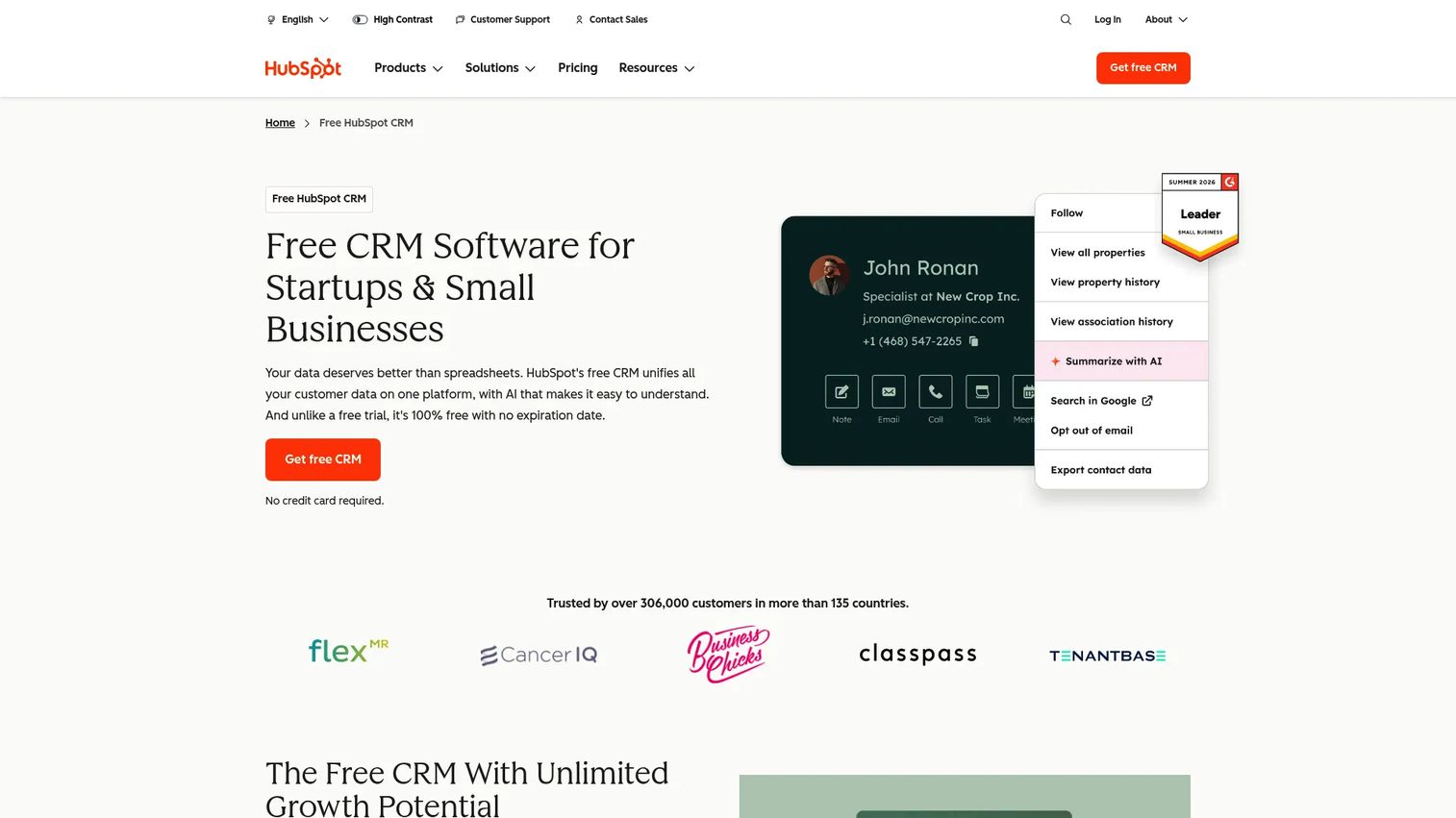
HubSpot CRM organizes contact records, companies, customer interactions, sales pipelines, and reporting in one cloud platform. It also connects with broader marketing, service, content, and operations products.
This structure suits SaaS companies moving from founder-led selling toward specialized GTM teams. A new sales or marketing leader gets established infrastructure without starting from a blank database.
Best for: Scaling SaaS teams that want online CRM connected with broader GTM workflows.
Key features
- Contact and customer record management
- Sales pipeline tracking
- Email and meeting tools
- Reporting dashboards
- Marketplace integrations
Why choose HubSpot CRM: Choose it when adoption speed and cross-functional data matter. Costs increase as teams add advanced products, capabilities, and seats.
HubSpot CRM pricing: Free for up to two users. Starter costs $7 per seat monthly with annual payment, or $20 with monthly billing.
G2 rating: 4.4/5.
HubSpot works well when the immediate goal is giving GTM leaders shared customer data. Its paid path also supports teams that expect their marketing CRM and sales infrastructure to expand together.
The buying question is total platform cost. Model the products and seats you expect to add during the next year. A cheap starting point means little if the first meaningful upgrade exceeds the budget.
2. Zoho CRM
Zoho CRM manages leads, contacts, accounts, deals, forecasting, and sales workflows. Its main strategic advantage is connection with Zoho’s wider business software portfolio.
That breadth suits founders who prefer fewer vendors across CRM, finance, support, projects, and analytics. It can reduce tool fragmentation when the company commits to the wider suite.
Best for: Teams that want online CRM inside a broad business software portfolio.
Key features
- Lead and contact management
- Workflow automation
- Sales forecasting
- Custom modules
- Zoho application connections
Why choose Zoho CRM: Pick it when vendor consolidation matters and several departments need connected tools. Broader adoption requires clear administration and data ownership.
Zoho CRM pricing: Free for up to three users. Standard starts at $14 per user monthly with annual billing.
G2 rating: 4.1/5.
Paid plans extend through Professional at $23, Enterprise at $40, and Ultimate at $52 per user monthly. Each quoted rate uses annual billing.
Zoho is a practical option for a growing company that wants configurable CRM automation without adopting the cost structure of a large enterprise platform. Its value rises when the company already uses other Zoho applications.
Before committing, map which systems the CRM would replace. Consolidation only creates value when teams adopt the shared suite and maintain clean data across it.
3. Salesforce
Salesforce combines CRM applications with data, analytics, integrations, and AI agent capabilities. Its Customer 360 applications span sales, service, marketing, commerce, and operations.
The platform fits organizations with complex revenue processes or strong governance requirements. Dedicated RevOps ownership helps teams manage configuration, permissions, reporting, and application connections.
Best for: Scaling companies that need deep customization and multi-team governance.
Key features
- Opportunity management
- Advanced reporting
- Workflow automation
- Application marketplace
- Enterprise permissions
Why choose Salesforce: Choose it when revenue operations need extensive control across teams and processes. Weak governance can turn customization into costly data debt.
Salesforce pricing: Free Suite costs $0. Starter Suite costs $25 per user monthly, with monthly or annual billing.
G2 rating: 4.3/5.
Pro Suite costs $100 per user monthly with annual billing and a contract. Other Salesforce editions and products use separate pricing.
Salesforce earns consideration when the CRM must support several sales motions, detailed permissions, and board-ready reporting. It also fits companies expecting administrators to own the system as permanent operating infrastructure.
The implementation deserves as much attention as the license. Define required fields, pipeline stages, ownership rules, and reporting logic before adding custom objects. Otherwise, flexibility can preserve every old process instead of creating a better one.
4. Attio
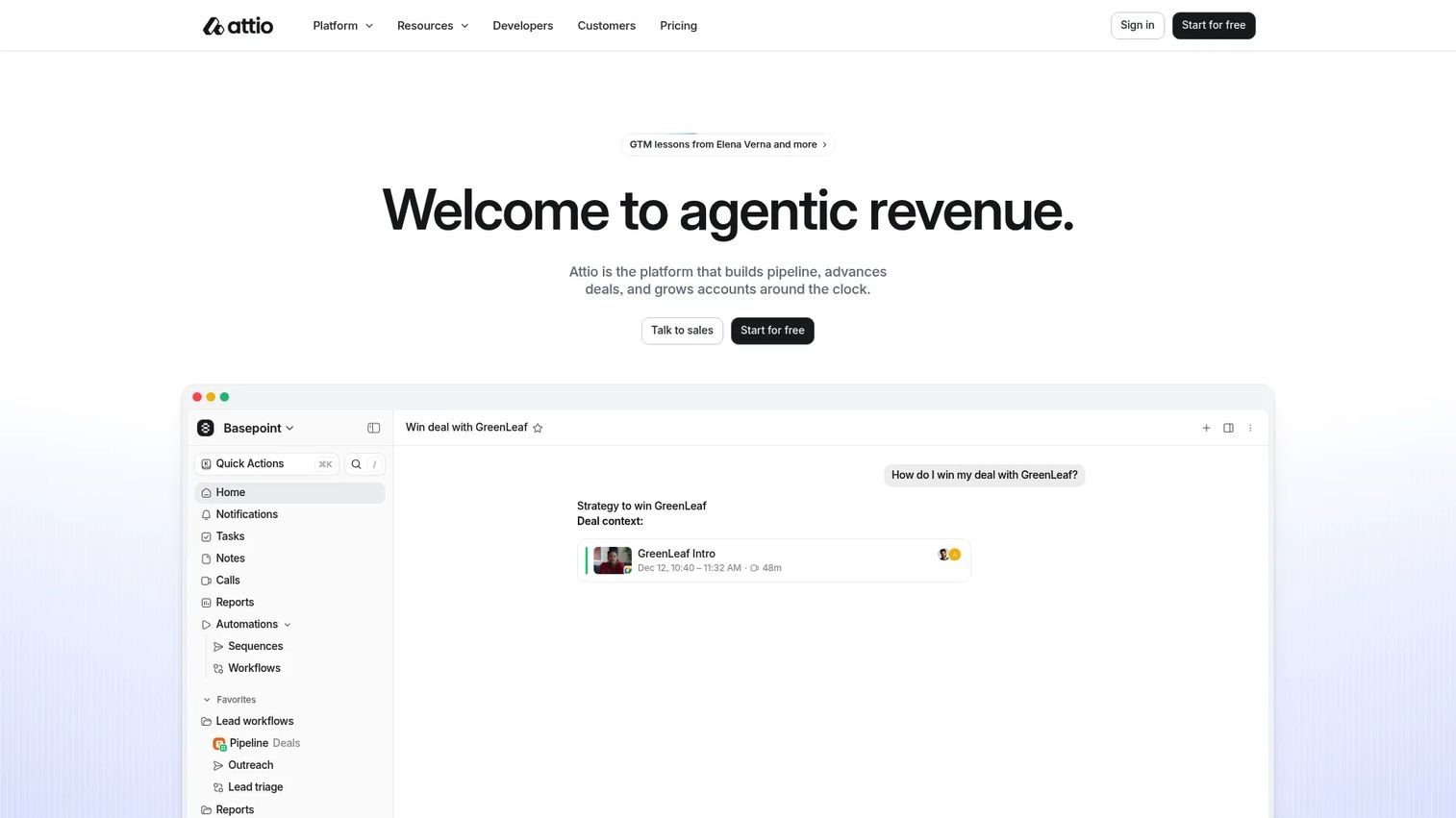
Attio is a flexible CRM built around custom objects, relationship data, enrichment, and collaborative views. It also includes email and calendar sync, workflows, sequences, reporting, and AI assistance.
The data model suits founder-led or network-driven sales motions that do not fit rigid CRM structures. Teams can model companies, people, partnerships, and other relationships using connected records.
Best for: SaaS teams wanting flexible relationship management and clean data modeling.
Key features
- Custom objects and relationships
- Automatic data enrichment
- Collaborative record views
- Email and calendar sync
- Sequences and workflows
Why choose Attio: Select it when your team values adaptable records and a modern workspace. Companies with complex enterprise administration should test governance depth carefully.
Attio pricing: Free supports up to three users. Plus costs $40 monthly with annual billing, or $50 with monthly payment.
G2 rating: 4.3/5.
Pro costs $100 monthly with annual billing, or $125 monthly. Ultra costs $1,000 per month and requires annual payment.
Attio fits founders replacing a patchwork of spreadsheets with structured relationship intelligence. It also suits teams that want CRM records to feel closer to a collaborative database than a traditional sales system.
Test the platform against your future sales process, not only today’s founder network. Build a sample account hierarchy and run a pipeline review. The exercise shows whether flexibility remains useful once ownership moves to a larger GTM team.
5. Pipedrive
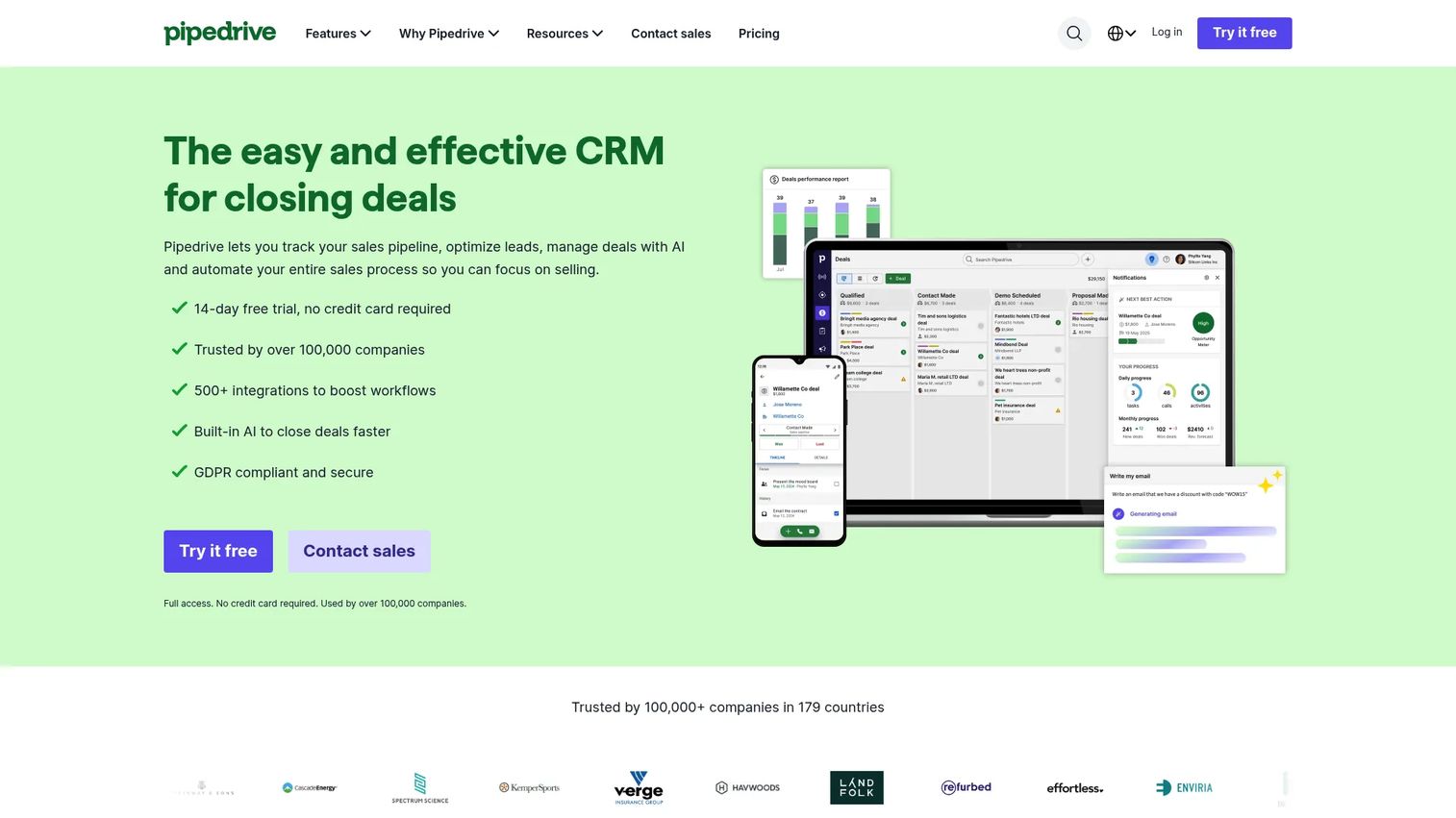
Pipedrive is sales CRM software centered on visual pipelines and deal management. It combines contact records with activity tracking, email sync, automation, reports, and scheduling.
The platform works well when rep adoption is the main risk. Clear deal stages and activity reminders give sales leadership a visible process without burying users in administration.
Best for: Sales teams that need clear pipeline discipline and consistent rep adoption.
Key features
- Customizable visual pipelines
- Deal activity tracking
- Email synchronization
- Sales automation
- Forecast reports
Why choose Pipedrive: Pick it when inconsistent follow-up is hurting pipeline quality. Teams requiring broad service or marketing capabilities will need connected products.
Pipedrive pricing: Lite starts at $14 per seat monthly with annual billing. A 14-day free trial is available.
G2 rating: 4.3/5.
Growth costs $39, Premium costs $59, and Ultimate costs $79 per seat monthly with annual payment. Optional add-ons cover lead generation and other adjacent workflows.
Pipedrive earns its place through focused sales pipeline management. It gives founders and sales leaders a shared view of deal movement without requiring extensive CRM administration.
Its narrower focus can also be useful. A Series B company may prefer a focused sales system connected to specialist marketing and support tools. Confirm those connections before migration, especially if leadership expects a unified customer record.
6. Freshsales
Freshsales combines contact and account management with email, phone, chat, SMS, and pipeline tools. Freddy AI supports contact scoring and deal insights.
The product suits customer-facing teams that want communication activity closer to CRM records. Freshworks connections also make it relevant for companies coordinating sales with support.
Best for: Sales teams wanting CRM with built-in communication and AI-assisted pipeline management.
Key features
- Contact and account management
- Built-in phone and messaging
- Freddy AI contact scoring
- Multiple sales pipelines
- Custom reports and permissions
Why choose Freshsales: Choose it when communication activity and customer records should share a workflow. Check plan placement for AI, permissions, and reporting capabilities.
Freshsales pricing: Free supports up to three users. Growth starts at $9 per user monthly with annual billing.
G2 rating: 4.5/5.
Pro costs $39 per user monthly. Enterprise costs $59, with both prices tied to annual payment. Branded documents and Freddy AI Agent have separate add-on charges.
Freshsales offers a practical route for teams that want lead management software with outreach channels built into the same product family. Specific AI jobs include scoring contacts and surfacing deal insights.
Founders should test activity capture and reporting before choosing it for board-level visibility. Run one pipeline review using representative opportunities. That session reveals whether the dashboard answers leadership questions without spreadsheet cleanup.
7. monday CRM
monday CRM applies visual work management to leads, contacts, communications, pipelines, and revenue workflows. It includes automations, dashboards, forecasting, quotes, invoices, and mobile CRM access.
Its operating model suits teams where sales overlaps with implementation or onboarding. Records can move from opportunity management into broader work processes without forcing every department into a sales-only interface.
Best for: Teams wanting CRM and operational workflow management in a visual system.
Key features
- Custom sales boards
- Pipeline automations
- Communication tracking
- Dashboard widgets
- Workflow templates
Why choose monday CRM: Select it when revenue work connects closely with delivery processes. Sales-specific depth requires deliberate configuration and ownership.
monday CRM pricing: Basic starts at $12 per seat monthly with annual billing. A 14-day free trial is available.
G2 rating: 4.5/5.
Standard costs $17 per seat monthly, while Pro costs $28. Ultimate uses custom pricing. The vendor offers monthly billing, though the verified page showed annual rates.
monday CRM is useful when the founder wants one operating language across sales and adjacent teams. Visual boards can support account handoffs and post-sale workflows without introducing another project system.
Configuration remains the deciding factor. Build the pipeline you intend to run next quarter, including required fields and handoff steps. A flexible board without process discipline can become another colorful spreadsheet.
8. Close
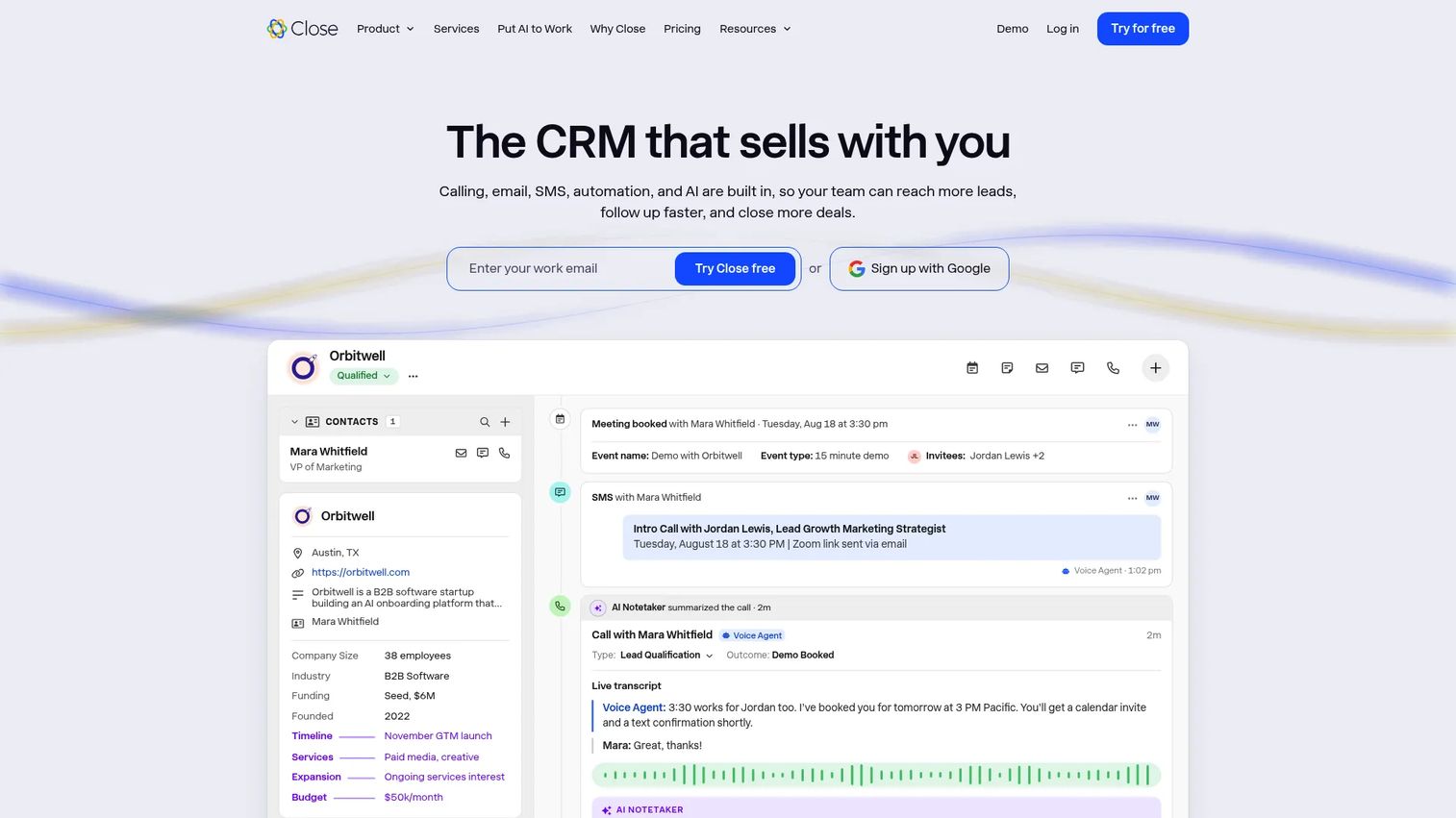
Close is a sales CRM with built-in calling, email, SMS, workflows, and pipeline management. Its Smart Views help teams organize opportunities and prioritize follow-up.
The product fits inside sales teams running high-volume outreach. Combining CRM records with communication reduces the number of systems reps open during prospecting and follow-up.
Best for: Inside sales teams needing CRM and outreach within one workflow.
Key features
- Built-in calling
- Email sequences
- SMS communication
- Pipeline tracking
- Sales forecasting
Why choose Close: Choose it when sales execution matters more than broad departmental coverage. Marketing automation and service processes may require additional products.
Close pricing: Solo starts at $9 per user monthly with annual billing, or $19 monthly. Every plan includes a free trial.
G2 rating: 4.7/5.
Essentials costs $35 per user monthly with annual payment. Growth costs $99, while Scale costs $139. Calling and SMS usage are billed separately.
Close can reduce tool sprawl for teams otherwise buying separate CRM, calling, and email-sequencing products. Its strongest fit is a defined inside sales motion with measurable activity targets.
Before buying, calculate communication usage alongside seat costs. Then test whether reporting supports leadership needs beyond rep activity. A founder needs pipeline signal, while managers need coaching data and next-step visibility.
9. Capsule
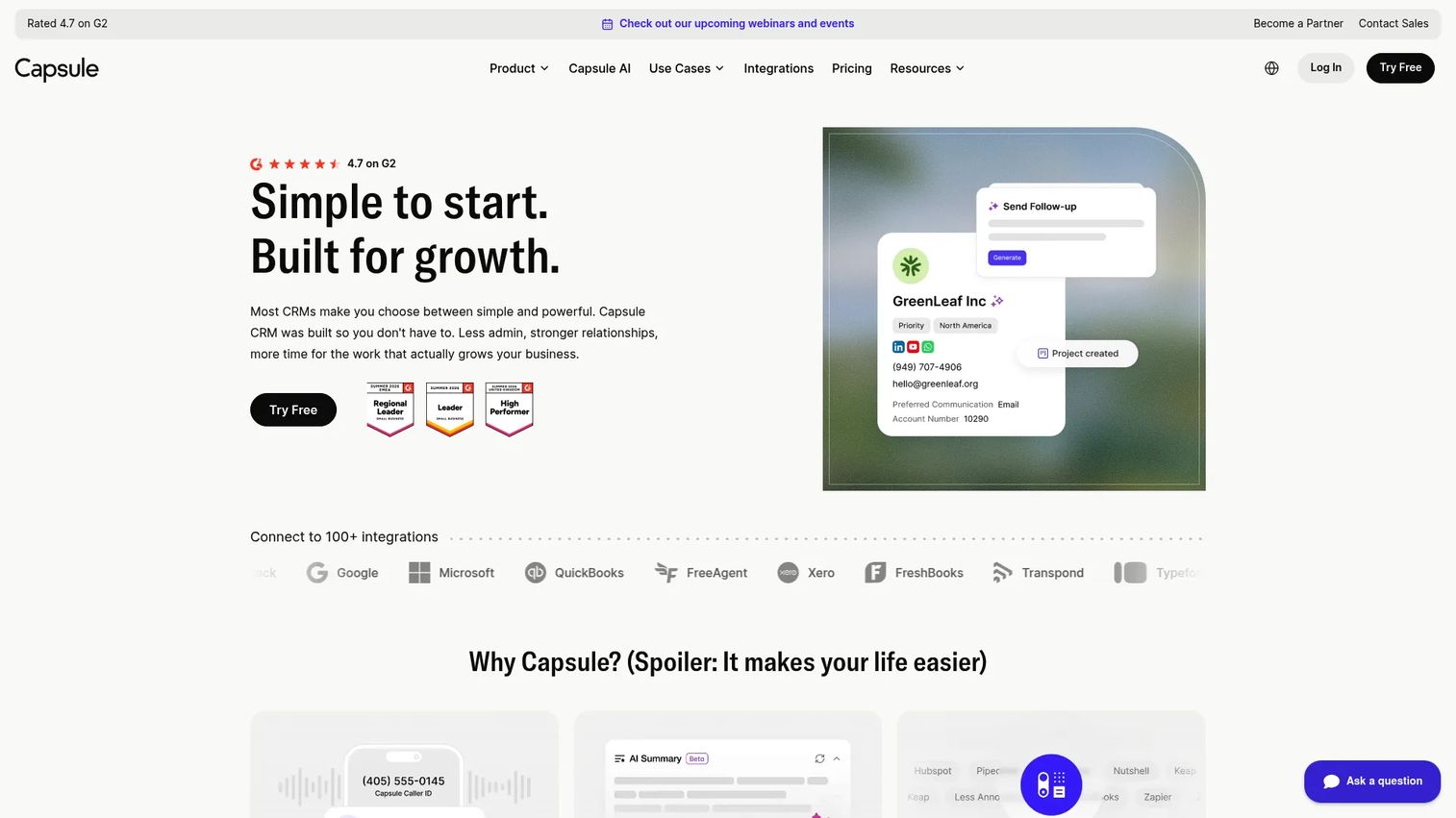
Capsule is lightweight contact management software for customer records, opportunities, tasks, projects, and sales pipelines. It also provides reporting, workflow automation, and email connections.
The platform suits small SaaS teams graduating from spreadsheets. Its direct structure can improve adoption where a larger implementation would consume more operating attention than the sales process warrants.
Best for: Small teams needing straightforward online CRM without heavy administration.
Key features
- Contact records
- Sales opportunities
- Task and calendar management
- Email connections
- Pipeline reports
Why choose Capsule: Pick it when your first priority is consistent CRM usage. Complex RevOps workflows may require a larger platform later.
Capsule pricing: Free supports two users and 250 contacts. Starter costs $18 per user monthly with annual billing.
G2 rating: 4.7/5.
Starter costs $22 with monthly payment. Paid plans include a 14-day free trial, and higher tiers expand automation plus reporting capabilities.
Capsule is a credible CRM for startups that need structure without a long setup project. Founders can establish account ownership, opportunity stages, and follow-up before hiring a larger sales organization.
The upgrade path needs scrutiny. Estimate contact growth and reporting requirements for the next year. A low-cost start remains useful only when migration or expansion costs stay aligned with the operating plan.
10. Streak
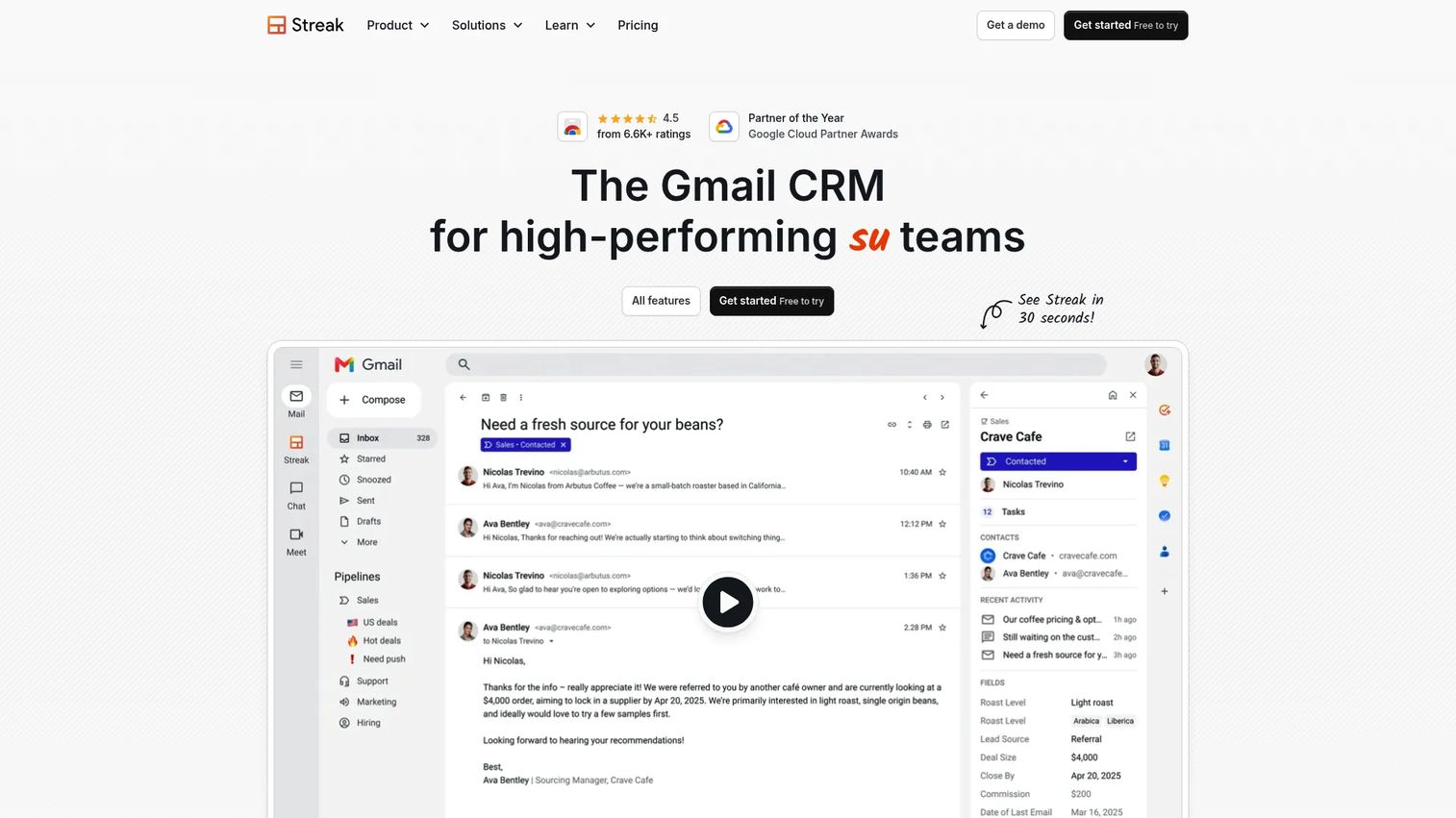
Streak is a CRM built directly inside Gmail. It adds shared pipelines, contact records, email tracking, mail merge, and AI-assisted summaries to the inbox.
This approach fits founder-led teams whose customer workflow already runs through email. Users can manage relationship-driven work without switching into a separate CRM interface.
Best for: Gmail-heavy teams wanting CRM workflows inside their existing inbox.
Key features
- Gmail-native CRM
- Email and link tracking
- Shared pipelines
- Mail merge
- AI-assisted deal summaries
Why choose Streak: Choose it when inbox adoption matters more than complex CRM architecture. Deep cross-department reporting may call for a broader system.
Streak pricing: The free tier includes email tools without CRM pipelines. Pro starts at $49 per user monthly with annual billing.
G2 rating: 4.5/5.
Pro costs $59 with monthly payment. Pro+ starts at $69 annually, while Enterprise starts at $129 per user monthly under annual billing.
Streak can simplify the founder-to-team handoff when selling still happens mainly through Gmail. Shared pipelines preserve context without forcing an immediate operating overhaul.
However, inbox-native CRM should support the next sales motion as well as the current one. Test account reporting and manager visibility before migration. Convenience for individual reps should not weaken forecast quality for leadership.
11. Vtiger
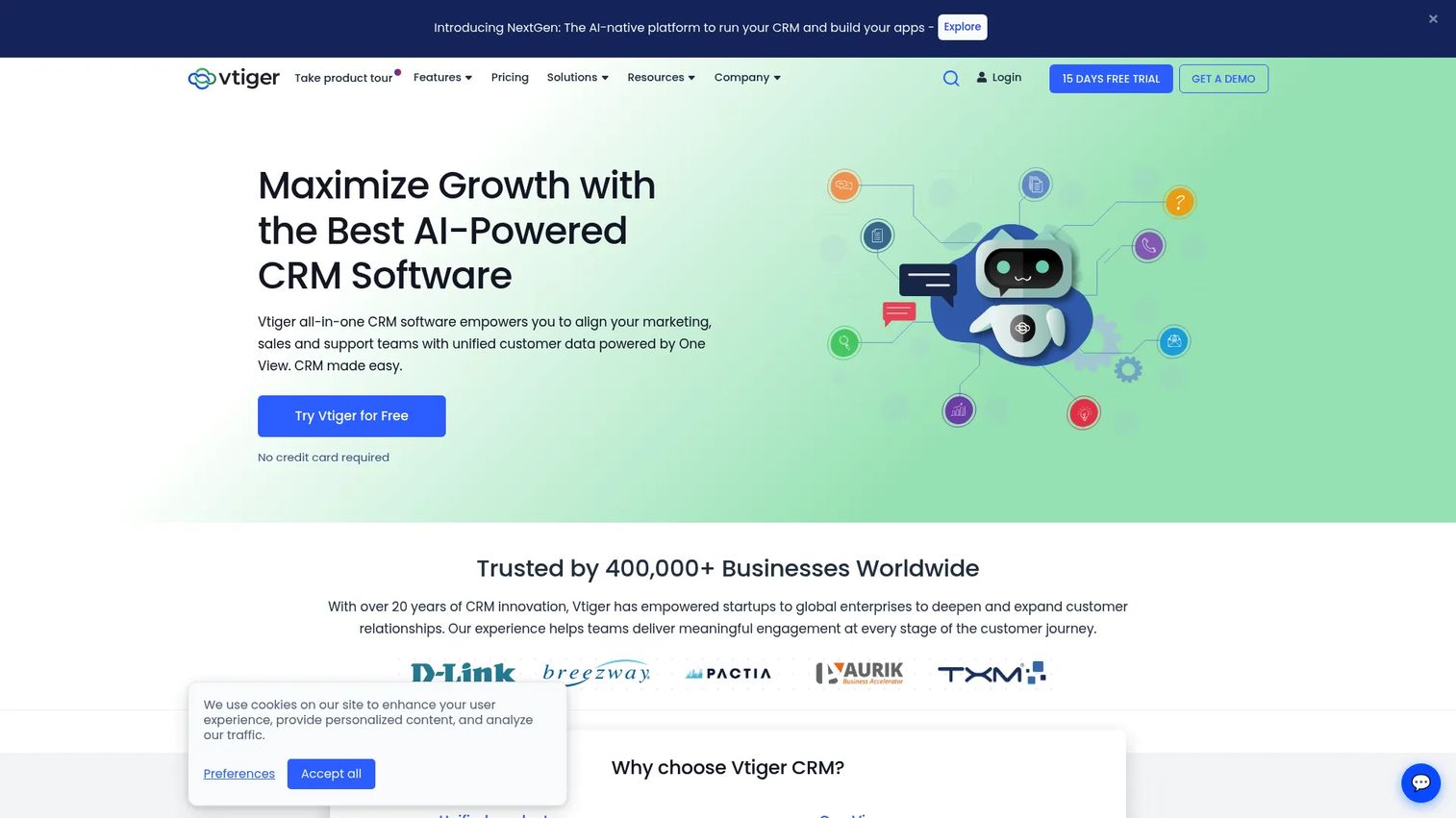
Vtiger combines sales CRM with marketing automation, help desk tools, projects, and inventory features. It supports pipelines, campaigns, web forms, cases, customer portals, and live chat.
The unified customer view suits teams that want sales and support history connected. This can help leadership understand the customer relationship beyond the initial deal.
Best for: Small and midsize teams connecting sales, marketing, and customer support records.
Key features
- Sales automation
- Marketing campaigns
- Help desk tools
- Project management
- Inventory modules
Why choose Vtiger: Select it when customer-facing teams need shared account history. Broad functionality requires defined ownership and configuration standards.
Vtiger pricing: One Pilot is free. One Growth starts at $12 per user monthly with annual billing.
G2 rating: 4.3/5.
One Professional costs $30, One Enterprise costs $42, and One AI costs $50 per user monthly. These rates use annual billing.
Vtiger can earn its place in a smaller stack by covering several customer operations. It is particularly relevant when sales and support need to work from the same history.
Founders should avoid turning breadth into an undefined rollout. Decide which workflows move first and assign an owner. Then assess whether reporting covers pipeline, service activity, and customer expansion without creating duplicate records.
12. Bitrix24
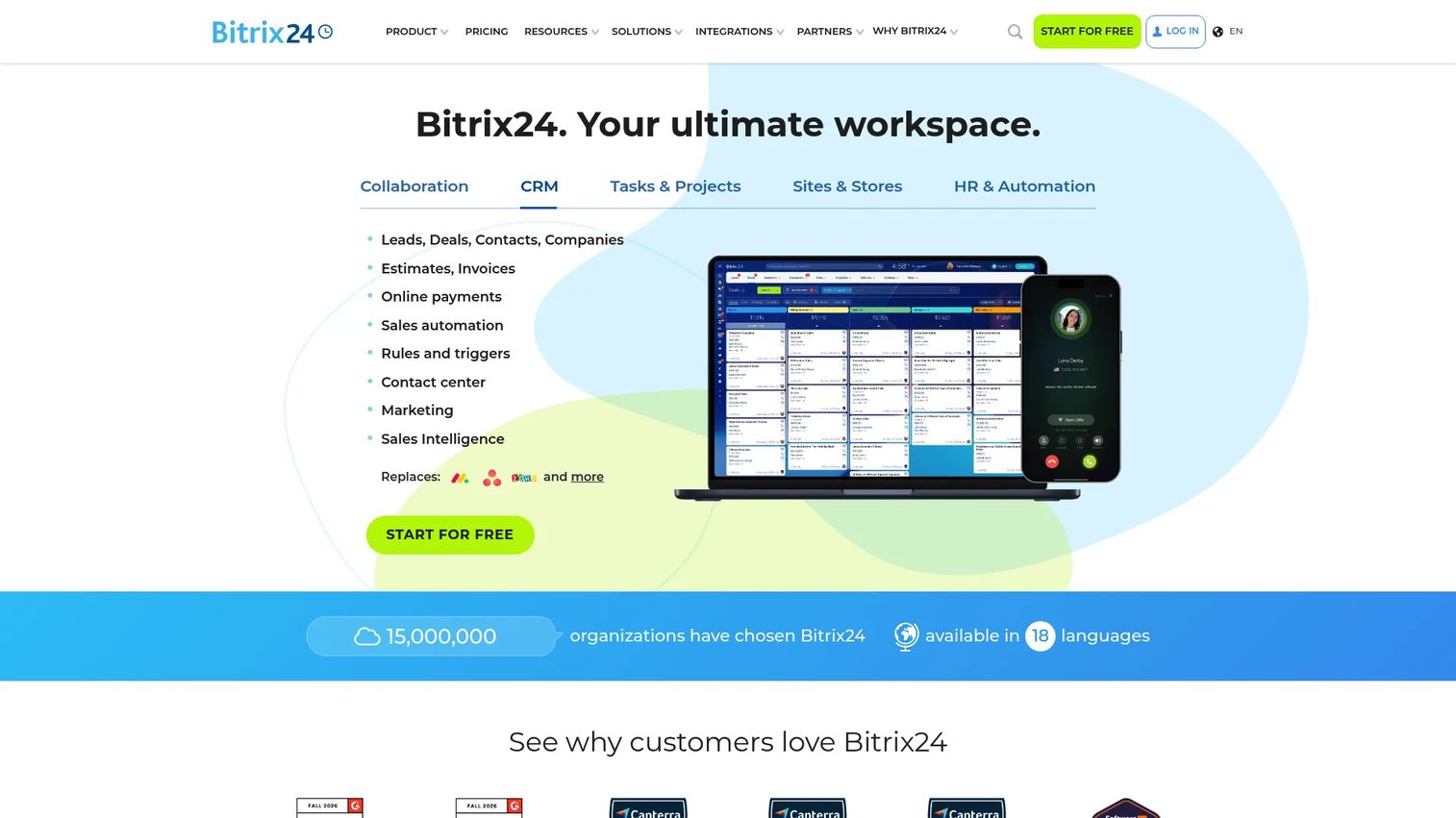
Bitrix24 combines CRM with tasks, project management, communication, websites, HR features, and automation. Its collaboration tools include chat, video calls, shared documents, calendars, and workgroups.
The flat organization pricing can appeal to distributed teams watching per-seat costs. Broad coverage may also replace several smaller applications.
Best for: Teams wanting CRM plus collaboration and operational tools under one subscription.
Key features
- CRM pipelines
- Task and project management
- Contact center
- Website builder
- Team collaboration
Why choose Bitrix24: Choose it when tool consolidation and flat pricing matter. Define workflows carefully because the broad feature set adds configuration choices.
Bitrix24 pricing: Free supports one or two users. Basic costs $49 per organization monthly with annual billing.
G2 rating: 4.1/5.
Basic costs $69 with monthly payment and includes five users. Standard costs $99 annually for 50 users. Professional costs $199 annually for 100 users.
Bitrix24 can reduce tools while increasing signal when teams commit to shared workflows. Its pricing model is unusual among CRM products because paid plans cover organizations rather than charging every user separately.
Evaluate interface adoption before buying. A platform that replaces several applications only saves money when employees use it consistently. Run a representative sales process and one internal project during the trial.
13. EngageBay
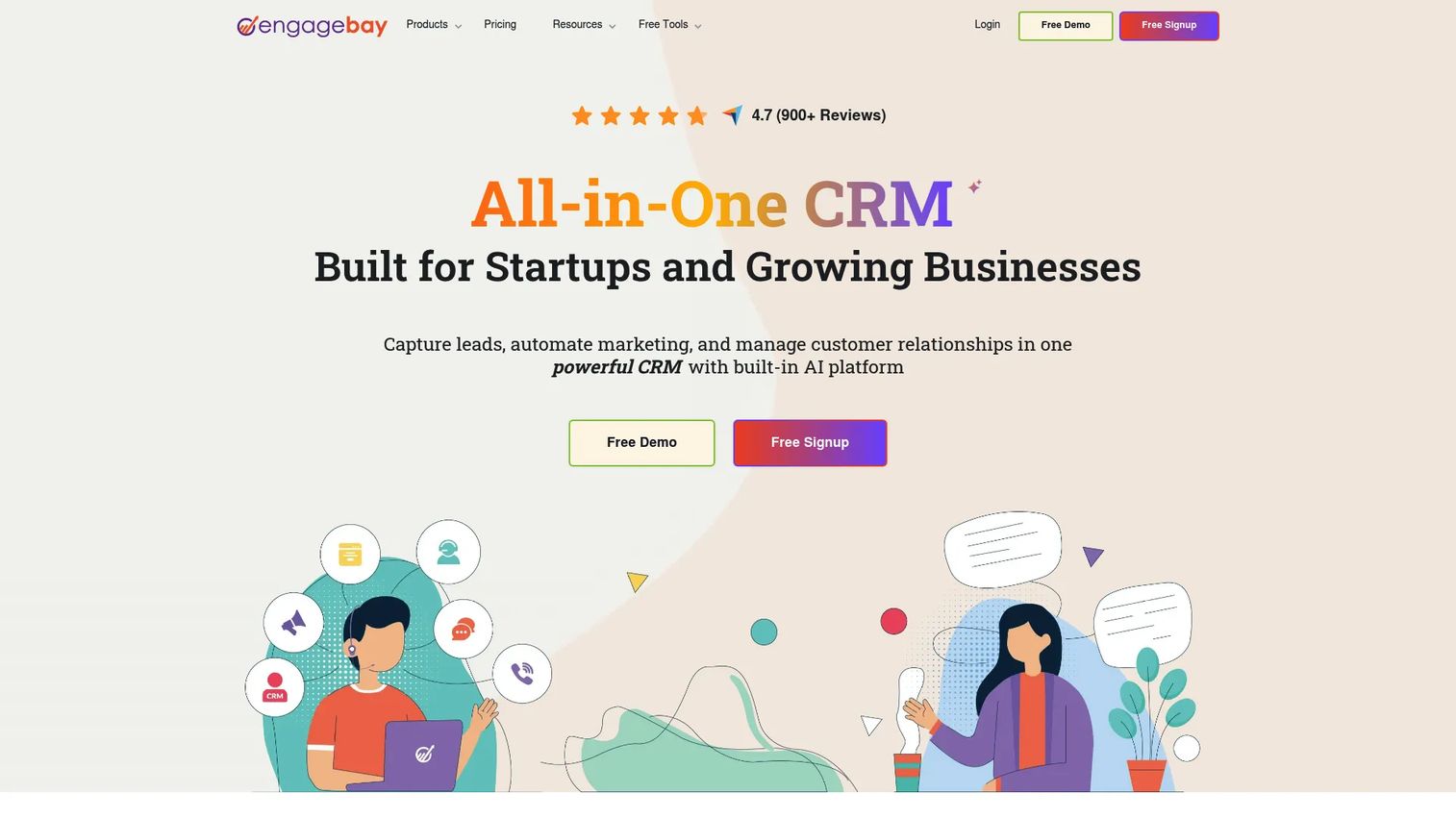
EngageBay combines CRM with email marketing, automation, lead scoring, landing pages, live chat, and help desk tools. The product targets small and midsize teams seeking broad GTM coverage.
Its bundle can replace separate systems during an early growth stage. Sales records and marketing activity remain closer together, which can simplify lifecycle reporting.
Best for: Smaller teams wanting CRM with marketing automation at an accessible entry price.
Key features
- Contact management
- Email marketing
- Marketing automation
- Deal pipelines
- Live chat and help desk
Why choose EngageBay: Pick it when CRM and basic marketing workflows should share a platform. Review contact and reporting limits before scaling.
EngageBay pricing: Free costs $0 per user monthly. Basic starts at $14.99 per user monthly with annual payment.
G2 rating: 4.6/5.
Growth costs $64.99 per user monthly, while Pro costs $119.99. The free plan includes CRM, email marketing, landing pages, help desk, and live chat.
EngageBay fits cost-conscious teams that want a CRM with email marketing and customer support functions. It can provide a first operating layer before the GTM stack becomes more specialized.
Founders should model the upgrade point rather than buying on entry price alone. Check automation depth and reporting access against projected contact growth. The platform must still earn its place after the company adds dedicated marketing leadership.
14. FreeCRM
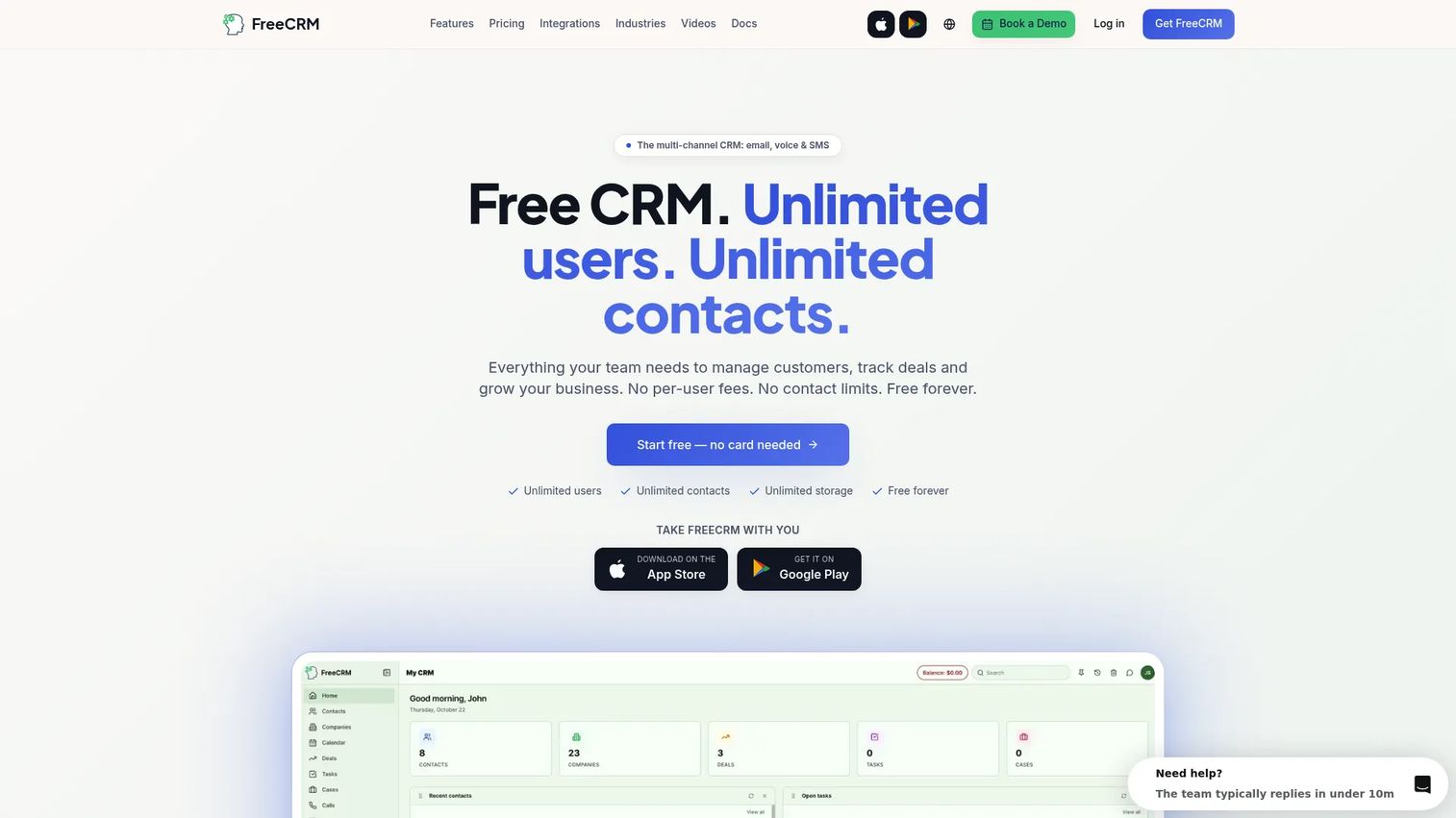
FreeCRM combines contact management with deals, tasks, email, voice, SMS, campaigns, reports, and mobile apps. Its free plan includes unlimited users, contacts, and storage.
This makes FreeCRM relevant for teams whose immediate constraint is software cost. Communication channels and mobile access also extend its scope beyond basic record storage.
Best for: Cost-conscious teams needing browser-based CRM with communication tools.
Key features
- Contact and company management
- Sales pipeline
- Email campaigns
- Voice and SMS
- Mobile applications
Why choose FreeCRM: Choose it when a free online CRM must support several users. Validate reporting, governance, and migration requirements before committing.
FreeCRM pricing: Free costs $0 per user monthly. Pro costs $10, while Enterprise costs $25 per user monthly.
G2 rating: 4.2/5.
Pro adds campaigns, forms, email, synchronization, SMS, voice calling, and customer support. Enterprise adds API access. Phone usage costs $0.01 per minute or SMS, plus $1.15 monthly per US number.
FreeCRM offers unusual value for teams that need many users without immediate license costs. The trade is a greater need to validate long-term operational fit.
Run a sample import and inspect the reporting before moving core data. Free software becomes expensive when leadership cannot trust its forecast or when another migration follows six months later.
Considerations when choosing online CRM software
Start with the sales motion, not the feature list
Founder-led, outbound, inbound, enterprise, and product-led motions require different CRM structures. Map the platform to the process your team should run next quarter.
Define stages and ownership before comparing dashboards. This keeps the buying decision tied to repeatable GTM rather than attractive features.
Check free-plan limits before migrating data
Review user caps, contact limits, automation allowances, storage, support, and integration access. A free CRM should provide a sensible upgrade path.
Model the next 12 months of seats and records. The relevant number is the expected operating cost, not the first invoice.
Treat integrations as operating infrastructure
Check connections with email, calendars, marketing automation, support, billing, and product analytics. Missing links create manual work and duplicate records.
Also inspect how each connection handles ownership and field mapping. A long integration directory does not guarantee useful data flow.
Prioritize reporting the board will trust
Your CRM reporting dashboard should show pipeline coverage, conversion by stage, cycle length, and forecast accuracy. Segment-level win rates help leadership diagnose weak quarters.
Test these questions with sample data. If the answer requires an export, the reporting layer needs more work.
Match admin complexity to team maturity
Highly configurable CRM software can support sophisticated operations. It can also preserve bad processes at greater cost.
Match the system to your RevOps capacity. Buy for the next operating stage, then avoid paying now for controls nobody can maintain.
Conclusion
The best online CRM software is the system your team can adopt, connect, and trust after the founder stops holding every deal detail.
HubSpot CRM provides fast GTM infrastructure with a broad expansion path. Zoho CRM suits companies consolidating business applications. Salesforce fits complex RevOps with dedicated administration.
Attio offers flexible relationship data. Pipedrive and Close focus on sales execution. Capsule provides a cleaner move beyond spreadsheets, while Bitrix24 emphasizes broad operational coverage.
EngageBay combines CRM with marketing and support. FreeCRM gives cost-conscious teams a generous starting point.
Pick three finalists. Import a small data sample and run a real pipeline review. Then test integrations and leadership reporting before migrating the full database.
Choosing a CRM gives your team a system of record. Showing prospects your product gives that record stronger buying signals across sales, onboarding, buyer education, and customer training.
Start your journey with Guideflow today!
FAQs
Online CRM software is cloud-based customer relationship management software accessed through a browser or mobile app. It stores contact records, sales activity, opportunities, communications, and reporting without local installation.
Most products also support workflow automation and integrations. The goal is to give customer-facing teams a shared operating record.
Online CRM runs through vendor-hosted cloud infrastructure. Users can access it remotely, while the vendor manages application updates.
Desktop or on-premise CRM runs on local devices or company-controlled servers. That model can suit organizations with strict internal hosting requirements, but it creates greater IT ownership.
The answer depends on sales motion and operational maturity. HubSpot CRM suits fast GTM setup, while Salesforce supports complex RevOps and governance.
Attio fits relationship-led workflows. Pipedrive emphasizes visual pipeline control, while Close combines CRM records with outreach channels.
Free CRM software can test workflows or support a small team. A Series B company should inspect reporting, permissions, automation, support, integrations, and migration options.
The free tier matters less than the CRM upgrade path. Model expected users and records before committing core customer data.
Look for clean contact records, defined pipeline stages, reliable activity capture, automation, and dashboard quality. Permissions and mobile access also matter as the team grows.
The system should reduce founder bottlenecks. It should help leadership answer revenue questions without manual spreadsheet work.
Implementation time varies with data volume and process complexity. Lightweight CRM tools can support an initial workflow quickly, while highly configured systems require more planning.
Migration, integrations, permissions, and team training drive the timeline. Define a usable first phase before adding custom workflows.
Track pipeline coverage, stage conversion, sales cycle length, and win rate by segment. Expansion revenue and forecast accuracy show whether the system supports broader revenue management.
Founders should also monitor demo-to-close performance and net revenue retention. The CRM should surface these measures without repeated exports.
CRM integrations determine whether customer data flows across the GTM stack. Important connections often include email, calendars, marketing automation, support, billing, and product analytics.
Poor integration creates duplicate records and manual reconciliation. Test the data flow itself rather than relying on marketplace availability.