A content change shouldn’t require an app release, an engineering ticket, another Slack thread, plus a translation scramble. Yet that workflow remains common for product teams managing mobile experiences.
The underlying issue is release control. When onboarding copy, help content, localization, and campaign messages depend on engineering cycles, small updates consume roadmap capacity. Testing new messaging also becomes slower.
Mobile content management was a $7.47 billion global market in 2025, according to Mordor Intelligence. That scale reflects a broad need for controlled mobile content delivery across apps, websites, and managed devices.
The right mobile content management system gives teams more publishing control without separating content from product governance. Choosing one starts with understanding the job you need it to perform.
What’s inside
This guide compares mobile CMS platforms and adjacent tools for product teams managing mobile experiences.
- Who it’s for: Product managers, mobile leads, content teams, plus localization owners
- What’s included: Headless CMS, web publishing, localization, and secure file distribution platforms
- How tools were evaluated: API fit, content modeling, workflow depth, and governance
- What to validate: Framework support, preview workflows, offline behavior, and permissions
Pricing comes from vendor pricing pages. G2 ratings reflect the current listings supplied for this comparison.
TL;DR
- Best overall for API first mobile content: Contentful supports structured delivery across mobile and web frontends
- Best open source option: Strapi gives developer led teams control over APIs, hosting, roles, and schemas
- Best for structured collaboration: Sanity combines customizable editing with structured content delivery
- Best for GraphQL first teams: Hygraph provides native GraphQL APIs and content federation
- Best for app localization: Lokalise manages translation workflows and over the air updates
- Best for secure file distribution: Scalefusion FileDock delivers controlled files to managed devices
What is a mobile content management system?
A mobile content management system is software for creating, organizing, localizing, delivering, and updating content across mobile experiences from a central source.
For product teams, a mobile CMS usually separates content from the app interface. Editors manage structured entries in the platform. Mobile applications then request that information through APIs or supported integrations.
This architecture lets teams update remote content without rebuilding every frontend. App logic, native interface changes, and SDK behavior can still require a release.
The term mobile CMS has several common meanings:
- Mobile app CMS: Delivers structured content into native or cross platform apps
- Mobile web CMS: Manages pages designed for responsive websites
- Enterprise mobile content management: Distributes controlled files to managed devices
This article focuses mainly on content management and mobile content delivery for apps. It also includes tools for web publishing, localization, and workforce file access.
Core capabilities of mobile CMS platforms
Common evaluation areas include:
- Content delivery: REST or GraphQL APIs for app frontends
- Structured modeling: Reusable fields, references, and components
- Editorial workflows: Drafting, review, approval, and publishing controls
- Localization: Locale variants, translation workflows, and regional governance
- Previewing: Safe review before content reaches production
- Asset management: Controlled delivery of images and files
- Version control: History, rollback, and change tracking
- Framework fit: Support for your app architecture
- Access controls: Roles and permissions for different teams
- Omnichannel publishing: Reuse across apps, websites, kiosks, and connected screens
Mobile CMS versus web CMS versus MCM
A web CMS manages website pages and responsive layouts. It usually assumes the website remains the primary presentation layer.
A headless CMS delivers structured content to multiple frontends through APIs. Those destinations can include native apps, mobile websites, and connected displays.
Enterprise MCM often refers to secure file distribution across managed devices. This use case belongs closer to IT operations than app content modeling.
Start with the content job. The acronym matters less than how information must move through your release process.
When to use a mobile content management system
Update app content without waiting for releases
Use a mobile app content management system when copy changes more often than the application itself. Typical examples include onboarding screens, campaign banners, release notes, and product education.
Separating this material from app releases can reduce engineering interruptions. Product teams can also test messaging sooner and improve time to first value.
Reuse content across iOS, Android, and mobile web
Structured content helps maintain consistency across app interfaces, websites, help centers, and lifecycle messaging. Each frontend controls presentation while drawing from shared entries.
This approach suits product managers responsible for iOS and Android content management alongside mobile web. It also reduces duplicate editing across channels.
Localize mobile experiences without delaying launches
A mobile CMS can manage localized content models, while a dedicated localization platform handles translation operations. Both approaches reduce reliance on spreadsheets and copied strings.
Evaluate locale fallbacks, regional approvals, plus over the air updates. The right workflow keeps translation work aligned with release readiness.
Mobile content management system comparison
The comparison below covers different interpretations of mobile content management software. The first seven tools support structured or headless content delivery. The remaining options focus on mobile web, localization, or controlled file distribution.
Compare architecture before price. A low cost web CMS won’t replace a content management system for apps requiring structured APIs. Likewise, a translation platform serves a narrower job than a complete mobile app CMS.
| # | Product | Best for | Key differentiator | Pricing | G2 rating |
|---|---|---|---|---|---|
| 1 | Contentful | API first mobile content delivery | Structured content across digital channels | Free, Lite at $300 per month | 4.3/5 |
| 2 | Strapi | Open source mobile CMS builds | Custom APIs with cloud or self hosting | From $35 per project monthly | 4.5/5 |
| 3 | Sanity | Structured content collaboration | Custom Studio with Content Lake | Free, Growth at $15 per seat monthly | 4.7/5 |
| 4 | Hygraph | GraphQL first mobile apps | Content federation through GraphQL | Free, Growth at $199 per month | 4.4/5 |
| 5 | Storyblok | Visual editing with headless delivery | Component content with visual editing | Free, Growth at $99 per month | 4.5/5 |
| 6 | dotCMS | Enterprise omnichannel publishing | Visual headless CMS with governed workflows | Free BSL option, paid plans use custom pricing | 4.1/5 |
| 7 | Payload CMS | Developer owned app backends | Open source Next.js framework and CMS | Free for self hosting | 4.9/5 |
| 8 | WordPress | Content heavy mobile websites | Familiar publishing with broad extensibility | Free software, hosting costs separate | 4.4/5 |
| 9 | Webflow | Mobile responsive marketing sites | Visual CMS with managed hosting | Free, Basic at $15 per month annually | 4.4/5 |
| 10 | Lokalise | Mobile app localization workflows | Translation automation with over the air updates | From $149 per month | 4.6/5 |
| 11 | Scalefusion FileDock | Secure mobile file distribution | Controlled delivery across managed devices | From $2 per device monthly, billed annually | 4.7/5 for Scalefusion |
Best 11 mobile content management systems for 2026
1. Contentful
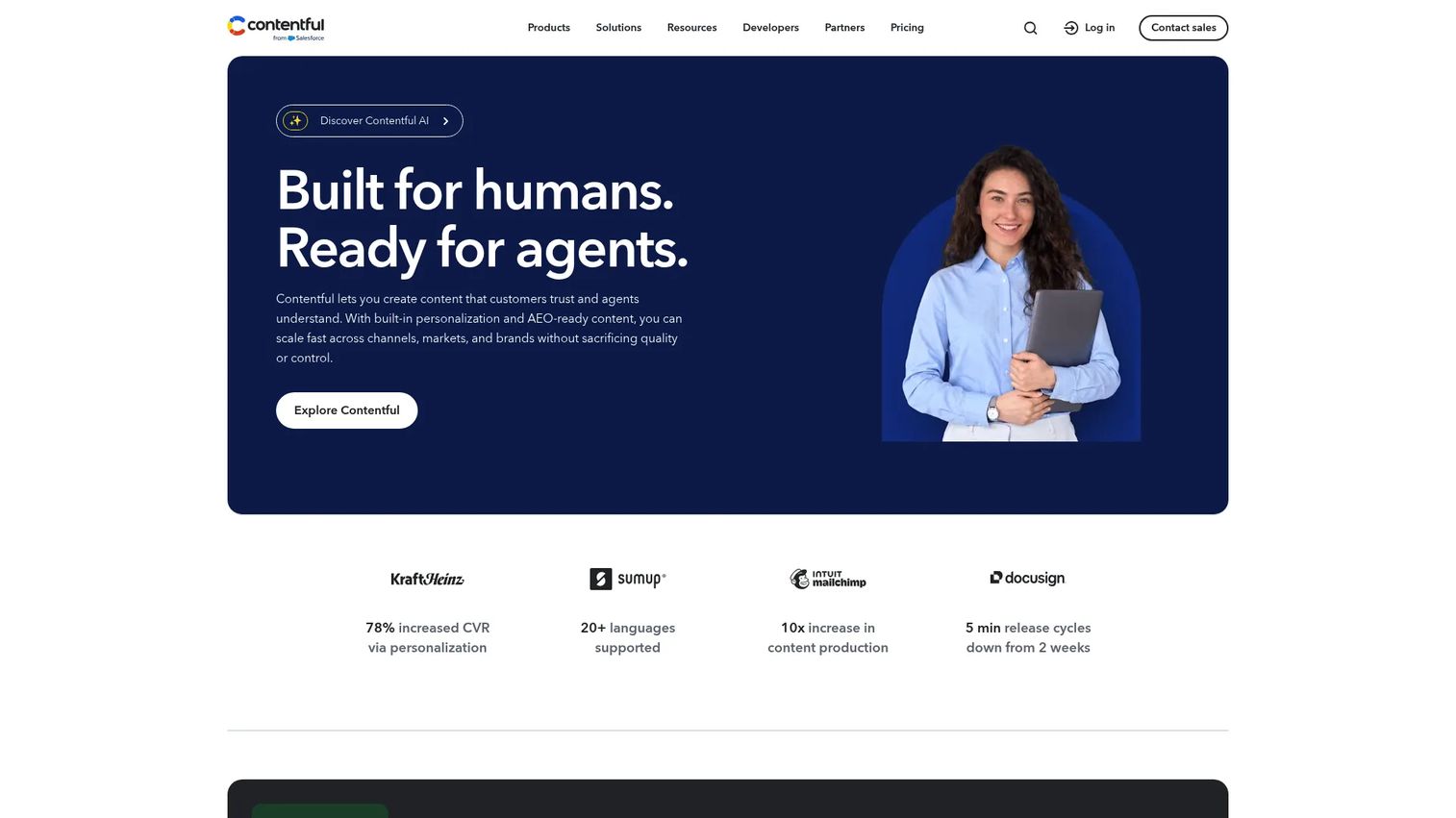
Contentful is a headless CMS and digital experience platform for structured content. It delivers reusable entries across apps, websites, and other digital channels.
Its content modeling approach fits product teams supporting several frontends from shared information. Editors can update entries while developers control how each application renders them.
Best for: Scaling and enterprise teams that need governed content delivery across mobile and web products.
Key features
- API delivery: Structured content across digital channels
- Content models: Reusable entries and references
- Workflows: Governed review and publishing
- Localization: Translation and regional content support
- Experimentation: Integrated testing and personalization
Why choose Contentful: It suits teams that need a central content model without building separate backends for every frontend. PMs gain cleaner ownership between product, engineering, and content operations.
The platform is especially relevant when onboarding, support, or campaign content must stay consistent across several surfaces. Enterprise governance also helps larger organizations manage publishing responsibility.
Contentful pricing: The Free plan costs $0. Lite costs $300 per month, while Enterprise uses custom pricing.
G2 rating: Contentful has a 4.3/5 G2 rating.
2. Strapi
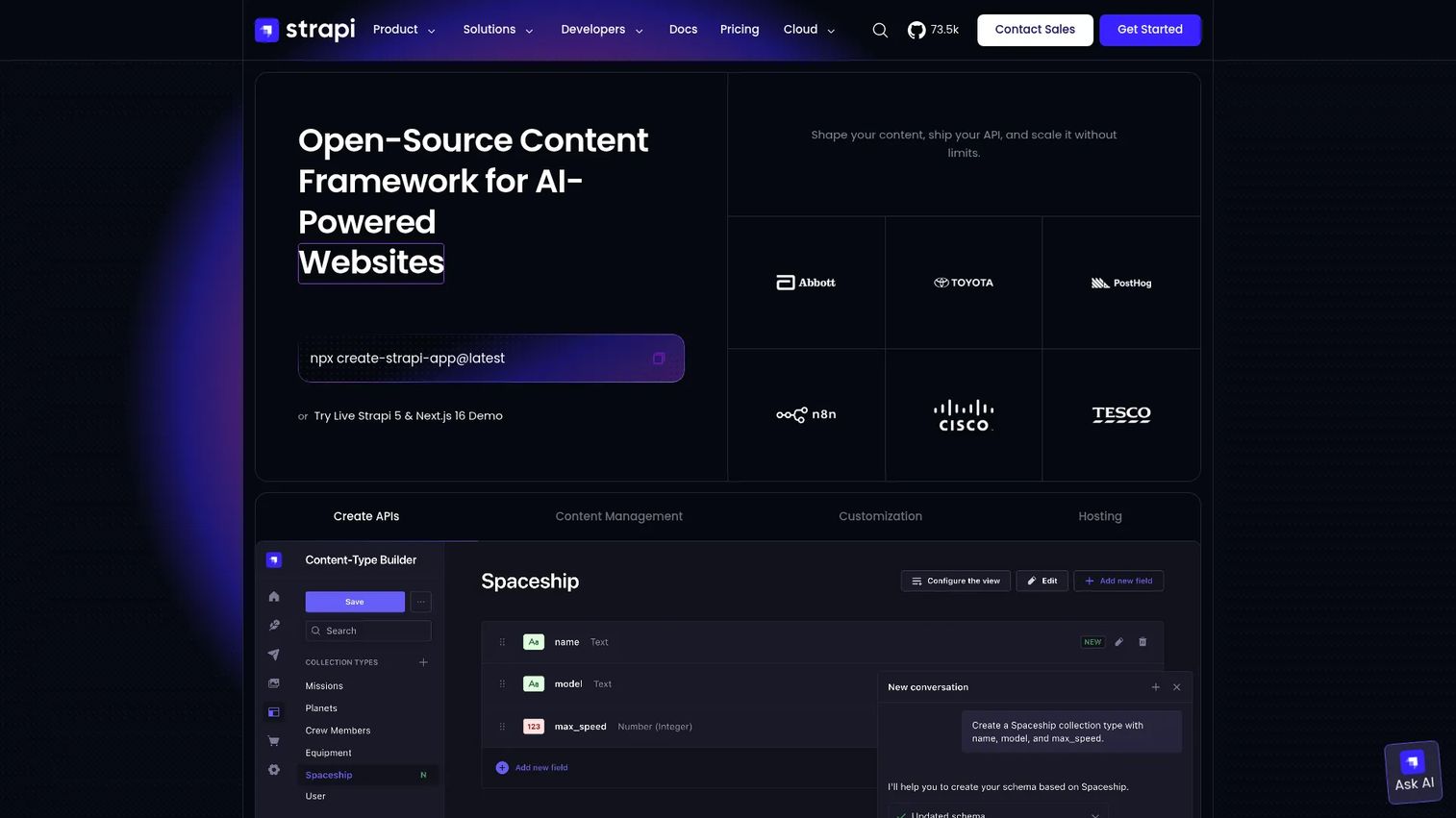
Strapi is an open source headless CMS for creating customizable APIs. Teams can use its cloud hosting or run the platform within their own infrastructure.
The Content Type Builder supports custom schemas, while REST and GraphQL options serve different frontend requirements. Internationalization and role controls support broader publishing operations.
Best for: Developer led teams that want an open source CMS foundation for mobile app content.
Key features
- Content Type Builder: Custom schemas for app content
- REST APIs: Standard headless content delivery
- GraphQL plugin: Flexible content queries
- Internationalization: Locale management for regional content
- Access control: Roles for editors and administrators
Why choose Strapi: It provides more infrastructure control than many hosted platforms. Engineering teams can customize fields, APIs, hosting, and access rules around the product architecture.
That flexibility comes with ownership. Product managers should account for implementation, upgrades, monitoring, and ongoing developer involvement when calculating the maintenance cost.
Strapi pricing: Cloud Starter costs $35 per project monthly. Pro costs $90, while Business costs $450 per project monthly.
Self hosted licensing remains separate from Strapi Cloud hosting.
G2 rating: Strapi has a 4.5/5 G2 rating.
3. Sanity
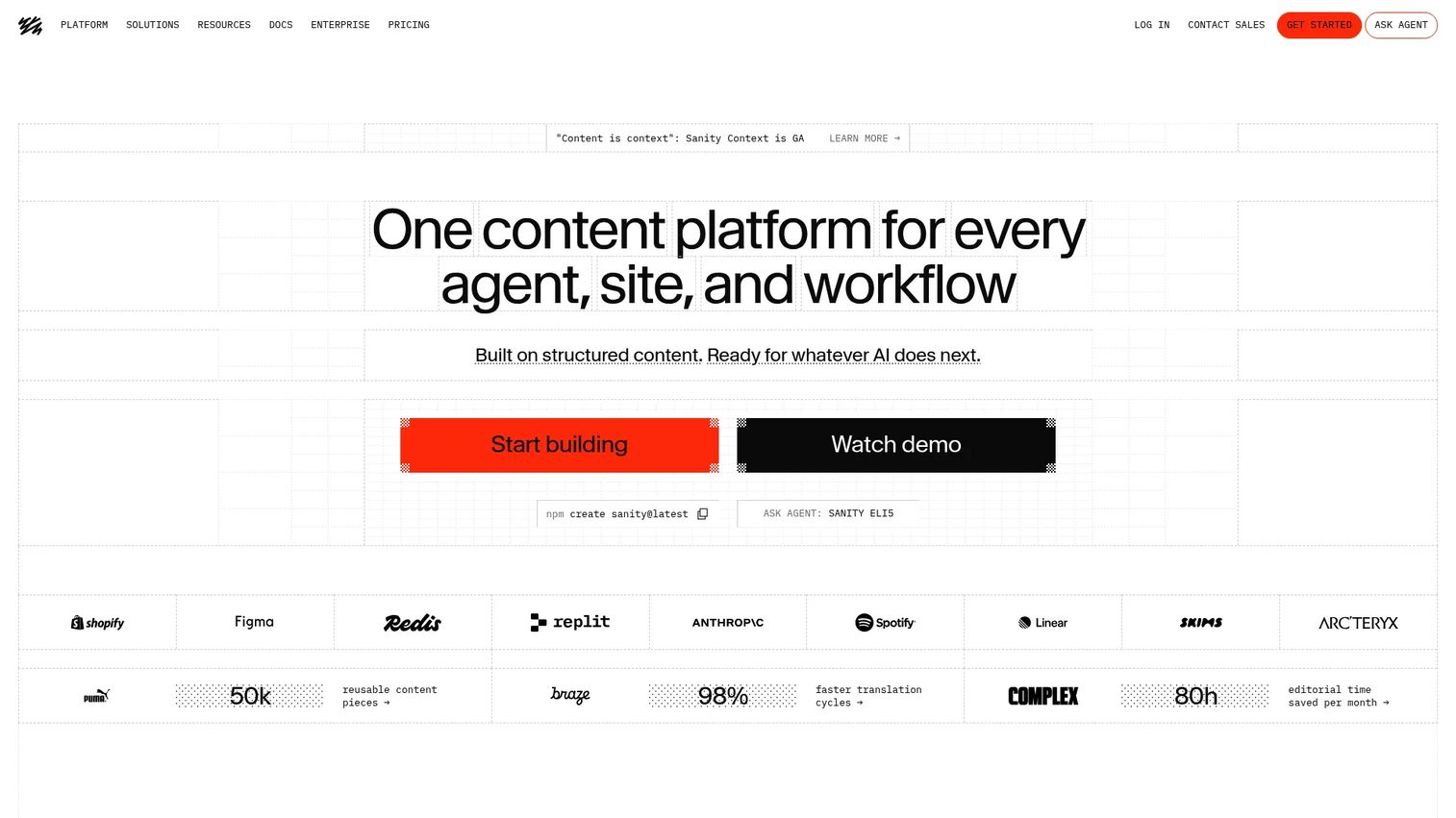
Sanity is a structured content platform with a hosted content database and customizable editorial environment. Sanity Studio supports real time editing, live preview, and visual editing.
Content Lake provides GraphQL and GROQ support for application delivery. Product teams can adapt the Studio around their content model instead of forcing workflows into fixed page templates.
Best for: Teams coordinating structured content across product, marketing, and content operations.
Key features
- Sanity Studio: Customizable editorial environment
- Content Lake: Hosted structured content database
- Collaboration: Real time editing for content teams
- Live preview: Review content before publishing
- API delivery: GraphQL and GROQ query support
Why choose Sanity: It fits products where content complexity has outgrown basic page editing. Reusable entries can support onboarding, release communication, and help content from a shared model.
The customizable Studio is useful when different teams need distinct editing views. Engineering involvement remains important because deeper customization becomes part of the product’s content infrastructure.
Sanity pricing: The Free plan costs $0. Growth starts at $15 per seat monthly, while Enterprise uses custom pricing.
Paid add ons may increase the total cost for larger implementations.
G2 rating: Sanity has a 4.7/5 G2 rating.
4. Hygraph
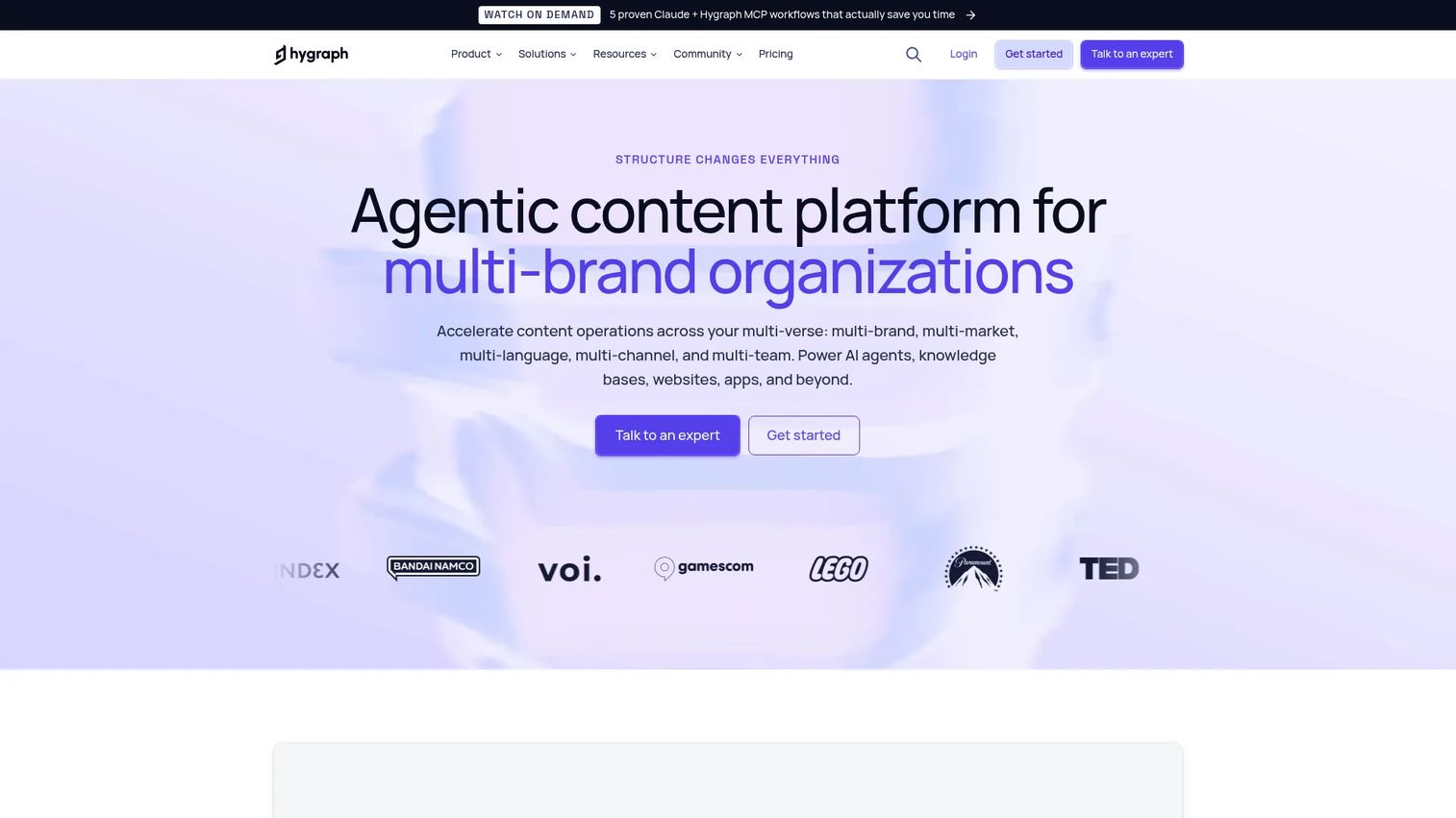
Hygraph is a headless CMS built around GraphQL content delivery. It supports structured modeling, reusable components, localization, and content federation.
Federation lets teams unify content from external systems through one GraphQL endpoint. This can reduce duplicated content when mobile applications already depend on several backend services.
Best for: Mobile teams that want GraphQL first delivery with strong schema control.
Key features
- GraphQL API: Precise queries for mobile frontends
- Content federation: External systems through one endpoint
- Structured modeling: Components and reusable references
- Localization: Regional variants and translated content
- Permissions: Custom roles and content stages
Why choose Hygraph: It works well when developers care about payload control and query flexibility. PMs can use shared schemas to keep app surfaces aligned without duplicating entries.
Content federation also fits products pulling information from existing platforms. Engineering should validate query patterns, caching, and offline requirements before choosing the architecture.
Hygraph pricing: Hobby is free. Growth starts at $199 per month, while Enterprise uses custom pricing.
G2 rating: Hygraph has a 4.4/5 G2 rating.
5. Storyblok
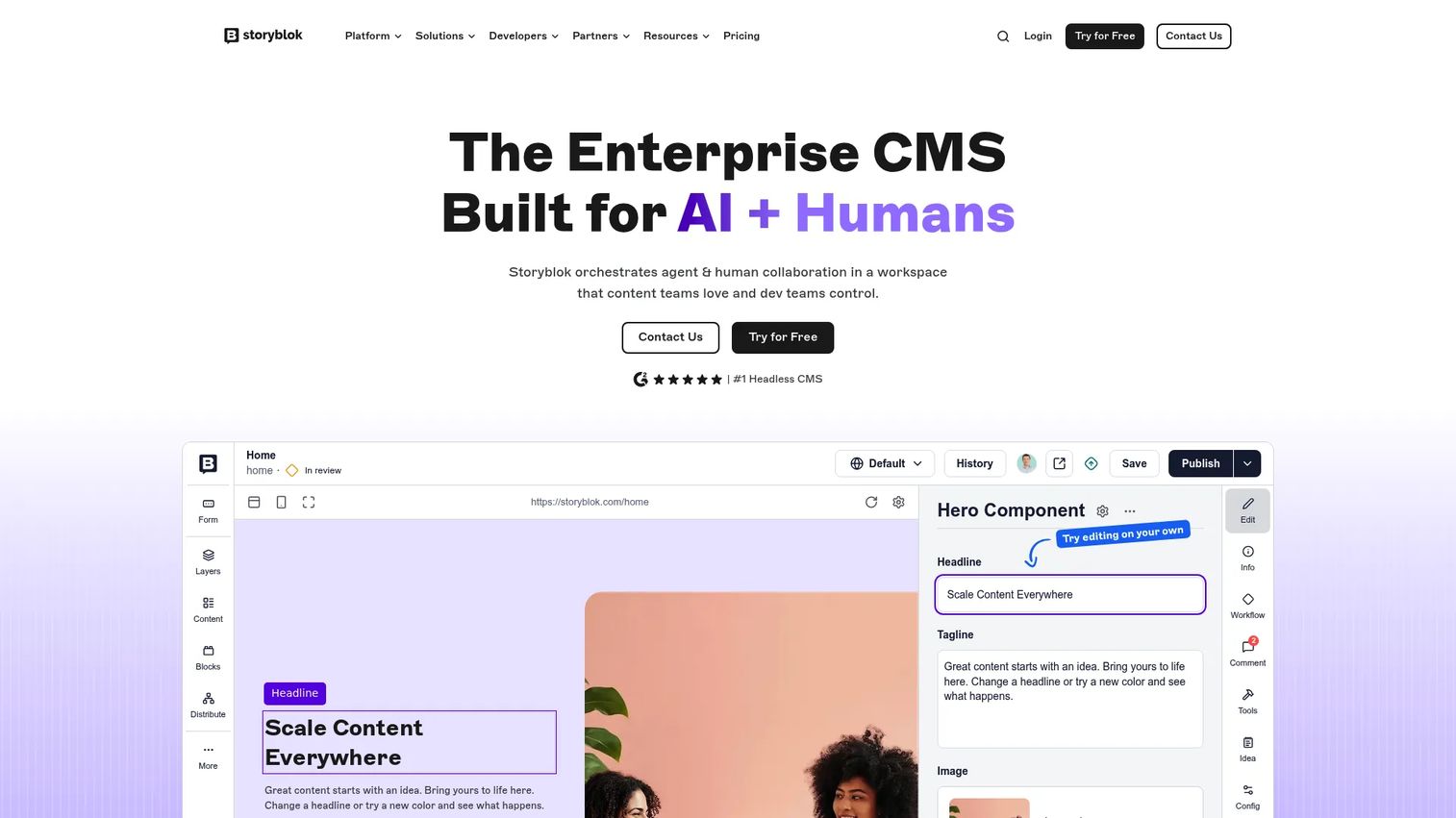
Storyblok is a headless CMS combining API delivery with visual editing. Its component model lets teams reuse structured content across websites, apps, and other channels.
The Visual Editor gives content teams a clearer view of presentation while developers keep control of frontend implementation. RESTful and GraphQL APIs support different application stacks.
Best for: Teams balancing headless architecture with visual content editing.
Key features
- Visual Editor: Contextual content review
- Reusable components: Structured blocks across channels
- Delivery APIs: RESTful and GraphQL options
- Localization: Multi language content management
- Workflows: Collaboration and publishing controls
Why choose Storyblok: It suits teams where editors need more context than a field only interface provides. Visual review can reduce back and forth before mobile web or app content launches.
The component approach also supports consistent patterns across products. Product teams should test how previewing works with their mobile architecture before committing.
Storyblok pricing: Starter is free. Growth costs $99 monthly, while Growth Plus costs $349 monthly.
Annual billing lowers the monthly equivalent. Growth Plus also offers a 45 day trial.
G2 rating: Storyblok has a 4.5/5 G2 rating.
6. dotCMS
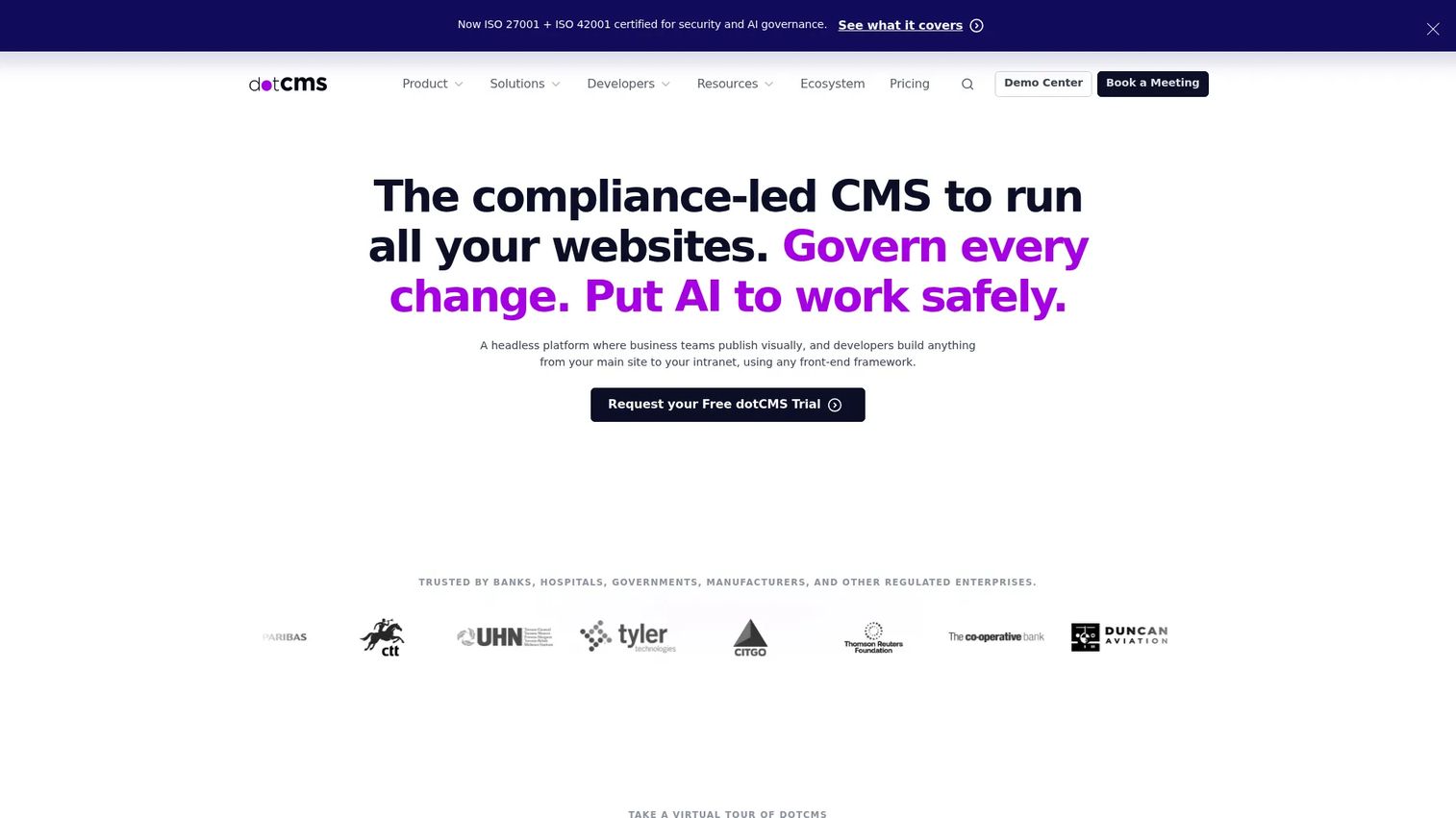
dotCMS is a visual headless CMS for enterprises managing structured content across multiple sites and channels. It supports REST and GraphQL APIs alongside visual page building.
Governance features include approval workflows, permissions, audit trails, and version history. The platform also covers multisite management, personalization, and content analytics.
Best for: Enterprises that need governed mobile and web content within a broader CMS program.
Key features
- Visual editing: Page building with structured content
- Delivery APIs: REST and GraphQL support
- Governance: Permissions, workflows, and audit trails
- Multisite management: Content across brands and properties
- Optimization: Personalization and content analytics
Why choose dotCMS: It fits organizations where mobile content belongs to a wider governance model. Product teams can coordinate app delivery with web properties and brand controls.
The platform carries a broader enterprise scope than a focused developer CMS. Evaluate implementation ownership, deployment requirements, and editorial adoption before selection.
dotCMS pricing: Eligible companies under $5 million in revenue can use the free BSL option. Starter, Professional, Business, and Enterprise use custom pricing.
G2 rating: dotCMS has a 4.1/5 G2 rating.
7. Payload CMS
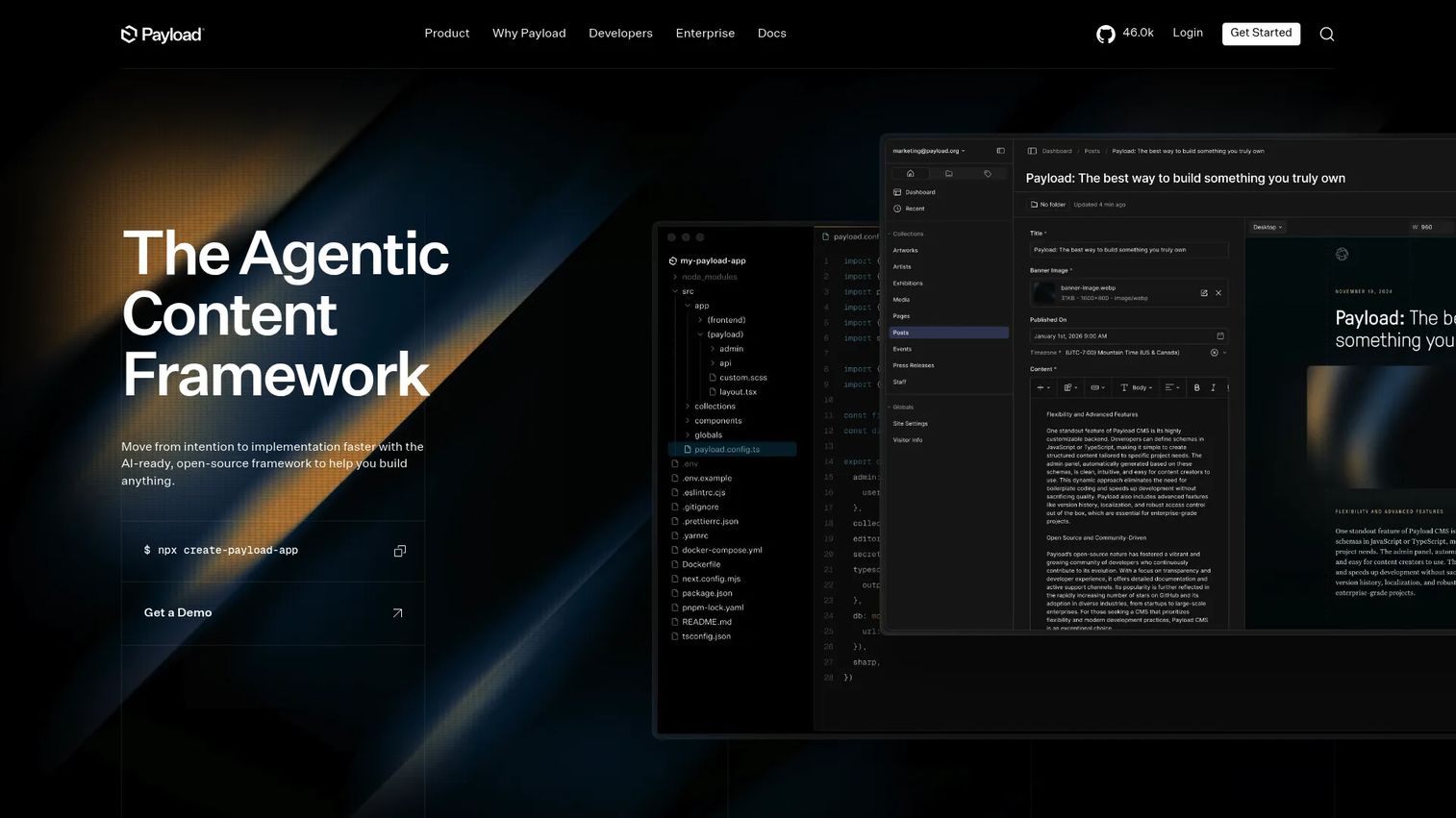
Payload CMS is an open source Next.js framework and headless CMS. It brings content management closer to application logic within a TypeScript oriented development environment.
The platform generates a React admin panel and supports REST, GraphQL, plus Node.js APIs. Authentication and customizable access controls are built into the framework.
Best for: Developer led teams building custom applications with tightly integrated content workflows.
Key features
- React admin: Generated content management interface
- API options: REST, GraphQL, and Node.js
- Authentication: Built into application infrastructure
- Access control: Customizable permissions
- File handling: Storage and image processing
Why choose Payload CMS: It makes sense when engineering wants CMS behavior inside the app stack. Product teams gain flexibility for custom workflows and internal tools.
That control requires developer capacity. Account for database management, deployment, security, and upgrades when comparing it with hosted mobile CMS platforms.
Payload CMS pricing: Self hosted Payload is free under the MIT license. Contact Payload for cloud and enterprise pricing.
G2 rating: Payload CMS has a 4.9/5 G2 rating.
8. WordPress
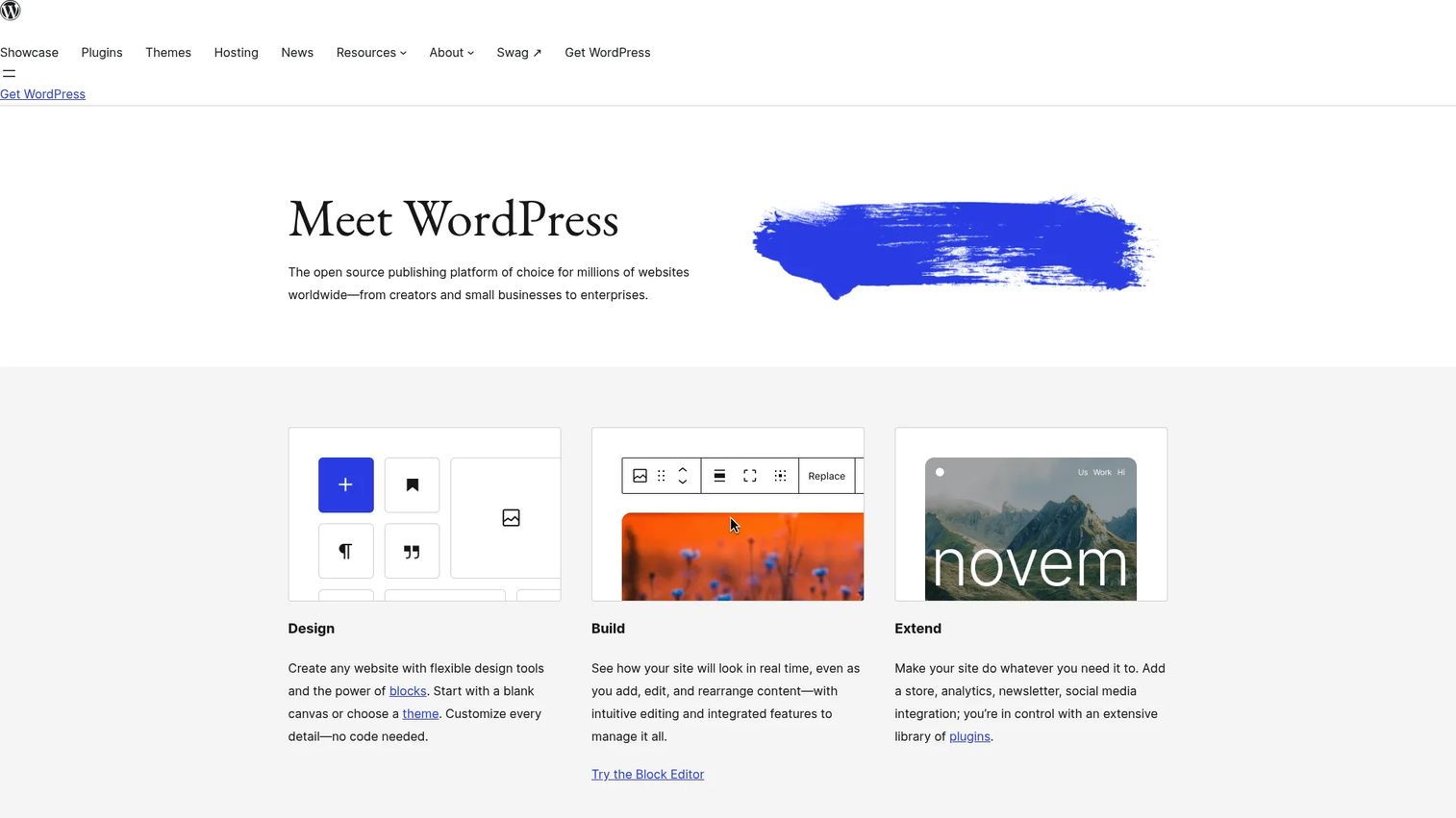
WordPress is free, open source publishing software for websites. Its familiar dashboard supports content creation, media management, user roles, and extensibility through plugins.
The REST API can support app adjacent use cases. However, WordPress remains strongest when the primary content surface is a website or mobile responsive publication.
Best for: Content heavy teams already using WordPress for mobile friendly web publishing.
Key features
- Publishing tools: Familiar editorial content management
- Themes: Flexible website presentation
- Plugins: Broad platform extensibility
- REST API: Content access for external frontends
- User management: Roles for publishing teams
Why choose WordPress: It is practical when the organization already runs its content operations there. Teams can avoid migrating established publishing workflows for a web first use case.
Native app delivery needs more architectural validation. Engineering should review API performance, plugin dependencies, caching, and the required content model.
WordPress pricing: WordPress.org software is free. Hosting, domains, premium themes, and paid plugins create separate costs.
G2 rating: WordPress.org has a 4.4/5 G2 rating.
9. Webflow

Webflow is a visual website platform with a composable CMS and managed hosting. Teams use it to design responsive websites while managing structured collections through a visual interface.
Its CMS works well for landing pages, product marketing sites, and other mobile web content. It is not designed as the backend for complex native app content.
Best for: Product and marketing teams managing responsive web content with limited engineering support.
Key features
- Visual development: Responsive website design
- CMS structures: Customizable content collections
- Content editing: Visual updates for publishing teams
- Managed hosting: CDN delivery and custom domains
- Protection: DDoS and bot controls
Why choose Webflow: It helps teams publish mobile web experiences without placing every change in an engineering queue. Product managers can use it for launches, education pages, and campaign content.
Choose another architecture when native applications need remote structured content. Webflow’s core strength remains the website experience.
Webflow pricing: Starter is free. Basic costs $15 monthly when billed yearly, while Premium costs $25 monthly when billed yearly.
Enterprise uses custom pricing. Workspace plans and add ons are separate.
G2 rating: Webflow has a 4.4/5 G2 rating.
10. Lokalise
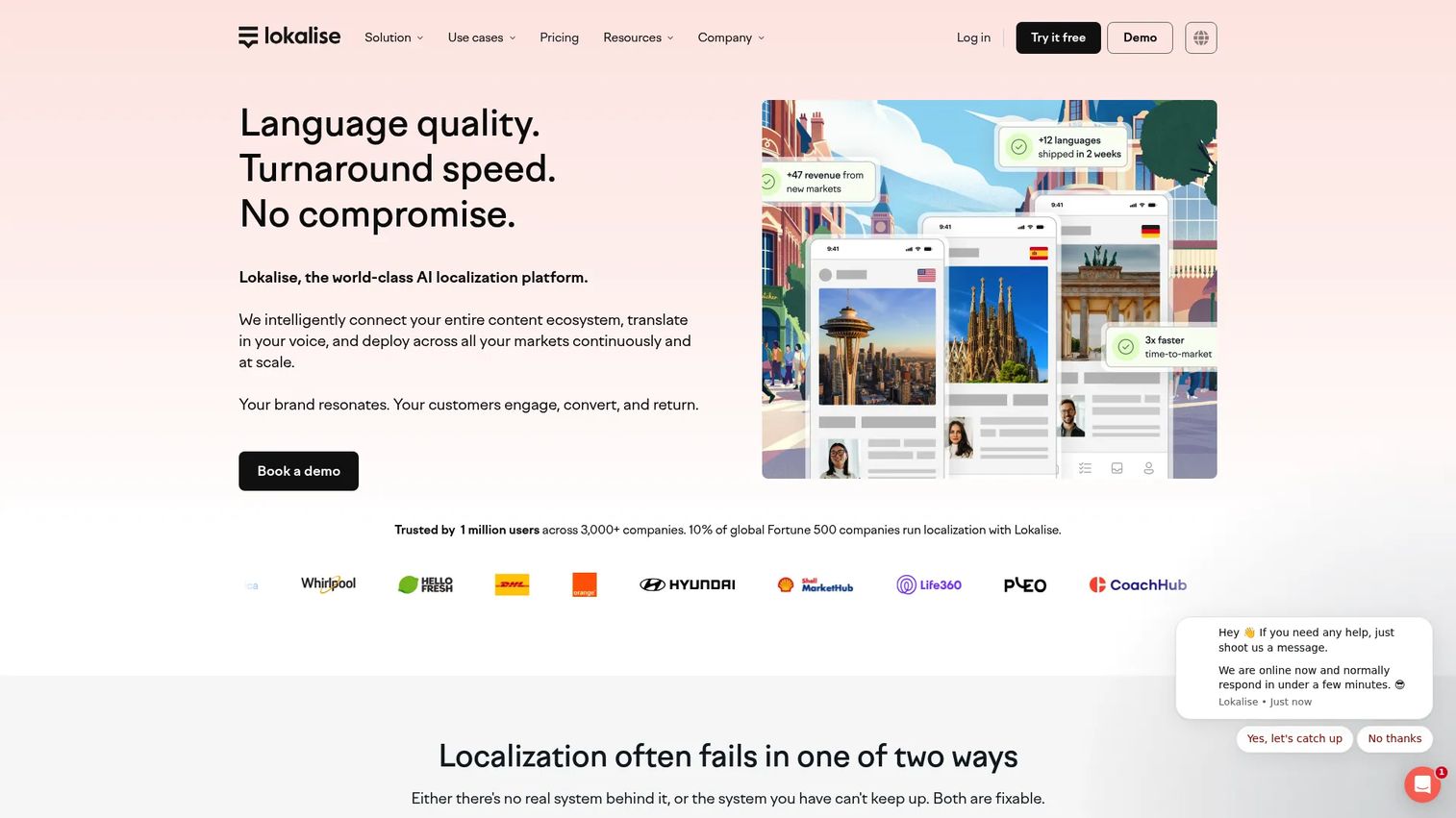
Lokalise is a localization platform for translating and deploying digital content across markets. It supports product, engineering, design, and content teams managing continuous localization.
Its integrations, APIs, CLI access, and over the air updates connect translation work with product delivery. Lokalise is adjacent to a mobile CMS rather than a complete content repository.
Best for: Product teams whose primary bottleneck is mobile app localization.
Key features
- Translation management: Centralized multilingual workflows
- Workflow automation: Repetitive localization tasks
- Quality control: Checks for translated content
- Integration access: APIs, CLI, and supported connections
- OTA updates: Remote translation deployment
Why choose Lokalise: It fits teams where translated strings delay release readiness or create inconsistent regional experiences. PMs can coordinate localization without treating every copy update as a separate engineering project.
Pair it with a CMS when the product also needs broader content modeling. Lokalise handles translation operations rather than every app content requirement.
Lokalise pricing: Explorer starts at $149 monthly. Growth costs $379, Advanced costs $1,049, and Enterprise uses custom pricing.
Every plan includes a 14 day trial.
G2 rating: Lokalise has a 4.6/5 G2 rating.
11. Scalefusion FileDock
Scalefusion FileDock distributes administrator published files, folders, and presentations to managed devices. It supports Windows, Android, iOS, and macOS through FileDock or Scalefusion agent applications.
This tool serves a different mobile content job than a headless CMS. It focuses on controlled enterprise file access rather than structured app content delivery.
Best for: IT and operations teams distributing controlled files across mobile workforces.
Key features
- File distribution: Content pushed to managed devices
- Device coverage: Windows, Android, iOS, and macOS
- Organization: Search, filters, and folder structures
- Synchronization: Updated files across managed endpoints
- Analytics: Downloads, failures, usage, and presentations
Why choose Scalefusion FileDock: It fits field teams, kiosks, and locked down devices requiring centrally managed files. Remote distribution helps administrators keep workforce content current.
Choose a headless CMS when the product needs modeled app content or API delivery. FileDock is built for managed content access.
Scalefusion FileDock pricing: Scalefusion Essentials starts at $2 per device monthly, billed as $24 annually. FileDock sits within the broader UEM and content management offering.
G2 rating: Scalefusion has a 4.7/5 G2 rating. FileDock does not have a separate rating in the supplied research.
Considerations when choosing a mobile content management system
Start with the mobile content job
Define whether you need native app delivery, mobile web publishing, localization, or secure file distribution. These jobs require different architectures.
A mismatch creates integration debt and ongoing maintenance. Map every required surface before building the shortlist.
Validate API and framework fit
Ask engineering to test REST or GraphQL support against the app architecture. Review compatibility with iOS, Android, mobile web, React Native, or Flutter where relevant.
A strong API on paper can still create awkward query patterns. Check authentication, caching, rate limits, and error handling.
Check preview, staging, and release workflows
Editors need a safe way to review mobile content before publication. Evaluate staging environments, approvals, version history, rollback, and preview builds.
Match those controls to your release cadence. Product managers should also define who owns final publishing authority.
Evaluate localization and regional governance
Review locale fallbacks, translation workflows, and regional approvals. Confirm how translated changes reach users after the initial app release.
A mobile app localization CMS should also fit your string management process. Include design and engineering in that assessment.
Measure maintenance cost alongside subscription cost
The license is one part of total cost. Implementation, migration, governance, developer involvement, and content modeling all consume capacity.
Estimate the ongoing workload across several release cycles. A lower subscription can carry a higher opportunity cost if every schema change requires engineering.
Conclusion
The best mobile CMS depends on the content job you need to control.
Contentful fits teams seeking API first delivery across several digital channels. dotCMS covers broader enterprise governance with visual and headless capabilities.
Strapi and Payload CMS give engineering more ownership over the application stack. Sanity suits teams needing customizable structured content operations.
Hygraph makes sense for GraphQL first delivery. Storyblok balances headless architecture with visual editing.
WordPress and Webflow remain web focused choices. Lokalise addresses translation operations, while Scalefusion FileDock handles managed file distribution.
Before requesting vendor demos, document your frontends and release cadence. Then add localization, governance, offline access, plus preview requirements. That work prevents a polished interface from distracting your team from an architecture mismatch.
If your next step includes showing mobile workflows to stakeholders, prospects, or users, Start your journey with Guideflow today!
FAQs
A mobile content management system helps teams create, organize, localize, and deliver content across mobile experiences. It can refer to app content delivery, responsive web publishing, or secure file distribution.
The right definition depends on the content job. Product teams usually mean a mobile app CMS or headless platform serving structured entries through APIs.
Mobile CMS describes a use case, while headless CMS describes an architecture. A headless platform separates content management from frontend presentation.
Many teams use a headless CMS for mobile apps because APIs can serve iOS, Android, and mobile web. Other mobile CMS tools focus on localization or managed file access.
A mobile app benefits from a CMS when content changes frequently or non engineers need publishing control. Localization and cross channel reuse also strengthen the case.
A static application with rare text changes may not need one. Product teams should compare implementation cost against release delays and repeated engineering work.
Contentful fits enterprise API first delivery across several frontends. Strapi gives developer led teams more control over hosting and schemas.
Hygraph suits GraphQL based architectures. Sanity works well when structured collaboration and a customizable editorial environment matter.
Some headless and localization platforms can update remote content without resubmitting the application. The app fetches approved entries or translations at runtime.
Changes to native logic, interface behavior, or SDK configuration may still require a release. Engineering should define the boundary before editors receive publishing access.
Start with preview workflows, localization, approval roles, rollback, API reliability, and developer friendly schemas. Review analytics integration if content changes support experiments.
Connect each capability to a product outcome. Preview protects release quality, localization supports regional launches, and dependable APIs reduce user facing failures.
Mobile content management focuses on content, media, app copy, or files. Mobile device management controls devices, security policies, configurations, and administrative access.
Some enterprise platforms combine both areas. Product teams building customer facing applications usually need a CMS rather than device administration.
Localization heavy teams should evaluate a dedicated translation platform alongside their CMS. Lokalise supports translation workflows and over the air updates.
Headless platforms can model localized content within the CMS. The better approach depends on translation volume, regional approvals, plus how releases reach mobile users.