The campaign is approved. Paid media is loaded. The web team is booked for three weeks.
This is the moment most marketers lose time they can't afford. A focused page built for one campaign, one audience, or one event shouldn't require a full development sprint. The global website-builder software market is projected to grow at a 10.59% CAGR through 2034, according to Value Market Research (2026), which signals how many teams are still solving this problem.
The core pressure is speed without sacrificing measurement. You need a page that ships fast, matches the offer, tracks the right actions, and gives you enough signal to decide whether the campaign deserves more spend. Every tool in the ranked list below builds and hosts that page. One bonus pick at the end, Guideflow, adds the interactive product experience layer that turns a campaign page into something visitors can explore rather than just read.
This guide helps you choose the right tool for the job.
What's inside
This guide covers 14 microsite and campaign page builders for 2026, plus one bonus entry (Guideflow) for adding interactive product experiences to a microsite rather than building the page itself. Tools were evaluated on:
- Publishing speed: How fast can a marketer go from brief to live page?
- Campaign fit: Does the tool support the specific use case (launch, event, ecommerce, conversion)?
- Measurement: What analytics, pixels, form tracking, and integrations does each tool support?
- Pricing clarity: Verified from each vendor's current pricing page
TL;DR
- Best all-around microsite builder: Wix, for versatile templates, hosting, and built-in business features
- Best for brand-polished campaign pages: Squarespace or Webflow, when design quality matters as much as speed
- Best for conversion-focused landing pages: Unbounce, Leadpages, or Instapage, when paid traffic and CRO are the priority
- Best for lightweight one-page microsites: Carrd, Typedream, or Strikingly, for fast, low-cost experiments
- Best for ecommerce microsites: Shopify, when the page needs to sell products directly
- Bonus, for interactive product experiences on microsites: Guideflow, a demo automation platform for embedding interactive demos, Demo Pages, and Demo Centers inside campaign journeys
What is a microsite builder?
A microsite builder is a tool for creating focused, usually small web experiences for a specific campaign, product launch, event, audience, or offer.
Microsites differ from full websites in scope and intent. A full website is a permanent home for your brand. A microsite is a temporary or campaign-specific destination built for a single job. It differs from a standard landing page in depth: A landing page typically targets one conversion action, while a microsite can hold multiple sections, a richer content hierarchy, and a longer visitor journey.
Marketers reach for microsite builders when they need speed, message isolation, and clear attribution that a bloated CMS makes harder to get.
Core capabilities of a microsite builder
- Templates and reusable page sections
- Drag-and-drop or visual editing
- Hosting and SSL included
- Custom domains or subdomains
- Forms and lead capture
- SEO controls (metadata, sitemap, canonical tags)
- Analytics and conversion tracking
- Integrations with CRM, email, ad platforms, or analytics tools
Microsite vs website vs landing page
| Format | Best for | Typical scope | Measurement focus |
|---|---|---|---|
| Microsite | Campaign, launch, event, specific audience | Multiple sections, focused narrative | Conversions, engagement, attribution |
| Website | Permanent brand presence | Full site with navigation, blog, support | Sessions, SEO, pipeline |
| Landing page | Single conversion action | One page, one CTA | Conversion rate, lead capture |
| Demo Page or Demo Center | Product experience destination | Interactive demo or demo hub | Impressions, completion rate, leads, conversion |
A Demo Page or Demo Center is not a general website replacement. It pairs with a campaign microsite when the offer needs product exploration rather than a static claim.
When to use a microsite builder
Launch a campaign without waiting on web resources
Paid search and paid social campaigns need dedicated pages with matched messaging. When the web team is unavailable, a microsite builder lets a marketer ship and iterate without filing a request. This matters most for ABM campaigns, partner co-marketing, and time-sensitive offers where message relevance directly affects conversion rate. According to the Unbounce Conversion Benchmark Report (2024), the median landing-page conversion rate across industries is 6.6%, which means every mismatch between ad and page costs real pipeline.
Create a focused product launch experience
A product launch microsite holds your positioning, key features, proof, signup form, and embedded product demos in one place. For software companies, letting visitors experience the product before booking a call reduces the gap between interest and qualified intent. Guideflow's interactive demos can be embedded directly on a launch page, so visitors explore the product rather than reading about it.
Build an event or promotion hub
Event microsites need to serve multiple jobs: Agenda, speaker bios, registration, sponsor recognition, and post-event assets. A microsite builder lets you create this hub quickly, update it as details change, and archive it cleanly once the event ends. These pages have a defined lifecycle, so they're a poor fit for a full CMS but a natural fit for a focused builder.
Microsite builder comparison
The 14 tools below are verified as of November 2026. Pricing reflects each vendor's official pricing page; G2 ratings are from each tool's current G2 listing. Guideflow sits outside the ranked list as a bonus entry, because it is not a microsite builder: campaign microsites for software products often need an interactive product experience layer alongside the page itself.
| # | Product | Best for | Key differentiator | Pricing | G2 rating |
|---|---|---|---|---|---|
| 1 | Wix | Broad campaign and business microsites | All-in-one with AI creation, ecommerce, and apps marketplace | From $17.77/mo (yearly) | 4.2/5 |
| 2 | Squarespace | Brand-polished campaign and portfolio microsites | Designer templates with built-in hosting and commerce | From $19/mo (annually) | 4.4/5 |
| 3 | WordPress.com | Content-heavy microsites with SEO depth | Hosted WordPress with themes, plugins, and blogging | From $9/mo (annually) | 4.4/5 |
| 4 | Shopify | Ecommerce microsites and product drops | Full commerce stack with checkout and payments | From $29/mo (yearly) | N/A |
| 5 | Strikingly | Simple one-page microsites | Fast launch with responsive one-page templates | From $8/mo (yearly) | 4.0/5 |
| 6 | Webflow | Custom, design-led campaign microsites | Visual development with CMS, animations, and hosting | From $15/mo (yearly) | 4.4/5 |
| 7 | Carrd | Lightweight one-page microsites and experiments | Single-page sites at the lowest cost on this list | From $9/year | 4.5/5 |
| 8 | Unbounce | Conversion-focused paid campaign microsites | A/B testing and AI traffic optimization built in | From $29/mo | 4.3/5 |
| 9 | Leadpages | Lead-generation microsites and webinar pages | AI page creation with heatmaps and smart traffic | From $29/mo | 4.3/5 |
| 10 | Instapage | Enterprise paid campaign microsites | Ad-to-page personalization and server-side experimentation | From $79/mo (annually) | 4.3/5 |
| 11 | Framer | Modern product launch and startup microsites | AI design agent with visual canvas, CMS, and hosting | From $10/mo (yearly) | 4.5/5 |
| 12 | Dorik | Small team and startup microsites | AI-assisted no-code builder with white-label and lifetime plans | From $20.75/mo (annually) | N/A |
| 13 | Typedream | Creator and startup landing pages | Notion-like editor for quick publishing with digital product sales | From $15/mo (annually) | 2.5/5 |
| 14 | Webador | Small business microsites | Beginner-friendly with AI generation and built-in hosting | Free plan available | 3.1/5 |
| Bonus | Guideflow | Interactive product experiences inside microsites | Demo automation with interactive demos, Demo Pages, Demo Centers, embeds, and engagement analytics | From $35/user/mo | 5.0/5 |
Best 14 microsite builders for 2026
Use the list below by campaign type, not rank alone. All 14 tools build and host pages. The bonus entry that follows them, Guideflow, adds interactive product experiences to microsites built on any of those platforms.
1. Wix
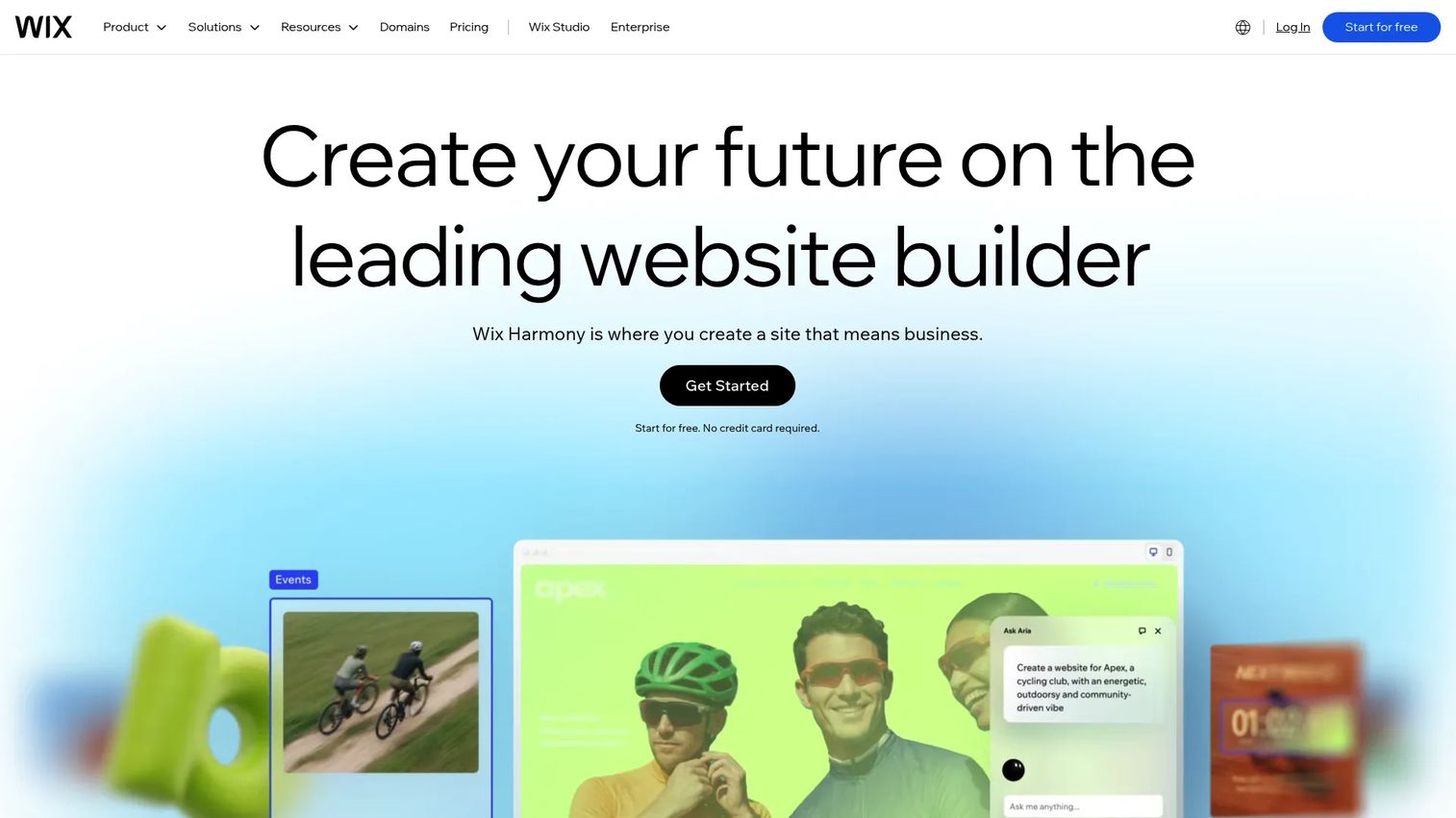
Wix is an all-in-one platform for building websites and running business operations online, using AI-assisted creation alongside a drag-and-drop editor. For microsite purposes, it covers templates, hosting, custom domains, SEO controls, forms, and a large apps marketplace. Marketing teams can add payments, scheduling, email campaigns, and analytics without leaving the platform.
Best for: Small businesses and marketing teams that need a versatile builder covering quick campaign pages and ongoing business operations.
Key features
- AI and drag-and-drop website creation
- Ecommerce, payments, and membership tools
- Integrated SEO, email marketing, and advertising
- Domain registration with multi-cloud hosting
- Apps marketplace for extending functionality
Why choose Wix: Wix is a strong default when you need broad capability without stitching together hosting and templates separately. For a single ultra-focused experiment, its breadth can feel like more than you need.
Wix pricing: Free plan available. Paid plans start at $17.77/month (Light, billed yearly). Higher tiers add ecommerce, scheduling, storage, and marketing tools.
G2 rating: 4.2/5
2. Squarespace
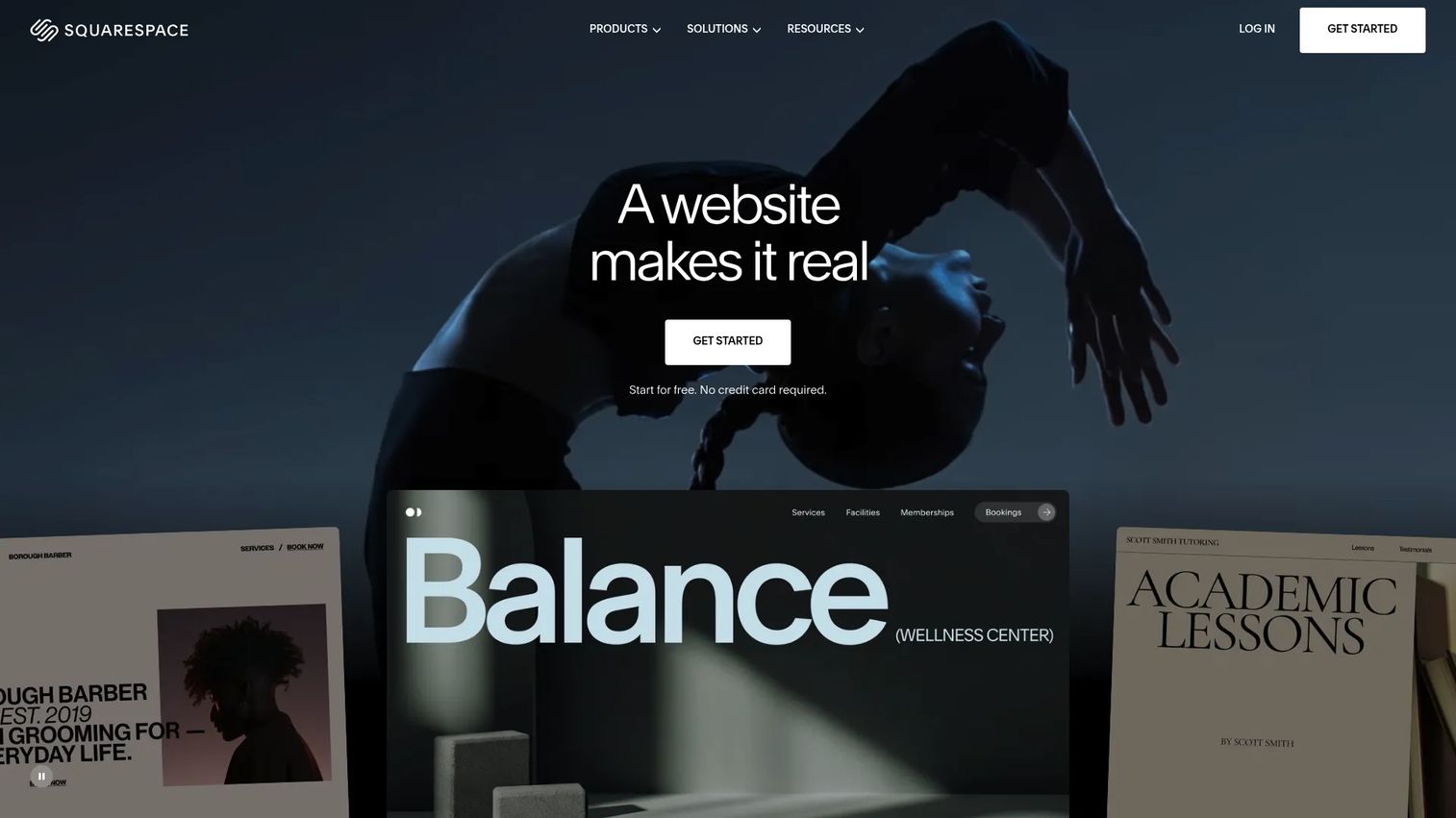
Squarespace is a website-building platform built around design quality. Its Fluid Engine drag-and-drop editor and professionally designed templates make it a natural fit for brand-led microsites where visual polish matters as much as publishing speed. Hosting, SSL, SEO tools, and mobile optimization are included across all plans.
Best for: Brand-led campaigns, polished portfolio pages, event microsites, and small-business promotional pages.
Key features
- Professionally designed templates (Fluid Engine editor)
- Built-in hosting and SSL
- Ecommerce and payments on eligible plans
- Traffic and activity analytics
- Scheduling and service booking features
Why choose Squarespace: Squarespace is the right call when a marketer needs a polished page without a designer. For deep CRO workflows with A/B testing, dedicated landing page tools are a better fit.
Squarespace pricing: No free plan; a 14-day free trial is available. Plans start at $19/month (Basic, billed annually). The Core plan ($29/month) and Plus ($49/month) add more contributors, advanced ecommerce, and merchandising features.
G2 rating: 4.4/5
3. WordPress.com
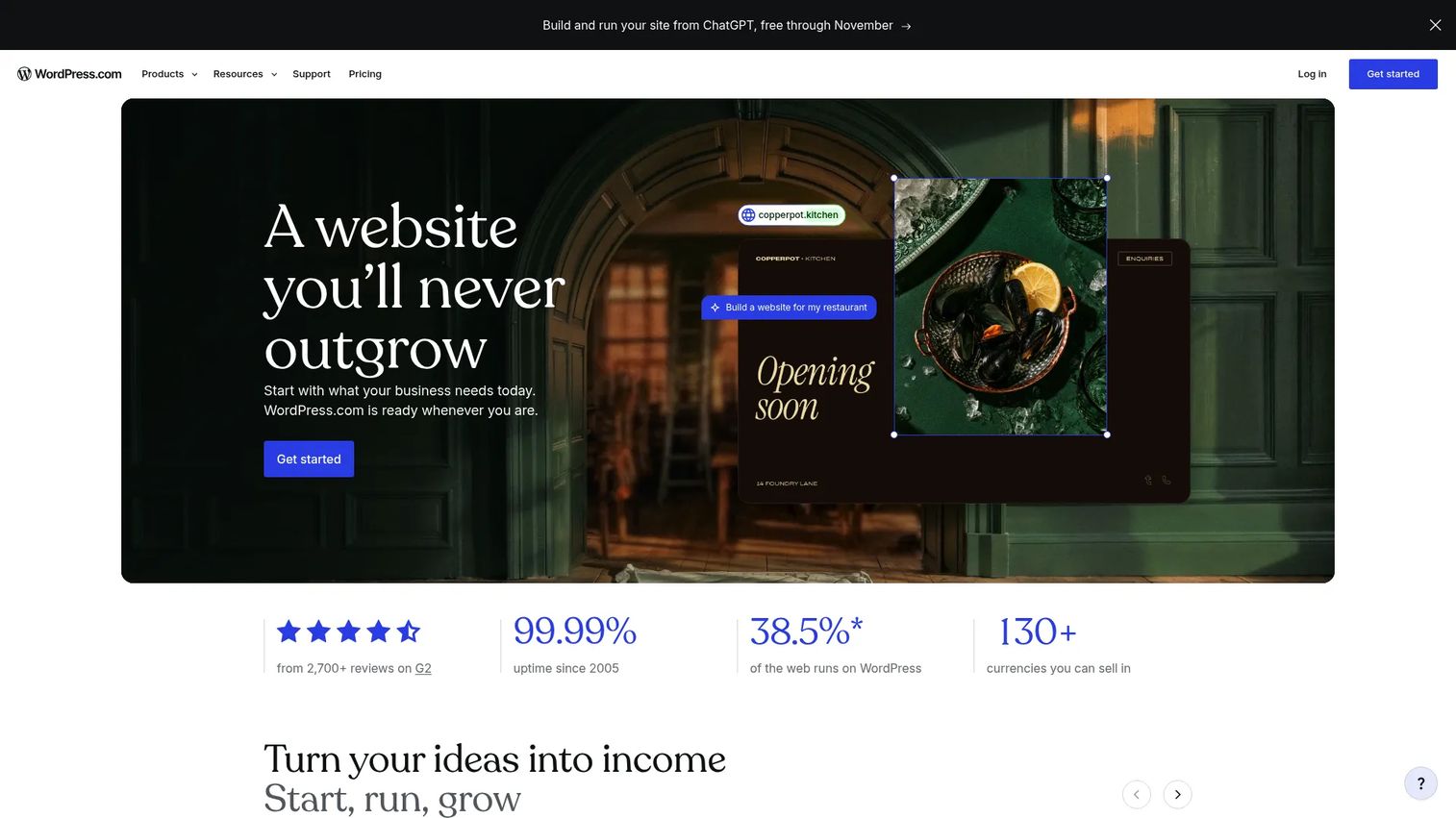
WordPress.com is the hosted version of WordPress, managed and maintained by Automattic. It differs from self-hosted WordPress.org in that hosting, security, and updates are handled for you. For microsites, its strengths lie in content depth, SEO controls, and over 60,000 plugins available on eligible plans, making it a good fit when a campaign hub may eventually expand into a larger content property.
Best for: Content-heavy microsites, campaign hubs, and teams that may scale the microsite into a broader site over time.
Key features
- Customizable themes and block editor (drag-and-drop)
- Built-in SEO tools and social media sharing
- Over 60,000 plugins on Business and Commerce plans
- Stats and Google Analytics integrations
- WooCommerce ecommerce on Commerce plan
Why choose WordPress.com: WordPress.com is the right choice when content depth, SEO, and long-term expansion matter. For one-off campaign pages that live and die in a few weeks, the setup feels heavier than lighter builders on this list.
WordPress.com pricing: Free plan available. Personal starts at $9/month (billed annually). Business at $40/month unlocks plugins and themes; Commerce at $70/month adds full ecommerce. The lowest rate is $2.75/month on a 36-month billing cycle.
G2 rating: 4.4/5
4. Shopify

Shopify is a commerce platform, not a general microsite builder. It belongs on this list for one specific scenario: Ecommerce microsites. Product drops, limited-time collections, pop-up brand campaigns, and seasonal stores all fit its core strengths around checkout, payments, inventory, and theme editing.
Best for: Ecommerce microsites, product drops, limited-time stores, and retail brand campaigns.
Key features
- Online store builder with themes and templates
- Checkout, payments, inventory, and shipping
- In-person selling via Shopify POS
- Selling on social channels and marketplaces
- Sidekick commerce AI assistant
Why choose Shopify: Shopify is the best option when the microsite needs to sell products directly. For awareness campaigns, event pages, or software launches with no commerce path, it is more infrastructure than the job requires.
Shopify pricing: 3-day free trial available. Basic starts at $29/month (billed yearly). Grow is $79/month; Advanced is $299/month. Shopify Plus starts at $2,300/month on a 3-year term.
5. Strikingly
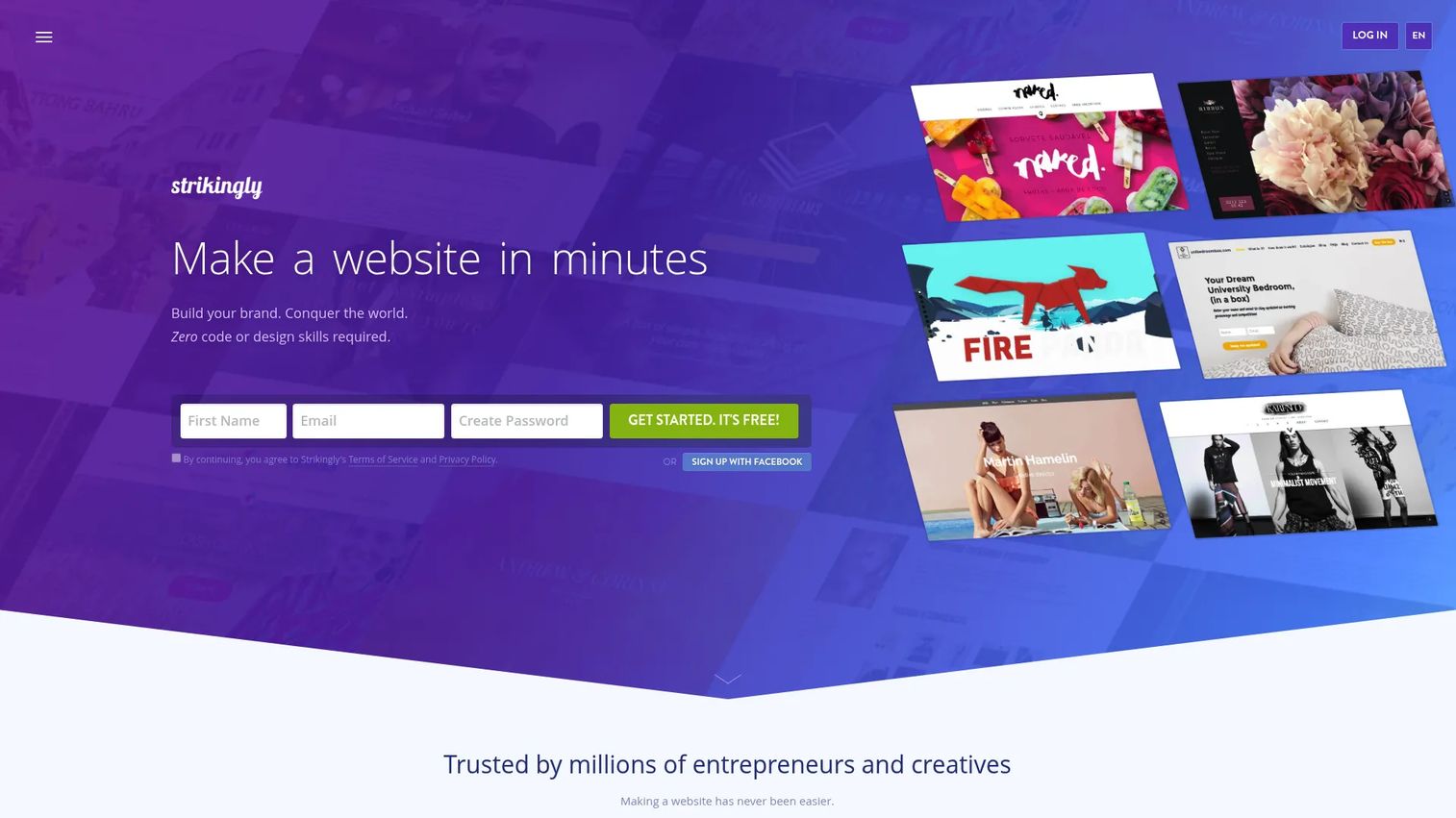
Strikingly is a website builder built specifically for one-page sites. Its responsive templates, simple editor, and built-in hosting make it fast to launch, which is the main reason a marketer would choose it. It supports custom domains, basic ecommerce, contact forms, memberships, and SEO controls.
Best for: Simple one-page microsites, personal campaigns, and early-stage business pages where speed matters most.
Key features
- One-page templates with responsive design
- Drag-and-drop editing with custom code embedding
- Built-in hosting, SSL, and custom domains
- Basic ecommerce product sales
- Memberships and paid subscriptions
Why choose Strikingly: Strong when the team needs something live the same day without learning a complex editor. Less suited to campaigns that require deep analytics, personalization, or multi-page structures.
Strikingly pricing: Free sites available. Paid plans start at $8/month (Limited, billed yearly). Pro is $16/month and VIP is $49/month, both billed yearly.
G2 rating: 4.0/5
6. Webflow
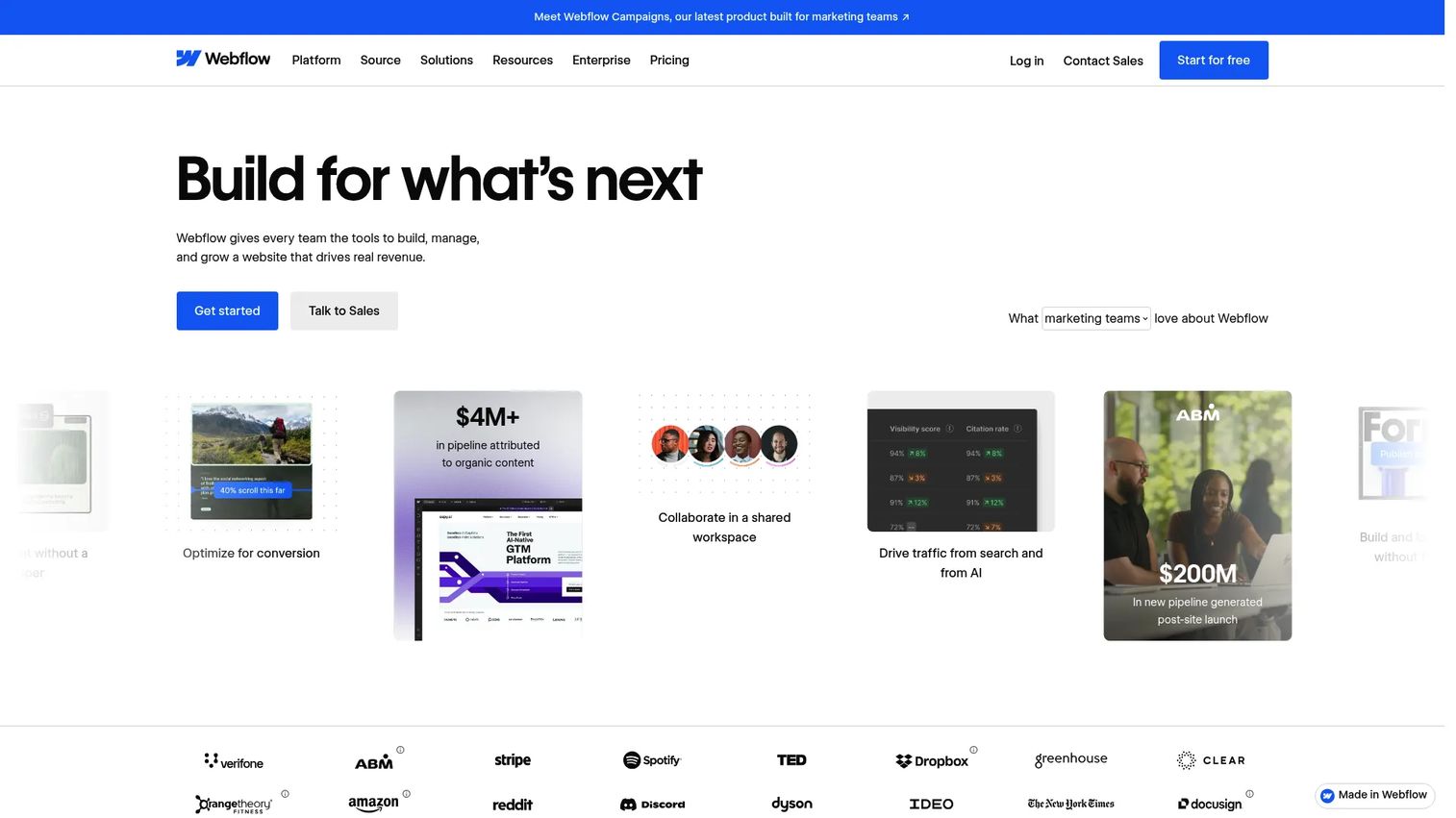
Webflow is an AI-native platform for visually building, managing, and hosting responsive websites. Where most builders constrain design to templates, Webflow gives design-forward marketing teams direct control over layout, typography, interactions, and animations without writing code. Its CMS supports dynamic content, which helps when the microsite needs structured data or editorial content.
Best for: Design-led teams building custom campaign, product, or brand microsites where visual quality and production control are non-negotiable.
Key features
- Visual design canvas with responsive layouts
- CMS and CMS APIs for dynamic content
- No-code interactions and animations
- Hosting and SSL
- Custom code for advanced tracking and integrations
Why choose Webflow: Webflow delivers the most design control of any builder on this list without requiring a developer. It requires more skill and setup time than template-first builders, so it rewards teams with at least one person comfortable with visual design tools.
Webflow pricing: Free Starter plan available. Basic site plan is $15/month (billed yearly); Premium is $25/month. Team and Enterprise plans start at $2,500/month and custom pricing respectively, billed annually.
G2 rating: 4.4/5
7. Carrd
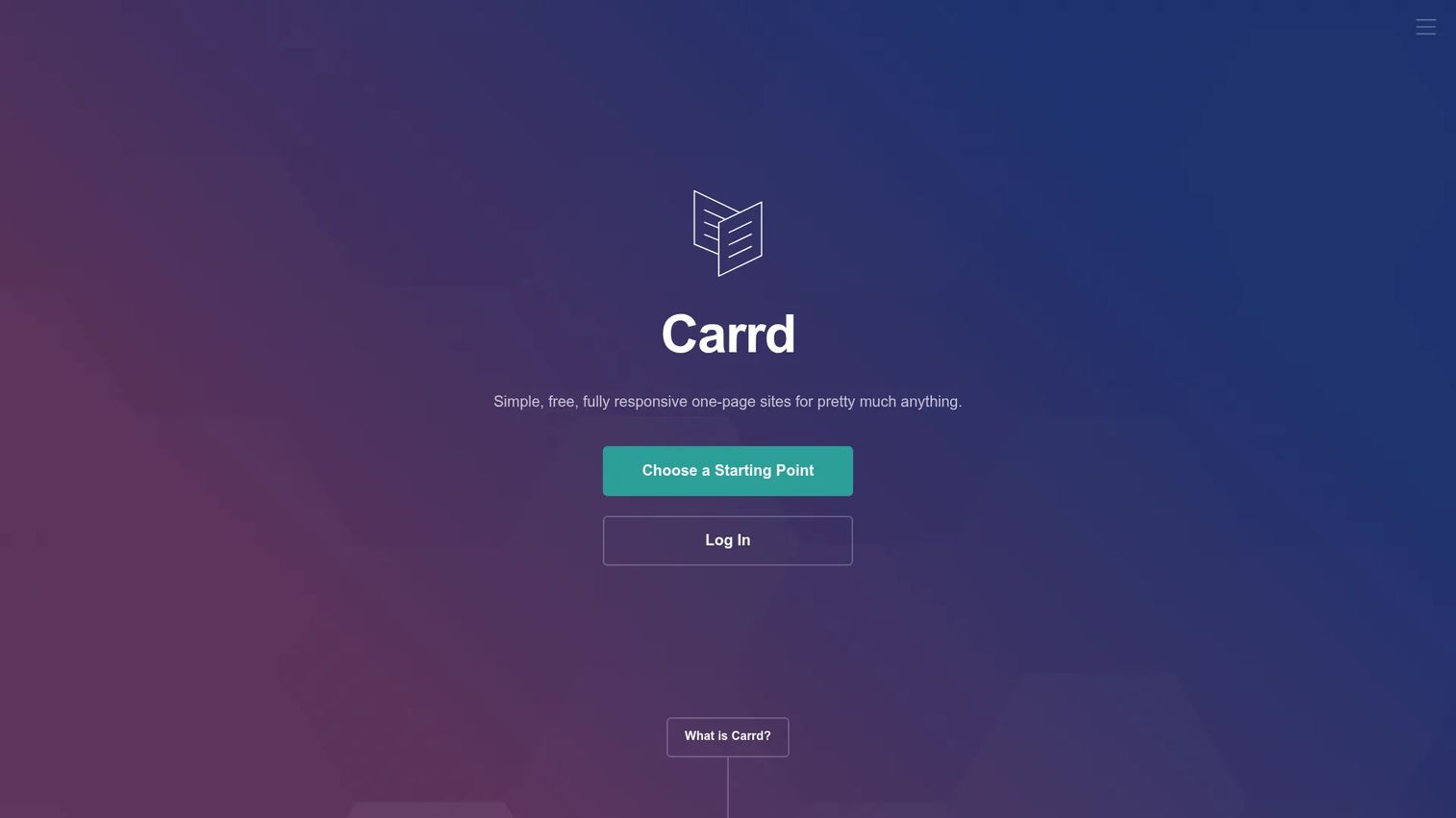
Carrd is a lightweight single-page site creator. It's the fastest and cheapest builder on this list for one-page microsites, covering responsive templates, custom domains, forms, embeds, and third-party widgets. Free sites are available with no expiration, and paid Pro plans are priced annually rather than monthly.
Best for: Lightweight one-page microsites, quick experiments, personal pages, and campaigns where speed and low cost outweigh feature depth.
Key features
- Single-page website creation
- Contact, signup, and payment-enabled forms
- Custom domains and password protection
- Analytics integrations
- Embeds and custom code
Why choose Carrd: Carrd is the right pick when the marketer needs a page today and wants to avoid platform overhead. It's not built for multi-page campaign hubs, advanced personalization, or high-volume conversion testing.
Carrd pricing: Free plan available. Pro Lite starts at $9/year (billed annually). Pro Standard starts at $19/year; Pro Plus starts at $49/year. Higher tiers within each plan support more sites.
G2 rating: 4.5/5
8. Unbounce
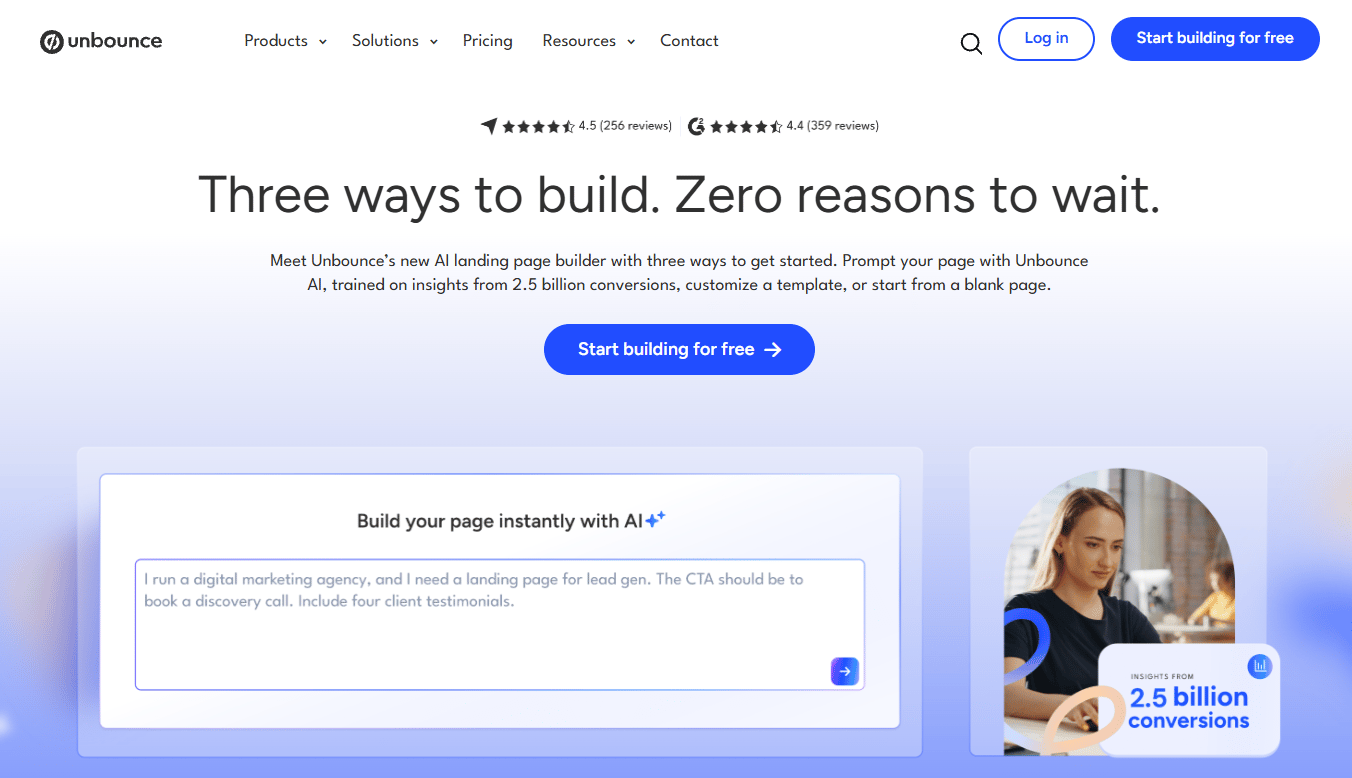
Unbounce is an AI-powered landing page builder designed specifically for performance marketers. Its defining capabilities are A/B testing, AI traffic optimization (Smart Traffic), popups, sticky bars, and a large template library optimized for conversion. According to the Unbounce Conversion Benchmark Report (2024), 82.9% of landing page visits now come from mobile devices, making mobile-optimized templates a practical requirement.
Best for: Paid campaign microsites and conversion rate optimization, especially for teams running high-volume paid search or social.
Key features
- Drag-and-drop landing page builder with 100+ templates
- A/B testing and AI-powered Smart Traffic optimization
- Popups and sticky bars for lead capture
- Lead forms with direct marketing integrations
- Integrations with Google Analytics, Zapier, CRMs, and ad platforms
Why choose Unbounce: Unbounce is the clearest choice when the microsite is tied to paid traffic and conversion testing is the primary KPI. For content-rich microsites or brand pages that aren't conversion-focused, its feature set is more than you need.
Unbounce pricing: No free plan; a 14-day free trial is available. Starter is $29/month; Build is $99/month; Experiment is $149/month; Optimize is $249/month. Concierge and Agency plans are custom pricing.
G2 rating: 4.3/5
9. Leadpages
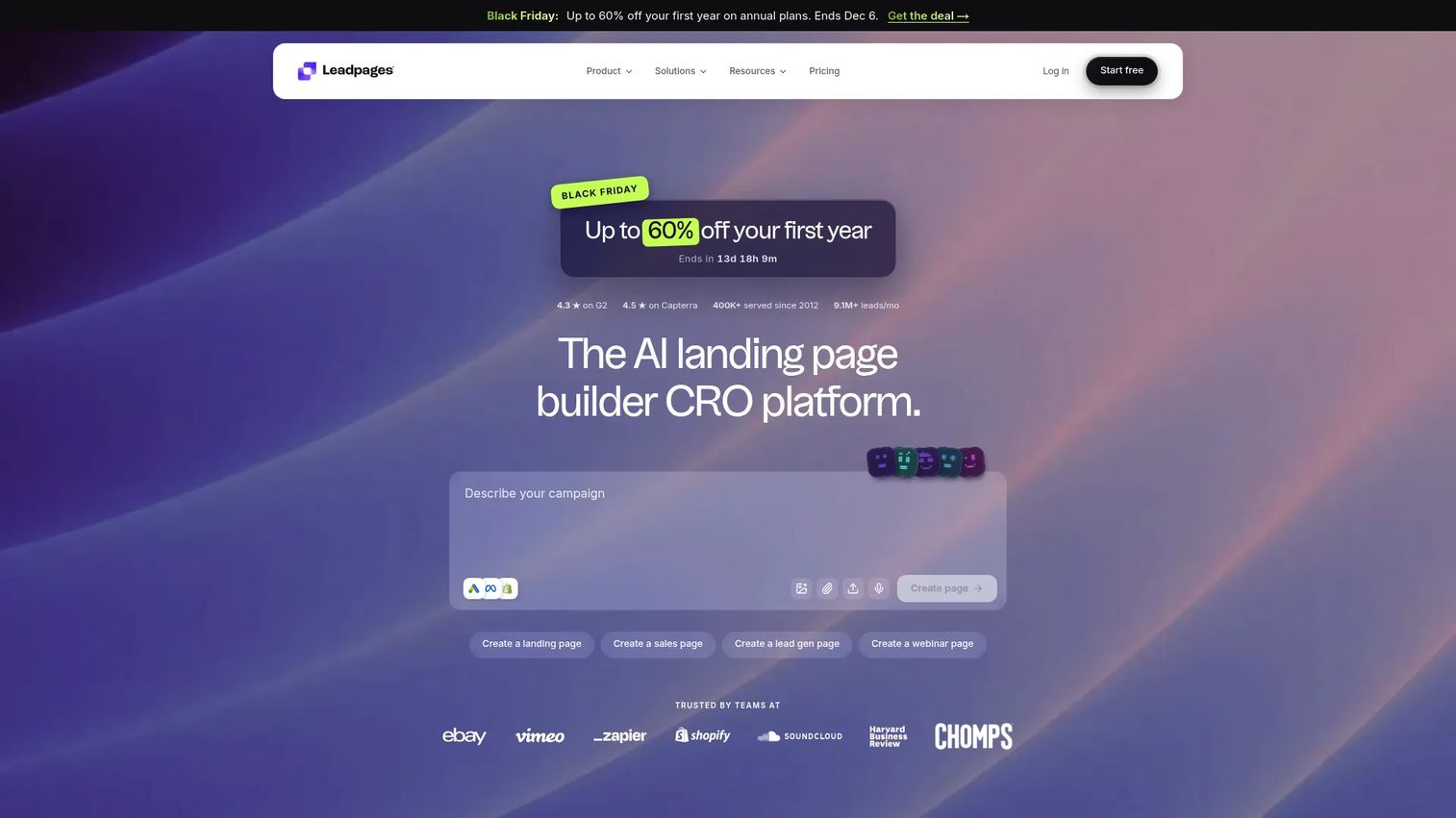
Leadpages is an AI-powered landing page and lead-generation platform. It supports drag-and-drop page editing, AI page creation, A/B testing, heatmaps, Smart Traffic, personalization, and payments. Free access lets you build and preview pages; publishing requires a paid plan.
Best for: Lead-generation microsites, webinar registration pages, and simple campaign funnels for small businesses and solo marketers.
Key features
- AI page creation and drag-and-drop editor
- A/B testing and Smart Traffic
- Heatmaps and visitor behavior insights
- Lead capture forms with popups
- Payments and digital product sales
Why choose Leadpages: Leadpages works well when speed and lead capture matter more than advanced design control. Teams running enterprise-grade experimentation programs will find Instapage or Unbounce offer more depth in that specific area.
Leadpages pricing: Free access to build and preview pages. Pro starts at $29/month; Business is $49/month; Grow is $99/month; Optimize is $199/month. Annual billing saves 20%.
G2 rating: 4.3/5
10. Instapage
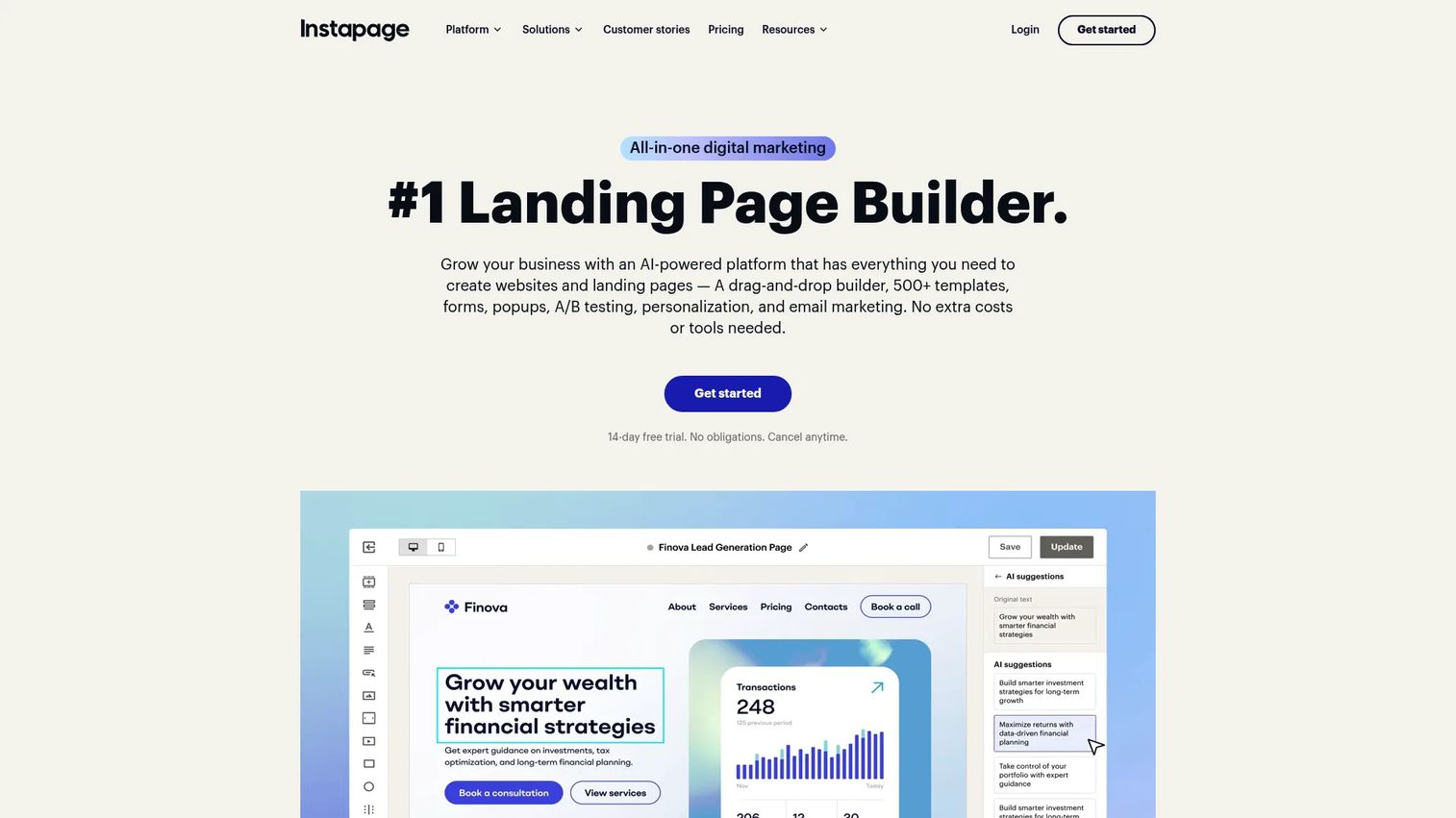
Instapage is an AI-powered digital marketing platform built for high-spend paid campaigns. Its differentiator is ad-to-page personalization: Dynamic text replacement, server-side A/B testing, heatmaps, Instablocks for reusable page sections, and real-time visual collaboration. It's built for teams managing multiple campaigns simultaneously with consistent governance.
Best for: Enterprise and performance teams running high-budget paid campaigns where personalization, experimentation, and team collaboration drive results.
Key features
- Landing page builder with 500+ templates and AI content generation
- Server-side A/B testing with customizable traffic splitting
- Ad-to-page personalization and dynamic text replacement
- Heatmaps and real-time visual collaboration
- Reusable Instablocks and custom code editing
Why choose Instapage: Instapage earns its price when paid traffic efficiency and team workflow justify a specialized platform. For one-off microsites or small teams without a dedicated paid media function, it's more infrastructure than the job requires.
Instapage pricing: No free plan; a 14-day free trial is available. Create starts at $79/month (annual) or $99/month (monthly). Optimize is $159/month (annual). Convert is custom pricing.
G2 rating: 4.3/5
11. Framer
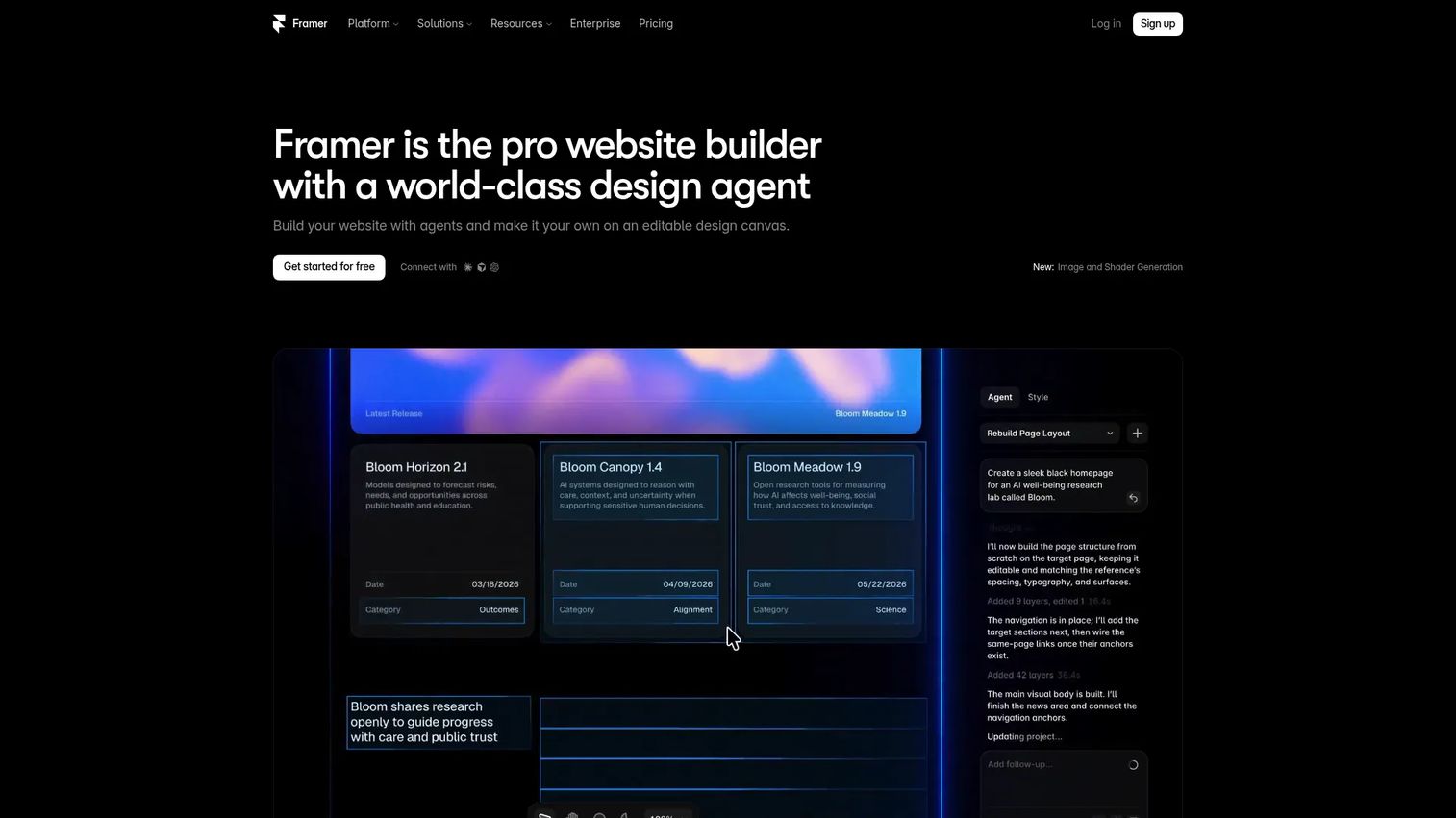
Framer is a website builder with an AI design agent, editable visual canvas, built-in CMS, hosting, analytics, and SEO. It sits between Webflow and Squarespace in terms of design control: More flexible than Squarespace's templates, faster to launch than Webflow's full visual development environment. Framer's AI design agent can generate a site from a prompt, which appeals to startup and SaaS teams that need a polished product launch page quickly.
Best for: Modern product launch microsites, startup campaign pages, and SaaS teams that need fast design quality without a full Webflow workflow.
Key features
- AI design agent for site generation from prompts
- Editable visual design canvas with responsive layouts
- Built-in CMS for dynamic content
- Hosting, analytics, and SEO tools
- Animations and motion design
Why choose Framer: Framer is a strong pick when speed and design polish need to meet and the team has at least some design judgment. It requires less technical skill than Webflow but more taste than template-first tools.
Framer pricing: Free plan available. Basic is $10/month (billed yearly); Pro is $30/month. Enterprise pricing is custom.
G2 rating: 4.5/5
12. Dorik
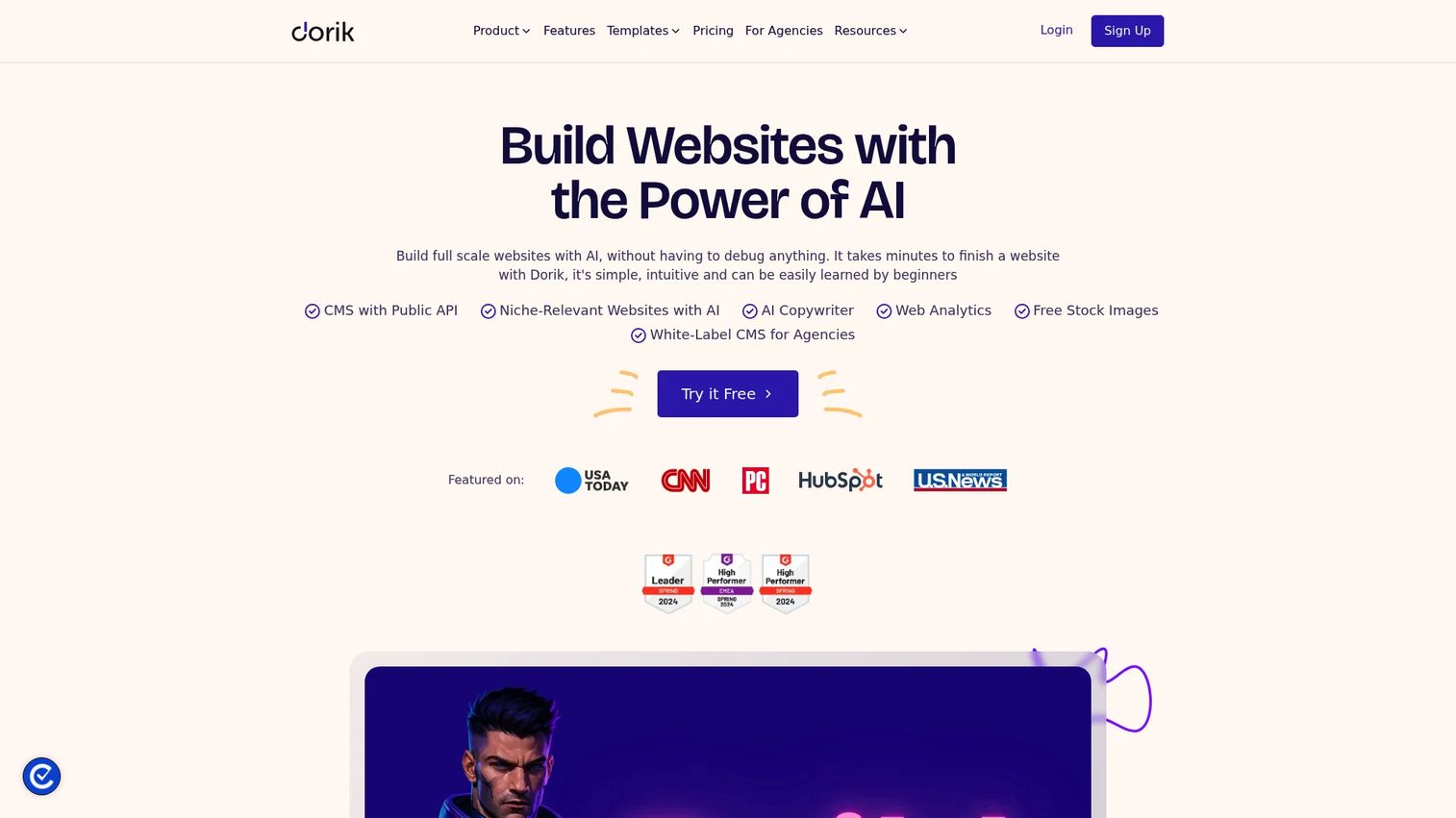
Dorik is an AI-powered no-code website builder with CMS, native SEO tools, team collaboration, and white-label capabilities. It targets freelancers, small businesses, and agencies that want clean design output without complexity. Unusually, it offers lifetime plans alongside monthly and annual subscriptions, which makes it a practical option for small teams that want to avoid recurring costs.
Best for: Startups, solo marketers, and small teams building clean microsites or client pages with minimal ongoing maintenance.
Key features
- AI website generation and visual drag-and-drop editor
- CMS and blogging platform
- Native SEO tools
- White-label CMS for agency use
- Team collaboration and code export
Why choose Dorik: Dorik offers a good balance of simplicity and flexibility for smaller teams. It is less established in enterprise marketing stacks, and G2 review volume is limited, so reference Capterra (4.5/5) for social proof context.
Dorik pricing: Essential starts at $20.75/month (billed $249 annually) or $29/month billed monthly. Plus is $41.50/month (annual) or $59/month. Max is $79/month (annual). Lifetime plans are $249 (Personal) and $599 (Business). A 7-day free trial is available.
13. Typedream
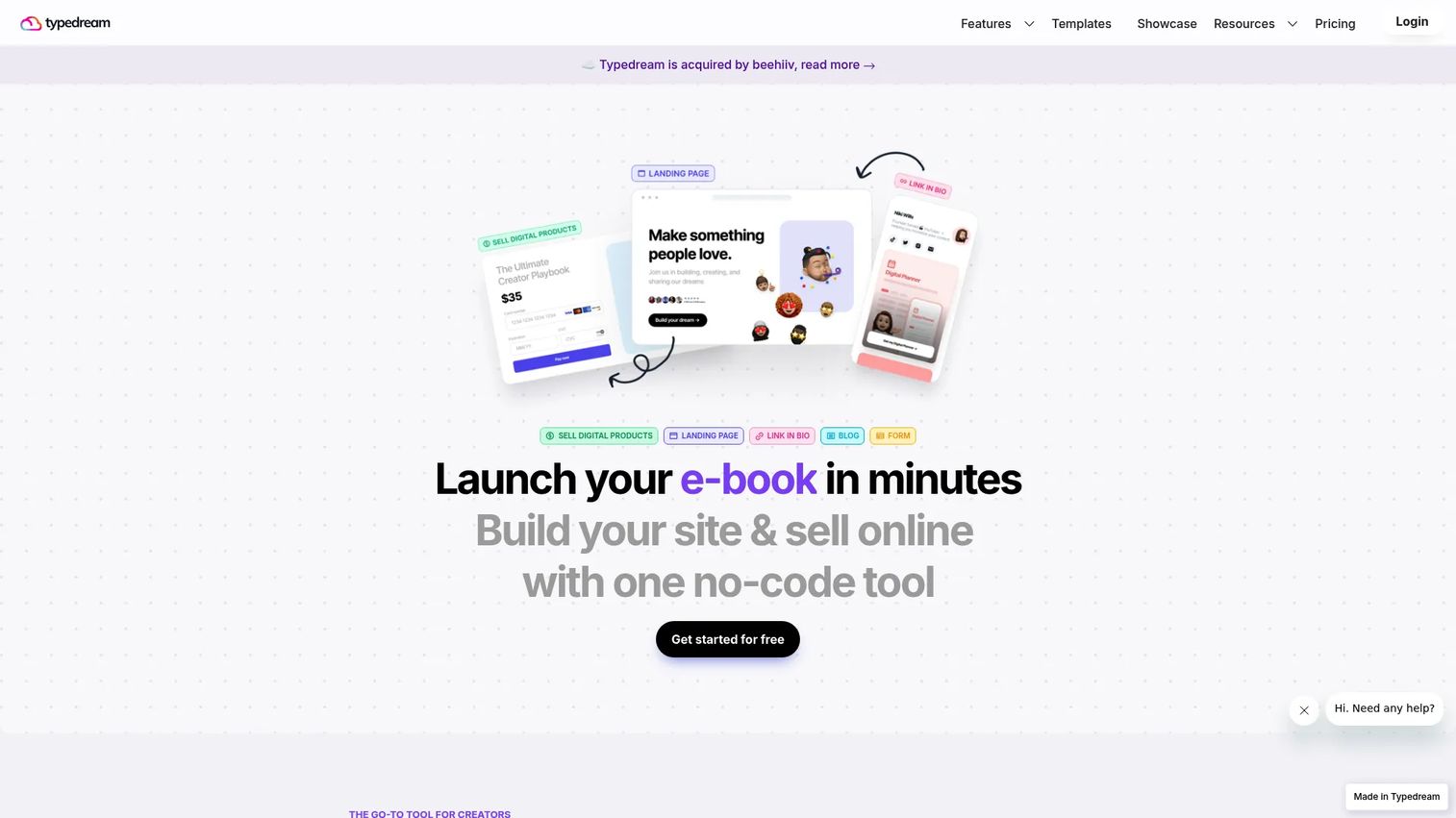
Typedream is a no-code website builder with a Notion-like editing experience. It supports landing pages, link-in-bio pages, blogs, forms, digital product sales, email capture, and site analytics. Its editing model is familiar to anyone who uses Notion, which lowers the learning curve for teams already in that workflow.
Best for: Startup landing pages, creator microsites, and quick product validation pages where the team values familiar editing over advanced design tools.
Key features
- No-code website builder with Notion-like editing
- Digital product sales and payment support
- Landing pages, link-in-bio pages, and blogs
- Email capture and marketing tools
- Site analytics and SEO tools
Why choose Typedream: Typedream works well when a marketer wants a fast, clean publishing workflow and doesn't need a complex multi-stakeholder approval process. G2 coverage is minimal (2.5/5 from 2 reviews), so weight Typedream's own documentation more heavily when evaluating.
Typedream pricing: Free plan available (one published page, Typedream.app domain). Launch is $15/month (annual) or $20/month. Grow is $42/month (annual) or $49/month. Grow adds unlimited blogs, password protection, and more collaborators.
G2 rating: 2.5/5 (2 reviews, low sample)
14. Webador
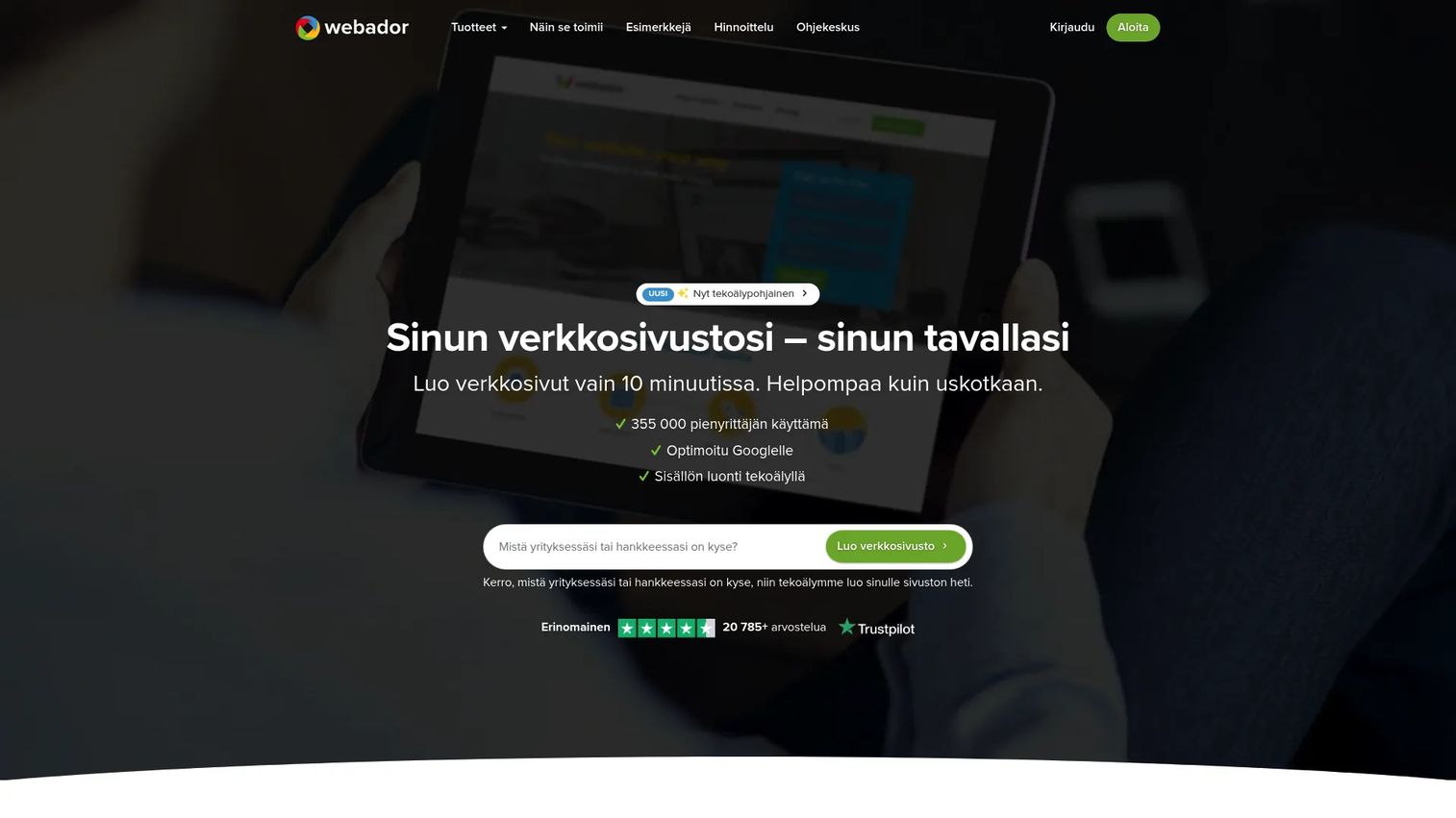
Webador is a beginner-friendly website builder for creating websites, blogs, and online shops without coding. Its AI-powered generation, drag-and-drop editor, responsive designs, built-in SEO, and online shop functionality make it accessible for individuals and small businesses that need a simple page without technical setup. Pricing displayed on the first-party site is in EUR; USD-equivalent pricing should be verified directly with Webador before purchase.
Best for: Small businesses and basic promotional microsites where simplicity and low setup cost are the main criteria.
Key features
- AI-powered website generation
- Drag-and-drop editor with responsive designs
- Built-in SEO optimization
- Custom domains and professional email
- Online shop functionality
Why choose Webador: Webador is the right fit for straightforward small-business microsites where the team wants something live quickly. It is not the right tool for complex campaign experimentation, enterprise governance, or advanced analytics.
Webador pricing: Free plan available. Paid plans are displayed in EUR: Lite from €2.75/month, Pro from €5/month, Business from €10/month (all first-year promotional prices; standard rates apply thereafter, billed annually). Verify current USD pricing directly with Webador.
G2 rating: 3.1/5
Bonus: Guideflow for interactive product experiences
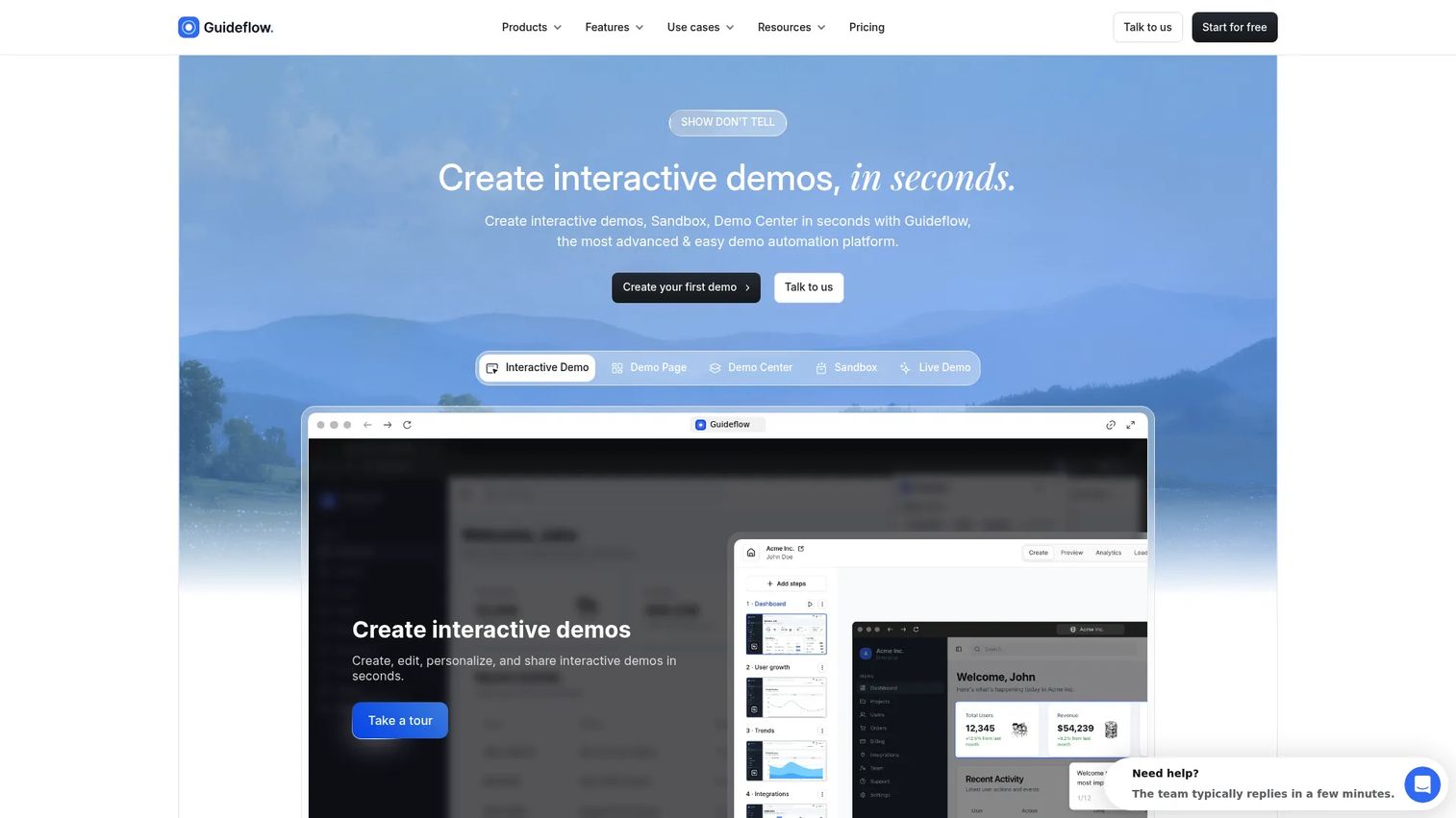
Guideflow is a demo automation platform, not a microsite builder, which is why it sits outside the ranked list above. It belongs in the conversation because a campaign microsite for a software product is often only as convincing as what visitors can do on it. Static copy and screenshots tell. An interactive demo lets a prospect click through the product at their own pace.
Guideflow lets marketing teams create interactive demos, Demo Pages, and Demo Centers that can be embedded on any campaign page, shared via link, or distributed through email and paid campaigns. Demos are captured with a Chrome extension or the native app, and the no-code editor means a page owner can ship one without design or engineering help. Analytics cover impressions, completion rate, leads collected, and conversion, feeding data back into CRM and attribution workflows.
Best for: B2B SaaS teams that need product experiences inside launch, ABM, event, or campaign microsites.
Key features
- Interactive demos: captured through the Chrome extension or native app, in screenshot, HTML, or video mode
- Demo Pages: Standalone branded product experience destinations
- Demo Centers: Organized hubs with multiple demos grouped by use case or persona
- Website embeds: Drop a demo into any existing microsite or landing page
- Engagement analytics: Impressions, completion rate, lead capture, and conversion tracking with analytics and CRM sync
Why choose Guideflow: Choose Guideflow when your campaign microsite needs visitors to experience the product, not just read about it. It pairs with any page builder on this list and connects to your CRM and marketing stack through integrations. If the microsite promotes a software product and the goal is qualified pipeline, a static page alone leaves intent signals on the table.
Guideflow pricing: Free plan available. Paid plans start at $35/user/month (Solo), then $499/month (Growth), $1,499/month (Advanced), and $2,999/month (Enterprise). The free plan includes limited guideflows and analytics; paid plans add HTML capture, personalization, AI features, and advanced integrations.
G2 rating: 5.0/5
Start your journey with Guideflow today!
Considerations when choosing a microsite builder
Speed to publish
For marketers, "fast" means templates that require minimal customization, hosting that activates immediately, domain connection without an IT ticket, and form setup that doesn't require engineering. Fast without tracking creates reporting debt: A page that can't fire pixels, capture UTMs, or sync leads to your CRM isn't fast in any meaningful sense.
Campaign measurement
Before choosing a builder, map your measurement requirements: Pixel support, UTM pass-through, form-to-CRM sync, conversion events, and analytics export. For product-led microsites that include interactive demos, measurement extends to demo impressions, completion rate, and leads collected. Guideflow's analytics cover this layer and push data to CRM and Slack.
Brand control
Templates, custom fonts, color tokens, responsive layouts, custom domains, and the ability to remove builder branding all affect whether the microsite reflects the campaign's credibility. Brand control matters most when the microsite is the first campaign touch, before a sales interaction has established trust.
Integrations and workflow fit
The question most digital marketers ask first is: "Does this replace something we already pay for?" Check integrations with your CRM, marketing automation platform, analytics stack, ad platforms, and collaboration tools. A microsite builder that doesn't connect to your existing stack creates a manual export step, which breaks attribution and slows reporting.
Long-term maintenance
Campaign microsites go stale. Without ownership, expiration dates, redirect plans, and archive rules, they accumulate and confuse visitors who find them months later. Decide before launch who owns updates, when the page redirects, and how long it stays indexed.
Conclusion
The right microsite builder depends on what the page needs to do. Wix and Squarespace work well for teams that want broad, all-in-one site building with reliable hosting and templates. Webflow and Framer serve design-led teams that need more control. Unbounce, Leadpages, and Instapage are purpose-built for conversion-focused paid campaigns where A/B testing and CRO matter. Carrd, Typedream, Strikingly, and Webador cover lightweight, low-cost one-page microsites. Shopify handles ecommerce product drops and limited-time stores.
The bonus pick, Guideflow, fits alongside any of these tools when the microsite promotes a software product and static copy isn't enough. Embedding an interactive demo turns a campaign page into something visitors can explore, generates qualified intent signals, and feeds engagement data back into your attribution stack.
A good microsite builder ships the page. A good microsite strategy gives visitors something worth doing once they arrive.
Start your journey with Guideflow today!
FAQs about microsite builders
The best choice depends on the campaign goal. For paid traffic and conversion testing, Unbounce or Instapage offer A/B testing and personalization built for performance marketers. For brand-polished pages, Squarespace or Webflow deliver strong design quality. For software campaigns where visitors should experience the product directly, Guideflow embeds interactive demos alongside any page builder.
A landing page typically targets one conversion action, one CTA, and one message, optimized for a single step in the funnel. A microsite can hold multiple sections, richer content, and a longer visitor journey while still being separate from the main website. The overlap is real: Some landing page tools can build multi-section pages that function as microsites.
Yes. Most tools in this list are no-code or low-code, including Wix, Squarespace, Strikingly, Carrd, Typedream, Dorik, and Framer. All support templates, visual editing, hosting, and forms without writing code. If the campaign requires advanced tracking scripts or custom design integrations, check whether the builder supports custom code on the plan you need.
A product launch microsite should cover positioning, key features, proof (quotes, case studies, or data), a clear CTA, a signup or demo form, FAQs, and tracking. For software launches, embed an interactive demo so visitors can explore the product before booking a call. This reduces the gap between interest and qualified intent.
Costs range from free plans (Wix, WordPress.com, Carrd, Framer, Strikingly, Typedream, Webador) to enterprise-tier platforms. The price driver is feature set: Custom domains, A/B testing, personalization, advanced analytics, and team seats all push costs up. Verify live pricing before committing, since plan limits and billing structures change frequently.
Microsites can support focused campaign and branded search, but they typically don't compete well for broad content categories. Standard SEO considerations apply: Page speed, metadata, mobile optimization, internal linking, and canonical strategy. Short-lived campaign pages often don't need heavy SEO investment; redirect to a canonical URL when the campaign ends to preserve any earned authority.
Yes. Event microsites can include agendas, speaker bios, registration forms, sponsor sections, location information, and post-event resources. Choose a builder with mobile-friendly templates, easy section updates, and form integrations that push registrations to your CRM or email platform.
Use a website builder when you need brand control, content depth, and a broader page structure that may grow over time. Use a dedicated landing page platform when paid campaign testing and conversion optimization are the primary goals. Many marketers pair either option with an interactive demo tool when the campaign promotes a software product that benefits from hands-on exploration.