You sent the email. They replied "sounds good, when works?" You proposed three times. They countered with two. You lost a day to a thread that should have taken thirty seconds.
Multiply that by every meeting an SDR books in a week and the math gets ugly. Professionals spend about 3.0 hours per week just managing meetings, finding times, coordinating schedules, and rescheduling, according to a 2024 scheduling survey from Arcade.dev. That's roughly 36 minutes per workday spent playing calendar Tetris instead of prospecting or qualifying.
For inbound SDRs, the cost is even sharper. Speed-to-lead decides whether a form fill turns into a booked meeting. Every hour of back-and-forth is an hour a competitor uses to get there first. And when a meeting finally lands on the calendar, the next risk shows up: the no-show.
The right meeting scheduler software collapses all of that into a single booking link. Real-time availability, automated reminders, and routing to the right rep, no thread required. This guide breaks down eight scheduling tools worth your shortlist in 2026, with verified pricing and G2 ratings so you can pick based on your actual workflow.
What's inside
This guide is built for SDRs, sales leaders, and RevOps teams who need to book more qualified meetings with fewer clicks. We looked at the scheduling apps that matter most for sales motions, not generic calendar convenience.
We ranked each tool against four criteria:
- Calendar sync and availability: multi-calendar connectivity and real-time availability that prevents double-booking
- Booking page quality: clean self-service booking links that convert
- Routing and reminders: round robin scheduling, routing forms, and automated reminders that cut no-shows
- Integrations and pricing: CRM, video conferencing, and transparent pricing tiers
TL;DR
- Best overall for most SDRs: Calendly. Familiar, fast, and deep on routing and integrations.
- Best for flexibility and pricing control: Cal.com. Open platform with a strong free individual plan.
- Best for Zoom-heavy teams: Zoom Scheduler. Native booking inside the tools you already use.
- Best for paid appointment booking: Zencal. Payments and reminders built in.
- Best for calendar defense and focus time: Reclaim AI. Protects deep work while still booking meetings.
- Best for group polls and simple coordination: Doodle. The fastest way to align multiple people.
- Best for design-first booking pages: SavvyCal. A recipient experience people actually notice.
- Best for internal calendar optimization: Clockwise. AI that manages team calendars and focus time.
What is meeting scheduler software?
Meeting scheduler software is a scheduling app that lets people book time on your calendar through a shared link, using your real-time availability instead of email back-and-forth. You set your rules once, share a booking page, and the tool handles the rest: confirmations, reminders, calendar invites, and video conferencing links.
For sales teams, a good meeting scheduler app does more than avoid double-booking. It routes inbound leads to the right rep, protects show rates with automated reminders, and syncs booking data straight into the CRM.
Core feature families to know:
- Calendar sync: multi-calendar connectivity across Google, Outlook, and iCloud with real-time availability so no slot is offered twice
- Booking links and booking pages: self-service booking URLs and branded pages with customizable event types
- Automated reminders and follow-ups: email and SMS confirmations, reminders, and no-show reduction workflows
- Routing: round robin scheduling, routing forms, and team availability controls that send leads to the right person
- Integrations: CRM, video conferencing (Zoom, Google Meet, Microsoft Teams), and payment collection
- Controls: buffer times, time zone settings, minimum notice, and availability limits
The category is growing fast. The global meeting scheduling software market sits at about $0.5 billion in 2025 and is expected to reach $1.1 billion by 2034 at a 9.8% CAGR, per MarketIntelo (2025). Cloud-based deployment accounts for 72.5% of that revenue, which tells you where the tools live and how quickly you can adopt one.
When to use meeting scheduler software
Reduce back-and-forth booking
A booking link replaces the "when works for you?" thread entirely. You share one URL, the prospect picks a slot that fits your real availability, and the invite lands automatically. For outbound SDRs, that link goes straight into a cold email or LinkedIn message so interested prospects self-serve a slot on first touch. For inbound, it collapses speed-to-lead: a form fill can route to a live booking page in seconds instead of an email chain that stretches across time zones.
Route meetings to the right rep
Round robin scheduling distributes inbound meetings evenly across a team so no lead waits and no rep gets overloaded. Routing forms qualify the lead first, then send it to the right person based on territory, segment, or product line. That matters because meeting quality is the metric AEs actually care about. A clean routing setup means the AE gets a qualified prospect with context, not a random slot on the calendar.
Cut no-shows and last-minute friction
Automated reminders and confirmations protect your show rate. A prospect who booked three days ago forgets; a well-timed email and SMS reminder brings them back. Follow-up workflows handle reschedules without a manual touch, so a canceled slot reopens instead of dying. For SDRs measured on meetings held, not just booked, this is the difference between a healthy pipeline and a leaky one.
Meeting scheduler software comparison
The table below sorts the eight tools by relevance to sales workflows. Pricing reflects each vendor's published rates and G2 ratings were verified at the tool's current listing. Use it as a quick shortlist, then read the individual sections for the detail that matters to your team.
| # | Product | Best for | Key differentiation | Pricing | G2 rating |
|---|---|---|---|---|---|
| 1 | Calendly | SDRs and sales teams | Deep routing and integrations at scale | Free; paid from $10/seat/mo | 4.7/5 |
| 2 | Cal.com | Teams wanting flexibility | Open platform with free individual plan | Free; Teams $12/user/mo | 4.6/5 |
| 3 | Zoom Scheduler | Zoom-native teams | Booking inside Zoom, Meet, and Teams | Free; paid from $5.99/user/mo | 4.5/5 |
| 4 | Zencal | Paid appointment booking | Payments and invoicing with 0% commission | From $10/mo per user | 4.9/5 |
| 5 | Reclaim AI | Calendar defense | AI focus time plus scheduling links | Free; Starter $12/seat/mo | 4.8/5 |
| 6 | Doodle | Group scheduling | Group polls and sign-up sheets | Free; Pro from $15/mo | 4.4/5 |
| 7 | SavvyCal | Design-first booking | Overlay scheduling and branded pages | Free to start; Basic $10/user/mo | 4.8/5 |
| 8 | Clockwise | Internal calendar optimization | AI focus time and meeting moves | Free plan available | 4.7/5 |
Best 8 meeting scheduler software tools for 2026
1. Calendly
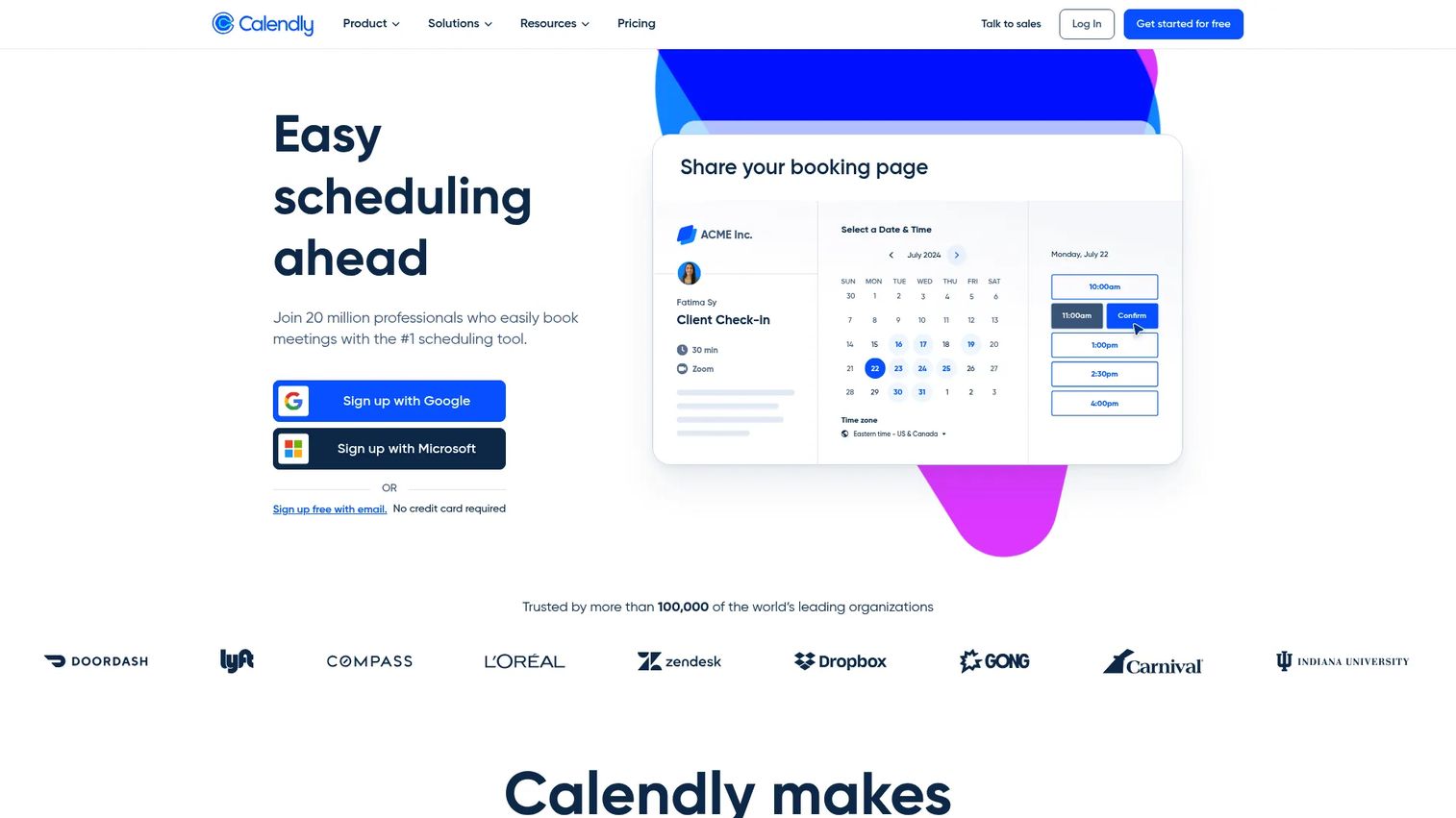
Calendly is the default meeting scheduler for a reason: most prospects already recognize the booking page, so there's no friction on the recipient side. It connects your calendars to automate scheduling with real-time availability, offers customizable event types and booking pages, and plugs into conferencing, CRM, payments, and automation tools. For SDRs, that familiarity plus depth is hard to beat.
Best for: SDRs and sales teams that want automated scheduling and routing without teaching prospects a new tool.
Key strengths
- Real-time availability across connected calendars
- Customizable event types and booking pages
- Round robin and team routing on paid tiers
- Integrations for conferencing, CRM, payments, and automation
- Automated confirmations and reminders
Why choose Calendly: If your team lives in a CRM and a sequencer, Calendly's integration depth and recognizable booking experience make it the safest pick for booking qualified meetings at volume.
Calendly pricing: Free plan available. Standard is $10/seat/mo and Teams is $16/seat/mo, both billed yearly. Enterprise starts at $15k/yr.
2. Cal.com
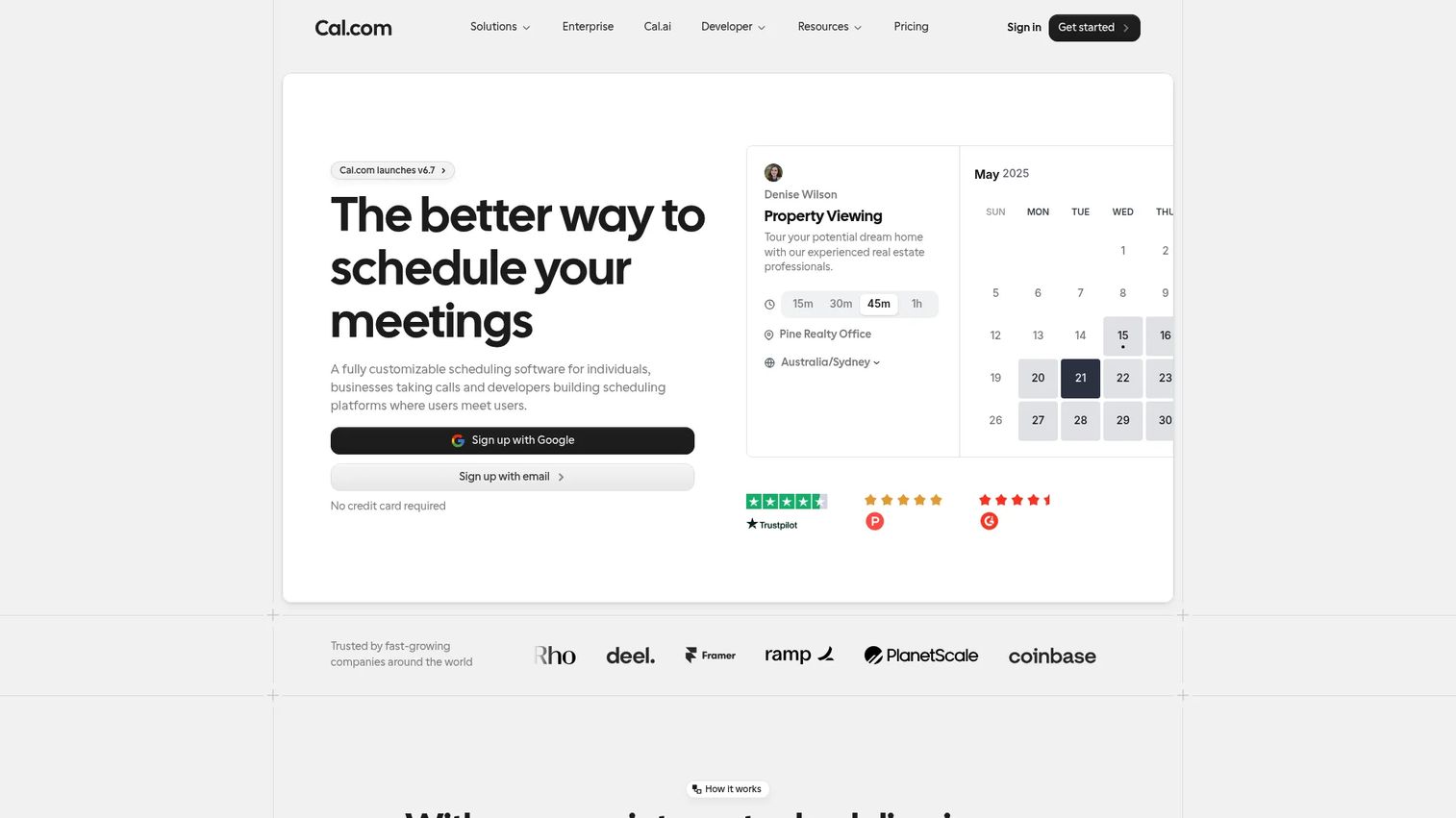
Cal.com is the open, customizable answer for teams that want control over their scheduling stack. It ships unlimited event types and calendars on the free plan, adds round-robin scheduling and routing forms on Teams, and layers in workflows, an app store, and integrations. If you want to shape the booking flow around your exact process instead of the other way around, this is the tool.
Best for: Teams that want a customizable scheduling platform with a genuinely useful free individual plan and paid collaboration features.
Key strengths
- Unlimited event types and calendars on free
- Round-robin scheduling and routing forms on Teams
- Workflows for reminders and follow-ups
- App store and broad integrations
- Self-hostable, open platform
Why choose Cal.com: Pick Cal.com when you want pricing control and customization. Solo SDRs get a strong free plan, and growing teams get routing without paying enterprise rates.
Cal.com pricing: Individuals are free forever. Teams is $12 per user/month billed yearly, Organizations is $28 per user/month billed yearly, and Enterprise is custom.
3. Zoom Scheduler
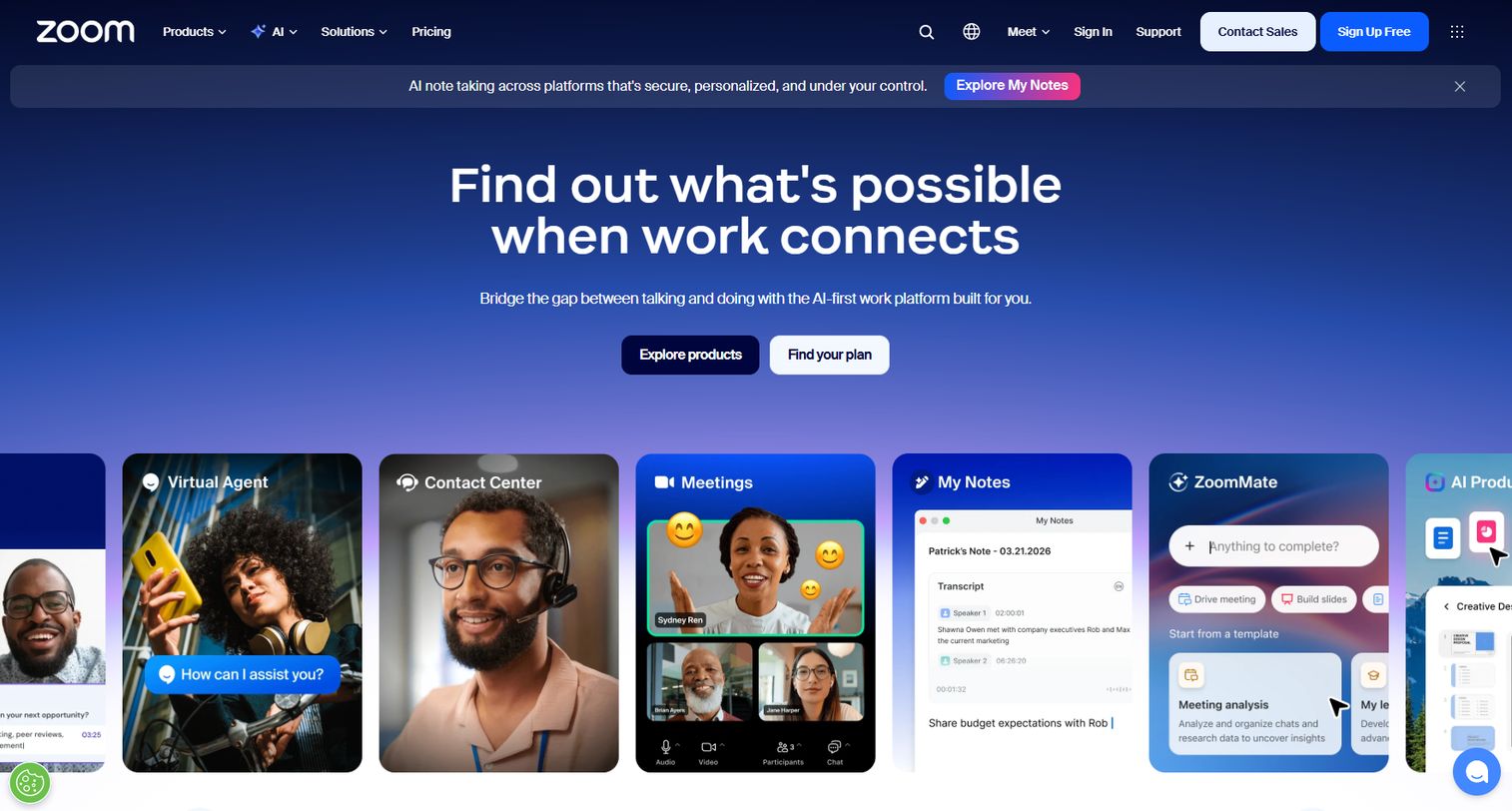
Zoom Scheduler is Zoom's appointment scheduling product, built for teams already running their calls inside Zoom. It ships a free plan with one booking page and one calendar connection, automatic meeting confirmations and reminders, and support for Zoom Meetings plus Google Meet and Microsoft Teams. When your meetings already happen on Zoom, native booking removes a tool from the stack.
Best for: Teams that want Zoom-native appointment scheduling with a free entry tier.
Key strengths
- Free plan with one booking page and one calendar
- Automatic confirmations and reminders
- Works with Zoom Meetings, Google Meet, and Teams
- Booking pages for sharing availability
- Included in Zoom One Business Plus and Enterprise Plus
Why choose Zoom Scheduler: If your team is already paying for Zoom, this keeps scheduling and conferencing in one place instead of stitching a separate booking tool onto your calls.
Zoom Scheduler pricing: Scheduler Basic is free. The paid Scheduler tier is $5.99/month per user, and it is also included in Zoom One Business Plus and Zoom One Enterprise Plus subscriptions.
4. Zencal
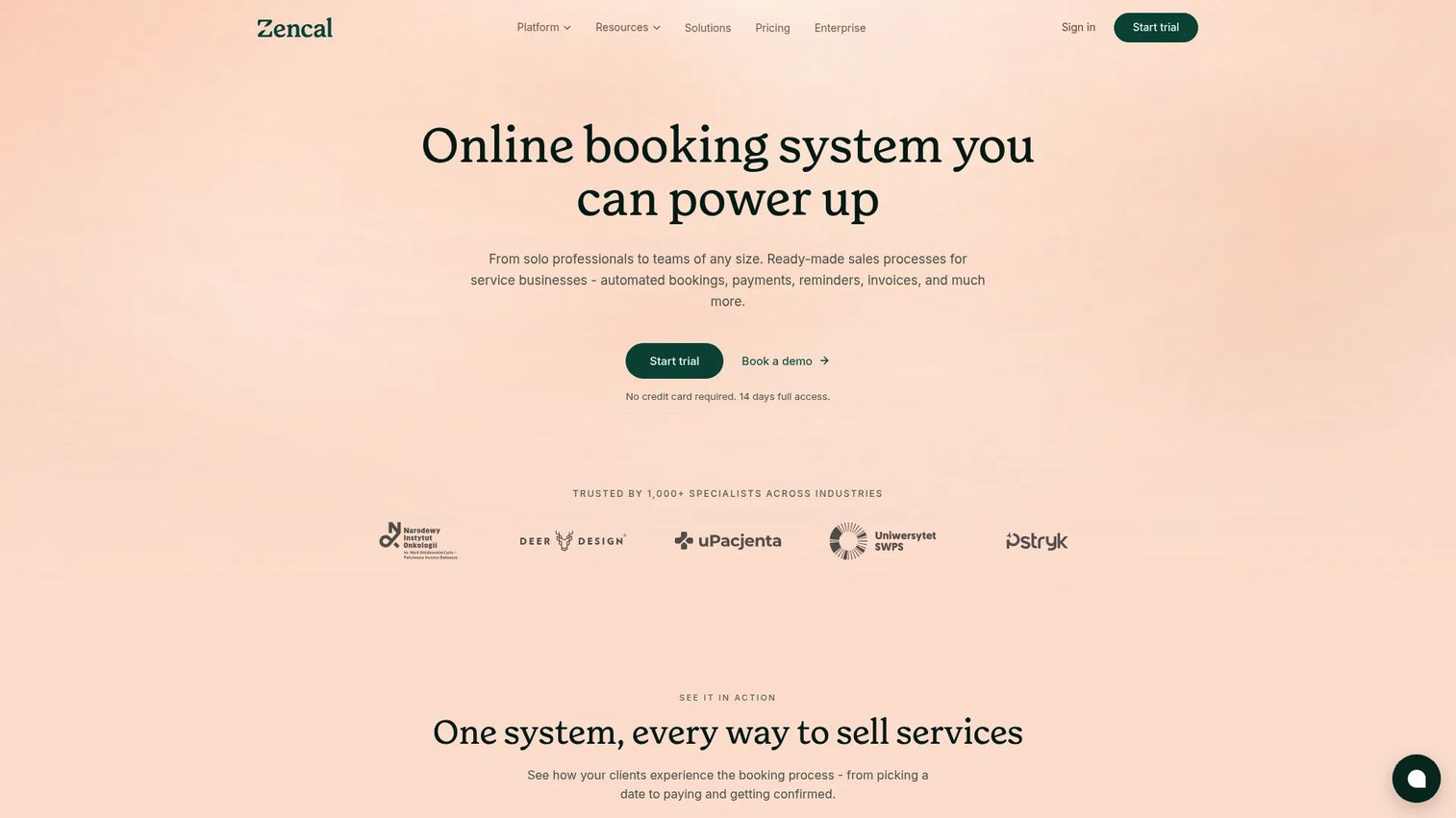
Zencal is scheduling software with a service-sales bent, built for booking, payments, reminders, and team scheduling in one flow. It offers unlimited meetings and calendar connections, payments and invoicing with 0% commission, and SMS/email reminders plus webhooks and an API. For teams that need money to change hands at booking, that payment layer is the differentiator.
Best for: Service businesses and sales teams that need paid appointment booking with automation.
Key strengths
- Unlimited meetings and calendar connections
- Payments and invoicing at 0% commission
- SMS and email reminders
- Webhooks and API for custom workflows
- Team scheduling support
Why choose Zencal: Choose Zencal when the meeting itself involves a payment or you want SMS reminders to protect show rate without stitching a separate billing tool into the flow.
Zencal pricing: Light is $10/mo per user and Pro is $28/mo per user. Team is $349/mo for up to 20 users, and Enterprise is custom. A 14-day free trial is available.
5. Reclaim AI
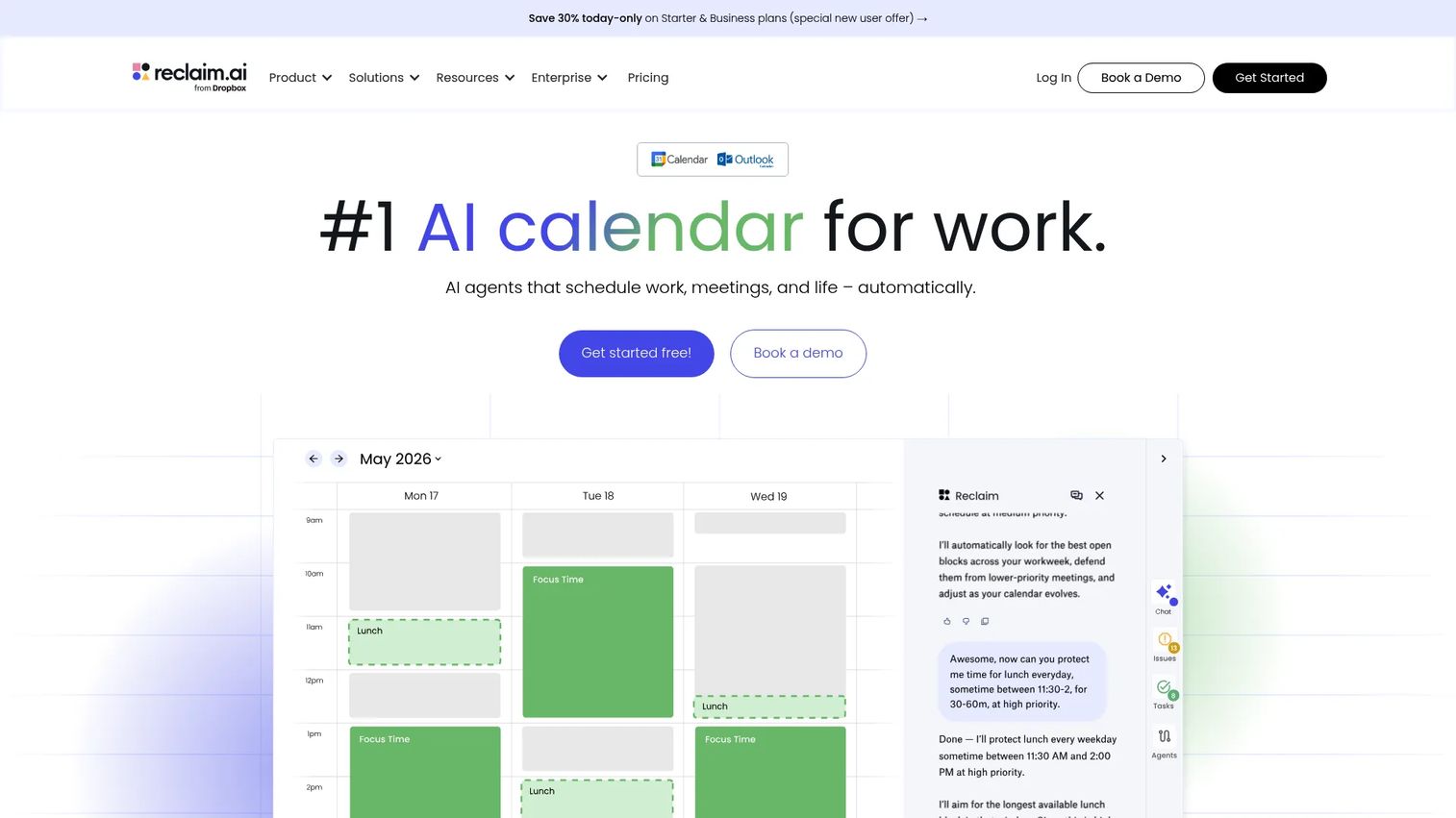
Reclaim AI is an AI calendar assistant that automates scheduling while protecting your focus time. Its AI Assistant creates events, finds meeting times, resolves conflicts, and analyzes how you spend your week. It also ships Focus Time, Habits, Buffer Time, Smart Meetings, Scheduling Links, and Calendar Sync, with integrations across Google Calendar, Outlook, and ChatGPT/MCP. For SDRs who need blocks of uninterrupted prospecting, it books meetings without letting them eat the whole day.
Best for: Teams that want automated scheduling and protected deep work in one calendar assistant.
Key strengths
- AI Assistant for scheduling and conflict resolution
- Focus Time and Smart Meetings automation
- Scheduling Links for booking
- Buffer Time and Habits protection
- Google Calendar and Outlook sync
Why choose Reclaim AI: Pick Reclaim when your calendar is the bottleneck, not just your booking link. It defends prospecting blocks while still letting prospects grab a slot.
Reclaim AI pricing: Lite is free for a single user. Starter is $12 per seat/month and Business is $18 per seat/month. Enterprise is contact sales. Annual billing carries a 29% discount versus monthly.
6. Doodle
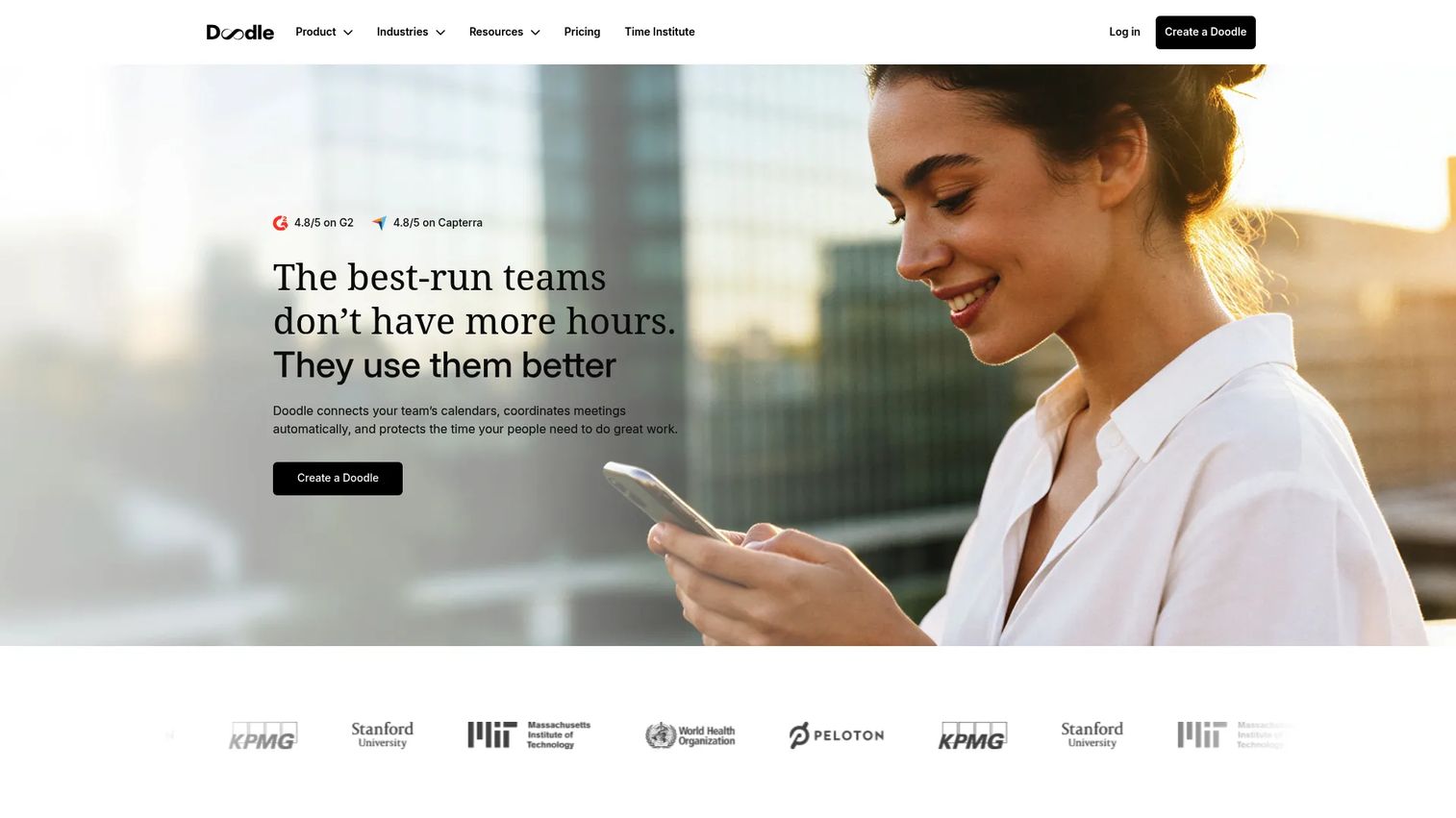
Doodle is the tool you reach for when you need to align several people fast. Its group polls let a whole buying committee vote on times, while booking pages and 1:1 scheduling handle standard meetings. It also offers sign-up sheets, calendar integrations, Stripe payments, an admin console, and custom branding. For multi-stakeholder deals where five calendars need to agree, polls beat a scheduling link.
Best for: Teams and individuals who need simple meeting scheduling and group polling.
Key strengths
- Group polls for multi-person coordination
- Booking pages and 1:1 scheduling
- Sign-up sheets for events
- Stripe payments and calendar integrations
- Custom branding and admin console
Why choose Doodle: Reach for Doodle when the challenge is coordinating a group, not booking a single slot. It removes the reply-all thread from committee scheduling.
Doodle pricing: Free plan available. Pro starts at $15/month per seat billed annually, Team starts at $8.95/user/month billed annually with a two-user minimum, and Enterprise starts at USD 15k billed annually.
7. SavvyCal
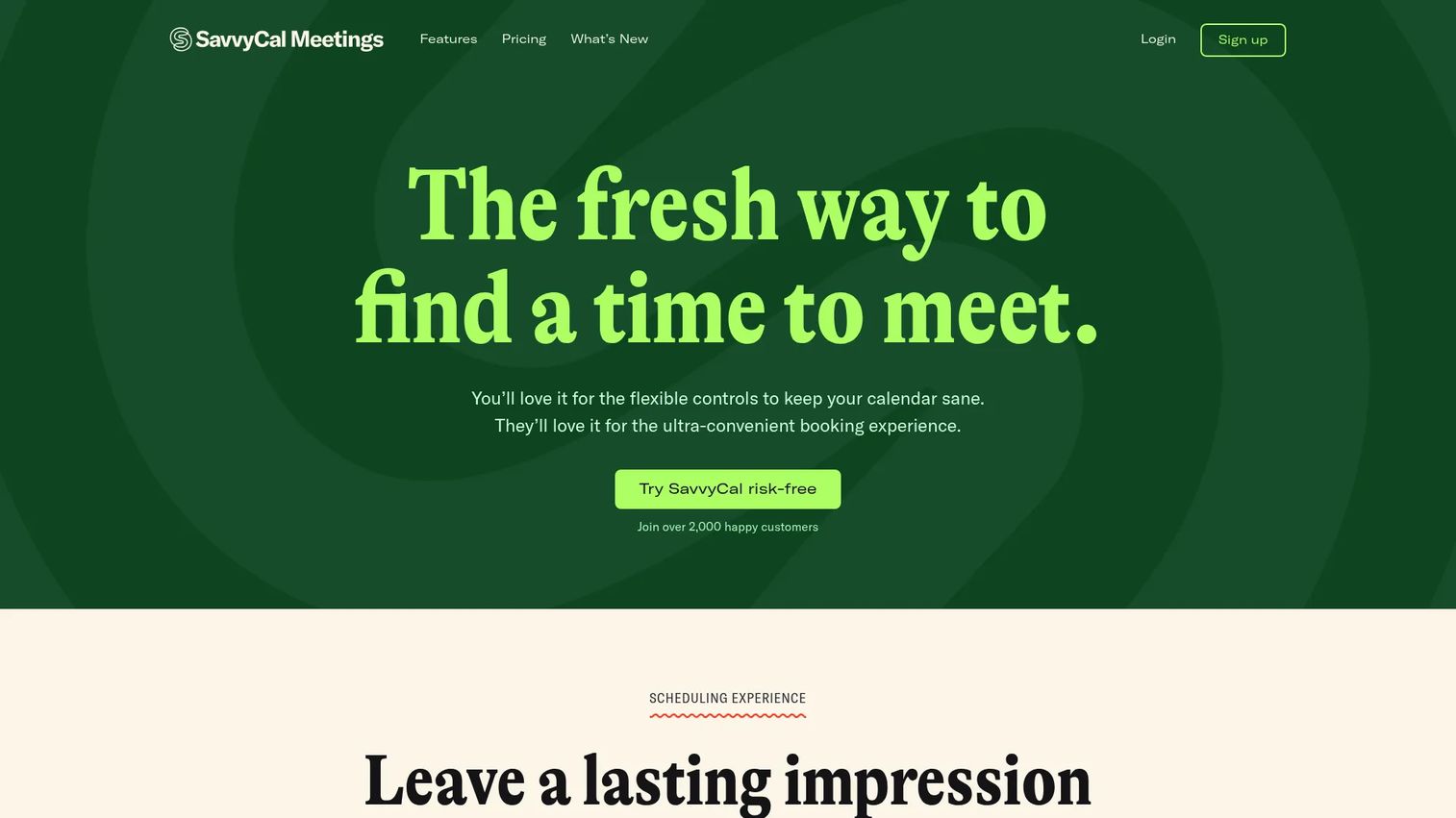
SavvyCal is scheduling software built around the recipient experience. Its overlay feature lets the person booking layer their own calendar over yours, so finding a shared time takes seconds and feels collaborative rather than transactional. It offers unlimited scheduling links, team scheduling with collective and round robin options, and payments via Stripe. When the booking experience reflects on your brand, polish matters.
Best for: Teams that want branded scheduling links with team routing and payment collection.
Key strengths
- Overlay scheduling for a collaborative booking feel
- Unlimited scheduling links
- Team scheduling: collective and round robin
- Payments via Stripe
- Custom branding on booking pages
Why choose SavvyCal: Choose SavvyCal when the recipient experience is part of your pitch. The overlay makes prospects feel like scheduling is a favor to them, not a chore.
SavvyCal pricing: Free to start. Basic is $10/user/mo and Premium is $17/user/mo, with Premium adding custom domains, assistant delegation, and paid bookings.
8. Clockwise
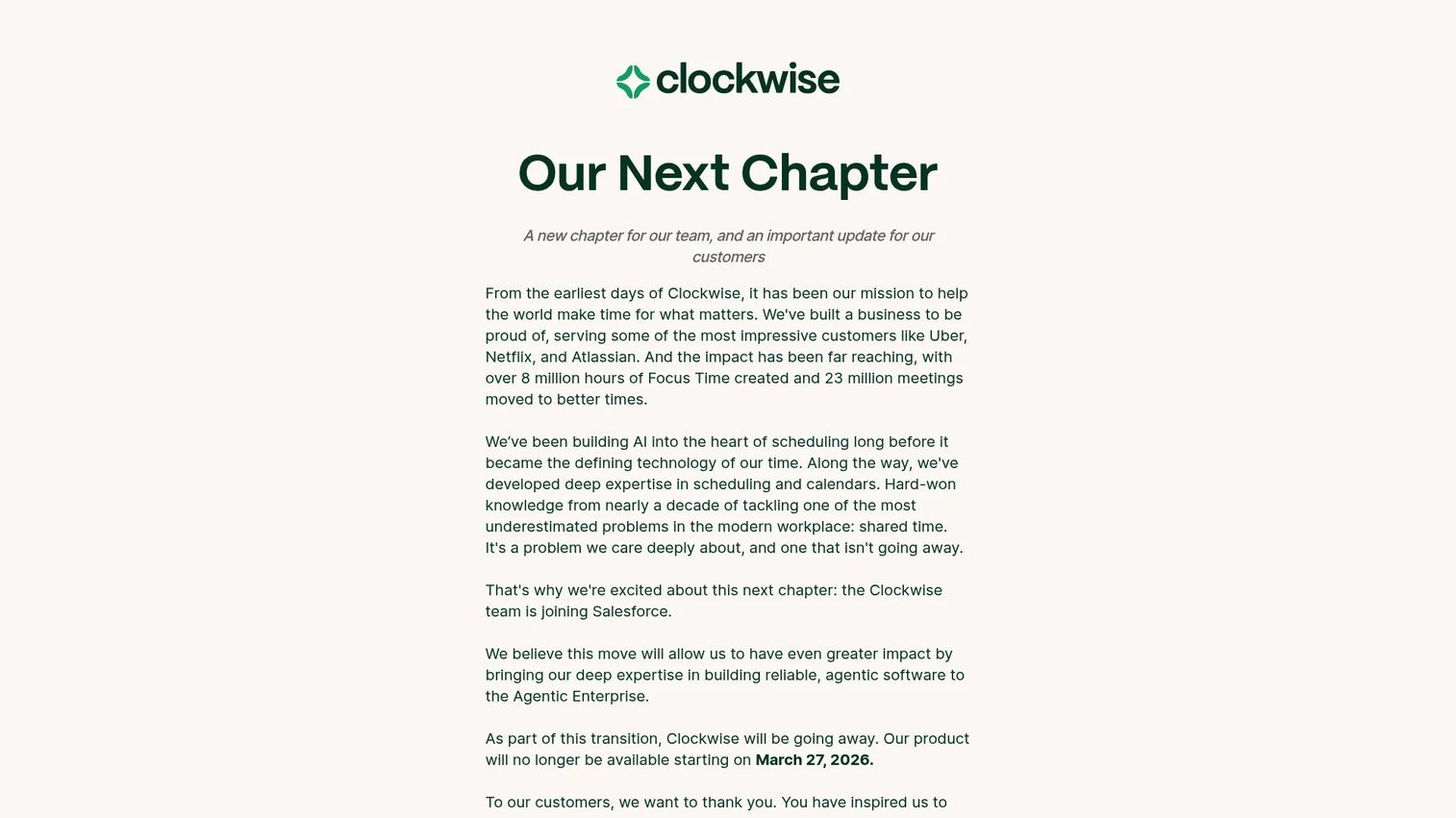
Clockwise is an AI-powered calendar assistant focused on scheduling and protecting focus time across a team. It offers Focus Time with smart holds, flexible meeting rescheduling that shuffles internal meetings to open up deep-work blocks, plus scheduling links and calendar sync. It performs best at internal calendar optimization, where the job is defending team focus time rather than booking cold prospects.
Best for: Teams that want an AI scheduling assistant to automate focus time and optimize internal meetings.
Key strengths
- Focus Time with smart holds
- Flexible meeting rescheduling
- Scheduling links for booking
- Calendar sync across the team
- AI-driven calendar optimization
Why choose Clockwise: Clockwise fits teams whose pain is a fragmented internal calendar, not outbound booking. It clears space for focused work by reshuffling low-priority meetings automatically.
Clockwise pricing: Clockwise offers Free, Teams, Business, and Enterprise plans, with paid subscriptions available monthly or annually. Note that the product is winding down, so confirm current availability before committing.
Considerations before you buy
Calendar sync depth
Check which calendars a tool connects and how many at once. An SDR juggling a personal and work calendar needs multi-calendar connectivity so a personal dentist appointment never gets double-booked with a prospect. Confirm real-time availability updates instantly across every connected calendar.
Routing that matches your team
If you run a team, routing is the feature that protects meeting quality. Look for round robin scheduling to distribute leads evenly and routing forms to qualify before booking. Verify how routing handles time zones and territories, because a mismatch sends good leads to the wrong rep.
Reminder and no-show workflows
Automated reminders are table stakes, but the details vary. Check whether SMS is included or gated behind a higher tier, how many reminders you can send, and whether reschedule links are automatic. Show rate is a KPI, so treat reminder flexibility as a buying criterion, not a nice-to-have.
Integrations with your existing stack
A scheduler that doesn't write to your CRM creates manual work and dirty data. Confirm native integrations for your CRM, sequencer, and video conferencing tool before you commit. Booking data flowing straight into the CRM keeps handoffs clean and pipeline attribution honest.
Pricing and free plan fit
Most tools here offer a free plan or trial. Map the features you actually need, routing, SMS reminders, payments, to the tier that includes them, since the entry price rarely reflects the real cost for a team.
Conclusion
The right meeting scheduler software depends on what slows you down most. If you want the safest, most familiar pick for booking qualified meetings at volume, start with Calendly. If pricing control and customization matter more, Cal.com gives you an open platform with a strong free plan. Teams already living inside Zoom should look at Zoom Scheduler to keep booking and conferencing together.
For paid appointment booking, Zencal builds payments right into the flow. If your calendar itself is the bottleneck, Reclaim AI and Clockwise defend focus time while still handling meetings. Doodle wins when you need to coordinate a group fast, and SavvyCal stands out when the booking experience reflects on your brand.
Pick the tool that matches your current workflow, not the one with the longest feature list. Start with the free tier, connect your calendar, and measure whether meetings booked turn into meetings held. That number tells you more than any comparison table.
The scheduler removes friction from getting the meeting. What happens on first touch still decides whether that meeting matters. If you want prospects to experience your product before they ever book a call, an interactive demo lets them do exactly that. Teams pair scheduling with self-serve demos so the product does the talking, and Guideflow makes those demos easy to capture, personalize, and share across email, landing pages, and outreach.
Start your journey with Guideflow today!
FAQs
Meeting scheduler software is a scheduling app that lets people book time on your calendar through a shared link based on your real-time availability. It handles confirmations, reminders, calendar invites, and video conferencing links automatically. For sales teams, it also routes leads and syncs booking data into the CRM.
For most SDRs, Calendly is the strongest default because prospects already recognize the booking page and it offers deep routing and CRM integrations. If you want pricing control and a strong free individual plan, Cal.com is a close alternative. Teams running everything through Zoom should consider Zoom Scheduler.
You connect your calendars, Google, Outlook, iCloud, and the tool reads your real-time availability to offer only open slots. When a prospect books, the meeting writes back to your calendar instantly so it can't be double-booked. Multi-calendar connectivity means a personal and work calendar are both respected at once.
Calendly and Cal.com both handle round robin scheduling well, distributing inbound meetings evenly across a team. Cal.com includes round-robin scheduling and routing forms on its Teams plan, while Calendly offers routing on its paid tiers. SavvyCal also supports collective and round robin team scheduling.
Yes. Automated reminders via email and SMS, plus confirmation and reschedule links, bring prospects back to meetings they booked days earlier. Tools like Zencal include SMS reminders directly, which tends to move show rates more than email alone. Treat reminder flexibility as a buying criterion if meetings held is a KPI.
Several tools do. Zencal offers payments and invoicing with 0% commission, while SavvyCal and Doodle both support payments via Stripe. If a meeting requires payment at booking, check that the payment feature is on the tier you're evaluating, since it's often gated to higher plans.
A booking link is a single shareable URL for a specific meeting type that you drop into an email or message. A booking page is a branded landing page that can host multiple event types and reflects your company's look. SDRs typically share booking links in outreach; teams use booking pages for a self-service hub.
Zoom Scheduler is Zoom-native and also supports Google Meet and Microsoft Teams. Calendly, Cal.com, and most other tools here integrate with Zoom, Google Meet, and Teams to auto-generate the video link on every booking. Confirm the specific conferencing integration is included on your plan.
Yes. Calendly, Cal.com, Zoom Scheduler, Reclaim AI, Doodle, and Clockwise all offer free plans, and SavvyCal is free to start. Free tiers usually cap event types, calendar connections, or team features, so map your must-have features to the tier before assuming free is enough.
Start with the workflow you already have. If your team lives in a CRM and sequencer, prioritize integration depth and routing, which points toward Calendly or Cal.com. If your pain is protecting focus time, look at Reclaim AI. Match routing, reminders, and CRM sync to your motion, then test the free tier before rolling it out team-wide.