You planned the campaign in one doc, assigned work in another, chased approvals in Slack, and rebuilt the performance report in a spreadsheet on Friday. The campaign launched late. Nobody is sure who signed off on the ad copy.
That is not a people problem. It is a systems problem.
Marketing teams spend roughly 30% of their time on work about work rather than actual campaign execution, according to Asana's Anatomy of Work report (2026). Meanwhile, the global marketing automation software market is forecast to reach $8.44 billion in 2026, per Statista, which signals that the industry is consolidating scattered workflows into fewer, more integrated platforms.
Marketing workflow software exists to close the gap between planning a campaign and proving it delivered. It connects intake, task ownership, review cycles, and reporting into a single operating model. When it works, your team launches faster and leadership sees the pipeline data they need.
This guide cuts through the noise and helps you pick the right tool for the bottleneck you are actually hitting.
What's inside
This guide compares 15 marketing workflow software tools for campaign execution in 2026. Tools were selected across four criteria:
- Marketing workflow fit: Useful for campaign planning, task management, approvals, or marketing automation
- Workflow depth: More than a list of tasks, it handles dependencies, reviews, or automated journeys
- Integration quality: Connects to CRM, analytics, communication, or creative tools your team already uses
- Pricing clarity: Ranges are verifiable and scale predictably for teams of different sizes
The list covers work management, content approval, campaign planning, and email/marketing automation tools.
TL;DR
- Best all-around marketing workflow software: HubSpot for CRM-backed campaign planning and automation
- Best for cross-functional campaign execution: Asana for task ownership, timelines, and dependency tracking
- Best for visual workflow management: monday.com for boards, dashboards, and status tracking
- Best for enterprise marketing operations: Adobe Workfront for governance, creative review, and resource planning
- Best for social content approval: Planable for calendar-first content collaboration and review cycles
- Best for small teams: Trello for simple task boards, Brevo or Mailchimp for email workflows with low overhead
What is marketing workflow software?
Marketing workflow software helps teams plan, assign, review, automate, and measure the work behind campaigns.
The category spans several overlapping tool types. Understanding where they differ helps you pick the right one.
Key features to look for
- Campaign intake forms and project briefs
- Task ownership, dependencies, and deadline tracking
- Content review and approval flows
- Calendar and timeline views
- Marketing automation triggers and customer journeys
- CRM and analytics integrations
- Resource and capacity planning
- Reporting dashboards and status visibility
- Permission and governance controls
- AI-assisted workflow creation or automation
Marketing workflow software vs. marketing automation software
These two categories are often confused but solve different problems.
Marketing workflow software manages the internal production work required to ship a campaign: Who does what, by when, who reviews it, and whether it launched on time. Think campaign briefs, task boards, approval queues, and launch checklists.
Marketing automation software runs customer-facing actions after the work is done: Sending emails, scoring leads, triggering nurture sequences, and segmenting contacts. Think drip campaigns, behavioral triggers, and CRM-linked journeys.
Many teams need both. Some platforms (like HubSpot) combine production workflow features with marketing automation, which reduces the number of tools in the stack. Others specialize in one area and integrate with the other.
If your biggest pain is a messy Slack approval thread, you need workflow software. If your biggest pain is a manually-sent nurture sequence, you need automation software. If both feel true, look at platforms that cover the full campaign cycle.
When to use marketing workflow software
Coordinate campaign work across teams
When your campaign depends on design, legal, RevOps, product, and demand gen all contributing on time, manual coordination fails fast. A marketing workflow tool replaces status-update meetings with structured task ownership, clear dependencies, and visible progress. Teams stop chasing each other in Slack and start working from a shared source of truth.
Standardize review and approval cycles
Content approvals are where campaigns stall. Without a structured review flow, feedback lives in email threads, comment chains, and version-named files. Good approval workflow software assigns reviewers, tracks signoffs, and creates an audit trail. That matters for brand governance, legal review, paid ad approvals, and any team where compliance is part of the launch checklist.
Connect campaign execution to reporting
Marketing ops teams need to know what launched, when, and what it drove. Workflow software with dashboard and reporting features connects campaign records to attribution data and pipeline context. When launch dates, UTM structure, and channel assignments all live in one system, assembling a Friday performance report takes minutes, not a morning.
Marketing workflow software comparison
The table below is a starting point. The best choice depends on whether your bottleneck is planning, approvals, automation, resource planning, or reporting.
| # | Product | Best for | Key differentiator | Pricing | G2 rating |
|---|---|---|---|---|---|
| 1 | HubSpot | CRM-backed campaign workflows | Combines CRM, automation, landing pages, and reporting | Free; paid from $7/seat/mo | 4.4/5 |
| 2 | Asana | Cross-functional campaign execution | Timeline, dependencies, portfolios, and intake forms | Free; paid from $10.99/user/mo | 4.4/5 |
| 3 | monday.com | Visual marketing workflow management | Flexible boards, automations, dashboards, and campaign views | Free; paid from $9/seat/mo | 4.7/5 |
| 4 | Adobe Workfront | Enterprise marketing operations | Governance, intake, proofing, and resource planning | Custom pricing | 4.1/5 |
| 5 | ClickUp | Consolidated marketing workspace | Tasks, docs, dashboards, and automations in one workspace | Free; paid from $9/user/mo | N/A |
| 6 | Wrike | Creative and agency workflows | Proofing, approvals, request forms, and workload planning | Free; paid from $10/user/mo | 4.2/5 |
| 7 | Airtable | Flexible campaign databases | Relational campaign trackers with forms and automations | Free; paid from $20/user/mo | 4.6/5 |
| 8 | Smartsheet | Spreadsheet-style marketing operations | Grid-based planning with enterprise reporting | Paid from $9/member/mo | 4.4/5 |
| 9 | Planable | Social content collaboration | Calendar, previews, comments, and approval workflows | Free (50 posts); paid from $33/workspace/mo | 4.6/5 |
| 10 | CoSchedule Marketing Suite | Marketing calendars | Calendar-first planning for content, social, and campaigns | Free; paid from $29/mo | 4.4/5 |
| 11 | Zoho Marketing Plus | Multi-channel marketing operations | Campaign planning, automation, and analytics in Zoho stack | Paid from $25/mo (annual) | 4.3/5 |
| 12 | Trello | Simple campaign task boards | Kanban boards, checklists, and lightweight automation | Free; paid from $5/user/mo | 4.4/5 |
| 13 | ActiveCampaign | Lifecycle marketing automation | Email automation, CRM, segmentation, and customer journeys | Paid; contact-based pricing | 4.4/5 |
| 14 | Brevo | Email and SMS workflows | Email, SMS, automation, and contact management | Free; paid from $9/mo | 4.5/5 |
| 15 | Mailchimp | Small business email campaigns | Email journeys, audience management, and landing pages | Free; paid from $13/mo | 4.3/5 |
Best 15 marketing workflow software for campaign execution in 2026
Each tool below is evaluated by the workflow bottleneck it removes, the team size it fits, and the trade-off worth knowing before you commit.
1. HubSpot

HubSpot is an AI-powered customer platform that unifies marketing, sales, service, and content management on a single CRM. For marketing teams, the value is that campaign execution and pipeline data live in the same system. You build email workflows, landing pages, lead scoring, and reporting without switching tabs to reconcile attribution.
Best for: B2B growth teams that need campaign execution and revenue context in the same platform.
Key features
- CRM-backed campaign records and contact management
- Email automation workflows and lifecycle sequences
- Landing pages, forms, and conversion tracking
- Lead scoring, smart lists, and segmentation
- Campaign reporting dashboards tied to pipeline
Why choose HubSpot: Choose HubSpot when the workflow problem is not just task management but connecting marketing activity to contact records and deal data. It suits teams that want campaign execution and attribution in one place without a separate CRM.
HubSpot pricing: Free tools are available for up to 2 users. Starter plans begin at $7 per seat per month. Professional plans start at $1,300 per month (includes 6 seats), and Enterprise starts at $4,700 per month.
G2 rating: 4.4/5
2. Asana
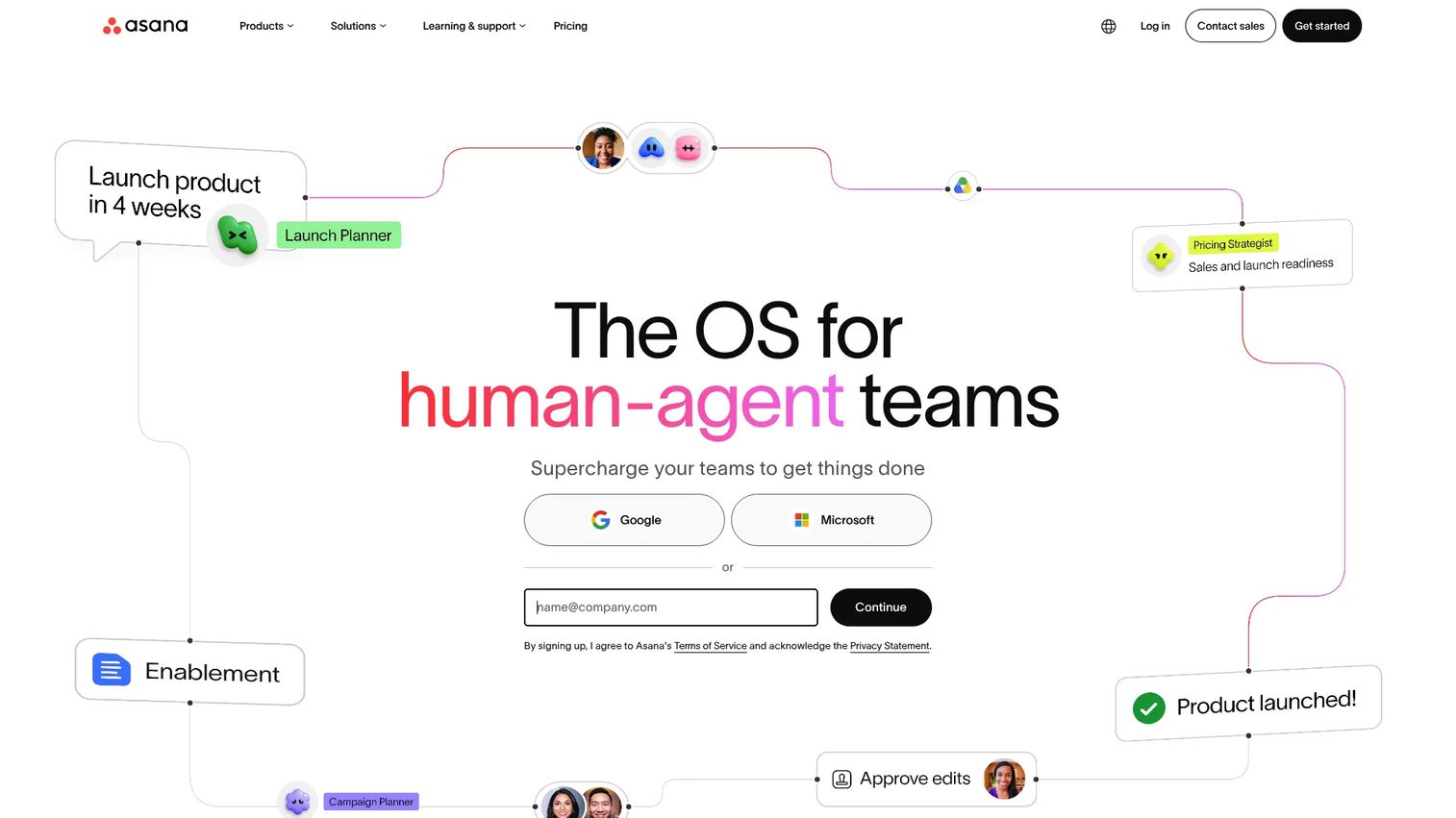
Asana is a work management platform built for organizing, tracking, and automating cross-functional projects. Marketing teams use it to manage campaign plans from brief to launch, with timelines, dependencies, intake forms, and workload visibility across contributors.
Best for: Marketing teams that need predictable execution across design, content, demand gen, and product contributors.
Key features
- Campaign project templates with custom fields
- Timeline and Gantt views for launch planning
- Task dependencies and intake forms
- Portfolios and workload management
- AI Teammates for automated status updates and task routing
Why choose Asana: Asana works best when the team already knows what to do but keeps losing ownership, dates, or handoff context across contributors. It is especially strong for campaigns that span multiple departments.
Asana pricing: Personal plan is free. Starter plans cost $10.99 per user per month billed annually ($13.49 monthly). Advanced plans cost $24.99 per user per month billed annually. Enterprise pricing is custom.
G2 rating: 4.4/5
3. monday.com
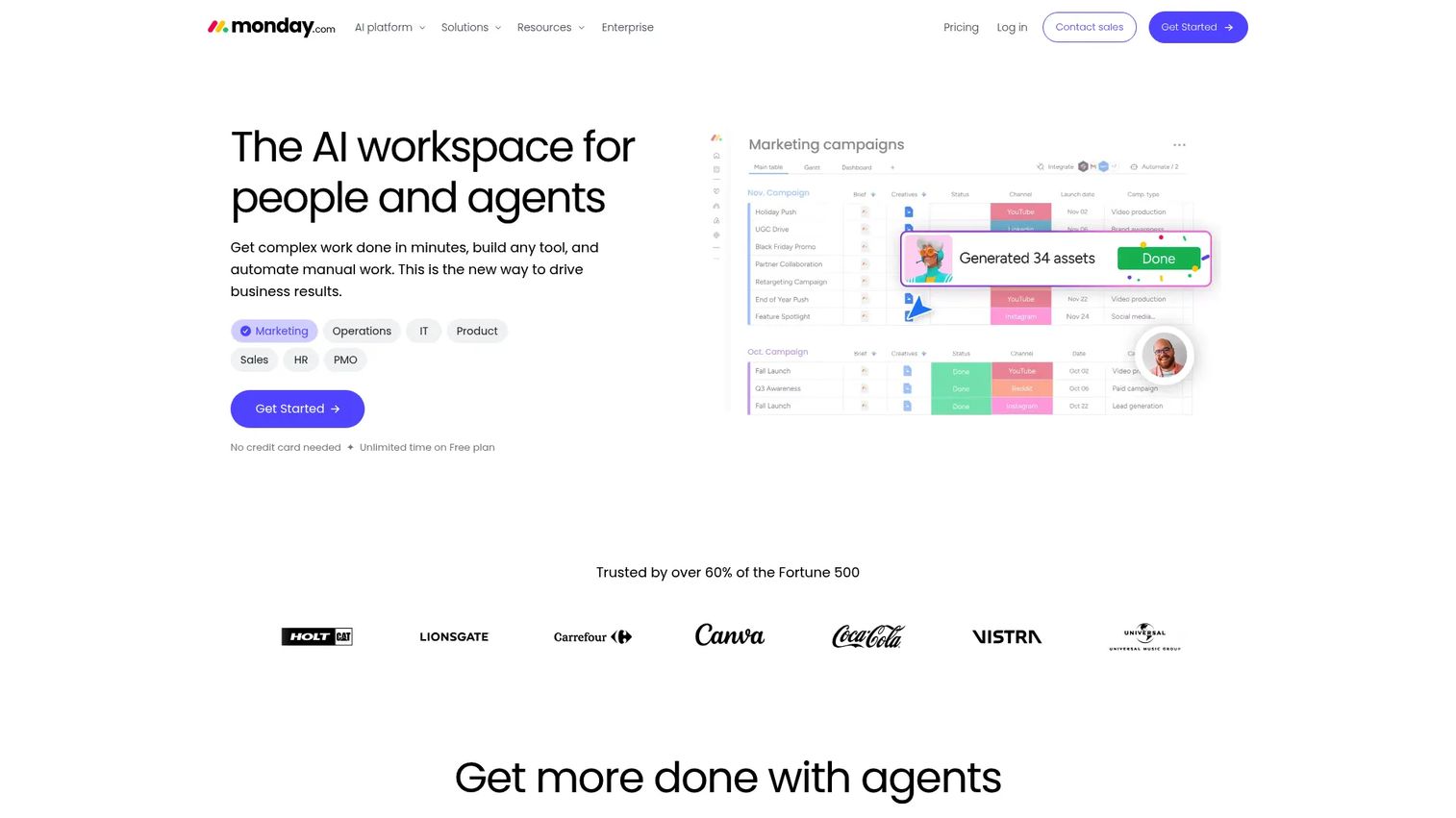
monday.com is an AI-powered work management platform built around visual boards, automations, and dashboards. Marketing teams use it to track campaign status, manage content pipelines, plan events, and report progress without rigid project structures.
Best for: Marketing teams that want customizable boards and clear visual status tracking across campaigns.
Key features
- Visual campaign boards with status columns and owners
- Workflow automations for approvals and notifications
- Forms and intake for campaign requests
- Dashboard reporting with real-time visibility
- Multiple project views: Calendar, timeline, Kanban, and Gantt
Why choose monday.com: Choose monday.com when your team thinks in boards, statuses, and owners rather than formal project plans. It works well when campaign execution needs visible momentum and cross-team accountability.
monday.com pricing: Free plan available for up to 2 seats. Basic costs $9 per seat per month billed annually, Standard is $12, and Pro is $19. Enterprise pricing is custom.
G2 rating: 4.7/5
4. Adobe Workfront
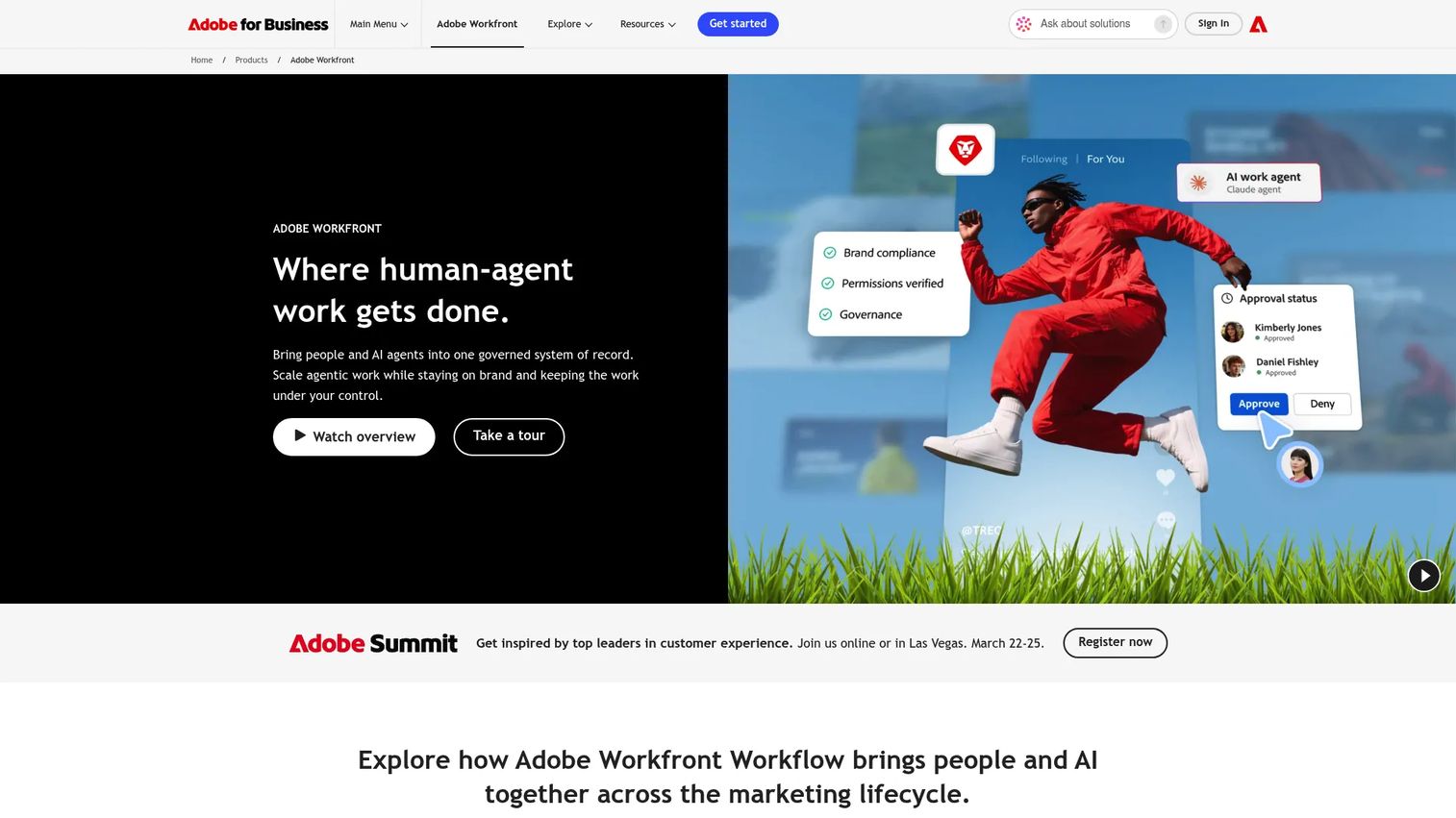
Adobe Workfront is enterprise work management software designed for marketing and creative operations at scale. It handles campaign intake, resource planning, digital proofing, approval governance, and portfolio reporting. The Adobe ecosystem connection matters for teams running campaigns across Creative Cloud and Adobe content tools.
Best for: Enterprise marketing teams with formal creative operations, brand governance, and large stakeholder groups.
Key features
- Enterprise work intake with automated routing
- Digital proofing and multi-stage approval workflows
- Resource and capacity management
- Portfolio-level reporting and governance controls
- AI-powered summaries and enterprise security
Why choose Adobe Workfront: Choose Workfront when marketing work needs governance, executive visibility, and creative review controls at scale. It is built for organizations where compliance, permissions, and audit trails matter as much as campaign delivery speed.
Adobe Workfront pricing: Adobe lists Select, Prime, and Ultimate packages. All tiers require contacting sales for a quote.
G2 rating: 4.1/5
5. ClickUp
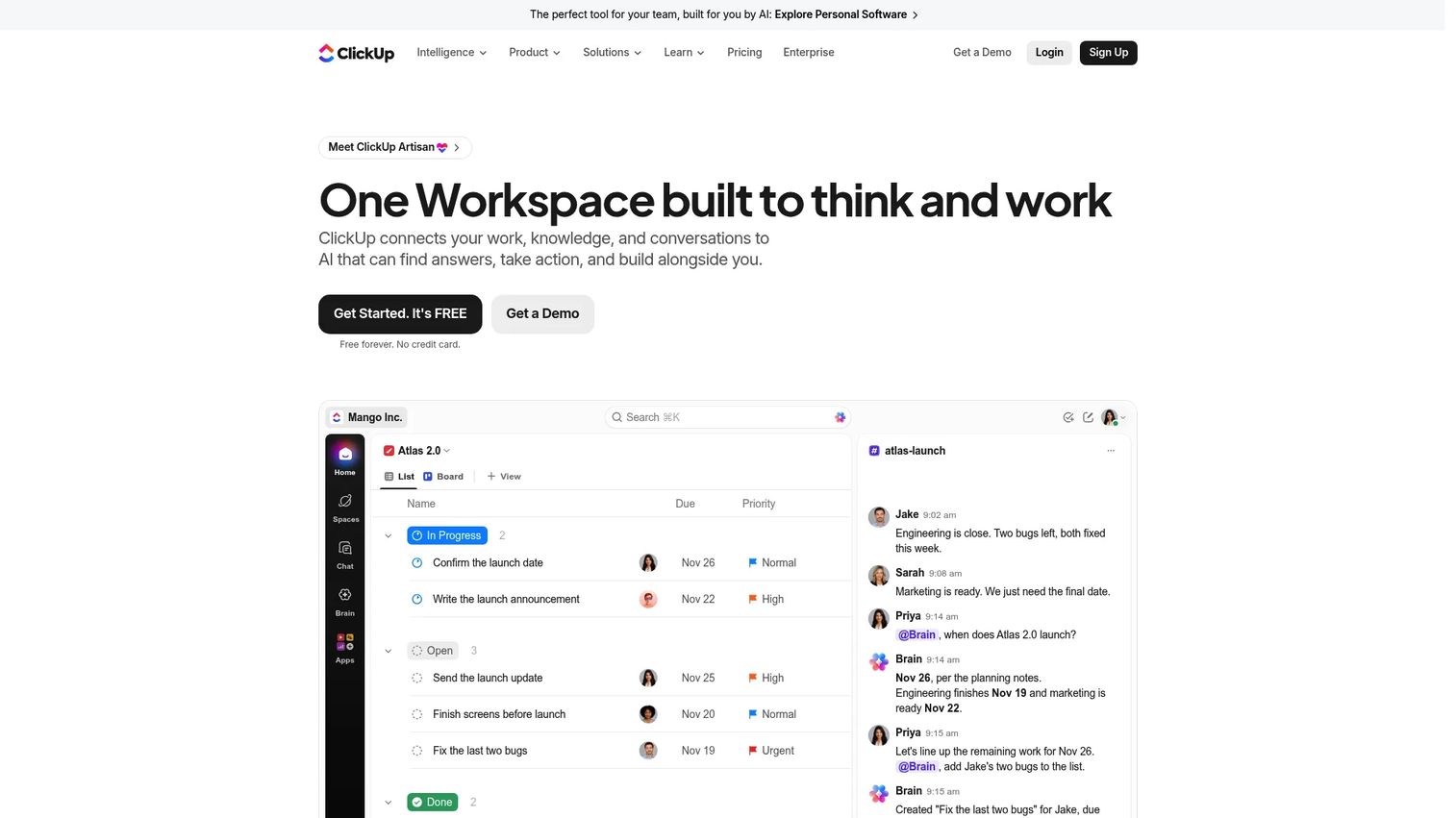
ClickUp is a work management platform that combines tasks, documents, dashboards, goals, and automation in one workspace. Marketing teams use it when tool sprawl is the first problem to solve, bringing campaign planning, content docs, and reporting under a single roof.
Best for: Marketing teams that want task management, documentation, and dashboards in the same workspace without switching apps.
Key features
- Tasks, subtasks, and dependencies with multiple views
- Collaborative Docs and Whiteboards
- Forms, templates, and campaign intake
- Dashboards and goals for campaign tracking
- Workflow automations and AI Brain features
Why choose ClickUp: Choose ClickUp when tool consolidation matters more than specialization. It suits teams willing to configure a broad workspace around their specific campaign process, including agencies and content teams that need tasks plus docs together.
ClickUp pricing: Free Forever plan available. Core costs $9 per user per month billed annually. Business costs $17 per user per month billed annually.
6. Wrike
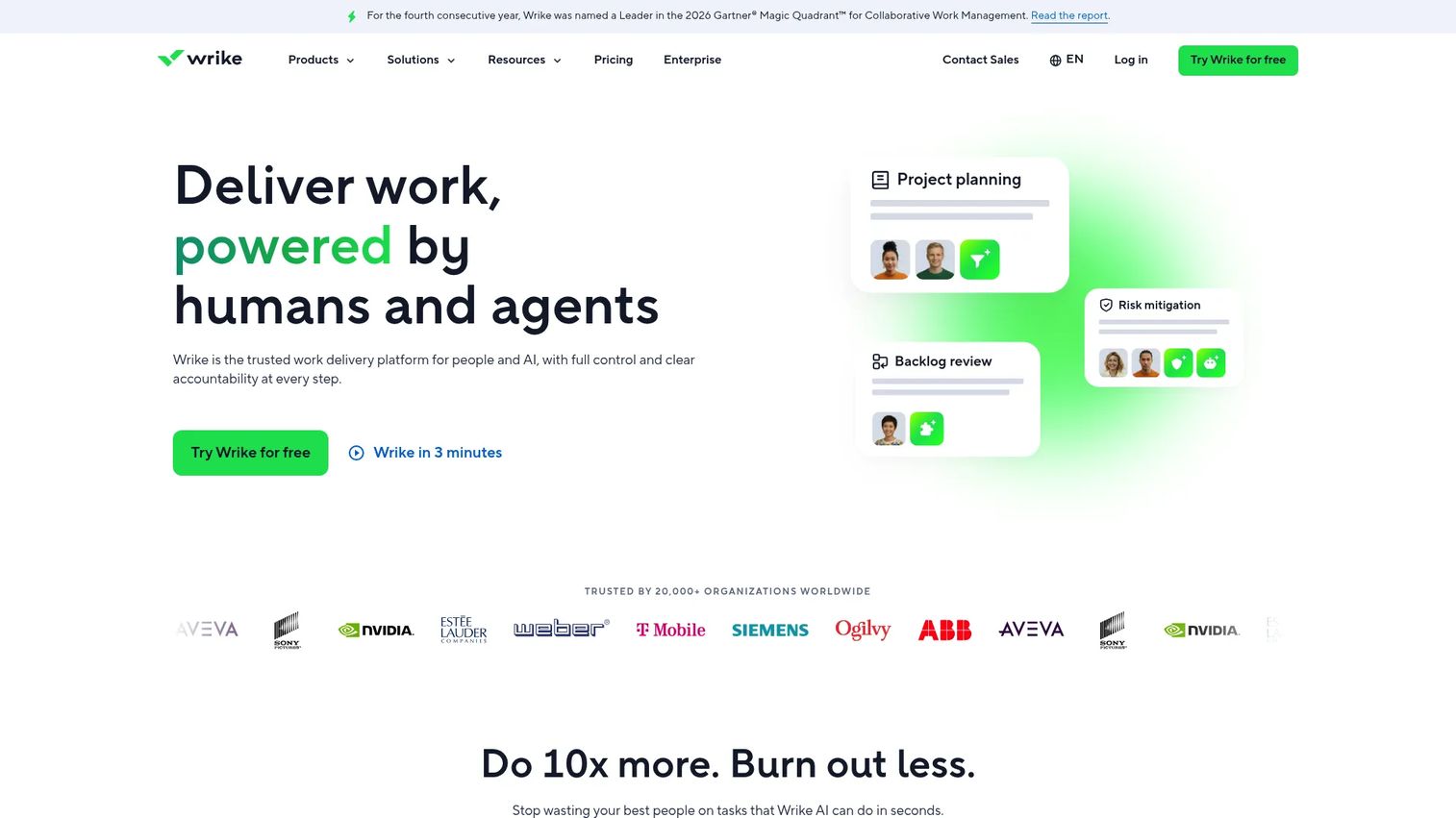
Wrike is a work delivery platform built for teams managing complex workflows, creative production, and recurring approvals. It is a strong fit for agencies and creative-heavy marketing teams that need campaign intake, content proofing, workload visibility, and time tracking in one platform.
Best for: Agencies and creative marketing teams with recurring approval cycles and workload management needs.
Key features
- Dynamic request forms for campaign intake
- Digital proofing and approval workflows
- Workload view for capacity planning
- Custom dashboards and time tracking
- Blueprints and templates for recurring campaign types
Why choose Wrike: Choose Wrike when approvals, creative delivery, and workload visibility are the bottleneck. It gives marketing leaders a clear view into what is blocking production and who is over capacity.
Wrike pricing: Free plan available. Team plan costs $10 per user per month billed annually. Business plan costs $25 per user per month billed annually. Pinnacle and Apex plans require a custom quote.
G2 rating: 4.2/5
7. Airtable
Airtable is an AI-powered database and workflow platform combining relational data, automations, custom interfaces, and reporting. Marketing teams use it when they need flexible campaign systems that go beyond task lists: Content inventories, launch trackers, influencer databases, budget planners, and custom campaign records.
Best for: Marketing teams that need structured, queryable campaign data with flexible views rather than traditional project plans.
Key features
- Relational databases for campaign tracking
- Custom forms for intake and requests
- Interface designer for internal dashboards
- Calendar, Kanban, and gallery views
- Workflow automations and AI app building
Why choose Airtable: Choose Airtable when spreadsheets are too fragile for the complexity you need but a rigid project tool feels like overkill. It fits marketers who need structured data, multiple views across the same records, and automations that connect to external tools.
Airtable pricing: Free plan available. Team plan costs $20 per user per month billed annually. Business plan costs $45 per user per month billed annually. Enterprise Scale pricing is custom.
G2 rating: 4.6/5
8. Smartsheet
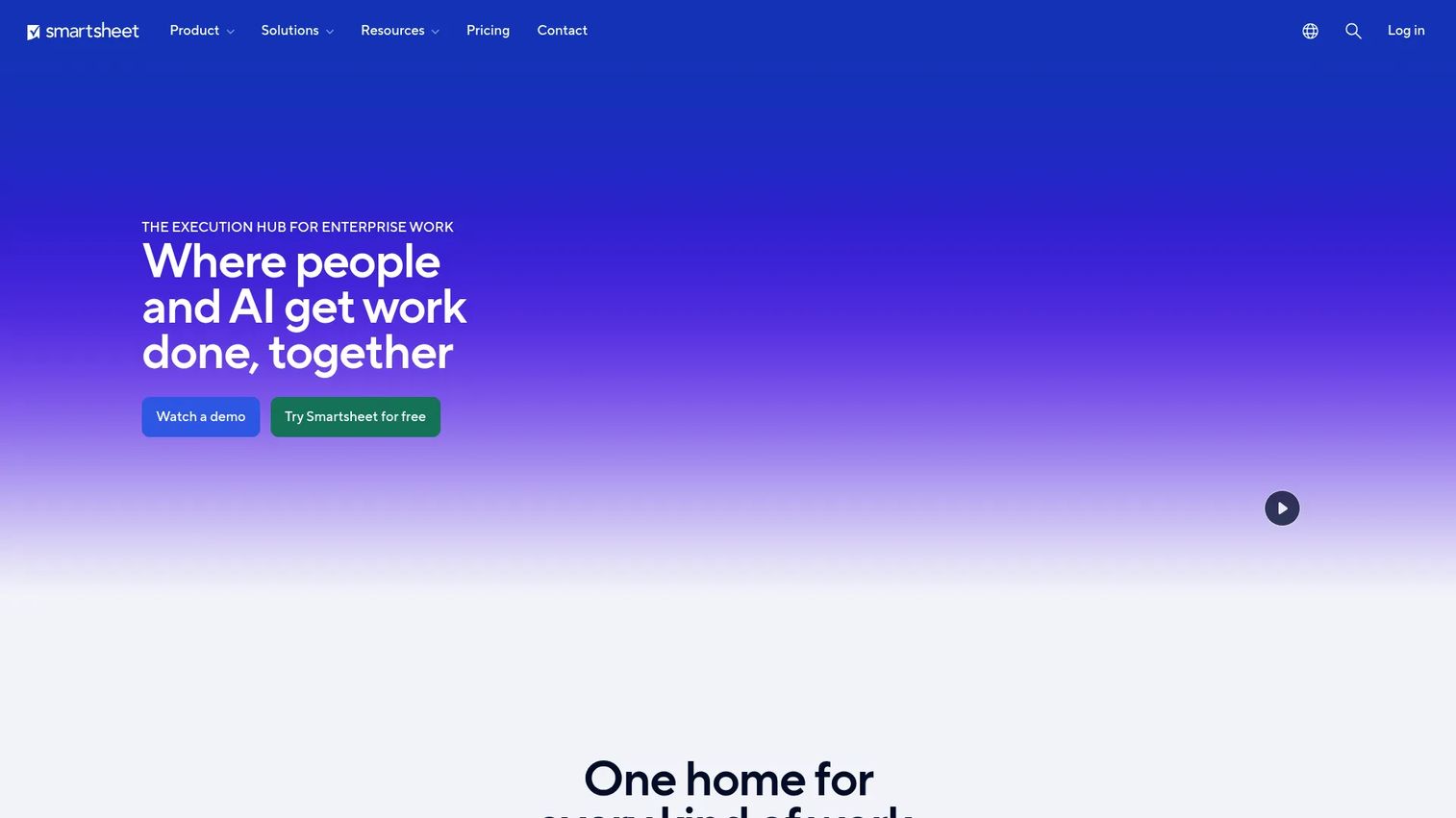
Smartsheet is an AI-powered work management platform built around grid-based project management with enterprise-grade reporting and portfolio controls. It suits marketing operations teams comfortable with spreadsheet logic who need stronger workflow automation, resource planning, and cross-functional status visibility.
Best for: Marketing operations teams that want spreadsheet-style familiarity combined with structured workflow controls and executive reporting.
Key features
- Grid, Gantt, card, calendar, and timeline views
- Automated workflows and document generation
- Forms and intake management
- Portfolio views and dashboards
- Enterprise controls including SSO and activity logs
Why choose Smartsheet: Choose Smartsheet when leadership wants structured campaign reporting and the team already manages work in rows, dates, owners, and dependencies. It scales well for marketing operations teams coordinating across product lines or business units.
Smartsheet pricing: Pro plan costs $9 per member per month billed annually. Business plan costs $19 per member per month billed annually. Enterprise and Advanced Work Management tiers require a custom quote.
G2 rating: 4.4/5
9. Planable
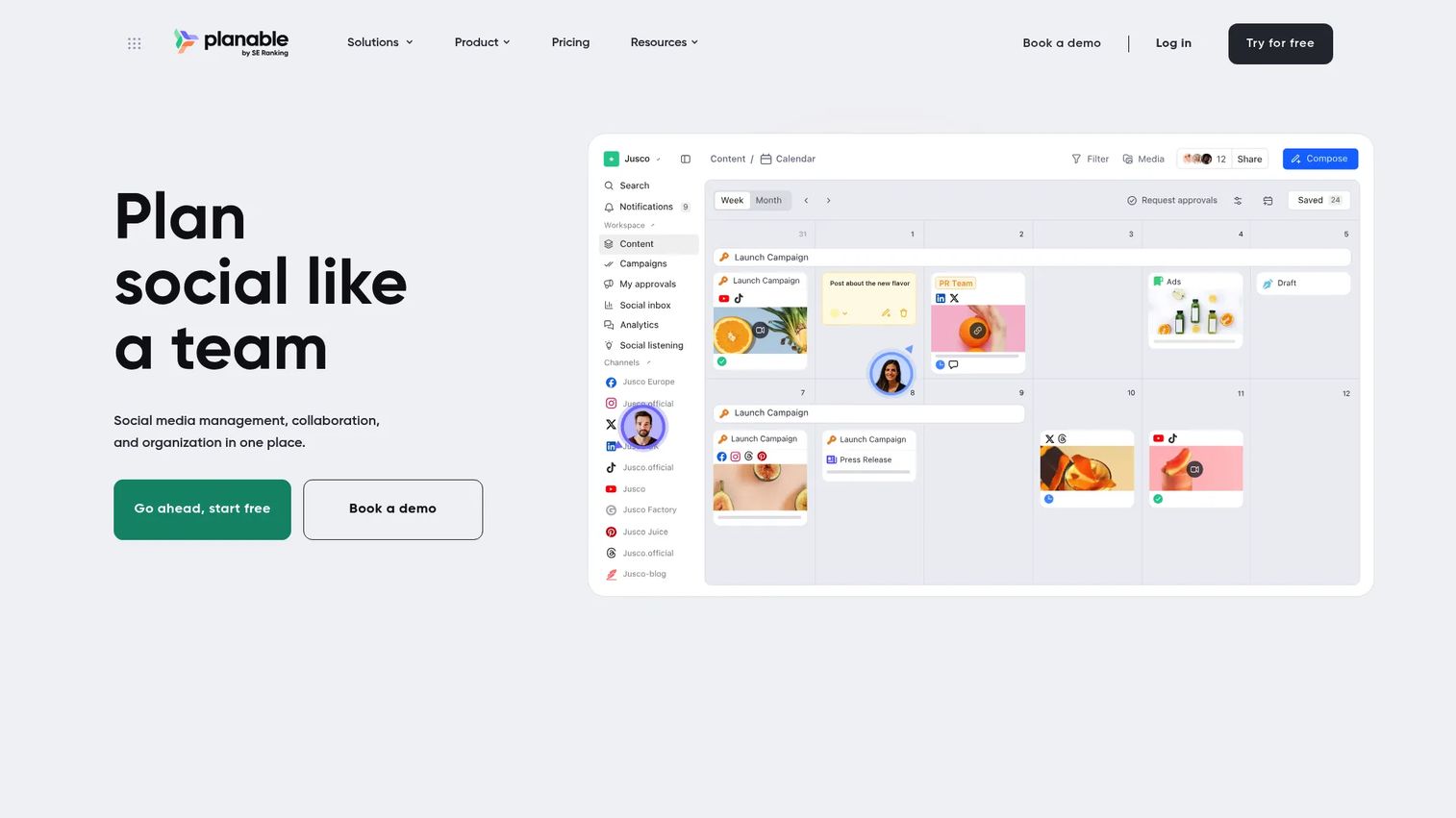
Planable is a social media management and collaboration platform focused on content creation, review, approval, and scheduling. It is purpose-built for the approval workflow problem: Feedback stays close to the actual post, reviewers see exactly what will publish, and approvals happen in one place rather than across email threads.
Best for: Social media and content teams with heavy approval cycles and multiple brands or clients to manage.
Key features
- Social content calendar with post previews
- Comments and annotations directly on content
- Multi-stage approval workflows
- Multi-channel scheduling and publishing
- AI caption generation and content rewriting
Why choose Planable: Choose Planable when the pain is content review and social approval, not broader project management. It keeps social feedback tied to the actual post, which cuts the time between draft and publish.
Planable pricing: First 50 posts are free. Basic plan costs $33 per workspace per month. Pro plan costs $49 per workspace per month. Enterprise pricing is custom.
G2 rating: 4.6/5
10. CoSchedule Marketing Suite
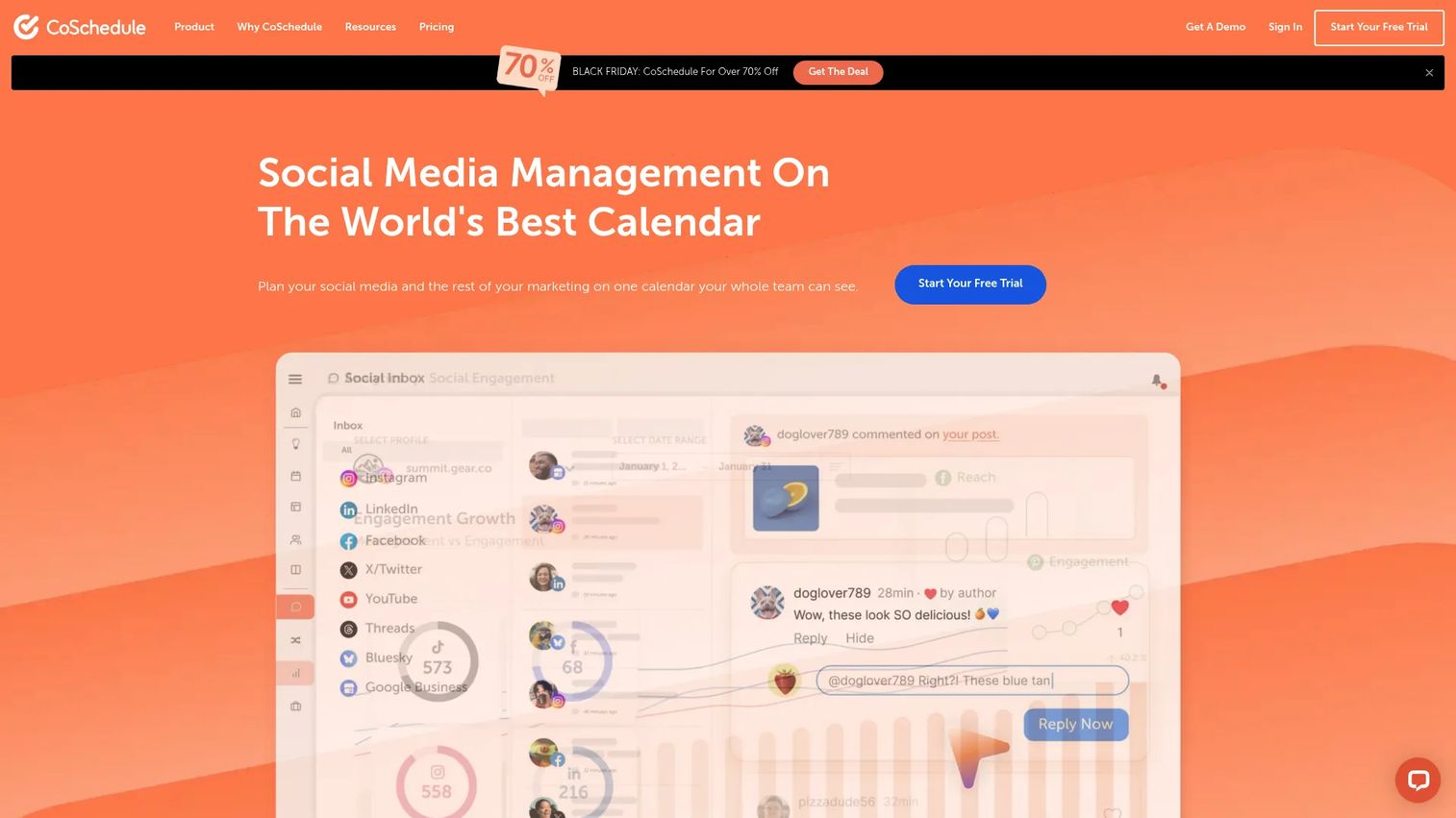
CoSchedule Marketing Suite is an AI-powered marketing platform that unifies campaign calendars, social media management, content marketing, and project management. It is built for marketing teams that want a calendar-first operating model, giving everyone a single view of what is planned and what is live.
Best for: Marketing teams that need one calendar view across content, social, and campaign work with built-in task tracking.
Key features
- Unified marketing calendar across campaigns and content
- Social media scheduling and inbox management
- Content organization and digital asset management
- AI writing and headline tools
- Project management with Kanban dashboards and approvals
Why choose CoSchedule Marketing Suite: Choose CoSchedule when your team's first question is "what is launching when?" and the answer is currently spread across multiple tools. It gives marketing managers a calendar-led way to organize and communicate campaign work.
CoSchedule pricing: Free plan available for up to 15 scheduled posts on 1 profile. Starter costs $29 per month billed annually. Professional costs $49 per month billed annually. Suite plans start at $69 per month with custom options.
G2 rating: 4.4/5
11. Zoho Marketing Plus
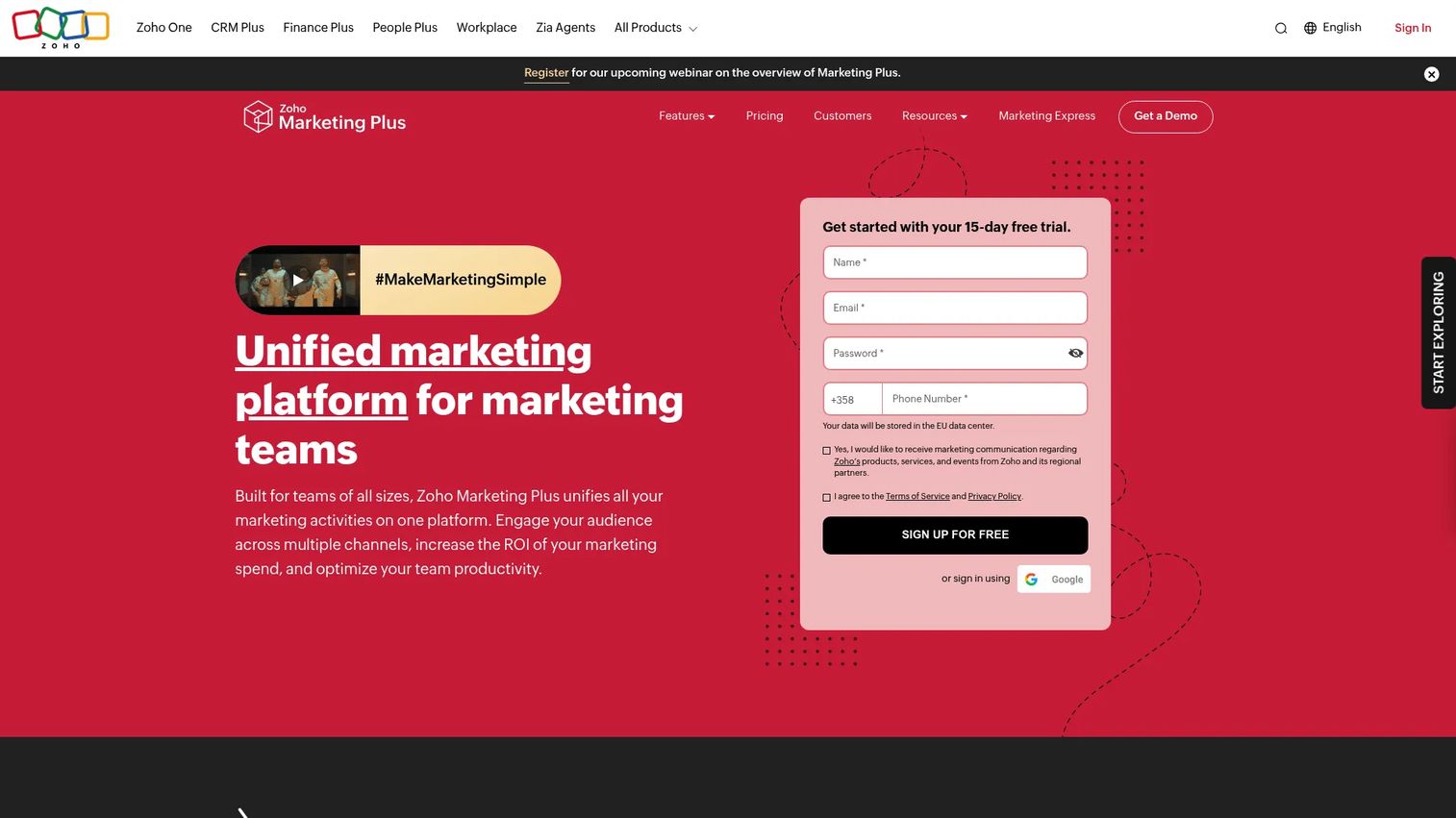
Zoho Marketing Plus is a unified marketing platform for managing multi-channel campaigns, marketing automation, social media, analytics, and team collaboration. It makes most sense for teams already running sales or operations in the Zoho stack, since the value compounds when CRM, marketing, and analytics share the same data layer.
Best for: Marketing teams already using Zoho CRM or Zoho apps who want campaign planning and automation in the same environment.
Key features
- Omnichannel campaign planning (email, SMS, social, and webinars)
- Marketing automation with personalized customer journeys
- Social media management and scheduling
- Unified marketing analytics and ROI reporting
- Budget and brand management tools
Why choose Zoho Marketing Plus: Choose Zoho Marketing Plus when stack consolidation is the goal and Zoho already sits in the business. The integration with Zoho CRM and analytics tools keeps campaign data close to customer and revenue records without additional middleware.
Zoho Marketing Plus pricing: No free tier. Annual plan costs $25 per month billed annually. Monthly plan costs $30 per month. A 15-day free trial is available. Additional costs apply for contacts, storage, and brands beyond base limits.
G2 rating: 4.3/5
12. Trello
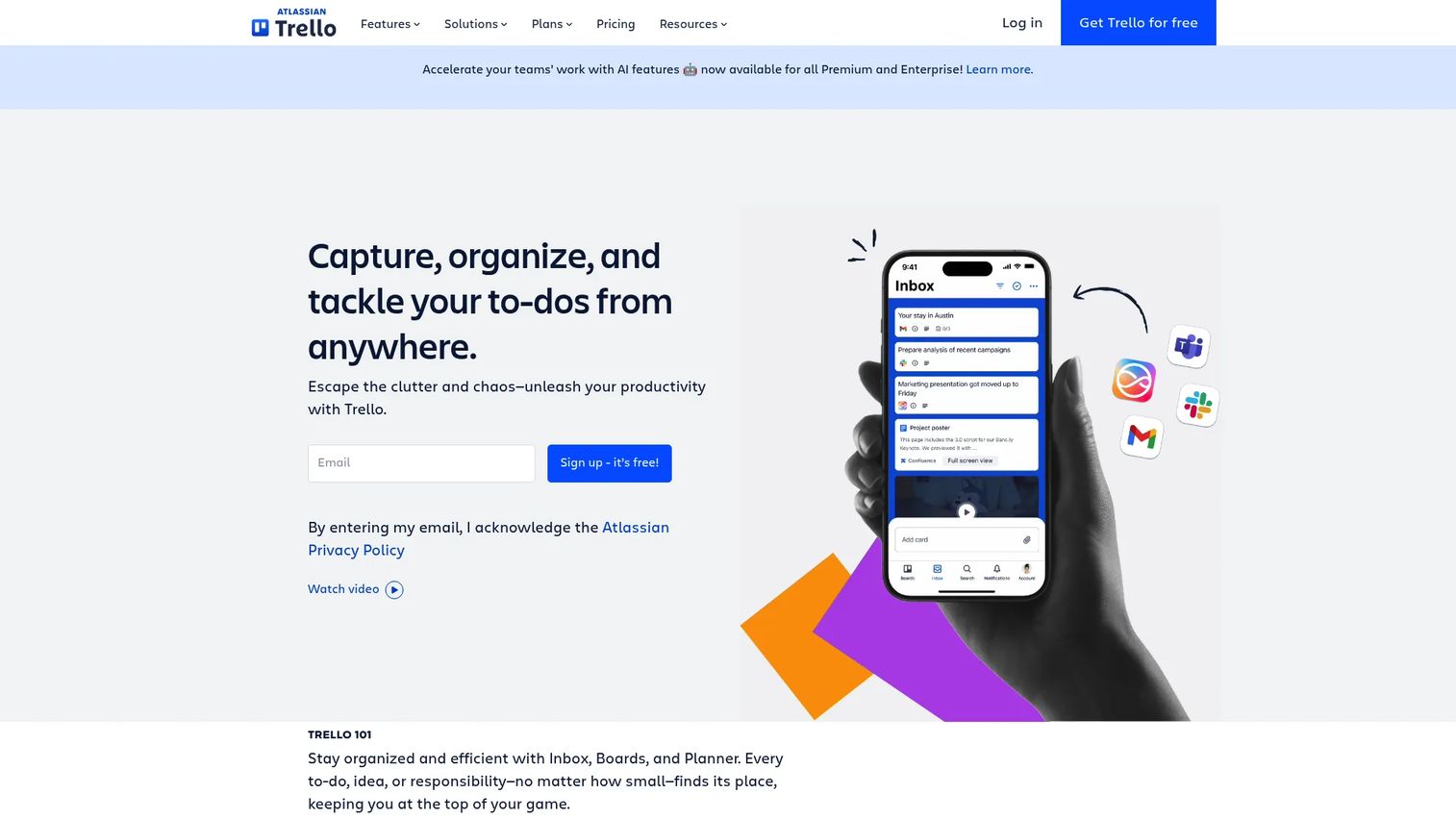
Trello is a visual work management tool built around Kanban boards, cards, and checklists. It is the fastest tool on this list to set up and the easiest for small teams to adopt without training. Marketing teams use it for lightweight campaign tracking, content calendars, recurring checklists, and simple launch plans.
Best for: Small marketing teams that need visible task flow and fast setup without enterprise governance overhead.
Key features
- Kanban campaign boards with cards and checklists
- Labels, due dates, and task owners
- Board templates for campaigns and content calendars
- Butler automation for recurring workflows
- Multiple views: Calendar, timeline, table, and dashboard
Why choose Trello: Choose Trello when the team needs clarity fast and does not need complex reporting, resource planning, or multi-level governance. It is a good starting point for small teams before campaign complexity demands a more structured tool.
Trello pricing: Free plan available for up to 10 collaborators per workspace. Standard costs $5 per user per month billed annually ($6 monthly). Premium costs $10 per user per month billed annually. Enterprise costs $17.50 per user per month billed annually.
G2 rating: 4.4/5
13. ActiveCampaign
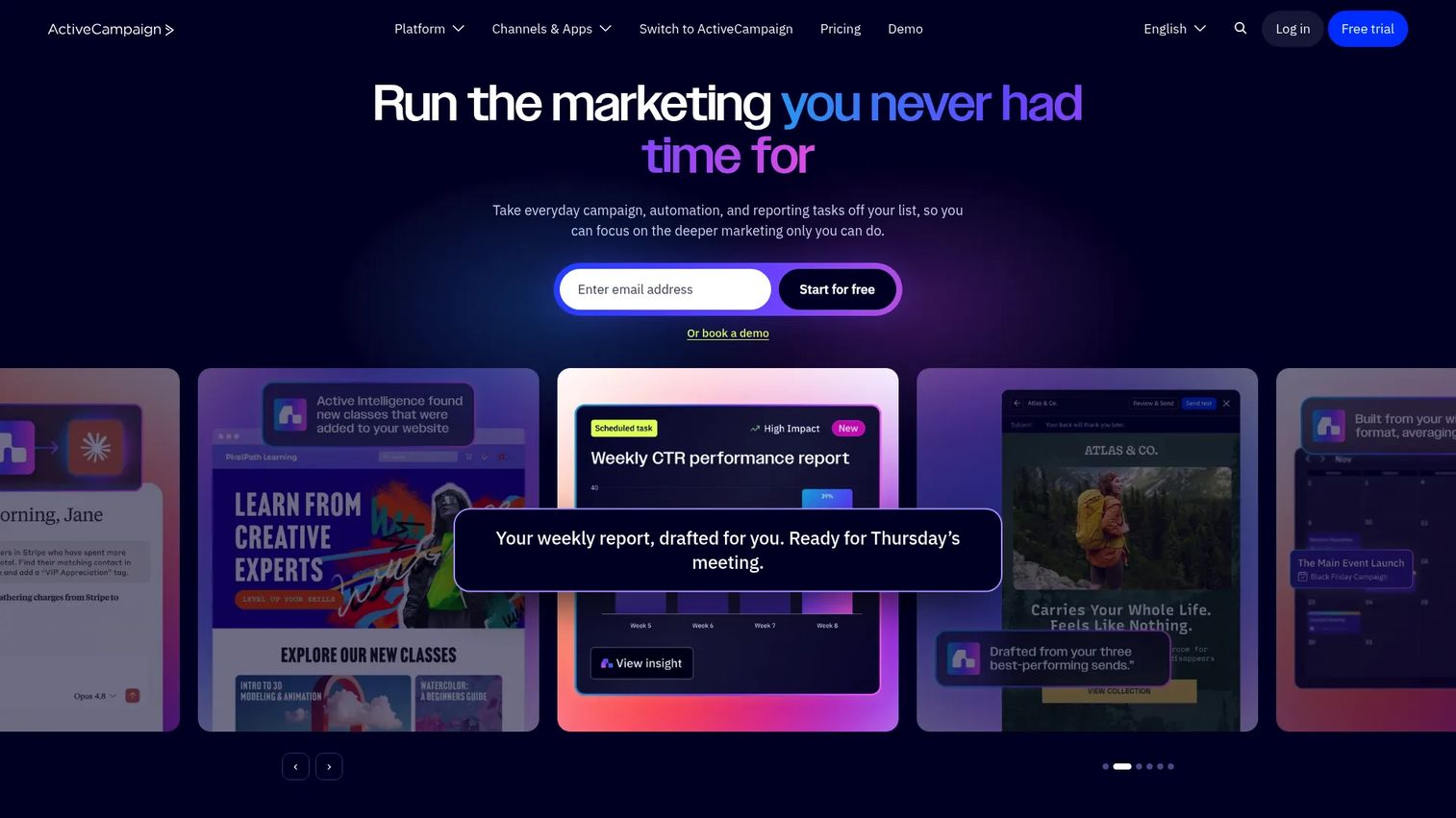
ActiveCampaign is a marketing automation platform combining email campaigns, CRM, lead scoring, segmentation, and customer journey automation. For growth teams, the core value is building automated nurture workflows that respond to contact behavior without manual intervention.
Best for: Growth teams that need automated customer journeys, lead scoring, and email-driven lifecycle funnels.
Key features
- Multi-step email automation and customer journeys
- CRM and sales pipeline management
- Advanced segmentation, tags, and conditional logic
- Lead scoring and site tracking
- Cross-channel messaging (email, SMS, and WhatsApp)
Why choose ActiveCampaign: Choose ActiveCampaign when marketing workflow means lifecycle automation more than campaign task management. It suits teams that want sophisticated automated journeys without the overhead of an enterprise marketing cloud.
ActiveCampaign pricing: No free tier. Starter, Plus, Pro, and Enterprise plans are available. Pricing scales with contact list size and is billed annually. A 14-day free trial is available.
G2 rating: 4.4/5
14. Brevo
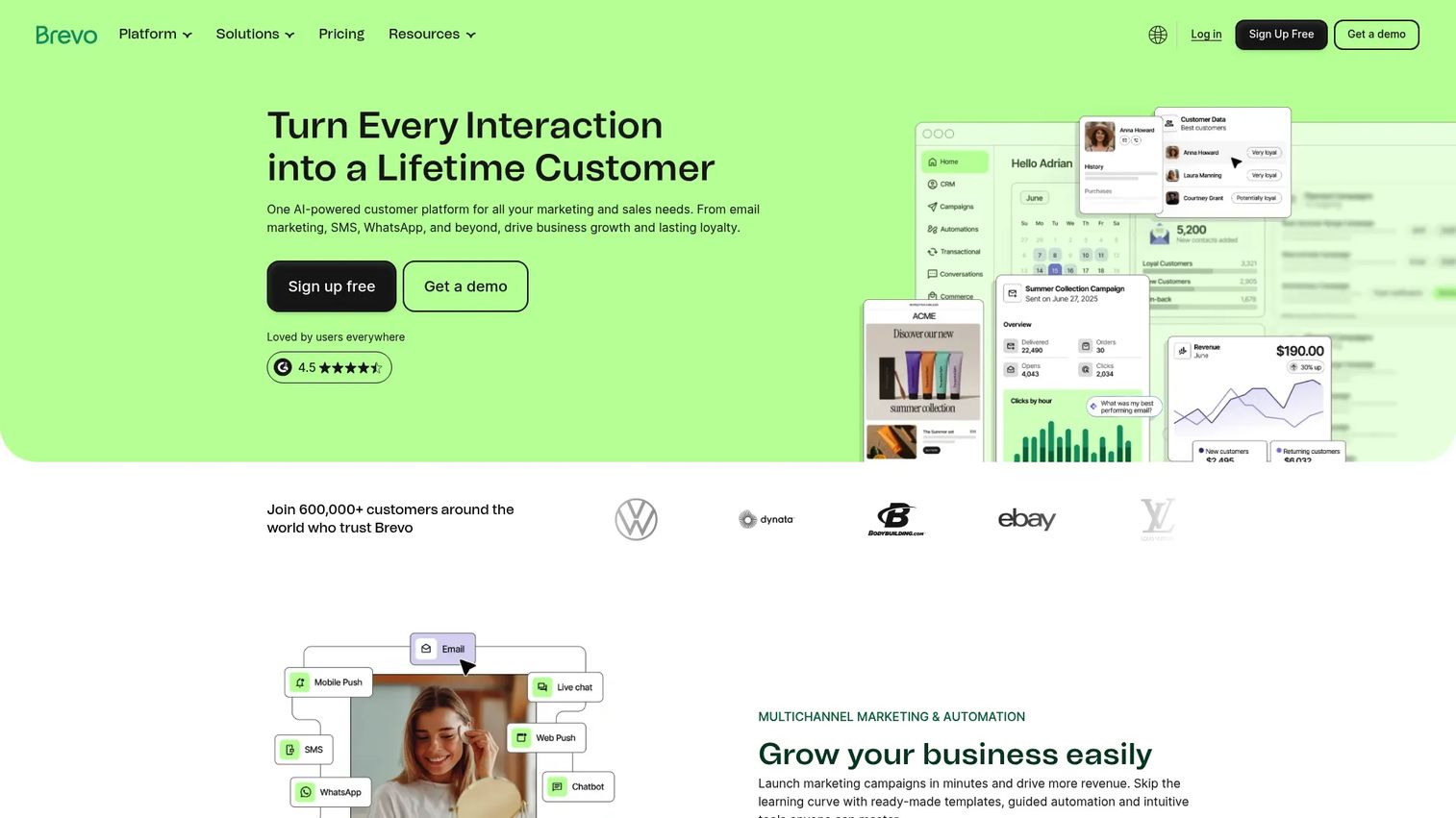
Brevo is an all-in-one customer relationship and multichannel marketing platform covering email, SMS, WhatsApp, automation, transactional messaging, CRM, and contact management. It is a strong fit for budget-conscious teams that need multi-channel messaging without enterprise pricing.
Best for: Small and mid-size teams that need affordable email and SMS automation with contact management built in.
Key features
- Email campaigns with drag-and-drop editor and templates
- SMS and WhatsApp campaign management
- Marketing automation and A/B testing
- Contact segmentation and behavioral analytics
- CRM, sales pipelines, and live chat
Why choose Brevo: Choose Brevo when the workflow centers on sending messages, segmenting contacts, and automating simple journeys. The email-volume pricing model means costs stay predictable for teams with large contact lists but lower monthly send frequency.
Brevo pricing: Free plan includes 300 emails per day. Starter plans begin at $9 per month. Standard plans begin at $18 per month. Professional plans begin at $499 per month. Enterprise pricing is custom.
G2 rating: 4.5/5
15. Mailchimp
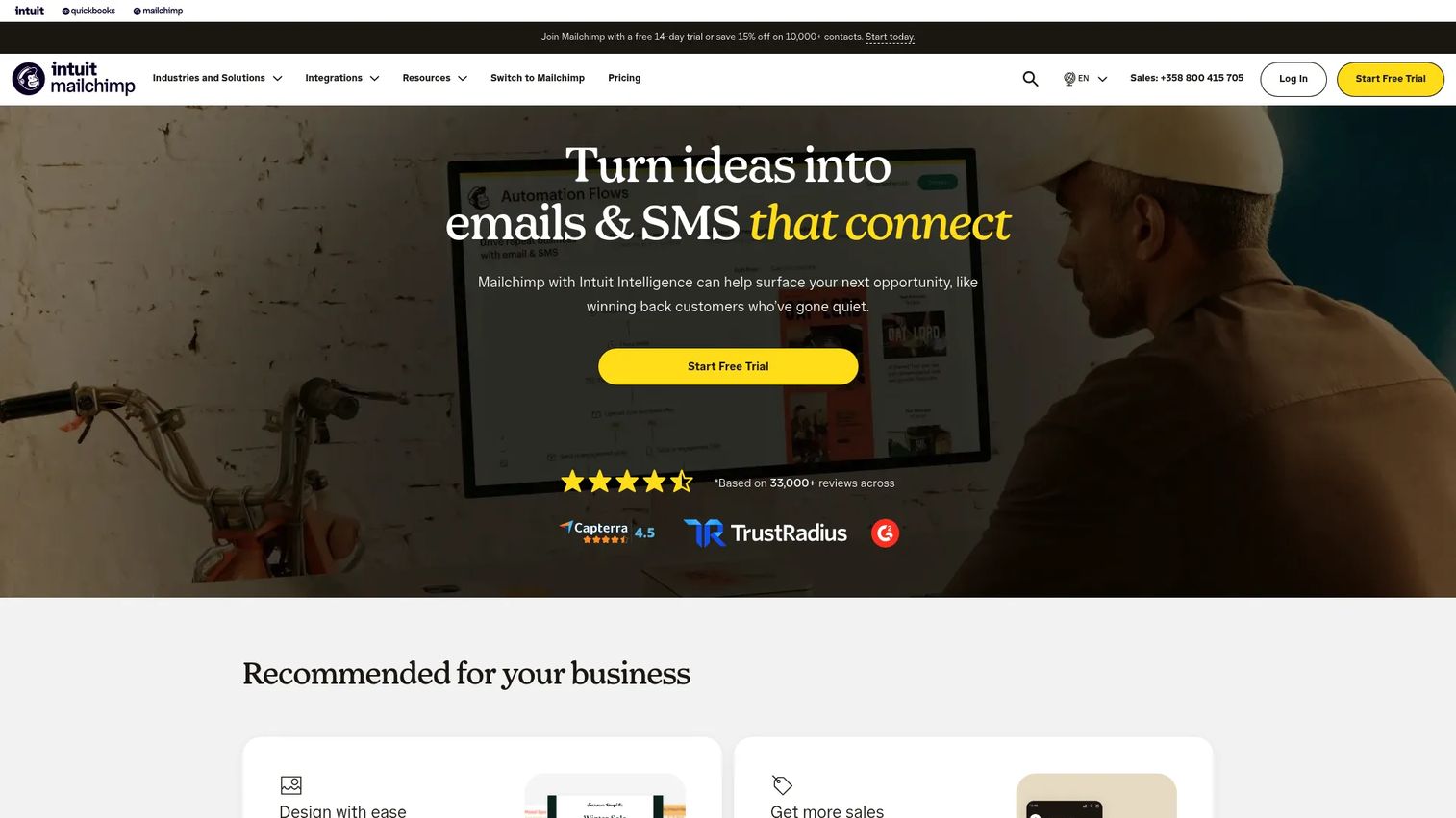
Mailchimp is an all-in-one marketing platform covering email campaigns, SMS, customer journeys, audience management, landing pages, and reporting. It is one of the most widely recognized entry points for small business email marketing, with a free tier and an approachable interface that a small team can run without dedicated marketing ops support.
Best for: Small marketing teams that need approachable email workflows, basic automation, and audience management without complex setup.
Key features
- Email templates and drag-and-drop campaign builder
- Customer journeys and automation workflows
- Audience segmentation and behavioral targeting
- Landing pages, forms, and surveys
- Campaign reporting and AI-assisted marketing tools
Why choose Mailchimp: Choose Mailchimp when your campaign workflow starts with email and you need a tool that a small team can operate without technical support. The contact-based pricing model scales with list growth, though costs can rise quickly once a list exceeds free-tier limits.
Mailchimp pricing: Free plan supports up to 250 contacts. Essentials starts at $13 per month. Standard starts at $20 per month. Premium starts at $350 per month. All paid tiers are priced by contact count.
G2 rating: 4.3/5
Considerations when choosing marketing workflow software
Start with the bottleneck, not the feature list
The most common mistake is evaluating tools by feature count rather than by which friction they remove. If campaigns stall because nobody knows who is reviewing the landing page, you need approval workflow software. If they stall because nurture emails are not automated, you need marketing automation. Identify the specific choke point before comparing tools.
Check what the tool replaces
Growth marketers are already managing too many tools. Before adding one, map what it replaces: A Slack approval thread, a Google Sheet campaign tracker, a manual email sequence, or a disconnected project board. If the new tool does not eliminate at least one existing system, the ROI case is harder to make and adoption will be inconsistent.
Verify integration depth
The table in this guide shows which integrations exist, but depth varies. A native HubSpot integration behaves differently from a Zapier-based one. Before committing, test whether data flows both ways, whether it syncs in real time, and whether you need a developer to maintain it. CRM, analytics, and communication tool integrations matter most for most marketing teams.
Test approval and governance workflows
Generic project tools often handle task management well but break down on approval routing. Before selecting a tool, run a live approval test: Assign a reviewer, submit a draft, request changes, and track the final signoff. Check whether the audit trail is visible, whether reviewers receive notifications, and whether version history is preserved.
Model pricing against real team growth
Per-seat pricing looks manageable at five users and expensive at twenty-five. Add reviewers, freelancers, agency partners, and leadership stakeholders to your seat count before you commit. Also check automation limits, storage caps, and whether key features like advanced reporting or SSO are locked to higher tiers.
Conclusion
The right marketing workflow software is the one that removes your specific campaign bottleneck. Here is how the picks break down.
For CRM-backed campaign execution and attribution, HubSpot covers the most ground. For cross-functional clarity and launch tracking, Asana and monday.com are reliable for teams of varying sizes. If enterprise governance and creative review are the priority, Adobe Workfront and Wrike handle both at scale. Smartsheet suits ops-heavy teams already working in spreadsheet logic.
For social and content teams, Planable and CoSchedule solve the approval and calendar problems directly. If the bottleneck is email automation and lifecycle marketing, ActiveCampaign fits growth teams with complex journey needs. Brevo and Mailchimp cover the same territory for smaller teams with tighter budgets.
Trello remains the fastest way to get a small team organized, with a free plan that handles most lightweight campaign tracking needs.
Once your campaign workflow is organized, consider what your prospects experience on the other side. Interactive demos let you create clickable product experiences for landing pages, launch emails, nurture flows, and sales follow-up, so the product speaks for itself before anyone talks to sales.
Start your journey with Guideflow today!
FAQs
Marketing workflow software helps teams plan, assign, review, automate, and measure the work behind campaigns. It manages the internal production process: Who owns what, who reviews it, and whether it launched on schedule. The category includes work management tools, content approval platforms, campaign planning software, and marketing automation platforms.
Workflow software manages the internal campaign production process, including task ownership, approval routing, and launch coordination. Automation software runs customer-facing actions like email journeys, lead scoring, and nurture sequences. Some platforms (HubSpot, ActiveCampaign) combine both, while others specialize in one area and integrate with the other.
The right choice depends on the bottleneck. Trello handles lightweight task flow with a free plan. Brevo and Mailchimp cover email campaigns and simple automation at low cost. Asana or monday.com work well when campaigns grow beyond a simple task list and start requiring dependencies, deadlines, and cross-team contributors.
Adobe Workfront is built for enterprise marketing operations with governance, resource planning, and creative review at scale. Smartsheet suits ops teams that want spreadsheet-style controls with portfolio reporting. Wrike handles creative and agency workflows with strong proofing and workload features. HubSpot Enterprise covers CRM-backed campaign execution with marketing automation included.
Planable is the strongest choice for social content approval, with previews, comments, and signoffs tied directly to the post. Wrike handles creative review for broader campaign assets. Adobe Workfront covers enterprise-grade approval governance with audit trails. Asana and monday.com both support approval steps within larger campaign workflows, though without the specialized proofing that Planable and Wrike offer.
It can improve the inputs to attribution by creating clean campaign records, consistent UTM governance, and structured handoffs to CRM and analytics tools. It does not fix broken tracking by itself. If the underlying event data or CRM hygiene is poor, workflow software adds structure around the problem but does not resolve the root cause.
Follow five steps: Identify the specific workflow bottleneck (planning, approvals, automation, reporting), map what the new tool would replace in your current stack, test integration depth with your CRM and analytics tools, run a live approval or workflow pilot, and model pricing against your realistic team size including reviewers and external contributors. Run one campaign through the tool before committing.
Most teams do. A project management tool handles internal production: Briefs, tasks, reviews, and launch coordination. A marketing automation tool handles external execution: Emails, lead scoring, and nurture sequences. Some platforms cover both, which reduces stack complexity. Before consolidating, test whether the combined platform handles each job as well as the specialized tool it would replace.