Your marketing plan probably lives in five places before the campaign even launches. The strategy is in a doc. The calendar is a spreadsheet. The tasks sit in a project board. The spend lives with finance. And performance gets reviewed three weeks later in a dashboard nobody fully trusts.
This is the operational reality for most growth teams, and it costs more than frustration. According to a 2025 MarTech survey, 62.1% of marketing and marketing operations respondents were using more tools than two years earlier, with utilization of their martech stack averaging just 49% (Gartner, 2025). More tools, less output.
Best marketing planning software solves the fragmentation problem by giving teams a shared system for campaigns, calendars, tasks, approvals, and performance visibility. The right tool connects ownership to execution, so leadership can see what launched, what stalled, and whether it moved the number.
This guide covers the 21 strongest options across campaign planning, project management, social scheduling, and marketing operations.
What's inside
This guide compares 21 marketing planning software platforms for 2026, chosen based on:
- Who it's for: Growth, content, social, agency, and marketing operations teams
- How tools were chosen: Recurring market presence, marketing workflow fit, planning depth, and G2 ratings verified at generation time
- What matters most: Campaign visibility, collaboration, CRM and analytics integrations, and pricing clarity
- How to read it: Shortlist by the planning problem you need to replace, not by feature count
TL;DR
- Best overall for agency and services marketing teams: Teamwork.com, for campaign planning with resource and profitability visibility
- Best for content approvals and social collaboration: Planable, for content teams managing reviews and multi-channel scheduling
- Best for omnichannel planning visibility: Annum, for connected campaign calendars across channels and business units
- Best flexible database for custom marketing operations: Airtable, for teams building structured campaign trackers without rigid workflows
- Best for CRM-connected marketing teams: HubSpot, for planning tied directly to lead capture and revenue data
- Best lightweight social planning: Buffer, for lean teams that need a clean publishing calendar at low cost
What is marketing planning software?
Marketing planning software is a platform that helps marketing teams organize campaigns, calendars, budgets, tasks, approvals, resources, and performance visibility in one shared planning workflow.
It differs from generic project management in one important way: It adds campaign context. A project management tool tracks tasks and deadlines. Marketing planning software also tracks channel, audience, budget, launch date, campaign status, and the KPI that matters to leadership.
It differs from CRM and marketing automation because it focuses on planning and coordination rather than contact management and email execution. And it differs from social media scheduling tools because it covers the full campaign picture, not just the publishing queue.
The core problem it solves is spreadsheet drift. When campaign plans live in separate documents with multiple owners, shifting dates, and unclear status, planning information decays fast. Marketing planning tools turn static plans into shared operational systems, with one source of truth for what is launching and who owns what.
Key features to look for
- Campaign calendars and timeline views: Shared visibility across launches, channels, and teams
- Task ownership and workflow status: Clear assignment so nothing stalls without accountability
- Creative briefs and approval workflows: Structured review paths that reduce feedback chaos
- Budget and resource planning: Visibility into spend, capacity, and profitability
- Channel and campaign hierarchy: Organize tactics under campaigns for strategic visibility
- Reporting and KPI tracking: Connect activity to pipeline, conversion, and revenue
- Integrations with CRM, analytics, and social tools: Avoid siloed planning that never connects to execution
- Permissions and version history: Governance for teams managing multiple stakeholders or clients
Common types of marketing planning software
- Campaign planning platforms: Calendars, briefs, and cross-channel visibility
- Project management tools: Tasks, timelines, and dependencies
- Content planning tools: Editorial workflows and approvals
- Social planning tools: Publishing and engagement
- Marketing operations platforms: Budget, resource, and governance workflows
- Flexible workspaces: Custom planning systems built on databases or docs
When to use marketing planning software
Replace campaign spreadsheets that keep breaking
Spreadsheets stop working when multiple people own rows, dates shift constantly, approvals happen in comment threads, and status is unclear by Monday morning. Marketing planning tools replace those static files with shared, real-time systems where every stakeholder can see the plan, the status, and who is accountable.
Coordinate campaigns across paid, content, and email channels
Growth teams running paid, organic, email, events, and partner campaigns simultaneously need a view that shows everything at once. Marketing planning software provides that cross-channel visibility so you know what launched, what is behind schedule, and what dependencies are blocking the next step.
Prove marketing work is tied to pipeline
A good marketing plan shows campaign owner, audience, channel, budget, launch date, and KPI in one place. When leadership asks why pipeline is soft, that visibility means you can point to what ran, what converted, and what needs to change, rather than pulling data from four separate systems.
Marketing planning software comparison
The table below is a shortlist view, not the full buying decision. Use it to identify the tools worth evaluating further, then read the item sections for detail on fit, features, and pricing.
| # | Product | Best for | Key differentiator | Pricing | G2 rating |
|---|---|---|---|---|---|
| 1 | Teamwork.com | Agency and services marketing teams | Campaign planning with resourcing and profitability | Free; paid from $9.99/user/month | 4.4/5 |
| 2 | Planable | Content teams and approval workflows | Collaborative content calendars with in-context feedback | From $33/workspace/month | 4.6/5 |
| 3 | Annum | Omnichannel marketing visibility | Connected campaign calendars across channels and teams | From $99/month (annual) | 4.9/5 |
| 4 | Monday.com | Cross-functional marketing work management | Visual boards for campaigns, tasks, and dependencies | Free; paid from $9/seat/month | 4.7/5 |
| 5 | Airtable | Custom marketing operations systems | Relational databases with flexible calendar and form views | Free; paid from $20/user/month | 4.6/5 |
| 6 | Asana | Task-driven marketing planning | Campaign timelines and cross-team task ownership | Free; paid from $10.99/user/month | 4.4/5 |
| 7 | HubSpot | CRM-connected marketing teams | Planning tied to CRM, campaigns, and automation | Free plan available | 4.4/5 |
| 8 | CoSchedule | Editorial and campaign calendars | Marketing calendar built for content publishing | From $29/month | 4.4/5 |
| 9 | ClickUp | Teams wanting one workspace for projects | Docs, tasks, goals, and dashboards together | Free; paid from $9/user/month | 4.6/5 |
| 10 | Hootsuite | Social campaign planning at scale | Social scheduling, monitoring, and reporting | From $99/user/month | 4.3/5 |
| 11 | Buffer | Lightweight social planning | Simple publishing calendar for lean teams | Free; paid from $5/month/channel | 4.3/5 |
| 12 | Notion | Flexible planning docs and wikis | Docs, databases, and campaign briefs together | Free; paid from \~$9.50/member/month | 4.6/5 |
| 13 | Trello | Simple visual campaign boards | Kanban planning with built-in automation | Free; paid from $5/user/month | 4.4/5 |
| 14 | Wrike | Enterprise marketing project management | Structured workflows, approvals, and reporting | Free; paid from $10/user/month | 4.2/5 |
| 15 | Workfront | Enterprise marketing operations | Portfolio, resource, and campaign governance | Custom pricing | 4.1/5 |
| 16 | Smartsheet | Spreadsheet-friendly marketing operations | Grid-based planning with automation and reporting | From $9/member/month | 4.4/5 |
| 17 | ProofHub | Marketing teams needing collaboration basics | Tasks, approvals, discussions, and time tracking | From $45/month (flat rate) | 4.6/5 |
| 18 | Mailchimp | Email-led campaign planning | Email campaigns, audience management, and automation | Free; paid from $13/month | N/A |
| 19 | Miro | Strategy workshops and campaign mapping | Visual collaboration for planning sessions | Free; paid from $8/member/month | 4.6/5 |
| 20 | Canva | Creative campaign planning | Design production with campaign content organization | Free; paid from $144/year | 4.7/5 |
| 21 | Vista Social | Social teams managing many profiles | Social publishing, review management, and reporting | Custom pricing; 14-day free trial | 4.8/5 |
Best 21 marketing planning software tools for 2026
1. Teamwork.com
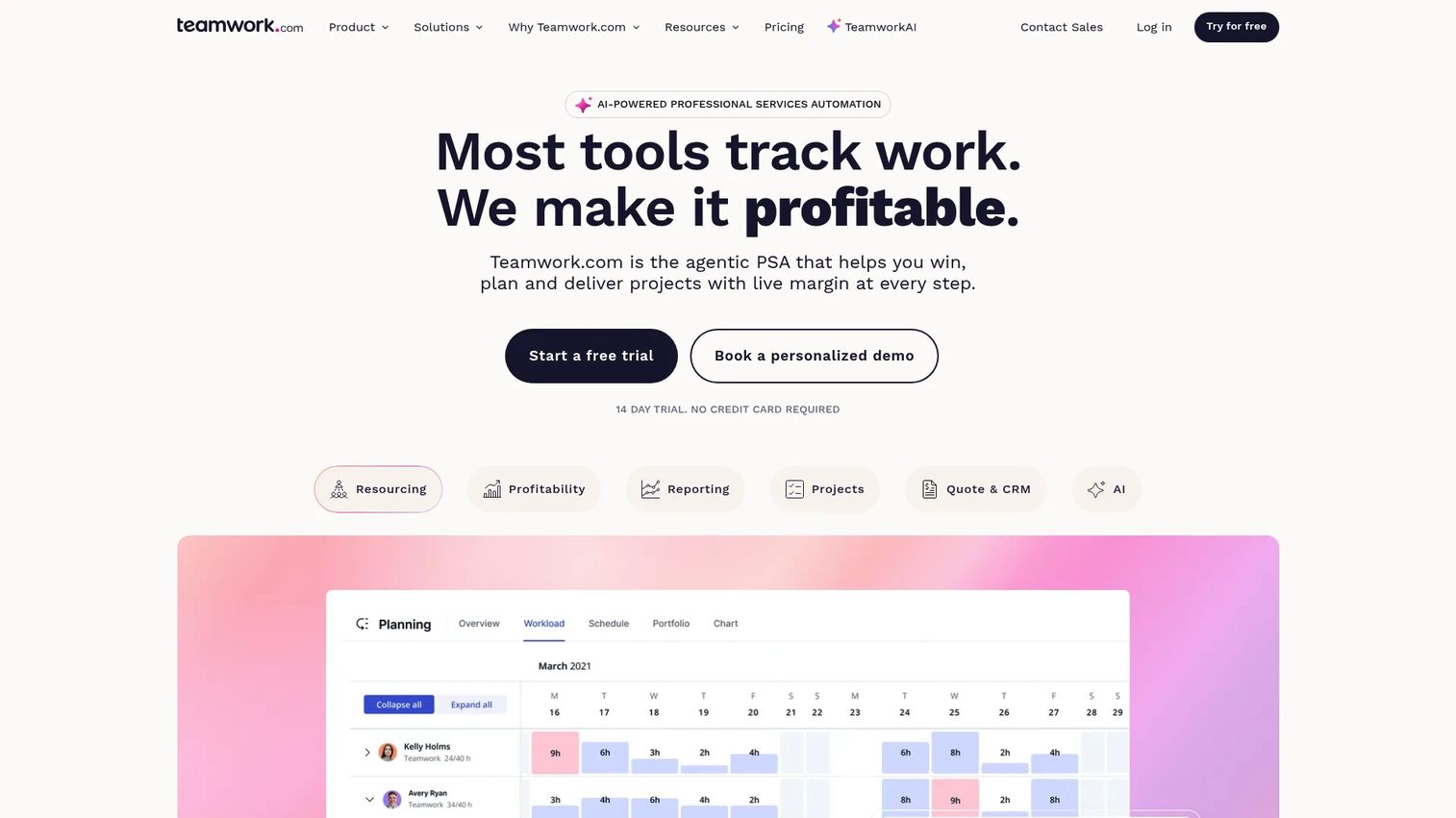
Teamwork.com is an AI-powered professional services automation platform built for teams that need to manage projects, people, budgets, and profitability in one place. It is especially strong for agencies and marketing consultancies running client campaigns with time and resource constraints. Where most project tools track tasks, Teamwork connects campaign work to capacity, billing, and margin.
Best for: Agency and professional services marketing teams managing client campaigns, retainers, and profitability.
Key features
- Campaign timelines with Gantt, board, and table views
- Resource scheduling with live capacity visibility
- Billable time tracking, retainers, and profitability reporting
- Budget management and invoicing
- Client collaboration portals
Why choose Teamwork.com: If your marketing planning needs to connect to team capacity and project profitability, not just task lists, Teamwork handles both in a way most general project tools do not.
Teamwork.com pricing: Free plan available for up to 5 projects. Paid plans start at $9.99/user/month (Basics, billed annually). The Accelerate plan is $24.99/user/month (billed annually). Optimize and Enterprise tiers require a sales conversation.
G2 rating: 4.4/5
2. Planable
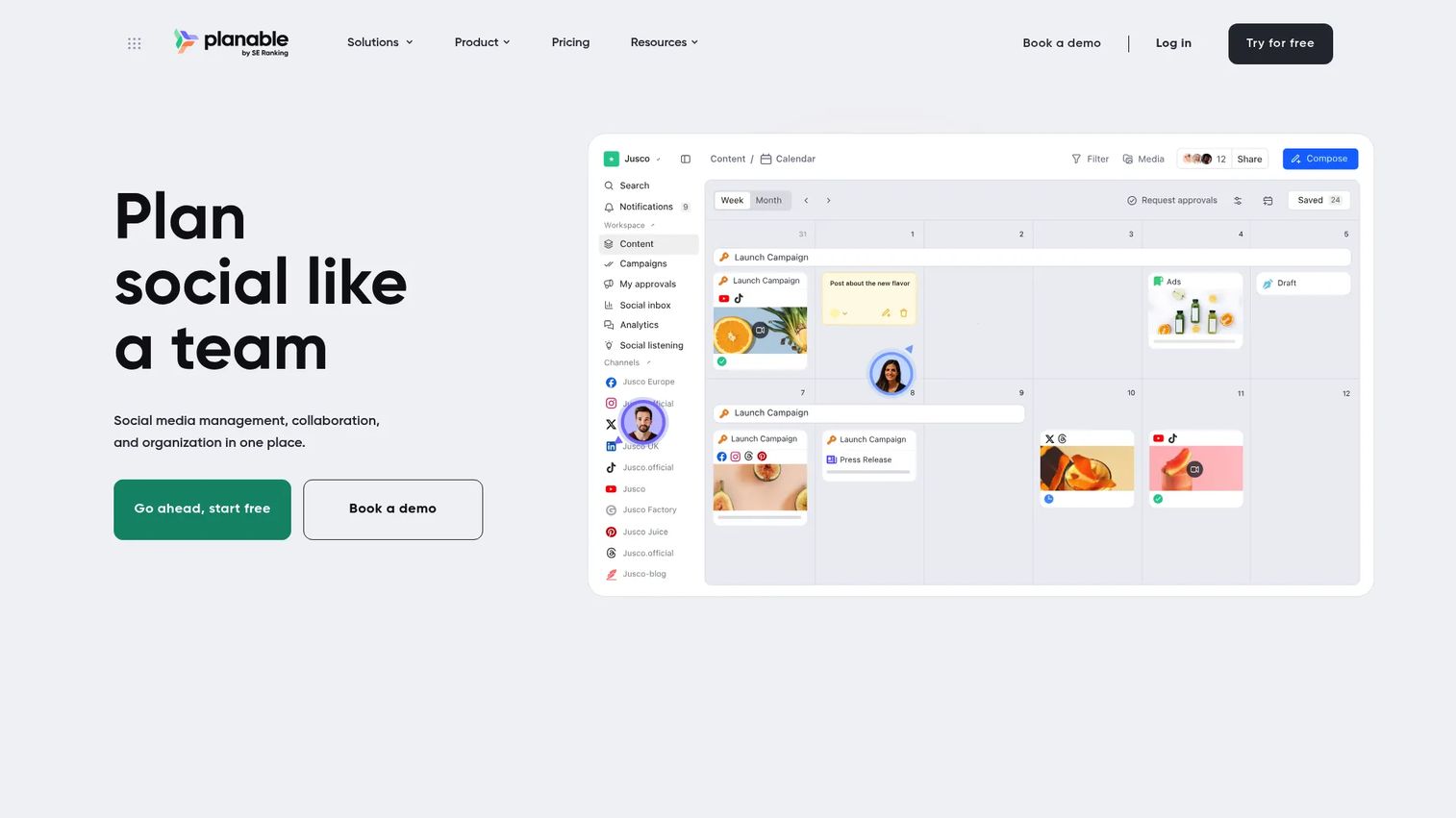
Planable is a social media management and content collaboration platform built around the idea that creating, reviewing, approving, and publishing content should happen in one workspace. It is designed for agencies and content teams that need fast feedback cycles across multiple brands or clients, with calendar, feed, grid, and list views to fit different workflows.
Best for: Content and social teams managing multi-brand approval workflows with clients or internal reviewers.
Key features
- Collaborative content calendar with real-time previews
- In-context comments and approval workflows
- Multi-channel scheduling and publishing
- Feed, Grid, and Calendar views
- Campaigns, labels, and media library
Why choose Planable: The in-context feedback model is what sets it apart. Reviewers comment directly on the post as it will appear, cutting the back-and-forth that happens when approvals live in separate threads. It is less suited as a full budget or resource planning system.
Planable pricing: The first 50 posts are free with no credit card required. Basic is $33/workspace/month and Pro is $49/workspace/month (monthly billing). Enterprise uses custom pricing. Annual billing adds two months free.
G2 rating: 4.6/5
3. Annum
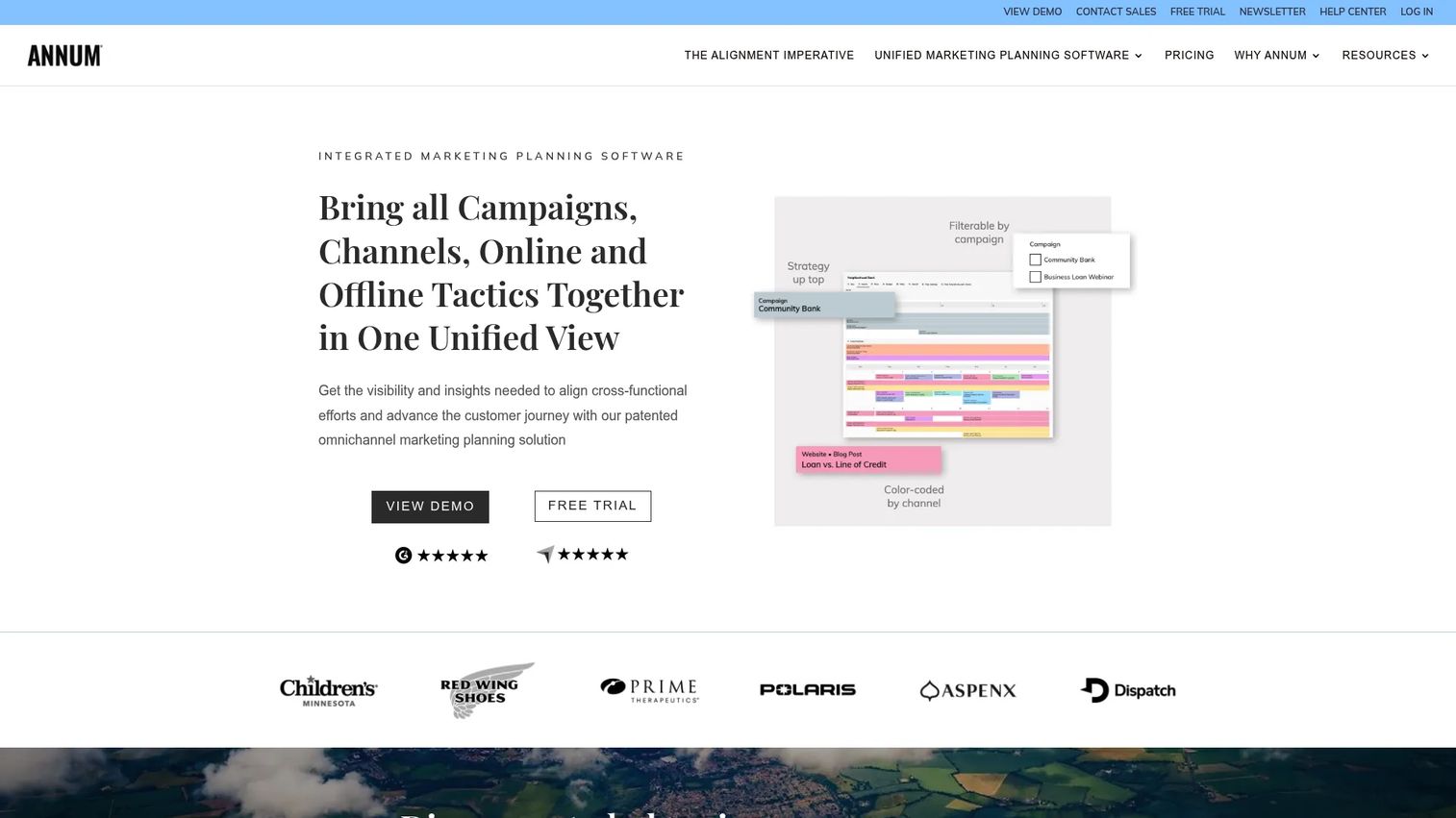
Annum is an integrated omnichannel marketing planning platform built specifically for marketing teams that need visibility across campaigns, channels, and business units. Unlike general project tools, Annum is organized around campaigns and channels as first-class objects, with parent-child connected calendars for enterprise teams managing multiple product lines or regions.
Best for: Marketing operations and enterprise planning teams that need a connected, cross-channel campaign calendar as the plan of record.
Key features
- Unified omnichannel campaign calendar
- Cross-channel filtering by campaign and audience segment
- Budget management at the tactic level
- Historical marketing plan archive
- Parent-child connected calendars for multi-unit visibility
Why choose Annum: If your planning problem is fragmented calendars across teams or business units rather than task management, Annum is purpose-built for that specific visibility gap. It earns the highest G2 rating on this list.
Annum pricing: Starter is $99/month (billed annually) for one calendar and up to 10 seats. Advanced and Enterprise add per-seat pricing and nested calendars, with a 15% premium for month-to-month billing. A 14-day free trial is available.
G2 rating: 4.9/5
4. Monday.com
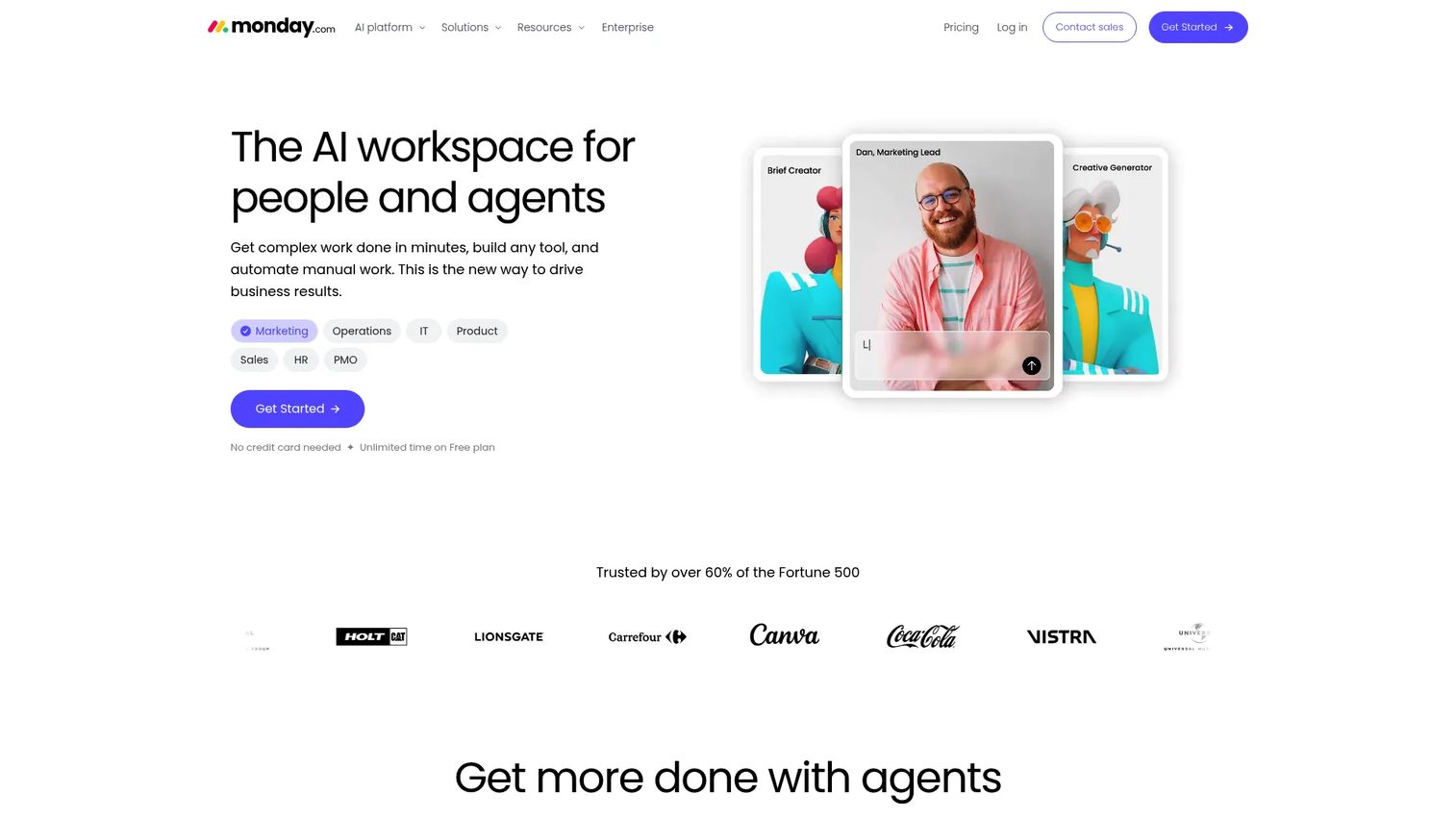
Monday.com is an AI work platform for managing projects, campaigns, workflows, and reporting across teams. Marketing teams use it to map campaign tasks, owners, statuses, assets, and launch dates on visual boards. The platform supports automations, dashboard reporting, and a wide library of marketing templates, making it adaptable for teams with varied planning needs.
Best for: Cross-functional marketing teams that need flexible work management without the complexity of enterprise operations tools.
Key features
- Visual campaign boards with status tracking
- Timeline and Gantt views with dependencies
- Workflow automations and marketing templates
- Dashboards and reporting
- CRM, service, and dev products available as add-ons
Why choose Monday.com: The balance between flexibility and structure makes it a strong fit for growth teams. It is not marketing-specific, which means teams need to build their own templates, but the out-of-the-box marketing templates accelerate setup.
Monday.com pricing: Free plan available. Basic is $9/seat/month, Standard is $12/seat/month, and Pro is $19/seat/month (all billed annually). Enterprise uses custom pricing.
G2 rating: 4.7/5
5. Airtable
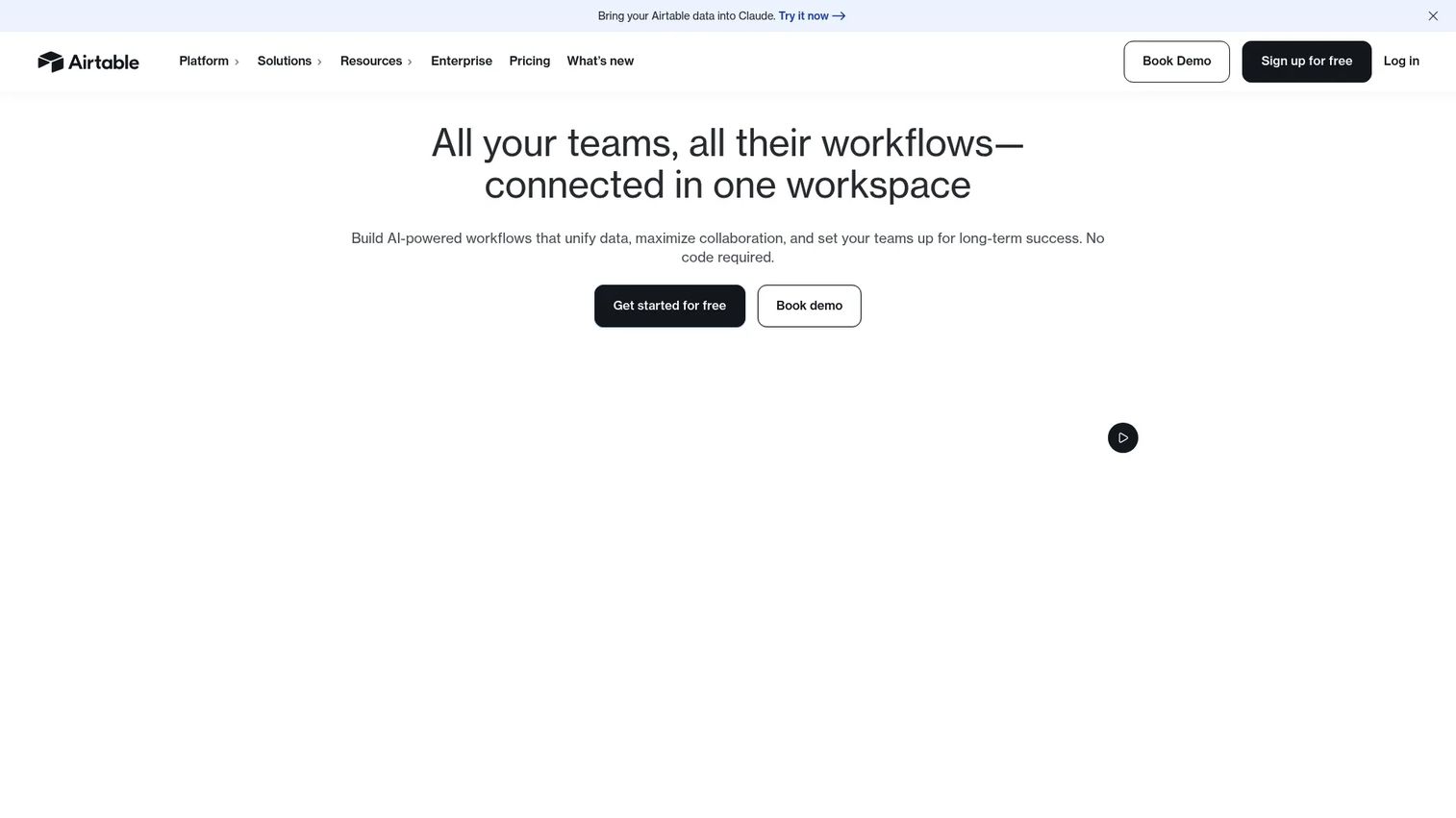
Airtable is an AI app-building platform that lets marketing teams create custom databases, campaign trackers, content calendars, and launch workflows without engineering support. The relational database model makes it a strong spreadsheet replacement for teams that want structured data with linked records across campaigns, assets, and channels.
Best for: Growth and marketing operations teams building custom campaign trackers, experiment logs, or launch dashboards.
Key features
- Relational databases with linked records
- Calendar, Kanban, gallery, and grid views
- Forms for campaign intake and requests
- Workflow automations
- Interface designer for custom dashboards
Why choose Airtable: Airtable fits teams that want structure without rigid workflows. The flexibility is a strength, but it requires process discipline to avoid turning into an ungoverned spreadsheet with a nicer interface.
Airtable pricing: Free plan available. Team is $20/user/month and Business is $45/user/month (both billed annually). Enterprise Scale uses custom pricing.
G2 rating: 4.6/5
6. Asana
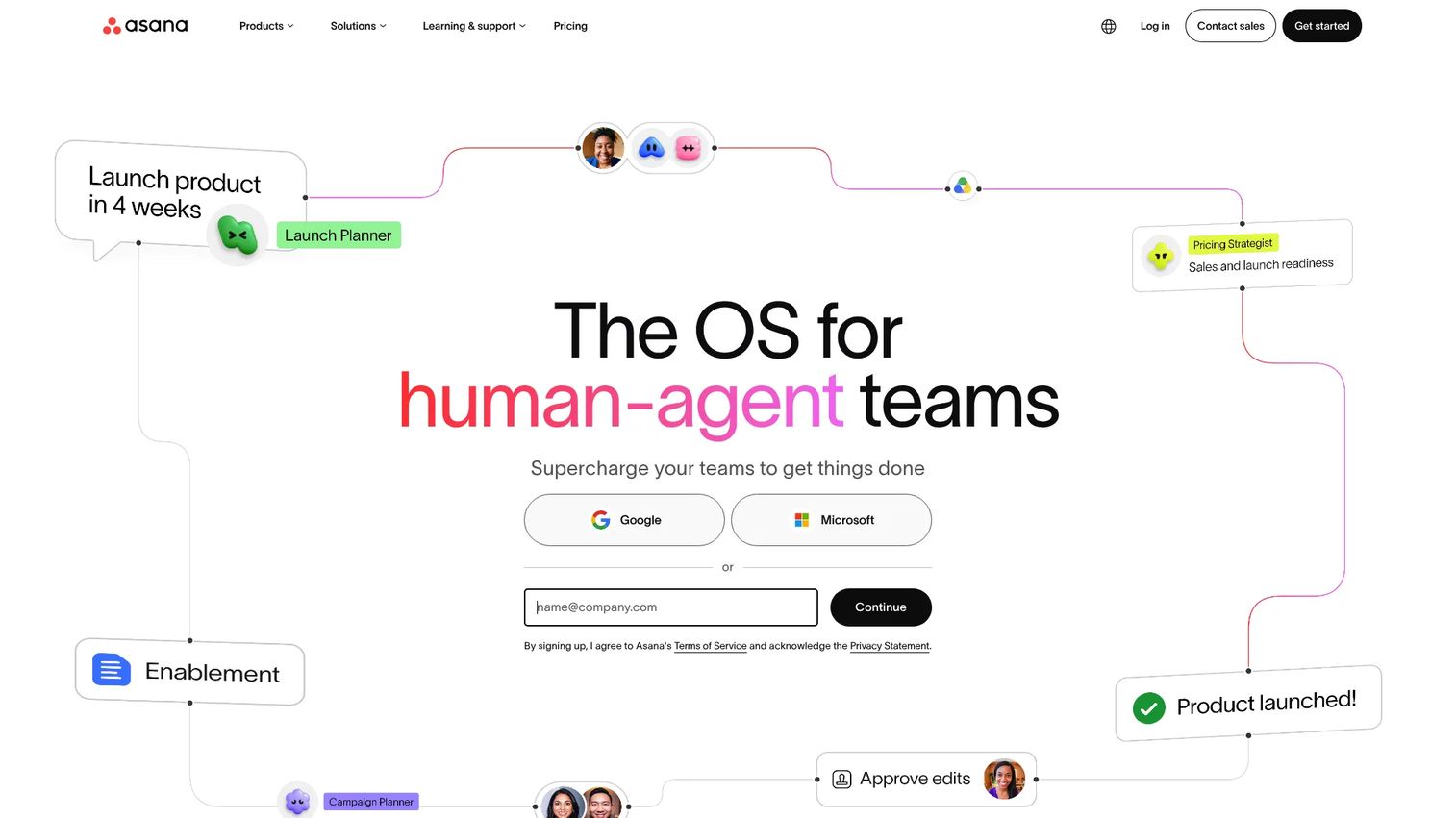
Asana is a work management platform used by marketing teams to plan campaigns, manage launch timelines, and track cross-team task ownership. Its goals and portfolios features connect campaign work to business objectives, which is useful for marketing teams that need to show how activity connects to pipeline and revenue.
Best for: Marketing teams that need clear task ownership, timeline visibility, and campaign accountability across functions.
Key features
- Project timelines and Gantt views
- Task dependencies and workload management
- Goals and portfolios for strategic visibility
- Approval tasks and proofing (Advanced plan)
- Automation rules and forms for campaign intake
Why choose Asana: Asana's goals and workload features make it easier to connect campaign execution to capacity and business outcomes. For teams already using Asana for other functions, adding marketing planning requires minimal change management.
Asana pricing: Personal plan is free. Starter is $10.99/user/month (billed annually; $13.49 monthly). Advanced is $24.99/user/month (billed annually). Enterprise and Enterprise+ tiers require a sales conversation.
G2 rating: 4.4/5
7. HubSpot

HubSpot is a customer platform that includes marketing automation, CRM, landing pages, email campaigns, and reporting. For growth marketers who already use HubSpot as their system of record, the Marketing Hub adds campaign planning, audience management, and attribution reporting directly connected to CRM data.
Best for: Growth teams already using HubSpot as their CRM who want campaign planning and execution in the same platform.
Key features
- Campaign tools with attribution reporting
- CRM-connected marketing automation and email
- Landing pages and signup forms
- Marketing reporting tied to contacts and pipeline
- Audience segmentation and behavioral targeting
Why choose HubSpot: The CRM connection is the differentiator. Campaign performance connects directly to contact records and pipeline data, so proving marketing ROI does not require exporting data between systems. Teams not already on HubSpot should evaluate whether the full platform cost makes sense.
HubSpot pricing: Free Marketing Hub plan available for up to 2 users. Starter, Professional, and Enterprise editions are available; contact HubSpot or visit the pricing page for current tier pricing.
G2 rating: 4.4/5
8. CoSchedule
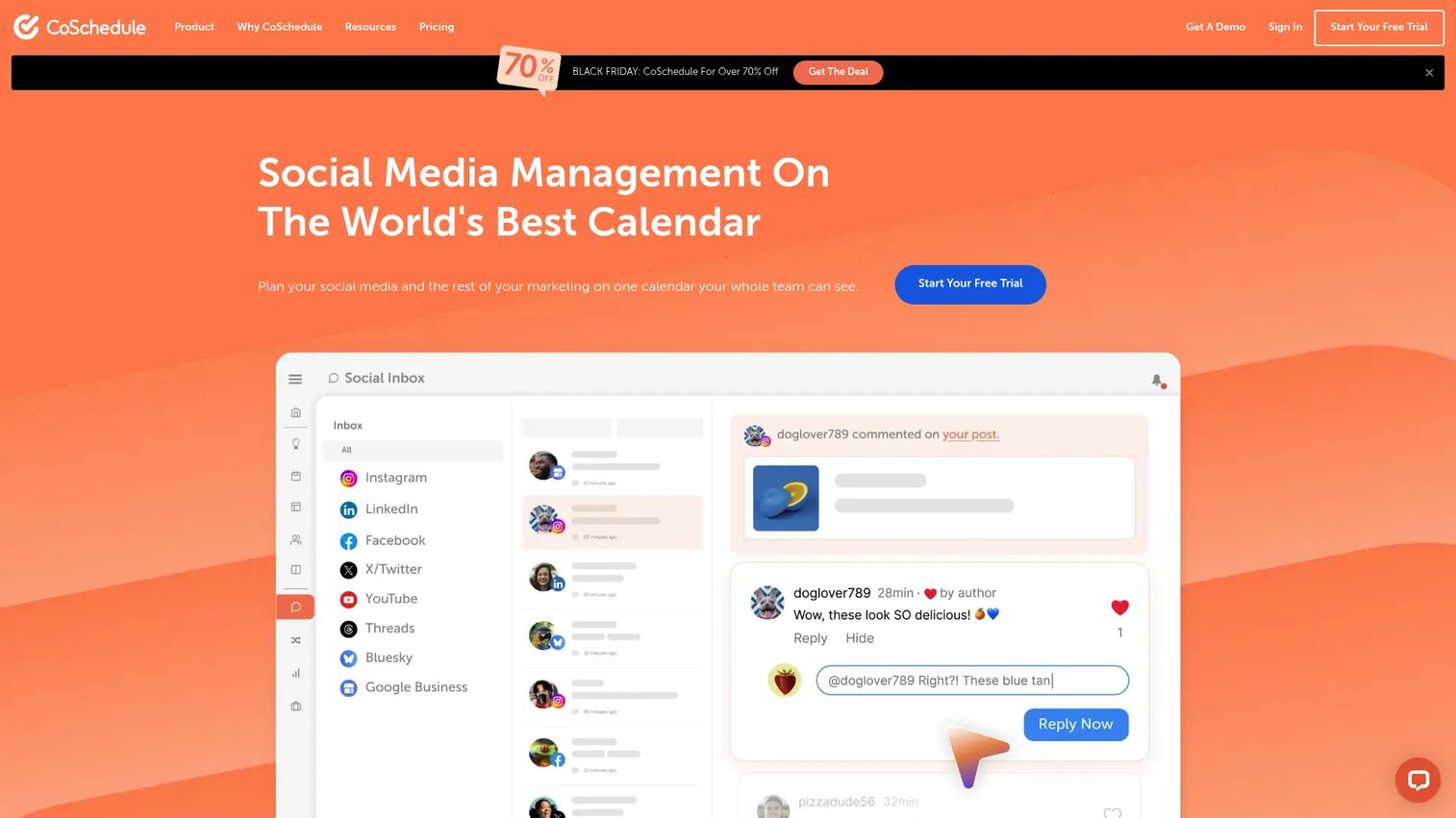
CoSchedule is a social media management and marketing coordination platform built around a shared calendar. It is designed for content marketing teams that need a publishing calendar for blog posts, social promotion, and campaign coordination without adopting a full project management suite.
Best for: Content marketing teams and social media managers who need a shared publishing calendar with campaign organization.
Key features
- Drag-and-drop marketing calendar
- Unlimited social scheduling with ReQueue automation
- Campaign and content planning views
- Social Inbox for community management
- AI assistants for social and campaign content
Why choose CoSchedule: For teams whose planning problem is specifically editorial and social content, CoSchedule offers a focused calendar experience without the overhead of broader work management tools. It is less suited for teams that need resource management or budget tracking.
CoSchedule pricing: Free plan supports up to 15 scheduled posts on 1 profile. Starter is $29/month (billed annually; $39/month billed monthly). Professional is $49/month (billed annually; $59/month billed monthly). Suite plans start at $69/month with custom configuration.
G2 rating: 4.4/5
9. ClickUp
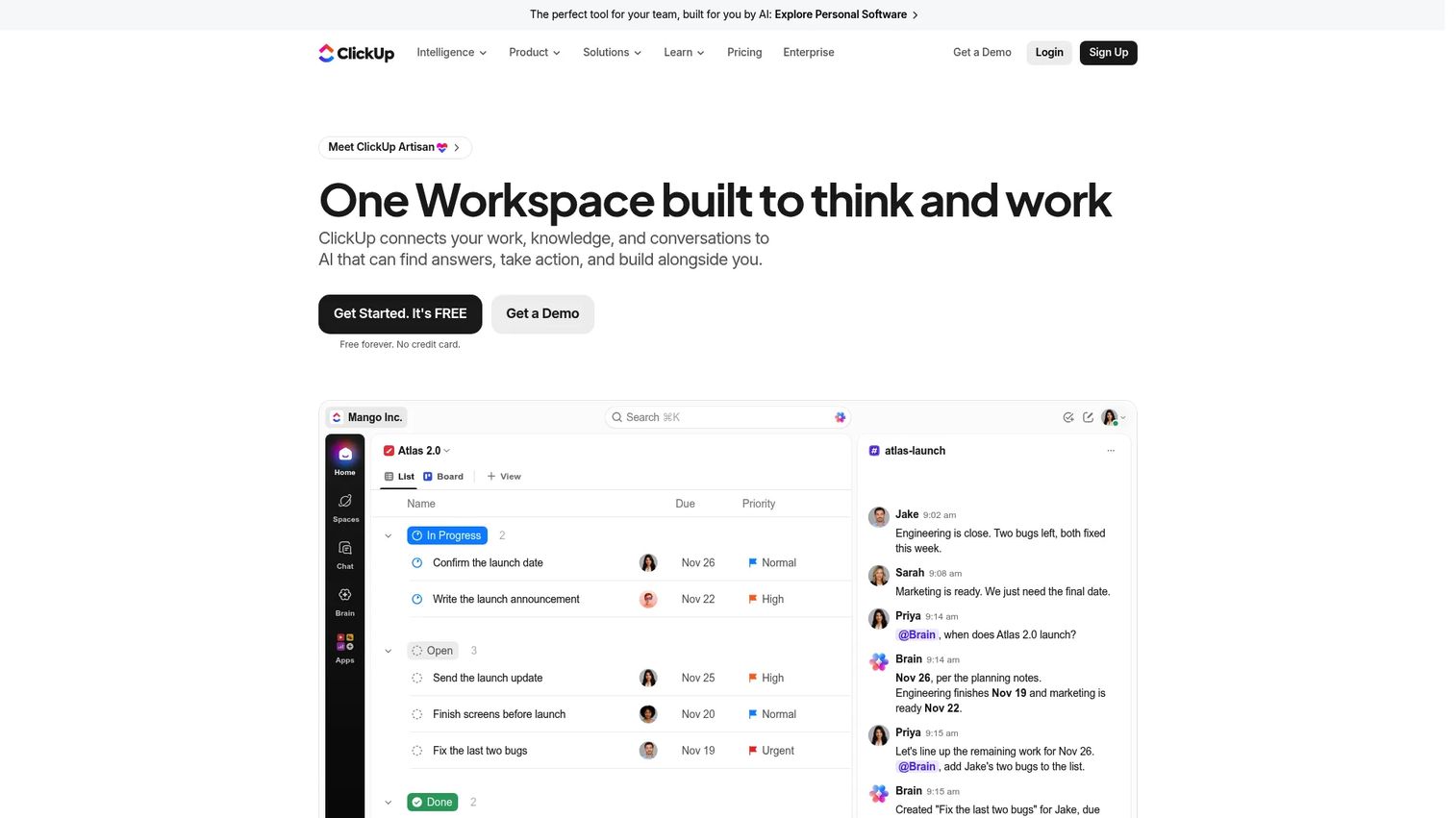
ClickUp is an all-in-one work platform combining tasks, docs, whiteboards, goals, dashboards, and automations. Marketing teams use it to consolidate campaign planning, briefs, and execution tracking in a single workspace. The range of views and features is extensive, which makes ClickUp adaptable but also means it requires clear setup rules to stay organized.
Best for: Marketing teams trying to consolidate project management, campaign docs, and goals into one workspace.
Key features
- Tasks with custom views: List, board, timeline, Gantt, calendar
- Docs for campaign briefs and planning
- Goals and dashboards for performance tracking
- Automations and integrations
- ClickUp Brain AI features
Why choose ClickUp: The breadth of features makes ClickUp useful for teams that want to reduce tool sprawl. The tradeoff is that setup requires investment; teams without clear structure can end up with a more complex version of the problem they were trying to solve.
ClickUp pricing: Free Forever plan available. Core is $9/user/month and Business is $17/user/month (both billed annually). Max is $100/user/month. Enterprise uses custom pricing.
G2 rating: 4.6/5
10. Hootsuite

Hootsuite is a social media management platform for scheduling, publishing, monitoring, and analyzing content across multiple social accounts. It is built for teams managing social at scale, with collaboration features, approval workflows, team permissions, and social listening included at higher tiers.
Best for: Enterprise and multi-brand social teams managing publishing, engagement, and analytics across many accounts.
Key features
- Social scheduling and content calendar
- Unified inbox for messages and comments
- Social analytics, reporting, and competitive benchmarking
- Social listening and trend tracking
- Team permissions and approval workflows
Why choose Hootsuite: Hootsuite's depth in social analytics and listening is stronger than most marketing planning tools. For teams whose core planning challenge is social at scale, it handles both scheduling and performance reporting. It is not a full marketing operations platform for budget or resource management.
Hootsuite pricing: Standard is $99/user/month, Professional is $199/user/month, and Advanced is $399/user/month (all billed annually). Enterprise uses custom pricing.
G2 rating: 4.3/5
11. Buffer
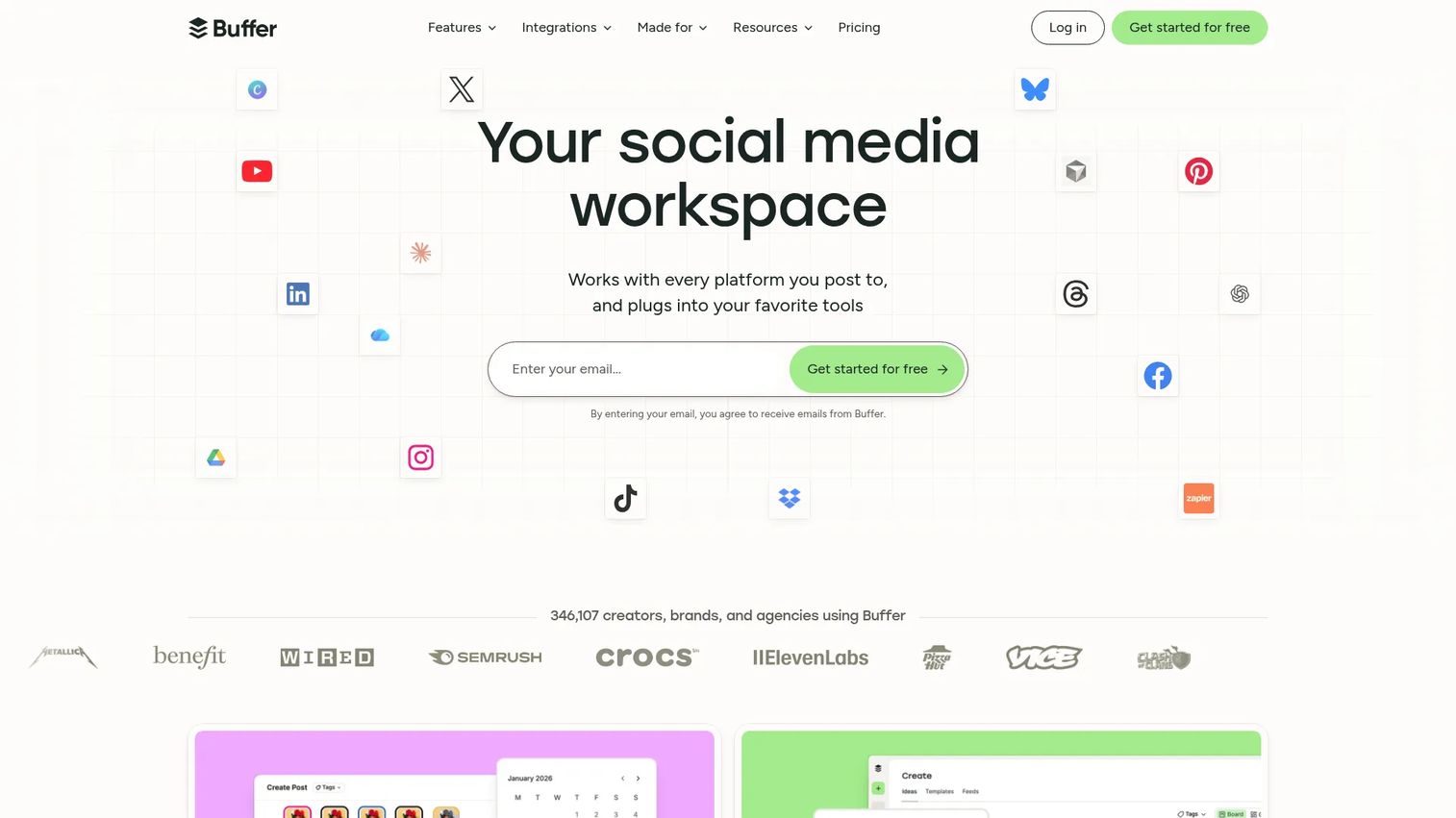
Buffer is a social media management platform known for a clean, low-overhead publishing experience. It covers scheduling, channel queues, basic analytics, link tracking, and team collaboration without the operational complexity of enterprise social tools. For startup and lean content teams, Buffer often replaces a more expensive tool for the core social publishing job.
Best for: Small teams, startups, and creators that need a low-cost publishing calendar without enterprise overhead.
Key features
- Publishing queue and channel calendar
- Content ideas and AI assistant
- Analytics and insights per channel
- Link tracking
- Team access and approval workflows
Why choose Buffer: Per-channel pricing means small teams pay only for what they use. If social publishing is the main planning problem, Buffer covers it without requiring a seat-based pricing commitment that scales aggressively as the team grows.
Buffer pricing: Free plan for up to 3 channels. Essentials is $5/month per channel (billed annually; $6/month per channel billed monthly). Team is $10/month per channel (billed annually; $12/month billed monthly).
G2 rating: 4.3/5
12. Notion
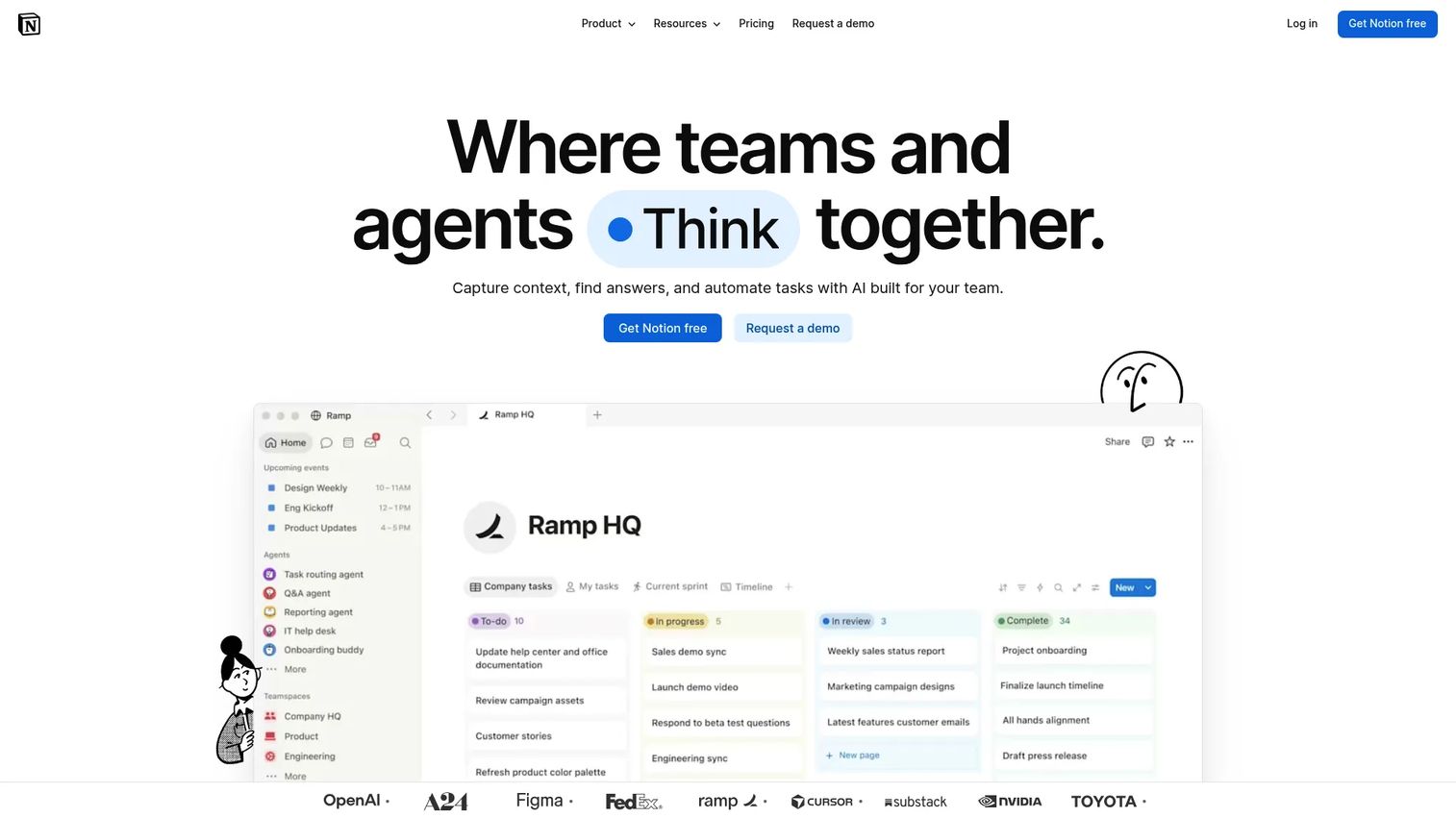
Notion is a connected AI workspace that combines docs, databases, calendars, templates, and automations in one platform. Marketing teams use it for campaign briefs, messaging docs, editorial calendars, and lightweight project tracking. Its flexibility makes it useful across the full range of planning documentation, from strategy to launch.
Best for: Marketing teams whose planning is heavily document-driven, with briefs, messaging frameworks, and editorial calendars as the core assets.
Key features
- Docs and pages for strategy and campaign briefs
- Databases with calendar, table, and board views
- Templates for campaign workflows
- AI-powered search and summaries
- Team wiki for shared knowledge
Why choose Notion: Notion works well when planning depends as much on documentation as task management. The tradeoff is that it requires process discipline; teams without clear naming conventions and ownership can end up with a highly flexible but difficult-to-search workspace.
Notion pricing: Free plan available. Plus is €9.50/member/month and Business is €19.50/member/month (both displayed in EUR at time of research; USD pricing is available on the site). Enterprise uses custom pricing.
G2 rating: 4.6/5
13. Trello
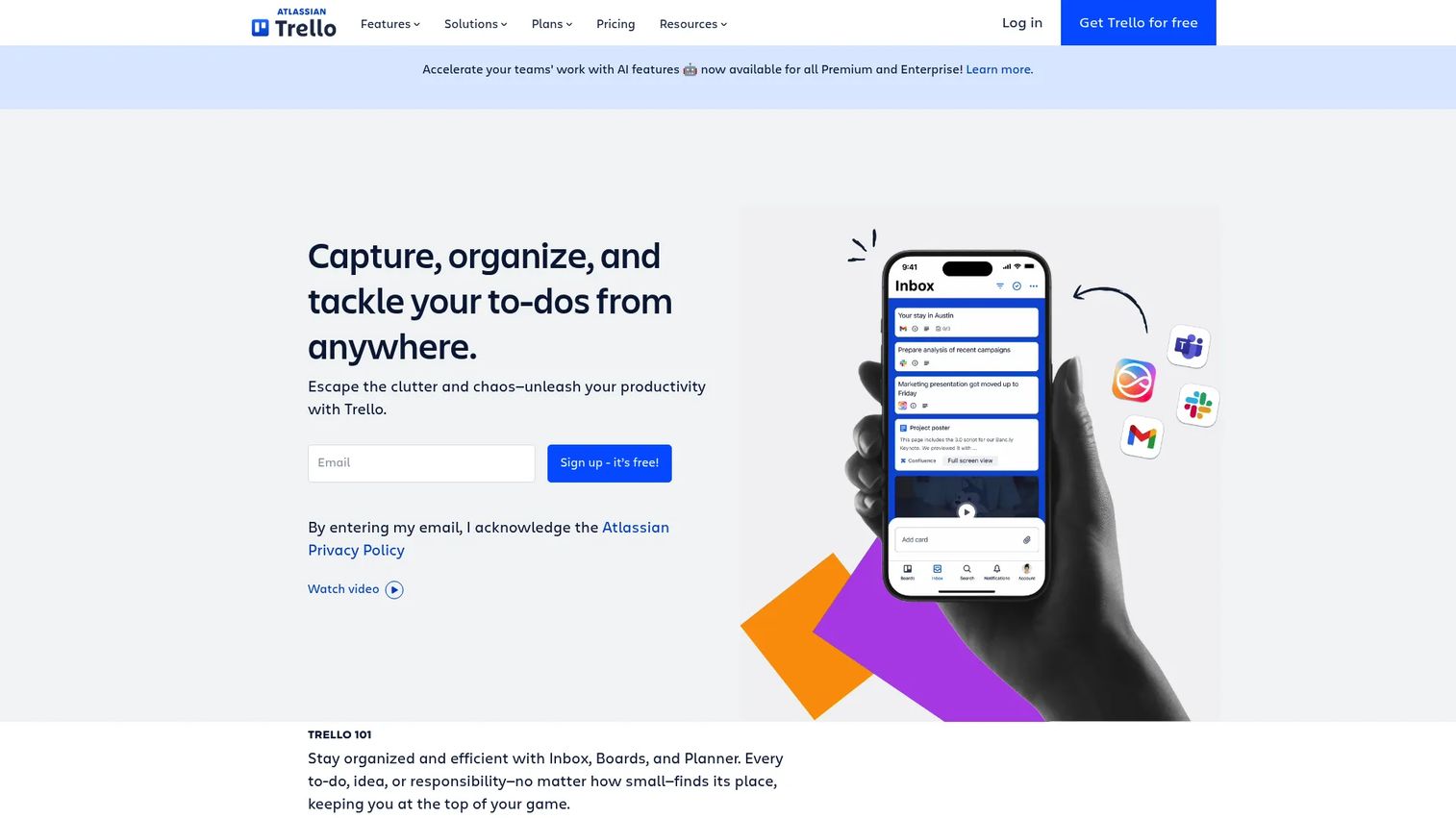
Trello is a visual work-management tool built on Kanban boards, cards, and automation. Marketing teams use it for lightweight campaign boards, content pipelines, and launch checklists. It is one of the simplest planning tools on this list, which is both its strength and its limit.
Best for: Small marketing teams or solo marketers that need a visual task board without the setup overhead of more complex tools.
Key features
- Kanban boards and cards with checklists
- Calendar, Timeline, and Table views
- Butler no-code automation
- Power-Ups and integrations
- Custom fields and card mirroring
Why choose Trello: Trello's low friction makes it easy to adopt quickly. For teams that need straightforward campaign boards without resource management, approval routing, or budget tracking, it handles the core job without overcomplicating the setup.
Trello pricing: Free plan for up to 10 collaborators. Standard is $5/user/month (billed annually; $6 monthly). Premium is $10/user/month (billed annually; $12.50 monthly). Enterprise is $17.50/user/month (billed annually).
G2 rating: 4.4/5
14. Wrike
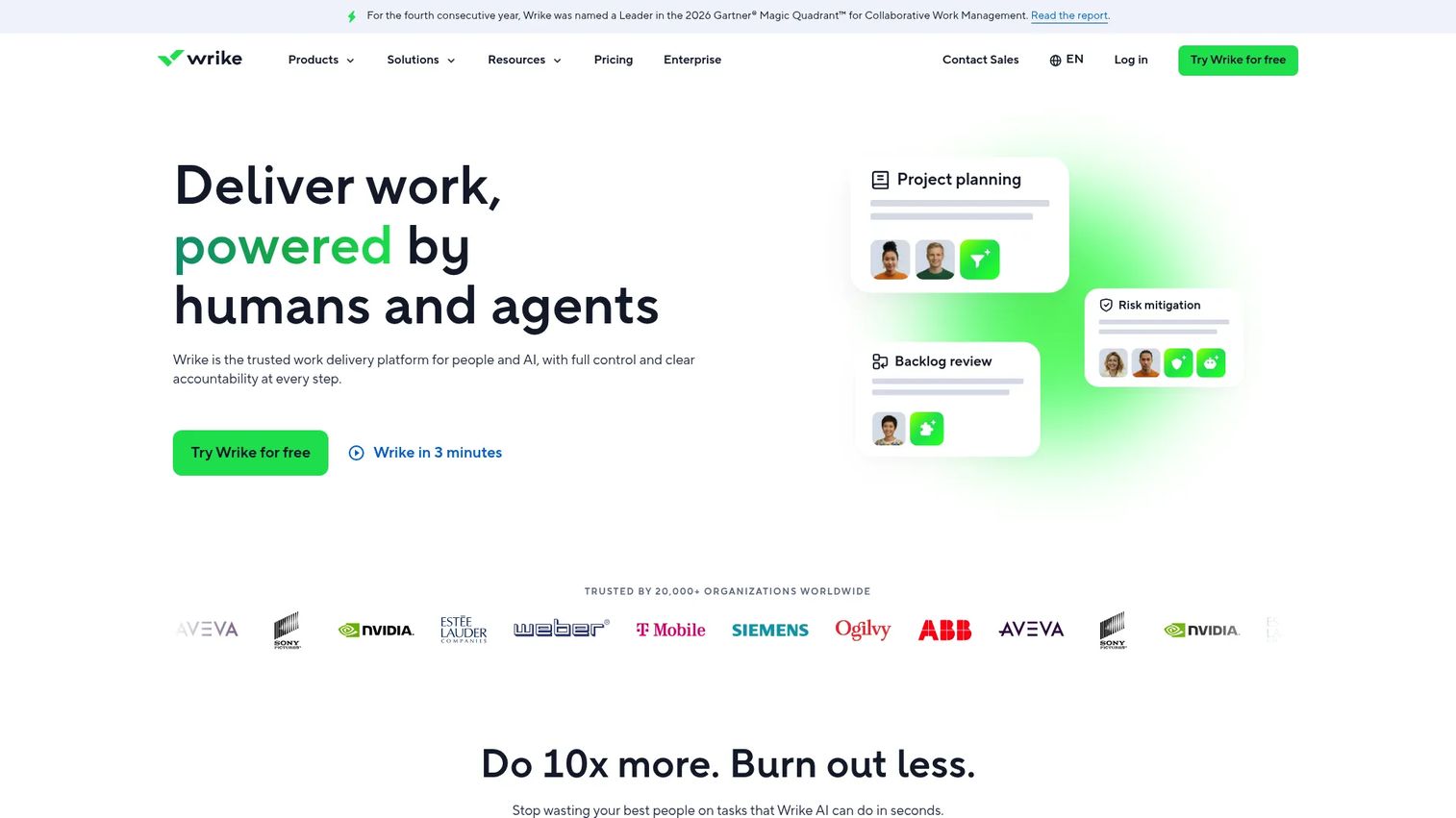
Wrike is an AI-powered work management platform built for structured project workflows with strong proofing, approval, and reporting capabilities. Marketing teams use it for campaign production management, creative operations, and cross-functional planning where governance and workload visibility are priorities.
Best for: Marketing operations and creative teams that need structured approval workflows, proofing, and cross-functional reporting.
Key features
- Interactive Gantt charts and project timelines
- Custom dashboards and real-time reporting
- Workflow automations and task synchronization
- Proofing and approval workflows
- Workload views and resource management
Why choose Wrike: Wrike's proofing and request form capabilities are well-suited for marketing teams managing creative production alongside campaign planning. It is a stronger governance-first tool than simpler project boards, though the learning curve reflects that depth.
Wrike pricing: Free plan available. Team is $10/user/month and Business is $25/user/month (both billed annually). Pinnacle and Apex tiers use custom pricing.
G2 rating: 4.2/5
15. Workfront
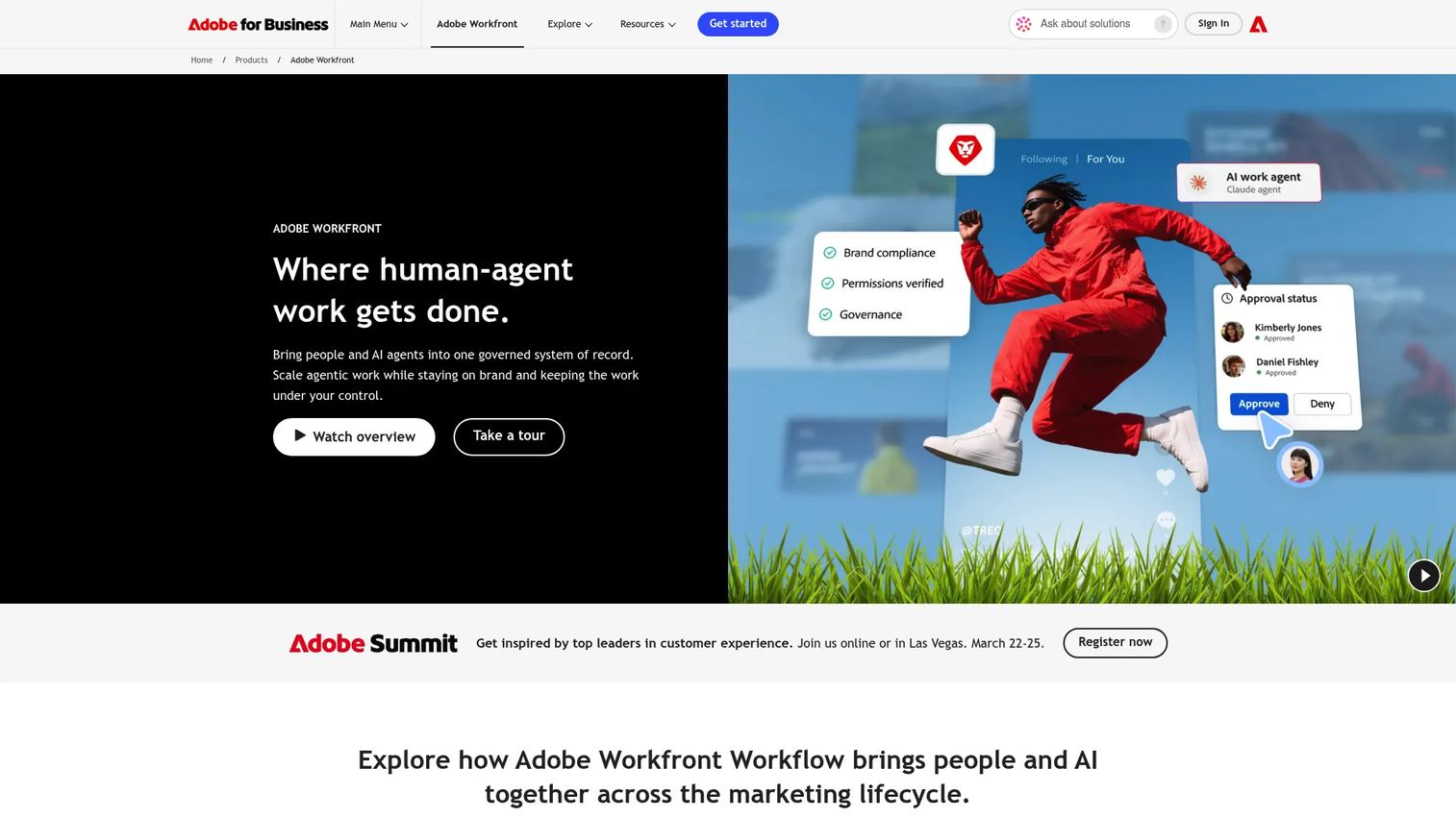
Adobe Workfront is an enterprise work management platform for organizations that need portfolio planning, resource management, approval workflows, digital proofing, and executive reporting at scale. It is used by large marketing organizations managing complex campaigns across multiple business units, regions, and legal review cycles.
Best for: Large enterprise marketing teams with complex governance, resource allocation, and portfolio planning requirements.
Key features
- Portfolio, project, and campaign planning
- Resource and capacity management
- Digital proofing, review, and approval workflows
- Enterprise governance and AI Collaborators
- Customizable reporting dashboards
Why choose Workfront: Workfront is the right tool when marketing operations genuinely requires portfolio-level governance, compliance review, and deep resource management. For smaller teams that just need a campaign calendar, it is more infrastructure than the problem requires.
Workfront pricing: Contact Adobe for a quote.
G2 rating: 4.1/5
16. Smartsheet
Smartsheet is an AI-powered work management platform that combines the familiarity of a spreadsheet with automation, dashboards, forms, and reporting. Marketing teams that are comfortable with grid-based tools and want more structure without abandoning the spreadsheet model find it a practical upgrade.
Best for: Marketing operations and event teams that want spreadsheet-style views with automation, shared reporting, and form-based intake.
Key features
- Grid, Gantt, card, calendar, and timeline views
- Automated workflows and document generation
- Dashboards, reports, and workload tracking
- Forms for campaign intake requests
- Governance and admin controls
Why choose Smartsheet: Smartsheet is a strong choice when the team is resistant to leaving spreadsheet-style interfaces but needs more structure, automation, and stakeholder visibility than Excel or Google Sheets can provide.
Smartsheet pricing: Pro is $9/member/month (billed annually; $12 monthly). Business is $19/member/month (billed annually; $24 monthly). Enterprise and Advanced Work Management use custom pricing.
G2 rating: 4.4/5
17. ProofHub
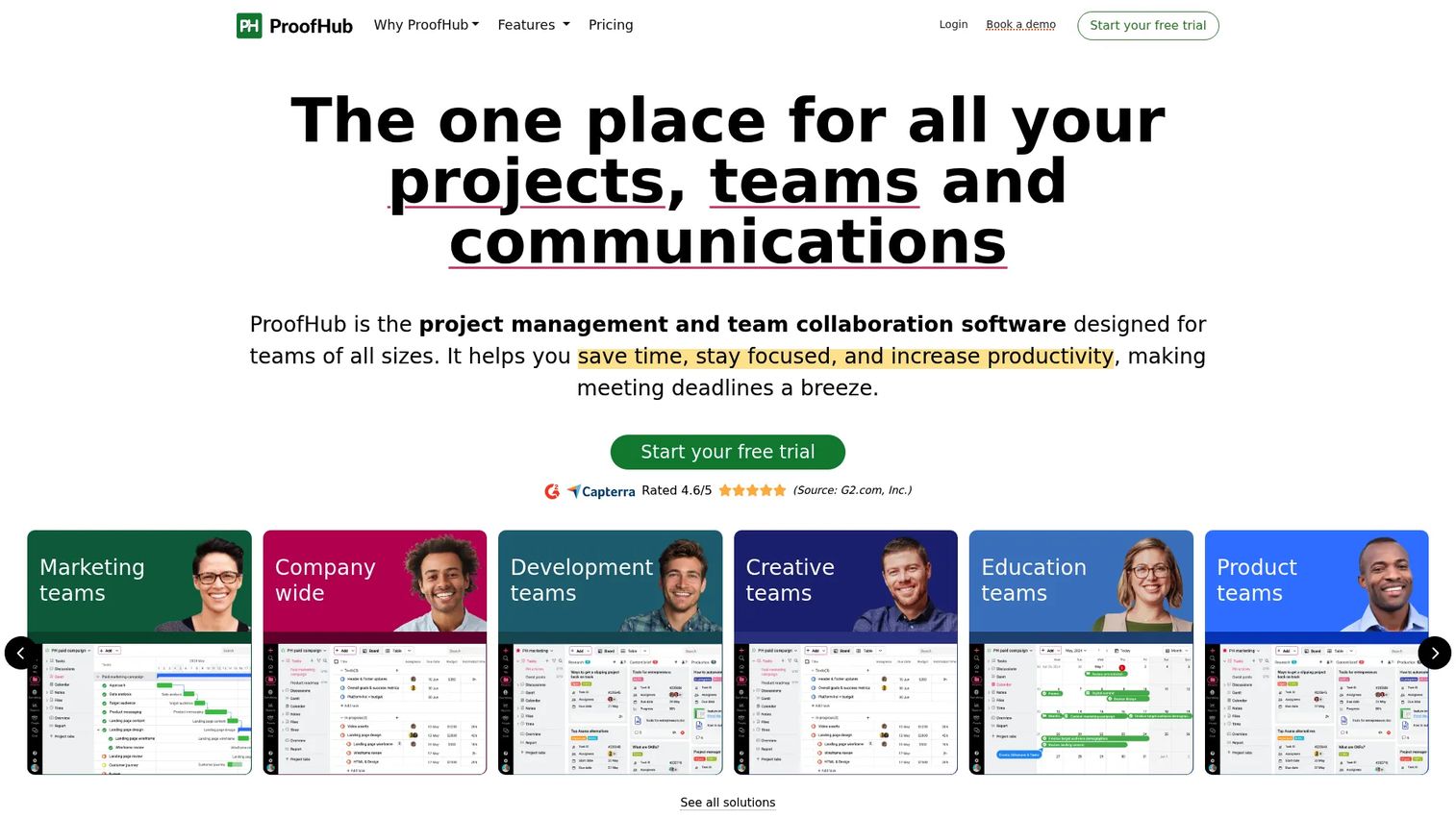
ProofHub is project management and team collaboration software that covers tasks, Gantt charts, proofing, discussions, time tracking, and shared calendars in a flat-rate pricing model. For marketing teams frustrated by per-seat costs that grow with headcount, the flat-rate structure is a practical differentiator.
Best for: Small to mid-size marketing teams that want project management with proofing and collaboration basics at a predictable flat monthly cost.
Key features
- Task lists and workflow boards
- Gantt charts and project scheduling
- Proofing and file approvals
- Time tracking and reports
- Team chat, discussions, and shared calendar
Why choose ProofHub: The flat-rate model means adding team members does not increase the monthly bill. For growing teams where per-user pricing becomes a budgeting problem, ProofHub can reduce total cost compared to seat-based tools.
ProofHub pricing: Essential is $45/month (billed annually; $50/month billed monthly) for up to 40 projects. Ultimate Control is $89/month (billed annually; $99/month billed monthly) for unlimited projects. A 14-day free trial is available with no credit card required.
G2 rating: 4.6/5
18. Mailchimp
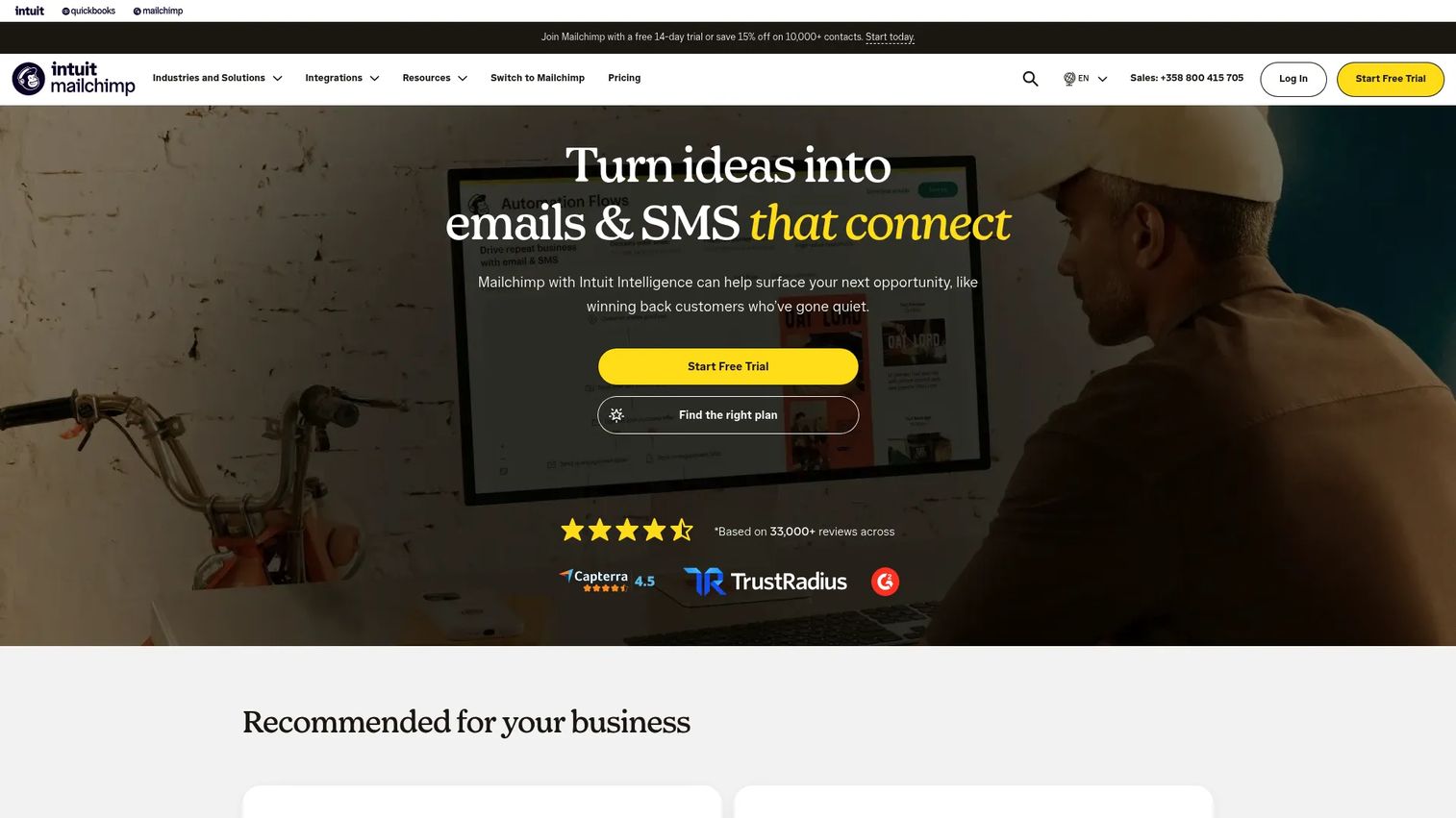
Mailchimp is an all-in-one marketing platform centered on email marketing, automation, audience management, and campaign analytics. For small teams where email is the primary marketing channel, Mailchimp provides campaign planning, execution, and reporting in one platform without requiring a separate planning tool.
Best for: Small businesses and early-stage teams where email campaigns are the center of marketing activity.
Key features
- Email campaigns with drag-and-drop editing and templates
- Marketing automation and customer journeys
- Audience segments and behavioral targeting
- Landing pages and signup forms
- Campaign reports and analytics
Why choose Mailchimp: Mailchimp is a campaign execution platform with planning features built in. It works well when email is the dominant channel and team size does not yet require a separate operations or project management layer. For multi-channel growth teams, it covers execution better than strategy-level planning.
Mailchimp pricing: Free plan for up to 250 contacts. Essentials starts at $13/month, Standard starts at $20/month, and Premium starts at $350/month. Pricing increases with contact count.
19. Miro
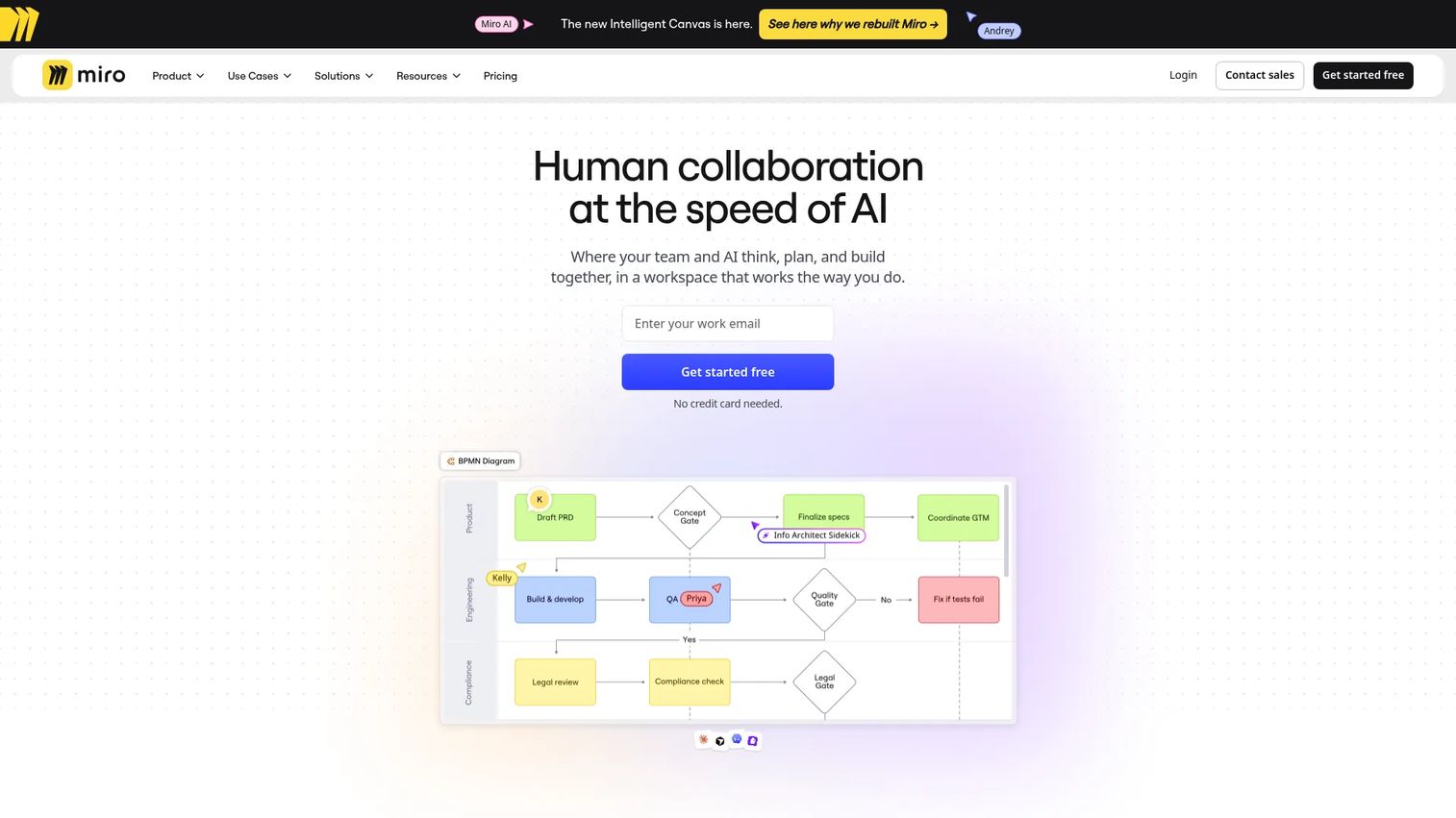
Miro is a visual workspace for brainstorming, diagramming, journey mapping, and collaborative planning workshops. Marketing teams use it for campaign kickoffs, messaging exercises, content ideation sessions, and strategic planning before work moves to a task-management tool.
Best for: Marketing teams that need a shared visual canvas for strategy workshops, campaign mapping, and collaborative ideation.
Key features
- Collaborative whiteboards and templates for workshops
- AI-powered diagram and summary generation
- Voting, timers, and facilitation tools for workshops
- Docs, Kanban, timelines, and prototypes
- Integrations with project management and dev tools
Why choose Miro: Miro is a pre-planning tool more than a campaign execution system. It earns its place in the stack for teams that do regular strategy sessions or cross-functional alignment workshops, but campaign execution still needs to move to a task-based tool afterward.
Miro pricing: Free plan for up to 3 editable boards. Starter is $8/month per member (billed annually). Business is $20/month per member (billed annually). Enterprise uses custom pricing.
G2 rating: 4.6/5
20. Canva
Canva is a visual communication platform used for designing social content, presentations, documents, and videos. Its content planner, brand kits, approval workflows, and social scheduling features have made it a planning tool for teams where campaign work is closely tied to creative production.
Best for: Marketing teams whose planning is tightly connected to creative production, with social scheduling and design workflows in one place.
Key features
- Content planner and social scheduling
- Brand kits for consistent campaign visuals
- Drag-and-drop design editor with templates
- Approval workflows and team collaboration
- AI-powered design and writing tools
Why choose Canva: Canva makes sense when the gap between planning and production is the main friction point. For teams where every campaign plan immediately produces design assets, managing both in one tool reduces handoff steps. It does not replace task-heavy planning or budget management for larger operations.
Canva pricing: Free plan available. Pro is $144/year per person. Business is $250/year per person. Enterprise uses custom pricing.
G2 rating: 4.7/5
21. Vista Social
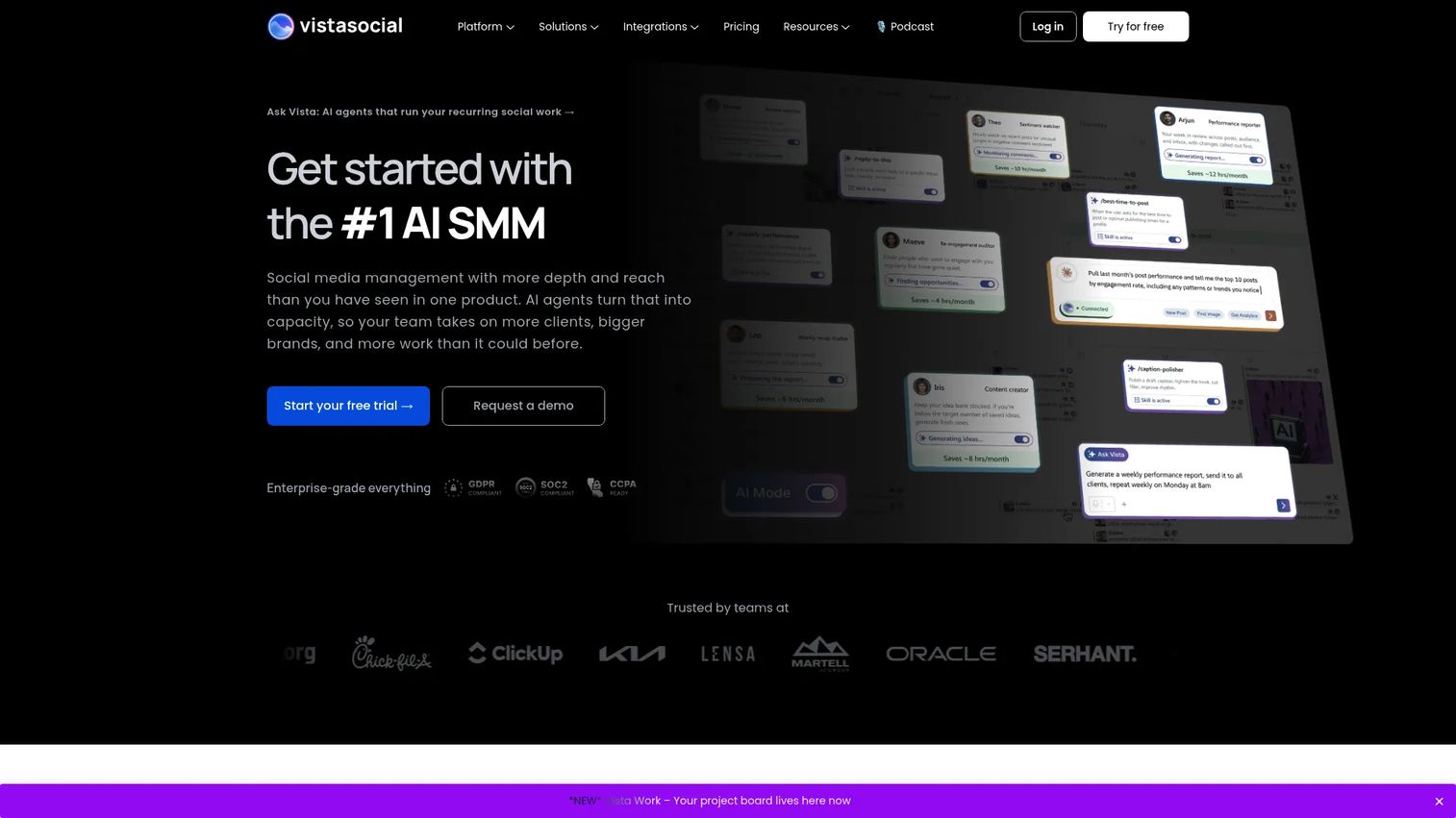
Vista Social is an AI social media management platform for brands, agencies, and multi-location businesses managing social publishing, engagement, analytics, review management, and listening across many profiles. Its DM automations, approval workflows, white-labeling, and advanced reporting make it suited for social teams with multiple clients or locations.
Best for: Agencies and multi-location brands managing social publishing, reviews, and engagement across many profiles with client-facing reporting.
Key features
- Social publishing calendar and content planning
- Unified engagement inbox
- Review management and social listening
- AI-assisted planning, publishing, and replying
- Advanced reporting, approval workflows, and white labeling
Why choose Vista Social: Vista Social's white-labeling and review management capabilities give agencies tools that general social schedulers do not cover. For teams managing social and reputation in one workflow, it reduces the number of platforms needed to handle both.
Vista Social pricing: Professional, Advanced, Scale, and Enterprise plans are available. All plans use custom pricing; a 14-day free trial is available without a credit card. Add-ons include Employee Advocacy, Listening, and X (Twitter) profile access.
G2 rating: 4.8/5
Considerations when choosing marketing planning software
Start with the workflow you need to replace
Ask yourself what is actually broken: Is it the campaign calendar, the approval process, the task board, or scattered content docs? The answer narrows the shortlist quickly. A team where approvals are the bottleneck needs different software than one where budget visibility is the gap.
Check whether planning connects to execution
A calendar without ownership becomes another reporting surface. Evaluate whether the tool connects plans to tasks, briefs, assets, approval steps, and launch dates. If the plan lives in one tool and execution lives in another, the planning problem does not go away; it just gets a nicer home.
Decide how much governance your team needs
A three-person growth team needs fast setup and low maintenance. An enterprise marketing operations team needs permissions, audit trails, approval routing, and security review. Forcing a heavy governance system onto a small team slows execution. Choosing a lightweight tool for a large operation creates compliance gaps.
Verify integrations before rollout
Growth marketers measure whether tools connect to CRM, analytics, social channels, and reporting workflows. A planning tool that does not pass data to your attribution system means you are still exporting data manually. Check whether integrations are native or require a middleware service, and confirm which CRM and analytics platforms are supported.
Price the full adoption cost
Seat counts, add-ons, implementation time, migration work, and internal training all add to the real cost. A lower headline price can produce a higher total cost if the tool requires significant setup or creates ongoing maintenance overhead.
Conclusion
The best marketing planning software is the one that replaces the messiest part of your current workflow.
Teamwork.com is the strong pick for agency and services teams where campaigns connect to client work, resources, and profitability. Planable handles content approval workflows better than most tools on this list. Annum earns the top G2 score here and is built specifically for omnichannel campaign visibility.
For project-driven teams, Monday.com, Asana, ClickUp, Wrike, Workfront, and Smartsheet cover different points on the complexity spectrum, from lightweight boards to enterprise portfolio governance. Hootsuite, Buffer, and Vista Social each solve the social planning problem at different scales. Airtable and Notion suit teams building custom planning systems on flexible databases or docs. HubSpot and Mailchimp connect campaign planning directly to email execution and customer data.
Choose the tool that closes the specific gap causing the most damage. If campaign dates are slipping, prioritize workflow ownership. If leadership doubts marketing impact, prioritize CRM connection and reporting. If your content team loses time in approvals, prioritize review workflows.
If your planning stack already handles calendars and tasks, the next bottleneck may be campaign engagement. Interactive demos can help demand teams turn product interest into measurable buyer behavior.
Start your journey with Guideflow today!
FAQs
Marketing planning software is a platform that helps marketing teams organize campaigns, calendars, budgets, tasks, approvals, and performance visibility in one shared workflow. It goes beyond a task manager by adding campaign context: Channel, audience, budget, ownership, launch date, and the KPI the work is meant to move. The result is a shared planning system that connects what gets planned to what gets executed and measured.
For small teams, Buffer, Trello, Notion, Canva, and Planable cover most planning needs at low cost with minimal setup. Buffer handles social scheduling on a per-channel model. Trello is the fastest to adopt for campaign boards. Notion works well for doc-heavy planning with editorial calendars. ProofHub's flat-rate pricing is worth considering for teams where per-seat costs would otherwise scale quickly.
Enterprise teams typically need governance, permissions, audit trails, and procurement-ready security. Workfront, Wrike, Smartsheet, and Annum are designed for that level of operational complexity. Workfront covers portfolio-level marketing operations. Wrike adds proofing and structured approval routing. Annum provides omnichannel visibility across business units. Monday.com and HubSpot also scale into enterprise with their respective pricing tiers.
Project management software focuses on tasks, deadlines, and delivery milestones. Marketing planning software adds campaign-specific context: Channels, audiences, budgets, approval workflows, and campaign performance visibility. A project management tool tracks whether a task is done. Marketing planning software tracks whether the campaign launched on schedule, spent within budget, and hit its KPI.
For most marketing calendar, campaign tracker, brief, and approval workflows, yes. Spreadsheets break when multiple owners edit the same file, when dates shift without notifying stakeholders, and when approval status is tracked in comment threads. Marketing planning tools replace that specific set of failure points. Simple one-off planning tasks may still work in a spreadsheet, but multi-team execution at any meaningful scale benefits from a dedicated platform.
Growth marketers need campaign calendar visibility, task ownership with status tracking, CRM integration for attribution, budget visibility, and reporting connected to pipeline and conversion metrics. Approval workflows matter when campaigns involve creative review before launch. The most important question is whether the tool connects campaign activity to revenue data, since proving CAC and pipeline impact is the constant pressure growth marketers face.
Pricing varies widely by category. Lightweight tools like Buffer ($5/month per channel), Trello ($5/user/month), and Notion (around $9.50/member/month) cover basic planning needs at low cost. Mid-range platforms like Monday.com ($12/seat/month), Asana ($10.99/user/month), and Airtable ($20/user/month) add more workflow depth. Marketing-specific platforms like Annum ($99/month base) and enterprise tools like Workfront require a sales conversation for custom pricing. Add-ons, seat minimums, and annual billing requirements all affect the final number.
Planable is the strongest fit for content teams managing approvals and social publishing. CoSchedule handles editorial and publishing calendars with social promotion built in. Notion works well for content-heavy planning with briefs, messaging docs, and campaign wikis. Airtable suits teams that want a structured content database with calendar views. For teams whose content planning connects to email and audience segments, HubSpot covers both publishing and campaign execution.