Your firm looks profitable. Then month end exposes missed time, invoice write downs, slow collections, and a trust balance nobody can reconcile quickly.
Generic bookkeeping tools record transactions. They rarely connect those transactions to the matters, client funds, billing rules, and attorney performance behind them. That gap makes financial reporting harder to trust as the firm grows.
The AffiniPay 2025 Legal Industry Report found that 37% of firms had legal accounting software built into practice management. Another 16% used a standalone legal accounting tool. The same research found that 26% of users reclaimed one to five hours monthly.
Good legal accounting software gives leadership matter-level profitability, cleaner billing controls, and documented trust workflows. The decision is operational: Which platform gives your firm reliable financial controls without creating another system your next operator must untangle?
What's inside
This guide is for law firm owners, managing partners, finance leads, legal operations teams, and executives building repeatable financial processes.
We selected platforms using these criteria:
- Legal accounting or billing relevance
- Trust accounting and reconciliation support
- Matter-based reporting and financial controls
- Pricing, integration fit, and implementation reality
You will compare entry pricing, G2 ratings, ideal use cases, and each product's main differentiator. The list includes integrated legal practice management accounting software, accounting led systems, and focused billing or payment tools.
TL;DR
- Best overall for growing firms: Clio, for connected practice management, billing, payments, and accounting workflows
- Best for built-in accounting: CosmoLex, for firms wanting legal accounting without a separate general ledger product
- Best for QuickBooks Online firms: LeanLaw, for legal timekeeping, billing, trust support, and financial reporting around QuickBooks
- Best for mature legal finance processes: PCLaw or Tabs3, depending on hosting preferences and implementation requirements
- Best law firm billing software for payments: LawPay, for trust aware card, eCheck, ACH, and payment link workflows
What is legal accounting software?
Legal accounting software is software that helps law firms manage matter-based billing, trust and operating accounts, time entries, expenses, invoices, payments, reconciliation, and financial reporting.
Accounting software for law firms differs from a generic bookkeeping system because legal finance starts with the matter. Revenue, expenses, retainers, and client funds must remain connected to the client work that generated them.
A firm may use an integrated legal platform or pair general accounting software with legal billing software. The right model depends on accounting maturity, internal ownership, and the complexity of client fund management.
Key capabilities to look for
- Matter-level ledgers: Track revenue, expenses, balances, and collections by matter
- Trust accounting controls: Separate client funds from operating money
- Three-way reconciliation: Compare bank, trust liability, and client ledger balances
- Time and expense capture: Record billable work before it leaks
- Legal invoicing: Support retainers, detailed bills, and payment allocation
- Financial reporting: Review profitability by matter, attorney, client, or practice area
- Specialized billing formats: Produce LEDES billing files and UTBMS codes where required
IOLTA accounting software should help document client balances and support reconciliation. It does not remove the need for professional review or jurisdiction specific procedures.
A law firm chart of accounts also needs deliberate design. Useful dimensions include client, matter, practice area, attorney, trust liability, and operating expense categories.
The strongest matter accounting software turns billing activity into management information. Leadership can see worked value, billed value, collections, write downs, and write offs without stitching together five reports.
When to use legal accounting software
Separate trust and operating account workflows
Use trust accounting software when your firm receives retainers or holds client funds. The system should keep earned fees, unearned balances, operating cash, and client ledgers distinct.
Treat three-way reconciliation as a recurring control process. A feature checkbox means little if staff cannot investigate differences and document corrections.
Stop billing leakage before month end
Missed time entries and delayed expense capture weaken realization before an invoice reaches the client. Manual review adds another delay between completed work and collected cash.
Legal time tracking software connects work to matters while details remain fresh. Legal invoicing software then moves approved entries into bills, payment workflows, and collection reporting.
See profitability at the matter level
Firm revenue alone cannot tell you which work creates durable profit. Growing practices need reporting by matter, attorney, client, practice area, and collection status.
This visibility helps leaders price work, review staffing, and identify write offs before partner meetings. It also creates a finance workflow another operator can inherit.
Legal accounting software comparison
The table below compares 17 legal accounting software options across category fit, pricing, and current G2 ratings. It includes online legal accounting software, integrated practice platforms, and focused billing or payment products.
Pricing reflects current vendor information supplied for this review. Promotional rates can expire, so use the regular price when modeling total cost.
| # | Product | Best for | Key differentiator | Pricing | G2 rating |
|---|---|---|---|---|---|
| 1 | Clio | Growing firms consolidating legal operations | Broad practice, billing, payment, and accounting stack | From $49/user/month | 4.6/5 |
| 2 | CosmoLex | Built-in legal accounting | Legal accounting and practice management together | From $49/user/month | 4.2/5 |
| 3 | MyCase | Client facing billing workflows | Billing, payments, portal, and case operations | From $50/user/month annually | N/A |
| 4 | PCLaw | Mature legal finance processes | Integrated legal accounting and trust workflows | Custom pricing | 3.4/5 |
| 5 | Bill4Time | Time capture and billing control | Legal timekeeping with LEDES export | From $39/user/month annually | 4.7/5 |
| 6 | FreshBooks | Solo firms with simple books | Small business invoicing and expense management | Regularly from $23/month | 4.5/5 |
| 7 | LawPay | Law firm payment processing | Trust aware payments and account separation | $19/month plus processing fees | 4.7/5 |
| 8 | LeanLaw | QuickBooks Online centered firms | Two way QuickBooks Online connection | From $55/user/month | 4.5/5 |
| 9 | PracticePanther | Billing automation within matter management | Finance tasks embedded in daily legal work | From $49/user/month | 4.3/5 |
| 10 | QuickBooks Online | Familiar general accounting | Broad bookkeeping and reporting foundation | Free plan, paid plans from $19/month | 4.0/5 |
| 11 | Rocket Matter | Integrated practice and billing workflows | Matters, billing, trust accounting, and payments | From $59/user/month annually | 4.3/5 |
| 12 | Tabs3 | Established billing and accounting teams | Cloud and onsite deployment options | From $69/user/month onsite | 4.4/5 |
| 13 | Xero | Cloud accounting with app integrations | Automated reconciliation and 1,000 plus integrations | Regularly from $27/month | 4.4/5 |
| 14 | Actionstep | Configurable midsize firm workflows | Workflow automation with legal accounting | Custom pricing | 4.1/5 |
| 15 | CARET Legal | Connected legal operations and finance | Matters, documents, billing, and accounting | Custom pricing | 4.2/5 |
| 16 | Zola Suite | Integrated legal accounting | Practice management with built-in accounting | From $79/user/month annually | N/A |
| 17 | TimeSolv | Detailed time and invoice workflows | Time, billing, trust accounting, and projects | Custom pricing | 4.5/5 |
Best 17 tools for legal accounting software
1. Clio

Clio connects case management, client intake, documents, billing, and payments within a broad legal technology platform. Its accounting fit comes from legal billing workflows, trust management, financial tools, and accounting integrations.
This breadth suits a growing firm that wants fewer handoffs between intake, matter work, invoicing, and collection. Leadership gains clearer operational visibility without forcing staff to rebuild context across separate tabs.
Best for: Growing law firms connecting practice management, billing, payments, and accounting workflows.
Key features
- Matter and case management
- Time tracking and legal billing
- Online payment collection
- Trust accounting workflows
- Accounting integrations
Why choose Clio: Clio fits firms treating finance as part of the client and matter lifecycle. Consolidating those workflows can reduce duplicate entry and make ownership clearer as the team grows.
It also gives a newly hired operator a more coherent system to inherit. Firms with established accounting processes should still map reporting requirements before migration.
Clio pricing: Starter begins at $49 per user monthly. Core, Signature, and Elite use custom pricing. A seven day free trial is available.
G2 rating: 4.6/5.
2. CosmoLex

CosmoLex combines matter management, legal billing, payments, trust accounting, and financial management. Built-in accounting reduces the need to connect a separate general ledger product.
That architecture matters when firms want fewer systems between time capture and financial reporting. It also gives finance teams one workflow for matter activity, invoices, client funds, and bank reconciliation.
Best for: Firms wanting legal billing and accounting inside the same product.
Key features
- Built-in legal accounting
- Trust and bank reconciliation
- Time and expense tracking
- Flexible legal billing
- Matter and document management
Why choose CosmoLex: Choose it when integration maintenance creates more work than value. The combined model fits firms that want matter finance and legal operations governed together.
Review the reporting structure before implementation. Your chart of accounts and matter mapping still determine whether leadership receives useful numbers.
CosmoLex pricing: Launch costs $49 per user monthly. Core costs $99, while Pro costs $129 per user monthly. A free trial is available.
G2 rating: 4.2/5.
3. MyCase
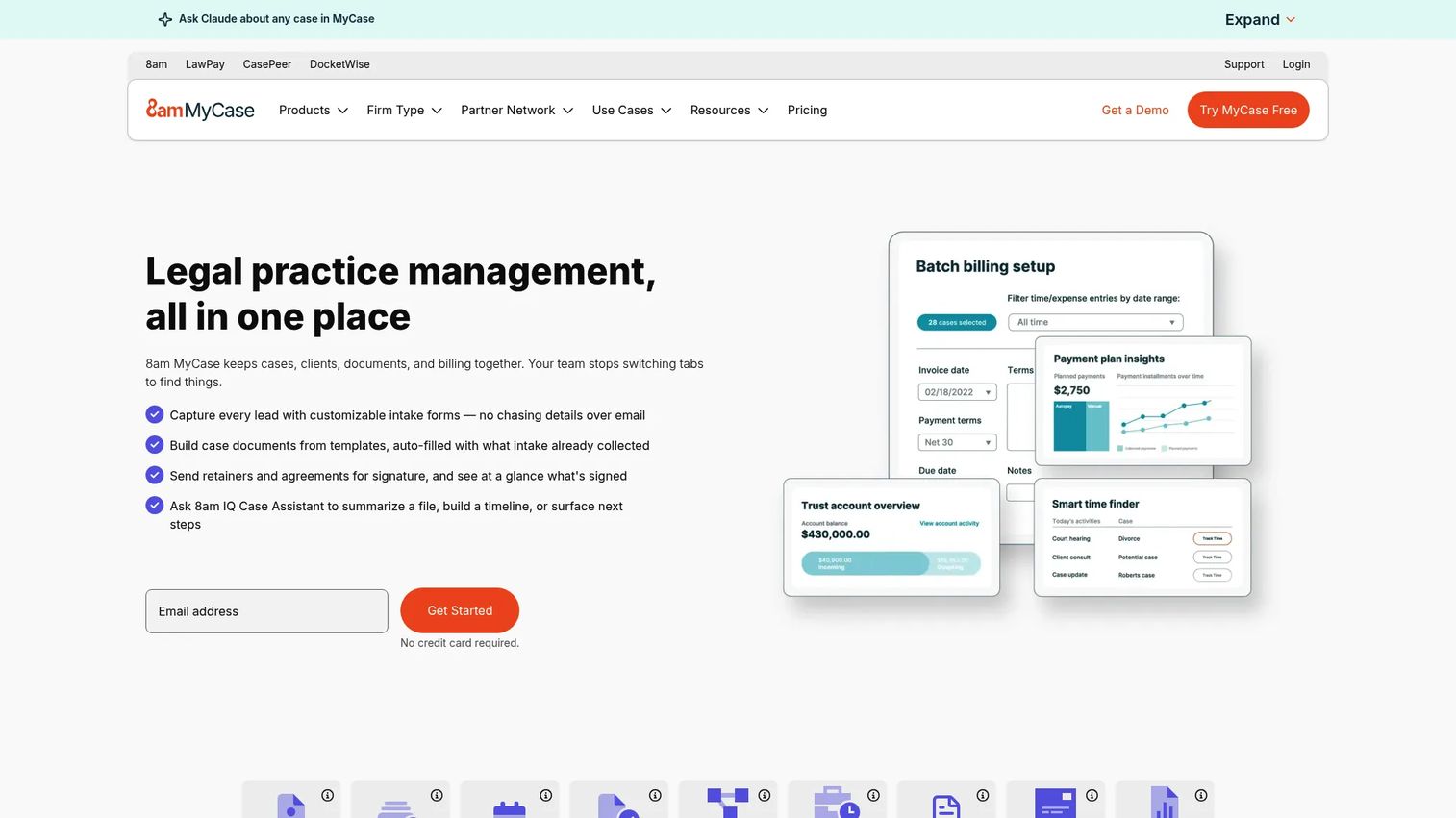
MyCase brings case management, client communication, billing, payments, documents, and reporting together. Its finance value centers on connecting matter work with invoice delivery and collection.
The client portal and communication features make it relevant for firms where billing questions create administrative drag. MyCase Accounting is available as an add-on for firms needing more financial functionality.
Best for: Small and midsize firms combining billing, payments, and client workflows.
Key features
- Legal time tracking
- Invoicing and trust accounting
- Online client payments
- Client portal and texting
- Matter and document management
Why choose MyCase: It works well when the client experience affects collection speed. Billing, payment, and communication activity remain closer to the matter record.
Firms should calculate the complete subscription cost, including the accounting add-on. That matters when comparing MyCase with platforms that bundle financial functions differently.
MyCase pricing: Basic starts at $50 per user monthly with annual billing. Pro costs $100 and Advanced costs $130. Monthly billing costs more, and a ten day trial is available.
4. PCLaw
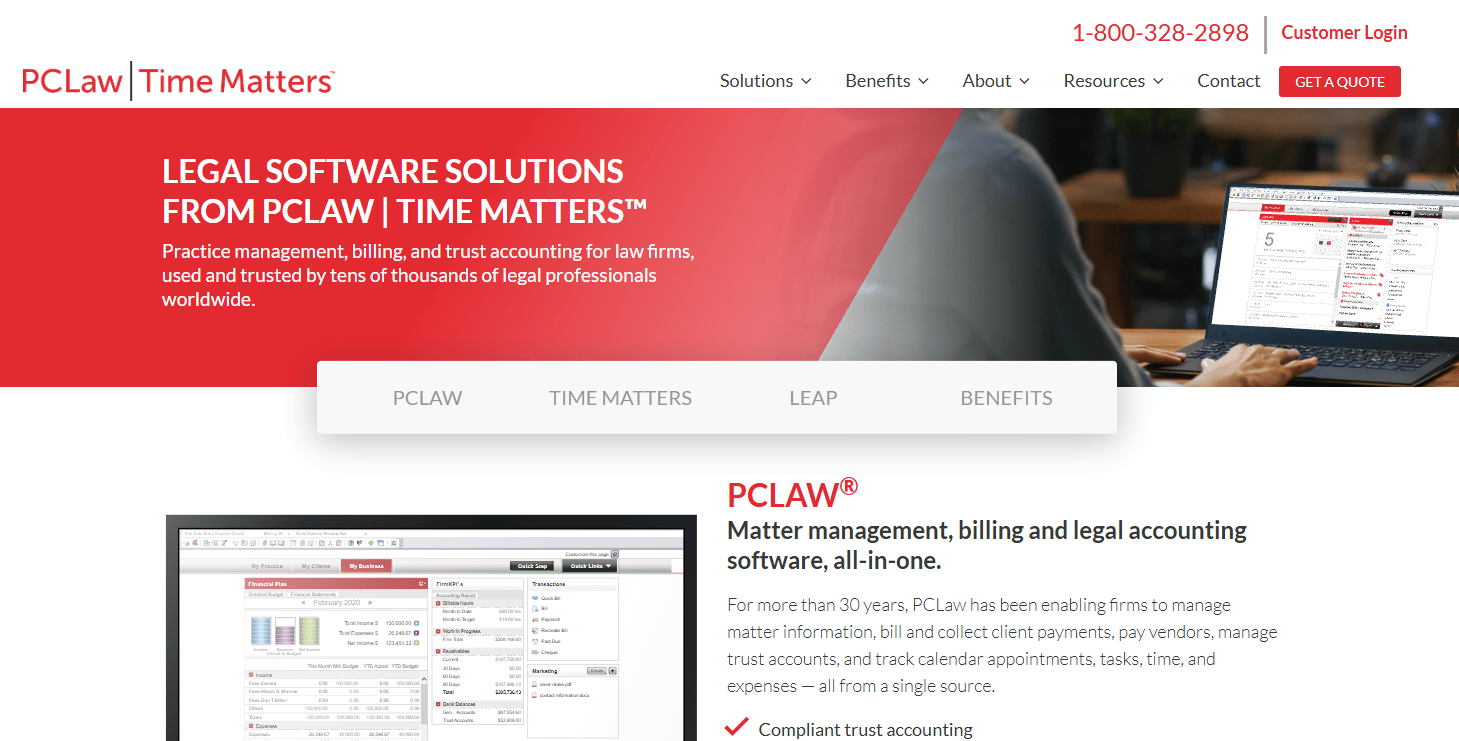
PCLaw is a long-standing legal accounting, billing, and matter management platform. It supports trust accounting, time capture, expense tracking, and financial reporting for established firm processes.
Its fit is strongest where accounting depth matters more than adopting a lightweight billing app. Firms already using mature desktop oriented workflows may find the operating model familiar.
Best for: Small and midsize firms with established legal finance processes.
Key features
- Integrated legal accounting
- Trust accounting controls
- Time and expense tracking
- Legal billing workflows
- Financial and matter reporting
Why choose PCLaw: PCLaw suits firms that prioritize accounting control and process continuity. It deserves consideration when the finance team owns detailed reporting and client fund workflows.
Migration planning matters. Clean client records, map open matters, reconcile trust balances, and define the future chart of accounts before cutover.
PCLaw pricing: Custom pricing. The vendor provides a customized quote.
G2 rating: 3.4/5.
5. Bill4Time
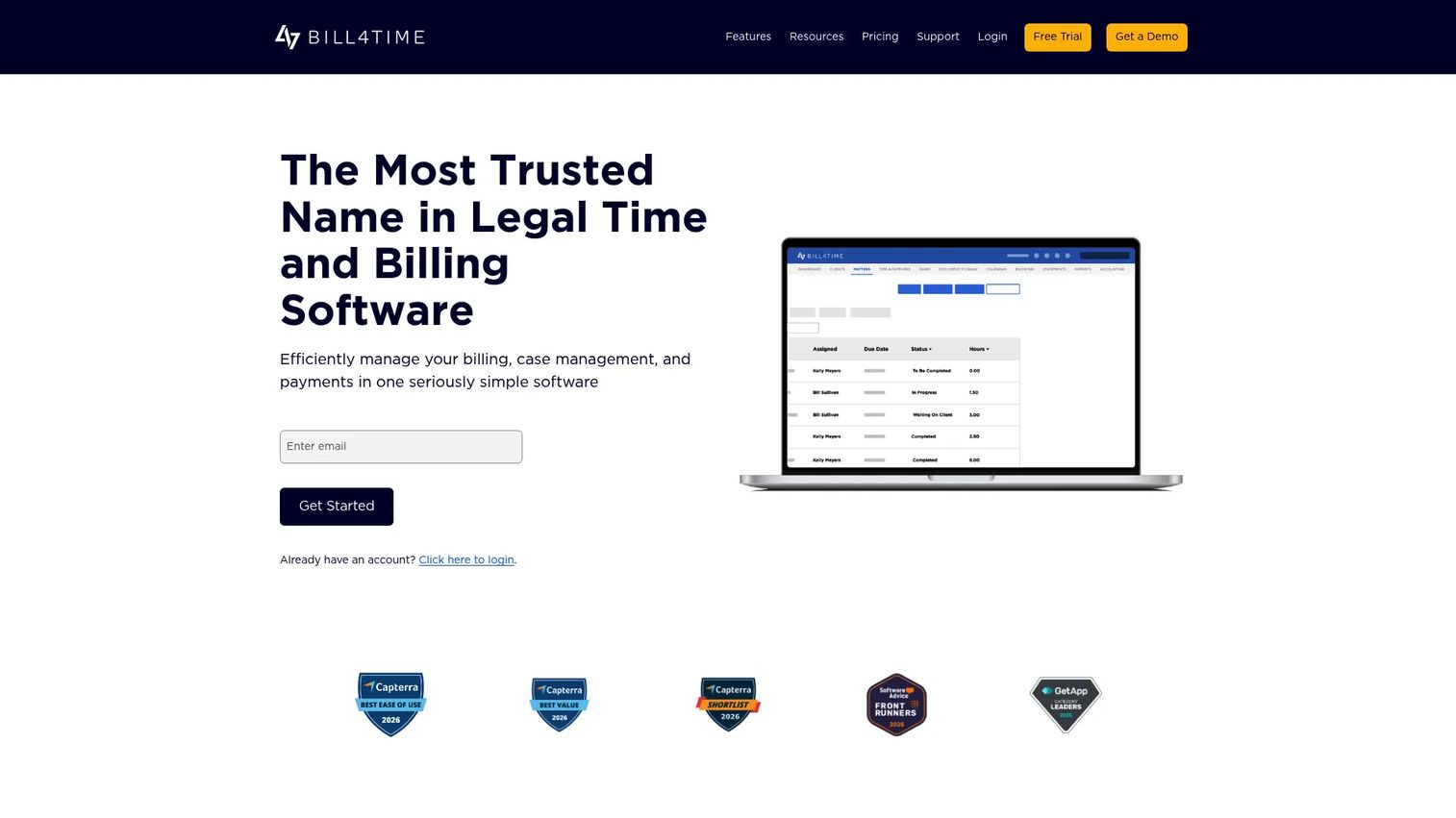
Bill4Time focuses on time tracking, expense management, invoicing, payments, and reporting. Its legal plans add trust accounting, conflict checking, document management, and LEDES export.
This makes it useful when billing leakage is the main financial problem. Better capture moves completed work toward invoice review before details disappear or entries are written down.
Best for: Firms needing stronger time capture, billing discipline, and expense workflows.
Key features
- Legal time tracking
- Expense and task management
- Invoicing and payment processing
- Trust accounting support
- LEDES billing export
Why choose Bill4Time: Choose it when worked time is not becoming billed value consistently. Its focus supports firms measuring realization rate and invoice turnaround.
The product also fits professional services teams sharing similar time based billing needs. Law firms should select a legal plan when specialized finance controls matter.
Bill4Time pricing: Annual plans start at $39 per user monthly. Monthly plans begin at $49. A 14 day trial is available.
G2 rating: 4.7/5.
6. FreshBooks
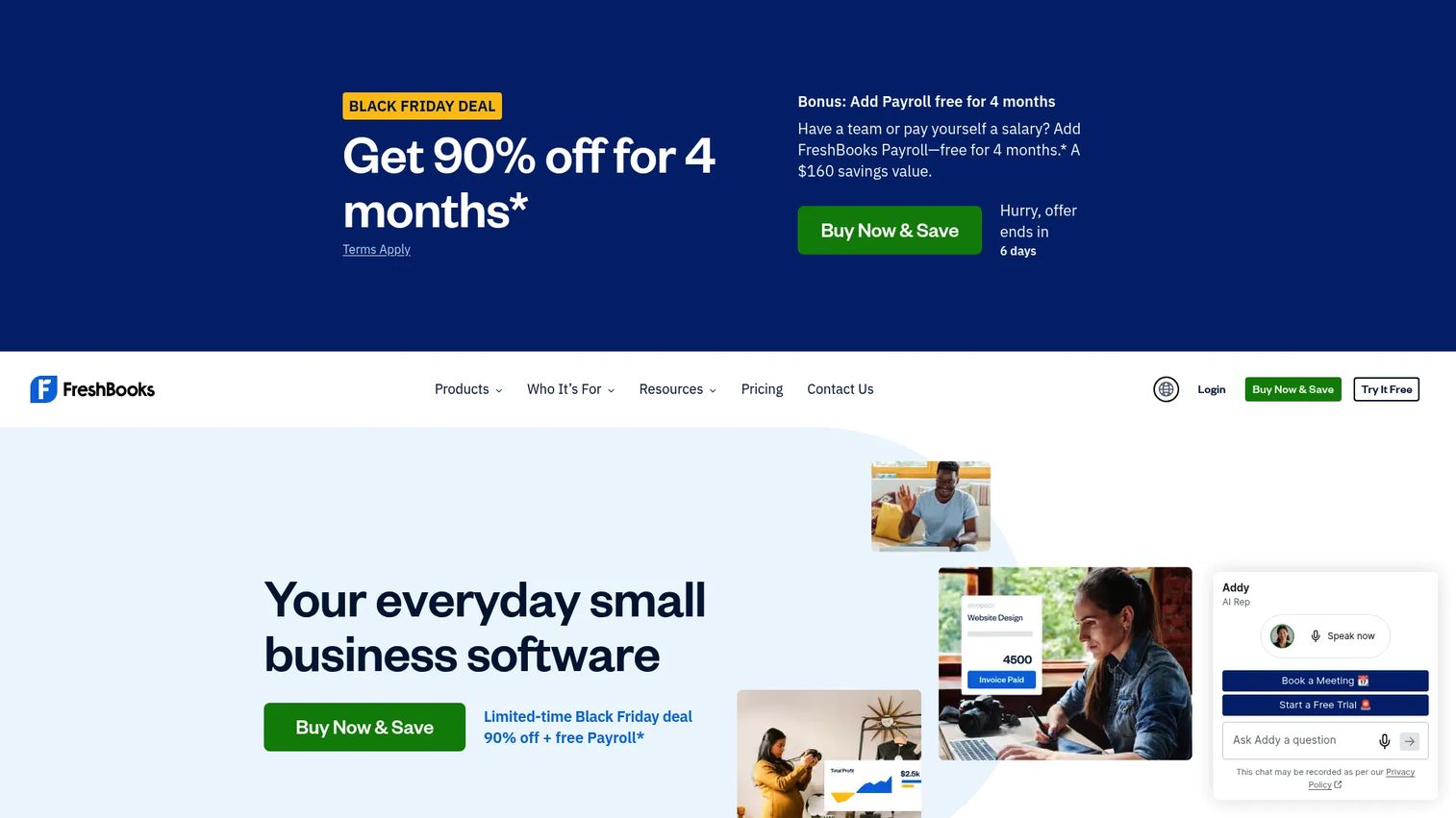
FreshBooks provides invoicing, accounting, expense tracking, timekeeping, payments, and project profitability tools. It targets small service businesses rather than complex legal finance teams.
A solo practitioner with straightforward bookkeeping may find that scope sufficient. Firms managing detailed trust ledgers or advanced matter profitability should examine legal-specific platforms instead.
Best for: Solo practitioners with simple invoicing, expenses, and bookkeeping requirements.
Key features
- Recurring client invoicing
- Expense and receipt tracking
- Time and project tracking
- Online payment collection
- Accounting and financial reports
Why choose FreshBooks: FreshBooks fits simple businesses that value direct invoicing and accessible books. It can earn its place when specialized legal controls would add unnecessary cost.
The boundary is important. It is not built around complex trust accounting, legal matter structures, or detailed partner reporting.
FreshBooks pricing: Lite regularly costs $23 monthly. Plus regularly costs $43, while Premium costs $70. Promotional rates and a 30 day trial were available during research.
G2 rating: 4.5/5.
7. LawPay
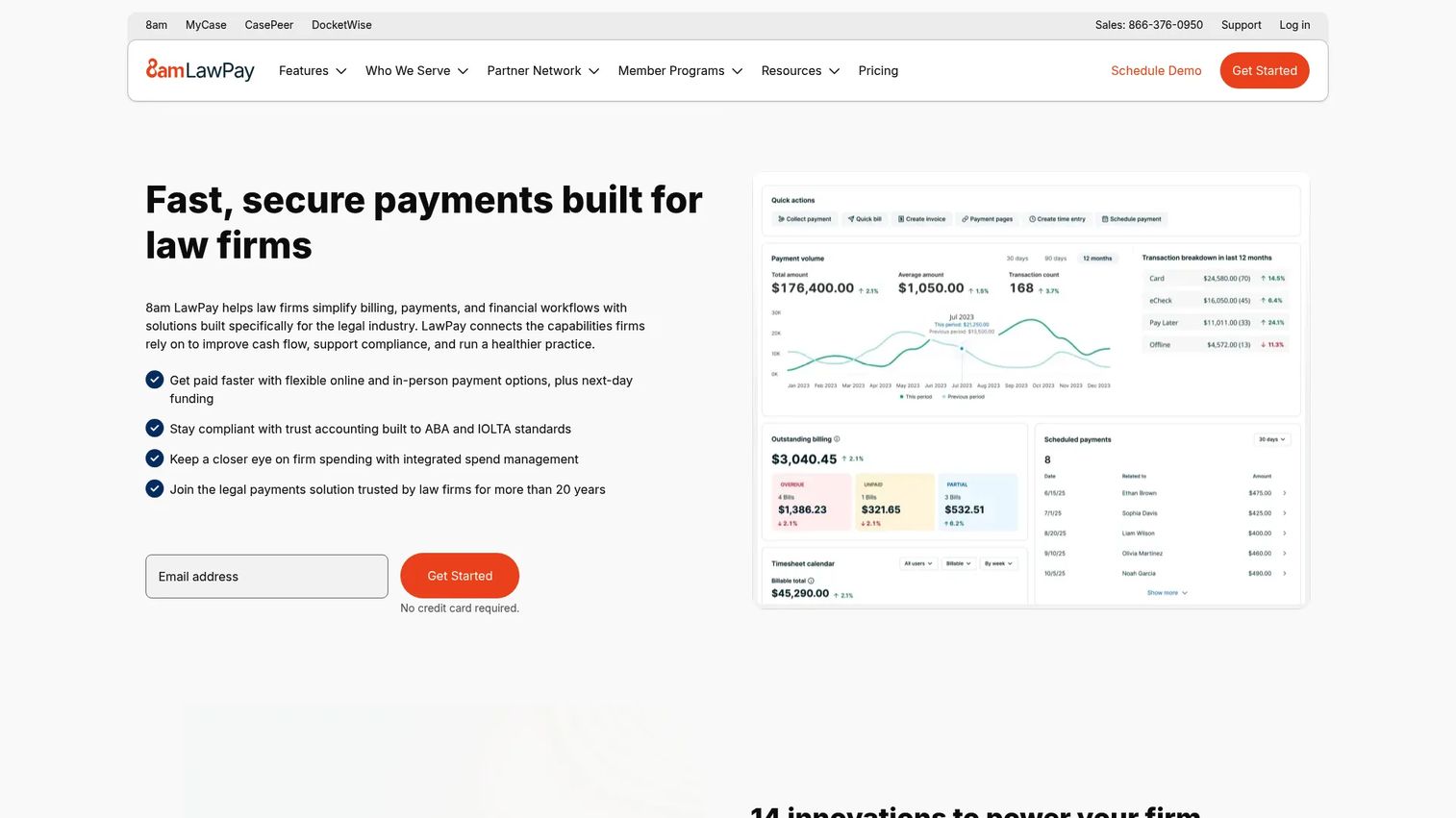
LawPay is a legal payments and financial management platform. It supports billing, invoicing, payment processing, spend management, and financial reporting.
Its key role is payment collection with trust and operating account separation. Firms can accept cards, ACH, eCheck, and digital wallet payments through legal-specific workflows.
Best for: Firms prioritizing online legal payments and trust aware allocation.
Key features
- Trust and operating account separation
- Card and ACH payments
- eCheck and digital wallets
- Payment links and scheduled payments
- Billing and payment reporting
Why choose LawPay: LawPay fits firms where collection speed and payment handling are the immediate priorities. It can sit beside broader accounting or practice management software.
Buyers should model transaction costs alongside the subscription. Payment volume and card mix can matter more than the monthly platform fee.
LawPay pricing: The subscription costs $19 monthly with no contract. Processing fees include 2.99% plus $0.30 for major cards and 1% for eCheck.
G2 rating: 4.7/5.
8. LeanLaw
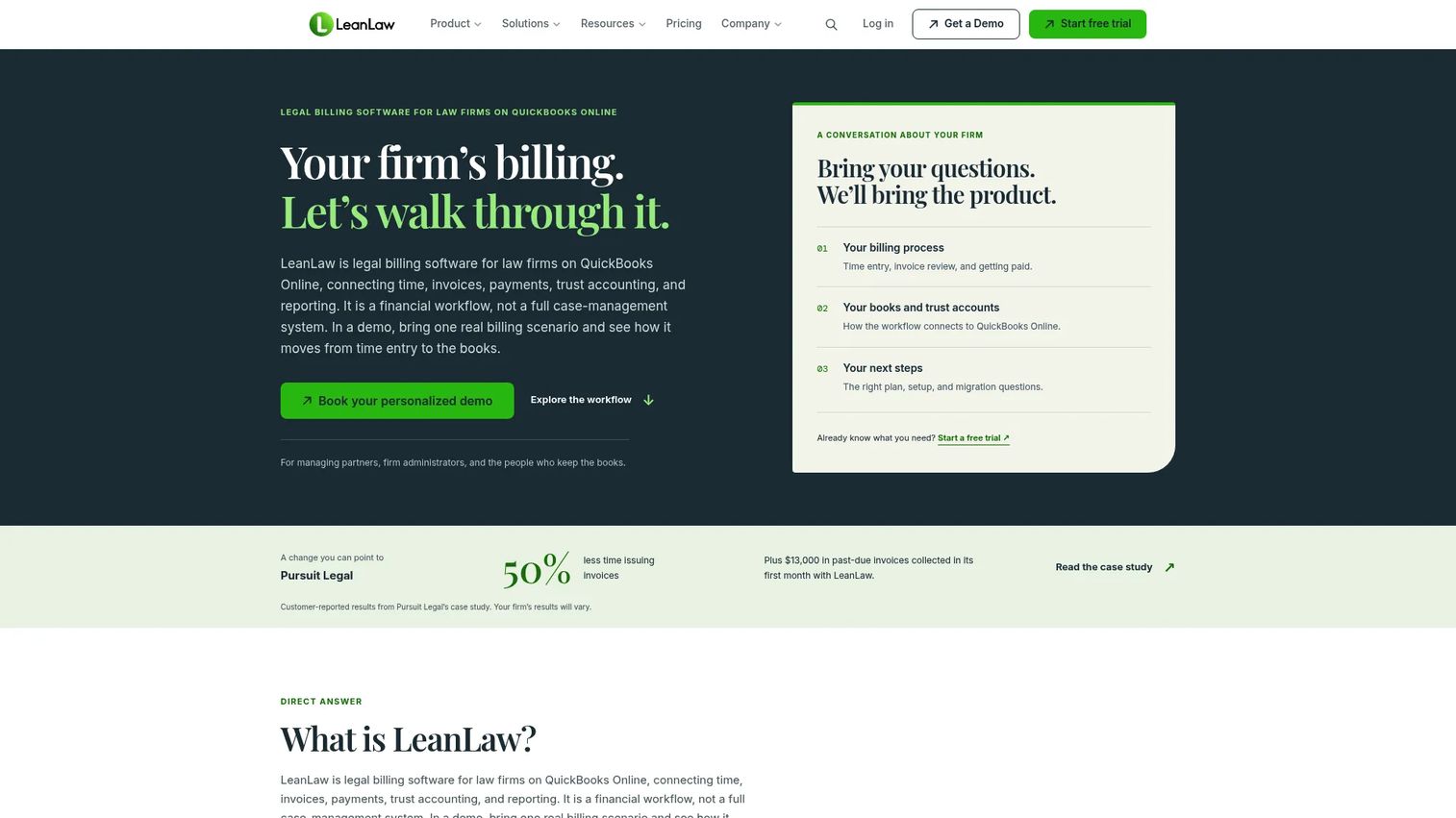
LeanLaw provides legal billing and financial operations around QuickBooks Online. Its two way connection supports timekeeping, invoices, payments, trust accounting, and reporting.
This model lets firms keep a familiar accounting backbone while adding legal-specific structure. It is especially relevant when an accountant or bookkeeper already works inside QuickBooks Online.
Best for: Law firms standardizing legal billing around QuickBooks Online.
Key features
- Two way QuickBooks Online sync
- Legal time and expense tracking
- Matter billing and e-payments
- Trust accounting support
- Compensation and profitability reporting
Why choose LeanLaw: LeanLaw fits firms that want legal workflows without replacing QuickBooks Online. It can reduce rekeying between billing operations and the general ledger.
Pro adds LEDES files and matter-based accounting. A one-time onboarding fee may apply, so include implementation in the cost model.
LeanLaw pricing: Core starts at $55 per user monthly. Pro costs $75. Contingency and Elite use custom pricing, while a seven day trial is available.
G2 rating: 4.5/5.
9. PracticePanther
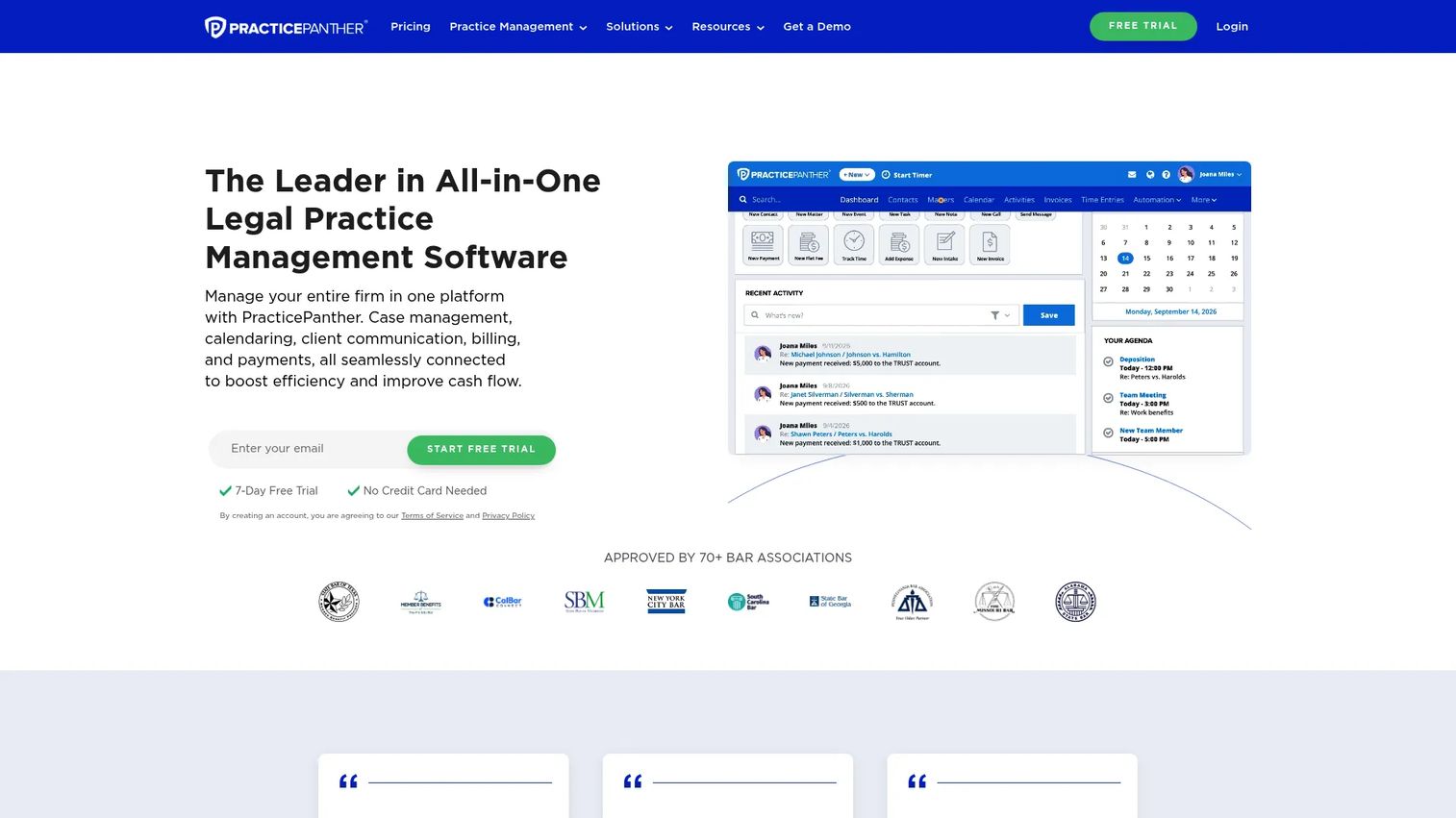
PracticePanther combines matter management, timekeeping, billing, payments, client communication, and workflow automation. Trust and operating accounting sit alongside daily legal work.
That proximity can improve consistency for firms where financial tasks often wait until month end. Automated workflows also help standardize routine matter and billing actions.
Best for: Solo and midsize firms wanting billing automation within practice management.
Key features
- Billable time and expense tracking
- Automated billing workflows
- Trust and operating accounting
- Online payment collection
- Matter and client management
Why choose PracticePanther: It fits firms that want finance tasks embedded in case operations. The model helps reduce handoffs between attorneys, administrators, and billing staff.
Higher tiers add LEDES billing and revenue reporting. Review plan boundaries against the firm's invoice and management reporting requirements.
PracticePanther pricing: Solo starts at $49 per user monthly. Essential costs $69, Business costs $89, and Business Pro costs $114. Annual billing offers savings.
G2 rating: 4.3/5.
10. QuickBooks Online

QuickBooks Online is general cloud accounting software for bookkeeping, invoices, payments, reconciliation, and financial reporting. Many firms use it as the accounting foundation beneath legal billing tools.
Its broad accountant familiarity can simplify hiring and outsourced bookkeeping. However, legal trust controls and matter billing usually require deliberate processes or specialized integrations.
Best for: Firms wanting a familiar accounting backbone with legal-specific add-ons.
Key features
- General ledger and bookkeeping
- Bank transaction categorization
- Invoicing and online payments
- Profit and loss reporting
- Broad application marketplace
Why choose QuickBooks Online: It works when finance already operates around QuickBooks expertise. Pairing it with legal billing software can preserve the accounting model while adding matter-specific workflows.
Do not assume the app marketplace solves trust accounting automatically. Document account separation, client ledgers, and reconciliation ownership before implementation.
QuickBooks Online pricing: A free plan is available. Simple Start costs $19 monthly, Essentials costs $42.50, Plus costs $70, and Advanced costs $170 before promotions.
G2 rating: 4.0/5.
11. Rocket Matter

Rocket Matter connects matter management, time tracking, billing, payments, trust accounting, and reporting. Document storage and client collaboration extend it beyond finance.
The product fits firms that want billing operations close to daily legal work. Its plans also include support and data migration, which can reduce implementation uncertainty.
Best for: Law firms combining matter management with built-in billing workflows.
Key features
- Matter and case management
- Time tracking and billing
- Online client payments
- Legal trust accounting
- Documents and reporting
Why choose Rocket Matter: Rocket Matter suits firms seeking a connected legal operating system. Finance teams can trace time and payment activity back to matters without relying on a separate workflow.
Before selection, test accounting integrations and management reports against partner requirements. A clean interface does not replace the need for dependable financial outputs.
Rocket Matter pricing: Essentials starts at $59 per user monthly when paid annually. Pro costs $95, Premier costs $115, and Elite costs $145. A free trial is offered.
G2 rating: 4.3/5.
12. Tabs3

Tabs3 provides integrated legal billing, accounting, payments, and practice management. Its financial products cover trust management and broader legal accounting workflows.
Firms can choose cloud or onsite deployment. That flexibility makes Tabs3 relevant for established practices with defined infrastructure preferences and mature billing processes.
Best for: Firms prioritizing legal billing depth and accounting control.
Key features
- Legal time and billing
- Trust accounting management
- Financial and payment workflows
- Matter and calendar management
- Conflict and document tools
Why choose Tabs3: Tabs3 fits firms that value established finance workflows over a lightweight starting point. Cloud and onsite options support different operating requirements.
Plan migration carefully. Map billing formats, trust balances, user permissions, and reporting dependencies before choosing the deployment model.
Tabs3 pricing: OnSite starts at $69 per user monthly. Tabs3 Cloud costs $89. PracticeMaster is an additional $32 onsite or $35 in the cloud.
G2 rating: 4.4/5.
13. Xero

Xero provides cloud accounting, bank reconciliation, invoicing, bills, cash flow forecasting, and financial reporting. It also connects with more than 1,000 applications.
This makes Xero a flexible foundation for small firms with straightforward books. Legal-specific billing and trust workflows require appropriate integrations or documented internal processes.
Best for: Small firms wanting cloud accounting with a broad app marketplace.
Key features
- Automated bank reconciliation
- Invoicing and payment collection
- Bill tracking and payments
- Financial and cash flow reports
- More than 1,000 integrations
Why choose Xero: Xero fits firms that want cloud accounting and strong integration choice. It can support a specialized stack when finance leadership can manage the connections.
Complex trust accounting requires closer evaluation. Confirm how client ledgers and three-way reconciliation will work before making Xero the accounting foundation.
Xero pricing: Early regularly costs $27 monthly. Growing regularly costs $59, while Established returns to $97 after its promotional period. No permanent free tier was verified.
G2 rating: 4.4/5.
14. Actionstep

Actionstep is a cloud legal practice management and accounting platform for midsize firms. It combines matter workflows, documents, client intake, billing, trust accounting, and reporting.
Its configurability supports firms with defined processes that do not fit rigid templates. That flexibility needs internal ownership, implementation discipline, and clear change control.
Best for: Midsize firms connecting configurable workflows with billing and accounting.
Key features
- Configurable matter workflows
- Legal billing and time tracking
- Trust and client accounting
- Document management and automation
- Reporting and compliance tools
Why choose Actionstep: Actionstep fits firms ready to encode repeatable operating processes. It can support a finance workflow your next operator inherits rather than rebuilds.
Configuration creates implementation work. Define process owners and reporting outputs before the project begins.
Actionstep pricing: Custom pricing. Foundation, Connection, Performance, and Intelligence use annual commitments with per user charges plus implementation.
G2 rating: 4.1/5.
15. CARET Legal
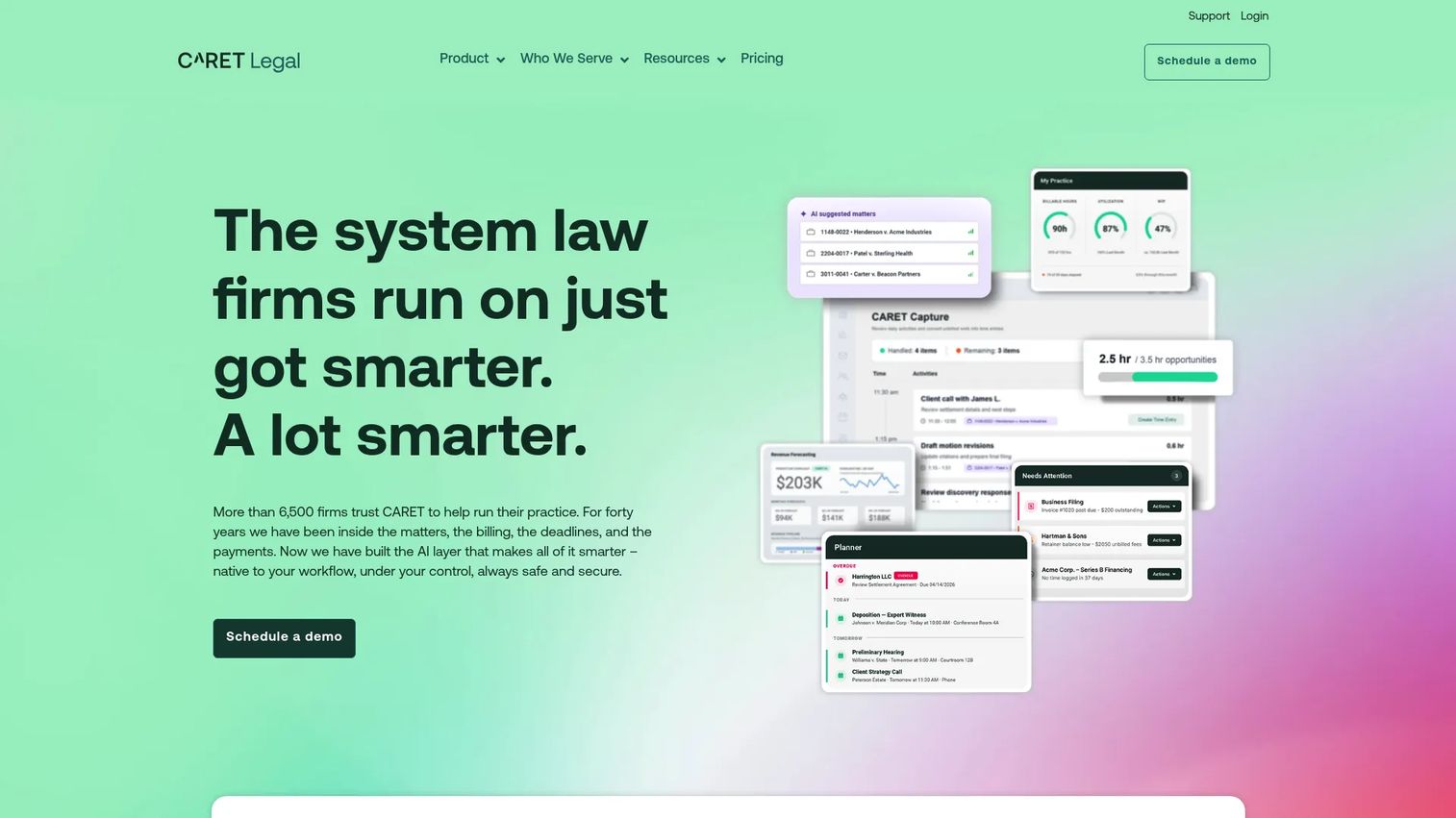
CARET Legal combines case management, billing, accounting, payments, documents, communications, and reporting. Its scope targets firms trying to reduce tool sprawl across legal operations.
The accounting fit centers on connecting matter activity to billing and financial visibility. Automated workflows and reporting support more standardized administration.
Best for: Firms connecting legal operations, documents, billing, and accounting.
Key features
- Case and matter management
- Billing and accounting
- Payment processing
- Document and workflow management
- Reporting and analytics
Why choose CARET Legal: It suits firms replacing several disconnected operational systems. The value comes from clearer handoffs between matter work, billing staff, and finance leadership.
Buyers should test trust accounting depth and reporting against their control requirements. Broad feature coverage does not guarantee every finance process fits.
CARET Legal pricing: Custom pricing. Enterprise, Enterprise Plus, and Enterprise Insights use per user subscriptions. Onboarding, training, data migration, and support are included.
G2 rating: 4.2/5.
16. Zola Suite
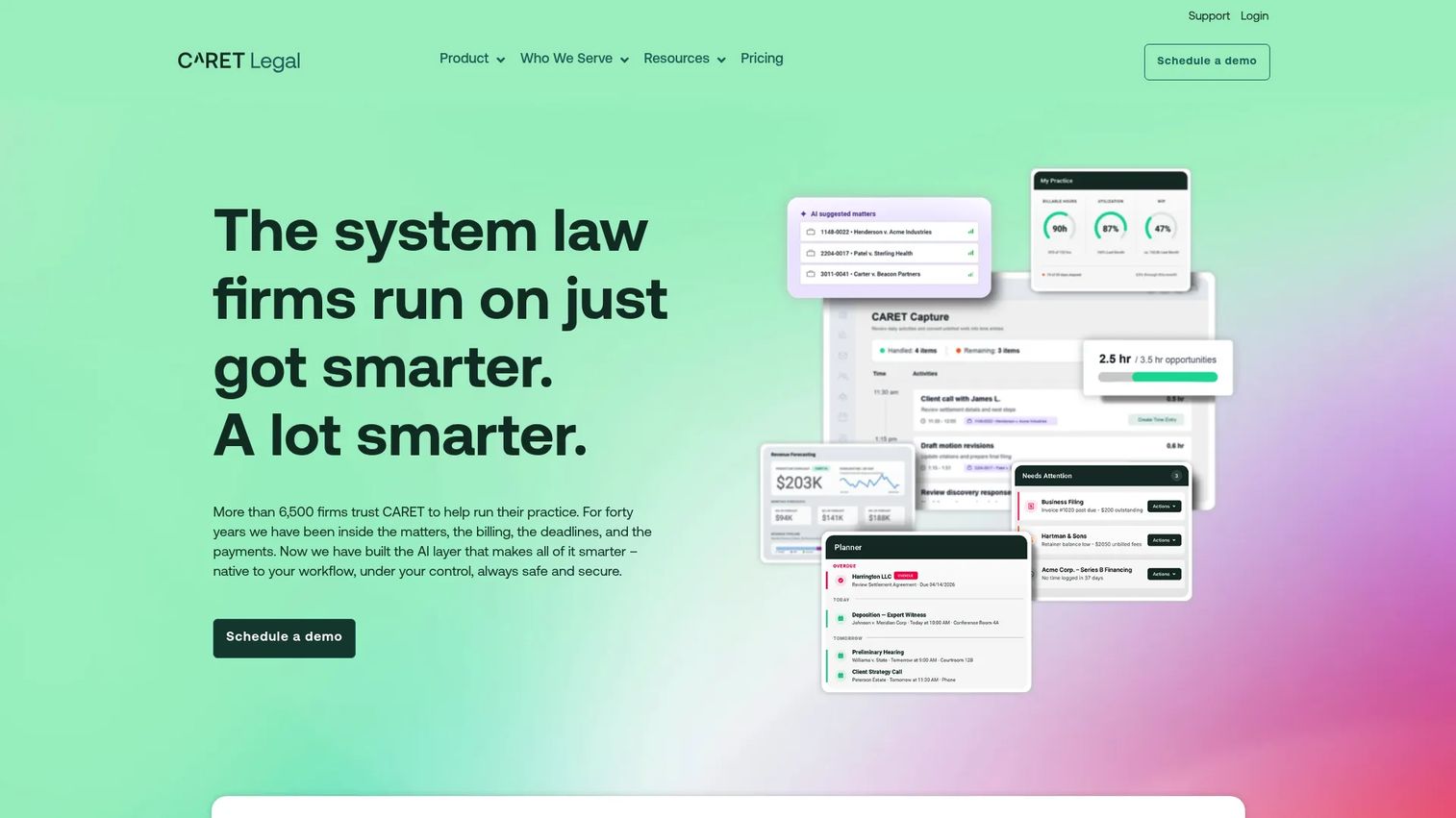
Zola Suite provides legal practice management with billing, accounting, payments, documents, reporting, and client communication. Its current web presence redirects to the CARET Legal platform.
The product remains relevant for firms evaluating integrated accounting and matter workflows. Buyers should use current CARET packaging when comparing plans or planning migration.
Best for: Small and midsize firms wanting practice management with accounting built in.
Key features
- Built-in legal accounting
- Trust and billing workflows
- Matter and case management
- Document automation
- Client portal and communications
Why choose Zola Suite: Its integrated model reduces handoffs between legal work and accounting. That can help firms avoid duplicate systems for matters, invoices, and financial reporting.
Current branding matters during evaluation. Confirm product naming, support arrangements, and migration terms under the CARET structure.
Zola Suite pricing: Enterprise starts at $79 per user monthly with annual billing. Enterprise Plus costs $99, while Enterprise Insights costs $119.
17. TimeSolv
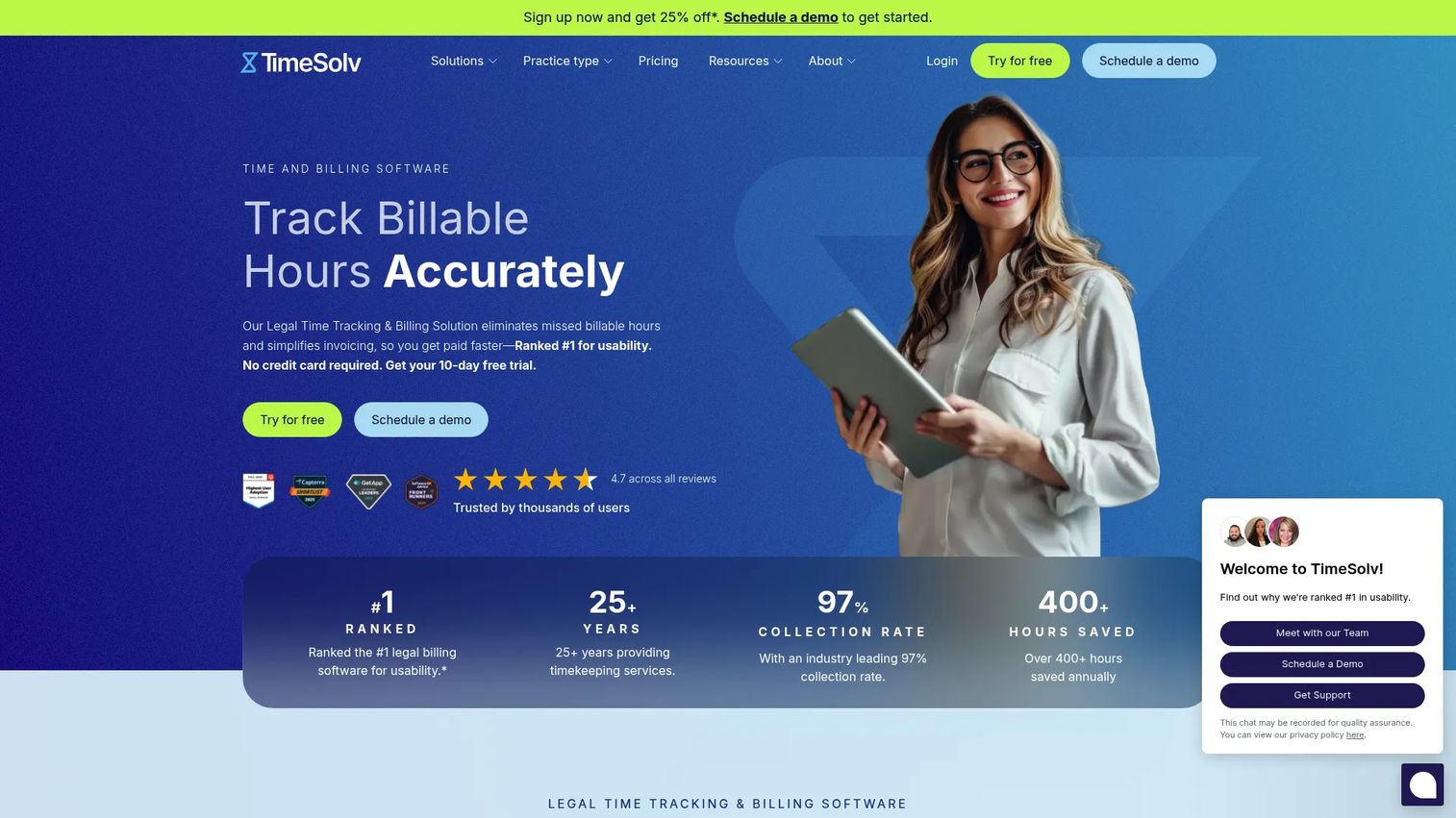
TimeSolv combines time tracking, billing, payments, trust accounting, projects, reporting, and client management. Its legal plan supports firms with detailed invoice and time capture requirements.
The platform fits hourly and project based professional work. Its finance value starts with disciplined capture and extends into billing, reconciliation, and management reporting.
Best for: Firms with time intensive work and detailed client billing requirements.
Key features
- Time and expense tracking
- Legal billing and invoicing
- Trust accounting
- Project and task management
- Reporting and dashboards
Why choose TimeSolv: TimeSolv suits firms where billing accuracy begins with detailed time records. It can help operations teams move work into invoices through a consistent process.
Evaluate invoice formats and project reporting against client requirements. Detailed billing workflows matter most when customers enforce strict submission standards.
TimeSolv pricing: Custom pricing for Pro and Legal plans. Billing can be monthly or annual, and a ten day trial is available.
G2 rating: 4.5/5.
Considerations when choosing legal accounting software
Trust accounting controls
Confirm support for account separation, individual client ledgers, and three-way reconciliation. Test how staff investigate mismatches and document corrections.
Software can support IOLTA workflows. It cannot replace professional oversight or the rules governing your jurisdiction.
Billing leakage and realization
Review how the system captures worked time, expenses, write downs, invoices, collections, and write offs. A useful platform should reveal where value disappears before cash reaches the bank.
Measure realization consistently. Compare worked value with billed and collected amounts using definitions every partner accepts.
Matter-level reporting
Leadership needs profitability by matter, attorney, client, and practice area. Firmwide revenue can hide unprofitable work or collection problems.
Ask vendors to reproduce reports used in partner meetings. Do not settle for polished dashboards that cannot answer operating questions.
Integration architecture
Integrated platforms reduce handoff risk between matters and finance. Specialized stacks can offer deeper accounting control when a capable finance team owns the connections.
Map every legal accounting integration before purchase. Include payment tools, document platforms, and the accounting ledger.
Migration and total cost
Subscription pricing is only one cost. Include data cleanup, chart design, matter mapping, trust balance review, training, and post-cutover checks.
Plan a controlled migration with documented owners. Dual running may be appropriate when trust balances or open invoices carry material risk.
Conclusion
The strongest legal accounting software choice starts with your largest financial risk.
Clio fits growing firms that want broad legal operations and billing workflows connected. CosmoLex is stronger for built-in accounting, while LeanLaw serves QuickBooks Online centered practices.
PCLaw and Tabs3 suit mature legal finance processes. LawPay addresses payment focused needs, while FreshBooks, QuickBooks Online, and Xero support simpler accounting setups with legal-specific additions.
Shortlist three tools. Evaluate each against four questions:
- Can it document your trust accounting process?
- Will it reduce billing leakage before month end?
- Does it show matter-level profitability clearly?
- Can your team migrate without damaging reporting integrity?
The right system should produce law firm financial reporting clean enough for partner review. It should also reduce dependence on the person who currently knows how every spreadsheet works.
FAQs
Legal accounting software manages law firm finance workflows, including matter billing, trust accounting, expenses, reconciliation, invoicing, payments, and reporting. It connects financial activity to clients and matters.
Unlike generic bookkeeping software, it can support legal-specific controls such as client ledgers and trust versus operating account separation.
Regular accounting software manages the general ledger, expenses, bank reconciliation, invoices, and financial statements. Legal accounting software adds matter-level billing, client trust records, IOLTA workflows, and specialized invoice requirements.
Some firms combine both categories. Others choose an integrated legal platform with accounting built in.
Firms handling client funds need reliable trust accounting processes. Software can help maintain client ledgers, separate accounts, reconcile balances, and reduce manual entry errors.
Professional oversight remains necessary. Firms must follow the rules governing client funds in their jurisdiction.
Three-way reconciliation compares the trust bank balance, the trust liability balance in the accounting records, and the total of individual client ledgers. All three should agree.
This control helps identify posting errors, missing transactions, or incorrect client allocations. Firms should perform and document it on a defined schedule.
Yes. QuickBooks Online can manage the general ledger, expenses, bank reconciliation, and financial reports.
Many firms add legal-specific software for timekeeping, matter billing, trust accounting, or compensation reporting. LeanLaw is one option designed around QuickBooks Online.
The answer depends on financial complexity. FreshBooks or QuickBooks Online can fit simple law firm bookkeeping software needs.
Clio, MyCase, CosmoLex, PracticePanther, and LeanLaw add legal billing or matter workflows. Firms holding client funds should prioritize verified trust controls over basic invoicing convenience.
Prioritize trust controls, billing workflows, permissions, integration quality, migration support, and reporting. The system should expose realization and matter profitability without manual report assembly.
Also test whether another operator can run the process. A scalable finance system should reduce partner dependency rather than encode it.
Pricing varies with user count, accounting depth, billing requirements, and implementation work. Entry prices in this comparison range from low monthly subscriptions to custom annual contracts.
Calculate total ownership cost rather than subscription cost alone. Include migration, training, payment processing, add-ons, and ongoing integration maintenance.