Your forecast call starts in ten minutes. The latest buyer objection is buried in a recording, and the CRM still shows last week’s next step. Before you can explain the deal, you have to reconstruct it.
Inside sales software should reduce that work. A connected remote-selling desk keeps customer activity attached to the opportunity and makes the next action clear. Adding another dashboard without fixing the handoff just gives you another place to search.
Factor 8 reported in 2026 that 40% of virtual sellers identify prospecting research and calls as their biggest challenge. Those tasks compete with the work AEs already own, including stakeholder alignment and contract negotiation.
The best sales software addresses a specific break in that process. Sometimes you need a better CRM. Elsewhere, accurate contact data or a dedicated calling system deserves attention first.
Choose remote sales software around the work you need to finish, rather than the longest feature list.
What’s inside
- A practical shortlist: Seventeen tools covering CRM, prospecting data, sales engagement, calling, conversation intelligence, and document workflows.
- An AE perspective: Recommendations for reps managing opportunities, plus managers and RevOps teams responsible for the systems behind them.
- Four buying criteria: Daily workflow fit, integration depth, total cost, and adoption requirements.
- A comparison grounded in product information: Capabilities from vendor pages, pricing researched on November 24, 2026, and available G2 ratings.
- Guidance for different motions: SMB velocity selling, enterprise opportunity management, outbound prospecting, and inbound handoffs.
Prices reflect the billing terms stated below. Recheck package inclusions and review scores before purchasing, particularly when comparing annual contracts.
TL;DR
- Best overall CRM for inside sales: Pipedrive for AEs who prioritize visual pipeline management and straightforward daily adoption.
- Best enterprise CRM: Salesforce Sales Cloud for complex opportunity processes, governed approvals, and detailed forecasting.
- Best connected sales platform: HubSpot Sales Hub for teams combining prospecting with CRM context and pipeline management.
- Best for structured outbound: Outreach for coordinated enterprise engagement; Salesloft for cadences alongside coaching and workflow prioritization.
- Best for prospecting data: ZoomInfo for enterprise account intelligence; Apollo.io for combining contact research with outbound execution.
- Best for call coaching: Gong for conversation analysis and deal health inspection. Evaluate these sales productivity tools against missed next steps, not activity volume alone.
What is inside sales software?
Inside sales software is a set of tools that helps sales teams sell remotely through CRM, digital communications, automation, and deal workflows.
It covers several connected categories. An inside sales CRM holds customer records and opportunities. Specialized applications handle tasks such as finding contacts or analyzing conversations.
The right stack depends on where your selling process needs support. Buying every category at once creates overlapping ownership before you know which workflow needs improvement.
Core inside sales software categories
- CRM and pipeline management: Maintain account records and track opportunity progress
- Lead and contact data: Find prospects and enrich incomplete records
- Sales engagement: Coordinate sequences across email and calling
- Calling tools: Manage dialing, routing, and conversation records
- Conversation intelligence: Analyze customer discussions and support coaching
- Proposal workflows: Prepare commercial documents and collect signatures
- Reporting and forecasting: Inspect pipeline health and expected revenue
- AI assistance: Support research, drafting, and prioritization
Inside sales automation connects these activities through rules and triggers. Examples include assigning follow-up tasks or updating records after customer interactions.
Lead management software supports the earlier handoff into an opportunity. Sales workflow automation then helps maintain continuity as different people contribute to the deal.
How inside sales differs from outside sales
Inside sales happens through remote communication and digital buying processes. Outside sales places greater emphasis on in-person meetings and field activity.
Both need accurate customer information. Remote teams also need a dependable record of interactions that happen across separate applications.
Activity capture matters because colleagues cannot rely on overhearing conversations or attending every meeting. The opportunity record needs enough context for someone else to act.
What AEs should care about
Start with the decisions you make every day. Can you identify the next stakeholder to contact and understand what remains unresolved?
Then examine the handoff. An SDR’s qualification notes should remain useful when an AE takes ownership or brings in a sales engineer.
The CRM inside sales teams depend on should make those transitions visible. Judge additional tools by whether they improve that record without adding duplicate administration.
When to use inside sales software
Run a remote sales motion without losing deal context
Use connected systems when customer conversations span email, phone, video, and shared documents. Every meaningful interaction should remain associated with the correct account or opportunity. During evaluation, follow a sample deal from initial qualification through a commercial discussion. Look for the information another teammate would need to continue the conversation without asking you to reconstruct it.
Scale outbound without turning reps into data clerks
Add sales intelligence software when prospect research consumes time that should go toward customer conversations. Sales engagement software addresses a different need, coordinating outreach and follow-up. Test the complete path from finding a contact to recording their reply. The useful measure is whether reps can maintain relevant outreach while keeping ownership and records accurate.
Improve forecasting before the deal is already stuck
Consider pipeline inspection and conversation analysis when forecast discussions depend too heavily on memory. Ask whether the system helps distinguish a buyer’s stated commitment from a seller’s assumption. Useful sales productivity tools should support a decision about the next action, rather than generate another report. Agree on how AEs and managers will use the evidence before introducing new scoring or alerts.
Inside sales software comparison
This table organizes the remote-selling desk by job. CRM platforms hold the opportunity record, while specialist tools address prospecting, engagement, calling, coaching, or proposal workflows.
Compare products within the category you need first. A lower-priced contact database does not replace sales pipeline software, and a sequencer does not solve unclear opportunity ownership.
Entry prices also represent different purchasing models. Some vendors charge per seat; others use subscriptions, credits, or negotiated packages. Calling usage and onboarding fees can change the total.
The pricing below comes from vendor research dated November 24, 2026. All amounts are USD. Annual billing is identified explicitly, and G2 scores appear only where the research established a rating.
| # | Product | Best for | Key differentiator | Pricing | G2 rating |
|---|---|---|---|---|---|
| 1 | Pipedrive | SMB and mid-market pipeline management | Visual deal management with sales automation | Lite $14/seat/month, billed annually | 4.3/5 |
| 2 | Salesforce Sales Cloud | Governed enterprise selling | Customizable opportunity management and forecasting | Starter Suite $25/user/month, monthly or annual billing | 4.4/5 |
| 3 | HubSpot Sales Hub | Connected prospecting and CRM | Customer context alongside sales execution | Free; Starter $7/seat/month annually, new-customer promotion | 4.4/5 |
| 4 | Outreach | Structured enterprise engagement | Sequencing alongside deal management | Custom pricing | 4.3/5 |
| 5 | UpLead | Verified prospect data | Real-time email verification | Essentials $99/month or $74/month annually | 4.7/5 |
| 6 | Apollo.io | Prospecting and outbound execution | Contact data connected to engagement workflows | Free plan available | 4.7/5 |
| 7 | Zoho CRM | Configurable CRM on a smaller budget | Process automation and multiple pipelines | Free; Standard $14/user/month annually | 4.1/5 |
| 8 | Close | Calling-heavy sales teams | CRM with built-in communications | Solo $9/user/month annually or $19 monthly | 4.7/5 |
| 9 | Lusha | Contact discovery and enrichment | B2B contact data and buying signals | Free; Starter $37.45/month annually | 4.3/5 |
| 10 | Clay | Custom account research workflows | Enrichment orchestration and AI research | Free; Launch $167/month annually or $185 monthly | 4.6/5 |
| 11 | ZoomInfo | Enterprise sales intelligence | Account data and revenue orchestration | Custom pricing | 4.5/5 |
| 12 | Aircall | Dedicated sales telephony | Cloud calling with CRM connectivity | Essentials $30/license/month annually; three-license minimum | 4.4/5 |
| 13 | PandaDoc | Commercial document workflows | Proposal editing and signing workflows | Free; Starter $19/seat/month annually | |
| 14 | Gong | Conversation analysis and deal inspection | Customer interactions connected to revenue intelligence | Custom pricing | 4.7/5 |
| 15 | Salesloft | Engagement and coaching workflows | Cadences with AI-prioritized work | Custom pricing | 4.5/5 |
| 16 | Freshsales | CRM with built-in communication | Pipeline management alongside phone and email | Free; Growth $9/user/month annually | 4.0/5 |
| 17 | Monday CRM | Flexible sales operations | Configurable visual workflows | Basic $12/seat/month annually |
Best 17 tools for inside sales software
1. Pipedrive
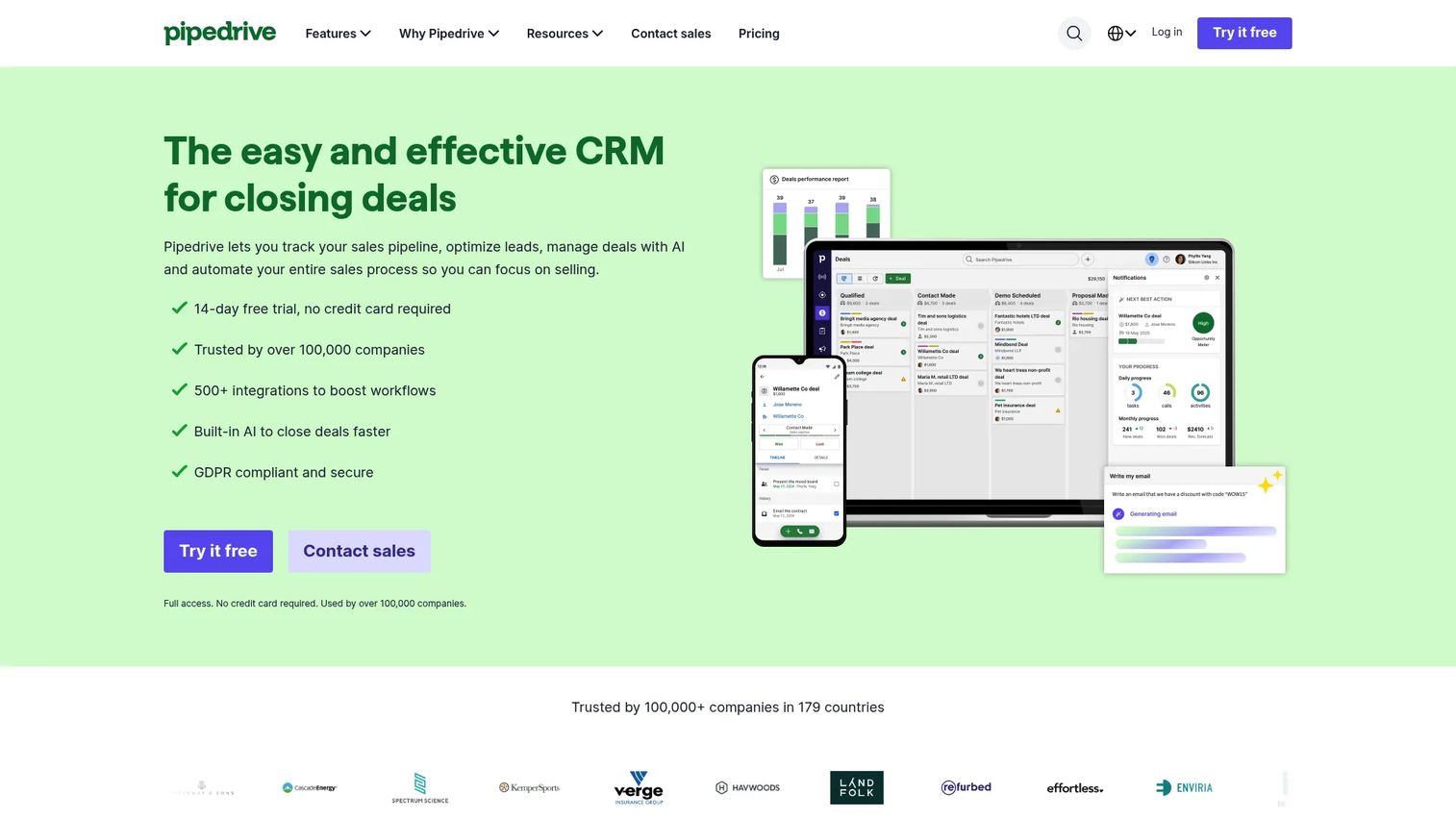
Pipedrive is an inside sales CRM centered on managing leads and moving deals through a visual pipeline. Its focus suits AEs who need a dependable working view of open opportunities. Email synchronization and automation connect customer communication to that process. Reporting and meeting intelligence add context for pipeline reviews.
Best for: SMB and mid-market teams that want visual deal management without designing a heavily customized enterprise system.
Key features
- Customizable sales pipelines
- Lead and deal management
- Email synchronization and tracking
- Sales workflow automation
- AI reporting and meeting intelligence
Evaluate Pipedrive using the opportunities you already manage. Set up stages that reflect buyer commitments, then examine how clearly the board shows unresolved next steps.
For a velocity sales motion, focus on how much information you need to enter after each conversation. Mid-market teams should also test whether their stakeholder details remain easy to find.
Avoid evaluating the interface only with clean sample data. Import a representative set of aging opportunities and check whether you can spot missing information quickly.
Ask the manager who runs your forecast meeting to use the same view. A useful CRM should support rep execution and inspection without requiring separate reporting rituals.
Why choose Pipedrive: Choose it when pipeline clarity and daily usage matter more than extensive process customization. Start with the sales stages you need today.
Pipedrive pricing: Lite starts at $14 per seat monthly, billed annually. A 14-day free trial is available; there is no permanent free plan.
G2 rating: 4.3/5
2. Salesforce Sales Cloud
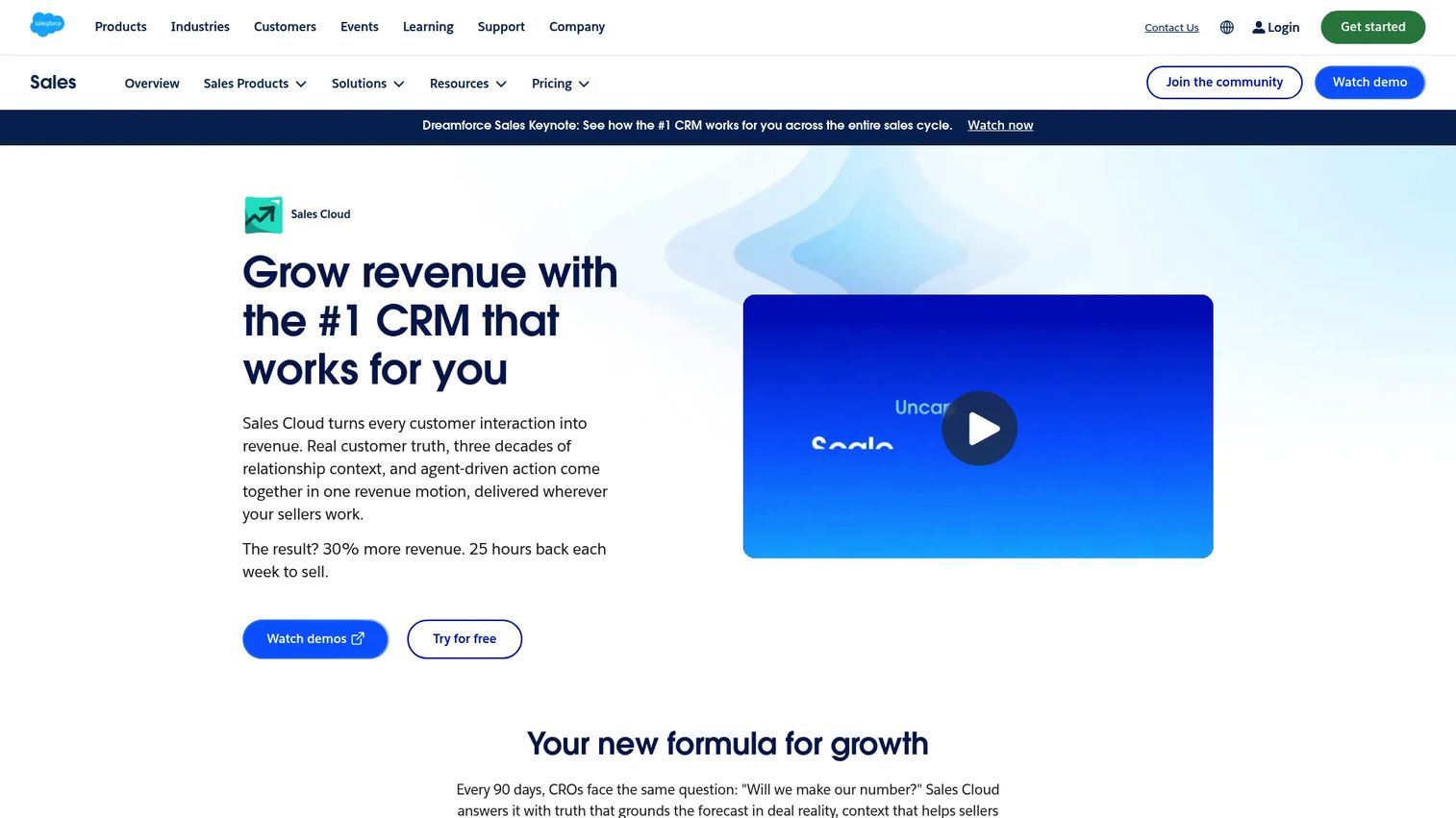
Salesforce Sales Cloud combines CRM records with pipeline management and forecasting. It supports organizations that need configurable processes across complex sales teams. Quoting and contract approvals extend its role into commercial execution. Browser and mobile access keep opportunity information available across working environments.
Best for: Mid-market and enterprise organizations with detailed reporting requirements and governed sales processes.
Key features
- Lead and opportunity management
- Pipeline management and forecasting
- Reports and dashboards
- Quoting and contract approvals
- Browser and mobile CRM access
For an AE, the important question is how the configured system handles a complicated opportunity. Test a deal with several stakeholders and an approval requirement.
Ask RevOps to demonstrate what happens when ownership changes. Confirm that the next seller can understand the account without reading an unrelated collection of notes.
Also inspect the fields required to advance a stage. Every mandatory input should support a decision someone makes, rather than exist because a dashboard can display it.
Sales forecasting software becomes useful when its underlying definitions are consistent. Agree on what qualifies an opportunity for each forecast category before evaluating the reporting output.
Bring an administrator into the purchase decision. Configuration choices determine how closely the CRM reflects your operating process and how much maintenance the team takes on.
Why choose Salesforce Sales Cloud: Choose it when process control and customization justify dedicated administration. Keep rep workflows central to the implementation.
Salesforce Sales Cloud pricing: Starter Suite costs $25 per user monthly, billed monthly or annually. A 30-day free trial is available.
G2 rating: 4.4/5
3. HubSpot Sales Hub
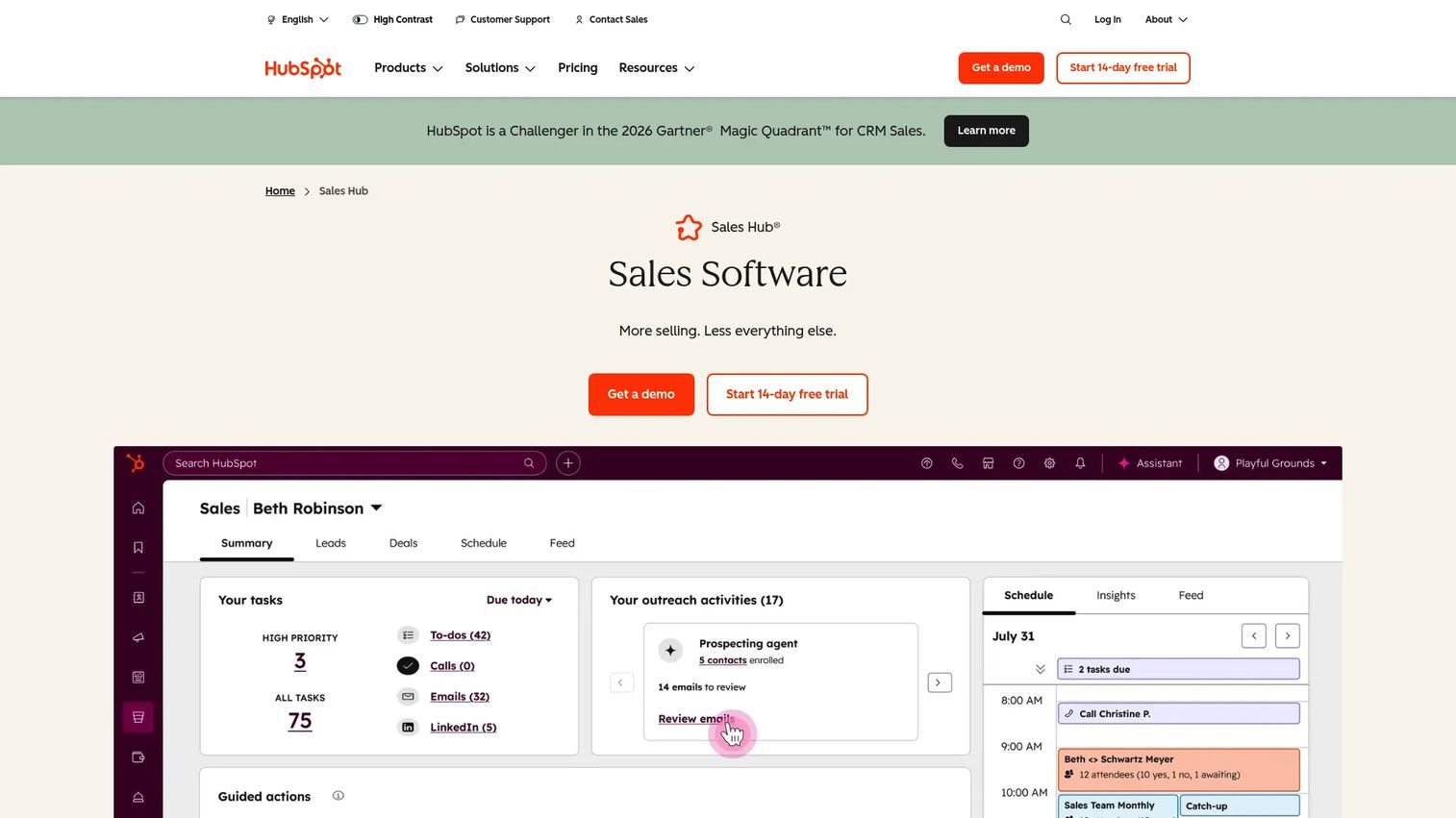
HubSpot Sales Hub brings prospecting and deal management into a connected CRM environment. Its capabilities include sales analytics, conversation intelligence, and forecasting. The platform suits teams evaluating how customer context supports execution. An AI prospecting agent also supports pipeline development.
Best for: Growing sales teams that want prospecting and opportunity management connected to their existing customer records.
Key features
- AI prospecting agent
- Deal plans
- Pipeline management
- Conversation intelligence
- Sales analytics and forecasting
For inbound-heavy teams, test the handoff from qualification into an active opportunity. The receiving AE should understand why the account entered the pipeline and what the buyer has already discussed.
If you are comparing sales and marketing software together, define which information must remain visible across teams. A shared platform still needs clear ownership rules.
Run a separate evaluation for outbound work. Check whether the package you intend to buy supports the engagement process your reps will follow.
Commercial terms deserve attention here. Professional carries a one-time $1,500 onboarding fee, while Enterprise requires $3,500, according to the November 2026 pricing research.
Evaluate those costs against a documented rollout plan. Ask who will configure the system and how your team will learn the intended workflow.
Why choose HubSpot Sales Hub: Choose it when connected customer context is central to your sales motion. Compare the required package with your full workflow.
HubSpot Sales Hub pricing: Free supports two users; Starter’s annual new-customer promotion is $7/seat/month, versus $20 monthly. Professional starts at $90/seat/month annually.
G2 rating: 4.4/5
4. Outreach
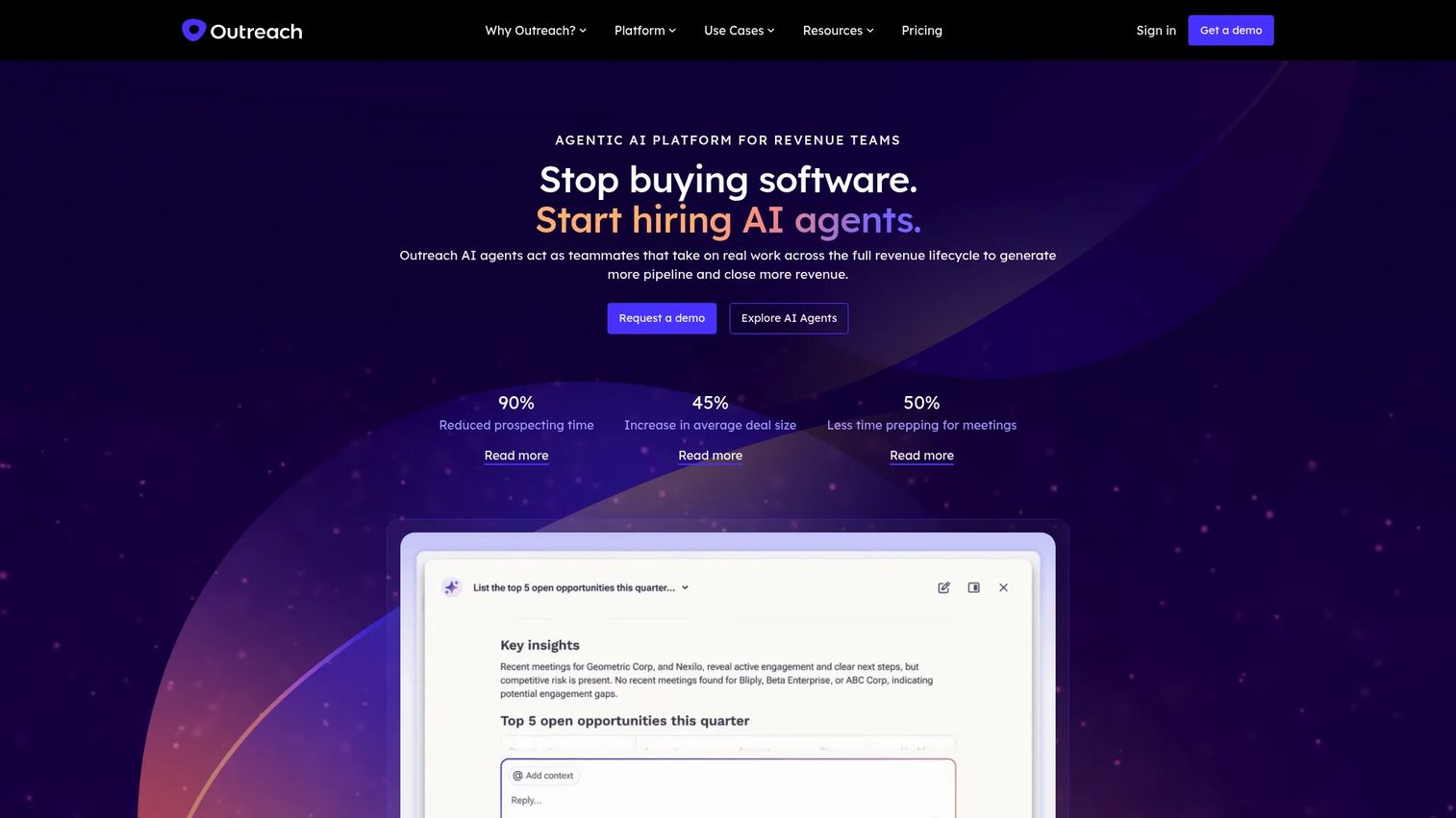
Outreach combines sales engagement with conversation intelligence and revenue workflows. Sequencing is part of a broader platform that also covers deal management and forecasting. It fits teams coordinating prospect interactions across many sellers. AI agents and coaching capabilities support that operating model.
Best for: Mid-market and enterprise teams running structured outbound programs with RevOps ownership.
Key features
- Sales engagement and sequencing
- AI agents
- Conversation intelligence
- Deal and pipeline management
- Forecasting and rep coaching
A sequencing platform needs rules for what happens after a buyer responds. During evaluation, ask how your intended process handles an existing opportunity entering an outbound campaign.
Map responsibility between the SDR and AE. The software should support your ownership model rather than leave both people contacting the same stakeholder independently.
For sales email software, assess the workflow around replies as carefully as message creation. A scheduled touch becomes counterproductive when it ignores an active conversation.
Use an established account list for the pilot. Include examples where several contacts belong to the same company and different reps contribute to the deal.
Make the operational owner explicit before rollout. Someone needs responsibility for maintaining sequences and deciding when the team should change its execution rules.
Why choose Outreach: Choose it when coordinated engagement is an organizational requirement. Its broader revenue capabilities also warrant evaluation if you want to consolidate related workflows.
Outreach pricing: Custom pricing. Amplify Core pricing depends on team size, usage volume, AI workflows, and required capabilities.
G2 rating: 4.3/5
5. UpLead
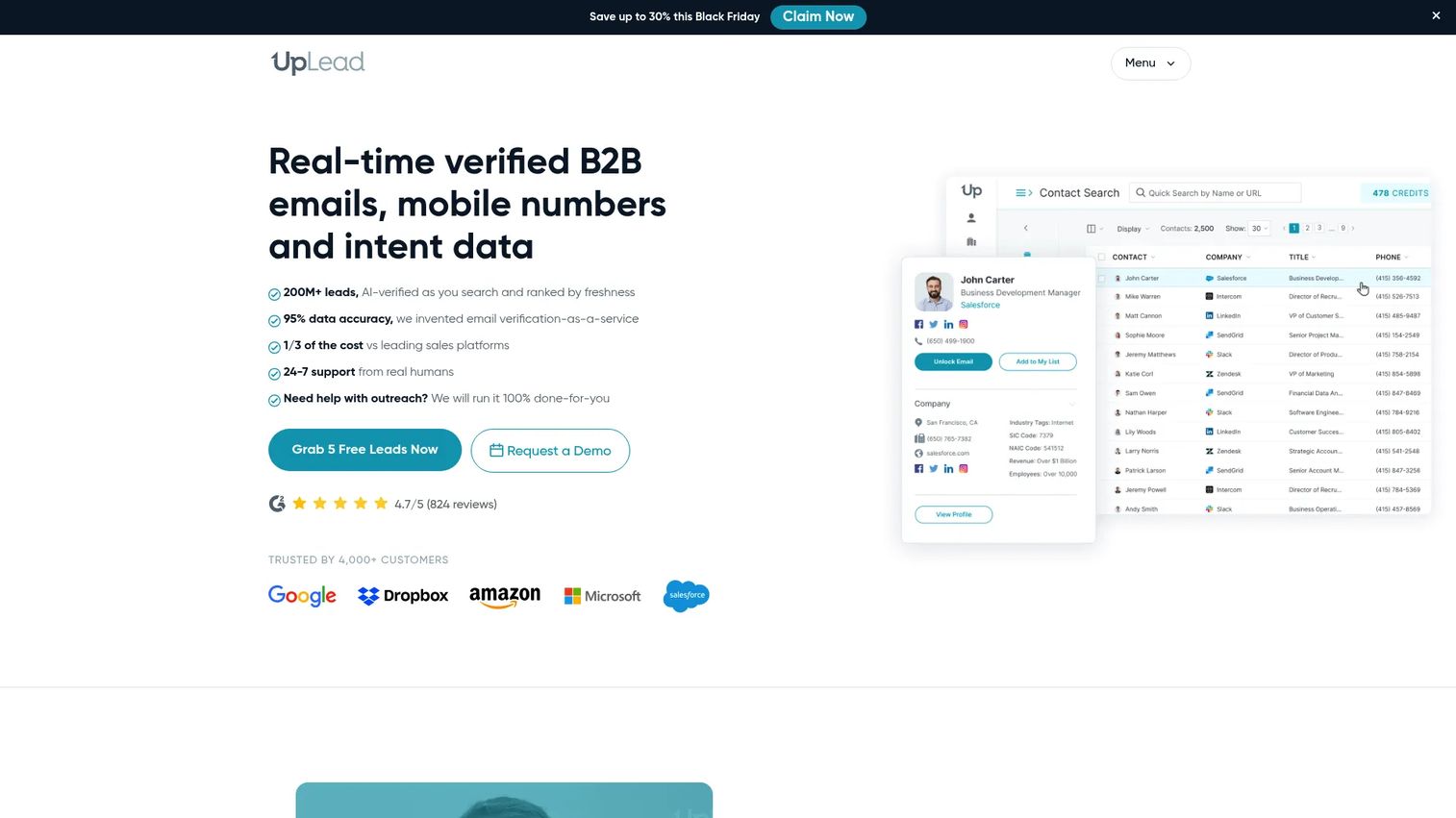
UpLead provides B2B contact data with real-time email verification. Its search tools help sellers identify prospects before they begin outreach. Mobile direct dials and company information support account research. Enrichment and CRM integrations connect the resulting data to downstream sales work.
Best for: Teams whose prospecting bottleneck is obtaining usable contact information.
Key features
- Contact search filters
- Real-time email verification
- Mobile direct dials
- Data enrichment
- Buyer intent and technographics
Test a data provider against your territory rather than a generic list of recognizable companies. Include the job functions and company sizes your team targets.
Then assess whether the returned contacts represent people who participate in your buying process. A valid address alone does not establish decision-making relevance.
For AEs doing their own prospecting, inspect how research becomes an actionable account list. The useful output is a clear reason to contact someone alongside dependable details.
Ask how credits work for your expected usage before choosing a subscription. Compare the cost of preparing a target account list with the amount of manual research it replaces.
Keep contact quality separate from outreach quality during the pilot. If a campaign struggles, distinguish delivery issues from targeting or messaging before changing providers.
Why choose UpLead: Choose it when contact verification is the immediate need. It fits a stack where CRM ownership and engagement execution already have a home.
UpLead pricing: Essentials costs $99/month or $74/month billed annually. A seven-day free trial is available.
G2 rating: 4.7/5
6. Apollo.io
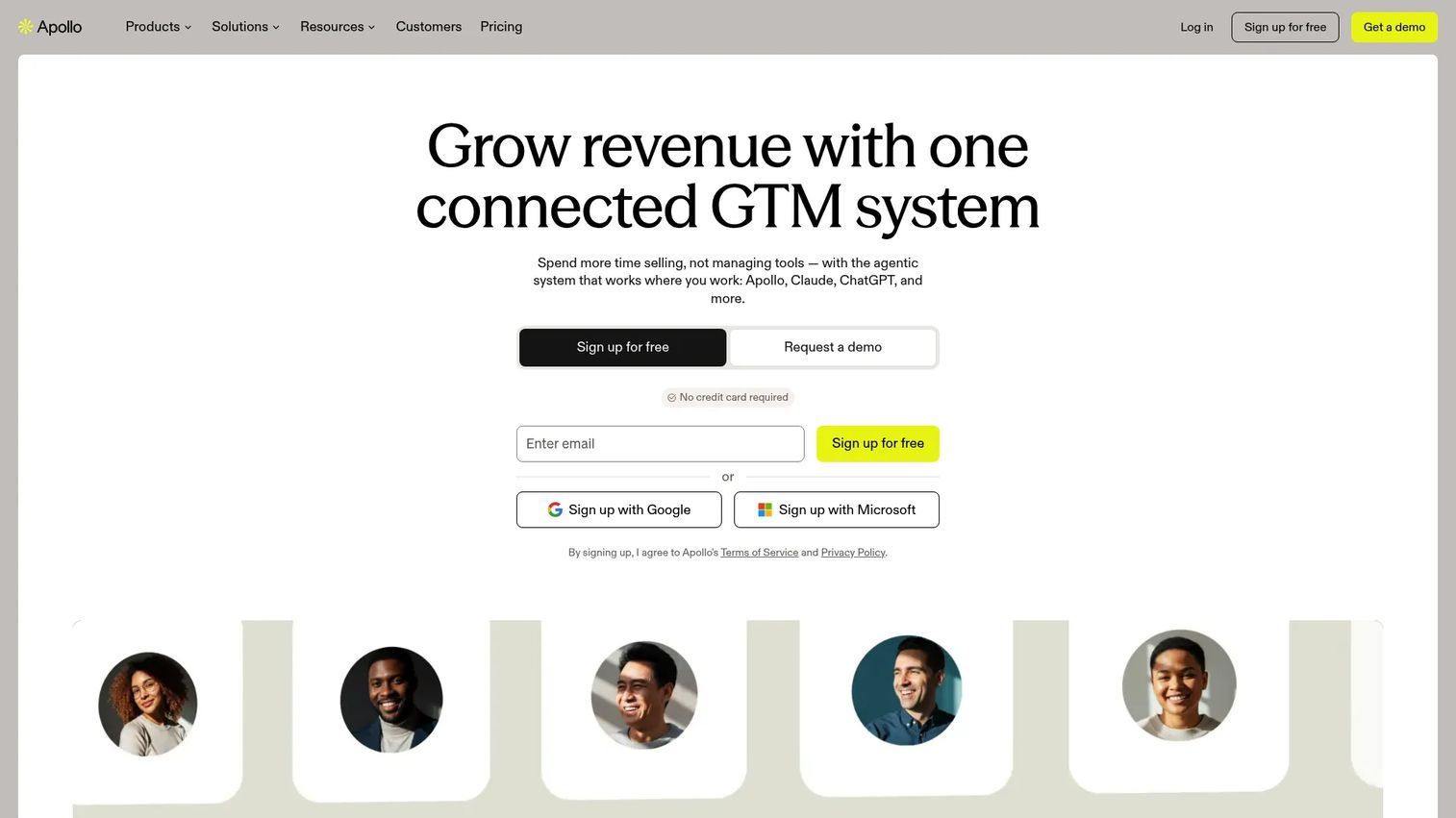
Apollo.io combines a B2B database with sales engagement and execution tools. It connects contact discovery to outbound activity within the same platform. Enrichment and CRM integrations support record maintenance. Calling capabilities include a parallel dialer and call recording.
Best for: AEs and SDR teams that want prospecting data and outbound execution connected.
Key features
- Contact and company database
- Email sequencing
- Waterfall enrichment
- Parallel dialer and call recording
- CRM integrations
The consolidation case is straightforward to test. Take an account from research through outreach, then inspect the record in your CRM.
Pay attention to ownership and duplicate handling during that exercise. Combining categories is useful only if the resulting information stays trustworthy across systems.
AEs generating their own pipeline should evaluate how much work remains between finding a relevant person and contacting them. Include the preparation required to make the message specific.
Also test the process after a prospect becomes an opportunity. Decide which application owns ongoing communication and which fields must remain synchronized.
Apollo lists Free, Basic, Professional, and Custom plans. Compare the required usage allowances rather than assuming that every package covers the same operating volume.
Why choose Apollo.io: Choose it when the handoff between contact sourcing and engagement creates avoidable work. Its combined scope deserves consideration before buying separate tools.
Apollo.io pricing: Free is $0 per user monthly. Ask sales for current Basic and Professional rates and the usage allowances attached to each.
G2 rating: 4.7/5
7. Zoho CRM
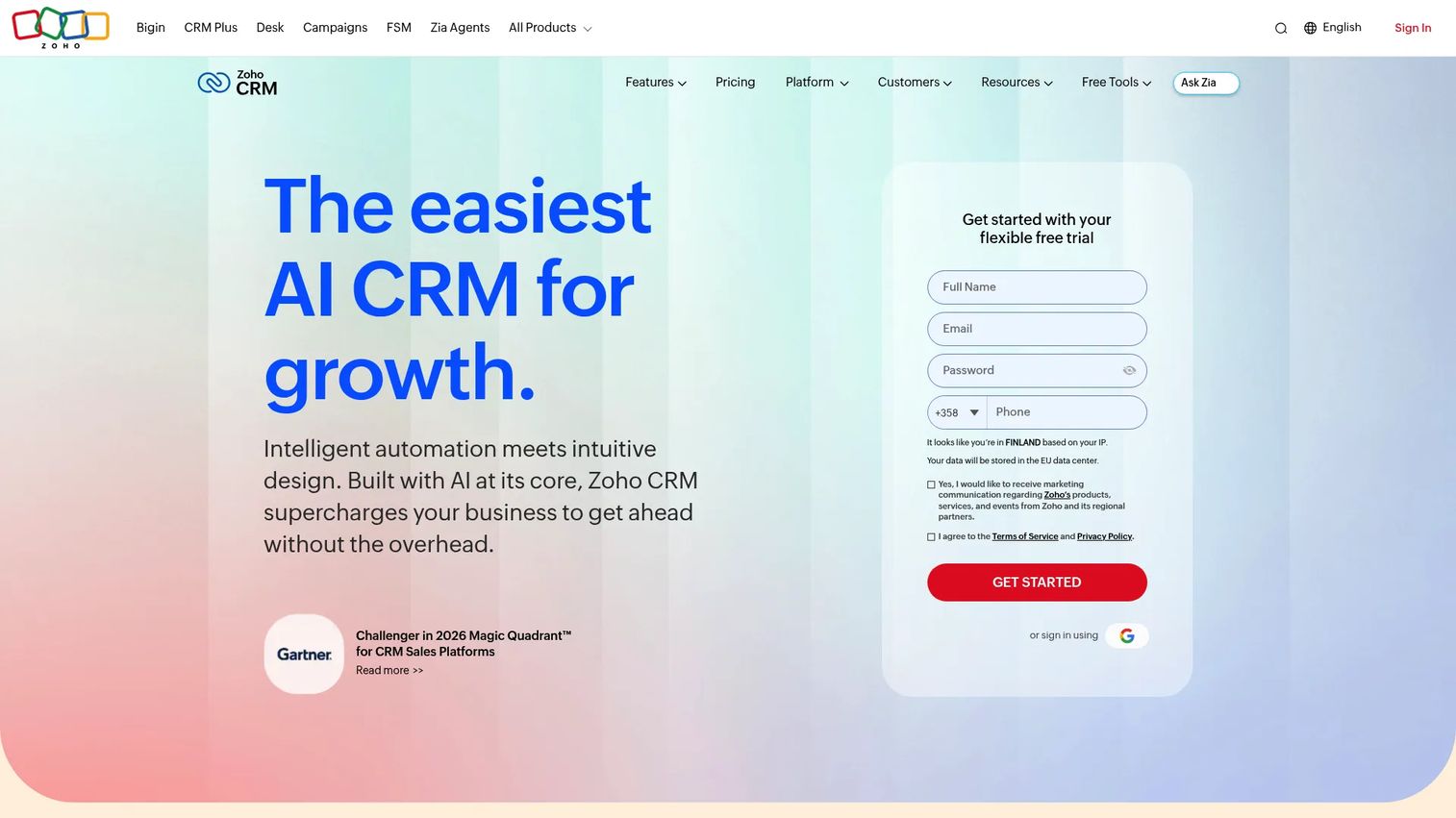
Zoho CRM manages customer relationships and sales processes through a configurable cloud CRM. Its scope includes multiple pipelines and workflow automation. Forecasting and analytics support management visibility. Built-in calling and email integrations connect communications with customer records.
Best for: Budget-conscious teams that still need configurable processes and reporting.
Key features
- Contact and lead management
- Multiple sales pipelines
- Workflow and process automation
- Forecasting and analytics
- Calling and email integrations
Begin the evaluation with your sales process written down. Identify which stages differ across new business and expansion before building separate pipelines.
For a small team, configuration should remove unnecessary decisions from the daily workflow. Avoid creating different fields for information that means the same thing.
Managers should inspect the reporting definitions early. A pipeline dashboard becomes difficult to trust when sellers interpret stage names differently.
Use a sample handoff from qualification to an AE as part of the trial. Check whether the recipient can understand the buyer’s objective and agreed next action.
The low entry cost makes Zoho worth considering, but subscription price is only part of the decision. Assign responsibility for maintaining the configuration as your process changes.
Why choose Zoho CRM: Choose it when you want customization at an accessible entry price. Give setup enough attention to keep the rep experience consistent.
Zoho CRM pricing: Free supports three users. Standard starts at $14 per user monthly, billed annually.
G2 rating: 4.1/5
8. Close
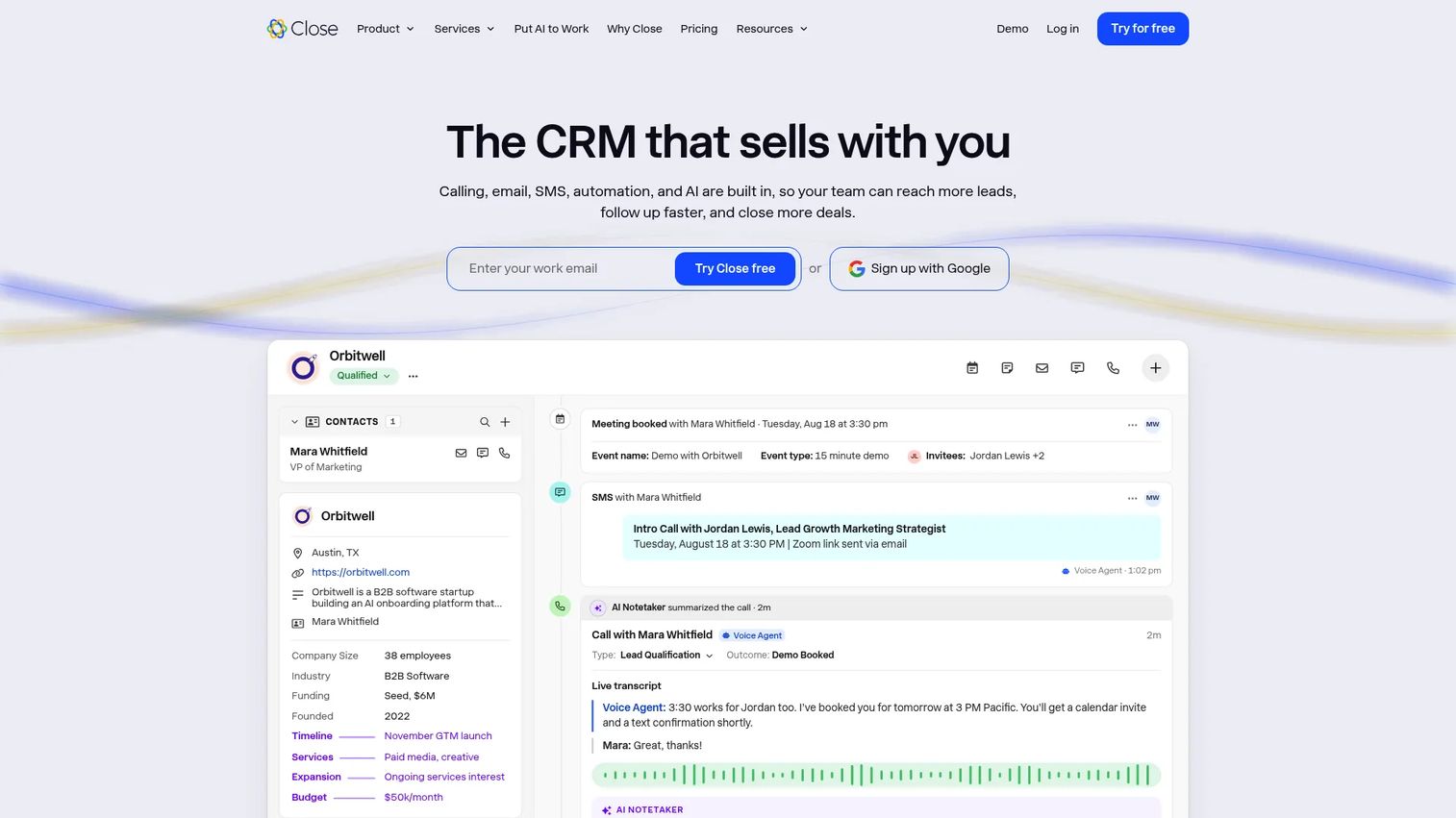
Close combines CRM with built-in calling, email, and SMS. It fits sales teams whose daily execution revolves around direct prospect conversations. Pipeline management and automated follow-up connect those interactions to opportunity progress. Power and predictive dialers support calling-focused workflows.
Best for: Startups and SMB teams that want communications and CRM in the same working environment.
Key features
- Built-in calling and SMS
- Email communication
- Lead and pipeline management
- Automated follow-up workflows
- Power and predictive dialers
Evaluate Close through a typical calling session. Begin with the target list and continue through the next action after a connected conversation.
The key question is whether the rep can resume work without reconstructing context. Include a prospect who replies through a different channel after the call.
For managers, inspect how the communication record supports coaching. Raw activity counts should lead to questions about conversation quality and opportunity progress.
Calling and SMS usage are billed separately, with rates varying by country. Model the destinations your team contacts rather than applying a single subscription figure to every rep.
Also clarify which dialing capabilities belong in your intended package. The platform’s overall feature list should not substitute for a plan-level buying discussion.
Why choose Close: Choose it when calling is central to the sales motion and a separate phone workspace creates unnecessary switching.
Close pricing: Solo costs $9/user/month annually or $19 monthly. A 14-day free trial is available; there is no permanent free plan.
G2 rating: 4.7/5
9. Lusha
Lusha provides B2B contact data and buying intelligence for revenue teams. Its core value for AEs is finding relevant people and enriching account records. The platform also includes signals and AI recommendations. Its current scope extends into automated email sequences and conversation intelligence.
Best for: Reps and GTM teams that need contact discovery connected to enrichment.
Key features
- Contact emails and phone numbers
- Company data enrichment
- Buying signals and intent data
- AI recommendations
- CRM and API connections
Start by testing contacts in the segment you sell to. A useful sample should include the less obvious stakeholders who influence technical or commercial approval.
Then examine how the data fits your CRM conventions. Decide which fields can be updated automatically and which require review by the account owner.
For an AE, contact discovery should support a multithreading plan. Use the information to identify a relevant role, rather than simply increase the number of people contacted.
Lusha’s wider engagement capabilities also create a consolidation question. Compare them with tools you already own before adding another workflow for outbound execution.
During procurement, ask how credits are consumed by the actions your reps perform. Use that explanation to estimate costs for a typical month of territory development.
Why choose Lusha: Choose it when contact lookup and enrichment need attention first. Evaluate the broader platform only where it replaces an established task.
Lusha pricing: Free includes 40 credits monthly. Starter costs $37.45 per month, billed annually.
G2 rating: 4.3/5
10. Clay
Clay supports account research and enrichment through configurable GTM workflows. Its Claygent research agents help teams collect information for prospecting. Visual workflows connect data operations with execution. Signals such as job changes and funding can inform account prioritization.
Best for: Revenue teams with an operations owner who can build repeatable research processes.
Key features
- Data enrichment workflows
- Claygent AI research
- Visual automation
- Job-change and funding signals
- Native email sequencing
Clay is worth evaluating when a fixed contact-search process does not answer your account research questions. Start with the decision the AE needs to make.
For example, define what evidence would make an account relevant for a specific campaign. Then design the research output around that evidence.
Ask the workflow owner to show how results reach the seller. A rich table is useful only when the AE understands which action it supports.
Include exceptions in the pilot. Examine what happens when research returns incomplete information or conflicting evidence, and decide who reviews the result.
Cost evaluation should distinguish actions from data credits. Track the consumption of a complete workflow rather than estimating from the number of accounts alone.
Why choose Clay: Choose it when research needs are specific enough to justify a configurable process. Keep ownership with someone who can maintain that process.
Clay pricing: Free includes 500 actions and 100 data credits monthly. Launch costs $167/month annually or $185 monthly.
G2 rating: 4.6/5
11. ZoomInfo
ZoomInfo provides B2B data and intelligence for enterprise GTM teams. Its capabilities span outbound prospecting and data orchestration. Inbound lead scoring and routing extend its role beyond individual contact discovery. Conversation and revenue intelligence add further scope for organizations evaluating consolidation.
Best for: Enterprise teams that need account intelligence connected to wider revenue operations.
Key features
- B2B prospecting data
- Account-based audience activation
- Data enrichment and orchestration
- Inbound scoring and routing
- Conversation and revenue intelligence
Evaluate coverage against named accounts in your territory. Ask sellers to assess whether the information helps them identify relevant stakeholders and prepare a credible approach.
Then involve RevOps in testing the data flow. Establish how enrichment updates existing records and how account ownership remains protected.
Enterprise teams should separate individual rep requirements from centralized operations requirements. Both may use the platform, but their success measures differ.
For the AE, useful intelligence should change which account receives attention or how a conversation begins. For operations, focus on consistency and the quality of records entering downstream systems.
Request a package breakdown that distinguishes data access from additional capabilities. Compare that proposal with existing subscriptions to identify overlap before signing.
Why choose ZoomInfo: Choose it when account data is a strategic operating layer across the revenue organization. Test territory relevance before judging overall platform breadth.
ZoomInfo pricing: Custom pricing. Ask sales to itemize the data package and capabilities required for your use cases.
G2 rating: 4.5/5
12. Aircall
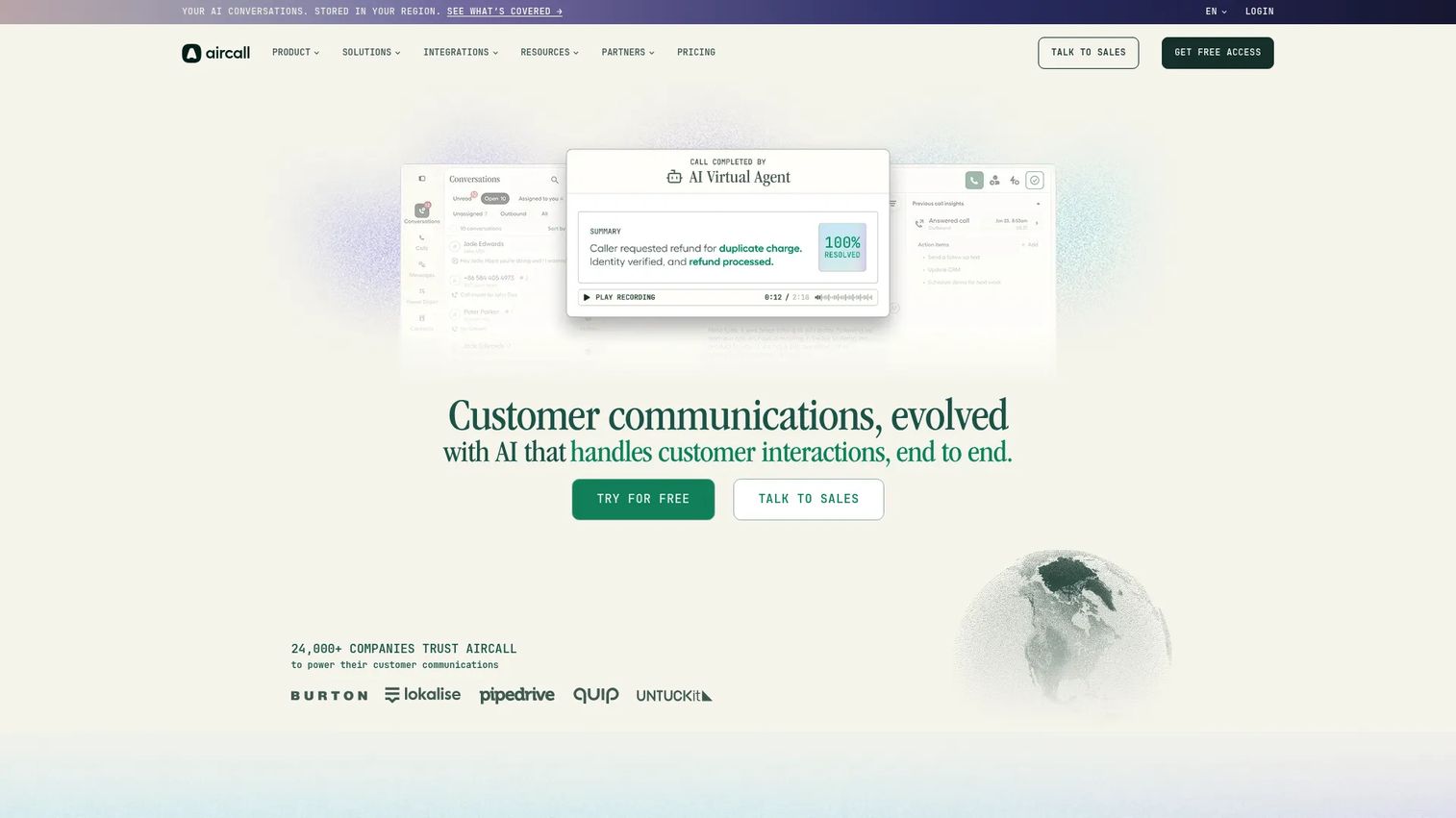
Aircall is a cloud communications platform for business calling and messaging. It combines telephony with analytics and integrations. Routing tools support distributed teams handling inbound conversations. Power dialing and voicemail drop address outbound calling workflows.
Best for: Sales teams that need dedicated sales calling software connected to their CRM.
Key features
- IVR and call routing
- Call recording
- AI transcription
- Power Dialer
- Voicemail drop
Phone-system evaluations need a practical call flow. Test an inbound inquiry that reaches the wrong person and needs to move to the account owner.
Next, examine what information appears in the CRM after the interaction. Confirm that the seller can distinguish an attempted call from a meaningful conversation.
For outbound work, assess the entire calling session rather than dialing speed alone. Preparation and follow-up determine whether activity contributes to pipeline.
Remote teams should test from the working environments their reps use. Include the hardware and network conditions expected during ordinary selling hours.
Ask managers how they intend to use recordings and analytics. Define a coaching routine before collecting more conversation data, and review recording requirements with your internal team.
Why choose Aircall: Choose it when telephony deserves a dedicated system while CRM remains the opportunity record. Its fit depends on the complete calling workflow.
Aircall pricing: Essentials costs $30/license/month annually, with a three-license minimum. Professional starts at $50/license/month annually.
G2 rating: 4.4/5
13. PandaDoc
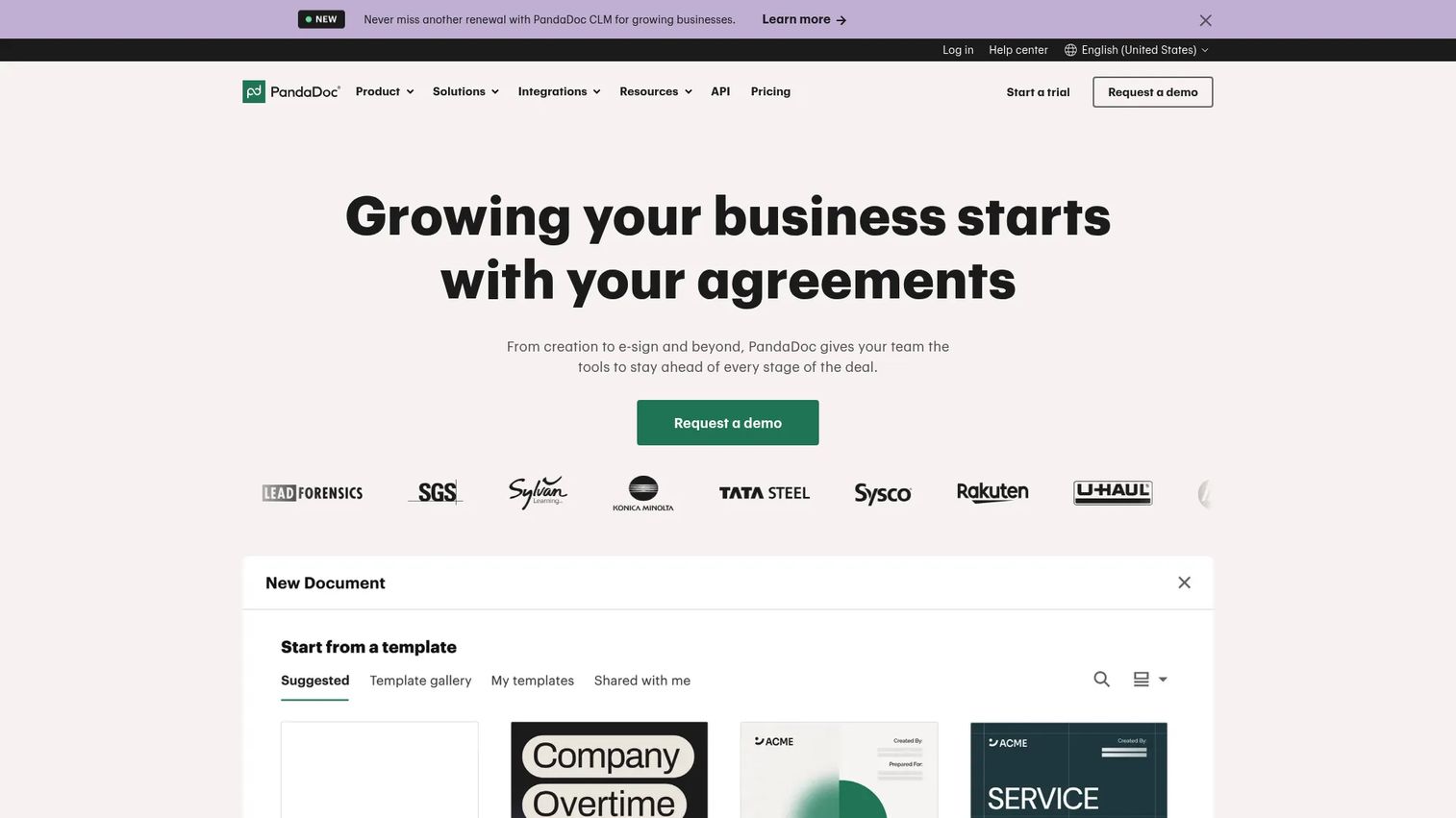
PandaDoc manages business documents from creation through signing and tracking. For AEs, it addresses the commercial work surrounding a proposal. Its editor and pricing tools support repeatable document preparation. CRM integrations and automation connect that work to the wider sales process.
Best for: Teams whose late-stage opportunities slow down during proposal preparation or signing.
Key features
- Drag-and-drop document editor
- Electronic signatures
- Pricing tables and product catalog
- Document tracking and audit trails
- CRM integrations and automation
Evaluate proposal software for sales using a document your team sends regularly. Include a pricing revision and the internal review required before delivery.
Pay attention to ownership of standard content. A reusable document is easier to maintain when someone is responsible for commercial language and approved product descriptions.
Ask an AE to prepare a proposal from an existing opportunity record. Record which details require manual entry and which need validation before the buyer receives them.
Then test a change requested after delivery. The process should make the current version clear to everyone involved in negotiation.
Document engagement can help frame follow-up, but it should not replace a buyer conversation. Use tracking to ask better questions about the approval process and remaining stakeholders.
Why choose PandaDoc: Choose it when commercial document work creates delay after the buyer has agreed on value. Standardize the document process before expanding it.
PandaDoc pricing: A free plan is available. Starter costs $19 per seat monthly, billed annually; Business starts at $49.
14. Gong
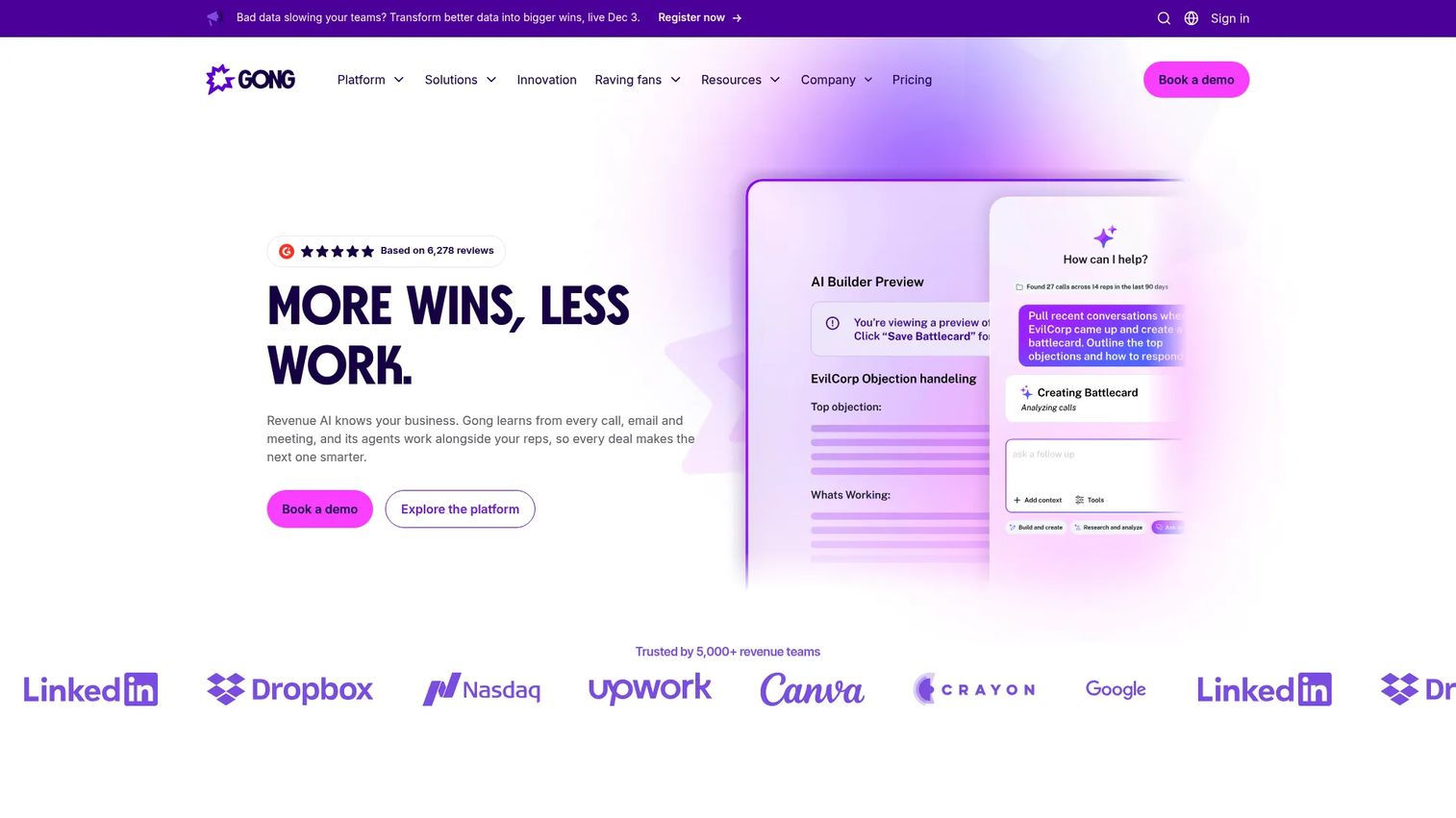
Gong captures and analyzes customer interactions to support revenue execution. Its conversation intelligence software connects discussion evidence with deal health. The platform also includes sales engagement and AI forecasting. Team development capabilities support managers working on rep coaching.
Best for: Teams that want customer conversation evidence to inform coaching and pipeline inspection.
Key features
- Conversation capture and analysis
- Deal health tracking
- AI forecasting
- Sales engagement
- Team development intelligence
Evaluate Gong against questions your forecast meeting struggles to answer. Examples include whether the buyer confirmed timing or whether an important stakeholder has participated.
Ask managers to distinguish evidence from interpretation during the pilot. A conversation record is most useful when it supports a specific next action.
For AEs, the benefit should extend beyond manager visibility. Examine whether the system helps you prepare for follow-up without replaying the entire customer discussion.
Coaching also needs an operating routine. Decide which behavior a manager will review and how feedback will translate into the next conversation.
Review permissions and recording practices with the relevant internal stakeholders. Customer interaction data deserves clear ownership and access rules before it becomes part of a wider revenue system.
Why choose Gong: Choose it when understanding conversations is central to improving deal execution. Establish the coaching and inspection process alongside the software rollout.
Gong pricing: Custom pricing includes per-user licenses and a platform fee. Team size affects the proposal.
G2 rating: 4.7/5
15. Salesloft
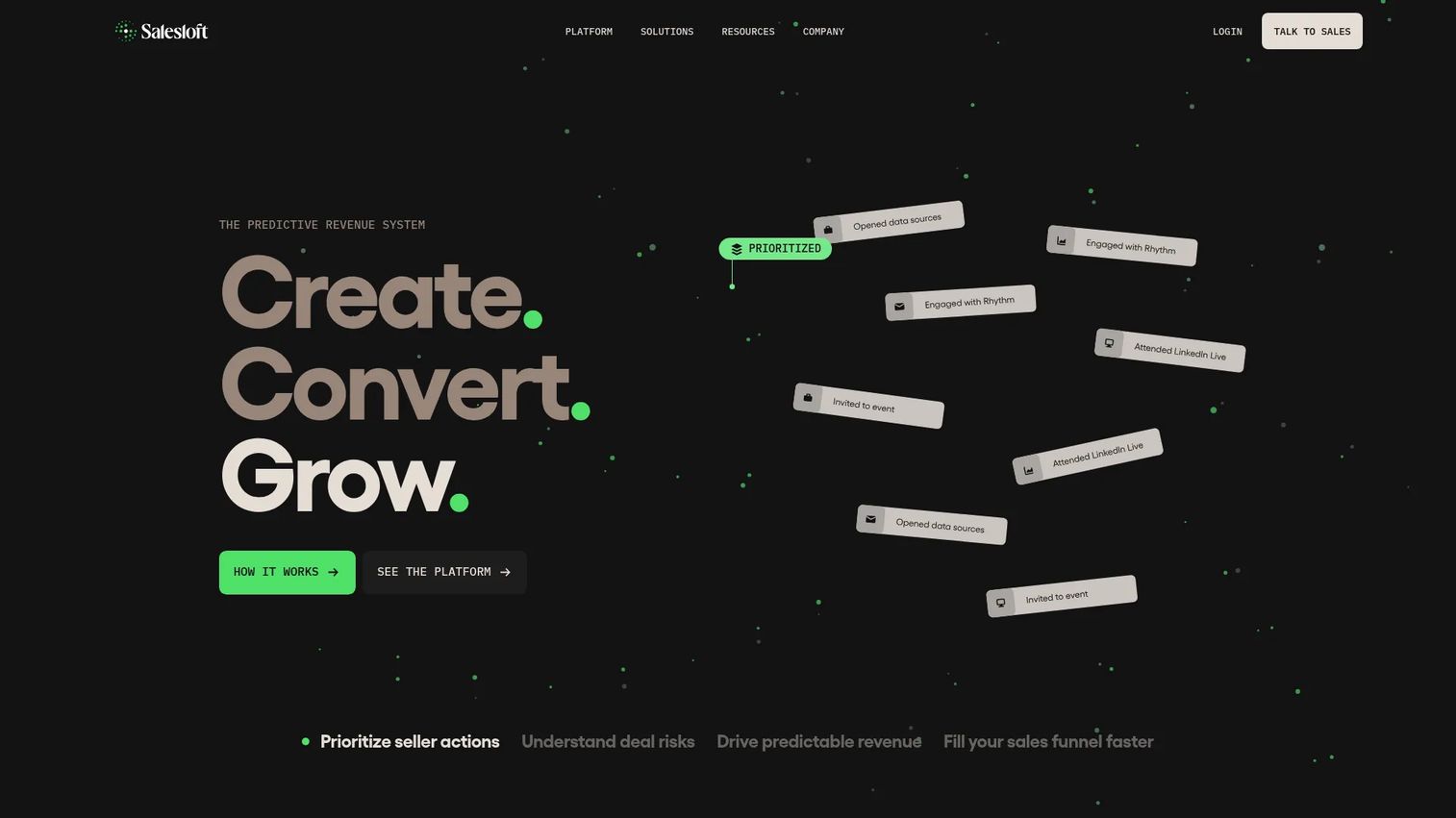
Salesloft combines cadence-based engagement with revenue orchestration. Its platform includes conversation intelligence and deal management. Rhythm prioritizes work using AI, while forecasting supports pipeline inspection. The scope suits teams connecting daily seller execution to management visibility.
Best for: Structured sales organizations evaluating engagement alongside coaching and prioritized workflows.
Key features
- Multichannel cadences
- Conversation intelligence
- Deal and opportunity management
- Rhythm workflow prioritization
- Forecasting and pipeline inspection
Start the evaluation with the rep’s daily queue. Ask whether the suggested work reflects account ownership and the status of active opportunities.
Then inspect how engagement changes after a meaningful response. Inside sales automation should respect the conversation already underway rather than continue an irrelevant sequence.
Managers should define how cadence performance will inform coaching. Examine the quality of responses and resulting opportunities alongside activity metrics.
Package design matters because Salesloft identifies several capabilities as add-ons. Forecasting, Account Agent, Coaching Agent, and Dialer should be discussed explicitly during commercial evaluation.
Test the package you expect to purchase. A demonstration of the entire platform can otherwise leave a team assuming every capability belongs in its quote.
Why choose Salesloft: Choose it when daily engagement and coaching need a shared operating process. Compare the required add-ons against tools already in your stack.
Salesloft pricing: Custom pricing for Advanced and Elite packages. Ask sales to itemize Dialer and Forecasting alongside any agent add-ons.
G2 rating: 4.5/5
16. Freshsales
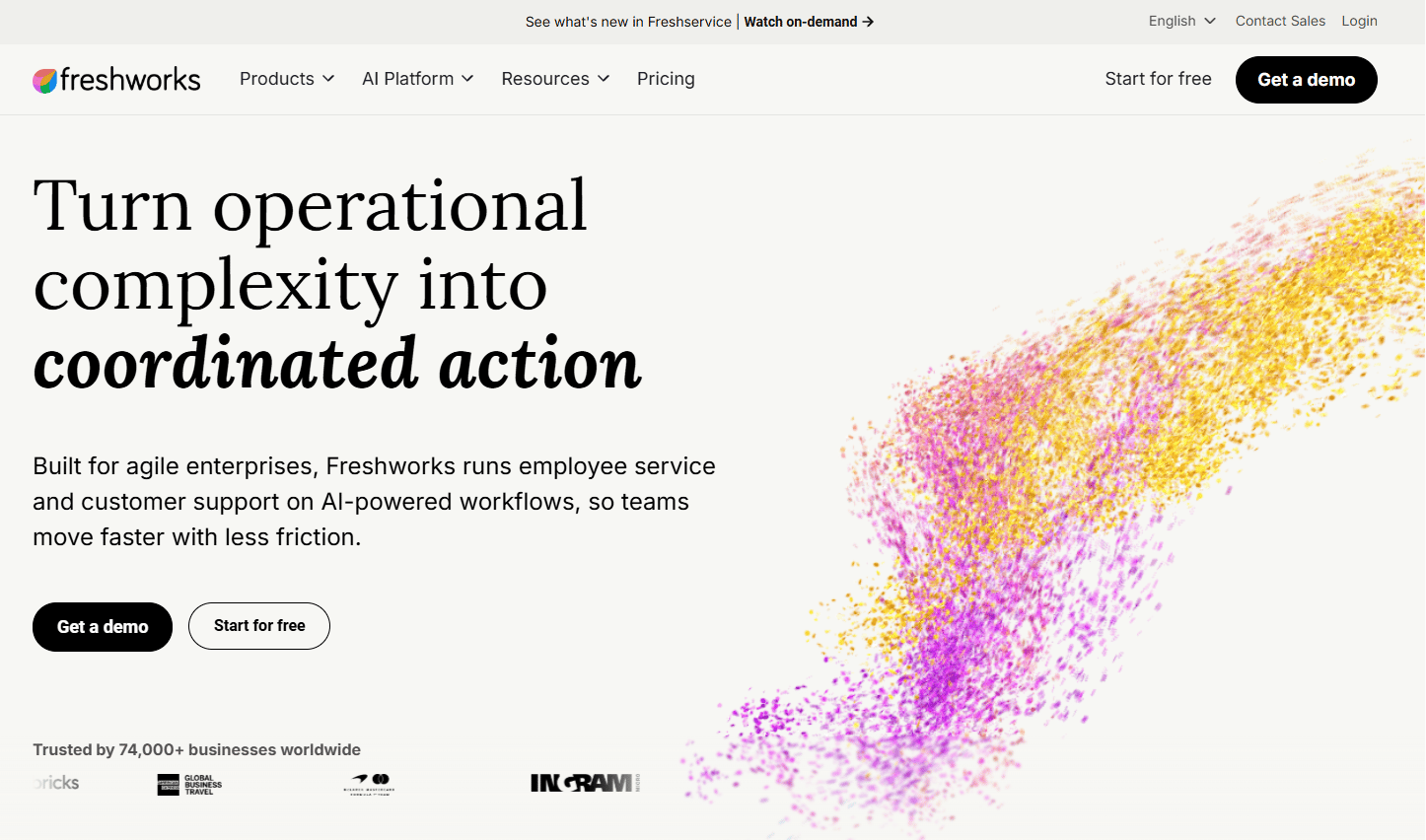
Freshsales combines CRM with built-in communication and sales automation. Its scope includes visual pipelines and customer records. Freddy AI supports contact scoring and deal insights. Sales sequences and forecasting extend the platform into ongoing execution and management.
Best for: Small and midsize teams that want CRM and communication workflows connected.
Key features
- Contact and account management
- Visual sales pipelines
- Built-in phone and email
- Sales sequences and workflows
- Freddy AI scoring and deal insights
Freshsales belongs on the shortlist when a growing team wants to avoid assembling separate applications for every basic sales task. Start with a complete opportunity workflow.
Test how an inbound lead becomes an assigned account and then an active deal. Check whether the seller can understand earlier communication without searching elsewhere.
For AEs, evaluate the daily record update after a call. A connected tool should help maintain useful context without encouraging long administrative sessions.
Plan choice changes the scope. Pro includes sales sequences, forecasting, and Freddy AI insights, while Enterprise adds further governance and customization capabilities.
Before buying, identify which of those functions your operating process requires. Compare the relevant package rather than treating the entry price as the cost of the full platform.
Why choose Freshsales: Choose it when you need a connected CRM foundation with room for structured automation. Keep the initial rollout focused on a clear sales process.
Freshsales pricing: Free supports three users. Growth costs $9/user/month annually; Pro costs $39 and Enterprise $59.
G2 rating: 4.0/5
17. Monday CRM
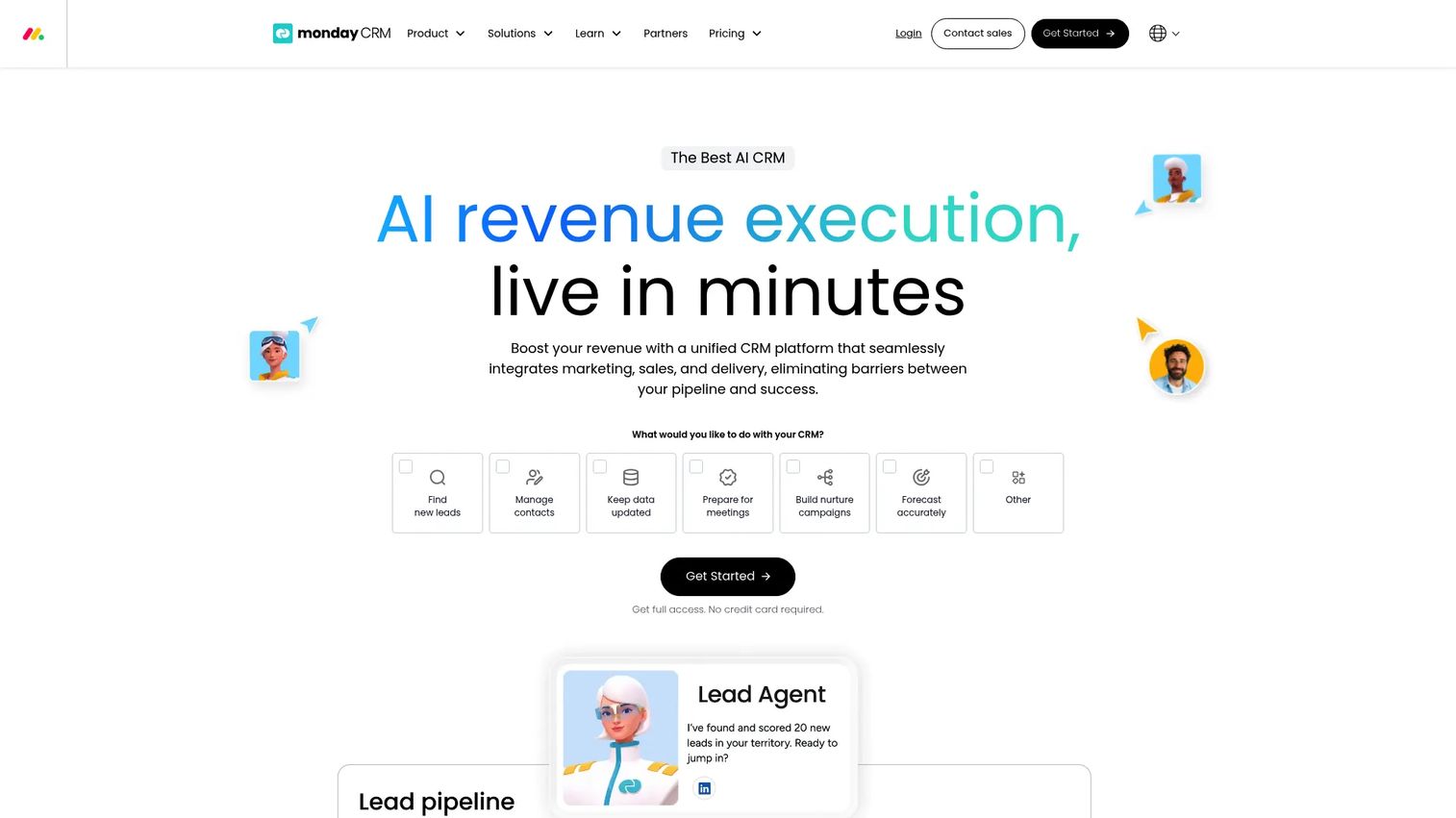
Monday CRM manages sales processes through configurable visual workflows. It brings customer communications and activity into a shared CRM environment. Dashboards and forecasting support pipeline management. Automated outreach and AI-assisted deal work extend its role beyond a static sales board.
Best for: Teams that want to organize sales operations around adaptable visual processes.
Key features
- Lead capture and qualification
- Centralized customer activity
- Automated outreach sequences
- Custom dashboards and forecasting
- AI deal insights and meeting preparation
Evaluate Monday CRM by building the process your team follows, including the handoff after an opportunity closes. Visual flexibility is useful when responsibilities remain clear.
Avoid treating every column as a substitute for an agreed definition. Establish what each stage means and which buyer commitment allows a deal to advance.
For AEs, inspect the customer record underneath the board. A visually appealing pipeline should still make past communication and outstanding work easy to understand.
Ask a manager to review the same sample opportunity. Confirm that the reporting view supports the sales process rather than encouraging duplicate status updates.
The buying decision should include ownership of future changes. Decide who can alter workflows and how those changes will be communicated to sellers.
Why choose Monday CRM: Choose it when adaptable workflow design is a priority. Put clear process definitions in place before expanding the configuration.
Monday CRM pricing: Basic costs $12/seat/month annually; Standard costs $17 and Pro $28. A 14-day free trial is available.
Considerations when choosing inside sales software
Start with the workflow, not the category label
Write down the point where work stalls, such as finding contacts or preparing proposals. Identify which category addresses that task before comparing vendors.
Check CRM integration depth
Ask vendors to demonstrate activity synchronization and field mapping with your intended setup. Test duplicate handling and ownership changes using representative records, rather than accepting an integration logo as proof.
Evaluate adoption risk for AEs
Include working reps in the pilot and observe how they complete an ordinary selling task. Measure the work required after the customer conversation, including corrections and duplicate entry.
Separate useful AI from noisy AI
AI sales software should support a specific decision or action. Evaluate a generated email against your messaging standards, or compare a deal alert with the evidence behind it.
Price the full stack
Model seats and usage alongside onboarding or implementation costs. Include data credits, calling charges, and add-ons where relevant, then identify subscriptions the purchase would replace.
For a velocity team, prioritize a dependable daily workflow before advanced reporting. Enterprise teams should also test permissions and approval requirements with internal stakeholders.
A PLG-assisted motion needs particular attention to the handoff from account interest into seller ownership. Ask how the proposed setup preserves context without creating duplicate outreach.
Finally, define success before the pilot starts. Choose a measure such as time spent updating opportunities or the share of deals with an agreed next step.
Conclusion
The right inside sales software should make the next customer action clearer.
Pipedrive is a strong starting point for visual pipeline management. Salesforce Sales Cloud fits organizations that need governed processes and deeper customization.
HubSpot Sales Hub suits teams connecting prospecting with customer context. For structured outbound, compare Outreach with Salesloft around the process your reps follow.
Apollo.io connects prospecting data to execution. UpLead and Lusha address contact discovery and enrichment, while Clay supports configurable research workflows. ZoomInfo deserves evaluation for enterprise account intelligence.
Aircall focuses on the calling layer. Gong brings conversation evidence into coaching and deal inspection, while PandaDoc supports commercial document execution.
Close and Freshsales combine CRM with communications. Zoho CRM and Monday CRM offer different approaches to configuring your sales process.
Choose the category where your remote sales software stack breaks first. Shortlist two or three relevant options, then run the same opportunity workflow through each.
Bring an AE and the system owner into that evaluation. Confirm the required package, integration behavior, and rollout responsibilities before committing to another subscription.
FAQs
Inside sales software supports remote selling through customer records, communications, prospect data, and digital deal workflows. It includes foundational systems such as CRM, plus specialized applications for engagement, calling, coaching, or proposals. Most teams should treat it as a connected stack, with clear ownership of each task and the information passed between tools.
Start with the CRM that supports your daily selling process without requiring unnecessary administration. Pipedrive fits visual pipeline management, while Close suits calling-heavy teams and Freshsales combines customer records with communication tools. Zoho CRM deserves consideration for configurable processes, and HubSpot Sales Hub suits teams connecting prospecting with customer context. Pilot the relevant package before comparing headline prices.
Enterprise teams should choose by function rather than expect one product to lead every category. Salesforce Sales Cloud supports governed CRM processes, while Outreach and Salesloft address structured engagement. ZoomInfo focuses on sales intelligence; Gong supports conversation analysis and deal inspection. Aircall is worth evaluating when dedicated telephony needs to connect with the wider sales stack.
CRM is the system that maintains customer relationships and opportunity records. Inside sales software is the broader collection of tools used to execute remote selling, including prospecting and commercial document workflows. Some CRM platforms cover several of those tasks directly. Specialized applications remain useful when a particular workflow requires capabilities beyond the package your team uses.
Close and Freshsales include built-in phone capabilities, and Zoho CRM also supports calling. Aircall provides a dedicated cloud phone platform, while Apollo.io includes dialing capabilities. Salesloft offers Dialer as an add-on, making package selection important. Evaluate routing, usage costs, and CRM activity handling separately, because a calling feature does not establish identical functionality across products.
Outreach and Salesloft suit coordinated engagement programs, while Apollo.io combines prospect data with outbound execution. UpLead and Lusha support contact discovery; ZoomInfo adds enterprise intelligence, and Clay supports configurable research workflows. Choose the layer that needs improvement first. Test contact relevance separately from sequence execution, because accurate data and effective outreach solve different parts of the outbound process.
Costs depend on the purchasing model and the capabilities your team needs. CRMs commonly charge per user, while data platforms may combine subscriptions with usage credits. Enterprise engagement products can require negotiated packages, and calling systems may add usage charges. Compare the complete operating cost, including onboarding and required add-ons, instead of treating the entry subscription as the final budget.
Identify a recurring bottleneck and define what improvement would look like before evaluating vendors. Run the same representative workflow through your shortlist, including the handoff back into the CRM. Involve the people who will use the system and those responsible for maintaining it. Make the final decision using workflow results, integration behavior, governance requirements, and the total commercial commitment.