



A user gets stuck three clicks into your onboarding flow. They don't file a ticket. They don't read your docs. They open a new tab, search for a workaround, and half the time they just leave.
That silent exit is the expensive one. It doesn't show up in your ticket queue, so it looks like a win. It's not. It's a churned trial, a stalled activation, an adoption number that never moves.
The fix isn't more documentation. It's putting the answer where the question happens: inside the product. In-app support software collapses the distance between "I'm confused" and "here's how." No new tab, no email thread, no wait.
The global in-app support automation AI market was worth $4.2B in 2025 and is forecast to hit $24.8B by 2034 at a 24.3% CAGR, with software making up 65.8% of spend, according to MarketIntelo (2025). Support isn't moving out of the product. It's moving in.
What's inside
This guide covers the top in-app support software for 2026, built for SaaS and digital product teams evaluating embedded support, contextual help, and self-service tools. We ranked and reviewed eight platforms against the criteria that actually matter when support lives inside a product.
We selected tools based on:
- Embedded delivery: how well the tool places help inside web and mobile experiences
- Self-service depth: knowledge base, help center, and deflection capability
- Automation and AI: bots, routing, and workflow automation that cut repetitive work
- Analytics: visibility into ticket trends, deflection, and support behavior
TL;DR
- Best for scalable omnichannel support: Zendesk, for teams that want structured ticketing, live chat, and AI across every channel.
- Best for AI-first in-app messaging: Intercom, for conversational support with automated resolution and human handoff.
- Best for lean teams: Help Scout, for shared-inbox simplicity plus a free tier.
- Best for automation and ticketing: Freshdesk, for AI-assisted workflows and self-service.
- Best for CRM-native teams: HubSpot Service Hub, if your data already lives in HubSpot.
- Best for budget-conscious breadth: Zoho Desk, for a configurable help desk at low cost.
- Best for AI-native support ops: DevRev, for teams unifying support data and agentic workflows.
- Best for eCommerce and multi-channel chat: Re:amaze, for embedded messaging across channels.
What is in app support software?
In-app support software is customer support software embedded directly inside a product experience, so users get help without leaving the app. Instead of routing people to email or an external help center, it surfaces answers, chat, and guidance in context, at the exact moment a question comes up.
It works across a few connected layers. A support widget sits inside the interface. A knowledge base or self-service portal feeds answers into that widget. Live chat and ticketing handle anything the docs can't. AI assistants deflect repetitive questions before they reach a human. Analytics tie it all together so you can see what's working.
Core capabilities to expect:
- Live chat and in-app chat: real-time conversations inside the product
- Knowledge base access: contextual help articles surfaced without a tab switch
- Ticket creation: escalation to agents when self-service isn't enough
- AI support bot: automated answers and ticket deflection at scale
- Contextual prompts: targeted messages triggered by user behavior
- Support analytics: deflection rates, ticket trends, and resolution data
The distinction that matters most is web versus mobile. A desktop web widget can carry more text, more links, and richer articles. A mobile in-app support experience has to respect a smaller screen, touch interactions, and tighter attention. The best customer support tools handle both without forcing you to bolt on a second system.
Beyond deflection, teams increasingly pair embedded support with visual guidance. When a written answer isn't enough, an interactive demo embedded in a help article lets a user follow a guided, clickable walkthrough of the exact workflow they're stuck on, no live call required.
When to use in app support software
Reduce support tickets inside the product
Embedded support wins when the same questions arrive over and over. Password resets, first-run setup, "where do I find X." Sending users to email adds a wait and a channel switch. A widget that surfaces the right article, or an AI bot that answers instantly, resolves the question before it becomes a ticket. High-volume workflows and first-time user confusion are where this pays off fastest.
Guide users through complex tasks
Some tasks can't be solved with a one-line answer. Multi-step configuration, integration setup, or feature discovery need guidance that unfolds as the user moves. Contextual help works here because it triggers at the right moment, in the right screen. Rather than describing five steps in a support reply, you can embed a guided walkthrough that lets the user complete the task inside the product. Timing and context beat volume of text every time.
Support mobile and web users differently
A mobile user and a desktop user hit friction in different ways. On web, you have room for a persistent widget and long-form articles. On mobile, screen size and touch constraints demand tighter, more visual help. A responsive mobile demo lets users experience a mobile workflow exactly as it feels on their device, which matters when a support answer has to fit a phone. Match the support pattern to where your users actually ask questions.
Comparison table
Here's how the eight tools compare on fit, differentiation, pricing, and rating. All pricing reflects each vendor's published rates; figures shown per agent or per seat unless noted.
| # | Product | Best for | Key differentiator | Pricing | G2 rating |
|---|---|---|---|---|---|
| 1 | Zendesk | Scalable omnichannel help desk | AI agents plus omnichannel routing | From $19/agent/mo (yearly) | 4.3/5 |
| 2 | Intercom | AI-first in-app messaging | Fin AI Agent with free live chat on all plans | From $29/seat/mo; Fin from $0.99/outcome | 4.5/5 |
| 3 | Help Scout | Lean support teams | Human-friendly shared inbox with free tier | Free; Standard $25/user/mo | 4.4/5 |
| 4 | Freshdesk | Automation and ticketing | Freddy AI across ticketing workflows | From $19/agent/mo (yearly) | 4.4/5 |
| 5 | HubSpot Service Hub | CRM-native support | Support tied to HubSpot CRM data | Free tools; Starter $7/mo per seat | 4.4/5 |
| 6 | Zoho Desk | Budget-conscious breadth | Configurable help desk with Zia AI | Free edition; paid from ₹420/user/mo | 4.4/5 |
| 7 | DevRev | AI-native support ops | Unified support data with no-code agents | Free (Mini); Pro/Max custom | 4.4/5 |
| 8 | Re:amaze | eCommerce and multi-channel chat | One inbox for chat, social, SMS, and voice | From $29/team member/mo | Not listed |
Best 8 in app support tools for 2026
1. Zendesk
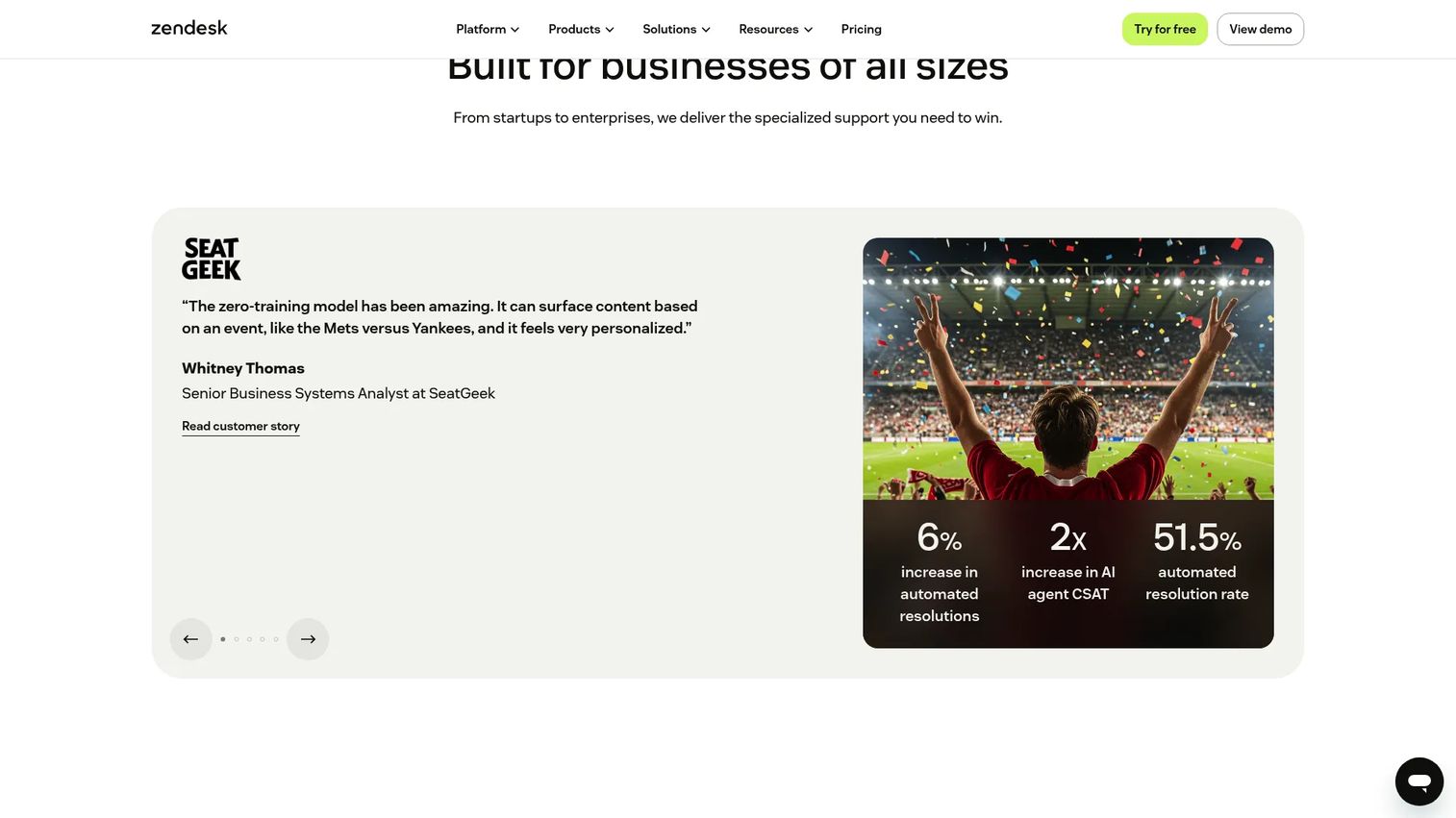
Zendesk is the most established name in embedded support, and it shows in the breadth. It packs a ticketing system, omnichannel messaging, live chat, AI agents, and a knowledge base into one platform. For teams that need structured support workflows across web, mobile, and email, it covers the full help desk surface without stitching tools together. Its Web Widget and mobile SDK options let you drop support directly inside your app.
Best for: Teams that want a scalable omnichannel help desk with AI and automation.
Key strengths
- Omnichannel routing across chat, email, and social
- AI agents for automated deflection
- Web widget and mobile SDK for in-app support
- Knowledge base for self-service
- Deep analytics and reporting
Why choose Zendesk: If your support volume is high and your channels are many, Zendesk scales without forcing you into a rigid workflow. It fits teams that treat support as a structured, measurable operation rather than an inbox.
Zendesk pricing: Support Team starts at $19 per agent/month paid yearly. Suite Team is $55, Suite Professional is $115, both per agent/month paid yearly. Suite Enterprise + Copilot pricing requires contacting sales. No free tier.
2. Intercom
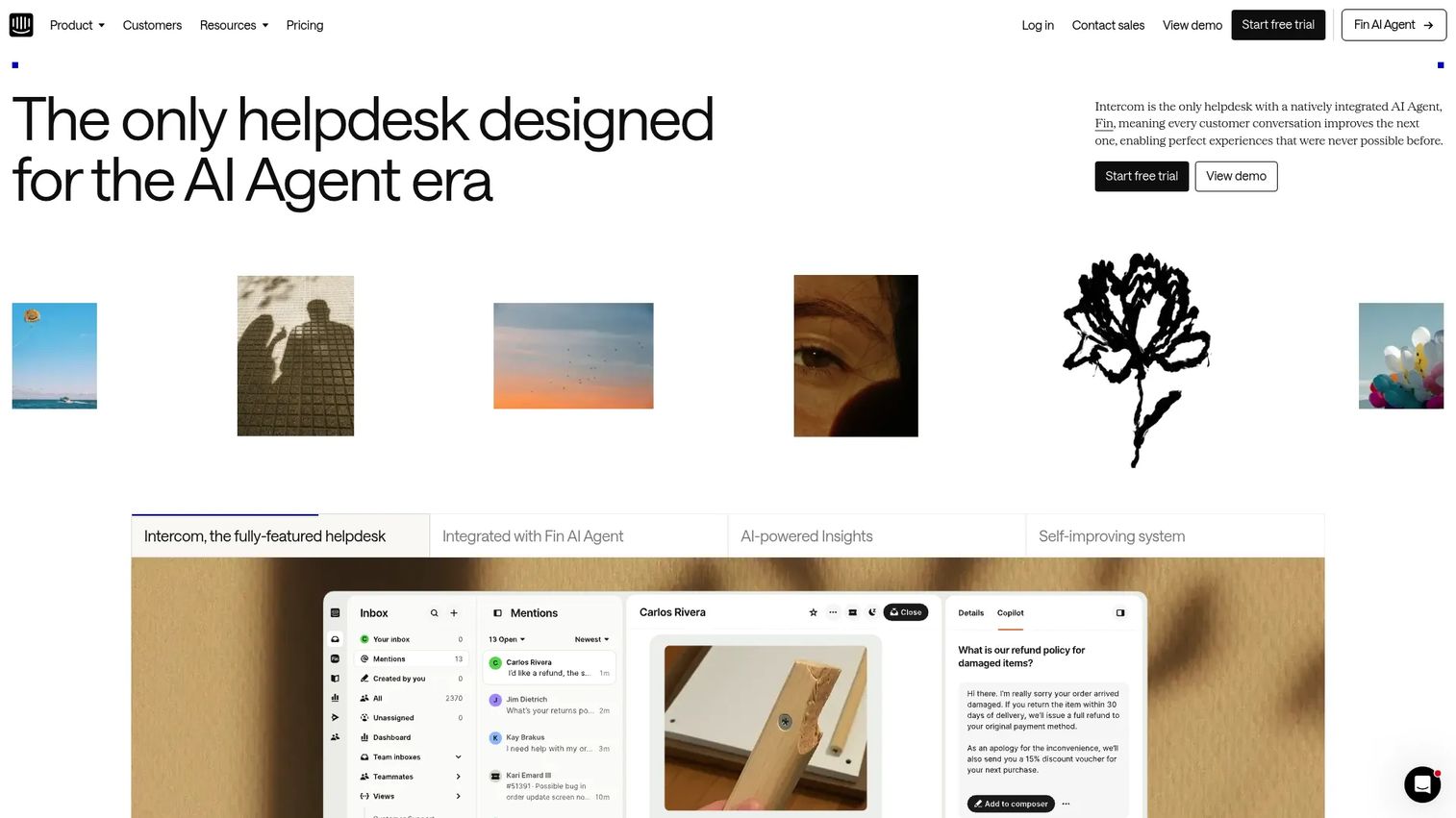
Intercom built its reputation on in-app messaging, and it has leaned hard into AI. The platform pairs a shared inbox and ticketing with Fin, its AI agent, plus workflows automation and an in-product help center. The standout for embedded support: free, unlimited live chat, in-app chats, banners, and tooltips are included on every plan. That makes it a natural fit for teams that want conversational support living inside the product.
Best for: Teams that want an AI-first customer service platform with strong in-app messaging.
Key strengths
- Fin AI Agent for automated resolution
- Free live chat, banners, and tooltips on all plans
- Shared inbox and ticketing
- Copilot and workflow automation
- Omnichannel support and help center
Why choose Intercom: Intercom fits product-led teams that treat support as a conversation, not a queue. Its automation routes to human agents when the bot hits its limits, which keeps the in-app experience fast without dropping edge cases.
Intercom pricing: Plans are Essential (from $29 per seat/month, or $19 on annual billing), Advanced, and Expert. Fin AI Agent is usage-based, from $0.99 per resolution. Paid add-ons include Copilot and Proactive Support Plus.
3. Help Scout
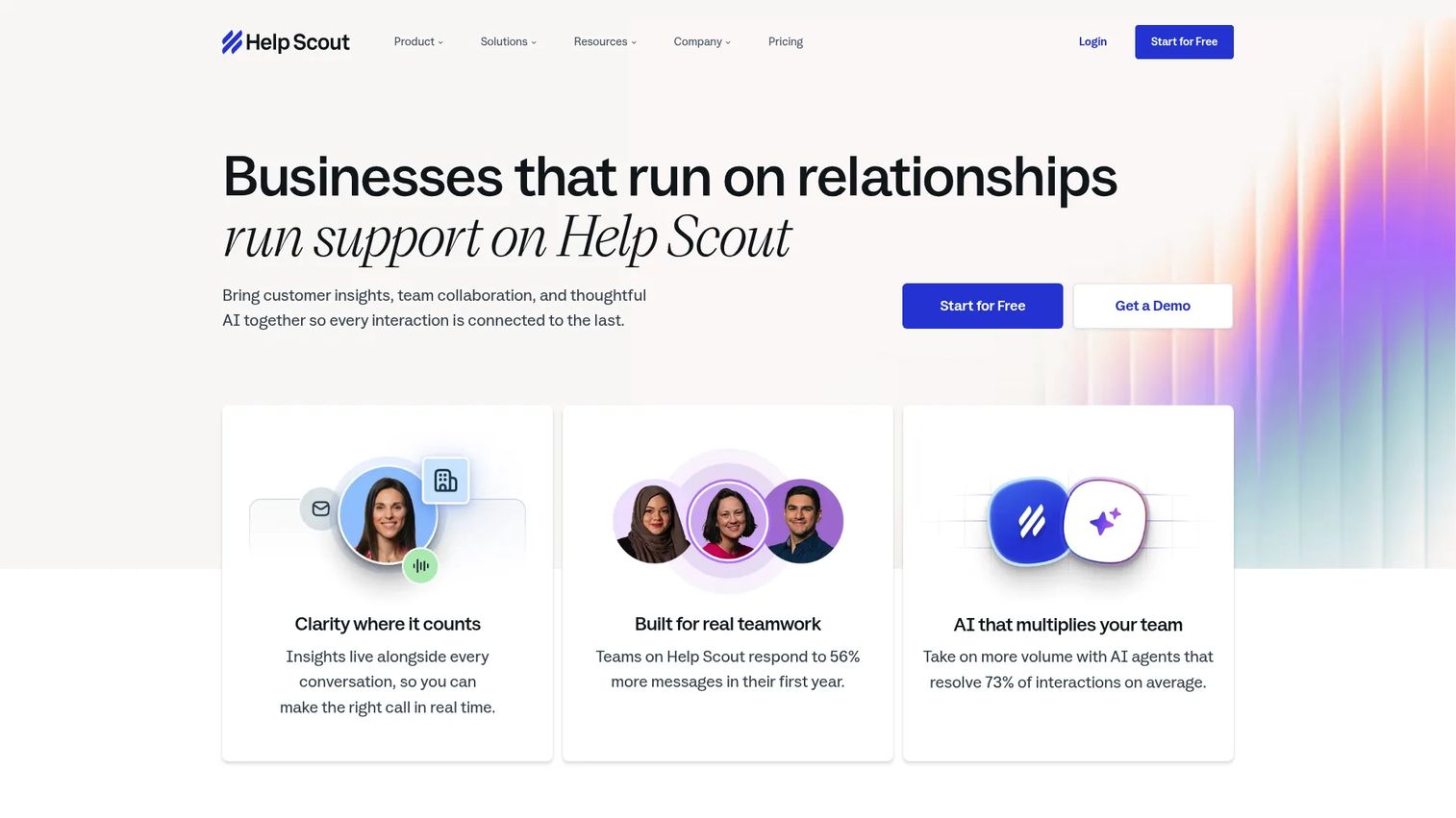
Help Scout is the tool lean teams reach for when they want support that feels human, not like a ticketing machine. It combines a shared inbox with Docs (its knowledge base), live chat, and AI-assisted answers. Adoption is quick because the interface stays out of the way, which matters when you don't have an ops team to run onboarding. It's a strong pick for teams that value collaboration over configuration.
Best for: Growing support teams that want a human-friendly shared inbox with Docs and AI.
Key strengths
- Shared inbox for team collaboration
- Docs knowledge base for self-service
- Live chat and in-app messaging
- AI Answers for automated resolution
- Fast setup with minimal admin
Why choose Help Scout: Help Scout suits small and growing teams that want to be running in a day, not a quarter. The free tier lets you start without a budget conversation, and it grows with you as volume climbs.
Help Scout pricing: Free plan available. Standard is $25 per user/month, Plus is $45 per user/month, Pro is $75 per user/month. AI Answers is an add-on at $0.75 per resolution.
4. Freshdesk
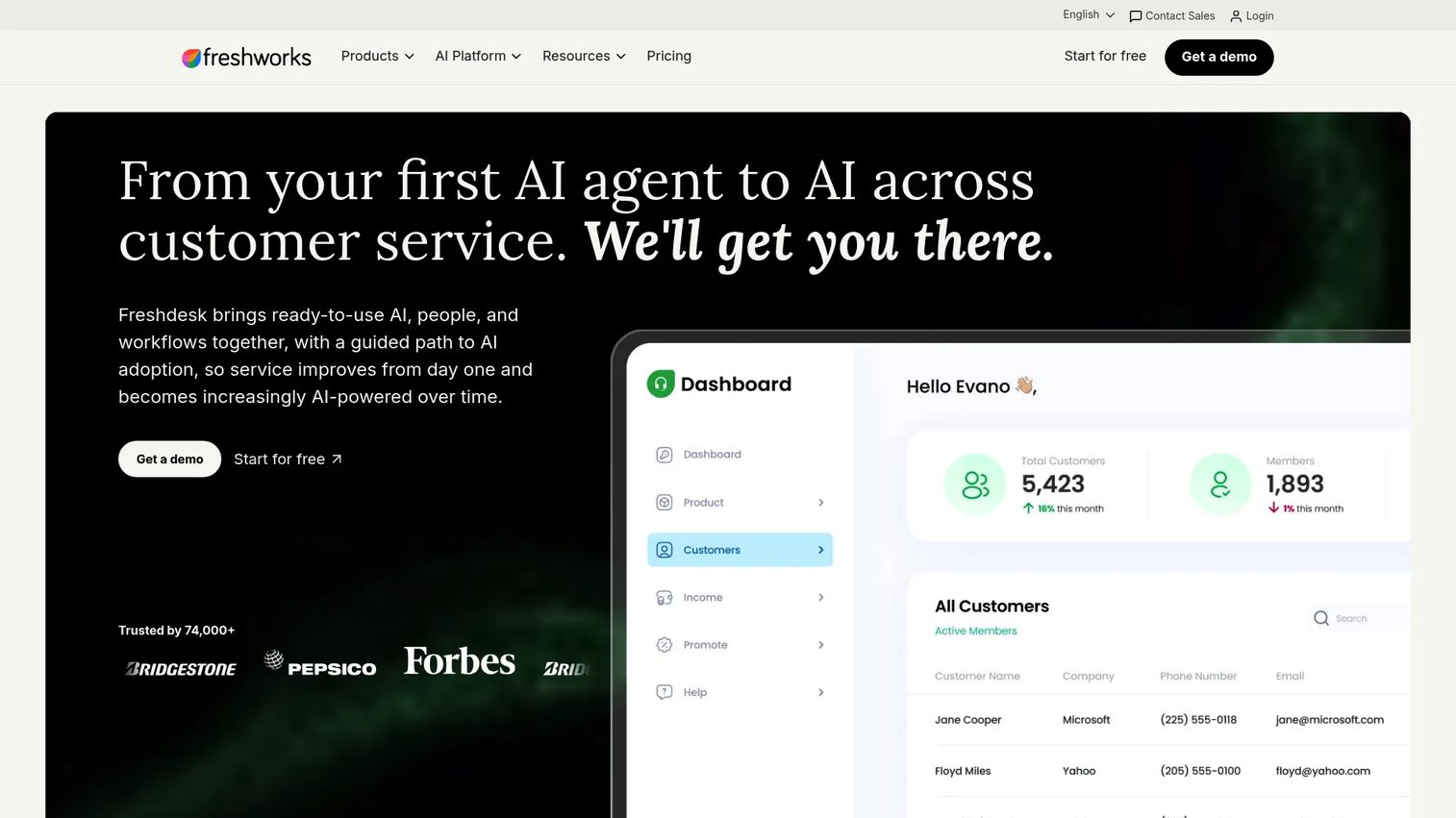
Freshdesk, from Freshworks, bundles ticketing, a shared inbox, and Freddy AI into one help desk. It's built for teams that want automation and self-service in a single system rather than a chat-only widget. Ticket deflection through knowledge base articles, plus AI-assisted routing and responses, make it a good fit for support operations that are scaling volume and want to keep manual work down.
Best for: Support teams that want an AI-assisted, ticket-based help desk with omnichannel workflows.
Key strengths
- Ticketing with automation and SLAs
- Freddy AI for responses and routing
- Shared inbox for collaboration
- Self-service knowledge base
- Omnichannel workflow support
Why choose Freshdesk: Freshdesk fits teams that lead with tickets and want AI to shoulder the repetitive load. It pairs deflection with structured workflows, so growing volume doesn't mean growing headcount at the same rate.
Freshdesk pricing: Growth is $19 per agent/month billed annually, Pro is $55, and Enterprise is $89, all per agent/month billed annually. A 14-day free trial of Enterprise is offered.
5. HubSpot Service Hub
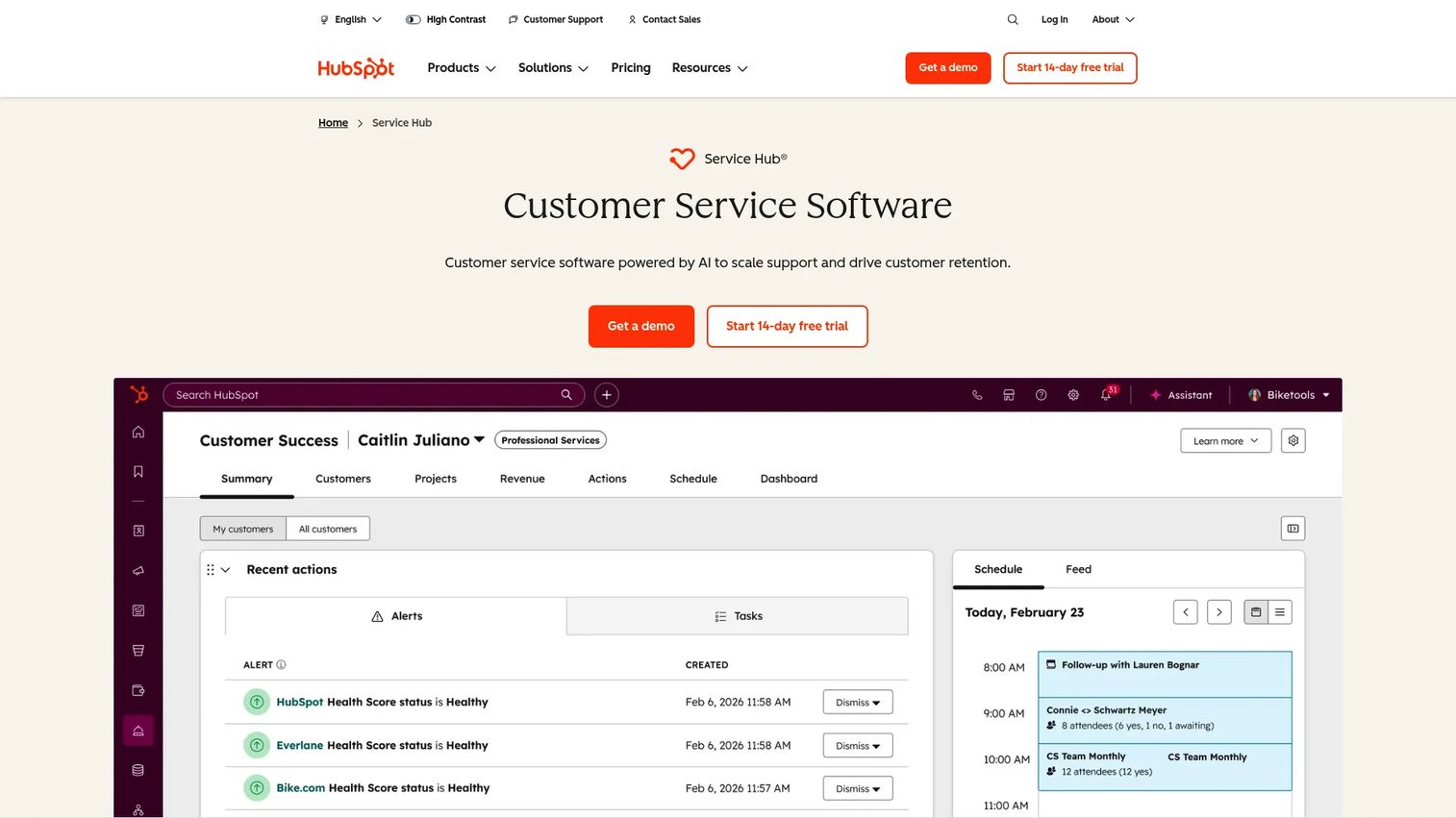
HubSpot Service Hub is the obvious choice if your team already runs on HubSpot CRM. It ties help desk and ticketing, omnichannel service, a knowledge base, and a customer portal directly to customer data. That connection means support agents see the full lifecycle context, and ticketing flows into the same records marketing and sales use. For CRM-centered teams, embedded support becomes part of one system instead of another silo.
Best for: Teams wanting an all-in-one support platform tied to HubSpot CRM.
Key strengths
- Help desk and ticketing
- Omnichannel customer service
- Knowledge base and customer portal
- Native tie-in to HubSpot CRM data
- Lifecycle context on every ticket
Why choose HubSpot Service Hub: If you already use HubSpot, Service Hub removes the integration work of connecting support to customer data. It fits teams that want support, sales, and marketing reading from the same records.
HubSpot Service Hub pricing: Free tools are available. Starter is $7/month per seat. Professional is $1,300/month including 6 seats, and Enterprise is $4,700/month including 8 seats.
6. Zoho Desk
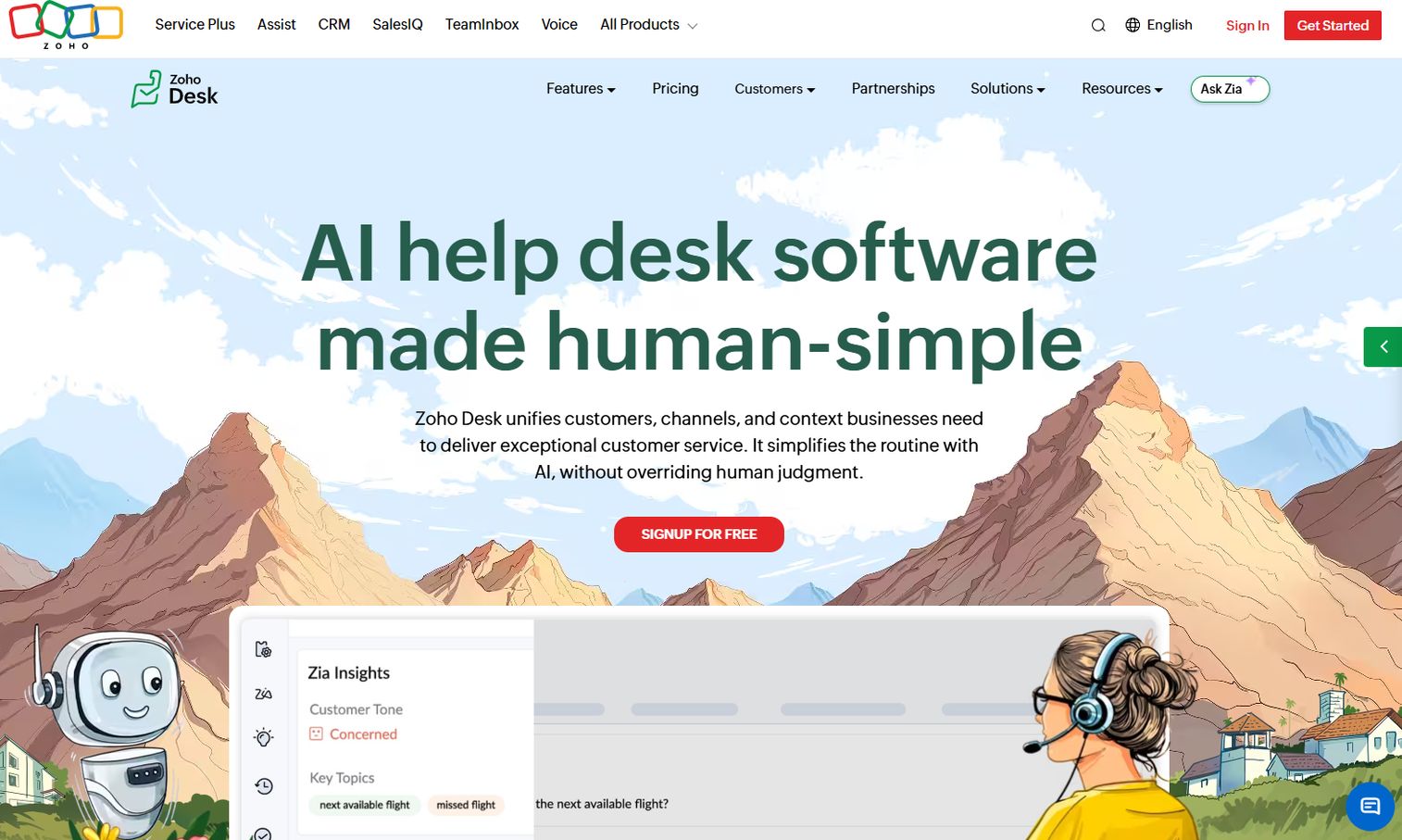
Zoho Desk delivers a lot of help desk for the money. It handles omnichannel support across email, phone, chat, social, and web forms, plus a knowledge base, community, workflows, SLAs, and Zia, its AI assistant. The value story is breadth at a low entry cost, especially for teams already inside the Zoho ecosystem. It leans configurable over polished, which suits teams willing to tune a system to their process.
Best for: Teams needing a configurable help desk with strong Zoho ecosystem integration.
Key strengths
- Omnichannel support across five channels
- Zia AI and generative agents
- Knowledge base and community portal
- Workflows, SLAs, and reporting
- Deep Zoho ecosystem integration
Why choose Zoho Desk: Zoho Desk fits budget-conscious teams that want breadth without premium pricing. It rewards teams willing to configure, and it's a natural extension if you already run other Zoho apps.
Zoho Desk pricing: A free edition supports 3 users. Paid editions, billed annually, are Express at ₹420/user/month, Standard at ₹800, Professional at ₹1,400, and Enterprise at ₹2,400. A 15-day free trial is available, and a currency selector including USD is on the pricing page.
7. DevRev
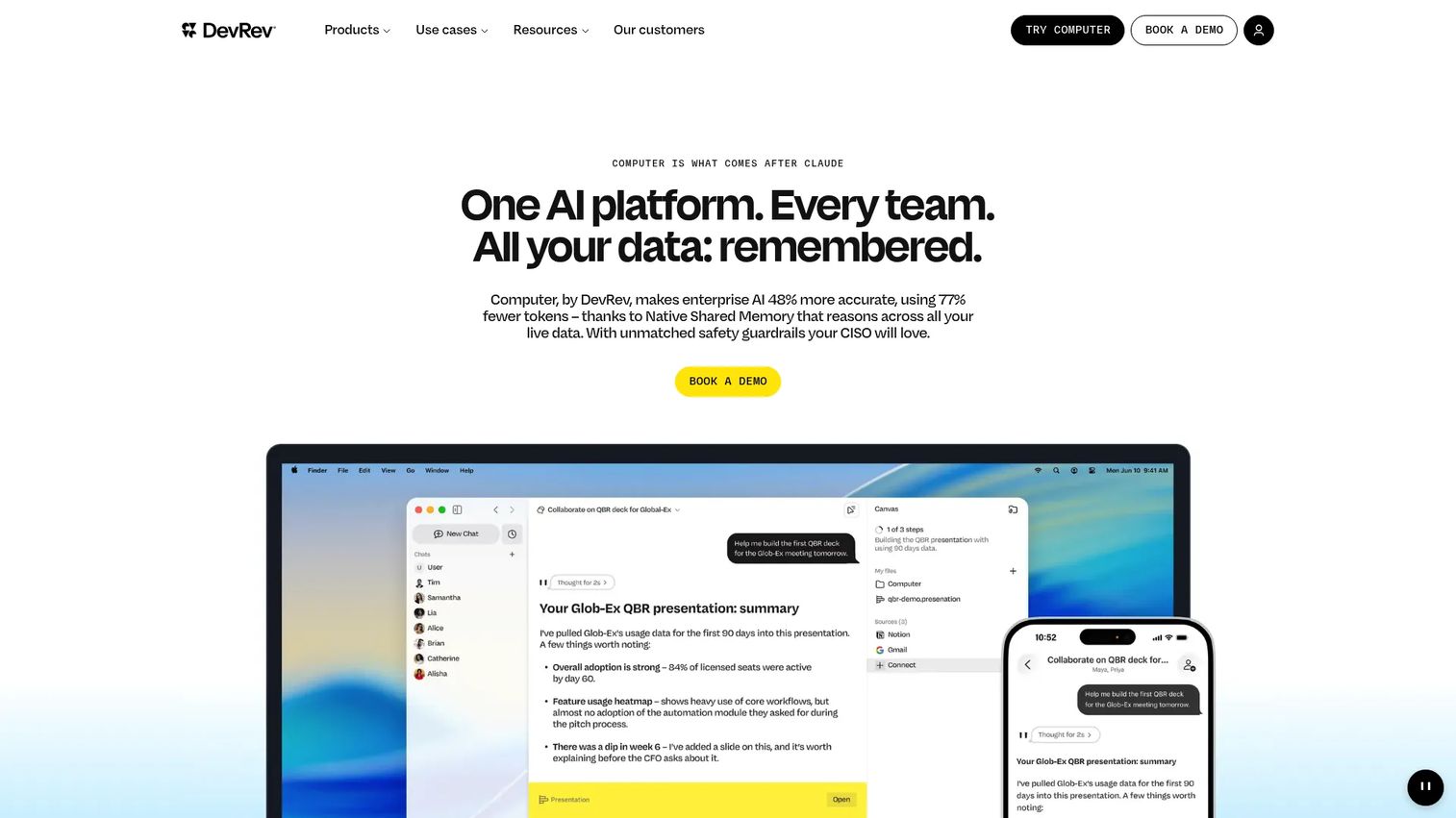
DevRev takes a modern, AI-native angle on support. It unifies organizational data, layers AI search across it, and lets teams build no-code agents through its Agent Studio. Its Computer+ Support brings live chat, ticketing, automation, and routing into one platform. The pitch is support operations built on unified data and agentic workflows, which fits teams that want analytics and AI at the center rather than bolted on.
Best for: Teams wanting an AI-native support and agent platform with knowledge unification.
Key strengths
- AI search across organizational data
- Agent Studio for no-code agents
- Live chat, ticketing, and routing
- Automation-first support workflows
- Analytics-driven support operations
Why choose DevRev: DevRev fits teams that treat support as a data problem and want AI woven through the workflow. It suits product and support ops that value unification over a traditional ticket queue.
DevRev pricing: Mini is free. Pro and Max are contact-sales plans. DevRev describes its pricing as consumption-based and credit-based.
8. Re:amaze
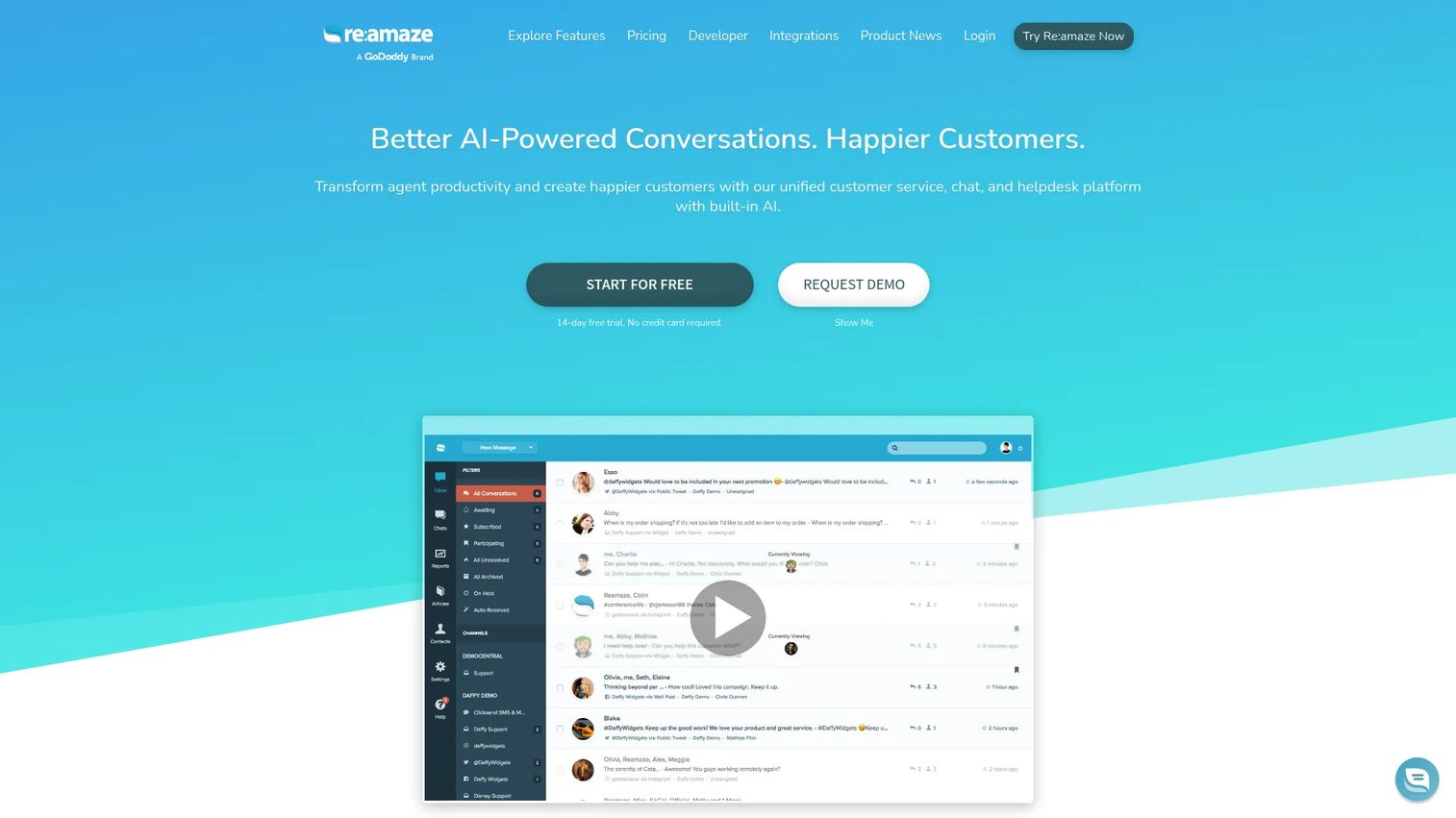
Re:amaze is a customer communication platform built for online businesses, and it shines at embedded, multi-channel chat. It pulls email, chat, social, SMS, and voice into a single shared inbox, and adds a help center, FAQ, automation, bots, and an AI agent. For eCommerce and SaaS teams that want in-app messaging alongside every other customer channel, it keeps conversations in one place instead of scattered across tools.
Best for: Ecommerce and SaaS teams needing omnichannel customer support in one inbox.
Key strengths
- Shared inbox for chat, social, SMS, and voice
- Help center and knowledge base
- Automation, bots, and AI agent
- Embedded in-app messaging
- Multi-channel customer support
Why choose Re:amaze: Re:amaze fits online businesses that want every customer conversation, including in-app chat, in one inbox. It's a strong pick when eCommerce channels matter as much as product support.
Re:amaze pricing: Basic is $29 per team member/month, Pro is $49, and Plus is $69. Starter is a volume-based plan at $59 flat rate per month. A 14-day free trial with all Plus features is offered.
Considerations
Before you commit, run the shortlist through this checklist. The right in-app support software depends less on feature counts and more on how the tool fits where your users actually get stuck.
Channel fit
Confirm the tool supports web, mobile, or both, and that it matches where your users ask questions. A web-heavy product needs a strong widget and long-form articles. A mobile-first product needs support patterns built for small screens and touch. Don't buy a web-centric tool for a mobile audience.
Self-service depth
A support widget alone just moves tickets to a new channel. Look for a real knowledge base or self-service portal that deflects questions before they become conversations. The goal is fewer tickets, not the same tickets in a different queue. Check how easily articles surface in context.
Automation and routing
Evaluate bot handoff, tagging, assignment, and workflow automation. Repetitive questions should resolve without an agent, and edge cases should route to the right person automatically. The less manual triage your team does, the more time goes to hard problems that actually need a human.
Analytics and reporting
Confirm the platform shows ticket trends, deflection rates, and support behavior, not just message delivery. You need feedback loops to know which articles work and where users drop off. Without analytics, you're optimizing blind. Treat reporting depth as a core requirement, not a nice-to-have.
Integrations
Review how the tool connects to your CRM, product analytics, and internal workflows. Embedded support that lives in a silo loses half its value. The strongest setups pipe support data into the same systems your product and revenue teams already use.
Conclusion
The best in-app support software depends on what you're optimizing for. Zendesk and Freshdesk fit teams that want structured, scalable help desks with AI and ticketing. Intercom and Re:amaze lead for conversational, in-app messaging, with Re:amaze pulling in eCommerce channels. Help Scout is the lean-team pick with a free tier and fast setup. HubSpot Service Hub wins when your data lives in HubSpot, Zoho Desk when budget and breadth matter, and DevRev when you want AI-native support ops built on unified data.
Start by mapping where your users get stuck, on web or mobile, then match the tool to that context. Layer self-service, automation, and analytics on top so tickets drop instead of just moving channels.
One more move worth making: when a written answer isn't enough, embed a guided, clickable walkthrough of the exact workflow inside your help content. That's where Guideflow fits alongside your support stack. You can capture a product flow in a few clicks, personalize it for different users, share it inside help articles or in-app messages, and analyze where users drop off. Interactive demos, sandboxes, and demo centers work across onboarding, feature adoption, help center documentation, and customer education, so your support content shows instead of tells.
Start your journey with Guideflow today!
FAQs
Live chat is one channel inside in-app support, not the whole thing. In-app support is the broader layer that surfaces help inside the product: chat, knowledge base articles, contextual prompts, AI bots, and ticketing. Live chat handles real-time conversation; in-app support handles the full range of ways a user gets unstuck without leaving the app.
Yes, because a widget without content just routes questions to a human. A knowledge base feeds the widget, so common questions resolve through self-service and AI deflection before they reach an agent. Without it, you move tickets to a new channel instead of reducing them. The two work together: the widget delivers, the knowledge base answers.
Look for tools with a mobile SDK or native mobile support rather than a web widget bolted on. Zendesk offers mobile SDK options, and Intercom and Re:amaze support in-app messaging across devices. The test is whether the support experience respects small screens and touch, not whether it technically loads on a phone. Match the tool to a mobile-first audience.
Yes, when self-service and automation are set up well. An AI bot answering repetitive questions and a knowledge base surfacing articles in context deflect tickets before they're created. The key is deflection, not deflection theater: measure how many questions resolve without an agent, and confirm the same tickets aren't just reappearing in another channel.
Trigger timing, screen-level targeting, and content format. Contextual help works when it appears at the right moment, on the right screen, in a form the user can act on. A guided, visual walkthrough often beats a wall of text for multi-step tasks. Analytics matter too, so you can see which prompts get engaged with and which get dismissed.
It removes the friction of leaving the product to find help. Instead of a tab switch, an email, and a wait, the answer appears where the question happens. That shortens time to resolution, keeps users in their workflow, and lifts adoption because friction gets resolved before it turns into a silent exit. Faster answers, fewer drop-offs.
Not strictly, but it's increasingly hard to scale without it. AI bots deflect repetitive questions instantly and free agents for complex issues. With the in-app support automation AI market forecast to grow at a 24.3% CAGR through 2034 per MarketIntelo (2025), the direction is clear. Start with strong self-service content, then layer AI on top as volume grows.










