A schedule changes, but the subcontractor never sees it. A homeowner approves an upgrade by email, while the estimate stays untouched. Two weeks later, the owner discovers the margin problem.
Home builder construction management software gives the office and field teams a shared operational record. The strongest platforms connect schedules, selections, change orders, job costs, documents, and customer communication.
Adoption is already substantial. According to AGC and Sage research from 2025, 61% of U.S. construction firms use cloud hosted technology for project management.
The harder decision is choosing the right operating model. Some products manage the residential build lifecycle. Others handle accounting, payroll, agreements, meetings, procurement, or corporate workflows. Your shortlist needs to separate those jobs clearly.
What’s inside
This guide compares software for builders across construction operations and adjacent business functions. Use it to build a shortlist for your operations or finance leader.
We assessed each product using four questions:
- Does it improve scheduling and project visibility?
- Can it connect budgets, job costing, and reporting?
- Does it support change orders, selections, or buyer communication?
- What will pricing, onboarding, integrations, and support require?
Every price and G2 rating below reflects the supplied vendor and review research dated November 2026.
TL;DR
- Best overall home builder platform: Buildertrend connects sales, production, financials, client communication, and payments
- Best for structured residential workflows: JobTread covers estimating, job finances, customer portals, and project execution
- Best for checklist driven operations: Home Builder Solution centers daily accountability, vendor coordination, and management reporting
- Best for cost conscious contractors: Contractor Foreman offers broad construction functionality from $49 monthly with annual billing
- Best accounting layer: QuickBooks Online handles accounting and project profitability, but builders still need field controls
- Best for larger organizations: Procore, SAP, Workday, and ServiceNow address different enterprise control requirements
What is home builder software?
Home builder software is construction management software that helps residential builders manage projects, schedules, estimates, budgets, change orders, selections, customer communication, subcontractors, and financial visibility.
You may also see the category described as residential construction management software or homebuilder software. These terms usually cover two product groups.
Construction specific platforms manage the build lifecycle. They connect preconstruction planning with field execution, financial controls, and closeout.
Adjacent business tools handle functions such as accounting, payroll, electronic signatures, meetings, purchasing, and enterprise workflow management. They support the builder’s operating stack without replacing construction project controls.
Core home builder software capabilities commonly include:
- Project scheduling and task management
- Estimating and takeoffs
- Budgeting and job costing
- Change order management
- Selections and allowances
- Client and customer portals
- Vendor and subcontractor coordination
- Daily logs, photos, and punch lists
- Invoicing and online payments
- Accounting integrations
- WIP reporting and profitability dashboards
- Mobile field access
- Warranty and quality control workflows
A custom builder may prioritize allowances, homeowner approvals, and client visibility. A production builder needs repeatable schedules, purchasing control, and reporting across many active homes.
The right platform also depends on internal users and job volume. Your accounting stack and implementation capacity matter just as much. A feature rich product creates little value if field teams avoid it or finance cannot trust the data.
Treat this as an operating system decision. The winning product should give leadership a current view of schedule risk, committed costs, cash movement, and ownership without stitching together five dashboards.
When to use home builder software
Control selections, allowances, and change orders
Use home builder software when buyer decisions affect price, schedule, or procurement. A structured process records selections, allowance balances, approvals, and resulting change orders.
This creates a shared record for the homeowner and project team. It also helps finance see the margin impact before work proceeds.
Keep field schedules and subcontractors aligned
Builder project management software becomes useful when schedule updates disappear into calls or text threads. Shared tasks, dependencies, work orders, and daily logs keep field activity tied to the current plan.
Mobile access matters here. A project schedule only works when subcontractors and field supervisors can see the latest information.
See margin before the job is over
Job costing after closeout cannot protect an active build. Builders need budgets, committed costs, invoices, purchase orders, draws, and WIP reporting while decisions remain actionable.
The accounting connection deserves close review. Confirm how financial information moves between the field platform and your accounting system.
Home builder software comparison
Use this table to separate full construction platforms from adjacent operational tools. The pricing column shows the verified entry point or the vendor’s pricing model.
A lower subscription price does not guarantee a lower first year cost. Migration, configuration, training, integrations, and leadership attention all affect payback.
| # | Product | Best for | Key differentiator | Pricing | G2 rating |
|---|---|---|---|---|---|
| 1 | Buildertrend | Established residential builders | Broad builder operations platform | From $499/month | 4.3/5 |
| 2 | JobTread | Custom builders and remodelers | Residential workflows and unlimited portal users | From $199/month | 5.0/5 |
| 3 | Home Builder Solution | Process driven home builders | Daily checklists and KPI reporting | From $199/month, annual billing | N/A |
| 4 | Contractor Foreman | Smaller contractors and growing builders | Broad functionality at a lower entry price | From $49/month, annual billing | 4.5/5 |
| 5 | Procore | Larger construction firms | Complex project and financial controls | Custom annual pricing | 4.6/5 |
| 6 | Smartsheet | Spreadsheet oriented teams | Configurable project tracking and dashboards | From $9/member/month, annual billing | 4.4/5 |
| 7 | QuickBooks Online | Accounting first teams | Accounting and project profitability | Free plan, paid from $19/month | 4.0/5 |
| 8 | Xero | Small business accounting | Cloud accounting and reconciliation | From $27/month | 4.4/5 |
| 9 | Gusto | Payroll and HR | Payroll, benefits, and time tools | From $49/month plus $6/person | 4.6/5 |
| 10 | DocuSign | Contract execution | Trackable electronic signature workflows | From $10/month, annual contract | 4.5/5 |
| 11 | GoToMeeting | Remote meetings | Meetings, recording, and transcription | Custom pricing | 4.2/5 |
| 12 | SAP | Enterprise operations | Broad ERP and procurement capabilities | Product specific, SAP Build from $3.46/user/month | 4.2/5 |
| 13 | Workday | Workforce and finance operations | HR, finance, and workforce planning | Custom pricing | 4.2/5 |
| 14 | ServiceNow | Enterprise workflow management | Cross team process automation | Custom pricing | 4.4/5 |
| 15 | Pro Xtra | Builder purchasing programs | Purchasing rewards and supply benefits | Free | N/A |
Best 15 tools for home builder software
1. Buildertrend
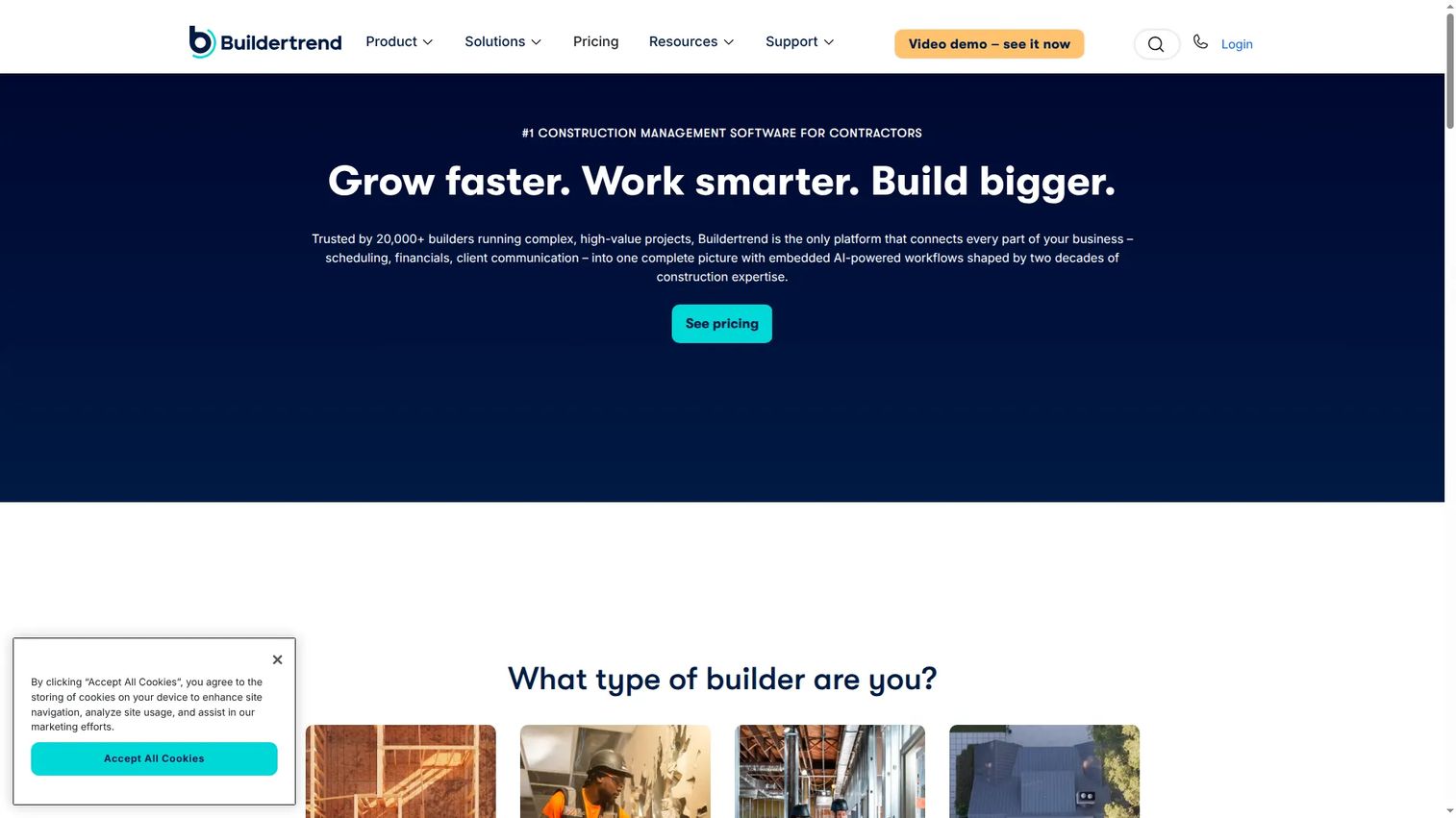
Buildertrend is construction management software for builders, remodelers, and specialty contractors. It connects sales activity, project execution, financial controls, and client communication.
The platform covers proposals and scheduling alongside daily logs, change orders, selections, warranties, and time tracking. Its financial functions include budgets, estimates, invoices, payments, purchase orders, and takeoff.
Buildertrend also includes client and subcontractor portals. That breadth suits operators trying to replace several disconnected systems with one construction focused platform.
Best for: Established residential builders that need shared controls across sales, production, finance, and client communication.
Key features
- Scheduling and daily logs
- Change orders and selections
- Client and subcontractor portals
- Job costing and WIP reporting
- Invoices and online payments
Why choose Buildertrend: Choose it when operational breadth matters more than building a custom stack. Its platform pricing includes unlimited users and projects.
Buildertrend pricing: Pricing starts at $499 per month. Paying annually upfront saves 10%, while final cost reflects construction volume and onboarding.
G2 rating: 4.3/5.
2. JobTread
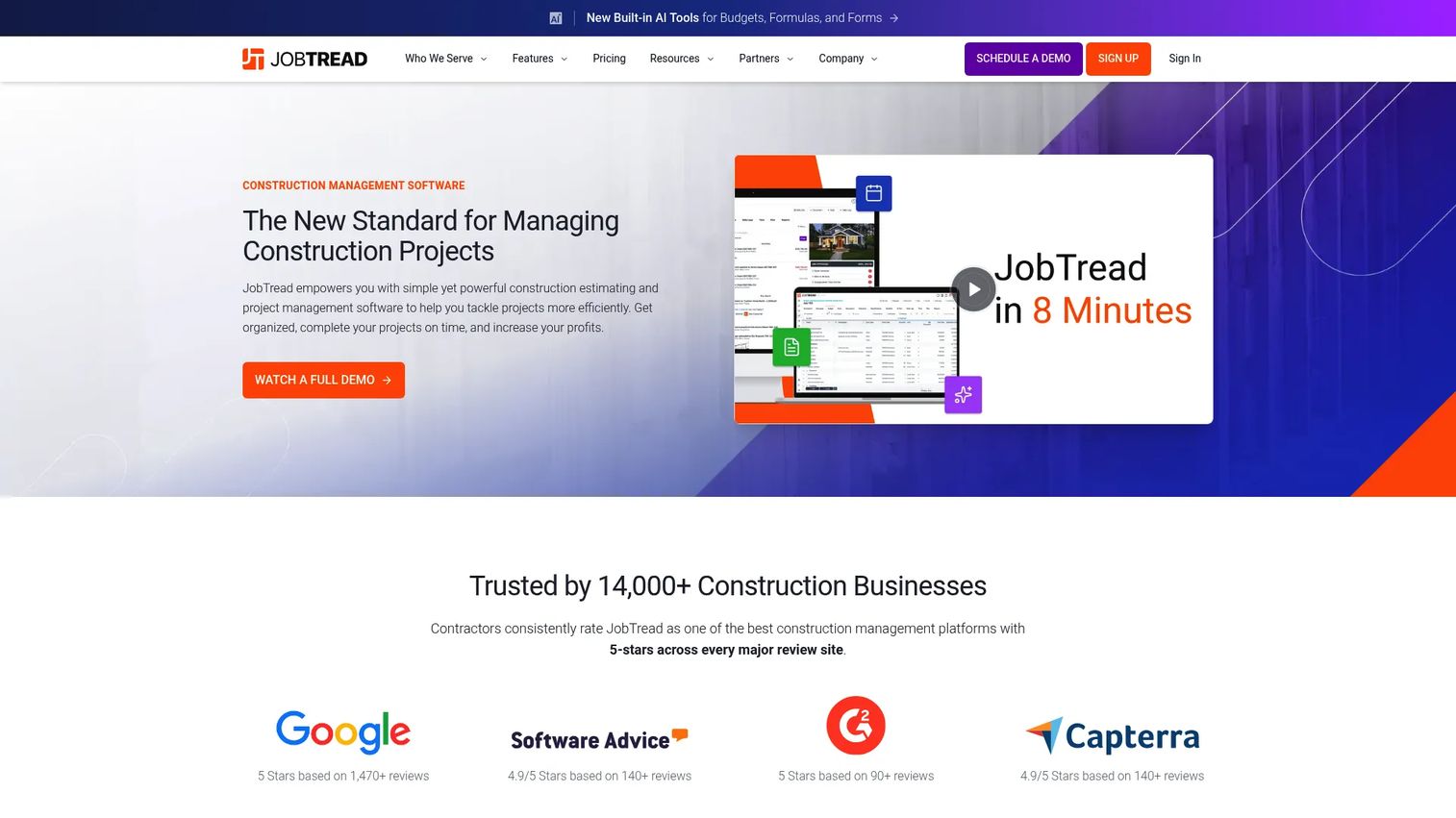
JobTread brings estimating, project operations, and job finances into a construction focused system. Contractors can manage sales activity before moving approved work into schedules and field execution.
Its operational coverage includes tasks, daily logs, time tracking, budgets, change orders, invoices, and reporting. Customer and vendor collaboration happens through external portals.
The pricing model separates internal users from external participants. This matters when many homeowners, vendors, or subcontractors need access without creating heavy seat costs.
Best for: Custom home builders that need structured estimating, project execution, job costing, and customer collaboration.
Key features
- Sales and estimating workflows
- Tasks and project scheduling
- Daily logs and time tracking
- Change orders and job costing
- Unlimited external portal users
Why choose JobTread: It fits builders that want the sales to project handoff in the same operating model. Unlimited external portal users support broad project participation.
JobTread pricing: Monthly pricing starts at $199 for one internal user. Annual billing costs $159 per month, with added internal users priced separately.
G2 rating: 5.0/5.
3. Home Builder Solution
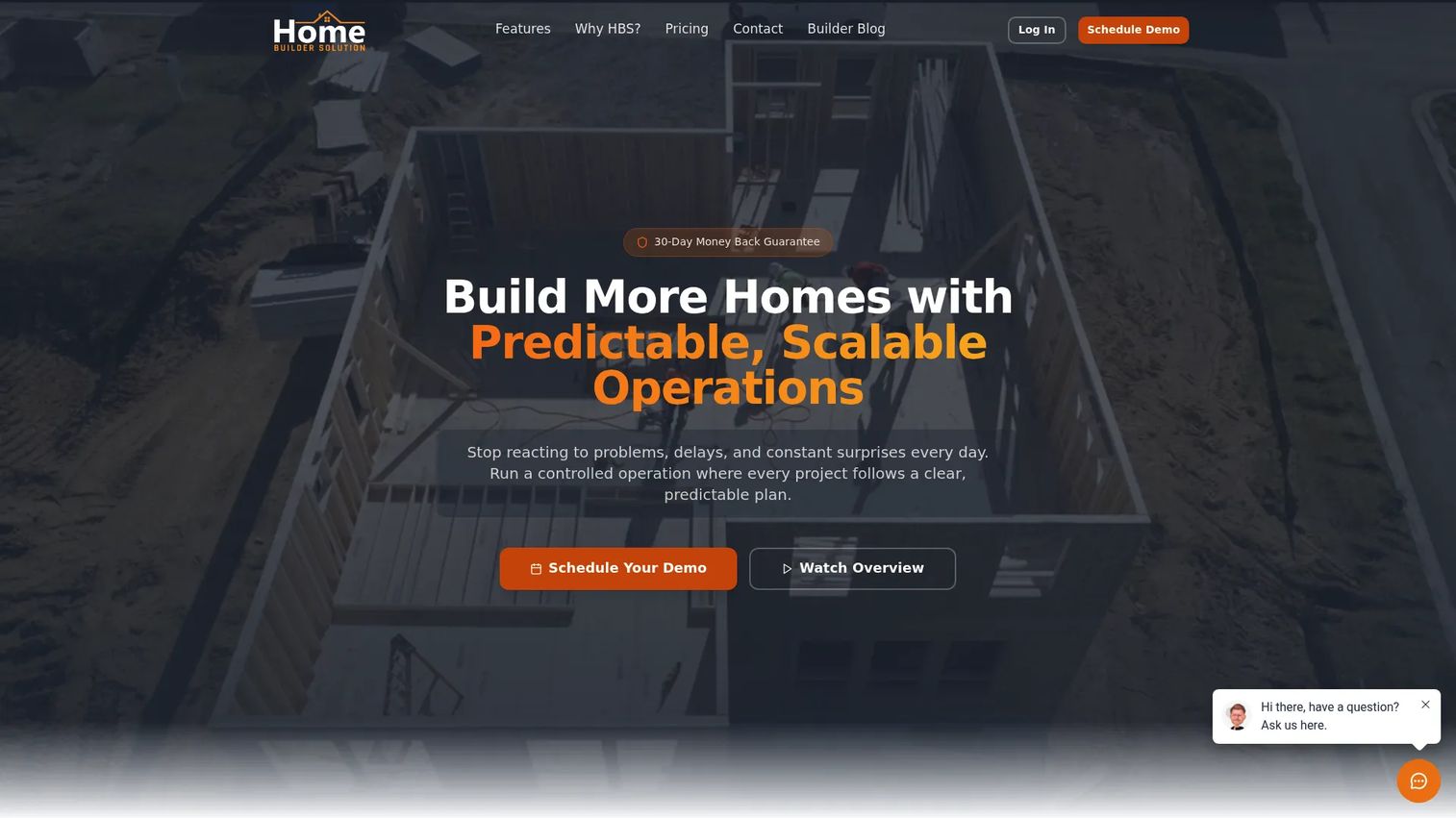
Home Builder Solution is cloud based home builder software centered on daily execution. It manages residential projects from estimating through warranty.
Scheduling includes conflict detection and crew management. Work orders and daily checklists give field teams clear ownership, while Heartbeat KPI reporting gives managers a current operational view.
The platform also covers bid requests, budgets, change orders, warranty management, and material lead times. A vendor portal and QuickBooks Online integration connect external coordination with finance.
Best for: Process driven home builders that want daily accountability and management reporting around active jobs.
Key features
- Automated daily checklists
- Scheduling with conflict detection
- Vendor portal and bid requests
- Heartbeat KPI reporting
- Warranty and takeoff tools
Why choose Home Builder Solution: Choose it when repeatable daily execution drives the buying decision. Its reporting helps management spot late work and cost threats.
Home Builder Solution pricing: Starter costs $199 monthly with annual billing for two users. Growth is $299, Scale is $399, and Enterprise is $599 monthly.
4. Contractor Foreman
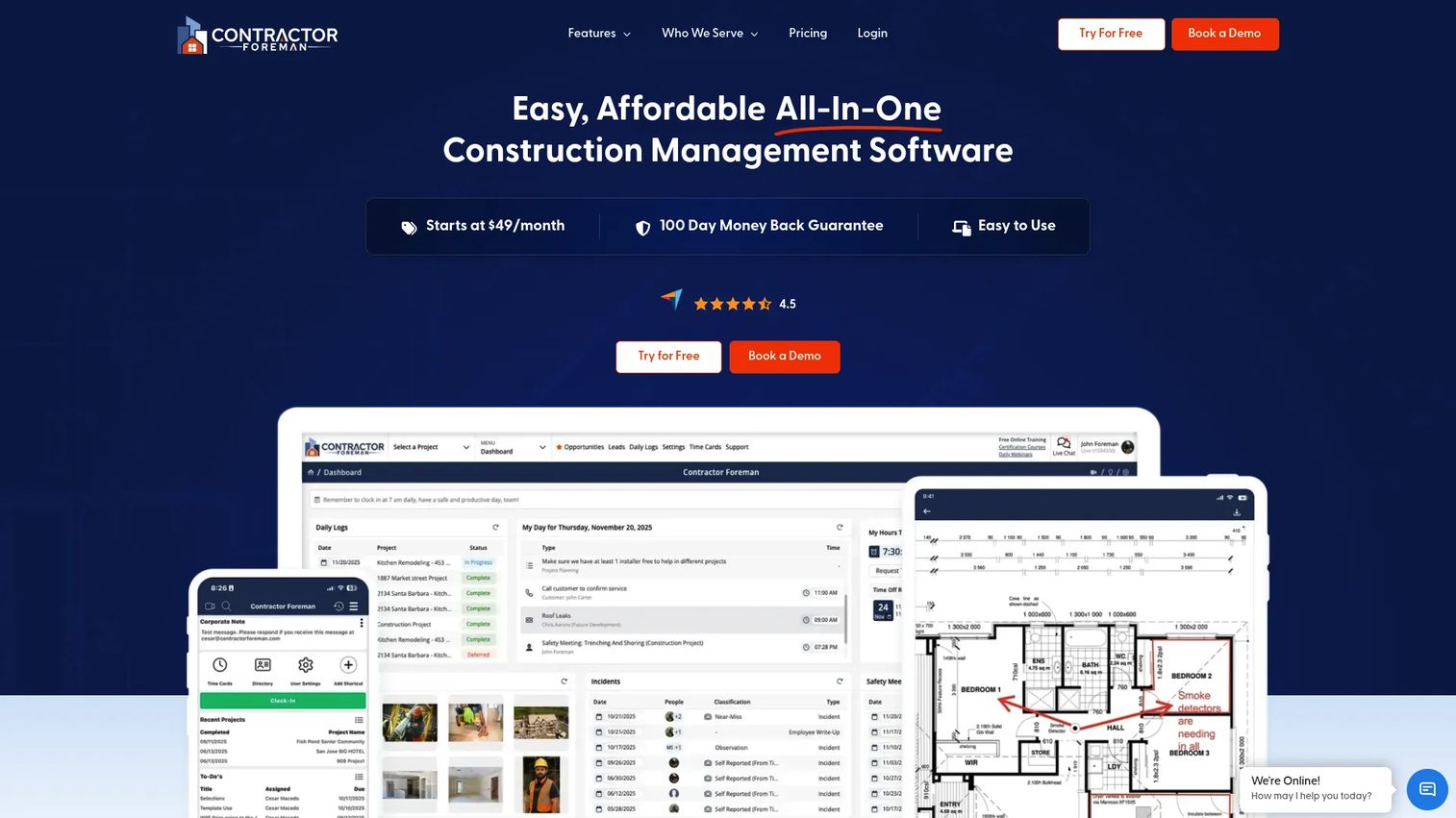
Contractor Foreman is an all in one construction management product for contractors managing projects, financials, documents, and field workflows.
Its feature set covers estimates, takeoffs, bids, invoices, and change orders. Field teams can use time cards, crew scheduling, daily logs, and safety meeting tools.
The broad scope makes it relevant for smaller contractors that have outgrown spreadsheets. Buyers can access many construction functions without moving directly into a larger corporate platform.
Best for: Small and mid sized contractors that need broad construction management coverage at an accessible entry price.
Key features
- Project scheduling and daily logs
- Estimates and takeoffs
- Invoices and change orders
- Time cards and crew scheduling
- Safety meeting tools
Why choose Contractor Foreman: Its value comes from breadth at a lower starting cost. It suits teams that need several functions now and have limited implementation bandwidth.
Contractor Foreman pricing: Annual plans start at $49 monthly for Basic. A 30 day trial is available, with higher tiers reaching $332 monthly.
G2 rating: 4.5/5.
5. Procore
Procore connects construction owners, general contractors, specialty contractors, and project stakeholders. It supports work from planning through closeout.
Project teams can manage financials, bids, drawings, submittals, RFIs, daily logs, and punch lists. Quality and safety workflows sit alongside invoice management, subcontractor payments, equipment management, and resource planning.
This scope is broader than many small home builders require. It becomes relevant for larger residential businesses, multifamily operators, or diversified construction firms with formal project controls.
Best for: Larger builders managing complex projects across field, office, financial, and stakeholder workflows.
Key features
- Project and financial management
- Bid and invoice management
- Drawings, RFIs, and submittals
- Quality and safety workflows
- Analytics and reporting
Why choose Procore: Choose it when scale requires standardized controls across teams and projects. Unlimited users are included in its annual contracts.
Procore pricing: Custom annual pricing reflects selected products and annual construction volume. Ask sales about implementation, FTE pricing, and support.
G2 rating: 4.6/5.
6. Smartsheet
Smartsheet is a configurable work management platform rather than purpose built home builder software. It suits teams that already operate through spreadsheets but need stronger automation and reporting.
Builders can create schedules, project trackers, task dependencies, approval processes, and dashboards. Available views include grid, Gantt, card, and calendar.
Its flexibility comes with an ownership requirement. Someone must design the process, maintain templates, and ensure teams enter consistent information. That model works best when the company already has strong operational discipline.
Best for: Spreadsheet oriented builders that want configurable project tracking without adopting a full construction platform.
Key features
- Grid and Gantt views
- Dashboards and reports
- Forms and formulas
- Automated workflows
- Workload and portfolio tracking
Why choose Smartsheet: It fits teams with a defined process that want to configure their own builder management software. Dedicated residential workflows require internal setup.
Smartsheet pricing: Pro costs $9 per member monthly with annual billing. Business costs $19, while Enterprise uses custom pricing and a 30 day trial is available.
G2 rating: 4.4/5.
7. QuickBooks Online
QuickBooks Online is cloud accounting software used by small and midsize businesses. For builders, it can serve as the financial backbone alongside a construction specific platform.
Core functions include income and expense tracking, invoices, payments, bank feeds, financial reports, and project profitability. Higher plans add broader reporting, inventory, automation, and user management capabilities.
It does not provide the field schedule, selections workflow, daily logs, or customer portal expected from full residential construction management software. Evaluate the integration path before committing to a construction platform around it.
Best for: Builders that need accounting, invoicing, expense tracking, and project profitability reporting.
Key features
- Income and expense tracking
- Invoices and payment collection
- Bank feeds
- Financial reports
- Project profitability tracking
Why choose QuickBooks Online: Choose it as an accounting layer, not as the complete construction operating system. Its app integrations can connect finance with builder workflows.
QuickBooks Online pricing: A free plan is available. Paid plans start at $19 monthly, with promotional discounts offered on Simple Start and higher tiers.
G2 rating: 4.0/5.
8. Xero
Xero provides cloud accounting software for small and growing businesses. Builders can use it for invoicing, banking, expenses, bills, purchase orders, and financial reporting.
The platform also supports project tracking, inventory, and multi currency accounting. These functions help finance teams maintain a current ledger and reconcile transactions.
Xero remains accounting infrastructure rather than builder project management software. Pair it with a construction platform when teams need schedules, homeowner selections, field records, or warranty workflows.
Best for: Small builders that prefer Xero’s cloud accounting model and need a financial foundation.
Key features
- Online invoices and quotes
- Bank connections and reconciliation
- Bills and expense management
- Purchase orders
- Financial reporting and analytics
Why choose Xero: It suits finance teams that value cloud accounting and structured reconciliation. Construction operations will still require separate controls.
Xero pricing: Early costs $27 monthly. Growing costs $59, while Established costs $97 monthly.
G2 rating: 4.4/5.
9. Gusto
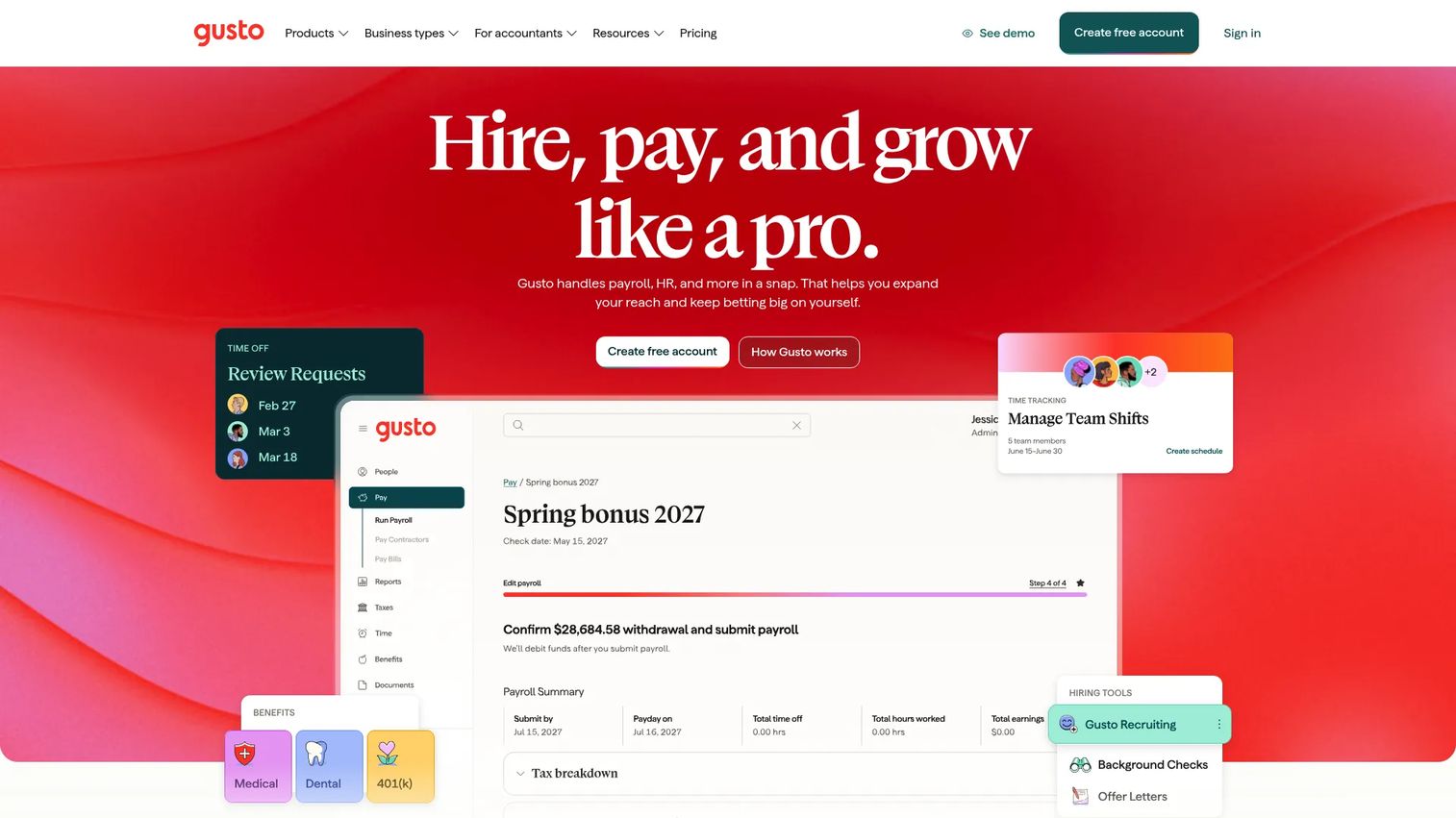
Gusto handles payroll, benefits, HR, and financial administration for small and growing businesses. Its role in a construction stack sits behind the jobsite.
The platform manages full service payroll with federal, state, and local tax filing. It also supports benefits administration, employee onboarding, time tracking, scheduling, and attendance.
Gusto becomes relevant when payroll and people operations consume too much owner or office manager time. It does not manage project schedules, budgets, change orders, or customer communication.
Best for: Builders that need payroll, benefits, time tools, and basic HR infrastructure.
Key features
- Full service payroll
- Federal, state, and local filings
- Employee benefits
- Time tracking and scheduling
- Employee onboarding
Why choose Gusto: Choose it when people administration has become an operating bottleneck. It complements construction software rather than replacing it.
Gusto pricing: Simple starts at $49 monthly plus $6 per person. Plus costs $80 plus $12 per person, while Premium costs $180 plus $22.
G2 rating: 4.6/5.
10. DocuSign
DocuSign helps organizations prepare, send, sign, track, and manage agreements digitally. Builders can use it for contracts, vendor agreements, buyer paperwork, and signed change orders.
Routing options include serial, parallel, and conditional paths. Templates, bulk sending, reminders, status tracking, audit trails, and completion certificates support controlled document execution.
Some construction platforms already include electronic signatures. DocuSign earns its place when agreement volume or routing requirements exceed those built in functions.
Best for: Builders that need trackable electronic signature workflows across contracts and approvals.
Key features
- Electronic signatures
- Conditional approval routing
- Reusable templates
- Status tracking and reminders
- Audit trails and certificates
Why choose DocuSign: It reduces approval lag and creates a traceable agreement record. First confirm whether your construction platform already covers the required workflow.
DocuSign pricing: Personal costs $10 monthly under an annual contract. Standard costs $25 per user, while Business Pro costs $40 per user monthly.
G2 rating: 4.5/5.
11. GoToMeeting
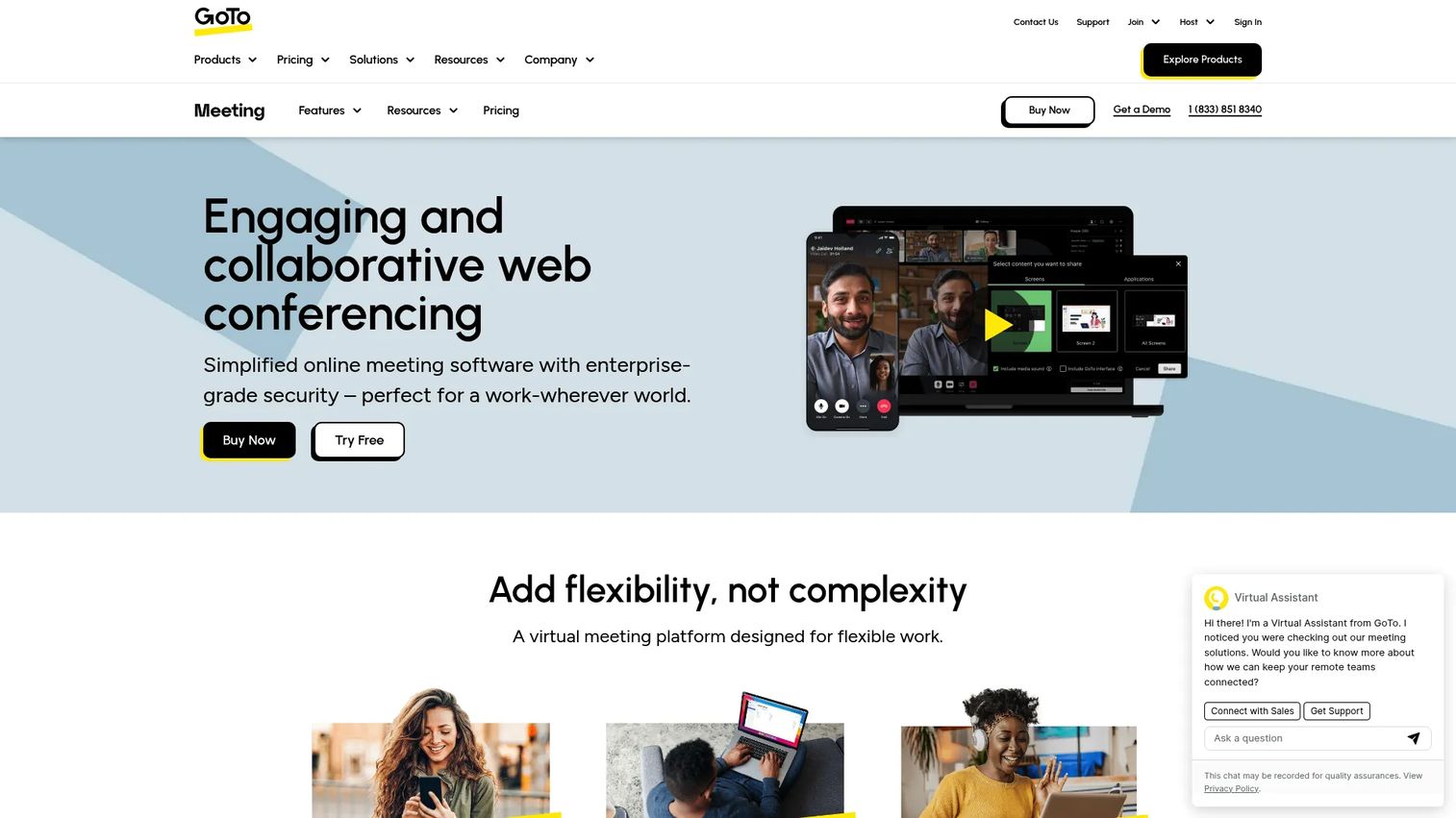
GoToMeeting is video conferencing software for online meetings and remote collaboration. Builders can use it for client updates, subcontractor coordination, remote design reviews, or vendor discussions.
The product provides HD video, screen sharing, cloud recording, and meeting transcriptions. Business messaging and personal meeting rooms support communication between scheduled calls.
It does not manage the resulting construction work. Decisions from each meeting still need to enter the project schedule, budget, change order process, or document record.
Best for: Builders that already have project controls but need dedicated remote meeting software.
Key features
- HD video meetings
- Screen sharing
- Cloud recording
- Meeting transcriptions
- Business messaging
Why choose GoToMeeting: It fits distributed teams and clients who cannot meet onsite. Keep project decisions in your construction system after each call.
GoToMeeting pricing: Custom pricing applies to Professional and Business plans. Professional supports 150 participants, while Business supports up to 250.
G2 rating: 4.2/5.
12. SAP

SAP provides enterprise software across ERP, finance, supply chain, HR, procurement, analytics, and business data. It is a portfolio rather than a single home building product.
Large construction organizations may use SAP as the corporate backbone for finance, purchasing, workforce management, or reporting. These capabilities become relevant when several divisions need standardized controls.
SAP is rarely the first operating choice for a small residential builder. Implementation scope and internal ownership make more sense for businesses with complex corporate requirements.
Best for: Large and midsize organizations seeking connected enterprise controls across core business operations.
Key features
- Cloud ERP applications
- Finance and procurement
- Supply chain management
- Human resources software
- Business analytics
Why choose SAP: Choose it for corporate scale and formal governance across divisions. Residential field workflows may still require construction specific software.
SAP pricing: Pricing varies by product. SAP Build lists a base user at $3.46 monthly, while broader ERP packages require product specific evaluation.
G2 rating: 4.2/5 for SAP’s seller profile.
13. Workday

Workday provides enterprise applications for human capital management, finance, planning, payroll, and workforce operations.
Its HR coverage includes recruiting, talent management, learning, compensation, benefits, and onboarding. Financial capabilities include accounting, reporting, internal controls, consolidation, project accounting, and revenue management.
Workday matters when workforce scale and corporate reporting become executive constraints. It does not replace jobsite scheduling, selections management, or residential customer portals.
Best for: Larger builders needing coordinated HR, workforce planning, payroll, and finance operations.
Key features
- Human capital management
- Workforce planning
- Financial management
- Payroll and time tracking
- Reporting and internal controls
Why choose Workday: It fits organizations where workforce and finance require shared corporate oversight. Construction execution remains a separate software decision.
Workday pricing: Custom pricing applies. Workday GO provides subscription and activation estimates after buyers submit company information.
G2 rating: 4.2/5 for Workday HCM.
14. ServiceNow
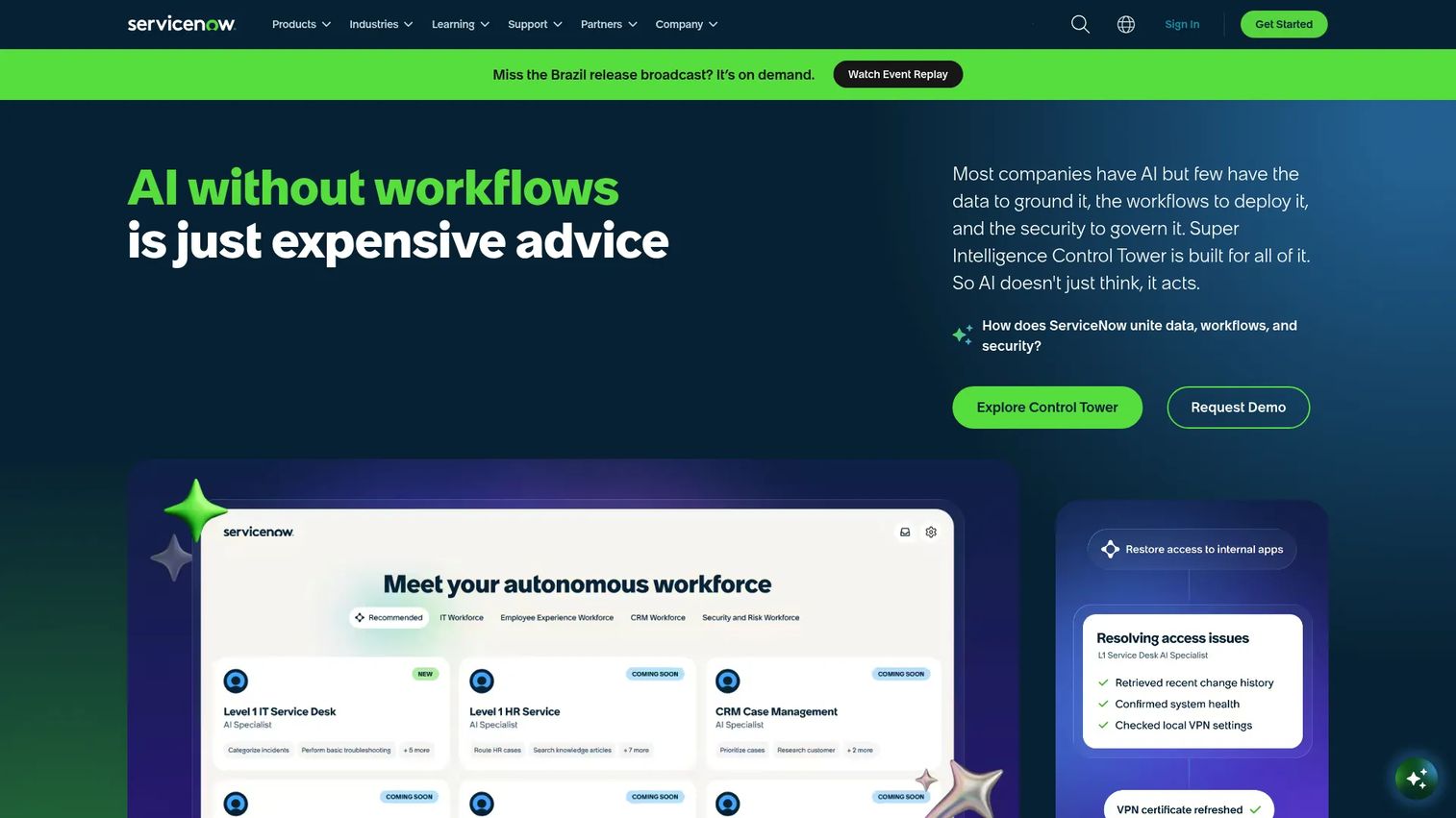
ServiceNow connects enterprise workflows across IT, employees, customers, security, and business operations.
Its platform supports service requests, incidents, approvals, process automation, case management, and low code application development. Large builders can use it for internal service operations or cross functional request handling.
ServiceNow is not residential construction management software. Its relevance appears when procurement, IT, HR, finance, and field support need governed workflows across a large organization.
Best for: Enterprise builders managing cross team service and approval processes.
Key features
- Workflow automation
- Service request management
- Case management
- Approval routing
- Low code applications
Why choose ServiceNow: It suits enterprises that need process control beyond construction projects. Smaller builders will usually find a dedicated platform more direct.
ServiceNow pricing: Custom pricing reflects selected workflows, product tiers, users, implementation, and integrations. Available tiers include Foundation, Advanced, and Prime.
G2 rating: 4.4/5 for ServiceNow’s seller profile.
15. Pro Xtra
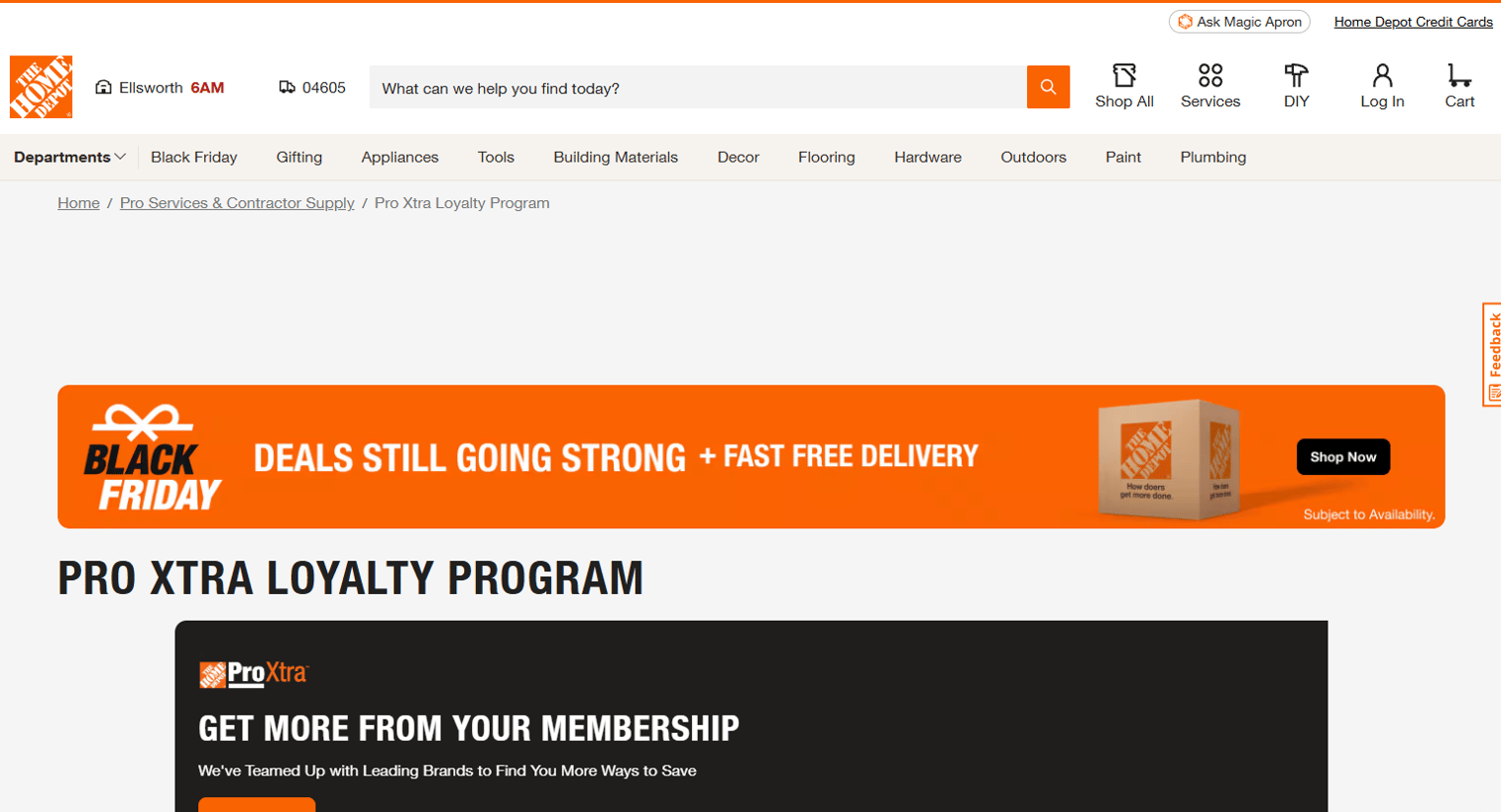
Pro Xtra is a free contractor loyalty and purchasing program. It supports professional customers buying materials and supplies through The Home Depot.
Members can access purchase based rewards, personalized offers, preferred pricing, and Paint Rewards. The program also provides purchase tracking, team purchase authorization, and delivery options.
Pro Xtra does not manage schedules or project financials. Its value sits in procurement support for builders with meaningful retail supply spend.
Best for: Builders and contractors purchasing regular jobsite supplies through The Home Depot.
Key features
- Purchase based rewards
- Personalized offers
- Preferred pricing
- Purchase tracking
- Team purchase authorization
Why choose Pro Xtra: It can improve visibility and benefits around common material purchases. Use it alongside construction and accounting software.
Pro Xtra pricing: Membership is free. Benefits and pricing vary with purchase activity, membership status, and eligible programs.
Considerations when choosing home builder software
Match the software to your build type
Custom builders need strong selections, allowances, and homeowner communication. Production builders usually prioritize repeatable schedules, purchasing controls, and portfolio reporting.
Remodelers and diversified contractors bring different workflows again. Start with the work your team repeats most often.
Check the accounting workflow
Job costing breaks when field operations and finance keep separate records. Confirm how purchase orders, invoices, payments, committed costs, and budget changes move between systems.
Ask whether the platform connects with your current accounting product. Then test the connection using a live job, not sample data.
Evaluate external access
Homeowners, vendors, and subcontractors need controlled access without unnecessary seat costs. Compare portal pricing, permissions, notifications, document visibility, and mobile support.
External participation can change the economics of a product. Count every regular user before comparing subscription totals.
Pressure test implementation effort
A polished sales presentation tells you little about migration quality. Ask what template setup, data cleanup, training, and onboarding require during the first month.
For a founder, this is a leadership bandwidth decision. The new system should reduce dependence on individual memory once rollout is complete.
Decide what must share one system
Some builders benefit from a broad construction platform. Others need separate products for accounting, payroll, agreements, meetings, or enterprise workflows.
Define the authoritative source for each data type. Duplicate budgets and conflicting schedules will erase any subscription savings.
Conclusion
The best residential construction software should protect schedule reliability, buyer trust, and gross margin. Start with the workflow that creates the most expensive surprises.
Buildertrend and JobTread offer broad residential construction coverage. Home Builder Solution centers daily accountability, while Contractor Foreman gives smaller teams a lower entry point.
Procore fits larger construction organizations with formal project controls. QuickBooks Online and Xero provide accounting foundations, while Gusto handles payroll and people administration.
DocuSign supports agreement execution. GoToMeeting covers remote communication, and Pro Xtra adds purchasing benefits. SAP, Workday, and ServiceNow address different enterprise operating requirements.
Shortlist two construction specific platforms and one adjacent finance or workflow tool. Run the same active job through each sales presentation. Include a schedule change, buyer selection, committed cost, and change order.
Then ask one question: Which system gives your operations leader a trustworthy answer without manual reconciliation?
FAQs
Home builder software is construction software designed for residential building workflows. It commonly manages schedules, estimates, budgets, change orders, selections, client communication, subcontractors, reporting, and warranty activity.
The strongest products connect field progress with financial visibility. This helps leaders see cost or schedule risk while the job remains active.
Custom builders should prioritize selections, allowances, change orders, customer portals, estimating, job costing, and flexible schedules. Buildertrend and JobTread both cover broad residential workflows, while Home Builder Solution emphasizes daily accountability.
The final choice depends on job volume and accounting fit. Implementation capacity and external portal access also affect the decision.
Home builder software is a residential focused subset of construction management software. It usually goes deeper on homeowner communication, selections, allowances, upgrades, and warranty workflows.
Broader construction management platforms may support more project types and corporate controls. Their residential workflow depth varies by product.
Small builders benefit when schedules, approvals, change orders, or costs keep disappearing into texts and spreadsheets. A lighter platform can establish ownership without imposing a large implementation.
Owner builder software may need fewer controls than a multi project contractor requires. Even small teams still need current budgets and documented approvals.
QuickBooks Online handles accounting, invoices, expenses, financial reports, and project profitability. It can serve as the financial layer in a builder’s software stack.
It does not replace construction scheduling, field coordination, selections, daily logs, or customer portals. Pair it with construction specific controls when those workflows matter.
Prioritize scheduling, estimating, budgeting, job costing, change orders, selections, mobile access, accounting connections, and reporting. Client or vendor portals also matter when external participants need visibility.
Tie each capability to an operating outcome. The software should expose margin risk and reduce handoff failures before they affect the build.
Entry prices in this comparison range from free adjacent tools to construction platforms starting at several hundred dollars monthly. Corporate systems commonly use custom pricing.
Compare total first year cost. Include setup, migration, training, integrations, internal administration, and external user fees.
Production home builder software should support repeatable schedules, purchasing controls, subcontractor coordination, WIP reporting, and portfolio dashboards. Customer communication also needs consistent processes across many active homes.
Look for clear permissions and standardized templates. Reporting should help executives compare jobs without rebuilding data in spreadsheets.