If you manage sales enablement at any scale, you know the problem: Reps ask the same questions in Slack, new hires cannot find the right process, and the knowledge base exists but nobody uses it. Guru alternatives come up when teams realize their core problem has shifted from "find the answer" to "train people to do the work."
A quick clarification before diving in: This guide covers Guru, the knowledge management platform built around verified knowledge cards. It is not about Resource Guru, the resource scheduling tool.
The best Guru alternative for internal training is Guideflow, because it turns software processes into interactive step-by-step guides that employees can follow while doing the work. For wiki-style knowledge, Notion and Confluence are stronger fits. Document360 and KnowledgeOwl suit structured documentation portals, while Bloomfire and Salesforce serve sales enablement libraries. Tettra and Sentra cover Slack-based knowledge and automatic capture respectively.
This list spans 17 tools across interactive guide platforms, internal wikis, documentation software, collaboration hubs, CRM knowledge layers, and AI knowledge capture, so you can tell a direct replacement from a specialized add-on.
TL;DR
- Best overall for internal training: Guideflow, for step-by-step interactive demos that teach reps to execute inside software.
- Best internal wiki: Notion (free plan available, $10/user/month for Plus, billed monthly).
- Best enterprise wiki: Confluence (free for up to 10 users, then paid plans).
- Best for structured documentation: Document360 (custom pricing, 14-day trial).
- Best for sales enablement libraries: Bloomfire (custom pricing) or Salesforce (from $25/user/month).
- Best for Slack-based knowledge: Tettra (from $8/user/month, 10-user minimum).
- Best AI knowledge capture: Sentra (from $16/user/month) or Amazon Q Business (from $3/user/month).
- This list compares 17 Guru alternatives across interactive guides, internal wikis, documentation platforms, collaboration tools, CRM knowledge layers, and AI knowledge capture.
What's inside
- Why teams look for Guru alternatives
- How these 17 tools compare by category
- 17 ranked Guru alternatives with pricing and G2 ratings
- Use-case picks for internal training, wiki, documentation, Slack knowledge, and cost
- When to stay with Guru
- FAQs
What is Guru?
Guru is a knowledge management platform built around verified, bite-sized knowledge cards that surface inside the tools your team already uses. The core idea: Knowledge should reach people where they work, in browser extensions, Slack, or CRM, rather than requiring them to navigate a separate system.
Teams use Guru for approved internal answers, rep-facing Q&A, onboarding documentation, and competitive intel. Its verification model assigns ownership to knowledge cards, prompting owners to confirm accuracy on a schedule. AI search and workplace tool integrations make retrieval fast.
Guru works well when the knowledge job is "find the approved answer." The challenge surfaces when that answer describes a process someone needs to perform inside software. A card can explain what to do; it cannot walk a rep through the CRM steps to do it.
Why teams look for Guru alternatives
Teams typically look for Guru alternatives when their knowledge problem shifts from retrieval to training execution.
Static knowledge does not teach the process
Guru cards answer policy questions and surface reference material. They struggle with process tasks: Updating opportunity stages, following a new sales play, running a discovery checklist inside your CRM, or handling a product demo sequence. Those require doing, not reading. According to Ivanti's 2025 research, 55% of workers say knowledge sharing is more difficult outside the office, which puts even more pressure on enablement content to be actionable, not just accessible.
Content ages faster than owners can keep up
Product releases, messaging shifts, and competitive updates make knowledge decay a constant problem. Guru's card model requires human verification, and when ownership slips, stale content erodes rep confidence. Reviewers on G2 note that keeping cards current requires consistent discipline, and teams with high launch velocity often find the maintenance burden outpaces the owner network.
Reps need knowledge inside their workflow
The most cited pain among Guru users on G2 centers on workflow delivery. Reps want answers inside Slack, the CRM, or their sales engagement tool, not in a separate tab. When the integration layer does not cover the tools your team actually uses, adoption drops.
Training adoption is hard to measure
A wiki or knowledge card cannot tell you whether a rep read it and internalized the process. Enablement managers need completion data, drop-off points, and evidence of behavior change to report readiness to leadership. Static documentation offers page views at best.
AI search raises governance questions
Automatic AI answers pull from multiple sources and may surface outdated or conflicting information if source history and permissions are not carefully managed. Teams exploring AI knowledge tools often need clearer controls over what gets surfaced, to whom, and from which approved source.
How we picked these Guru alternatives
Fit for internal training, onboarding, or SOPs was the primary filter. Secondary criteria included knowledge governance and permissions, ease of maintenance, in-workflow access, integrations with sales and productivity tools, pricing model, and current G2 or Capterra review signals.
Pricing comes from each vendor's own pricing page. G2 ratings come from G2's current listings. Shortfalls come from each tool's own reviewer community, not editorial opinion.
The list includes interactive guide platforms, internal wikis, documentation tools, collaboration platforms, CRM knowledge layers, and AI knowledge capture tools, so readers can tell a Guru replacement from a specialized add-on. The global knowledge management software market reached $23.2 billion in 2025, according to Fortune Business Insights, which signals how fragmented this category has become.
Guru alternatives at a glance
Guideflow is the strongest pick when the goal is interactive internal software training. Notion, Confluence, Slite, and Nuclino are better fits for wiki-style knowledge. Document360 and KnowledgeOwl suit structured documentation, while Salesforce and Bloomfire serve enablement libraries.
| # | Tool | Category | Best for | G2 rating | Free plan | Starting price |
|---|---|---|---|---|---|---|
| 1 | Guideflow | Interactive guide platform | Internal training, onboarding, SOPs | 5.0 | Yes | $35/user/month (annual) |
| 2 | Notion | Internal wiki and workspace | Flexible team knowledge bases | 4.6 | Yes | $10/user/month (monthly) |
| 3 | Confluence | Enterprise wiki | Technical and cross-functional docs | 4.1 | Yes (up to 10 users) | Paid plans, pricing not public |
| 4 | Document360 | Knowledge base software | Public and private documentation portals | 4.7 | No (14-day trial) | Custom pricing |
| 5 | Bloomfire | Knowledge sharing platform | Sales and support enablement libraries | 4.6 | No | Custom pricing |
| 6 | Slite | Internal wiki | Lightweight team documentation | 4.6 | No (14-day trial) | $10/user/month (annual) |
| 7 | Tettra | Knowledge base for Slack teams | Q&A and knowledge capture in Slack-heavy teams | 4.7 | No | $8/user/month (10-user min) |
| 8 | Nuclino | Collaborative wiki | Lightweight internal docs for small teams | 4.7 | Yes | Paid plans, pricing not public |
| 9 | Microsoft SharePoint | Intranet and document management | Microsoft 365-based knowledge hubs | 4.0 | No | $5/user/month (annual) |
| 10 | Zendesk | Support knowledge base | Agent and customer support documentation | 4.3 | No (14-day trial) | $19/agent/month (annual) |
| 11 | ClickUp | Work management with docs | Task-linked process documentation | 4.6 | Yes | $9/user/month (monthly) |
| 12 | Slack | Workplace messaging | Fast knowledge sharing and team Q&A | 4.5 | Yes | $7.25/user/month (annual) |
| 13 | Microsoft Teams | Collaboration hub | Knowledge sharing inside Microsoft environments | 4.4 | Yes | $4/user/month (annual) |
| 14 | Salesforce | CRM and enablement layer | Sales process knowledge inside CRM workflows | 4.4 | Yes (Free Suite) | $25/user/month |
| 15 | Amazon Q Business | AI workplace assistant | Enterprise AI search across company knowledge | 4.6 | No (60-day trial) | $3/user/month |
| 16 | KnowledgeOwl | Knowledge base software | Simple internal and external knowledge bases | 4.6 | No (30-day trial) | $100/month |
| 17 | Sentra | Automatic knowledge capture | Capturing knowledge from workplace activity | 5.0 | No | $16/user/month |
The best Guru alternatives in 2026
1. Guideflow (interactive guide platform)
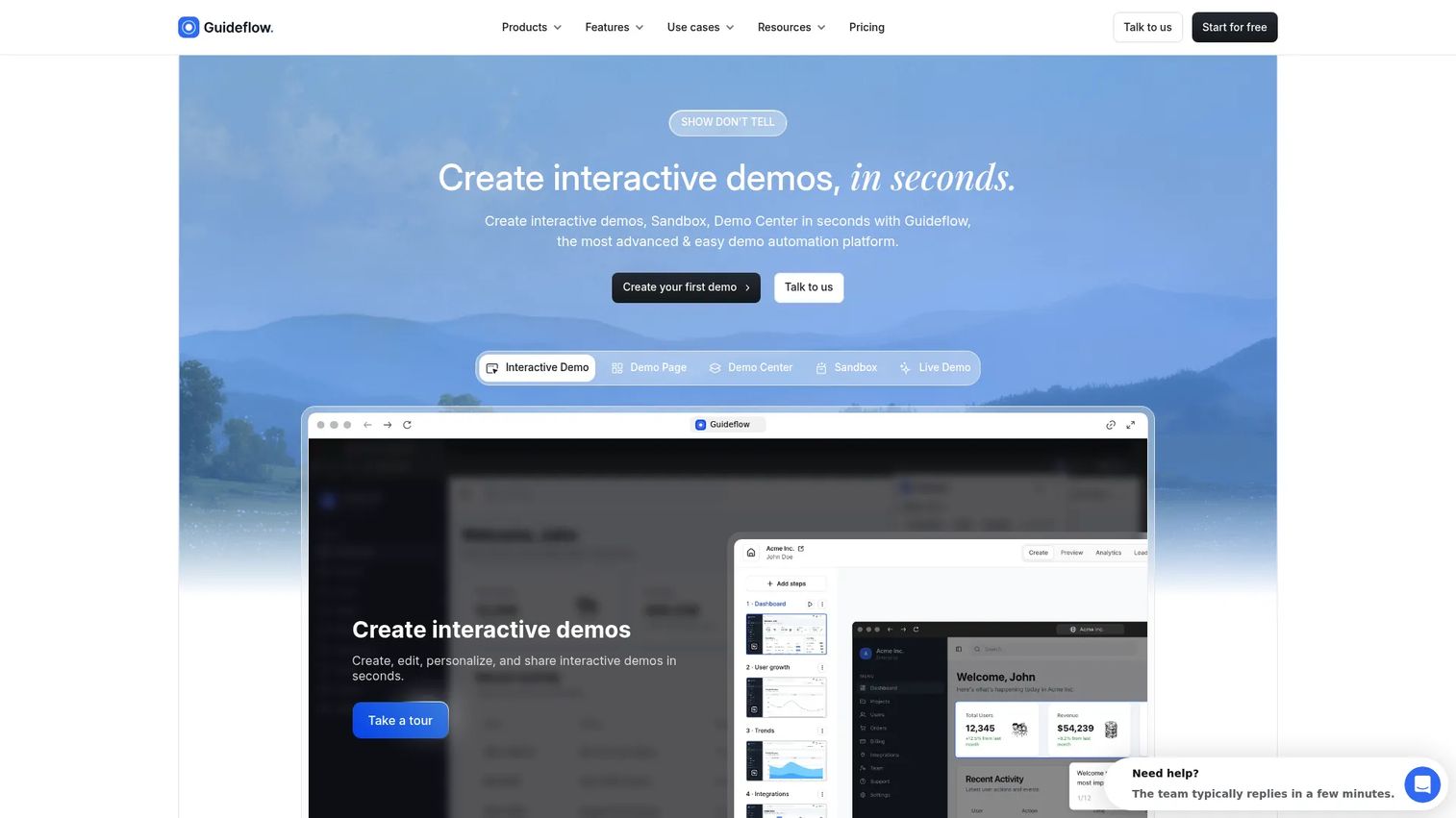
Guideflow is a demo automation platform that lets teams record software once and share interactive demos employees can follow step by step. Where a knowledge card tells reps what the renewal process is, Guideflow gives them an interactive guide to practice the renewal workflow inside the CRM. Sales enablement managers use it for rep onboarding, internal training, SOPs, product launch enablement, and sales play execution.
Best for: Enablement managers who need reps to execute software processes, not just find reference material.
What it is: Guideflow is a demo automation platform that captures software flows through the Chrome extension or the native app, then generates step-by-step interactive guides automatically. Teams use it across employee onboarding, internal training, SOP documentation, product education, support content, and launch enablement. Guideflow's interactive demos are used for internal audiences when the knowledge is a process people need to perform.
Key features
- Capture through the Chrome extension or the native app, with screenshot, HTML, and video modes
- Step content and CTAs written automatically after capture
- Editor supports text, images, graphs, and branching for role-based or use-case-specific paths
- Translation into more than 30 languages for global enablement teams
- Step-level analytics covering completion, drop-off, and viewer flow
- Integrations with HubSpot, Salesforce, Pipedrive, Zoho, and Marketo
Look elsewhere if: Your primary need is a static wiki for HR policies and reference pages. Guideflow performs best when the knowledge includes a workflow or software process someone needs to follow. Teams that need a full LMS with formal certification as the system of record will want a dedicated training platform alongside it.
Where Guideflow falls short:
- G2 reviewers note that the full feature set has a learning curve for teams new to interactive demo creation
- Teams focused exclusively on document storage and policy management may find Guideflow's process-first model more than their current need
Pricing: Free plan available. Solo is $35/user/month (annual). Growth is $499/month (annual). Advanced is $1,499/month (annual). Enterprise starts from $2,999/month and adds SSO, advanced governance, and enterprise security.
G2 rating: 5.0
How it compares to Guru: Guru helps reps find approved knowledge. Guideflow helps them execute software processes interactively. For sales enablement, the distinction is answer access versus behavior change.
2. Notion (internal wiki and workspace)
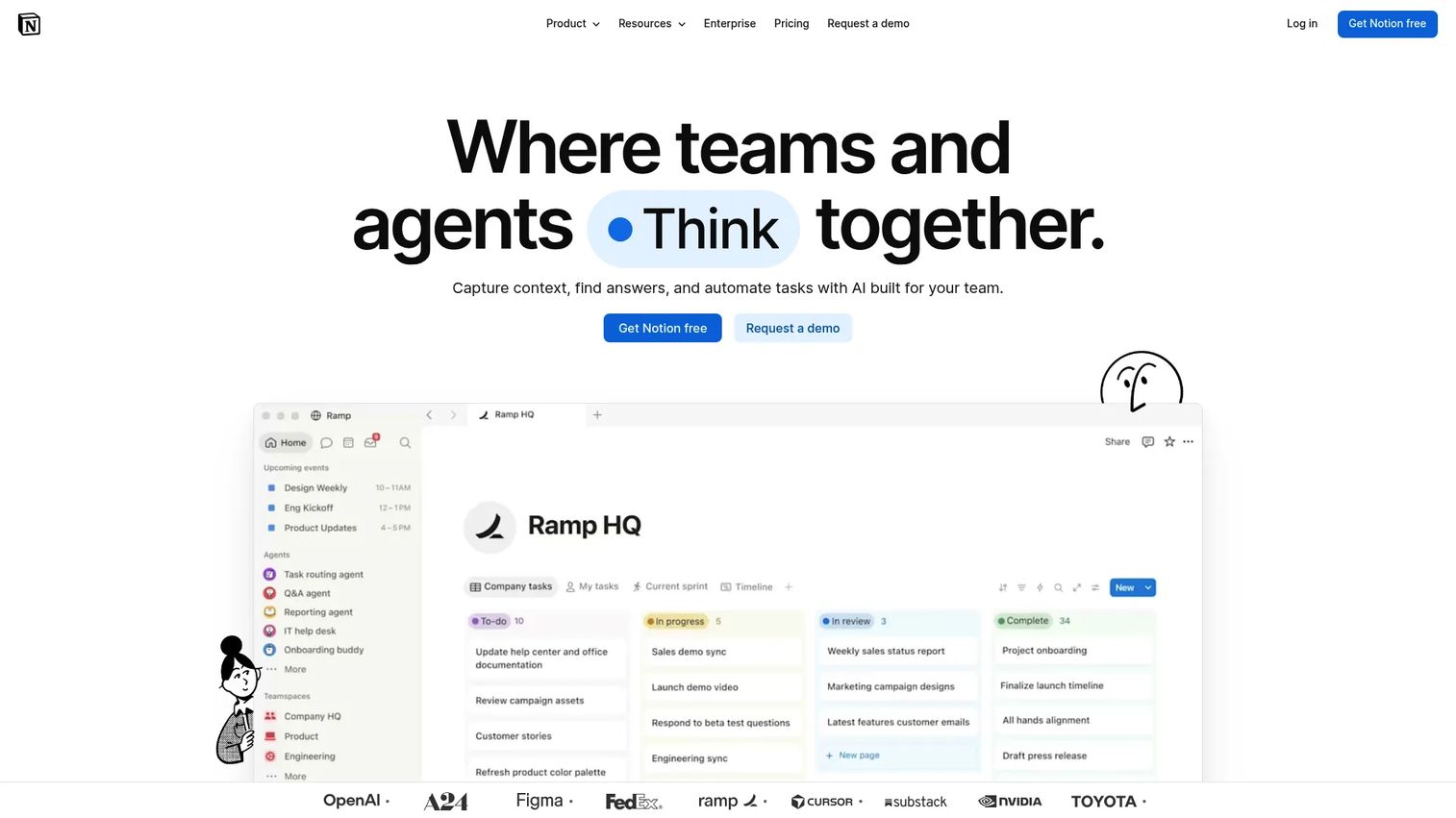
Notion has become the default flexible workspace for teams that want to build an internal wiki, run project databases, and manage enablement content without spinning up a dedicated tool. It handles onboarding checklists, sales playbooks, and PMM messaging docs in a single environment.
Best for: Teams building a flexible knowledge base, onboarding hub, or lightweight enablement library.
What it is: Notion is an AI-powered workspace for knowledge capture, search, and workflow automation. It supports nested pages, databases with custom properties, collaborative editing, and an AI assistant that can answer questions across your workspace with citations.
Key features
- Nested pages, databases, and team spaces for organized knowledge
- Collaborative editing with comments and mentions
- Templates for onboarding docs, sales playbooks, and SOPs
- AI-powered search with citations across workspace content
- Permissions and team spaces for access control
Where Notion falls short:
- G2 reviewers frequently cite governance and structure as ongoing challenges: Without consistent ownership, Notion wikis sprawl into disorganized page collections
- Permissions management at scale requires deliberate setup, which G2 reviewers flag as a time cost for larger teams
- The free plan has limited version history, which matters for teams tracking content changes over time
Pricing: Free plan available. Plus is $10/user/month (monthly) or $8/user/month billed annually. Business is $20/user/month (monthly). Enterprise uses custom pricing.
G2 rating: 4.6
How it compares to Guru: Notion is more flexible as a workspace for documents, databases, and projects. Guru is more focused on verified, bite-sized knowledge delivered directly inside team workflows.
3. Confluence (enterprise wiki)
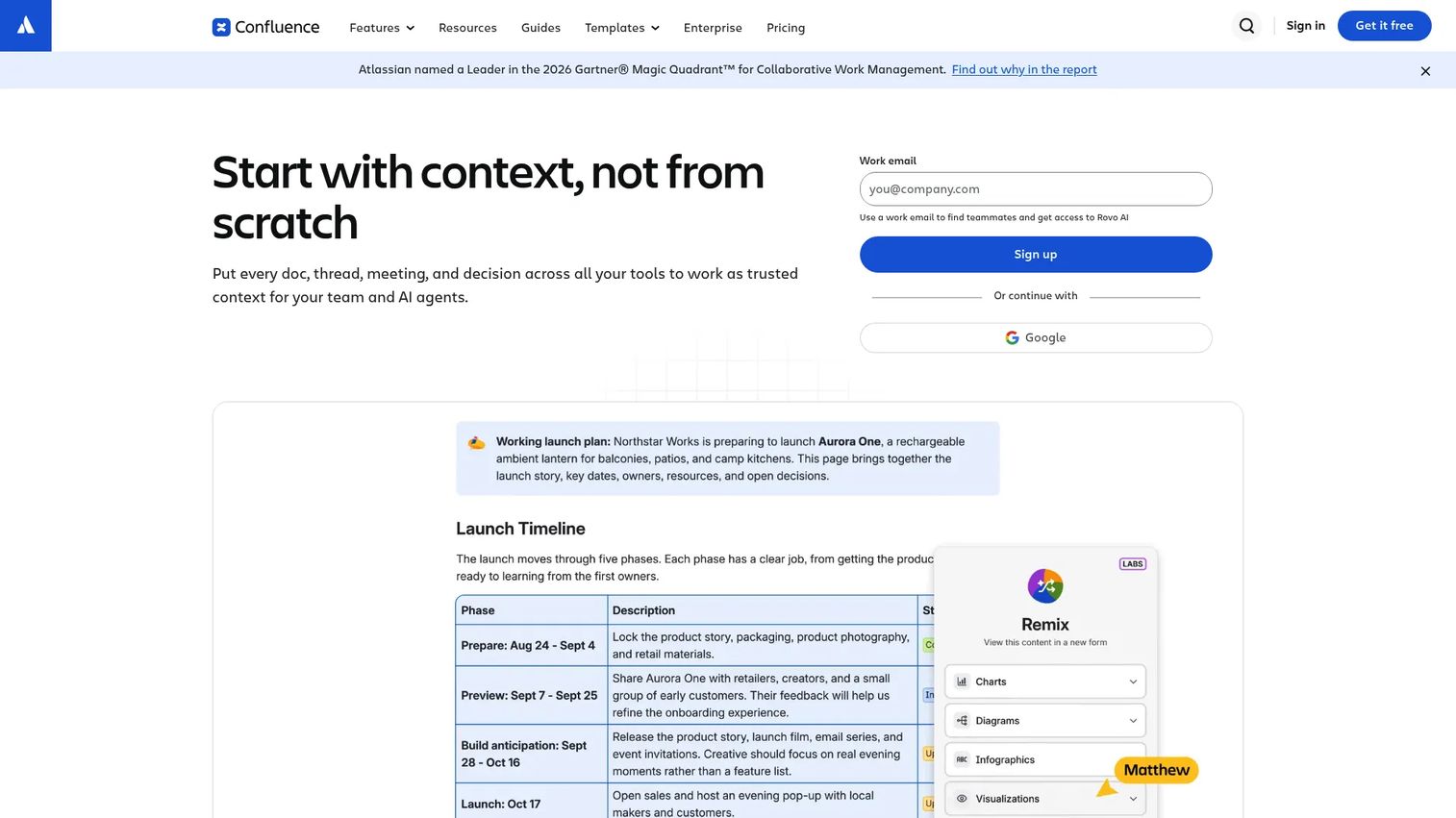
Confluence is the go-to wiki for organizations already running on the Atlassian stack. Engineering, product, and operations teams use it for deep documentation, decision records, and cross-functional alignment.
Best for: Enterprise and technical teams needing structured documentation across product, engineering, and IT.
What it is: Confluence is an AI-powered workspace for knowledge management and project collaboration. It supports team spaces, page templates, version history, real-time collaborative editing, and deep integrations with Jira and the broader Atlassian ecosystem.
Key features
- Team spaces with pages, templates, and version history
- Jira integration for connecting documentation to engineering work
- Real-time collaborative editing with comments and notifications
- Rovo AI capabilities for search and content generation
- Enterprise permissions and access controls at the page and space level
Where Confluence falls short:
- G2 reviewers consistently note that Confluence can feel heavy and slow for simple documentation tasks
- Search quality inside large Confluence instances draws repeated criticism from G2 reviewers, particularly for teams with thousands of pages
- Setup and ongoing administration require meaningful investment, which G2 reviewers flag for smaller teams
Pricing: Free plan supports up to 10 users with 2 GB storage. Standard and Premium plans are available with pricing not publicly displayed; pricing requires contacting Atlassian. Enterprise billing is annual only.
G2 rating: 4.1
How it compares to Guru: Confluence is stronger for deep technical documentation and engineering teams. Guru is more purpose-built for verified internal answers surfaced directly inside team tools.
4. Document360 (knowledge base software)
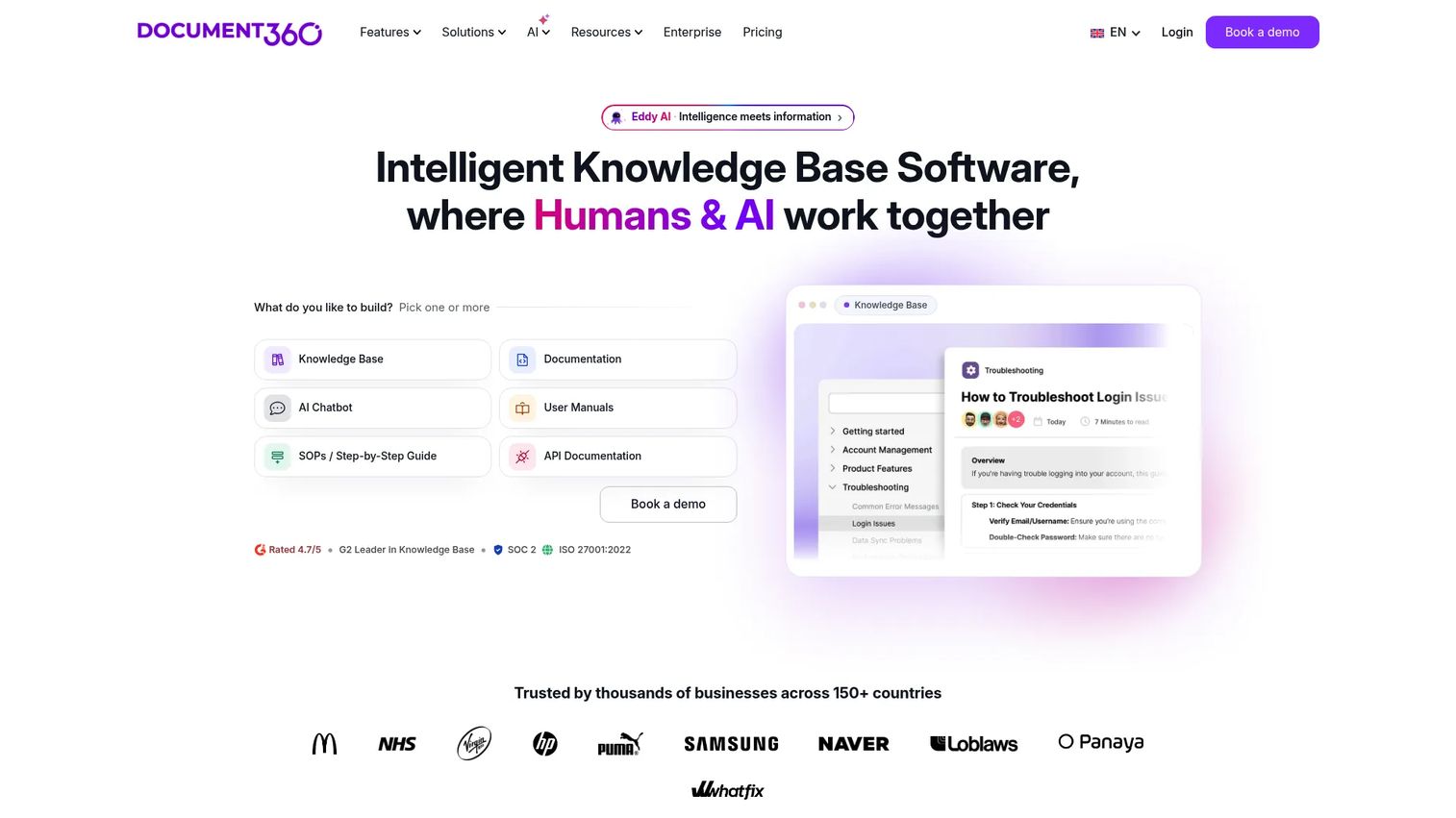
When a team needs a formal documentation portal rather than an internal wiki, Document360 is a strong contender. It supports both public-facing help centers and private internal knowledge bases with strong versioning and category structure.
Best for: Support, product, and documentation teams building structured public or private knowledge bases.
What it is: Document360 is AI-powered knowledge base software for creating, managing, and publishing customer, employee, API, and process documentation. It includes advanced editors, custom approval workflows, AI search and chat, and analytics.
Key features
- Knowledge base portal with category hierarchy and versioning
- AI-powered writing, search, and translation
- Custom workflows and approval processes
- Analytics and reporting on article performance
- SSO, SCIM, role-based access, and audit logs
Where Document360 falls short:
- No permanent free tier; a 14-day trial is the entry point, which G2 reviewers note limits evaluation time for teams with complex needs
- The editor experience draws mixed feedback from G2 reviewers, with some noting a steeper learning curve compared to simpler wiki tools
- Pricing requires a sales conversation, which G2 reviewers flag as a friction point for smaller teams exploring options
Pricing: Custom pricing based on configuration, workspaces, languages, team accounts, and AI usage. A 14-day free trial is available.
G2 rating: 4.7
How it compares to Guru: Document360 is built for formal documentation portals with structured categories and versioning. Guru focuses on approved, bite-sized answers surfaced inside team workflows.
5. Bloomfire (knowledge sharing platform)
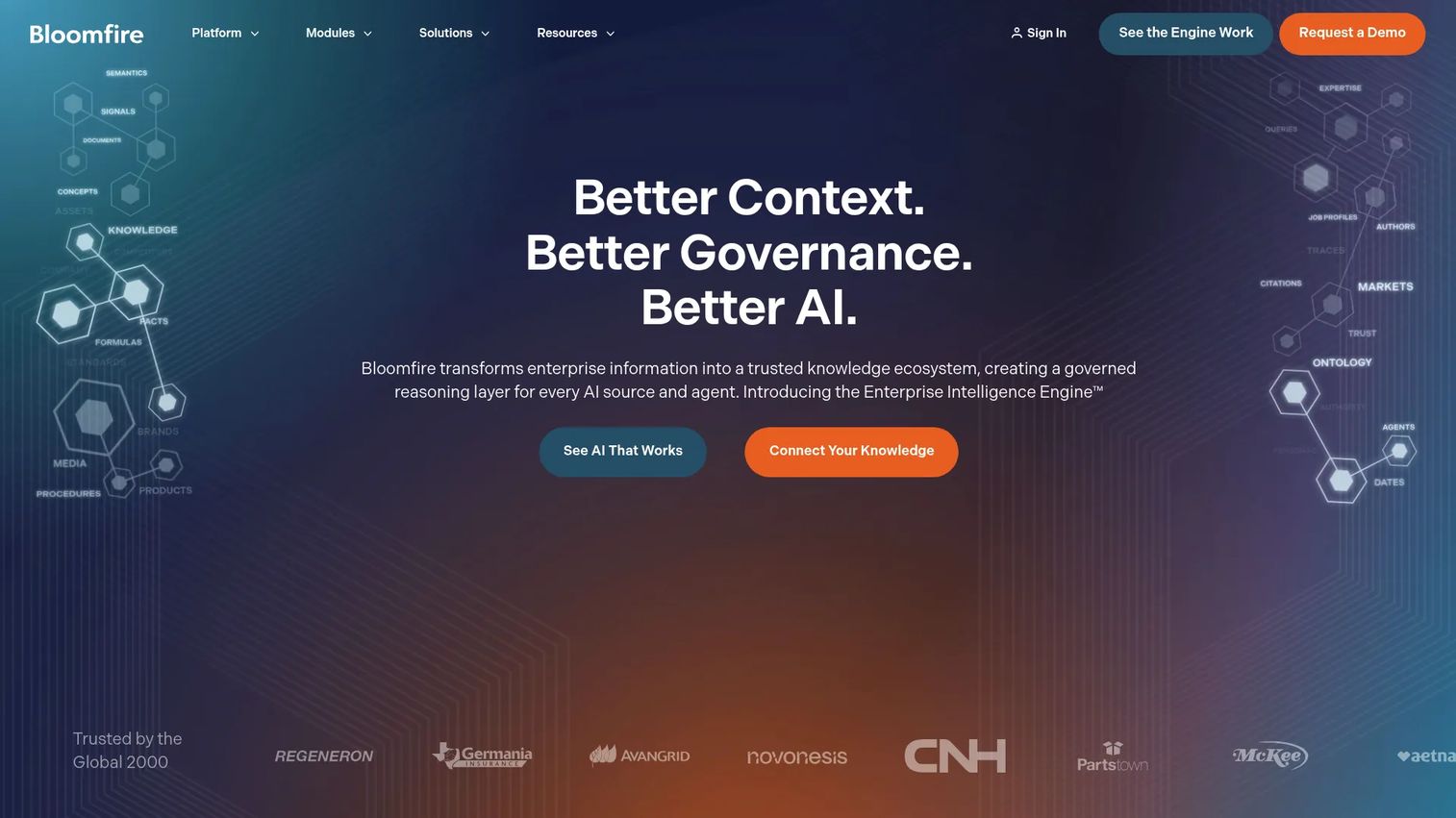
Bloomfire targets sales, support, and service teams that need a searchable content library with governance. Its AI search and grounded conversational AI make it useful for organizations where knowledge accuracy and permissions matter.
Best for: Mid-market and enterprise sales and service teams needing a governed, searchable content library.
What it is: Bloomfire is an enterprise knowledge management and intelligence platform. It includes AI-powered search, persistent semantic memory, knowledge authoring, approval workflows, and analytics, with enterprise integrations covering SSO and SCIM.
Key features
- AI-powered search and conversational knowledge retrieval
- Knowledge authoring, moderation, and approval workflows
- Role-based permissions, audit trails, and analytics
- Enterprise integrations including SSO and SCIM
- Governance tools for maintaining content accuracy over time
Where Bloomfire falls short:
- Pricing requires a sales conversation for all plans, with no self-serve entry point; G2 reviewers note this creates friction for teams with limited procurement bandwidth
- G2 reviewers flag the initial implementation process as requiring meaningful effort, particularly around data migration and content organization
- Some reviewers note that the UI feels dated relative to newer wiki-style tools
Pricing: Custom pricing across Team, Department, and Enterprise plans billed on a multi-year basis.
G2 rating: 4.6
How it compares to Guru: Bloomfire provides a centralized, governed content hub with strong search. Guru is more focused on verified knowledge cards delivered inside daily workflows.
6. Slite (internal wiki)
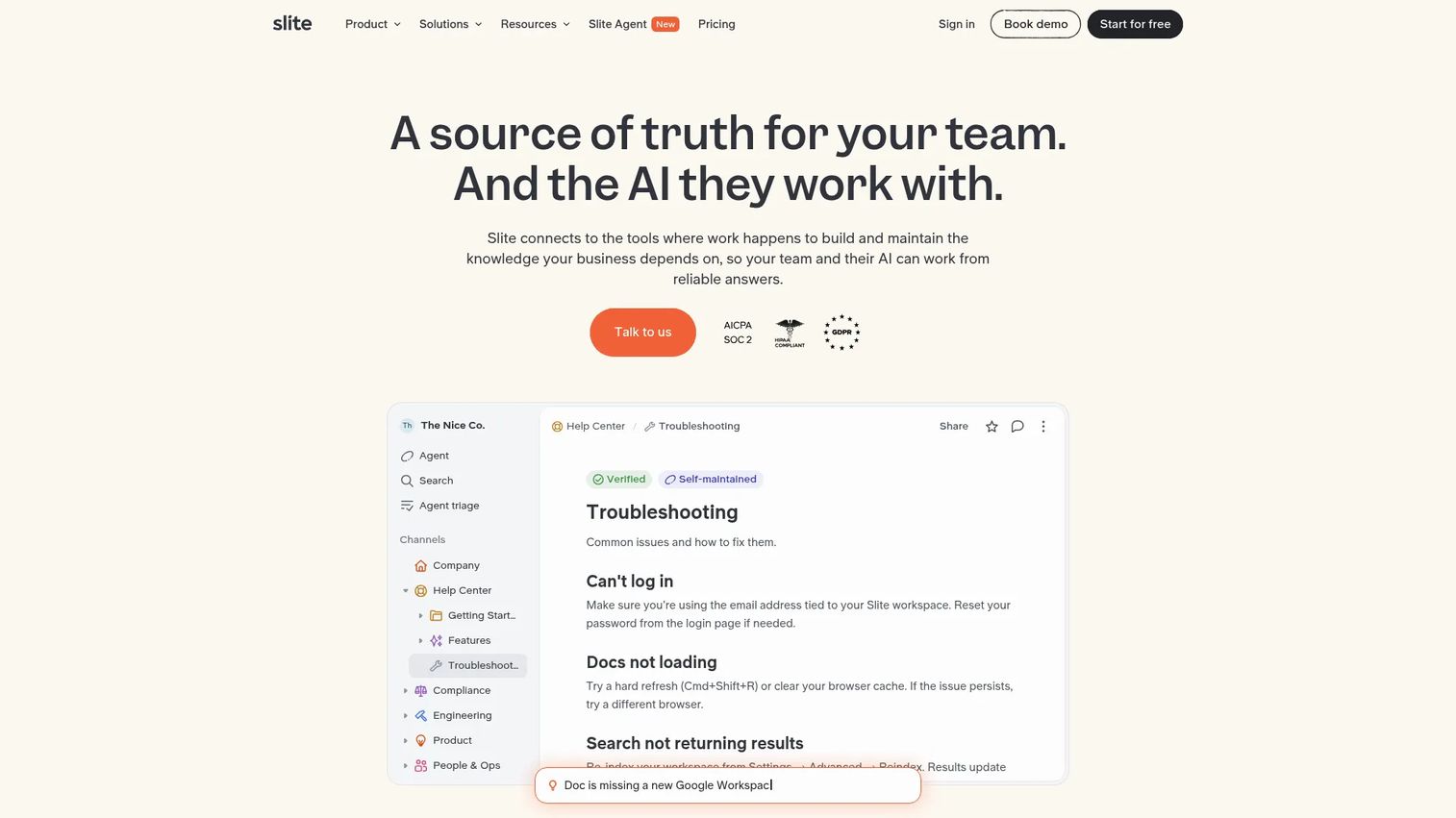
Slite positions itself specifically around keeping documentation current, with doc verification workflows and AI-powered fact-checking. For teams tired of stale wikis, its self-maintaining angle is worth evaluating.
Best for: Small to mid-sized teams that want a clean, low-maintenance internal wiki with AI search.
What it is: Slite is a knowledge base built around keeping company information current and trusted. It includes AI-powered search and answers, doc verification, collaborative editing, and an MCP integration for AI agent access.
Key features
- AI-powered search and question answering across Slite docs
- Doc verification workflows that surface stale content to owners
- Collaborative documentation with comments, templates, and history
- Pro plan includes connected-tool search and an AI agent
Where Slite falls short:
- No permanent free plan; the entry point is $10/user/month billed annually, which G2 reviewers note makes evaluation commitment higher than freemium alternatives
- Enterprise controls including SCIM and advanced security are gated to the top plan, which G2 reviewers flag for teams with strict governance requirements
- Integration depth beyond core productivity tools is narrower than larger platforms, per G2 reviewer feedback
Pricing: No free plan. Basic is $10/user/month (annual). Pro is $20/user/month (annual). Enterprise is custom pricing.
G2 rating: 4.6
How it compares to Guru: Slite is a lightweight internal wiki with a self-maintenance angle. Guru provides more purpose-built workflow delivery and verification at the knowledge card level.
7. Tettra (knowledge base for Slack teams)
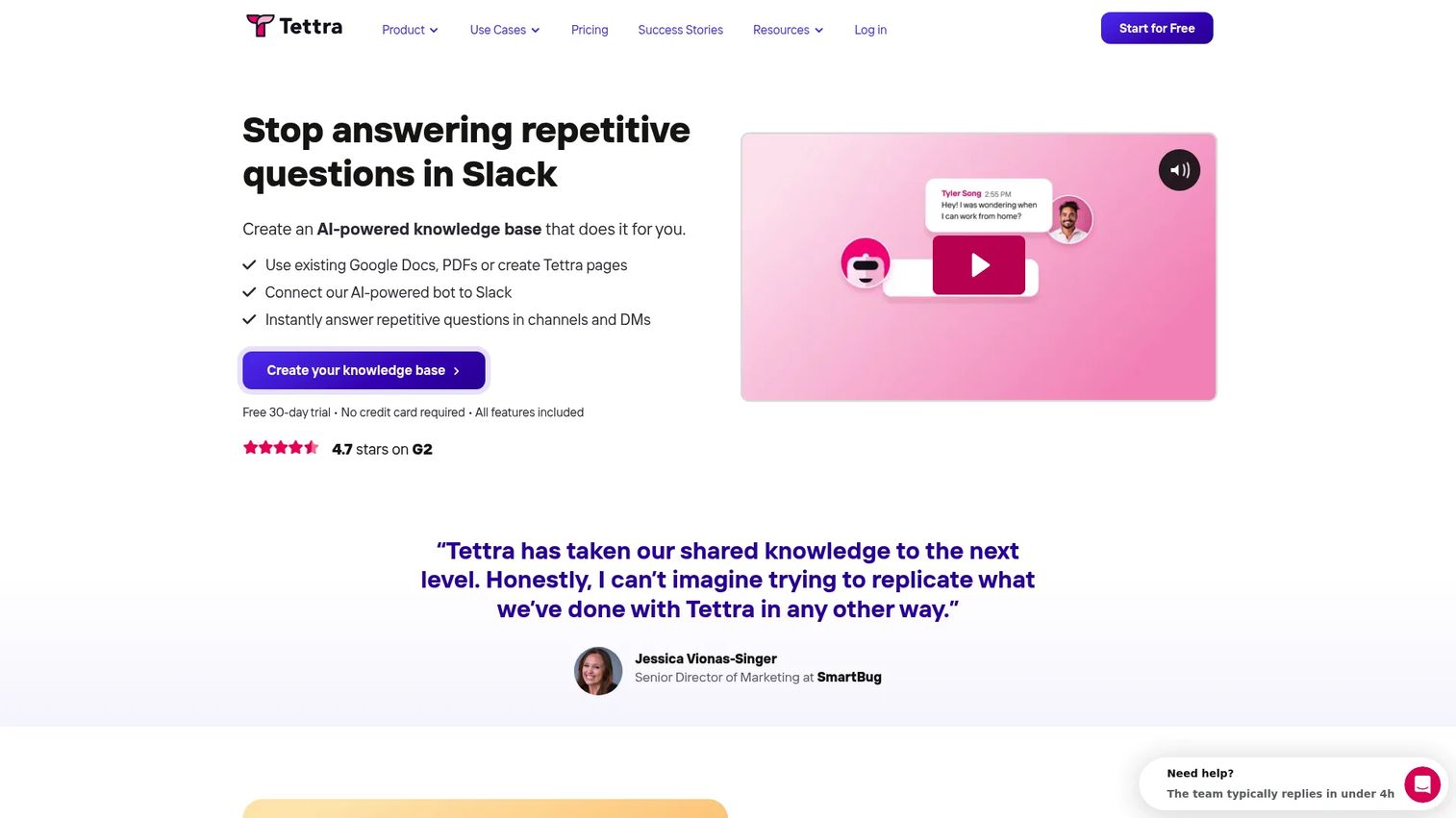
Tettra is built for teams where most questions already happen in Slack. Its AI bot answers questions directly in Slack DMs and channels, pulling from an internal knowledge base, and flags unanswered questions to subject-matter experts.
Best for: Slack-centric teams that want structured Q&A and knowledge capture without leaving their messaging environment.
What it is: Tettra is AI-powered knowledge management software for creating internal documentation and answering repetitive team questions. Its Slack AI bot, knowledge base editor, and usage analytics address the most common enablement blocker: Answers that live in Slack threads and disappear.
Key features
- AI answers directly in Slack DMs and channels
- Internal knowledge base with content creation and import tools
- Knowledge verification and stale-page reports
- Usage analytics showing what gets asked and answered
- Google Workspace integration
Where Tettra falls short:
- A 10-user minimum on the only paid plan makes it a poor fit for very small teams, as noted on the pricing page
- G2 reviewers flag limited customization of the knowledge base interface compared to richer documentation platforms
- Analytics depth is narrower than dedicated enablement platforms, per G2 reviewer feedback
Pricing: Scaling plan at $8/user/month with a 10-user minimum; annual billing offers 20% off. Enterprise is custom pricing.
G2 rating: 4.7
How it compares to Guru: Tettra handles Slack-native Q&A and knowledge capture well. Guru has broader knowledge management workflows and deeper verification capabilities outside Slack.
8. Nuclino (collaborative wiki)
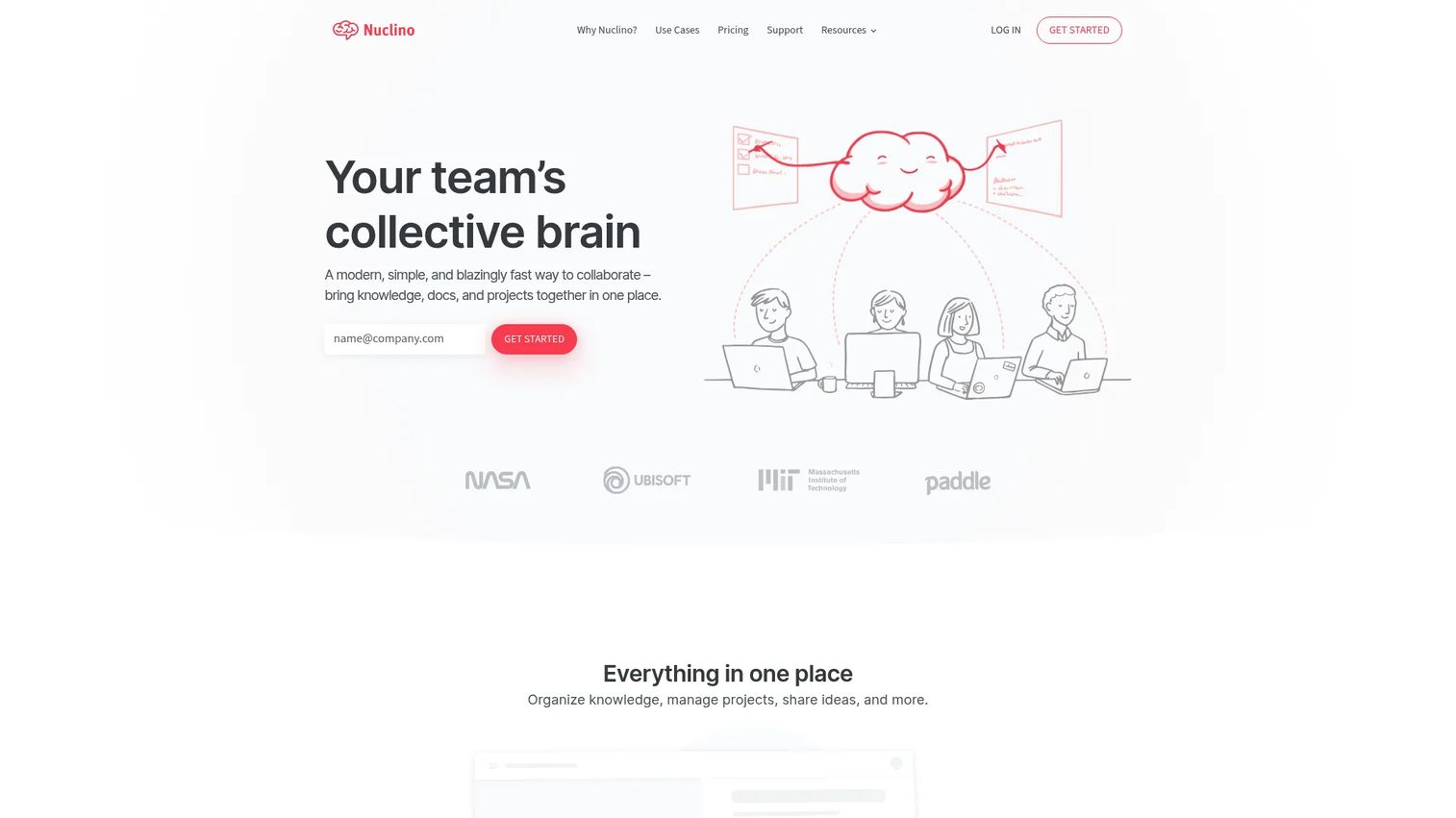
Nuclino is a lightweight, visual wiki that gets teams documenting without heavy admin. Its graph view and board options give small teams multiple ways to organize knowledge.
Best for: Small teams that want a lightweight, low-overhead internal wiki with visual organization options.
What it is: Nuclino is a collaborative workspace for organizing team knowledge, documents, projects, and ideas. It supports list, board, table, and graph views, real-time collaborative editing, an AI assistant, and an API for integrations.
Key features
- List, board, table, and graph views for knowledge organization
- Real-time collaborative documents with internal links
- Infinite canvases for whiteboards and diagrams
- AI-powered Sidekick for search and content generation (Business plan)
- Quick search with filters
Where Nuclino falls short:
- Paid plan pricing was not publicly displayed during research; buyers need to contact Nuclino for Starter and Business costs, which limits upfront cost comparison
- Advanced governance features and SAML SSO are only available on the Business plan, per the pricing page
- G2 reviewers note that the tool is best for smaller teams; larger organizations often find the governance controls insufficient
Pricing: Free plan supports up to 50 items. Starter and Business plans are available; pricing is not publicly listed. Business adds Sidekick AI, audit logs, and SAML SSO.
G2 rating: 4.7
How it compares to Guru: Nuclino is a clean and lightweight internal wiki. Guru is more purpose-built for verified knowledge delivery in workflow contexts.
9. Microsoft SharePoint (intranet and document management)
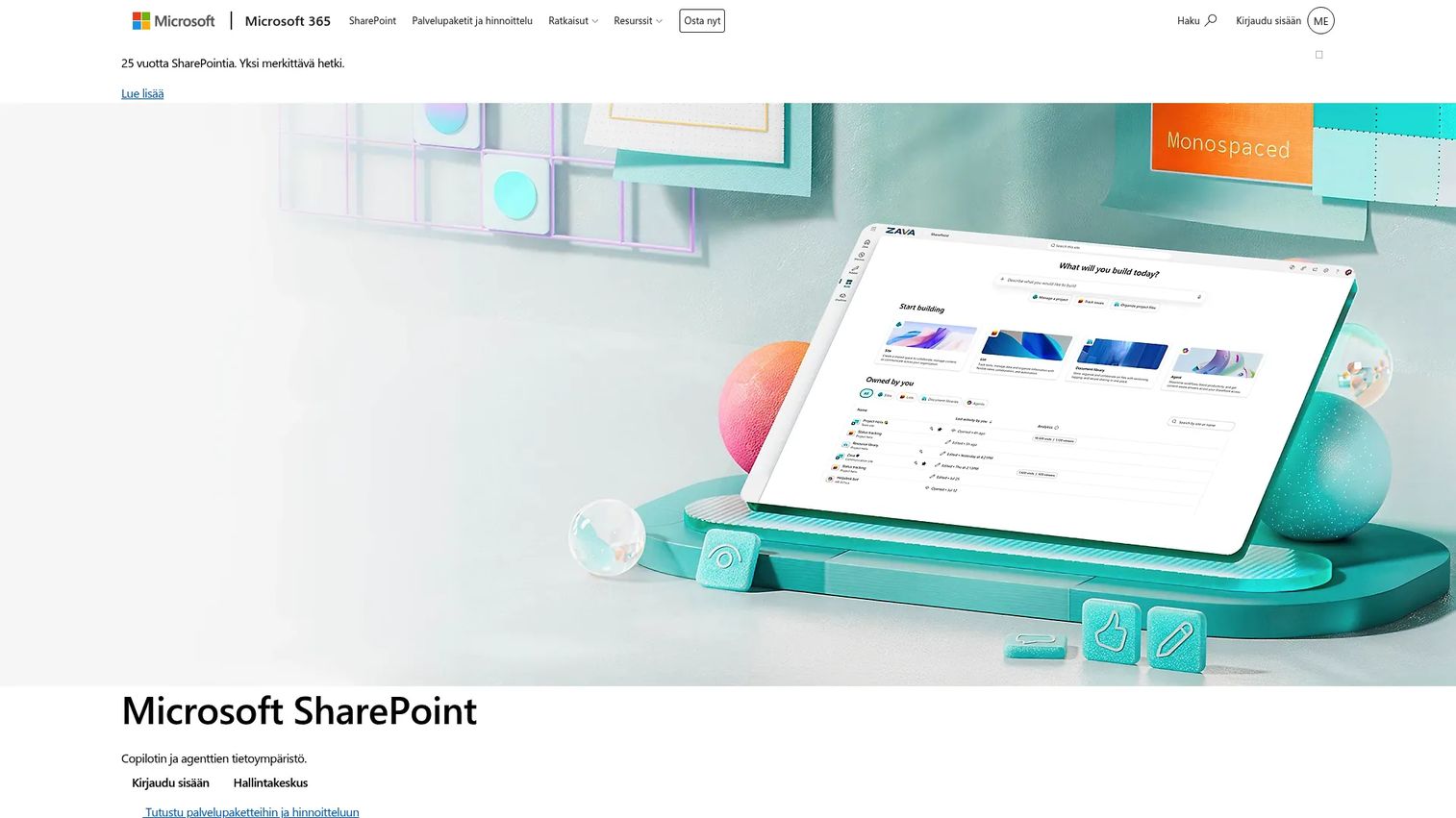
SharePoint is the document management and intranet backbone for organizations already committed to Microsoft 365. If your team lives in Teams, Outlook, and Word, SharePoint is the natural home for internal portals and document libraries.
Best for: Microsoft 365 organizations building intranets, document libraries, and internal communication portals.
What it is: Microsoft SharePoint is a Microsoft 365 platform for securely sharing, managing, and discovering organizational content. It supports document libraries with versioning, team sites, AI-powered search, and deep integration across the Microsoft 365 suite.
Key features
- Document libraries with versioning and access controls
- SharePoint sites with templates and customizable web parts
- Secure file sharing and real-time coauthoring
- AI-powered intelligent search and custom agent workflows
- Integration across Microsoft 365 apps including Teams, Word, and Excel
Where SharePoint falls short:
- G2 reviewers consistently note that SharePoint's user experience requires significant setup and ongoing administration to maintain usable structure
- Search within SharePoint draws frequent criticism from G2 reviewers, particularly for organizations with large file volumes
- The platform is powerful for governance but adds complexity that smaller or non-technical teams find difficult to manage independently
Pricing: SharePoint Plan 1 is $5/user/month (annual). Microsoft 365 Business Standard is $12.50/user/month (annual) and includes Teams, Office apps, and SharePoint.
G2 rating: 4.0
How it compares to Guru: SharePoint is built for enterprise document management and intranet portals. Guru is designed for searchable, verified knowledge delivered to frontline teams inside their daily tools.
10. Zendesk (support knowledge base)

Zendesk's knowledge base is support-first by design, sitting alongside its ticketing and AI agent capabilities. It is a natural fit when the goal is deflecting customer tickets and equipping agents, not running broad internal training.
Best for: Customer service teams managing agent knowledge and customer-facing help center content.
What it is: Zendesk is an AI-powered customer service platform for managing interactions across channels. Its knowledge base connects to ticketing workflows, AI agents, and reporting, making it a strong choice for support operations.
Key features
- Help center article management connected to ticketing
- AI agents for automated resolution
- Omnichannel messaging, live chat, and voice
- Reporting and analytics on ticket volume and deflection
- Action Builder for workflow automation
Where Zendesk falls short:
- Pricing starts at $19/agent/month (annual) for Support Team, rising to $55/agent/month for Suite Team; G2 reviewers frequently flag total cost as a concern at scale
- G2 reviewers note that the admin interface has a learning curve, particularly for teams configuring automation and routing
- Zendesk is purpose-built for support; using it as a general internal training platform requires workarounds that G2 reviewers describe as awkward
Pricing: No permanent free plan; a 14-day free trial is available. Support Team is $19/agent/month (annual). Suite Team is $55/agent/month (annual). Suite Professional is $115/agent/month (annual).
G2 rating: 4.3
How it compares to Guru: Zendesk covers support operations, ticketing, and customer help centers. Guru fits internal knowledge delivery across all teams.
11. ClickUp (work management with docs)
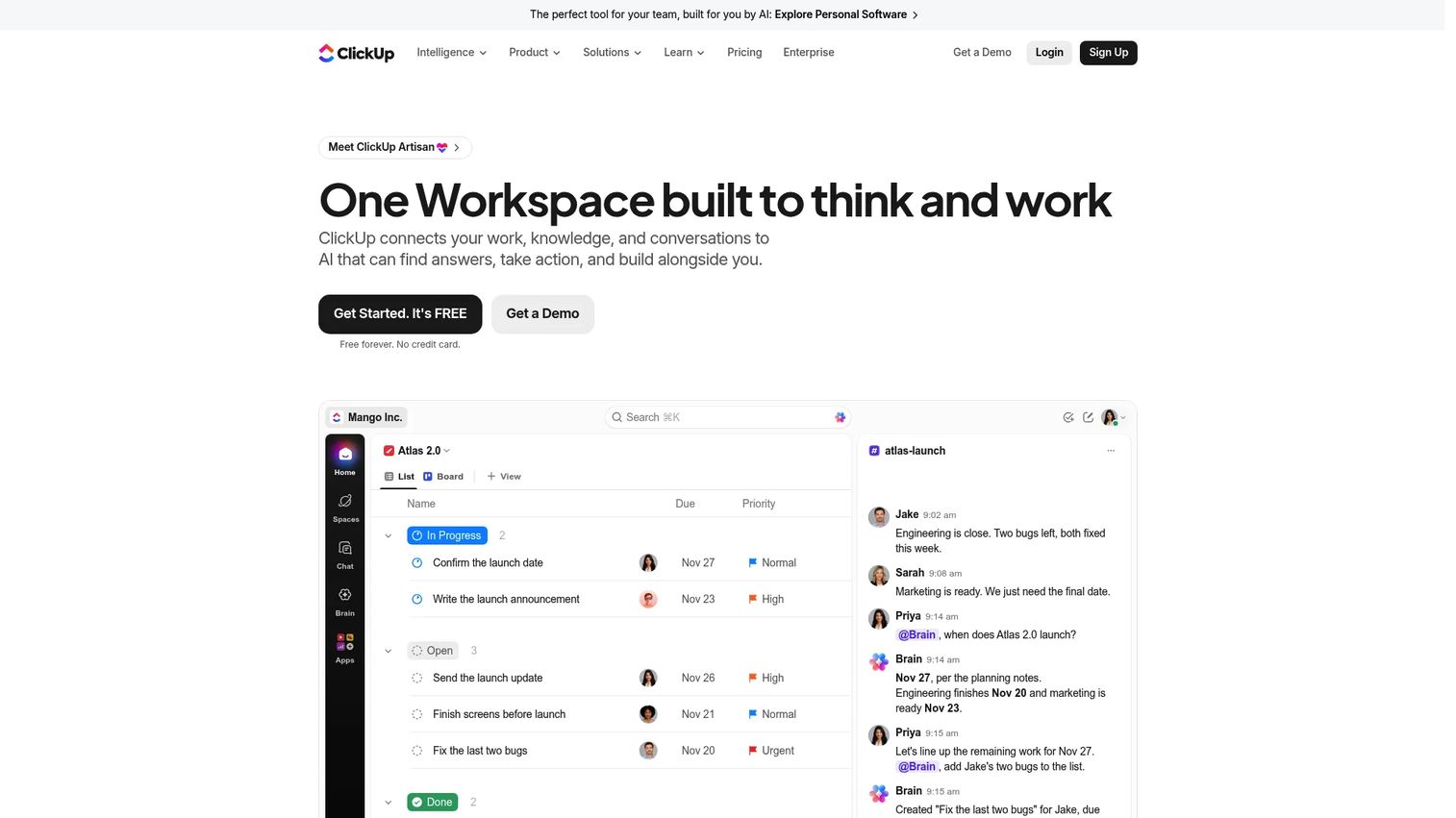
ClickUp appeals to teams that want tasks, process documentation, and goal tracking in a single environment. For enablement managers who build plays and track launch readiness, the ability to link a process doc directly to the task that depends on it has real operational value.
Best for: Teams wanting process documentation and task execution connected in the same workspace.
What it is: ClickUp is a converged AI workspace covering tasks, documents, wikis, goals, and automation. Its Docs feature supports nested pages, public links, and embeds, while workflow automations connect documentation to execution.
Key features
- Collaborative Docs with nested pages and embeds
- Task management with subtasks, dependencies, and checklists
- Workflow automations with triggers and conditions
- Goals with measurable targets and progress tracking
- AI features for writing, summarization, and task creation
Where ClickUp falls short:
- G2 reviewers frequently describe notification volume as overwhelming without deliberate configuration
- The breadth of ClickUp's features creates a setup complexity that G2 reviewers say requires significant onboarding time for new users
- As a knowledge base, ClickUp lacks dedicated governance features like doc verification and expiration, which G2 reviewers flag for enablement teams with compliance needs
Pricing: Free plan available. Core is $9/user/month (monthly). Business is $17/user/month (monthly). Enterprise is custom pricing.
G2 rating: 4.6
How it compares to Guru: ClickUp connects knowledge to execution workflows at the task level. Guru focuses on approved answers and knowledge surfacing across tools.
12. Slack (workplace messaging)
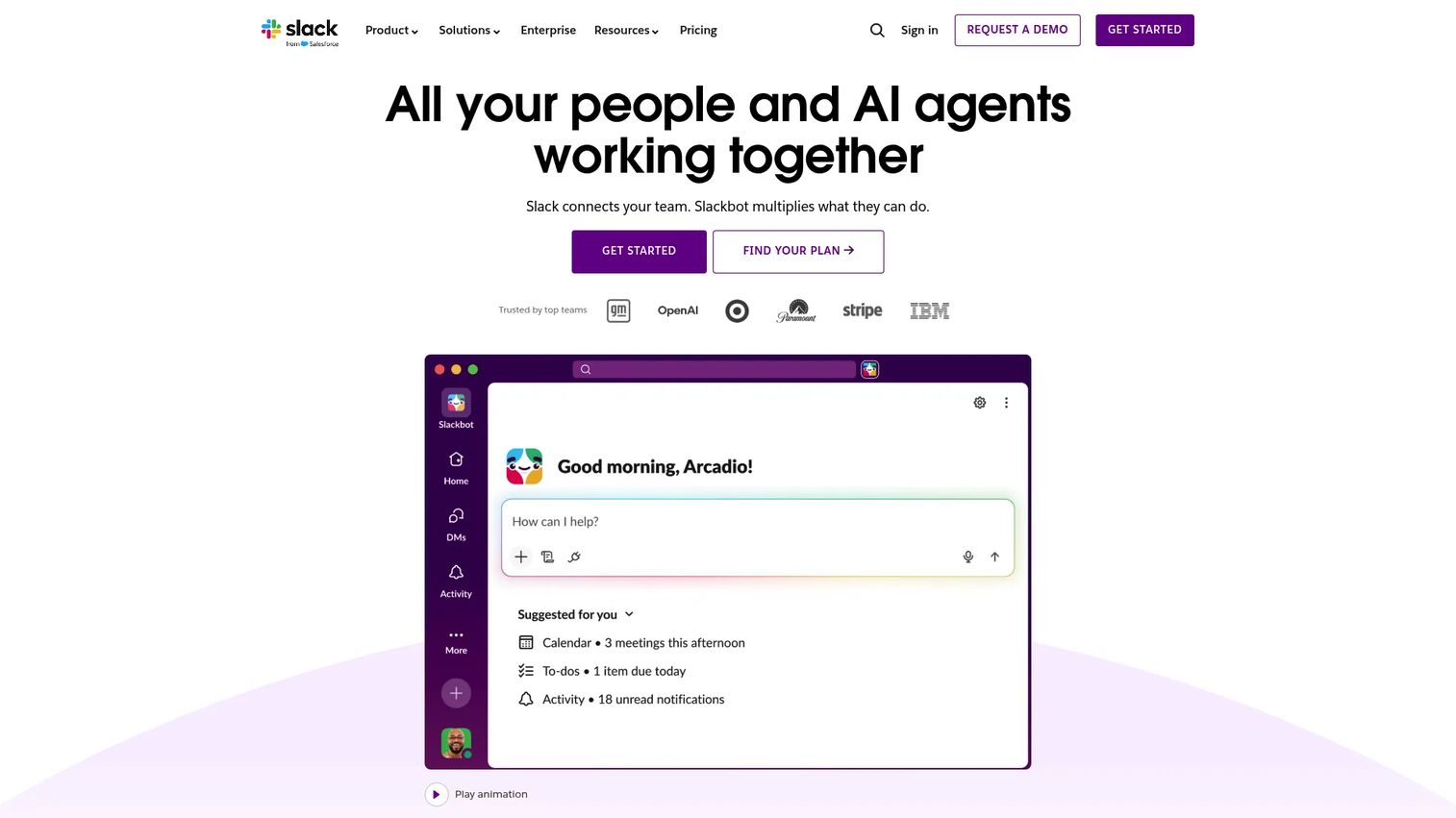
Slack is where your reps already ask questions. The platform itself is not a knowledge base, but its Canvas feature, Workflow Builder, AI search, and channel structure make it a surface where knowledge can live if teams maintain it.
Best for: Organizations using Slack as their communication layer who want structured channels and AI search for fast team Q&A.
What it is: Slack is a workplace collaboration platform that organizes communication into searchable channels and integrates with over 2,600 business tools. AI summaries, recaps, and cross-channel search are available on paid plans.
Key features
- Searchable channels and direct messages
- Canvas for persistent structured content within channels
- Workflow Builder for no-code automation
- AI summaries and search recaps (paid plans)
- Huddles for lightweight voice and video discussion
Where Slack falls short:
- Knowledge shared in Slack channels has a short shelf life; G2 reviewers consistently note that answers get buried and are rarely findable weeks later
- G2 reviewers flag that Slack works best as a communication layer, not a knowledge repository, making it unreliable as a primary training resource
- The free plan limits message history to 90 days, which G2 reviewers say means critical information disappears without a paid plan
Pricing: Free plan available (90-day message history). Pro is $7.25/user/month (annual). Business+ is $15/active user/month (annual). Enterprise+ is custom pricing.
G2 rating: 4.5
How it compares to Guru: Slack is where questions happen in real time. Guru is designed to preserve approved answers beyond the conversation and surface them proactively.
13. Microsoft Teams (collaboration hub)
For organizations already paying for Microsoft 365, Teams is the natural collaboration hub. Combined with SharePoint, Copilot, and Loop, it can support knowledge sharing alongside meetings, calls, and file management.
Best for: Microsoft-centric organizations that want chat, meetings, and files managed in a single Microsoft 365 environment.
What it is: Microsoft Teams is a collaboration platform for chat, meetings, calling, and teamwork. It integrates with SharePoint, OneDrive, and Microsoft 365 apps, with Copilot AI available on eligible plans.
Key features
- Team channels with chat, meetings, and shared files
- Microsoft 365 app integrations including SharePoint and OneDrive
- Meetings with recordings and transcriptions
- Copilot AI for summaries and search (requires Microsoft 365 Copilot license)
- File sharing and real-time coauthoring
Where Teams falls short:
- G2 reviewers note that content shared in Teams channels suffers from the same findability problems as Slack: Information gets buried quickly
- Governance of knowledge within Teams requires deliberate SharePoint configuration, which G2 reviewers flag as a significant setup investment
- Teams works as a communication layer but lacks the knowledge verification and card-based structure that dedicated knowledge platforms provide
Pricing: Free plan available. Teams Essentials is $4/user/month (annual). Teams Premium is $10/user/month (annual).
G2 rating: 4.4
How it compares to Guru: Teams centralizes workplace communication and file sharing. Guru structures verified knowledge for reuse and delivery inside team workflows.
14. Salesforce (CRM and enablement layer)
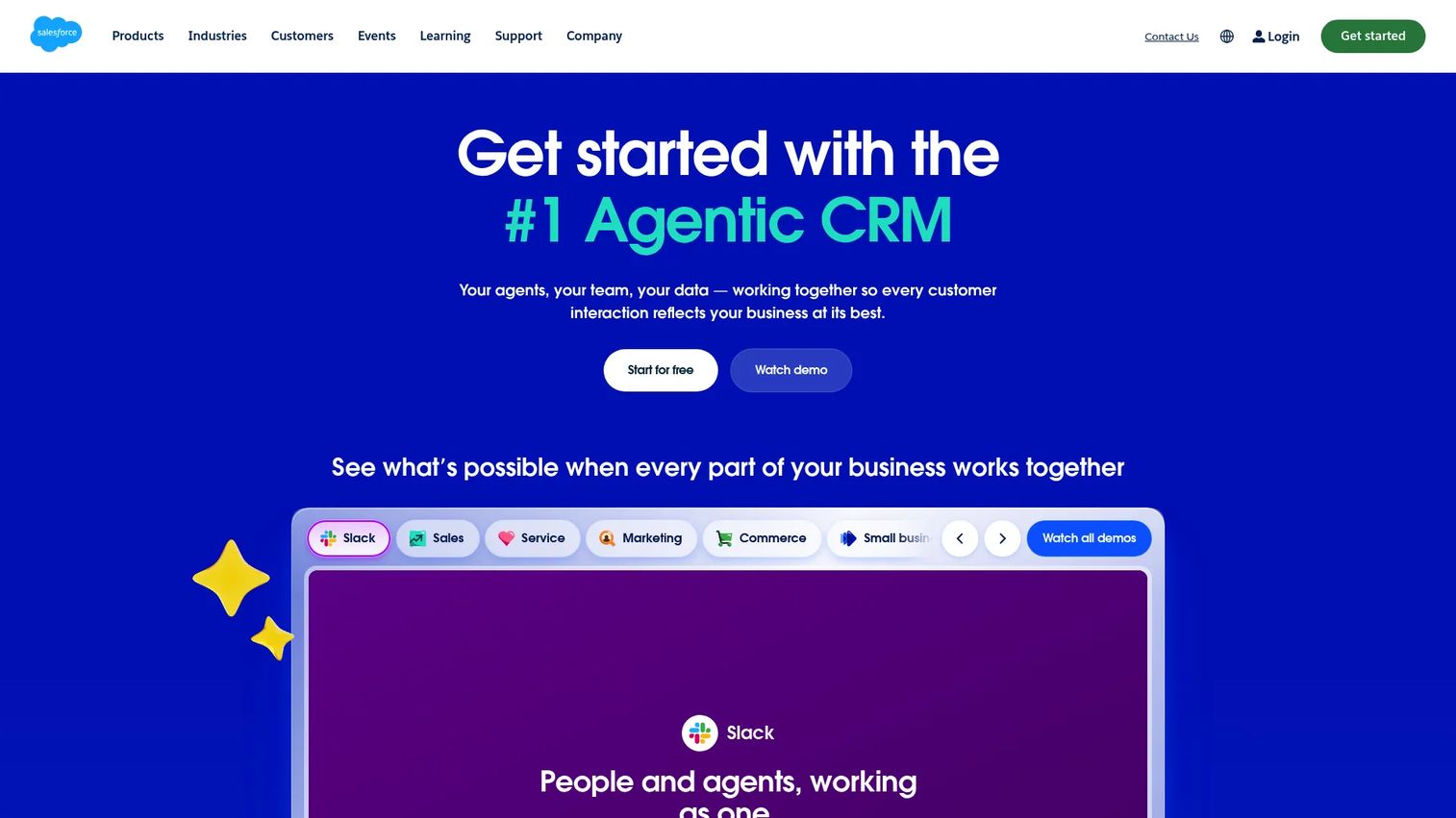
Salesforce is not a knowledge management platform by design, but for sales teams whose knowledge needs to live close to pipeline data, its native knowledge and enablement capabilities can close a meaningful gap.
Best for: Sales teams that want process guidance, knowledge articles, and enablement assets close to CRM records and opportunity workflows.
What it is: Salesforce is a cloud-based CRM platform for sales, service, marketing, and AI-powered business applications. Salesforce Knowledge, available within Service Cloud and enabled through Sales Cloud configurations, supports knowledge article creation, categorization, and delivery alongside CRM workflows.
Key features
- CRM records connected to opportunities, accounts, and contacts
- Salesforce Knowledge for article creation and delivery
- AI-powered Agentforce capabilities
- Reporting, dashboards, and pipeline analytics
- AppExchange ecosystem for enablement add-ons
Where Salesforce falls short:
- G2 reviewers frequently describe Salesforce's admin and configuration requirements as significant, particularly for teams without dedicated RevOps or Salesforce admin support
- Cost at scale draws repeated feedback from G2 reviewers; the Core plan at $195/user/month places enterprise enablement features beyond many mid-market budgets
- Using Salesforce as a primary knowledge base requires custom setup that G2 reviewers describe as well outside what standard implementations provide
Pricing: Free Suite available. Starter Suite is $25/user/month. Pro Suite is $100/user/month (annual). Core is $195/user/month (annual). Advanced is $395/user/month (annual). Max is $550/user/month (annual).
G2 rating: 4.4
How it compares to Guru: Salesforce keeps sales knowledge and process guidance close to pipeline and account data. Guru operates as a dedicated knowledge management layer surfaced across any tool.
15. Amazon Q Business (AI workplace assistant)
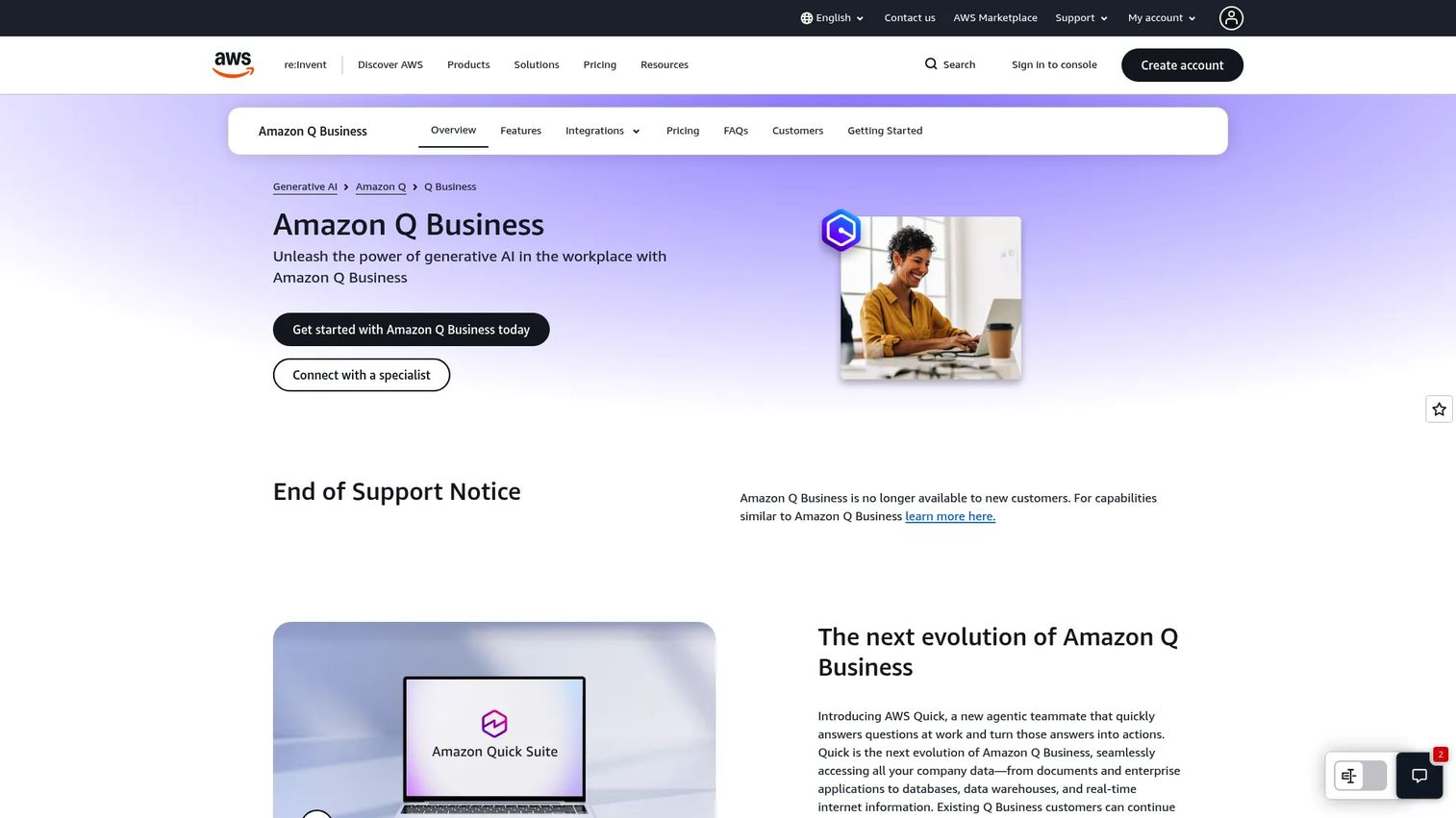
Amazon Q Business answers the question that becomes urgent as organizations scale: How do you give employees AI-powered answers from across your company's knowledge without exposing data they should not see?
Best for: Enterprise organizations on AWS that need permission-aware AI search across company knowledge sources.
What it is: Amazon Q Business is an enterprise generative AI assistant that connects to business data sources and answers questions with citations, respecting source permissions. It supports connectors to Slack, Microsoft Teams, Outlook, and other workplace tools.
Key features
- Permission-aware conversational responses with source attribution
- Secure connectors to enterprise knowledge and data sources
- Amazon Q Apps for lightweight workflow building
- File uploads in chat for document-level Q&A
- Agentic retrieval-augmented generation
Where Amazon Q Business falls short:
- G2 reviewers note that connector configuration and AWS infrastructure requirements create a significant setup investment for organizations without dedicated AWS engineering
- The tool is built for enterprise retrieval; teams looking for structured content authoring and knowledge governance will need to combine it with a documentation platform
- A permanent free tier is not available; a 60-day free trial for up to 50 users gives limited time for complex enterprise evaluations
Pricing: Lite is $3/user/month. Pro is $20/user/month. Index capacity is billed separately at an hourly rate.
G2 rating: 4.6
How it compares to Guru: Amazon Q Business provides AI-powered retrieval across enterprise systems. Guru combines knowledge management workflows with approved internal answers and browser-based delivery.
16. KnowledgeOwl (knowledge base software)
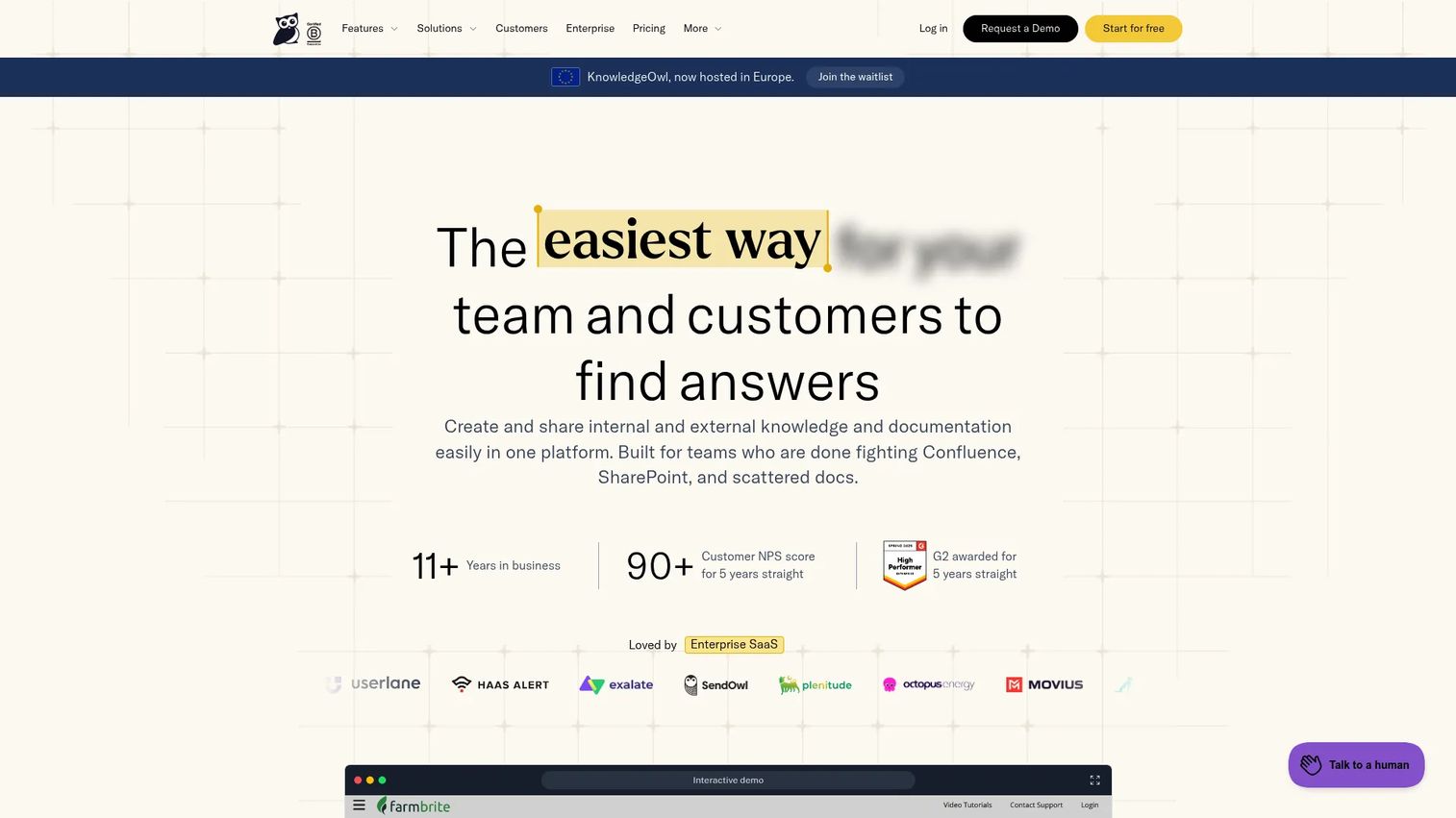
KnowledgeOwl keeps things focused. It is a dedicated knowledge base tool with strong access controls and human support, without the sprawl of an all-in-one workspace platform.
Best for: Teams needing a straightforward internal or customer-facing knowledge base with granular access controls and reliable support.
What it is: KnowledgeOwl is knowledge base software for creating and sharing internal and external documentation. It includes an AI chatbot, granular reader group controls, custom branding, article versioning, and search analytics.
Key features
- AI chatbot and AI search
- Granular reader group access controls
- Custom branding with HTML, CSS, and JavaScript support
- Article versioning and content history
- Search analytics and reader reports
Where KnowledgeOwl falls short:
- KnowledgeOwl starts at $100/month for a single author and one knowledge base; additional authors cost $25/month each, which G2 reviewers flag as a cost driver for larger content teams
- G2 reviewers note limited native integration with CRM and sales engagement tools, requiring API or Zapier connections for enablement workflows
- Advanced automation and workflow capabilities are narrower than enterprise knowledge platforms, per G2 reviewer feedback
Pricing: No free plan; a 30-day trial is available. Basic is $100/month. Pro is $250/month. Business is $500/month. Enterprise is $1,250/month. Additional authors are $25/month each.
G2 rating: 4.6
How it compares to Guru: KnowledgeOwl covers structured documentation with strong access controls. Guru focuses on verified knowledge delivery and in-workflow surfacing for frontline teams.
17. Sentra (automatic knowledge capture)
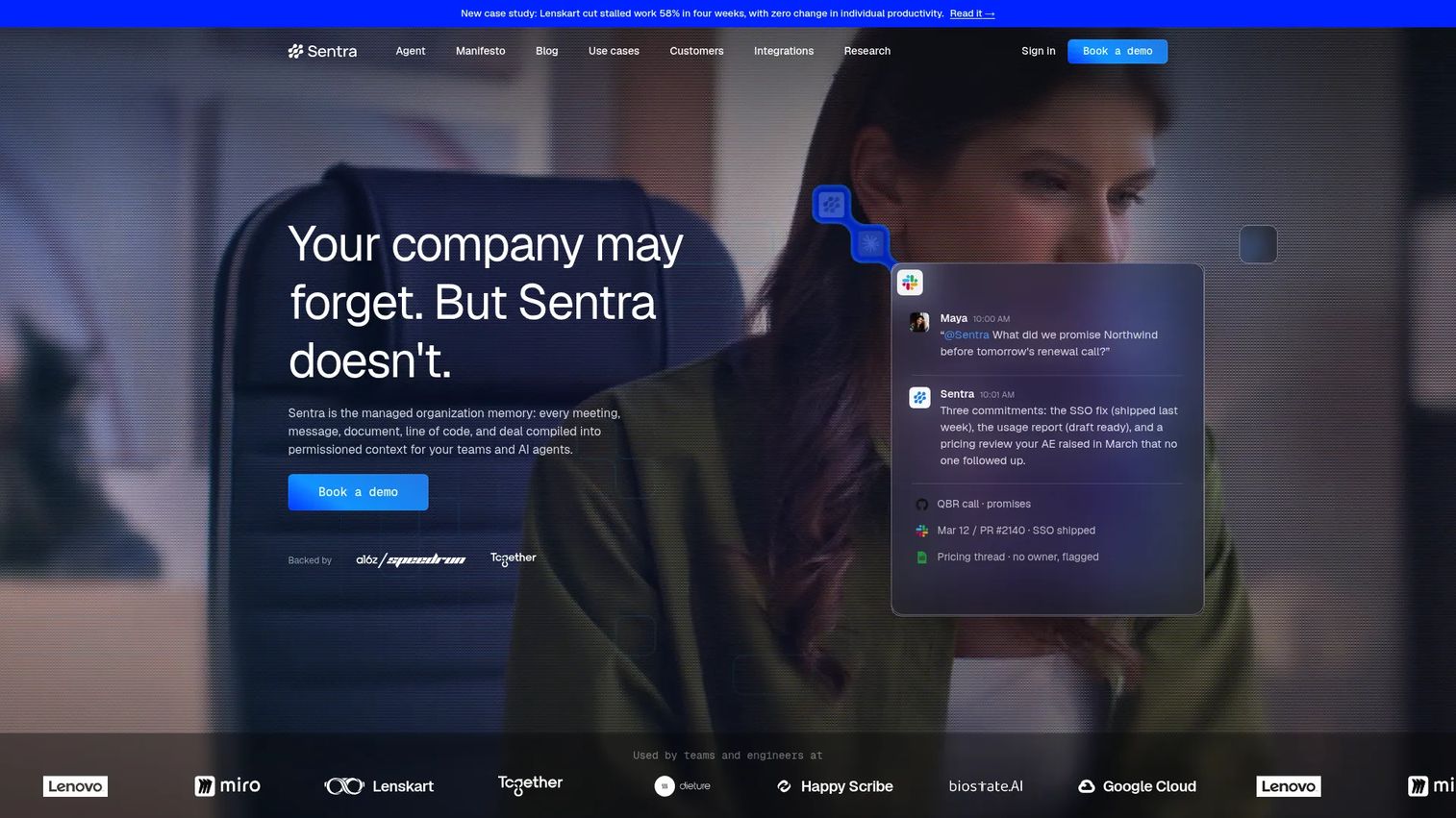
Sentra takes a different angle from every other tool on this list. Rather than asking teams to author knowledge, it captures knowledge from workplace activity automatically, covering meetings, Slack, Gmail, GitHub, and over 200 other sources.
Best for: Teams wanting to surface and preserve knowledge from workplace activity without manual authoring.
What it is: Sentra is managed organizational memory that connects company data and conversations into permissioned context for teams and AI agents. It captures from Slack, Gmail, Calendar, Outlook, GitHub, Jira, HubSpot, Zoom, and more, surfacing commitments, decisions, and expertise with source attribution.
Key features
- Automatic knowledge capture from Slack, email, meetings, and project tools
- Cross-source AI chat with permission-scoped answers and source attribution
- Commitment tracking and automated reports
- Risk Radar for surfacing knowledge gaps and stale information
- API and MCP access for AI agent workflows
Where Sentra falls short:
- Sentra is an early-stage product; the Team plan is listed as a launch special at $16/user/month, and G2 coverage is limited relative to established knowledge platforms
- Teams that require curated, manually approved enablement content will find Sentra's automatic capture model a complement rather than a replacement
- The tool's depth requires integration across multiple workplace tools; teams with fragmented or limited tooling may see less value from automatic capture
Pricing: Team plan is $16/user/month for 2 to 20 users. Enterprise is custom pricing for 20 or more users.
G2 rating: 5.0
How it compares to Guru: Sentra captures and preserves knowledge from workplace activity automatically. Guru centers on manually authored, verified knowledge cards with explicit ownership and delivery workflows.
What is the best Guru alternative for interactive internal training?
Guideflow is the top pick when training requires employees to complete a software process, not just read a document.
A wiki page can describe how to run a discovery call or update an opportunity stage. An interactive demo built in Guideflow lets the rep click through the actual CRM steps in a guided sequence. For enablement managers focused on ramp time and consistent execution, the difference between reading and doing shows up in adoption metrics. Guideflow supports employee onboarding, SOP documentation, product launch enablement, sales play training, and CRM hygiene workflows across the same platform. It also pairs well with a traditional knowledge base when teams need both reference material and hands-on process guidance.
Which Guru alternative is best for an internal wiki?
Notion, Confluence, Slite, and Nuclino are the leading wiki-style options, with the right choice depending on team size and governance needs.
Notion fits flexible team workspaces that combine knowledge management with project tracking. Confluence serves enterprise and technical documentation teams already on the Atlassian stack. Slite appeals to teams that want doc verification and AI-powered maintenance baked in. Nuclino is the lightest option for small teams that want visual organization without admin overhead.
Which Guru alternative is best for customer-facing documentation?
Document360, KnowledgeOwl, and Zendesk are stronger fits when knowledge needs to reach customers or external audiences.
Document360 handles structured public and private documentation portals with versioning, AI search, and approval workflows. KnowledgeOwl provides a straightforward, well-supported knowledge base with strong access controls. Zendesk's help center is support-first, connecting knowledge directly to ticketing and agent workflows. None of them are built as internal training platforms.
Which Guru alternative works best with Slack?
Tettra is the strongest Slack-integrated knowledge base, while Sentra can capture fast-moving knowledge from Slack activity automatically.
Tettra answers questions in Slack channels directly, reduces the volume of repeated questions, and flags unanswered queries to subject-matter experts. Slack itself works as a communication layer, but knowledge shared in channels tends to become unfindable within days. Sentra approaches the problem differently by capturing knowledge from Slack conversations automatically, making it useful for teams where tribal knowledge lives in messages rather than documents.
What is the cheapest Guru alternative?
Free plans are available from Guideflow, Notion, Confluence (up to 10 users), ClickUp, Slack, and Microsoft Teams.
The cheapest paid options are Amazon Q Business at $3/user/month for Lite, and Microsoft Teams Essentials at $4/user/month. Tettra's $8/user/month Scaling plan has a 10-user minimum, making the floor $80/month. Total cost depends on the number of users, storage needs, AI features, governance requirements, and integration depth. A tool priced lower at entry may cost more as your team scales.
When should you stay with Guru?
Stay with Guru when your core need is approved, searchable internal knowledge delivered inside your team's existing tools.
Guru works well when your team already has strong card ownership and verification habits in place. If the main use case is surfacing quick answers inside Slack or the browser, and reps actively use and trust the knowledge cards, the switching cost of moving to another platform likely outweighs the benefit. Teams with a consistent verification culture, stable content that does not require frequent process updates, and an existing Guru integration with their CRM or communication tools should evaluate whether the problem they face is a Guru limitation or a knowledge governance challenge that would follow them to any platform.
Why teams switch from Guru to Guideflow
Sales enablement managers reach for Guideflow when the knowledge they need to deliver is a process, not a policy.
A Guru card can tell a rep that the discovery checklist exists. Guideflow gives them an interactive demo of the checklist inside the CRM, complete with step annotations, branching for different deal scenarios, and analytics showing where reps drop off or skip steps. For enablement managers who report on readiness, the difference between "content was accessed" and "training was completed" is significant.
Four patterns drive teams to Guideflow. First, rep onboarding for internal software: New hires follow interactive demos of CRM processes, sales plays, and internal tools rather than reading static docs. Second, product launch enablement: When PMM ships a new message or feature, Guideflow lets teams capture the new workflow immediately and distribute it across the sales org. Third, SOP documentation for processes that live inside software: Tasks like creating quotes, logging calls, or handling escalations are captured once and shared with anyone who needs to do them. Fourth, measurement: step-level completion and viewer flow data tell enablement managers where training works and where it breaks down, connecting content activity to rep readiness in a way static wikis cannot.
Guideflow is not a replacement for a knowledge base that stores policies, HR content, and reference documentation. Teams that need both a Guru-style knowledge layer and interactive process training often run them in parallel, with Guideflow covering the workflows and a wiki covering the reference material.
Start your journey with Guideflow today!
FAQs
Guideflow is the top choice when training requires employees to execute a software process step by step. Tools like Notion and Confluence store knowledge, while Guideflow creates interactive guides employees follow inside the actual software workflow. For sales enablement managers, the distinction matters: Answer access and behavior change are different problems.
Notion, Confluence, Document360, Bloomfire, Slite, Tettra, and KnowledgeOwl each cover different knowledge management needs. Notion and Confluence suit wiki-style internal documentation. Document360 and KnowledgeOwl handle structured documentation portals. Bloomfire serves governed sales and service libraries. Tettra fits Slack-centric teams. The right fit depends on whether the need is reference, training, governance, or in-workflow delivery.
Notion is a strong alternative when the goal is a flexible internal wiki or collaborative workspace. Guru is more purpose-built for verified, bite-sized knowledge delivered inside team tools. Notion requires consistent ownership and structure to avoid content sprawl, which is a maintenance consideration for enablement teams with high launch velocity.
Confluence is stronger for technical and enterprise documentation, particularly for teams on the Atlassian stack. Guru performs better for quick, verified answers surfaced inside daily workflow tools. The right choice depends on whether the primary use case is deep documentation for engineering and product teams or frontline knowledge delivery for sales and support.
Tettra is the purpose-built option, with its AI bot answering questions directly in Slack DMs and channels. Slack itself functions as a communication layer with limited native knowledge persistence. Sentra approaches the problem from the capture side, automatically ingesting knowledge from Slack conversations and making it retrievable with source attribution.
Guideflow is the strongest fit for interactive process training, covering rep onboarding, CRM workflow adoption, and product launch enablement. Bloomfire and Salesforce serve enablement library and CRM-adjacent use cases. The right choice depends on whether the core need is training execution, asset access, or knowledge delivery close to pipeline data.
Free plans are available from Notion, ClickUp, Slack, and Microsoft Teams. Amazon Q Business starts at $3/user/month. Pricing across the category varies considerably by seat count, storage, AI features, governance depth, and support tier. Total cost of ownership matters more than entry price, particularly for tools that require significant setup or admin time to maintain.
Many teams do. Guru can remain the source for approved quick-answer content while another tool handles a different job: Guideflow for interactive process training, Document360 for structured customer-facing documentation, Sentra for automatic knowledge capture from workplace activity. The overlap between these tools is deliberate because knowledge management and training are adjacent but distinct problems.