A restaurant group can fill every table and still miss its margin target. Sales sit in the POS. Invoices wait in email. Labor runs through another system, while compliance checks remain on paper.
The result is a weekly numbers meeting built on stale inventory counts and manager memory.
Technology already plays a material role in restaurant operations. According to the National Restaurant Association’s 2026 research, 82% of restaurant operators said technology benefited their business.
The harder question is which system deserves a place in your stack. Food service management software ranges from restaurant back office software to POS, scheduling, food safety, and menu analysis tools. Buying the broadest product rarely fixes a specific operating bottleneck.
The right choice should answer five questions quickly: What sold, what it cost, who worked, what was wasted, and what needs attention now.
What’s inside
This guide compares food management software for restaurants, hospitality groups, cafeterias, and institutional dining operations.
We evaluated each product against four practical criteria:
- Operational fit: The workflows each product owns
- Implementation path: The first process teams can move into the system
- Stack compatibility: Connections with POS, accounting, payroll, and ordering tools
- Deployment scope: Fit for single sites and multi-location operators
Pricing comes from vendor pricing pages. G2 ratings reflect the supplied current research. When a G2 rating wasn’t verified, the table shows N/A.
TL;DR
- Best for restaurant back office cost control: Craftable connects purchasing, inventory, invoice processing, and margin reporting
- Best for invoice and food cost visibility: MarginEdge starts at $350 monthly per location
- Best for inventory and purchasing workflows: Marketman combines stock control with vendor management and recipe costing
- Best POS led option: Toast POS starts at $0 monthly, with payment processing and other charges
- Best for food safety and compliance: FoodDocs focuses on HACCP planning, monitoring, and documentation
- Best for restaurant labor management: Push Operations connects scheduling with payroll, time tracking, and HR workflows
What is food service management software?
Food service management software is a category of operational software that helps restaurants, cafeterias, hospitality groups, and institutional dining teams manage the workflows behind food production and service.
The category isn’t one uniform product. Food service software usually falls into four groups:
- POS first systems: Manage transactions, payments, menus, and ordering
- Back office systems: Handle inventory, purchasing, invoices, recipes, and cost reporting
- Labor systems: Cover scheduling, attendance, payroll, and workforce communication
- Compliance systems: Digitize food safety checks, HACCP records, audits, and corrective actions
Some platforms span several groups. Others deliberately own one operating job.
Common capabilities include:
- POS and payment management
- Online ordering and delivery workflows
- Inventory counts and variance tracking
- Purchasing and vendor management
- Invoice capture and accounts payable support
- Recipe costing and menu pricing
- Nutrition and allergen management
- Employee scheduling and time tracking
- Multi-location reporting and analytics
- Connections with accounting, payroll, ERP, and ordering systems
Restaurant inventory software helps teams compare expected stock against physical counts. Restaurant purchasing software adds purchase orders, supplier catalogs, and invoice processing.
Menu costing software connects recipe quantities with ingredient prices. Labor scheduling software for restaurants matches staffing with demand and wage budgets. Food safety software creates records for inspections, temperature checks, and corrective actions.
Cafeteria software often needs different capabilities. Universities, hospitals, schools, and corporate dining teams may prioritize meal plans, badge payments, kiosks, nutrition visibility, or institutional reporting. School cafeteria POS software sits inside this narrower segment.
The practical buying rule is simple: Start with the operational question you cannot answer today. Then choose the product category that owns the underlying data.
When to use food service management software
Control food and labor costs before month end
Use foodservice management software when finance learns about cost movement after the period closes. Daily invoice data, inventory variance, schedule adherence, and location reporting give operators earlier signals.
Food cost control software earns its place when it replaces a weekly margin mystery with specific exceptions. Managers can investigate a supplier price change or staffing overage while the shift is still recent.
Standardize operations across multiple locations
Growth exposes every informal process. Recipes drift, managers order from different vendors, and each location interprets checklists differently.
Multi-location restaurant management software creates shared purchasing rules, labor controls, reporting definitions, and food safety tasks. Leadership gains comparable data without stitching together location spreadsheets.
Replace paper workflows in compliance heavy teams
Paper creates slow review cycles and weak accountability. Digital food service compliance software records HACCP tasks, temperature checks, sanitation work, and corrective actions.
This matters for commercial kitchens, school cafeterias, healthcare dining, and other audit focused environments. It supports operating discipline but doesn’t replace professional regulatory advice.
Food service management software comparison
Use this table as a fast shortlist by operating need. Start with the module that controls your bottleneck, then assess adjacent capabilities.
A POS first platform fits operators rebuilding transactions and ordering. Back office products suit teams focused on purchasing, inventory, invoices, and cost visibility. Labor tools address scheduling and payroll workflows. Compliance products digitize food safety execution.
| # | Product | Best for | Key differentiator | Pricing | G2 rating |
|---|---|---|---|---|---|
| 1 | Craftable | Hospitality back office control | Purchasing, inventory, AP, and financial reporting | Custom pricing | 4.4/5 |
| 2 | MarginEdge | Invoice and food cost visibility | Flat pricing with unlimited invoice processing | $350 monthly per location | 4.6/5 |
| 3 | Marketman | Inventory and purchasing | Supplier controls with recipe profitability | From $249 monthly | 4.3/5 |
| 4 | Toast POS | POS led restaurant operations | POS, payments, ordering, and workforce tools | From $0 monthly | 4.2/5 |
| 5 | Lightspeed Restaurant | Flexible restaurant POS | Inventory, reporting, ordering, and multiple locations | From $69 monthly | 4.3/5 |
| 6 | Jolt | Daily operations execution | Checklists, food safety, scheduling, and labels | Custom pricing | 4.4/5 |
| 7 | FoodDocs | HACCP and food safety | Digital monitoring with HACCP plan creation | From $99 per site monthly | N/A |
| 8 | Push Operations | Restaurant workforce management | Scheduling connected with payroll and HR | From $30 monthly for five employees | 4.4/5 |
| 9 | MakeShift | Shift scheduling | Scheduling with availability and labor rules | From $3.75 per employee monthly | 4.3/5 |
| 10 | ChefMod | Managed procurement | Supplier purchasing with AP automation | From $199 monthly per location | 4.0/5 |
| 11 | Flipdish | Digital restaurant commerce | Branded ordering, apps, kiosks, and payments | From $79 monthly | 3.2/5 |
| 12 | Petpooja | Regional POS operations | Billing, inventory, CRM, and outlet reporting | Custom pricing | 4.7/5 |
| 13 | FreshCheq | Food safety inspections | Corrective actions with audit visibility | From $60 monthly | N/A |
| 14 | MenuSano | Nutrition and menu labeling | Recipe analysis with allergen detection | From CAD $29 monthly | N/A |
| 15 | Caterease | Catering operations | Events, menus, staffing, and production workflows | From $99 monthly, billed annually | 3.5/5 |
| 16 | Square for Restaurants | Small restaurant POS | Free entry plan with integrated payments | From $0 monthly | N/A |
| 17 | HotSchedules | Restaurant workforce operations | Demand based scheduling and labor forecasting | Custom pricing | 4.3/5 |
Best 17 tools for food service management software
1. Craftable
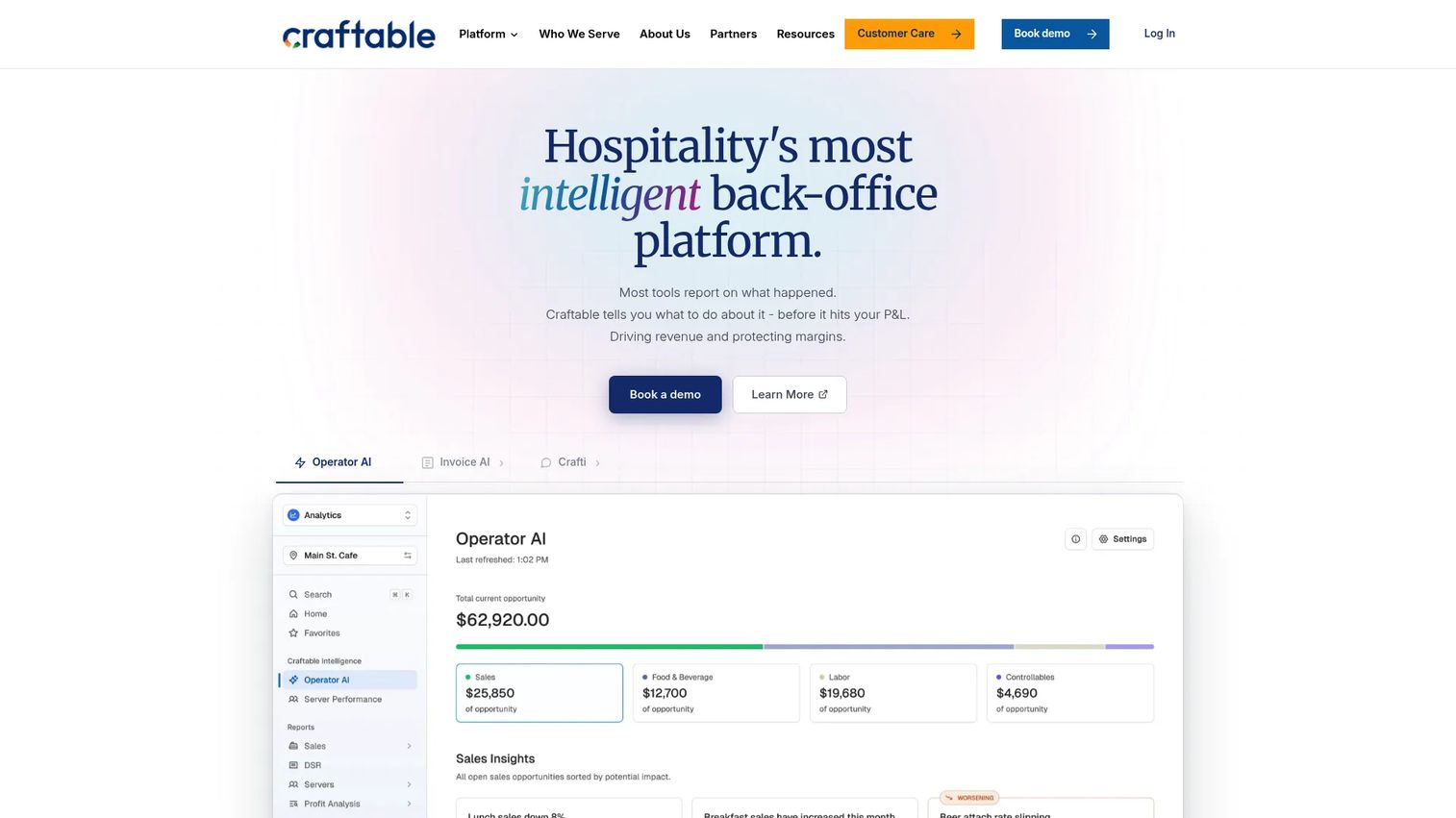
Craftable is hospitality back office software for restaurants, hotels, resorts, bars, and entertainment venues. It brings purchasing, inventory, accounts payable, recipe management, and financial reporting into a connected operating layer.
Its strongest use case is cost control behind the register. Operators can manage supplier orders, track inventory against recipes, process invoices, and review food or beverage performance. Live vendor pricing also supports current recipe costing.
This focus makes Craftable useful for growing hospitality groups that already have front of house systems. It can sit beside the POS and accounting stack rather than replace them.
Best for: Multi-location restaurant and hospitality groups that need purchasing, inventory, invoice, and margin reporting in one back office system.
Key features
- Inventory and recipe costing
- Purchasing and vendor management
- Invoice and AP automation
- Food and beverage reporting
- POS and accounting connections
Why choose Craftable: Choose it when margin visibility matters more than replacing your restaurant POS software. The platform covers several finance and operations workflows that often remain split across spreadsheets, inboxes, and vendor portals.
A useful evaluation should follow one invoice from receipt through approval and accounting sync. Then test whether a manager can connect the cost movement to recipe profitability and location performance.
Craftable pricing: Custom pricing. The quote will reflect the locations, modules, users, and implementation scope included.
G2 rating: 4.4/5.
2. MarginEdge
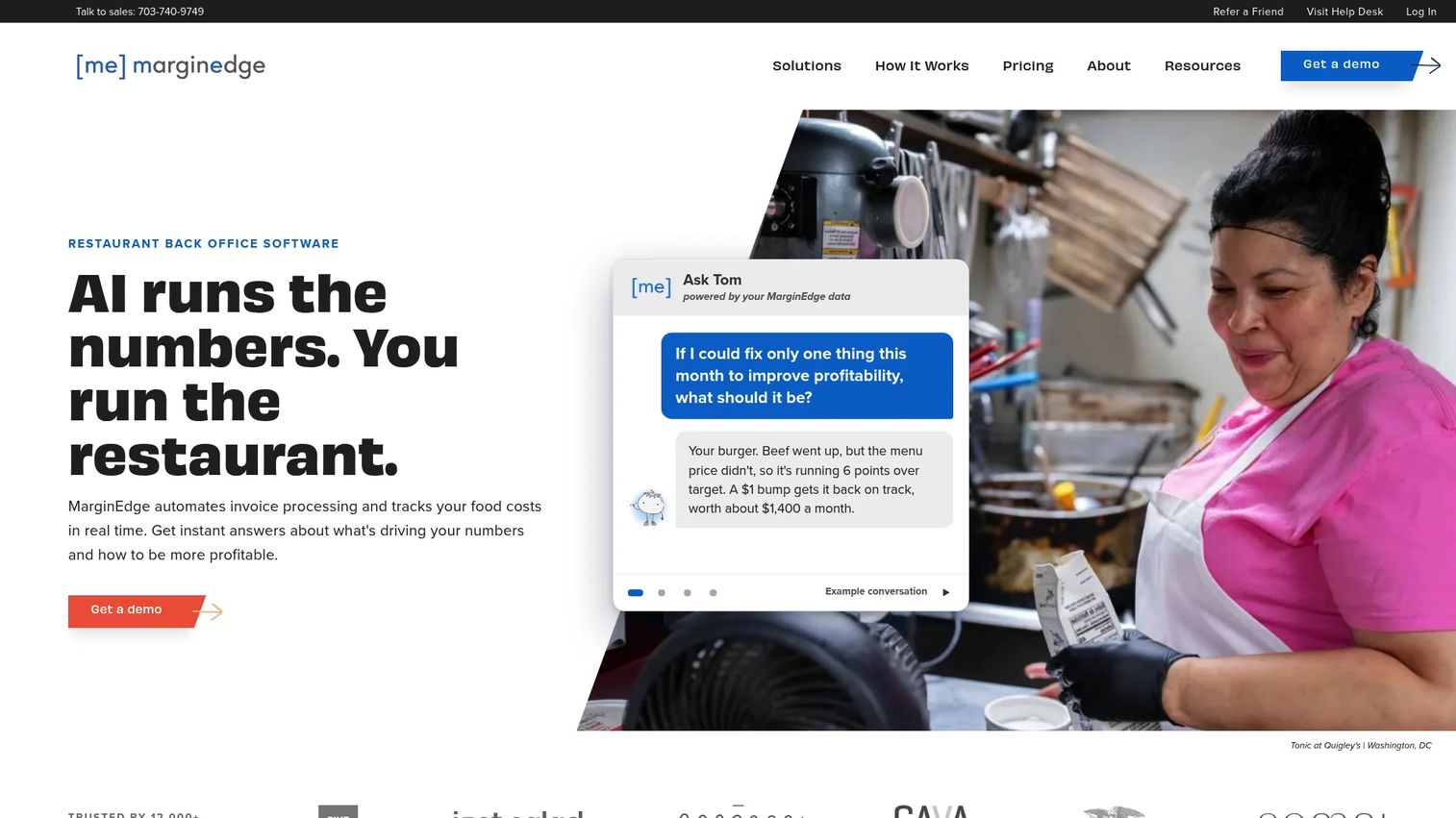
MarginEdge is restaurant back office software focused on invoice processing, inventory, recipes, bill payment, and performance reporting. It’s designed to turn invoice level data into operating signals without forcing a POS replacement.
Restaurant finance teams can process supplier invoices, track ingredient price changes, and connect purchasing data with inventory counts. The platform also supports recipe costing, budgeting, labor reporting, and multi-location analysis.
Its pricing includes unlimited invoice processing, unlimited United States bill payments, support, and training. That flat structure makes the cost easier to model across each participating location.
Best for: Restaurants that need invoice level cost visibility while keeping their existing POS.
Key features
- Automated invoice processing
- Recipe and menu costing
- Inventory count workflows
- Vendor bill payments
- Daily cost reporting
Why choose MarginEdge: It fits teams that want cleaner COGS data and faster visibility into controllable restaurant costs. Finance gets structured invoice information, while operators gain cost signals they can use during the period.
Run the buying test with recent supplier invoices and a menu item affected by price movement. Confirm how quickly the system reflects that change in recipe or margin reporting.
MarginEdge pricing: The standard plan costs $350 monthly per location. MarginEdge with Freepour costs $500 monthly per location, with a 10% discount for annual billing.
G2 rating: 4.6/5.
3. Marketman
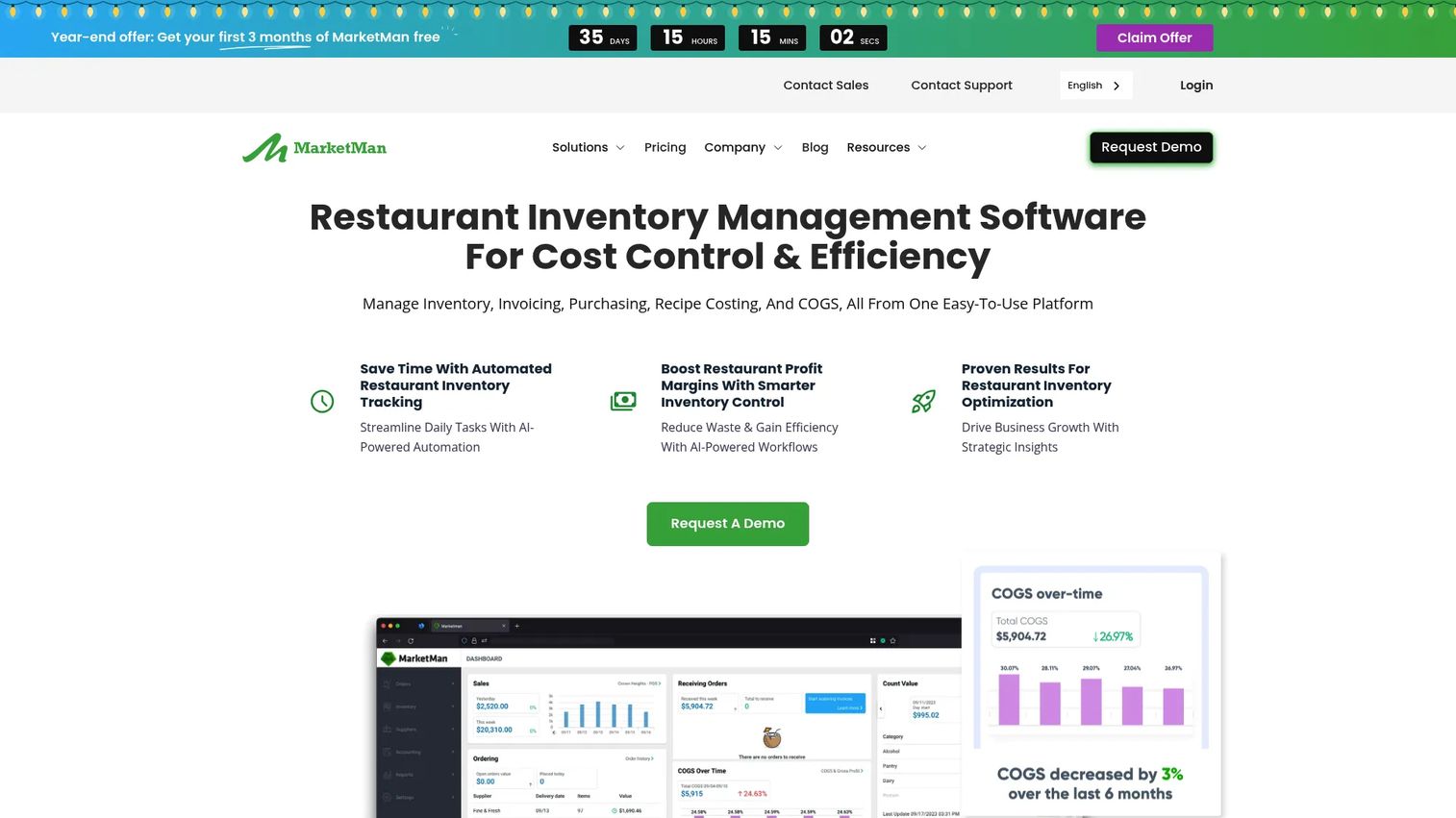
Marketman combines restaurant inventory software with purchasing, invoicing, recipe costing, and profitability reporting. It gives restaurant groups a structured way to manage products from supplier order through kitchen use.
The platform supports purchase orders, receiving, vendor management, accounts payable, and invoice scanning. Recipe tools connect ingredient costs with menu profitability, while smart ordering helps teams plan stock requirements.
Marketman makes the most sense when inventory accuracy and supplier control drive the business case. It can also serve groups that need consistent purchasing rules across locations.
Best for: Food service teams that need tighter purchasing control and more accurate inventory data.
Key features
- Inventory and COGS tracking
- Purchase order management
- Vendor catalog management
- Recipe profitability analysis
- POS and accounting connections
Why choose Marketman: Pick it when purchasing and stock movement are the operating bottlenecks. Its scope covers more of the inventory lifecycle than a basic count application.
Test the product using one delivery cycle. Create a purchase order, receive the goods, capture the invoice, and compare the result with recipe or variance reporting.
Marketman pricing: Starter costs $249 monthly, while Growth costs $299 monthly. Enterprise starts at $449 and adds broader reporting, supplier connections, and API access.
G2 rating: 4.3/5.
4. Toast POS
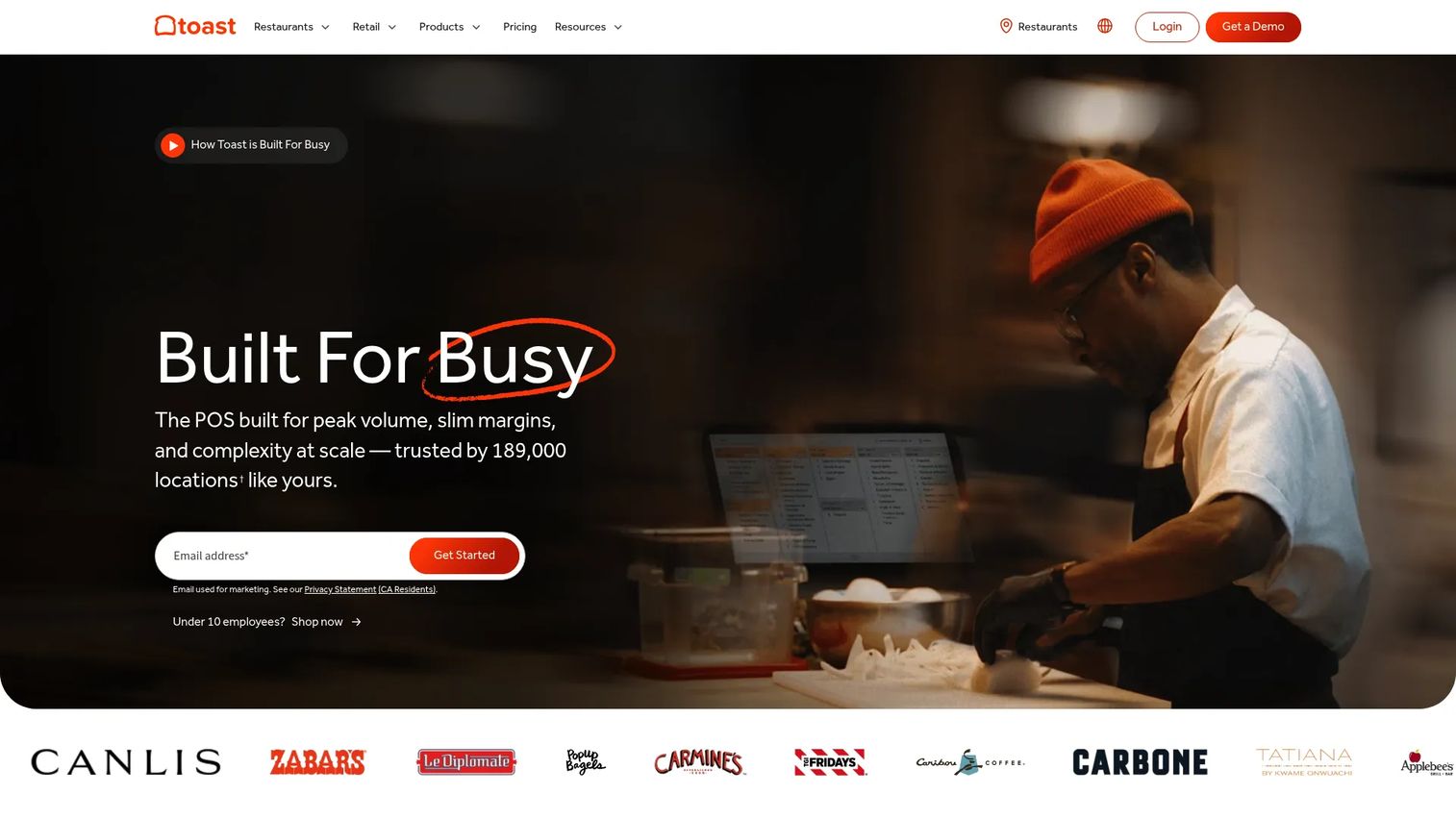
Toast POS is a cloud restaurant POS software platform covering ordering, payments, menus, and kitchen operations. Its broader product set also includes online ordering, delivery, inventory, payroll, scheduling, loyalty, and guest management.
Toast works best when the POS becomes the operational center of gravity. Front of house orders can flow into kitchen displays and reporting without relying on disconnected transaction systems.
The platform includes hardware, software, payment processing, and optional modules. Buyers should model the complete operating cost rather than compare subscription prices alone.
Best for: Restaurants that want POS, ordering, payments, and management tools built around one transaction system.
Key features
- Cloud restaurant POS
- Online ordering and delivery
- Payment processing
- Kitchen display systems
- Scheduling and payroll tools
Why choose Toast POS: Choose it when replacing or standardizing the POS is the first priority. It covers front of house and back of house workflows around the transaction record.
During evaluation, price the hardware, processing terms, optional products, and each location’s rollout. Run a typical service period through the product, including order changes and kitchen routing.
Toast POS pricing: Starter Kit starts at $0 monthly, while Point of Sale starts at $69 monthly. Payroll starts at $69 monthly plus $9 per employee.
G2 rating: 4.2/5.
5. Lightspeed Restaurant
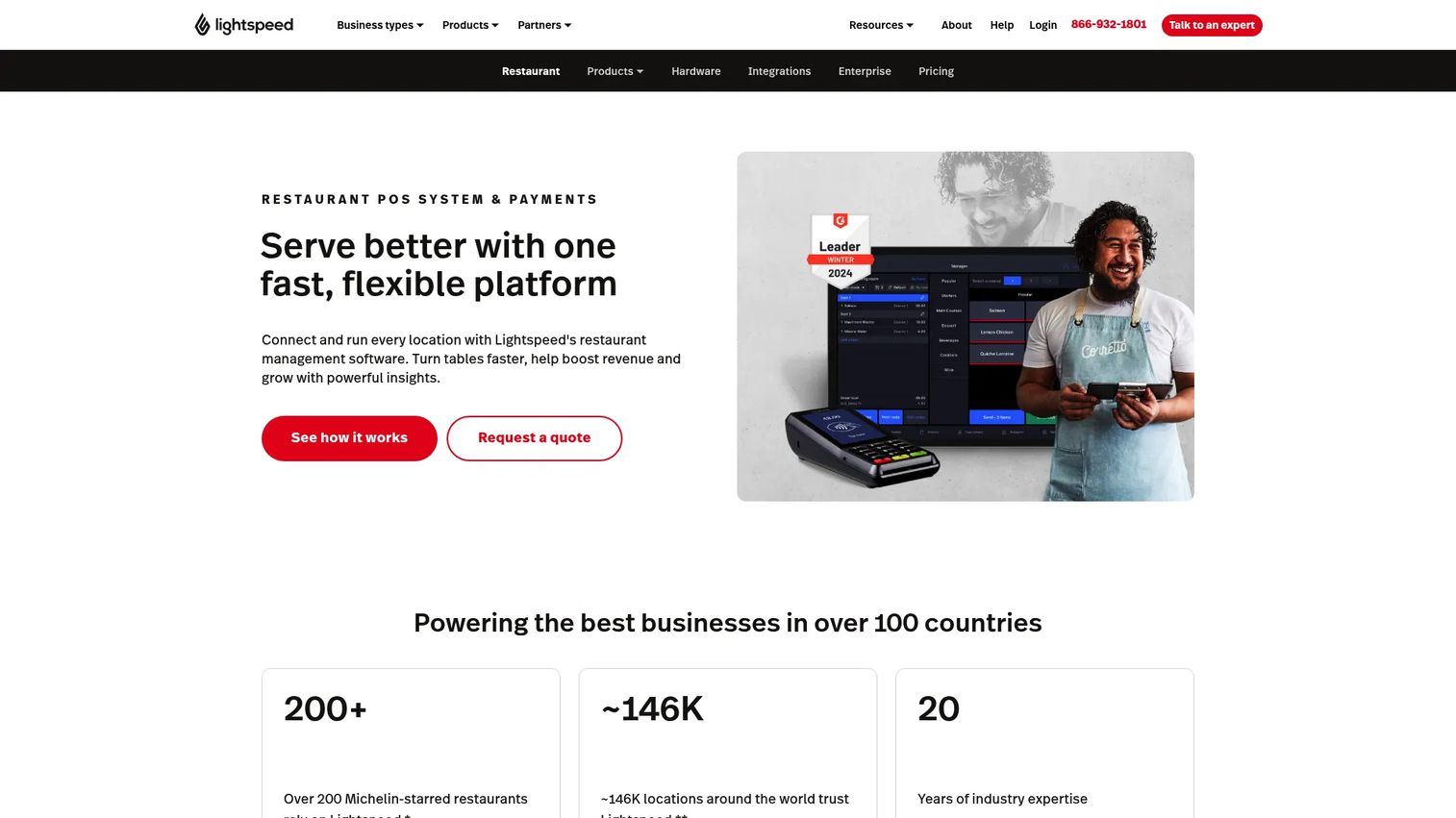
Lightspeed Restaurant is a cloud POS for restaurants that combines menu management, payments, ordering, inventory, and reporting. It supports table service, contactless ordering, kitchen displays, and multiple locations.
The platform suits operators who want a POS foundation with room to expand. Its integration marketplace and reporting capabilities can support a broader hospitality stack as the business grows.
Lightspeed also provides floor plan management and offline operation. These capabilities matter for restaurants where table flow and service continuity influence revenue.
Best for: Restaurants that want flexible POS, reporting, and integration options across growing operations.
Key features
- Customizable restaurant POS
- Floor and table management
- Advanced inventory tools
- QR and online ordering
- Multi-location reporting
Why choose Lightspeed Restaurant: It fits operators who need more than transaction processing from their POS. Inventory, guest workflows, and location reporting add operational depth around the core system.
Test the reporting against the metrics used in owner meetings. Also check which inventory features are native and which require another product or connection.
Lightspeed Restaurant pricing: Starter costs $69 monthly, Essential costs $189, and Premium costs $399. Enterprise uses custom pricing.
G2 rating: 4.3/5.
6. Jolt
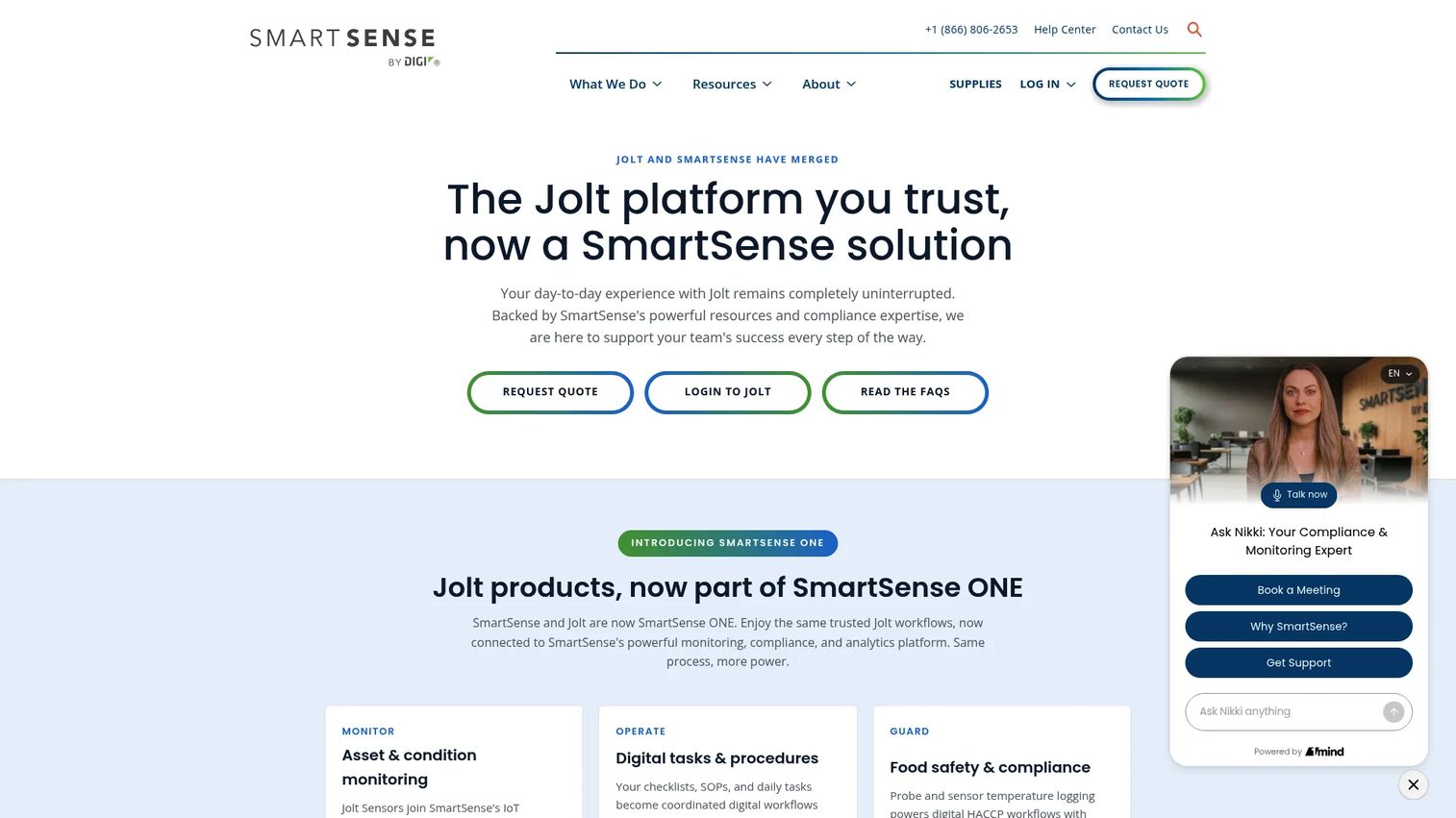
Jolt is restaurant operations software for digital checklists, food safety tasks, employee scheduling, and team accountability. The product is now part of SmartSense ONE.
Managers can assign recurring work, capture completion records, and monitor operating standards across locations. Food safety capabilities include temperature logging, alerts, sensors, and corrective workflows.
Jolt also supports cloud based food labeling and centralized label management. These capabilities help franchises and multi-site operators standardize daily execution without asking each manager to create a local process.
Best for: Operators that need location teams to complete checklists, food safety tasks, and daily operating procedures.
Key features
- Digital operating checklists
- Food temperature logging
- Task and performance tracking
- Cloud based food labeling
- Scheduling and team communication
Why choose Jolt: Choose it when the operating gap sits between documented procedures and shift level execution. It supports accountability across food safety, staffing, and recurring location work.
A useful pilot should cover one opening checklist and a temperature exception. Review whether managers can see missed work quickly and document the corrective response.
Jolt pricing: Custom pricing. The quote will reflect locations, selected capabilities, users, and rollout requirements.
G2 rating: 4.4/5.
7. FoodDocs
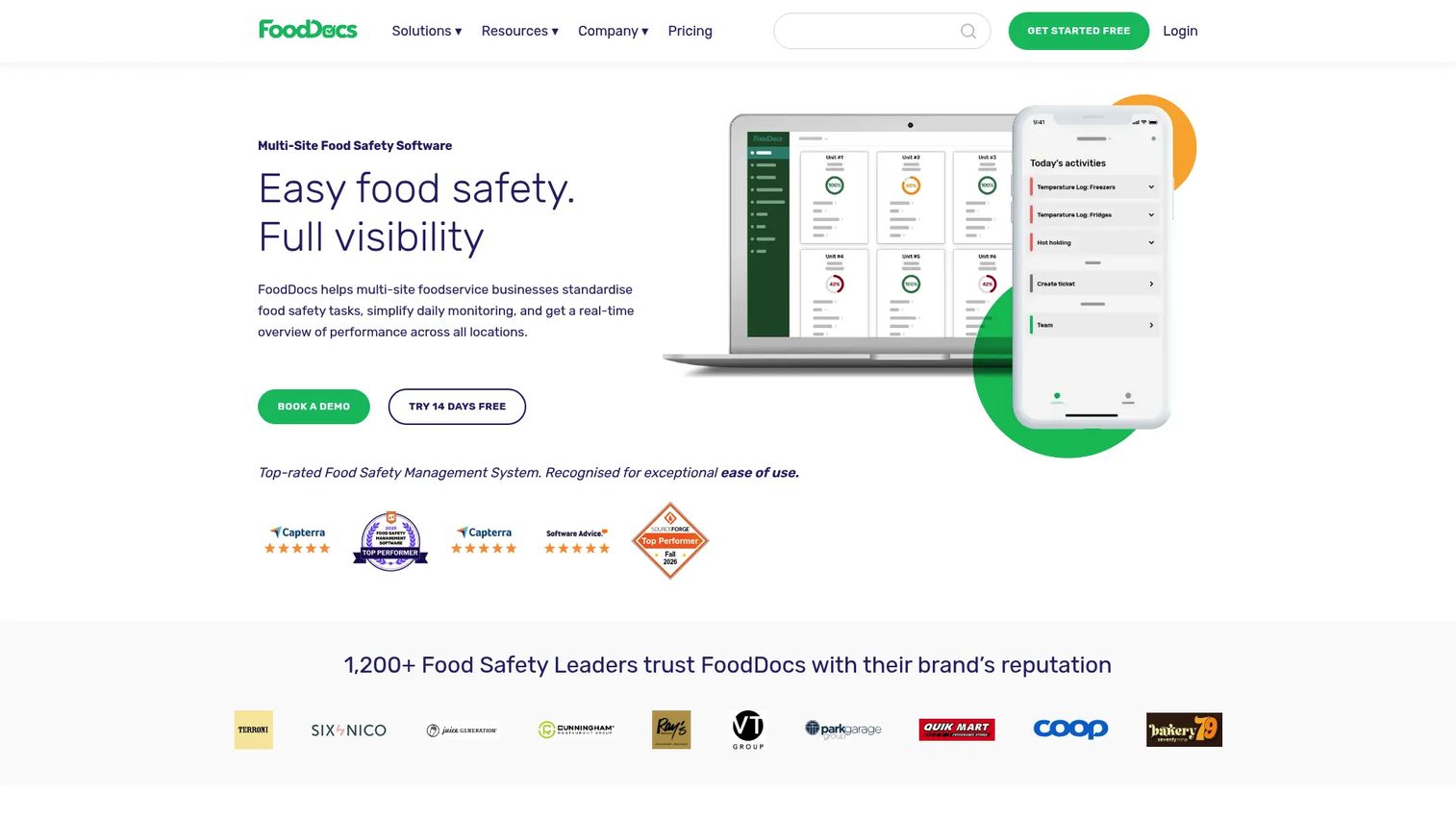
FoodDocs is food safety software for digital monitoring, HACCP planning, traceability, and compliance documentation. It serves hospitality, retail, healthcare, and central kitchen operations.
The platform can create HACCP plans with related standard operating procedures and flow charts. Teams can then run monitoring tasks, record corrective actions, and review compliance status across sites.
Traceability features support batch monitoring and recall data. This makes FoodDocs more specialized than broad restaurant management software that treats food safety as a checklist add-on.
Best for: Food businesses that need digital food safety systems and audit ready documentation.
Key features
- HACCP plan builder
- Food safety monitoring
- Corrective action workflows
- Traceability and batch records
- Compliance status reporting
Why choose FoodDocs: Pick it when food safety documentation and monitoring carry the business case. Its focus suits operators that need structured HACCP workflows rather than POS, payroll, or purchasing software.
Use a trial to rebuild one live safety process. Check task assignment, evidence capture, exception handling, and the final record an auditor or quality leader would review.
FoodDocs pricing: Lite starts at $99 per site monthly, or $79 with annual billing. A 14 day trial is available, and all plans include unlimited users.
8. Push Operations
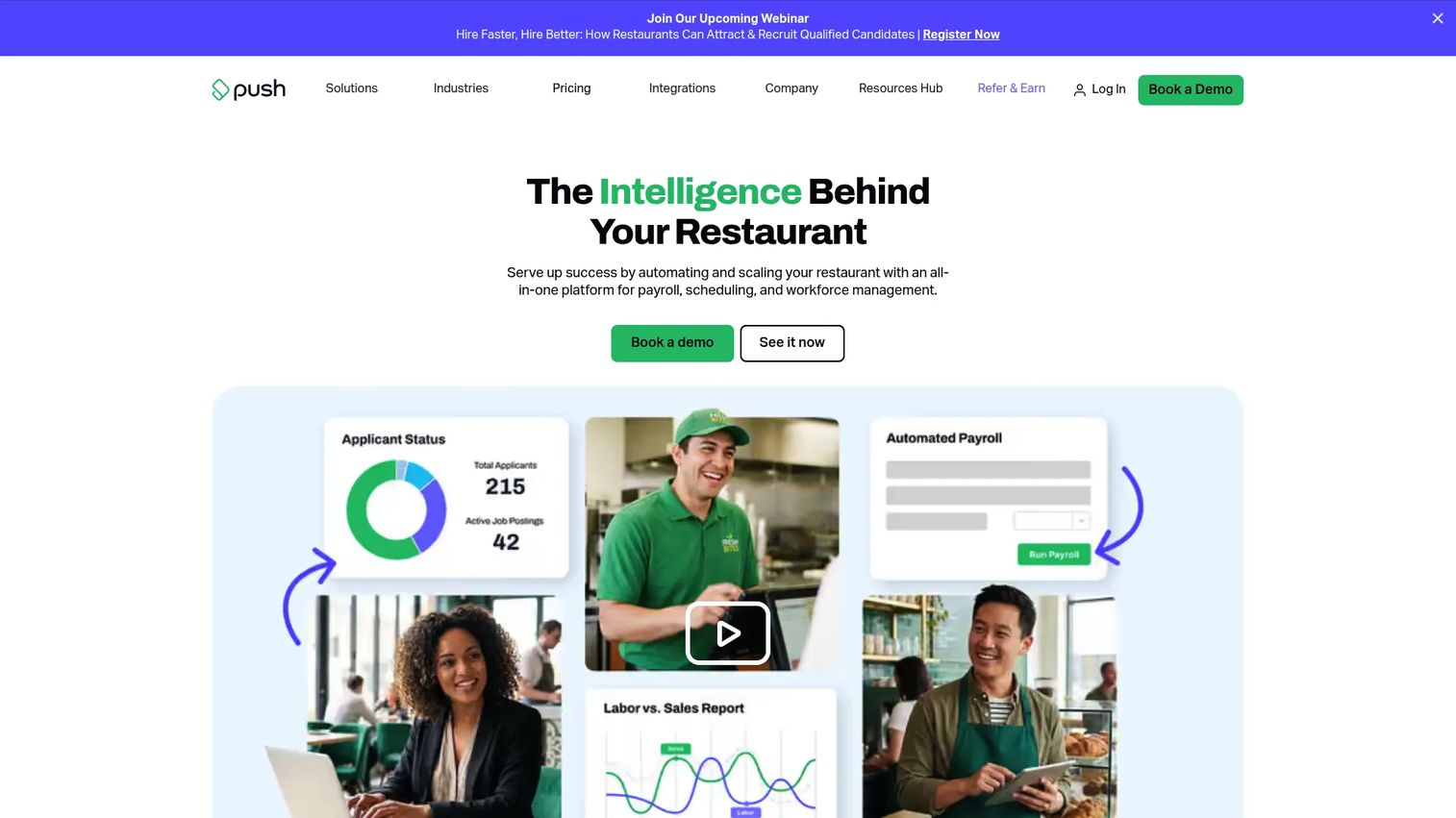
Push Operations is labor focused food service management software for payroll, scheduling, hiring, attendance, and HR. It connects workforce planning with the employee data used for payment and reporting.
The platform helps restaurants build schedules, track time, onboard employees, and process payroll. Reporting and business intelligence features give operators visibility into labor performance.
This scope can reduce handoffs between restaurant employee scheduling software and payroll systems. The value grows when managers otherwise reenter employee or time data across several tools.
Best for: Restaurants that need workforce management connected with payroll and labor cost control.
Key features
- Employee scheduling
- Time and attendance tracking
- Payroll processing
- Digital employee onboarding
- Labor reporting
Why choose Push Operations: Choose it when labor administration is spread across scheduling, timekeeping, payroll, and HR products. A connected employee record can remove repeated data entry and simplify management.
Pilot the platform through one pay cycle. Confirm how schedule changes reach timekeeping, how exceptions get approved, and what labor data managers see during the week.
Push Operations pricing: Plans start at $30 monthly for five employees. Accounts with more than 50 employees can request a quote.
G2 rating: 4.4/5.
9. MakeShift
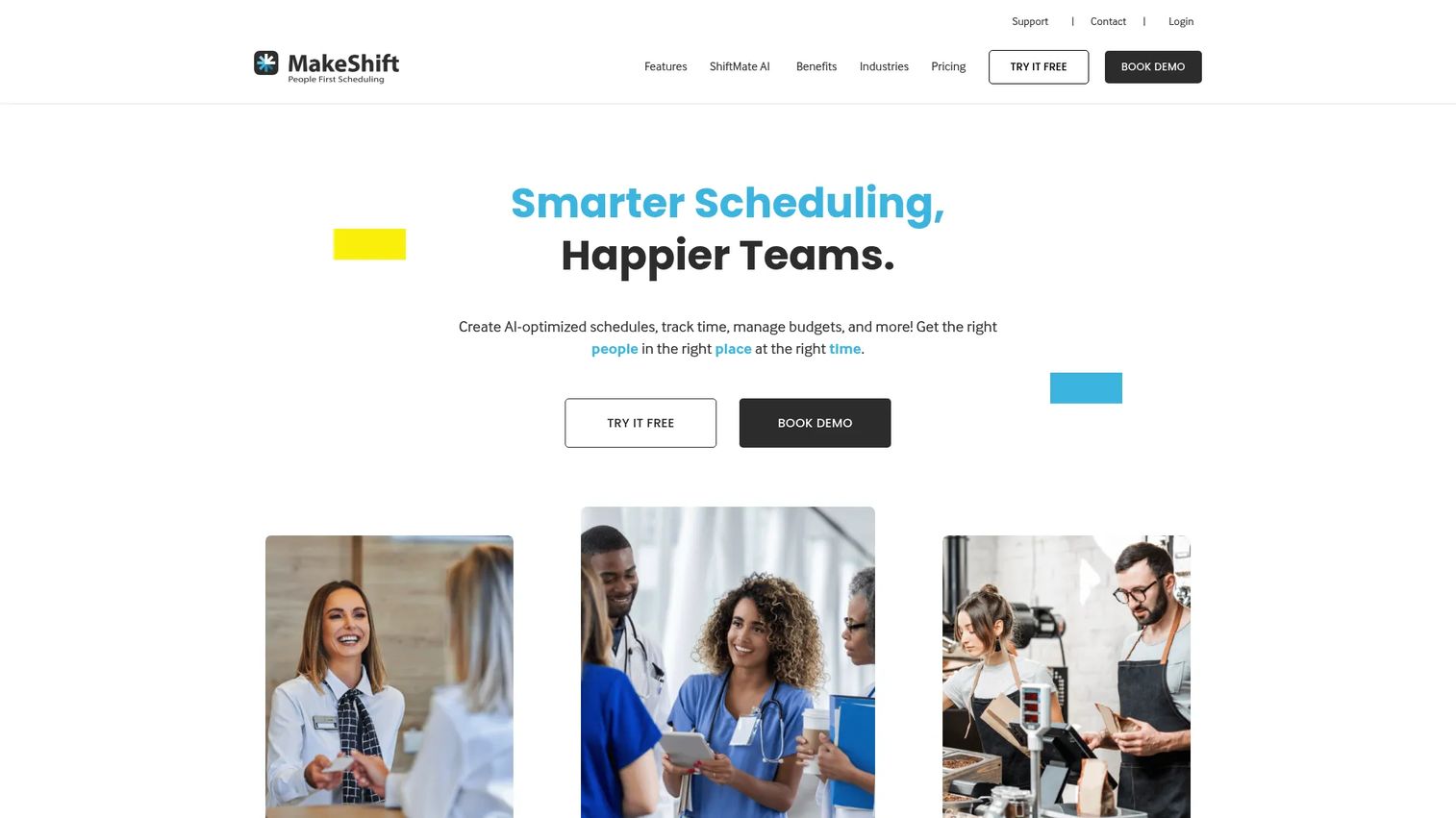
MakeShift is workforce management software for scheduling, time and attendance, labor budgets, and employee communication. It serves shift based teams across hospitality and several adjacent industries.
Managers can build schedules around availability, skills, demand, and operating rules. Employees can exchange shifts, submit time off requests, and access schedules through self service workflows.
Time tracking supports geofencing and photo punches. Labor budgeting tools help leaders review overtime and pay rules before the final payroll export.
Best for: Food service teams that need cleaner scheduling and fewer manager hours lost to shift changes.
Key features
- Automated shift scheduling
- Employee availability management
- Shift exchange workflows
- Time and attendance tracking
- Labor budget controls
Why choose MakeShift: It fits teams that need a focused scheduling layer without buying broad restaurant back office software. The employee workflow can reduce manager involvement in routine availability and coverage changes.
During a trial, build one high demand week using your labor rules. Then test a shift exchange, callout, time punch, and payroll handoff.
MakeShift pricing: Core costs $3.75 per employee monthly. Time and Attendance costs $2 per employee monthly, while Advanced and Elite use custom pricing.
G2 rating: 4.3/5.
10. ChefMod
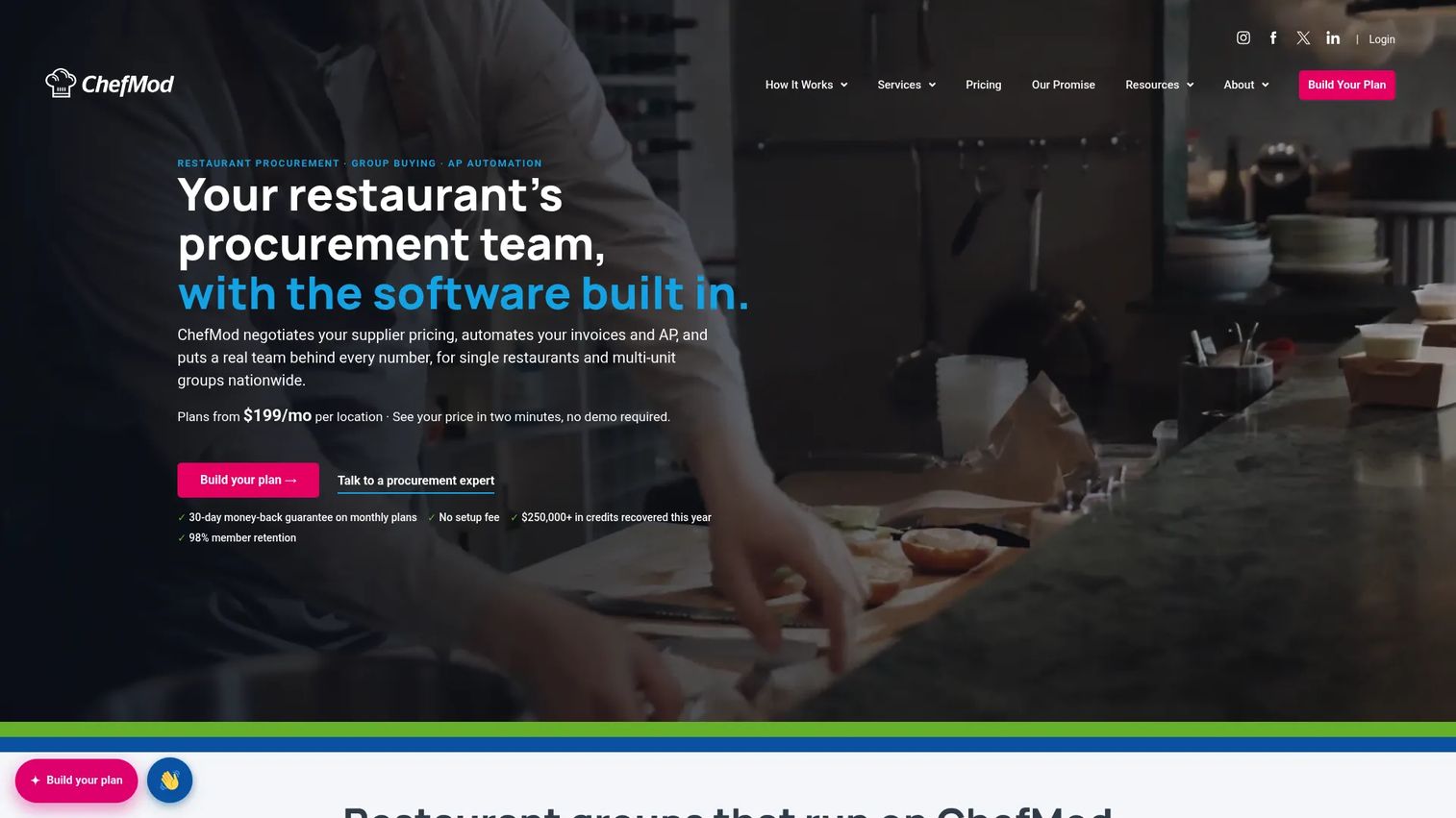
ChefMod is a managed restaurant purchasing software platform for procurement, invoice processing, inventory, and recipe costing. It combines software with supplier programs and procurement support.
The supplier marketplace provides ordering access and negotiated group pricing. Its Control plan adds accounts payable automation, invoice capture, approvals, accounting sync, and spend reporting.
ChefMod’s Guided package adds a dedicated procurement partner. This makes the product relevant for operators who want software plus support with sourcing and supplier negotiations.
Best for: Food service teams that want tighter purchasing and inventory control from a back office platform.
Key features
- Supplier marketplace ordering
- Accounts payable automation
- Inventory management
- Recipe costing tools
- Spend and procurement reporting
Why choose ChefMod: Choose it when procurement complexity requires more than purchase order software. The managed service element can support independent and multi-location groups without a large internal procurement function.
Test supplier coverage before committing. Use current invoices and product catalogs to evaluate savings visibility, ordering fit, and accounting workflows.
ChefMod pricing: Network starts at $199 monthly per location, while Control starts at $299. Guided uses custom pricing and requires Control.
G2 rating: 4.0/5.
11. Flipdish
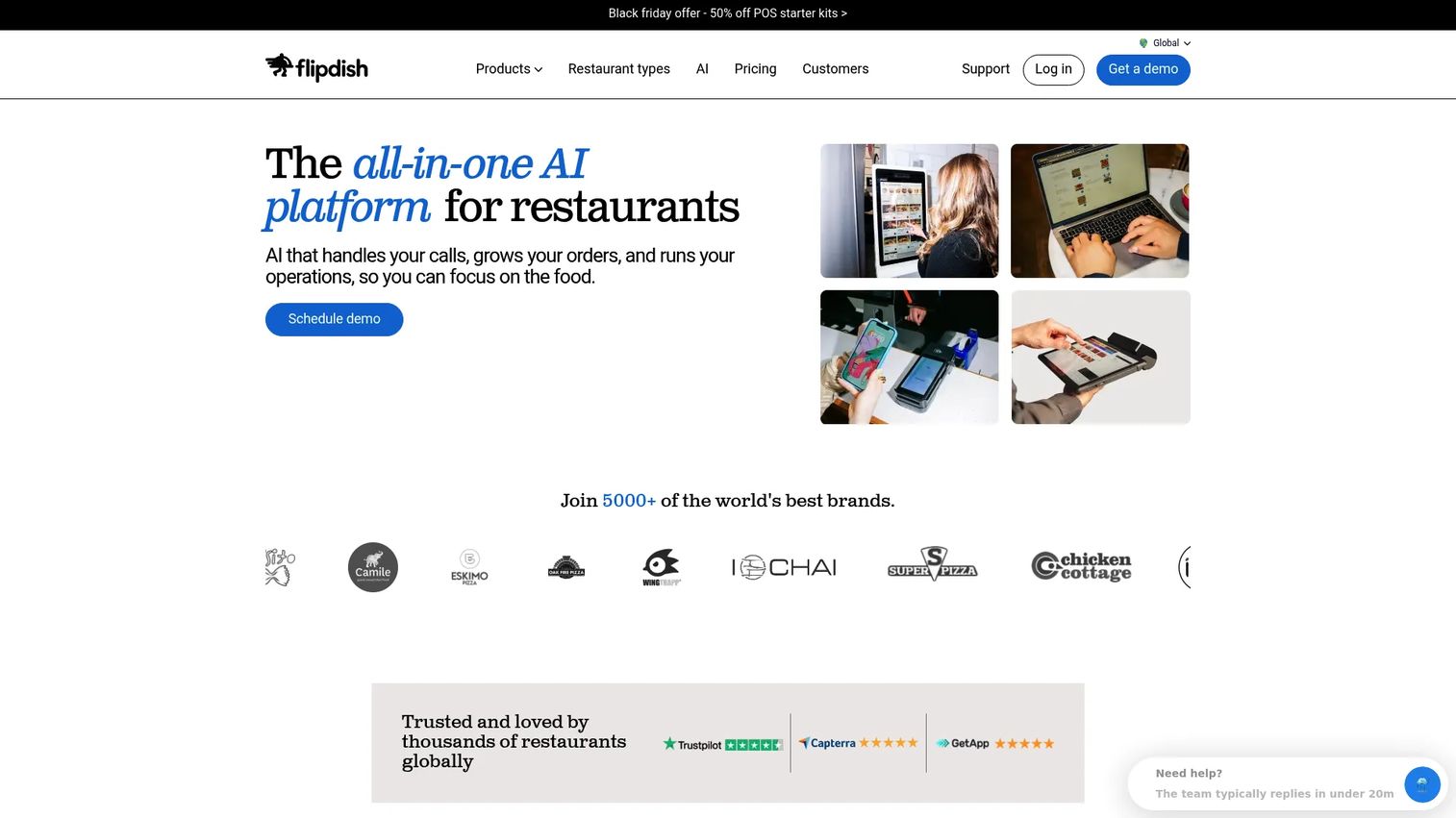
Flipdish is a restaurant commerce platform covering online ordering, branded websites, mobile apps, kiosks, payments, and marketing. It also offers POS and centralized menu management.
The product suits restaurants building direct ordering channels around their brand. Operators can manage digital menus, customer ordering, payments, and location reporting from the platform.
Flipdish also includes marketing and loyalty tools. Its focus differs from food cost control software because it concentrates on customer transactions and digital demand.
Best for: Restaurants that need branded ordering and digital commerce around their food service operation.
Key features
- Online restaurant ordering
- Branded websites and apps
- Self service kiosks
- Integrated payment tools
- Centralized menu management
Why choose Flipdish: Pick it when direct ordering is the operating priority. It can support digital revenue channels without positioning inventory or cost accounting as the main buying reason.
Model the economics using order volume, payment charges, implementation costs, and add-ons. Test menu updates across the channels you plan to launch.
Flipdish pricing: Self Service Kiosk starts at $79 monthly with annual billing. Website starts at $119, while Website and Mobile App starts at $199.
G2 rating: 3.2/5.
12. Petpooja
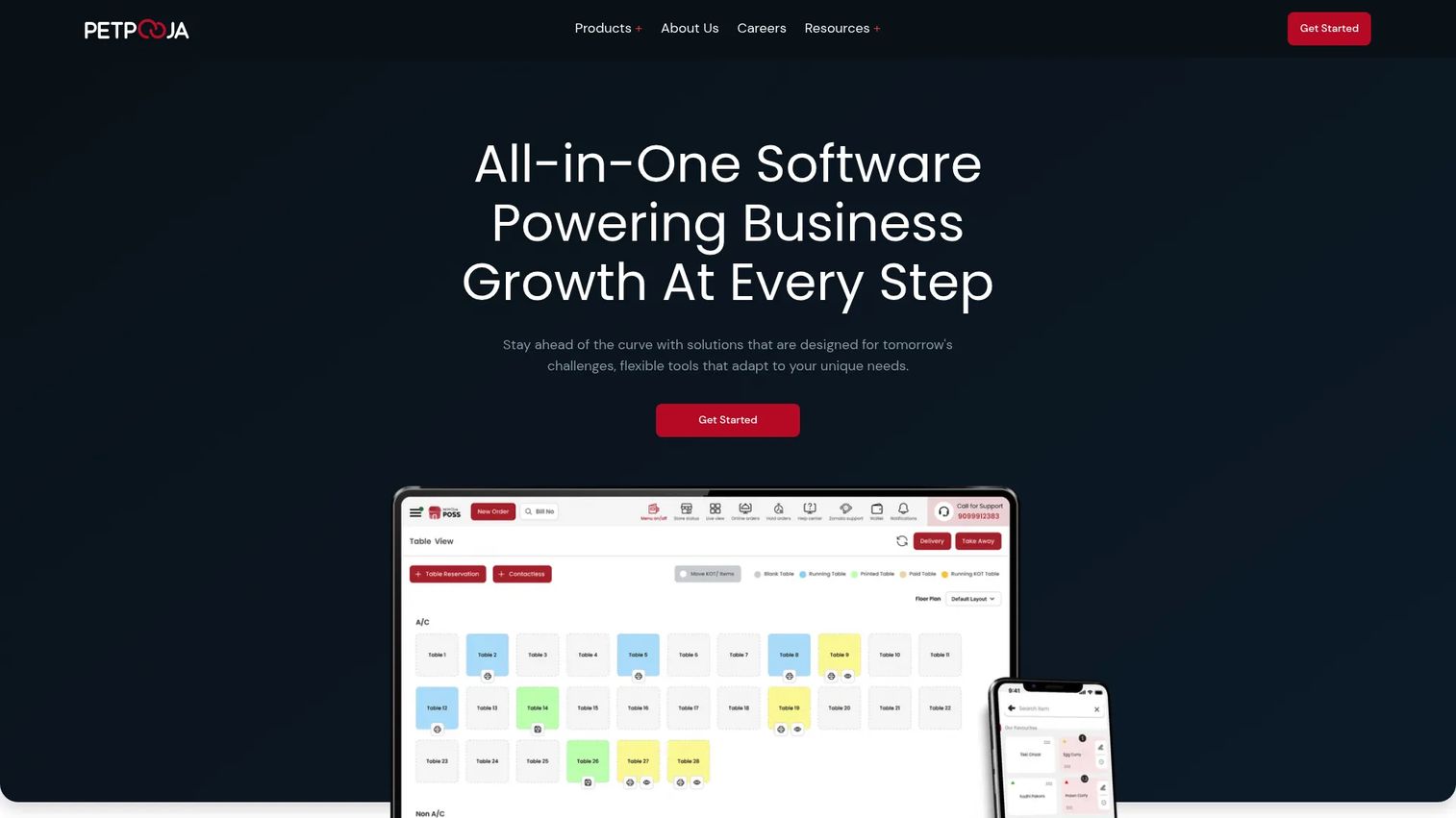
Petpooja is restaurant management software for POS billing, inventory, menus, ordering, CRM, and reporting. It offers outlet workflows designed around restaurant operations and regional market requirements.
The product includes cloud billing, stock tracking, recipe management, and more than 80 reports. It also supports kitchen order tickets, QR ordering, and third party connections.
Petpooja is most relevant where its local operating model and support coverage match the buyer’s geography. Regional fit deserves the same scrutiny as product capability.
Best for: Restaurants that need POS centered operations with strong regional support and localized workflows.
Key features
- Cloud restaurant POS
- Inventory and low stock tracking
- Menu and recipe management
- Outlet reporting
- Ordering connections
Why choose Petpooja: Choose it when localized restaurant workflows and regional support carry significant weight. Its breadth can cover billing, inventory, kitchen operations, and customer records.
Ask the vendor to demonstrate tax handling, payment support, local integrations, and service availability for your operating region. These details matter more than a long feature list.
Petpooja pricing: Custom pricing across Basic, Growth, and Scale plans. The quote will reflect plan level, outlets, modules, and regional packaging.
G2 rating: 4.7/5.
13. FreshCheq
FreshCheq digitizes food safety inspections, temperature logs, checklists, audits, and corrective actions. It’s built for restaurants and multi-location food service operations.
Teams can configure operating checks, capture temperature readings, and document exceptions with photos. Reporting gives quality and operations leaders visibility into completion across sites.
FreshCheq also supports food waste, inventory, preparation logs, and offline work. Records upload after connectivity returns, which helps teams operating in kitchens with inconsistent network access.
Best for: Food service teams that need cleaner inspection workflows and evidence of task completion.
Key features
- Digital food safety inspections
- Bluetooth temperature logs
- Custom operating checklists
- Corrective action records
- Compliance reporting dashboards
Why choose FreshCheq: Pick it when inspection evidence and corrective follow through matter more than broad restaurant management coverage. It provides a focused food safety software layer for daily execution.
Build a pilot around one critical checklist. Trigger an exception, assign the response, attach evidence, and review the record from a central dashboard.
FreshCheq pricing: Monthly service costs $60, while the annual plan costs $629. Operators with ten or more locations need a quote.
14. MenuSano
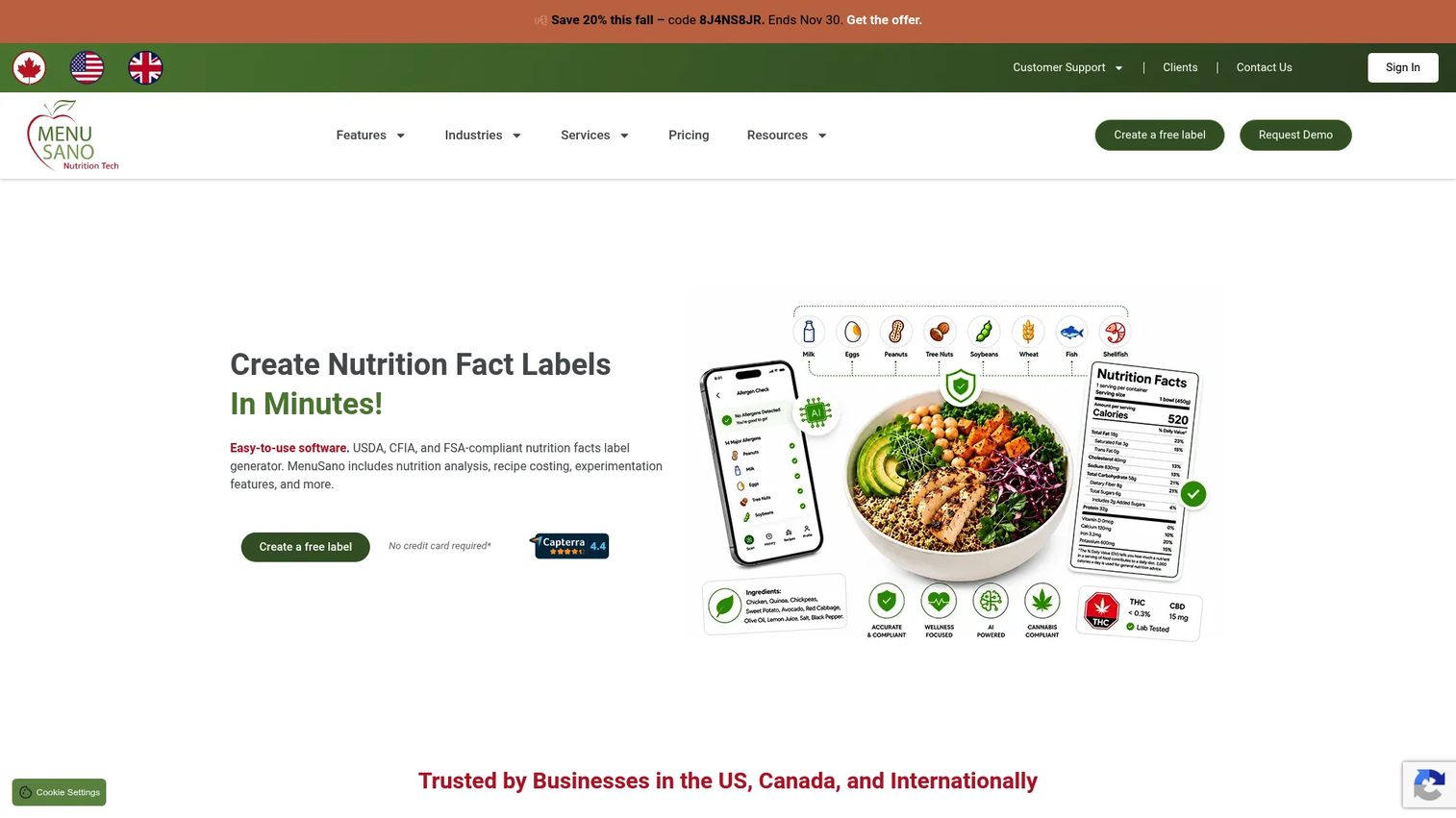
MenuSano is cloud based menu costing software for nutrition analysis, recipe development, allergen tracking, and label creation. It serves restaurants, food manufacturers, healthcare organizations, and other food businesses.
The system analyzes recipes and generates nutrition, supplement, or ingredient labels. Teams can experiment with recipe changes and review the impact on nutritional values or costs.
Automatic allergen detection supports menu data workflows. Multi-country label formats help businesses preparing products or menus for different markets.
Best for: Food teams that need accurate nutrition, allergen, recipe cost, and menu labeling data.
Key features
- Recipe nutrition analysis
- Menu costing tools
- Automatic allergen detection
- Nutrition label creation
- Multi-country label exports
Why choose MenuSano: Choose it when recipe management software must produce nutrition and labeling outputs. Its specialized scope suits menu teams more than operators seeking POS, scheduling, or procurement tools.
Test the product with a complete recipe that includes yield and portion information. Compare the generated output with your current nutrition and costing process.
MenuSano pricing: Starter costs CAD $29 monthly, Standard costs CAD $59, and Premium costs CAD $99. A trial is available without a credit card.
15. Caterease
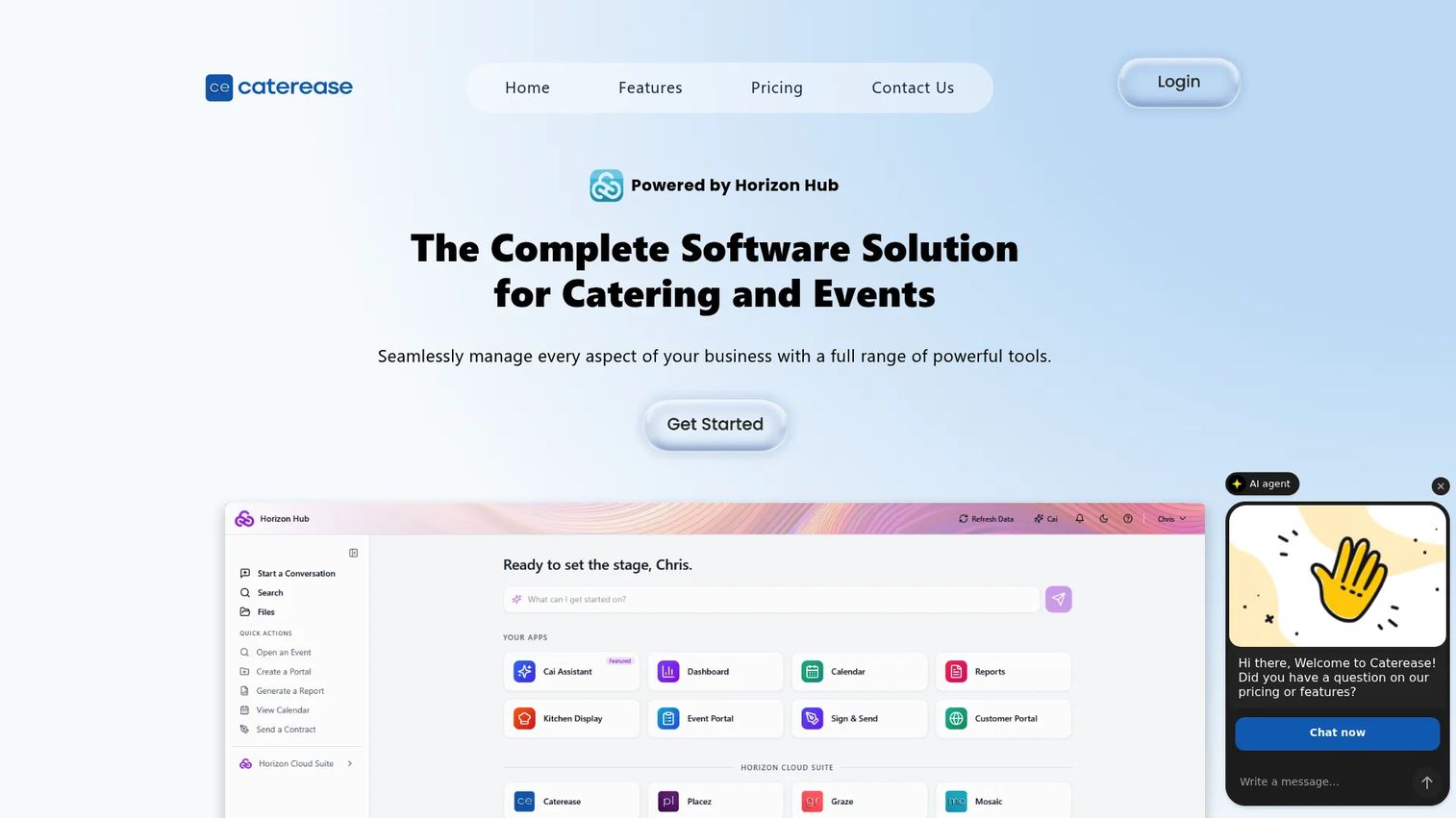
Caterease is catering and event management software for bookings, menus, staffing, payments, and client records. It serves caterers, venues, and event driven food service businesses.
The platform supports event booking, menu building, recipes, packing lists, and task management. Teams can also create proposals, manage customer information, and coordinate production details.
Catering workflows differ from ordinary restaurant transactions. Each order carries dates, guest counts, service details, staffing requirements, and production instructions.
Best for: Catering businesses that manage menus, events, orders, and customer details in one workflow.
Key features
- Catering event booking
- Dynamic menu planning
- Proposal and print tools
- Staffing and shift management
- Recipes and packing lists
Why choose Caterease: Pick it when event production is the core operating model. General restaurant POS software rarely covers booking details and production sheets with the same depth.
During evaluation, build one event from inquiry through payment and production. Confirm how changes reach kitchen staff, event teams, and customer documents.
Caterease pricing: Express costs $99 monthly, Standard costs $149, and Professional costs $199, all billed annually. Extra users cost $28 monthly, with a $200 launch fee per user.
G2 rating: 3.5/5.
16. Square for Restaurants
Square for Restaurants combines restaurant POS software with payments, order management, online ordering, and customer tools. It serves cafes, bars, food trucks, caterers, and restaurant groups.
The platform handles in-house orders, delivery partner orders, QR ordering, kitchen routing, and payment workflows. Table service capabilities include split checks and bar tab preauthorization.
Square also supports customer directories, loyalty, marketing, and multiple locations. Restaurant inventory tracking is available through a connected inventory product.
Best for: Small restaurants and cafes that want POS led setup with payment processing built in.
Key features
- Restaurant POS
- Integrated payment processing
- Menu and table management
- Kitchen display tools
- Online and QR ordering
Why choose Square for Restaurants: Choose it when the team wants a low subscription entry point and an integrated payments stack. The total cost still includes processing and optional products.
Run a cost model using your average ticket size and payment mix. Include kitchen hardware, online ordering, loyalty, and any additional location requirements.
Square for Restaurants pricing: Square Free costs $0 monthly, Plus costs $49, and Premium costs $149. Plus and Premium include 30 day trials, while payment processing and add-ons cost extra.
17. HotSchedules
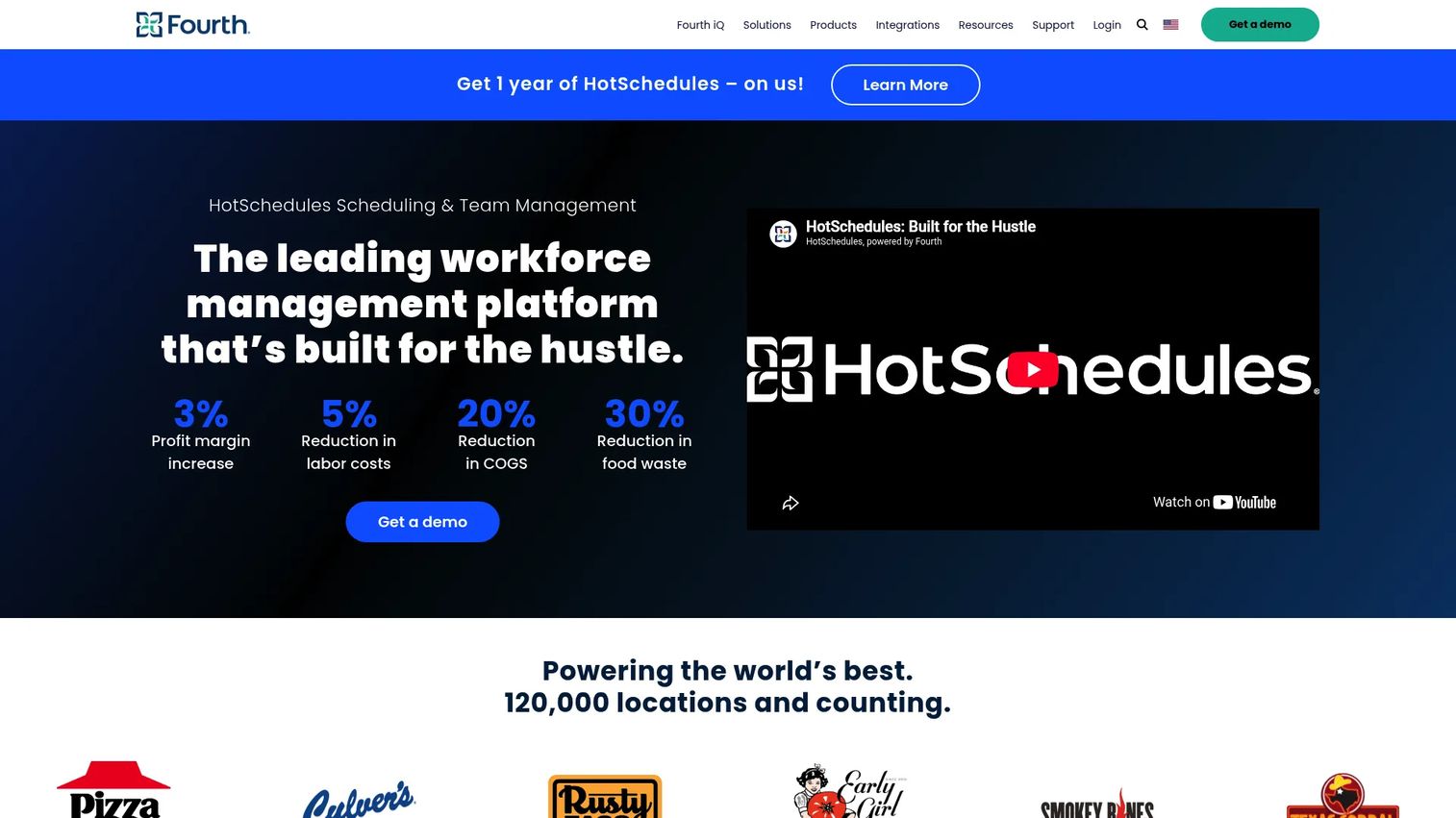
HotSchedules is restaurant employee scheduling software within Fourth’s workforce management offering. It covers scheduling, labor forecasting, shift changes, communication, payroll, HR, and compliance workflows.
Demand based scheduling uses sales and labor information to support staffing decisions. Employees can view schedules, exchange shifts, request time off, and communicate through mobile workflows.
Managers receive overtime alerts and labor reporting. POS connections can bring sales and labor data into the scheduling process.
Best for: Restaurant groups that need mature scheduling and labor management workflows.
Key features
- Employee scheduling
- Demand based labor forecasting
- Shift exchange workflows
- Team communication
- Labor and overtime reporting
Why choose HotSchedules: Pick it when scheduling discipline matters more than replacing POS or purchasing systems. Its workforce scope suits restaurant and hospitality groups with complex staffing patterns.
Evaluate the platform using a demand forecast and one complete schedule cycle. Test shift changes, overtime alerts, manager approvals, and the payroll handoff.
HotSchedules pricing: Custom pricing. The quote will reflect employee volume, locations, workforce modules, and implementation requirements.
G2 rating: 4.3/5.
Considerations when choosing food service management software
Start with the operating bottleneck
Don’t buy the broadest platform first. Match the category to the workflow causing measurable leakage.
Choose inventory and purchasing software when food cost is unclear. Prioritize POS when service throughput or order accuracy drives the business case. Start with food safety workflows when inspection risk dominates.
Check integration depth before signing
A logo on an integration page tells you little. Ask which records move, how often they sync, and what happens after an error.
Test invoices, sales data, labor hours, menu items, and inventory counts. Confirm which system owns each record after implementation.
Match pricing to rollout scope
Single location buyers can compare monthly costs directly. Multi-location operators must include implementation, hardware, training, support, payment processing, and per-location charges.
Commercial food management software may also require finance or IT involvement. Model the complete first year cost before approving the rollout.
Evaluate reporting by role
Store managers need daily exceptions. Finance needs invoices, food cost, and variance reporting. Executives need location comparisons with margin trends.
Ask each vendor to reproduce the reports used in your weekly operating meeting. Avoid buying another dashboard that still requires spreadsheet stitching.
Test the first week workflow
Ask what disappears during week one. Identify the first data import, manager workflow, and useful report.
A credible implementation plan should name the owner and first measurable output. First-week progress matters more than a six month promise.
Conclusion
Food service management software should connect daily work with margin visibility. The right shortlist starts with the operating job that needs control.
Craftable, MarginEdge, and Marketman fit back office cost control. ChefMod adds managed procurement to purchasing and invoice workflows.
Toast POS, Lightspeed Restaurant, and Square for Restaurants suit POS led teams. Flipdish focuses more directly on branded ordering and restaurant commerce.
Jolt, FoodDocs, and FreshCheq serve compliance heavy operations. Push Operations, MakeShift, and HotSchedules address scheduling or wider workforce management.
Caterease owns event driven catering workflows. MenuSano covers nutrition analysis, recipe costing, and menu labeling.
Pick the two workflows causing the most margin leakage. Shortlist products that own those processes, then run each vendor session with your operating data.
Bring a sample menu, recent invoices, one labor model, or a live compliance checklist. Make the vendor show what changes during the first week.
FAQs
Food service management software helps restaurants, cafeterias, hospitality groups, and institutional dining teams manage operational workflows. These can include POS, inventory, purchasing, labor, compliance, menu costing, and reporting.
The category includes broad restaurant management platforms and focused tools. Buyers should identify whether they need POS, back office control, workforce management, or food safety software first.
The best product depends on the restaurant’s operating bottleneck. Toast POS and Lightspeed Restaurant fit POS led operations, while Craftable and MarginEdge focus on back office cost control.
Jolt and FoodDocs suit compliance driven teams. Restaurant groups with labor complexity can compare Push Operations, MakeShift, and HotSchedules.
Entry prices in this comparison range from $0 monthly to several hundred dollars per location. Quote based products calculate cost using locations, users, modules, and implementation scope.
POS buyers should also include hardware and payment processing. Other costs may include training, support, add-ons, or launch fees.
Restaurant POS software handles transactions and front of house workflows such as ordering, payments, and table management. Food service management software is a wider category.
It can include inventory, vendor purchasing, labor scheduling, food safety, menu costing, and location reporting. Some POS platforms also cover several of these jobs.
Craftable, Marketman, MarginEdge, and ChefMod all address inventory and purchasing. Their strengths differ across the workflow.
Marketman focuses on stock and supplier controls. MarginEdge emphasizes invoice data and food costs. Craftable covers broader hospitality back office reporting, while ChefMod adds managed procurement.
FoodDocs, Jolt, and FreshCheq are the clearest food safety software options in this list. FoodDocs focuses on HACCP planning, traceability, and structured documentation.
Jolt connects food safety with broader daily operating tasks. FreshCheq centers on inspections, temperature logs, corrective actions, and audit visibility.
Push Operations, MakeShift, and HotSchedules cover labor scheduling software for restaurants. Push Operations connects scheduling with payroll and HR.
MakeShift offers focused shift planning with time and attendance. HotSchedules adds demand based forecasting, shift management, employee communication, and broader workforce capabilities.
Cafeterias often need meal plans, badge payments, kiosk ordering, nutrition visibility, and high volume throughput. Institutional reporting may also matter for schools, hospitals, universities, and corporate dining.
Restaurants often prioritize POS, table service, delivery, food costs, and labor control. Buyers should verify that the product supports their service model before comparing feature counts.