You can recover from a messy sales dashboard. A missed payroll lands differently.
Employees notice immediately. Finance gets pulled into bank records. Founders end up approving emergency payments instead of running the company.
That risk makes direct deposit payroll software operational infrastructure rather than an employee convenience. Your platform must calculate wages, collect funding, submit payments, and maintain records without relying on one person’s memory.
Direct deposit now covers most American workers. Nacha and PayrollOrg reported that 92.7% of U.S. workers received wages through direct deposit in 2025.
The underlying decision goes beyond whether a platform supports payroll direct deposit. You need to understand funding deadlines, tax responsibilities, contractor coverage, and the process for correcting payment errors.
Payroll week should survive delegation. The right system gives your finance or People lead clear ownership while keeping cash timing visible.
What’s inside
This guide compares payroll software with direct deposit for SaaS founders, finance teams, and People leaders. Each platform was assessed using four operational criteria:
- Direct deposit timing and employer funding rules
- Payroll tax calculation, filing, and remittance support
- Employee and contractor payment coverage
- Pricing, integrations, reporting, and administrative handoff
Pricing comes from vendor pricing pages. G2 ratings reflect the available listings supplied for this review.
The shortlist includes small business direct deposit payroll tools, broader workforce platforms, hourly payroll systems, and global payment providers. Use it to narrow your options before involving finance or HR in detailed evaluations.
TL;DR
- Best for small businesses: Patriot Payroll offers a low starting price, while OnPay combines payroll with optional HR tools
- Best for accounting native payroll: QuickBooks Payroll connects payroll processing with QuickBooks accounting
- Best for startup payroll and HR: Gusto combines payroll, benefits, onboarding, and employee tools
- Best for larger workforces: Paycom and Paylocity connect payroll with broader workforce operations
- Best for global teams: Deel Payroll supports employees and contractors across multiple countries
- Best direct deposit services for small business with hourly teams: Homebase and Square Payroll connect payroll with time data
What is direct deposit payroll software?
Direct deposit payroll software calculates payroll, withholds applicable taxes, and sends employee or contractor pay electronically to bank accounts.
A payroll platform typically starts with gross earnings. It applies deductions and withholdings before calculating net pay. The system then creates payment instructions and provides employees with pay records.
Direct deposit payroll services may also calculate employer taxes, file required returns, and remit tax payments. Those services vary by vendor and plan. Direct deposit alone does not mean every tax responsibility is covered.
The employee side commonly includes pay stubs, tax forms, bank account management, and an employee self-service payroll portal. Some systems also support split direct deposit, although availability depends on the provider.
Contractor direct deposit payroll follows a related workflow. However, contractor pricing, payment methods, and year-end forms can differ from W-2 payroll.
Payment timing is another key distinction. Providers may offer same-day, next-day, two-day, four-day, or standard processing windows. Eligibility can depend on account history, plan level, risk review, and bank cutoffs.
Employer funding deserves equal attention. Some providers debit the company account before payday. Others impose payroll prefunding requirements or earlier submission deadlines. These rules affect cash planning.
Key features to look for
- Direct deposit timing options
- Automated payroll calculations
- Federal and state tax filing
- Employee self-service portal
- Contractor payment support
- Off-cycle payroll runs
- Accounting and HR integrations
- Payroll reports and audit trails
Good payroll software with tax filing should clarify what it handles at each jurisdiction. It should also show when money leaves your account.
Finally, assess payroll integrations. Accounting, HRIS, time tracking, benefits, scheduling, and banking connections reduce duplicate entry. They also make payroll easier to delegate as your company grows.
When to use direct deposit payroll software
Pay employees without paper checks
Use payroll with direct deposit when printing and distributing checks creates avoidable administration. Electronic payments remove routine printing and mailing work while giving employees access to digital pay stubs.
You still need a process for payment exceptions. Ask whether the platform supports manual checks or alternative payments when bank details fail.
Move payroll out of the founder’s head
Payroll should have a repeatable owner, approval process, and calendar. A platform gives finance or HR a defined workflow instead of relying on reminders and Slack messages.
The best handoff preserves founder visibility without requiring founder action every pay period. Look for approval controls, reports, and clear funding dates.
Support contractors and multi-state hiring
Remote hiring adds tax jurisdictions and worker classifications. Spreadsheet payroll becomes difficult to review once employees and contractors span several locations.
Choose a provider that matches your workforce. Some platforms focus on domestic payroll, while others handle international employees and contractor payments.
Direct deposit payroll software comparison
The 17 direct deposit providers below cover distinct operating models. Some focus on small employers. Others connect payroll with HR, workforce management, or global hiring.
Compare entry pricing first, then inspect what it includes. A low base fee loses its advantage if tax filing or required workforce modules increase the total.
| # | Product | Best for | Key differentiator | Pricing | G2 rating |
|---|---|---|---|---|---|
| 1 | Patriot Payroll | Cost conscious small businesses | Affordable payroll with optional full tax service | From $17 monthly plus $4 per worker | 4.8/5 |
| 2 | OnPay | Growing small businesses | Payroll with optional HR and time tools | $49 base plus $6 per worker monthly | 4.8/5 |
| 3 | QuickBooks Payroll | QuickBooks accounting users | Payroll and accounting in a connected workflow | From $50 plus $7 per employee monthly | 4.2/5 |
| 4 | Gusto | Startups adding HR operations | Payroll, benefits, onboarding, and HR tools | From $49 plus $6 per person monthly | 4.6/5 |
| 5 | RUN Powered by ADP | Small businesses wanting ADP support | Four payroll and HR packages | Custom pricing | 4.7/5 |
| 6 | Paychex Flex | Growing companies needing service depth | Payroll with HR and workforce management | Custom pricing | Not available |
| 7 | Paycom | Companies consolidating payroll and HCM | Employee self-service within one database | Custom pricing | 4.7/5 |
| 8 | Paylocity | Distributed growing teams | Payroll connected with HR, Finance, and IT | Custom pricing | 4.4/5 |
| 9 | Paycor | Small and midsize companies | Payroll tied to broader HCM functions | From $99 plus $5 per employee monthly | 4.0/5 |
| 10 | Rippling | SaaS teams connecting workforce operations | Modular HR, payroll, IT, and finance platform | From $8 per employee monthly | 4.7/5 |
| 11 | Deel Payroll | International employees and contractors | Multi-country payroll and local payment rails | Custom pricing | 4.7/5 |
| 12 | Justworks | Startups comparing payroll and PEO support | Payroll with benefits and compliance support | $50 base plus $8 per employee monthly | 4.6/5 |
| 13 | Homebase | Hourly workforces | Payroll connected with scheduling and time clocks | $49 base plus $6 per employee monthly | 4.6/5 |
| 14 | Square Payroll | Businesses using Square | Payroll connected with timecards and tips | From $6 per contractor monthly | 4.2/5 |
| 15 | TimeTrex | Attendance driven payroll | Payroll with scheduling and workforce records | Custom pricing | 4.2/5 |
| 16 | Payworks | Canadian employers | Canadian payroll and workforce management | Custom pricing | Not available |
| 17 | Roll by ADP | Small mobile first teams | Chat based payroll and HR assistance | $59 plus $7 per employee monthly | 4.6/5 |
The 17 best direct deposit payroll software tools
1. Patriot Payroll
Patriot Payroll provides online payroll for small businesses. Its two core plans separate payroll calculations from full tax filing, making the cost difference easy to understand.
Basic Payroll handles payroll calculations. Full Service Payroll adds federal, state, and local tax filings and deposits. Both plans support unlimited payroll runs, direct deposit, an employee portal, and contractor payments.
Best for: Small businesses that want affordable payroll with a clear choice between self-managed taxes and full service filing.
Key features
- Free direct deposit
- Unlimited payroll runs
- Employee and contractor payments
- Employee self-service portal
- Full service tax filings
Why choose Patriot Payroll
Choose Patriot when payroll remains a focused finance or operations function. It avoids the scope of a larger HCM platform while covering the core payday workflow.
The plan structure also helps founders see the cost of outsourcing tax work. Basic Payroll suits teams comfortable handling filings themselves. Full Service Payroll moves that responsibility into the platform.
Patriot Payroll pricing
Basic Payroll costs $17 monthly plus $4 per worker paid. Full Service Payroll costs $37 monthly plus $5 per worker paid.
A 30-day free trial is available, followed by a verified promotional discount for three months.
G2 rating: 4.8/5 for Patriot Software
2. OnPay
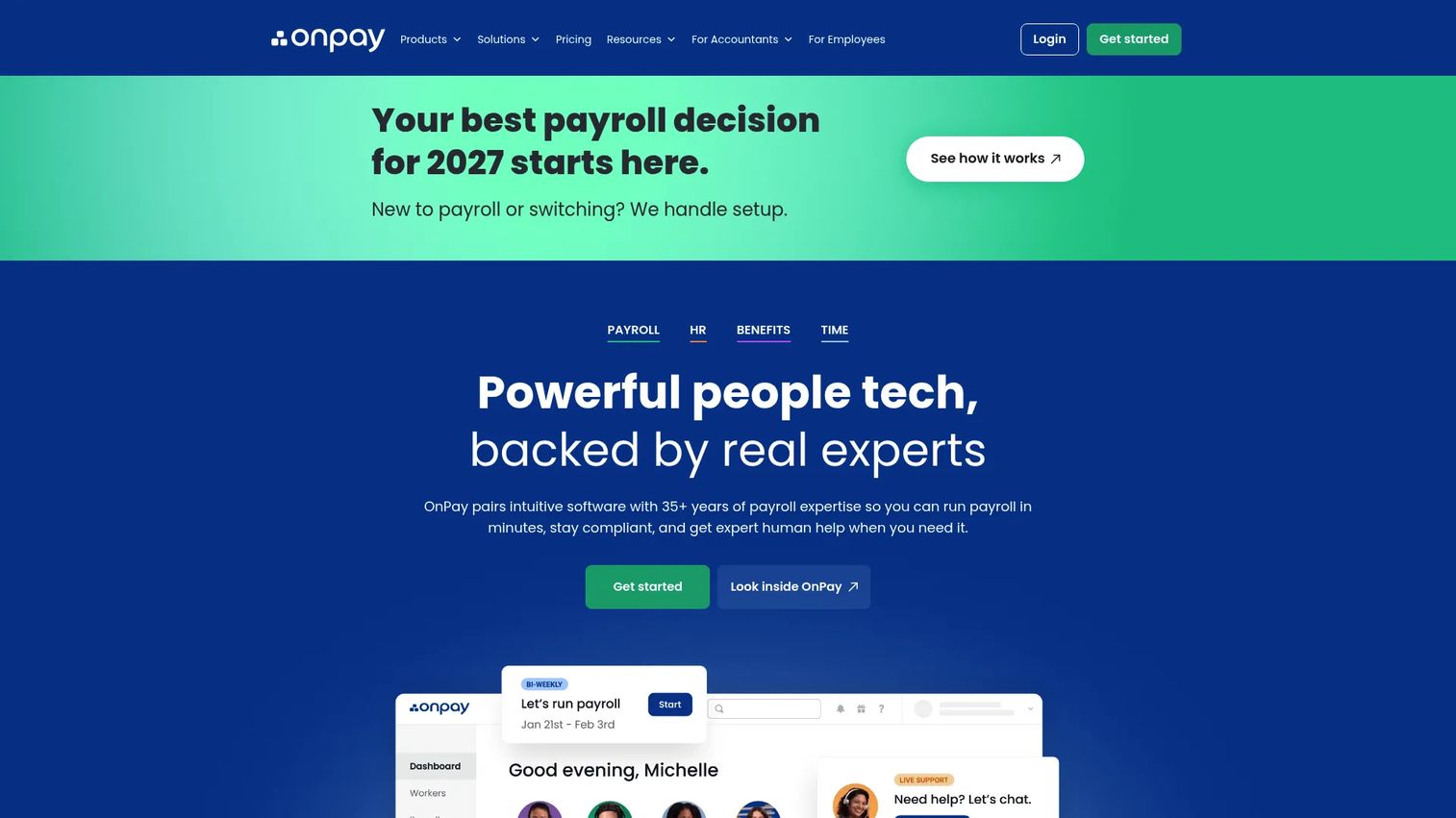
OnPay combines payroll with optional HR, time tracking, compliance, and support modules. Its core payroll service handles federal, state, and local tax filings.
The platform also includes onboarding tools, employee records, permissions, and electronic signatures. Teams can add time tracking with overtime rules and payroll synchronization.
Best for: Small and growing businesses that want one payroll price before choosing optional HR services.
Key features
- Full service payroll
- Federal and state tax filings
- Employee onboarding tools
- Electronic HR documents
- Payroll synced time tracking
Why choose OnPay
OnPay fits a founder-led team that needs dependable employee and contractor payroll without buying every HR module immediately. Optional add-ons let the operating stack grow with headcount.
The pricing model is also easy to forecast. Your cost rises through worker count and selected modules rather than unclear package tiers.
OnPay pricing
Payroll Essentials costs $49 monthly plus $6 per worker. HR costs another $15 base plus $2 per worker monthly.
Time Tracking adds $15 base plus $4 per worker. Compliance Resources costs another $10 monthly.
G2 rating: 4.8/5
3. QuickBooks Payroll
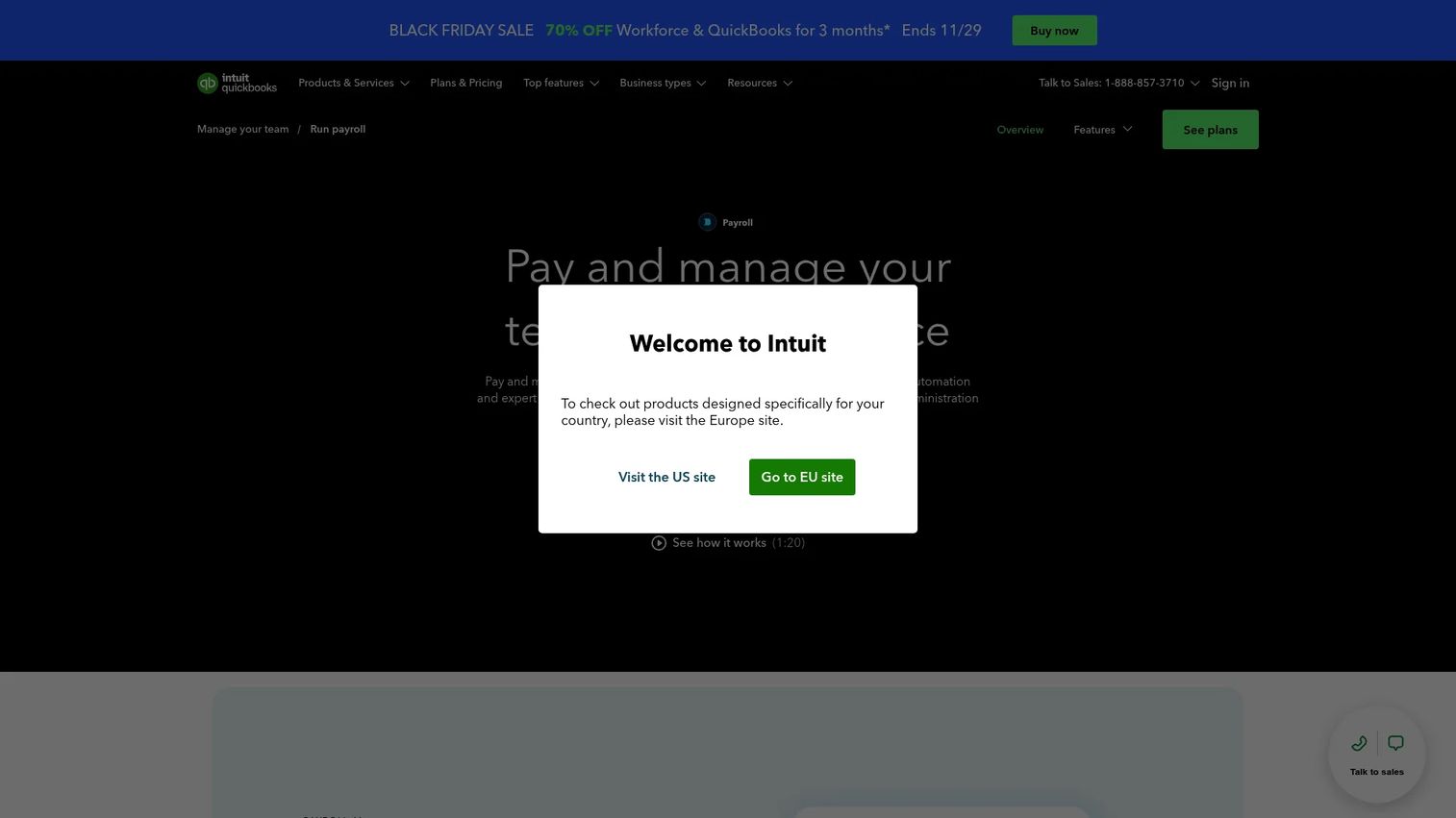
QuickBooks Payroll connects payroll processing with the QuickBooks accounting environment. It supports payroll tax calculations, filing, employee payments, and related workforce tools.
Verified features include Auto Payroll and same-day direct deposit. Employees can use the portal for pay stubs, W-2 forms, and personal information. The platform also supports electronic 1099 filing.
Best for: Small businesses already using QuickBooks and seeking fewer payroll reconciliation steps.
Key features
- Same-day direct deposit payroll
- Automated payroll tax filing
- QuickBooks accounting connection
- Employee pay stub portal
- Electronic 1099 filing
Why choose QuickBooks Payroll
Choose it when accounting already runs through QuickBooks. Keeping payroll near the general ledger can reduce duplicate data entry and simplify the finance handoff.
Review the bundles carefully. The pricing page combines payroll-only options with packages that include accounting or expanded workforce tools.
QuickBooks Payroll pricing
Workforce Payroll costs $50 monthly plus $7 per employee. Payroll and accounting bundles start at $88 plus $6.50 per employee.
Workforce Premium bundles start at $126 plus $13 per employee. Promotional discounts may apply during the first three months.
G2 rating: 4.2/5 for QuickBooks Desktop Payroll
4. Gusto
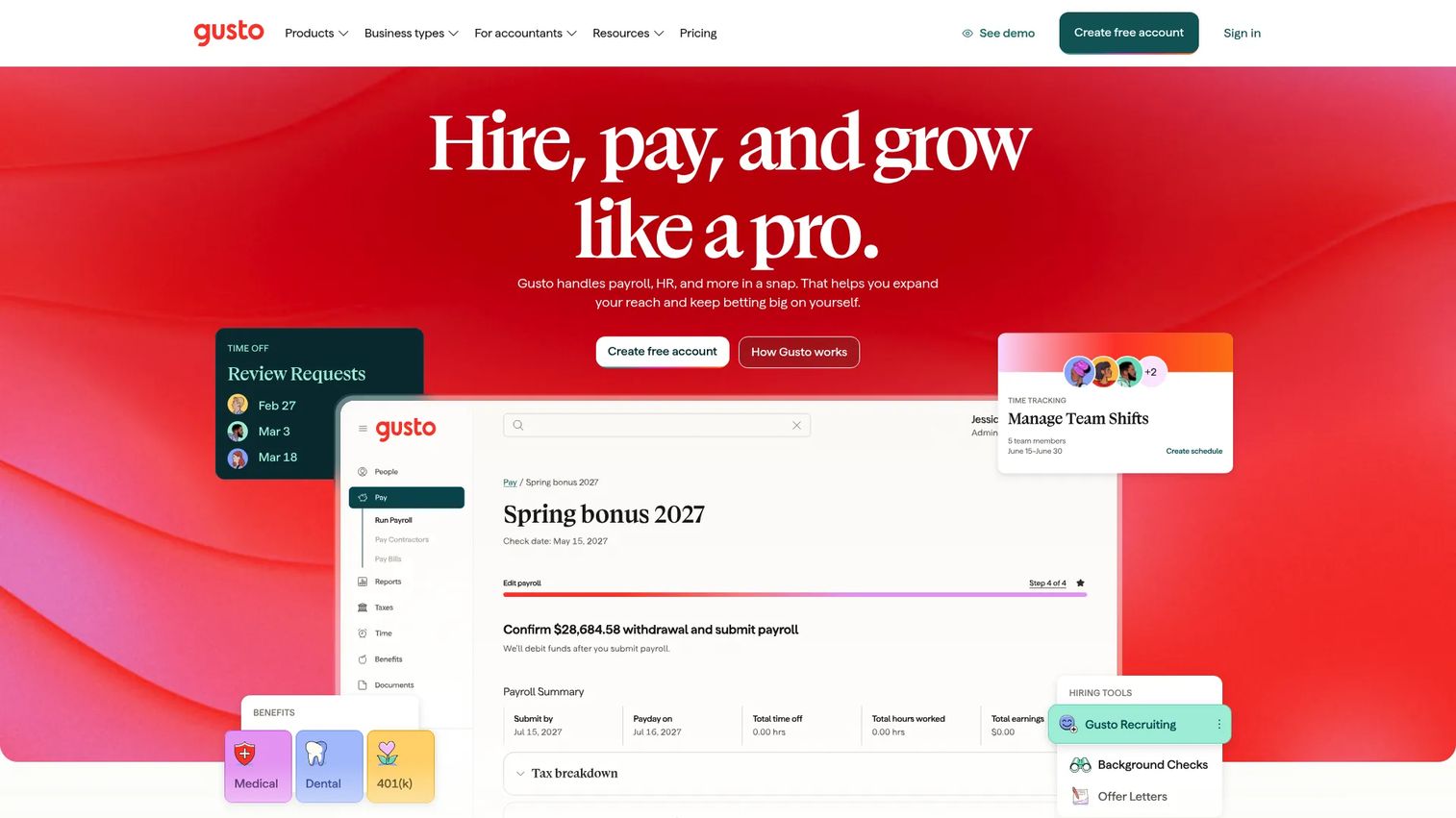
Gusto combines payroll with benefits administration and HR tools. It is aimed at small and growing businesses that want non-specialists to manage routine People operations.
Payroll processing sits alongside tax filings, time tracking, scheduling, and benefits. The platform offers three main payroll and HR plans.
Best for: Startups that want payroll, benefits, and employee administration within the same operating system.
Key features
- Payroll processing
- Automated tax filings
- Benefits administration
- Time tracking
- Employee scheduling
Why choose Gusto
Gusto suits startups moving from founder-managed payroll into a repeatable People workflow. It gives a new finance or HR owner a broader system than a calculation-only tool.
Its scope also supports onboarding and benefits work. That matters once payroll becomes part of an employee operations calendar rather than a twice-monthly task.
Gusto pricing
Simple costs $49 monthly plus $6 per person. Plus costs $80 plus $12 per person, while Premium costs $180 plus $22.
Add-ons are available for benefits, time tools, support, and compliance services.
G2 rating: 4.6/5
5. RUN Powered by ADP
RUN Powered by ADP is payroll and HR software for small businesses. It supports payroll processing through desktop and mobile interfaces.
The product automates federal, state, and local payroll tax calculation and filing. Hiring tools, onboarding, and employee self-service extend the platform beyond payday.
Best for: Small businesses seeking payroll tax support and access to ADP’s broader service infrastructure.
Key features
- Desktop and mobile payroll
- Automated payroll tax filing
- Employee self-service
- Hiring and onboarding
- Four payroll packages
Why choose RUN Powered by ADP
RUN fits companies that want ADP infrastructure without adopting a larger workforce system. Its four packages let buyers compare payroll-only requirements with expanded HR support.
Package selection deserves close attention. Ask for implementation charges, recurring payroll fees, and any per-employee costs before calculating annual spend.
RUN Powered by ADP pricing
Custom pricing applies across Essential Payroll, Enhanced Payroll, Complete Payroll & HR+, and HR Pro Payroll & HR. Request current package and worker fees from ADP.
G2 rating: 4.7/5
6. Paychex Flex
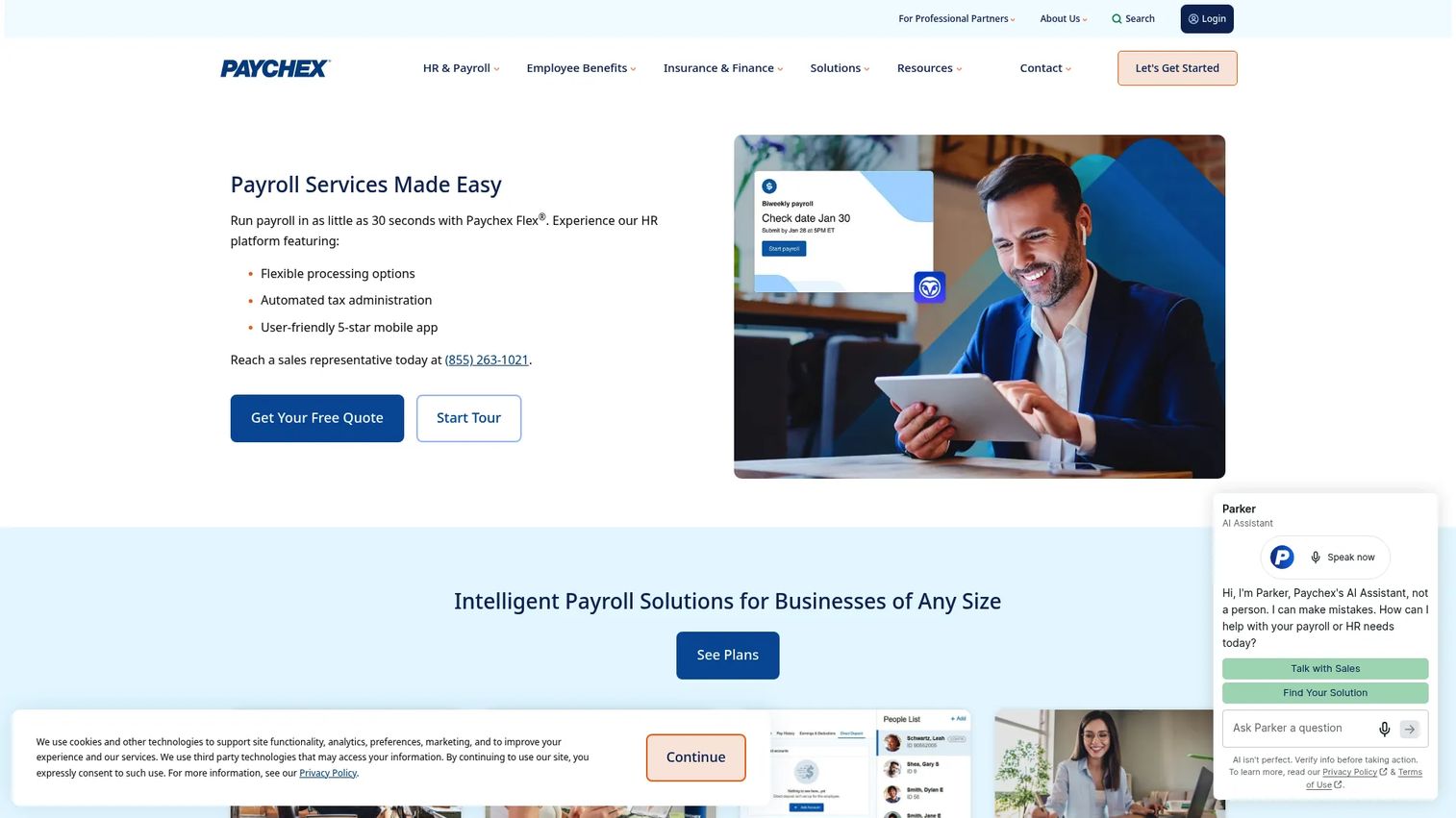
Paychex Flex combines payroll with HR and workforce administration. It covers payroll taxes, time management, benefits, reporting, and employee self-service.
The platform also includes scheduling and time-off management. Its breadth suits teams whose payroll requirements have started crossing into broader employee operations.
Best for: Growing companies that want payroll backed by optional HR, benefits, and workforce services.
Key features
- Automated payroll taxes
- Payroll issue alerts
- Employee self-service
- Time and attendance
- Benefits administration
Why choose Paychex Flex
Paychex Flex fits a business where payroll complexity comes from headcount growth and additional workforce processes. It gives finance and HR room to expand beyond a basic payroll application.
Founders should request a module-level quote. Separate the required payroll package from optional services before comparing total annual costs.
Paychex Flex pricing
Custom pricing applies to Basic, Foundations, Advanced, and Complete packages. Ask sales for payroll, implementation, and recurring module costs.
G2 rating: Not available
7. Paycom
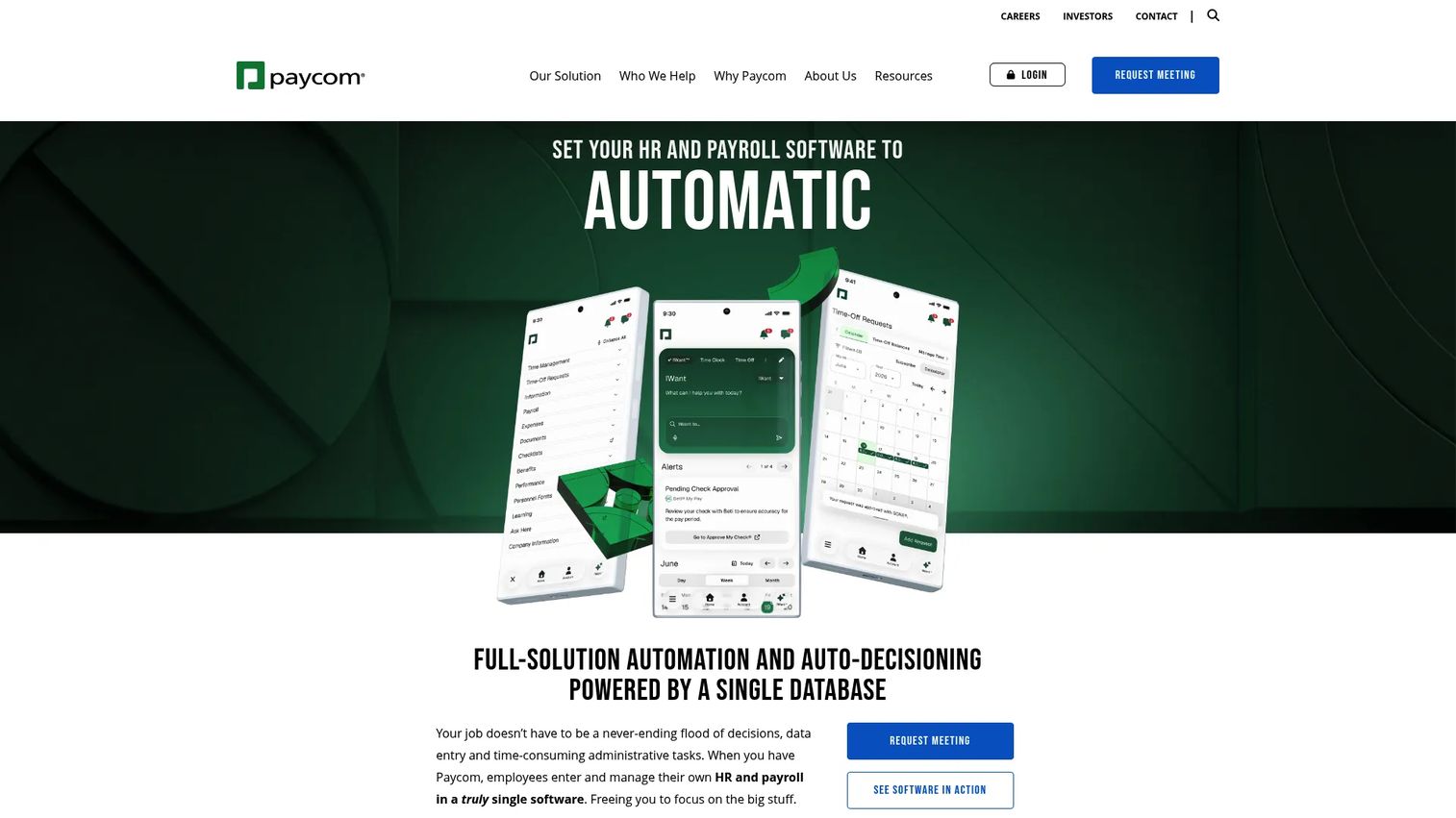
Paycom connects payroll with HR, time and labor, talent management, and compliance data. These functions share one cloud database.
Its payroll workflow includes employee error review before submission. Self-service tools also cover benefits, time off, onboarding, and personal HR information.
Best for: Midsize organizations that want payroll inside a broader human capital management platform.
Key features
- Automated payroll
- Employee error review
- Time and labor management
- Talent management
- Cross-workforce reporting
Why choose Paycom
Paycom fits companies that have outgrown disconnected payroll and HR records. Employee access can reduce corrections caused by outdated personal information.
This scope may exceed what a small team needs. It becomes relevant when payroll accuracy depends on connected time, benefits, talent, and workforce data.
Paycom pricing
Custom pricing applies to the Core and Complete packages. Ask Paycom for implementation, required tools, and recurring employee charges.
G2 rating: 4.7/5
8. Paylocity
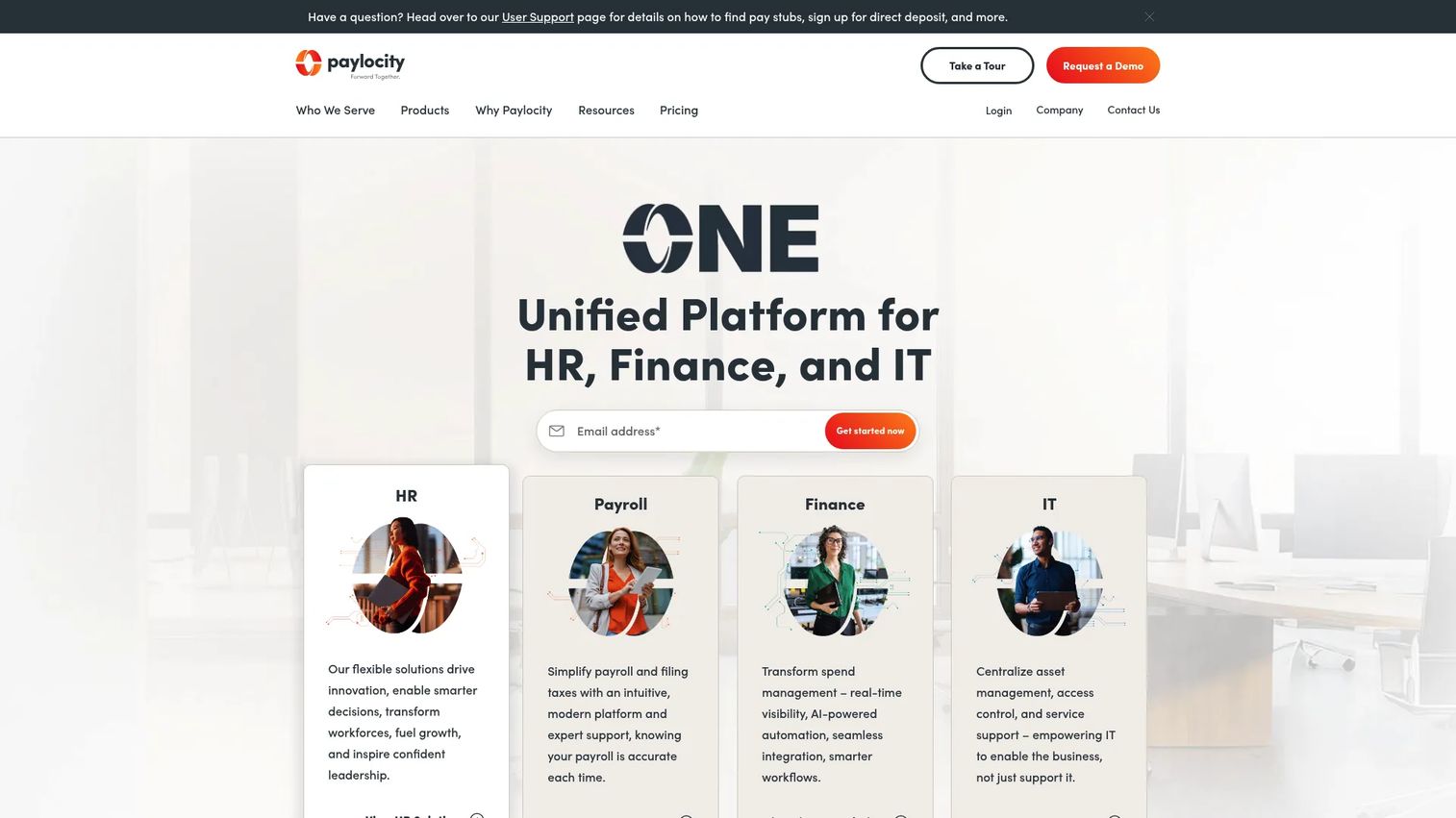
Paylocity provides a platform spanning HR, payroll, Finance, and IT operations. It combines payroll with benefits, talent management, workforce tools, and employee experience features.
The platform also covers expenses, corporate cards, accounts payable, IT access, and asset management. Mobile access and workflow automation support distributed organizations.
Best for: Growing companies seeking payroll within a broader employee and business operations platform.
Key features
- Payroll and global payroll
- Benefits administration
- Employee mobile access
- Workforce management
- Finance operations tools
Why choose Paylocity
Paylocity is worth evaluating when payroll data must connect with HR and finance workflows. Its wider scope can reduce the need for several disconnected systems.
Very small businesses may find that coverage excessive. Series B companies should compare its workflow depth against the complexity of their current stack.
Paylocity pricing
Custom pricing applies. Ask Paylocity for payroll, implementation, employee, and selected module costs.
G2 rating: 4.4/5
9. Paycor
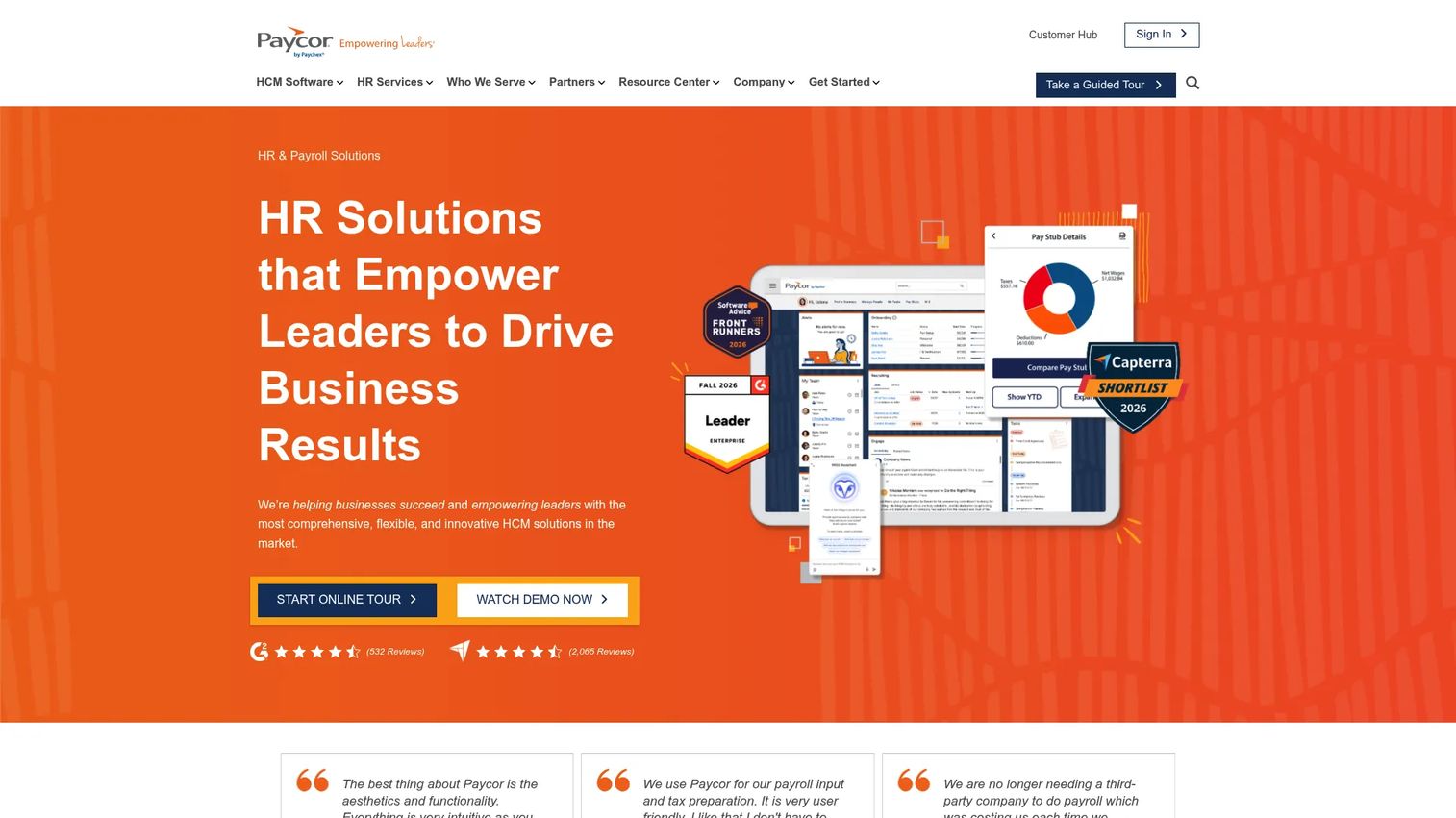
Paycor offers payroll within a wider human capital management platform. Its functions include recruiting, onboarding, benefits administration, workforce management, and analytics.
The company lists public plans for businesses with fewer than 50 employees. Higher tiers add broader HR and HCM capabilities.
Best for: Small and midsize companies that want payroll data connected with HR reporting and workforce planning.
Key features
- Payroll and tax filing
- Recruiting and onboarding
- Time and attendance
- Benefits administration
- HR analytics
Why choose Paycor
Paycor fits founders who want payroll records to inform broader workforce decisions. Public small-business pricing also makes early cost comparisons more practical.
Check which plan includes your required HR functions. The base price rises substantially between the payroll-focused and wider HCM tiers.
Paycor pricing
Basic costs $99 monthly plus $5 per employee. Essential costs $149 plus $6, while Complete costs $199 plus $7.
The HCM plan costs $199 monthly plus $12 per employee. These prices apply to businesses with fewer than 50 employees.
G2 rating: 4.0/5
10. Rippling
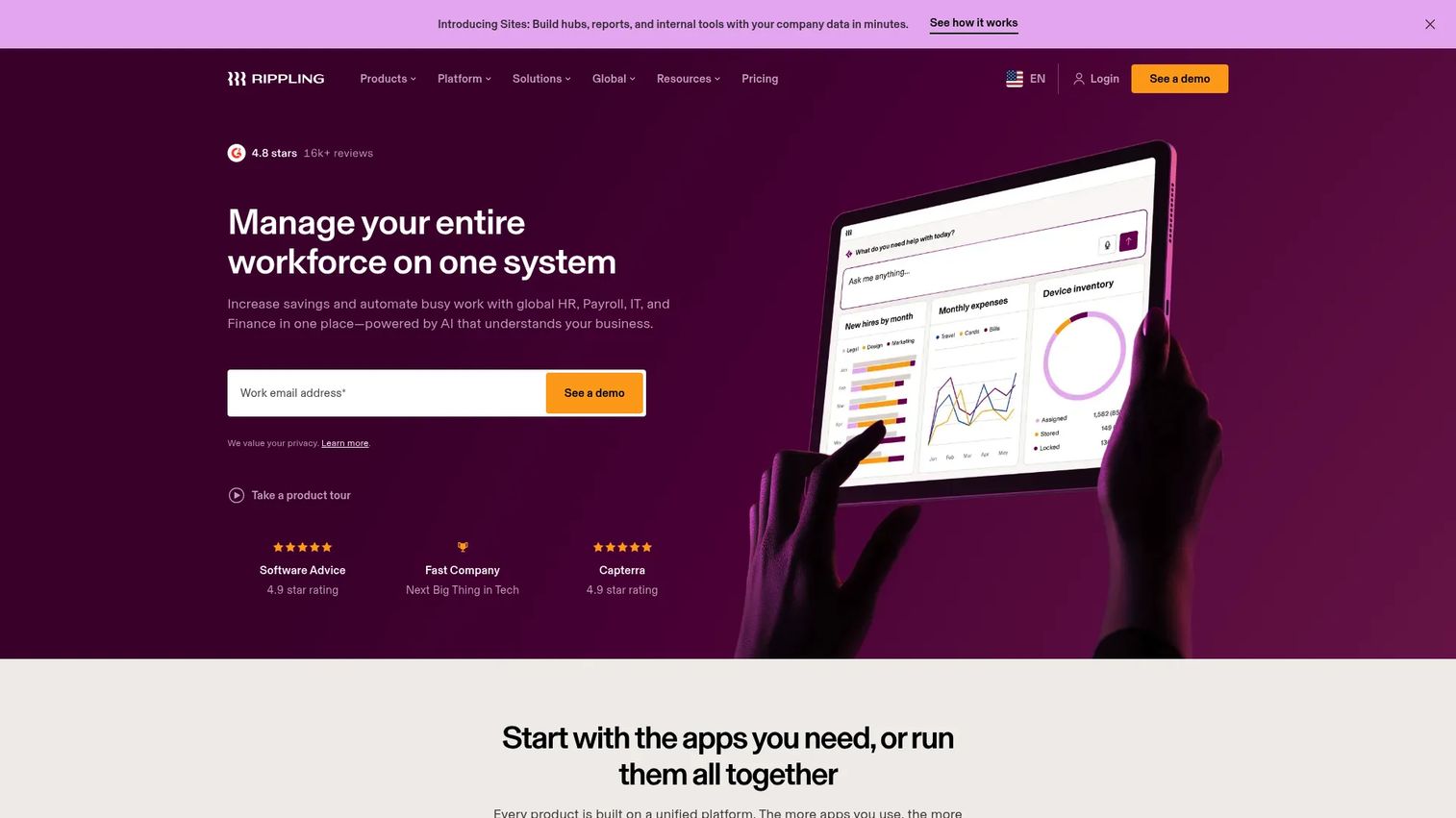
Rippling connects payroll with HR, IT, finance, and global workforce operations. Its modular structure lets companies select products around their operating model.
Core functions include payroll, benefits, time and attendance, identity management, devices, expenses, and workflow automation. The platform also supports integrations and custom applications.
Best for: SaaS companies that want payroll connected with the broader employee lifecycle.
Key features
- Payroll and benefits
- HR lifecycle management
- Identity and device workflows
- Expense management
- Workflow automation
Why choose Rippling
Rippling fits distributed SaaS teams with handoffs across HR, IT, finance, and operations. Connecting those workflows can reduce duplicate employee records and manual access changes.
Its modular pricing requires a detailed quote. Ask which base fees apply and identify the products needed for your first year.
Rippling pricing
Pricing starts at $8 per employee monthly. Total cost changes with selected products, employee count, and any monthly base fees.
G2 rating: 4.7/5
11. Deel Payroll
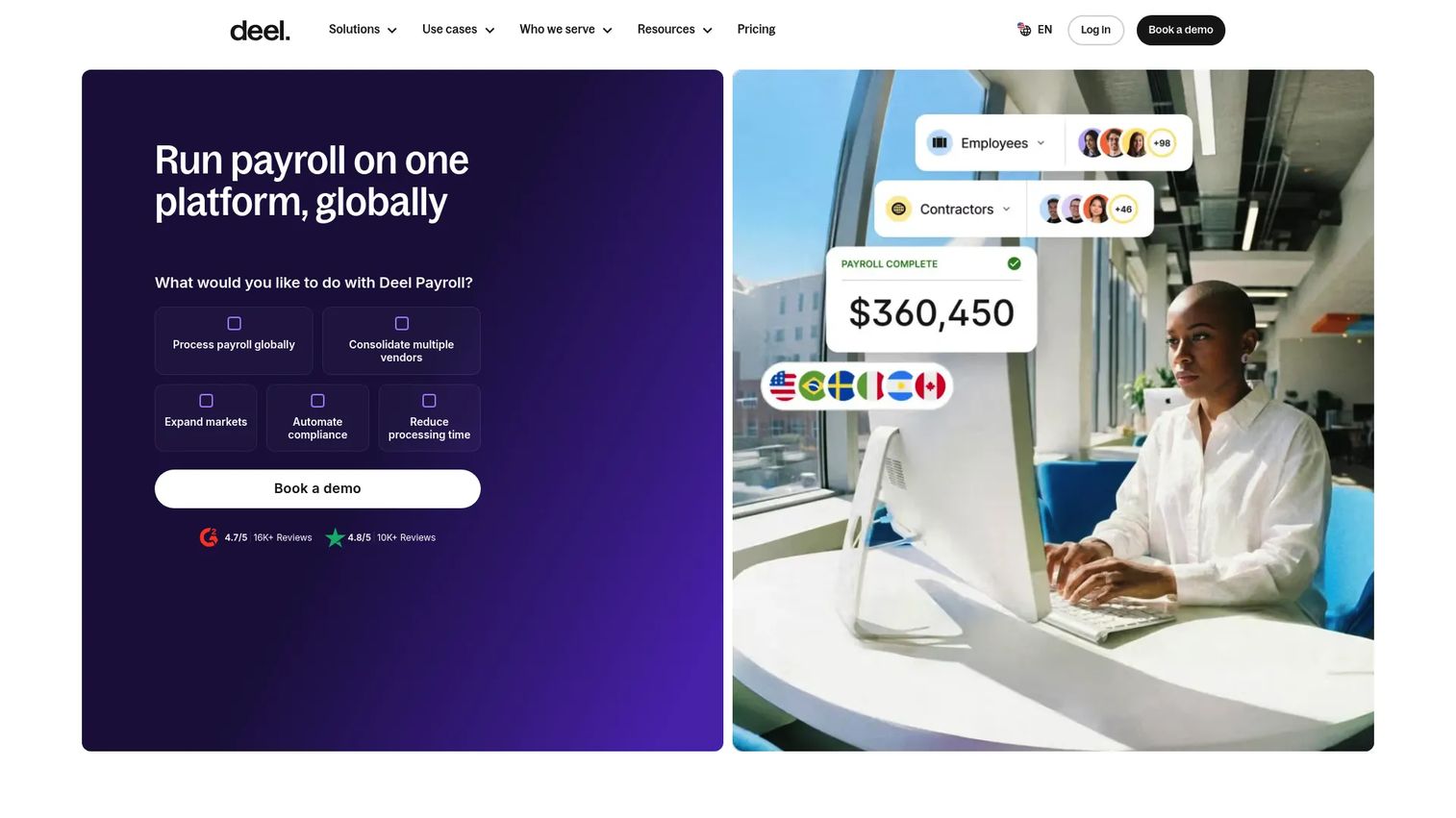
Deel Payroll supports payroll for distributed employees and contractors across multiple countries. Customers can use self-service or managed workflows by country.
The platform uses local payment rails and supports multiple currencies. It also provides consolidated payroll status, variance reporting, workforce costs, and global payment management.
Best for: Companies managing international employees, contractors, or multi-country payroll operations.
Key features
- Multi-country payroll
- Global contractor payments
- Local payment rails
- Multi-currency payments
- Consolidated payroll reporting
Why choose Deel Payroll
Deel makes sense when domestic direct deposit covers only part of your workforce. Its main value lies in coordinating country-specific payroll and worker payments.
Domestic-only businesses may not need that breadth. Global teams should compare country coverage, payment methods, and managed service responsibilities.
Deel Payroll pricing
Custom pricing applies to global payroll. Request rates for each country, worker type, payment service, and any managed payroll support.
G2 rating: 4.7/5
12. Justworks
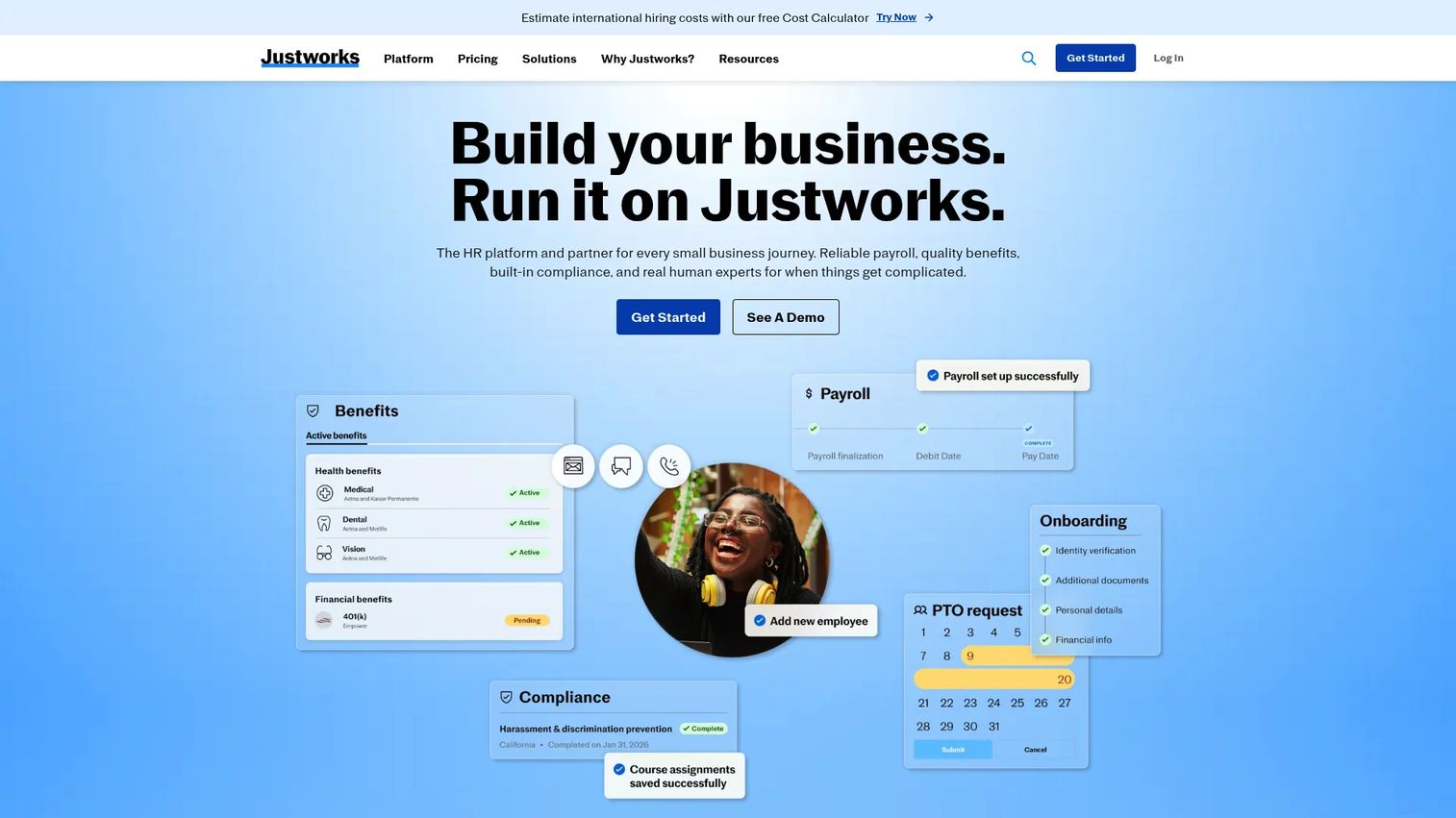
Justworks combines payroll with HR, benefits, compliance support, and access to human assistance. Customers can choose payroll, PEO, or global employment services.
The payroll plan covers payroll tax filings, onboarding, offboarding, and HR tools. PEO packages add a different employment and benefits service model.
Best for: Startups comparing standalone payroll with bundled PEO and benefits support.
Key features
- Payroll tax filings
- Employee onboarding
- Benefits administration
- Compliance support
- International workforce services
Why choose Justworks
Justworks fits companies that want payroll alongside benefits and HR support. Its published pricing helps founders compare standalone payroll with the higher per-employee cost of PEO services.
Understand the service model before buying. A PEO relationship differs operationally from subscribing to payroll software alone.
Justworks pricing
Payroll costs $50 monthly plus $8 per employee. PEO Basic costs $79 per employee, while PEO Plus costs $124.
The EOR service costs $599 monthly per employee.
G2 rating: 4.6/5
13. Homebase
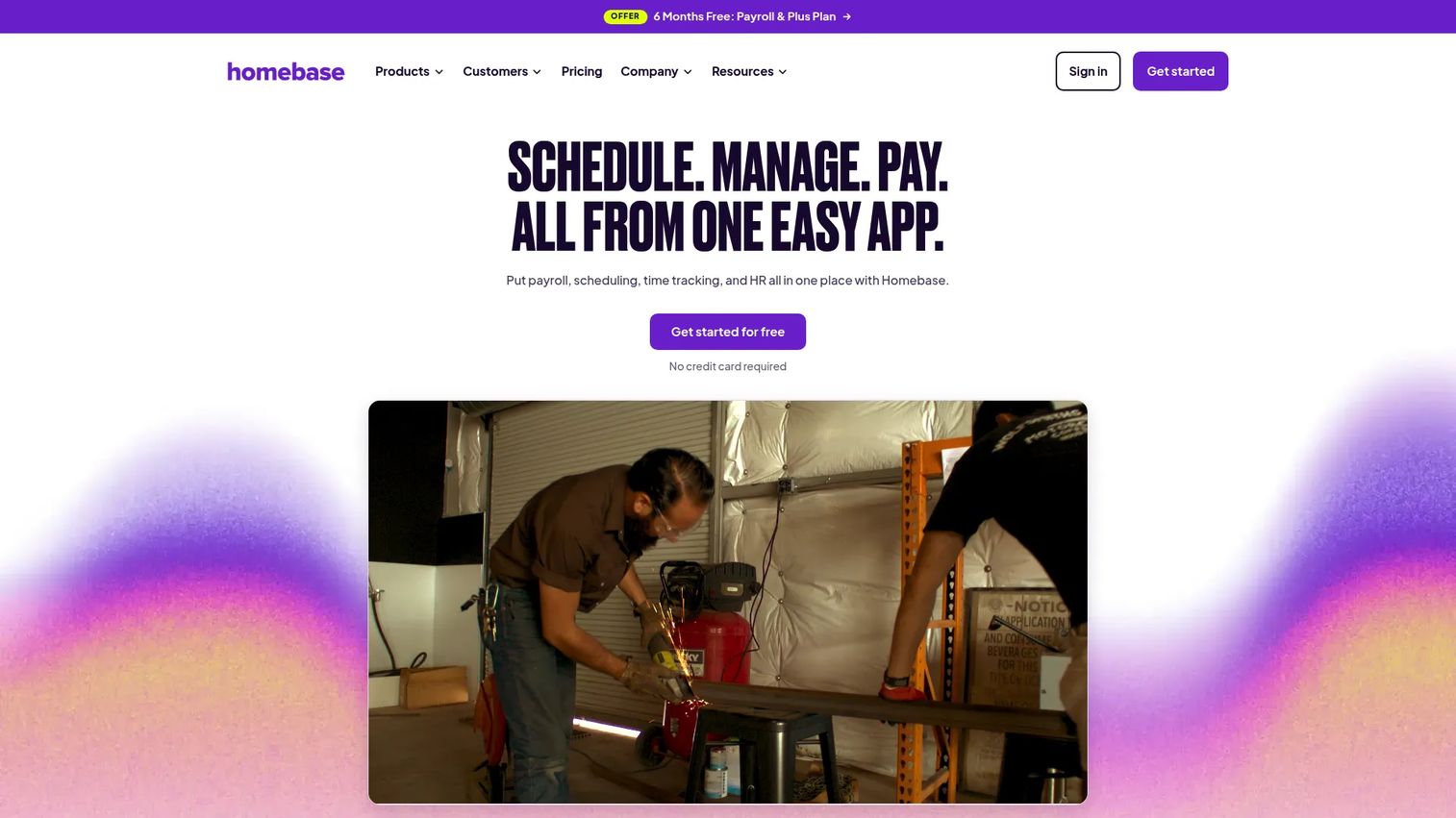
Homebase focuses on workforce management for hourly teams. It combines scheduling, time clocks, team communication, hiring, and payroll.
Its payroll add-on connects time records with tax filing and employee payments. The core workforce plans charge by location rather than employee count.
Best for: Restaurants, retailers, hospitality companies, and service businesses with hourly workforces.
Key features
- Hourly employee payroll
- Time clock synchronization
- Employee scheduling
- Payroll tax filing
- Team communication
Why choose Homebase
Homebase works best when payroll starts with schedules and timecards. That connection can reduce manual hour entry before each payroll run.
Most pure SaaS companies will have a weaker fit. It becomes relevant when the business also operates physical locations or sizable hourly teams.
Homebase pricing
The payroll add-on costs $49 monthly plus $6 per employee paid. Workforce plans range from a free Basic tier to $120 per location monthly.
A 14-day All-in-One trial is available.
G2 rating: 4.6/5
14. Square Payroll
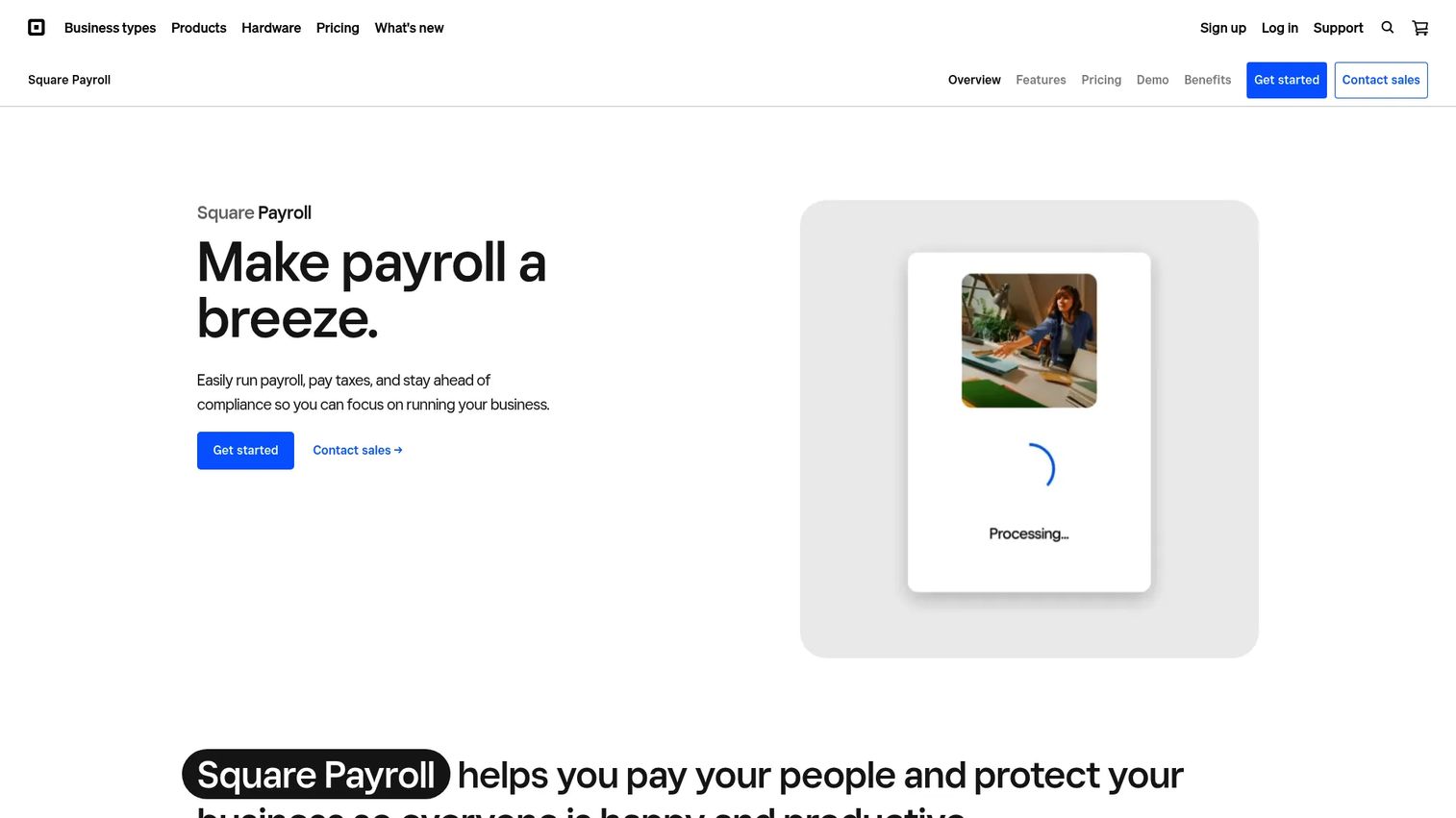
Square Payroll handles employee and contractor payroll for small businesses. It calculates and files federal and state payroll taxes.
Businesses using Square can import timecards and tips from connected Square products. The service also supports automatic payroll runs and year-end tax forms.
Best for: Square sellers that want payroll connected with their existing timecard and payment operations.
Key features
- Employee and contractor payroll
- Automated tax filings
- Square timecard imports
- Tip imports
- Automatic payroll runs
Why choose Square Payroll
Square Payroll suits retailers and service companies already using Square. Existing time and tip data can reduce payroll preparation work.
For a SaaS founder, the fit is narrower. Consider it when the company operates a physical business unit or employs service workers.
Square Payroll pricing
Full-service payroll costs $35 monthly plus $6 per person paid. Contractor-only payroll costs $6 monthly per contractor.
G2 rating: 4.2/5
15. TimeTrex
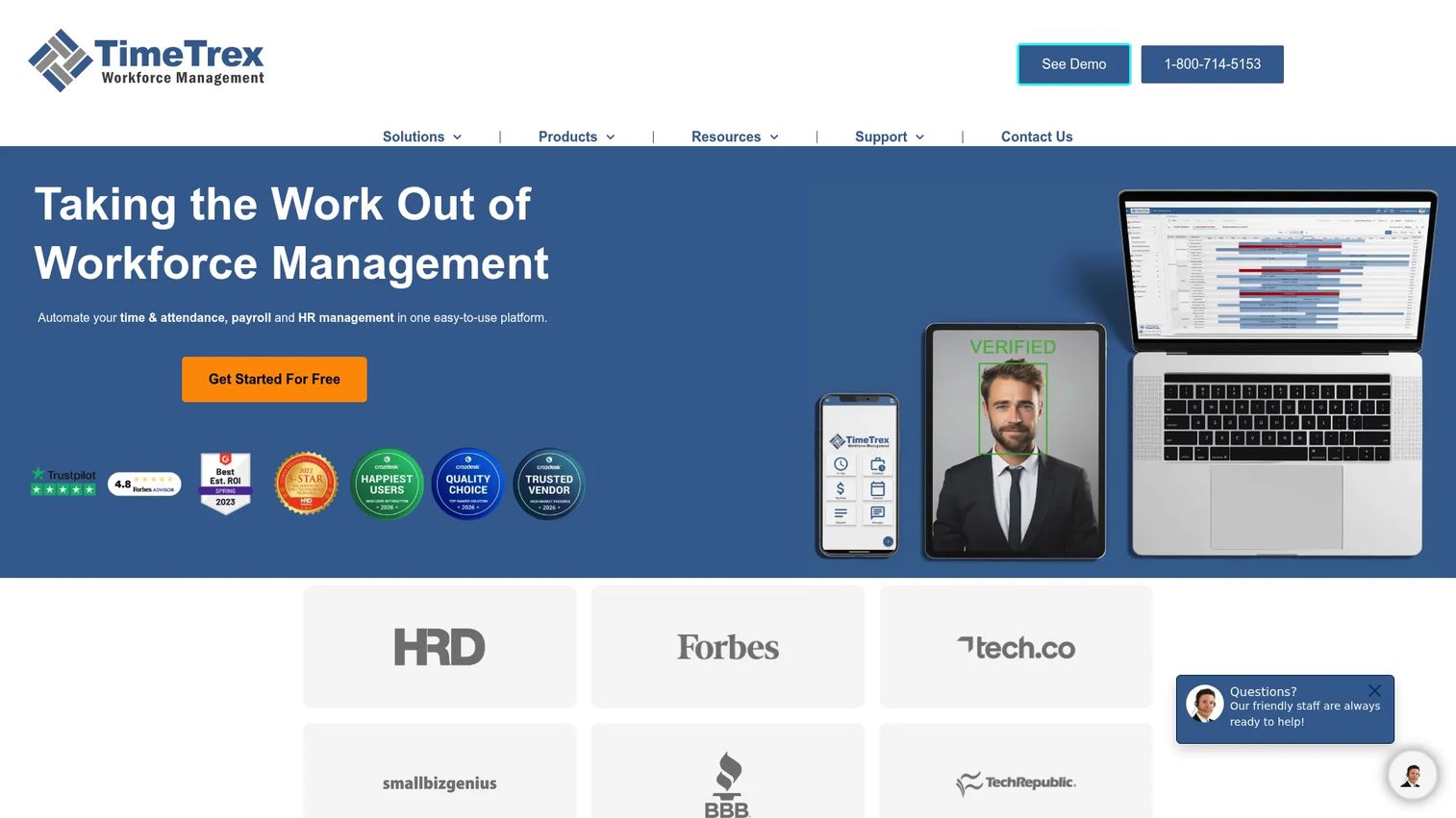
TimeTrex combines time and attendance with payroll, employee scheduling, and HR management. Its plans cover organizations requiring close links between attendance records and payroll calculations.
The platform also includes biometric facial recognition time clocks, leave management, and workforce reporting. Available service depth varies across Professional, Corporate, and Enterprise editions.
Best for: Businesses whose payroll accuracy depends heavily on attendance and scheduling data.
Key features
- Payroll and tax management
- Time and attendance
- Employee scheduling
- Leave management
- Biometric time clocks
Why choose TimeTrex
TimeTrex fits teams that want payroll built around captured attendance data. That structure is useful for hourly or shift-based workforces.
Clarify service responsibilities during evaluation. Ask who handles tax filings, direct deposit setup, and payroll support within the selected edition and geography.
TimeTrex pricing
Custom pricing applies to Professional, Corporate, and Enterprise editions. A 30-day free trial is available, with plans based on a minimum one-year term.
G2 rating: 4.2/5 for TimeTrex Time & Attendance
16. Payworks
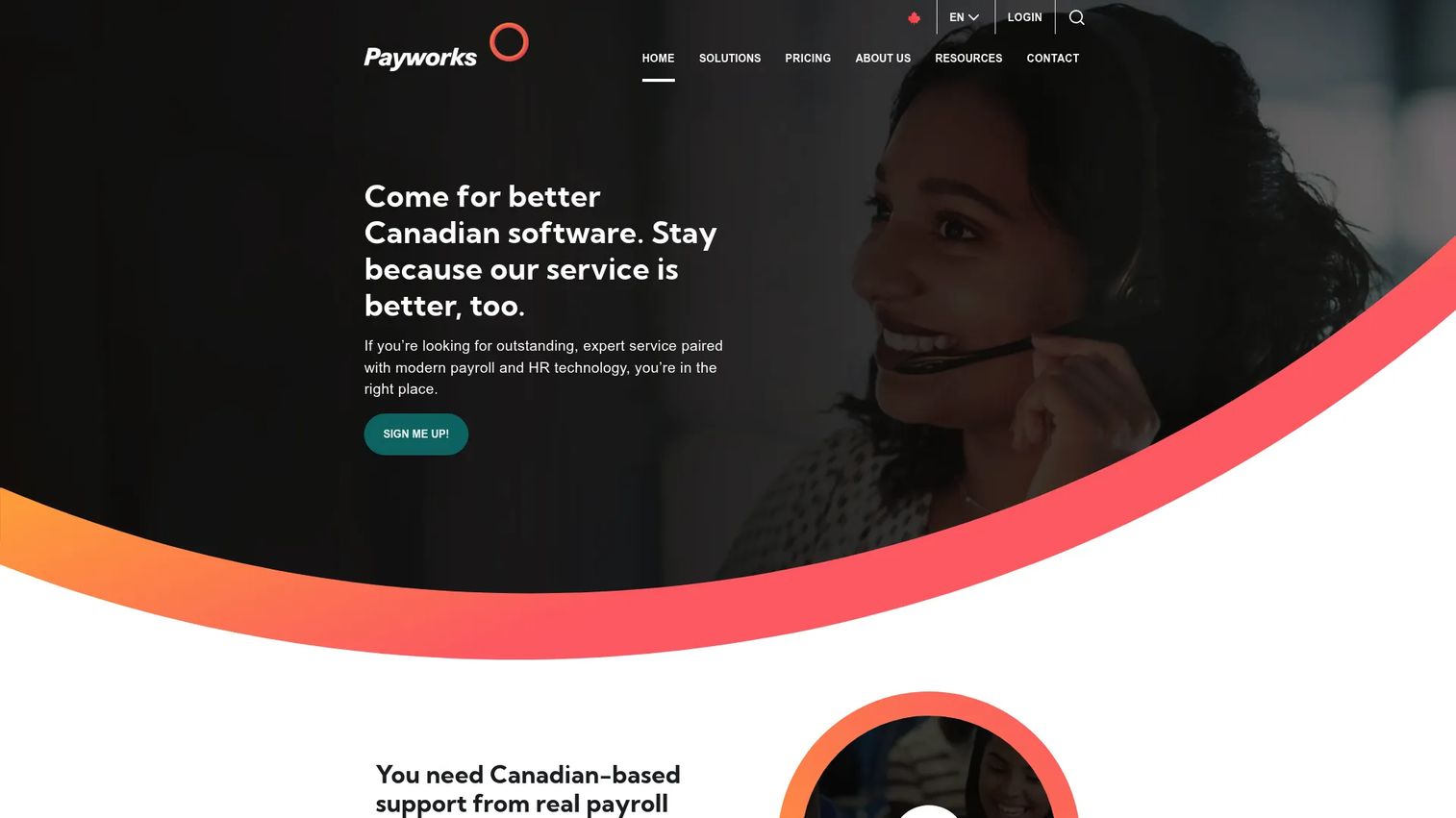
Payworks provides Canadian payroll and human capital management services. Its platform covers payroll, HR, time management, recruiting, analytics, and employee self-service.
Payroll capabilities include tax remittance, workers’ compensation premium handling, and Records of Employment submission. Scheduling and absence data can also feed payroll calculations.
Best for: Canadian employers or international companies operating a Canadian workforce.
Key features
- Canadian payroll
- Payroll tax remittances
- Records of Employment
- Scheduling and time capture
- Employee self-service
Why choose Payworks
Payworks fits companies centered on Canadian employment and remittance workflows. U.S. SaaS founders should consider it for a Canadian subsidiary or regional expansion.
Its wider product set also supports HR and workforce operations. Ask which modules are required for your employee count and payroll frequency.
Payworks pricing
Custom pricing applies after entering company details into the quote calculator. Request payroll, implementation, employee, and optional module costs.
G2 rating: Not available
17. Roll by ADP
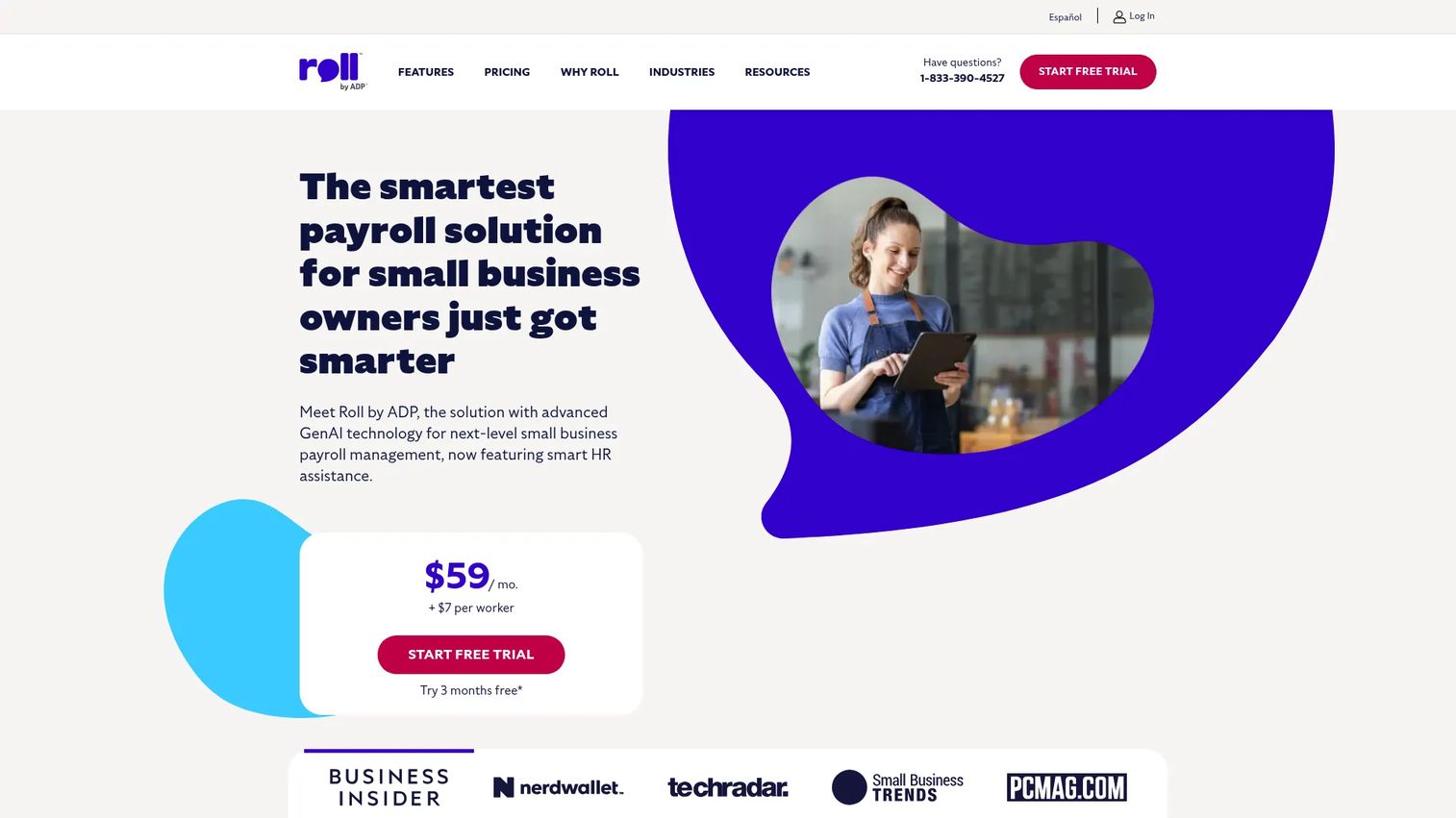
Roll by ADP is chat-based payroll and HR assistance software for small businesses. It supports W-2 employees and 1099 workers across all 50 states.
The service calculates, files, and pays federal, state, and local payroll taxes. Payroll commands run through a mobile-oriented conversational interface.
Best for: Very small businesses seeking mobile payroll with tax filing and contractor payments.
Key features
- Chat-based payroll
- Employee and contractor payments
- Federal payroll tax filing
- State and local filings
- Unlimited payroll runs
Why choose Roll by ADP
Roll fits founders who want to run payroll from a phone without adopting a larger administrative system. The single plan also makes initial cost estimation straightforward.
A growing company may outgrow the chat-first operating model. Evaluate the handoff experience before payroll ownership moves to a finance or People team.
Roll by ADP pricing
Roll costs $59 monthly plus $7 per employee. The advertised offer includes three free months and no long-term contract.
G2 rating: 4.6/5
Considerations when choosing direct deposit payroll software
Direct deposit timing and cutoff rules
Ask each vendor for its complete payroll funding timeline. You need the submission deadline, employer debit date, employee payday, and bank holiday policy.
Same-day and next-day services may carry eligibility rules. Confirm what happens after a late approval or risk review.
Payroll tax filing and state coverage
Direct deposit does not cover tax obligations by itself. Verify federal, state, local, unemployment, new-hire, and year-end filing support.
Multi-state teams should ask whether registrations are included. Clarify who handles notices and amended filings.
Employee and contractor payment support
W-2 employees and 1099 contractors have different tax workflows. Confirm payment pricing, year-end form handling, and worker self-service for each group.
Contractor-heavy companies should also review international payment support. Domestic 1099 payroll does not automatically cover global workers.
Integrations with your operating stack
Review connections with accounting, HRIS, time tracking, benefits, scheduling, expenses, and banking. Prioritize the systems your finance lead uses every week.
The goal is fewer duplicate records. A broad integration directory adds little if your core accounting workflow remains manual.
Support, migration, and error handling
Ask how the provider imports prior payroll records. Review setup responsibilities and the first-run approval process.
Then test the exception workflow. Cover rejected direct deposit alerts, corrections, reversals, voids, off-cycle payroll, and emergency checks before signing.
Conclusion
The best direct deposit payroll software reduces payroll-week risk and transfers cleanly from founder to finance or HR.
For low-cost small business payroll, compare Patriot Payroll with OnPay. Patriot starts lower, while OnPay bundles a broader payroll foundation with optional HR tools.
QuickBooks Payroll makes sense when accounting already runs in QuickBooks. Gusto fits startups that want payroll connected with benefits and routine employee administration.
Companies building a wider workforce operating system should compare Rippling, Paylocity, Paycor, and Paycom. Their value comes from connecting payroll with other employee records.
Deel Payroll addresses international employees and contractors. Homebase or Square Payroll fits hourly teams whose payroll begins with schedules, timecards, or tips.
Before buying, request a sample payroll calendar. It should show submission cutoffs, employer funding dates, and employee pay timing.
Also ask for the tax filing scope and rejected-deposit process. The longest feature list will not help when payroll money leaves the wrong account on the wrong day.
FAQs
Direct deposit payroll software calculates employee or contractor pay and sends net wages electronically to bank accounts. It may also calculate tax withholdings and produce pay stubs.
Full-service platforms can file payroll taxes and provide employee self-service. Exact coverage differs by plan and jurisdiction.
Payroll direct deposit timing varies by provider, plan, funding method, and bank cutoff. Common processing windows include same-day, next-day, two-day, four-day, and standard processing.
Risk reviews or bank holidays can extend the timeline. Ask when payroll must be approved and when funds leave your company account.
The right choice depends on your accounting stack and workforce. Patriot Payroll offers a low starting price, while OnPay combines payroll with optional HR tools.
QuickBooks Payroll suits QuickBooks users. Gusto adds broader employee operations, while Roll by ADP uses a mobile, chat-based workflow.
Many full-service platforms calculate, file, and remit payroll taxes. Coverage can differ across federal, state, and local jurisdictions.
Verify unemployment filings, new-hire reports, year-end forms, and notice support. Payroll software with direct deposit does not automatically include every tax service.
Many providers support contractor direct deposit payroll. Patriot Payroll, OnPay, Gusto, Square Payroll, and Deel Payroll all address contractor payment use cases in different ways.
Pricing and year-end tax form support vary. Global contractors may also require local payment methods rather than standard U.S. direct deposit.
A rejected direct deposit can result from incorrect bank details, a closed account, or bank validation problems. The provider should notify the payroll administrator and explain the correction process.
Ask about correction deadlines, reversals, and emergency payment methods. The employee should also receive clear guidance without waiting for the next regular payroll.
Same-day direct deposit payroll can help with corrections, late approvals, or time-sensitive hourly payroll. Its value depends on how often your company needs that flexibility.
Eligibility may require a specific plan or account history. Cutoff times and employer funding rules can still apply.
Direct deposit reduces routine printing, mailing, and replacement work. It also gives employees electronic pay records and avoids delays caused by physical distribution.
Paper checks still matter for exceptions, temporary workers, or employees without suitable bank accounts. Your payroll process should support a documented backup method.