Your best SE rebuilt the same environment three times last week. Same workflow question, three different prospects, three hours gone. The problem is not the demo itself. It is repeatability. Staging environments break. Buyers forget what they saw. Champions cannot brief the security team because they only saw it once, live, on a call.
According to Gartner, 67% of B2B buyers prefer a buying experience with no sales representative involved (Gartner, 2025). That means more than half your prospects want to evaluate the product before they ever sit through a live call. Demo automation software closes that gap by giving buyers a controlled way to experience the product before, during, and after the SE joins.
This guide shortlists 13 platforms, compares pricing and G2 ratings, and helps presales leaders choose by workflow fit rather than feature volume.
What's inside
This guide is for presales, sales engineering, revenue, marketing, and enablement teams comparing demo automation platforms in 2026.
- Who it covers: SEs, Solutions Consultants, Presales Managers, RevOps leads, and product marketers
- Selection criteria: Demo format coverage, presales workflow fit, analytics depth, CRM integrations, and pricing transparency
- What you get: A comparison table of 13 tools with verified pricing and G2 ratings, plus per-tool fit guidance
- What to check: G2 ratings and pricing are verified at drafting time; confirm current figures before procurement
TL;DR
- Best overall for demo automation: Guideflow, for teams that need interactive demos, sandboxes, demo centers, live demos, and mobile demos across the buyer journey
- Best for enterprise demo programs: Demoboost, for GTM teams that need governed demo libraries and presales workflows
- Best for technical labs and POCs: CloudShare, for presales teams running cloud-based environments and hands-on validation
- Best for live demo data quality: Saleo, for SEs that present live and need polished, believable demo data
- Best for video-based process guides: guidde, for teams that need fast AI-generated how-to content
- Best buying rule: Match the tool to your demo format first. Then check CRM fit, analytics depth, and how much maintenance your team can own
What is demo automation software?
Demo automation software helps teams create, personalize, share, and measure product demos without rebuilding a live environment for every prospect.
The category covers several distinct demo formats:
Core demo formats:
- Guided interactive demos: Curated click paths for website embeds, outbound sequences, sales follow-ups, onboarding flows, and training programs
- Sandboxes: Open, explorable product replicas that give buyers full freedom to test workflows, validate use cases, and run POCs without touching production data
- Demo centers: Branded hubs that organize demos by persona, product line, use case, or journey stage, so buying committees can self-educate
- Live demos: Presenter-led sessions with personalization, tracking, and structure
- Mobile demos: Mobile-first product experiences for app showcases, field sales, and event kiosks
- Video or screenshot demos: Narrated walkthroughs for quick process explanations when interaction is not the primary goal
Key capabilities to evaluate:
- No-code capture and editing
- Account and persona personalization
- Sensitive data hiding or replacement
- Forms and lead capture
- Step-level engagement analytics
- CRM and marketing automation integrations
- Team collaboration and approval workflows
- Version control and demo library management
Demo automation software is not a CRM, sales engagement platform, or video editor. Those tools may support the workflow, but they do not create product experiences buyers can explore on their own terms.
When to use demo automation software
Qualify buyers before live demo time
Send a self-serve demo before a discovery call or technical deep-dive. Buyers explore the basics on their own schedule, so when the SE joins, the conversation moves straight to fit questions, constraints, and integration specifics. This matters most when demo capacity is strained and SEs are spending time on prospects who haven't yet validated basic interest.
Help champions sell the product internally
After a live call, your champion needs to brief finance, security, and leadership. A shareable demo or demo center keeps the product story consistent across stakeholders who were never on the original call. Engagement data shows which committee members explored the product and which sections they revisited.
Support technical validation without risky environment access
Use sandboxes, guided demos, or controlled replicas to show complex workflows without exposing production data or provisioning a live environment per prospect. This supports POCs, IT reviews, and security questionnaires. Route formal compliance questions to your security team; demo software controls what appears on screen, but it does not make a company compliant with any specific regulation.
Demo automation software comparison
The table below covers all 13 tools in order. Pricing reflects figures verified against vendor pricing pages at drafting time. G2 ratings are drawn from live G2 listings.
| # | Product | Best for | Key differentiator | Pricing | G2 rating |
|---|---|---|---|---|---|
| 1 | Guideflow | Full-funnel demo automation | Interactive demos, sandboxes, demo centers, live demos, and mobile demos in one suite | Free plan; paid from $35/mo | N/A |
| 2 | Demoboost | Enterprise demo programs | Governed demo libraries with AI narration and revenue analytics | From $375/mo (billed yearly) | 4.8/5 |
| 3 | CloudShare | Technical labs and POCs | Browser-based virtual IT labs with one-click cloning | Custom pricing | 4.5/5 |
| 4 | Saleo | Live demo data personalization | Real-time data injection into native SaaS products | Custom pricing | 4.9/5 |
| 5 | Demoleap | Guided live selling | Real-time sales assistance during demo calls | Custom pricing | N/A |
| 6 | Vivun | AI-assisted deal support | Live call assistance, deal research, and CRM updates | Custom pricing | 5.0/5 |
| 7 | ScreenSpace | Product storytelling | Cinematic interactive buyer experiences | From $8,000 (one-time) | 4.9/5 |
| 8 | Tourial | Marketing-led product tours | AI tour generation with Tour Centers | Custom pricing | 4.6/5 |
| 9 | DemoEasel | Multi-format demo creation | Interactive, video, mobile, and slide-based demos | Custom pricing | 3.5/5 |
| 10 | guidde | AI video documentation | AI-generated video guides with auto-translation | Free plan; paid from $19/mo (billed yearly) | 4.8/5 |
| 11 | RELAYTO AI | Interactive content hubs | PDF-to-microsite conversion with content analytics | From $750/mo (billed yearly) | 4.7/5 |
| 12 | Trupeer | AI product videos and docs | Screen recordings converted to polished AI video | Free trial; paid from $40/mo (billed yearly) | 4.7/5 |
| 13 | Demoflow | Live sales demo workflows | Structured demo workspace for sales conversations | Not confirmed | N/A |
Best 13 demo automation software tools for 2026
1. Guideflow
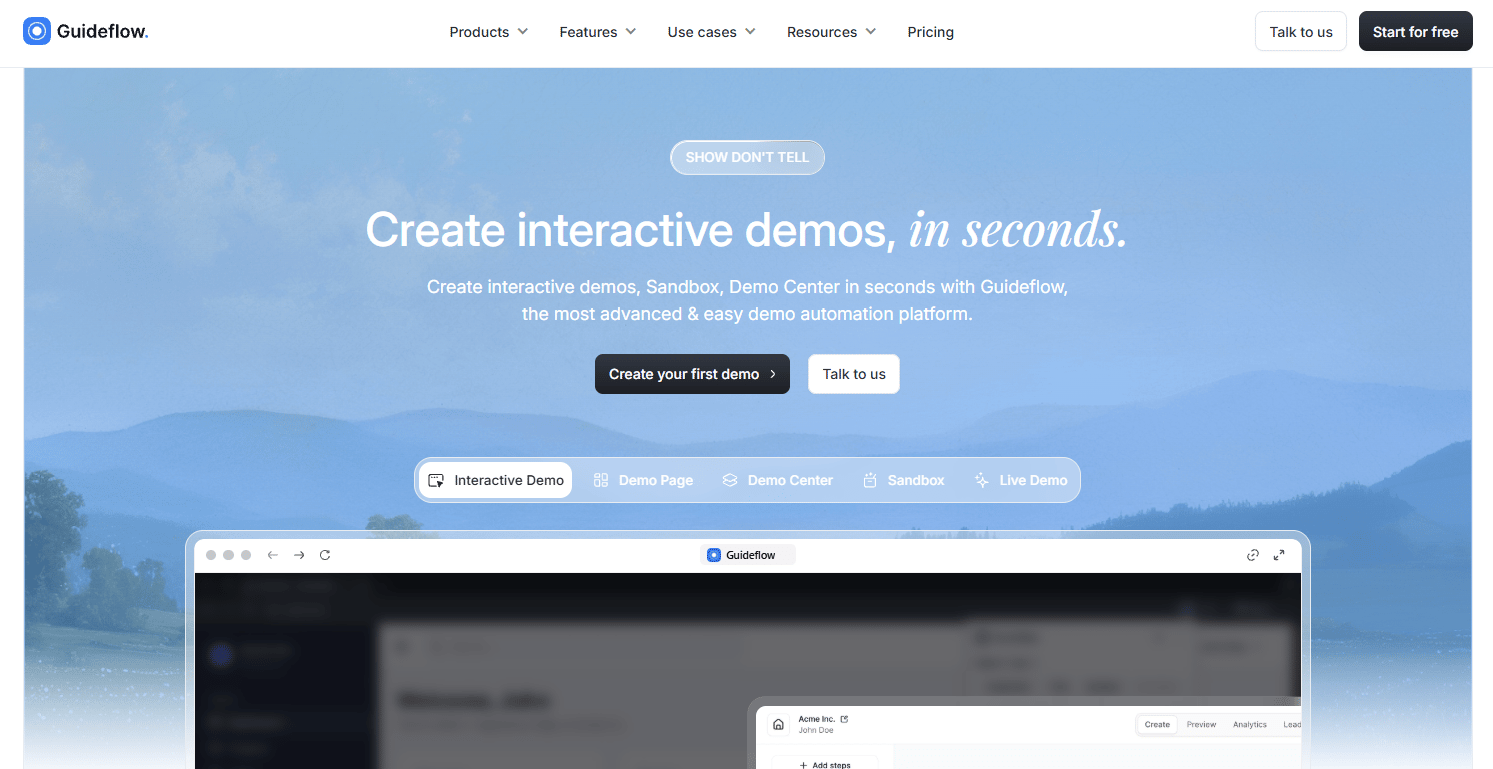
Guideflow is a demo automation platform built for teams that need more than a single-format capture tool. It covers interactive demos, sandboxes, demo centers, live demos, and mobile demos in one suite. Teams capture product flows in a few clicks, refine them in a no-code editor, and distribute them across website embeds, outbound emails, sales follow-ups, and partner portals.
Best for: B2B SaaS sales, presales, marketing, and enablement teams that need interactive product experiences across the full buyer journey.
Key features
- Browser-based demo capture via Chrome extension
- No-code editor with branching, tooltips, CTAs, and lead forms
- Account-level personalization with editable text, images, and charts
- Sandboxes for open product exploration and POC support
- Step-level engagement analytics and CRM integrations with HubSpot, Salesforce, and Marketo
Why choose Guideflow: Presales teams use Guideflow to build a self-serve layer before the SE call, then track which features buyers revisited so live time focuses on real blockers. Marketing teams embed demos on landing pages. Customer success teams drop them into onboarding flows. The same captured asset works across all of those surfaces without rebuilding.
Guideflow pricing: Free plan available. Solo starts at $35/month billed yearly ($40/month billed monthly). Startup is $499/month billed yearly. Advanced is $1,499/month billed yearly. Enterprise pricing is custom.
G2 rating: G2 reviewer data shows 5.0/5 individual scores; verify the aggregate rating on Guideflow's live G2 listing before publishing.
Start your journey with Guideflow today!
2. Demoboost
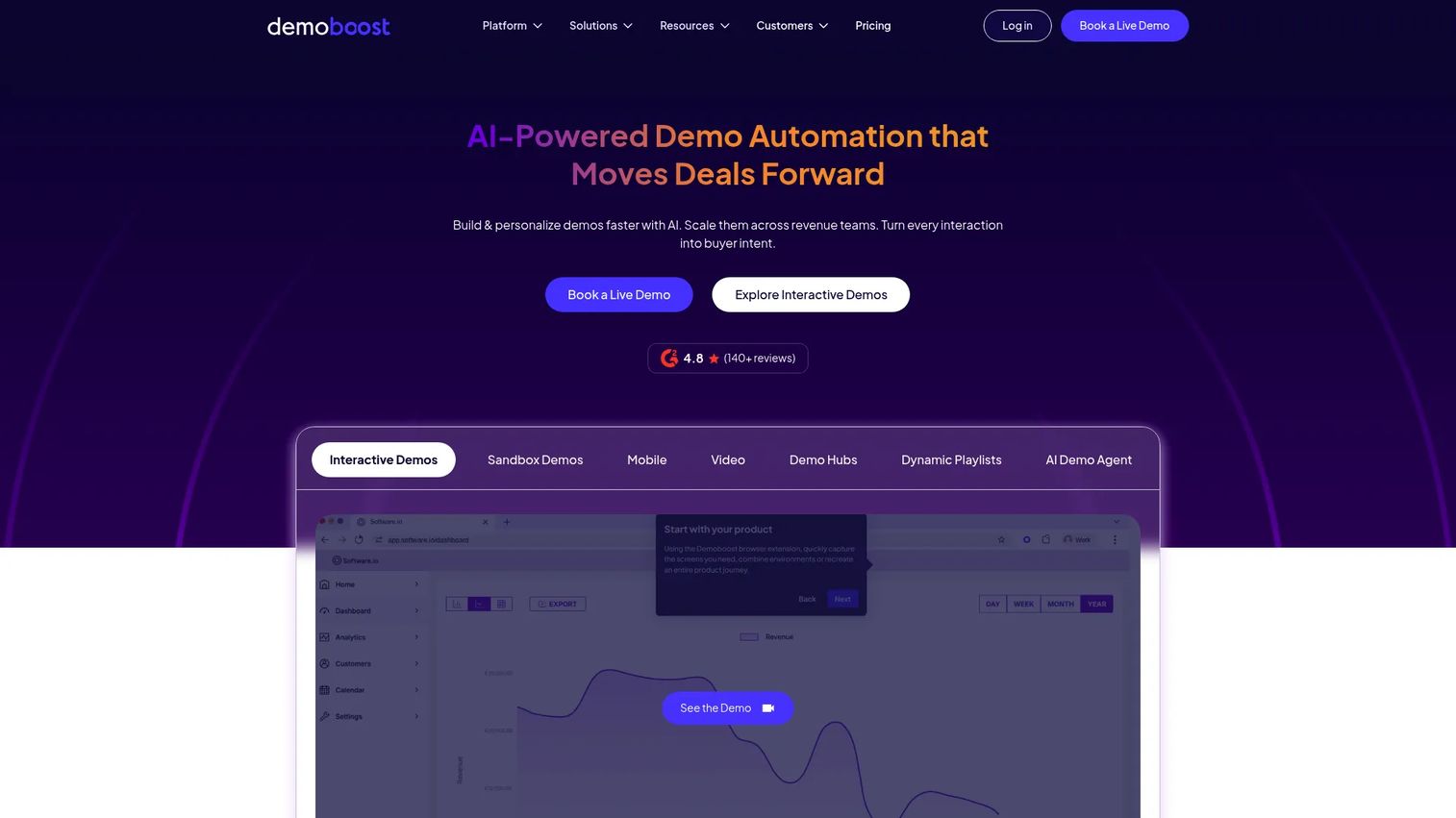
Demoboost is an AI-powered demo automation platform built for enterprise and mid-market revenue teams. It supports HTML, screenshot, video, mobile, sandbox, and overlay demo formats, and layers on AI narration, natural-language editing, and revenue-intelligence analytics. Demo Hubs let teams organize demos by persona or use case, and CRM integrations push engagement data into existing sales workflows.
Best for: Enterprise GTM teams that need governed demo assets, buyer-intent tracking, and consistent demo quality across presales and sales.
Key features
- Interactive demos in HTML, screenshot, video, mobile, and sandbox formats
- AI narration, translation, and natural-language demo editing
- Demo Hubs with dynamic playlists and lead capture
- Buyer-intent and revenue-intelligence analytics
- SSO, role-based access control, and domain whitelabeling
Why choose Demoboost: Choose Demoboost when the main bottleneck is demo library governance and consistency across a large SE team. Evaluate setup effort, admin ownership, and integration requirements before committing.
Demoboost pricing: Start Up begins at $375/month billed yearly. Essentials is $600/month, Growth is $1,200/month, and Enterprise uses custom pricing. No free tier.
G2 rating: 4.8/5
3. CloudShare
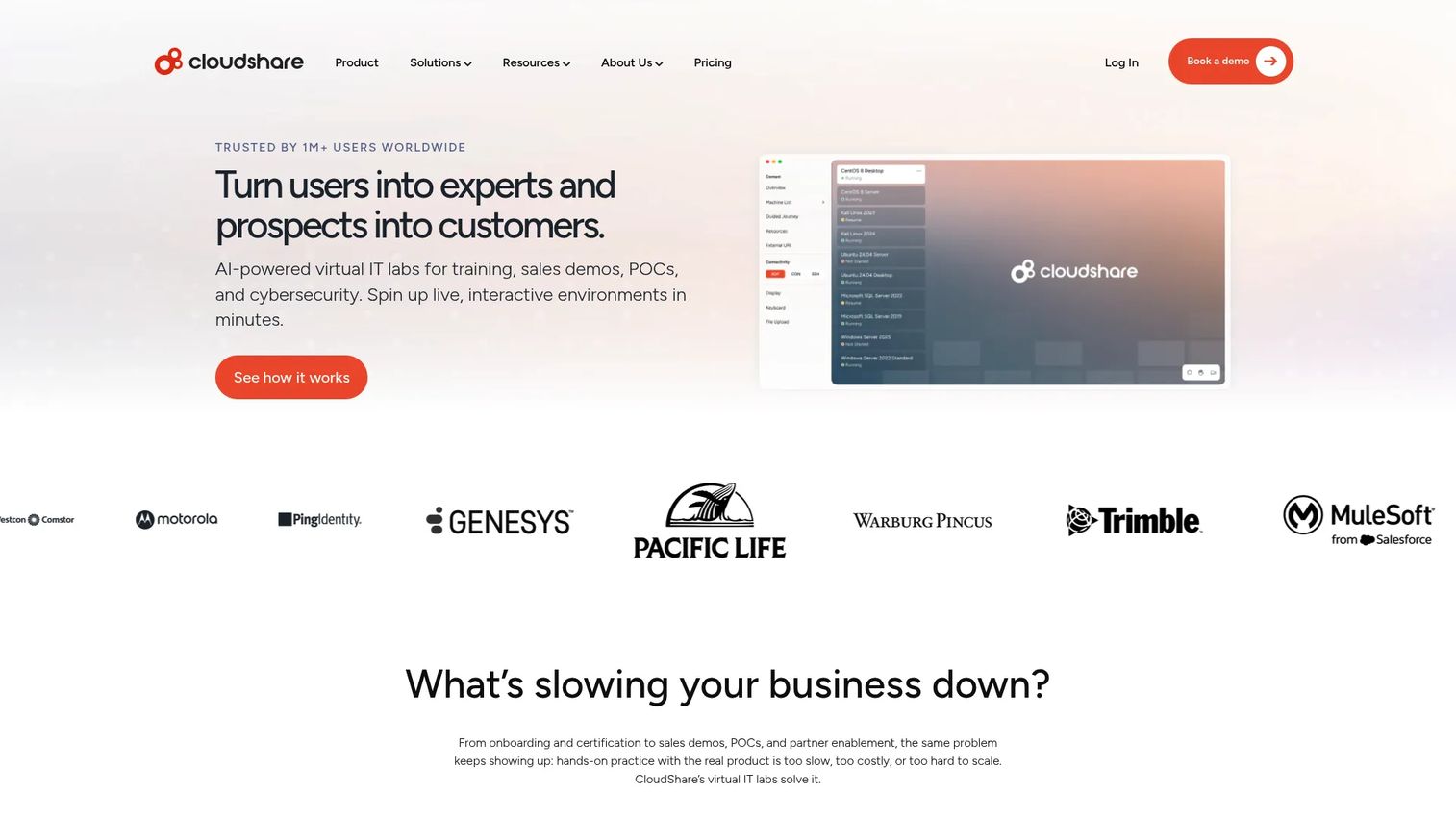
CloudShare provides cloud-based virtual IT labs for training, sales engineering, POCs, and cybersecurity exercises. Environments are browser-accessible, support one-click cloning from templates, and can be monitored in real time by instructors or presales managers. It connects to LMS, CRM, and SSO providers via REST API, and supports AWS, Azure, and Google Cloud.
Best for: Presales and training teams that need functional cloud environments for technical validation, hands-on POCs, or instructor-led lab programs.
Key features
- Browser-based virtual lab environments with one-click cloning
- AI assistants and guided journeys inside lab sessions
- Over-the-shoulder monitoring and real-time collaboration
- REST API integrations with LMS, CRM, and SSO systems
- Cloud-agnostic deployment across AWS, Azure, and Google Cloud
Why choose CloudShare: CloudShare fits evaluations that require deep hands-on technical access, not lightweight website demos. If the prospect needs to run real workflows in a controlled environment, this is the right tool. Teams looking for lightweight guided demos should compare it against interactive demo platforms first.
CloudShare pricing: CloudShare advertises a flat-rate model with unlimited users and full feature access, but prices by quote. Ask sales for current lab, user, and environment requirements.
G2 rating: 4.5/5
4. Saleo
Saleo injects prospect-specific data into native SaaS products during live sales presentations. SEs can customize graphs, metrics, tables, text, and images in real time without engineering support, so every demo reflects the prospect's actual use case. The platform is now part of the Consensus portfolio, and its live demo capability continues as Consensus Live.
Best for: Sales engineering teams that run live product demos and need polished, believable demo data without manual environment setup.
Key features
- Real-time data injection into native SaaS product UIs
- Customizable graphs, metrics, tables, text, and images
- Personalized live demos without engineering dependencies
- Repeatable demo views for consistent SE delivery
Why choose Saleo: Choose Saleo when the primary problem is demo data quality during live calls, not demo format variety. Confirm app compatibility and governance requirements with the sales team before evaluation.
Saleo pricing: Saleo prices by quote. Contact sales for current pricing and supported applications.
G2 rating: 4.9/5
5. Demoleap
Demoleap is a sales-assistance platform designed to support reps and SEs during live product demonstrations. It provides real-time playbook guidance, demo prompts, and objection-handling support during calls. Note: The supplied domain was inaccessible at verification time, so capabilities below are drawn from available secondary documentation.
Best for: Sales teams that need structured live call guidance and consistent demo execution across reps.
Key features
- Real-time demo guidance and sales playbooks
- Demo prompts and objection-handling support during calls
- CRM workflow integration
Why choose Demoleap: Demoleap fits when inconsistent demo execution is the main issue rather than demo asset creation. Verify current product status and integration support directly with the vendor before shortlisting.
Demoleap pricing: Contact Demoleap sales for current plans and seat requirements.
6. Vivun
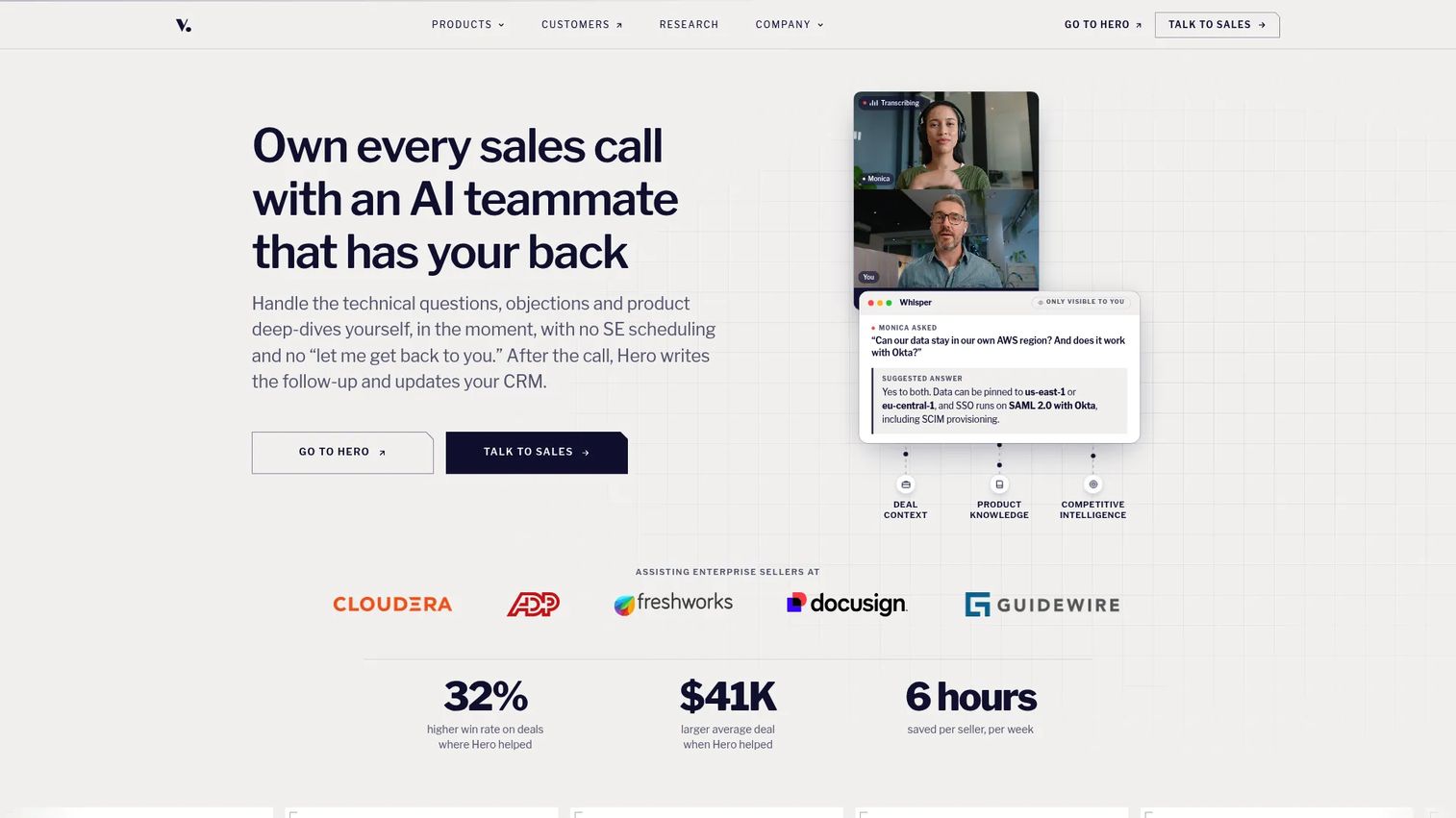
Vivun provides AI sales teammates that help B2B sellers prepare for calls, answer questions in real time, create deal assets, and follow up. The platform covers account research, meeting preparation, live call assistance, coaching, CRM updates, and interactive demo creation. Its current product branding on the Vivun site is Hero.
Best for: B2B sales organizations that need AI-assisted deal support across discovery, live calls, and post-call follow-up.
Key features
- Account and deal research with structured AI reasoning
- Live call assistance with real-time transcription and responses
- Sales coaching and automated follow-up generation
- CRM updates and interactive demo creation
- Opportunity support data for presales visibility
Why choose Vivun: Vivun fits when the bottleneck spans preparation and follow-up, not only the demo itself. Presales leaders often pair it with a dedicated demo creation tool when they need both SE workflow visibility and polished buyer-facing assets.
Vivun pricing: Vivun prices by quote. Contact sales for current pricing and implementation scope.
G2 rating: 5.0/5
7. ScreenSpace
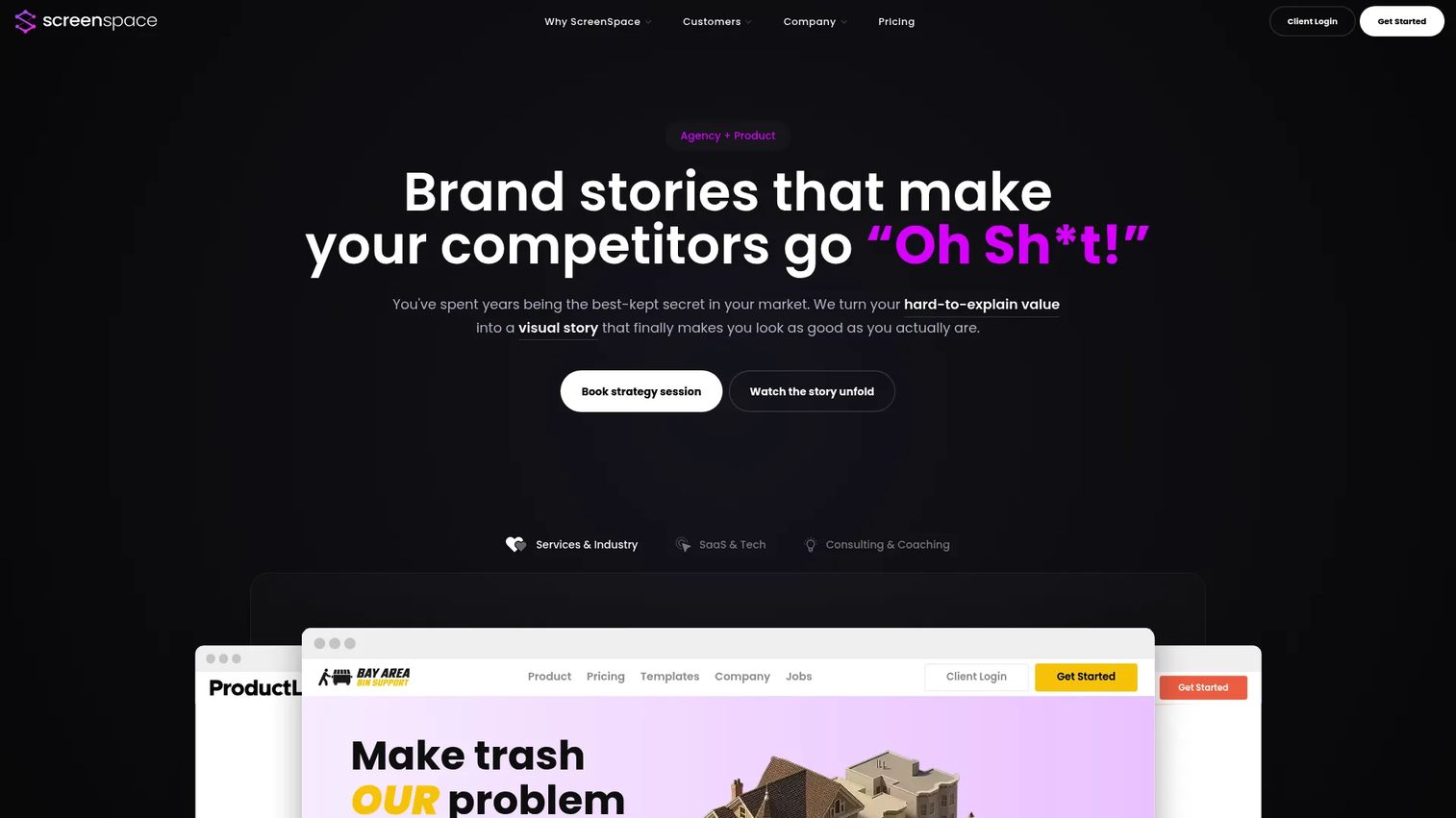
ScreenSpace is a visual storytelling agency and platform that turns complex B2B expertise into cinematic, interactive buyer experiences. It offers narrative strategy, visual story production, and ongoing creative partnership plans. The focus is on story quality and visual polish rather than self-serve demo creation or technical validation depth.
Best for: Marketing and product teams at B2B companies that need high-production interactive product stories for demand generation or executive presentations.
Key features
- Interactive buyer experiences with cinematic visual design
- Drag-and-drop story builder with guided narrative templates
- Lead capture and real-time engagement analytics
Why choose ScreenSpace: Choose ScreenSpace when story quality and production value matter more than SE self-sufficiency. Presales teams should check whether the update cycle and production cost fit their deal volume.
ScreenSpace pricing: Narrative Foundation starts at $8,000 as a one-time investment. Visual Story is $28,000 one-time. Creative Partnership plans run from $7,500 to $12,000/month billed quarterly.
G2 rating: 4.9/5
8. Tourial
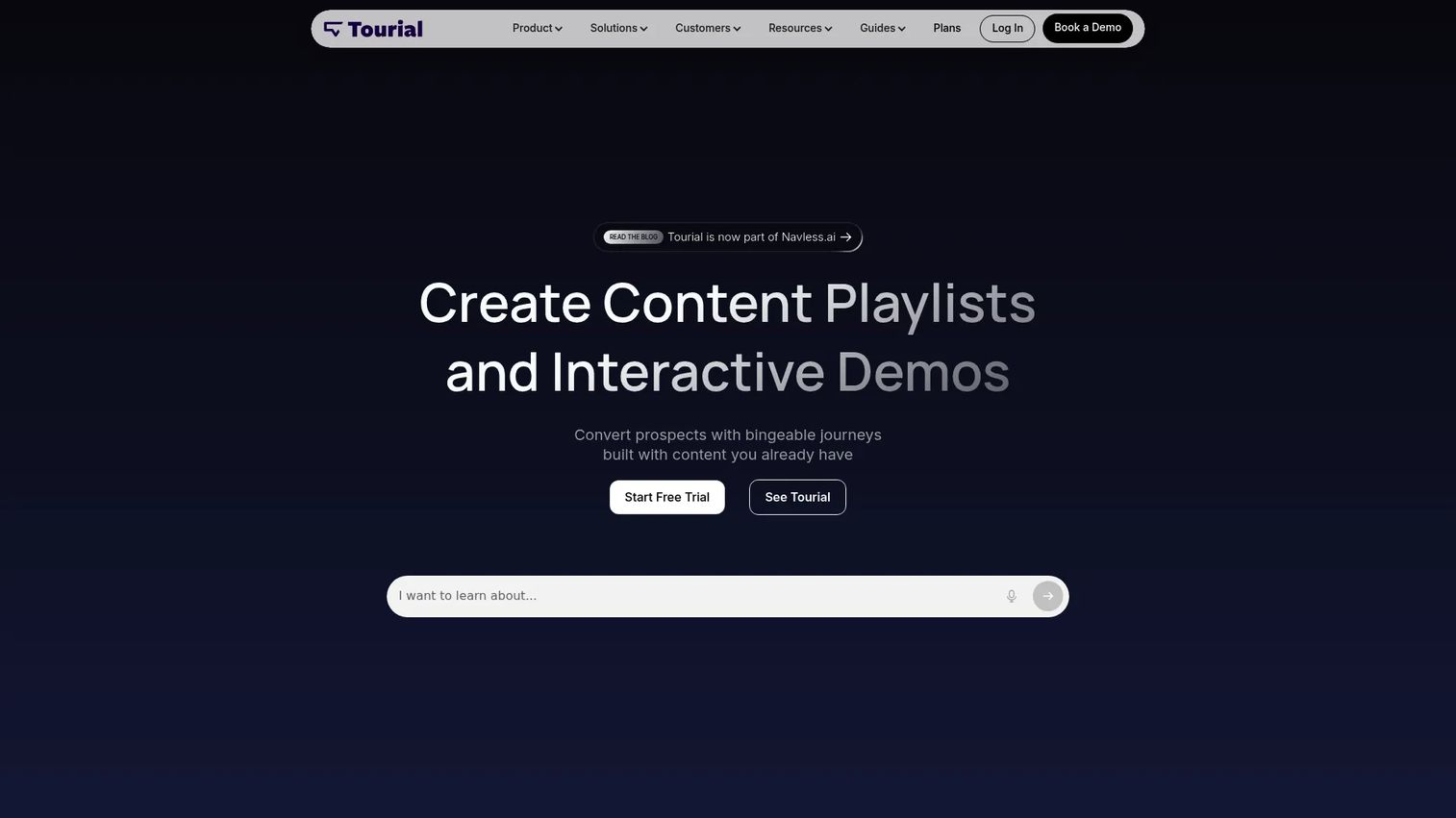
Tourial is a platform for creating personalized interactive product tours, content playlists, and software demos. It includes AI tour generation, Tour Centers for organizing content, and integrations with CRM and marketing tools. The company is now part of Navless.ai, and the G2 profile is listed under that brand.
Best for: B2B marketing, sales, and customer success teams that need self-guided interactive product tours for website conversion and demand generation.
Key features
- AI tour generation and drag-and-drop tour creation
- Tour Centers for organizing product tours by use case or persona
- Interactive content playlists and engagement analytics
- CRM and marketing tool integrations
- Custom branding and lead capture
Why choose Tourial: Tourial excels for marketing-led product education on landing pages and in campaign flows. Presales teams should confirm whether it supports deeper sales validation workflows before choosing it over a full demo automation suite.
Tourial pricing: Ask sales for current pricing, seat limits, and usage caps.
G2 rating: 4.6/5
9. DemoEasel
DemoEasel is a demo creation platform for producing interactive, reliable software demonstrations across multiple output formats. It supports interactive live demos, self-guided walkthroughs, video creation, mobile demo capture, PowerPoint screenshot generation, and Keynote simulations. A 30-day trial download is available on the official site.
Best for: Sales, channel, and marketing teams that need reusable software demos in multiple presentation formats for live walkthroughs and recorded content.
Key features
- Interactive live demos and self-guided walkthroughs
- Video creation and mobile demo capture
- PowerPoint screenshot generation and Keynote simulations
- Multiple output formats from a single demo source
Why choose DemoEasel: DemoEasel fits teams that need demos across slide-based, video, and interactive formats from a single capture. Check analytics depth and CRM integration availability against your RevOps requirements.
DemoEasel pricing: A 30-day free trial download is available.
G2 rating: 3.5/5
10. guidde
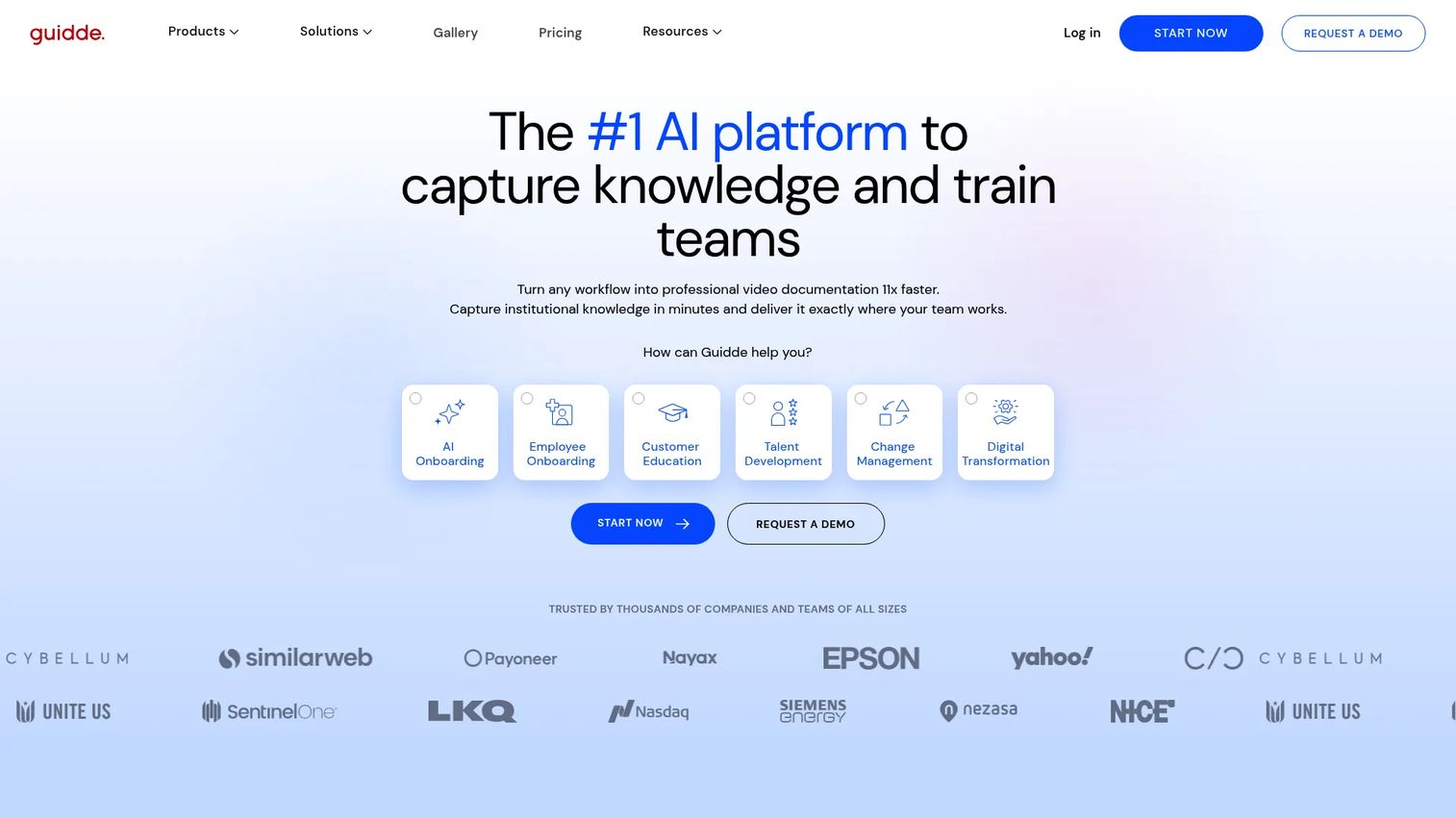
guidde is an AI platform for creating video documentation, training content, SOPs, and product how-to guides from captured workflows. It auto-generates scripts, voiceovers, captions, and visual highlights, then exports finished guides for sharing across teams or embedding in help centers. Auto-translation covers 50+ languages.
Best for: Teams that need to quickly produce narrated video guides for product education, internal enablement, or customer-facing documentation.
Key features
- AI-generated video documentation from screen capture
- Auto-generated scripts, voiceovers, captions, and visual highlights
- Advanced video editor with interactive links
- Auto-translation into 50+ languages
- Enterprise access controls, approval workflows, and SSO
Why choose guidde: guidde fits when the output needs to be a narrated process video or documentation asset rather than a clickable buyer experience. Presales teams that need buyer exploration and intent signals should compare it against interactive demo platforms.
guidde pricing: Free plan includes up to 25 how-to videos. Pro starts at $19/creator/month billed yearly ($29/month billed monthly). Business is $39/creator/month billed yearly. Enterprise uses custom pricing.
G2 rating: 4.8/5
11. RELAYTO AI
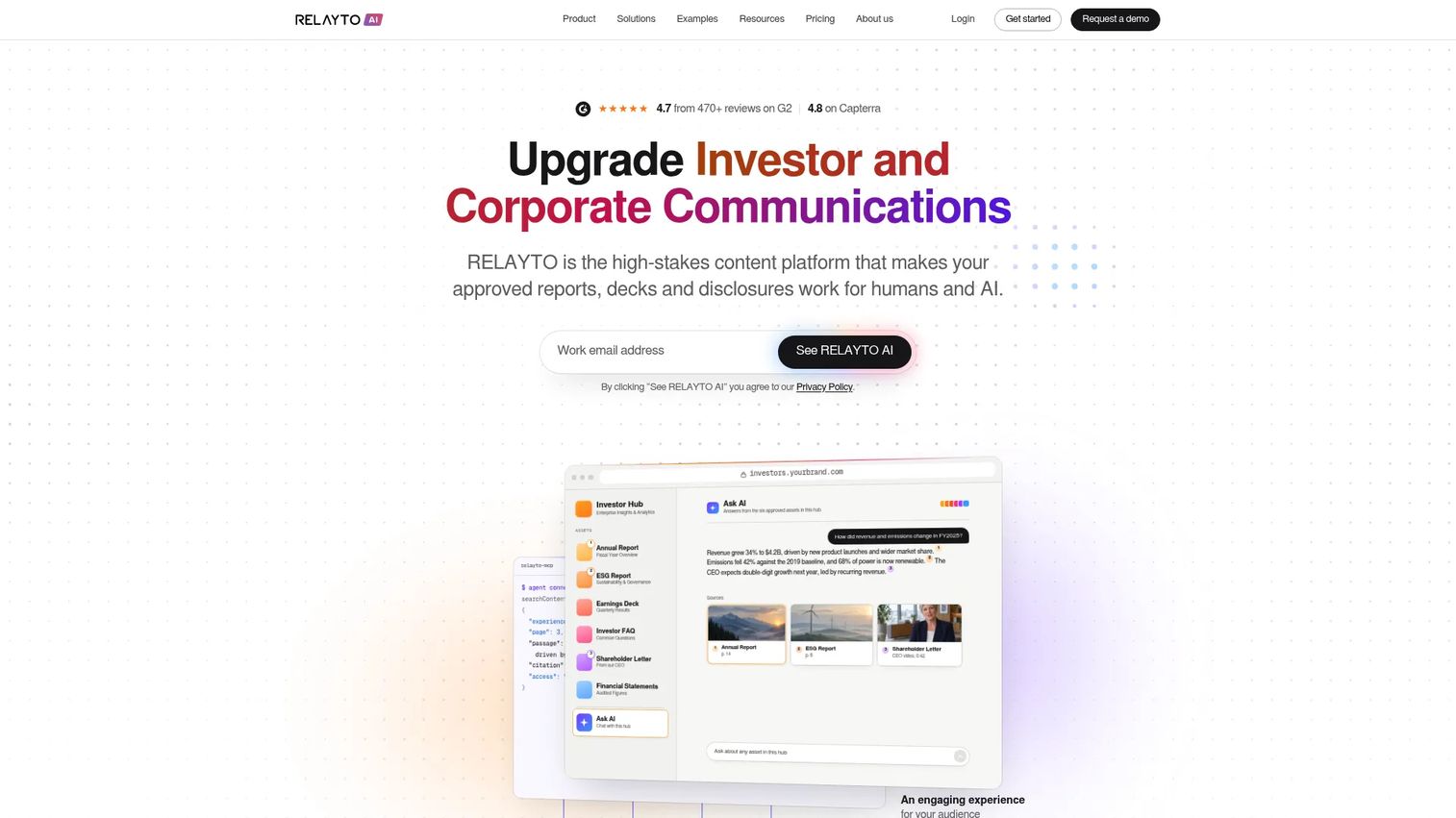
RELAYTO AI transforms reports, decks, PDFs, and disclosures into interactive microsites and content hubs. It includes AI content chat, page-level analytics, access controls, and SSO. Teams use it for sales rooms, investor communications, and buyer-facing content portals rather than interactive product demos specifically.
Best for: Revenue, marketing, and investor relations teams that want to turn approved documents into measurable, interactive web experiences.
Key features
- PDF-to-interactive flipbook, microsite, and slide conversion
- AI microsite and hub builder with content chat
- Interactive media, widgets, animations, and forms
- Page-level content analytics and engagement tracking
- Access controls, password protection, SSO, and data residency
Why choose RELAYTO AI: Choose RELAYTO AI when the team needs interactive content hubs for multiple asset types, not product-demo fidelity. Evaluate integration depth and how it fits alongside your existing demo creation workflow.
RELAYTO AI pricing: Team plan starts at $750/month billed yearly. Business is $2,500/month billed yearly. Enterprise uses custom pricing. A 30-day trial is available for the Team plan.
G2 rating: 4.7/5
12. Trupeer
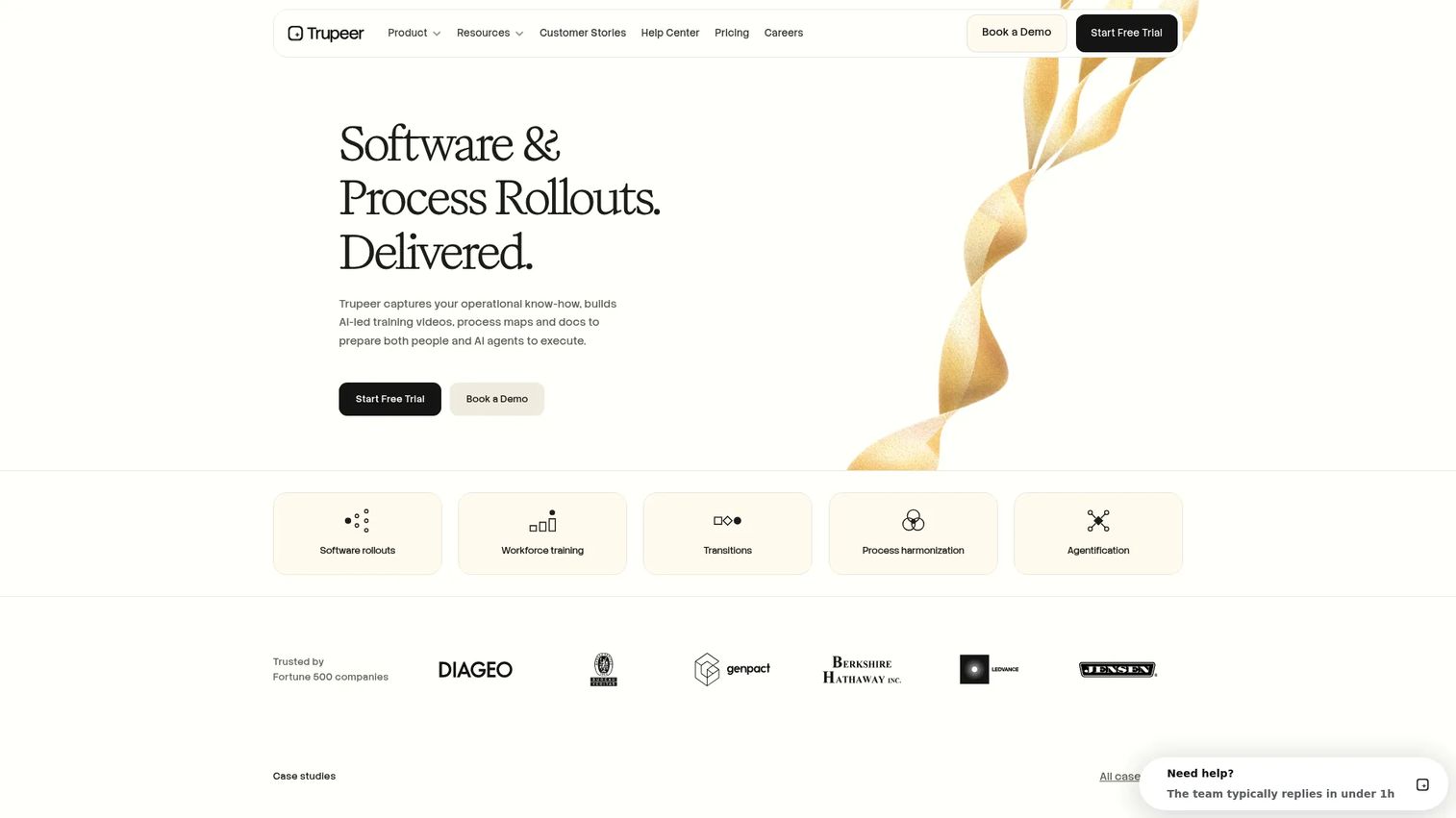
Trupeer converts screen recordings and uploaded content into polished AI videos, step-by-step documents, and searchable knowledge bases. It auto-generates transcription, scripts, voiceover, captions, and annotations, then exports to MP4, DOC, PDF, or Markdown. Translation and multilingual shared pages are included.
Best for: Teams creating product walkthroughs, training videos, and multilingual documentation from screen recordings at speed.
Key features
- AI video and document generation from screen recordings
- Automated transcription, script polishing, voiceover, and captions
- Video editing and exports to MP4, DOC, PDF, and Markdown
- Translation with multilingual shared pages
- Knowledge base with AI search
Why choose Trupeer: Trupeer fits when video production speed and documentation depth matter most. Teams that need buyer interaction and intent analytics from demos should compare it against interactive demo platforms.
Trupeer pricing: A 10-day free trial is available. Pro starts at $40/month billed yearly ($49/month billed monthly). Scale is $199/month billed yearly. Enterprise uses custom pricing.
G2 rating: 4.7/5
13. Demoflow
Demoflow is a sales-demo enablement platform for preparing, presenting, following up on, and documenting customer demos. The official site was inaccessible at verification time, and G2 reviews are listed under Gondola, the apparent successor. Capabilities below reflect available secondary documentation.
Best for: Sales and presales teams that need structured live demo workflow support and repeatable presentation consistency.
Key features
- Demo workspace and sales call support
- Playbook guidance and objection handling
- CRM workflow support and team demo consistency
Why choose Demoflow: Verify current product status, integrations, and pricing directly with the vendor. If live demo execution consistency is the primary need, confirm whether the tool still ships active updates before shortlisting.
Demoflow pricing: Contact Demoflow for current plans and supported workflows.
Considerations when choosing demo automation software
Match the demo format to the buying stage
Guided interactive demos and website embeds work well at the top of funnel when buyers need basic orientation. Sandboxes and virtual labs excel when the evaluation requires hands-on technical validation. Demo centers serve buying committees where multiple stakeholders each need a different view of the product. Map your most common deal stages to the format that fits each one before comparing vendors.
Check how quickly your team can update demos
Presales teams need demos that stay current as the product ships. Ask how captures, edits, version control, and library updates work in each tool. A demo that shows last quarter's UI creates trust issues during technical validation, and manual recapture for every sprint release is not sustainable.
Evaluate buyer intent data, not just view counts
View totals are weak signals. Steps completed, drop-off points, revisit behavior, shares, form fills, and account-level engagement tell SEs which prospects are actively evaluating and what they care about. Use those signals to prioritize follow-up and decide which deals need deeper live time.
Confirm CRM and workflow integrations
Check what data syncs to Salesforce, HubSpot, Marketo, or Slack, when records are created, and who owns the follow-up workflow. A demo platform that sits outside your existing RevOps stack will get abandoned by reps within a quarter.
Review governance, security, and access controls
Cover access permissions, domain restrictions, SSO, role-based controls, data masking, and approval workflows. Route formal compliance questions to your security team. Demo software controls what appears on screen, but it does not satisfy any specific regulatory requirement on its own.
Conclusion
The right demo automation tool depends on what is breaking in your current demo workflow, not on which platform has the most features.
Guideflow is the strongest overall fit for teams that need an interactive demo layer covering guided demos, sandboxes, demo centers, live demos, and mobile demos without maintaining multiple specialized tools. Demoboost suits enterprise teams that need governed demo libraries and AI-assisted content across a large SE organization. CloudShare fits presales teams running genuine technical labs and POC environments. Saleo solves live demo data quality specifically. ScreenSpace and Tourial both serve marketing-led product storytelling, depending on whether production quality or self-serve speed is the priority. guidde and Trupeer cover video documentation and training content efficiently.
Shortlist by workflow first. Pick the tool that removes the biggest friction point in your current demo motion, then verify CRM fit, pricing, and your team's capacity to maintain assets.
Start your journey with Guideflow today!
FAQs
Demo automation software helps teams create, personalize, share, and measure product demos without rebuilding a live environment for every prospect. It covers guided interactive demos, sandboxes, demo centers, live demos, mobile demos, and video-based guides. The category sits between CRM and sales engagement tools on one side and marketing automation on the other.
Presales, sales engineers, account executives, product marketers, demand generation, customer success, and onboarding teams all use demo automation at different journey stages. SEs use it to reduce repetitive live calls and support technical validation. Marketing teams embed demos on landing pages. Customer success teams drop demos into onboarding flows and help center articles.
Demo automation reduces the volume of repetitive live demos by giving buyers a self-serve way to explore the product before the SE call. SEs can then use engagement data, steps completed, drop-offs, and revisits to focus live time on fit questions and technical blockers rather than basic orientation. It also makes post-call leave-behinds shareable without requiring another SE to be present.
Screen recording creates a passive video the viewer watches linearly. Demo automation software creates interactive or controlled product experiences the viewer can click through, personalize, share with specific access controls, and measure at the step level. Video still works for quick process explanations. Interactive demos support buyer-led exploration and generate intent signals that video does not.
It replaces some repetitive demo moments, particularly first-pass orientation and post-call reinforcement. It does not replace live demos where the buyer needs real-time technical discussion, objection handling, or collaborative discovery. The best use is to reduce low-value live calls so SEs can focus on evaluations that genuinely require their time.
Prioritize demo format fit for your deal stages, account-level personalization, sensitive data hiding or replacement for security-sensitive evaluations, step-level analytics, CRM integration with your existing stack, and version control so demos stay current as the product changes. Access controls and SSO matter for enterprise security reviews. Update speed matters for teams shipping weekly.
Track demo-to-next-step conversion, stakeholder engagement per opportunity, demo completion rates, sales cycle length before and after adoption, SE hours saved on repetitive calls, and POC conversion rates. Establish a baseline for each metric before claiming lift. Influenced pipeline and deal velocity are the most defensible metrics for finance and leadership.
Pricing varies by seats, demo volume, analytics features, integrations, and enterprise security requirements. Some vendors, including Guideflow and guidde, publish self-serve pricing with free plans. Others, including CloudShare, Saleo, and Vivun, price by quote based on team size and use case. Check vendor pricing pages and G2 pricing tabs before entering procurement.