



You download a DAW, spend a weekend learning it, and only then realize it fights your workflow. The loop-based tool you picked makes multitrack recording painful. The recording-first tool buries the pattern sequencing you actually wanted. The wrong choice never announces itself at download time. It shows up three projects later, when switching means relearning everything.
That friction is expensive, and the market is only getting bigger. Grand View Research (2026) puts the global DAW market at $4.4B in 2025, projected to reach $8.9B by 2033. More tools, more editions, more decisions to get wrong.
The fix is knowing what job you need done before you install anything. Do you need to record vocals and bands, sequence beats, score to picture, or mix and master finished tracks? Match the workflow first, and the shortlist gets short fast.
What's inside
This guide is for anyone choosing a digital audio workstation in 2026, whether you record podcasts, build beats, or mix full sessions. We picked and ranked tools on the criteria that actually decide fit:
- Workflow fit: Loop-based production, multitrack recording, MIDI sequencing, or mix-and-master focus
- OS compatibility: Windows, Mac, or both, since some tools lock to one platform
- Pricing: One-time purchase, subscription, and free tier or trial availability
- Learning curve: How fast you reach a first finished project
We cross-referenced first-party pricing pages with current G2 ratings so the numbers here are real, not remembered.
TL;DR
- Best overall for electronic production: Ableton Live, for its clip-based Session View and live-set flexibility
- Best for Mac users and songwriters: Logic Pro, a full Apple-native studio at a one-time price
- Best for beatmaking and pattern workflows: FL Studio, built around the piano roll with lifetime free updates
- Best for full-featured recording and composition: Cubase, deep MIDI editing plus scoring and Dolby Atmos
- Best for low-cost flexibility: REAPER, a lightweight, endlessly customizable DAW at $60
- Best for quick all-round workflow: Studio One, drag-and-drop production with fast onboarding
- Best for industry-standard post and large sessions: Pro Tools, the studio staple with a free Intro tier
What is a digital audio workstation?
A digital audio workstation (DAW) is software for recording, editing, arranging, mixing, and mastering audio and MIDI in one place. It's the central hub of nearly every modern music production, whether you're tracking a live band or building a track entirely from samples.
The core workflow runs in a predictable order. You record or import audio, edit and arrange it on a timeline, sequence MIDI for virtual instruments, apply effects and automation, then mix and export a finished file. A good music DAW handles every stage without forcing you into a second app.
Most digital audio workstations share a common set of components. Here's what to expect when you open one:
- Audio tracks: Record and edit multiple layers of live audio
- MIDI sequencing: Program notes for virtual instruments and hardware synths
- Virtual instruments: Built-in synths, samplers, and drum machines
- Effects and processing: EQ, compression, reverb, and creative plugins
- Automation: Draw volume, pan, and parameter changes over time
- Mixing console: Balance levels, route signals, and apply bus processing
- Export and delivery: Bounce to WAV, MP3, or stems for distribution
The term "audio workstation" once meant dedicated hardware. Today it means software running on a laptop, which is why the same core tools now serve bedroom producers and commercial studios alike. Genre and workflow decide which one fits, not raw feature count. A beatmaker and a film composer need very different things from the same category, and that gap is exactly what this list maps.
When to use daw software
Record vocals, instruments, and podcasts
Reach for a DAW when you're capturing live sound across multiple tracks. Multitrack recording lets you lay down vocals, guitar, and drums on separate lanes, then comp the best takes together. Recording-focused DAWs handle low-latency monitoring and large session counts, which matters when a full band is tracking at once.
Build beats, loops, and electronic arrangements
Some DAWs are built around patterns and loops rather than a linear timeline. If you make hip-hop, EDM, or any sample-driven music, a pattern-based workflow speeds up beat construction and arrangement. You audition loops, stack them into clips, and trigger sections without committing to a fixed structure early.
Mix, master, and export finished tracks
Every DAW eventually becomes a mixing desk. You build plugin chains, ride automation across a track, and shape the final balance before export. Mastering-capable tools handle immersive formats like Dolby Atmos and let you deliver stems or a finished stereo file ready for streaming platforms.
Comparison table
This table lets you compare workflow fit, pricing, and platform support at a glance. Use it to narrow the field, then read the full write-ups for the two or three that match your setup.
| # | Product | Best for | Key differentiator | Pricing | G2 rating |
|---|---|---|---|---|---|
| 1 | Ableton Live | Electronic production and live sets | Clip-based Session View | From EUR 79 one-time | 4.7 |
| 2 | Logic Pro | Mac songwriters and producers | Apple-native studio suite | $199.99 one-time | Capterra 4.8 |
| 3 | FL Studio | Beatmaking and pattern workflows | Lifetime free updates | One-time, editions vary | 4.5 |
| 4 | Cubase | Recording, scoring, composition | Deep MIDI and notation | From $99.99 | 4.3 |
| 5 | REAPER | Budget and power users | Full customization at $60 | $60 discounted license | 4.5 |
| 6 | Studio One | Fast all-round production | Drag-and-drop workflow | From $149/year | 4.4 |
| 7 | Pro Tools | Studios and post-production | Industry-standard sessions | Free Intro, from $9.99/mo | Capterra 4.7 |
The right pick depends on three things: Your primary workflow, your operating system, and your budget. A Mac songwriter and a Windows beatmaker will land on completely different rows.
Best daw software for 2026
1. Ableton Live
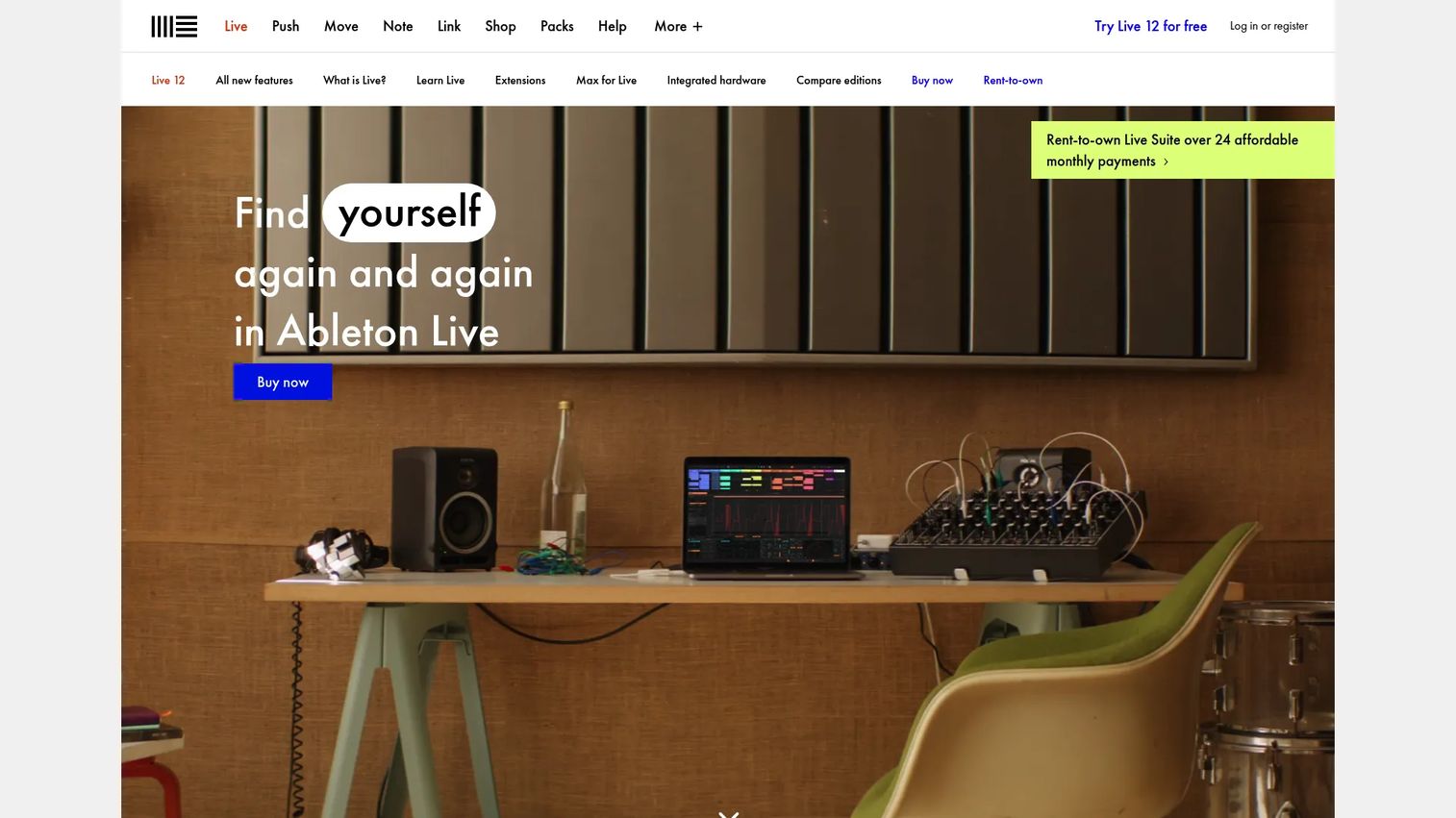
Ableton Live is a digital audio workstation built for music creation, recording, and live performance. Its signature is the Session View, a clip-based grid where you audition and trigger loops nonlinearly, alongside a traditional Arrangement View for structured composition. That dual approach makes it a favorite for electronic producers and performers who want to improvise a set and then commit it to a finished arrangement.
Best for: Producers and performers who want a flexible DAW for composing loops and running live sets.
Key features
- Session View and Arrangement View
- MIDI Transformations and Generators
- Stem separation
- Live performance clip triggering
- Built-in instruments and effects
Why choose Ableton Live: Pick it if your music is loop-driven or you perform live, since no other DAW here treats improvisation as a first-class workflow. It's less of a natural fit if your primary job is tracking a full band.
Ableton Live pricing: Live 12 sells as a one-time purchase in three editions: Intro at EUR 79, Standard at EUR 279, and Suite at EUR 599. Live 12 Suite is also available rent-to-own at EUR 24.96 per month.
On G2, Ableton Live holds a 4.7 out of 5 rating.
2. Logic Pro
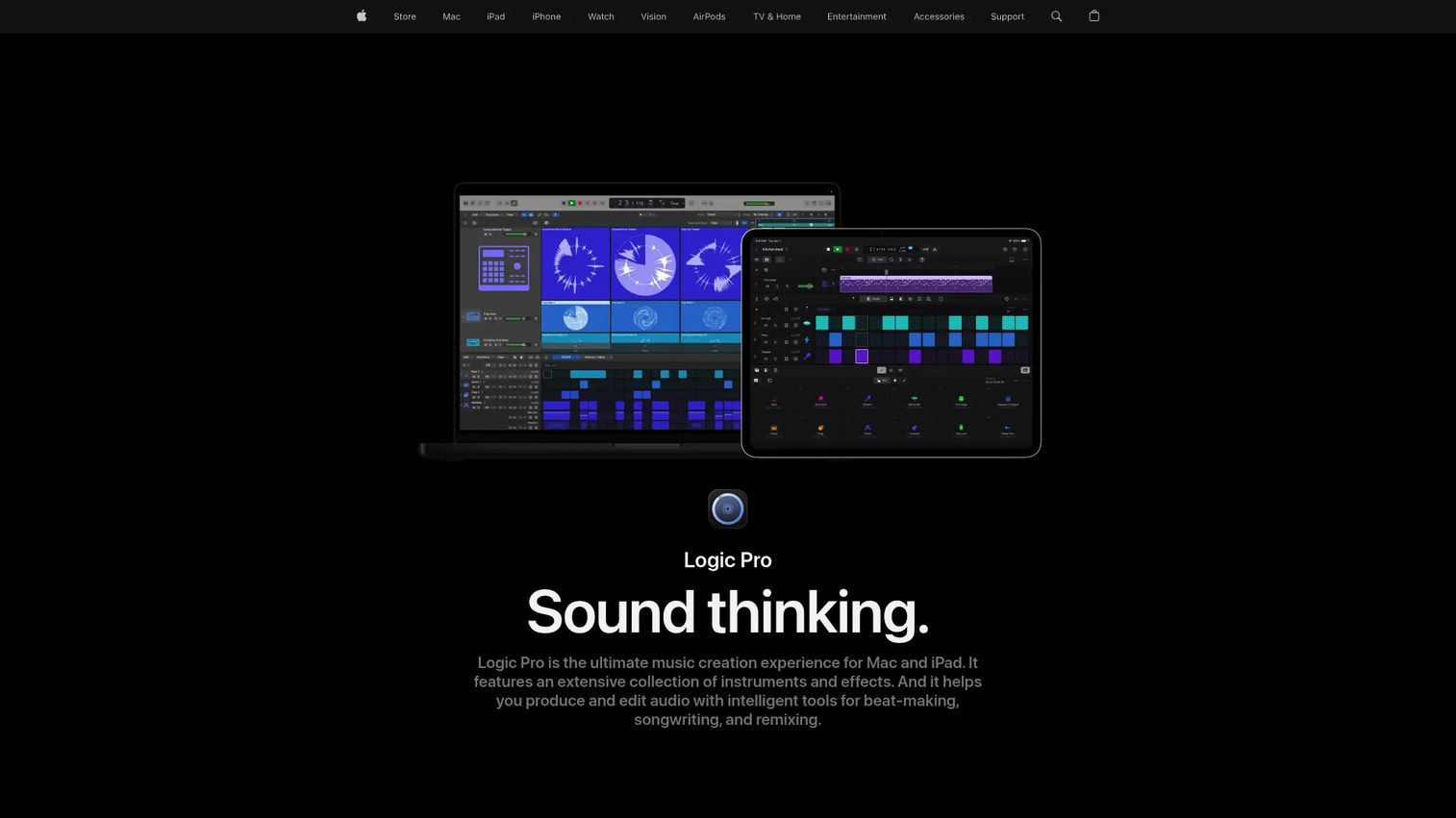
Logic Pro is Apple's professional music DAW for Mac and iPad. It packs a large sound library, Session Players that generate realistic backing tracks, and AI-assisted tools like Stem Splitter and a Mastering Assistant. For anyone already inside the Apple hardware world, it's a full studio at a price that undercuts most subscription rivals over time.
Best for: Musicians and producers who want a full-featured, Apple-native DAW without a recurring bill.
Key features
- Record and edit audio and MIDI
- Stem Splitter and Mastering Assistant
- Chord ID and Smart Tempo
- Session Players for backing tracks
- Large built-in sound library
Why choose Logic Pro: It's the strongest value for Mac songwriters, bundling instruments and mixing tools that cost extra elsewhere. The catch is real: It runs on Apple platforms only, so Windows users are out.
Logic Pro pricing: Logic Pro for Mac is a one-time $199.99 purchase. It's also included in Apple Creator Studio, which runs $12.99 per month or $129 per year for new subscribers after a 30-day free trial.
Apple's page doesn't carry a G2 score; Capterra rates Logic Pro 4.8 out of 5.
3. FL Studio
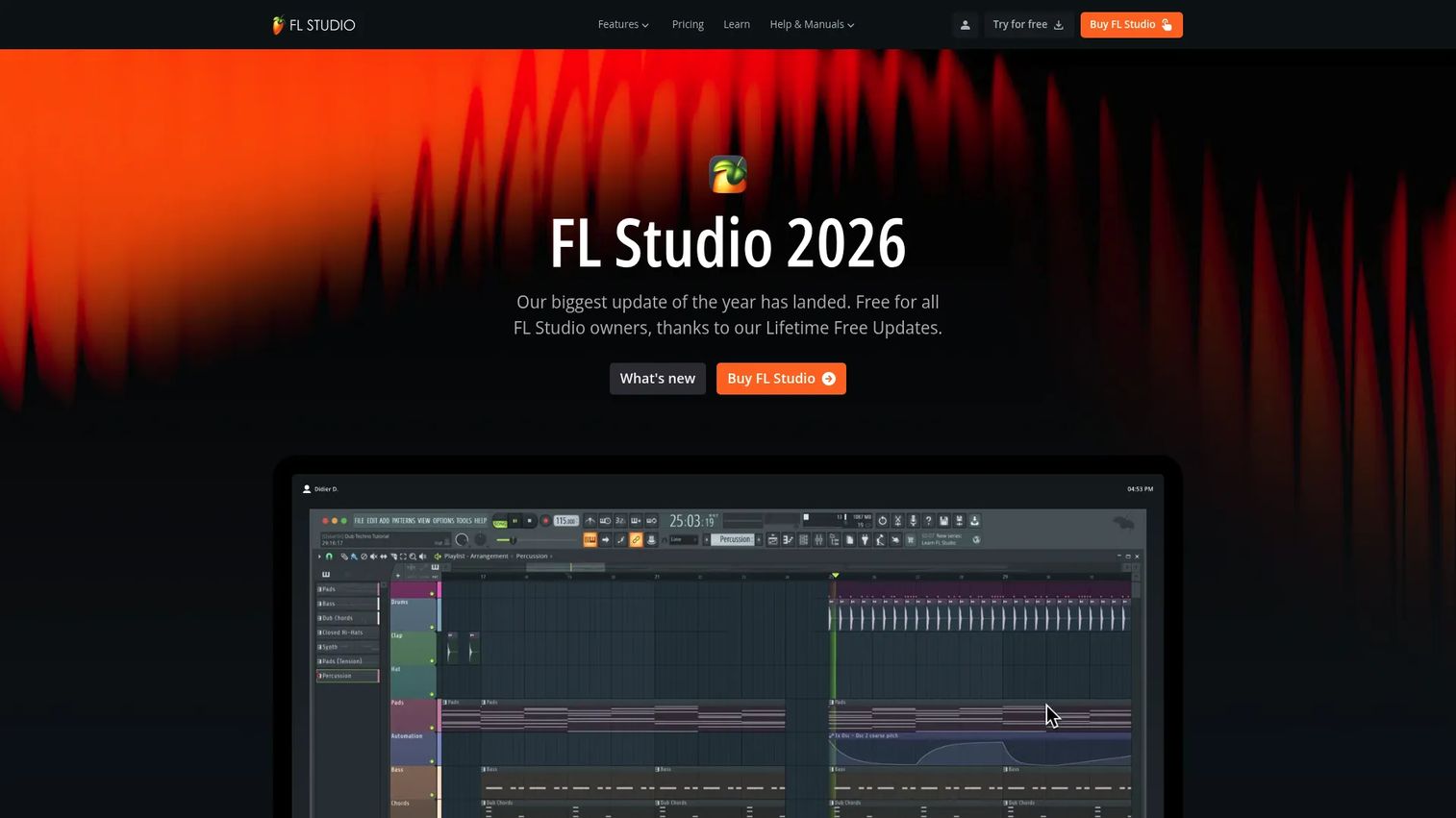
FL Studio is a digital audio workstation for music production, beat-making, recording, and mixing. Its piano roll is widely considered the best in the category, which is why so many hip-hop and electronic producers build entire tracks inside it. Image-Line backs every edition with lifetime free updates, so one purchase keeps getting new features for years.
Best for: Producers who want a pattern-first DAW with a top-tier piano roll and no upgrade fees.
Key features
- Piano roll and full song arrangement
- Audio recording and editing
- Stem separation
- Loop Starter for quick ideas
- Pattern-based sequencing
Why choose FL Studio: Choose it for beatmaking and producer-led composition, where its pattern workflow and piano roll shine. It's less oriented toward large live-tracking sessions than a recording-first DAW.
FL Studio pricing: FL Studio sells as a one-time purchase across Fruity, Producer, Signature Bundle, and All Plugins editions, with a Rent-to-Own Plus monthly option. Every edition includes lifetime free updates.
FL Studio holds a 4.5 out of 5 rating on G2.
4. Cubase
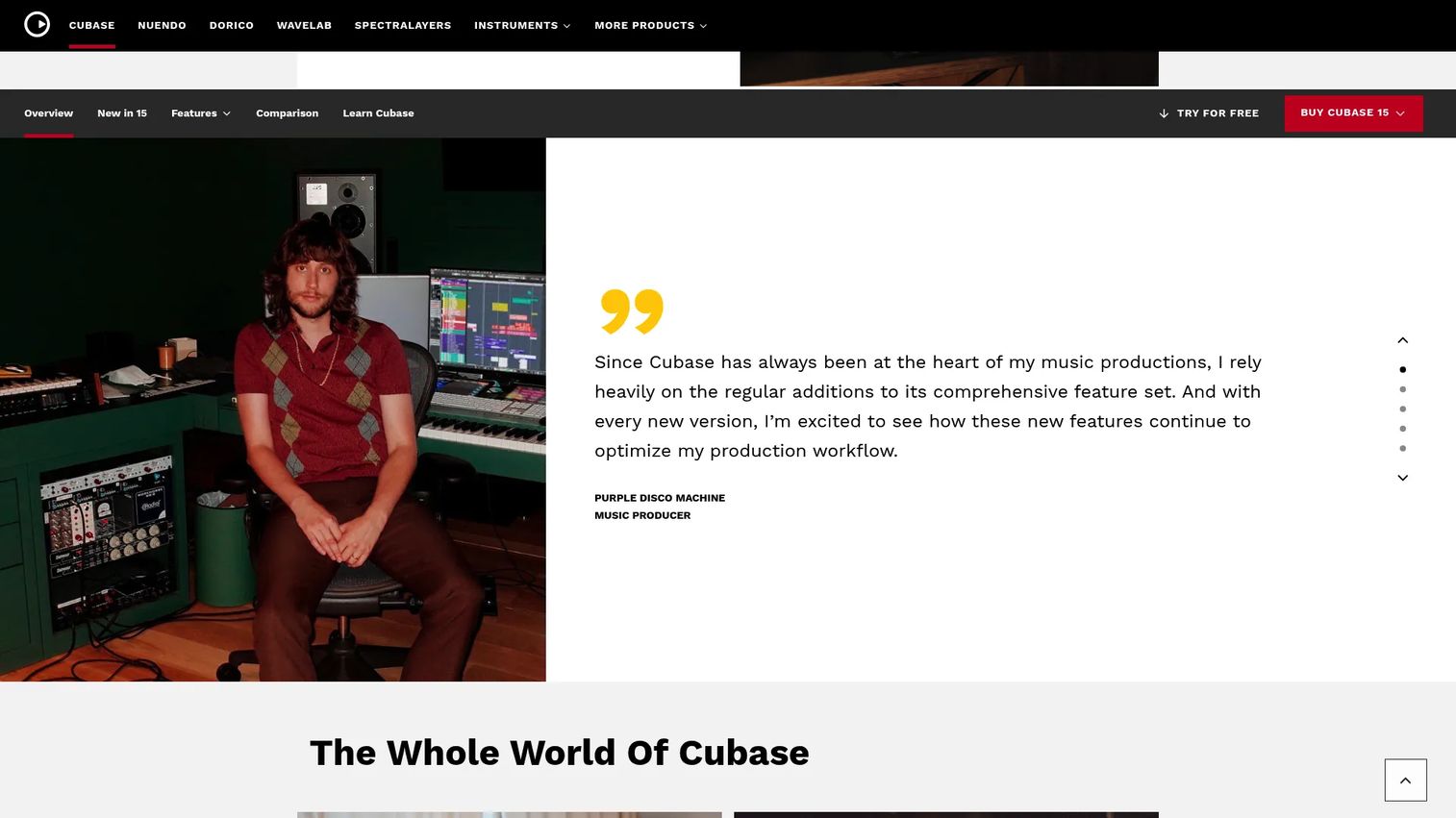
Cubase is Steinberg's DAW for music production, recording, mixing, and scoring. It carries some of the deepest MIDI editing in the category, plus notation and Dolby Atmos support, which makes it a common pick for composers who write to picture or arrange for ensembles. The tiered lineup lets you start cheap and grow into the full professional version.
Best for: Musicians, producers, and composers who need advanced MIDI and scoring in one full-featured DAW.
Key features
- Professional composition and recording workflows
- Advanced MIDI editing
- Dolby Atmos support
- Score and notation editing
- Full mixing and editing tools
Why choose Cubase: It suits composition-heavy work where MIDI depth and scoring matter more than loop triggering. Beginners may find the feature set dense before it becomes powerful.
Cubase pricing: Cubase comes in three full versions: Elements 15 at $99.99, Artist 15 at $329, and Pro 15 at $579.99. Steinberg offers a 60-day free trial.
Cubase carries a 4.3 out of 5 rating on G2.
5. REAPER
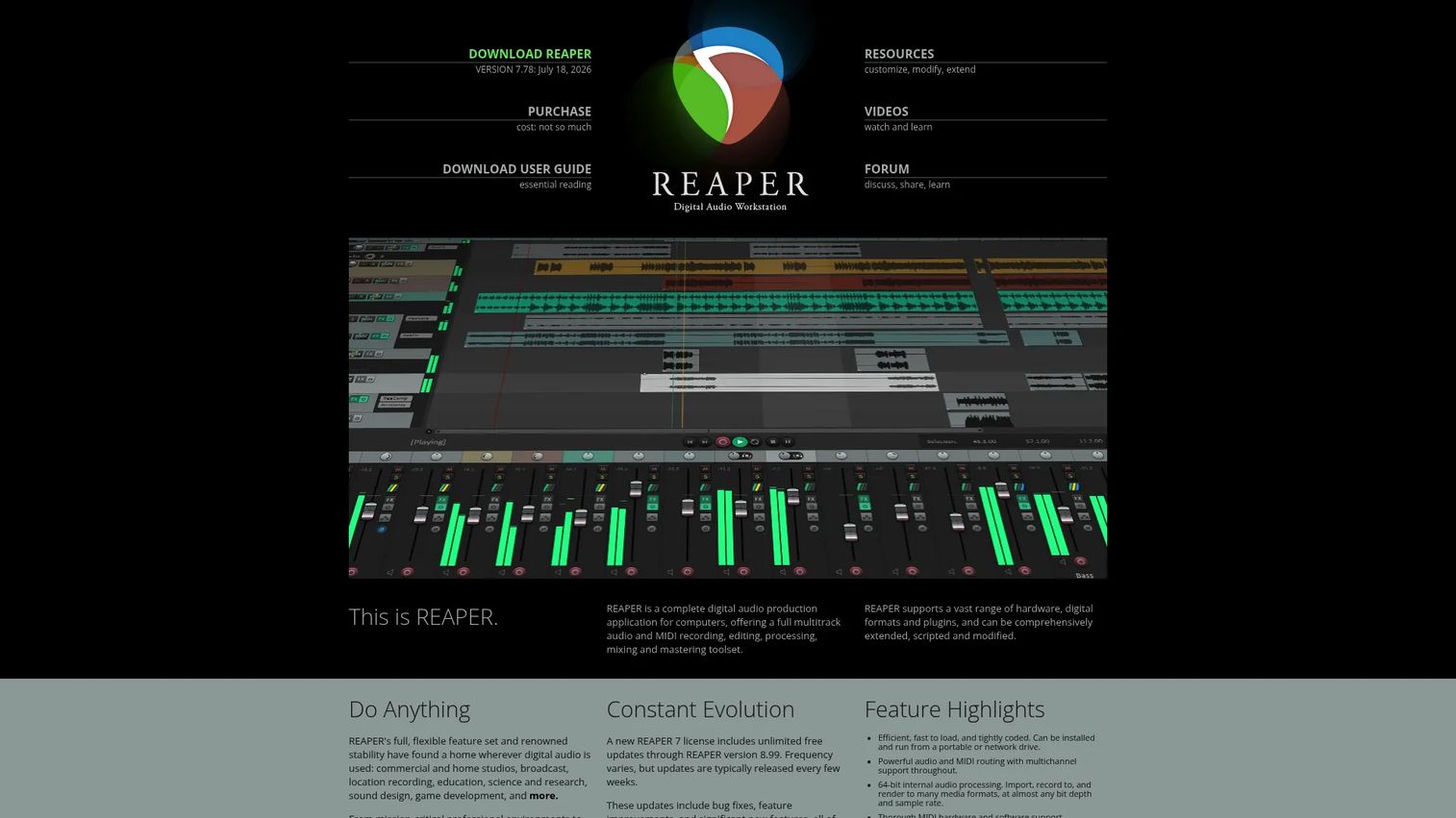
REAPER is a digital audio production DAW for recording, editing, mixing, and mastering. It's known for a tiny system footprint and near-endless customization, letting power users script actions and reshape the interface to their exact workflow. For the price, it delivers full multitrack audio and MIDI without cutting corners on the engine.
Best for: Musicians, podcasters, and audio teams who want a lightweight, deeply customizable DAW on a budget.
Key features
- Full multitrack audio and MIDI
- Scripting and interface customization
- 64-bit internal audio processing
- Broad format and plugin support
- Low system resource use
Why choose REAPER: Go with it when budget and flexibility outrank hand-holding, since its customization rewards users willing to configure. The tradeoff is a plainer default interface than pricier rivals.
REAPER pricing: REAPER ships as a single version with two license options: A discounted license at $60 and a commercial license at $225. A 60-day full-feature evaluation is available.
REAPER holds a 4.5 out of 5 rating on G2.
6. Studio One
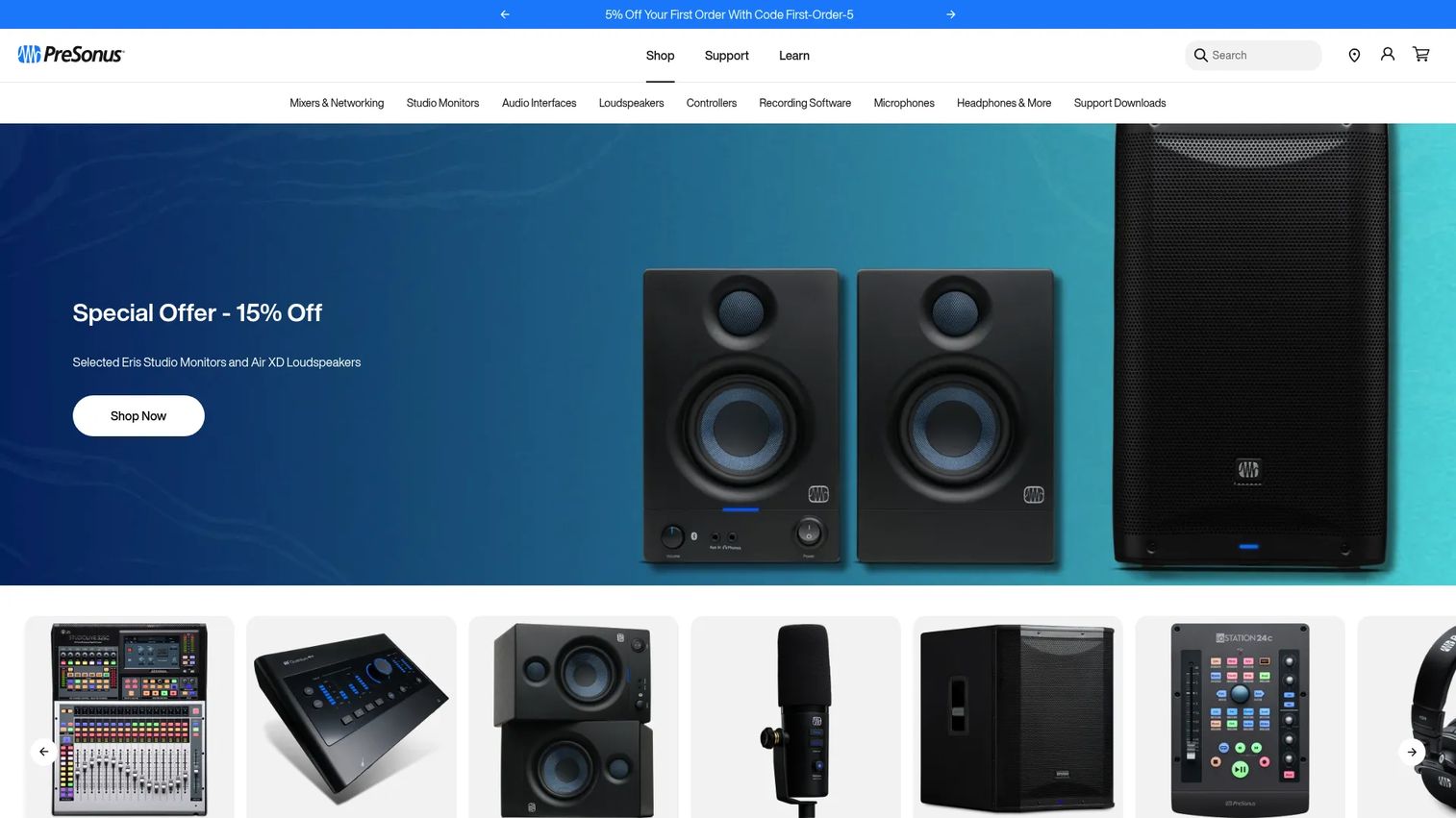
Studio One is PreSonus's DAW for recording, production, mixing, and mastering. Its drag-and-drop design pulls instruments, effects, and files straight into a project, which shortens the path from idea to arrangement. That fast onboarding makes it a strong all-rounder for people who want to make finished tracks without a steep ramp.
Best for: Musicians and producers who want an integrated DAW with a quick learning curve.
Key features
- Drag-and-drop production workflow
- Recording, editing, and mixing tools
- Dolby Atmos support in the demo
- TuneCore upload integration
- Perpetual license option
Why choose Studio One: Reach for it when speed to a first project matters and you'd rather not spend weeks learning a DAW. It leans toward all-round production rather than a single specialized niche.
Studio One pricing: Studio One Pro 7 costs $149 per user, per year, with a Studio One Annual+ plan at $179.99 and a Monthly+ plan at $19.99 per month. A free 30-day Pro 7 demo is available.
Studio One holds a 4.4 out of 5 rating on G2.
7. Pro Tools
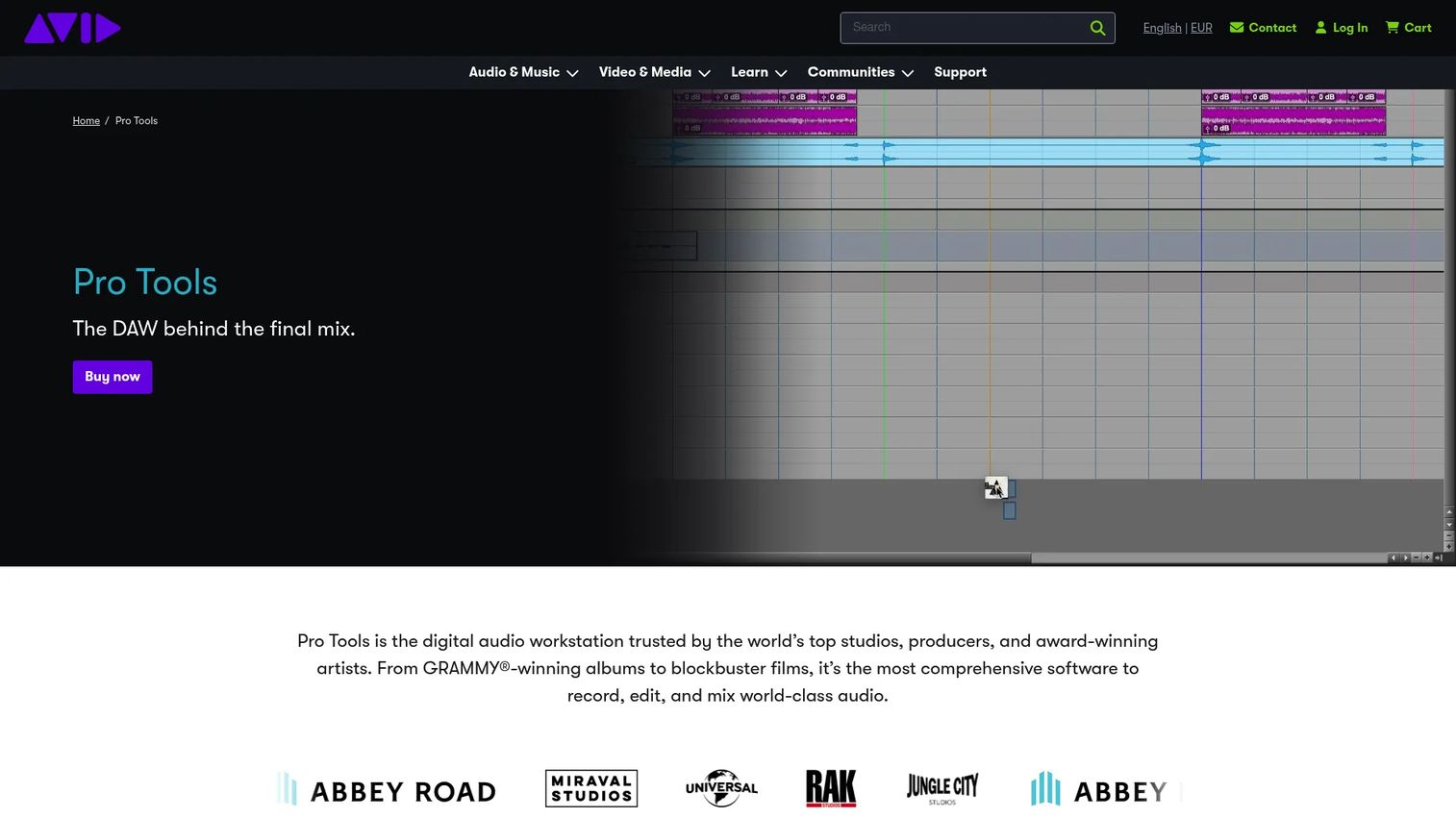
Pro Tools is Avid's professional DAW for recording, editing, and mixing audio. It's the long-standing standard in commercial studios and post-production, handling huge session sizes with up to 256 simultaneous audio inputs. If you plan to work in or hand files to a professional facility, matching their tool removes a lot of friction.
Best for: Musicians, studios, and post-production teams working on large, collaboration-heavy sessions.
Key features
- Up to 256 simultaneous audio inputs
- Up to 2,048 audio tracks by tier
- Up to 1,024 MIDI tracks
- Dolby Atmos in Studio and Ultimate
- Professional recording and editing
Why choose Pro Tools: Pick it when studio compatibility and large-session handling are non-negotiable, since it's the format most facilities expect. Solo bedroom producers may find its scale more than they need.
Pro Tools pricing: Pro Tools offers a free Intro tier, plus Artist at $9.99 per month, Studio at $34.99 per month, and Ultimate at $99 per month.
On Capterra, Pro Tools holds a 4.7 out of 5 rating.
Considerations
Workflow fit
Start with the job, not the feature list. A loop-triggering tool and a linear recording tool feel completely different in daily use. Decide whether you mainly sequence beats, track live performers, or mix finished audio, then weight the DAW that treats your primary job as its core strength.
OS and hardware compatibility
Your operating system can eliminate options before you compare anything else. Logic Pro runs on Apple platforms only, while most others cover both Windows and Mac. Check CPU and RAM requirements too, since large sessions and heavy plugin chains punish underpowered machines.
Included instruments and plugins
The sticker price rarely tells the whole story. Some DAWs bundle a deep library of synths, samplers, and effects, while others expect you to buy those separately. A cheaper tool that forces expensive add-ons can cost more than a pricier suite that includes everything you need on day one.
Learning curve and speed to first project
Time-to-value matters as much for music software as for any marketing tool. A DAW with a gentle ramp gets you to a finished track faster, which keeps motivation high early on. Trial the interface before committing, and notice how many clicks stand between an idea and a rendered file.
Price versus long-term value
Weigh one-time purchases against subscriptions over the years you'll actually use the tool. A $199 perpetual license or a lifetime-updates edition can beat a monthly plan on total cost. Factor in whether upgrades are free, discounted, or full-price each cycle.
Conclusion
The best DAW is the one that matches how you actually work, not the one with the longest feature page. For loop-driven electronic production and live sets, Ableton Live is the standout. Mac songwriters get the most value from Logic Pro, while beatmakers who live in the piano roll will feel at home in FL Studio.
If you need deep MIDI and scoring, Cubase covers it, and REAPER delivers full multitrack power at a budget price for anyone who values customization. Studio One wins on speed to a first project, and Pro Tools remains the standard for studios and post-production teams handling large sessions.
Most of these tools offer a free trial or a free tier, so you don't have to guess. Pick the two that fit your workflow and operating system, install both, and build one short project in each before you commit. The right choice reveals itself fast once your hands are on the interface.
Start your journey with Guideflow today!
FAQs
A DAW is a specific type of music production software focused on recording, editing, arranging, mixing, and mastering audio and MIDI in one environment. "Music production software" is a broader term that also covers standalone samplers, loop libraries, and single-purpose plugins. Every DAW is production software, but not every production tool is a full DAW.
Studio One and Logic Pro are strong starting points because both prioritize a fast, drag-and-drop path from idea to finished track. FL Studio is also beginner-friendly for anyone focused on beats, thanks to its approachable piano roll. Try a free trial first, since the interface that clicks for you matters more than any ranking.
For a digital audio workstation for Windows, FL Studio, Cubase, REAPER, Studio One, and Ableton Live all run natively and cover different workflows. FL Studio suits beatmakers, Cubase fits composers, and REAPER wins on budget flexibility. Logic Pro is the one to skip here, since it's Apple-only.
Logic Pro is the obvious digital audio workstation for Mac, built by Apple to run natively on Mac and iPad at a one-time price. That said, Ableton Live, FL Studio, Cubase, REAPER, and Studio One all run on Mac too. Your workflow, not the platform, should break the tie among the cross-platform options.
Yes. Pro Tools offers a free Intro tier, and Cubase and REAPER include long full-feature trials that let you produce release-ready tracks. Free and entry tiers usually cap track counts or bundled instruments, so heavy sessions may push you to a paid edition eventually. The audio engine quality itself is professional-grade even at the free level.
Not to start. You can sequence MIDI, arrange loops, and mix entirely inside a DAW with just your computer. You'll want an audio interface once you record live vocals or instruments, since it delivers lower latency and cleaner input than a built-in mic or headphone jack.
Focus on the essentials that shape almost every mix: EQ, compression, reverb, and delay. Most DAWs bundle capable versions of all four, so you rarely need to buy anything at first. A synth or sampler and a drum instrument round out a starter kit for building tracks from scratch.
Pro Tools and Cubase handle full-band tracking well, with high input counts and large session support for capturing many players at once. Logic Pro is a strong Mac alternative for recording live instruments. Look for low-latency monitoring and generous track limits, since a live band pushes both harder than solo production does.










