Your campaign results sit in ad platforms. Revenue lives in the CRM. Product usage, web behavior, and customer feedback occupy separate databases.
A dashboard can summarize each source. It rarely explains which behaviors predict conversion, which audiences cluster together, or which content combinations influence pipeline.
Data mining software handles that deeper discovery work. Interest in the category reflects the growing need for practical analysis. The Business Research Company valued the global data mining tools market at $1.31 billion in 2025, according to its 2026 report.
The challenge is choosing software that fits your workflow. Some platforms offer visual analysis without coding. Others require statistical or engineering expertise but provide greater control.
The right choice helps you find patterns quickly enough to improve campaigns, segmentation, lead scoring, and retention programs.
What’s inside
This guide compares 13 data mining tools for analysts and digital marketers who need pattern discovery without another engineering backlog.
We assessed each option across the following areas:
- Visual workflows and data preparation
- Clustering, predictive modeling, and association rule mining
- Open source access and technical requirements
- Model export, deployment, and operational fit
You’ll find visual software for data mining alongside statistical environments, enterprise platforms, and model lifecycle tools. Pricing comes from vendor sources. G2 ratings use current product or seller listings where available.
The goal is practical: Match the tool to your data, available skills, and the decisions you need to make.
TL;DR
- Best overall for visual data mining: KNIME combines accessible workflows with Python, R, and SQL extensibility
- Best for analyst friendly exploration: Orange provides visual widgets, interactive charts, and free open source access
- Best for enterprise marketing analytics: Alteryx suits repeatable data preparation, while Dataiku supports governed collaboration
- Best free statistical environment: R provides extensive packages for custom modeling and visualization
- Best for model lifecycle workflows: MLflow manages experiments, model registries, packaging, and deployment
- Best for classic academic mining: Weka offers established algorithms through an open source machine learning workbench
What is data mining software?
Data mining software helps teams discover patterns, relationships, anomalies, and predictive signals inside large structured or unstructured datasets.
A data mining tool sits between raw data and business action. It prepares information, applies analytical methods, and presents findings that teams can test or operationalize.
For a digital marketer, that might mean finding customer groups through clustering. Association rules can expose content affinity or products commonly purchased together. Predictive models estimate churn, conversion propensity, or lead quality.
Text data mining software adds another layer. It can analyze reviews, survey responses, support tickets, and campaign feedback for recurring topics or sentiment.
Key features to look for
- Data preparation: Cleans, joins, reshapes, and deduplicates source data
- Clustering: Groups similar customers or behaviors without predefined labels
- Classification: Assigns records to categories using historical examples
- Regression: Estimates continuous outcomes such as revenue or lifetime value
- Association rules: Finds items or events that frequently occur together
- Text mining: Extracts topics and patterns from unstructured language
- Anomaly detection: Flags unusual traffic, transactions, or conversion behavior
- Model evaluation: Compares performance before a model reaches production
- Model export: Moves scores or models into operational systems
- Visualization: Makes patterns easier to inspect and explain
Database mining software usually focuses on patterns within structured customer, campaign, transaction, or product datasets. Database mining tools may connect directly to warehouses or analyze exported tables.
How data mining differs from business intelligence
Business intelligence software generally reports known metrics. It answers questions such as how much pipeline a campaign generated or which channel had the highest conversion rate.
Data mining looks for relationships you haven’t defined in advance. It can identify an unexpected audience cluster or a sequence of events linked with churn.
Marketing teams often need both. BI supports reporting, while data mining supports discovery and predictive decision making.
When to use data mining software
Segment customers beyond basic filters
Basic segmentation uses fields such as company size, acquisition source, or location. Clustering software groups records according to similarities across many variables.
Those groups can reveal behavior based audiences that standard CRM filters miss. Marketers can use them for lifecycle campaigns, retention analysis, or paid media audiences.
The output still needs interpretation. A mathematically distinct cluster only matters when your team can act on it.
Find product and campaign patterns
Association rule mining finds events or items that frequently appear together. Retail teams often use market basket analysis software to identify products purchased in the same order.
The same approach works for digital journeys. You can examine which pages precede conversion, which assets appear before demo requests, or which features correlate with retention.
Anomaly detection tools also help flag conversion spikes, broken tracking, and unusual campaign behavior.
Predict churn, conversion, or lead quality
Predictive analytics software uses historical data to estimate future outcomes. Common marketing applications include propensity scoring, churn prediction, campaign response, and lead prioritization.
Models need enough clean historical records to learn meaningful patterns. Weak tracking or inconsistent definitions produce unreliable scores, regardless of the platform.
Start with a decision the model will support. Then confirm that your data represents the outcome you want to predict.
Data mining software comparison
This comparison is a shortlist rather than a universal ranking. The products cover different jobs, from visual exploration to governed enterprise modeling.
Tools are ordered by their fit for analysts finding patterns in large datasets. Some emphasize clustering and association rules. Others focus on model deployment, governance, or experiment tracking.
Free data mining tools can lower software costs, but they still require time and technical ownership. Enterprise platforms cost more because they add collaboration, administration, and operational controls.
| # | Product | Best for | Key differentiator | Pricing | G2 rating |
|---|---|---|---|---|---|
| 1 | KNIME | Visual workflows and open source analytics | Extensible workflows from preparation through deployment | Free, paid plans from $19/month | 4.5/5 |
| 2 | RapidMiner | Low code predictive modeling | Visual data science workflows with AutoML | Custom pricing | 4.6/5 |
| 3 | Orange | Analyst friendly exploration and teaching | Widget based visual programming | Free and open source | 4.2/5 |
| 4 | Weka | Academic and classic machine learning | Established Java based mining algorithms | Free and open source | 4.3/5 |
| 5 | R | Statistical analysis and custom mining | Extensive package ecosystem | Free and open source | N/A |
| 6 | Alteryx | Enterprise data preparation and automation | Reusable analytics workflows across mixed sources | From $250/user/month, billed annually | 4.6/5 |
| 7 | Dataiku | Collaborative enterprise data science | Shared visual and code based environment | Custom pricing | 4.4/5 |
| 8 | Microsoft Azure Machine Learning | Cloud machine learning lifecycle | Azure based training, deployment, and monitoring | Service starts at $0, resource charges apply | 4.3/5 |
| 9 | SAS Viya | Governed enterprise analytics | Broad statistical analysis and model management | Custom pricing, 14 day trial | 4.3/5 |
| 10 | Altair | Business and engineering analytics | Broad analytics, AI, and simulation portfolio | Custom pricing | 4.4/5 |
| 11 | TIBCO Data Science | Enterprise model operations | Visual workflows with governance and deployment | Custom pricing | N/A |
| 12 | MLflow | Model tracking and lifecycle management | Open source tracking and model registry | Free and open source | N/A |
| 13 | Apache Mahout | Specialized open source machine learning | Current focus on quantum machine learning | Free and open source | 4.2/5 |
Best 13 tools for data mining software
1. KNIME
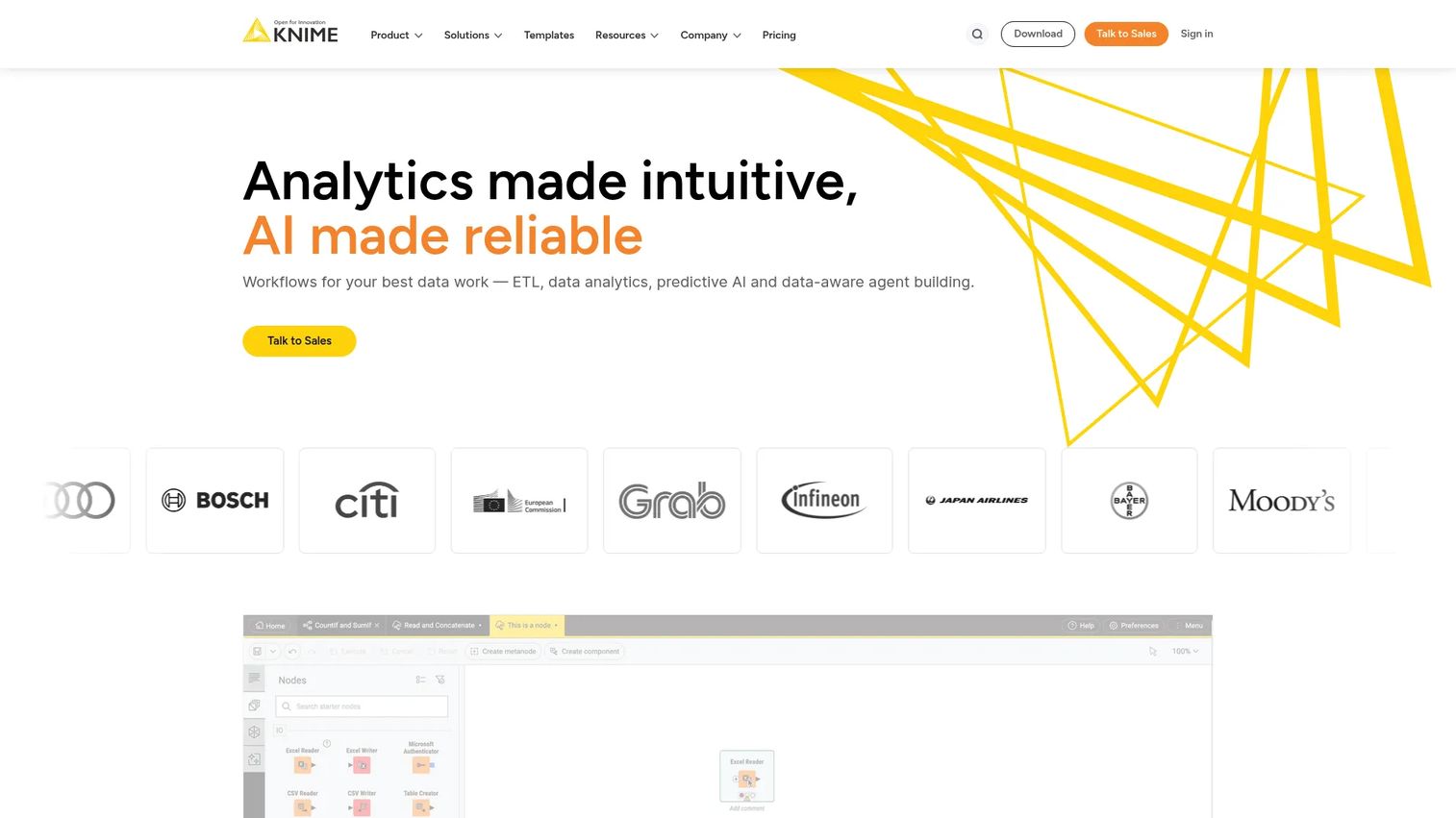
KNIME is a low code and no code platform for building, automating, deploying, and sharing analytical workflows. Its visual interface covers data preparation, machine learning, and operational delivery.
The platform connects to more than 300 data sources and services. Analysts can also extend workflows with Python, R, or SQL when visual nodes aren’t enough.
Best for: Analysts and marketing teams that want visual data mining with room for custom code.
Key features
- Visual workflow building
- Data preparation nodes
- Machine learning workflows
- Python and R scripting
- REST service deployment
Why choose KNIME: It offers a strong balance between accessible visual analysis and technical extensibility. Teams can reuse workflows for segmentation, text mining, propensity models, or recurring campaign analysis.
KNIME also supports workflow scheduling and deployment as data applications or REST services. Those options help move analysis beyond a one off notebook or spreadsheet.
For marketers, the practical value lies in repeatability. Build a workflow for CRM cleanup or audience clustering, then rerun it when new data arrives.
KNIME pricing: The Analytics Platform is free. Pro starts at $19/month, Team starts at $99/month, and Business Hub uses custom pricing.
G2 rating: 4.5/5
2. RapidMiner
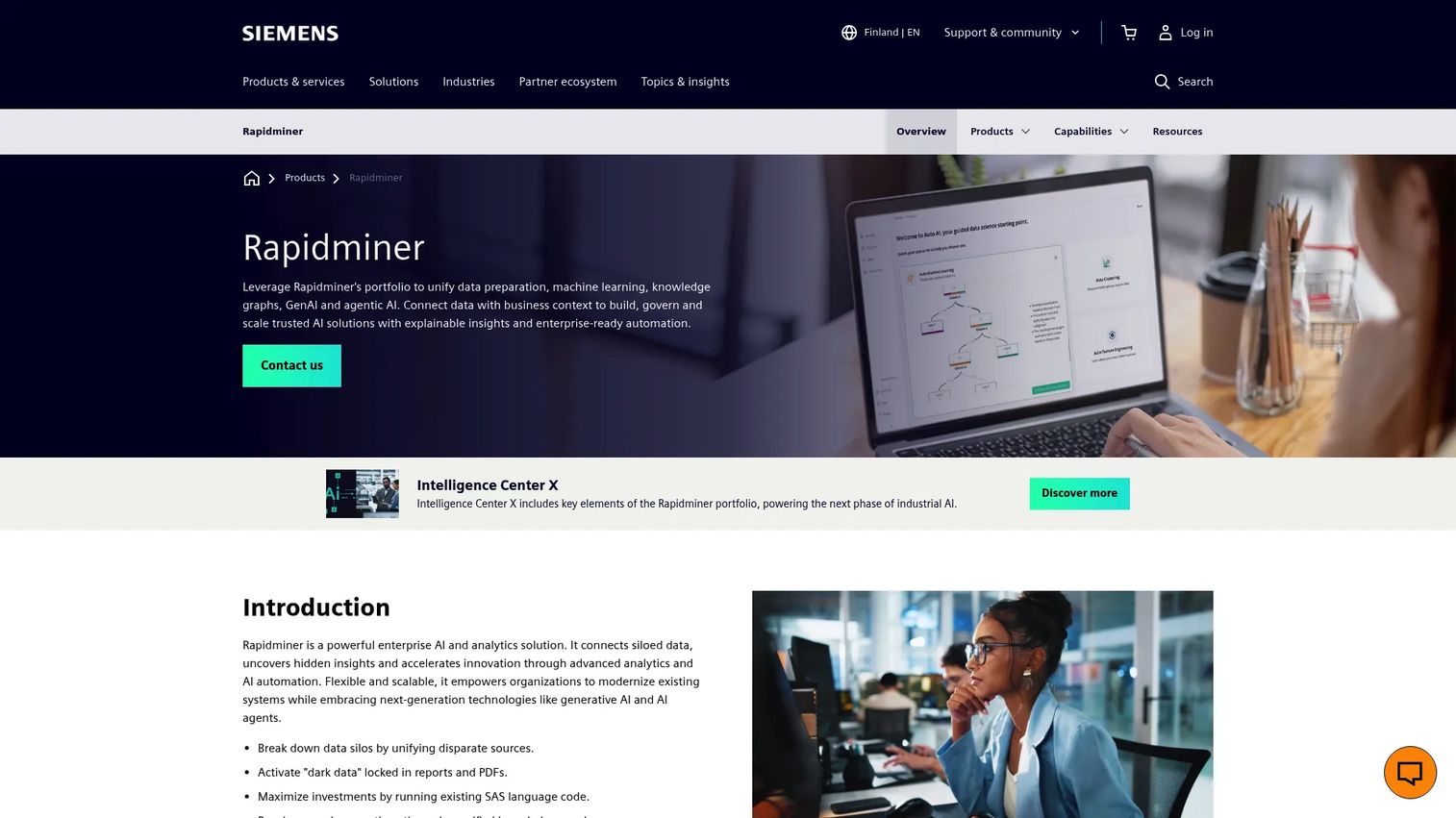
RapidMiner is an enterprise AI and analytics platform for preparation, machine learning, and model deployment. Its visual designer helps analysts build predictive workflows without writing every step from scratch.
The product supports AutoML and interactive data preparation. It can also execute Python, R, SQL, and SAS language code within broader analytical processes.
Best for: Teams that want guided predictive modeling with visual process design.
Key features
- Visual process designer
- Automated machine learning
- Interactive data preparation
- Predictive model building
- Knowledge graph creation
Why choose RapidMiner: It fits analysts who want predictive analytics software without beginning in a code only environment. The visual workflow supports repeatable model development across business datasets.
Marketing teams can apply it to churn risk, customer segmentation, or campaign response prediction. Lead scoring is another practical use when historical conversion data is clean enough.
Its knowledge graph capabilities also support contextual relationships across datasets. That can matter when customer, product, and engagement records use inconsistent identifiers.
RapidMiner suits teams that need governed enterprise workflows. A lighter open source tool may fit better for teaching or occasional exploratory analysis.
RapidMiner pricing: Custom pricing.
G2 rating: 4.6/5
3. Orange
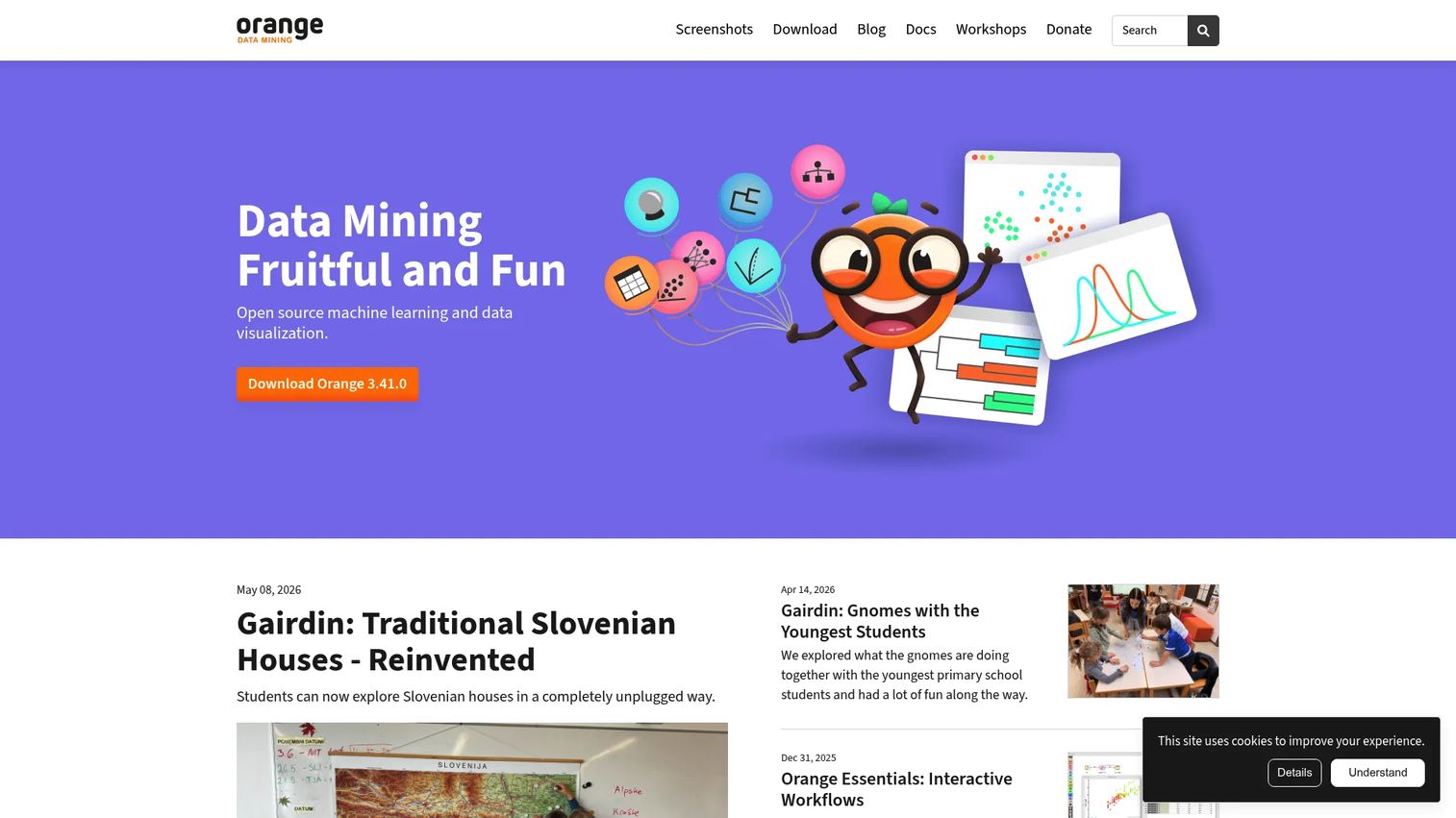
Orange is open source visual data mining software built around connected widgets. Users assemble workflows for preparation, machine learning, and interactive visualization without relying on code.
Its visualization options include heatmaps, scatter plots, dendrograms, box plots, and dimensionality reduction views. Add ons extend the platform into text mining, networks, fairness analysis, and time series work.
Best for: Analysts, educators, and researchers testing patterns through visual exploration.
Key features
- Widget based workflows
- Interactive data visualizations
- Machine learning add ons
- Text mining extension
- Network analysis extension
Why choose Orange: It makes clustering, classification, and exploratory analysis approachable for people learning data mining methods. The canvas also helps users see how data passes between analytical steps.
For a marketer, Orange works well for an early segmentation study or survey text analysis. You can inspect patterns before committing engineering resources to a production workflow.
Its free license makes it one of the more accessible no code data mining software options. However, enterprises needing centralized governance or deployment may require a broader platform.
Use Orange when exploration matters more than production operations. It is particularly useful for testing whether a dataset contains enough signal to justify a larger project.
Orange pricing: Free and open source under the GNU General Public License.
G2 rating: 4.2/5
4. Weka
Weka is an open source machine learning workbench distributed by the University of Waikato. It provides established tools for classification, clustering, preprocessing, and algorithm comparison.
The project includes downloadable software, documentation, datasets, courses, and developer APIs. Its Java foundation also supports technical extension.
Best for: Students, researchers, and analysts comparing classic machine learning algorithms.
Key features
- Classification algorithms
- Clustering tools
- Data preprocessing
- Attribute selection
- Java developer APIs
Why choose Weka: It remains practical for learning how different data mining algorithms behave. Users can compare methods without assembling a full enterprise analytics stack.
The workbench suits academic projects and controlled experiments. It can also help analysts test a small dataset before recreating the selected approach elsewhere.
Marketing teams may find Weka useful for learning clustering or classification fundamentals. Collaboration, model governance, and production operations sit outside its strongest use cases.
Choose it when algorithm access matters more than polished team workflows. Its documentation and datasets also support structured learning.
Weka pricing: Free and open source under the GNU General Public License.
G2 rating: 4.3/5
5. R
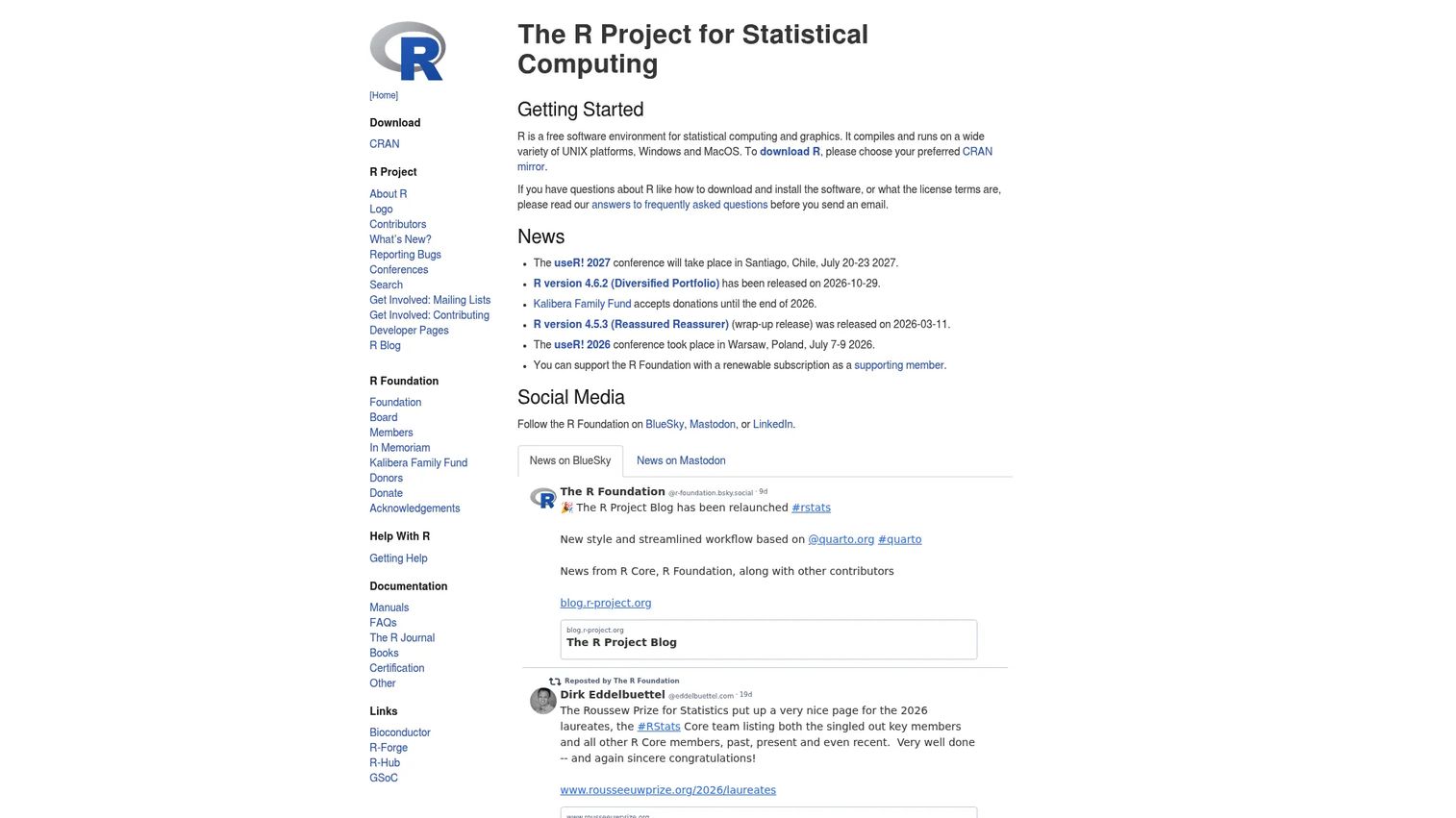
R is a free language and environment for statistical computing and graphics. It supports modeling, testing, time series analysis, classification, clustering, and publication quality visualization.
R is not a packaged visual data mining application. Its strength comes from an extensible package ecosystem and the control available through code.
Best for: Analysts comfortable with programming who need statistical flexibility and reproducible research.
Key features
- Statistical modeling
- Classification and clustering
- Time series analysis
- Publication quality graphics
- Extensible package ecosystem
Why choose R: It gives analysts control over custom statistical methods, data preparation, and reporting. Packages can support association rules, text mining, customer segmentation, or predictive models.
R also works well for reproducible analysis. Scripts document how raw campaign data became a model, chart, or scoring output.
The tradeoff is technical ownership. Your team needs the skills to manage packages, review code, and maintain workflows as data sources change.
Choose R when methodological flexibility outweighs the convenience of a visual interface. It can also complement database mining tools that export records for deeper analysis.
R pricing: Free software under the GNU General Public License.
6. Alteryx
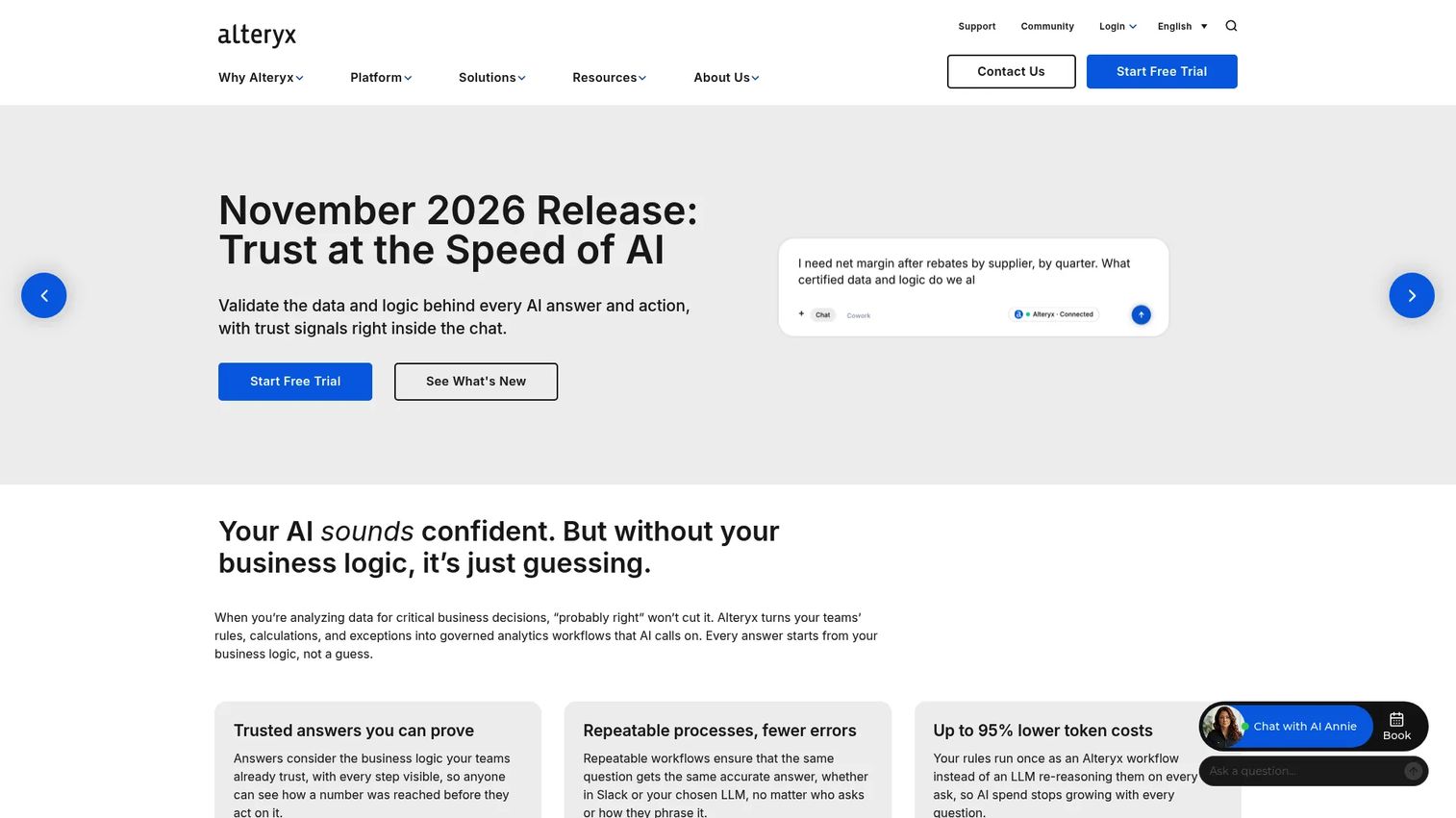
Alteryx is an enterprise analytics platform for data preparation, blending, automation, and predictive workflows. Its drag and drop approach helps analysts combine files, applications, cloud platforms, and internal systems.
The platform adds scheduling, orchestration, governance, and workflow lineage for enterprise teams. Predictive modeling and AutoML extend recurring preparation into deeper analysis.
Best for: Marketing analytics teams replacing recurring spreadsheet cleanup with reusable workflows.
Key features
- Drag and drop workflows
- Data preparation and blending
- Predictive analytics tools
- Workflow scheduling
- Enterprise governance
Why choose Alteryx: It fits teams spending too much time reconciling CRM, campaign, and finance exports. Build the workflow once, then repeat it across reporting cycles.
Marketing operations teams can use it for UTM cleanup, CRM enrichment, campaign joins, or segmentation preparation. The result is less time rebuilding spreadsheets before analysis starts.
Alteryx also makes sense when analysts need controlled workflows that others can run. Governance and lineage help larger organizations review how outputs were produced.
Consider the full operating cost. The platform earns its budget when it replaces repeated manual preparation or a queue of analyst requests.
Alteryx pricing: Starter costs $250 per user monthly, billed annually. Professional and Enterprise use custom pricing, with a 30 day trial available.
G2 rating: 4.6/5
7. Dataiku
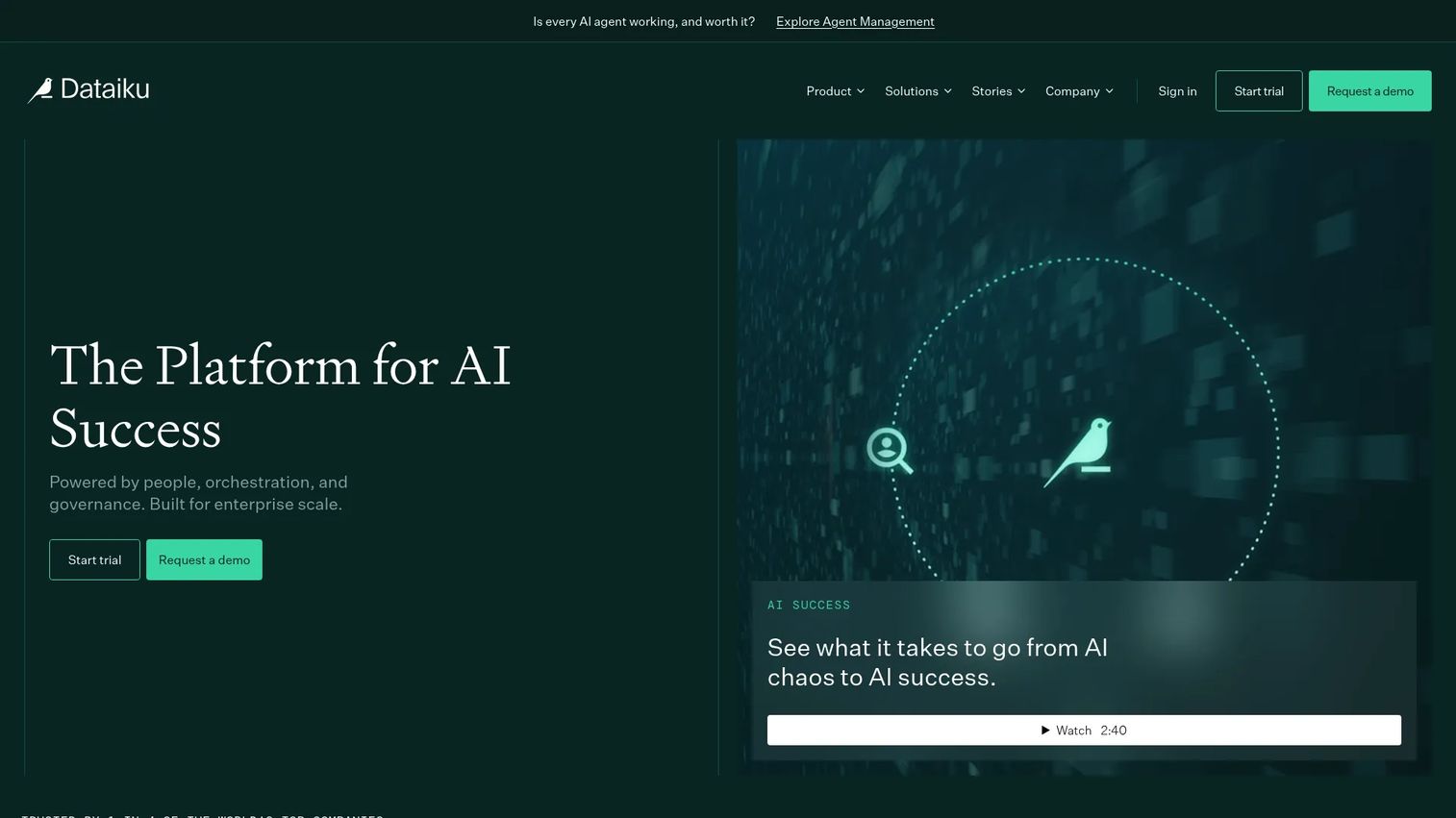
Dataiku is an enterprise AI and analytics platform for collaborative data work. It combines visual preparation with Python, R, and SQL options.
Teams can build machine learning models, deploy them, and monitor performance within a governed environment. Data lineage and explainability support oversight across technical and business users.
Best for: Large organizations needing governed collaboration between analysts, data scientists, and business teams.
Key features
- Visual data preparation
- Code based recipes
- Automated machine learning
- Model deployment
- Data lineage
Why choose Dataiku: It suits organizations moving beyond isolated analyses. Shared projects give analysts and data scientists a common environment for developing repeatable workflows.
Business stakeholders can participate through visual recipes and governed outputs. Technical users retain notebooks and code where deeper control is needed.
For marketing teams, the main value is cross functional execution. A propensity model can move from analyst exploration into monitored use without changing platforms.
Dataiku makes the most sense when collaboration and governance justify an enterprise purchase. Smaller teams running occasional analyses may prefer a free or lower cost option.
Dataiku pricing: Custom pricing.
G2 rating: 4.4/5
8. Microsoft Azure Machine Learning
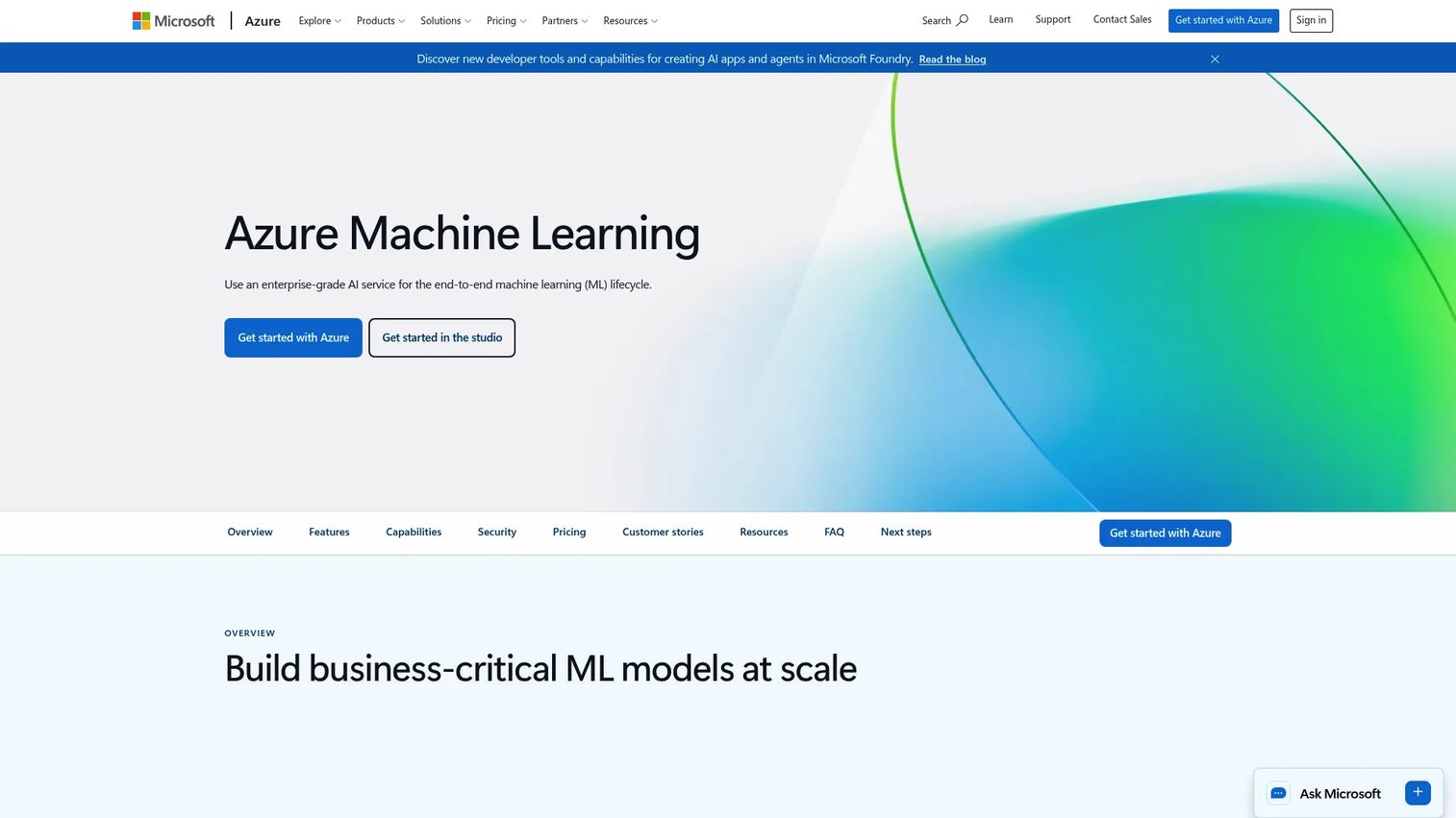
Microsoft Azure Machine Learning supports model building, training, deployment, and monitoring across the machine learning lifecycle. It includes data preparation on distributed computing resources and managed deployment endpoints.
The service also provides AutoML, model catalogs, feature management, and interpretability capabilities. Its cloud foundation suits teams already working within Azure.
Best for: Organizations with Azure infrastructure and technical support for cloud model operations.
Key features
- Cloud model training
- Automated machine learning
- Feature store
- Managed deployment endpoints
- Model monitoring
Why choose Microsoft Azure Machine Learning: It fits teams that need to operationalize models across cloud infrastructure. Managed endpoints support scoring and controlled deployment after experimentation.
Marketers typically use it through a data science or IT partnership. Common applications include churn scores, conversion propensity, and customer value modeling.
The platform offers more operational depth than desktop clustering software. That depth also brings cloud resource planning and technical administration.
Choose it when your organization already uses Azure and expects models to enter production. A visual desktop tool will suit smaller exploratory projects better.
Microsoft Azure Machine Learning pricing: The service starts at $0. Compute and other Azure resources incur usage charges.
G2 rating: 4.3/5
9. SAS Viya
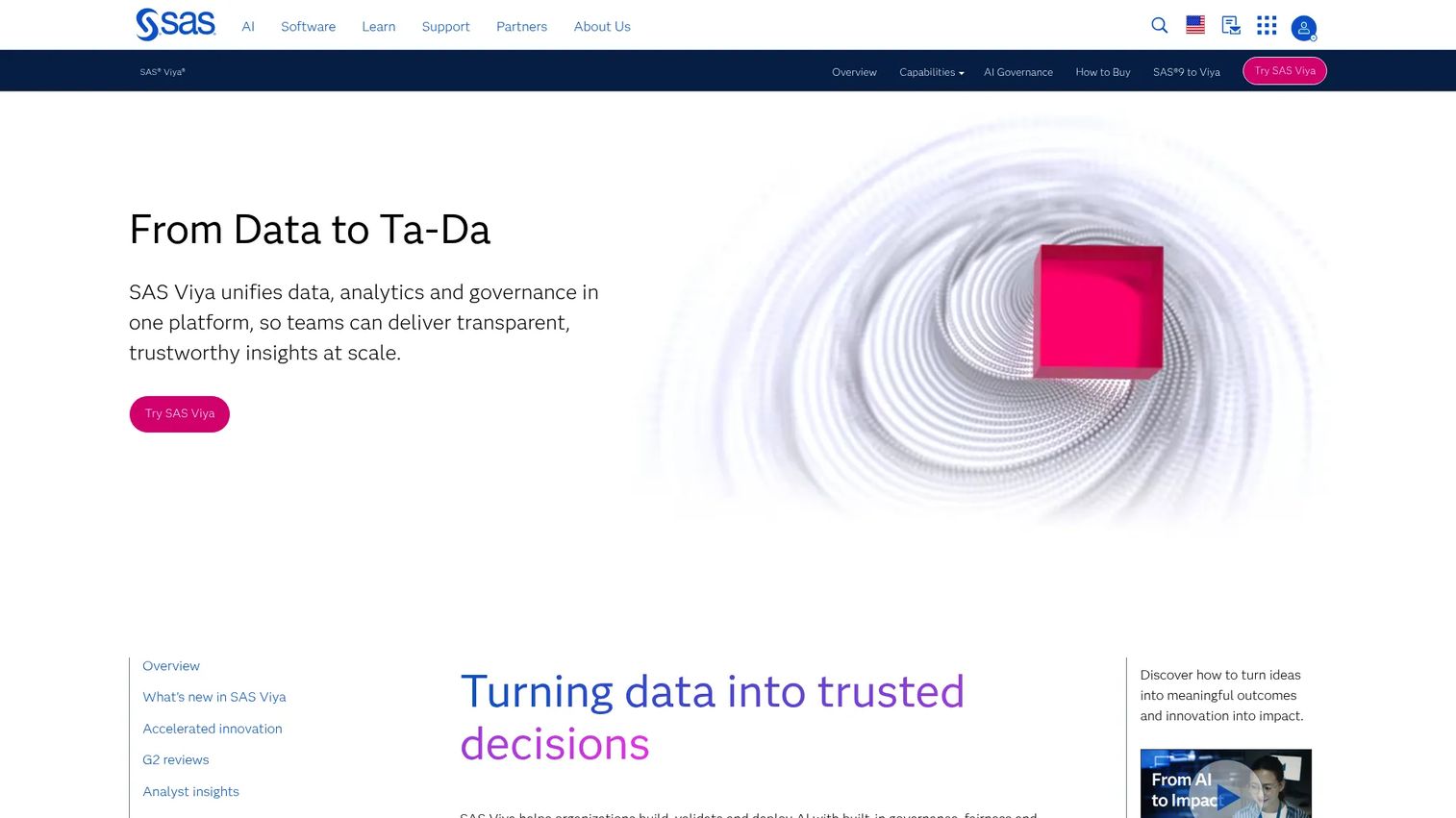
SAS Viya is a cloud native data and AI platform for management, analytics, machine learning, and decision workflows. Its capabilities cover statistics, forecasting, optimization, and text analytics.
Model management adds deployment, explainability, fairness assessment, and governance. The platform can run across major cloud providers, hybrid infrastructure, or internal environments.
Best for: Large organizations needing governed statistical analysis and model oversight.
Key features
- Advanced statistical analytics
- Machine learning
- Text analytics
- Model management
- Governance controls
Why choose SAS Viya: It suits organizations with mature statistical requirements and formal review processes. Teams can manage data, models, and operational decisions within the same platform.
Marketing use cases include attrition analysis, response prediction, forecasting, and customer scoring. Broader governance matters when models influence regulated or high impact decisions.
SAS Viya also supports Python, R, Java, and REST APIs. That makes it relevant where established statistical workflows must coexist with open source methods.
Consider it when governance and analytical breadth justify enterprise procurement. Smaller teams may find open source environments better aligned with their immediate scope.
SAS Viya pricing: Custom pricing. A 14 day free trial is available.
G2 rating: 4.3/5
10. Altair
Altair provides software across data analytics, AI, engineering simulation, and high performance computing. Its portfolio serves organizations analyzing both business and technical datasets.
The analytics capabilities include data preparation, machine learning, and predictive methods. Altair One supports cloud based application access and collaboration.
Best for: Organizations applying analytics across business, engineering, and operational functions.
Key features
- Predictive analytics
- Data preparation
- Machine learning
- Engineering simulation
- Cloud application access
Why choose Altair: Its broad portfolio fits companies where data mining extends beyond marketing or customer analysis. Engineering and operational teams can work within the same vendor environment.
This breadth can support cross departmental analytics programs. It may also reduce vendor count when several teams need specialized analytical software.
Digital marketers should assess the exact product configuration carefully. The portfolio covers a wider scope than a focused visual data mining tool.
Choose Altair when analytics must serve mixed business and technical workloads. Teams seeking a lightweight clustering workbench have narrower options elsewhere in this list.
Altair pricing: Custom pricing through a units based licensing model.
G2 rating: 4.4/5
11. TIBCO Data Science
TIBCO Data Science is an enterprise platform for creating and operationalizing data science workflows. Its capabilities cover data preparation, advanced statistics, collaborative visual processes, and Python notebooks.
Model operations include deployment, governance, monitoring, and automation. The supplied product address currently redirects to the vendor’s broader analytics property.
Best for: Enterprise teams connecting collaborative model development with operational deployment.
Key features
- Data preparation
- Advanced statistical analysis
- Collaborative visual workflows
- Python notebooks
- Model monitoring
Why choose TIBCO Data Science: It fits organizations that need to move analysis into managed operational use. Teams can combine visual workflow authoring with notebook based development.
Customer care analytics, churn signals, and campaign operations are relevant marketing applications. The platform’s strongest fit appears when models require deployment and monitoring after discovery.
Evaluate current packaging before committing. Product naming and availability can change as enterprise portfolios evolve.
This option suits teams with established data science functions. Nontechnical marketers looking for quick visual exploration may prefer a more focused workbench.
TIBCO Data Science pricing: Custom pricing.
12. MLflow
MLflow is an open source platform for managing machine learning models and AI applications. It focuses on experiment tracking, evaluation, model registry, deployment, and production observability.
MLflow isn’t a classic drag and drop data mining tool. It becomes useful after analysts or data scientists start building models that need repeatable management.
Best for: Technical teams that need experiment tracking, model packaging, and deployment discipline.
Key features
- Experiment tracking
- Model registry
- Model packaging
- Deployment support
- Production observability
Why choose MLflow: It helps turn exploratory mining work into an organized model lifecycle. Teams can record runs, compare results, register approved models, and manage deployment.
This makes MLflow relevant to the model export question. A useful churn model needs a repeatable path into scoring or production workflows.
Marketers will rarely operate MLflow alone. Its value appears when data science teams support campaign targeting, lead scoring, or retention programs.
Choose it when model operations matter more than first time visual discovery. Pair it with analytical environments that handle preparation and initial modeling.
MLflow pricing: Free and open source for self hosted use.
13. Apache Mahout
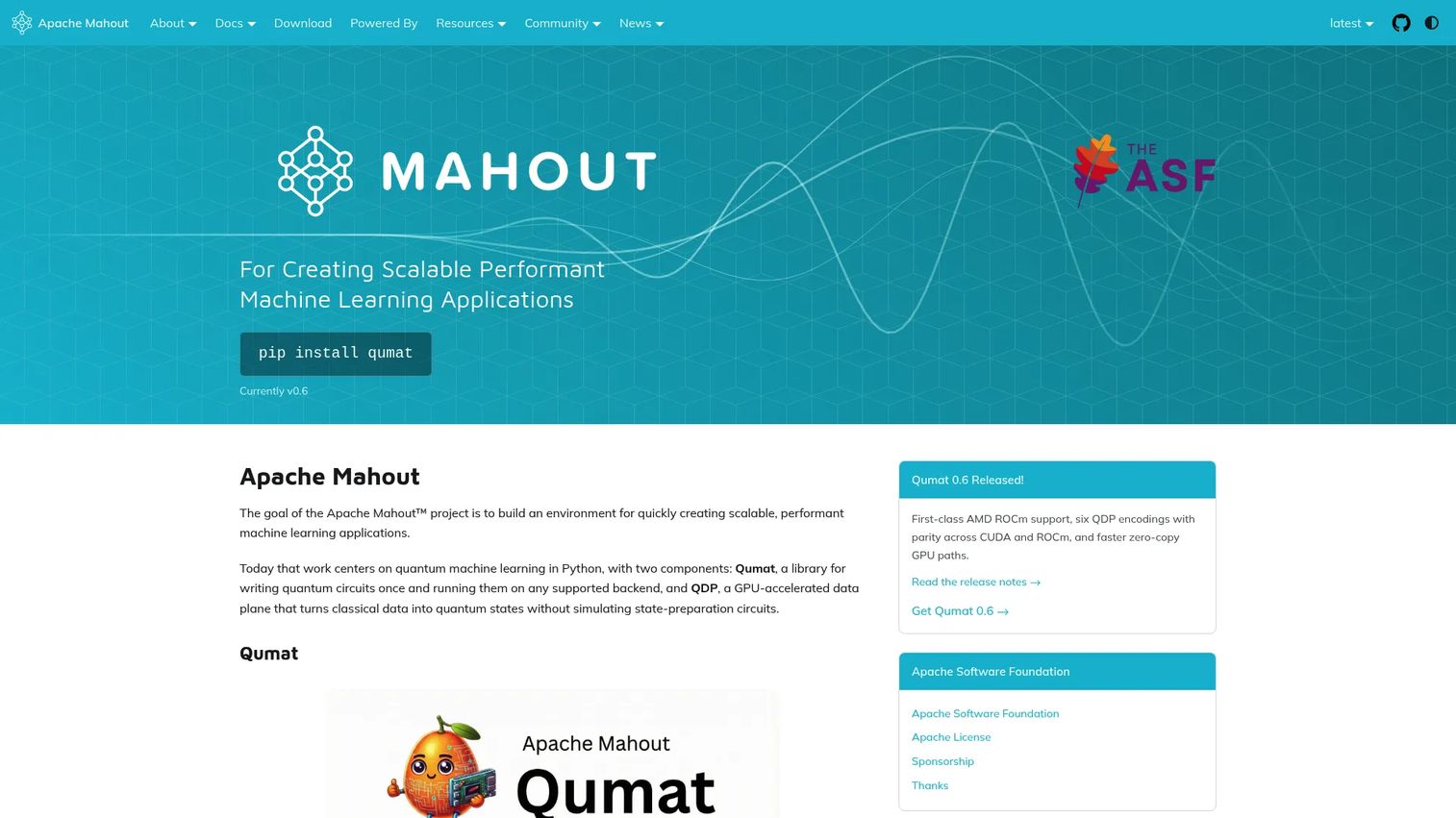
Apache Mahout is an open source machine learning project for technical users. Its current development focuses on quantum machine learning through Python based tools.
The project provides a unified quantum circuit API and GPU accelerated data encoding. Its earlier Mahout Classic project, known for clustering and recommendation work, is in maintenance mode.
Best for: Developers and researchers exploring scalable or quantum machine learning components.
Key features
- Quantum circuit API
- Parameterized quantum gates
- GPU accelerated encoding
- Python installation
- Open source licensing
Why choose Apache Mahout: It belongs on this list as a specialized technical project rather than a general marketer workbench. Current development targets machine learning research and quantum computing applications.
Teams evaluating Mahout for classic clustering or recommendation should account for the maintenance status of that earlier project. The present roadmap has moved toward newer technical use cases.
This option requires engineering or research expertise. It won’t replace visual data preparation tools for campaign analysts.
Choose it when your project aligns with its current technical direction. For routine customer segmentation, KNIME, Orange, R, or Weka will provide a more direct route.
Apache Mahout pricing: Free and open source.
G2 rating: 4.2/5
Considerations when choosing data mining software
Start with the mining task
Define the decision before comparing vendors. Your requirements will differ across clustering, association rules, predictive modeling, text mining, anomaly detection, and deployment.
A broad enterprise platform is unnecessary when you only need audience segmentation. Likewise, lightweight visual software may not support a production scoring workflow.
Check how it handles messy marketing data
Marketing data arrives with inconsistent campaign names, missing identifiers, duplicate contacts, and broken UTM values. Evaluate joins, deduplication, missing value handling, and reusable cleaning steps.
Test each candidate with an unedited export. A polished sample dataset won’t reveal how much preparation your team must own.
Decide how much code your team can maintain
Orange and KNIME support visual workflows. R and MLflow require more technical ownership, although they provide deeper control for custom work.
Assess the team you have now. A tool that depends on unavailable engineering support will become another unused subscription.
Verify model export and operational handoff
Insights only create value when teams can use them. Check whether the software exports rules, scores, files, notebooks, APIs, or deployable models.
Confirm where the output must go. Campaign activation may require scheduled files, while production scoring may need an endpoint or model registry.
Compare pricing against work replaced
Measure the recurring work each product removes. Relevant costs include spreadsheet cleanup, repeated analyst requests, and manual audience preparation.
A higher priced platform can make sense when it consolidates several workflows. Free data mining tools still carry setup and maintenance costs.
Conclusion
The best data mining software depends on the job you need to repeat.
Choose KNIME for visual workflows with technical extensibility. Orange and Weka suit learning or lightweight exploration, while R provides deeper statistical flexibility.
Alteryx fits recurring data preparation and analytics automation. Dataiku supports collaborative enterprise projects where governance matters.
Cloud and enterprise teams should evaluate Microsoft Azure Machine Learning or SAS Viya. Altair spans wider business and engineering workloads, while TIBCO Data Science focuses on operational analytics.
MLflow belongs in workflows where model tracking and deployment matter more than initial discovery. Apache Mahout fits specialized technical research rather than routine marketing analysis.
Shortlist two tools by workflow, not vendor size. Test both on an unedited dataset your team already struggles with.
Score preparation time, clustering quality, association rule clarity, model export, and operational fit. The winner should reduce manual work and produce an output your team can use.
Start your journey with Guideflow today!
FAQs
Data mining software finds patterns, relationships, anomalies, and predictive signals within large datasets. Teams use it for clustering, classification, regression, association rules, and text analysis.
Marketers apply these methods to customer segmentation, churn risk, lead scoring, and campaign response. Operations teams may use the same category for anomaly detection or demand forecasting.
The software can also identify sequences that precede conversion. Those findings help teams decide which audiences, journeys, or offers deserve further testing.
Orange is a strong starting point for visual exploration because users build workflows with connected widgets. Its open source license also removes software cost during learning.
KNIME suits beginners who expect their workflows to grow. It combines visual nodes with access to Python, R, and SQL for more advanced work.
Weka works well for academic learning and algorithm comparison. Beginners should start with a small, clearly labeled dataset before adding more variables or complex models.
Useful free data mining tools include KNIME Analytics Platform, Orange, Weka, R, MLflow, and Apache Mahout. Each serves a different level of technical experience.
Orange and KNIME are more approachable for visual analysis. R offers deeper statistical flexibility, while MLflow focuses on managing models after development.
Free software still carries operating costs. Account for setup time, technical skills, infrastructure, and ongoing maintenance when comparing it with paid platforms.
Database mining software extracts patterns and relationships from structured datasets such as customer records, transactions, campaign activity, or product events. The phrase is less common than data mining software but describes a similar job.
Database mining tools may connect directly to a warehouse or process exported tables. Typical methods include clustering, classification, anomaly detection, and association rule mining.
Connection quality matters because large datasets can make manual exports difficult to govern. Check whether the tool supports your databases and scheduled refresh requirements.
Business intelligence software summarizes defined metrics through reports and dashboards. Data mining software searches for hidden relationships, behavioral groups, or predictive signals.
A BI dashboard can show that conversion declined. A mining workflow can test which audience characteristics or journey patterns correlate with that decline.
Many organizations use both. Data mining discovers a useful pattern, while BI monitors the related metric over time.
KNIME and Orange suit analysts who want visual clustering workflows. Weka provides established algorithms for learning and controlled experiments.
R gives technical users more control over preprocessing, distance measures, algorithm selection, and validation. Apache Mahout now focuses on a different technical direction, while its classic project remains in maintenance mode.
Choose according to dataset size, team skill, and repeatability. A one time exploration has different requirements from a scheduled segmentation process.
R is a strong choice for technical analysts who want custom rule mining and reproducible analysis. KNIME offers a visual route within broader preparation workflows.
Weka supports classic data mining experimentation. RapidMiner fits teams that want association analysis inside a visual enterprise environment.
Market basket analysis is the standard example. Marketers can also examine content affinity, feature co usage, or page sequences associated with conversion.
Marketers benefit from data mining when dashboards can’t answer why performance changed. The category helps uncover behavioral segments, churn indicators, conversion patterns, and lead quality signals.
You need enough reliable historical data before predictive work becomes useful. Weak tracking will produce fragile models and misleading audience definitions.
Start with one decision, such as prioritizing retention outreach. Measure whether the output changes campaign performance or saves recurring analysis time.
Model export depends on the platform and deployment target. Common options include APIs, notebooks, model registries, scoring files, cloud endpoints, and portable model formats.
Visual tools may export workflows or deploy them as services. Cloud platforms generally support managed endpoints, while code based environments offer greater implementation control.
Define the destination before buying. A downloadable score file and a production API solve different operational problems.