It’s the night before a board meeting, and you’re reconstructing pipeline from account notes and a spreadsheet nobody fully trusts. Your sales leader has a different number. Someone still needs to ask the founder what happened on the last customer call.
A small business CRM should make that meeting easier to prepare for. It should give every deal an owner and preserve enough context for someone else to move it forward.
Grand View Research’s 2026 outlook projects 9.3% annual growth for the global CRM market. Category growth, however, tells you little about which system your team will adopt.
For a sales team under 20, the useful questions are operational. Can reps work from their inboxes without losing customer history? Does the entry plan support the reporting your manager needs? Who maintains the configuration after launch?
Choose CRM software for small business around those questions. The goal is a repeatable sales process that no longer requires you to reconstruct every conversation.
What’s inside
- Who this is for: Founders and operators choosing a first serious CRM for fewer than 20 users, including sales teams inside larger companies.
- How the shortlist was selected: CRM category fit, daily workflow usability, pricing structure, and room to grow.
- What gets compared: Customer records and pipeline management, with particular attention to email capture and reporting.
- Where buying decisions get expensive: Seat minimums, annual commitments, additional products, and upgrades for more demanding workflows.
- How to evaluate: Practical trial exercises for CRM tools for small business, using your own contacts and active opportunities rather than sample data.
TL;DR
- Best free starting point: HubSpot CRM suits founders establishing shared customer records before expanding into connected sales and marketing tools.
- Best for a planned Salesforce rollout: Salesforce Starter Suite gives a new sales leader an entry point into that product family.
- Best for customization: Zoho CRM fits teams with defined processes that need more flexibility than a basic deal tracker.
- Best for pipeline focus: Pipedrive CRM centers evaluation on deal movement and the next sales activity.
- Best for board-based workflows: Monday CRM deserves a look when sales work overlaps with operational tasks.
- Best for low administration: Less Annoying CRM is a strong candidate for the best CRM for small companies prioritizing adoption over extensive configuration.
What is small business CRM?
Small business CRM software is a shared system for managing customer records, sales opportunities, follow-up tasks, and communication history.
A contact record identifies the person you’re speaking with. An associated company record connects that relationship to an account. Opportunities hold the commercial context, including the stage and expected value of a potential sale.
That structure gives a growing team somewhere to record what happens between meetings. A colleague should be able to open an account and understand the next action without messaging its owner.
Core capabilities to evaluate include:
- Contact and company records
- Lead and opportunity tracking
- Pipeline stages and forecast views
- Email logging and calendar connections
- Tasks and follow-up reminders
- Workflow automation
- Reporting dashboards
- Mobile access and business integrations
These capabilities don’t necessarily come in the same subscription. Treat the feature list as a buying checklist, then map each requirement to a specific plan.
The terms customer management software for small business and client management software for small business often describe overlapping needs. The distinction is usually the workflow. A sales organization emphasizes opportunities, while a service business may need project context after signing.
A CRM system for small business also differs from adjacent tools. A task board organizes work, while a sales engagement application coordinates outreach. Neither automatically provides the shared customer record and commercial reporting you need from a CRM.
For founders, the practical distinction is ownership. The system should preserve customer knowledge when accounts change hands or a new sales leader joins.
Choose the configuration your team can maintain. Define what qualifies an opportunity and who updates its close date before adding elaborate automation.
Keep reporting equally focused. Start with open pipeline by owner and stage, then add views for overdue activities or stalled opportunities. Every dashboard should support a decision someone makes regularly.
When to use a small business CRM
Replace founder memory with a shared system
Adopt a CRM when customer context still requires a conversation with you. Record active opportunities alongside the commitments made during calls. Give someone else enough information to handle the next interaction, including unresolved questions and promised follow-up dates.
Track pipeline before the board asks
Use CRM reporting when preparing a forecast means collecting separate updates from every seller. Establish consistent stages and require an owner for each opportunity. Your weekly review should reveal what changed, which deals stopped progressing, and where leadership needs to intervene.
Hand off sales execution to a new leader
A new VP Sales needs an operating view of the business, not a folder of disconnected exports. Agree on the fields that matter before importing historical records. Assign responsibility for data quality, and let the incoming leader test whether the account history supports coaching.
CRM for small businesses earns its place when these handoffs become dependable. You don’t need to automate the entire revenue process during implementation. Start with the information required to run the next sales meeting, then expand after the team uses it consistently.
Small business CRM comparison
The best small business CRM depends on the job you need it to perform first. A free starting point and a sales-focused subscription solve different buying problems.
Compare the entry price with the plan your workflow requires. Email functionality, automation, and reporting depth need their own evaluation; a product-level feature list doesn’t establish entry-tier access.
The table below uses vendor pricing research dated November 24, 2026. Annual billing is identified wherever it determines the listed price. HubSpot’s G2 score covers the vendor overall rather than an isolated CRM product. Empty rating cells omit scores that weren’t established.
| # | Product | Best for | Key differentiator | Pricing | G2 rating |
|---|---|---|---|---|---|
| 1 | HubSpot CRM | Free CRM start | Shared customer data with connected business tools | Free for 2 users; Starter $15/seat/month | 4.4/5, vendor overall |
| 2 | Salesforce Starter Suite | Planned Salesforce expansion | Sales and service alongside marketing and commerce | $25/user/month, monthly or annual billing | |
| 3 | Zoho CRM | Customizable sales processes | Custom modules and workflow automation | Free edition for 3 users; paid editions available | 4.1/5 |
| 4 | Pipedrive CRM | Deal-focused sales teams | Visual pipelines and activity management | Lite $14/seat/month, billed annually | 4.3/5 |
| 5 | Freshsales CRM | Built-in sales communications | Contact timelines with multichannel engagement | Free for 3 users; Growth $9/user/month, billed annually | 4.5/5 |
| 6 | Monday CRM | Visual workflow management | Configurable pipelines and connected sales activities | Basic $12/seat/month annually; 3-seat minimum | |
| 7 | Insightly CRM | Sales-to-delivery continuity | Customer relationships alongside project management | Plus $29/user/month, billed annually | 4.2/5 |
| 8 | Less Annoying CRM | Low-admin small teams | One subscription with all features included | Core $15/user/month, billed monthly | 4.9/5 |
Best 8 small business CRM tools for 2026
1. HubSpot CRM
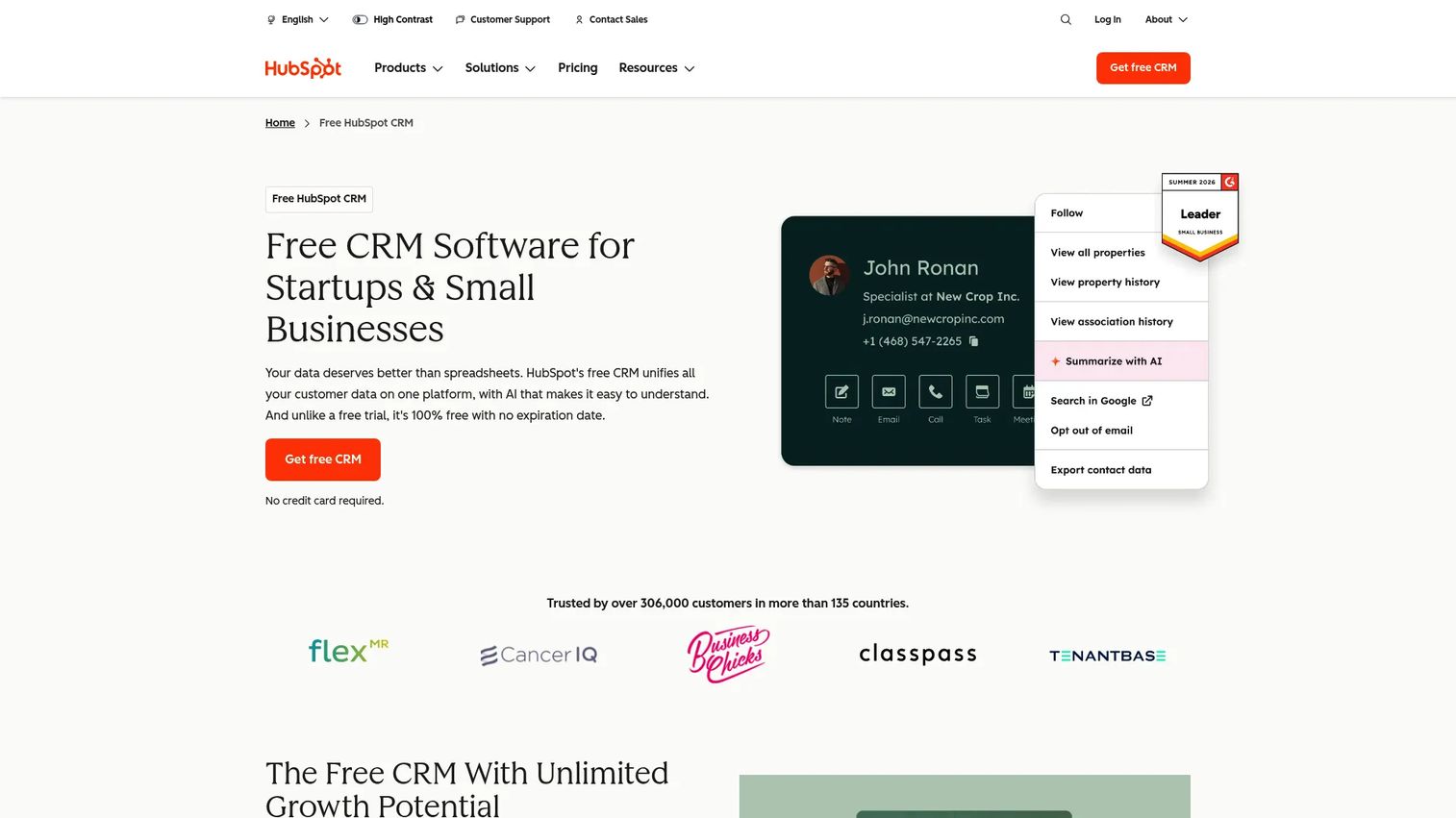
HubSpot CRM organizes customer data and sales activity within a platform connected to broader business tools. Its core includes pipeline management and reporting, with task tracking and ticketing also available. For a founder establishing a shared customer database, that creates a route toward closer coordination across departments.
Best for: Small teams that want a free CRM starting point and expect to add connected sales or marketing capabilities.
The useful trial question is whether another person can take over one of your accounts. Import a representative set of records, assign ownership, and review the history from the receiving seller’s perspective.
Keep the subscription boundary visible during that exercise. HubSpot’s paid tiers add capabilities such as required fields and permission sets, alongside more advanced data management. A free starting point doesn’t establish the eventual cost of your operating model.
For a growing SaaS company, evaluate the CRM purchase separately from additional departmental subscriptions. Ask each team to identify the work its proposed package replaces. This keeps a broader platform decision from becoming an accumulation of unrelated purchases.
Key features
- Contact management and CRM import
- Deal pipeline management
- Task and activity tracking
- Reporting dashboards
- Data synchronization and user permissions
Why choose HubSpot CRM: Choose it when shared customer data across departments matters more than a standalone sales tracker. Budget the required packages before committing to wider adoption.
HubSpot CRM pricing: Free covers up to two users; Starter costs $15 per seat monthly. Monthly or annual billing is available, with promotional pricing possible.
2. Salesforce Starter Suite
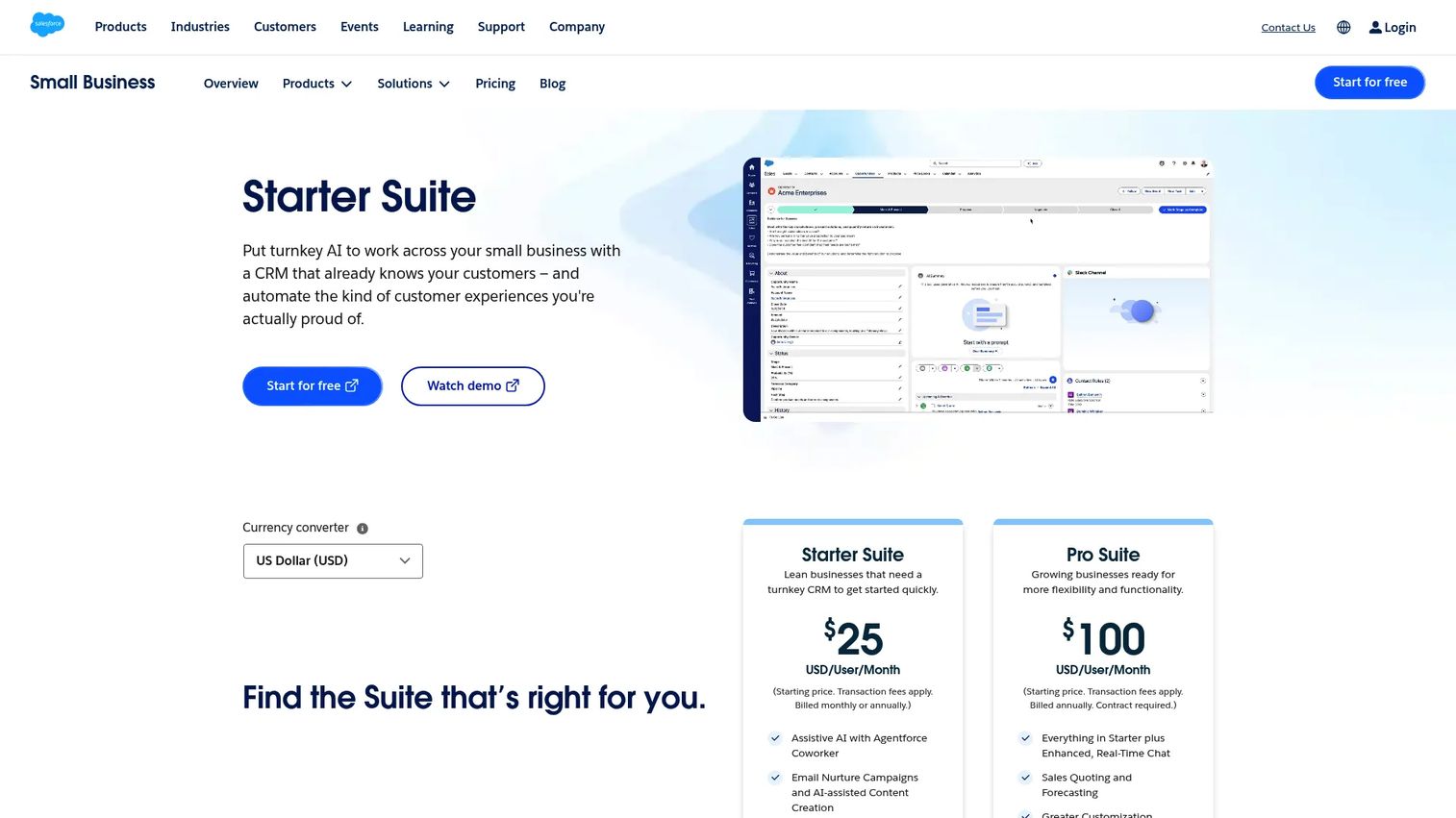
Salesforce Starter Suite combines sales and service with marketing and commerce capabilities. Guided onboarding and built-in sales flows provide an entry point for a lean organization. It deserves particular attention when your incoming sales leader already expects to build around Salesforce.
Best for: Small teams making a deliberate Salesforce decision rather than choosing a temporary deal tracker.
Evaluate Starter against the process you need now. A recognizable platform name doesn’t tell you whether the entry package supports your intended workflow.
Have the future system owner model an inbound lead through assignment and follow-up. Then inspect how customer questions would move into service handling. This reveals whether the combined suite matches your organizational boundaries.
Implementation discipline still matters. Agree on ownership and stage definitions before importing accounts, and avoid reproducing every historical spreadsheet column. The first version should help your manager inspect active business without needing you to interpret it.
Also evaluate the next purchasing decision. The quoted Pro Suite package carries a different annual commitment and a higher per-user cost. Ask which specific future requirements would trigger that move, rather than treating expansion as automatic.
Key features
- Built-in sales flows and lead routing
- Email nurture campaigns
- Case and knowledge management
- Commerce checkout and payment links
- Guided onboarding and prebuilt integrations
Why choose Salesforce Starter Suite: Choose it when the suite’s combined functions match your operating plan. A team seeking only contact notes should evaluate a narrower option.
Salesforce Starter Suite pricing: Starter Suite costs $25 per user monthly, billed monthly or annually. A 30-day free trial is available.
3. Zoho CRM
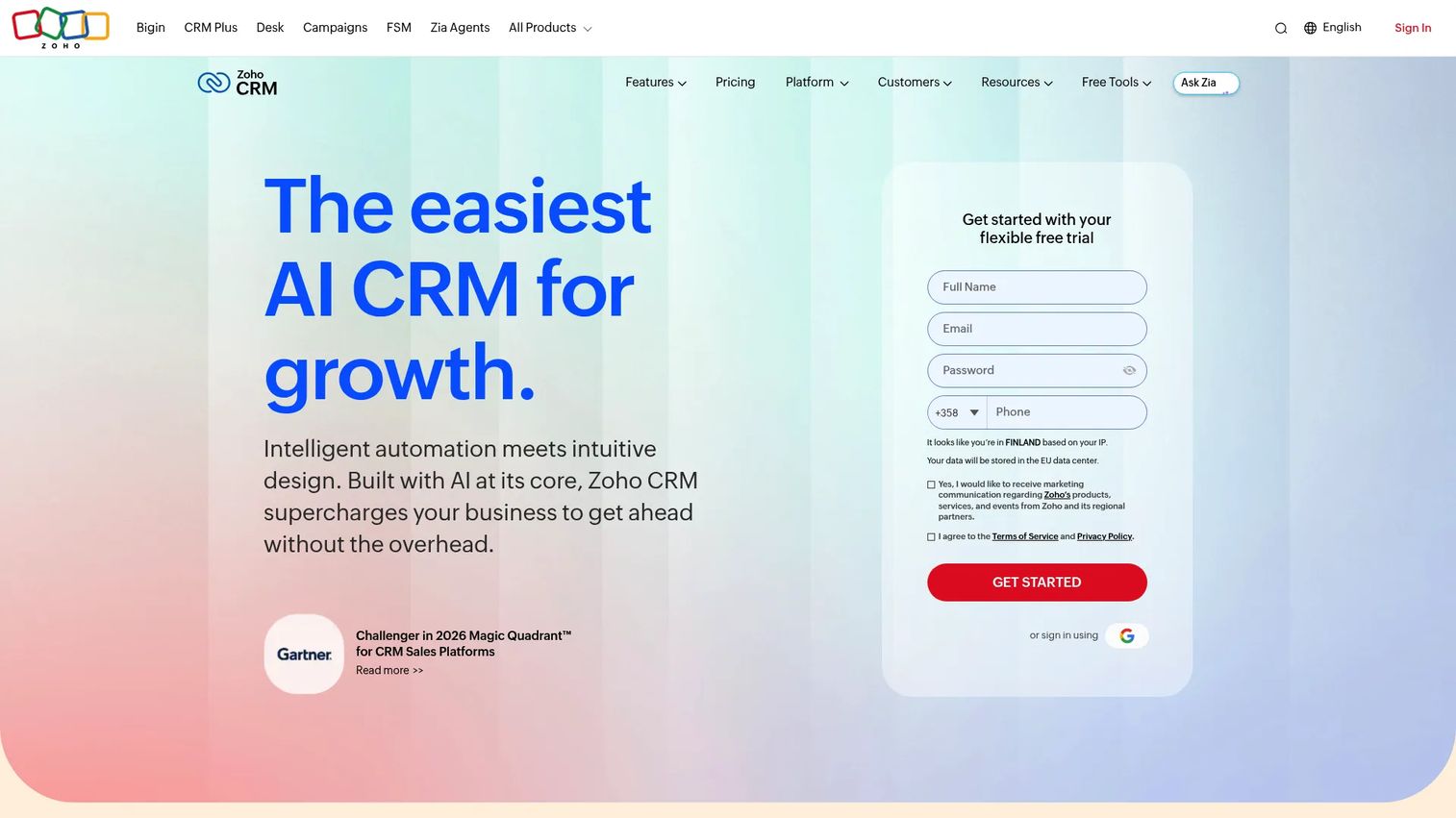
Zoho CRM supports lead and deal management with configurable sales processes. Its capabilities include workflow automation, forecasting, custom modules, and integrations. The attraction is flexibility for teams whose customer relationships require more structure than a standard pipeline.
Best for: Small teams with documented sales processes and someone responsible for maintaining CRM configuration.
Start the evaluation with a requirement that your spreadsheet handles poorly. That might be tracking several stakeholders within an account or representing a sales process with distinct qualification steps.
Build only the configuration needed to answer that requirement. A successful trial should demonstrate a useful operating improvement without creating fields that nobody owns.
Customization also introduces a management decision. Someone must decide which requests deserve changes and which belong in team training. Before purchasing, name that owner and establish how changes get approved.
For founders watching cash, separate subscription cost from internal effort. A flexible product is valuable when the organization knows what it wants to configure. If your stages are still changing every week, keep the initial structure small.
Test reporting after those changes. Your sales leader should be able to explain the resulting numbers without asking the person who built the fields.
Key features
- Lead and deal management
- Workflow automation and process management
- Sales forecasting
- Custom modules and reports
- Zia recommendations and AI agents
Why choose Zoho CRM: Choose it when a defined sales process needs configurable records and automation. Avoid designing an elaborate operating model before sellers adopt the basics.
Zoho CRM pricing: The Free edition supports three users. Paid editions include Standard, Professional, and Enterprise.
4. Pipedrive CRM
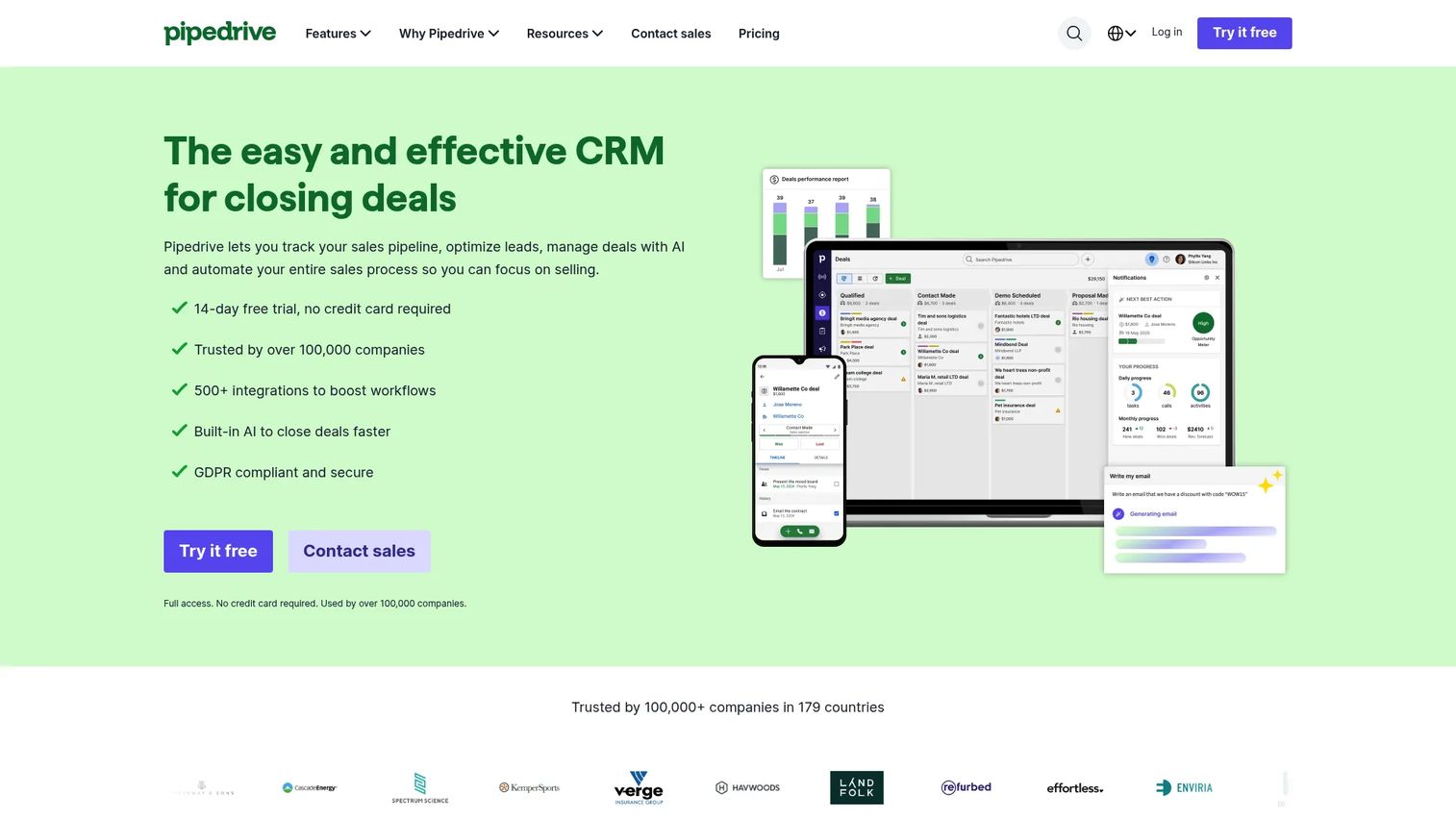
Pipedrive CRM focuses on sales pipelines and customer communications. Its visual deal management sits alongside activity tracking, automation, and forecast reporting. For a founder trying to make weekly sales reviews dependable, that focus gives the evaluation a clear starting point.
Best for: Small sales teams that need visible deal movement and accountable next actions.
Use active opportunities during the trial. Ask sellers to record what must happen next, then have the manager review the pipeline without verbal explanations.
Pay attention to the difference between an updated stage and evidence of progress. Your process should define what qualifies a move forward. Otherwise, a clear visual board can still contain optimistic assumptions.
Email sync and tracking deserve a separate test with your normal customer correspondence. Inspect whether messages attach to the expected records and whether colleagues can retrieve the context they need.
Pipedrive’s purchasing structure also warrants attention. Add-ons are sold separately, so identify any extras needed for your planned workflow before comparing subscription totals.
A team seeking a combined departmental platform should evaluate that broader requirement explicitly. Don’t assume a sales-oriented purchase replaces service operations or the rest of your marketing stack.
Key features
- Visual pipeline and deal management
- Activity tracking and reminders
- Email sync and tracking
- Sales automation and nurturing sequences
- Dashboards and forecasting
Why choose Pipedrive CRM: Choose it when pipeline execution is the main problem your sales leader needs to solve. Evaluate broader departmental requirements as separate purchases.
Pipedrive CRM pricing: Lite starts at $14 per seat monthly, billed annually. A 14-day free trial is available; add-ons cost extra.
5. Freshsales CRM
Freshsales CRM combines customer records with built-in communication channels and sales automation. Contact timelines bring activity into account context, while Freddy AI provides scoring and deal insights. This makes it relevant when a small sales team wants to reduce movement between separate applications.
Best for: Teams evaluating CRM and sales engagement together, with communication history central to daily work.
Test the communication channels your sellers already use. Built-in functionality matters only if it covers the workflow you would otherwise pay for elsewhere.
Follow an account from its first conversation into an opportunity. Inspect what the timeline captures and how another seller picks up the relationship. Include a manager in the exercise to assess whether reporting answers the questions used during coaching.
Treat AI scoring as an evaluation question rather than the buying reason. Ask what information feeds the recommendation and how a rep should respond. A score needs a defined action before it becomes useful operationally.
If you already have support or marketing software, map the data that must move between systems. Name the record owner and decide which application should control updates. Consolidation is worth pursuing when it removes duplicated work without obscuring accountability.
Key features
- Contact timelines and account management
- Built-in email and phone
- Sales sequences and workflow automation
- Freddy AI contact scoring
- Multiple pipelines and forecast reporting
Why choose Freshsales CRM: Choose it when customer communication belongs inside the same workflow as opportunity management. Evaluate package boundaries before replacing existing engagement tools.
Freshsales CRM pricing: Free supports up to three users; Growth costs $9 per user monthly, billed annually. Pro costs $39 and Enterprise costs $59 per user monthly, also billed annually.
6. Monday CRM
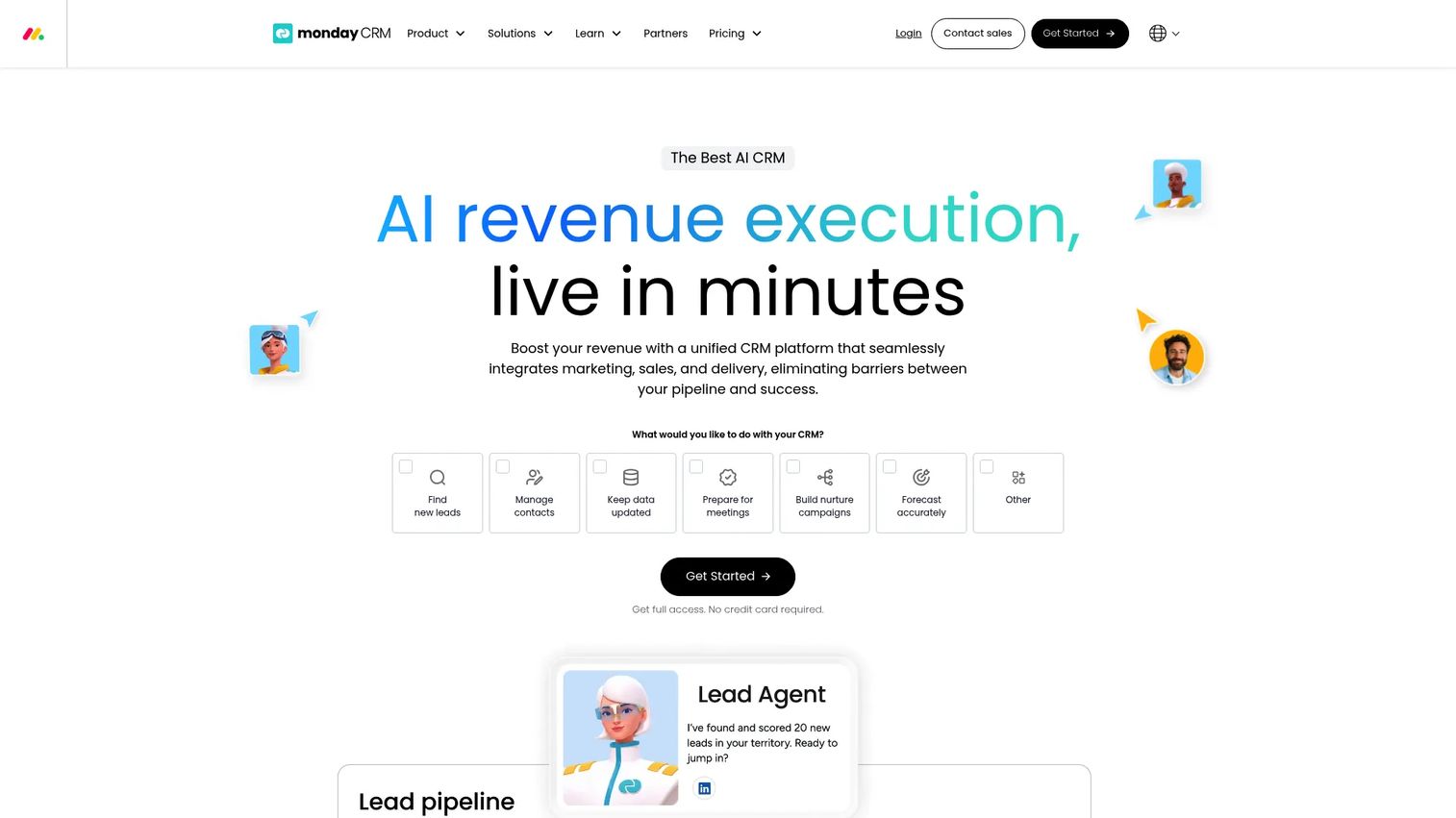
Monday CRM provides configurable sales pipelines with activity tracking and workflow automation. It also includes capabilities for customer communications, reporting, quotes, and invoices. Teams comfortable organizing work visually should assess whether its model supports their sales process.
Best for: Small teams that want flexible CRM workflows closely connected to task ownership.
Build one complete scenario rather than several attractive boards. Start with a lead, move it through qualification, and assign the work required after agreement.
The important question is whether another colleague understands the process without its creator explaining every column. Use consistent field names and define which changes indicate commercial progress.
Have your sales leader inspect the resulting reports. A flexible configuration should still produce a stable weekly view, with clear ownership and comparable stages across sellers.
The seat minimum is also material for a small deployment. Budget for the subscription you must purchase, even if your initial rollout involves fewer active users.
Teams expecting a conventional CRM workflow should test that preference directly. Flexibility is useful when someone maintains the structure; it shouldn’t become a reason for each rep to invent a different process.
Key features
- Configurable sales pipelines
- Email and activity tracking
- Sales sequences and workflow automation
- Dashboards and forecasting
- Quotes and invoices
Why choose Monday CRM: Choose it when visual workflow management matches how your team operates. Establish shared definitions before expanding the configuration across departments.
Monday CRM pricing: Basic costs $12 per seat monthly, billed annually, with a three-seat minimum. Standard costs $17 per seat monthly annually; a 14-day trial is available.
7. Insightly CRM
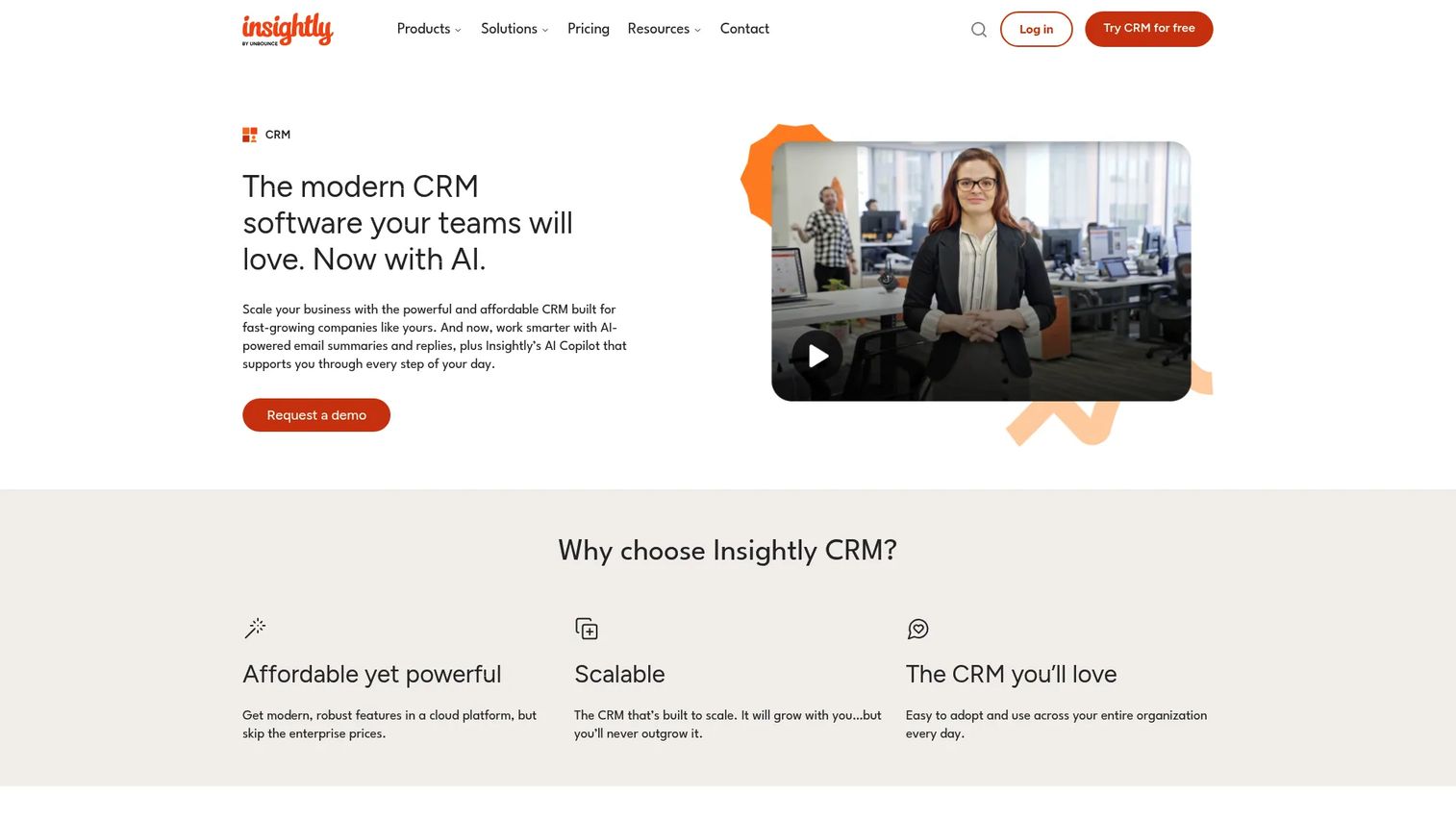
Insightly CRM brings customer relationships and sales opportunities together with project management. It supports task tracking and workflow automation, alongside reporting and customer email management. That combination suits companies where winning a contract starts a substantial delivery process.
Best for: Consultative or service-heavy businesses that need customer context to survive the transition from sales to delivery.
Evaluate it with a completed sale rather than only an open opportunity. Ask the delivery owner to identify the customer’s expected outcome and the work required to begin.
Look for the information that usually disappears during handoff. Commercial commitments and stakeholder context should remain understandable after the salesperson steps away.
For a SaaS business with implementation work, this evaluation can expose whether the chosen CRM supports your service model. Keep contractual promises distinct from internal tasks so teams can distinguish obligations from planning.
You should also decide where project tracking belongs before adding another system. If delivery already runs elsewhere, map the handoff and identify which records need synchronization.
A team handling straightforward transactions may not need this breadth. In that case, assess whether the added project context improves decisions enough to justify maintaining it.
Key features
- Lead and contact management
- Sales opportunity tracking
- Project and task management
- Workflow automation
- Performance dashboards and customer email management
Why choose Insightly CRM: Choose it when post-sale work needs access to the relationship history behind the contract. A basic deal tracker may suit transaction-focused teams.
Insightly CRM pricing: Plus starts at $29 per user monthly, billed annually. A 14-day free trial is available without a credit card.
8. Less Annoying CRM
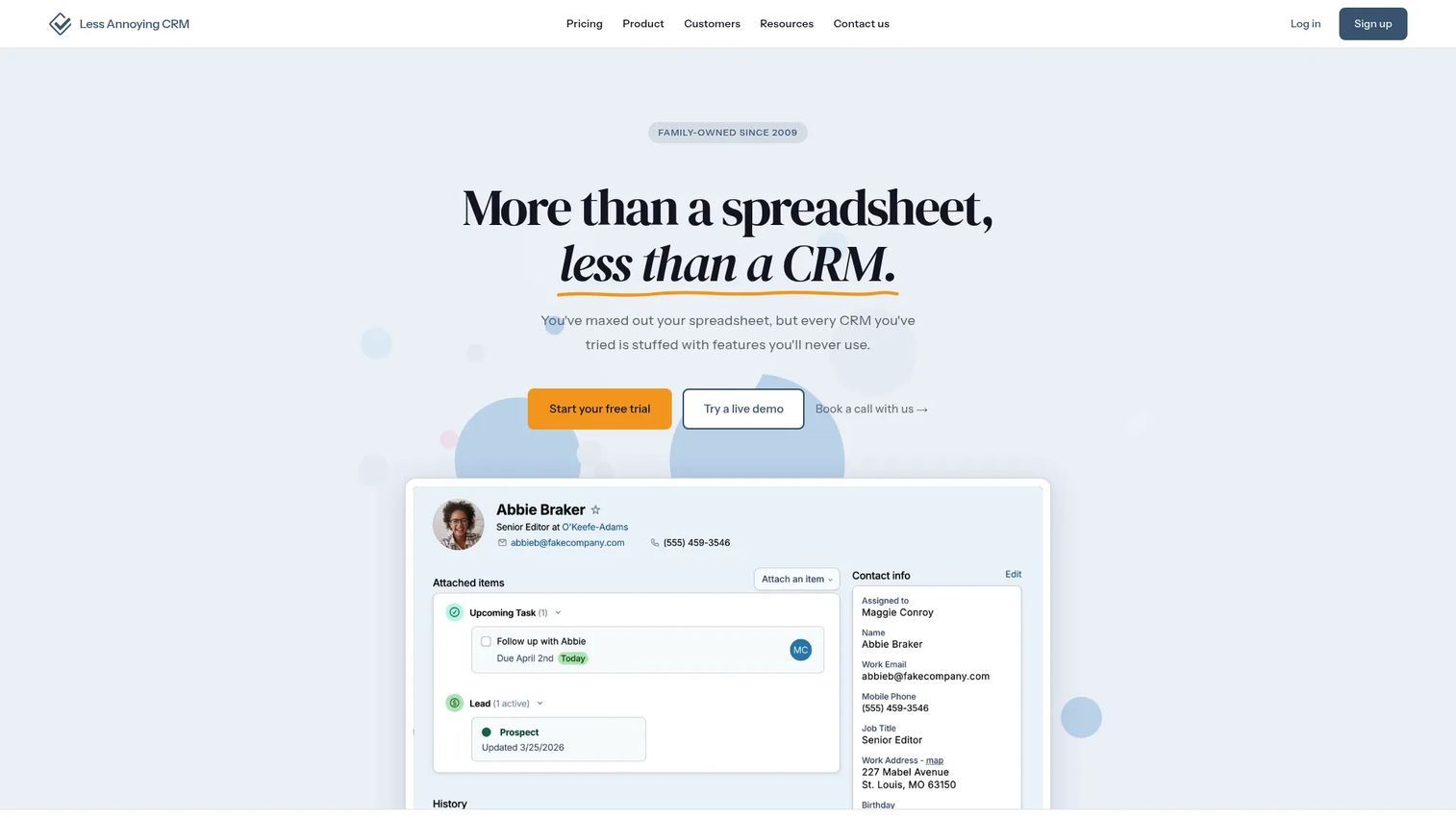
Less Annoying CRM centralizes contacts and customer notes with pipelines, tasks, calendars, and email logging. Its single-plan structure keeps the purchasing decision focused. For a founder who needs colleagues to maintain shared records, it offers a straightforward candidate to trial.
Best for: Small teams prioritizing everyday adoption and predictable subscription costs over extensive configuration.
Give the evaluation to someone who dislikes administrative work. Ask them to find a customer, record an interaction, and schedule the next action.
Then check the receiving side of the handoff. Can another colleague understand the relationship without searching through a separate inbox? Does the pipeline make outstanding work visible enough for a manager to intervene?
Keep the test close to your routine. Import active accounts rather than an entire historical database, and identify which fields sellers use during conversations.
This is also a useful option to evaluate when earlier CRM projects became configuration exercises. Set a narrow success criterion around maintained records and dependable follow-up.
Teams requiring complex automation or demanding reporting should make those requirements explicit before buying. The relevant question is whether your weekly operating review needs capabilities beyond the contact and pipeline workflow.
Key features
- Contact and company records
- Custom fields and pipelines
- Tasks and follow-up reminders
- Calendar integration
- Email logging and synchronization
Why choose Less Annoying CRM: Choose it when adoption and subscription clarity are the main purchasing criteria. Test demanding reporting requirements before standardizing on the platform.
Less Annoying CRM pricing: Core costs $15 per user monthly, with all features included. A 30-day trial requires no credit card, and there are no contracts.
Considerations when choosing a small business CRM
Setup time and first-week adoption
Measure CRM setup time with your own contacts and active opportunities. Ask a seller to connect email and maintain records without the evaluator guiding every action. If routine use still requires supervision, investigate the cause before expanding access.
Email sync and activity capture
Test Gmail or Outlook against the exact package you intend to buy. Inspect message association, calendar behavior, and who can see customer correspondence. Include a disconnected-account scenario so someone knows how to restore missing activity.
Pricing cliffs and user minimums
Calculate subscription totals for five users, then repeat at ten and twenty. Add required reporting upgrades and communication charges, including any separate products. Compare annual commitment terms as carefully as the monthly equivalent.
Pipeline discipline and reporting
Define stage entry criteria before configuring the tool. Ask the manager to answer a weekly operating question, such as which opportunities lack an agreed next step. A useful dashboard should lead to an action rather than another spreadsheet export.
What to skip at first
Postpone elaborate automation and custom fields without an identified owner. Add reporting only when someone commits to reviewing it regularly. Your first CRM should clarify commercial responsibility before expanding into every adjacent workflow.
Choose the CRM your team can operate
The best CRM software for small business should match the process you need to establish now.
HubSpot CRM is the free-start candidate for a shared customer database. Salesforce Starter Suite fits a deliberate Salesforce roadmap, while Zoho CRM deserves attention for configurable processes.
Pipedrive CRM focuses the decision on sales execution. Freshsales CRM brings communication into the evaluation, and Monday CRM suits teams that prefer visual workflow management.
Insightly CRM is worth testing when delivery needs sales context. Less Annoying CRM offers a focused option for teams prioritizing low administration.
Turn that shortlist into a one-week trial scorecard. Use the same account sample in each finalist, with one seller and one manager responsible for evaluation.
Record whether the team can import data and recover communication history. Then inspect pipeline reporting and calculate the subscription required for ten users.
Choose the small business CRM that gives your sales leader a dependable operating view. The founder’s involvement should become a choice, rather than the missing ingredient in every account update.
FAQs
A CRM for small business organizes customer records and commercial activity in a shared database. It connects contacts with leads and deals, while tracking tasks and communication history. Managers use pipeline reporting to inspect progress and ownership. Customer management software for small business should make that information accessible without requiring the founder to explain each account.
HubSpot CRM is a useful free-start candidate, while Pipedrive suits teams focused on opportunities and next actions. Less Annoying CRM deserves evaluation when administrative simplicity is the priority. Salesforce Starter Suite fits companies making a deliberate commitment to Salesforce. The best choice depends on the workflow your sellers will maintain and the reporting your manager needs.
A free CRM can suit an initial deployment when its included capabilities and user allowance cover the team’s work. Evaluate the required workflow before treating zero subscription cost as a purchasing advantage. More demanding reporting or automation can change the appropriate plan. Include the next expected hiring step in your evaluation so the upgrade decision arrives with a budget.
Move beyond spreadsheets when missed follow-ups or unclear ownership affect customer relationships. Another trigger is having to reconcile separate account updates before every management meeting. Start by migrating active opportunities and establishing who maintains them. Historical cleanup can follow once the shared process works, rather than delaying implementation until every old record is perfect.
Prioritize dependable contact records and a pipeline that reflects your selling process. Email capture and follow-up tasks should support daily execution, while basic reporting gives managers a usable review. Test import quality with representative records before moving everything. Additional CRM tools are useful only when they resolve a specific problem your team can name and maintain.
Several products offer free editions, while the paid entry prices listed here run from $9 to $29 per user monthly. Those figures mix annual commitments with monthly options, so compare billing terms before calculating cash requirements. CRM pricing for small business also changes with seat minimums and additional products. Budget the plan that supports your workflow rather than the lowest advertised entry point.
There’s no universal setup winner because data quality and process complexity affect implementation. Less Annoying CRM merits a trial for a focused contact-and-pipeline workflow; Pipedrive is another candidate for sales-oriented adoption. Teams comfortable with boards should also evaluate Monday CRM. Use your own accounts and have an ordinary seller complete the setup tasks before making a judgment.
Skip configuration that has no owner or clear operational purpose. Excessive fields and unused automation add work without improving the next customer interaction. When evaluating CRM programs for small business, ask who uses each proposed capability and what decision it supports. Client management software for small business should first make ownership and follow-up dependable, then expand with demonstrated requirements.