



Your data team wants lake-scale storage flexibility. Your finance and BI users want warehouse-grade governance and fast SQL. Your ML and AI engineers want the raw data, in open formats, without waiting on a pipeline.
Most stacks force a compromise. You copy data from a lake into a warehouse, then again into a feature store, then again into a BI extract. Every copy adds cost, drift, and a new place for governance to break.
That is the exact friction a lakehouse platform is meant to remove. And the market agrees on the direction. In Dremio's 2024 "State of the Data Lakehouse" survey, 65% of analytics users said more than half of their analytics already run on a data lakehouse, and 70% expect that within three years.
So the question is not whether to move toward a lakehouse. It is which platform fits your governance model, your cloud, your open format strategy, and your mix of BI and AI work. This guide compares 10 platforms so you can shortlist faster and scope a proof of concept with fewer surprises.
What's inside
This guide is for data architects, analytics engineers, data platform leaders, and the presales and evaluation teams who support them. We looked at platforms that deliver a real lakehouse pattern, not just storage or just a query engine.
We chose and ranked tools on these criteria:
- Open table formats and interoperability (Delta Lake, Apache Iceberg, and multi-engine access)
- Governance, lineage, and access control at table, column, and row level
- SQL, BI, and machine learning support on the same governed data
- Decoupled storage and compute plus streaming and cloud fit
Pricing and G2 ratings reflect values verified at publish time. Vendors change packaging often, so confirm current numbers before you commit.
TL;DR
- Best overall for unified analytics and AI: Databricks, the platform that pairs Delta Lake with Unity Catalog governance.
- Best for cloud data platform teams: Snowflake, for managed simplicity and enterprise data sharing.
- Best for Microsoft-native stacks: Microsoft Azure Databricks, for Azure-first governance and the medallion pattern.
- Best for AWS governance-heavy teams: AWS Lake Formation, for fine-grained access control over S3.
- Best for open query federation: Starburst, for distributed SQL across many sources.
- Best for hybrid analytics control: Cloudera, for governed data across cloud and on-prem.
What is a data lakehouse platform?
A data lakehouse platform is a system that combines the low-cost, open storage of a data lake with the governance, management, and query performance of a data warehouse, on a single copy of the data.
The core idea is one storage layer that serves everything. Instead of moving data between a lake for engineering and a warehouse for BI, you keep it in open table formats on object storage and run SQL, BI, streaming, and machine learning against the same governed tables.
That distinction matters when you compare it to older patterns. A data lake gives you cheap, flexible storage but weak guarantees. A data warehouse gives you strong guarantees but locks data into a proprietary engine. The lakehouse vs data warehouse comparison comes down to whether you want open storage plus warehouse controls, or a closed system optimized only for SQL.
Key features to expect from a lakehouse platform:
- ACID transactions so concurrent reads and writes stay consistent
- Schema enforcement and evolution to keep tables reliable as data changes
- Open table formats such as Delta Lake and Apache Iceberg
- Metadata and data lineage for auditability and impact analysis
- BI, SQL, ML, and streaming support on one governed copy
- Decoupled storage and compute so you scale each independently
- Data sharing and governance across teams, accounts, and clouds
Many teams organize this with a medallion architecture, moving data through bronze (raw), silver (cleaned), and gold (business-ready) layers. A catalog like Unity Catalog then governs access, lineage, and sharing across all of it. The result is closer to a single source of truth than a lake or warehouse alone.
When to use a data lakehouse platform
Unify analytics and machine learning on one platform
If your BI team and your ML team keep asking for the same data in different places, a lakehouse platform fixes the split. Governed tables serve dashboards and feature engineering from one copy. That means fewer reconciliation fights and one lineage trail for both audiences. It also shortens the path from raw data to AI and LLM workloads.
Reduce duplicate data pipelines and storage copies
Every copy of a dataset is a cost and a risk. When you move data from a lake to a warehouse to a BI extract, you pay three times and you get three versions of the truth. A lakehouse keeps one governed copy in open formats and lets multiple engines read it. You cut pipeline maintenance and storage spend while tightening governance.
Support both BI users and engineering teams
BI analysts want fast, reliable SQL and trusted metrics. Data engineers want batch and streaming analytics, open formats, and control over compute. A lakehouse platform serves both without forcing one team into the other's tooling. Decoupled storage and compute let each scale independently, so a heavy training job does not starve the dashboards.
Comparison table
The table below ranks the 10 platforms by relevance to a full lakehouse buying decision, weighting open formats, governance, and unified BI plus ML support. Use it to shortlist, then read the item sections for fit. Pricing is consumption-based for most of these platforms, so treat starting figures as directional and model your own workload.
| # | Product | Best for | Key differentiator | Pricing | G2 rating |
|---|---|---|---|---|---|
| 1 | Databricks | Enterprise unified analytics and AI | Delta Lake plus Unity Catalog governance | Free Edition; 14-day trial with up to $400 credits | 4.6/5 |
| 2 | Snowflake | Cloud data platform teams | Consumption-based data cloud with sharing | From $2.00 per credit, on-demand | 4.5/5 |
| 3 | Microsoft Azure Databricks | Azure-first enterprises | Native Azure lakehouse with Unity Catalog | Usage-based; free account available | 4.5/5 |
| 4 | AWS Lake Formation | AWS governance-heavy teams | Fine-grained access control over S3 | Permissions at no charge; usage-based components | 4.4/5 |
| 5 | Google BigLake | Google Cloud and Iceberg teams | Managed Apache Iceberg across engines | From $0.12 per DCU-hour | 5/5 |
| 6 | Dremio | Self-service query on open data | Intelligent query engine and semantic layer | Dremio Cloud at $0.20 per DCU | 4.6/5 |
| 7 | Starburst | Open query federation | Distributed SQL across 50+ sources | Free tier; Pro from $0.50/credit | 4.4/5 |
| 8 | Cloudera | Hybrid and multi-cloud control | Governed data across cloud and on-prem | From $0.05/CCU | 4.2/5 |
| 9 | Teradata | Enterprise SQL-heavy analytics | Consumption VantageCloud with agentic AI | From $4.80 per hour | 4.3/5 |
| 10 | Oracle OCI Data Lake | Oracle-heavy environments | Object Storage data lake with Data Catalog | Usage-based across OCI services | Not listed |
Best 10 data lakehouse platform tools for 2026
1. Databricks
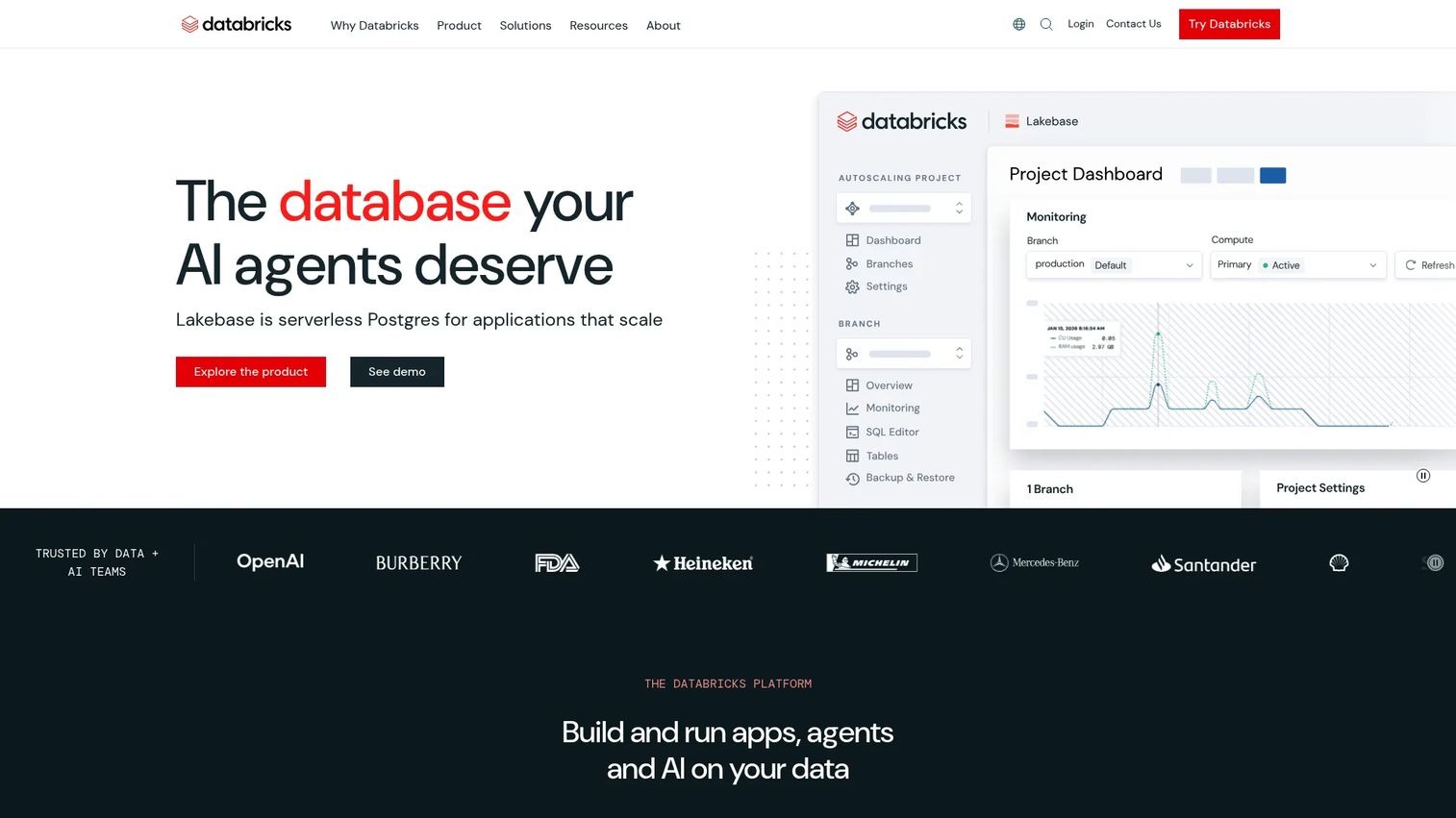
Databricks is the platform most people picture when they hear "lakehouse," because the company coined the term. It pairs Delta Lake as the open storage format with Unity Catalog for governance, lineage, and data sharing across the whole estate. On top of that sits a unified workspace for data engineering, SQL analytics, BI, machine learning, and AI workloads.
The pitch is a single governed copy of data feeding every team. Delta Lake gives you ACID transactions and schema enforcement on object storage. Unity Catalog gives you centralized access control, auditing, and lineage so a compliance reviewer can trace where a number came from. That combination is why it fits large teams building a full lakehouse rather than bolting a query layer onto a lake.
Best for: Enterprise teams building governed data, analytics, and AI workflows on one platform.
Key features
- Unified data and AI workspace for SQL, BI, and ML
- Unity Catalog governance, lineage, and data sharing
- Delta Lake open format with ACID transactions
- Free Edition for learning and experimentation
Why choose Databricks: Choose it when you want an end-to-end lakehouse, not just a storage layer, and your team spans data engineering, BI, and AI. The tradeoff is that the full platform rewards teams ready to commit to its workspace and catalog model rather than assembling pieces.
Databricks pricing: Databricks documents a no-cost Free Edition and a 14-day free trial with up to $400 in credits. Enterprise consumption pricing is quoted based on workload and cloud.
2. Snowflake
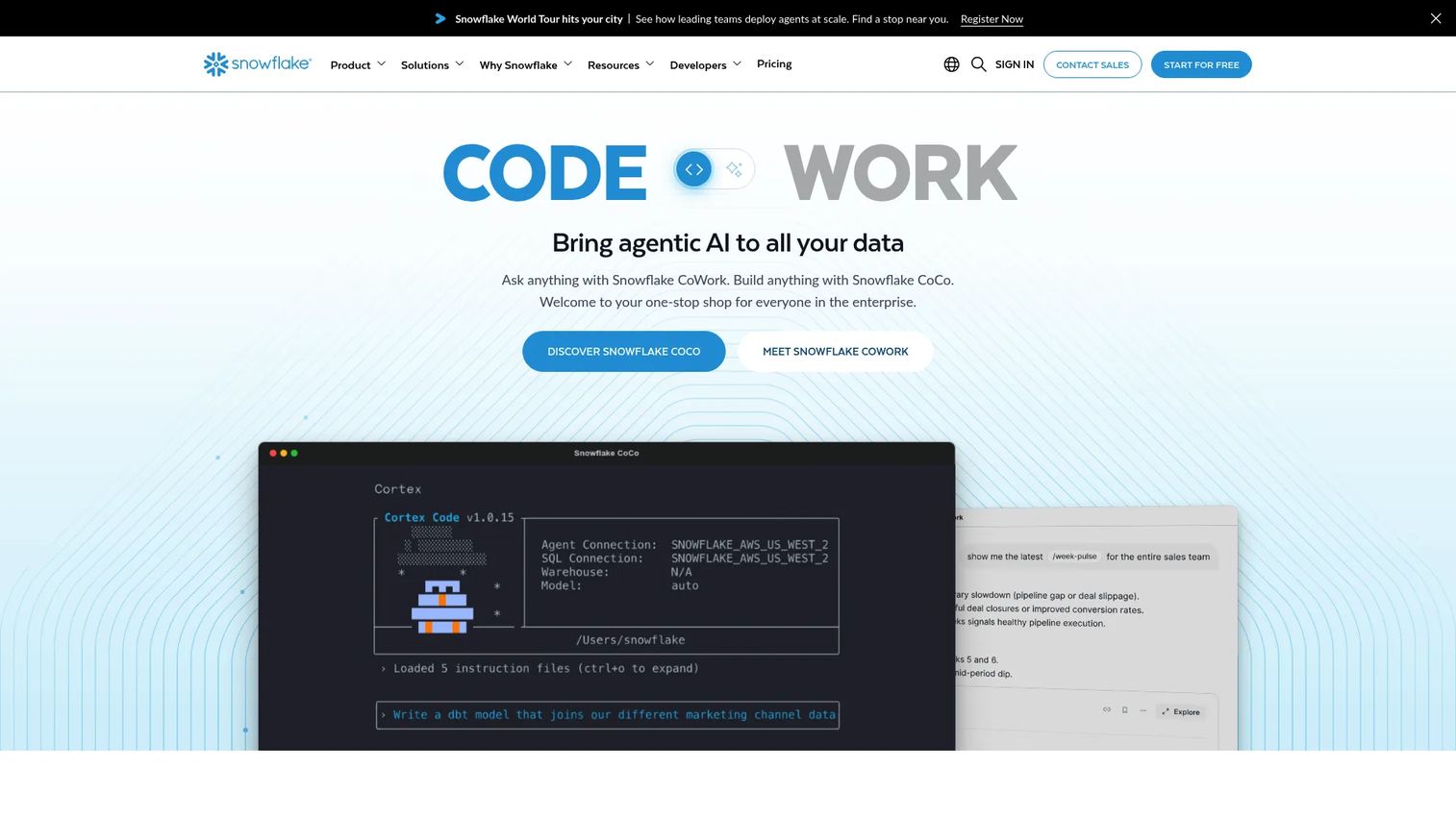
Snowflake built its reputation as a managed cloud data platform, and it has extended toward lakehouse patterns with open formats and lake storage support. The draw is operational simplicity. You get a warehouse-grade SQL experience, strong data sharing, and governance without managing much infrastructure.
For teams that prioritize ease of use and cross-organization sharing, Snowflake keeps the day-to-day light. Dynamic Tables automate incremental pipeline refreshes, and the Horizon Catalog handles data discovery and lineage. Consumption-based pricing across editions lets you match spend to actual usage.
Best for: Enterprises needing a scalable cloud data platform with governance and AI capabilities.
Key features
- Consumption-based pricing across editions and regions
- Dynamic Tables for automated incremental pipelines
- Horizon Catalog for governance, discovery, and lineage
- Enterprise data sharing across accounts
Why choose Snowflake: Choose it when managed simplicity and enterprise data sharing matter more than owning every layer of the stack. It fits teams that want warehouse-grade governance with a shorter operational learning curve.
Snowflake pricing: On-demand credits start at $2.00 per credit for Standard, $3.00 for Enterprise, $4.00 for Business Critical, and $6.00 for VPS. Pricing varies by cloud and region, and a $40 introductory trial credit is available.
3. Microsoft Azure Databricks
Microsoft Azure Databricks is a unified, governed Apache Spark-based lakehouse optimized for Azure. It brings the Databricks lakehouse architecture, Delta tables, and Unity Catalog into the Azure environment with native integration to Azure storage and identity.
For Azure-first enterprises, the adoption path is short. The medallion architecture organizes raw, refined, and business-ready data, while Unity Catalog centralizes access control, auditing, and lineage. Teams run data engineering, data science, ML, and BI on the same governed foundation.
Best for: Teams building governed analytics, ETL, and AI workloads on Azure.
Key features
- Unified lakehouse for analytics and AI on Azure
- Data engineering, data science, ML, and BI workflows
- Unity Catalog governance with lineage and auditing
- Native Azure storage and identity integration
Why choose Microsoft Azure Databricks: Choose it when your organization already standardizes on Azure data services and wants the Databricks lakehouse without leaving that environment. Governance and identity slot into existing Azure controls.
Microsoft Azure Databricks pricing: Microsoft prices Azure Databricks by workload, tier, region, and currency. A free account is available, and you can model costs with the pricing calculator or request a quote.
4. AWS Lake Formation
AWS Lake Formation is the governance and catalog layer for lakehouse-style architectures built on AWS. It centralizes permissions in the AWS Glue Data Catalog and enforces fine-grained access at the database, table, column, row, and cell level. It is part of a broader architecture rather than a standalone lakehouse application.
That framing matters for evaluation. Lake Formation governs data in S3 and integrates with the AWS analytics stack, so it is the access-control backbone for teams building their lakehouse around S3 and services like Athena, Redshift Spectrum, and EMR. Cross-account and cross-Region sharing extends that governance across an organization.
Best for: Teams that need centralized governance and fine-grained access control for AWS data lakes.
Key features
- Centralized permissions in the AWS Glue Data Catalog
- Fine-grained access at column, row, and cell level
- Cross-account and cross-Region data sharing
- Native integration with S3 and AWS analytics
Why choose AWS Lake Formation: Choose it when you are AWS-centric and building your lakehouse on S3, and governance is the piece you most need to get right. Pair it with query and compute services rather than expecting a full analytics platform in one product.
AWS Lake Formation pricing: Lake Formation permissions are provided at no charge. Storage API, Governed Tables, and the Storage optimizer are usage-based, and a free tier is available.
5. Google BigLake
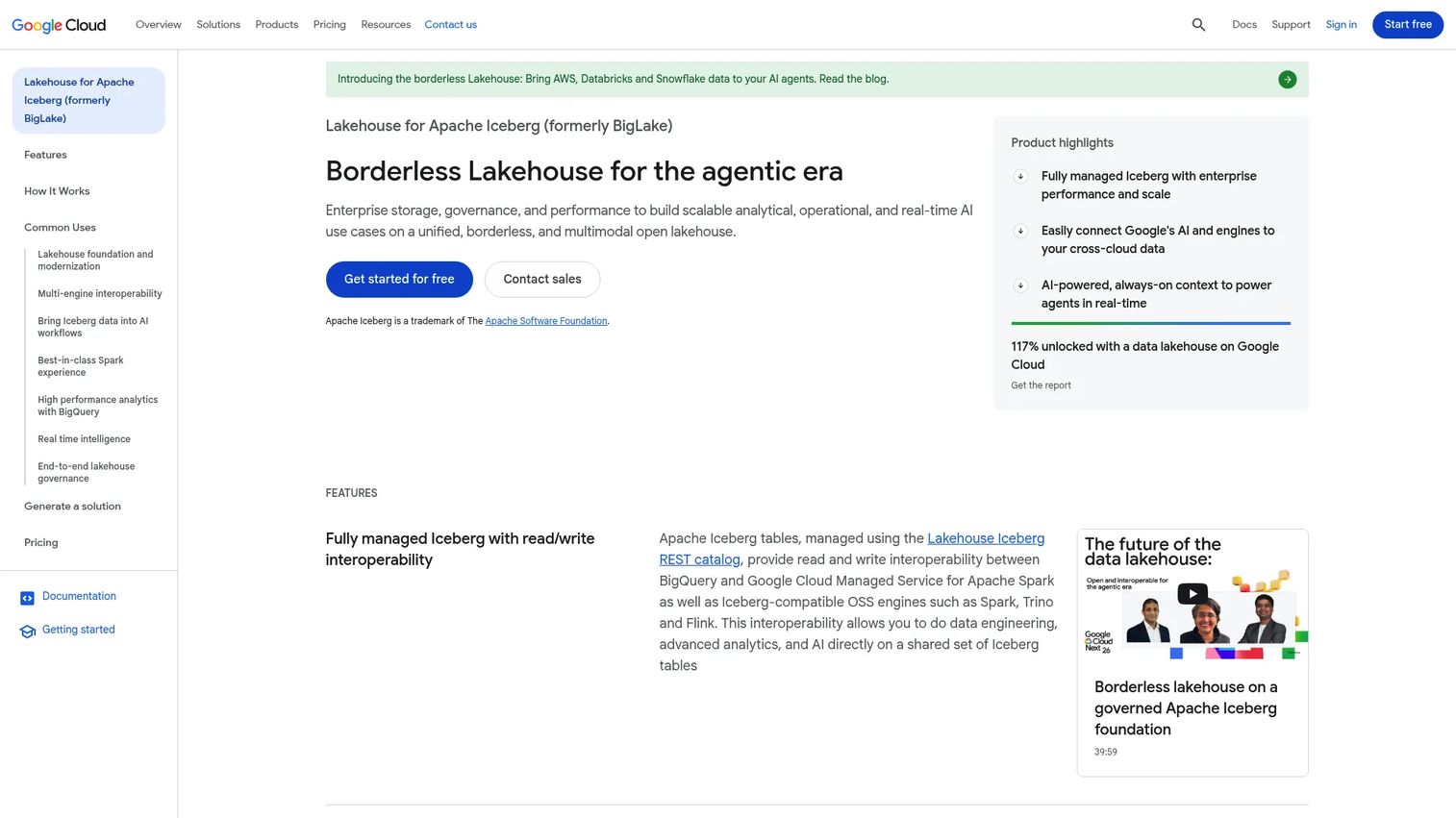
Google BigLake is Google Cloud's open lakehouse platform for managing Apache Iceberg tables across engines and clouds. It offers fully managed Iceberg with read and write interoperability across BigQuery, managed Spark, and open-source engines, so one governed table serves many query paths.
The strength here is multi-engine access with cross-cloud federation. BigLake can reach catalogs on AWS, Databricks, and Snowflake, which helps teams that mix BigQuery-style analytics with lake storage. Governance features cover table management, metadata storage, and metadata access, all on a pay-as-you-go model.
Best for: Teams building governed, multi-engine lakehouse workloads on Google Cloud and Apache Iceberg.
Key features
- Fully managed Apache Iceberg with read and write access
- Interoperability across BigQuery, Spark, and OSS engines
- Cross-cloud federation for AWS, Databricks, and Snowflake
- Governance for table management and metadata
Why choose Google BigLake: Choose it when your analytics center on Google Cloud and you want open Iceberg tables that multiple engines can read and write. It fits teams that want warehouse-style analytics without giving up open lake storage.
Google BigLake pricing: Pricing is pay-as-you-go. Table management starts at $0.12 per DCU-hour, metadata storage includes 1 GiB free per month then $0.04 per GiB, and metadata access is billed per operation above free thresholds.
6. Dremio
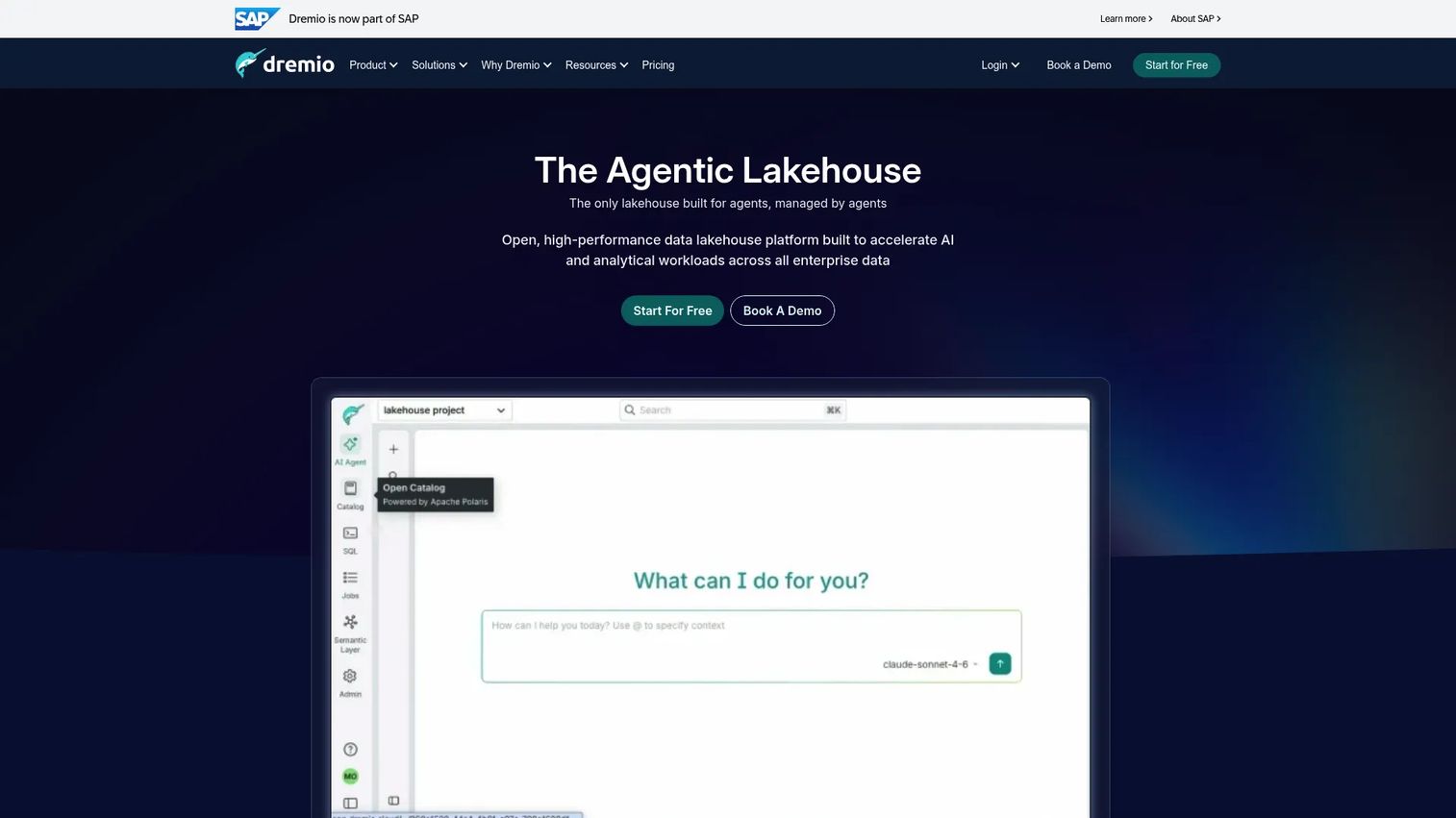
Dremio is a lakehouse platform built for self-service analytics and query acceleration on open data. It lets SQL users and BI tools query data in place on object storage, without first copying it into a warehouse. That query-in-place model is the whole point for teams that want to keep one open copy.
The platform combines an intelligent query engine, an open catalog, and an AI semantic layer that helps users find and understand governed data. It works well for analytics engineers and SQL-heavy teams who want fast interactive queries over lakehouse tables, including Apache Iceberg. Both a managed cloud offering and a self-managed enterprise offering are available.
Best for: Teams that need governed, query-in-place analytics across lakehouse data with AI-assisted access.
Key features
- Intelligent query engine for fast lakehouse SQL
- Open catalog for governed table access
- AI semantic layer for data discovery
- Managed cloud and self-managed enterprise options
Why choose Dremio: Choose it when you want a strong query and semantic layer over object storage rather than a full platform to run every workload. It fits teams whose primary need is self-service SQL and BI on open data.
Dremio pricing: Dremio Cloud is fully managed at $0.20 per DCU and includes a 30-day free trial with $400 in credits. Dremio Enterprise is self-hosted and priced through sales.
7. Starburst
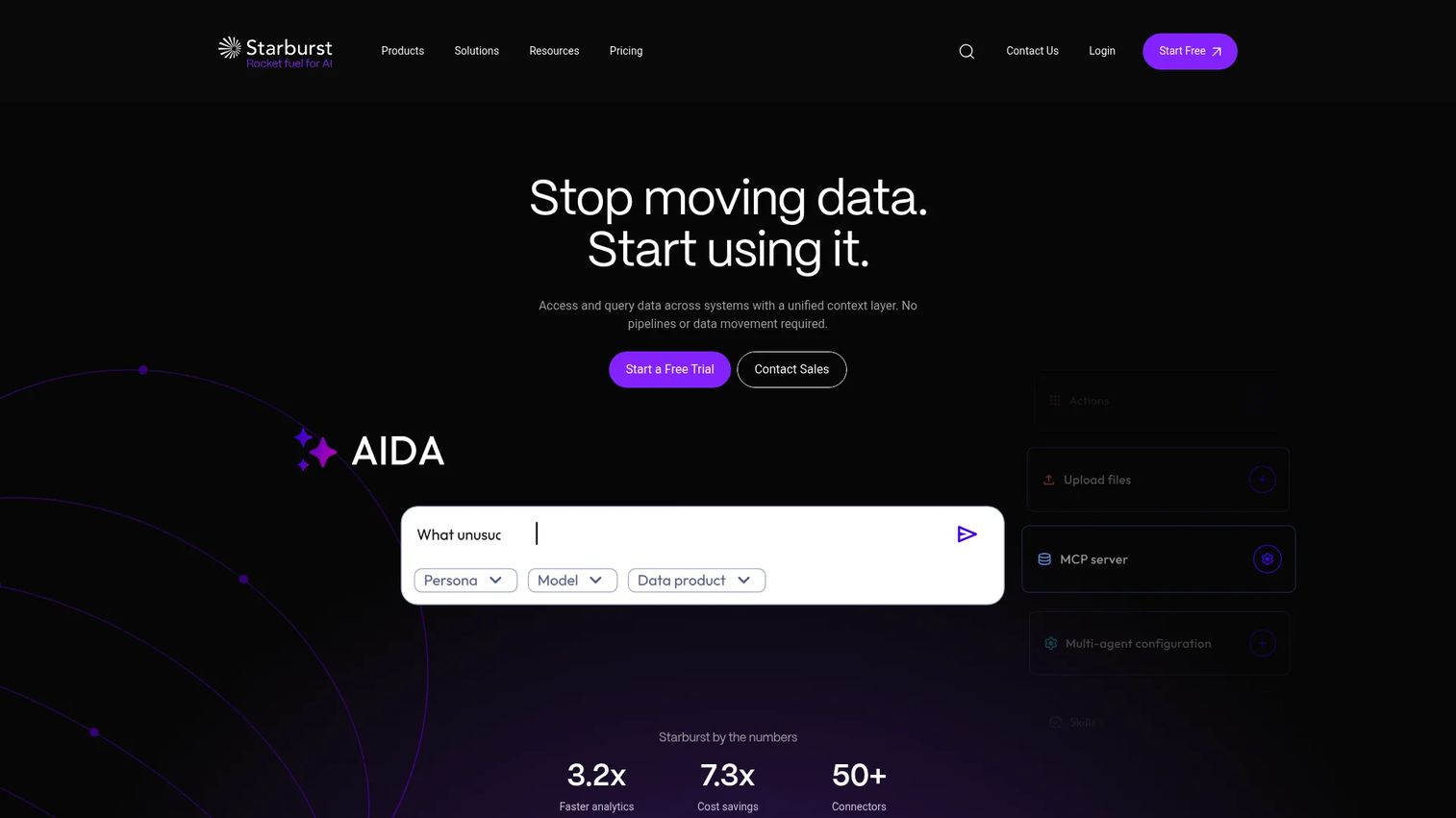
Starburst is a data platform for querying, governing, and accelerating analytics across distributed data sources. Its federated SQL model connects live data from more than 50 enterprise sources, so a single query can reach a lakehouse plus warehouses, databases, and other systems without moving the data first.
That makes it a strong fit when your lakehouse is one of many sources and you want a shared SQL layer over all of them. Performance features like pushdown, dynamic filtering, and cached views keep federated queries fast. Built-in governance covers RBAC, ABAC, and SCIM so access control travels across the connected sources.
Best for: Teams that need federated SQL analytics with governance across cloud and on-prem data.
Key features
- Federated SQL across 50+ enterprise data sources
- Pushdown, dynamic filtering, and cached views
- Built-in RBAC, ABAC, and SCIM governance
- Query live data without moving it first
Why choose Starburst: Choose it when your lakehouse includes many sources and you need one governed SQL access layer across them. It fits teams that value query federation over consolidating everything into a single store.
Starburst pricing: Starburst offers a forever-free tier. Paid tiers are priced per credit, starting at $0.50 per credit for Pro, $0.75 for Enterprise, and $1.00 for Mission-Critical, with possible annual discounts.
8. Cloudera
Cloudera is an enterprise data and AI platform for managing, governing, and analyzing data across cloud and on-prem environments. Its hybrid and multi-cloud story is the differentiator, which matters when legacy Hadoop or mixed infrastructure still carries real workloads.
The platform spans a data warehouse for self-service analytics, streaming and data flow for real-time processing, an object store, and a shared data experience for governance across all of it. Cloudera AI adds an AI Workbench, AI Studios, and inference services with NVIDIA NIM support. It suits organizations modernizing gradually rather than starting clean in one cloud.
Best for: Large enterprises needing a governed hybrid data and AI platform.
Key features
- Governed data across cloud and on-prem
- Cloudera Data Warehouse for self-service analytics
- Streaming and data flow for real-time processing
- Cloudera AI with workbench and inference services
Why choose Cloudera: Choose it when you operate across hybrid infrastructure and need consistent governance without forcing everything into a single public cloud. It fits phased modernization where on-prem and cloud must coexist.
Cloudera pricing: Public cloud services are priced per Cloudera Compute Unit (CCU), with the Lakehouse Optimizer at $0.05/CCU, Data Warehouse at $0.07/CCU, and AI Workbench at $0.20/CCU. On-prem offerings are quoted through sales.
9. Teradata
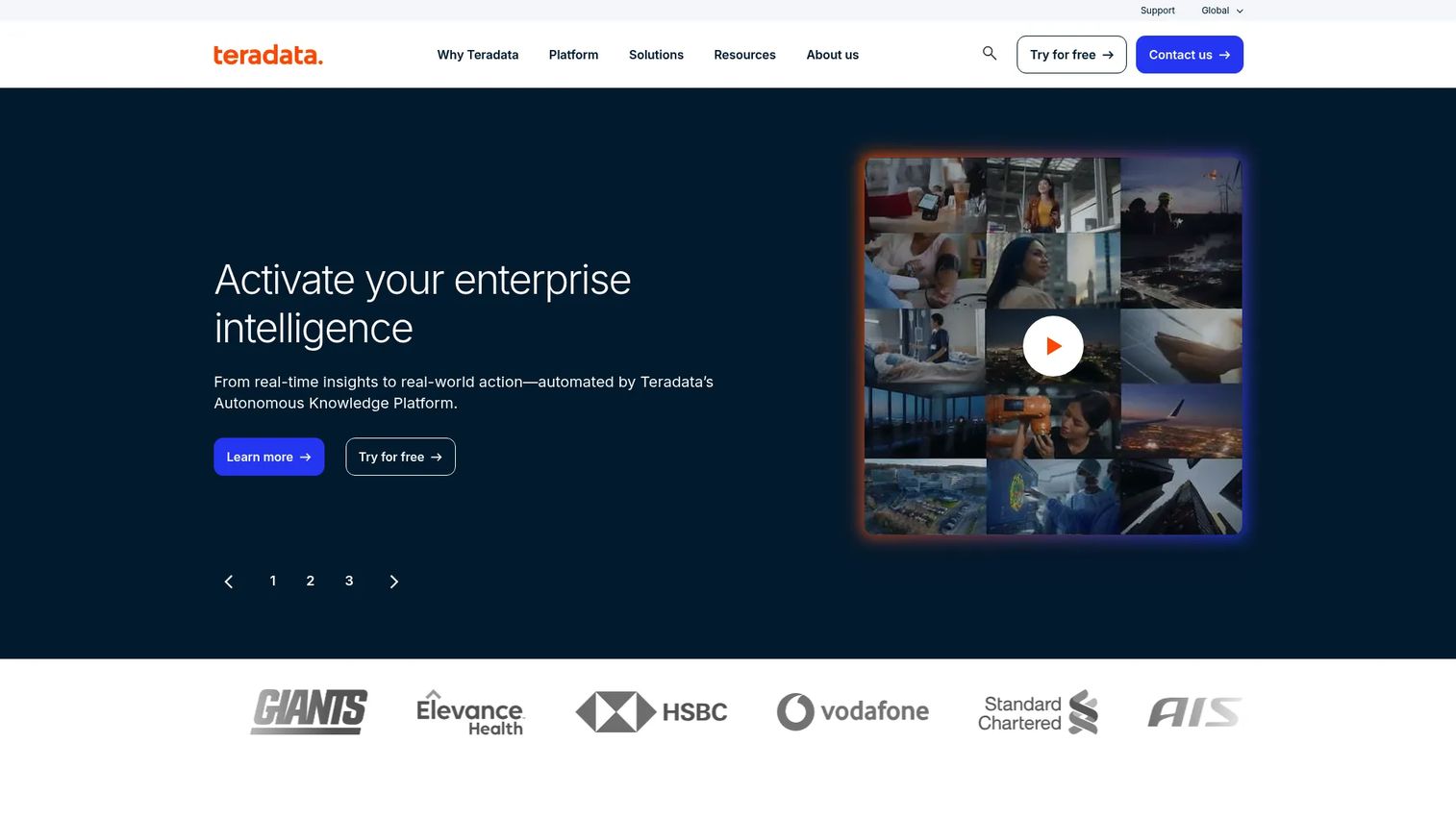
Teradata is an enterprise data and analytics platform known for SQL-heavy, high-concurrency workloads. For organizations with existing Teradata investments, it offers a path to blend established warehouse analytics with lakehouse patterns rather than rip and replace.
VantageCloud brings consumption-based pricing, and the Autonomous Knowledge Platform layers data, analytics, AI, and agentic execution on top. Cloud, on-prem, and sovereign deployment options give regulated enterprises flexibility. It fits warehouse-to-lakehouse transition scenarios where SQL performance and governance are non-negotiable.
Best for: Large enterprises needing governed analytics and AI on a scalable data platform.
Key features
- Consumption-based VantageCloud pricing
- Autonomous Knowledge Platform with data, analytics, and AI
- Cloud, on-prem, and sovereign deployment support
- Strong SQL performance at high concurrency
Why choose Teradata: Choose it when you have significant Teradata investment and want to extend into lakehouse patterns without abandoning proven analytics. It fits enterprises modernizing from a warehouse base.
Teradata pricing: VantageCloud Lake starts from $6.00 per hour and VantageCloud Lake+ from $7.20 per hour, with a Standard tier from $4.80 per hour. Enterprise packages start at $9,000 per month and Enterprise+ at $10,500 per month on annual commitments.
10. Oracle OCI Data Lake
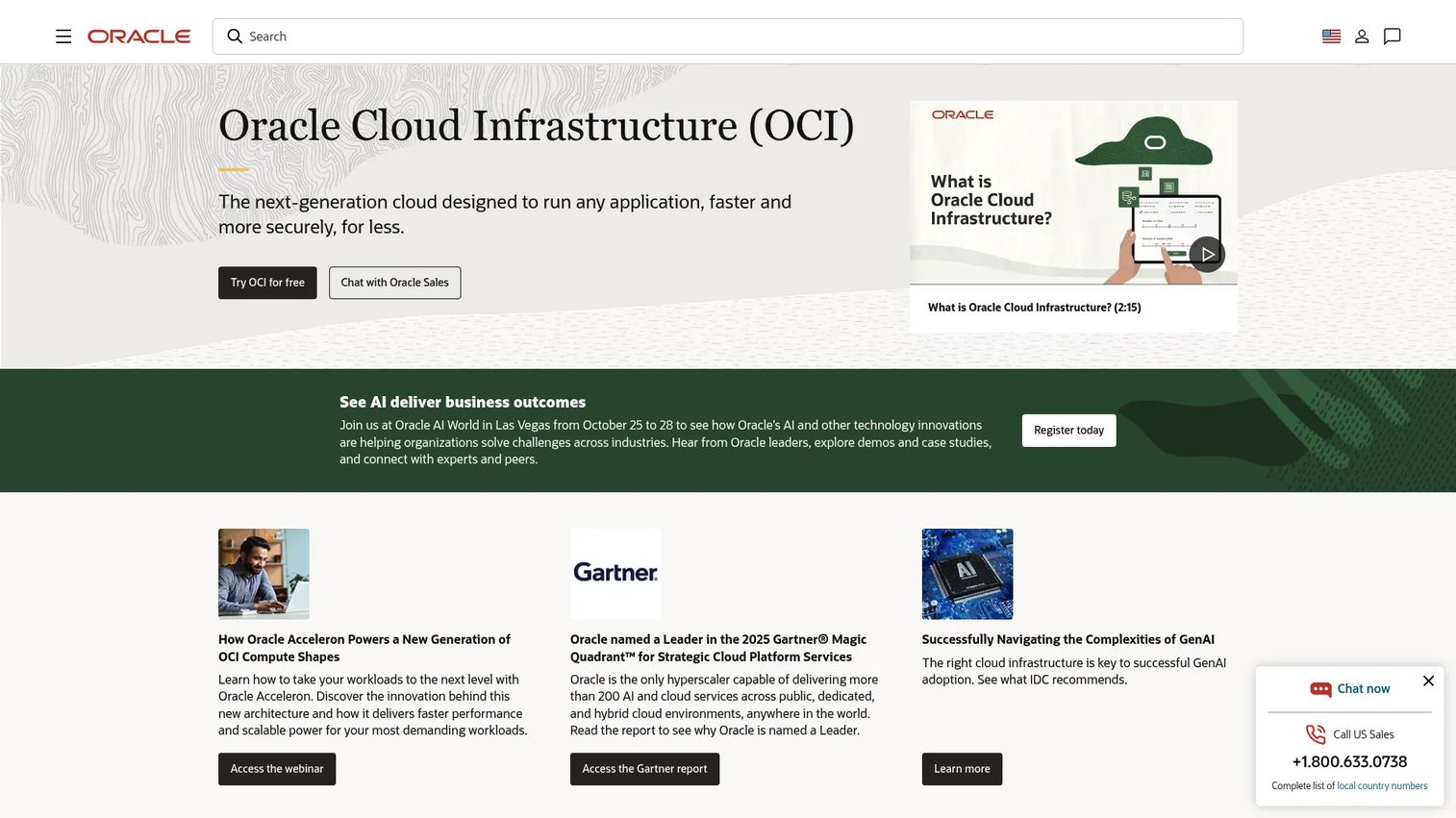
Oracle OCI Data Lake refers to Oracle Cloud Infrastructure's data-lake capabilities and reference architecture for storing, governing, and analyzing large-scale data in OCI. It builds on Object Storage for lake storage, a Data Catalog for metadata and governance, and Data Flow plus Data Science for transformation and analytics.
For Oracle-heavy environments, the appeal is integration with the broader OCI stack and existing Oracle data estates. Rather than a single named product, it is an architecture pattern assembled from OCI services. Evaluate it as a way to build a governed cloud data lake for teams standardizing on OCI.
Best for: Teams building a governed cloud data lake on Oracle Cloud Infrastructure.
Key features
- Object Storage-backed data lake storage
- Data Catalog for metadata management and governance
- Data Flow and Data Science for transformation
- Integration with the broader OCI stack
Why choose Oracle OCI Data Lake: Choose it when your organization runs on Oracle Cloud and wants to build a governed lake using native OCI services. It fits teams consolidating data architecture inside OCI.
Oracle OCI Data Lake pricing: Pricing is usage-based and surfaced across the adjacent OCI services you assemble, such as Object Storage, Data Catalog, and Data Flow. Model costs per service or request a quote from Oracle.
Considerations
Open formats and interoperability
Check which table formats a platform supports natively, especially Delta Lake and Apache Iceberg, and whether multiple engines can read and write the same tables. Open formats keep your options open and reduce lock-in. Verify that your existing tools can query the tables without a proprietary bridge.
Governance, lineage, and access control
Governance is where lakehouse projects succeed or stall. Confirm the platform enforces access at table, column, row, and even cell level, and that lineage is captured end to end. A reviewer should be able to trace any number back to its source. Ask how the catalog handles cross-account and cross-cloud sharing.
BI, SQL, and ML workload fit
Test the platform against your real workloads, not a benchmark. Run your heaviest BI query and a representative training job on the same governed data. Confirm SQL performance under concurrency and that ML teams can reach the raw tables without a separate copy. This is where a proof of concept earns its keep.
Streaming and freshness requirements
Decide how fresh your data needs to be before you shortlist. Some workloads tolerate hourly batch, others need near-real-time streaming. Confirm the platform supports batch and streaming analytics on the same tables, and check how it handles incremental refreshes and late-arriving data.
Cloud alignment and operating model
Match the platform to where your data already lives and how your team wants to operate. A cloud-native managed service reduces operational load, while a hybrid platform fits teams with on-prem constraints. Factor in consumption pricing, since costs scale with usage and vary by region and cloud.
Conclusion
The right data lakehouse platform depends on what you are optimizing for. If you want end-to-end unified analytics and AI, Databricks and Microsoft Azure Databricks lead, with Snowflake close behind for teams that prize managed simplicity and data sharing. If governance on a specific cloud is your priority, AWS Lake Formation and Google BigLake give you fine-grained control on S3 and Iceberg respectively.
For open query federation across many sources, Starburst is the clearest fit, while Dremio suits teams that want fast self-service SQL over open data. Cloudera and Teradata serve enterprises modernizing from hybrid or warehouse-heavy foundations, and Oracle OCI Data Lake fits organizations standardizing inside OCI.
Your next step is a scoped proof of concept. Pick two platforms from your shortlist, load a representative dataset, and run your real BI and ML workloads against the same governed copy. Measure query performance, governance fit, and total consumption cost before you commit. The platform that wins on your data, not a vendor benchmark, is the one to buy.
FAQs
A data warehouse stores structured data in a proprietary engine optimized for SQL and BI. A lakehouse keeps data in open formats on low-cost object storage and adds warehouse-grade governance, ACID transactions, and query performance on top. The lakehouse serves BI, SQL, streaming, and machine learning from one governed copy, while a warehouse is optimized mainly for SQL analytics.
A lakehouse adds what a plain data lake lacks: ACID transactions, schema enforcement, governance, and reliable query performance. A data lake gives you cheap, flexible storage but weak guarantees, which can lead to a data swamp. A lakehouse keeps the open storage and low cost while making the data trustworthy and queryable for both BI and ML.
Core technologies include open table formats like Delta Lake and Apache Iceberg, object storage, and a governance catalog such as Unity Catalog. Platforms add SQL query engines, Apache Spark for processing, streaming pipelines, and ML tooling. Together these provide ACID transactions, schema enforcement, data lineage, and decoupled storage and compute on one copy of the data.
Open table formats like Delta Lake and Apache Iceberg let multiple engines read and write the same tables without lock-in. They add ACID transactions, schema evolution, and time travel to files on object storage. That means your BI tool, your Spark jobs, and your ML pipeline all work against one governed copy, and you can switch engines without migrating data.
Governance runs through a central catalog that manages access, lineage, and sharing across all data. It enforces fine-grained permissions at the table, column, row, and often cell level, and records where every dataset came from. Data lineage lets reviewers trace a number back to its source, which supports audits and compliance across teams, accounts, and clouds.
Yes, that is a core reason lakehouse platforms exist. BI analysts run governed SQL and dashboards, while ML engineers train models on the same raw and refined tables, with no separate copy. Serving both from one governed source removes reconciliation drift and gives both audiences a single lineage trail and a shared source of truth.
Medallion architecture organizes data into three layers. Bronze holds raw ingested data, silver holds cleaned and conformed data, and gold holds business-ready aggregates for BI and reporting. Data moves through the layers with increasing quality and structure. The pattern keeps pipelines auditable and lets teams reprocess from raw data when definitions change.
Start with your cloud, your open format strategy, and your governance requirements, then match a platform to them. Confirm support for Delta Lake or Apache Iceberg, fine-grained access control, and both BI and ML on one copy. Run a proof of concept with your real workloads and model consumption cost before committing, since pricing scales with usage.










