Your onboarding process looks organized internally. The customer still doesn't know what to do next.
They got a kickoff call. A follow-up email with links. Maybe a shared doc. Then silence on their end, and a CSM sending a third reminder about a setup step that should have taken twenty minutes.
According to Wyzowl (2024), 63% of customers say onboarding support is a significant factor in their purchasing decision. Yet most onboarding still runs on scattered emails, static docs, and spreadsheet trackers that only the CS team can see.
Customer onboarding portal software changes that by giving both sides a shared, structured space with clear next steps, resources, and measurable progress. The tools below cover the full range: Interactive product education, client-facing portals, implementation project management, customer success platforms, and in-app onboarding.
What's inside
This guide compares 17 customer onboarding portal software tools for SaaS and B2B teams in 2026.
- Who it's for: Customer Success Managers, Onboarding Managers, CS leaders, and implementation teams
- Selection criteria: Customer-facing onboarding value, portal or hub capability, CS workflow fit, and category clarity
- Pricing and G2 ratings are verified from each vendor's live page at drafting time
- Tools span portals, CS platforms, in-app onboarding, project management, and demo automation
TL;DR
- Best overall for interactive customer onboarding: Guideflow lets customers learn product workflows through Demo Centers, interactive demos, sandboxes, live demos, and mobile demos
- Best for client-facing onboarding portals: Dock combines shared plans, resources, and engagement tracking in a polished workspace
- Best for complex implementation projects: Rocketlane or GUIDEcx, depending on whether project delivery or external stakeholder accountability is the bigger bottleneck
- Best for CS lifecycle management: ChurnZero, Gainsight, Vitally, or Planhat for teams that need health scores and playbooks beyond day 90
- Best for in-app product onboarding: Appcues, Userpilot, or Pendo when activation friction lives inside the product interface
- Best internal coordination fallback: Asana works when the team needs task structure before committing to a dedicated customer portal
What is customer onboarding portal software?
Customer onboarding portal software is a customer-facing system that organizes onboarding tasks, resources, communication, progress tracking, and success milestones in a shared digital workspace.
It gives customers and internal teams one place to manage the onboarding process rather than hunting across inboxes, shared drives, and project tools. SaaS teams use it to reduce kickoff confusion, improve accountability, shorten time-to-value, and create visibility across CS, implementation, and leadership.
Core capabilities
- Shared onboarding plans: Milestones, owners, due dates, and dependencies in a customer-visible view
- Customer-facing portals: Branded spaces for resources, next steps, and communications
- Forms and intake: Briefs, file uploads, access details, and requirements collection
- Templates and automation: Reusable onboarding processes, automated reminders, and playbooks
- Collaboration: Comments, approvals, file sharing, and customer messages in context
- Education content: Interactive demos, videos, help articles, and training assets
- Analytics: Task progress, completion rate, content views, drop-off step, and time spent
- Integrations: CRM, support tools, communication platforms, product analytics, and billing
Category distinctions worth knowing
Customer onboarding portals manage the shared process from kickoff to first value. In-app onboarding tools guide users inside the product after login. Customer success platforms handle the broader lifecycle including health scoring, renewals, and expansion. Demo automation platforms help customers understand product workflows through interactive experiences.
Knowing which category your biggest gap falls in will narrow this list significantly.
When to use customer onboarding portal software
Stop re-explaining the same setup steps live
When CSMs spend the majority of their onboarding time repeating the same instructions across different accounts, the problem is the delivery format, not the team. A shared portal with self-serve resources, interactive demos, and embedded training lets customers work through setup steps before they ask. That shifts the CSM's role from explainer to advisor.
Keep implementation tasks visible to both teams
Onboarding stalls when your team tracks tasks internally while customers only see emails. A shared portal creates accountability on both sides with visible owners, due dates, milestones, and status. When customers can see their own overdue items, reminder emails become less necessary.
Spot friction before it becomes churn risk
Completion rate, drop-off step, missed tasks, and inactive stakeholders are early signals. Catching a customer who hasn't touched their portal in two weeks is different from catching the same behavior at day 60. Good onboarding software surfaces those signals early enough to act.
Customer onboarding portal software comparison
Use the table below to shortlist by onboarding motion. A pure customer portal differs from a CS lifecycle platform, an in-app onboarding tool, or a demo automation platform. Pricing and G2 ratings are verified from each vendor's live page.
| # | Product | Best for | Key differentiator | Pricing | G2 rating |
|---|---|---|---|---|---|
| 1 | Guideflow | Interactive customer onboarding and education | Demo Centers plus interactive demos that show customers what to do | Free plan available; paid from $35/mo | 5.0/5 |
| 2 | Dock | Client-facing onboarding portals | Shared customer spaces with plans, files, and engagement tracking | Free plan; paid from $350/mo | 4.6/5 |
| 3 | Rocketlane | Complex implementation projects | Project management built for customer onboarding teams | From $49/user/mo (annual) | 4.7/5 |
| 4 | OnRamp | B2B customer onboarding operations | Onboarding plans, portals, and AI-assisted workflows | Custom pricing (starts at $15,000) | 5.0/5 |
| 5 | GUIDEcx | High-touch implementation accountability | Customer-facing project visibility and implementation tracking | Custom pricing | 4.6/5 |
| 6 | EverAfter | Digital customer hubs | Personalized customer success portals and lifecycle hubs | Free up to 20 customers; paid from $200/mo | 4.6/5 |
| 7 | Moxo | External client collaboration | Secure client workspaces with workflows and messaging | From $5,000/yr (Team plan) | 4.5/5 |
| 8 | Arrows | HubSpot-connected onboarding | Customer onboarding plans that work inside HubSpot | Custom pricing | N/A |
| 9 | ChurnZero | Customer success onboarding programs | CS automation tied to customer health and lifecycle | Custom pricing | 4.7/5 |
| 10 | Gainsight | Enterprise customer success | Health scoring, lifecycle management, and CS operations | Custom pricing | 4.5/5 |
| 11 | Vitally | Modern CS teams | Customer success workspaces with data and playbooks | Custom pricing | 4.5/5 |
| 12 | Planhat | Customer lifecycle management | Customer data, success planning, and lifecycle analytics | Custom pricing | 4.5/5 |
| 13 | Totango | Customer success programs | SuccessBLOCs and lifecycle journey management | Custom pricing | 4.3/5 |
| 14 | Appcues | In-app user onboarding | Product onboarding flows inside the application | From $9,000/yr | 4.6/5 |
| 15 | Userpilot | Product adoption onboarding | In-app experiences and product usage analytics | From $299/mo | 4.6/5 |
| 16 | Pendo | Product analytics and onboarding | Guides, product analytics, and user feedback | Free plan available; paid custom | 4.4/5 |
| 17 | Asana | Internal onboarding project tracking | Flexible task management for internal CS processes | Free plan; paid from $10.99/user/mo (annual) | 4.4/5 |
Best 17 customer onboarding portal software tools for 2026
1. Guideflow
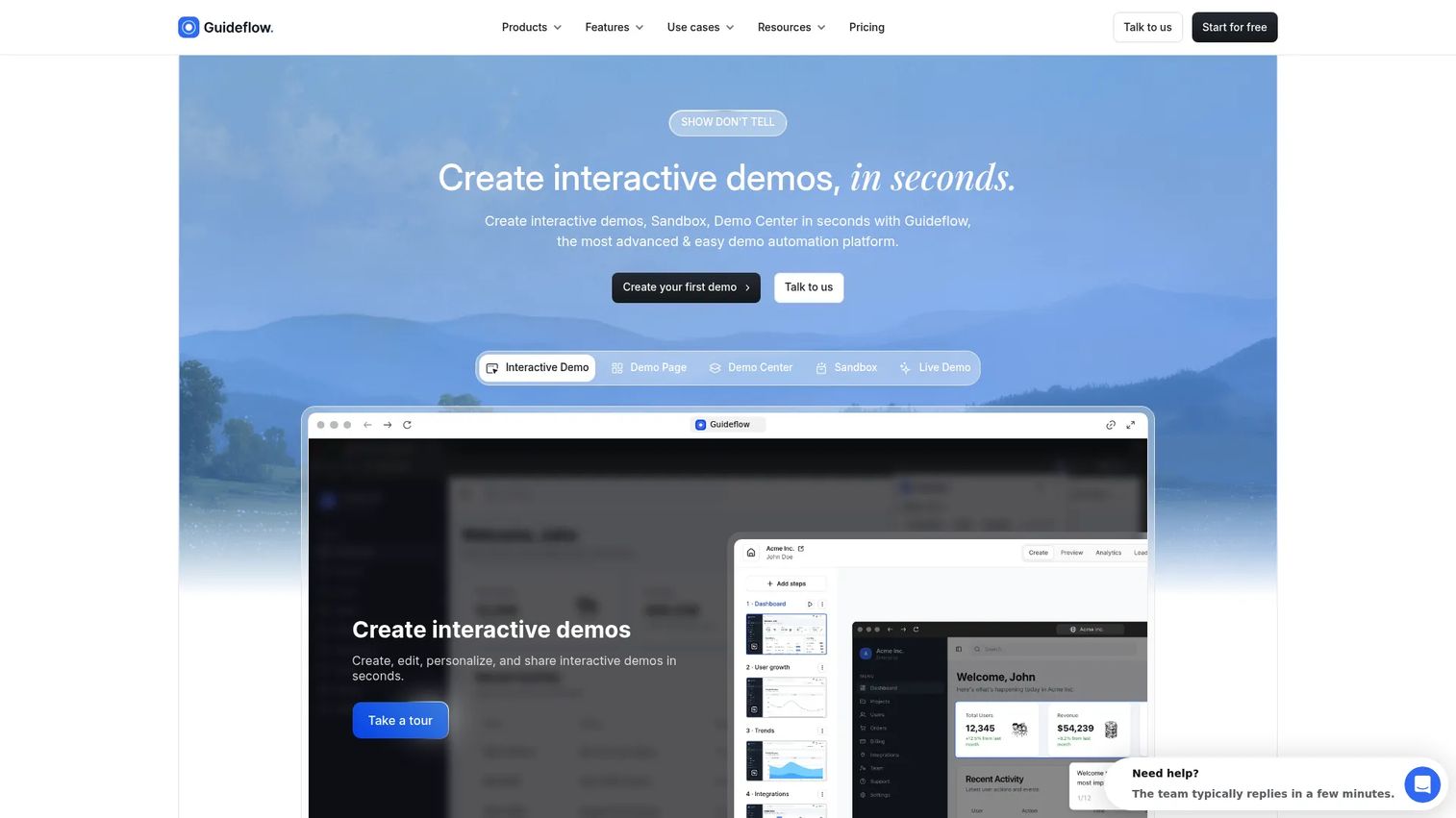
Guideflow is a demo automation platform that turns your product into self-serve interactive onboarding experiences customers can explore before they ever need to ask a CSM for help. Where a portal gives customers a place to go, Guideflow gives them something useful to do once they arrive. Teams use it to build Demo Centers as branded onboarding hubs, publish step-by-step interactive demos for product education, offer sandboxes for free exploration, and run Live Demo sessions for training calls and QBRs. Mobile Demo support covers mobile-first onboarding contexts. No code is required to capture, edit, or publish.
Best for: SaaS CS teams that want customers to learn product workflows through interactive experiences, Demo Centers, and measurable self-serve onboarding content.
Key features
- Demo Centers as branded customer-facing onboarding hubs
- Interactive demos for step-by-step product education without a live call
- Sandboxes for free customer exploration and workflow validation
- Completion rate and drop-off analytics to identify friction points
- CRM and marketing integrations for onboarding data sync
Why choose Guideflow: Choose Guideflow when customer confusion comes from product complexity rather than missing checklists. If customers are completing their portal tasks but still aren't adopting the product, that's the gap Guideflow is built to close.
Guideflow pricing: Guideflow offers a free plan. Solo plans start at $35/month, Growth at $499/month, and Advanced at $1,499/month. Enterprise pricing is available on request.
G2 rating: 5.0/5
Start your journey with Guideflow today!
2. Dock
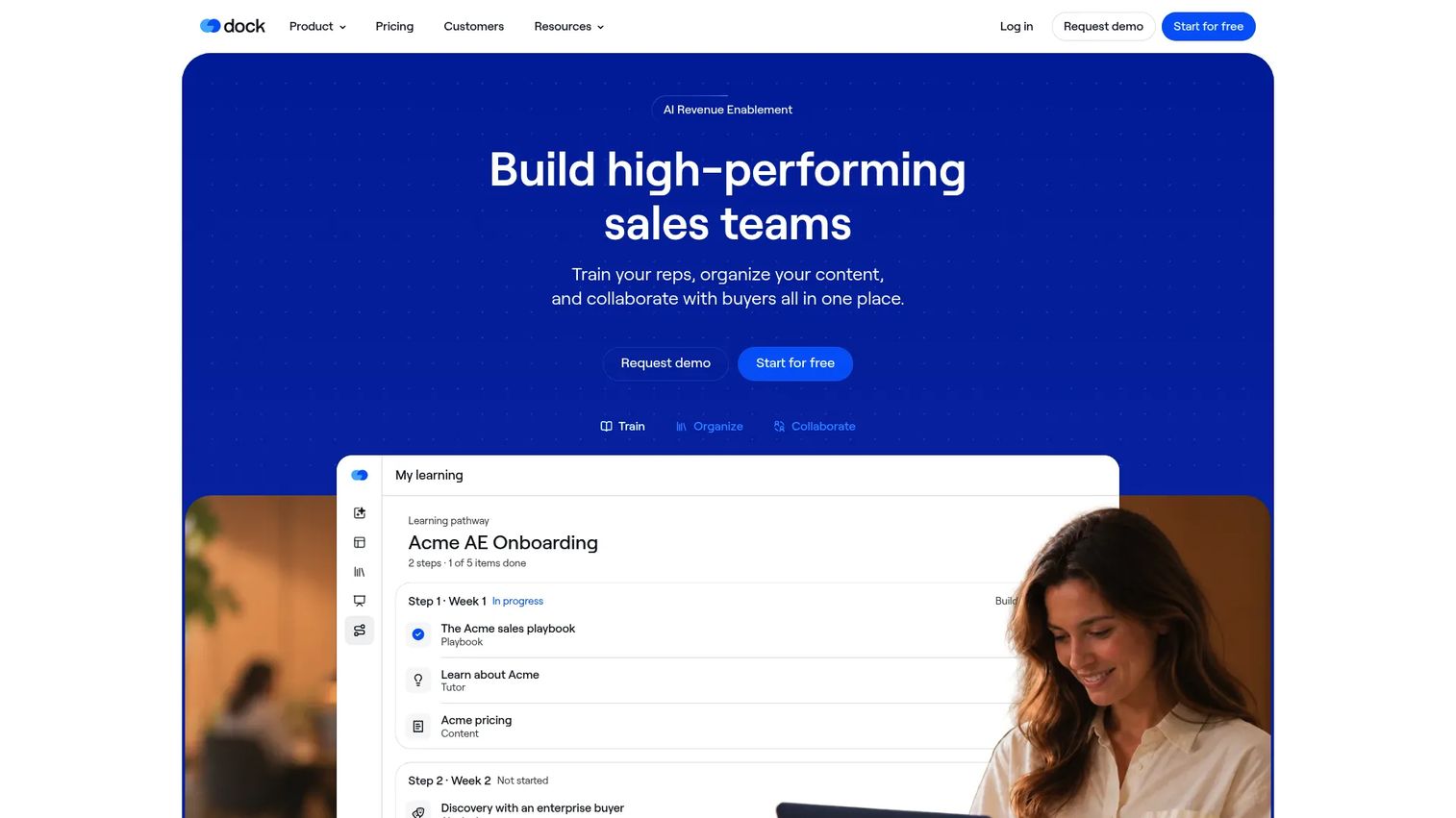
Dock is an AI revenue enablement platform that covers digital sales rooms, customer onboarding hubs, client portals, and content management from a single workspace. For CS teams, the most relevant use case is building shared customer spaces where onboarding plans, files, task lists, embedded content, and renewal workflows all live in one branded destination. Dock also includes mutual action plans, buyer engagement analytics, and CRM integrations with Salesforce and HubSpot.
Best for: CS and revenue teams that need a polished customer-facing portal for external collaboration and onboarding plans.
Key features
- Shared customer workspaces with plans, files, and task tracking
- Mutual action plans with customer-visible milestones
- Visitor engagement analytics on content and resource access
- CRM integrations with Salesforce and HubSpot
- Reusable templates for repeatable onboarding processes
Why choose Dock: Choose Dock when your biggest onboarding problem is scattered customer-facing content and unclear next steps. It's especially strong for teams that want a polished external portal without building one from scratch.
Dock pricing: Dock offers a free plan. The Standard plan is $350/month, and the Premium plan is $1,000/month billed annually. Enterprise uses custom annual contract pricing.
G2 rating: 4.6/5
3. Rocketlane
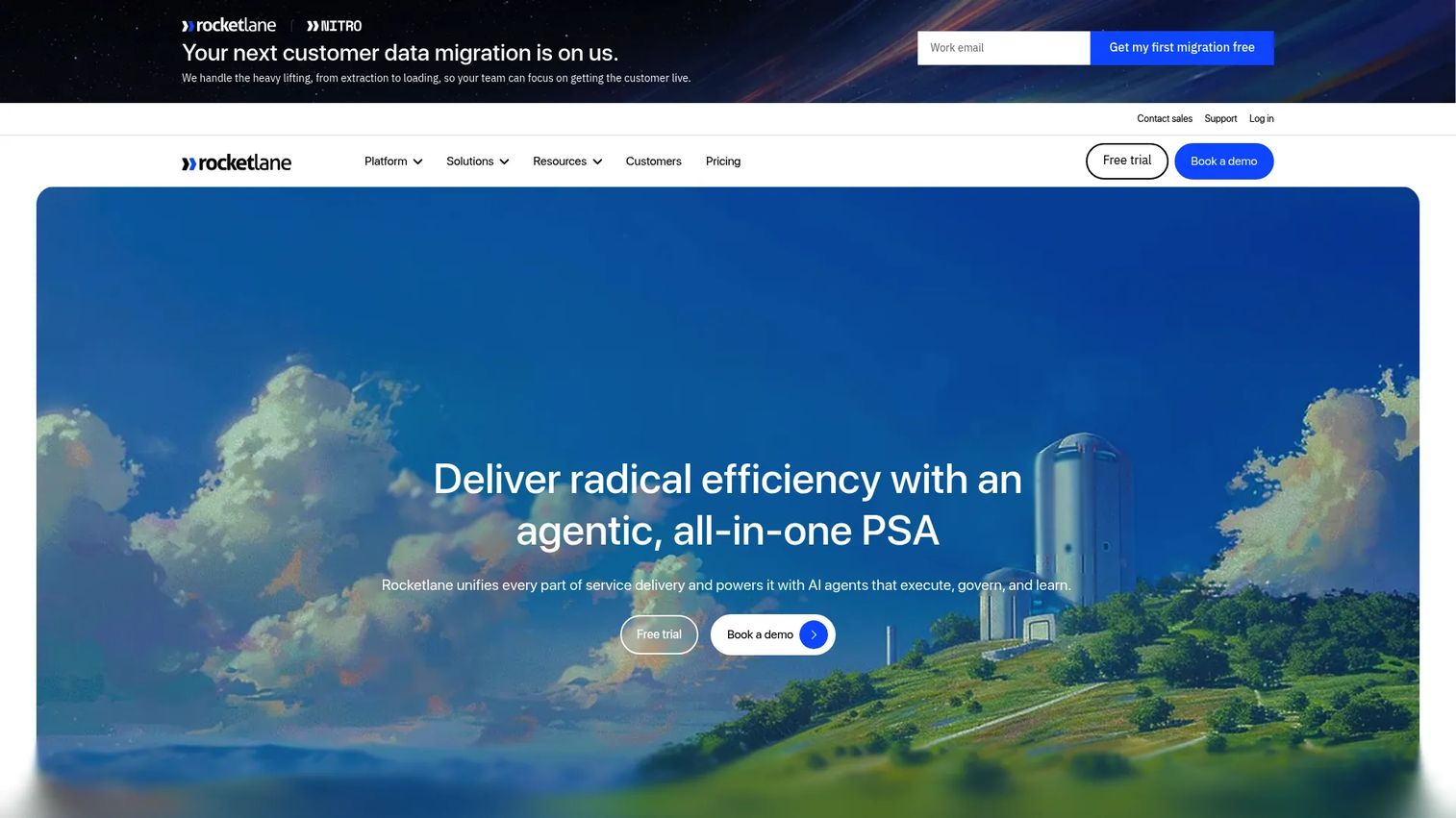
Rocketlane is a professional services automation platform built for customer-facing implementation and onboarding projects. Beyond task management, it covers resource planning, capacity management, time tracking, project budgeting, and customer collaboration portals. Implementation and onboarding teams use it when delivery involves multiple internal and customer-side stakeholders, project phases, and utilization tracking.
Best for: Professional services and implementation teams managing complex, multi-stakeholder customer onboarding projects.
Key features
- Implementation project templates with customer-facing views
- Resource planning and capacity tracking across projects
- Time tracking, billing, and project profitability dashboards
- Customer collaboration portals with file sharing and comments
- AI Fills for automated project plan generation (add-on)
Why choose Rocketlane: Choose Rocketlane when onboarding is closer to a managed implementation than a lightweight checklist. It fits teams where resource allocation, delivery timelines, and customer-side accountability all need to be tracked in one system.
Rocketlane pricing: Standard plans start at $49/user/month billed annually (minimum 5 team members). Premium is $69/user/month billed annually. Enterprise uses custom pricing. A 14-day trial is available. The AI Fills add-on is $29/user/month.
G2 rating: 4.7/5
4. OnRamp
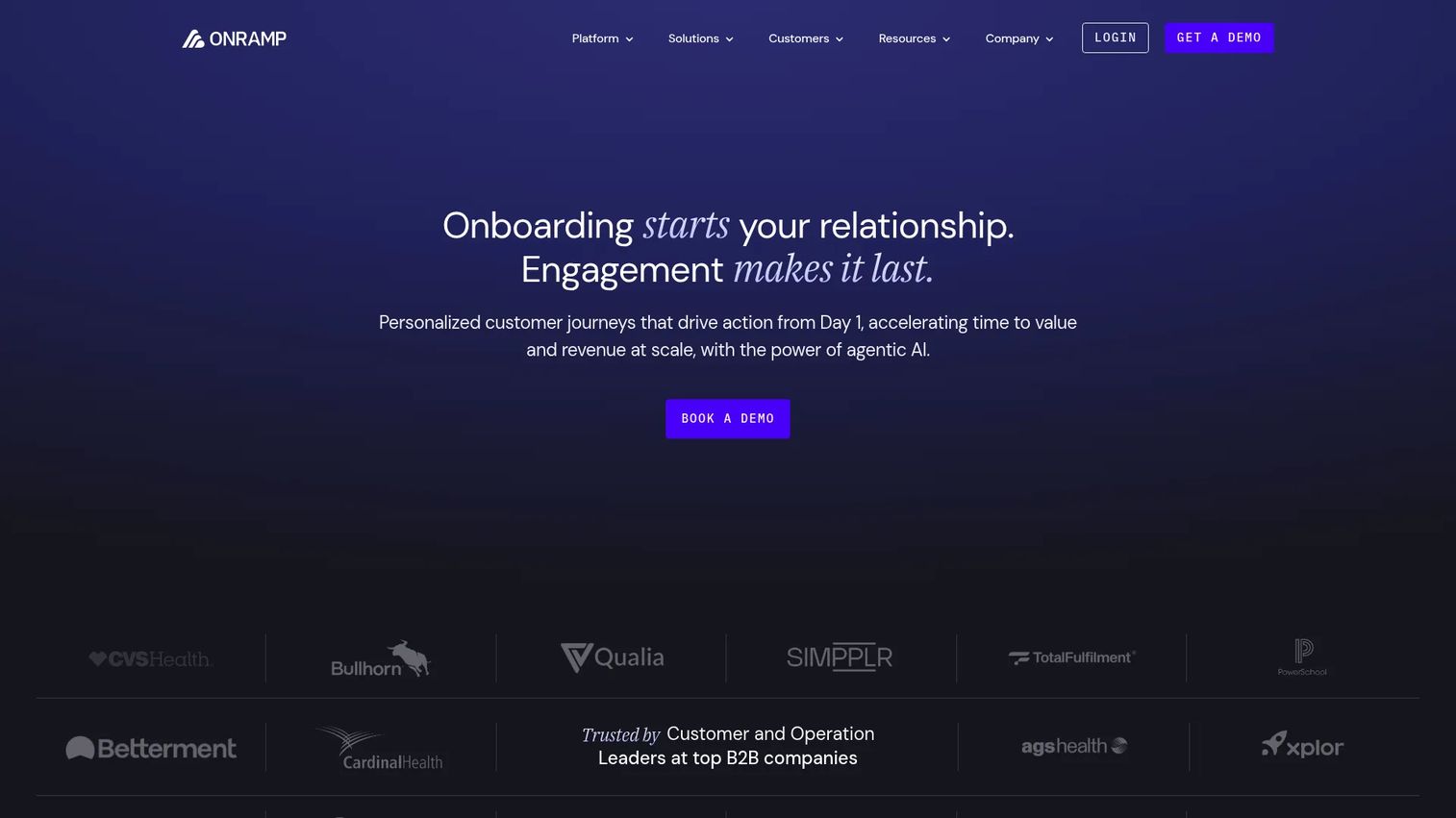
OnRamp is a B2B customer onboarding and engagement platform that combines personalized customer-facing portals, dynamic workflows, project health reporting, and agentic AI in one purpose-built system. It tracks onboarding velocity, identifies stalled accounts, and surfaces bottlenecks before they affect time-to-value. CRM integrations with Salesforce and HubSpot keep onboarding data connected to the rest of the revenue stack.
Best for: B2B customer success and implementation teams managing complex onboarding at scale with structured playbooks and AI-assisted workflows.
Key features
- Personalized customer-facing onboarding portals
- Dynamic workflows with automated reminders and task routing
- AI-powered playbook generation and stall detection
- Project health, bottleneck, and velocity reporting
- Salesforce and HubSpot integrations with SOC 2 Type II compliance
Why choose OnRamp: Choose OnRamp when your team needs onboarding operations software built specifically for B2B customer onboarding, rather than adapting a general project management tool. The AI assistance for stall detection is a practical differentiator for high-volume onboarding programs.
OnRamp pricing: Pricing starts at $15,000 and scales with onboarding volume, team size, playbook requirements, and integration needs. Plans range from Basic to Premier. Contact sales for a quote.
G2 rating: 5.0/5
5. GUIDEcx
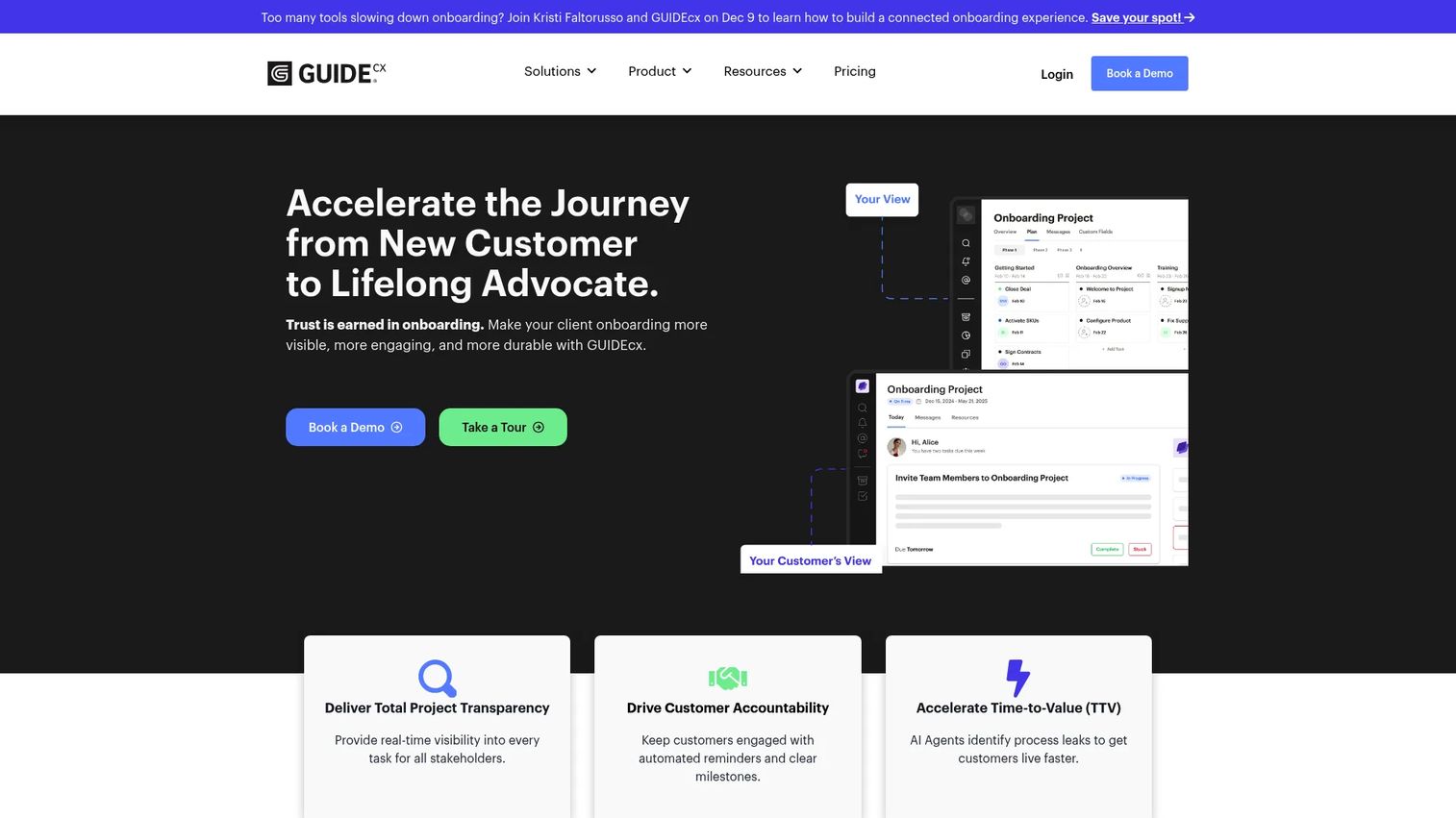
GUIDEcx is customer onboarding software that gives implementation teams and their customers a shared workspace for timelines, milestones, risks, tasks, and communication. What sets it apart is its focus on external stakeholder accountability: Customers access the portal without a login through a secure link, reducing the barrier to participation. All packages include unlimited projects and customers.
Best for: B2B teams managing collaborative implementation projects where customer delays are a frequent bottleneck.
Key features
- Customer-facing onboarding portal with login-less secure access
- Gantt, list, and board project views with milestone tracking
- Automated reminders via email and SMS for overdue tasks
- AI-powered project risk insights and reporting
- Time tracking and resource management
Why choose GUIDEcx: Choose GUIDEcx when onboarding success depends on getting the customer to complete their side of the project. The login-less access removes friction for external stakeholders who won't create another account just to check a task.
GUIDEcx pricing: All plans require a sales conversation. Starter, Premium, and Advanced tiers are available, with Advanced adding embedded portals, program management, sandbox, and advanced time tracking. Contact GUIDEcx for pricing.
G2 rating: 4.6/5
6. EverAfter
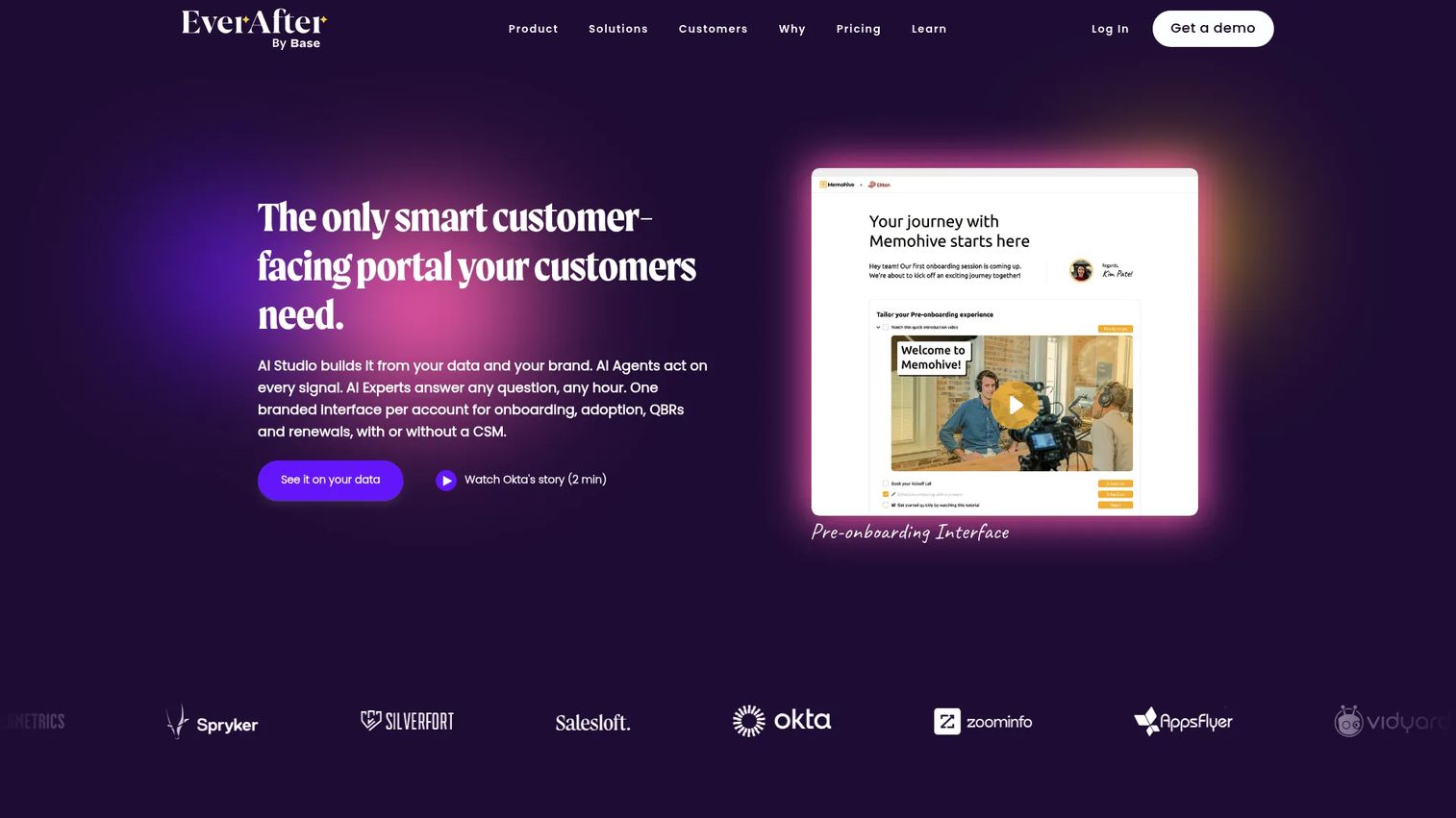
EverAfter is an AI-powered platform for building personalized customer-facing portals across onboarding, adoption, QBRs, and renewals. Its AI Studio builds branded customer interfaces from your customer data, and AI Agents handle automated nudges, renewal plans, and next-best-action suggestions. White-labeled hubs make it easy to maintain consistent branding across different customer segments.
Best for: B2B CS teams that want one digital customer hub spanning onboarding, adoption, and renewal conversations.
Key features
- AI Studio for building branded customer interfaces
- AI Agents for automated nudges and renewal actions
- White-labeled customer hubs with no-code interface builder
- Digital onboarding journeys with task and content organization
- Integrations with CRM, support, analytics, and content tools
Why choose EverAfter: Choose EverAfter when onboarding is the beginning of a broader digital customer journey rather than a one-time project. It fits CS teams that want to run personalized hub experiences from kickoff through expansion without switching tools.
EverAfter pricing: A free tier is available for up to 20 customers. Subscription plans start from $200/month. Full pricing is customized based on customer volume and requirements.
G2 rating: 4.6/5
7. Moxo
Moxo is an AI-native business process orchestration platform that handles external-party workflows through branded client portals. For onboarding use cases, it manages document collection, approvals, e-signatures, secure messaging, checklists, and form submissions inside a structured workflow. AI utilities handle extraction, transcription, and summarization tasks within those flows.
Best for: Operations teams managing document-heavy or approval-heavy external client processes during onboarding.
Key features
- Secure branded client portals with magic link access
- Workflow builder with forms, approvals, file requests, and e-signatures
- AI utilities for extraction, transcription, and summarization
- REST API, webhooks, and SAML SSO support
- Audit logs and reporting
Why choose Moxo: Choose Moxo when onboarding depends on structured external collaboration with document collection and approvals at the center. It fits financial services, legal, and compliance-adjacent onboarding contexts where process governance matters.
Moxo pricing: The Team plan is $5,000/year, including 100 flows and unlimited seats. Scale and Enterprise plans use custom pricing with higher flow limits and additional AI capacity.
G2 rating: 4.5/5
8. Arrows
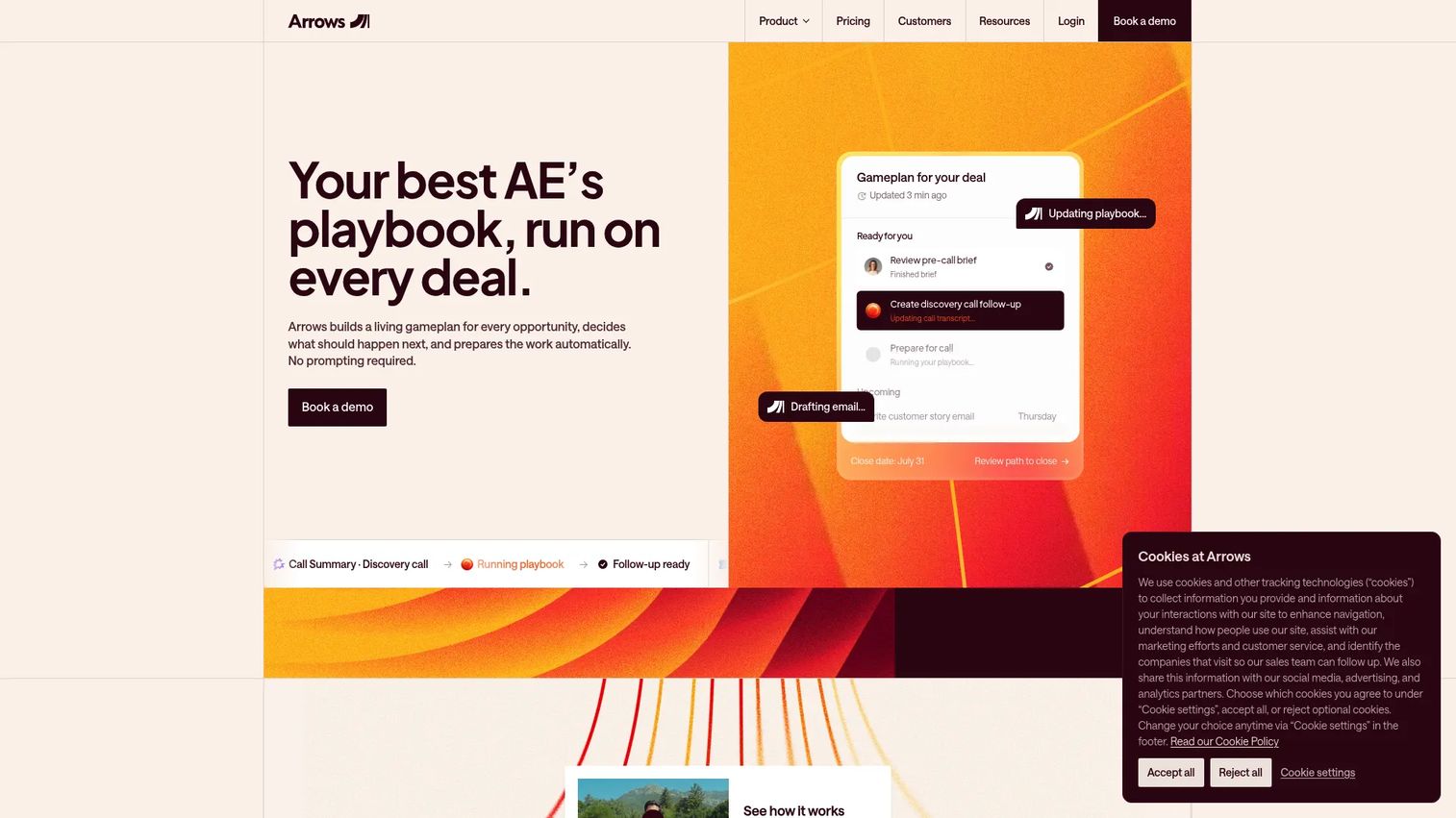
Arrows is an AI-powered sales platform that generates deal gameplans, prepares follow-up emails, and manages deal follow-through for sales teams. While it originally focused on HubSpot-connected customer onboarding plans, the current product is centered on AI-assisted sales execution rather than a traditional customer portal. Teams that want HubSpot-native onboarding plans tied to CRM stages may find Arrows useful during the sales-to-onboarding handoff.
Best for: B2B sales teams using HubSpot that want AI-prepared deal follow-through and consistent handoff context into onboarding.
Key features
- Deal gameplans generated from playbooks and deal context
- AI-prepared follow-up emails and CRM updates
- Digital sales rooms with AI-personalized content
- Context pulled from CRM, calls, and email history
- Human review and approval before prepared work is sent
Why choose Arrows: Choose Arrows if your onboarding gaps are rooted in poor sales-to-CS handoff and inconsistent context transfer. It is not a full customer onboarding portal, but it can improve the quality of information CS teams receive at kickoff.
Arrows pricing: Contact the team directly for a quote based on deal volume and coverage requirements.
9. ChurnZero
ChurnZero is an AI-powered customer growth platform for subscription businesses that connects customer health data, CS automation, and onboarding playbooks in one system. During onboarding, it triggers journeys and in-app messages based on product usage signals. After onboarding, it continues managing health scores, renewal risk alerts, and expansion opportunities.
Best for: Customer success teams at subscription businesses that need onboarding programs tied to health scoring and lifecycle automation.
Key features
- Customer health scoring (ChurnScores) with real-time alerts
- Automated success journeys and onboarding playbooks
- In-app communications triggered by product behavior
- Renewal forecasting and risk identification
- 70+ native integrations with the CS stack
Why choose ChurnZero: Choose ChurnZero when onboarding is part of a broader CS operating model and you need health signals, playbooks, and automation to extend beyond the first 30 days. It's less suited to teams that only need a simple portal for kickoff tasks.
ChurnZero pricing: ChurnZero does not display pricing on its website. Professional and Enterprise editions are available, with Agentic Essentials as a separate subscription. Contact sales for a quote based on account volume and CS team size.
G2 rating: 4.7/5
10. Gainsight
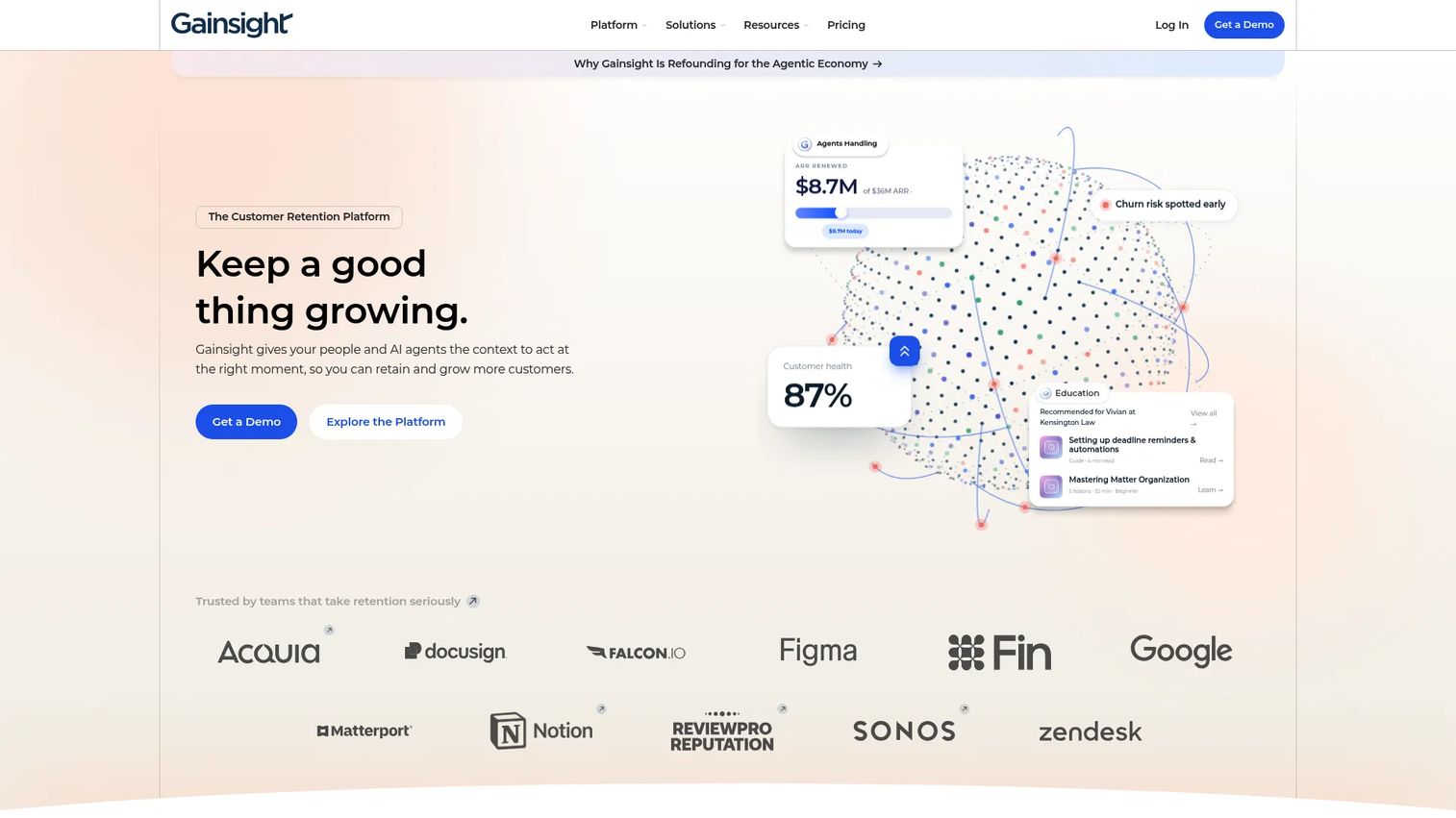
Gainsight is a customer retention platform for enterprise and growing B2B organizations that covers customer success, in-app product analytics, customer communities, and customer education under one umbrella. For onboarding, the relevant modules include health scoring, success plans, journey orchestration, and in-app guidance. It's one of the most comprehensive platforms in the CS category.
Best for: Enterprise CS organizations that need onboarding visibility as part of a mature customer health, lifecycle, and revenue retention operation.
Key features
- Enterprise customer health scoring and risk management
- Customer success plans with lifecycle orchestration
- In-app product analytics and guided experiences
- Customer communities and self-service education
- CS automation and AI-assisted workflows
Why choose Gainsight: Choose Gainsight when onboarding is one phase inside a large-scale CS operation. It is better suited to enterprise CS systems than to teams that need a simple, fast-to-deploy onboarding portal.
Gainsight pricing: Plan names include Essentials and Enterprise, plus product-specific modules. All pricing requires a sales conversation. The Product Experience module offers a free trial.
G2 rating: 4.5/5
11. Vitally
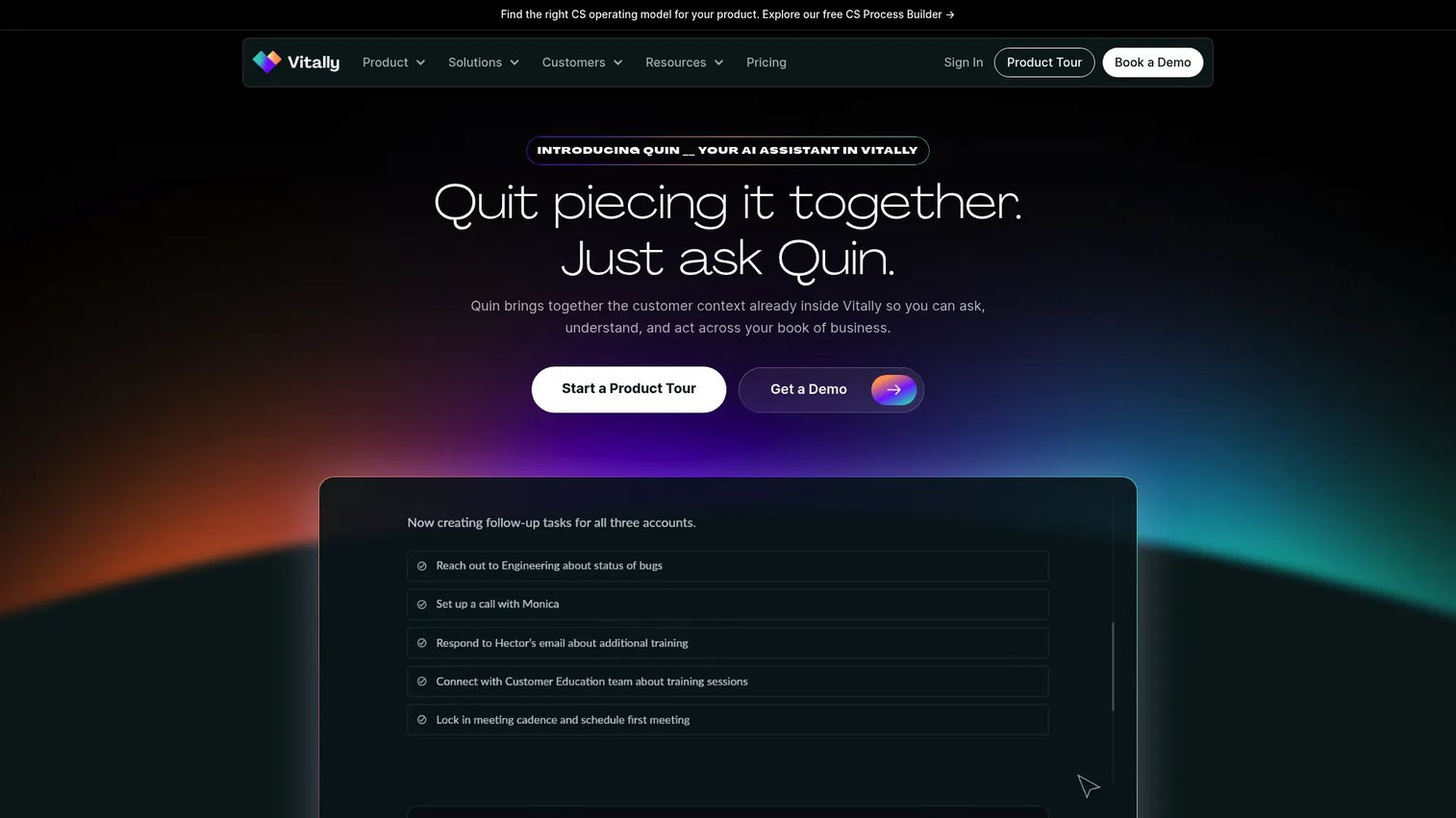
Vitally is an AI-powered customer success platform that centralizes customer context, health data, automation, and playbooks for CS teams. Its AI assistant (Quin) provides customer insights and surfaces recommended actions. During onboarding, teams use Vitally for success playbooks, task and project tracking, and product usage data to identify at-risk new customers early.
Best for: Modern B2B SaaS CS teams that want customer data, health visibility, and playbooks in a single workspace.
Key features
- AI assistant (Quin) for customer insights and next actions
- Customer health scores with product usage data
- Automation and success playbooks
- Task and project management for onboarding tracking
- Surveys, NPS, and segmentation
Why choose Vitally: Choose Vitally when your onboarding process needs to sit close to customer health and CS workflows. It works best when CS teams want account context and action plans in the same system rather than switching between a portal and a CS platform.
Vitally pricing: Vitally offers three plans: Tech-Touch, Hybrid-Touch, and High-Touch. All require requesting pricing, which is customized based on the CS model and account volume.
G2 rating: 4.5/5
12. Planhat
Planhat is an AI-powered customer platform that combines CRM, customer success, and professional services automation. For onboarding, it supports customer health scoring, success planning, project and task management, and customer portals. Its unified data model means onboarding milestones connect directly to lifecycle analytics and revenue signals.
Best for: Mid-market and enterprise B2B teams managing customer success, sales, and professional services in one platform.
Key features
- Unified customer data model with health and usage tracking
- Success planning with AI workflows and conversational AI
- Customer portals for external onboarding collaboration
- Revenue lifecycle analytics and expansion signals
- Email, call intelligence, and CS workflow automation
Why choose Planhat: Choose Planhat when onboarding needs to connect with the full customer lifecycle and you want customer data architecture as part of the same system. It fits CS teams that care about how onboarding data flows into retention and expansion metrics.
Planhat pricing: Planhat covers CRM, CSP, and PSA offerings, but does not publish numeric prices. All plans require a demo request to get a quote.
G2 rating: 4.5/5
13. Totango
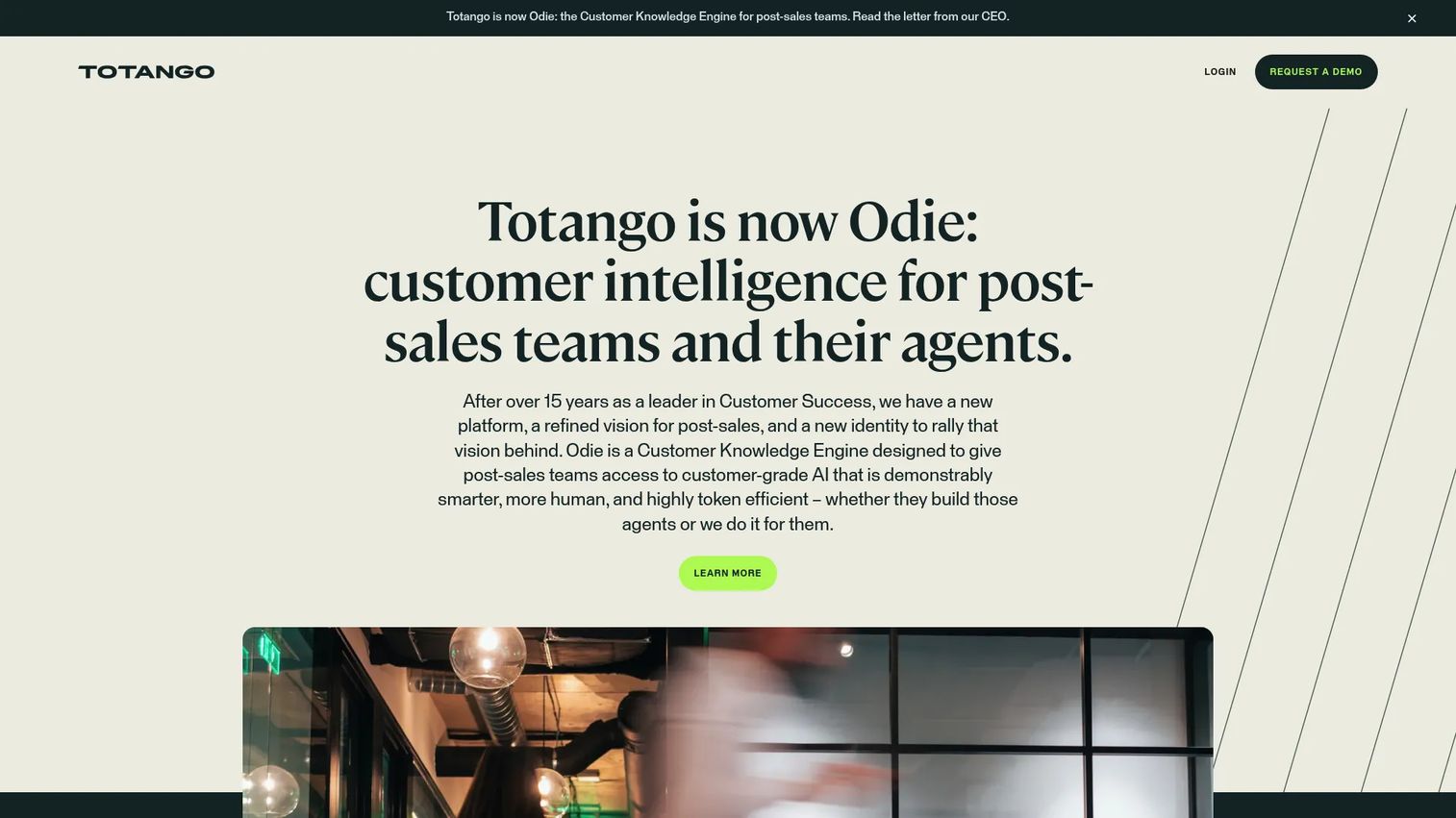
Totango has rebranded as Odie, positioning itself as a customer intelligence platform for post-sales teams. Its SuccessBLOCs provide customizable customer success program templates that include onboarding journeys, health monitoring, automated SuccessPlays, and account objective tracking. Teams use it for structured lifecycle management tied to renewal and expansion goals.
Best for: Enterprise post-sales and CS teams managing retention, renewals, and expansion through structured lifecycle programs.
Key features
- SuccessBLOCs with customizable customer success program templates
- Customer health and portfolio monitoring
- Automated SuccessPlays and lifecycle campaigns
- Customer data management with integration support
- Renewal, objective, and customer value tracking
Why choose Totango: Choose Totango when you want onboarding tied to structured success programs rather than a standalone portal. It fits teams that think in lifecycle journeys and need program-level visibility across a large account base.
Totango pricing: Plans include Standard, Growth, Enterprise, and Premier tiers. Contact sales for current pricing based on account volume and program requirements.
G2 rating: 4.3/5
14. Appcues
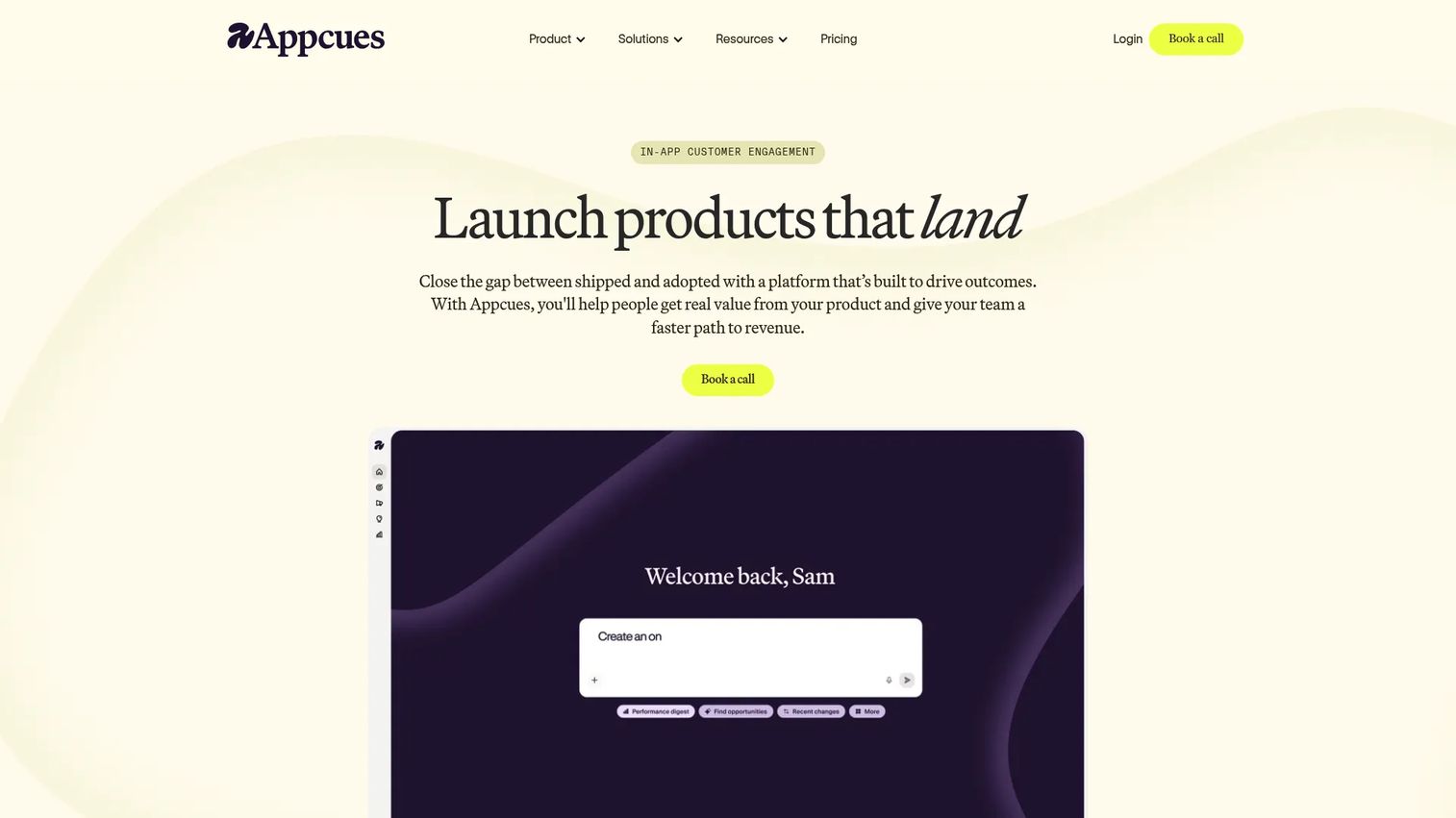
Appcues is an AI-powered customer engagement platform for creating targeted in-product onboarding flows, checklists, tooltips, banners, NPS surveys, and feedback experiences without engineering support. It is not a customer-facing portal but an in-app layer that activates users once they're inside the product. Teams use it to guide new users through setup steps, feature discovery, and adoption milestones.
Best for: Product, marketing, and CS teams that need to drive activation and feature adoption through in-app experiences.
Key features
- In-app onboarding flows, checklists, and launchpads
- Behavior-based audience targeting and segmentation
- NPS surveys, feedback forms, and banners
- A/B testing and control experiment support
- Analytics dashboards with funnel and retention views
Why choose Appcues: Choose Appcues when your onboarding friction happens inside the product interface after account setup. It works well as a complement to an external customer portal, not as a replacement.
Appcues pricing: The Grow plan starts from $9,000/year for up to 50,000 monthly active users with 25 published experiences. Enterprise uses custom pricing with higher MAU limits.
G2 rating: 4.6/5
15. Userpilot
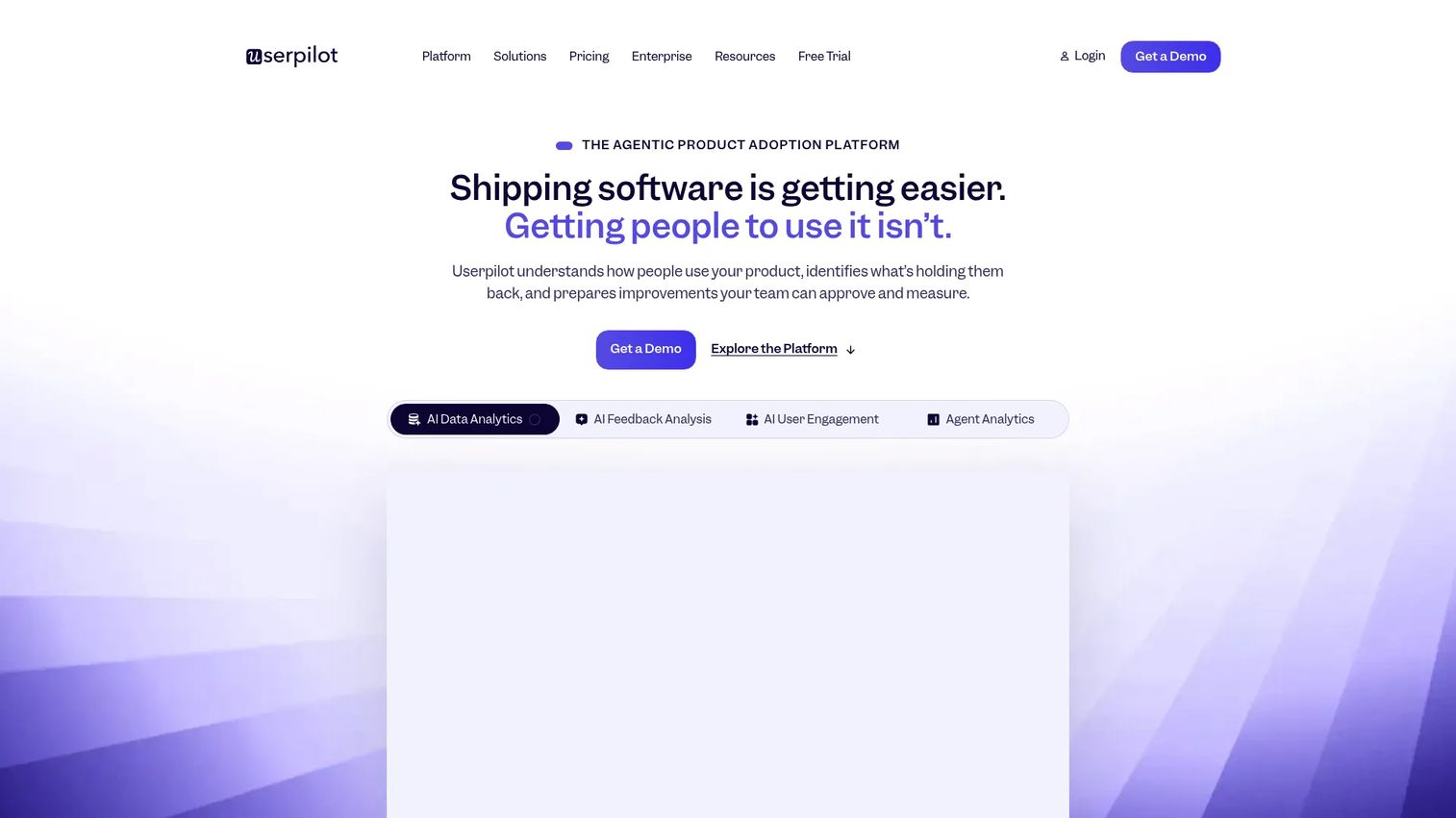
Userpilot is an AI-powered product growth and analytics platform that combines in-app onboarding, feature adoption prompts, product analytics, session replay, NPS surveys, and email and mobile engagement. Its AI agent (Lia) assists with analysis and content generation. For CS teams, it's most relevant after account kickoff when users need to discover and adopt specific workflows inside the product.
Best for: Product and CS teams at PLG companies that need to guide users through feature adoption after they log in.
Key features
- In-app product experiences and feature adoption prompts
- Usage-based segmentation and behavior triggers
- Product analytics with funnel and retention views
- Session replay for identifying friction points
- User feedback tools and NPS surveys
Why choose Userpilot: Choose Userpilot when the handoff from onboarding to adoption happens inside the product and you need both the in-app guidance layer and the analytics to measure it. A 14-day free trial is available to test before committing.
Userpilot pricing: Starter is $299/month (up to 2,000 monthly active users). Growth starts from $849/month (up to 100,000 MAUs). Enterprise uses custom pricing.
G2 rating: 4.6/5
16. Pendo
Pendo is a product experience platform for analyzing user behavior, delivering in-app guides, collecting feedback, and improving software adoption. It goes broader than pure onboarding, covering product analytics, session replay, roadmap management, and customer communities. Pendo also offers a free plan for up to 500 monthly active users and a free Novus plan currently in open beta.
Best for: Product and CS teams that need to measure and improve product adoption through combined analytics, feedback, and in-app engagement.
Key features
- Product usage analytics for journeys, paths, and feature adoption
- In-app guides and Resource Center messaging
- NPS, CSAT, and product-market-fit surveys
- Session replay for behavior analysis
- Feedback and idea management via Listen
Why choose Pendo: Choose Pendo when onboarding success depends on understanding and improving product adoption at scale. It's stronger for in-product behavior measurement than for managing external customer collaboration.
Pendo pricing: A free plan covers up to 500 monthly active users. The Novus plan is free during open beta with no MAU limit. Base, Core, and Ultimate paid plans use custom pricing based on MAU volume and selected functionality.
G2 rating: 4.4/5
17. Asana
Asana is a work management platform for coordinating projects, goals, workflows, and resources. It is not a dedicated customer onboarding portal, but CS teams commonly use it to manage onboarding operations internally before investing in specialized software. It supports templates, automation rules, timeline views, goals, and cross-team dashboards.
Best for: Teams that need internal onboarding process control and cross-functional task tracking without a dedicated customer portal.
Key features
- Project and task management with owners, due dates, and multiple views
- Onboarding templates with Gantt timeline support
- Workflow automation and form-based intake
- Goals, portfolios, and cross-team dashboards
- API and integration support for existing tools
Why choose Asana: Choose Asana when you need to get internal onboarding processes in order before committing to a customer-facing portal. It works well for small CS teams with straightforward onboarding, but will need companion tools when customers need external visibility or branded resources.
Asana pricing: Personal plan is free. Starter is $10.99/user/month billed annually ($13.49 monthly). Advanced is $24.99/user/month billed annually ($30.49 monthly). Enterprise uses custom pricing.
G2 rating: 4.4/5
Considerations when choosing customer onboarding portal software
Match the tool to your onboarding motion
A CSM team onboarding 300 SMB accounts per month needs different software than an implementation team managing 12 enterprise projects. Low-touch onboarding programs benefit from templates, automation, and self-serve content. High-touch implementation projects need project plans, resource tracking, and bilateral accountability.
Check what customers can actually do inside the portal
Storage is not onboarding. Customers should be able to complete tasks, submit forms, access relevant resources, work through product education, and understand what comes next. A portal where the content sits unopened is not moving time-to-value.
Measure engagement, not only task completion
Task completion shows what happened. Views, time spent, completion rate, and drop-off step show why it happened. For analytics on interactive content specifically, drop-off data tells you which part of the product explanation lost the customer's attention.
Connect onboarding to your existing CS stack
Onboarding data that lives in a silo becomes another reporting burden. Check whether the tool connects to your CRM, support platform, communication tools, and product analytics. See the Guideflow integrations page as one example of how demo engagement data can flow back into the sales and CS stack.
Plan for post-onboarding use
The best onboarding software earns its place past day 60. Whether that means QBR prep, feature adoption campaigns, renewal conversations, or expansion plays, check whether the tool supports the full arc of the customer relationship, not only the kickoff phase.
Conclusion
If customers keep getting stuck after kickoff, the problem is rarely one missing checklist.
The teams that reduce time-to-value and churn risk fastest are the ones that give customers a shared plan with clear ownership, resources they can actually use, and measurable signals about where the process is working.
The right tool depends on where your biggest gap is:
- Choose Guideflow when customers need to understand the product through interactive experiences, Demo Centers, and self-serve onboarding content
- Choose Dock, Rocketlane, OnRamp, or GUIDEcx when the problem is task accountability, shared project visibility, and structured implementation
- Choose ChurnZero, Gainsight, Vitally, Planhat, or Totango when onboarding connects to a broader CS lifecycle with health scoring and renewal automation
- Choose Appcues, Userpilot, or Pendo when activation friction lives inside the product after login
- Choose Asana when the team needs internal coordination before investing in a dedicated customer-facing portal
Start your journey with Guideflow today!
FAQs
Customer onboarding portal software is a customer-facing system that organizes onboarding tasks, resources, communication, and progress tracking in a shared digital workspace. It typically includes shared plans, milestones, task owners, forms, file sharing, templates, and engagement analytics. The key difference from internal project tools is that the customer can see and act inside the same space.
Customer onboarding software focuses on the early journey from kickoff to first value: Tasks, resources, timelines, and accountability on both sides. Customer success platforms manage the broader lifecycle including health scoring, renewals, expansion signals, and playbooks. Many platforms cover both, but the depth in each area varies significantly, so it's worth checking which job is most important before choosing.
The core set includes shared plans with milestones and task owners, customer-visible progress tracking, forms and file collection, automated reminders, reusable templates, education content like interactive demos or videos, and engagement analytics. Customer-facing visibility is the feature that separates a dedicated portal from a standard project management tool.
Onboarding timelines vary based on product complexity, customer size, required integrations, data migration, security review, and training scope. A focused SaaS product with self-serve setup might onboard in days. A complex enterprise platform with multiple integrations can take months. Measuring time-to-value is more useful than measuring elapsed calendar time, because it focuses on when the customer gets meaningful results rather than when the kickoff checklist closes.
For internal coordination, general project tools can work. When customers need external visibility into their own onboarding status, branded resources, automated reminders, intake forms, and engagement analytics, a dedicated customer onboarding system handles those jobs better. The gap is usually visible when customers start asking for status updates that live only in internal tools.
Often, yes. Portals manage the shared onboarding process: Tasks, documents, resources, and communication between the CS team and the customer. In-app onboarding tools guide users through the product after they log in. Teams with multi-stakeholder onboarding and product complexity typically need both, because coordination happens before the product is set up and adoption guidance happens after.
Track completion rate, time-to-value, task completion percentage, overdue tasks by account, content engagement, drop-off step in educational content, support tickets during onboarding, and CSAT scores at the end of the onboarding period. The most actionable signal is knowing which customers are falling behind early enough to intervene. Tie those metrics to actions: Which accounts need a check-in call, and which onboarding resources need to be rebuilt.
The best tool matches the onboarding motion. For interactive customer education and Demo Centers, Guideflow fits teams whose biggest problem is product understanding rather than task tracking. For customer-facing portals and task plans, Dock, Rocketlane, OnRamp, and GUIDEcx cover different levels of project complexity. For CS lifecycle management, ChurnZero, Gainsight, Vitally, Planhat, and Totango connect onboarding to health and retention data. For in-app activation, Appcues, Userpilot, and Pendo handle guidance inside the product after login.