Your content calendar is full, your channels keep multiplying, and leadership still asks why pipeline is soft. The problem is not a shortage of AI drafts. It is the manual work between planning, creation, approval, publishing, repurposing, and reporting. Every handoff is a delay. Every copy-paste is a risk.
According to the Content Marketing Institute (2025), 81% of B2B marketers say their teams now use generative AI tools. But having AI in the stack is not the same as having a workflow. Most teams are running five or six disconnected tools and stitching them together manually.
A content automation platform changes that equation. The right one reduces repetitive work across the content lifecycle, so you spend more time on strategy and less time exporting CSVs, resizing assets, chasing approvals, and rebuilding posts for every channel.
The right tool for your situation depends on which bottleneck you are actually removing: Drafting, creative production, workflow routing, publishing, repurposing, or measurement.
What's inside
This guide covers 21 content automation platforms for digital marketers, growth teams, agencies, and content operators. Tools were selected based on:
- Category coverage: AI writing, workflow automation, social publishing, creative production, video repurposing, and analytics
- Integration quality: How well each tool connects to CRM, CMS, ad platforms, and social channels
- Pricing clarity: Verified against each vendor's live pricing page
- Time-to-value: How quickly a small or mid-market team can get operational
Pricing and G2 ratings were verified against live sources at the time of writing.
TL;DR
- Best for AI content workflows: ContentBot handles blog writing, bulk imports, and repeatable AI flows at a low entry price
- Best for CRM-connected content ops: HubSpot connects content, campaigns, and contacts in one system
- Best for custom workflow automation: Make or Zapier connect your existing tools with visual trigger-action builders
- Best for social publishing at scale: Sprout Social or Hootsuite cover scheduling, inbox, and governance for larger teams
- Best for agency approvals: Planable and Sendible both handle client review and multi-brand management well
- Best for video repurposing: Repurpose.io automates distribution from long-form to short-form channels; Opus Clip handles the clipping
What is a content automation platform?
A content automation platform is software that helps teams automate repetitive parts of the content lifecycle, including ideation, drafting, approval routing, publishing, repurposing, and performance reporting.
Content automation vs content scheduling
Scheduling queues approved content for a specific time and channel. Automation does something bigger: It connects the steps before and after publishing. A true content automation platform may include AI generation, approval routing, multi-channel distribution, asset resizing, reporting, and CRM handoffs in a single connected workflow.
If your tool only posts at the right time, it is a scheduler. If it also generates the post, routes it for review, resizes it for each channel, publishes it, and reports on performance, it is a content automation platform.
Core capabilities to look for
- AI-assisted ideation and draft generation
- Workflow builder or trigger-action automation
- Multi-channel publishing and scheduling
- Approval workflows and content governance
- Brand voice controls and content libraries
- Asset resizing and format conversion
- Analytics, attribution, and engagement reporting
- Integrations with CRM, CMS, ad platforms, and social channels
Where content automation fits in the marketing stack
A content automation platform typically sits between your CMS, social channels, email, CRM, creative tools, and analytics. It should replace manual routing and duplicate content work. It should not replace editorial judgment, positioning strategy, or brand voice decisions. The human stays in the loop on what matters. The machine handles the repetition.
When to use content automation platforms
Scale content production without adding headcount
Use automation when campaigns need more variations across channels and personas than your team can produce manually. Startup marketers with limited design and ops support get the most immediate return here. ContentBot, Canva, and similar tools let one person produce what used to require a designer, copywriter, and coordinator.
Turn one asset into many channel-ready formats
A single webinar, podcast episode, or product launch generates clips, captions, social posts, and blog summaries. Automation handles the derivative work. Tools like Repurpose.io and Opus Clip remove the editing and uploading hours, while keeping a human review step before anything goes live.
Connect publishing to reporting and optimization
When marketers spend more time exporting CSVs and reconciling dashboards than analyzing results, automation closes the gap. Tools that tie UTMs, campaign naming, CRM activity, and content performance together give you attribution your CFO will accept.
Content automation platform comparison
The table below covers all 21 platforms with verified pricing and G2 ratings. Use it as a quick comparison before reading the full entries.
| # | Product | Best for | Key differentiator | Pricing | G2 rating |
|---|---|---|---|---|---|
| 1 | ContentBot | AI content workflows | AI Flows plus blog writing automation | From $9/mo | 4.5 |
| 2 | HubSpot | CRM-connected content ops | Content, CRM, and reporting in one system | Free; from $7/mo/seat | 4.4/5 |
| 3 | Make | Custom marketing workflows | Visual automation builder, 3,500+ integrations | Free tier available | 4.6 |
| 4 | Gumloop | AI agent and workflow automation | Natural-language AI agent builder | From $37/mo | 4.8/5 |
| 5 | Zapier | No-code app automation | 9,000+ app integrations with multi-step Zaps | Free; from $19.99/mo | 4.5/5 |
| 6 | n8n | Technical workflow automation | Self-hostable, API-heavy, code-friendly | From 20€/mo | 4.7/5 |
| 7 | Canva | Creative asset automation | Brand kits, Magic Resize, AI design tools | Free; from $144/year | 4.7/5 |
| 8 | Buffer | Simple social publishing | Lightweight queue per channel at low cost | Free; from $5/mo | 4.3/5 |
| 9 | Hootsuite | Enterprise social management | Scheduling, inbox, listening, and governance | From $99/user/mo | 4.3/5 |
| 10 | Sprout Social | Social analytics and engagement | Deep reporting, Smart Inbox, listening | From $79/seat/mo | 4.4/5 |
| 11 | Planable | Review and approvals | Visual collaboration with approval workflows | Free (50 posts); from $33/workspace/mo | 4.6/5 |
| 12 | SocialBee | Evergreen social scheduling | Category-based queues with content recycling | From $29/mo | 4.7/5 |
| 13 | Metricool | Social analytics and planning | Publishing plus cross-channel performance tracking | Free; from $20/mo | 4.4/5 |
| 14 | Repurpose.io | Video repurposing | Automated distribution from long-form to short-form | From $35/mo | 4.4 |
| 15 | Later | Visual social planning | Creator-focused planning with link-in-bio | Free; from $18.75/mo | 4.5 |
| 16 | Publer | Affordable scheduling | Multi-channel scheduling with AI assist | Free; from $5/mo | 4.7/5 |
| 17 | Opus Clip | Short-form video clipping | AI clips from long-form video with virality scoring | Free; from $15/mo | 4.7/5 |
| 18 | CapCut | Video editing automation | Fast AI editing, captions, templates, social export | Free; from $19.99/mo | 4.0 |
| 19 | Adobe | Enterprise creative automation | Creative Cloud plus AI-assisted production via Firefly | From $4.99/mo | 4.5/5 |
| 20 | Talkwalker | Social listening and intelligence | Real-time brand monitoring across 150M+ sources | Custom pricing | 4.3 |
| 21 | Sendible | Agency social management | Client dashboards, scheduling, and reporting | From $35/mo | 4.5/5 |
Best 21 content automation platforms for 2026
1. ContentBot
ContentBot is an AI content generation platform built for marketers who need to produce written content at volume. It covers blog writing, marketing copy, email, landing pages, and social posts, with an AI Flows feature that lets teams build repeatable, multi-step content workflows without code.
Best for: Small to mid-sized marketing teams that need automated content generation with repeatable workflow routing.
Key features
- AI Flows for multi-step content workflow automation
- AI Blog Writer v4 for long-form draft generation
- Bulk import for generating content at scale
- Multilingual writing support
- Chrome extension for in-browser content generation
Why choose ContentBot: ContentBot earns its place when the bottleneck is writing volume and repeatable formats, not social scheduling or creative design. Keep editorial review in the loop for brand voice and factual accuracy.
ContentBot pricing: Plans start at $9/month for the Starter tier (50,000 words/month), $29/month for Premium (150,000 words/month), and $49/month for Premium+ (400,000 words/month). Prepaid usage starts at $0.50 per 1,000 words.
G2 rating: 4.5
2. HubSpot

HubSpot is an all-in-one customer platform that connects content creation, email campaigns, landing pages, CRM, and reporting in one system. The Content Hub and Marketing Hub give growth teams a way to manage the full funnel without switching between disconnected tools.
Best for: Growth teams that want content operations tied directly to contacts, pipelines, and campaign revenue.
Key features
- Content Hub for blog, landing page, and content management
- Marketing automation workflows with CRM-based triggers
- Personalization using live CRM contact data
- Campaign analytics and attribution reporting
- Native email, ads, and social publishing
Why choose HubSpot: HubSpot is the right call when your team needs content performance connected to actual revenue. If you only need a content generator or a scheduler, HubSpot may be more platform than you need.
HubSpot pricing: Free tools are available. Marketing Hub Starter starts at $7/month per seat, Professional at $800/month, and Enterprise at $3,600/month.
G2 rating: 4.4/5
3. Make
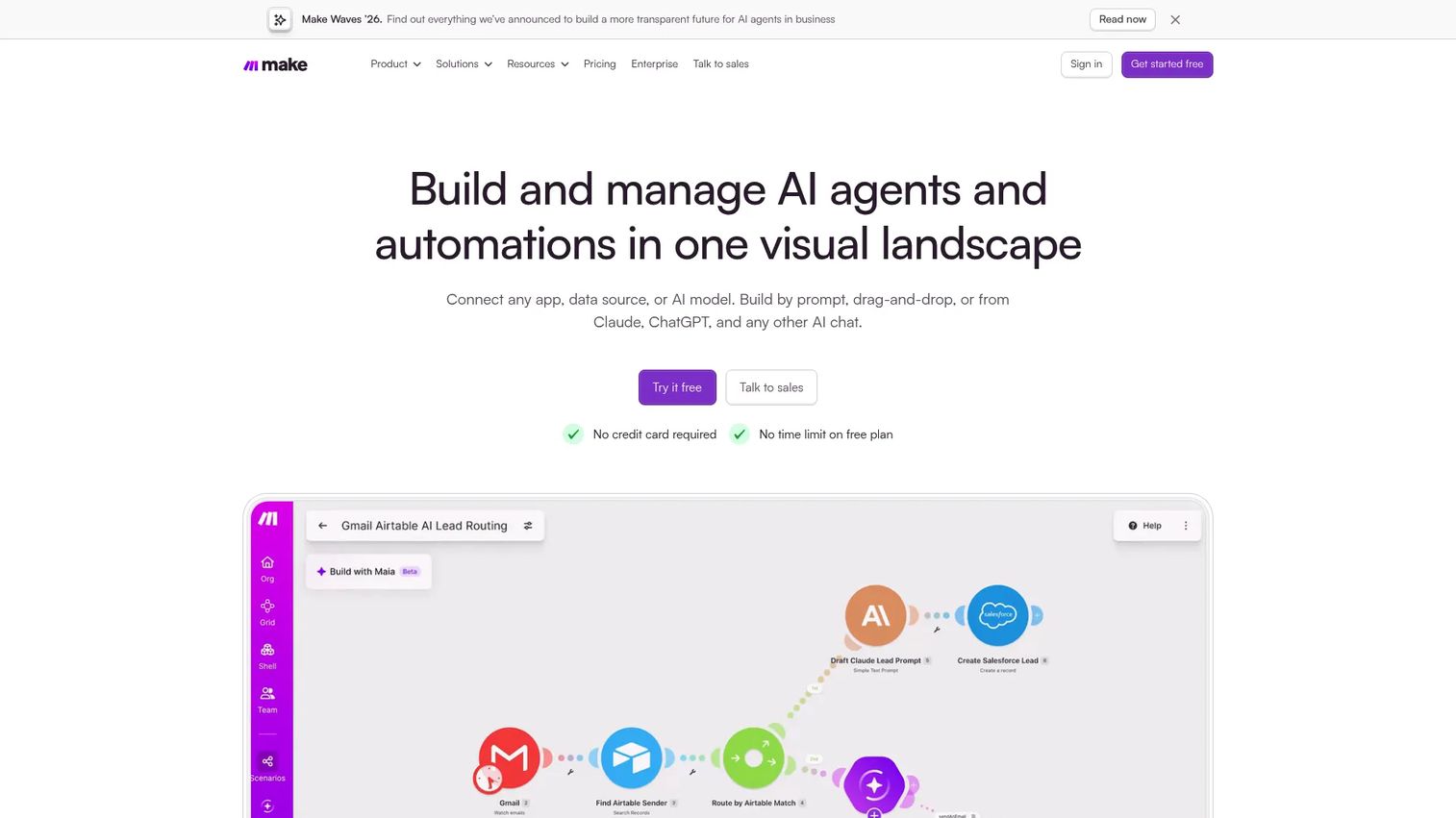
Make is a visual automation platform for building multi-app workflows through a drag-and-drop scenario builder. Marketing teams use it to connect content tools, trigger AI steps, route approvals, sync data, and automate publishing across a custom stack.
Best for: Marketers who need custom content workflows that span multiple tools and require precise control over logic, routing, and error handling.
Key features
- Visual scenario builder with drag-and-drop and AI-prompt creation
- AI agents and AI workflow templates
- Over 3,500 app integrations plus custom API connections
- Execution history, error handling, and retry logic
- Roles, permissions, audit history, and SSO governance
Why choose Make: Make is strong when your content operations span many systems and no single packaged tool covers all the connections. Teams comfortable designing workflows get the most out of it.
Make pricing: A Free plan includes 1,000 credits per month with no credit card required. Core, Pro, Teams, and Enterprise plans are available, contact Make directly for current rates.
G2 rating: 4.6
4. Gumloop
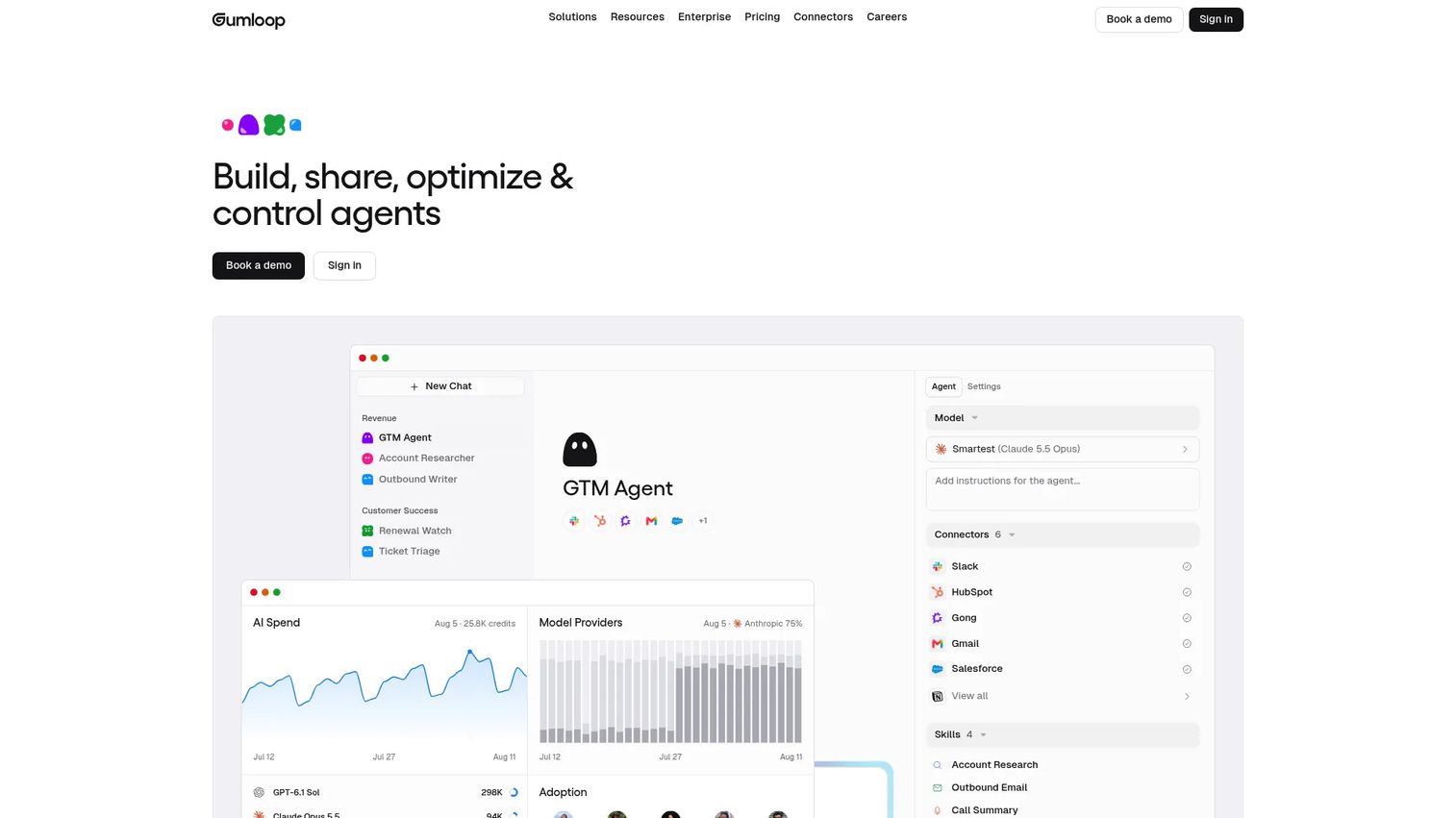
Gumloop is an AI agent infrastructure platform for building multi-step workflows across business tools. Marketing teams use it to automate research, content generation, social publishing, and cross-tool processes using natural-language prompts and a visual builder.
Best for: Teams experimenting with AI agents for content research, generation, and multi-step automation who want flexibility without writing code.
Key features
- AI agent building and orchestration
- Real browser automation with credential vault and session audit logs
- 400+ connectors and skills
- LLM steps for text generation within workflows
- Team collaboration and workflow sharing
Why choose Gumloop: Gumloop works well when your team wants to build flexible AI-driven workflows rather than use a fixed publishing or writing tool. Workflow design discipline matters, as open-ended agent builders reward teams with clear process thinking.
Gumloop pricing: Pro plan starts at $37/month and includes unlimited agents and seats, 35+ models, and 20,000 credits per month. Enterprise is custom pricing.
G2 rating: 4.8/5
5. Zapier
Zapier is an AI-powered automation platform that connects over 9,000 apps through trigger-action workflows called Zaps. Marketing teams use it to route content requests, connect approvals, sync CRM data, and trigger publishing steps across the tools they already use.
Best for: Lean teams that need quick, reliable automation between existing tools without building custom integrations.
Key features
- Multi-step Zaps with filters, paths, loops, and scheduling
- Connections to 9,000+ apps
- Tables and Forms integrated into the platform
- AI actions for content generation within workflows
- Simple no-code setup
Why choose Zapier: Zapier is the right pick when your team already has the tools and needs them to talk to each other. It is automation glue rather than a full content suite, so pair it with dedicated creation or publishing tools.
Zapier pricing: Free plan includes 100 tasks per month. Professional starts at $19.99/month, Team at $69/month, and Enterprise pricing requires a sales conversation.
G2 rating: 4.5/5
6. n8n
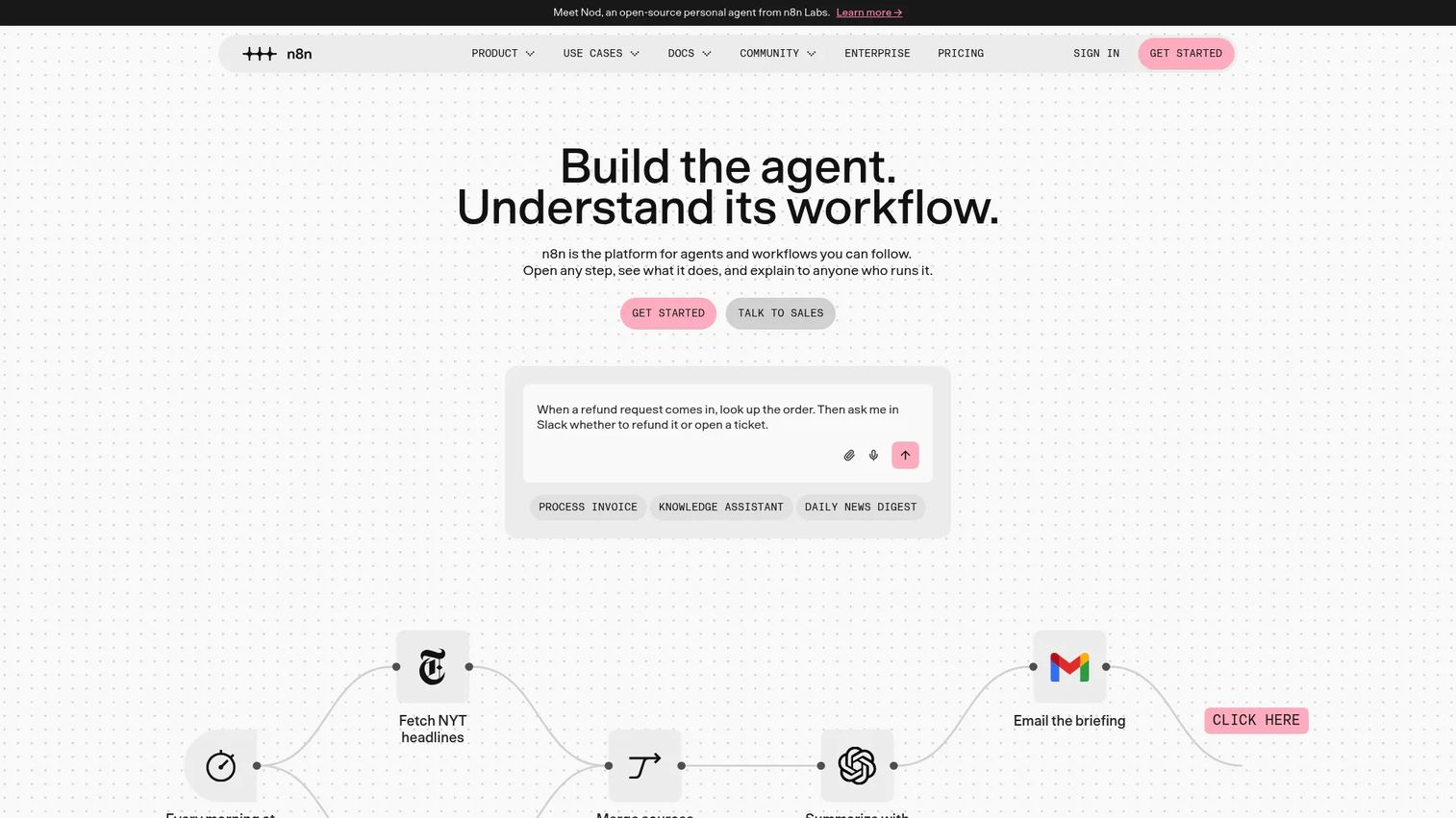
n8n is a workflow automation platform for building AI agents and business process automations. It supports self-hosting, custom code steps in JavaScript or Python, 500+ integrations, and AI nodes, making it a strong choice for technical marketing and RevOps teams.
Best for: Technical marketing teams and RevOps operators building custom content automations with deep API and self-hosting requirements.
Key features
- Visual workflow editor with native integrations and custom code
- 500+ integrations and custom API request support
- AI agents, MCP, and AI nodes
- JavaScript and Python code steps
- Self-hosting, Git version control, and queue-based scaling
Why choose n8n: n8n gives technical teams the most flexibility and control in this category. Teams with limited developer bandwidth or no appetite for self-hosting will get more immediate value from Zapier or Make.
n8n pricing: Cloud Starter starts at 20€/month billed annually. Pro is 50€/month. Business (self-hosted) is 667€/month. Enterprise supports hosted or self-hosted with custom pricing. A Community Edition for self-hosting is available.
G2 rating: 4.7/5
7. Canva
Canva is an online design and publishing platform used by marketers to produce social posts, presentations, videos, documents, and campaign assets at scale. Brand kits, Magic Resize, and AI design tools make it a practical choice for teams producing visual content without a dedicated designer.
Best for: Marketers who need repeatable visual content across channels without waiting on a design team.
Key features
- Drag-and-drop editor with 1,000+ design types and templates
- Magic Resize for instant channel-specific reformatting
- Brand kits with colors, fonts, and logos
- AI tools including Magic Write, background removal, and image generation
- Real-time collaboration, approvals, and social content scheduling
Why choose Canva: Canva is strong for creative asset production and campaign execution. It is not a workflow automation backbone or a CRM-connected content system, so position it as the creative production layer.
Canva pricing: Free plan is available. Pro costs $144/year per person. Business is $250/year per person. Enterprise pricing requires a conversation with sales.
G2 rating: 4.7/5
8. Buffer
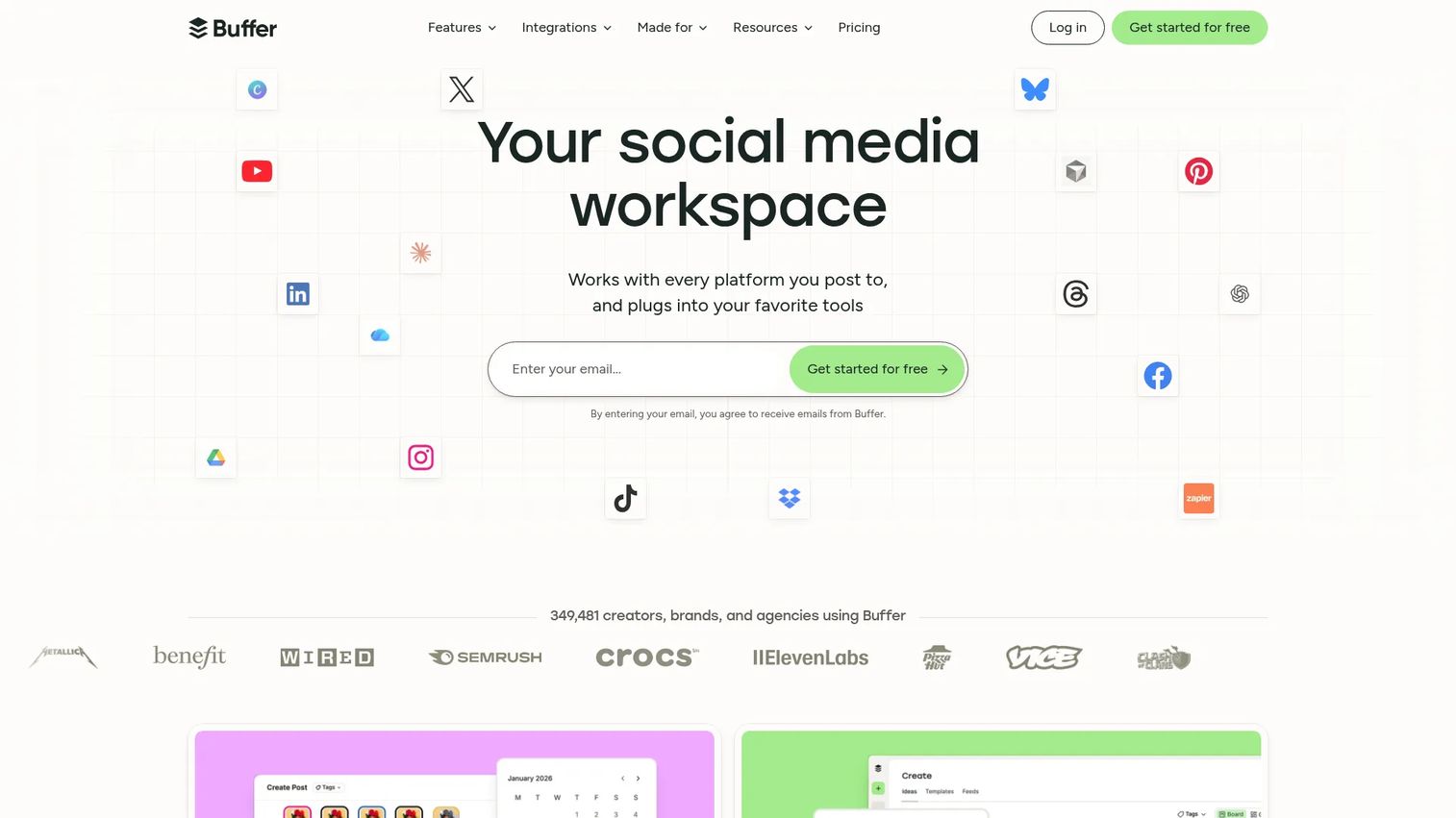
Buffer is a social media management platform for scheduling, publishing, and analyzing content across social channels. Its per-channel pricing and clean interface make it one of the most accessible options for small teams that want consistent social publishing without admin overhead.
Best for: Small teams and creators that need clean multi-channel scheduling without complex governance requirements.
Key features
- Publishing queue with calendar and scheduled posting
- AI Assistant for draft generation and post ideas
- Link-in-bio pages
- Social analytics and engagement metrics
- Team collaboration and content approval workflows
Why choose Buffer: Buffer earns its place when consistent publishing is the job, not complex content ops. Its per-channel pricing scales predictably, making it a natural fit for teams managing a small number of channels carefully.
Buffer pricing: Free plan supports up to 3 channels. Essentials starts at $5/month per channel. Team is $10/month per channel. Annual billing is available with a 20% discount.
G2 rating: 4.3/5
9. Hootsuite

Hootsuite is a social media management platform covering scheduling, a unified inbox, social listening, analytics, and team governance. Larger marketing teams use it to manage content across many channels and stakeholders with clear permission controls and approval flows.
Best for: Marketing teams managing social content across multiple channels, regions, or brand accounts with governance requirements.
Key features
- Social media scheduling and calendar management
- Unified social inbox and customer engagement tools
- Social listening and sentiment analysis
- Team permissions, approval workflows, and content governance
- Custom analytics reports and performance dashboards
Why choose Hootsuite: Hootsuite is well-suited for teams that need governance alongside scheduling, particularly where multiple people touch the same channels. For a solo marketer or small team, the starting price may be more than the workflow demands.
Hootsuite pricing: Standard starts at $99/user/month billed annually. Professional is $199/user/month. Advanced is $399/user/month. Enterprise uses custom pricing. A 14-day free trial is available.
G2 rating: 4.3/5
10. Sprout Social
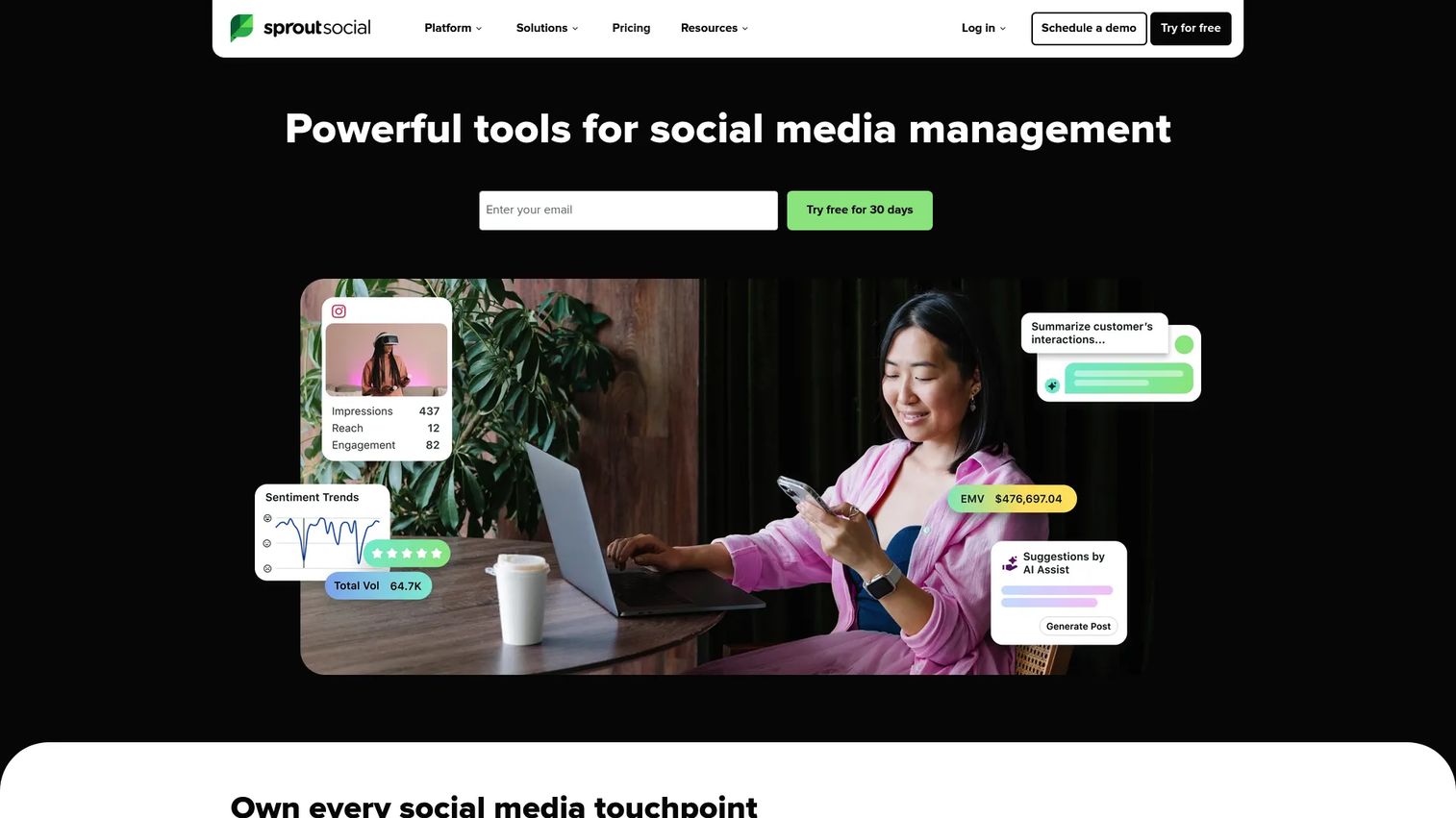
Sprout Social is a social media management platform known for its reporting depth, Smart Inbox, and listening capabilities. Teams that need to prove social ROI to leadership and manage engagement at scale typically reach for Sprout Social over lighter publishing tools.
Best for: Marketing teams that need social content automation tied to detailed reporting and customer engagement workflows.
Key features
- Smart Inbox for unified message management
- Publishing calendar and scheduling
- Social listening and monitoring
- Custom reports and attribution dashboards
- Review management across platforms
Why choose Sprout Social: Sprout Social is the right fit when performance reporting and engagement quality matter as much as publishing speed. It is social-first and does not replace AI content generation tools upstream.
Sprout Social pricing: Essentials starts at $79/seat/month billed annually ($99 monthly). Standard is $199/seat/month. Professional is $299/seat/month. Advanced is $399/seat/month. Enterprise is custom. A 30-day free trial is available.
G2 rating: 4.4/5
11. Planable

Planable is a social content collaboration platform built around visual planning and approval workflows. Agencies and in-house teams use it to manage review cycles, client feedback, and multi-brand workspaces without long email chains or spreadsheet trackers.
Best for: Agencies and marketing teams where content approval cycles slow down campaign execution.
Key features
- Visual feed, calendar, grid, and list planning views
- Approval workflows with multi-level review stages
- Real-time collaboration with comments, annotations, and suggestions
- Multi-brand workspaces for agency management
- Content previews that match the live platform appearance
Why choose Planable: Planable solves the approval problem better than most scheduling tools. If your content is already fast to create and slow to approve, Planable addresses the actual bottleneck.
Planable pricing: The first 50 posts are free with no credit card required. Basic is $33/workspace/month. Pro is $49/workspace/month. Enterprise uses custom pricing. Analytics and Social Inbox are available as paid add-ons.
G2 rating: 4.6/5
12. SocialBee
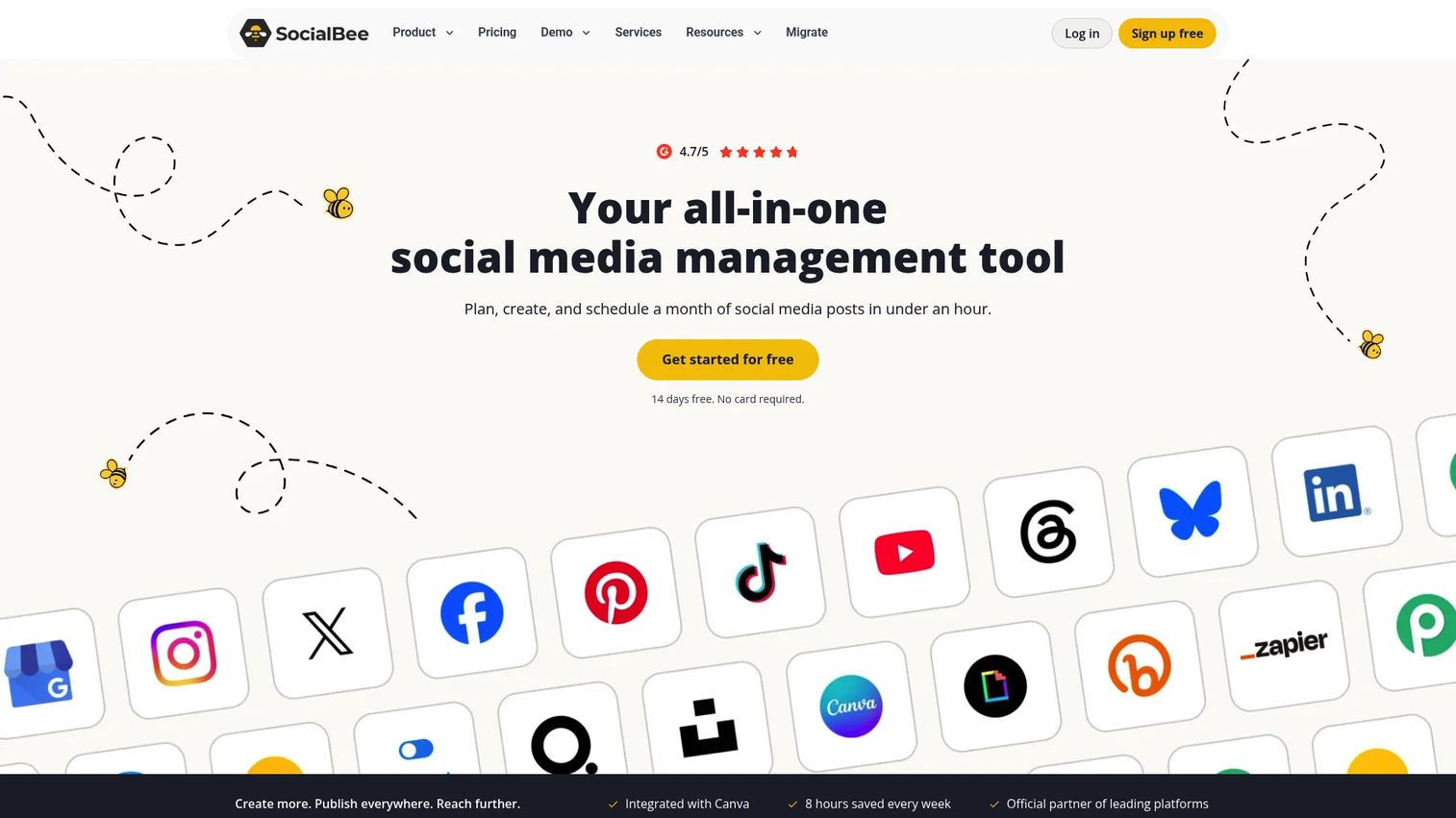
SocialBee is an AI-powered social media management platform known for its category-based content queues and evergreen recycling. Rather than posting content once and moving on, SocialBee lets teams organize posts into categories and recycle high-performing content automatically.
Best for: Small businesses and solo marketers who want predictable, consistent social output from organized content queues.
Key features
- Category-based content organization and queues
- Evergreen content recycling
- AI post generator for captions and copy
- Multi-platform publishing and scheduling
- Analytics and audience growth tracking
Why choose SocialBee: SocialBee is a strong pick when content volume is manageable but posting consistency is the challenge. It is not the right choice for teams that need deep enterprise analytics or complex approval governance.
SocialBee pricing: Bootstrap starts at $29/month. Accelerate is $49/month. Pro is $99/month. Agency plans (Pro50, Pro100, Pro150) range from $179 to $449/month. A 14-day free trial is available.
G2 rating: 4.7/5
13. Metricool
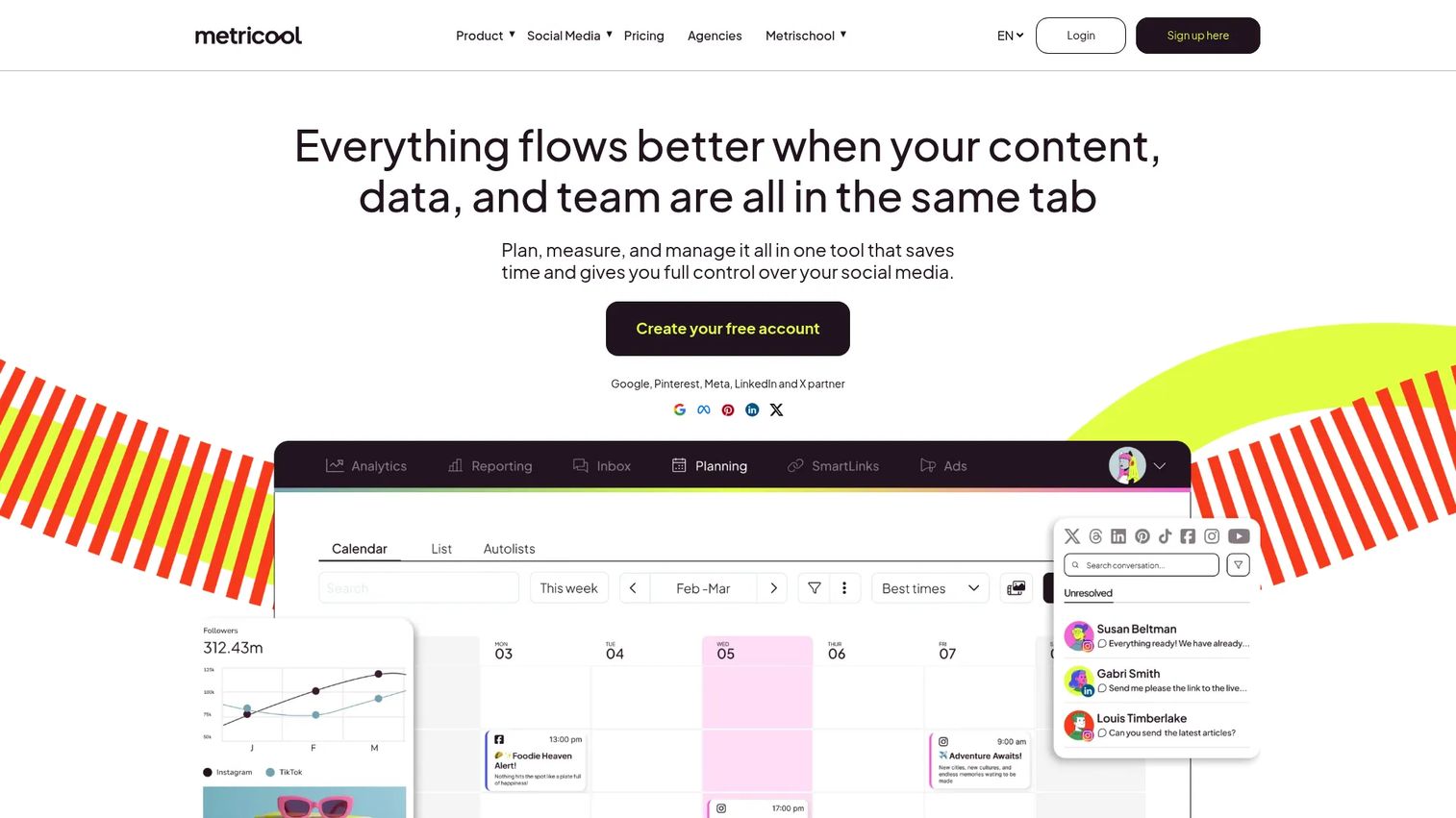
Metricool combines social media planning and publishing with cross-channel analytics, competitor tracking, and ad reporting. It gives lean marketing teams a view of both publishing activity and performance without maintaining multiple dashboards.
Best for: Marketers who want social publishing and performance analytics together without paying for two separate tools.
Key features
- Social media content planner and scheduling
- Analytics dashboards with competitor benchmarking
- Automated PDF and PPT report generation
- Ad performance tracking for Google, Facebook, and TikTok
- Unified inbox for messages and comments
Why choose Metricool: Metricool's value is in connecting publishing with measurement. Teams watching CAC and channel efficiency closely get more from Metricool than from a scheduler-only tool.
Metricool pricing: Free plan supports one brand with up to 20 scheduled posts per month. Starter is from $20/month (annual billing). Advanced is from $53/month. Custom plan pricing requires a conversation with Metricool's team.
G2 rating: 4.4/5
14. Repurpose.io
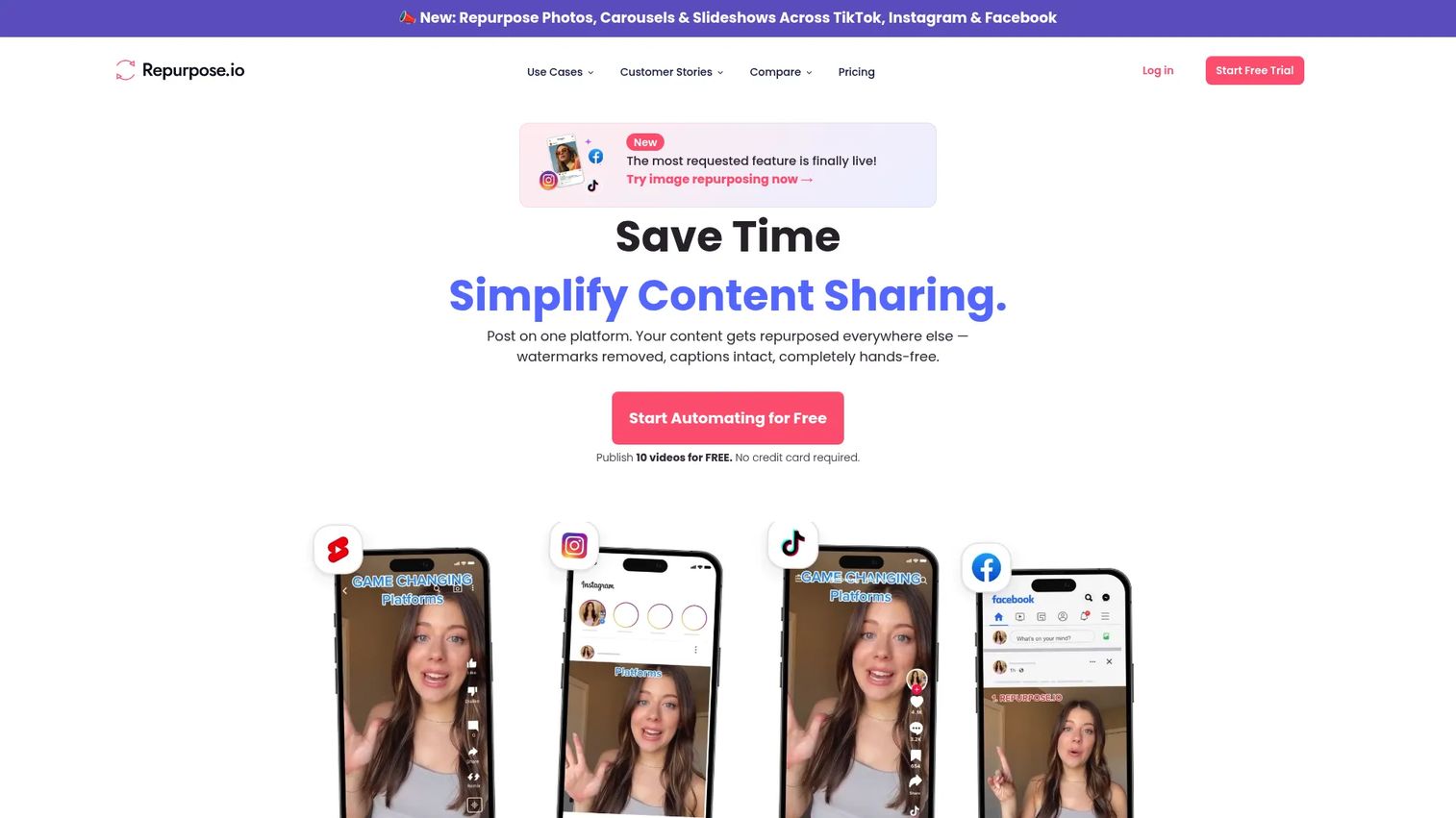
Repurpose.io is a content distribution platform that automates the workflow from long-form content to short-form social channels. Upload a podcast, livestream, or long video, and Repurpose.io distributes formatted clips, captions, and resized versions to configured channels automatically.
Best for: Video-first marketers and podcasters who need to distribute long-form content to multiple platforms without manual editing each time.
Key features
- Automated cross-platform content workflows
- Automatic video resizing and watermark removal
- Scheduling and auto-publishing to social channels
- Content backup to Google Drive or Dropbox
- Image, carousel, slideshow, and Story repurposing
Why choose Repurpose.io: Repurpose.io removes the upload-and-resize loop that eats hours after every episode or event. Creative judgment still matters for clip selection, but the distribution work becomes a configured workflow.
Repurpose.io pricing: Starter is $35/month. Pro is $79/month. Agency is $179/month. Annual billing saves roughly one month per year. A free trial allows 10 published videos with no credit card.
G2 rating: 4.4
15. Later
Later is a social media management platform built around visual planning, particularly for Instagram, TikTok, and Pinterest. Creators and visual brands use it for drag-and-drop calendar planning, link-in-bio pages, and analytics, alongside multi-platform scheduling.
Best for: Creator-led brands and visual social teams managing image-heavy or short-form video content across Instagram, TikTok, and Pinterest.
Key features
- Visual drag-and-drop content planner
- Link in Bio pages with click tracking
- Best-time-to-post recommendations
- Media library for asset storage and reuse
- Analytics, competitive benchmarking, and social inbox
Why choose Later: Later is the strongest option in this list for visual-first workflows and creator brands. Its focus on Instagram-native features and UGC collection makes it more specialized than a general scheduling platform.
Later pricing: A Free plan is available with limited features. Starter is $18.75/month billed annually. Growth is $37.50/month. Scale is $82.50/month. A 14-day free trial is offered.
G2 rating: 4.5
16. Publer

Publer is a multi-channel social media scheduling platform with AI assistance, post recycling, and an accessible pricing model. It covers the core publishing workflow without the overhead of an enterprise platform.
Best for: Budget-conscious marketers and small businesses managing several social channels who want practical scheduling and light AI assistance.
Key features
- Bulk scheduling and CSV-based post imports
- AI assist for captions, hashtags, and content ideas
- Post recycling for evergreen content
- Calendar view with drag-and-drop rescheduling
- Link-in-bio and social analytics
Why choose Publer: Publer delivers a solid publishing workflow at a lower entry price than most tools in this list. It is not built for enterprise governance or deep analytics, so expect to pair it with a dedicated reporting tool if attribution matters.
Publer pricing: Free plan supports up to 3 social accounts. Professional is $5/month (or $4/month billed annually). Business is $10/month. Enterprise uses custom pricing. Pricing scales with the number of social accounts and team members.
G2 rating: 4.7/5
17. Opus Clip
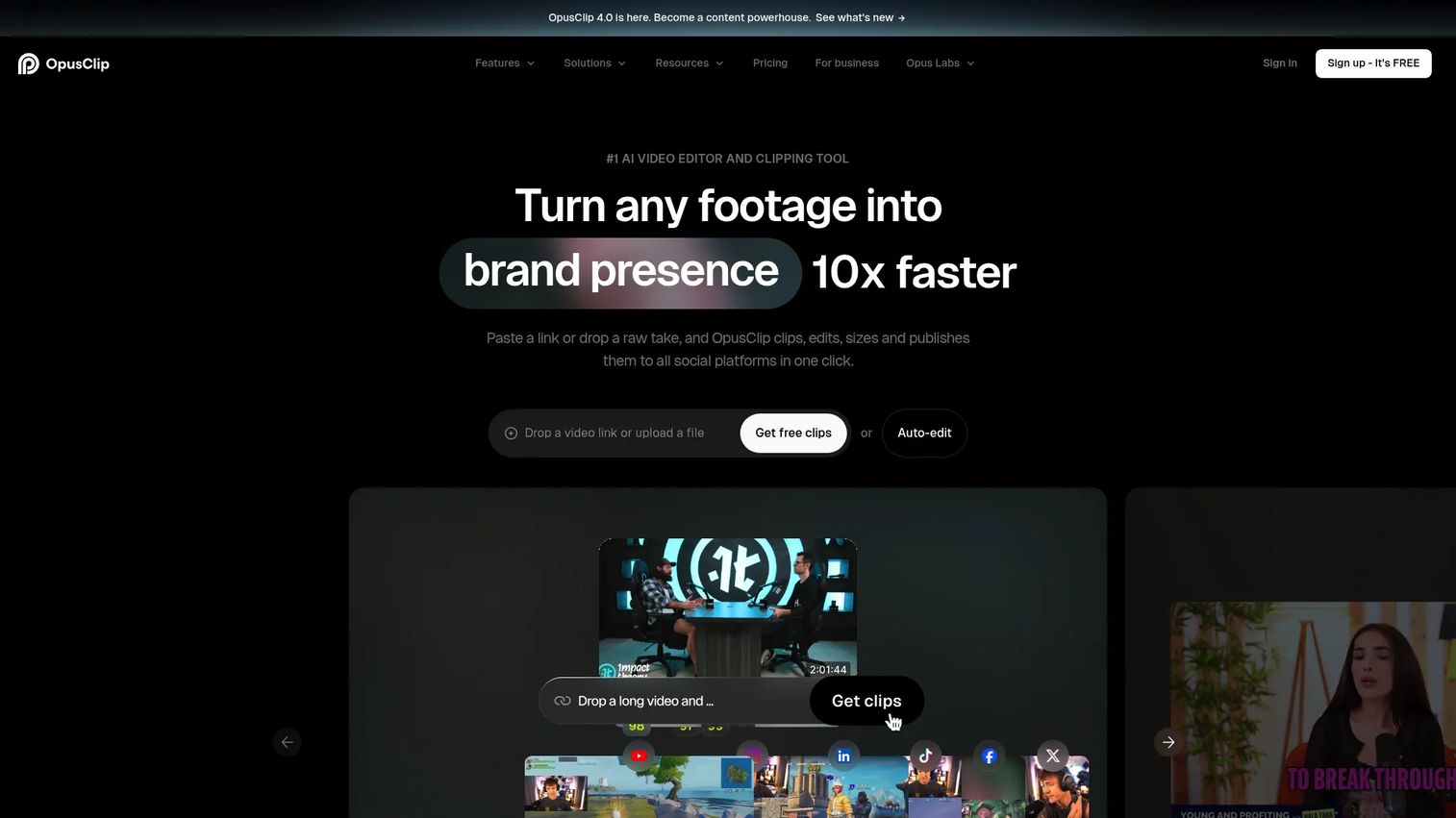
Opus Clip is an AI video clipping and editing tool that turns long recordings into short, captioned, reformatted clips for social platforms. It detects the most engaging segments, scores them for shareability, and exports clips sized and captioned for each channel.
Best for: Marketers, teams, and creators turning webinars, podcasts, and recorded videos into short social clips without manual editing.
Key features
- AI clip detection with Virality Score
- Auto captions in 20+ languages
- AI reframing with active subject tracking
- Clip scoring and performance prediction
- Social publishing, scheduling, and team workspace
Why choose Opus Clip: Opus Clip solves one problem very well: Turning long video into short-form clips at scale. It does not cover broader content operations, so it works best as part of a larger stack.
Opus Clip pricing: Free plan includes 60 credits per month with watermark. Starter is $15/month. Pro is $29/month or $174 billed annually ($14.50/month). Business uses custom pricing.
G2 rating: 4.7/5
18. CapCut
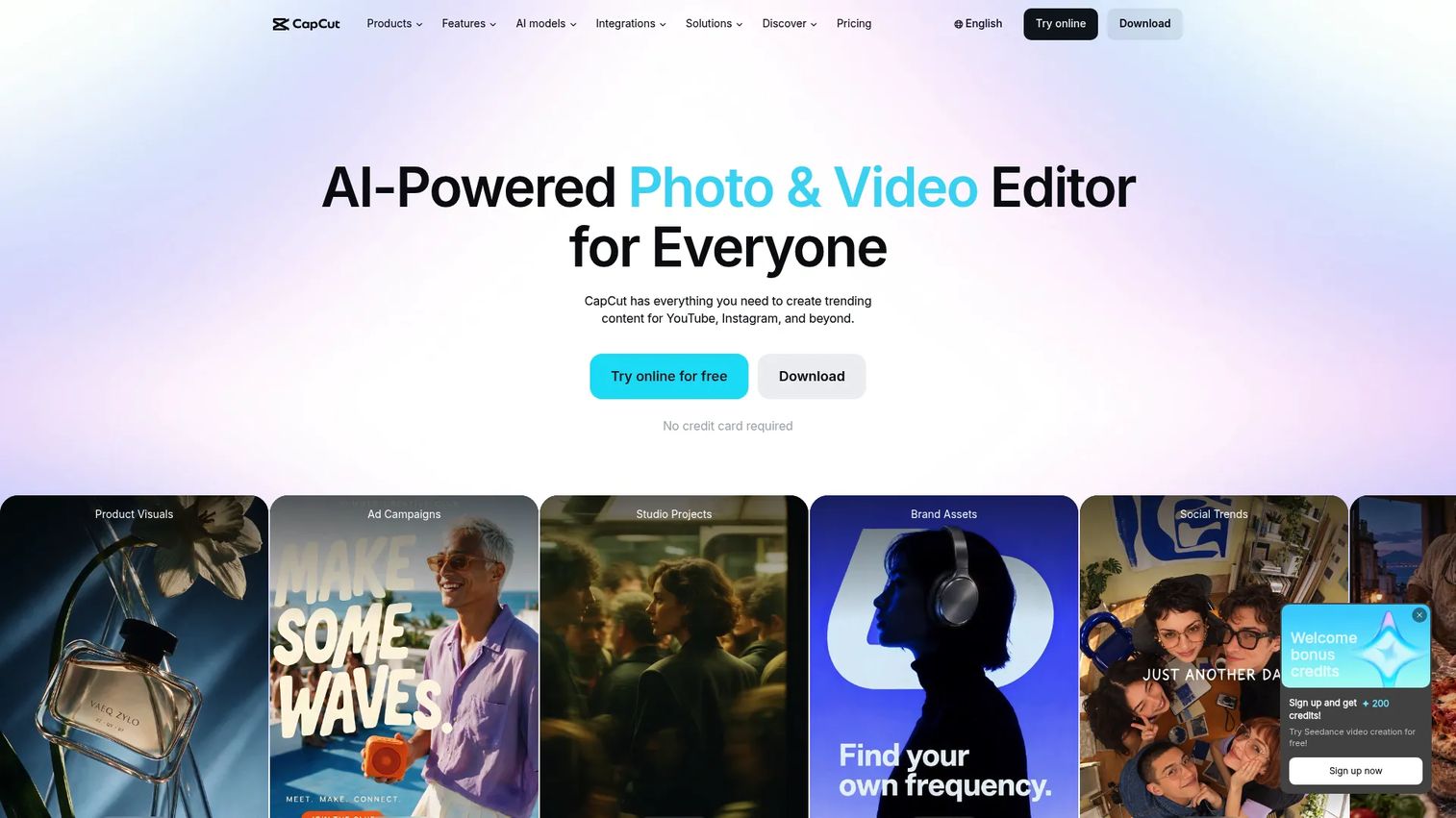
CapCut is an AI-powered video editing platform used widely by social teams and creators for fast edits, automatic captions, templates, and social-native exports. It is particularly popular for TikTok-style short-form video production.
Best for: Social teams and creators producing short-form video quickly with minimal editing time.
Key features
- Auto captions with multi-language support
- Video templates, effects, transitions, and filters
- AI background removal and AI-powered editing tools
- Cloud storage and cross-device editing
- Social export presets for major platforms
Why choose CapCut: CapCut is a strong production tool for fast video edits and social-native creative work. It is not a campaign workflow or governance platform, so it fits best alongside scheduling and reporting tools.
CapCut pricing: Free plan available. Pro is $19.99/month. Ultra is $79/month. Teams plan is $12.49/month per seat.
G2 rating: 4.0
19. Adobe
Adobe covers creative production, document workflows, and marketing operations through Creative Cloud, Adobe Express, Firefly, and enterprise solutions. Teams already in the Adobe ecosystem get AI-assisted creative tools, brand controls, and scalable asset libraries built into their existing workflow.
Best for: Enterprise creative teams and marketers already using Adobe tools who need AI-assisted production with brand governance at scale.
Key features
- Adobe Express for quick branded content creation
- Firefly generative AI for images, vectors, and design
- Creative Cloud with Photoshop, Illustrator, Premiere, and 20+ apps
- Brand controls and shared asset libraries
- PDF creation, editing, and signing through Acrobat
Why choose Adobe: Adobe's automation value depends on which products the team actually uses. For teams already in Creative Cloud, Firefly and Express add meaningful AI-assisted production. For teams outside the Adobe stack, the onboarding investment is real.
Adobe pricing: A free Creative Cloud membership includes Adobe Express Free and mobile apps. Individual plan pricing starts at $4.99/month for AI Assistant for Acrobat, $19.99/month for the Photography plan, and $34.99/month for Creative Cloud Pro. Team plans for Creative Cloud Pro start at $99.99/month per license.
G2 rating: 4.5/5
20. Talkwalker
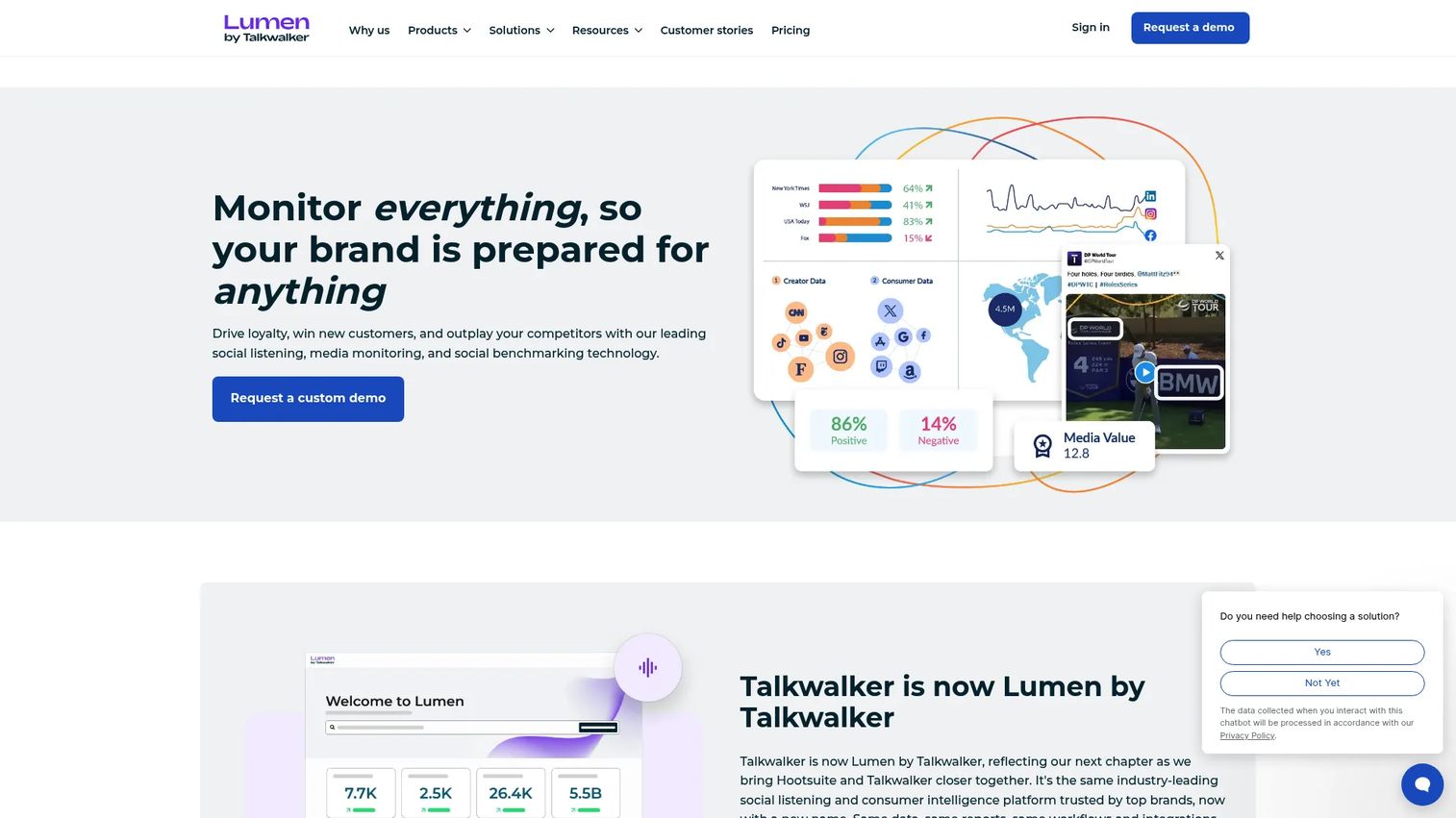
Talkwalker is a consumer intelligence platform for social listening, media monitoring, brand tracking, and competitive analysis across 30 social networks and over 150 million websites and news sources.
Best for: Enterprise marketing, PR, and communications teams that need real-time brand monitoring and consumer intelligence to inform content strategy.
Key features
- Social listening across 30 networks and 150+ million sources
- Visual listening for brand mentions in images, videos, and audio
- Real-time alerts and sentiment analysis
- Virality maps and trend detection
- Competitive intelligence and customizable reporting dashboards
Why choose Talkwalker: Talkwalker is the right choice when content automation starts with listening and market signal. It is not a drafting or publishing platform, so it pairs with creation and scheduling tools rather than replacing them.
Talkwalker pricing: Core, Analyze, and Business plans are available, all with custom quote pricing. Contact Talkwalker directly for current rates.
G2 rating: 4.3
21. Sendible
Sendible is a social media management platform built for agencies managing multiple clients. It covers scheduling, collaboration, approval workflows, and reporting with dedicated client dashboards and brand separation across workspaces.
Best for: Agencies managing social content across multiple clients who need scheduling, approvals, and client reporting in one platform.
Key features
- Direct publishing and scheduling across social networks
- Bulk scheduling and CSV uploads
- Team collaboration with assignments, approvals, and permissions
- Analytics, custom reports, PDF exports, and live report sharing
- AI Assist for content generation, plus Canva, Google Drive, and Zapier integrations
Why choose Sendible: Sendible is the stronger agency pick for teams managing client relationships alongside content. It is social automation built for multi-client operations, not broad AI content generation or workflow automation.
Sendible pricing: Core starts at $35/month. Plus is $99/month. Premium is $199/month. Elite is $299/month. Enterprise is $750/month. All plans include unlimited users. Annual billing saves 15%. A 14-day free trial is available with no card required.
G2 rating: 4.5/5
Considerations when choosing a content automation platform
Start with the workflow you want to remove
Before evaluating features, name the specific task you want to stop doing manually. Are you automating drafting, approval routing, publishing, repurposing, or reporting? The answer narrows the shortlist immediately. Tool sprawl often comes from buying features rather than solving a process.
Check whether it connects to your source of truth
Content automation breaks when CRM, CMS, analytics, and social channels disagree on the numbers. Before committing, verify that your shortlisted tool connects to HubSpot or Salesforce, your CMS, and the analytics platform where attribution lives. A tool that cannot sync to your source of truth creates more reconciliation work, not less.
Keep human review in the loop
Automate drafts, resizing, routing, and reporting. Do not fully automate brand judgment, crisis responses, legal claims, or sensitive replies. Approval workflows exist for a reason: A published error on social is harder to fix than a delayed post. Automation should remove repetitive work, not editorial responsibility.
Evaluate reporting depth before rollout
Publishing faster is only useful if you can prove it changed something. Ask whether the platform exports to your existing dashboards or requires a separate reporting tool. Teams who cannot answer "which content drove pipeline last quarter" have an attribution problem that scheduling speed will not solve.
Map pricing to usage growth
AI credits, seat counts, channel limits, and workspace caps all affect what you pay six months from now. Model the cost at current volume and at double that volume. Some tools price by channel (Buffer), others by seat (Sprout Social), and others by execution credits (Make, n8n). Match the pricing model to how your usage actually grows.
Conclusion
Content automation is not one category. It spans AI writing tools like ContentBot, workflow builders like Make and Zapier, social schedulers like Buffer and Hootsuite, creative production platforms like Canva and Adobe, video repurposing tools like Repurpose.io and Opus Clip, and listening platforms like Talkwalker.
Choose by bottleneck. If drafting is slow, start with ContentBot. If your existing tools do not talk to each other, Zapier or Make closes the gap. If social publishing eats your Mondays, Buffer or Publer handles the queue. If client approvals are the problem, Planable or Sendible removes the email chains.
The teams that get the most out of content automation are the ones that identify one repetitive process, automate it cleanly with human review kept in the loop, measure the time saved, and move to the next bottleneck.
If your content strategy includes product education, landing-page conversion, or sales enablement, interactive product experiences give buyers something more useful than another static asset.
Start your journey with Guideflow today!
FAQs
A content automation platform is software that automates repetitive parts of the content lifecycle, including ideation, drafting, approval routing, publishing, repurposing, and performance reporting. Not every platform covers every step: Some focus on creation, others on distribution, and others on measurement. The term covers a wide range of tools.
Content automation focuses on creating, routing, publishing, and measuring content assets. Marketing automation focuses on audience journeys, lead nurturing, scoring, and campaign triggers tied to contact behavior. Some platforms, like HubSpot, overlap significantly. Many teams use both: A content automation tool for asset production and a marketing automation platform for lifecycle campaigns.
No. AI writing tools generate content. A content automation platform may also route approvals, publish to multiple channels, repurpose assets, and report on performance. ContentBot, for example, does both. Buffer only publishes. Zapier only connects. The category name covers a spectrum of functionality.
Start with repetitive, low-risk tasks where errors are easy to catch. Good first candidates include content brief generation, social post variations, image resizing for different channels, scheduling, UTM tagging, and reporting exports. Keep human review for strategic content, sensitive topics, legal claims, and brand voice decisions.
The right starting point depends on the specific bottleneck. ContentBot fits teams that need more written content faster. Buffer or Publer handles consistent social scheduling at a low monthly cost. Zapier connects existing tools when manual handoffs are the problem. Canva removes design dependencies for visual content production.
Agencies should prioritize approval workflows, client workspaces, brand separation, and reporting. Planable handles visual collaboration and multi-stage approvals well. Sendible covers multi-client scheduling and reporting with dedicated client dashboards. Hootsuite and Sprout Social both offer team governance features that larger agency teams rely on.
Yes, if teams automate editorial judgment along with the repetitive work. Publishing AI-generated content without review, automating responses to sensitive comments, or skipping approval steps on regulated messaging creates real brand risk. Automation should remove the copy-paste, resizing, and scheduling work. The strategy, positioning, and voice decisions stay with the team.
Track time saved, publishing consistency, approval cycle length, content output volume, and engagement metrics before and after automation. Then connect those metrics to business outcomes: Pipeline assisted, CAC movement, and trial-to-paid conversion where content touches the funnel. Volume alone is not ROI. The question is whether faster content production led to better pipeline performance.