



Your pipeline ships a new image at 2pm. By 2pm the same day, a fresh CVE lands in a base layer you pulled three weeks ago. Nobody reviewed it. Nobody could have.
That gap is the entire problem. Containerized apps expand the attack surface faster than any team can review images, registries, and Kubernetes workloads by hand. Static review worked when you deployed monthly. It falls apart when you deploy hourly.
Around 70% of organizations now build vulnerability scanning into their container security strategy, according to Market.us (2023). That number tracks a shift: scanning is no longer a security-team afterthought. It is a pipeline step, the same as a unit test.
The reason is simple. A container image is a stack of layers, each carrying its own packages, each with its own known vulnerabilities. One FROM line inherits everything below it. Without automated scanning, you are trusting that every base image, every dependency, and every registry pull stays clean between deploys. It does not.
Scanning belongs in DevSecOps because it moves detection left, into the moment code and images are built, instead of after they are already serving traffic. The tools below help you get there.
What's inside
This guide is for security engineers, DevSecOps teams, platform engineers, and presales consultants who support security evaluations. If you are building a shortlist for a POC or defending a technical requirement in procurement, start here.
We chose these seven tools on the criteria that actually decide fit:
- Coverage: container image scanning, SBOM generation, and Kubernetes posture checks
- Workflow fit: CI/CD integration, registry scanning, and remediation support
- Governance: policy enforcement, compliance checks, and reporting depth
- Maintenance: actively maintained projects with current vulnerability feeds
Every tool here is under active development with a live vulnerability database. Read the list as a menu, not a ranking. Match the tool to your scanning workflow, not to a feature count.
TL;DR
- Best overall for SBOM-driven vulnerability management: Anchore, if your program is built around software bills of materials and supply chain policy.
- Best open-source all-rounder: Trivy, when you want image, filesystem, IaC, and cluster scanning from one binary.
- Best for developer-first workflows: Snyk, if you want scanning and fixes inside the tools engineers already use.
- Best for Kubernetes-aware runtime and image coverage: Sysdig, when platform and runtime visibility matter as much as image scanning.
- Best for policy and posture depth: Kubescape, when Kubernetes misconfiguration and cluster posture are the main concern.
- Best lightweight open-source image scanner: Clair or Grype, depending on whether you want a registry-integrated scanner or a fast CLI paired with SBOM generation.
What is container scanning software
Container scanning software is a category of container security tools that inspects container images, registries, and running workloads for known vulnerabilities, misconfigurations, exposed secrets, and policy violations before and after deployment.
At its core, a scanner reads the contents of an image, identifies every OS and application package, and matches those packages against a vulnerability database of known CVEs. Good tools go further, generating a software bill of materials and enforcing policy gates in your pipeline.
Core capabilities to expect:
- Container image scanning: detect image vulnerabilities in base layers, OS packages, and app dependencies
- SBOM generation: produce a machine-readable inventory of every component in an image
- Kubernetes security: cluster scanning and posture checks against workload configuration
- CI/CD integration: fail builds or block promotions when policy thresholds are crossed
- Registry scanning: continuously scan stored images as new CVEs are disclosed
- Misconfiguration scanning: flag insecure Dockerfiles, IaC, and runtime settings
- Remediation support: suggest fixed versions or patched base images
It helps to separate three scan types. Image scanning inspects a static artifact, the built image, for known issues. Registry scanning re-checks stored images over time, because a clean image today can carry a new CVE tomorrow. Runtime and cluster scanning look at live workloads and Kubernetes posture, catching drift and misconfiguration that only appear once something is actually running.
The strongest programs use all three. Early detection at build time is cheapest to fix. Registry and runtime coverage catch what slips through or emerges later.
When to use container scanning software
Scan images before they reach production
Early image scanning catches known vulnerabilities in Dockerfiles and base images before anything deploys. A single outdated base layer can inherit dozens of CVEs, and you inherit all of them silently.
Run the scan at build time and gate on it. If a critical vulnerability appears in the image, the build fails and the developer sees it in minutes, not after a pen test. This is the cheapest place to fix container image vulnerabilities, because nothing is live yet.
Check Kubernetes workloads and cluster posture
Once workloads are live, the risk shifts. Now you care about how containers are configured, what privileges they hold, and whether the cluster follows cloud-native controls.
Cluster scanning and posture checks catch problems that image scanning cannot see: a pod running as root, an over-permissive service account, a missing network policy. Kubernetes security is a moving target because configuration drifts as teams ship. Continuous posture checks keep you honest about what is actually deployed versus what you approved.
Automate security inside CI/CD and registries
Manual review does not scale past a handful of images. CI/CD integration turns scanning into a pipeline step that runs on every commit, and registry scanning re-evaluates stored images whenever the vulnerability database updates.
This matters for both DevSecOps adoption and presales validation. When a prospect asks whether your security process is automated, the answer should be a pipeline gate and a registry policy, not a spreadsheet and a quarterly review. Automation is also where remediation speed lives, because a flagged issue routes straight to the team that can fix it.
Comparison table
Read this table by workflow coverage, not by raw vulnerability count. A tool that finds slightly fewer CVEs but fits your CI/CD and Kubernetes workflow will serve you better than one that scores well on a benchmark and never runs. Pricing for several tools here is quote-based or open source, so weigh total fit over sticker price.
| # | Product | Best for | Key differentiator | Pricing | G2 rating |
|---|---|---|---|---|---|
| 1 | Anchore | SBOM-centric supply chain security at scale | SBOM generation plus policy enforcement across the software supply chain | Request pricing | 4.4/5 |
| 2 | Trivy | Free all-in-one scanning for cloud-native teams | One binary scans images, filesystems, IaC, and Kubernetes | Open source (free) | Not listed |
| 3 | Snyk | Developer-first application security across the SDLC | Scanning and fixes inside developer tools | Free; Team from $25/mo per developer | 4.5/5 |
| 4 | Sysdig | Cloud-native teams needing security plus monitoring | Runtime insights across containers, Kubernetes, and cloud | Request a quote | 4.6/5 |
| 5 | Kubescape | Open-source Kubernetes security across CI/CD and clusters | Configuration scanning and policy compliance for clusters | Open source | Not listed |
| 6 | Clair | Container image vulnerability scanning with notifications | Static image analysis with new-CVE notification service | Open source | 5.0/5 |
| 7 | Grype | Local, open-source scanning for images and SBOMs | Fast CLI that runs locally and pairs with Syft | Open source (free) | Not listed |
Best 7 container scanning software for 2026
1. Anchore
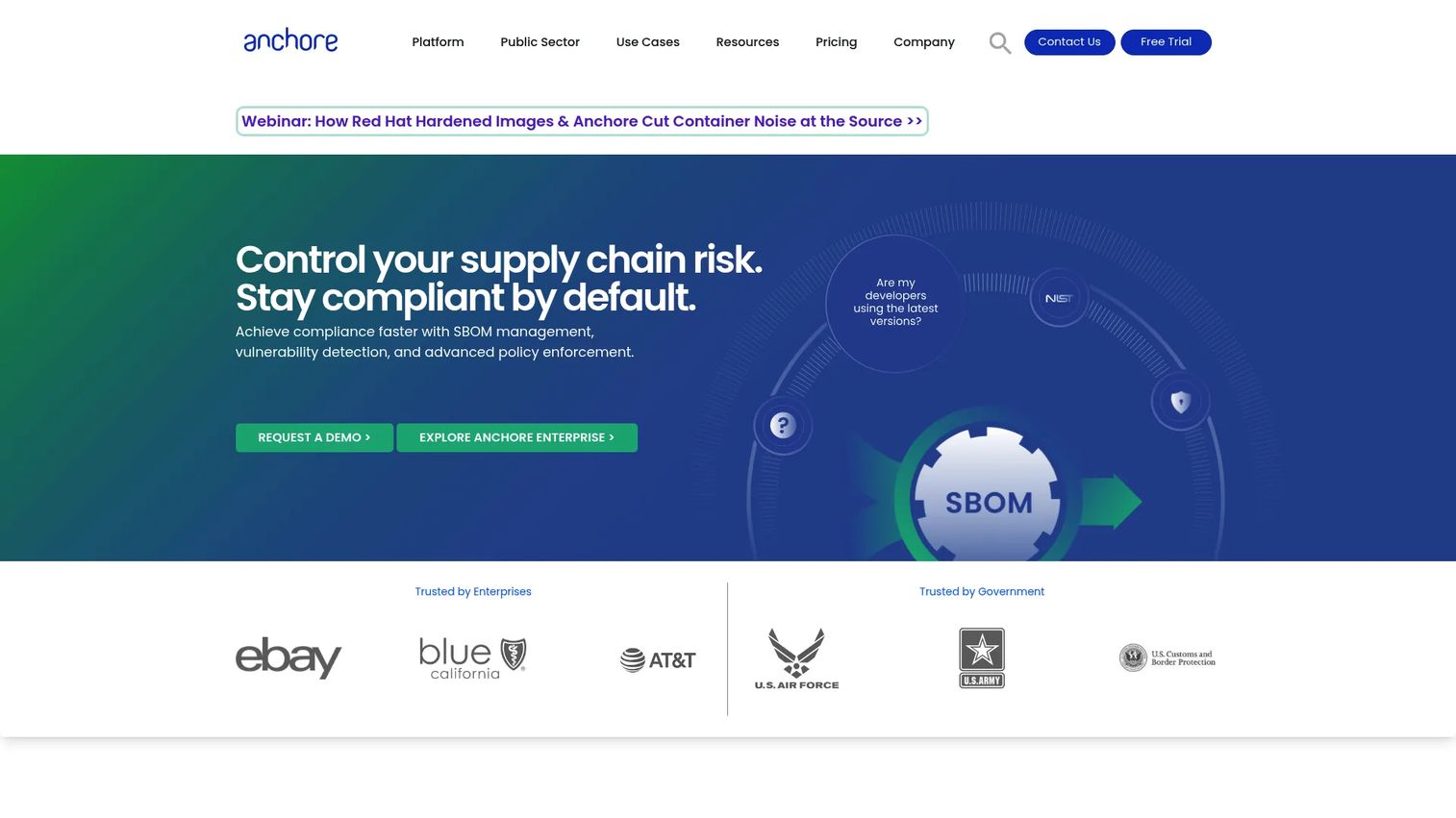
Anchore is an SBOM-powered software supply chain security platform built around continuous vulnerability detection, policy enforcement, and compliance. Instead of treating a scan as a one-off event, Anchore centers everything on the software bill of materials, so you get a durable, queryable record of what is inside every image. That makes it a strong fit for teams that need to answer "which of our images contain this component" the moment a new CVE drops.
Best for: Organizations that need SBOM-centric software supply chain security at scale, especially in policy-heavy and government environments.
Key strengths
- SBOM generation and management across images and artifacts
- Continuous vulnerability, secrets, and malware scanning
- Policy enforcement for containers and software supply chains
- Compliance mapping for regulated and federal environments
- CI/CD, registry, and Kubernetes coverage
Why choose Anchore: If your security program is organized around software bills of materials and formal policy gates, Anchore fits the shape of the work. It suits presales teams positioning to enterprises with governance and compliance requirements, where an auditable SBOM trail carries real weight in procurement.
Anchore pricing: Anchore does not publish public numeric pricing. Its site lists Cloud Image and Container Image offerings with "Request Pricing" and "Request Federal Pricing" options for commercial and government buyers.
2. Trivy
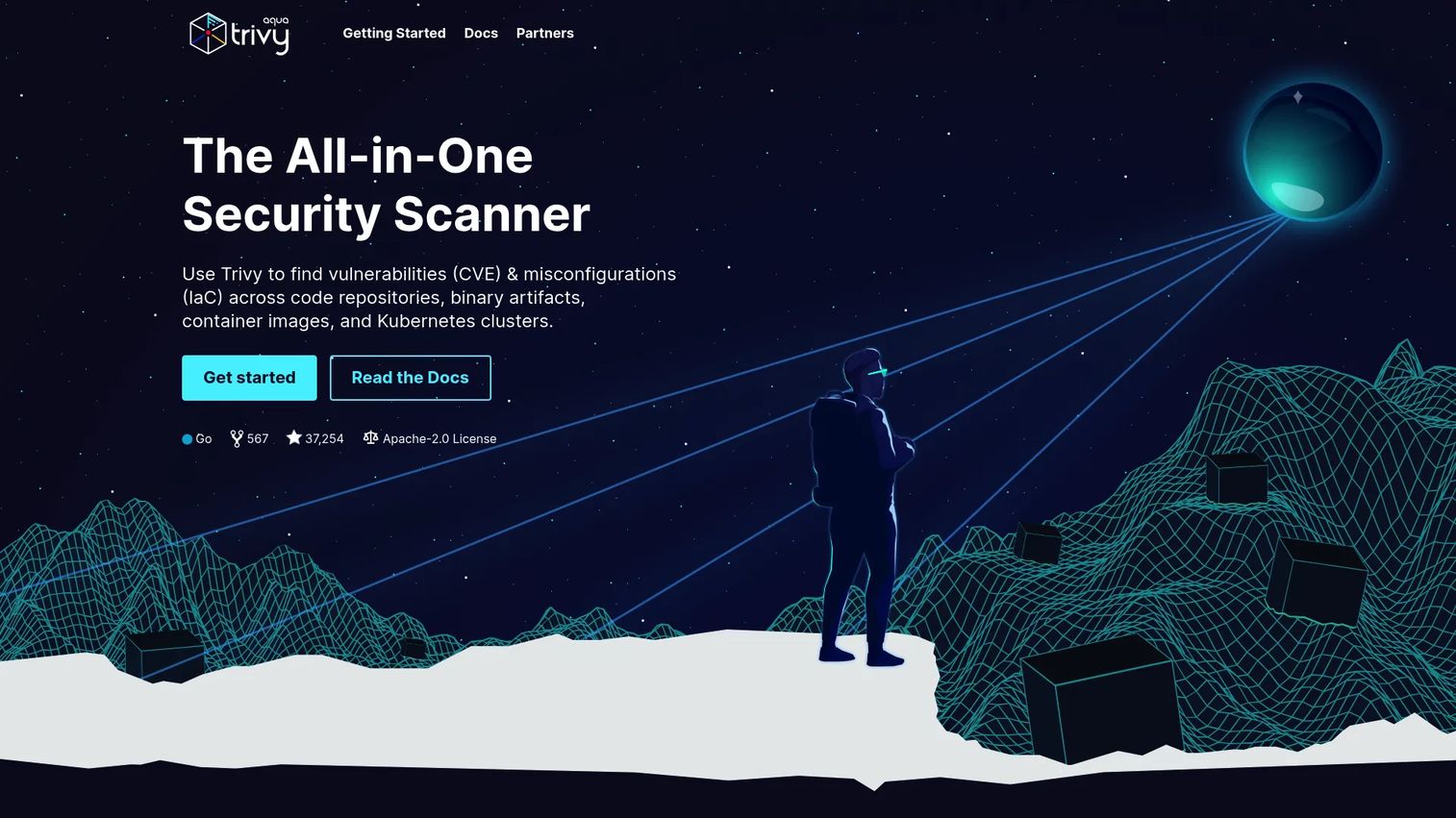
Trivy is an open-source, all-in-one security scanner that covers vulnerabilities, misconfigurations, secrets, licenses, and SBOM-related checks. It is Apache-2.0 licensed and famous for breadth: one binary handles container image scanning, filesystem scans, Git repositories, and Kubernetes, so you rarely need a second tool to fill a gap.
Best for: Teams that want a free, CLI-based vulnerability and configuration scanner covering cloud-native workloads without stitching together multiple products.
Key strengths
- Scans container images, filesystems, Git repos, and Kubernetes
- Finds vulnerabilities, misconfigurations, hard-coded secrets, and license issues
- SBOM generation and SBOM discovery
- Standalone and client/server modes, plus a Kubernetes operator
- Simple registry and CI/CD integration
Why choose Trivy: Trivy earns its place when you want broad coverage quickly and value maintenance simplicity. The single-binary model means fast adoption in a pipeline, and the same tool that scans an image locally also runs as a cluster operator. That breadth makes it a common default for teams standardizing on one open-source scanner.
Trivy pricing: Trivy is free and open source under Apache-2.0. Aqua offers a commercial product built on Trivy, but the official Trivy site does not list public pricing for it.
3. Snyk
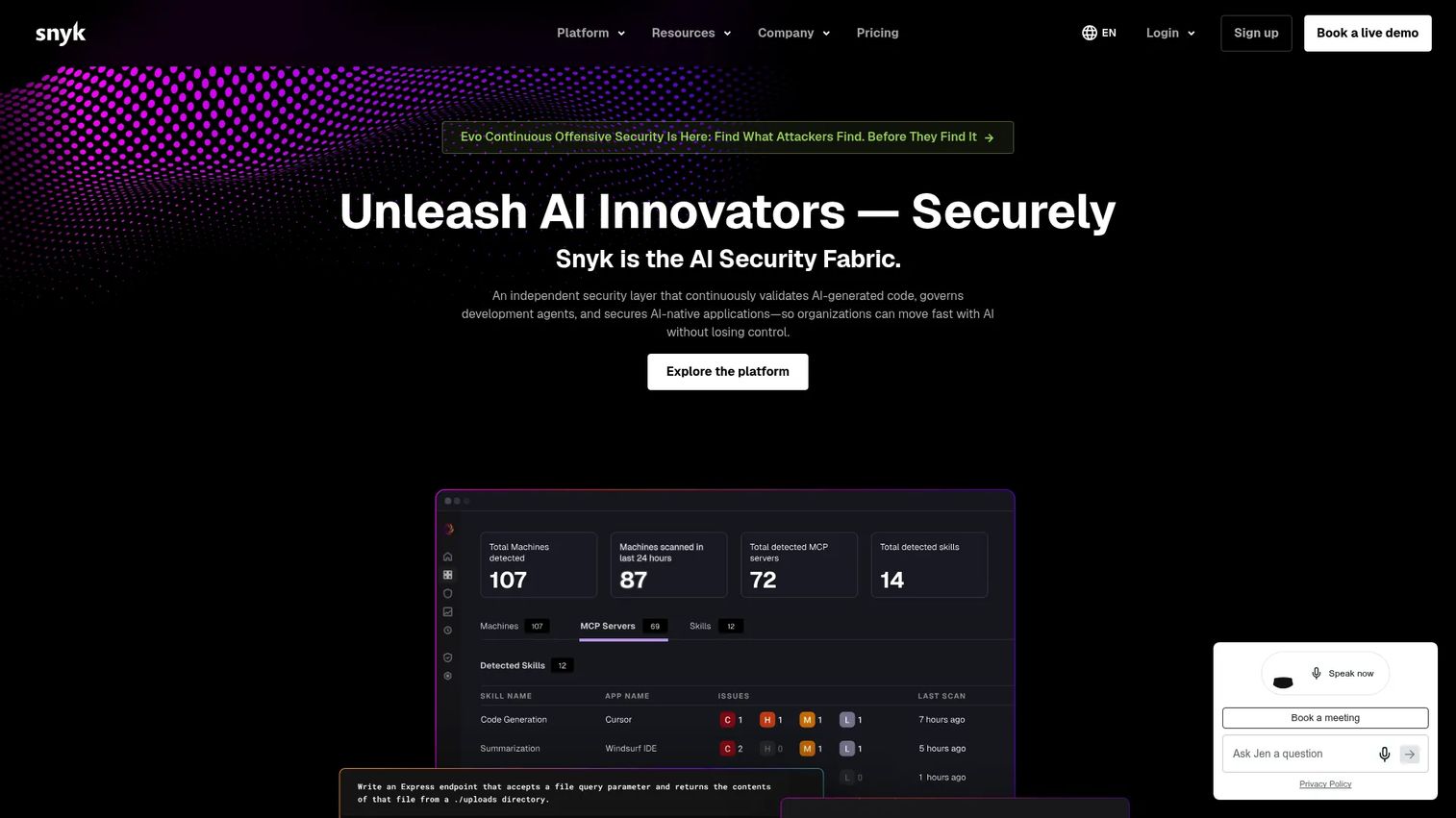
Snyk is a developer security platform for finding and fixing vulnerabilities across code, open source dependencies, containers, and IaC. Its whole design bias is developer-first: scanning lives inside the IDE, the repo, and the pipeline, and results come with prioritization and suggested fixes rather than a raw CVE dump.
Best for: Engineering-led teams that want application security embedded across the SDLC, not bolted on at the end.
Key strengths
- Container vulnerability management with fix guidance
- Container SBOM generation
- SCA, SAST, and IaC scanning in one platform
- CI/CD and Kubernetes integration
- Prioritization that ranks issues by fixability and reachability
Why choose Snyk: Snyk fits orgs where developers own security outcomes and already live in Git and CI. The fix workflow, suggesting a patched version or base image, keeps remediation close to the person who can act on it. If your team is already using Snyk for open source dependencies, extending it to container image scanning is a natural step.
Snyk pricing: Snyk offers a Free plan at $0 per month per contributing developer with access to SCA, SAST, IaC, and Container scanning. Team starts at $25 per month per contributing developer, Ignite starts at $1,260 per year per contributing developer, and Enterprise is quote-based.
4. Sysdig
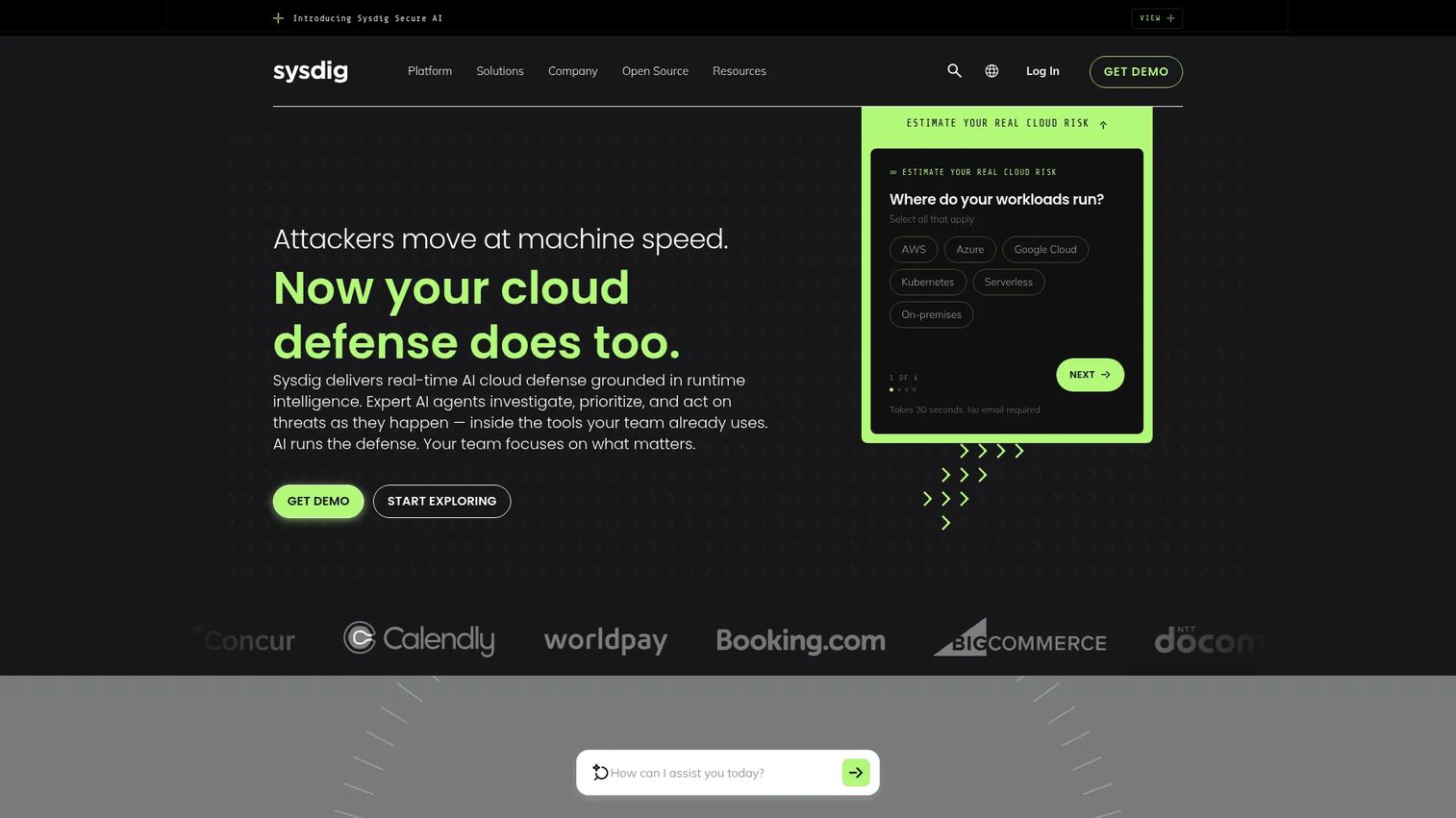
Sysdig is a cloud-native security and monitoring platform covering containers, Kubernetes, and cloud workloads. It combines a CNAPP across cloud, containers, hosts, and serverless with managed Prometheus monitoring and real-time runtime insights, so image findings sit next to what is actually happening in production.
Best for: Teams running cloud-native infrastructure that want security and monitoring in one platform rather than two.
Key strengths
- CNAPP for cloud, containers, Kubernetes, hosts, and serverless
- Image analysis and local scanning
- Runtime insights and real-time threat detection
- Node-level and cluster coverage
- Support for restricted and air-gapped environments
Why choose Sysdig: The practical value here is runtime context. Local image scanning suits restricted or air-gapped environments where you cannot ship images to a cloud service. Node-side coverage means you see not just what a container contains but what it does once running. For platform teams who care about both posture and behavior, that combined view is the draw.
Sysdig pricing: Sysdig does not publish public numeric pricing. Its pricing page says plans are tailored to needs and directs buyers to request a quote.
5. Kubescape
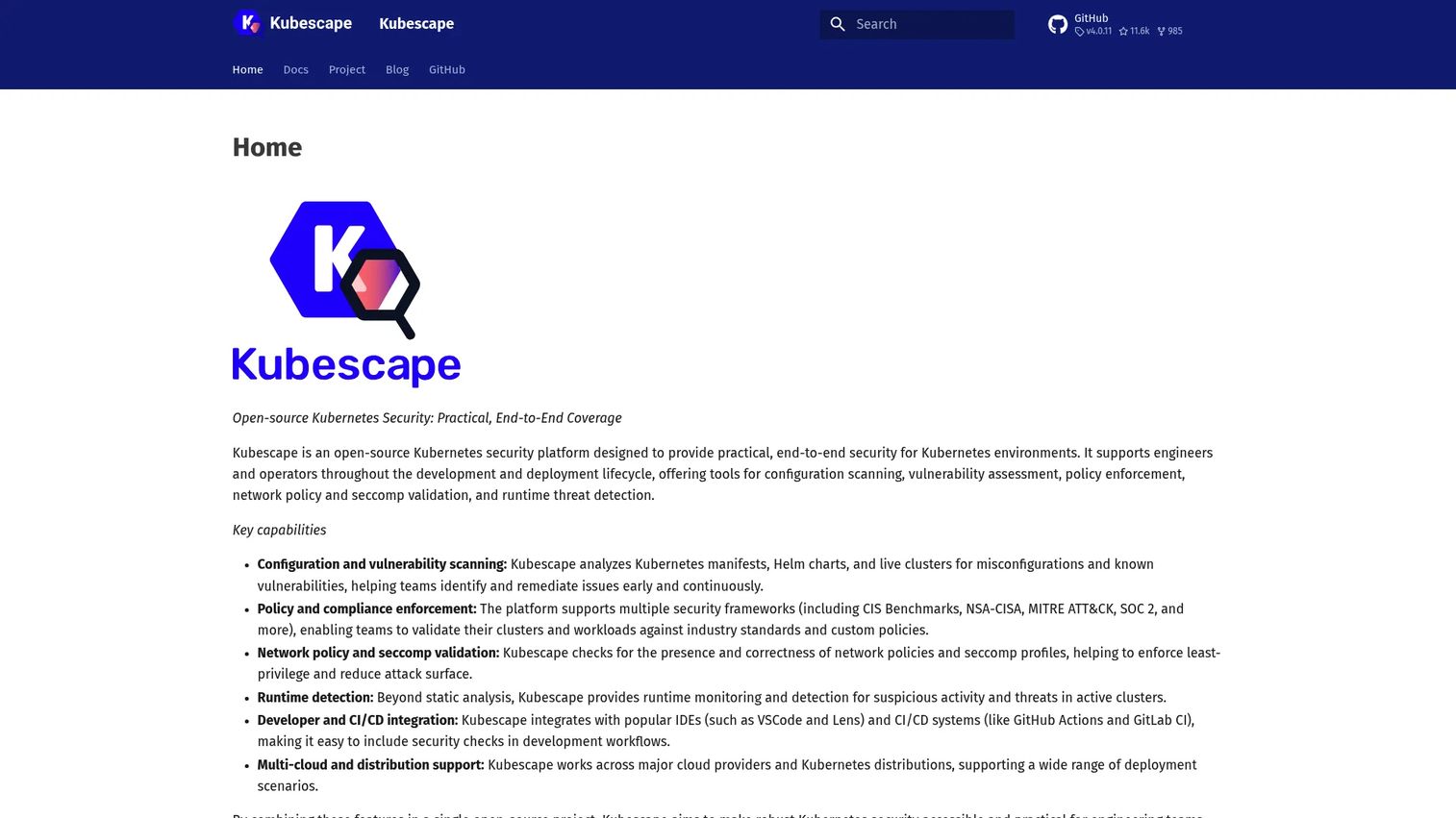
Kubescape is an open-source Kubernetes security platform for scanning, policy enforcement, and runtime threat detection. Where general scanners treat Kubernetes as one more target, Kubescape is Kubernetes-first, built to assess cluster posture and misconfiguration against recognized cloud-native frameworks.
Best for: Teams that need open-source Kubernetes security spanning CI/CD checks and live clusters.
Key strengths
- Configuration and vulnerability scanning for clusters
- Policy and compliance enforcement
- Runtime threat detection
- Cluster security checks against cloud-native controls
- Policy-based remediation guidance
Why choose Kubescape: Pick Kubescape when Kubernetes posture is the main concern, not a side feature. It scans clusters against controls and surfaces misconfiguration in workload specs, then ties findings to policy so remediation is repeatable. For teams that live in Kubernetes and want cloud-native alignment out of the box, it is a focused choice rather than a generic scanner.
Kubescape pricing: Kubescape is an open-source project. Public pricing was not available on the project site, so evaluate it as an open-source tool and check the current project documentation for any hosted or commercial options.
6. Clair
Clair is an open-source container image vulnerability scanner focused on static analysis. It indexes the contents of container manifests, matches components against known vulnerabilities, and runs a notification service that alerts you when a newly disclosed CVE affects an image you already scanned.
Best for: Teams that need container image vulnerability scanning with ongoing security notifications, often inside a registry or build pipeline.
Key strengths
- Static analysis of image contents
- Indexes container manifests and matches vulnerabilities
- Notification service for newly discovered vulnerabilities
- Registry and pipeline integration
- Released as a container via GitHub and Quay
Why choose Clair: Clair suits image-centric workflows, particularly registry scanning where the notification service earns its keep. It is a lightweight, focused scanner rather than a full platform, so teams often pair it with surrounding tooling for policy, Kubernetes, and reporting. If your primary need is continuous image analysis tied to a registry, it does that job cleanly.
Clair pricing: Clair is open source and released as a container on GitHub and Quay. The official site does not list public pricing, so treat it as a free, self-hosted tool.
7. Grype
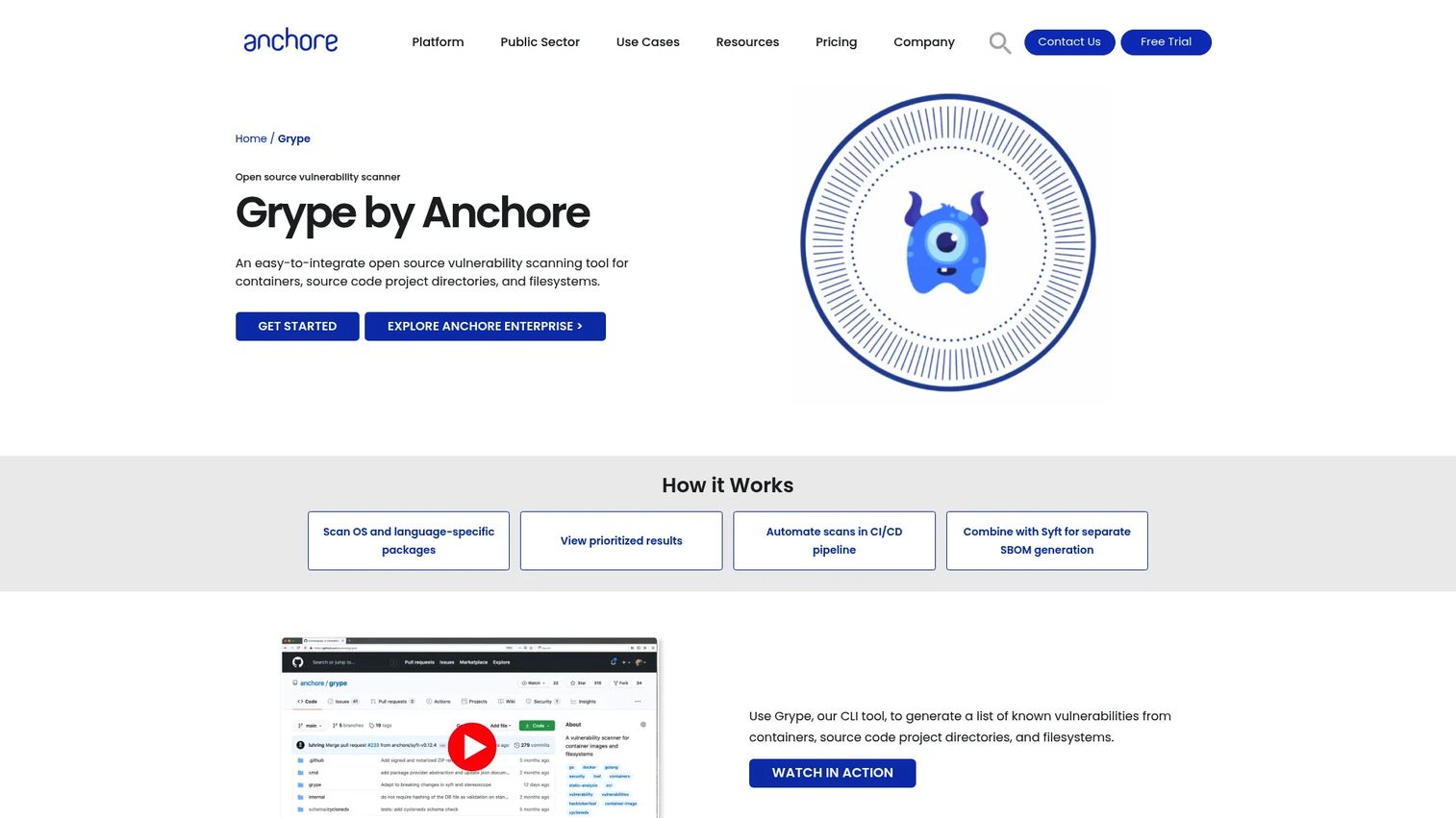
Grype is an open-source vulnerability scanner from Anchore for containers, directories, and filesystems. It runs locally without external services, scans OS and language-specific packages, and accepts an SBOM as input, which makes it a natural partner to Syft for SBOM generation.
Best for: Teams that want a fast, local, open-source scanner for images, SBOMs, and filesystems with minimal setup.
Key strengths
- Scans OS and language-specific packages
- Runs locally without external services
- SBOM input support for repeatable analysis
- Simple CLI-driven workflows
- Straightforward CI/CD automation
Why choose Grype: Grype fits teams that value speed and composability. Pair it with Syft to generate an SBOM, then feed that SBOM into Grype for consistent scans across environments. The CLI-first design drops cleanly into a pipeline step, and running locally means no data leaves your environment. For engineers who prefer small, sharp tools over a platform, it is an easy pick.
Grype pricing: Grype is free and open source. The Anchore site presents it as an open-source tool with no public paid pricing.
Considerations
Before you commit to a scanner, run it against your real workloads and check these five areas.
Image coverage and detection depth
Verify how deep the scanner goes. Does it catch OS packages, application dependencies, and nested transitive dependencies inside your specific base images? A tool that scans the top layer but misses a vulnerable library three levels down gives you false confidence. Test it against an image you already know contains a known CVE.
SBOM support and feed quality
SBOM generation turns scanning into a repeatable, queryable process. When the next major CVE lands, an SBOM lets you answer "are we affected" in minutes. Equally important is the vulnerability feed behind the scanner: how current it is, which databases it draws from, and how quickly new CVEs appear.
Kubernetes and runtime fit
If you run Kubernetes, evaluate cluster scanning and posture checks alongside image scanning. Some tools stop at the image; others assess live workload configuration and runtime behavior. Decide whether you need static image analysis only or full Kubernetes security and runtime visibility.
CI/CD and registry integrations
Pipeline and registry automation is where scanning stops being a manual chore. Check that the tool fails builds on policy violations, re-scans stored images as feeds update, and routes findings to the right team. For presales validation and DevSecOps adoption, an automated gate is far more convincing than an ad hoc scan.
Governance, compliance, and reporting
For enterprise evaluation, policy enforcement, auditability, and reporting decide the deal. Confirm the tool can express your policies as code, produce compliance-ready reports, and keep an audit trail. If procurement or a security review is in the picture, this is often the section that carries the most weight.
Conclusion
There is no single best container scanning software, only the one that fits your scanning workflow. Match the tool to how you actually build and run containers.
If your program is built on software bills of materials and formal policy, Anchore fits. If you want broad open-source coverage from one binary, Trivy is the default. Snyk suits developer-led orgs that want fixes inside their existing tools. Sysdig serves teams that need runtime and monitoring alongside image scanning. Kubescape is the pick when Kubernetes posture leads. Clair and Grype cover lightweight, image-centric and CLI-driven workflows with strong SBOM generation and remediation automation support.
The best next step is a small pilot. Choose one image scanner and one Kubernetes scanner, run them against the same workloads for a sprint, and compare what each catches, how noisy the findings are, and how cleanly they fit your CI/CD. Early detection at build time plus continuous registry and runtime coverage is the pattern that holds up. Pick the two tools that make that pattern easiest for your team, and you have a working DevSecOps scanning stack.
FAQs
Container scanning is one part of container security. Scanning finds vulnerabilities, misconfigurations, and secrets in images, registries, and workloads. Container security is the broader discipline that also covers runtime protection, network policy, identity, and admission control. Scanning tells you what is wrong; full container security also stops exploitation at runtime.
Usually yes, because they catch different problems. Image scanning finds known vulnerabilities in the artifact before it ships. Kubernetes scanning finds misconfiguration and posture issues in live clusters, like pods running as root or over-permissive roles. A clean image can still run in an insecure cluster, so most teams use both for full coverage.
An SBOM is a machine-readable inventory of every component in an image. When a new CVE is disclosed, SBOM generation lets you query which images contain the affected component instead of rescanning everything from scratch. That turns incident response from hours into minutes and makes container vulnerability scanning tools far more useful during audits.
Many can. Tools like Trivy scan for hard-coded secrets, misconfigured Dockerfiles, and insecure IaC alongside vulnerabilities. Kubescape and Sysdig focus on Kubernetes and runtime misconfiguration. Confirm the specific tool covers secrets and misconfiguration scanning if that is part of your requirement, because coverage varies between products.
CI/CD integration turns scanning into an automatic pipeline step. Every build or image push triggers a scan, and policy gates can fail the build when a critical vulnerability appears. This catches issues at the cheapest point to fix, before deployment, and removes the manual review that does not scale as image volume grows.
Trivy is a strong open-source all-rounder covering images, filesystems, IaC, and Kubernetes. Grype pairs well with Syft for SBOM-driven scanning and simple CLI workflows. Clair suits registry-integrated image scanning with CVE notifications, and Kubescape leads for open-source Kubernetes security. Pick based on whether image, cluster, or SBOM coverage matters most.
Some do. Sysdig supports local image scanning suited to restricted and air-gapped environments, and open-source scanners like Grype run locally without external services. The key requirement is offline access to a current vulnerability database, so check how each tool updates its feeds when the environment has no direct internet access.
Scan at build time on every commit, and re-scan stored images continuously as new CVEs are disclosed. Registry scanning matters because an image that was clean when built can carry a fresh vulnerability days later. Combining build-time scanning with ongoing registry and runtime checks gives you early detection plus continuous coverage.










