Your champion’s latest reply is in your inbox. Procurement’s objection sits in a call note. The next meeting has no owner.
Then your manager asks whether the deal will close this month.
Contact management software should make that conversation easier. A useful record connects the people involved with their interaction history and the next action. It gives you deal memory that survives a handoff, a territory change, or a colleague’s vacation.
Research and Markets projects the global contact management software market will reach $3.07 billion in 2026. But a growing category doesn’t make choosing easier. A dedicated address book and an enterprise CRM solve different problems, even when both store customer details.
The best contact management software fits how you sell. Start with the information you keep losing, then evaluate whether a tool helps your team act on it.
What’s inside
- Who this is for: AEs managing active opportunities, sales managers standardizing follow-up, and small businesses replacing spreadsheets. RevOps teams can use the checklist to assess ownership and data quality.
- Selection criteria: Contact management depth, follow-up workflows, integration fit, and cost. The shortlist spans dedicated address books through broader CRM platforms.
- Evidence base: Vendor product documentation and pricing, with G2 ratings where available. Pricing research is dated November 24, 2026; billing units and listing differences are identified below.
- What you’ll get: A comparison table, practical product breakdowns, buying considerations, and answers to common migration questions.
TL;DR
- Best broad starting point: HubSpot CRM for a free foundation with room to expand. Choose Zoho CRM when configurable records and workflows matter more.
- Best small business contact management software: Bigin by Zoho CRM for a focused pipeline setup; Less Annoying CRM for straightforward administration.
- Best for pipeline follow-up: Pipedrive puts activities and deal movement at the center of the sales process.
- Best for relationship context: Nimble suits relationship-led selling. Contacts+ fits scattered address books that need syncing and cleanup.
- Best for Google Workspace sellers: Copper keeps relationship management close to the tools those teams already use.
- Best flexible contact database: Airtable gives operators control over their structure, with responsibility for designing the sales workflow.
What is contact management software?
Contact management software stores and organizes information about people and companies, alongside the interactions and follow-ups that shape those relationships.
A contact management system gives each person a record. That record can contain their company, role, communication details, and relationship owner. Activity history adds context through emails, calls, meeting notes, and completed tasks.
For an AE, the useful question is whether someone else can open an account and understand what should happen next. A searchable name alone won’t answer that.
Key capabilities to look for
- Contact database and custom fields: Store buying roles and account-specific information
- Email and calendar sync: Connect communication with the relevant relationship
- Activity history: Preserve conversations and completed actions
- Follow-up automation: Assign tasks and surface overdue commitments
- Duplicate detection: Identify conflicting or repeated records
- Import and export controls: Move information without losing important fields
- Mobile access: Update notes away from your desk
- Reporting and pipeline context: Connect relationships with active opportunities
- Permissions and ownership: Control access and responsibility
Contact databases, contact managers, and CRMs
Contact database software emphasizes structured storage. It helps you organize information into fields and retrieve it through filtered views.
Contact manager software adds relationship workflows, such as reminders and communication history. Dedicated tools can also address contact syncing across separate accounts.
A contact management CRM extends that foundation into revenue operations. Pipeline management and forecasting become part of the same working environment. CRM contact management is therefore one layer of a broader sales platform.
These categories overlap. Customer contact software can combine address-book cleanup with shared notes, while a configurable database can support a custom sales process.
The distinction matters when buying. Choose around the workflow you need rather than the category label on a vendor’s homepage.
A spreadsheet can remain useful for a small list with a clear owner. Once several people update relationships, test how you’ll preserve history and prevent conflicting changes. Moving those responsibilities into a shared system gives your team a defined place to maintain the account.
When to use contact management software
Replace spreadsheets before contact data breaks
Move when duplicate contact records or conflicting ownership start creating work before every outreach session. An AE should be able to find the current procurement contact without comparing spreadsheet versions. Define required fields before importing your list, including the account owner and next action.
Track follow-ups across every buying committee
Your champion’s enthusiasm doesn’t tell you whether legal has reviewed the agreement. Use contact tracking software to distinguish buying roles and record each stakeholder’s outstanding commitments. During evaluation, test whether you can connect several people to an opportunity without burying their involvement in free-text notes.
Keep interaction history visible across the team
An SDR handoff should preserve what prompted the meeting and what the buyer already asked. Later, customer success needs the commitments made before signature. Ask a colleague to reconstruct an account using only its records; missing context becomes an actionable implementation checklist.
Contact management software comparison
These contact management systems cover different levels of complexity. Use the “Best for” column to narrow the field before comparing subscription costs.
All prices below are USD. Annual-billing amounts are monthly equivalents, not month-to-month payment terms. Organization pricing and minimum seat requirements deserve particular attention when calculating your total.
Vendor pricing and available G2 scores come from research dated November 24, 2026. HubSpot’s score refers to Sales Hub; NetSuite’s covers the broader platform. A Freshsales score is omitted because the research did not establish a current figure.
Ratings provide context, but they don’t measure fit for your sales motion. Test your own account structure and follow-up process before committing.
| # | Product | Best for | Key differentiator | Pricing | G2 rating |
|---|---|---|---|---|---|
| 1 | HubSpot CRM | A free CRM foundation | Customer records connected to broader sales workflows | Free; Smart CRM Starter from $7/seat/month, annual billing | 4.4/5, Sales Hub |
| 2 | Zoho CRM | Configurable CRM processes | Custom modules and workflow design | Free; Standard from $14/user/month | 4.1/5 |
| 3 | Bigin by Zoho CRM | Small business contact management | Focused pipelines with communication tools | Free; Express $7/user/month, annual billing | 4.6/5 |
| 4 | Freshsales | Sales engagement workflows | Contact lifecycle tracking and sales sequences | Free; Growth $9/user/month, annual billing | |
| 5 | Pipedrive | Pipeline-driven follow-up | Visual pipelines and sales activities | Lite $14/seat/month, annual billing | 4.3/5 |
| 6 | Copper | Google Workspace teams | Relationships and projects connected to Workspace | Basic $23/seat/month annually; $29 monthly | 4.5/5 |
| 7 | Nimble | Relationship-led selling | Relationship management with outreach tools | $29.90/seat/month annually; $35.90 monthly | 4.5/5 |
| 8 | Less Annoying CRM | Straightforward small-team CRM | One plan with all features included | $15/user/month, monthly billing | 4.9/5 |
| 9 | Nutshell | B2B sales coordination | CRM with sales automation and optional marketing tools | Foundation $13/user/month, annual billing | 4.3/5 |
| 10 | Insightly | Sales-to-project handoffs | Contact management connected to delivery | Plus $29/user/month, annual billing | 4.2/5 |
| 11 | Bitrix24 | CRM and internal collaboration | Shared workspace with organization pricing | Free; Basic $49/organization/month annually; $69 monthly | 4.1/5 |
| 12 | NetSuite CRM | Companies using NetSuite ERP | Customer context connected to business operations | Custom pricing; annual license plus implementation | 4.1/5, NetSuite |
| 13 | Monday CRM | Visual sales workflows | Configurable pipelines and activity tracking | Basic $12/seat/month annually; minimum 3 users | 4.5/5 |
| 14 | Airtable | Custom contact databases | Database and application building without code | Free; Team $20/user/month, annual billing | 4.6/5 |
| 15 | Contacts+ | Address-book syncing and cleanup | Deduplication across accounts and devices | Free; Premium $9.99/month annually; $13.99 monthly | 4.4/5 |
Best 15 tools for contact management
1. HubSpot CRM
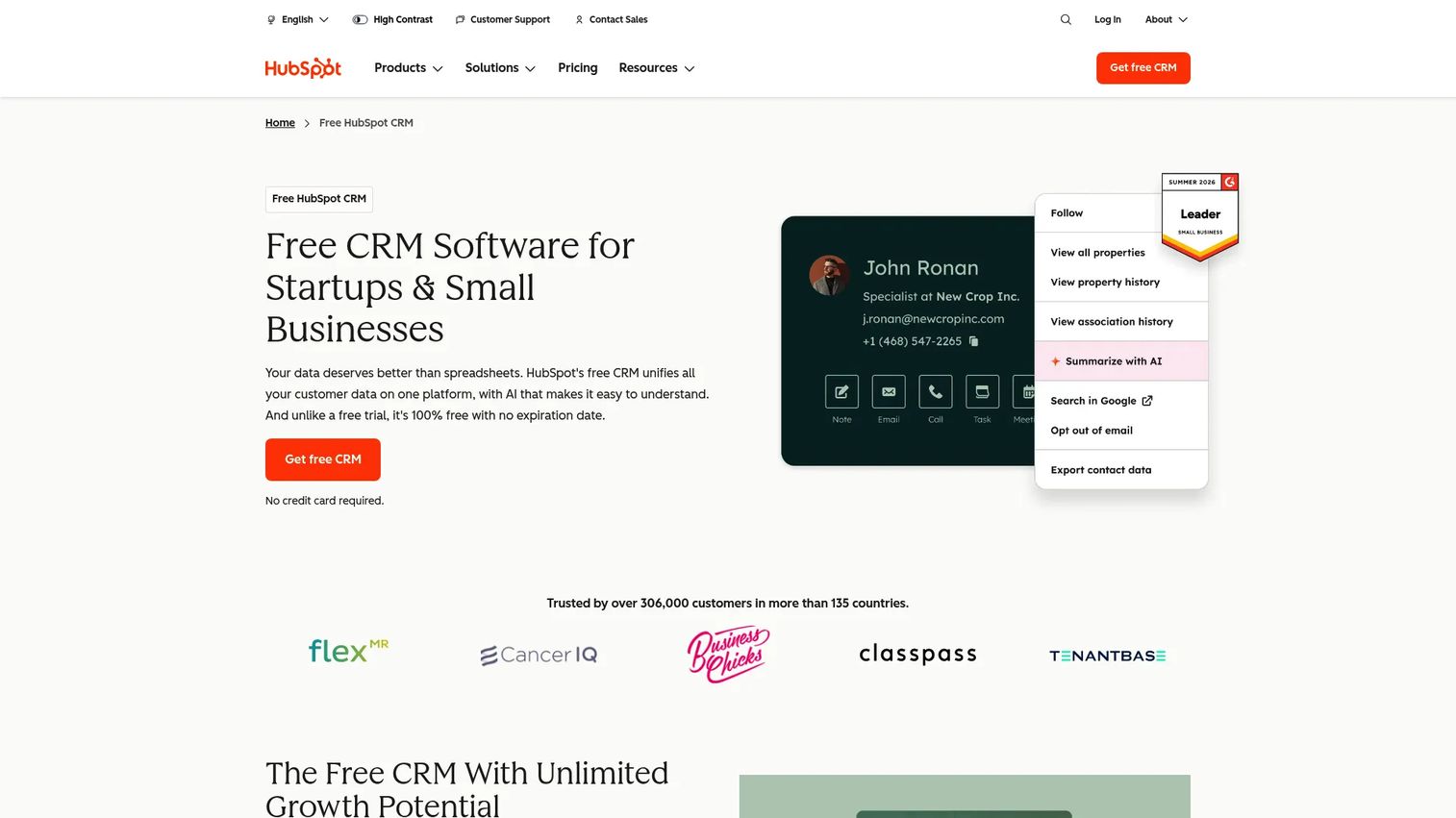
HubSpot CRM connects customer records with deal management and broader sales workflows. Its free foundation makes it a practical starting point for teams establishing a shared system. Paid editions expand customization and administrative control as the operation grows.
Best for: AEs and small sales teams that want a free CRM foundation with a broader platform available later.
Key features
- Contact and customer data management
- Deal and pipeline tracking
- Reporting dashboards
- Workflow automation
- AI CRM tools
Evaluate HubSpot around an account with several stakeholders. Check whether an unfamiliar rep can understand each person’s involvement and locate the next commitment.
The important purchasing distinction is between the record system and the sales capabilities you expect around it. List required automations before choosing a package. Then ask the vendor to map each requirement to the relevant product and tier.
This approach also helps an existing team avoid buying overlapping functionality. Compare the proposed package with tools you already use for reporting or sales execution.
Why choose HubSpot CRM: Choose it when contact management will become the foundation for broader sales coordination. Budget for the required paid capabilities rather than assuming the free edition covers your eventual process.
HubSpot CRM pricing: Free CRM supports up to two users. Smart CRM Starter starts at $7 per seat monthly, paid annually.
G2 rating
2. Zoho CRM
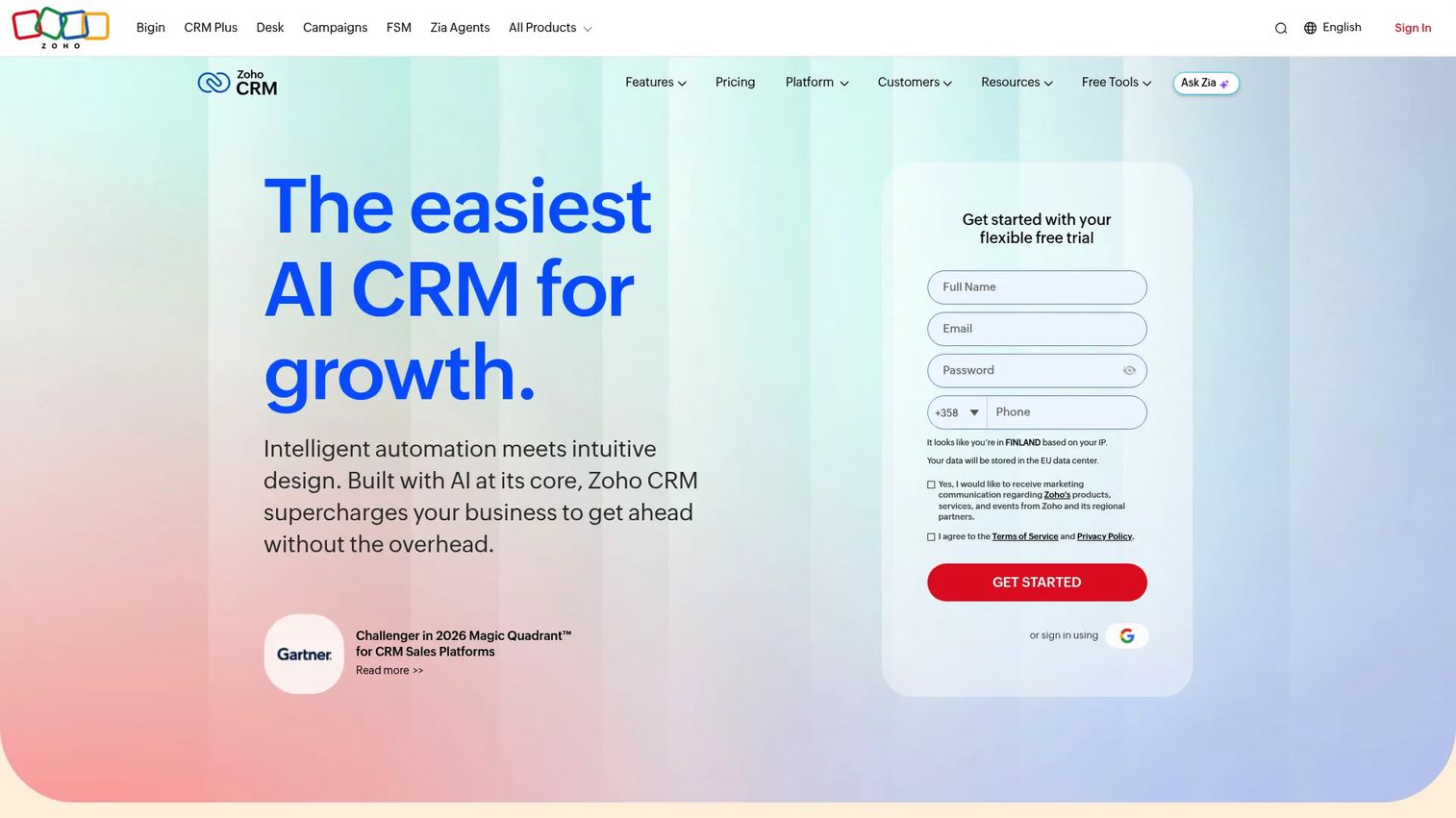
Zoho CRM suits teams that need their contact management system to reflect a defined sales process. Custom modules and layouts support records beyond a standard address book. Automation and analytics extend that structure into daily execution.
Best for: Sales organizations that need configurable records and workflows across customer-facing teams.
Key features
- Custom modules and layouts
- Workflow automation and cadences
- Lead enrichment
- Sales forecasting
- AI assistance and agents
Bring your existing account model into the evaluation. Include the fields that distinguish an executive sponsor from a technical evaluator, plus your ownership rules.
Configuration deserves planning. Decide which information belongs on a person’s record and which belongs on the opportunity before building layouts. Otherwise, you risk recreating the spreadsheet’s inconsistencies inside a larger system.
Ask an AE and a manager to review the same sample account. The rep should find the next action quickly; the manager should understand the evidence behind the forecast. Both views need to work without maintaining separate versions of the relationship.
Why choose Zoho CRM: It fits teams that want control over how customer information supports their process. Assign an internal owner for configuration and ongoing field governance.
Zoho CRM pricing: The Free edition supports three users. Standard starts at $14 per user monthly; monthly and annual billing options are available.
G2 rating
3. Bigin by Zoho CRM
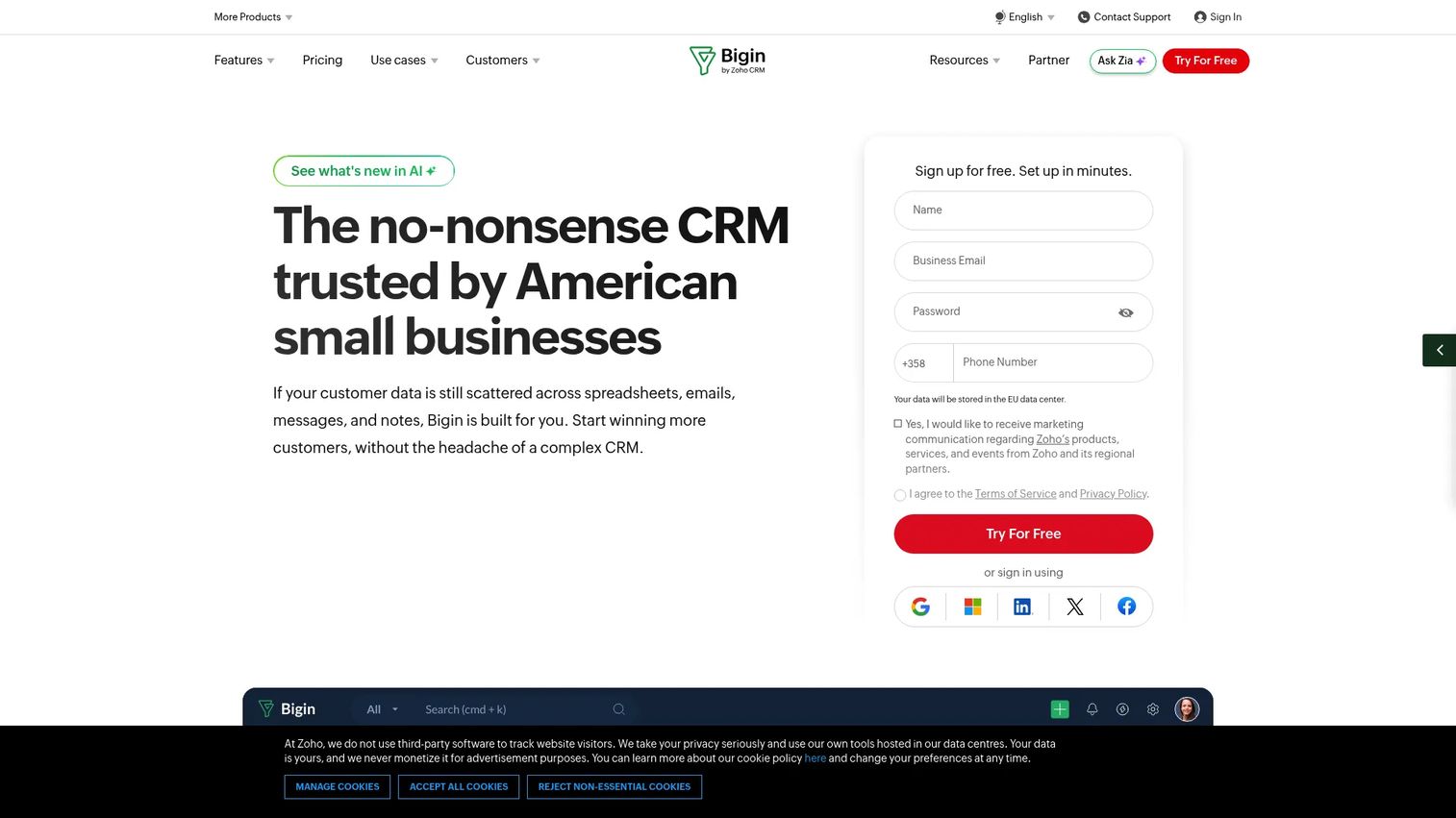
Bigin by Zoho CRM focuses on small businesses managing customer data and sales pipelines. Communication integrations and scheduling sit alongside deal tracking. It provides a focused option for teams moving from lists into a repeatable sales process.
Best for: Small businesses that need contact management connected to a manageable pipeline.
Key features
- Sales pipelines and deals
- Email and phone integrations
- Workflow automation
- Booking and appointment scheduling
- KPI dashboards
Start your evaluation with a recurring sales motion, such as an inbound enquiry that becomes a meeting. Track the people involved through the process rather than creating a separate spreadsheet for every stage.
Pay attention to record and pipeline allowances. Bigin’s paid plans increase those limits and expand administration, making expected usage an important part of the buying decision.
For a small team, clarify who maintains the account after the initial enquiry. A focused CRM still needs ownership rules. Test whether the workflow remains understandable when someone covers for a colleague.
Why choose Bigin by Zoho CRM: Choose it when you want a structured replacement for spreadsheets without designing an extensive CRM operation. Compare its allowances with your expected account growth.
Bigin by Zoho CRM pricing: A Free plan supports one user. With annual billing, Express costs $7, Premier $12, and Bigin 360 $18 per user monthly.
G2 rating
4. Freshsales
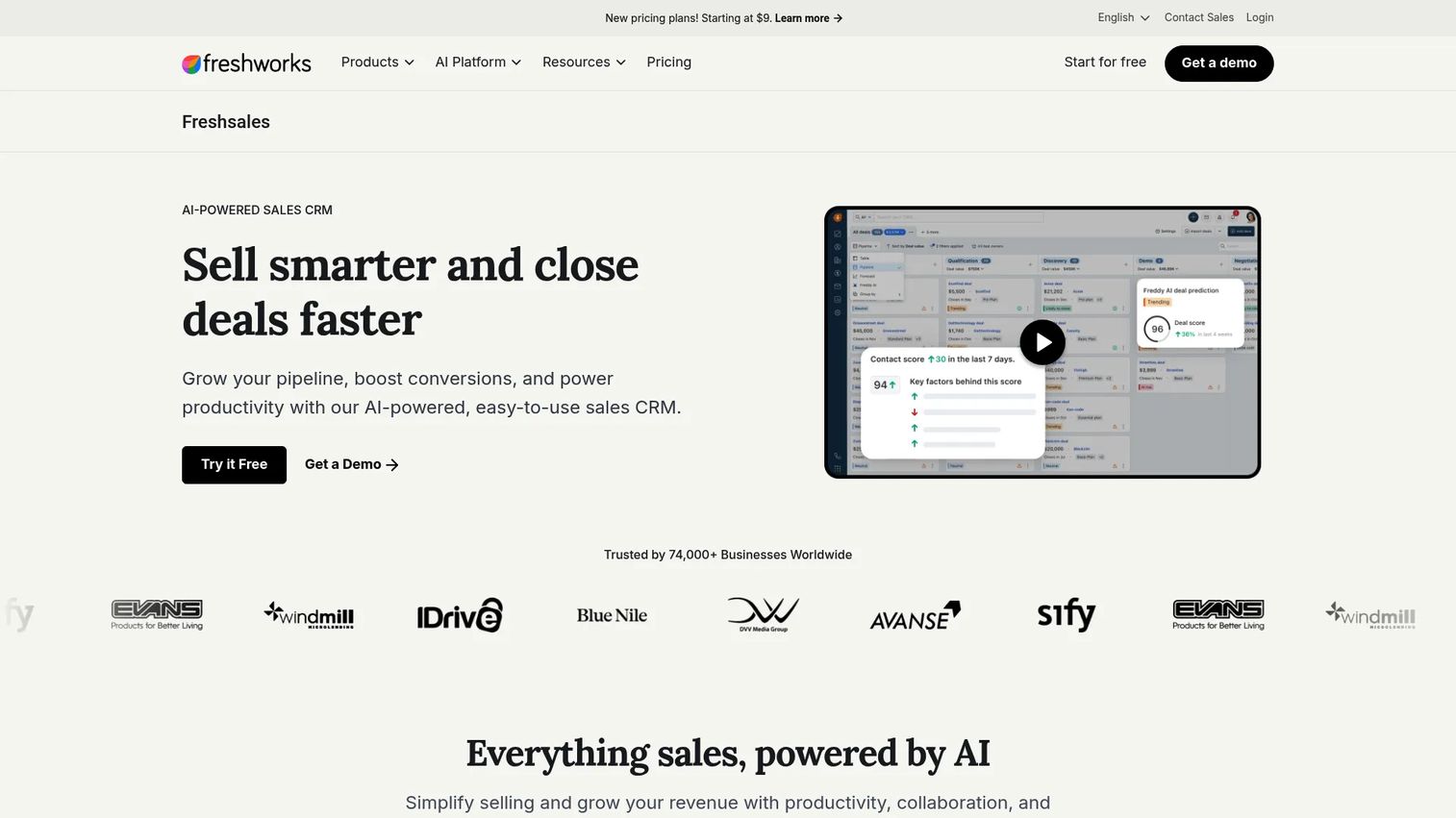
Freshsales connects contact lifecycle management with sales execution. Its documented capabilities include sequences and assignment rules, alongside pipeline reporting. That combination suits teams evaluating contact storage and outreach coordination together.
Best for: Sales teams that want customer records and follow-up workflows within the same CRM.
Key features
- Contact lifecycle stages
- Custom fields
- Sales sequences
- Automatic assignment rules
- Forecasting and deal insights
A useful evaluation starts with a contact whose status changes during an active opportunity. Check whether the new status produces the intended follow-up without creating duplicate tasks.
Also test ownership changes. An AE taking over an account needs enough context to continue the conversation, including the reason for the next action. Automation should reinforce that handoff rather than conceal responsibility.
Map each desired engagement capability to its package before purchase. Freshsales’ paid tiers expand automation and customization, so an entry subscription and a fully configured sales workflow represent different buying decisions.
Avoid evaluating AI separately from your process. Ask whether the information it presents helps you prioritize an account or prepare for a buyer conversation.
Why choose Freshsales: It deserves consideration when fragmented outreach creates extra administration. Evaluate the complete engagement workflow rather than choosing from the contact screen alone.
Freshsales pricing: Free supports up to three users. Growth costs $9 per user monthly, Pro $39, and Enterprise $59, billed annually.
5. Pipedrive
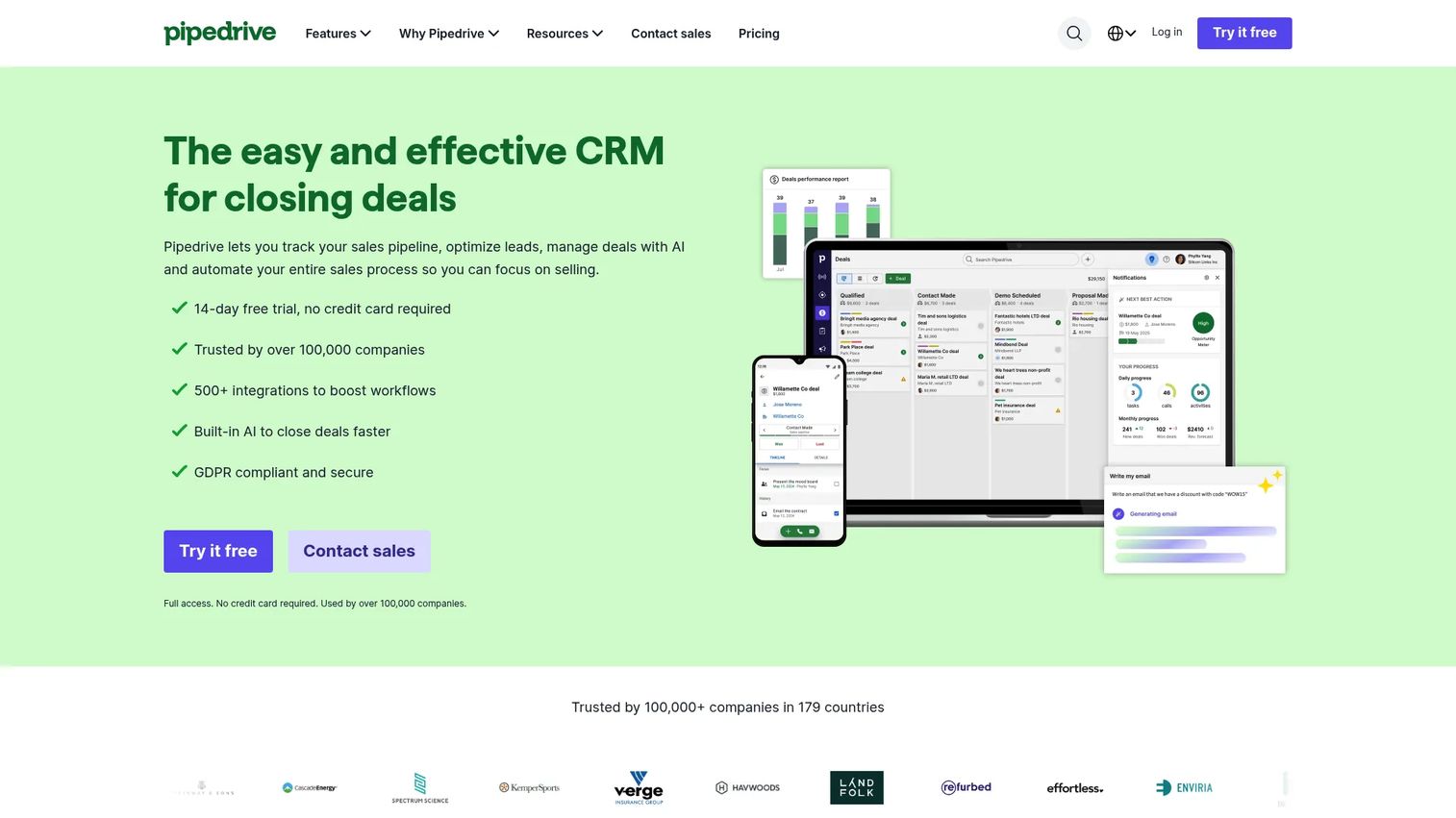
Pipedrive organizes sales work around deals and pipeline movement. Contact management sits within that activity-led approach. Email synchronization and sales automation support reps who want relationship information connected to execution.
Best for: AEs who manage their day through opportunity stages and scheduled next steps.
Key features
- Customizable sales pipelines
- Lead and calendar management
- Email sync and tracking
- Sales automations and sequences
- Forecast reports
Use a stalled opportunity as your test case. Enter the people involved and identify the next action needed to move the buying process forward.
Then examine what your manager can see without asking for a separate update. A useful pipeline view should support a discussion about buyer progress, rather than merely show the stage you selected.
Pipedrive offers optional add-ons and top-ups. Compare the full package required for your workflow, especially if your evaluation includes lead generation or contracting. Keep those requirements separate from the core question of whether reps maintain usable records.
For teams replacing spreadsheets, decide which existing columns describe a contact and which describe a deal. That distinction should remain clear throughout the migration.
Why choose Pipedrive: Choose it when follow-up discipline is the main problem you need to fix. Assess adjacent sales requirements before assuming the entry subscription replaces every supporting tool.
Pipedrive pricing: Lite starts at $14 per seat monthly, billed annually. A 14-day free trial is available; there is no permanent free tier.
G2 rating
6. Copper
Copper is a relationship-focused CRM built around Google Workspace integrations. Its scope includes opportunities and project management, making it relevant to service businesses. Contact information stays connected to the wider work surrounding a customer.
Best for: Google Workspace sales teams that want relationship management close to their existing working environment.
Key features
- Google Workspace integrations
- Contact and deal management
- Customizable sales pipelines
- Project management
- Task and workflow automation
Evaluate Copper from the inbox outward. Use a normal buyer conversation, then test how your team moves from that interaction into account work.
For service businesses, include the transition after signature. The person buying the work may differ from the person managing delivery. Your evaluation should account for both relationships.
Google Workspace fit is the main reason to shortlist Copper, but it shouldn’t replace a complete requirements review. Ask how your team will handle permissions and reporting as more users join. Sellers using a different productivity suite should scrutinize the integration match.
A useful pilot includes someone who avoids CRM administration. Watch whether the proposed process gives that rep a practical reason to maintain records.
Why choose Copper: It fits teams whose adoption depends on keeping customer work close to Google Workspace. Evaluate the whole sales-to-delivery process if projects are part of your business.
Copper pricing: Basic costs $23 per seat monthly with annual billing, or $29 billed monthly. A 14-day free trial is available.
G2 rating
7. Nimble
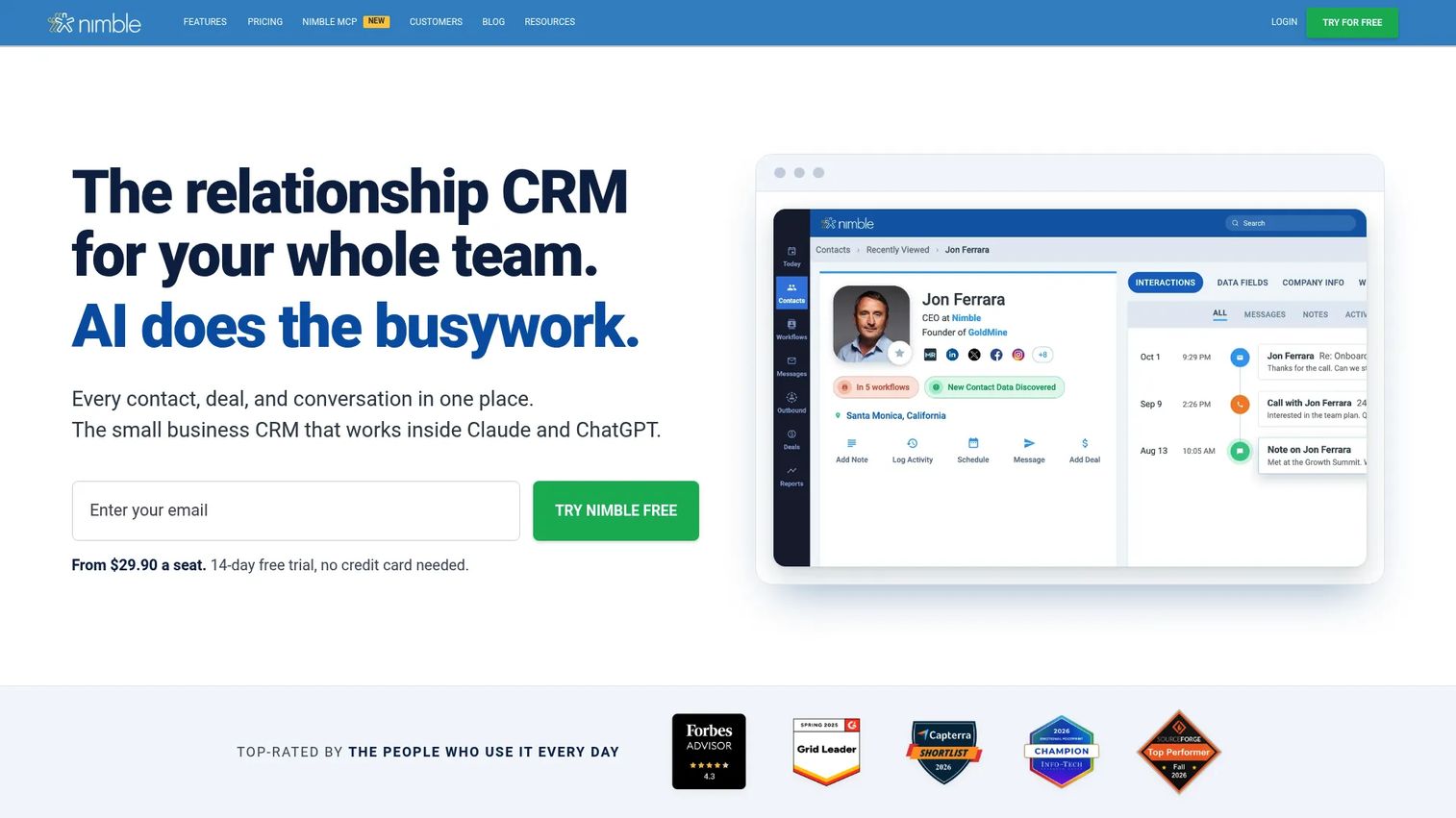
Nimble emphasizes relationship management for solopreneurs and small teams. Outreach tools sit alongside customizable deal pipelines. Google Workspace and Microsoft 365 integrations make it relevant to sellers maintaining relationships through their everyday communication tools.
Best for: Relationship-led sellers who need contact context and a repeatable outreach process.
Key features
- Contact and relationship management
- Email sequences and group messaging
- Customizable deal pipelines
- Workflow reporting
- Google Workspace and Microsoft 365 integrations
Test Nimble with a relationship that doesn’t follow a short, linear sales cycle. A referral partner or past buyer provides a useful example.
The question is whether you can distinguish relationship maintenance from an active opportunity. Both matter, but they shouldn’t generate identical follow-up priorities.
Include your outreach requirements in the budget review. Nimble offers optional email marketing and web communication add-ons, which deserve separate consideration from the core CRM.
For larger organizations, ask about governance and reporting against your own requirements. A relationship-focused interface can be appealing while the buying decision still turns on access controls or operational integration.
Why choose Nimble: Choose it when sustained relationships drive business development. Test whether its account structure supports your selling motion before concentrating on outreach volume.
Nimble pricing: Nimble CRM costs $29.90 per seat monthly with annual billing, or $35.90 billed monthly. A 14-day free trial is available.
G2 rating
8. Less Annoying CRM
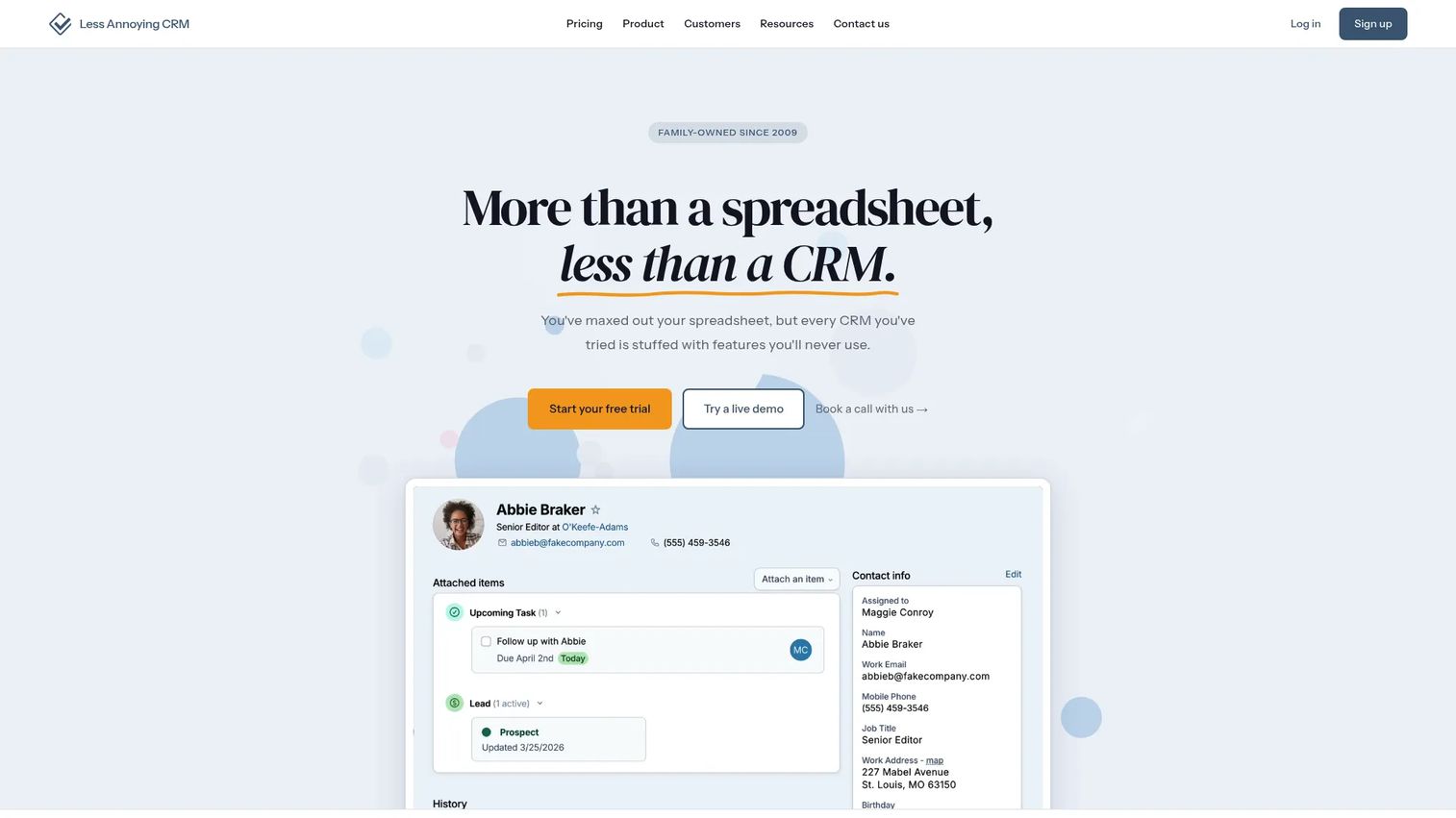
Less Annoying CRM gives small businesses contact management with tasks and calendar-based follow-up. Custom fields and pipelines provide structure without a complex pricing ladder. Its single-plan model makes subscription planning straightforward.
Best for: Small teams that want a shared CRM with clear costs and manageable administration.
Key features
- Contact and company records
- Tasks and follow-up reminders
- Calendar and email logging
- Custom fields and tagging
- Mobile access
Use the evaluation to establish a minimum viable account record. Include the information a colleague needs to continue a conversation and the action that should happen next.
The single-plan model helps shift attention toward usability. Rather than compare feature gates, ask whether everyone on the team will maintain the system consistently.
Try the mobile workflow if you sell at events or visit customers. Record a note immediately after a conversation, then retrieve it later from your desk. This is a more useful test than browsing a sample database.
Teams with specialized automation requirements should write those requirements down explicitly. A straightforward CRM should be judged against the work you need, rather than rewarded for features you won’t use.
Why choose Less Annoying CRM: Choose it when shared visibility and reliable follow-up matter more than extensive platform configuration. It offers a clear starting point for small-team CRM adoption.
Less Annoying CRM pricing: The Core plan costs $15 per user monthly, with all features included and no contracts. A 30-day free trial is available.
G2 rating
9. Nutshell
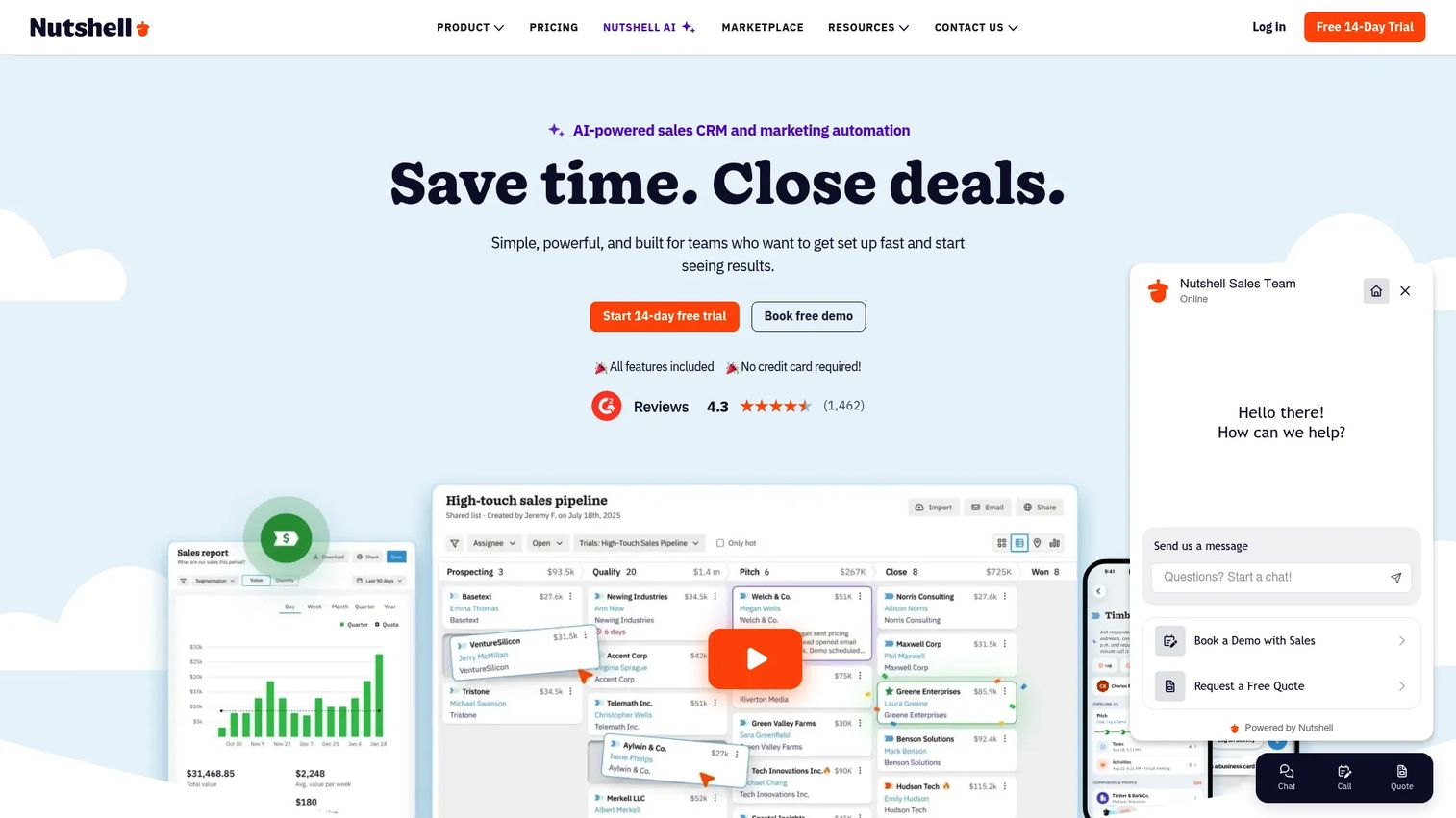
Nutshell combines sales CRM workflows with optional marketing capabilities. Contact management and communication synchronization support pipeline execution. Its documented AI capabilities include call summaries and suggested next steps.
Best for: B2B sales teams that want structured contact management alongside pipeline coordination.
Key features
- Contact management
- Email and calendar synchronization
- Customizable pipelines
- Sales automation
- AI call summaries and lead recaps
Evaluate Nutshell with a manager and a working AE. The rep needs useful relationship context; the manager needs a view that supports coaching without a separate reporting exercise.
Ask the seller to capture a buyer commitment and return to it later. Check whether the account record makes the required action clear enough to execute.
Nutshell’s optional products deserve careful budgeting. Marketing and prospecting capabilities can broaden the package, but they should earn their place against tools you already own.
If consolidation is your goal, name the subscription you intend to replace before beginning the trial. Then test the corresponding workflow rather than assuming a broad platform removes every integration requirement.
Why choose Nutshell: It fits teams that want customer records to support coordinated sales execution. Compare the core CRM and optional products as separate purchasing decisions.
Nutshell pricing: Foundation starts at $13 per user monthly, billed annually. A 14-day free trial is available; there is no permanent free tier.
G2 rating
10. Insightly
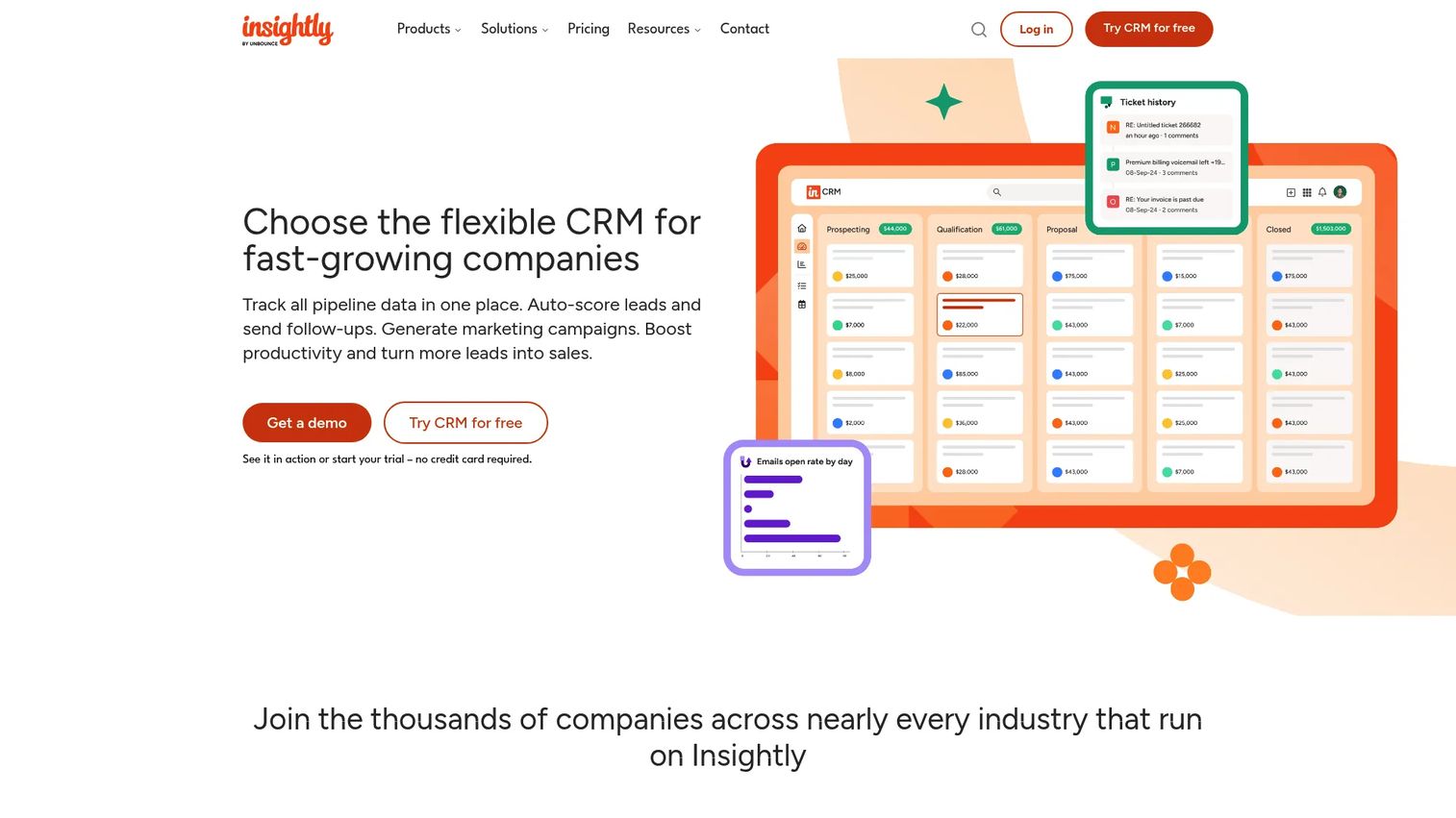
Insightly connects CRM records with project and task management. That makes it relevant when closing a deal starts a delivery process. Sales pipeline visibility and reporting support the commercial side of that relationship.
Best for: Teams that need continuity between sales relationships and project delivery.
Key features
- Contact management
- Opportunity and pipeline tracking
- Project and task management
- Reporting dashboards
- Workflow automation
Run the evaluation past the signed contract. Include a delivery owner who wasn’t involved in the sales conversation and ask what information they need.
Important details might include the buyer’s intended outcome or commitments made during negotiation. Decide where those belong before importing historical notes.
Insightly’s broader product family includes separate marketing and service offerings, plus AppConnect integrations. Distinguish your CRM requirements from any wider platform proposal during procurement.
For an AE, the practical benefit to test is continuity. Can the person taking over the account understand the relationship without requesting another internal briefing? That question also helps identify missing fields in your current process.
Why choose Insightly: Choose it when post-sale delivery is central to account management. A sales-only team should assess whether project functionality will become part of its working process.
Insightly pricing: Plus costs $29 per user monthly, billed annually. A 14-day free trial is available.
G2 rating
11. Bitrix24
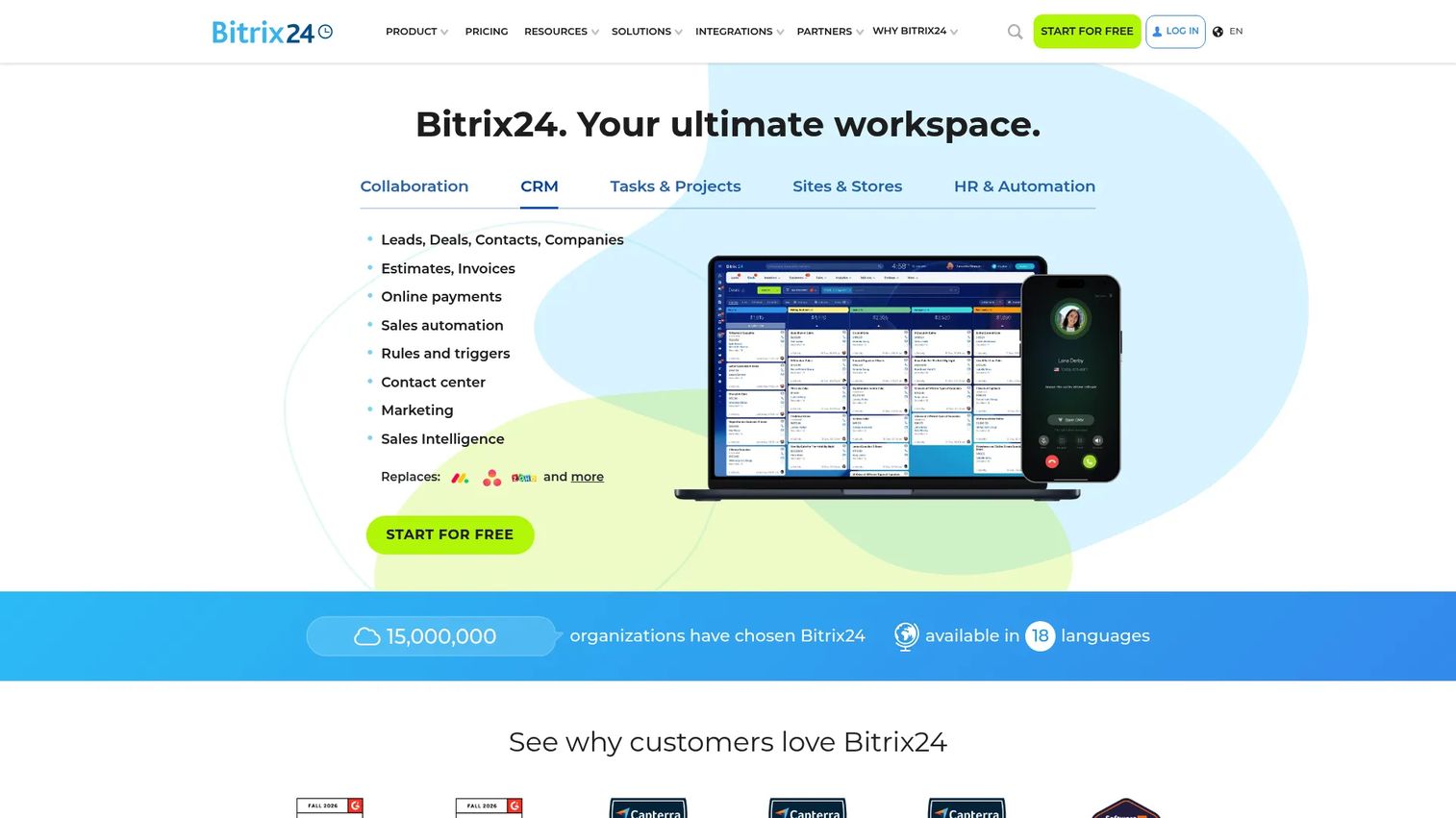
Bitrix24 combines CRM with project management and internal collaboration. Sales records sit within a workspace that also supports team communication. Its organization-based pricing offers a different purchasing model from typical per-seat subscriptions.
Best for: Businesses evaluating contact management and internal work coordination together.
Key features
- CRM contacts and deals
- Sales pipelines and automation
- Task and project management
- Team chat and shared calendars
- Email and messaging integrations
Bitrix24’s breadth makes the evaluation scope important. Choose the workflows you plan to adopt first rather than introducing every module at once.
For sales, begin with account ownership and follow-up. Add internal collaboration only where it replaces a specific handoff or disconnected process.
Calculate costs against the included user allowance. An organization subscription can look different from a per-seat plan, particularly when colleagues outside sales need access.
Also involve whoever will administer the workspace. Ask them to demonstrate how a new employee gets the right access and how an account changes ownership. Those routine tasks matter once the initial rollout is over.
Why choose Bitrix24: It is worth evaluating when CRM consolidation extends into internal work management. Teams seeking only an address book should keep the pilot focused.
Bitrix24 pricing: A Free plan is available. Basic includes five users for $49 per organization monthly with annual billing, or $69 billed monthly.
G2 rating
12. NetSuite CRM
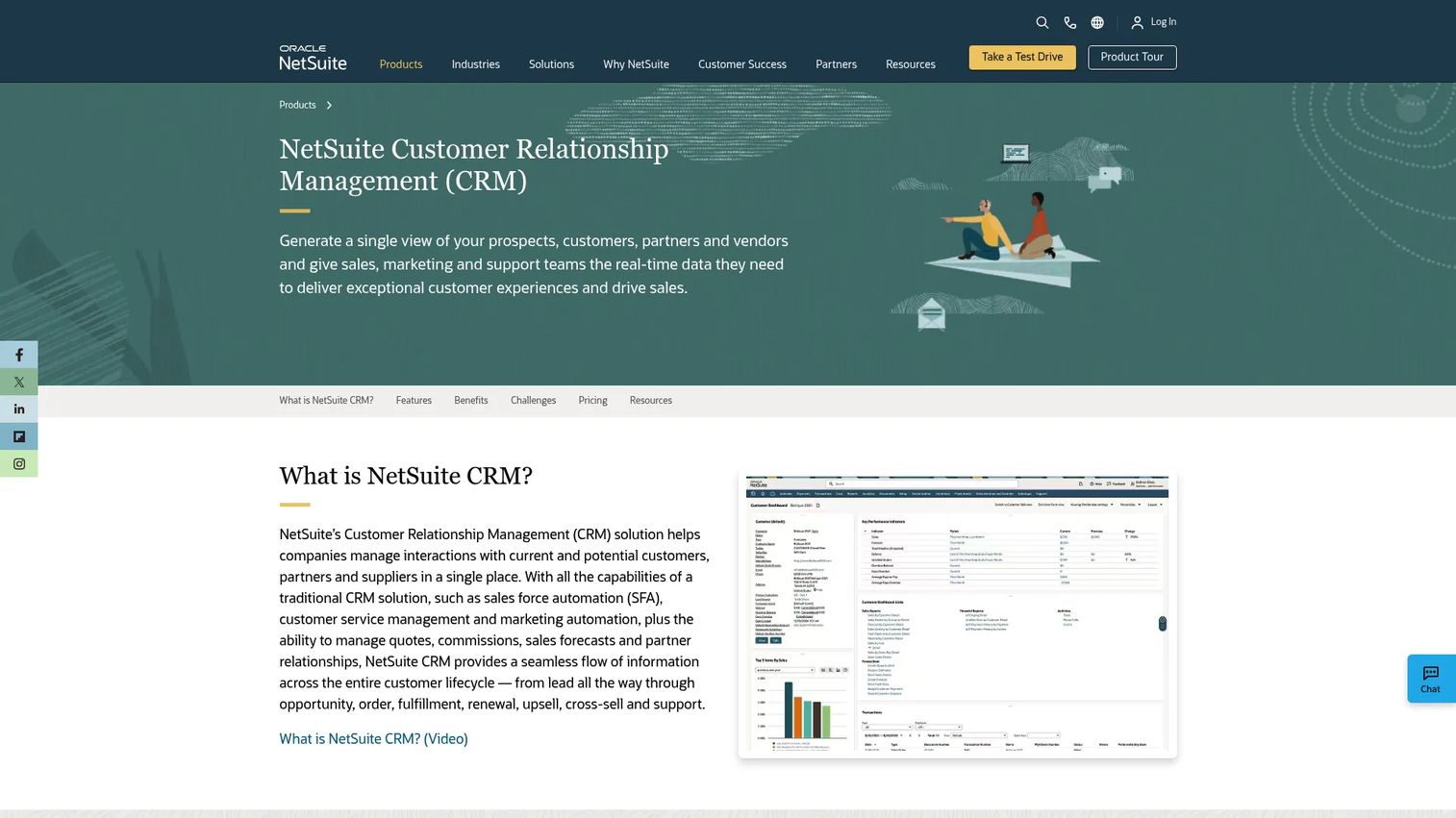
NetSuite CRM connects customer relationships with broader business operations. It covers sales force automation and customer service, with partner management also included in its scope. The strongest fit is an organization evaluating CRM within its NetSuite environment.
Best for: Companies that need customer information connected to ERP and operational processes.
Key features
- Sales force automation
- Customer service management
- Partner relationship management
- Mobile access
- Reporting and analytics
Evaluate NetSuite with finance and operations involved. The purchasing question extends beyond how an AE stores contact information.
Map the customer relationship across the order process and into fulfillment. Identify which team owns each update and which information sales needs during an expansion conversation.
Implementation belongs in the business case from the beginning. NetSuite’s licensing model includes platform and user components, alongside optional modules. A one-time implementation fee also applies.
If your immediate problem is a small contact list, compare that requirement with the scope of the proposed deployment. Operational integration can justify a broader program, but it should have a defined owner and outcome.
Why choose NetSuite CRM: Choose it when customer visibility needs to extend into the company’s operational system. Evaluate it as a business-platform decision rather than an isolated address-book purchase.
NetSuite CRM pricing: Custom pricing combines an annual platform license, optional modules, and user licenses. A one-time implementation fee applies.
G2 rating
13. Monday CRM
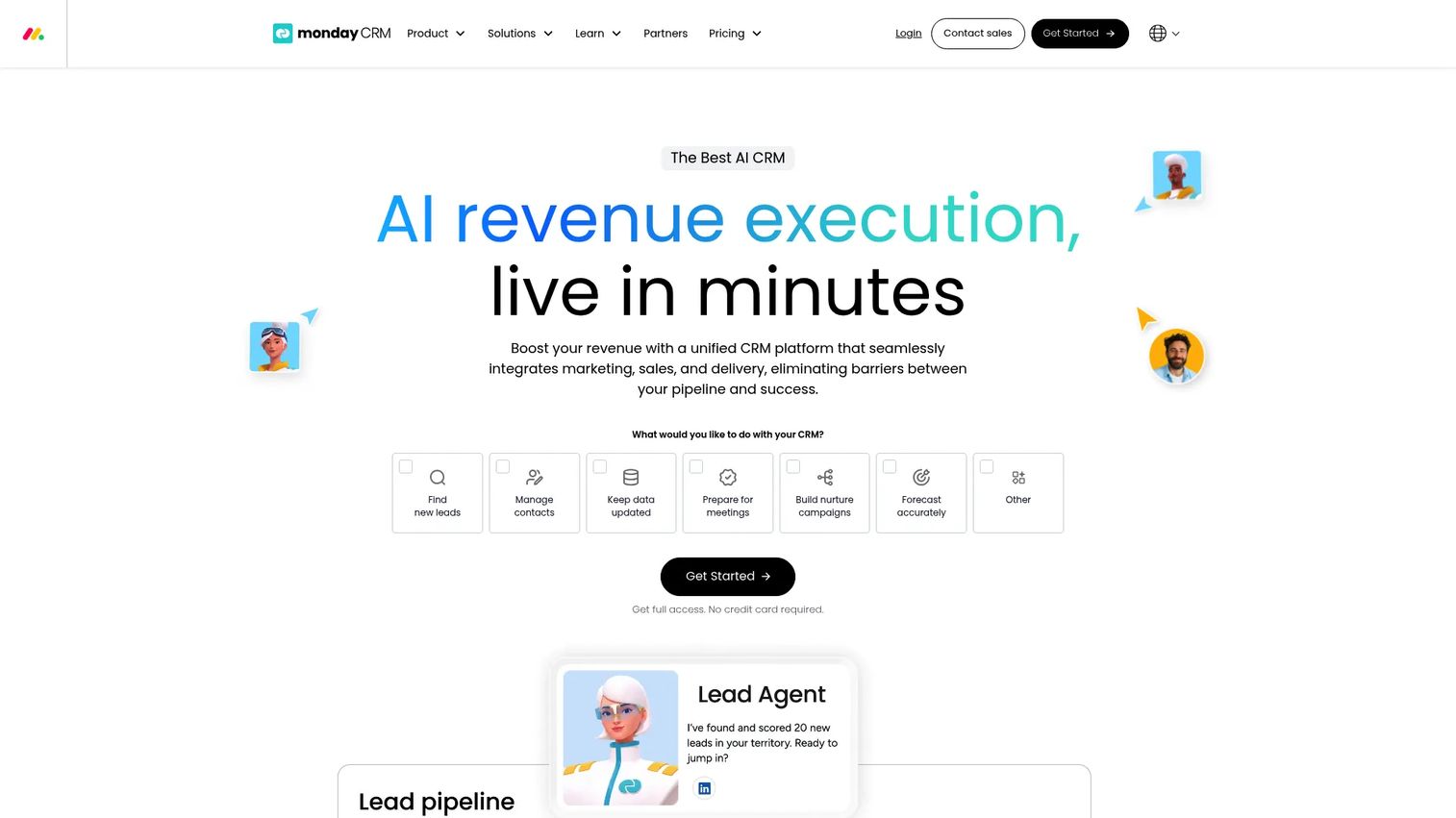
Monday CRM combines configurable sales pipelines with communication tracking and revenue reporting. It suits teams that want control over how their working views are organized. Contact records sit within a visual sales workflow.
Best for: Revenue teams that want adaptable pipeline views and shared activity context.
Key features
- Lead sourcing and capture
- Email activity tracking
- Call and meeting records
- Sales pipelines
- Dashboards and forecasting
A visual workflow is useful only if its structure stays consistent. Agree on how the team records a person versus a company before building custom views.
During evaluation, give an AE a scenario with several stakeholders at the same account. Ask them to locate the latest interaction and update the next commitment.
Then review the resulting information from a manager’s perspective. Test whether the dashboard answers a forecast question without requiring manual interpretation of each record.
The minimum subscription size matters for smaller teams. Include all required seats when comparing costs, even if fewer people will actively sell. Also ask who owns changes to the workflow once the initial setup is complete.
Why choose Monday CRM: Choose it when your team values configurable working views and will maintain a shared structure. Test contact history as closely as the visual pipeline.
Monday CRM pricing: Basic costs $12 per seat monthly, billed annually, with a three-user minimum. A 14-day trial is available.
G2 rating
14. Airtable
Airtable is a no-code platform for building databases and business applications. Contact management is a workflow you design within it. That flexibility suits operators whose relationship data doesn’t fit a conventional sales CRM structure.
Best for: Teams that want a custom contact management database and can own its design.
Key features
- Configurable databases
- Workflow automations
- Interface builder
- Reporting
- Governance controls
Start by defining the relationships between people and accounts. Add opportunities only if your process needs them, with clear rules for how records connect.
The design responsibility is the central consideration. Your team must decide what constitutes an activity and how a follow-up becomes visible. Evaluate those mechanics before spending time polishing dashboards.
Airtable is especially worth considering when a spreadsheet already reflects a distinctive operating process. Preserve the useful structure, then identify the manual steps that need automation.
Assign a long-term owner for the application. Custom software to manage contacts needs maintenance as sales processes change, even when no code is involved. Ask how new users will learn the workflow without relying on its original builder.
Why choose Airtable: Choose it when database flexibility matters more than adopting a predefined sales process. Budget internal ownership alongside the subscription.
Airtable pricing: A Free plan is available. Team costs $20 per user monthly and Business $45, billed annually.
G2 rating
15. Contacts+
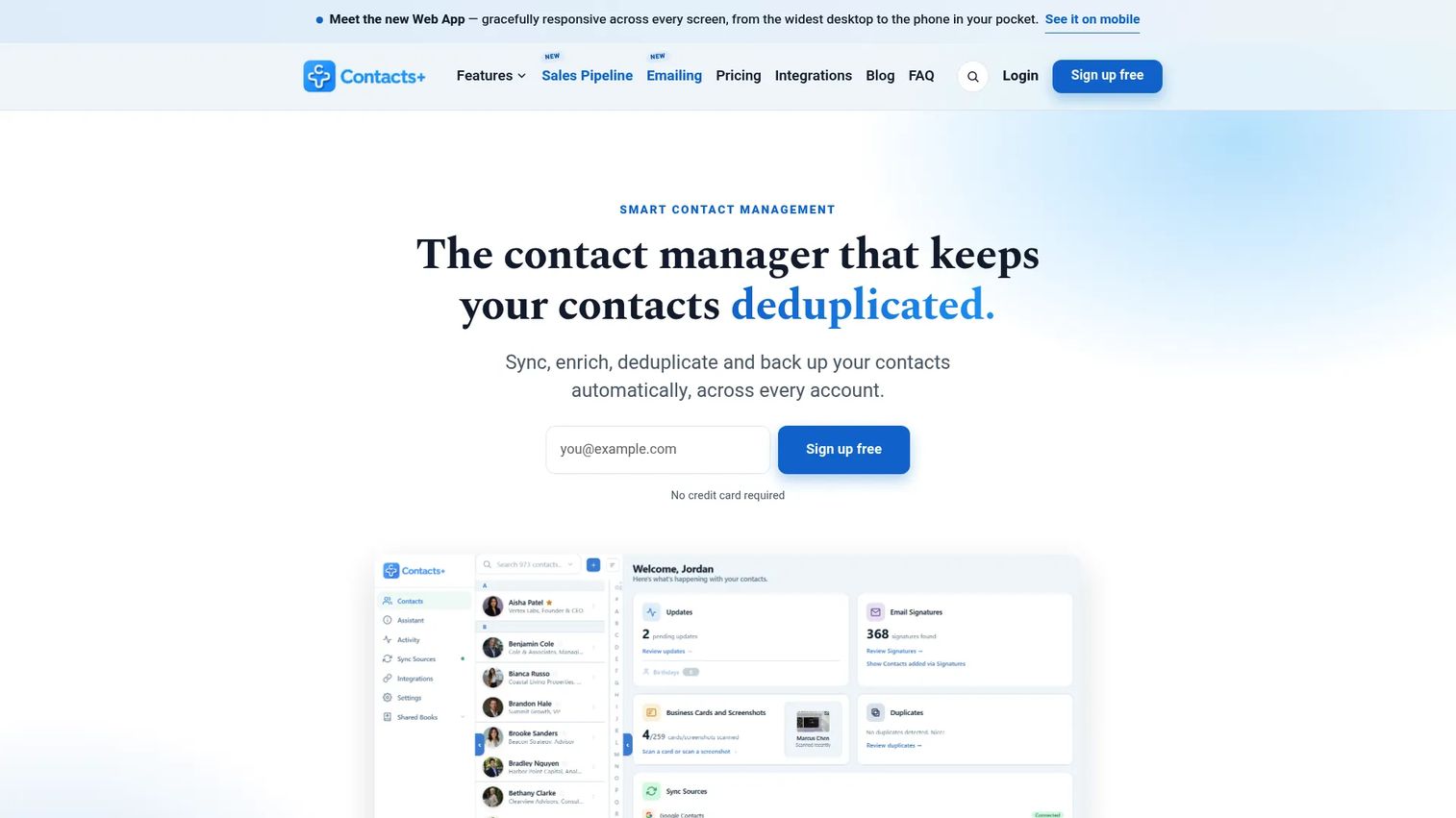
Contacts+ focuses on contact synchronization and cleanup across accounts and devices. Enrichment and duplicate merging address fragmented address books directly. Shared team records extend that model beyond an individual contact manager.
Best for: Professionals and small teams whose primary problem is inconsistent contact information across accounts.
Key features
- Cross-account contact synchronization
- Duplicate detection and merging
- Contact enrichment
- Business-card and image scanning
- Shared team address books
Begin your evaluation with the sources that currently disagree. A phone address book and a business email account provide a useful starting point.
Check what happens when information changes in one source. Review merge behavior carefully before applying cleanup to your entire database. Keep an export available while testing.
Contacts+ also documents follow-up reminders and sales pipeline management. If you’re replacing a sales CRM, evaluate those functions against your forecasting and reporting requirements separately.
Team usage introduces another question. Decide whether every employee should see the same contacts or whether ownership and access differ. Shared address books need a clear policy for maintaining customer information when someone leaves.
Why choose Contacts+: Choose it when syncing and deduplication are the immediate priorities. Treat broader revenue reporting as a separate requirement during evaluation.
Contacts+ pricing: Free includes one-account sync and 1,000 contacts. Premium costs $9.99 monthly with annual billing or $13.99 monthly; Teams costs $12.99/user monthly annually or $17.99 monthly.
G2 rating
Considerations when choosing contact management software
Contact data quality
Test an import containing duplicate names and conflicting company details. Inspect which information survives a merge and who can correct it. Your contact management database needs a cleanup process after launch, not just during migration.
Workflow fit
Have reps complete their normal follow-up work using their existing inbox and calendar. Include mobile updates if they sell in the field. Count the manual steps the proposed system removes, alongside any new administration it introduces.
Follow-up and activity tracking
Create an account with separate commitments from a champion and procurement. Check whether each action has an owner and deadline. Activity tracking should help explain the next step, rather than simply accumulate a long timeline.
Scalability and permissions
Review access rules with the people responsible for territories and customer data. Test ownership transfers and exports before signing. Confirm that retained records remain usable when a rep changes teams or leaves the company.
Pricing and upgrade path
Calculate the package required for your workflow, including seat minimums and add-ons. Ask which requirements trigger a higher tier. Compare annual commitments with the cost of changing tools if the pilot reveals a poor fit.
Choose the contact workflow you need to fix first
The best contact management software depends on where your team loses context.
HubSpot CRM and Zoho CRM deserve consideration when you want a broader sales foundation. Bigin by Zoho CRM and Less Annoying CRM suit smaller operations seeking a focused starting point.
Pipedrive fits activity-led selling. Copper belongs on the shortlist for Google Workspace teams. Airtable supports custom database design, while Contacts+ addresses scattered address books and contact syncing.
Start with a specific problem. Perhaps your team loses stakeholder context, misses follow-ups, or spends too long preparing account updates. Choose a small set of tools that address that problem and run the same account through each.
Include the person who will maintain the system after purchase. Before committing, test an export and review the complete subscription cost.
Your final choice should make the next buyer conversation easier to prepare for. That is a more useful outcome than owning the longest feature list.
Start your journey with Guideflow today!
For a separate project, Guideflow creates interactive product experiences for sales follow-ups, customer onboarding, partner enablement, and website education.
Start your journey with Guideflow today!
FAQs
Bigin by Zoho CRM and Less Annoying CRM are useful starting points for small businesses seeking a focused sales process. HubSpot CRM suits teams that want a free foundation with broader capabilities available later. Airtable fits businesses willing to design their own database and follow-up workflow. Choose small business contact management software around ownership and daily usage before comparing advanced features.
Contact management software organizes people and companies alongside communication history and follow-ups. A CRM extends those records into revenue workflows, including opportunities and forecasting. Many products combine both, so the distinction is about scope rather than a fixed product boundary. Choose a full CRM when relationships need to support an organized sales process, not merely a searchable contact list.
Yes, a spreadsheet can work for a small list with a clear owner and few ongoing interactions. Reconsider it when colleagues maintain conflicting versions or important commitments live outside the file. Before migrating, document which information the team needs to preserve and who updates it. A new system will still need those rules, even if it adds automation and reminders.
Start with searchable records, custom fields, import controls, and reliable exports. Evaluate communication synchronization and reminders against the way your team follows up. Sales teams should also test how contacts connect to opportunities, particularly when several stakeholders influence the same purchase. Mobile access and permissions deserve attention if your work involves field selling or sensitive account information.
A free plan can work when its user allowance and capabilities cover your current process. Test the requirements that would trigger an upgrade, including automation or access controls. Compare the cost of that future package before loading your entire contact database. The useful question is whether the plan supports a repeatable workflow, rather than whether you can store names without paying.
It keeps buyer relationships and next steps accessible during an active deal. An AE can review which stakeholder made a commitment and what remains unresolved before the next meeting. Shared records also support handoffs without requiring every colleague to search through separate notes. Forecast discussions become better grounded when the account history explains buyer progress rather than recording activity alone.
Copper is a strong candidate because Google Workspace integration is central to its positioning. Nimble also documents Google Workspace integration and offers a relationship-focused approach. Test the precise inbox and calendar workflow your sellers use, including what happens when account ownership changes. Evaluate daily usage rather than treating the presence of an integration as proof that the entire process fits.
Export your existing data and keep an untouched backup before making changes. Clean duplicates, standardize company names, and map fields to the new system’s structure. Import a small batch first, then inspect ownership and relationships between records. Before the full migration, test an export from the destination to confirm that your information remains usable outside the application.