



You need a cartoon clip for a campaign by Friday. Your options look like a mess. Some tools promise a full 2D animation studio you will never have time to learn. Others hand you templates that ship in an hour but stop short of real character work. Picking wrong burns the exact days you do not have.
The stakes are not small. The global animation software market reached USD 151.88 billion in 2025 and is projected to hit USD 212.00 billion by 2035, according to Precedence Research (2025). That growth means more tools every quarter, and more noise to cut through when all you want is a usable cartoon fast.
The real problem is not choice. It is matching the tool to the job. A marketer shipping social ads has different needs than a studio building a 20-minute short. This guide sorts seven cartoon maker software tools by what they are actually built for, so you stop guessing.
What's inside
This guide covers seven cartoon maker software tools for marketers, creators, and small teams that need animated visuals without a full motion department. You will get a side-by-side comparison table, a plain definition of the category, and a per-tool breakdown with pricing and ratings.
We chose tools on four criteria:
- Ease of use and learning curve
- Character creation and animation depth
- Export and sharing options (video, GIF, social formats)
- Free or trial access, plus marketing fit
TL;DR
- Best for professional 2D animation: Toon Boom, the studio standard for rigging, compositing, and storyboards
- Best for deep character rigging and motion workflows: Reallusion Cartoon Animator, with motion capture and PSD pipelines
- Best free cartoon animation software: Animiz, drag-and-drop with a genuine free tier
- Best for quick branded cartoon content: Canva, template-driven with a built-in cartoon character creator
- Best for simple web-based creative workflows: Adobe Express, fast cartoon-style output inside a familiar suite
- Best for fast video-first animated output: Renderforest, AI and templates for explainer clips
- Best for business explainer style assets: Vyond, character-driven scenes built for internal and marketing video
What is cartoon maker software?
Cartoon maker software is any tool that helps you create cartoon-style visuals, animated characters, or short cartoon videos through templates, character builders, timelines, or full animation workflows. The category spans two ends. On one side sit simple cartoon video maker tools that lean on templates and drag-and-drop. On the other sit deep 2D animation software packages built for frame-level control and studio production.
The gap matters for marketers. A cartoon character creator inside a design tool gets you a branded clip in an afternoon. A full animation suite gets you total control but expects a steeper investment of time. Neither is wrong. They solve different jobs.
Most cartoon maker software shares a common set of features:
- Character creation: prebuilt or custom cartoon characters you can pose and reuse
- Templates: ready-made scenes, intros, and layouts to start from
- Timeline editing: sequencing scenes, motion, and audio
- Animation controls: keyframes, transitions, lip sync, and motion presets
- Voiceover and captions: narration and on-screen text for accessibility
- Export and publishing: output as MP4, GIF, or social-ready formats
The heavier animation software adds rigging, compositing, motion capture, and PSD or vector import. Lighter cartoon animation software leans on AI and templates to compress production time. Knowing which end of that spectrum your project needs is the whole decision.
When to use cartoon maker software
Create social and ad creatives faster
Static posts blend into the feed. A short animated cartoon stops the scroll and communicates a message in seconds. When you need repeatable creative for paid social, organic posts, or display ads, a template-driven cartoon video maker lets you ship variations without a designer in the loop. You can swap copy, colors, and characters per campaign and keep testing.
Build explainer videos and product stories
Some concepts resist a screenshot. A cartoon walkthrough turns an abstract feature or workflow into a simple narrative a prospect actually follows. Explainer-style cartoons work well on landing pages, in nurture emails, and in pitch decks. They compress a complicated idea into 60 seconds that a viewer remembers.
Produce training or educational clips
Onboarding decks get skipped. Animated clips get watched. When your team needs reusable content for internal training, customer onboarding, or tutorials, cartoon maker software lets you build once and reuse across cohorts. Characters and scenes stay consistent, so every new hire or customer sees the same clear story.
Comparison table
Here is the shortlist at a glance. Tools are ordered by relevance to the cartoon maker keyword, from deep 2D animation software down to fast template-driven output. Start with the row that matches your job, not the highest rating.
| # | Product | Best for | Key differentiator | Pricing | G2 rating |
|---|---|---|---|---|---|
| 1 | Toon Boom | Studios and artists on professional 2D animation | Rigging, compositing, and storyboard tools | From $30/mo | 4.7/5 |
| 2 | Reallusion Cartoon Animator | Character-driven 2D animation and motion work | Motion capture and PSD to After Effects pipeline | Perpetual license | Not listed |
| 3 | Animiz | Simple free cartoon videos and GIFs | Drag-and-drop with a free tier | Free plan available | 4.4/5 |
| 4 | Canva | Quick branded cartoon content | Template library and cartoon character creator | Free; Pro $144/yr | 4.7/5 |
| 5 | Adobe Express | Fast web-based creative output | Cartoon-style assets inside the Adobe suite | Free; Premium $9.99/mo | 4.5/5 |
| 6 | Renderforest | Video-first animated explainer output | AI video generation and templates | Free; Lite from €7/mo | 4.7/5 |
| 7 | Vyond | Business explainer and training video | Character-driven business scenes | From $58/mo | 4.7/5 |
If you produce broadcast or studio work, start at the top. If you ship marketing content weekly, the middle and bottom of the list will move faster.
Best cartoon maker software for 2026
1. Toon Boom
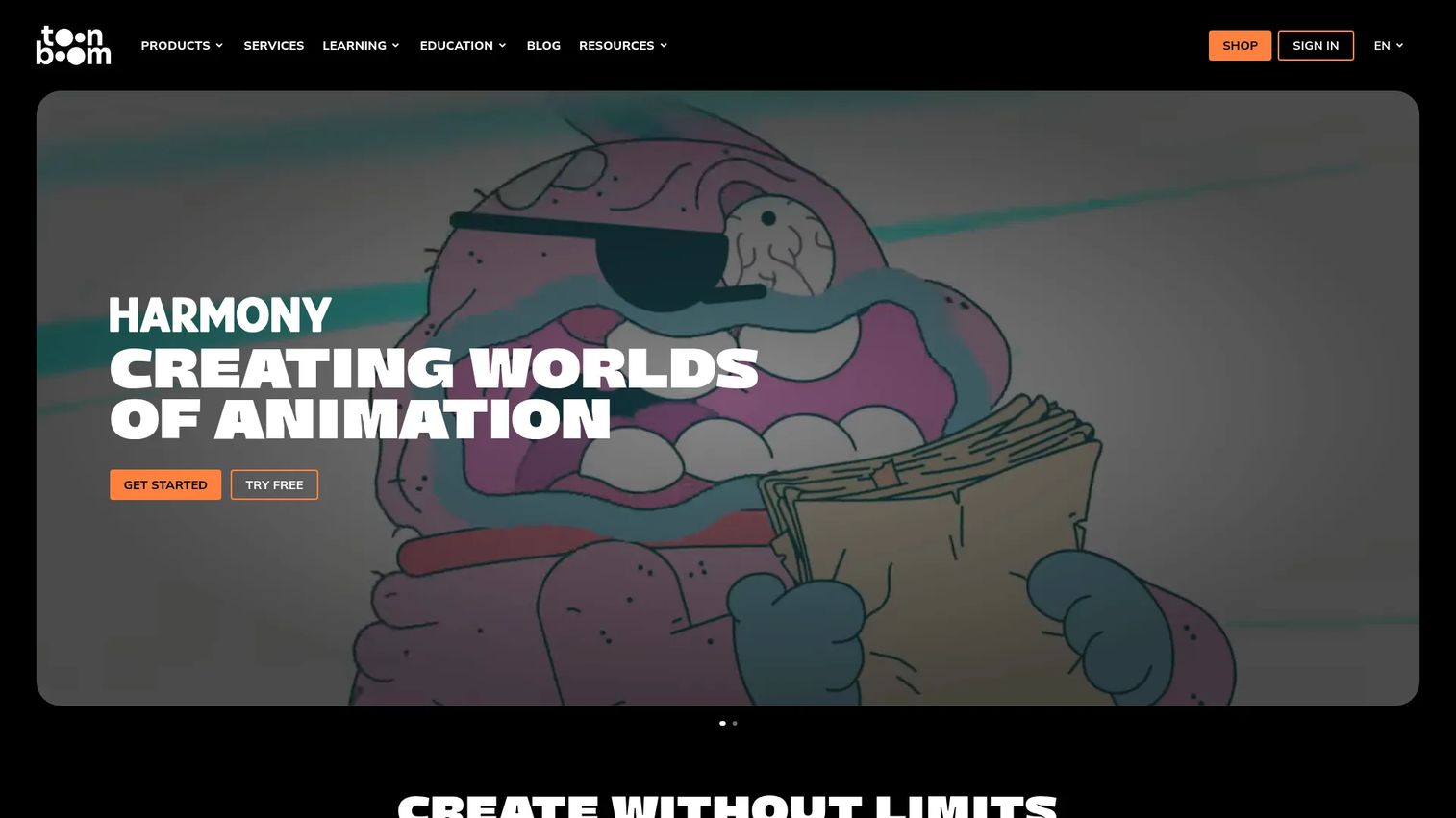
Toon Boom is the professional standard for 2D animation and storyboarding, used across studios, freelancers, and schools. Its Harmony and Storyboard Pro tools cover the full production pipeline, from pre-production boards to rigging, compositing, and final animation. This is animation software built for people who animate for a living, not a template shortcut.
If your output needs frame-level control, character rigs, and studio-grade compositing, Toon Boom is the deep end of the pool. Marketers rarely need this much, but teams producing serious animated content will find the depth pays off.
Best for: Studios and artists who need professional 2D animation and storyboard software.
Key features
- 2D animation tools with frame-level control
- Storyboard and animatic creation
- Rigging and compositing
- Full pre-production to final animation pipeline
Why choose Toon Boom: Pick it when animation is the deliverable, not a side task. The tradeoff is a real learning curve, so it fits teams ready to invest in the craft rather than ship a one-off clip.
Toon Boom pricing: Harmony Essentials starts at $30 per month, with Harmony Advanced at $77 per month and Harmony Premium at $139 per month. Storyboard Pro runs $87 per month. Yearly and multi-year plans are available, and a free trial lets you test before committing.
Toon Boom holds a 4.7 out of 5 rating on G2.
2. Reallusion Cartoon Animator
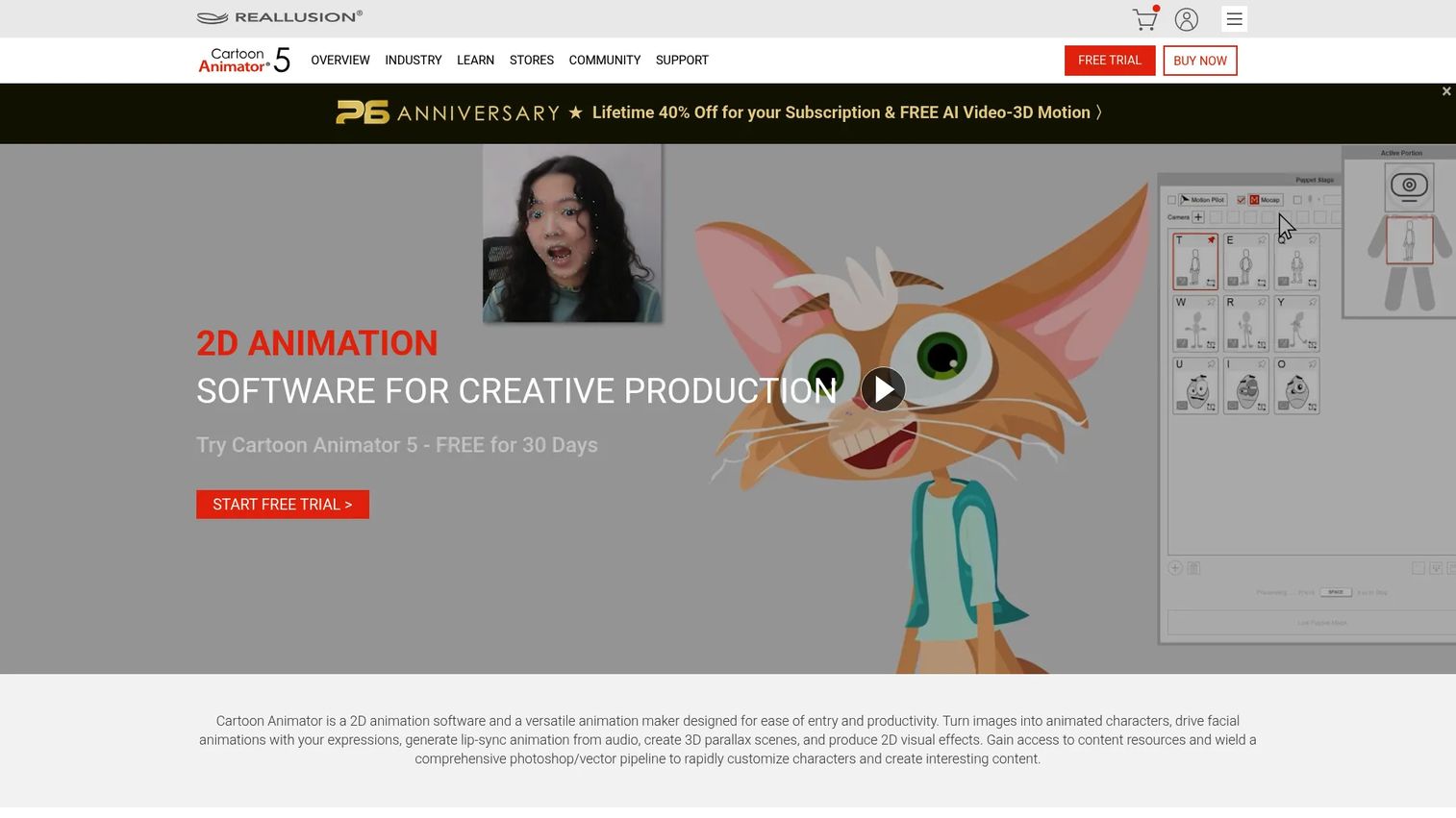
Reallusion Cartoon Animator turns images into animated characters and builds cartoon scenes with motion capture and lip sync. Its standout is the character pipeline: 360-head design, PSD support, and export to After Effects. You can capture facial motion with a webcam or iPhone, then apply it to your characters. That makes character-driven output much faster than hand-keying every frame.
For marketers or teams where the character carries the message, Cartoon Animator sits between template tools and full studio software. You get real animation depth without building rigs from scratch.
Best for: Teams and creators making 2D animated videos, explainers, and character-based content.
Key features
- 2D motion capture with webcam and iPhone facial mocap
- Character creation and 360-head design
- PSD and vector pipeline with export to After Effects
- Lip sync and motion editing
Why choose Reallusion Cartoon Animator: Choose it when characters and their movement are the point. It fits creators who want motion capture and a Photoshop-friendly workflow without committing to a full animation suite.
Reallusion Cartoon Animator pricing: Cartoon Animator 5 is sold as a perpetual license rather than a subscription, and the purchase comes with a 14-day money-back guarantee. Check the Reallusion store for current license and add-on figures.
3. Animiz
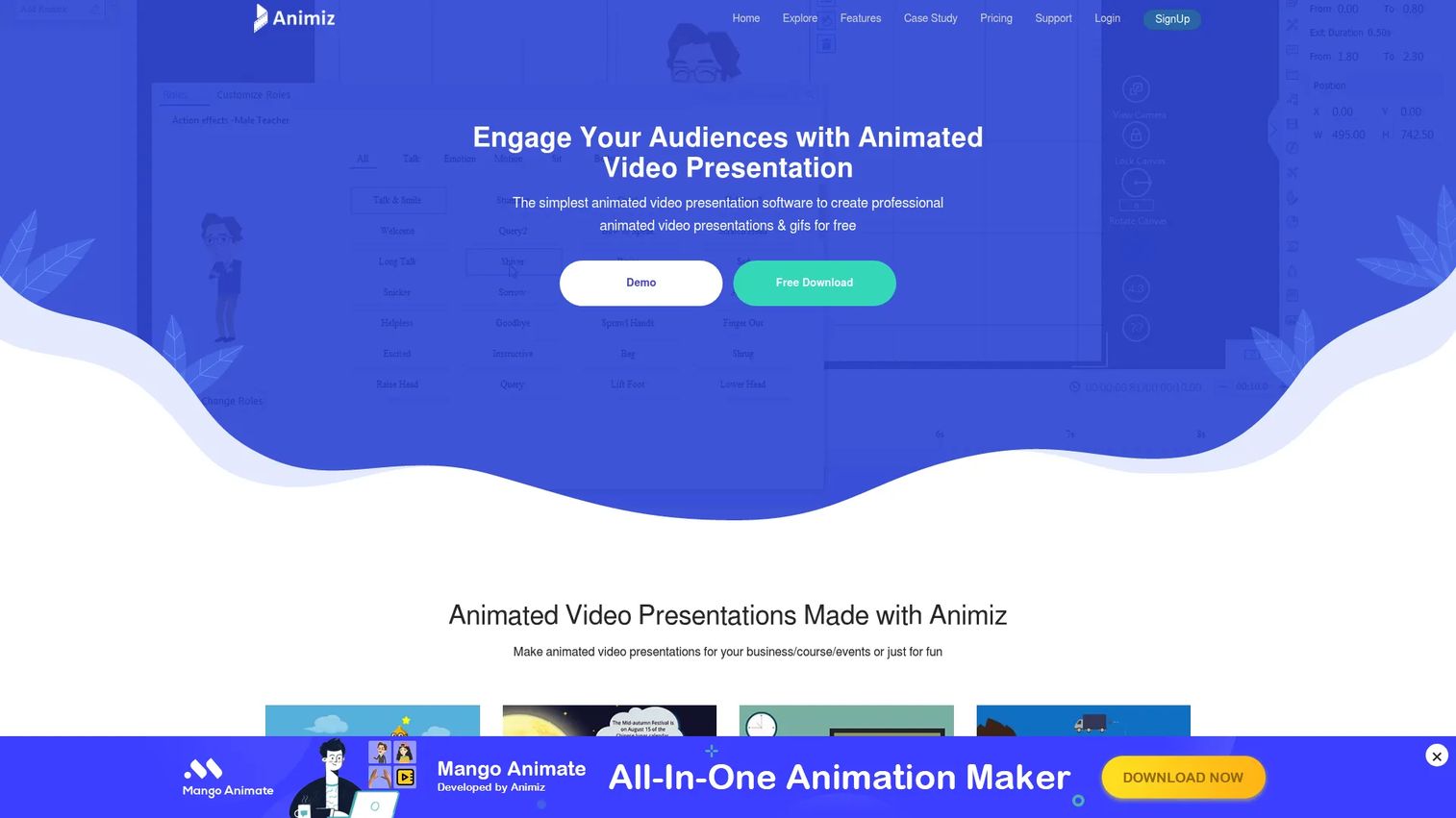
Animiz is animated video presentation software built for speed and accessibility. It creates animated videos and GIFs through drag-and-drop editing, animation effects, and scene transitions. You can import PowerPoint files directly, which shortens the jump from an existing deck to an animated clip. For anyone who wants free cartoon maker capability without a steep entry, it is a practical starting point.
The workflow leans on timelines and prebuilt effects rather than frame-by-frame control. That keeps it fast for social clips, short explainers, and quick internal content.
Best for: Teams needing simple animated video and GIF creation with a free tier.
Key features
- Drag-and-drop editing
- PowerPoint (.pptx) import
- Animation effects and scene transitions
- Export as video or GIF
Why choose Animiz: Pick it when budget is tight and speed matters more than deep character rigging. It suits marketers and small teams who want to publish an animated clip today, not learn a studio tool first.
Animiz pricing: Animiz offers a free plan at $0, alongside Standard, Professional, and Enterprise tiers for teams that need more. The free tier covers basic animated video and GIF creation.
Animiz holds a 4.4 out of 5 rating on G2.
4. Canva
Canva builds cartoon creation into the design platform millions of marketers already use. Its Character Creator lets you build custom cartoon characters, and its template library and drag-and-drop editor turn a blank canvas into a branded animated clip in minutes. Because animation, design, and export live in one place, you skip the tool-hopping that slows most cartoon work.
For growth marketers, this is the low-friction option. You get cartoon templates, animation effects, and social-ready export without leaving a workflow you know. It will not replace a studio suite, but it ships branded content fast.
Best for: Teams and individuals needing a simple, template-driven design tool with a cartoon character creator.
Key features
- Drag-and-drop design editor
- Templates and stock content library
- Cartoon Character Creator
- AI-assisted design tools
Why choose Canva: Choose it when brand consistency and speed beat animation depth. It fits marketers who need cartoon-style social posts, ads, and presentations without adding a specialist tool to the stack.
Canva pricing: Canva Free is $0 per year. Canva Pro runs $144 per year for one person, Canva Business is $250 per year per person, and Enterprise pricing is quote-based.
Canva holds a 4.7 out of 5 rating on G2.
5. Adobe Express
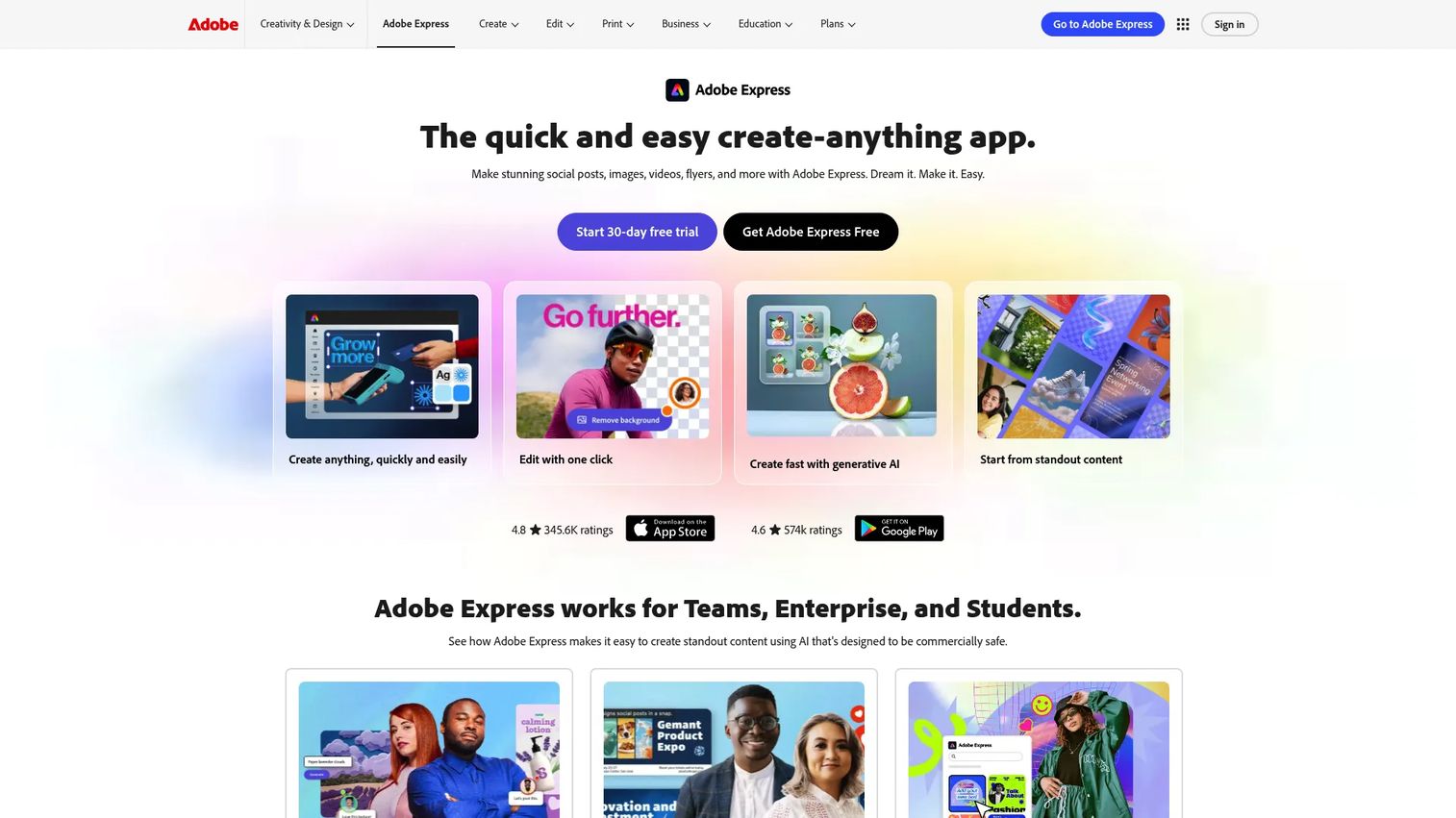
Adobe Express is Adobe's web-based design tool for creating branded content quickly, including cartoon-style graphics and short animated clips. It offers templates for social posts, flyers, and presentations, plus quick actions like background removal and generative AI features. For teams already inside the Adobe world, it keeps brand assets and creative work in one place.
The pull here is workflow fit. If your designers already use Adobe tools, Adobe Express produces cartoon-style output without forcing anyone to learn a separate stack. It favors speed and brand consistency over frame-level animation control.
Best for: Teams and individuals creating branded marketing content quickly inside the Adobe suite.
Key features
- Templates for social posts, flyers, and presentations
- Background removal and quick actions
- Photo, video, and document editing
- Generative AI features
Why choose Adobe Express: Pick it when you are already an Adobe shop and want simple animated assets without a new tool. It fits marketers who value brand consistency and fast turnaround over deep animation.
Adobe Express pricing: The Free plan is $0. Premium is $9.99 per month, Teams runs $7.99 per month per license on an annual plan after a first-year discount, and Enterprise pricing is quote-based.
Adobe Express holds a 4.5 out of 5 rating on G2.
6. Renderforest

Renderforest is an AI creative platform for making videos, including template-based and AI-generated animated clips. It covers explainer-style video, logo and design tools, and even website building, which makes it a broad option for teams that want ready-made visual assets fast. The video-first approach suits marketers producing explainer clips and social content on a schedule.
You start from templates and let AI video generation carry the heavy lifting. That trades frame-level control for speed, which is often the right call for campaign content that needs to ship weekly.
Best for: Teams and creators needing an all-in-one AI content and video production tool.
Key features
- AI video generation and template-based video creation
- AI website builder and drag-and-drop site creation
- Logo, mockup, and design tools
- Explainer-style output
Why choose Renderforest: Choose it when video-first, template-driven output is the goal and you want AI to speed production. It fits marketers who need explainer clips fast rather than custom character animation.
Renderforest pricing: A free plan is available. Paid tiers start with Lite at €7 per month, Pro at €17 per month, and Business at €39 per month, with monthly and yearly billing options.
Renderforest holds a 4.7 out of 5 rating on G2.
7. Vyond
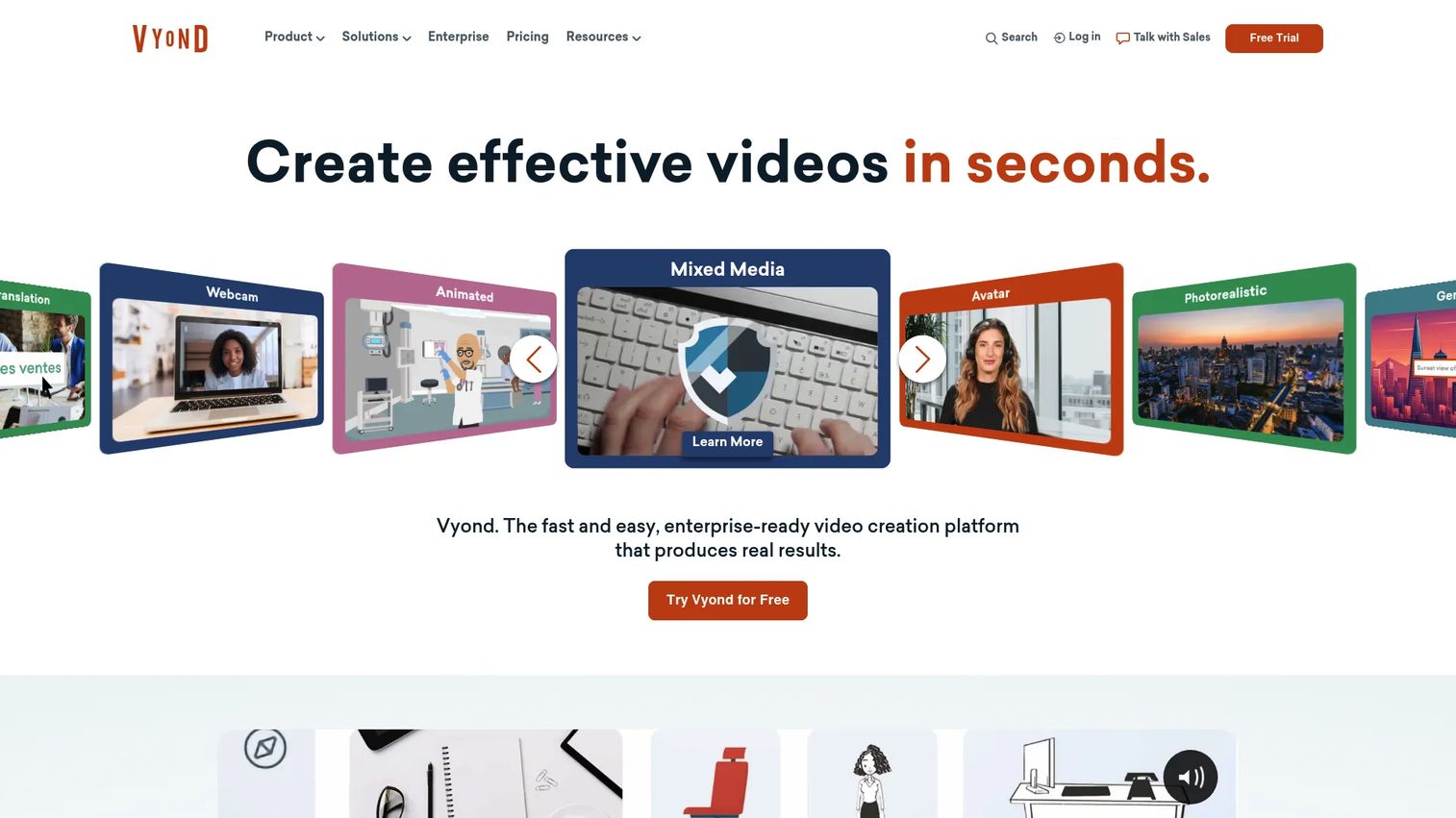
Vyond is an AI video creation platform built for business, with a focus on animated explainer and training content. It supports character-driven scenes, text-to-video generation from a doc, script, or URL, plus AI avatars and screen recording. For teams producing internal training, marketing explainers, or onboarding video at scale, the business framing shows in the feature set.
This is not studio-grade animation, and it does not pretend to be. It is built to turn business content into character-based animated video efficiently. That makes it a strong fit for enablement and marketing teams rather than professional animators.
Best for: Teams creating branded training, marketing, or internal explainer videos at scale.
Key features
- AI avatars and tools
- Text-to-video from doc, script, or URL
- Screen and webcam recording
- Character-driven business scenes
Why choose Vyond: Choose it when your output is business explainer and training video, not artistic animation. It fits enablement and marketing teams that need character-driven scenes with a business focus.
Vyond pricing: The Starter plan is $58 per month billed annually for a single user. Professional is $100 per month per user, Enterprise is $137 per month per user, and Agency is $167 per month per user, all billed annually.
Vyond holds a 4.7 out of 5 rating on G2.
Considerations
Before you commit budget, run each tool against these five checks. The right answer depends on the job, not the feature count.
Ease of use and learning curve
Ask how long it takes to ship your first usable clip. Template-driven tools like Canva and Adobe Express get you there in an afternoon. Full animation software like Toon Boom rewards the investment but expects weeks of practice. Match the curve to the deadline you actually have.
Character creation depth
Decide whether you need reusable custom characters or prebuilt ones will do. A cartoon character creator inside a design tool covers most marketing needs. Reallusion Cartoon Animator and Toon Boom go deeper with rigging and motion capture when the character carries the story.
Animation controls and export formats
Check that the tool exports what your channels need, whether that is MP4 for landing pages, GIF for email, or vertical formats for social. Confirm the animation controls match your ambition, from simple transitions to keyframe-level timing. Export as GIF or video should be a given, not a paywalled extra.
Free plan or trial access
Test before you buy. Animiz, Canva, Adobe Express, and Renderforest all offer free tiers so you can validate fit on a real project. Toon Boom offers a trial. Use the free path to confirm the tool ships your actual content before the invoice arrives.
Team use and collaboration
If more than one person touches the creative, check for shared workspaces, brand controls, and per-seat pricing that scales. Some tools price per user, which changes the math fast as the team grows. Confirm the plan fits how your team actually works together.
Conclusion
The best cartoon maker software depends entirely on the job in front of you.
For deep professional animation, Toon Boom is the studio standard. For advanced character workflows with motion capture, Reallusion Cartoon Animator gives you depth without a full suite. For free and simple cartoon videos, Animiz ships fast with a genuine free tier.
For fast marketing output, Canva and Adobe Express both turn branded ideas into cartoon-style content in an afternoon, especially if you are already in their workflows. For template-led explainer content, Renderforest and Vyond move quickest, with Vyond leaning toward business training and marketing video.
Pick based on your deadline, your character needs, and your export formats. Start with a free plan or trial where one exists, build one real clip, and confirm the fit before you buy. The tool that ships your content on time beats the one with the longest feature list.
FAQs
Canva and Adobe Express are the easiest starting points because both use drag-and-drop editing and large template libraries. You can build a branded cartoon clip in an afternoon without any animation background. Animiz is also beginner-friendly and adds a free tier for testing.
Yes. Animiz offers a genuine free plan, and Canva, Adobe Express, and Renderforest all include free tiers with cartoon-style output. Toon Boom offers a free trial rather than a permanent free plan. Use the free path to validate a real project before paying.
Cartoon maker software leans on templates, character builders, and drag-and-drop workflows to ship visuals fast. Full animation software like Toon Boom adds rigging, compositing, and frame-level control for studio production. The first prioritizes speed, the second prioritizes total control.
Canva, Adobe Express, Renderforest, and Vyond fit marketing best. Canva and Adobe Express win on branded social content and speed, Renderforest on template-driven explainer video, and Vyond on character-driven business and training clips. Choose based on your channel and turnaround.
Yes. Canva's Character Creator and Reallusion Cartoon Animator both let you build cartoon characters without drawing. Canva uses prebuilt parts you customize, while Cartoon Animator turns images into animated characters and adds motion capture. Neither requires you to draw from scratch.
Animiz publishes directly as video or GIF, which suits social and email. Canva, Adobe Express, Renderforest, and Vyond all export video in common formats like MP4. Confirm the exact formats and any tier limits on the vendor's plan page before you commit.
Yes. Explainer video is one of the strongest use cases for the category. Vyond and Renderforest are built around explainer-style output, while Reallusion Cartoon Animator suits character-driven explainers. A short animated clip turns an abstract concept into a story viewers remember.
Toon Boom is the professional standard for 2D animation, with rigging, compositing, and storyboard tools used across studios and schools. Reallusion Cartoon Animator is a strong second for character-focused work with motion capture. Both expect more time to learn than template-driven tools.










