A new engineer joins your team. HR creates the record. IT opens a ticket. Someone manually provisions the SaaS tools. Three days later, she still can't access the staging environment, and your activation metrics take the hit.
That scenario plays out constantly in organizations where identity, access, and lifecycle management run through disconnected systems. According to a 2025 Ponemon Institute study commissioned by IDPro, 50% of organizations experienced an identity-related incident in the prior 12 months. Most of those incidents trace back to fragmented provisioning, stale accounts, or inconsistent access controls.
Cloud directory services centralize workforce identities, access policies, and lifecycle events across applications, devices, and hybrid infrastructure. For Product Managers, the stakes go beyond IT efficiency: SSO configuration, SCIM provisioning, and role mapping shape activation rates, time to first value, and how much engineering bandwidth gets consumed by one-off identity exceptions.
This guide compares 10 platforms so you can evaluate fit before a customer security review forces the conversation.
What's inside
This guide is for IT leaders, engineering managers, and Product Managers evaluating cloud-based directory services for workforce identity management in 2026.
- What we cover: The difference between cloud directories, IAM suites, and service discovery tools
- How tools were selected: Cross-platform coverage, lifecycle automation depth, SSO and MFA completeness, and integration fit with HR and SaaS stacks
- Selection criteria used:
- Identity lifecycle automation
- SSO, MFA, and access policy depth
- Hybrid and cross-platform support
- Integration fit with HR, endpoint, and SaaS systems
TL;DR
- Best overall for cross-platform identity and device management: JumpCloud covers users, devices, and access in a single operating model, without requiring separate MDM and directory tools
- Best for Microsoft-first organizations: Microsoft Entra ID connects tightly to Microsoft 365, Azure, and hybrid Active Directory with strong conditional access controls
- Best for broad SaaS SSO and enterprise workforce identity: Okta Workforce Identity Cloud offers the widest application catalog and mature lifecycle management
- Best for Google Workspace-centric organizations: Google Cloud Identity fits organizations where Google is already the employee identity foundation
- Best for flexible enterprise identity orchestration: PingOne for Workforce suits large teams that need adaptive authentication and risk-aware access policies
- Best free-tier entry point: Zoho Directory offers a free plan for up to 10 users, making it practical for small teams already using Zoho apps
What are cloud directory services?
A cloud directory service is a hosted system that stores and manages workforce identities, groups, credentials, access policies, and lifecycle events across cloud applications, devices, and hybrid infrastructure.
Unlike traditional on-premises Active Directory, cloud directories extend identity controls to SaaS applications, remote workers, and multi-platform device fleets without requiring you to maintain directory infrastructure in your own data center.
What a cloud directory manages
- Users, groups, and roles: Centralized identity records with attributes, group memberships, and entitlements
- Authentication and authorization: Credential verification and access decisions at login
- Single sign-on (SSO) and multi-factor authentication (MFA): Federated access across SaaS apps with step-up authentication controls
- User provisioning and deprovisioning: Automated account creation, modification, and removal driven by HR events or directory changes
- Application access and policy enforcement: Which users can reach which resources, under which conditions
- Endpoint and device relationships: Device trust signals used to make or restrict access decisions
- Directory synchronization: Keeping cloud identities in sync with existing Active Directory or LDAP environments
Cloud directories vs. traditional Active Directory
Active Directory remains common for Windows domain management and on-premises infrastructure. Cloud directory services extend that model outward: They reach SaaS applications, remote employees, macOS and Linux endpoints, and hybrid cloud resources where traditional AD requires additional infrastructure to follow. Most organizations run both during hybrid transitions, synchronizing identities rather than replacing AD overnight.
Cloud directories vs. cloud-native service discovery
These two terms appear in the same search results but solve completely different problems. Workforce cloud directories manage people, groups, devices, and access. Cloud-native service discovery manages service endpoints, namespaces, and application-to-application routing in distributed systems. This article ranks workforce identity directory services only.
Core capabilities to look for
- SSO and federation support (SAML, OpenID Connect)
- MFA and passwordless authentication options
- SCIM and HR-driven provisioning workflows
- Directory synchronization and LDAP support
- Conditional access policies tied to device posture or risk signals
- Endpoint and device management integrations
- Audit logging and identity governance controls
When to use cloud directory services
Centralize identity across SaaS and internal tools
When your team manages access to a dozen SaaS applications through separate admin consoles, onboarding delays become structural. A cloud directory creates a single provisioning point: Add a user, assign a group, and access flows automatically. For PMs, this reduces the setup friction that pushes new enterprise users toward support tickets instead of activation.
Support enterprise customer requirements in your product
Enterprise buyers evaluate SSO, SCIM provisioning, and audit logging before they sign contracts. PMs who understand these requirements early can design role mapping and admin controls into the product roadmap rather than scrambling to ship them during a security review. The cost of retrofitting identity infrastructure after a deal is in progress is high in both engineering hours and deal risk.
Replace manual provisioning and offboarding
Spreadsheet-led access management creates two concrete risks: Delayed provisioning slows activation, and missed deprovisioning leaves stale accounts active after employees leave. Cloud directory services connect HR events directly to access creation and revocation, which reduces both error rates and the manual overhead IT carries between lifecycle events.
Manage hybrid teams and mixed device fleets
Remote teams on Windows, macOS, and Linux require identity controls that follow the user rather than the domain. The right platform depends on whether your primary constraint is identity, device management, or SaaS access, since coverage varies across vendors. Evaluate operating system support explicitly before committing.
Cloud directory services comparison
The table below gives a first-pass view of all 10 platforms. Pricing is verified against official vendor pages as of October 2026. G2 ratings reflect live listings at the same date. Confirm both before purchase, as figures change.
| # | Product | Best for | Key differentiator | Pricing | G2 rating |
|---|---|---|---|---|---|
| 1 | JumpCloud | Cross-platform IT teams | Unified identity, access, and device management | From $3/user/month | 4.5/5 |
| 2 | Microsoft Entra ID | Microsoft-first organizations | Deep Microsoft 365 and hybrid identity alignment | Free; P1 from $7/user/month | N/A |
| 3 | Okta Workforce Identity Cloud | Enterprise SaaS access | Broadest app integrations and lifecycle controls | From $6/user/month | 4.5/5 |
| 4 | Google Cloud Identity | Google Workspace organizations | Google ecosystem identity and endpoint controls | Free (50 users); Premium via Google Workspace | 4.3/5 |
| 5 | PingOne for Workforce | Adaptive access programs | Risk-aware authentication with no-code orchestration | From $3/user/month (5,000-user minimum) | 4.5/5 |
| 6 | OneLogin Advanced Directory | SaaS SSO programs | Multi-directory sync and unified access portal | From $6/user/month | N/A |
| 7 | HelloID | Lifecycle automation teams | HR-driven joiner/mover/leaver workflows | Custom pricing | 4.5/5 |
| 8 | Scalefusion OneIdP | Endpoint-led identity control | UEM-integrated SSO and device-based access | From $4/device/month | 4.7/5 |
| 9 | Zoho Directory | Zoho-centric organizations | Identity administration across the Zoho business suite | Free (10 users); from $1.70/user/month | 4.0/5 |
| 10 | IBM Verify | Complex governance programs | Enterprise IAM with governance and adaptive access | Usage-based, contact IBM | 4.3/5 |
Best 10 cloud directory services for 2026
1. JumpCloud
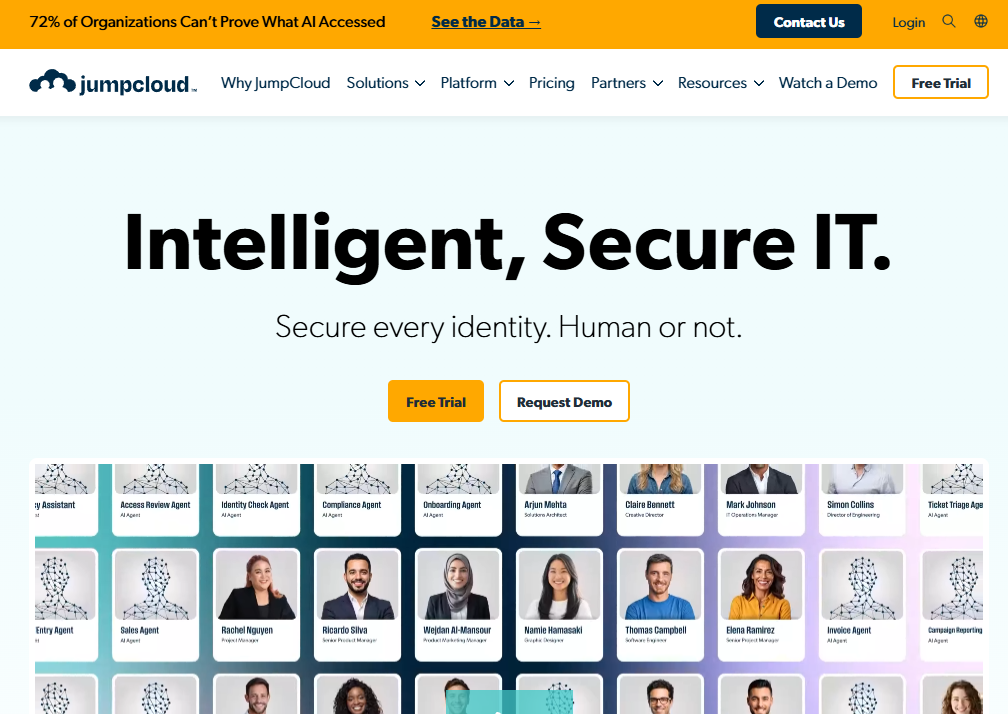
JumpCloud is an AI-powered unified IT management platform that combines cloud directory, access management, and cross-platform device management into a single operating model. It supports Windows, macOS, and Linux endpoints alongside SSO, MFA, LDAP, and RADIUS, making it one of the few platforms where a team can replace fragmented Active Directory and MDM workflows without adding a separate tool for each. For PMs at companies building multi-platform products, JumpCloud reduces the identity-driven setup friction that delays engineering and support staff from reaching first value.
Best for: Organizations with mixed operating systems that want identity, device management, and access controls without separate tooling for each layer.
Key features
- Cloud directory for users and groups across platforms
- Cross-platform MDM and patch management for Windows, macOS, Linux
- SSO and MFA with LDAP and RADIUS support
- Conditional access and lifecycle policy enforcement
- 30-day free trial available
Why choose JumpCloud: JumpCloud suits teams that want to consolidate identity and device management into one administrative surface, particularly where the device fleet spans multiple operating systems and the IT team is small.
JumpCloud pricing: Identity, MFA, and SSO start at $3/user/month billed annually ($4/user/month billed monthly). Device management packages start at $9/user/month billed annually. Platform bundles are contact-sales only. A 30-day free trial covers the full platform.
G2 rating: 4.5/5
2. Microsoft Entra ID
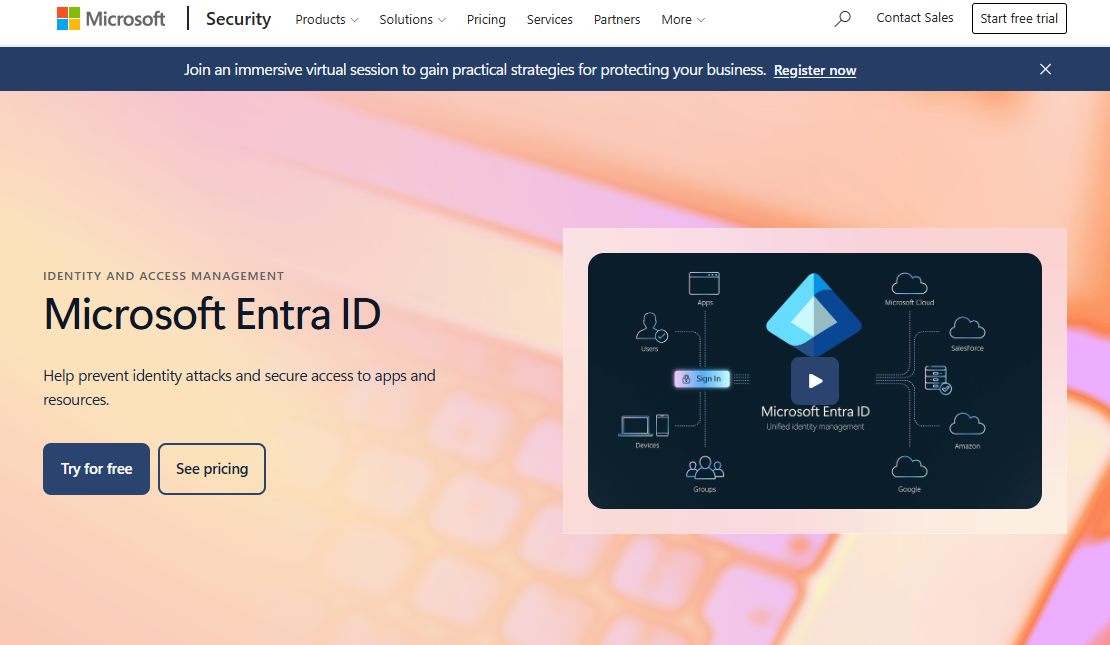
Microsoft Entra ID is Microsoft's cloud and on-premises identity and access management platform, covering user and group management, hybrid Active Directory synchronization, SSO, conditional access, and privileged identity controls. It is the natural shortlist candidate for any organization already running Microsoft 365 or Azure, since identity is built into the subscription at the Free tier. PMs working on products with enterprise SSO requirements will encounter Entra ID repeatedly in customer security reviews, particularly where tenants run hybrid Windows environments.
Best for: Organizations that depend on Microsoft 365, Azure, Windows, and on-premises Active Directory and want identity management without a separate vendor relationship.
Key features
- Microsoft 365 integration with user and group management
- Hybrid directory synchronization with on-premises Active Directory
- Conditional access with risk-based policies (P1/P2)
- Privileged Identity Management and access reviews (P2)
- SSO across SaaS applications via SAML and OpenID Connect
Why choose Microsoft Entra ID: The operational advantage is strongest when Microsoft is already the system of record for employee productivity and cloud infrastructure. Adding a third-party identity layer on top of a Microsoft environment creates synchronization overhead that Entra ID avoids by design.
Microsoft Entra ID pricing: Entra ID Free is included with eligible Microsoft cloud subscriptions and covers core directory and SSO capabilities. P1 is $7/user/month billed annually and adds conditional access, MFA, and passwordless options. P2 is $10/user/month billed annually and adds Identity Protection and Privileged Identity Management.
3. Okta Workforce Identity Cloud
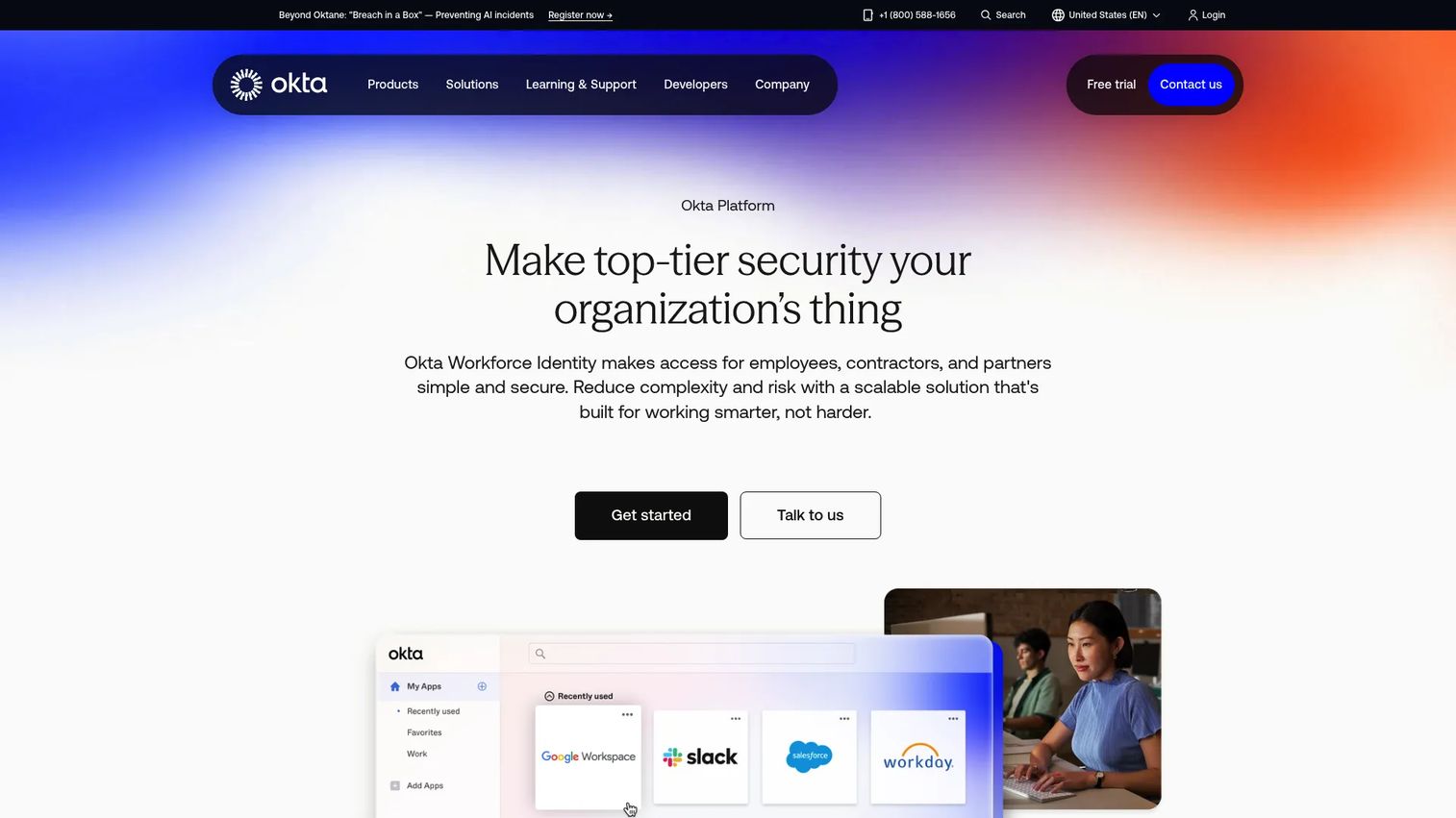
Okta Workforce Identity Cloud is a unified workforce identity platform covering SSO, MFA, lifecycle management, identity governance, privileged access, and device access across a broad application catalog. For SaaS-heavy enterprises that need wide application connectivity and mature lifecycle automation, Okta offers one of the most complete coverage maps in the category. PMs at companies supporting SAML SSO and SCIM provisioning for enterprise customers will find Okta's integration library and governance controls directly relevant to what buyers request during procurement.
Best for: Enterprise teams standardizing identity and access across a large SaaS estate with multiple identity sources and governance requirements.
Key features
- Universal Directory for centralized user management
- Application SSO across thousands of integrations
- Lifecycle Management with automated provisioning workflows
- Adaptive MFA and phishing-resistant authentication
- SCIM provisioning and Identity Governance (higher tiers)
Why choose Okta Workforce Identity Cloud: Okta's ecosystem breadth and governance depth make it the strongest choice when the primary constraint is connecting many SaaS applications with consistent identity standards. Contract terms and per-user pricing at scale warrant careful review before commitment.
Okta Workforce Identity Cloud pricing: The Starter plan begins at $6/user/month billed annually and includes SSO, MFA, Universal Directory, and five Workflows. Core Essentials is $14/user/month and Essentials is $17/user/month. Professional and Enterprise pricing requires a quote from Okta's sales team.
G2 rating: 4.5/5
4. Google Cloud Identity
Google Cloud Identity is an identity-as-a-service platform for centrally managing users, groups, access, and organizational accounts across Google Cloud and connected applications. It supports secure LDAP access, endpoint management, SAML and OpenID Connect federation, MFA, and directory synchronization with Active Directory and Microsoft Entra ID. For organizations where Google Workspace already serves as the employee identity foundation, Cloud Identity extends that foundation to device policies, SaaS access, and third-party application federation without requiring a separate directory vendor.
Best for: Google Workspace-centric organizations that need cloud identity, endpoint policies, and SaaS access controls managed within the Google admin environment.
Key features
- Google Workspace identity administration and lifecycle provisioning
- Secure LDAP access for legacy application compatibility
- Endpoint management controls for mobile and desktop devices
- SAML and OpenID Connect support for SaaS federation
- Directory synchronization with Active Directory and Microsoft Entra ID
Why choose Google Cloud Identity: Operational friction drops significantly when Google is already the core employee identity environment. Adding a separate directory layer on top of Google Workspace creates synchronization overhead that Cloud Identity avoids.
Google Cloud Identity pricing: The Free edition covers 50 users and includes core directory and endpoint management. Premium edition pricing runs through Google Workspace subscriptions; Google directs organizations to request a quote rather than publishing a standalone per-user rate. Confirm the current Premium price directly with Google before budgeting.
G2 rating: 4.3/5
5. PingOne for Workforce
PingOne for Workforce is a cloud-based workforce identity platform covering SSO, MFA, adaptive authentication, a lightweight directory, no-code identity orchestration, and Microsoft ecosystem integrations. Its drag-and-drop orchestration layer lets teams configure authentication flows and risk-based policies without writing code, which reduces the engineering overhead usually required to implement complex access controls. For PMs at security-conscious organizations, PingOne's adaptive authentication connects authentication risk signals to the kind of policy depth enterprise customers often mandate.
Best for: Security-focused organizations that need adaptive workforce authentication, risk-aware access policies, and flexible identity orchestration at scale.
Key features
- Workforce SSO and lightweight centralized directory
- Adaptive MFA with risk-based step-up authentication
- No-code drag-and-drop identity orchestration
- Passwordless authentication options
- Microsoft environment integration and standards-based provisioning
Why choose PingOne for Workforce: PingOne fits teams that need sophisticated authentication policies without heavy implementation work. The no-code orchestration layer is the standout for organizations that want to iterate on access flows without engineering involvement.
PingOne for Workforce pricing: Essential is $3/user/month on an annual contract with a 5,000-user minimum. Plus is $6/user/month on the same terms and adds adaptive MFA, expanded Microsoft integrations, and passwordless authentication. A 30-day free trial is available.
G2 rating: 4.5/5
6. OneLogin Advanced Directory
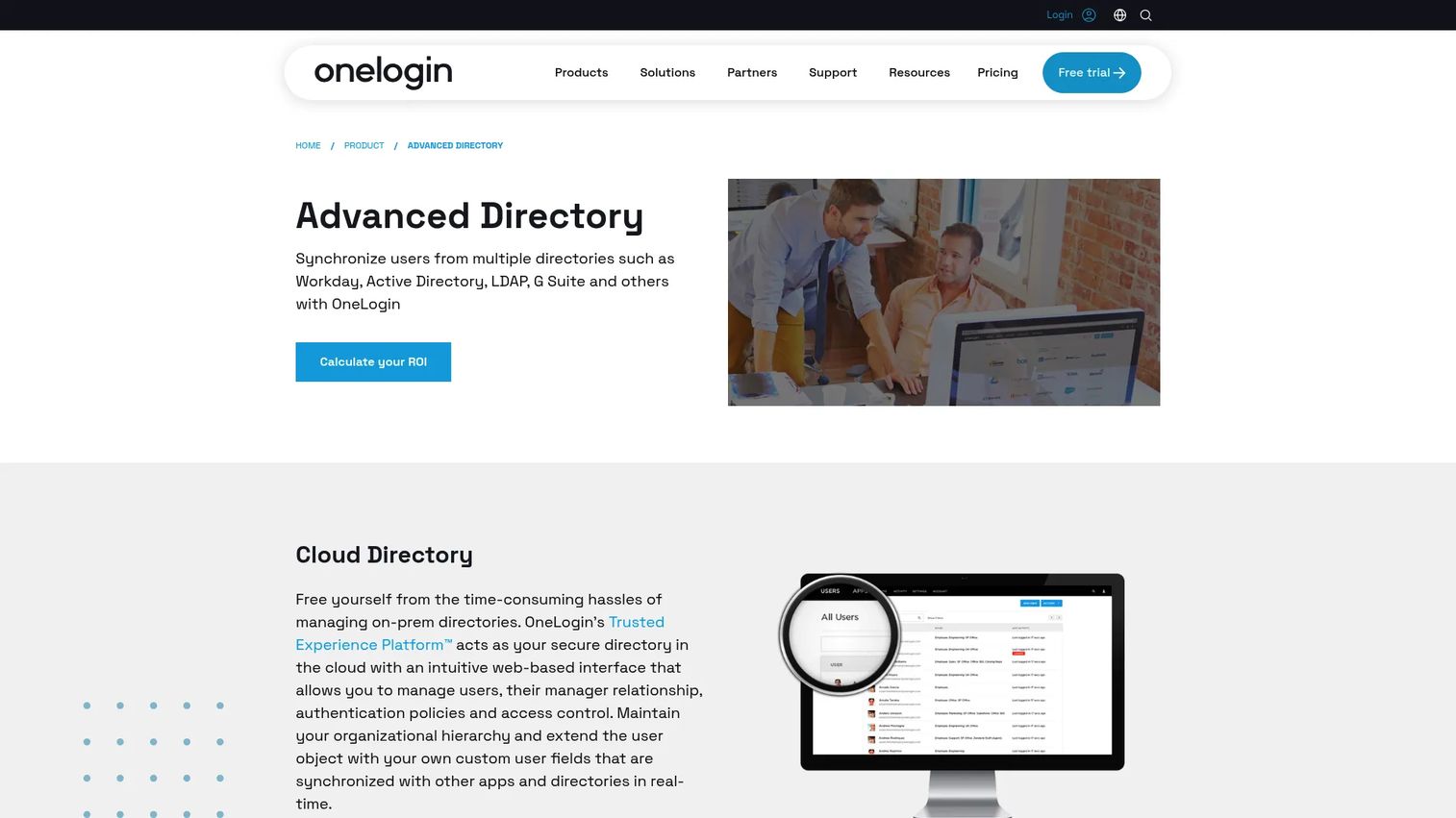
OneLogin Advanced Directory combines cloud directory administration, multi-directory identity synchronization, and application access management into a unified platform. It synchronizes identities from Active Directory, Google, HRIS platforms, and other sources in real time, creating a single user record that drives SSO and provisioning across connected SaaS applications. For teams that want centralized access controls without committing to a single productivity suite vendor, OneLogin provides a directory-first approach that works across heterogeneous environments.
Best for: Organizations that need to synchronize identities across multiple directories and HR systems while maintaining a centralized SSO access layer.
Key features
- Multi-directory synchronization with real-time updates
- Unified SSO portal across cloud and on-premises applications
- MFA and security policies with custom rules
- Active Directory and Google Directory integration
- HCM-driven provisioning and custom field mappings
Why choose OneLogin Advanced Directory: OneLogin works well for organizations running multiple identity sources that need a single access layer above them. Its directory synchronization depth makes it practical for companies mid-migration between systems.
OneLogin Advanced Directory pricing: Advanced Directory is included in the Essentials plan at $6/user/month, the Business plan at $10/user/month, and an Enterprise tier that requires a quote from sales. No free tier is available.
7. HelloID
HelloID is Tools4ever's cloud-based identity and access management platform focused on identity lifecycle automation, SSO, self-service IT workflows, and access governance. Its joiner, mover, and leaver workflows connect directly to HR events, automatically provisioning and deprovisioning accounts across connected systems as employees change roles or leave the organization. For PMs working with IT and HR on role and entitlement design, HelloID's automation depth reduces the manual overhead that otherwise creates provisioning delays at scale.
Best for: Organizations that need HR-driven identity lifecycle automation rather than just SSO, particularly those with complex role changes and multi-system provisioning requirements.
Key features
- Joiner, mover, leaver workflows connected to HR data
- Automated account provisioning across connected systems
- Self-service access request portal with approval workflows
- Application SSO and two-factor authentication
- Access reviews and governance policy enforcement
Why choose HelloID: HelloID's strongest fit is organizations where the primary pain is lifecycle complexity rather than application connectivity. If manual provisioning and deprovisioning are the bottleneck, HelloID's automation depth covers the workflows other platforms handle less completely.
HelloID pricing: HelloID operates on a sales-led model and does not publish per-user pricing. Contact HelloID directly for package details and implementation scope. G2 reviewers report competitive pricing for mid-size organizations, but ranges vary by deployment model.
G2 rating: 4.5/5 from 32 reviews
8. Scalefusion OneIdP
Scalefusion OneIdP is a UEM-integrated identity and access management platform that ties device posture directly to access decisions. SSO, endpoint authentication, just-in-time admin access, directory management, MFA, conditional access, and SCIM provisioning all operate within the same platform as Scalefusion's broader device management suite. For product and IT teams whose users work on managed devices in field, frontline, or kiosk environments, OneIdP connects device health to access controls in a way that identity-only platforms cannot.
Best for: Device-centric organizations that want identity and endpoint management to operate together, particularly those with mobile, frontline, or kiosk workflows.
Key features
- SSO with conditional access tied to device posture
- Endpoint authentication and Just-in-Time admin access
- SCIM inbound and outbound provisioning
- Local Admin Password Solution (LAPS)
- Extended Access Policies for granular control
Why choose Scalefusion OneIdP: Scalefusion OneIdP fits organizations where device posture determines whether users can safely access systems. If your identity strategy is already built around device management, the integration avoids the friction of connecting separate tools.
Scalefusion OneIdP pricing: Access Core starts at $4/device/month billed annually ($48/year) and includes device authentication, directory integration, and JIT admin. Access Pro is $5/device/month billed annually ($60/year) and adds conditional SSO. A free trial is available.
G2 rating: 4.7/5
9. Zoho Directory
Zoho Directory is a unified workforce identity and access management platform for managing users, applications, devices, and networks across the Zoho business suite and connected third-party applications. It covers SSO, MFA, device authentication, user provisioning, Cloud LDAP, Cloud RADIUS, conditional access policies, and audit logging with anomaly detection. For small and midsize teams already running Zoho CRM, Zoho Desk, or other Zoho applications, Directory reduces the operational overhead of managing identity across a Zoho-centered stack.
Best for: Small and midsize organizations already using Zoho applications that want centralized identity administration without adding an external vendor.
Key features
- SSO and MFA across Zoho and third-party applications
- Device authentication and Cloud LDAP and RADIUS support
- User provisioning with identity lifecycle workflows
- Conditional access and routing policies
- Audit logs and anomaly detection
Why choose Zoho Directory: Zoho Directory's strongest fit is consolidation inside a Zoho-centered environment. Teams that use Zoho for CRM, support, HR, or finance benefit from identity administration that connects directly to those tools. Teams running a non-Zoho stack will find the integrations thinner.
Zoho Directory pricing: The Free plan covers 10 users. Standard is $1.70/user/month billed annually ($2/user/month billed monthly). Professional is $5.95/user/month billed annually ($7/user/month billed monthly) and adds advanced device management and extended governance features.
G2 rating: 4.0/5 from 2 reviews
10. IBM Verify
IBM Verify is a unified identity-first IAM platform securing human and non-human identities across web, mobile, and hybrid enterprise environments. It covers MFA, SSO, adaptive access, consent management, identity orchestration, identity analytics, and governance and lifecycle management. For large organizations with complex security architectures, detailed audit requirements, or hybrid identity environments spanning on-premises and cloud, IBM Verify addresses the governance depth that lighter-weight platforms do not cover.
Best for: Large enterprises with mature security and governance requirements, complex hybrid identity environments, and detailed audit obligations.
Key features
- Workforce SSO and adaptive authentication controls
- Identity governance and lifecycle management
- Consent management and identity analytics
- Identity orchestration across hybrid environments
- Access policy management with risk-based decisions
Why choose IBM Verify: IBM Verify fits organizations where identity governance depth, privileged access controls, and hybrid infrastructure coverage matter more than deployment speed or per-user cost efficiency. It is not the right starting point for small teams or SaaS-only environments.
IBM Verify pricing: IBM Verify uses usage-based pricing charged according to actual consumption and resource units. IBM provides a pricing estimator and processes quotes through its sales team rather than publishing a per-user rate. A 90-day free trial is available. Contact IBM directly for a quote calibrated to your deployment scope.
G2 rating: 4.3/5
Considerations when choosing cloud directory services
Start with your identity source of truth
Before evaluating platforms, map where employee and contractor records originate. This may be an HRIS, Active Directory, Google Workspace, or another authoritative system. The platform you choose needs to read from that source reliably, because misalignments at the source propagate into every downstream provisioning decision.
Match the platform to your access surface
A SaaS-heavy team with a small device fleet has different requirements than a hybrid organization managing Windows domains, Linux servers, and field devices. Identify whether your primary constraint is SaaS application access, Microsoft hybrid identity, mixed endpoint fleets, or identity governance. The strongest platform for one constraint often adds complexity in others.
Validate provisioning before committing
Run a proof of concept against your actual HR system, your most complex SaaS application, and your deprovisioning flow. Test SCIM group mappings, contractor lifecycle handling, and error recovery when sync fails. PMs should also test the user journey after provisioning completes, not only the admin configuration, since the end-user experience is where activation friction shows up.
Measure maintenance overhead
Identity platforms require ongoing attention: Sync failures, manual exceptions, role changes, and audit reviews all generate operational work. Evaluate how the platform handles errors, who owns identity data, and whether updates survive your release cadence without breaking existing mappings.
Check enterprise requirements early
SSO, role management, audit logs, SCIM provisioning, and data residency requirements are often non-negotiable for enterprise customers. Confirm each platform's coverage against your most demanding customer profile before you commit. Do not defer this to the security review stage of a deal.
Conclusion
Cloud directory services sit at the intersection of IT infrastructure and product activation. The platform you choose shapes how quickly enterprise users reach their first meaningful workflow, how much engineering time gets spent on identity exceptions, and whether your security review conversations go smoothly or create roadmap pressure.
For cross-platform teams that want identity and device management in one operating model, JumpCloud is the most practical starting point. Microsoft Entra ID is the clear choice when Microsoft is already the system of record. Okta covers the broadest SaaS application catalog for enterprise workforce identity. Google Cloud Identity fits Google-native environments, and PingOne for Workforce suits organizations that need adaptive authentication depth.
Choose the platform that reduces identity friction in the systems your teams already run. The right cloud directory makes onboarding and access predictable. The wrong one creates another synchronization project.
For PMs: Involve IT and security early when your roadmap includes SSO, SCIM, or enterprise admin controls. The cost of retrofitting identity support into a shipped product is measurable in both engineering weeks and deal risk.
Start your journey with Guideflow today!
FAQs about cloud directory services
A cloud directory service is a hosted system that manages workforce identities, groups, credentials, access policies, and lifecycle events across cloud applications, devices, and hybrid infrastructure. Core capabilities typically include SSO, MFA, user provisioning and deprovisioning, LDAP support, and audit logging. Unlike on-premises directories, the vendor manages the underlying infrastructure.
Active Directory is traditionally used for on-premises Windows domain management, including Kerberos authentication, Group Policy, and file share access. Cloud directory services extend identity controls to SaaS applications, remote workers, and multi-platform devices, where traditional AD requires additional infrastructure to function. Many organizations run Active Directory alongside a cloud directory during hybrid transitions, synchronizing records between both.
Directory-as-a-Service (DaaS) is a cloud-delivered directory model managed entirely by the vendor, removing the need to host or maintain directory infrastructure yourself. JumpCloud popularized the term for cross-platform identity management. Implementation still requires integration planning, source-of-truth mapping, and ongoing ownership of identity data and sync rules.
Not always. The categories overlap significantly. Some cloud directories include governance, privileged access, and risk-based authentication, which are traditionally IAM capabilities. Broader IAM suites add customer identity, detailed entitlement reviews, and compliance reporting beyond what a pure directory provides. Evaluate against your specific requirements rather than assuming one category replaces the other.
Yes. Enterprise customers evaluate SSO and SCIM during procurement, and the requirements surface in security questionnaires and technical due diligence. PMs should understand the expected user flows, role mapping behavior, provisioning failure states, and who owns support when something breaks. Building these capabilities as late requirements creates engineering opportunity cost and can stall deals.
Some can, but coverage varies significantly. JumpCloud and Scalefusion OneIdP both offer cross-platform device management. Microsoft Entra ID covers Windows and Entra-joined macOS devices. Google Cloud Identity includes endpoint management for mobile and desktop devices. Confirm operating-system support directly with the vendor before selecting a platform for mixed-fleet environments.
Test the full provisioning and deprovisioning cycle against your actual HR system, your primary SaaS applications, and your endpoint enrollment flow. Check group mapping accuracy, MFA recovery, audit log completeness, admin workflow usability, and how the platform handles sync errors. Also test the end-user experience after provisioning, since that is where activation friction surfaces for product and support teams.
No. Cloud directory services manage people, groups, devices, and access policies. Cloud-native service discovery manages application endpoints, namespaces, and service-to-service communication in distributed systems. Both terms appear in search results for "cloud directory services," but they solve completely different infrastructure problems. Kubernetes service discovery, for example, has no overlap with workforce identity management.