Weekly giving, designated funds, payroll, reimbursements, and board reporting rarely fit neatly into a spreadsheet. The problem grows when each workflow lives in a different system.
You need church accounting software because financial trust depends on accurate fund balances and defensible reports. One miscoded building fund donation can distort available cash. A weak reconciliation process can consume days before every board meeting.
The shift toward dedicated systems is already clear. Pushpay’s 2025 State of Church Tech Report found that 86% of churches used church management software, up four percentage points year over year.
The best church accounting software should make month end predictable without creating more administration. It must fit your fund structure, finance maturity, payroll process, and reporting obligations.
What’s inside
This guide compares 17 accounting software options for churches, ministries, and board governed nonprofit organizations.
We assessed each product using practical criteria:
- Fund accounting and designated fund support
- Contribution, budgeting, and reporting workflows
- Payroll fit and bank reconciliation
- Price, church size, and operating complexity
- Current vendor pricing and G2 ratings
The list includes full accounting systems, church management platforms, payroll products, and payment processing add-ons. Use it to build a shortlist, then test each option against your month end close.
TL;DR
- Best for enterprise and multi-campus churches: Sage Intacct supports dimensional reporting, consolidation, and complex financial controls
- Best all in one church platform with accounting: ChurchTrac connects giving, fund accounting, people records, and church operations
- Best familiar system for small to midsize churches: QuickBooks offers broad accountant support and connected financial workflows
- Best free church accounting software: Wave Accounting and ZipBooks provide free entry points for uncomplicated books
- Best for payroll-heavy church teams: Gusto offers dedicated payroll and HR workflows, while Zoho Payroll fits Zoho users
- Best payment processing add-on: Stripe supports configurable payment flows, while PayPal offers familiar donation options
What is church accounting software?
Church accounting software is financial management software built or configured to track church income, expenses, donations, restricted funds, budgets, payroll, and financial reports.
The category includes dedicated church financial software and general accounting products configured for nonprofit workflows. It also covers supporting payroll and payment tools that feed data into the ledger.
Core capabilities include:
- Fund accounting: Tracks restricted, unrestricted, and designated funds separately
- Contribution tracking: Records tithes, offerings, pledges, and donor statements
- Budgeting: Compares spending against ministry, campus, department, or fund budgets
- Reporting: Produces balance sheets, income statements, and fund activity reports
- Reconciliation: Matches deposits, bank transactions, giving records, and expenses
- Payroll: Supports staff pay, clergy compensation, reimbursements, and tax workflows
- Controls: Adds permissions, approval workflows, audit trails, and role based access
Fund accounting is the main distinction. A standard business ledger focuses on profitability across the organization. Restricted fund accounting must also show whether money was used for its designated purpose.
For example, a building fund donation cannot automatically become operating cash. Church budget software should preserve that distinction through spending, reconciliation, and reporting.
General church bookkeeping software can work for a small congregation with uncomplicated finances. Configuration matters, however. The chart of accounts and tracking structure must reflect each fund correctly.
Dedicated church accounting programs become more valuable as contribution tracking, donor statements, or multi-campus reporting grow. They can also reduce the manual handoffs between accounting and church management software.
The right category depends on your operating model. A volunteer treasurer needs a different system from a finance director consolidating several entities.
When to use church accounting software
Track designated funds without spreadsheet cleanup
Use church bookkeeping software when donations arrive for missions, benevolence, building projects, or ministry campaigns. The ledger should preserve each restriction from receipt through spending.
This structure prevents restricted cash from appearing available for general operations. It also removes the need to maintain a separate spreadsheet beside the accounting system.
Report clearly to boards and donors
A bank balance cannot explain budget variance or fund activity. Leadership needs reports that connect cash movement to approved budgets and donor intent.
Church financial software gives boards a repeatable reporting package. It also helps finance teams answer questions without rebuilding every number before a meeting.
Connect giving, payroll, and reconciliation
Month end becomes fragile when giving records, payroll journals, expenses, and bank data live separately. Manual matching adds delay and creates room for miscoding.
Use church finance software when those handoffs consume significant finance time. The goal is a close process that another trained operator can run without relying on one person’s memory.
Church accounting software comparison
This table is a starting point. The right accounting package depends on fund complexity, contributor records, payroll requirements, and who maintains the books.
Full accounting systems appear beside payroll and payment products because many churches need a connected finance stack. Stripe and PayPal collect money, but neither replaces the ledger. Gusto and Zoho Payroll handle payroll rather than restricted fund accounting.
| # | Product | Best for | Key differentiator | Pricing | G2 rating |
|---|---|---|---|---|---|
| 1 | Sage Intacct | Enterprise and multi-campus churches | Dimensional reporting and multi-entity consolidation | Custom pricing | 4.3/5 |
| 2 | ChurchTrac | Accounting plus church management | Giving, accounting, people, and operations | From $29/month | 4.8/5 |
| 3 | QuickBooks | Small to midsize churches | Familiar accounting and broad integrations | Free plan, paid from $19/month | 4.0/5 |
| 4 | Xero | Cloud collaboration | Bank reconciliation and shared finance access | From $27/month | 4.4/5 |
| 5 | Zoho Books | Budget-conscious Zoho users | Affordable accounting with automation | Free plan, paid from $15/month annually | 4.4/5 |
| 6 | FreshBooks | Simple ministry bookkeeping | Invoicing, expenses, and time tracking | From $23/month | 4.5/5 |
| 7 | Wave Accounting | Free basic bookkeeping | Free accounting and invoicing | Free, Pro from $19/month | 4.3/5 |
| 8 | ZipBooks | Small churches needing free accounting | Free bookkeeping with paid upgrades | Free, paid from $15/month | 4.7/5 |
| 9 | AccountEdge | Desktop-first churches | Local desktop accounting | From $20/month | 3.9/5 |
| 10 | Striven | Finance plus operations | Accounting, CRM, projects, and HR | From $35/user/month | 4.5/5 |
| 11 | ZarMoney | Inventory and purchasing workflows | Accounting with inventory depth | From $20/month | 4.6/5 |
| 12 | OneUp | Automated bookkeeping | Reconciliation with connected operations | From $9/month | 4.3/5 |
| 13 | Kashoo | Straightforward bookkeeping | Simple income and expense tracking | $30/month | N/A |
| 14 | Gusto | Payroll-heavy churches | Payroll, benefits, and tax filing | From $49/month plus $6/person | 4.6/5 |
| 15 | Zoho Payroll | Payroll within the Zoho stack | Payroll connected to Zoho Books | From $29/month plus $5/employee annually | N/A |
| 16 | Stripe | Configurable online giving | Programmable payments and recurring billing | 2.9% plus 30¢ per domestic card transaction | 4.4/5 |
| 17 | PayPal | Familiar donation collection | Payment links and multiple checkout methods | From 2.89% plus $0.29 per transaction | 4.4/5 |
Best 17 tools for church accounting software
Some products below are complete accounting systems. Others handle church operations, payroll, or payment collection around the core ledger.
Choose according to fund complexity and church size. Also decide who will own configuration, reconciliation, reporting, and routine maintenance.
1. Sage Intacct

Sage Intacct is cloud financial management software for growing and midsize organizations. It suits larger churches that need dimensional analysis, multi-entity accounting, and stronger controls.
Finance teams can report across entities without maintaining parallel consolidation spreadsheets. Its broader automation and reporting depth make it a serious fund accounting software option for churches with complex structures.
Best for: Multi-campus churches, denominational offices, and finance-led ministries with complex reporting.
Key features
- Multi-entity accounting and consolidation
- Multi-dimensional financial analysis
- Accounts payable automation
- Real-time dashboards and reporting
- Audit trails and role controls
Why choose Sage Intacct: Choose it when small-business accounting has become a constraint. Smaller, volunteer-led churches may find its scope greater than their requirements.
Sage Intacct pricing: Custom pricing. Quote drivers include organization size, users, modules, and implementation requirements.
G2 rating
4.3/5
2. ChurchTrac
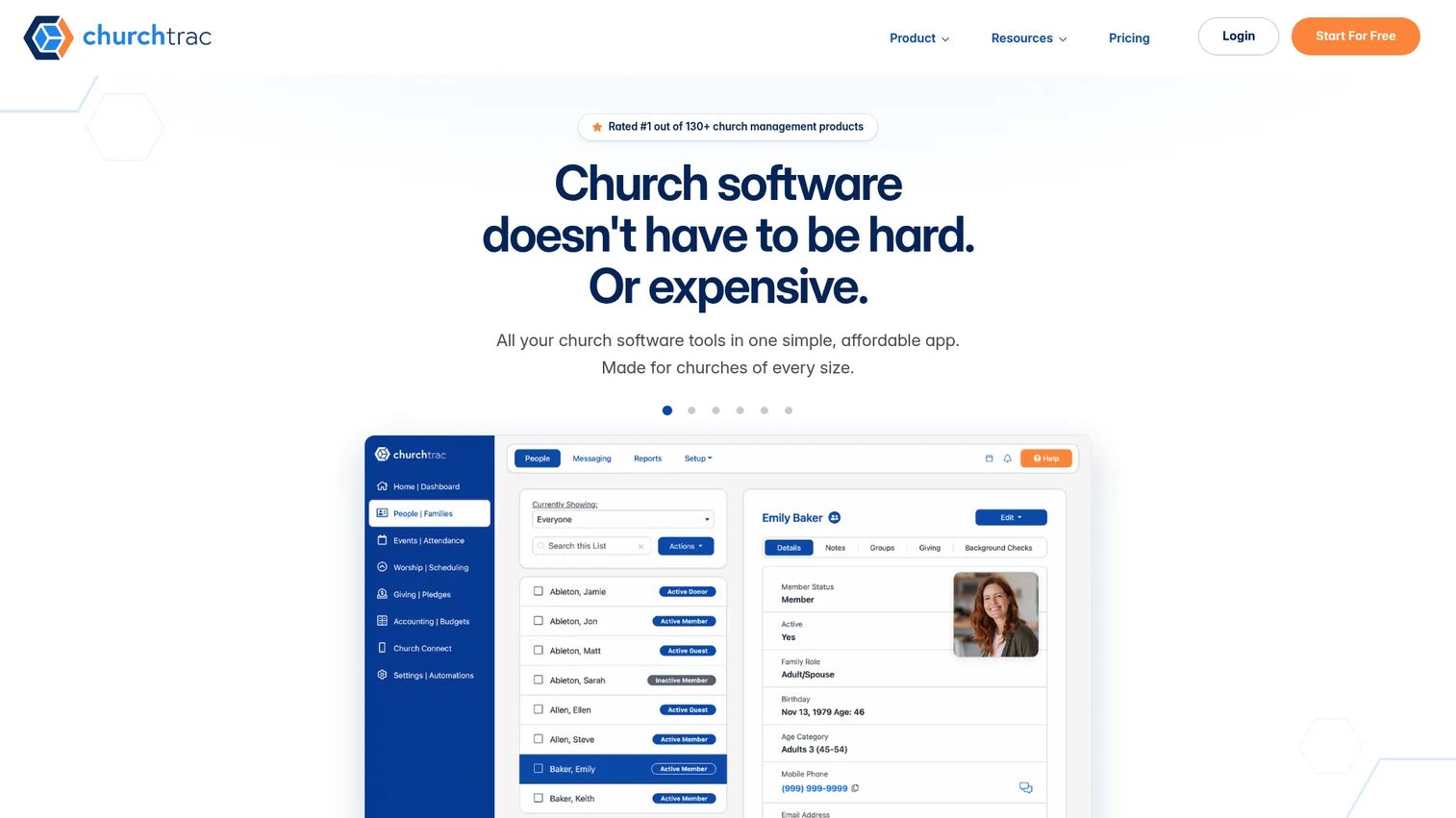
ChurchTrac combines church accounting with giving, people records, worship planning, and communication tools. It reduces tool sprawl for churches that want financial data close to operational records.
Its fund accounting, budgeting, and giving capabilities distinguish it from general small-business products. A lean administration team can manage several church workflows without stitching together separate platforms.
Best for: Churches wanting accounting and church management software in the same system.
Key features
- Fund accounting and budgeting
- Giving and online donations
- People database and directory
- Worship and volunteer scheduling
- Events, attendance, and check-in
Why choose ChurchTrac: Choose it when contribution tracking software should connect directly with people and event records. Finance-first teams should compare its reporting depth against dedicated accounting platforms.
ChurchTrac pricing: Plans start at $29/month for 75 people. A 30-day free trial is available, and annual billing saves 10%.
G2 rating
4.8/5
3. QuickBooks
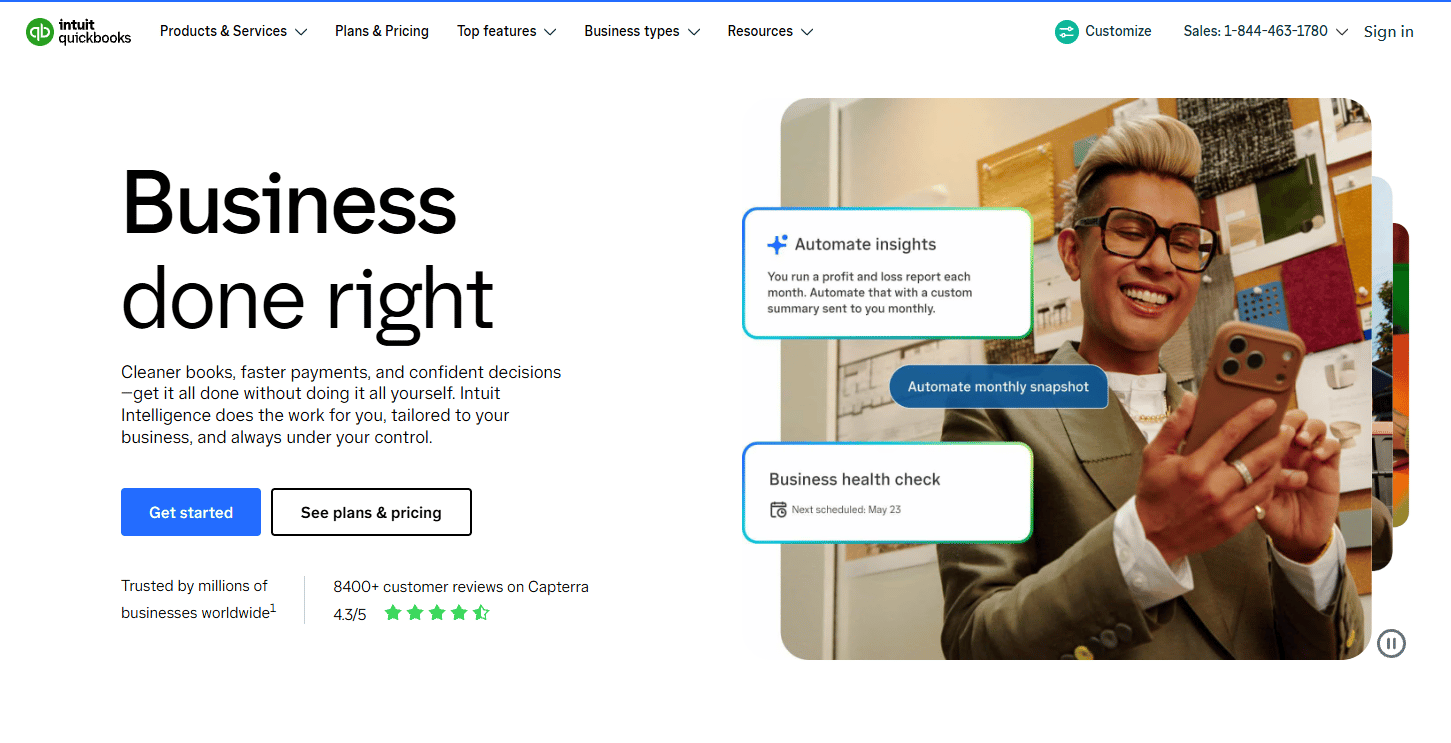
QuickBooks offers cloud accounting for invoicing, expenses, reporting, and connected financial workflows. Its broad accountant network makes it a practical choice for churches seeking familiar software.
Churches can configure the ledger around ministry or fund reporting. This approach requires disciplined setup because the product is general accounting software rather than a dedicated church system.
Best for: Small to midsize churches wanting familiar accounting and external accountant support.
Key features
- Bank transaction syncing
- Expense tracking and bookkeeping
- Invoicing and payments
- Financial reporting and forecasting
- Mobile and third-party integrations
Why choose QuickBooks: Choose it when accountant availability and familiarity matter. Churches with complex restricted funds should test the chart of accounts and reporting structure before migration.
QuickBooks pricing: A free plan is available. Paid plans start at $19/month, with higher tiers reaching $170/month.
G2 rating
4.0/5
4. Xero
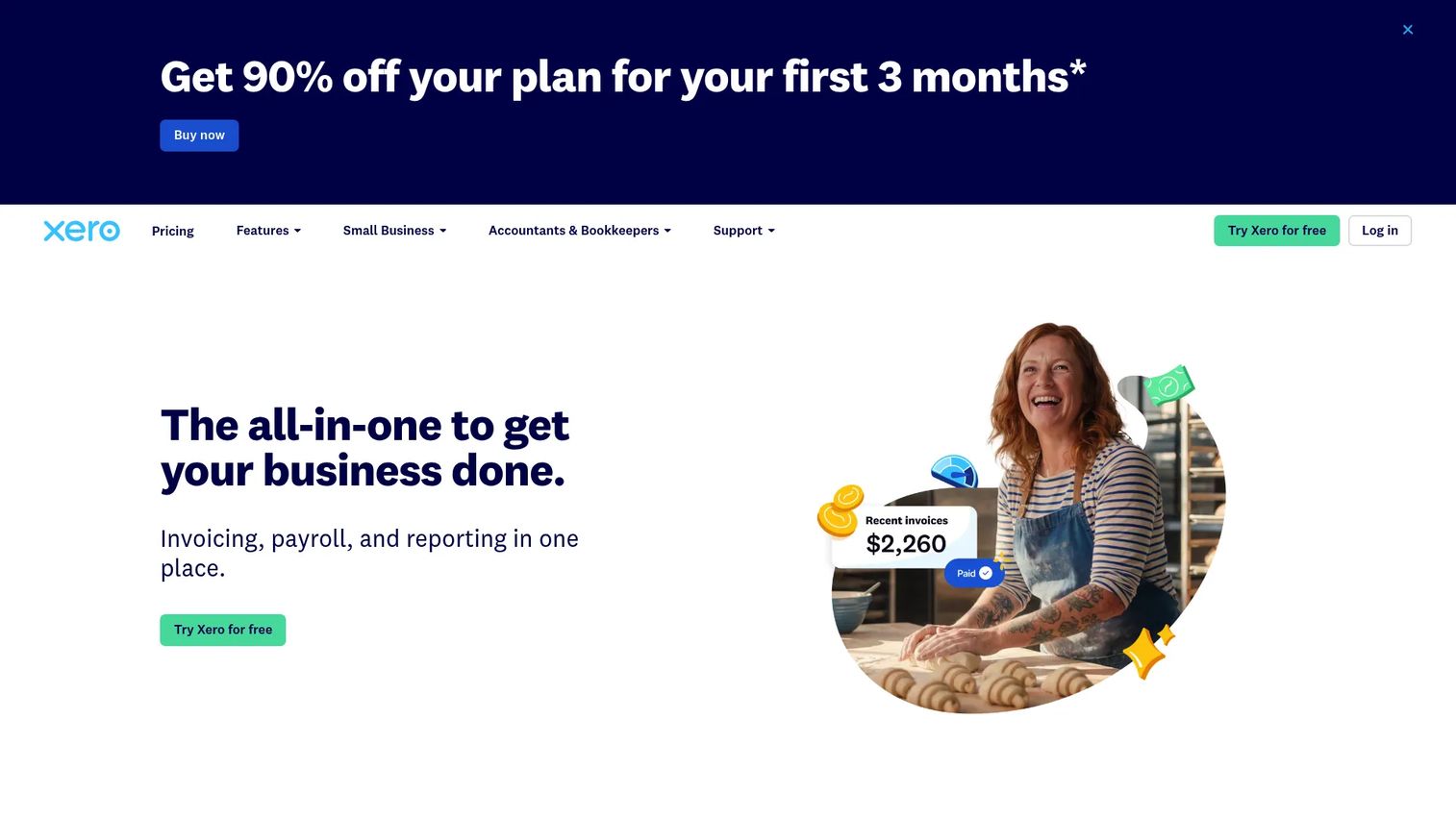
Xero is cloud accounting software covering invoicing, bank reconciliation, bills, and reporting. Shared access supports churches working with outside accountants or distributed finance teams.
Tracking categories can help separate ministries, campuses, or internal reporting lines. Validate restricted fund accounting carefully because the platform serves general small-business accounting workflows.
Best for: Churches prioritizing cloud collaboration, reconciliation, and accountant access.
Key features
- Bank connections and reconciliation
- Online invoices and quotes
- Bill and expense tracking
- Financial reporting and analytics
- Payroll integrations
Why choose Xero: Choose it when collaborative cloud accounting matters more than church-specific administration. Complex designated funds may require careful configuration.
Xero pricing: Early costs $27/month. Growing costs $59/month, while Established costs $97/month.
G2 rating
4.4/5
5. Zoho Books
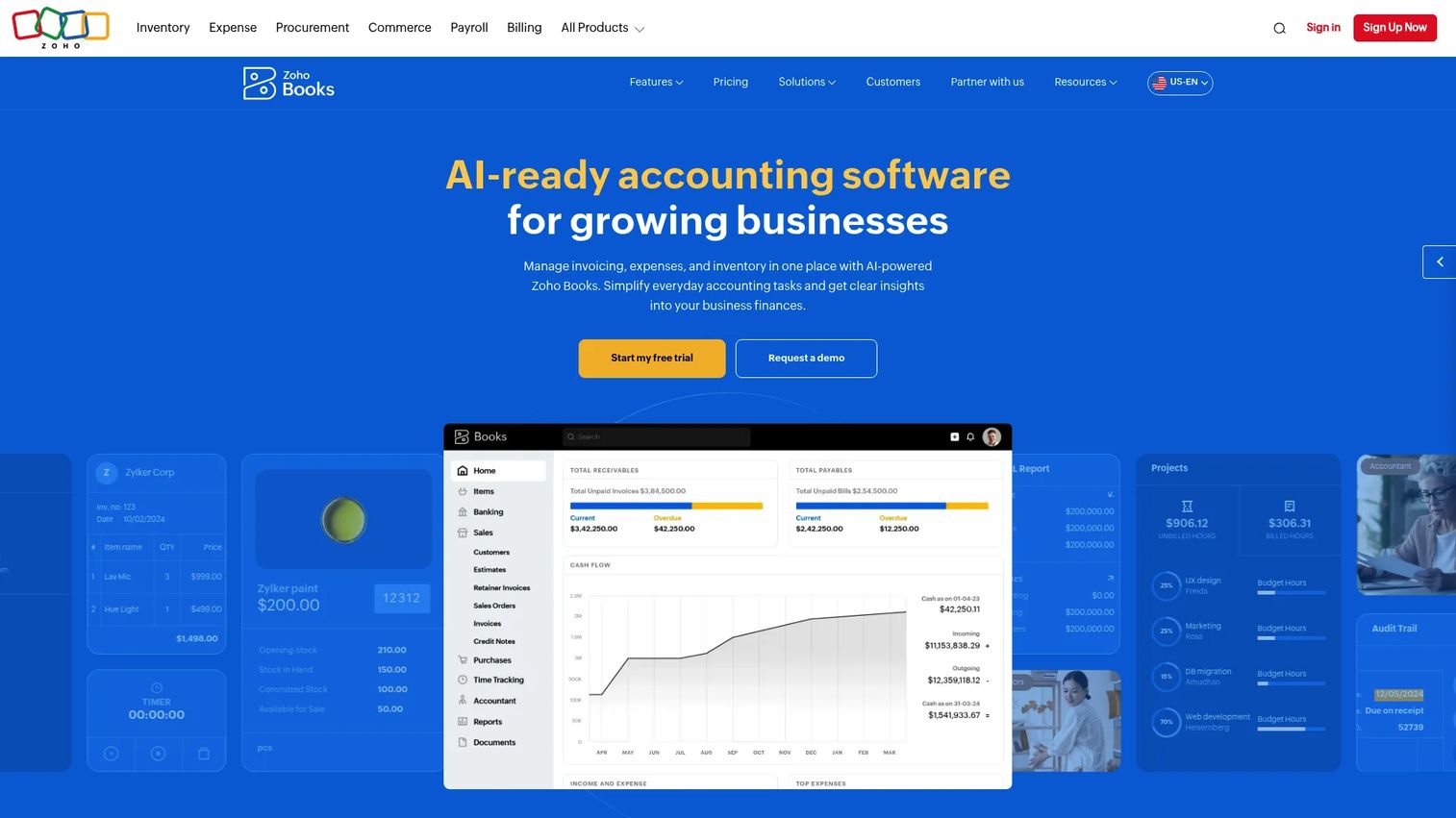
Zoho Books manages invoicing, expenses, banking, projects, and payments in the cloud. It fits budget-conscious organizations already working inside the Zoho software family.
The product supports bank reconciliation and connected finance workflows without an enterprise cost structure. Churches should still test contribution records and restricted fund reporting before committing.
Best for: Cost-conscious churches wanting cloud accounting within the Zoho stack.
Key features
- Invoicing and recurring invoices
- Banking and reconciliation
- Expense and bill management
- Connected Zoho applications
Why choose Zoho Books: Choose it when price and connected business applications matter. It fits straightforward to moderate bookkeeping better than highly specialized fund accounting.
Zoho Books pricing: The free plan covers organizations below $50,000 in annual revenue. Paid annual plans start at $15/month.
G2 rating
4.4/5
6. FreshBooks
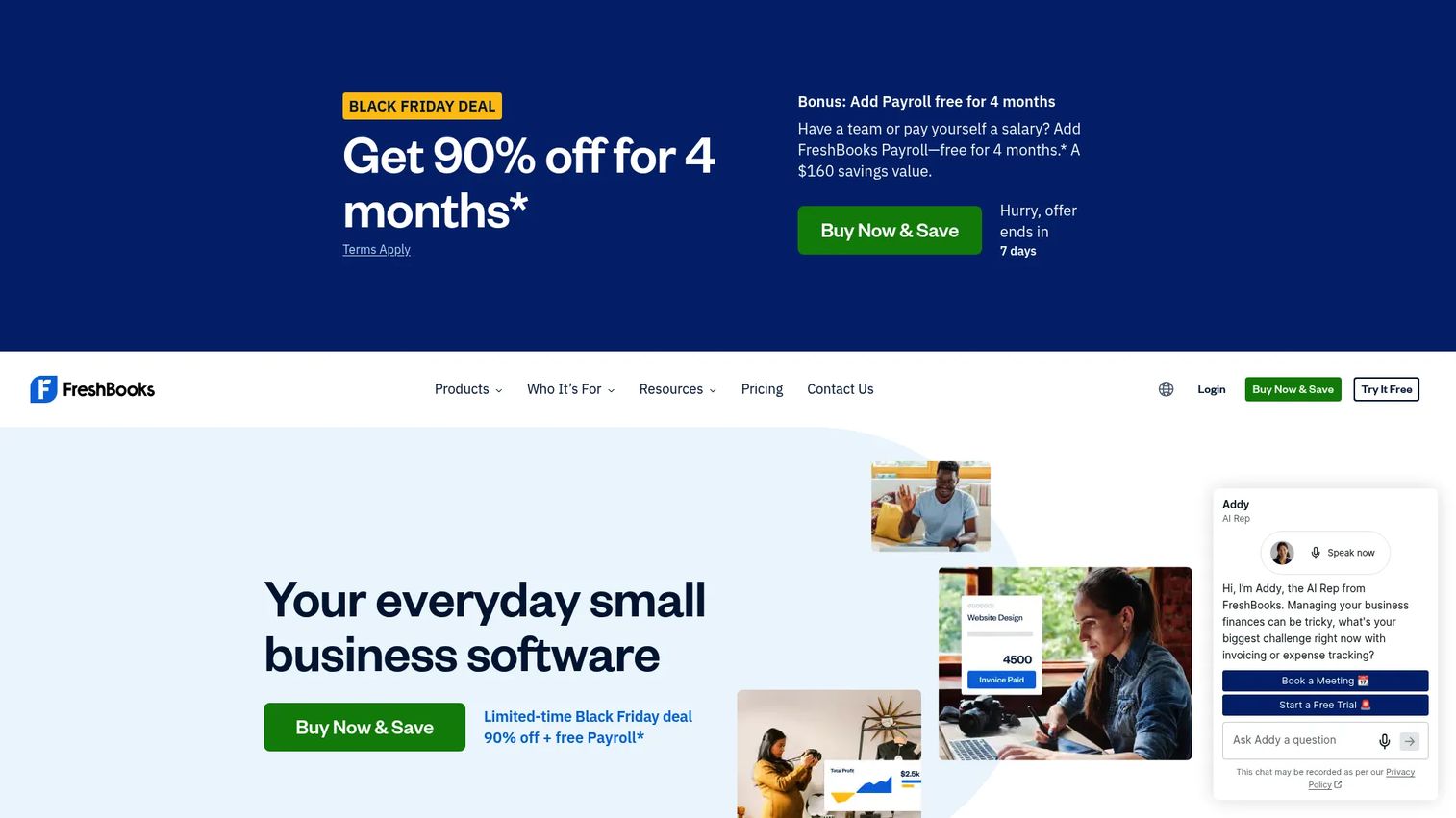
FreshBooks provides invoicing, billing, expense tracking, and accounting for small organizations. Its time tracking also suits ministries that bill for services or manage project work.
The product favors straightforward financial administration over deep fund structures. Larger congregations will need more specialized reporting and controls.
Best for: Small churches or ministries with uncomplicated bookkeeping and service-related billing.
Key features
- Invoicing and online payments
- Expense and receipt tracking
- Time tracking
- Estimates and proposals
- Financial reports
Why choose FreshBooks: Choose it when ease of use and invoicing outweigh fund accounting depth. It works well for reimbursements, expenses, and service-heavy ministry activity.
FreshBooks pricing: Lite starts at $23/month. Every plan includes a 30-day trial, while annual billing saves 10%.
G2 rating
4.5/5
7. Wave Accounting

Wave Accounting offers free core accounting and invoicing for small organizations. Optional paid services add bank transaction automation, receipt capture, payroll, and bookkeeping support.
It works best when the church has simple finances and limited reporting complexity. Volunteer treasurers can start without committing budget to a large system.
Best for: Small churches needing free church accounting software for basic books.
Key features
- Free accounting and invoicing
- Unlimited bookkeeping records
- Bank transaction imports
- Receipt capture with OCR
- Optional payroll services
Why choose Wave Accounting: Choose it when software cost is the immediate constraint. Restricted funds and contribution statements may require additional processes.
Wave Accounting pricing: Starter is free. Pro costs $19/month or $190/year, with optional payroll and bookkeeping services.
G2 rating
4.3/5
8. ZipBooks
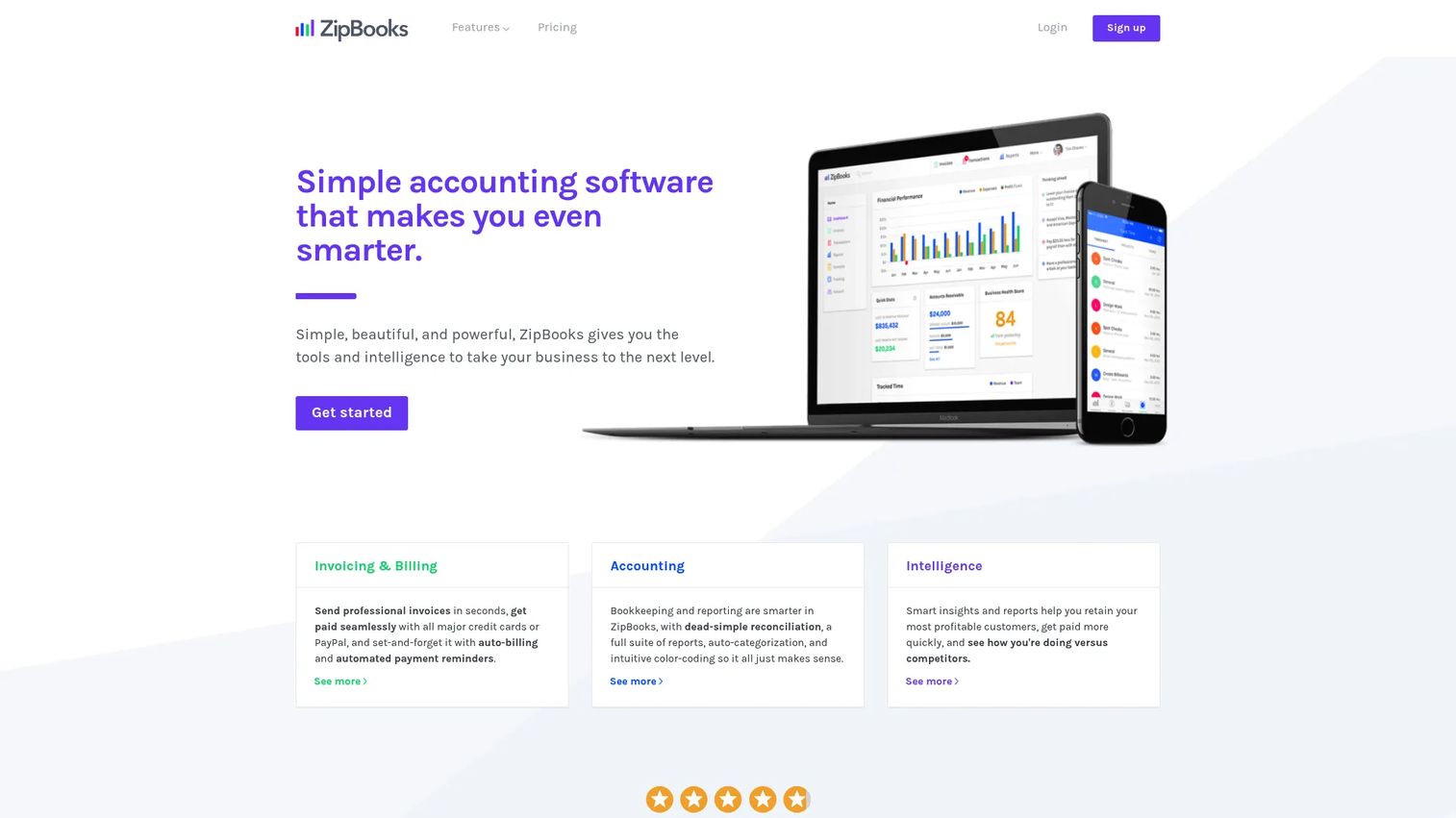
ZipBooks combines bookkeeping, invoicing, reporting, and transaction categorization. Its free Starter plan makes it another practical small church accounting software option.
Paid tiers add time tracking, recurring billing, broader reports, and reconciliation features. Church-specific contribution tracking is outside its core positioning.
Best for: Small churches and ministries needing a low-cost entry point.
Key features
- Free accounting plan
- Invoicing and recurring billing
- Transaction categorization
- Bank reconciliation
- Time and project tracking
Why choose ZipBooks: Choose it before fund complexity outgrows lightweight bookkeeping. Its paid tiers create a gradual upgrade path without an immediate platform change.
ZipBooks pricing: Starter is free. Smarter costs $15/month, while Sophisticated costs $35/month.
G2 rating
4.7/5
9. AccountEdge
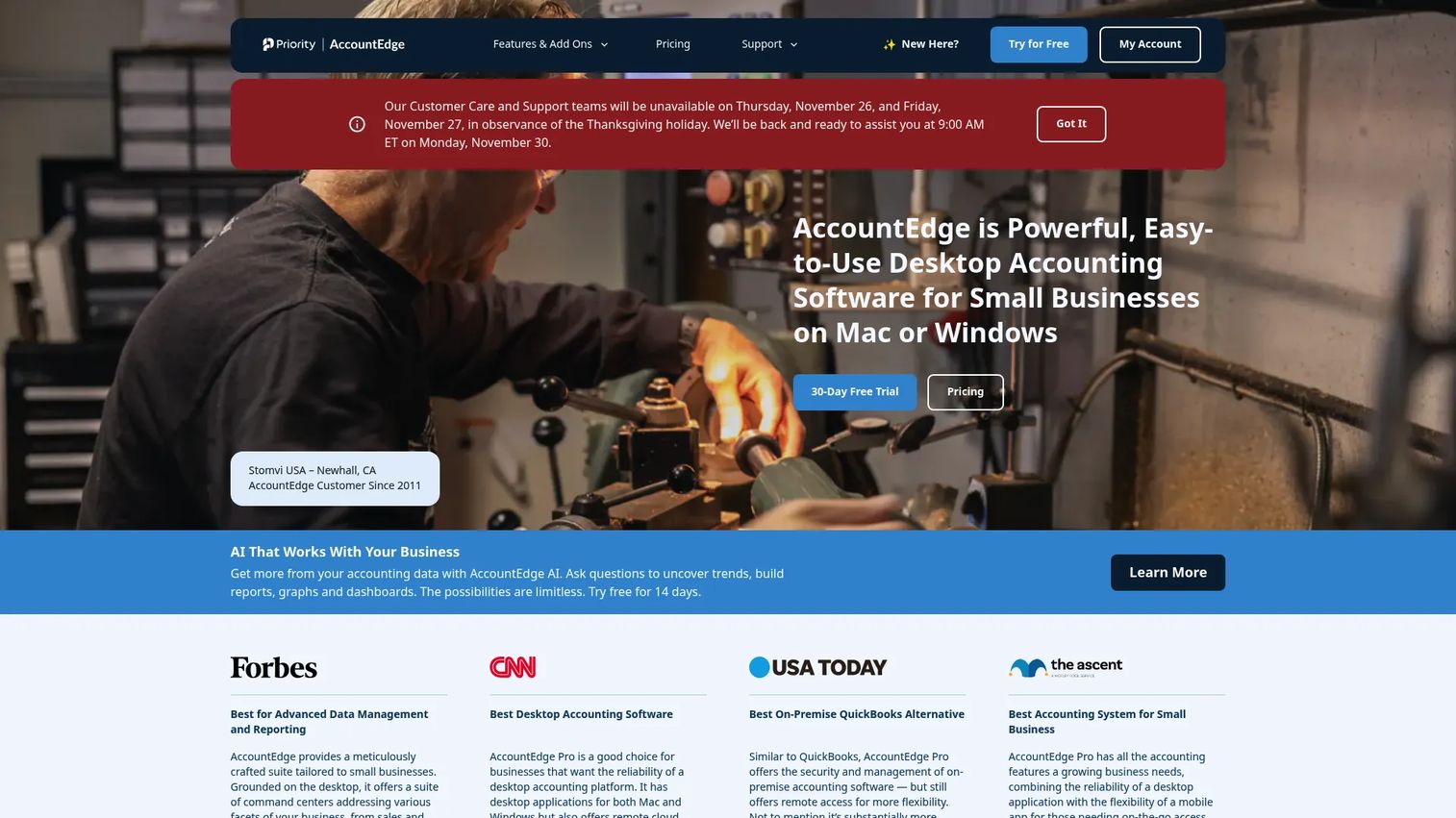
AccountEdge is desktop accounting software for banking, purchases, inventory, payroll, and general ledger management. It fits churches that prefer local software over browser-based finance systems.
The Network Edition supports simultaneous local access, while Hosted provides browser availability. Church-specific giving and member workflows require separate tools.
Best for: Churches wanting desktop accounting and local control over financial workflows.
Key features
- Desktop accounting
- Sales and invoicing
- Inventory tracking
- Bank feeds and reconciliation
- Time billing and payroll
Why choose AccountEdge: Choose it when experienced bookkeepers prefer desktop workflows. Distributed teams may find cloud-first products better suited to shared access.
AccountEdge pricing: Pro starts at $20/month. Network Edition costs $30/month, while Hosted costs $50/user/month.
G2 rating
3.9/5
10. Striven
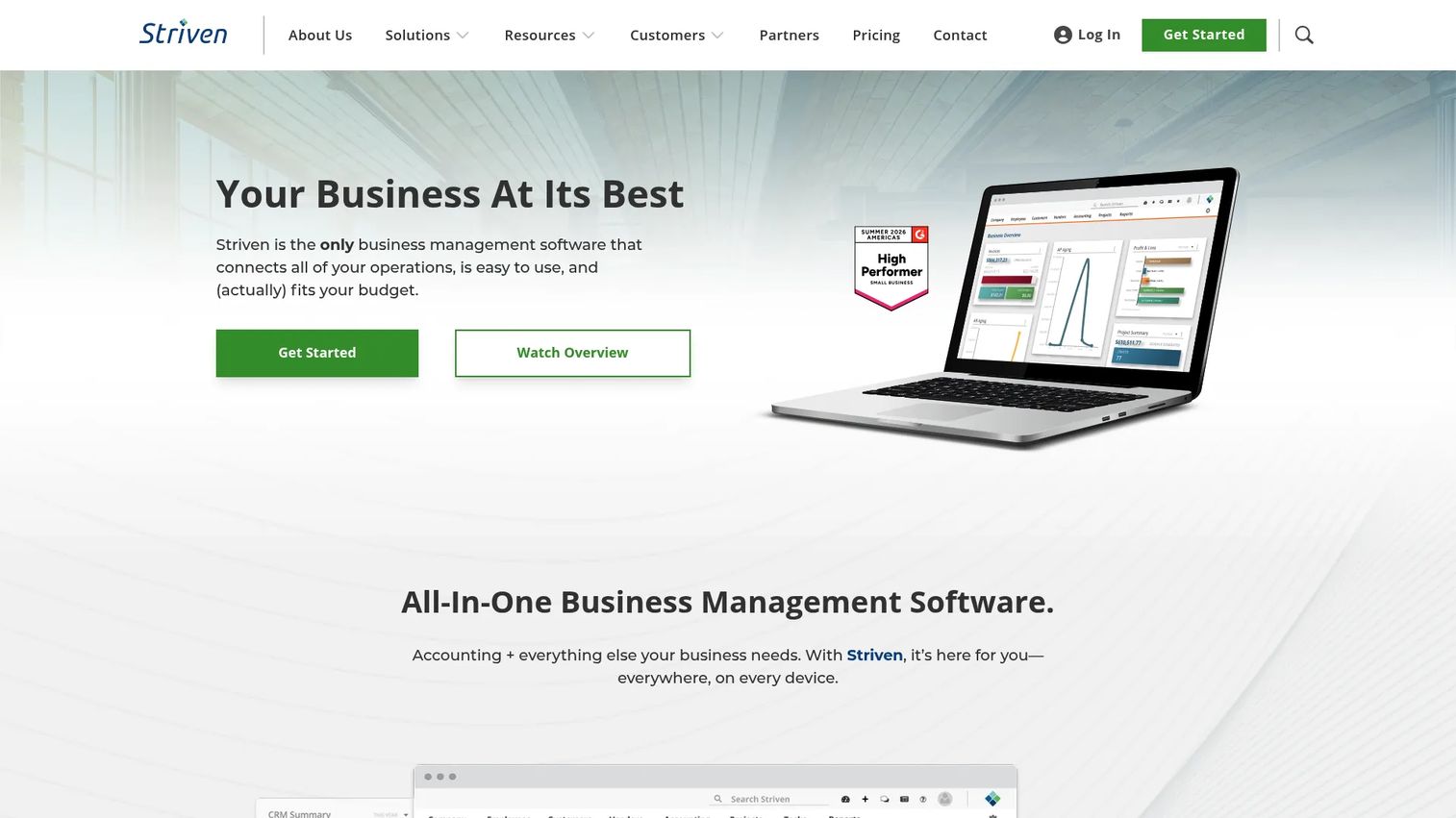
Striven combines accounting with CRM, inventory, projects, HR, and operational workflows. It suits faith-based organizations that need more than a standalone ledger.
The platform can connect financial administration with project and people management. A small congregation may find its operating scope wider than necessary.
Best for: Ministries needing accounting alongside projects, HR, CRM, and operational reporting.
Key features
- Accounting and financial management
- CRM and sales management
- Project and task management
- Human resources and recruiting
- Workflow automation
Why choose Striven: Choose it when finance is part of a broader operational system. It offers more value to complex ministries than basic congregational bookkeeping.
Striven pricing: Standard costs $35/user/month. Enterprise costs $70/user/month, and a 90-day trial is available.
G2 rating
4.5/5
11. ZarMoney
ZarMoney provides accounting, purchasing, inventory, sales orders, and bank reconciliation. It fits ministries operating bookstores, schools, warehouses, or other inventory-based programs.
Role based permissions help divide financial duties across staff. Contribution statements and restricted fund workflows require separate validation.
Best for: Churches and ministries needing accounting with purchasing or inventory management.
Key features
- Bills and purchase orders
- Multi-warehouse inventory
- Bank connections and reconciliation
- Customizable financial reporting
- Role based permissions
Why choose ZarMoney: Choose it when purchasing and stock movement affect the finance function. Simpler churches will find narrower accounting products easier to maintain.
ZarMoney pricing: Small Business costs $20/month for two users. Enterprise starts at $350/month, and a 15-day trial is available.
G2 rating
4.6/5
12. OneUp
OneUp connects accounting with invoicing, inventory, CRM, expenses, and project tracking. Its automation supports organizations seeking fewer manual bookkeeping steps.
All plans include the same feature set, with user limits separating tiers. Church-specific donor reporting remains outside the core product focus.
Best for: Churches seeking automation-focused bookkeeping with connected operational tools.
Key features
- Bank reconciliation
- Real-time accounting reports
- Quotes and invoicing
- Inventory updates
- CRM and lead tracking
Why choose OneUp: Choose it when transaction processing and reconciliation consume too much time. Test restricted fund and donor workflows before making it the system of record.
OneUp pricing: SELF starts at $9/month. A 30-day free trial is available, and higher plans support more users.
G2 rating
4.3/5
13. Kashoo
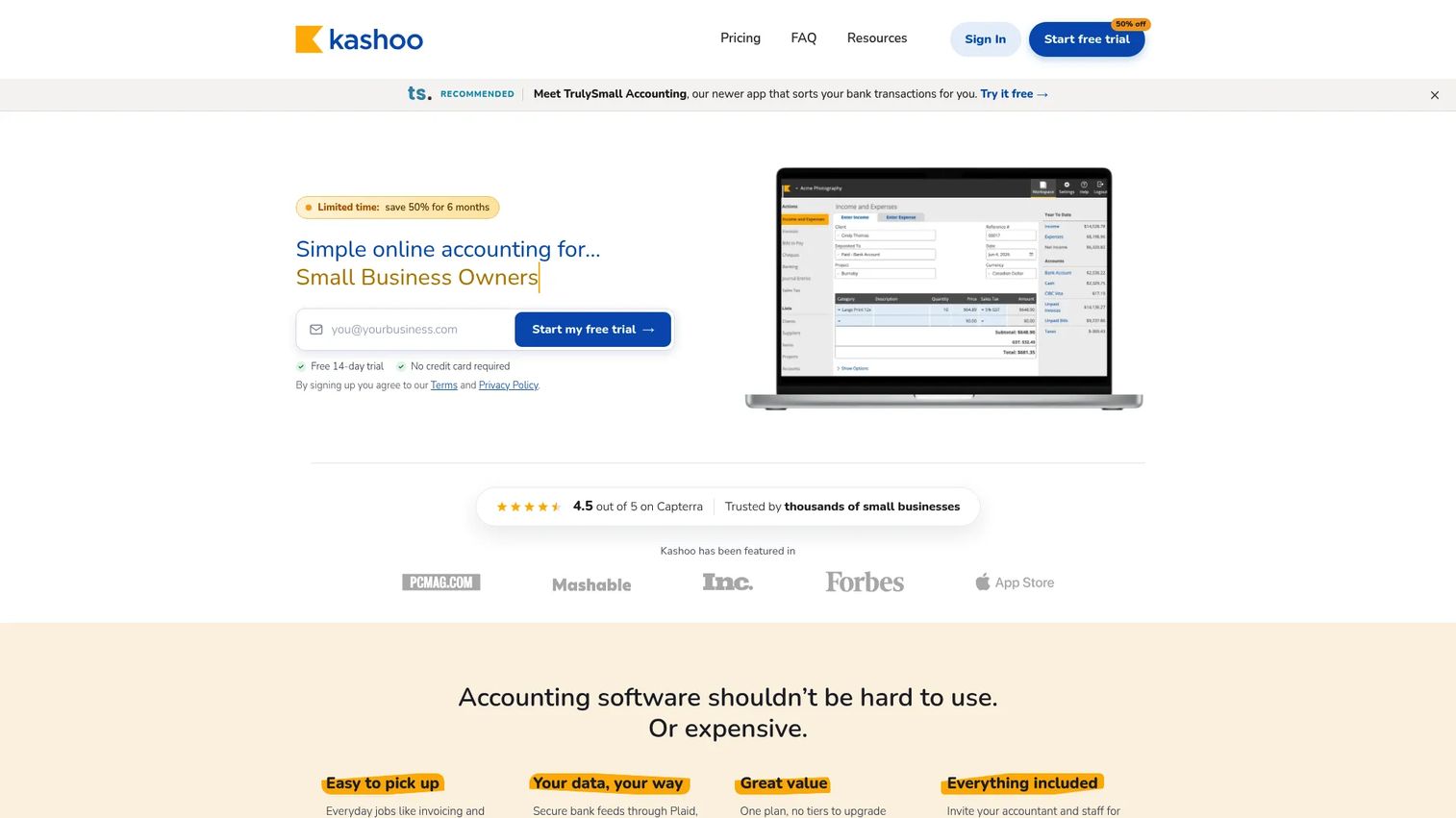
Kashoo provides straightforward cloud accounting for small organizations. It includes invoicing, expenses, bank feeds, projects, and a double-entry ledger.
The single-plan structure keeps purchasing simple. Its capabilities fit uncomplicated books better than multi-campus or restricted fund reporting.
Best for: Small churches with simple income, expense, and reconciliation requirements.
Key features
- Unlimited invoicing
- Expense and bill tracking
- Receipt scanning
- Bank feed synchronization
- Double-entry ledger
Why choose Kashoo: Choose it when the finance team values minimal setup. Complex designated funds will require a product with deeper reporting controls.
Kashoo pricing: Kashoo costs $30/month. A 14-day free trial is available.
14. Gusto
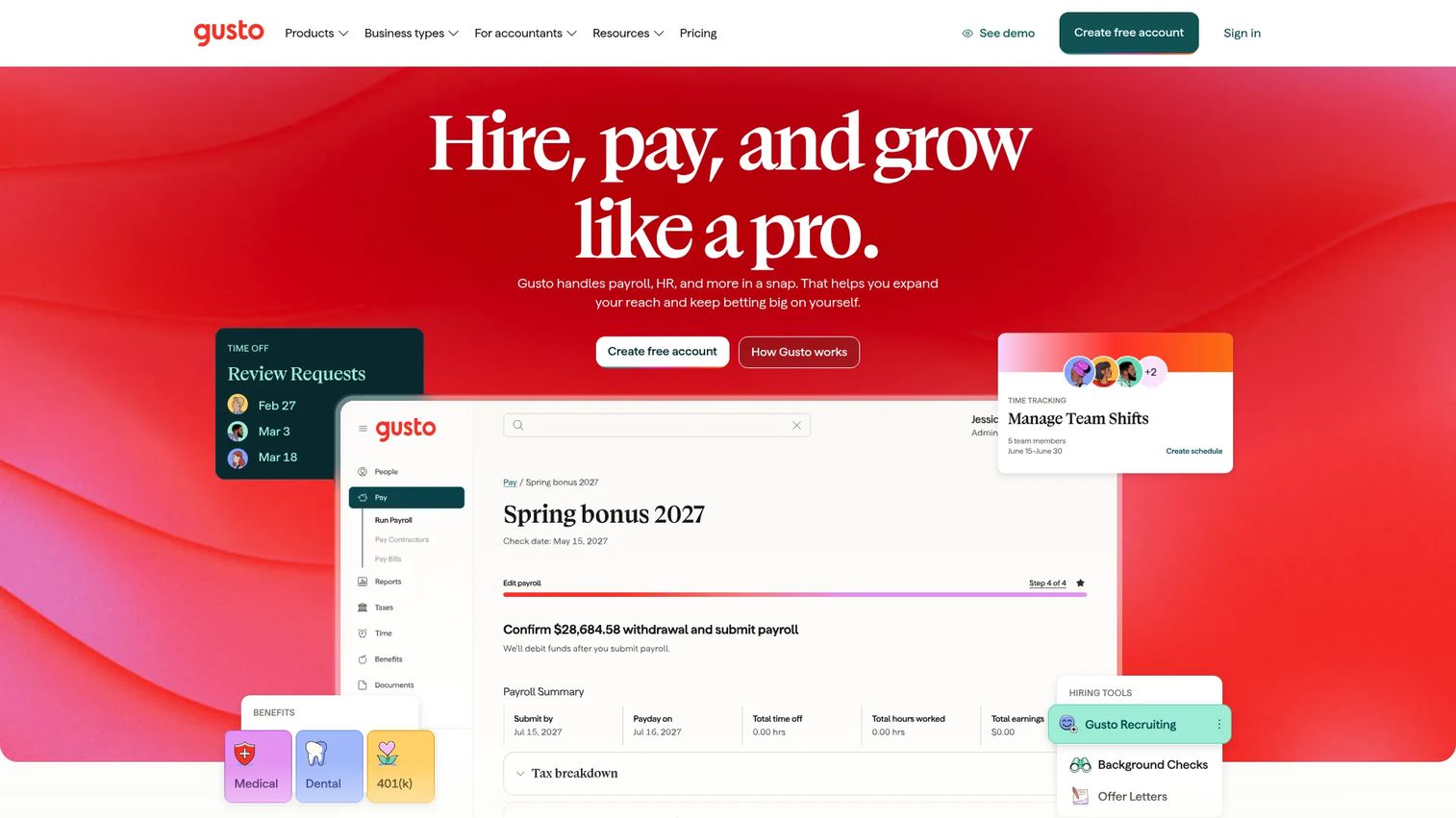
Gusto is payroll and HR software rather than a full accounting system. It handles payroll processing, tax filings, benefits, hiring, and contractor payments.
Churches can use it beside their ledger for employees, clergy, part-time staff, and contractors. The accounting platform remains responsible for fund balances and financial reporting.
Best for: Churches needing dedicated payroll and HR support alongside accounting software.
Key features
- Payroll tax filings and payments
- Time tracking and scheduling
- Contractor payments
- Employee onboarding
- Benefits administration
Why choose Gusto: Choose it when payroll creates the greater operational risk. Connect it to the accounting process rather than treating it as church finance software.
Gusto pricing: Simple costs $49/month plus $6/person. Plus starts at $80/month plus $12/person.
G2 rating
4.6/5
15. Zoho Payroll
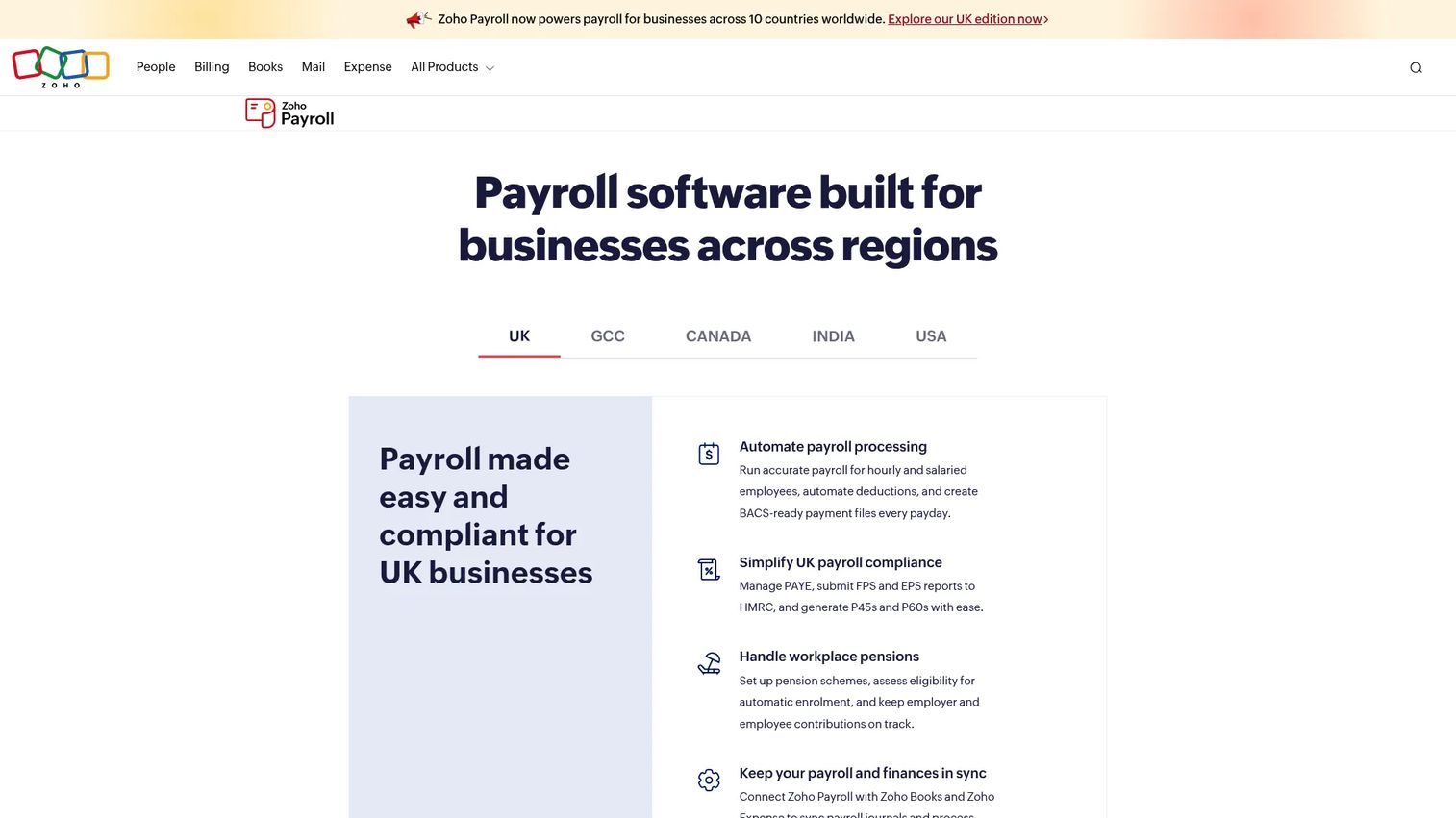
Zoho Payroll automates compensation, tax calculations, filings, direct deposit, and employee records. Its connection with Zoho Books makes it relevant to churches already using that finance stack.
Professional adds multi-state payroll and approval capabilities. Churches should check geographic coverage and clergy-specific requirements before adopting it.
Best for: Zoho Books users wanting church accounting software with payroll connections.
Key features
- Automated payroll tax handling
- Direct and off-cycle payroll
- Employee self-service portal
- Benefits and time-off policies
- Zoho Books integration
Why choose Zoho Payroll: Choose it when keeping payroll inside the Zoho family reduces administration. It complements the ledger rather than replacing fund accounting.
Zoho Payroll pricing: Standard starts at $29/month plus $5/employee with annual billing. Professional starts at $49/month plus $7/employee annually.
16. Stripe
Stripe is payment infrastructure rather than accounting software. Churches can use it for online giving, recurring payments, donation forms, and custom website integrations.
Its reporting exports support reconciliation, but finance teams must still categorize deposits inside the ledger. Restricted fund handling belongs in the accounting system.
Best for: Churches needing configurable online giving connected to their accounting process.
Key features
- Online and in-person payments
- Recurring billing
- Developer APIs
- Fraud prevention
- Reporting and payouts
Why choose Stripe: Choose it when online giving requires configurable payment flows or software integrations. Treat it as a payment channel feeding the ledger.
Stripe pricing: Standard domestic card processing costs 2.9% plus 30¢ per successful transaction. There are no setup or monthly platform fees.
G2 rating
4.4/5
17. PayPal

PayPal supports online checkout, payment links, invoicing, and in-person payments. Familiar payment options can help churches collect donations without building a custom payment flow.
PayPal exports transaction data, but it does not provide restricted fund accounting. Deposits still need categorization and reconciliation in the church ledger.
Best for: Churches seeking recognizable online donation and payment options.
Key features
- Online checkout
- Payment links and invoicing
- In-person payment options
- Transaction reporting
- Global payment acceptance
Why choose PayPal: Choose it when donation collection needs broad payer familiarity and straightforward setup. Use a separate accounting system for fund reporting.
PayPal pricing: Expanded Checkout costs 2.89% plus $0.29 per transaction. PayPal Checkout costs 2.99% plus $0.49.
G2 rating
4.4/5
Considerations when choosing church accounting software
Fund accounting depth
Confirm how the system separates operating cash from restricted or designated funds. Test whether reports show beginning balances, activity, transfers, and remaining fund balances.
A generic tag may work for simple books. Multi-campus churches often need dimensions across funds, entities, departments, and locations.
Contribution and donor reporting
Map every giving channel before comparing tools. Include online giving, checks, cash deposits, recurring gifts, and pledges.
Check whether the accounting system produces donor statements. If it does not, confirm how contribution tracking software passes summarized entries into the ledger.
Church size and finance maturity
A volunteer treasurer benefits from fewer configuration choices and clear workflows. A staffed finance team may need approval controls, consolidation, and deeper reporting.
Avoid buying for theoretical growth. Choose a system that can earn its place in your stack within the first quarter.
Payroll and tax workflows
Document clergy compensation, staff payroll, contractor payments, reimbursements, and allowances. Determine which records remain in payroll software and which entries move into accounting.
A church payroll software product can complement the ledger. It should never obscure payroll costs across ministries or funds.
Controls, permissions, and audit readiness
Define who can enter transactions, approve payments, reconcile accounts, and export reports. The system should support role separation without relying on shared credentials.
Also review audit trails and board reporting. Clean controls reduce dependence on one long-serving treasurer or finance director.
Conclusion
The best church accounting software fits the financial complexity you have now, with room for the next operating stage.
Sage Intacct suits larger or multi-campus organizations that need dimensional reporting and consolidation. ChurchTrac fits churches seeking fund accounting beside giving and member operations.
QuickBooks and Xero offer familiar general accounting. Wave Accounting and ZipBooks provide accessible starting points for simple books.
Payroll-heavy teams should evaluate Gusto or Zoho Payroll beside their accounting system. Stripe and PayPal belong in the payment layer, with deposits flowing into a separate ledger.
Shortlist three options. Map your funds, giving channels, bank accounts, payroll process, and board reports. Then run a sample month end close in each system.
Pick the tool that makes fund balances, contribution records, payroll, and board reporting easier to trust by the next month end.
FAQs about church accounting software
A church needs accounting software once it manages recurring donations, designated funds, reimbursements, payroll, or formal board reporting. The system creates a repeatable record of where money came from and how it was used.
A very small church can begin with basic bookkeeping. Spreadsheet risk grows quickly when several people edit records or restricted funds increase.
No single product fits every congregation. Sage Intacct suits larger and multi-campus organizations, while ChurchTrac connects accounting with church administration.
QuickBooks and Xero fit churches wanting familiar general accounting. Wave Accounting or ZipBooks may work for simple, budget-sensitive bookkeeping.
Core features should cover fund accounting, contribution tracking, budgeting, bank reconciliation, financial reports, and permissions. Payroll integration also matters when the church has employees or clergy.
Look closely at donor statements and restricted fund reporting. Those workflows often separate dedicated accounting software for churches from generic bookkeeping tools.
Yes. QuickBooks supports bookkeeping, bank transaction syncing, expenses, invoicing, and financial reports.
Churches need careful configuration for funds and internal reporting structures. Dedicated church software may offer closer connections between contribution records and the ledger.
Fund accounting separates money according to its purpose or donor restriction. Common examples include operating, building, missions, and benevolence funds.
The ledger tracks each fund’s income and spending separately. This shows whether the church used money according to donor intent.
Wave Accounting and ZipBooks offer free plans for basic bookkeeping. Both can suit small churches with uncomplicated income and expense records.
Free church accounting software becomes less practical when donor statements or restricted funds require manual work. Payroll and formal board reporting can also justify a paid system.
Churches with employees, clergy, part-time staff, or contractors should consider dedicated payroll software. It can handle payroll runs, tax filings, direct deposit, and employee records.
Payroll software does not replace church financial software. The accounting system must still report payroll costs against funds, ministries, or departments.
No. Church management software typically handles people, attendance, giving, events, and communication. Some platforms also include accounting and budgeting.
A dedicated accounting platform focuses more heavily on the ledger, controls, reconciliation, and financial reporting. Compare both approaches if reducing tool sprawl is a priority.
Start by mapping funds, giving channels, payroll requirements, bank accounts, and board reporting needs. Then shortlist products that fit your church size and finance maturity.
Run a sample month end close before signing a long agreement. Include contribution imports, payroll entries, reconciliation, and the reports leadership expects.