



You open the spreadsheet for the third time this week. Column J is a mess. Two reviewers scored the same abstract, three never got assigned, and a speaker just emailed asking whether their talk made the cut. You don't know.
This is where call for papers workflows break. Not at intake, and not at the pitch. They break the moment more than one person touches a submission, more than one track opens, or more than one deadline lands in the same fortnight.
The global proposal management software market reached USD 3.26B in 2025 and is projected to hit USD 9.19B by 2034, according to Fortune Business Insights (2025). Submission and review tooling is a real category now, not a nice-to-have. Yet most conference and publication teams still run intake through Google Forms, review through email threads, and deadline tracking through a shared sheet nobody trusts.
CFP software fixes the coordination problem, not just the intake problem. It gives you structured submission forms, reviewer routing that survives multiple committees, deadline visibility across phases, and a clean handoff into your agenda once acceptances land. That last part matters more than most buyers expect.
This guide compares six tools built for the full CFP lifecycle, so you can pick the one that matches how your team actually works.
What's inside
This guide is for conference organizers, association staff, academic publication teams, and event program managers who have outgrown spreadsheets and inbox-based intake.
We picked and ranked tools against four criteria that decide whether a CFP workflow holds up under volume:
- Submission intake and form logic: conditional fields, multi-track routing, and structured abstract intake
- Review workflows and scoring: reviewer assignments, blinded review, scoring, and committee visibility
- Deadline tracking and status visibility: milestone reminders, phase tracking, and status updates
- Speaker, agenda, or publication follow-up: how accepted content flows into programs or publishing
TL;DR
- Best for end-to-end conference workflow: Sessionboard, which connects submission intake, review, and agenda planning in one platform.
- Best for publication-style CFP discovery: IEEE Computer Society Calls for Papers, for browsing and routing to current IEEE journal and conference calls.
- Best for event review and committee collaboration: Sched, which pairs submission intake with agenda publishing.
- Best for structured abstract and peer review: OpenConf, built around submission and review assignment.
- Best for integrated submission and review operations: OpenWater, for associations running application and multi-round review.
- Best for enterprise conference operations: Cadmium, for associations needing events plus continuing education.
What is call for papers software?
Call for papers software is a system that collects submissions, routes them to reviewers, scores and tracks them against deadlines, and moves accepted content into an agenda or publication. It replaces the spreadsheet-and-inbox setup that most teams start with and quickly outgrow.
The category is also called CFP software, conference submission software, or abstract management software depending on the audience. Academic teams tend to say abstract management. Event teams tend to say conference submission. The workflow underneath is the same.
Core capabilities you should expect:
- Submission forms: structured intake with required fields, file uploads, and author details
- Conditional fields: logic that shows or hides questions based on track, format, or answer
- Review assignments: routing submissions to the right reviewers or committees
- Scoring and decisioning: numeric scores, rubrics, and accept/reject/waitlist status
- Automated notifications: reminders to authors and reviewers as deadlines approach
- Agenda or content handoff: pushing accepted sessions into a program or publishing queue
Good CFP software serves both worlds. A journal editor needs blinded peer review and revision rounds. A conference organizer needs multi-track intake and a speaker portal. The strongest tools handle deadline tracking and reviewer workflow for both without forcing a workaround.
The distinction that trips up buyers is scope. Some tools focus on discovery and listing calls. Some focus on intake and review. Some run the whole program, from abstract intake forms through agenda builder. Knowing which layer you need saves you from paying for capabilities you'll never open.
When to use call for papers software
Manage submissions without email threads
Inbox-based intake works until it doesn't. One track, twenty submissions, one organizer: fine. Add a second track and a co-organizer, and attachments start going missing. Structured submission forms fix this by capturing every field you need up front, with validation, so you stop chasing authors for the abstract they forgot to attach. You get one source of truth instead of a thread per submitter.
Coordinate reviewers across tracks or committees
Review is where CFP workflows get political. Multiple reviewers touch one submission, and someone has to see all the scores without the reviewers seeing each other's. That is the case for a real session review workflow: assignments, role permissions, blinded review, and a scoring view for the committee chair. When a submission crosses two tracks, routing decides who evaluates it. Do that in a spreadsheet and you get double-scored abstracts and orphaned ones.
Track deadlines and acceptance milestones
Every CFP runs on phases. Submission close, review window, decision date, camera-ready deadline, agenda lock. Miss the visibility on any one and the whole calendar slips. Software gives you milestone tracking, automated reminders, and status updates so authors know where they stand and organizers know what is late. That visibility feeds directly into program planning and speaker coordination, since you cannot build an agenda around sessions still stuck in review.
Comparison table
Six tools, sorted by relevance to full-lifecycle CFP work. Pricing and ratings reflect what each vendor publishes; where a vendor lists custom pricing or no public rating, that is noted rather than guessed.
| # | Product | Best for | Key differentiator | Pricing | G2 rating |
|---|---|---|---|---|---|
| 1 | Sessionboard | End-to-end conference workflow | Speaker, submission, and agenda in one platform | $249/month | Not published |
| 2 | IEEE Computer Society CFP | Publication CFP discovery | Official IEEE journal and conference listings | Not published | Not published |
| 3 | Sched | Event review and agenda publishing | Submission intake plus attendee scheduling | Not published | 4.4/5 |
| 4 | OpenConf | Structured abstract and peer review | Submission plus review assignment and bidding | Not published | Not published |
| 5 | OpenWater | Integrated submission and review | Multi-round review for applications and abstracts | Custom pricing | 4.4/5 |
| 6 | Cadmium | Enterprise conference operations | Events plus continuing education for associations | Custom pricing | Not published |
1. Sessionboard
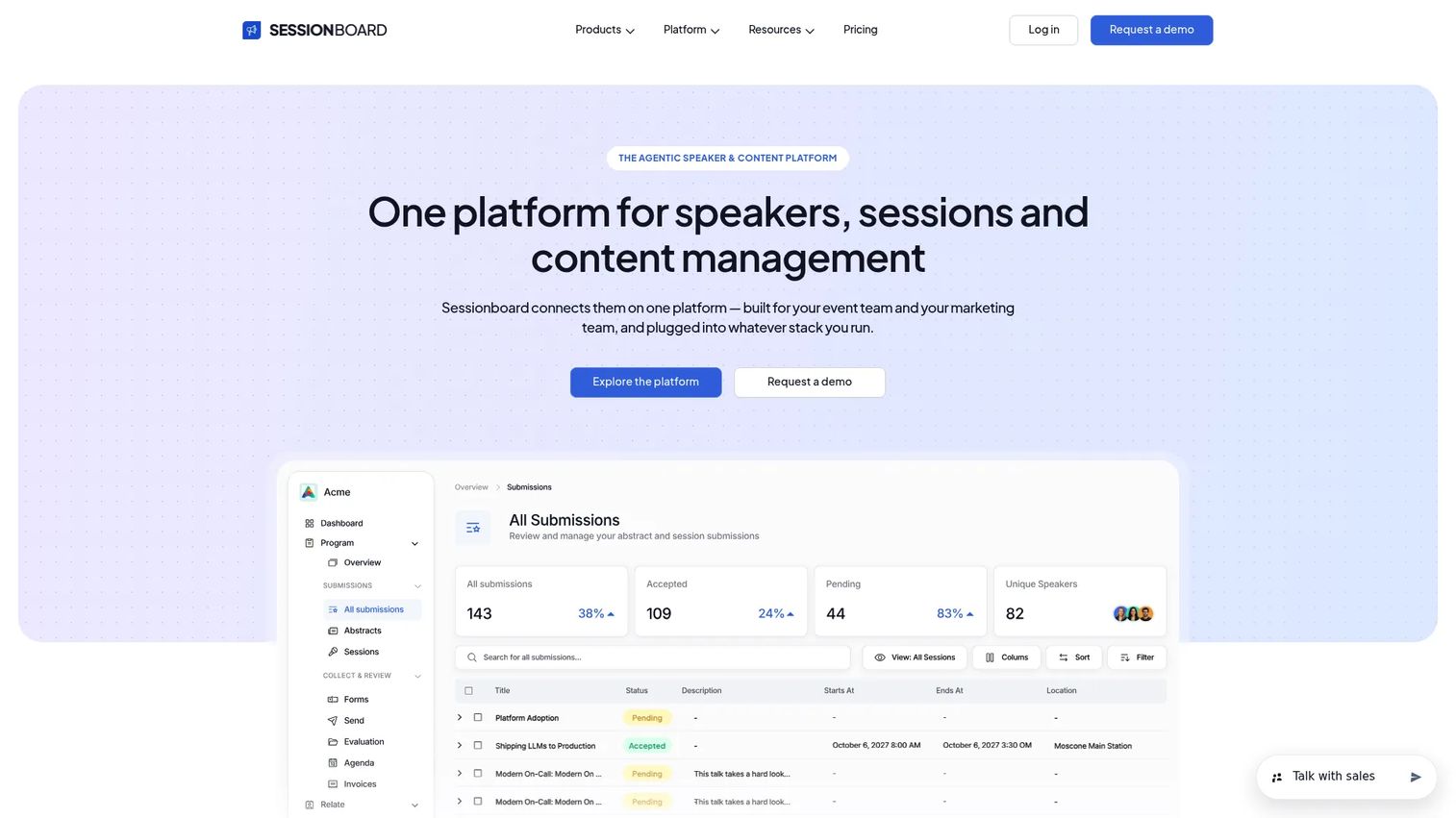
Sessionboard is an event management platform built around the parts of a conference that spreadsheets handle worst: speakers, submissions, and the agenda. It connects submission intake to review and then to session planning, so accepted content does not have to be re-entered by hand. For teams running recurring conferences, the speaker CRM keeps history across events instead of resetting every year.
Best for: event teams managing speakers, abstracts, and agendas across recurring conferences.
Key strengths
- Speaker CRM: track speaker history across recurring events
- Submission management: structured intake for abstracts and sessions
- Agenda and session planning: build the program from accepted content
Why choose Sessionboard: If your pain is the gap between "submission accepted" and "session on the agenda," Sessionboard closes it. It suits organizers who run the same conference year after year and want speaker relationships and program data in one place, not scattered across a form tool, a review sheet, and a scheduling app.
Sessionboard pricing: Sessionboard's pricing page lists Professional, Enterprise, and Tailored plans, all displayed at $249 per month, with Tailored also directing you to talk to sales. There is no free tier.
2. IEEE Computer Society Calls for Papers
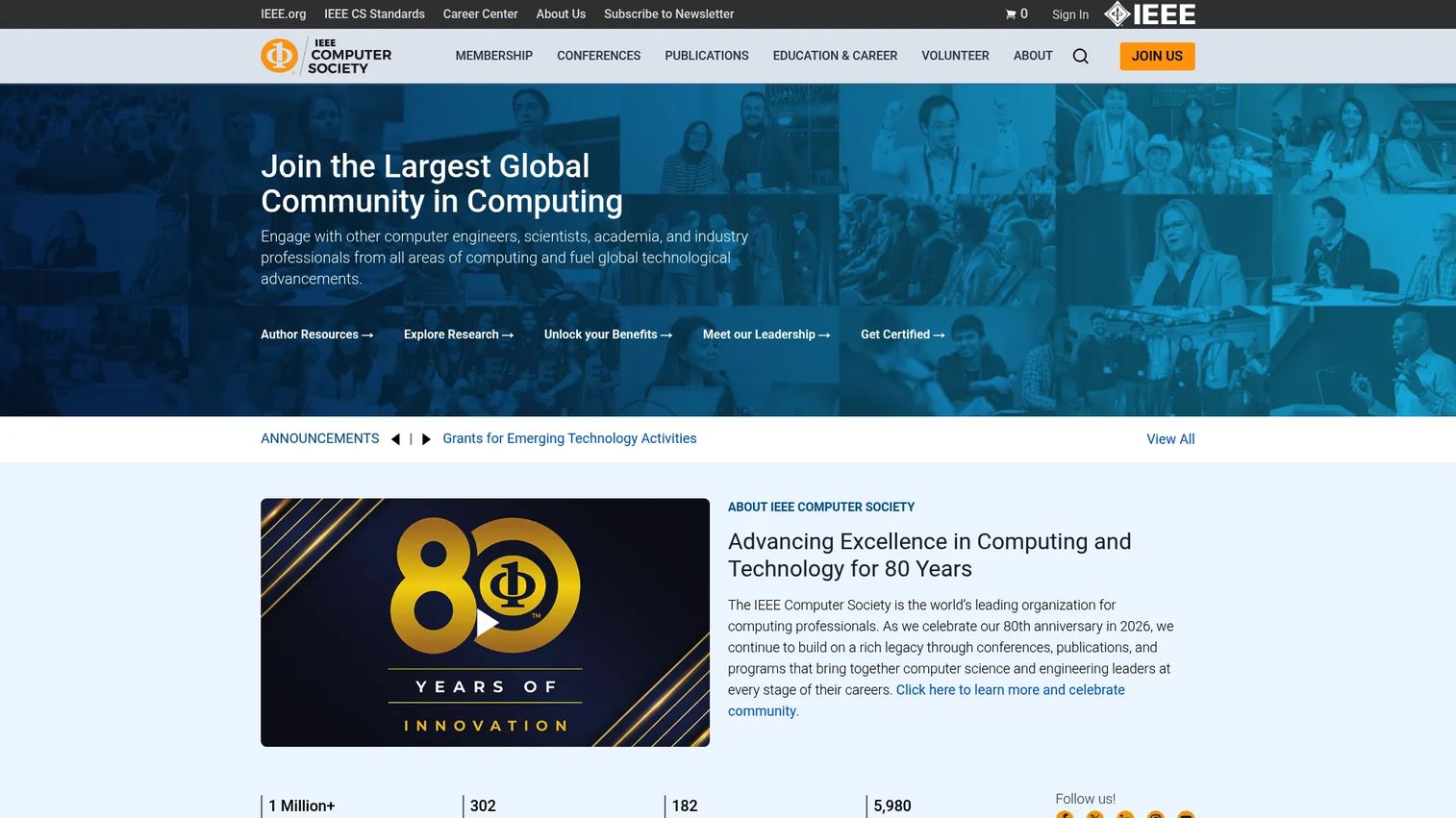
IEEE Computer Society Calls for Papers is the official listing of open calls across IEEE Computer Society journals, magazines, and conferences. It is a discovery and submission-routing resource, not a workflow suite. If you are an author looking for the right IEEE venue, or an editor publicizing a special issue, this is where those calls surface with categories, submission dates, and publishing options.
Best for: researchers and editors looking for current IEEE Computer Society CFPs.
Key strengths
- Browse open calls across categories
- Filter by publication type and submission dates
- Hybrid publishing options for IEEE Computer Society publications
Why choose IEEE Computer Society CFP: Choose this when your goal is finding or advertising IEEE-affiliated calls, not administering your own review pipeline. It is authoritative for the IEEE ecosystem and keeps deadlines and metadata current, which matters when a submission window is the difference between publishing this cycle or waiting a year.
IEEE Computer Society CFP pricing: The calls-for-papers listings are published as an author resource on the IEEE Computer Society site. Submission and publication fees depend on the specific journal, magazine, or conference you submit to rather than a single platform price.
3. Sched
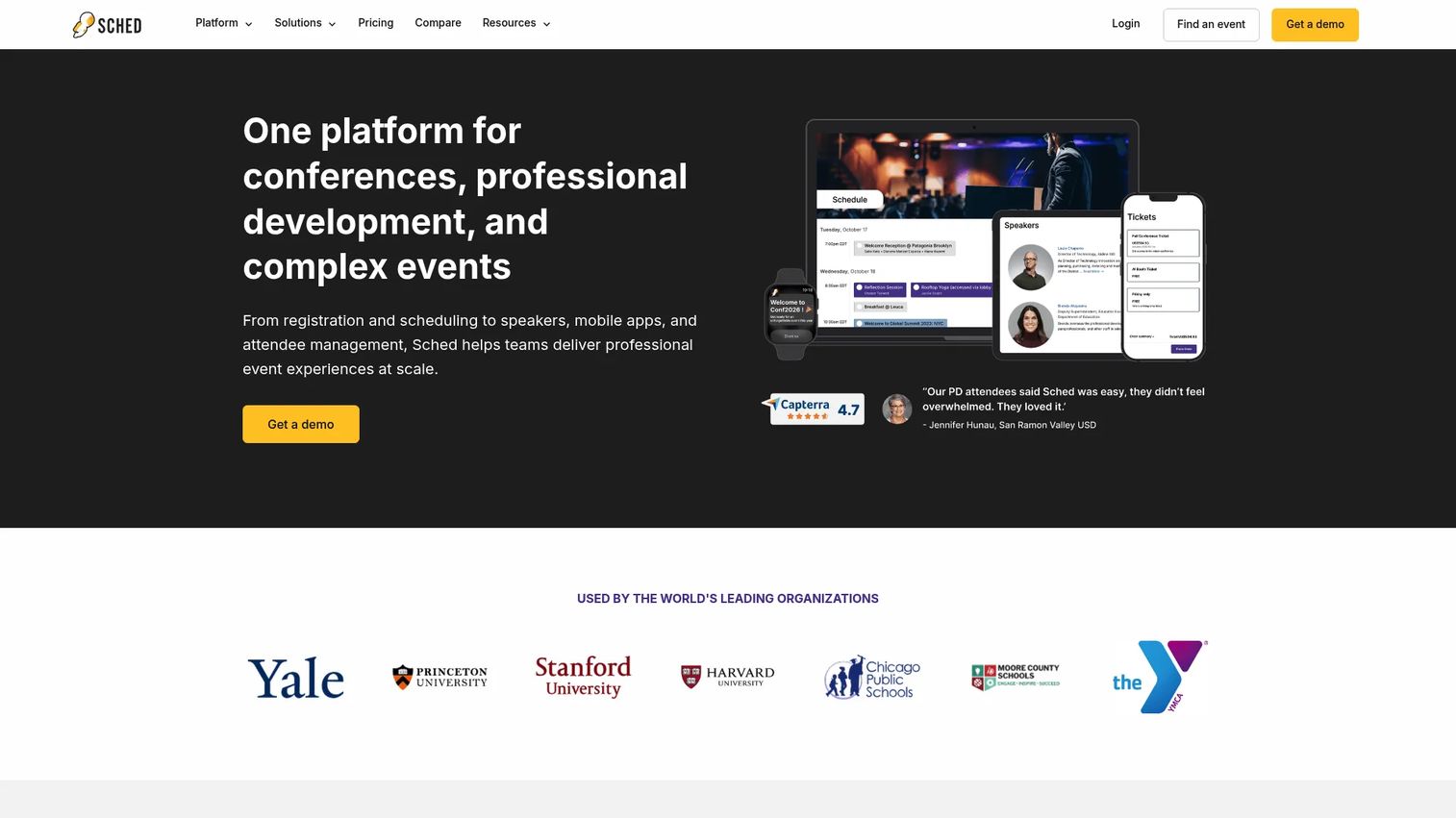
Sched is event scheduling software that pairs submission intake with agenda publishing and attendee management. That combination is its edge: the sessions you collect and review can flow straight into a published schedule attendees actually use. For events that need a practical workflow layer without a heavyweight platform, Sched covers intake through program in one place.
Best for: teams running in-person, hybrid, or virtual events that need agenda publishing plus attendee schedule management.
Key strengths
- Event agendas and schedules
- Attendee registration and check-in
- Embed schedules on a website
Why choose Sched: Choose Sched when the agenda is the deliverable. Many CFP tools stop at "accepted"; Sched carries accepted sessions into a live, embeddable schedule and lets attendees build their own itineraries. That makes it a strong fit for event teams who want submission, review, and program in one workflow rather than stitched together.
Sched pricing: Sched publishes single-event plans and subscription options on its pricing page, with tiers named Launch, Boost, and Ultra; some features require the Boost or Ultra tier. Sched holds a 4.4 out of 5 rating on G2.
4. OpenConf
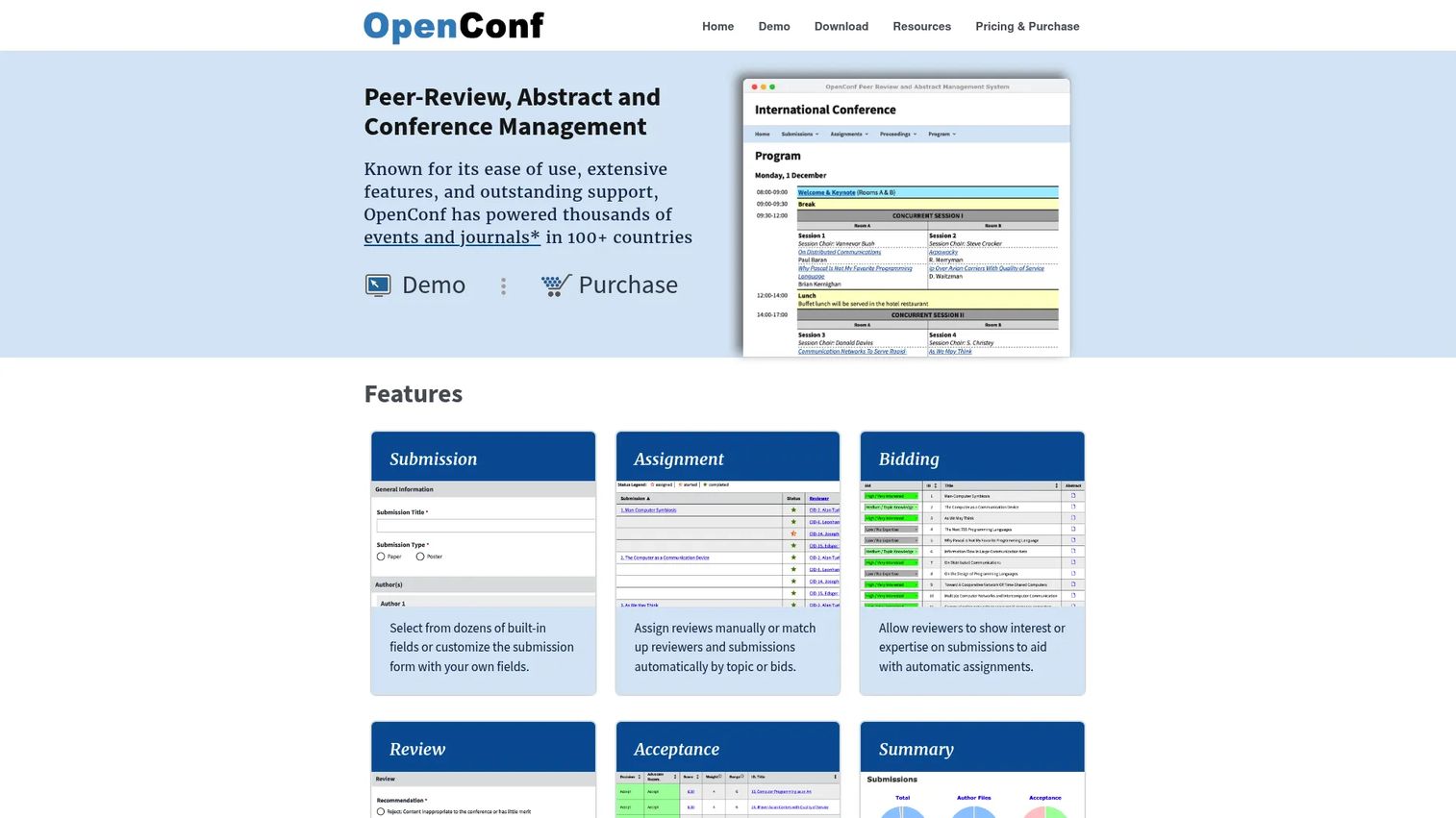
OpenConf is conference and abstract management software built around submissions and peer review. It handles submission intake, review assignment, and reviewer bidding, which is exactly the machinery academic and technical events need. Multilingual support widens its reach for international conferences and journals running structured review.
Best for: organizations running conferences, workshops, journals, or abstract-review workflows.
Key strengths
- Submission management
- Review assignment and bidding
- Multilingual support
Why choose OpenConf: Reach for OpenConf when peer review is the core of your process, not an afterthought. Reviewer bidding lets evaluators claim submissions they are qualified for, which improves review quality and cuts the manual routing a chair would otherwise do by hand. It suits teams that care about fair, structured review over broad event operations.
OpenConf pricing: OpenConf offers Community, Plus, and Professional editions. Public prices are not displayed on its editions page, and purchase or hosting is arranged through the OpenConf site.
5. OpenWater
OpenWater is application and review software that spans awards, abstracts, grants, scholarships, and fellowships. That range is the point: if your organization runs several submission-and-review programs, one platform handles them all. Multi-round review and AI-assisted review support the deeper evaluation cycles associations and foundations tend to need.
Best for: associations, foundations, and higher-ed teams managing applications and peer review workflows.
Key strengths
- Submission collection and multi-round review
- Awards, abstract, grant, scholarship, and fellowship management
- AI-assisted review
Why choose OpenWater: Choose OpenWater when abstracts are one of several review programs you run. A team managing a conference CFP alongside an awards program and a grant cycle gets one system instead of three. Multi-round review handles the revise-and-resubmit patterns that single-pass tools force you to fake.
OpenWater pricing: OpenWater uses subscription-based pricing and provides custom quotes rather than publishing a public price. It holds a 4.4 out of 5 rating on G2.
6. Cadmium
Cadmium is event management and continuing education software for associations, nonprofits, healthcare, and higher education. It supports the full event lifecycle, and its continuing education and LMS tools set it apart for organizations where sessions earn credit. Exhibitor and sponsor management round out a platform built for larger, more complex programs.
Best for: associations that need integrated events and continuing education software.
Key strengths
- Event management lifecycle support
- Continuing education and LMS tools
- Exhibitor and sponsor management
Why choose Cadmium: Pick Cadmium when your conference is part of a bigger operation: continuing education credits, sponsors, exhibitors, and multi-track programs. Associations that award CE credit for attended sessions get the LMS and event pieces in one platform, which avoids reconciling attendance across separate systems after the event.
Cadmium pricing: Cadmium does not publish pricing on its site. It directs prospective buyers to request a demo or submit an RFP for a quote.
Considerations
Before you commit, run each shortlisted tool against the criteria that actually decide whether a CFP holds up.
Submission form flexibility
Look at conditional logic, custom fields, and multi-track routing. A single-track workshop needs almost nothing; a five-track conference needs forms that change based on the track a speaker picks. If the tool cannot branch, you end up building five separate forms and reconciling them later. Test the intake with your messiest submission type before you buy.
Review governance
Check for blinded review, scoring rubrics, role permissions, and auditability. Review is where fairness and efficiency collide. You want reviewers who cannot see each other's scores, a chair who can see everything, and a record of who evaluated what. Ask whether the reviewer workflow supports assignment by expertise or bidding, since manual routing does not scale past a couple of tracks.
Deadline and milestone tracking
Verify reminders, status updates, and phase tracking. Every CFP is a sequence of deadlines, and each one gates the next. The tool should show authors where their submission stands and show organizers what is overdue. Without automated reminders, deadline tracking becomes a manual chase that eats organizer hours.
Agenda and content handoff
Confirm how accepted sessions flow into an agenda or publication. This is the step buyers underweight. If the tool stops at "accepted," someone re-enters every session into a scheduling tool by hand. Tools that carry accepted content into an agenda builder or speaker portal save that duplicate entry entirely.
Security and compliance
Verify data handling, access control, and trust signals. Academic, association, and enterprise events handle personal data and, sometimes, embargoed research. Ask how the vendor controls access, where data lives, and what audit trail exists. The larger and more regulated your event, the more this criterion moves from nice-to-have to dealbreaker.
Conclusion
The right CFP software depends on where your workflow breaks. If it breaks between acceptance and agenda, Sessionboard connects submission, review, and program in one platform. If you are finding or advertising publication calls, IEEE Computer Society Calls for Papers is the authoritative source for the IEEE ecosystem.
For practical review workflows, Sched carries accepted sessions into a live schedule, and OpenConf builds the whole process around structured peer review and reviewer bidding. If abstracts are one of several review programs you run, OpenWater handles them alongside awards, grants, and fellowships. And if your conference is part of a larger association operation with continuing education, Cadmium fits the enterprise end.
Start with the criterion that hurts most today. If reviewers are double-scoring abstracts, prioritize review governance. If speakers are asking about a schedule that does not exist yet, prioritize agenda handoff. Shortlist two tools that match, run your messiest submission type through each, and pick the one that survives it.
FAQs
They overlap almost entirely. Abstract management software is the term academic and scientific teams use; call for papers software is the broader term that also covers conference and event submissions. Both collect submissions, route reviews, and track deadlines. The label usually reflects the audience, not a real difference in capability.
Four things: structured submission forms with conditional logic, a reviewer workflow with scoring and permissions, deadline and milestone tracking with automated reminders, and a handoff into an agenda or publication. If a tool nails intake and review but stops at "accepted," you inherit the manual work of building the program yourself.
Yes, and this is where good software earns its cost. Conditional form fields route a submission to the right track based on what the speaker selects, and reviewer routing assigns it to the committee that owns that track. That prevents the double-scoring and orphaned submissions that spreadsheets produce once you pass one track.
Very. Journals run blinded peer review, revision rounds, and editor decisioning, which map directly onto CFP tooling built for structured review. Tools like OpenConf and OpenWater support multi-round review and reviewer assignment, so a journal editor gets the same submission-and-review backbone a conference organizer uses.
Through milestone tracking and automated reminders. The software marks each phase, such as submission close, review window, decision date, and camera-ready deadline, then notifies authors and reviewers as each approaches. Organizers get a status view showing what is complete and what is overdue, which replaces the manual follow-up that eats the most time.
Assignment by expertise or bidding, numeric scoring or rubrics, role permissions so reviewers cannot see each other's scores, blinded review where anonymity matters, and clear decision status. A committee chair should see everything; individual reviewers should see only their assignments. That balance is what keeps review both fair and fast.
Once volume or complexity grows, it usually should. A spreadsheet works for one track and a handful of submissions. Add multiple reviewers, several tracks, and phased deadlines, and the sheet becomes the bottleneck: double entries, lost attachments, no reminders, no audit trail. CFP software gives you one source of truth with routing and tracking built in.










