Your phone bill went up again. The invoice shows the total, but it doesn't identify which queue, extension, department, or call pattern caused the increase.
Raw phone bills leave support leaders with similar gaps. They can't easily connect missed calls to coverage problems or explain how call volume affects operating costs.
Call accounting software fills that reporting gap. It converts phone activity into usable cost, usage, billing, and security data.
The market reflects that need. Dataintelo valued the global call accounting system market at $2.15 billion in 2025. Meanwhile, the 2025 IDC and Lumen Cloud Communications Survey found that over half of U.S. companies primarily use voice for business communication.
What's inside
This guide covers software from dedicated call accounting, UC analytics, financial management, and cloud contact center categories.
We evaluated each option using four practical criteria:
- Call detail record handling and reporting depth
- Cost allocation, billing, and chargeback capabilities
- Compatibility with PBX, VoIP, cloud, or hybrid environments
- Pricing clarity and fit for different operating models
The comparison is written for support leaders, telecom administrators, finance teams, hotels, and multi-location organizations.
TL;DR
- Best for UC analytics: Predictive UC Analytics provides cross-platform communications visibility
- Best for accounting-led cost control: Sage Intacct connects telecom expenses with financial reporting
- Best for support operations: CloudTalk combines cloud calling with queue and agent analytics
- Best for outbound teams: PhoneBurner adds activity reporting to high-volume calling workflows
- Best for enterprise contact centers: Amazon Connect offers usage-based cloud contact center infrastructure
- Best for hotel call accounting: ProfitWatch supports guest billing and hospitality reporting
What is call accounting software?
Call accounting software tracks, categorizes, prices, and reports phone usage from call detail records so organizations can understand activity, costs, billing, and suspicious usage.
A call detail record, often shortened to CDR, is generated when a phone system processes a call. Common fields include the caller, destination, extension, duration, time, route, and cost information.
The call accounting system imports these records from a PBX, VoIP service, or contact center. It then normalizes the data and applies reporting or billing rules.
Call costing assigns rates to calls. Organizations can allocate spending to departments, mark up guest calls, or charge clients for phone usage.
Call reporting software organizes activity by user, extension, location, queue, cost center, or guest room. Support leaders can use these views to examine missed calls and coverage gaps. Finance teams can use them for call cost allocation and carrier invoice reconciliation.
Operational monitoring adds another layer. Some platforms show unanswered calls, unusual international traffic, after-hours activity, or repeated dialing patterns. These capabilities support toll fraud detection and policy enforcement.
Deployment options vary. Cloud call accounting suits hosted phone systems, while on-premise call accounting connects with local PBX infrastructure. Other products support virtual and hybrid environments.
Core capabilities include:
- CDR import and normalization
- Cost allocation and call chargeback
- Department and extension-level reporting
- PBX and VoIP compatibility
- Inbound and outbound call analytics
- Fraud and abnormal usage alerts
- Hotel guest billing and markup
- Telecom audit reporting exports
Call accounting overlaps with telecom expense management, contact center analytics, and phone system analytics. However, each category emphasizes a different operational job.
When to use call accounting software
Track telecom costs by team, location, or extension
Use call accounting when one carrier invoice covers several departments, properties, or support queues. Department call reporting helps assign spending to the teams creating it.
Extension-level reporting adds more detail. Finance can trace usage to individual users, while support operations can compare cost against call demand.
Monitor call volume and support coverage
Support leaders need more than a monthly total. They need to see peak periods, unanswered calls, overloaded queues, and abnormal changes in call volume.
Inbound and outbound call analytics can inform staffing and coverage decisions. They also give managers context when average handle time or phone costs increase.
Detect toll fraud and suspicious usage
Unusual phone activity can become expensive before the next invoice arrives. Toll fraud detection looks for patterns such as international dialing spikes or premium-rate numbers.
Useful controls may also flag after-hours calls, repeated failed attempts, or policy violations. Confirm which alerts each vendor supports.
Bill guests, clients, or departments accurately
Hotels use call accounting for guest call billing, markup, and cost recovery. Managed offices, universities, legal firms, and multi-tenant organizations may use similar chargeback rules.
Auditable records matter here. The software should preserve the original call data alongside any rates, markups, or billing assignments.
Call accounting software comparison
The table below is a buyer shortcut. Start with your phone environment, then compare whether you need cost accounting, support analytics, financial reporting, or hotel billing.
Some products are dedicated call accounting tools. Others provide adjacent call reporting through contact center, UC, CRM, or accounting platforms. That distinction affects implementation and pricing.
| # | Product | Best for | Key differentiator | Pricing | G2 rating |
|---|---|---|---|---|---|
| 1 | Predictive UC Analytics | Unified communications reporting | Cross-platform UC monitoring and analytics | N/A | N/A |
| 2 | Sage Intacct | Accounting-led cost allocation | Multi-entity financial reporting | Custom pricing | N/A |
| 3 | CloudTalk | Support and sales call teams | Cloud calling with contact center analytics | From €25 per user monthly, billed annually | 4.4/5 |
| 4 | PhoneBurner | Outbound sales calling | Power dialing with activity reporting | From $140 per user monthly, billed annually | 4.7/5 |
| 5 | ZIWO | Cloud contact centers | Voice and messaging operations with analytics | From $40 per user monthly | 4.9/5 |
| 6 | InfoFlo Impact | CRM-connected call tracking | Communication activity linked to customer records | N/A | 4.5/5 |
| 7 | Amazon Connect | Enterprise contact centers | Usage-based cloud contact center infrastructure | From $0.004 per message | 4.4/5 |
| 8 | FreJun | Call automation and logging | CRM-connected business calling | From $14.49 per user monthly | 4.8/5 |
| 9 | Kavkom | Business phone reporting | Cloud telephony with supervision tools | From €10 per user monthly | N/A |
| 10 | FluentStream | Small business phone reporting | Integrated business communications | Custom pricing | 4.8/5 |
| 11 | CASH+ Call Accounting Software | Traditional call accounting | Telecom billing and call cost reporting | N/A | N/A |
| 12 | Aloware | CRM-centric contact centers | Calling and messaging with CRM reporting | From $30 per user monthly | 4.1/5 |
| 13 | NUACOM | Business VoIP analytics | VoIP call reporting with routing tools | From $25 per user monthly | 4.8/5 |
| 14 | CDR Call Reporting for Cisco | Cisco call reporting | CDR analysis for Cisco environments | Custom pricing | 4.8/5 |
| 15 | Sales Sling | Sales call operations | Dialing with lead management | From $149 per seat | N/A |
| 16 | Microcall | Enterprise call accounting | Cost allocation across voice platforms | Custom pricing | 4.3/5 |
| 17 | ProfitWatch | Hotel call accounting | Guest billing and hospitality reporting | Custom pricing | 5.0/5 |
Best 17 tools for call accounting software
1. Predictive UC Analytics
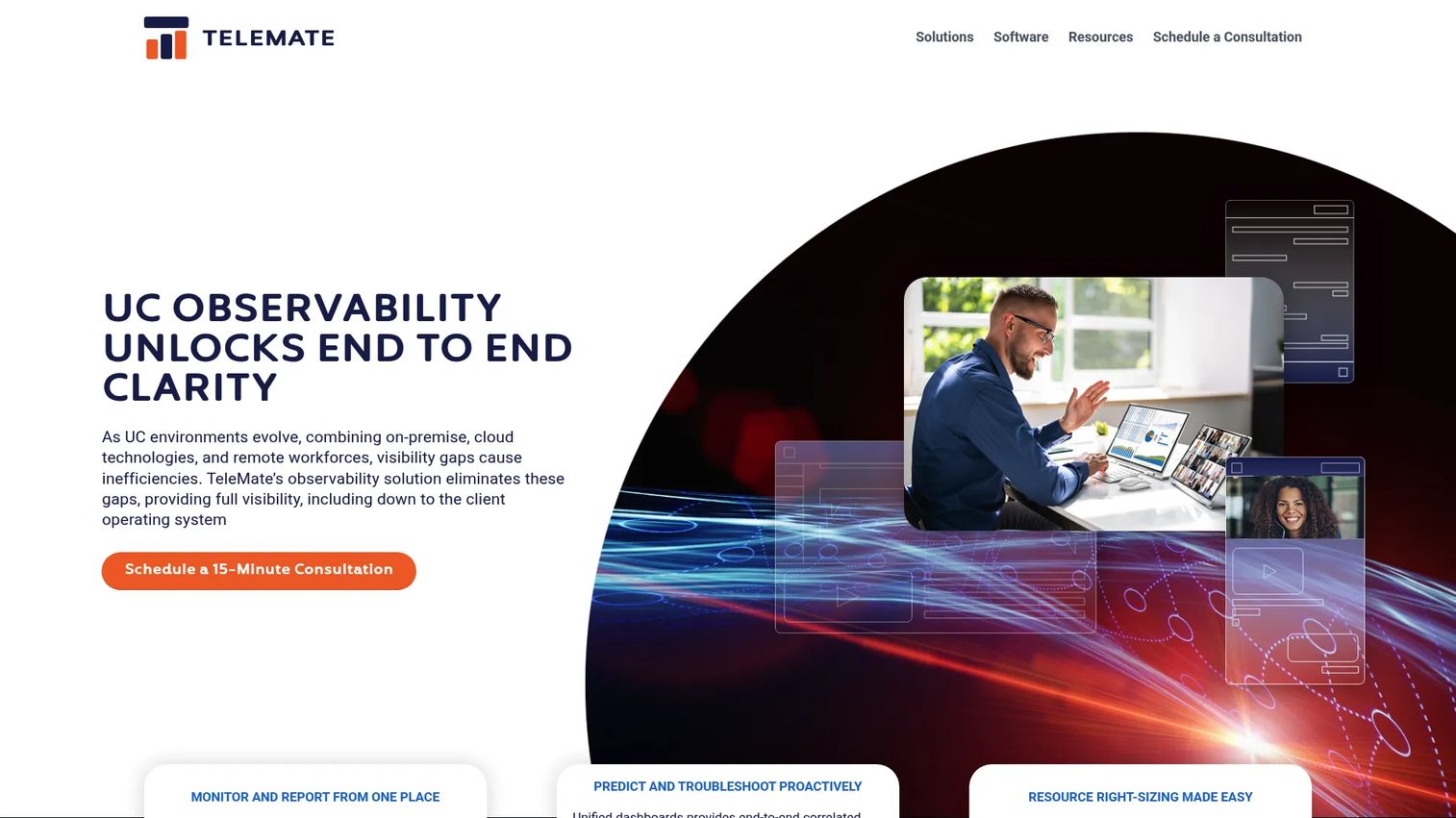
Predictive UC Analytics monitors voice, video, contact center, and collaboration activity across unified communications environments. It extends beyond phone expense tracking into adoption, service quality, and capacity analysis.
The platform suits enterprises managing several communications systems or locations. Role-based access and directory integration can help larger organizations distribute reporting without exposing every administrative view.
Best for: Enterprise IT, telecom, and operations teams managing cross-platform communications environments.
Key features
- Real-time monitoring and alerts
- Historical analytics and heat maps
- Adoption and capacity forecasting
- Service quality analysis
- Role-based reporting access
Why choose Predictive UC Analytics: Choose it when classic call accounting data needs context from a broader UC environment. Its strength is cross-platform operational visibility rather than guest billing or basic chargeback alone.
For support operations, service quality and call activity can help separate a staffing problem from a phone-system problem. Multi-site visibility also supports distributed teams that need consistent department call reporting.
2. Sage Intacct
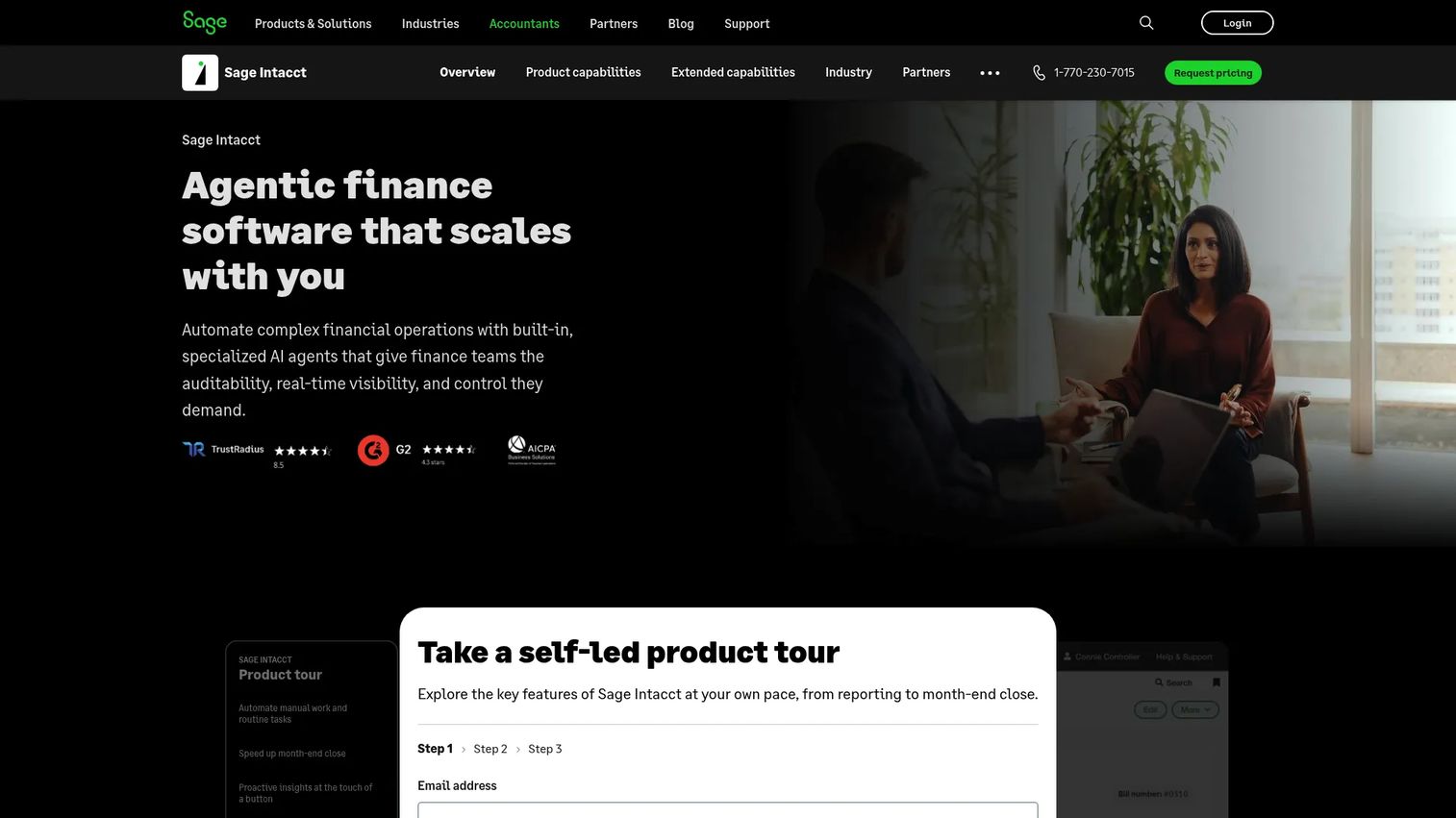
Sage Intacct is financial management software rather than a dedicated call accounting product. It fits this list because telecom costs often need to flow into cost centers, budgets, and multi-entity reporting.
Its dimensional analysis can organize expenses without expanding the chart of accounts for every department or location. Finance teams can then examine telecom spending alongside broader operating costs.
Best for: Finance teams that want phone expenses connected to general ledger reporting.
Key features
- Multi-entity accounting and consolidation
- Dimensional financial analysis
- Budget and variance reporting
- Financial dashboards
- Accounts payable automation
Why choose Sage Intacct: Consider it when call cost allocation is primarily a financial reporting problem. It can help finance teams assign imported telecom expenses across entities or departments.
Sage Intacct does not replace CDR reporting, PBX reporting, or toll fraud monitoring. You still need a source system that captures and prepares the underlying phone usage data.
Sage Intacct pricing: Custom pricing. Price depends on industry, company size, selected modules, and required functionality.
3. CloudTalk
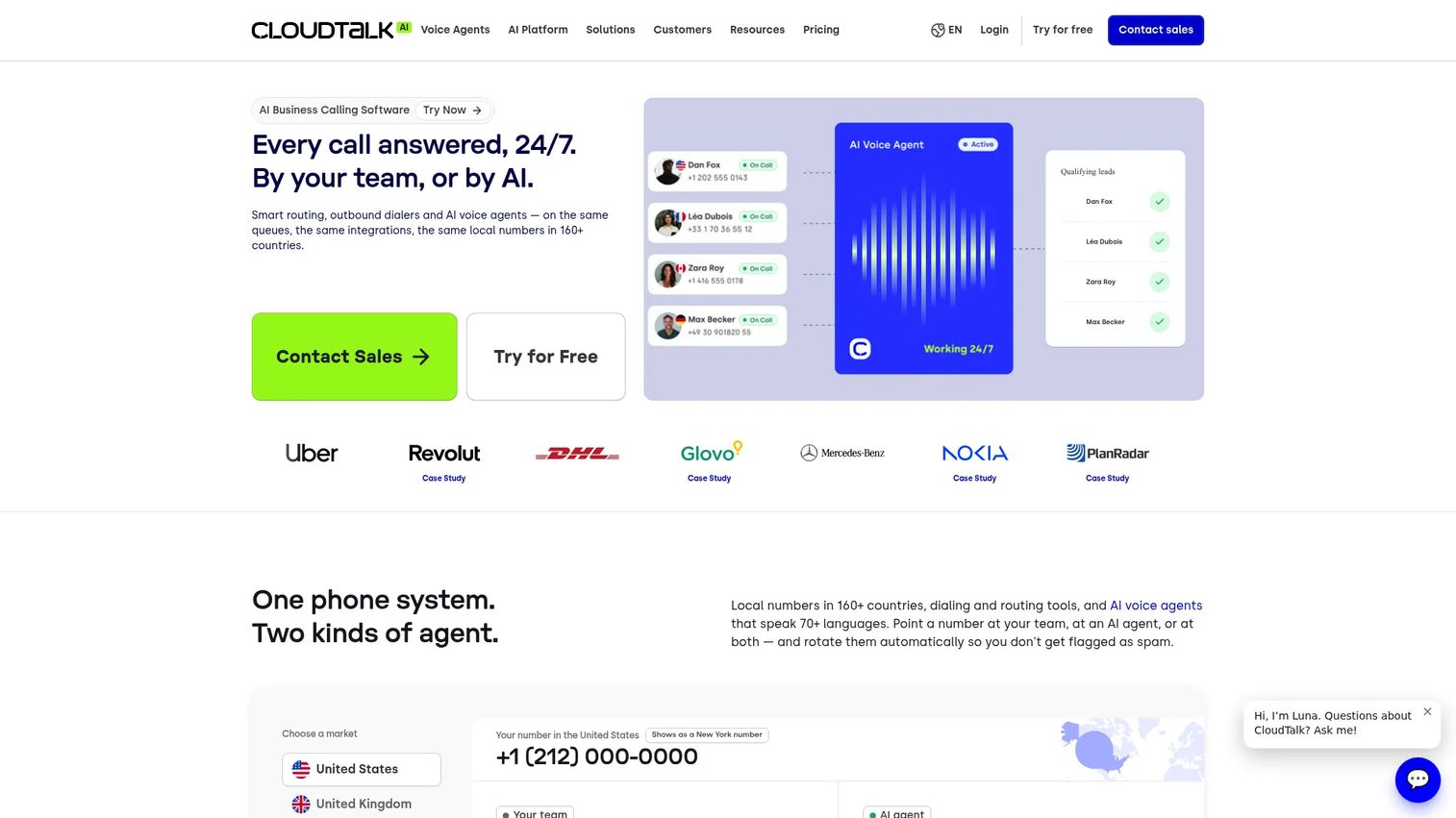
CloudTalk combines business calling with contact center workflows for support and sales teams. Its reporting covers call activity, routing, recordings, and agent performance within the same cloud phone environment.
For support leaders, this structure connects VoIP call reporting with daily queue operations. Managers can examine calls while working with routing and monitoring tools.
Best for: Customer-facing teams that want cloud telephony and operational call reporting together.
Key features
- IVR and skills-based routing
- Power and parallel dialers
- Call recording and monitoring
- AI call scoring
- CRM integrations
Why choose CloudTalk: Pick CloudTalk when call reporting needs to support queue management and agent coaching. It suits teams replacing a separate business phone system and reporting layer.
CloudTalk focuses on contact center analytics rather than traditional call chargeback. Hotels or enterprises needing detailed call costing should compare dedicated accounting products first.
CloudTalk pricing: Starter costs €25 per user monthly with annual billing, or €34 monthly. A 14-day free trial is available.
G2 rating: 4.4/5.
4. PhoneBurner
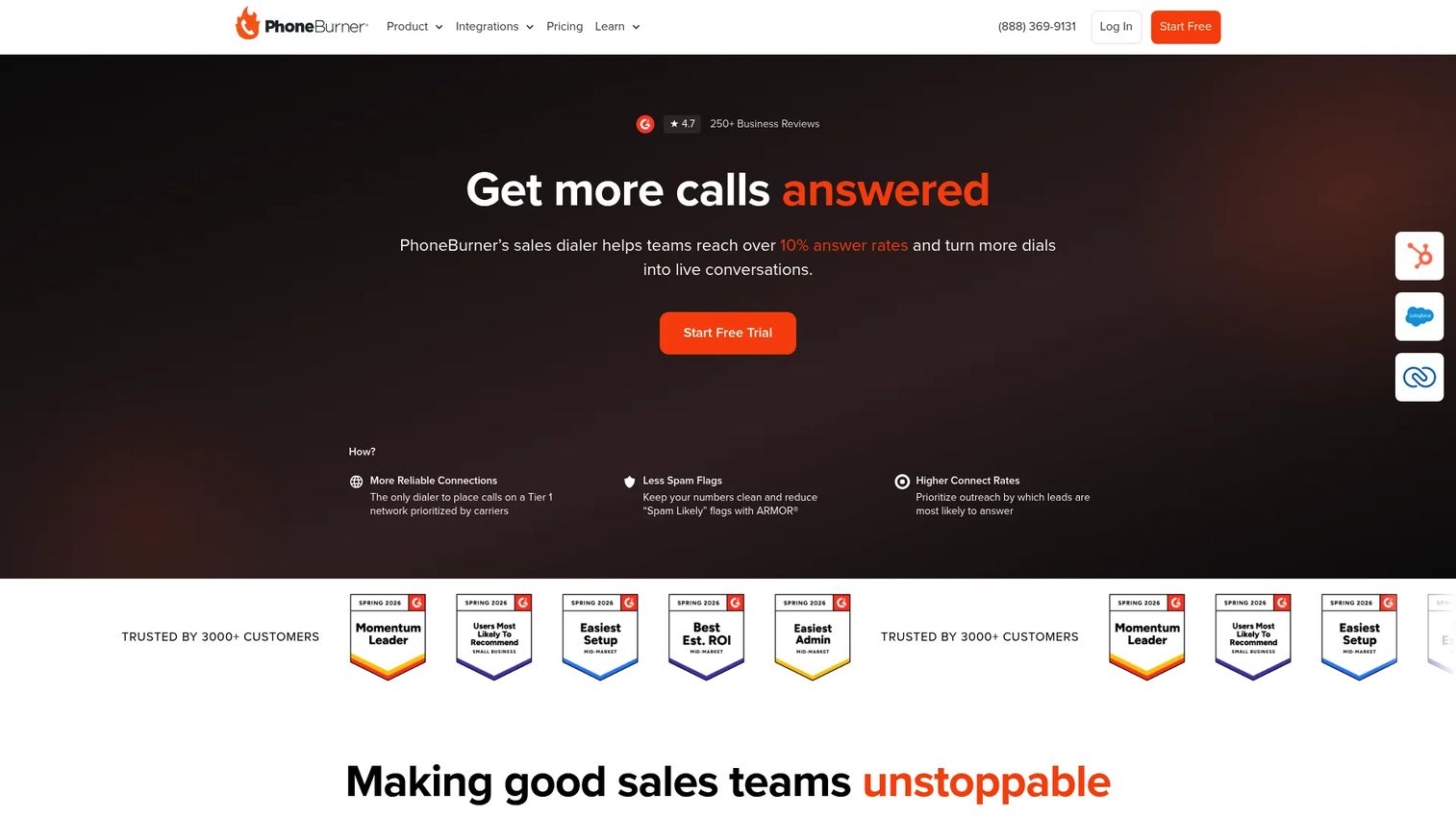
PhoneBurner is a sales dialer and CRM platform built for outbound activity. It combines dialing, workflow automation, messaging, call analytics, and coaching tools.
The reporting emphasis is outbound productivity. Teams can measure attempts and connections while keeping follow-up activity in the same workflow.
Best for: Sales or support teams running high-volume outbound calling programs.
Key features
- Power and parallel dialing
- Workflow automation
- Call analytics and reporting
- Live monitoring and coaching
- CRM and API connections
Why choose PhoneBurner: Choose it when call accounting means measuring outbound activity rather than allocating carrier costs. Its dialing and reporting tools suit teams that treat call volume as an operational performance metric.
PhoneBurner is not designed around hotel call accounting or PBX chargeback. Buyers needing those workflows should prioritize dedicated call billing software.
PhoneBurner pricing: Standard costs $140 per user monthly with annual billing, or $165 monthly. PhoneBurner offers a free trial.
G2 rating: 4.7/5.
5. ZIWO
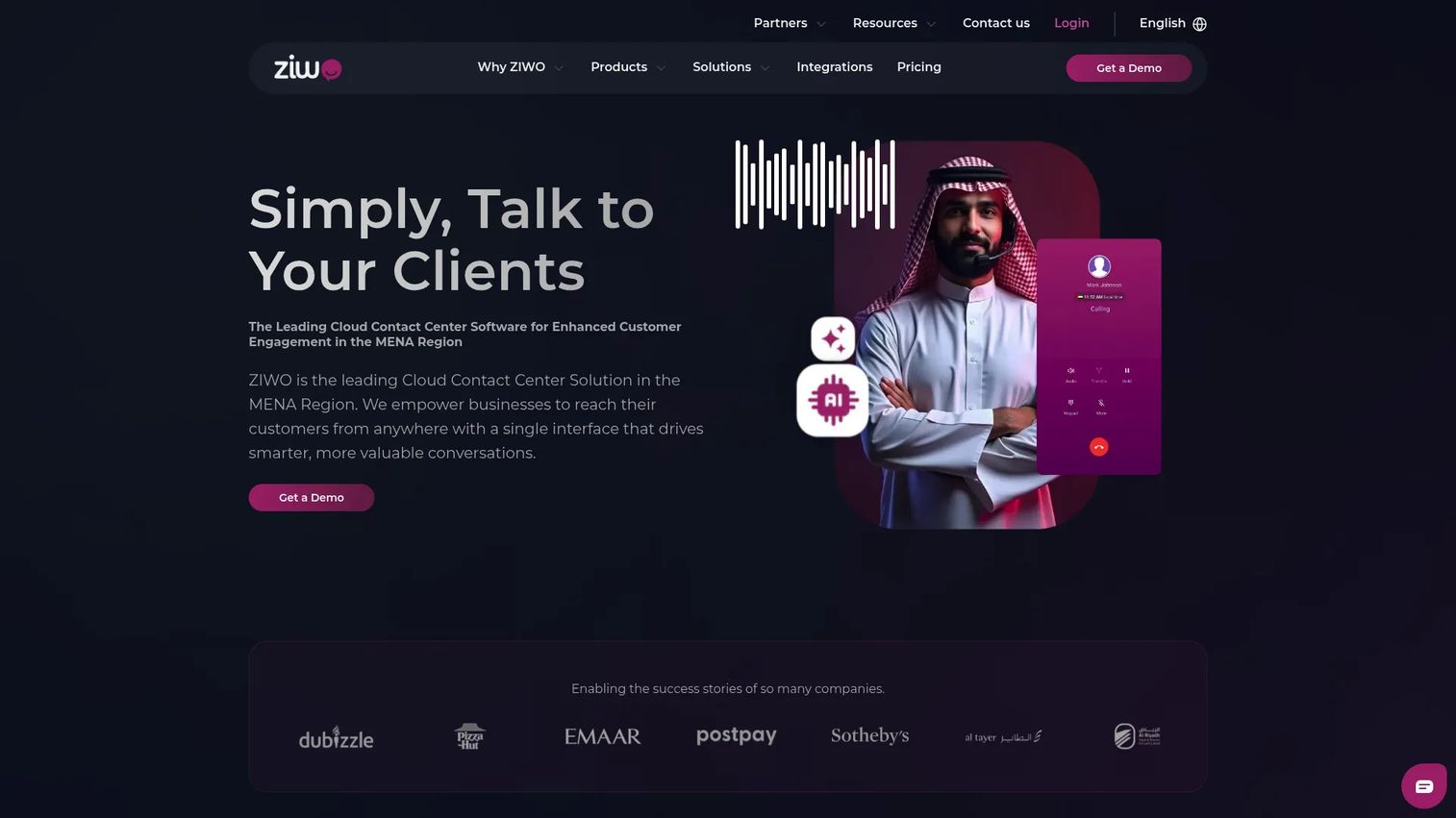
ZIWO is a cloud contact center platform for inbound calls, outbound activity, and messaging. Its reporting covers agent performance, call monitoring, routing, and operational activity.
The platform also supports business phone deployments and CRM-connected contact center workflows. Support teams can use its VoIP call reporting alongside recordings and live dashboards.
Best for: Contact centers that need cloud calling with operational analytics.
Key features
- Inbound and outbound calling
- IVR and smart routing
- Call recording and monitoring
- Real-time analytics
- CRM integrations
Why choose ZIWO: ZIWO fits teams that need contact center analytics across voice and messaging workflows. Its public plans also separate business phone and contact center use cases.
Classic call cost allocation is not the central job. Finance teams seeking department chargeback should confirm whether its reporting supports their required granularity.
ZIWO pricing: Cloud Business Phone starts at $40 per user monthly. Cloud Contact Center costs $109 per user monthly.
G2 rating: 4.9/5.
6. InfoFlo Impact
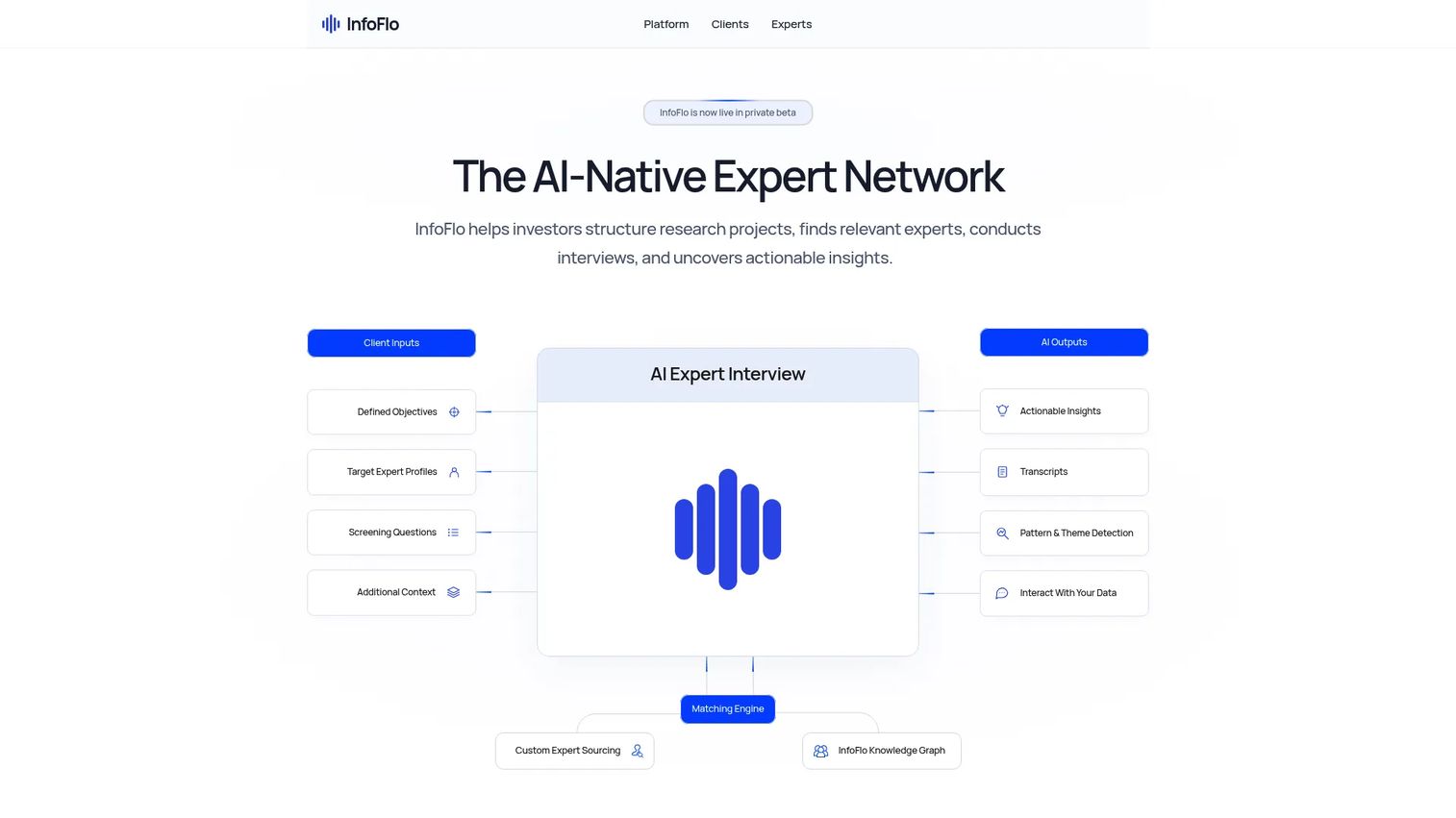
InfoFlo Impact has a 4.5/5 rating on G2. However, its supplied website currently describes a different product, leaving current call tracking capabilities unavailable in the research.
That gap matters for buyers. Product identity, support status, and current purchasing options should be confirmed before placing InfoFlo Impact on a shortlist.
Best for: Teams reviewing CRM-connected communication history, subject to direct vendor confirmation.
Key features
- Current feature information unavailable
- Current deployment details unavailable
- Current integration details unavailable
Why choose InfoFlo Impact: Its G2 presence may justify further investigation for teams that previously used InfoFlo products. Start by confirming whether the required version is still available and supported.
Support leaders should also ask how calls attach to contact records. Confirm whether reporting covers missed calls, department usage, or extension-level activity before proceeding.
G2 rating: 4.5/5.
7. Amazon Connect
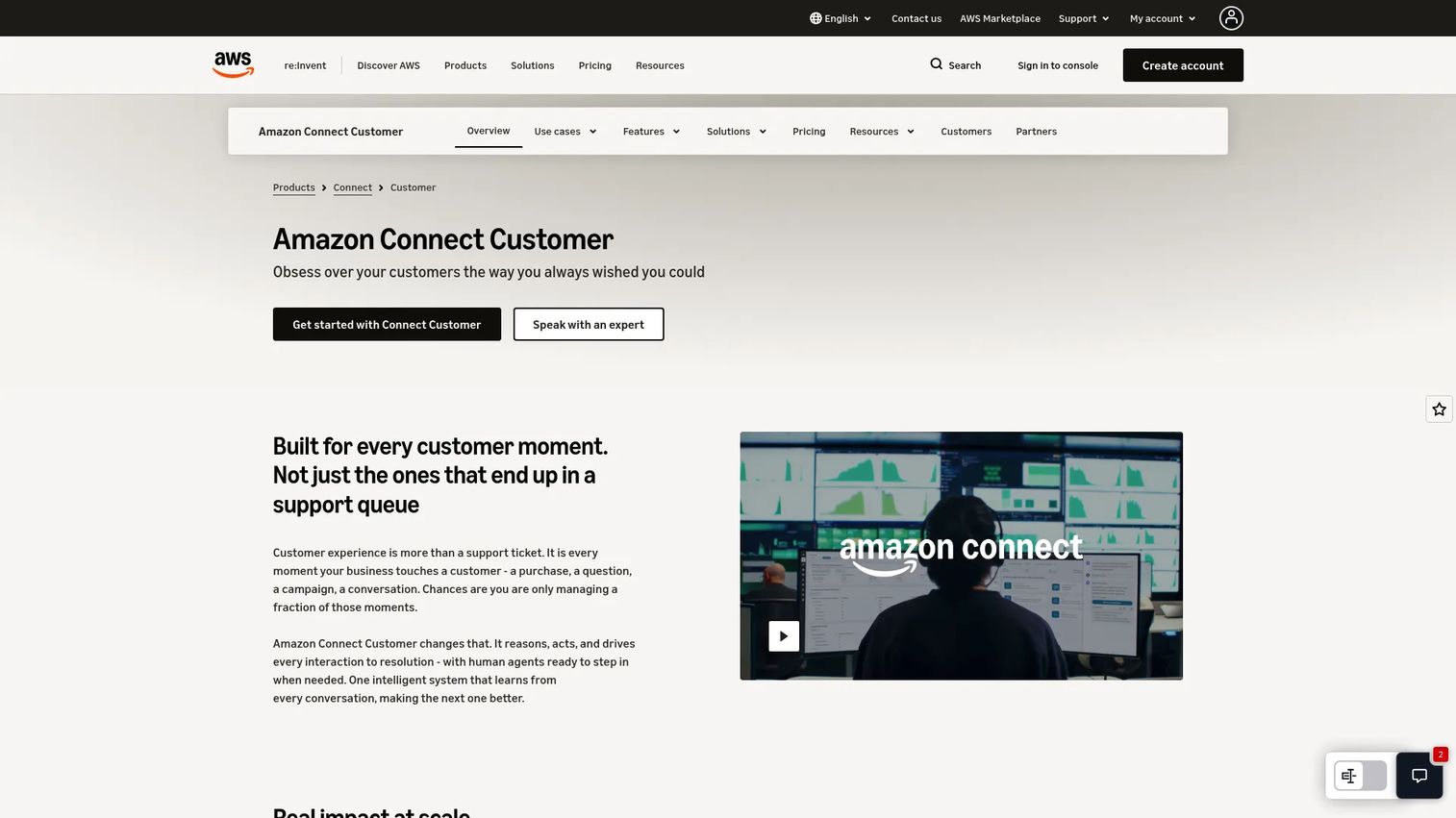
Amazon Connect is a cloud contact center service covering voice, chat, email, messaging, and tasks. It uses pay-as-you-go pricing rather than fixed user packages.
The platform combines routing, agent workspaces, customer profiles, and contact center analytics. Enterprise support teams can use it for complex deployments connected to other AWS services.
Best for: Organizations needing scalable cloud contact center infrastructure with usage-based billing.
Key features
- Omnichannel agent workspace
- Contact routing and queuing
- Real-time agent assistance
- Unified customer profiles
- Contact center analytics
Why choose Amazon Connect: Select it when call reporting sits inside a broader enterprise contact center project. Usage-based pricing can also suit organizations with fluctuating demand.
Implementation requires careful cost modeling. Telephony, channels, regions, and added capabilities create separate charges, so teams should map expected usage before committing.
Amazon Connect pricing: Voice service starts at $0.018 per minute. Chat starts at $0.004 per message, with additional charges possible.
G2 rating: 4.4/5.
8. FreJun
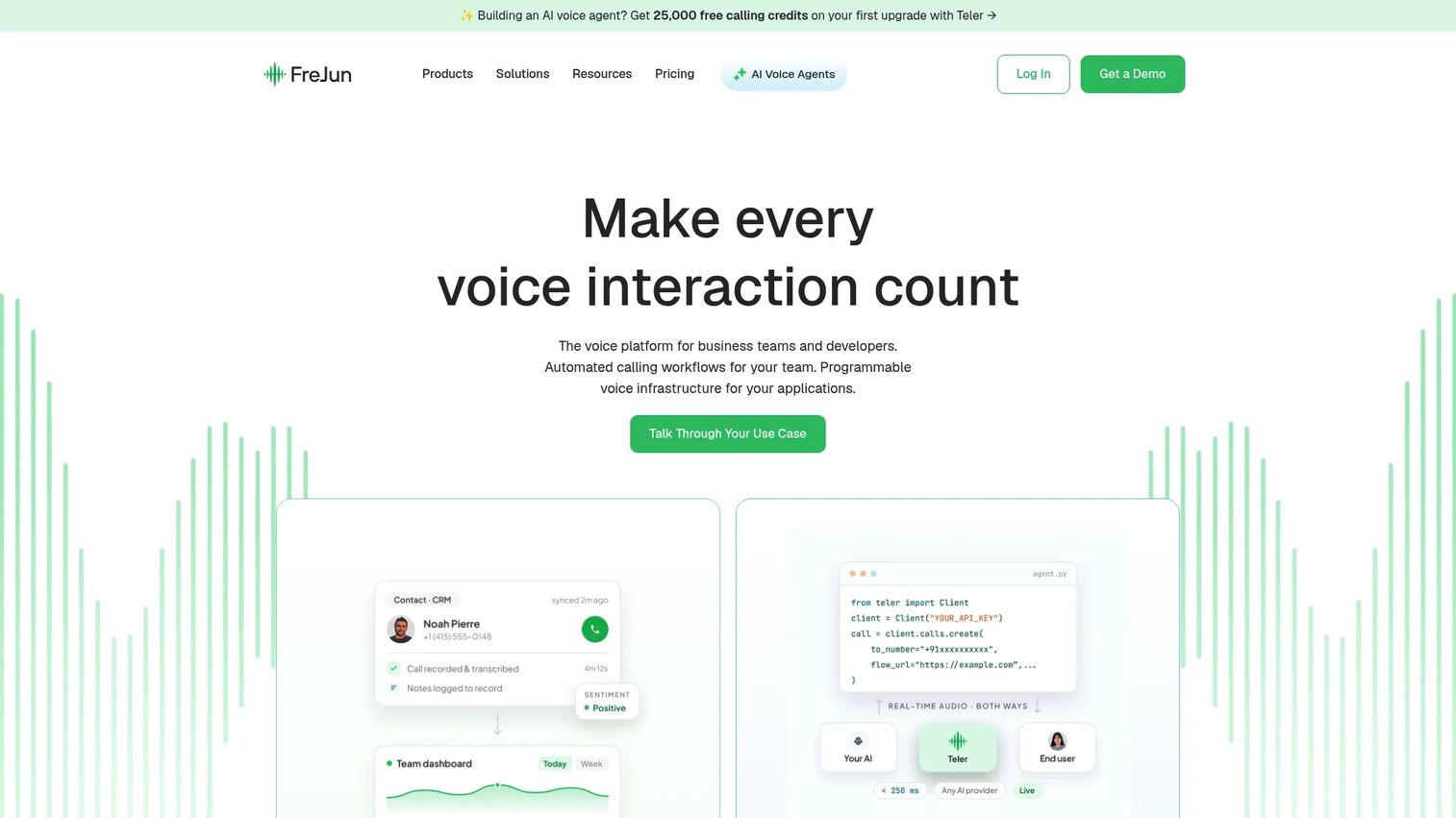
FreJun combines business calling with CRM and applicant tracking system integrations. It supports call logging, recording, analytics, routing, and virtual numbers.
The platform can reduce manual record updates by syncing call activity with connected systems. That helps support teams preserve accurate communication histories.
Best for: Teams that want CRM-connected calling and automated call records.
Key features
- Click-to-call workflows
- Call recording and analytics
- CRM two-way sync
- Routing and IVR
- Virtual business numbers
Why choose FreJun: FreJun is a practical fit when missing call logs create reporting gaps. Its integrations connect phone activity with the records teams already manage.
It focuses on operational call logging rather than carrier invoice reconciliation. Buyers needing telecom cost tracking should confirm whether exported data supports their accounting workflow.
FreJun pricing: Standard costs $14.49 per user monthly. Professional costs $16.99 per user monthly.
G2 rating: 4.8/5.
9. Kavkom
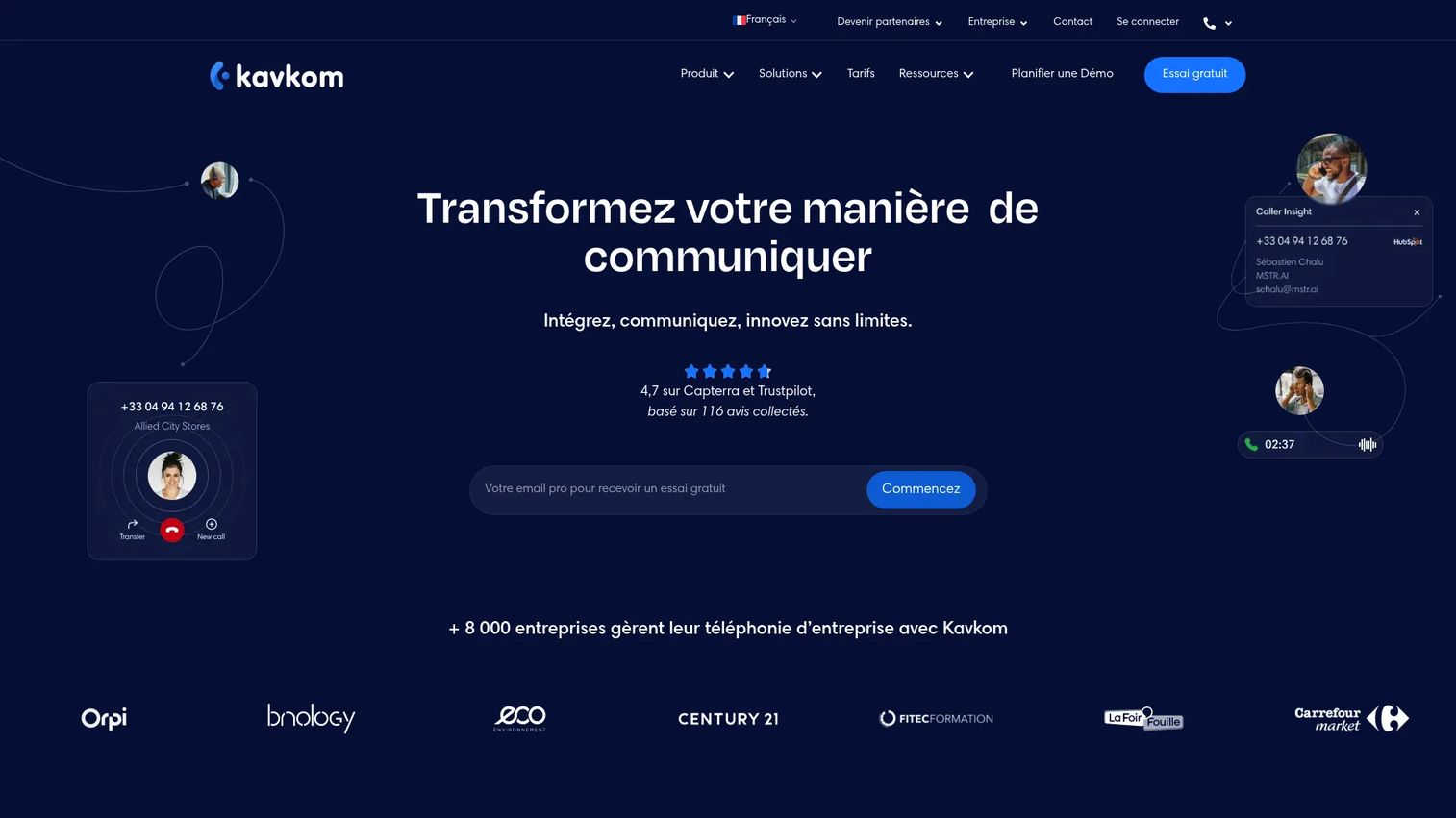
Kavkom provides cloud business telephony, call center tools, CRM functions, and call automation. Its platform includes supervision, recording, routing, and AI-assisted call analysis.
Small and mid-sized teams can use Kavkom as their phone system while monitoring customer-facing activity. The product supports browser, desktop, and mobile access.
Best for: Businesses that want cloud telephony with call supervision and CRM connectivity.
Key features
- Cloud business telephony
- IVR and ring groups
- Call recording and supervision
- AI call summaries
- CRM and API connections
Why choose Kavkom: Kavkom works when a team wants phone-system analytics without adding a separate reporting product. Its custom package also supports more specialized deployments.
Dedicated cost allocation is not its primary focus. Ask how reports break down usage by department, location, or extension if chargeback matters.
Kavkom pricing: Basic starts at €10 per user monthly, excluding VAT. A 14-day free trial is available without a credit card.
10. FluentStream
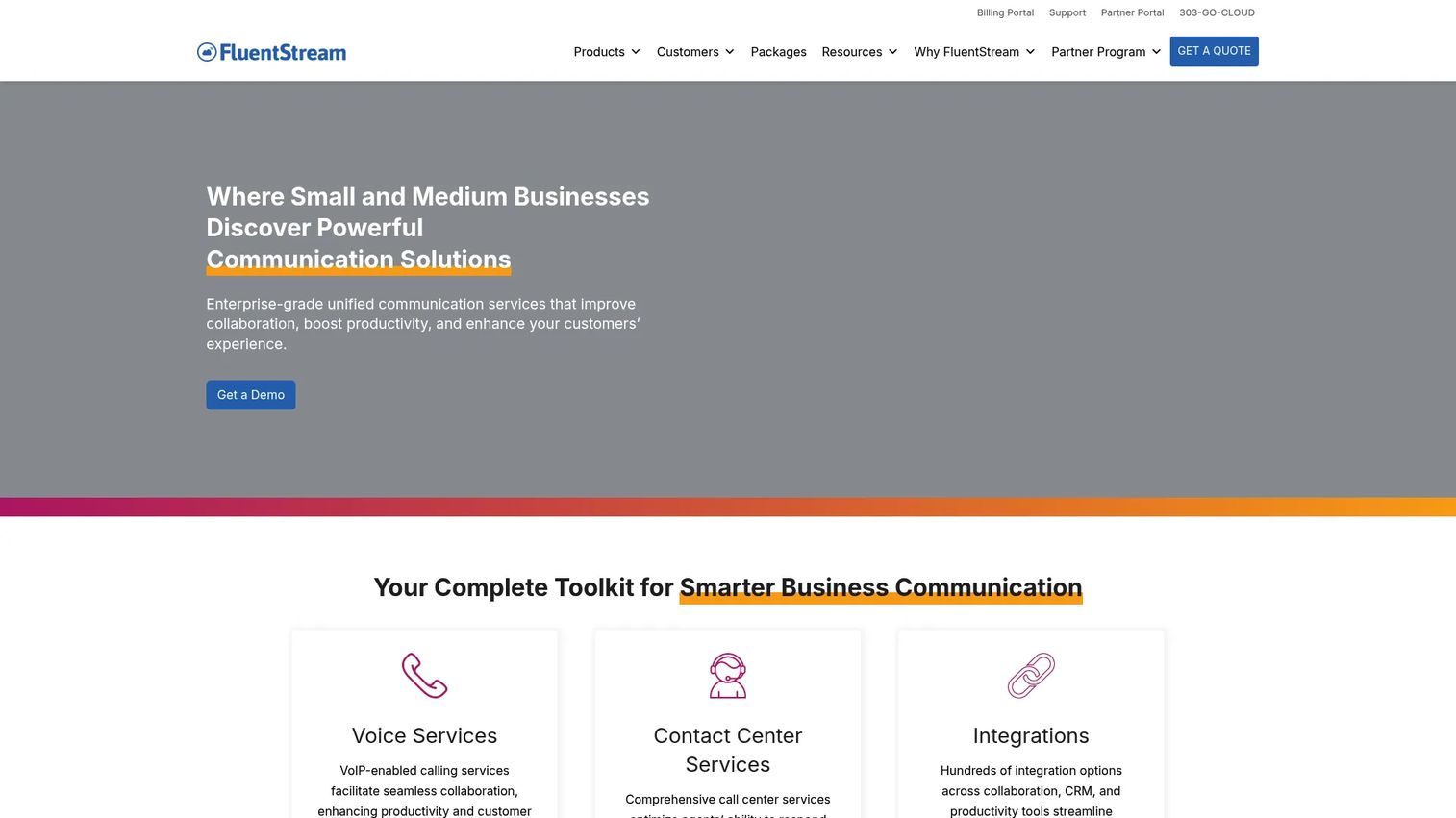
FluentStream is a cloud-hosted business communications platform for small and mid-sized organizations. It combines calling, business texting, routing, recording, and reporting.
Support teams can use the same environment for customer calls and phone system analytics. Queue and auto-attendant capabilities also help manage incoming demand.
Best for: Small businesses that need phone service with built-in call reporting.
Key features
- Unlimited HD calling
- Call queues and routing
- Recording and transcription
- Analytics and reporting
- Browser and mobile access
Why choose FluentStream: FluentStream fits teams replacing a legacy phone system while adding basic reporting. It also supports business messaging and video conferencing.
Organizations needing detailed call chargeback should examine report granularity before buying. Built-in call analytics and dedicated accounting reports serve different jobs.
FluentStream pricing: Custom pricing.
G2 rating: 4.8/5.
11. CASH+ Call Accounting Software
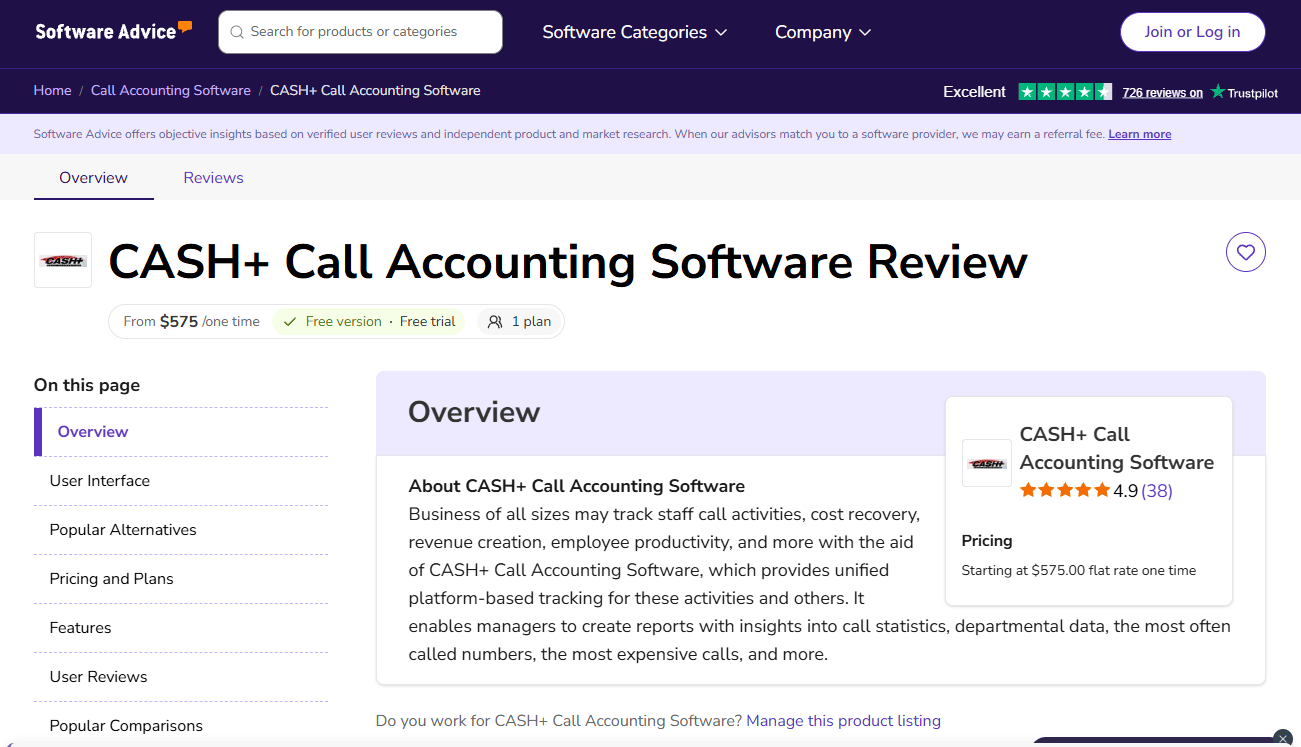
CASH+ Call Accounting Software is positioned as dedicated software for telecom billing and call cost reporting. It focuses on the accounting side of phone usage rather than contact center routing.
This approach suits organizations that already have a working phone system. The reporting layer can process call detail records and assign costs without replacing the PBX.
Best for: Teams that need dedicated call accounting and department cost reporting.
Key features
- CDR reporting
- Call costing
- Billing reports
- Extension tracking
- Department reporting
Why choose CASH+: Consider CASH+ when telecom cost accounting is the main requirement. Dedicated tools can fit buyers who need billing reports without adding a new contact center.
Confirm supported PBX systems before progressing. Buyers should also ask about deployment options, historical imports, and available report modules.
CASH+ pricing: N/A.
12. Aloware
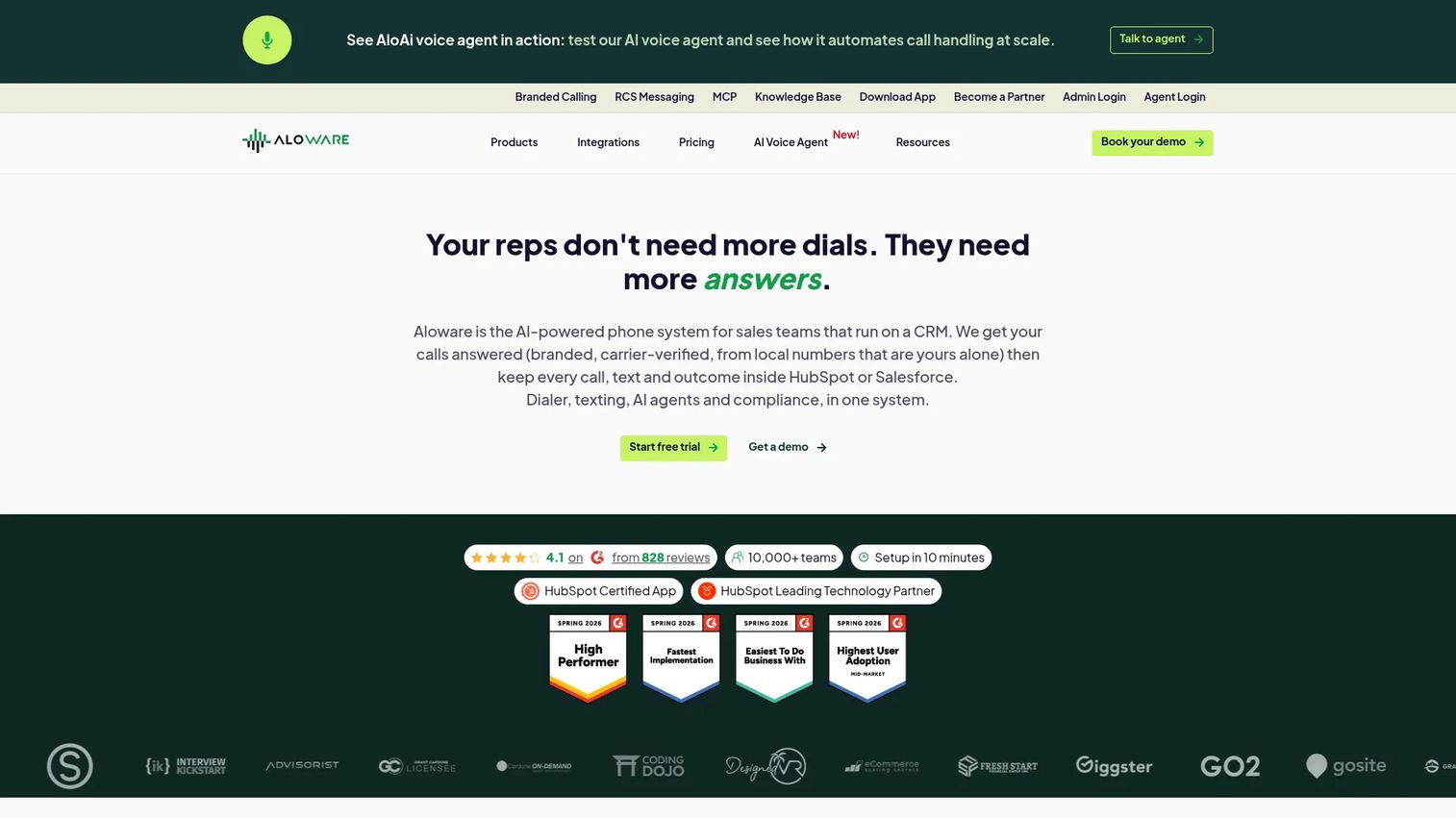
Aloware is business phone and contact center software for CRM-centric revenue teams. It combines calling, business messaging, dialing, and conversation analysis.
Its reporting is closely tied to customer records and outreach activity. Support and sales teams can work with inbound calls, recordings, routing, and an omnichannel inbox.
Best for: CRM-driven teams that need calling, messaging, and activity reporting together.
Key features
- Multiple dialing modes
- Business SMS and MMS
- Call transcription and summaries
- Intelligent routing and IVR
- CRM synchronization
Why choose Aloware: Choose Aloware when call reporting needs to connect with customer communication history. It is especially relevant when calling and SMS share the same operational workflow.
Traditional phone expense tracking is a different use case. Confirm export and cost allocation capabilities if finance owns the purchase.
Aloware pricing: iPro plus AI starts at $30 per user monthly with a 10-user minimum. A seven-day trial is available.
G2 rating: 4.1/5.
13. NUACOM
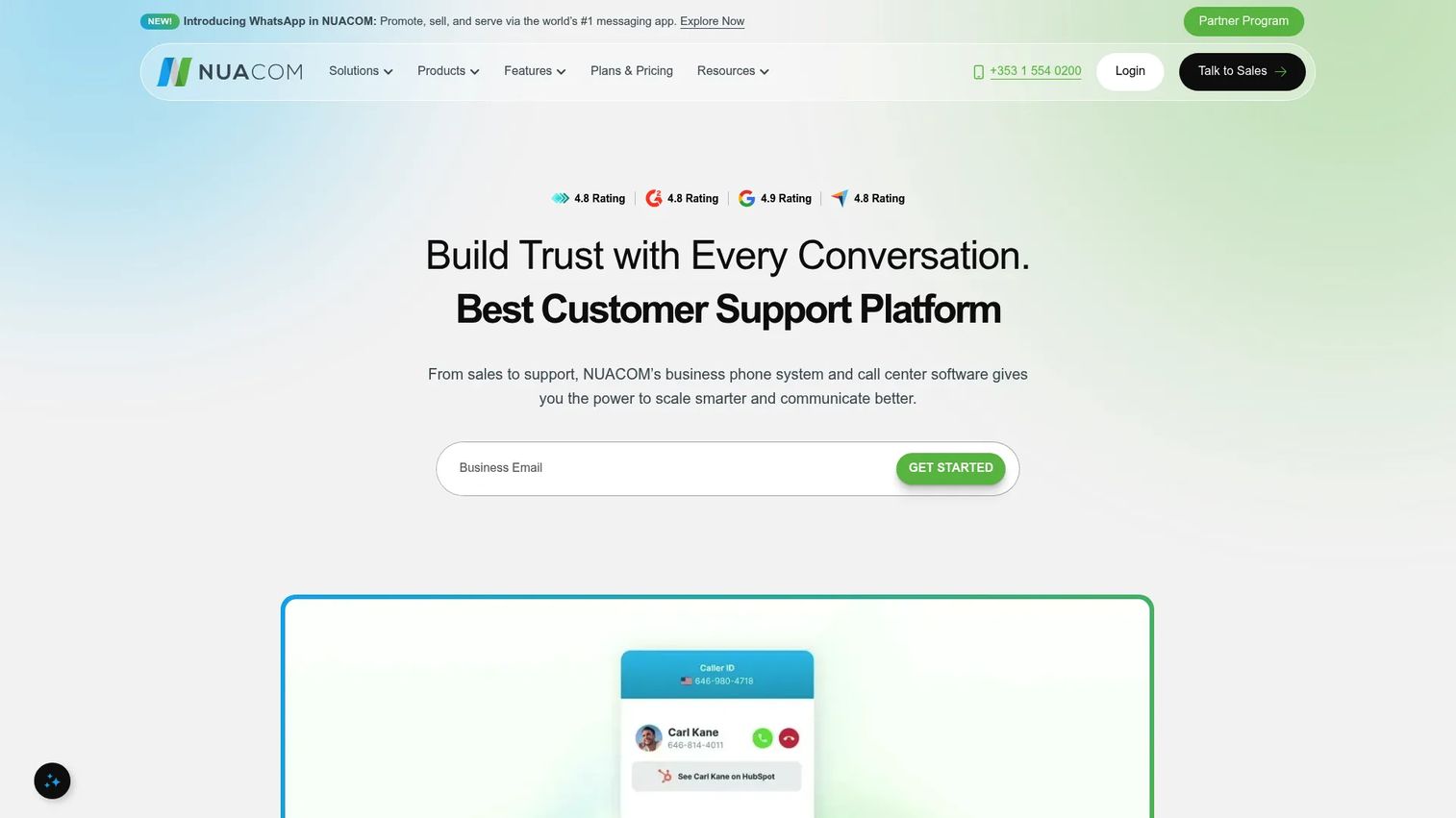
NUACOM is a cloud business phone and call center platform. It provides VoIP calling, recording, routing, reporting, and live monitoring.
Support teams can use its analytics alongside IVR and queue tools. CRM and help desk integrations connect phone activity with customer records.
Best for: Customer-facing teams that want business VoIP with straightforward call reporting.
Key features
- Call recording and transcription
- IVR and automated routing
- Analytics and live monitoring
- Business SMS
- CRM and help desk integrations
Why choose NUACOM: NUACOM works when phone service and VoIP call reporting should come from the same vendor. Its Enterprise plan adds broader reporting and queue capabilities.
Buyers focused on call cost allocation should review exports carefully. Operational analytics may not provide every field required for department chargeback.
NUACOM pricing: Unlimited costs $25 per user monthly, or $19 with annual billing. Enterprise costs $35 monthly, or $25 annually.
G2 rating: 4.8/5.
14. CDR Call Reporting for Cisco
CDR Call Reporting for Cisco analyzes call data from Cisco unified communications environments. It supports call history searches, reporting, and flow-level analysis.
Organizations can investigate phone activity without replacing their Cisco infrastructure. This makes the product relevant for telecom teams that need targeted Cisco call reporting.
Best for: Organizations standardized on Cisco phone environments.
Key features
- Cisco CUCM call history
- CDR search and reporting
- Cradle-to-grave call tracking
- Custom dashboards
- Configurable reports
Why choose CDR Call Reporting for Cisco: Choose it when Cisco compatibility is the first buying requirement. Its focused reporting avoids the disruption of moving to a different phone platform.
Support teams can use call-flow analysis to investigate missed or transferred calls. Telecom administrators can examine system-wide usage from the same data source.
CDR Call Reporting for Cisco pricing: Custom pricing.
G2 rating: 4.8/5.
15. Sales Sling
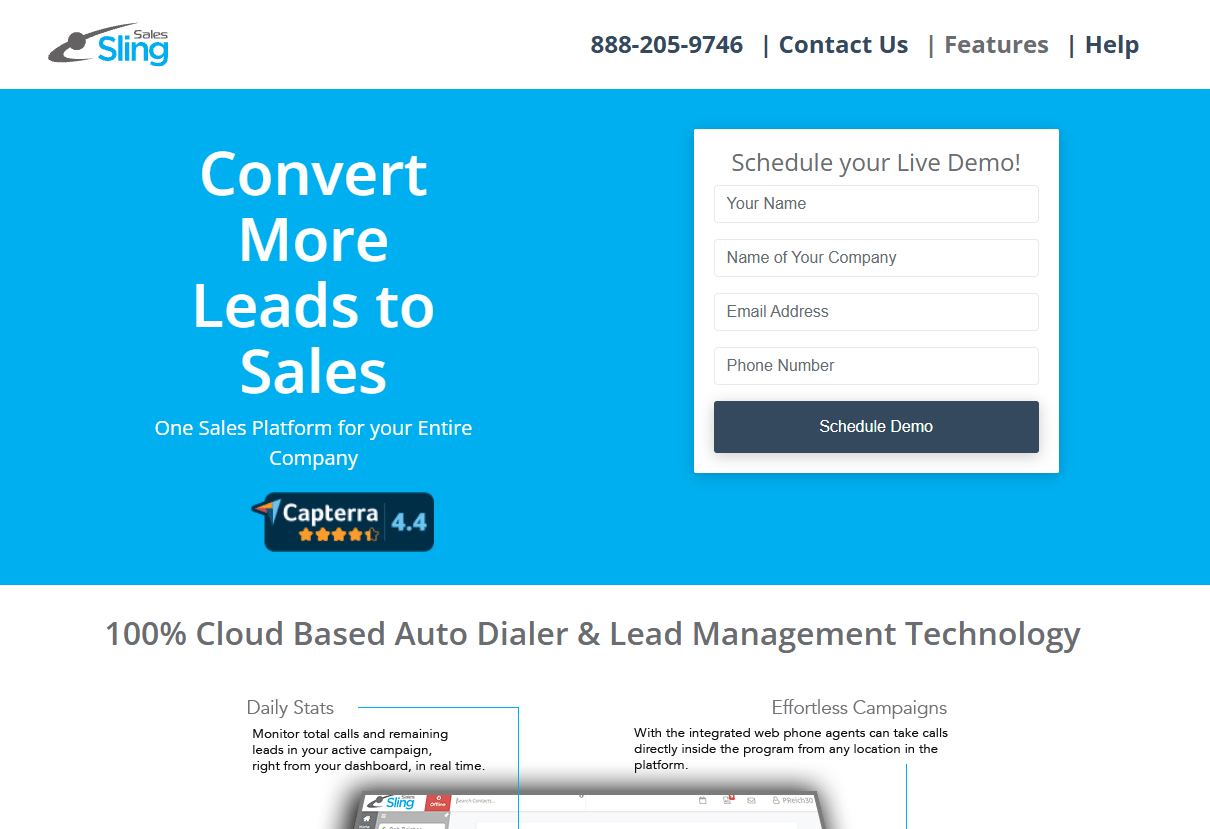
Sales Sling combines cloud dialing with lead management and call monitoring. It supports power and predictive dialing for sales or call center operations.
Managers can monitor live calls while teams manage leads inside the same platform. Callback reminders also help preserve follow-up continuity.
Best for: Sales teams that need dialing and call performance oversight.
Key features
- Power dialing
- Predictive dialing
- Lead and pipeline management
- Live call monitoring
- Callback reminders
Why choose Sales Sling: Sales Sling fits teams that define call accounting as activity measurement. Its reporting context centers on calling output and lead operations.
It does not target guest billing or telecom chargeback. Organizations seeking classic PBX reporting should prioritize tools built around CDR processing.
Sales Sling pricing: Power Dialing costs $149 per seat. Predictive Dialing uses custom pricing.
16. Microcall
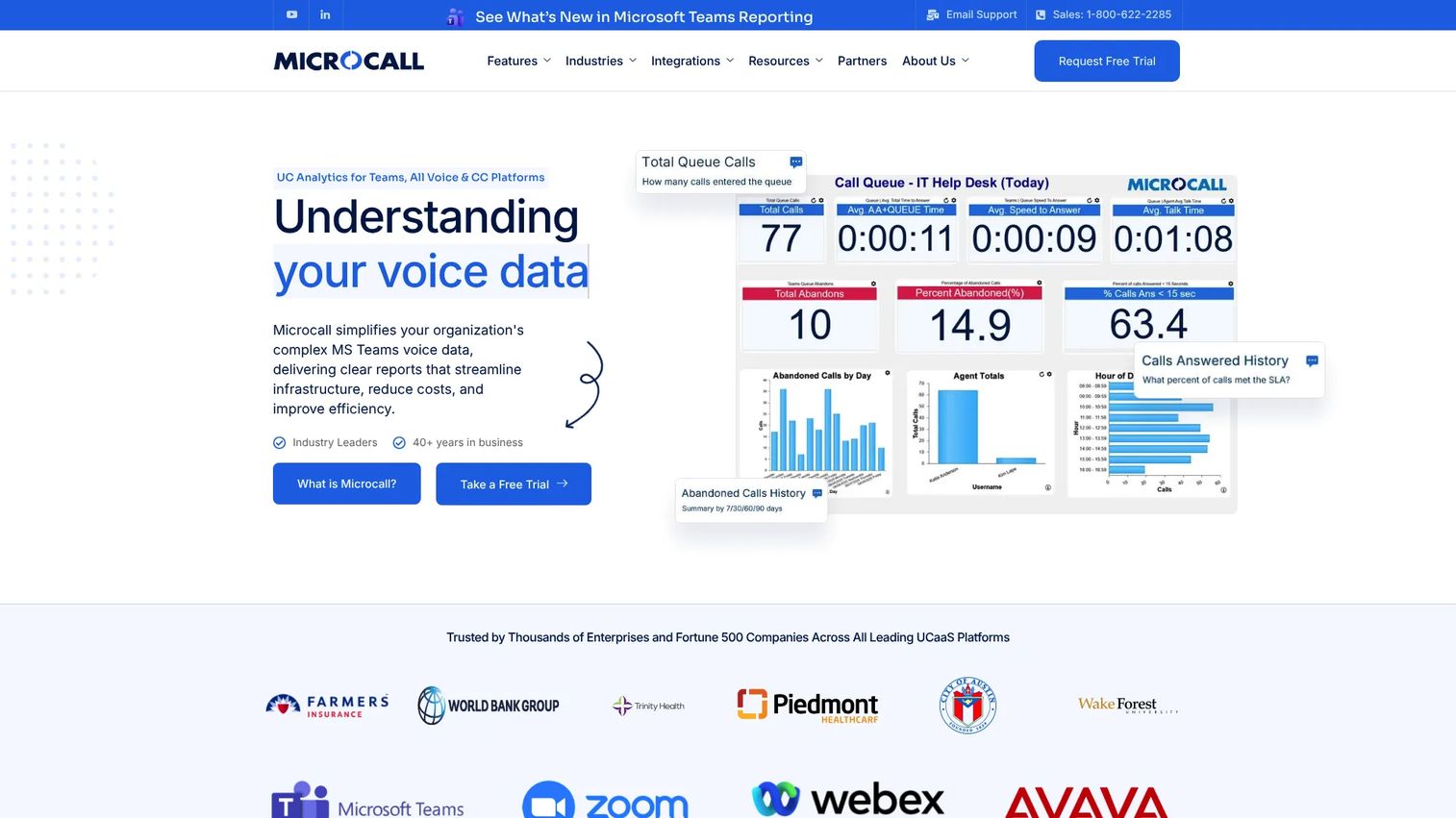
Microcall provides unified call analytics across voice, collaboration, contact center, and session border controller environments. It combines reporting with telecom cost allocation and security monitoring.
The platform supports several enterprise communications systems. That breadth suits organizations with mixed phone infrastructure or several locations.
Best for: Enterprise telecom teams needing cross-platform usage and cost reporting.
Key features
- Unified call reporting
- Historical and real-time dashboards
- Telecom cost allocation
- Cradle-to-grave call tracing
- Toll fraud alerts
Why choose Microcall: Microcall fits enterprises that need classic call accounting alongside broader communications analytics. Its billback reporting can support department-level accountability.
Security and compliance monitoring add value for distributed environments. Support leaders can also use call tracing to investigate failed transfers or unusual demand.
Microcall pricing: Custom pricing. Free trials are available.
G2 rating: 4.3/5.
17. ProfitWatch
ProfitWatch is hotel call accounting software for hotels, resorts, casinos, and other hospitality organizations. It tracks phone activity for guest billing, cost control, and revenue protection.
The platform supports PBX and VoIP environments. It can also post charges to property management systems and monitor emergency call activity.
Best for: Hospitality groups that need guest call billing and call cost recovery.
Key features
- Guest call billing
- Property management system posting
- Fraud detection alerts
- PBX and VoIP compatibility
- Emergency call notifications
Why choose ProfitWatch: ProfitWatch is the hospitality-specific option in this list. Its reporting connects phone usage with room billing and operational monitoring.
General contact center tools focus on agents and queues. ProfitWatch addresses property-level workflows such as guest call markup and hotel reporting.
ProfitWatch pricing: Custom pricing. Price depends on deployment type, extension count, call volume, and reporting requirements.
G2 rating: 5.0/5.
Considerations when choosing call accounting software
Match the tool to your phone environment
Confirm compatibility before comparing dashboards. Your shortlist should reflect whether you use a local PBX, hosted VoIP, Cisco infrastructure, or a cloud contact center.
Ask how the product receives call detail records. Check whether it supports your current format without manual conversion.
Decide whether you need billing or operational reporting
Classic call accounting prioritizes chargeback, markup, cost centers, and audit exports. Contact center reporting focuses on queues, missed calls, recordings, and agent activity.
Support leaders may need both. Write down the decisions your reports must support before reviewing products.
Check cost allocation depth
Look beyond department totals. Assess whether the system can report by extension, user, location, queue, project, or guest room.
Granular call cost allocation makes telecom spending easier to explain. It also helps teams identify which services or locations drive increases.
Evaluate abnormal usage controls
Ask how the platform detects unusual international calls, after-hours activity, or premium-rate numbers. Scheduled reports may be too slow for active toll fraud detection.
Review alert delivery and escalation options. The right workflow should reach whoever can investigate the activity.
Verify pricing and implementation work
Call accounting costs often reflect extension volume, deployment model, integrations, and reporting modules. Cloud contact centers may charge per user or usage.
Ask about PBX integration, historical data imports, report configuration, licenses, and ongoing support. These items affect the total cost beyond the subscription.
Conclusion
The right call accounting software depends on the reporting job and your phone environment.
Predictive UC Analytics fits organizations that need UC analytics across communications platforms. Sage Intacct makes sense when telecom expenses must feed financial reporting and cost centers.
CloudTalk supports phone-based customer service teams that need queue and agent reporting. Amazon Connect suits enterprise contact centers prepared for usage-based infrastructure.
CASH+ and Microcall focus more directly on call accounting, CDR reporting, and cost allocation. ProfitWatch addresses hotel call accounting through guest billing and hospitality reporting.
Start by shortlisting three tools. Choose one that matches your PBX or VoIP system, one that fits your reporting depth, and one that aligns with your pricing model.
Then test each product with your own call detail records. A polished dashboard means little if it can't explain missed calls, department costs, or unusual usage in your environment.
FAQs
Call accounting software processes phone usage data and turns it into reports for cost, billing, chargeback, operations, and fraud monitoring. It usually relies on call detail records generated by a PBX, VoIP service, or contact center.
Modern products may overlap with call center reporting, unified communications analytics, or telecom expense management. The primary difference is which reporting job they emphasize.
A call detail record is a system-generated record describing a phone call. Common fields include the caller, destination, extension, duration, time, route, and available cost information.
CDR reporting software imports these records and organizes them into usable views. Teams can then search calls or allocate costs by department and location.
Telecom administrators and IT teams use it for PBX reporting, capacity analysis, and call usage tracking. Finance teams rely on cost allocation, chargeback, and telecom audit reporting.
Support leaders review call volume and missed-call patterns. Hotels use specialized systems for guest billing, room-level reporting, and markup.
Call accounting software focuses on phone usage, cost, billing, chargeback, and reporting. Call center software handles routing, agent workflows, customer interactions, and service operations.
Some cloud platforms combine both categories. Check whether the reporting covers CDR cost data or only operational contact center metrics.
Support leaders can track call volume, missed calls, queue demand, and extension usage. Those reports provide context for staffing, coverage planning, and phone expense reviews.
Call monitoring software can also reveal demand spikes by time block or location. Managers can compare those patterns with average handle time and service levels.
Start with compatibility for your PBX, hosted phone service, VoIP platform, or cloud contact center. Without reliable CDR ingestion, the rest of the feature set has little value.
Next, evaluate cost allocation and extension-level reporting. Also review fraud alerts, scheduled reports, export options, and billing rules.
Pricing varies by deployment model, extension count, call volume, integrations, and reporting scope. Traditional vendors often use custom pricing because every phone environment differs.
Cloud contact center tools may charge per user or usage. Include implementation and historical data imports when calculating total cost.
Hotel buyers should prioritize guest call billing, room-level reports, markup rules, and property management system posting. PBX or VoIP compatibility also matters because replacing the phone environment may be impractical.
ProfitWatch is the hospitality-specific option in this comparison. It also supports fraud alerts and emergency call notifications.