Sales sends an outdated deck. Your agency pulls a retired logo from a shared folder. Meanwhile, the launch page uses messaging nobody approved.
Brand management software helps you control what happens after positioning leaves the document. The right system gives contributors approved brand assets and clear rules for using them. It also makes ownership visible when content needs updating.
Adding another repository deserves scrutiny. Cloudinary’s 2024 Global DAM Survey found that 57% of surveyed organizations relied on two or three digital asset management systems. Another subscription needs a defined job.
For product marketing managers, that job extends beyond visual identity. You need brand consistency across campaigns and sales conversations, without becoming the person who approves every resized graphic.
Start with the point where execution breaks. Missing assets call for different software than delayed approvals or unanswered customer reviews.
What’s inside
This guide compares 17 brand management tools through the lens of cross-functional product marketing.
- Asset control: Libraries and portals that make current materials accessible to employees and external contributors.
- Brand governance: Guidelines and reusable templates that protect approved messaging and visual identity.
- Workflow fit: Ownership, collaboration, approval processes, and connections to existing systems.
- Measurement: Asset usage, audience conversations, earned media, and customer reputation.
The selections span different categories rather than interchangeable alternatives. Vendor documentation and pricing pages inform the product descriptions; G2 provides the ratings. Pricing and review research is dated November 24, 2026. Each entry explains the operational problem it fits.
TL;DR
- Best starting point for brand governance: Frontify combines guidelines with assets, templates, and portals for teams managing contributions across departments and agencies.
- Best for asset operations: Bynder suits enterprise DAM requirements. Brandfolder and Canto deserve attention when finding and distributing approved files dominates the workload.
- Best for distributed creation: Canva supports visual content production; Marq emphasizes controlled templates for collateral that local teams customize.
- Best for campaign coordination: monday.com fits work ownership and execution. IntelligenceBank connects marketing workflows with content governance and risk review.
- Best for market feedback: Brandwatch supports consumer intelligence, while Brand24 focuses on online mentions. Meltwater and Cision serve media-intensive communications programs.
- Best for local reputation: Birdeye fits businesses managing customer reviews and listings across locations.
What is brand management software?
Brand management software helps organizations control brand assets, maintain guidelines, coordinate content approvals, and measure how their brand appears across channels.
The term covers several related product categories. A brand management platform may combine a digital asset library with online guidelines and permission controls. Other products concentrate on content creation, marketing operations, or external brand perception.
That distinction matters during procurement. A platform can excel at monitoring conversations without providing the asset governance your creative team needs. Likewise, a well-organized library does not replace media monitoring.
Core capabilities
Evaluate these capabilities according to the problem you own.
- Approved asset libraries
- Online brand guidelines
- Controlled brand portals
- Reusable brand templates
- Creative approval workflows
- Access permissions and usage rights
- Social listening and media monitoring
- Review management
- Integrations and reporting
Brand asset management connects files to the context required to use them correctly. A logo may need usage instructions, while campaign photography may carry licensing restrictions. An approved presentation also needs an owner who can retire it when positioning changes.
How brand management software differs from DAM
Digital asset management focuses on organizing and distributing content. Metadata and search help people locate the appropriate file without knowing its folder path.
Brand asset management software often adds guidelines and controlled access around that foundation. Broader platforms can also support creative reviews or reusable templates.
Brand guidelines software emphasizes the rules themselves. It gives contributors a maintained reference for visual identity and messaging, rather than another downloaded PDF.
These categories overlap. Buy against demonstrated workflows rather than assuming a category label guarantees every capability.
Why PMMs care
A brand management system protects the story after publication. Sales should find the current presentation; an agency should understand which claims belong in a campaign.
Define responsibility before migration. PMM can own messaging, creative can maintain templates, and operations can administer access. Your rollout should make those responsibilities easier to execute.
The useful outcome is consistent execution with fewer clarification requests. Uploading a library is only the beginning.
When to use brand management software
Keep launch assets consistent across teams
Consider a dedicated system when a launch requires coordinated updates across sales materials and campaign channels. Give each deliverable an owner and an approved distribution destination.
Demand generation and customer success need the same positioning decisions, even when their materials differ. Include agencies in the release process before work starts. Retiring superseded assets should be part of launch completion.
Give agencies and partners controlled self-service access
A brand portal makes sense when external contributors repeatedly request files or work from outdated downloads. Assess the experience from an agency account rather than an administrator’s view.
Partners and franchisees need usable materials without access to every internal project. Regional teams also need clarity about what they can adapt. Evaluate permissions alongside licensing information and download rules.
Monitor brand perception after campaigns go live
Reach for listening or reputation software when you need visibility into responses beyond your owned channels. Product launches and competitive campaigns create questions that asset libraries cannot answer.
PR teams need coverage context, while local operators need review visibility. Agree who investigates alerts and who responds before switching monitoring on. Treat conversation volume as a signal to investigate, not proof that positioning worked.
Brand management software comparison
These brand management platforms serve different operating models. Read the Best for column before comparing prices or ratings.
The first group centers on assets and governance. Canva and Marq support content creation, while monday.com coordinates work. Later entries focus on social channels, market intelligence, or customer reputation. BrandHub serves a separate brand-protection use case involving incorporation and trademarks.
Prices are in USD unless marked A$ for Australian dollars. Annual billing applies only where stated. G2 scores come from the linked product or seller listings, so their scope varies across vendors. BrandHub has no matching rating included here.
Use the table to narrow your shortlist, then compare the same workflow in each candidate.
| # | Product | Best for | Key differentiator | Pricing | G2 rating |
|---|---|---|---|---|---|
| 1 | Frontify | Guidelines and brand portals | Governance across distributed contributors | Custom pricing | 4.5/5 |
| 2 | Bynder | Enterprise DAM | Content discovery and asset workflows | Ask Bynder for pricing | 4.5/5 |
| 3 | Brandfolder | Searchable creative libraries | Asset organization and usage insights | Custom pricing | 4.4/5 |
| 4 | Canto | Visual asset operations | Search, portals, and rights controls | Custom pricing | 4.4/5 |
| 5 | Brandkit | External asset distribution | Branded portals with licensing management | TEAM from $99/month | 4.5/5 |
| 6 | IntelligenceBank | Marketing governance | Content risk review and approvals | DAM from $567/month, billed annually | 4.5/5 |
| 7 | BrandHub | Australian advisor brand portfolios | Incorporation and trademark workflows | From A$85/month, excluding GST | N/A |
| 8 | Canva | Visual content creation | Templates and Brand Kits | Free; Pro $144/year | 4.7/5 |
| 9 | Marq | Controlled collateral creation | Template locking and data automation | Free; Pro $12/month | 4.5/5 |
| 10 | monday.com | Marketing workflow management | Forms, dashboards, and automations | Free; Basic A$14/seat/month, billed annually | 4.7/5 |
| 11 | Sprout Social | Social engagement and publishing | Smart Inbox and social intelligence | Essentials $79/seat/month, billed annually | 4.4/5 |
| 12 | Hootsuite | Social channel operations | Publishing and conversation management | Standard $99/user/month, billed annually | 4.3/5 |
| 13 | Brandwatch | Consumer intelligence | Social and search intelligence | Custom pricing | 4.2/5 |
| 14 | Brand24 | Online mention monitoring | Conversation analysis and alerts | Individual $249/month or $199/month annually | 4.6/5 |
| 15 | Meltwater | Media intelligence | Media relations and cross-channel monitoring | Custom pricing | 4.1/5 |
| 16 | Cision | PR and earned media | Journalist outreach and coverage analysis | Custom pricing | 3.9/5 |
| 17 | Birdeye | Multi-location reputation | Reviews and local listings management | Custom pricing per location | 4.7/5 |
The 17 best brand management software tools for teams in 2026
1. Frontify
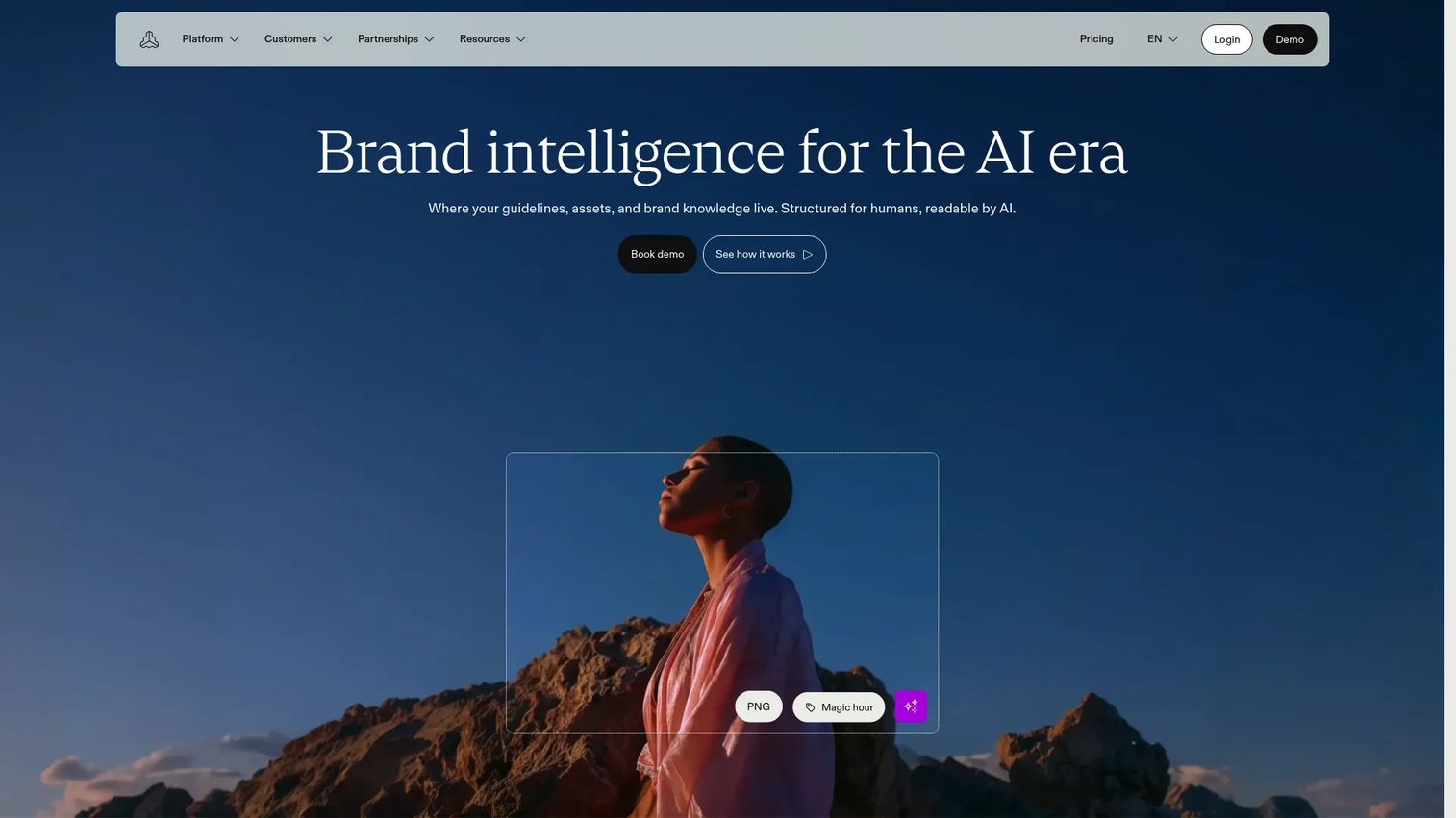
Frontify combines digital asset management with guidelines, templates, and brand portals. Its brand management software connects approved materials with instructions for using them. For PMMs coordinating departments and external agencies, that combination addresses both file access and execution standards.
Best for: Mid-market and enterprise brand teams managing contributors across regions or multiple brands.
Consider a launch involving regional adaptations of a central campaign. Your evaluation should test whether contributors can understand the rules before downloading or adapting materials. Include someone from Sales who rarely enters marketing systems.
Frontify also supports multilingual guidelines and templates across digital, print, and motion formats. Those capabilities make it relevant when brand governance extends beyond a single channel.
Key features
- Centralized digital asset management
- Interactive, multilingual brand guidelines
- Digital, print, and motion templates
- Role-based portals and granular permissions
- Approval workflows and CDN distribution
Why choose Frontify: Choose it when your operating problem spans brand guidance and controlled distribution. Establish content ownership alongside rollout to keep the system current.
For evaluation, bring conflicting versions of an existing asset. Ask the vendor to demonstrate the intended publishing and approval process, including how external contributors encounter the result.
Frontify pricing: Custom pricing based on monthly active users.
G2 rating: 4.5/5.
2. Bynder
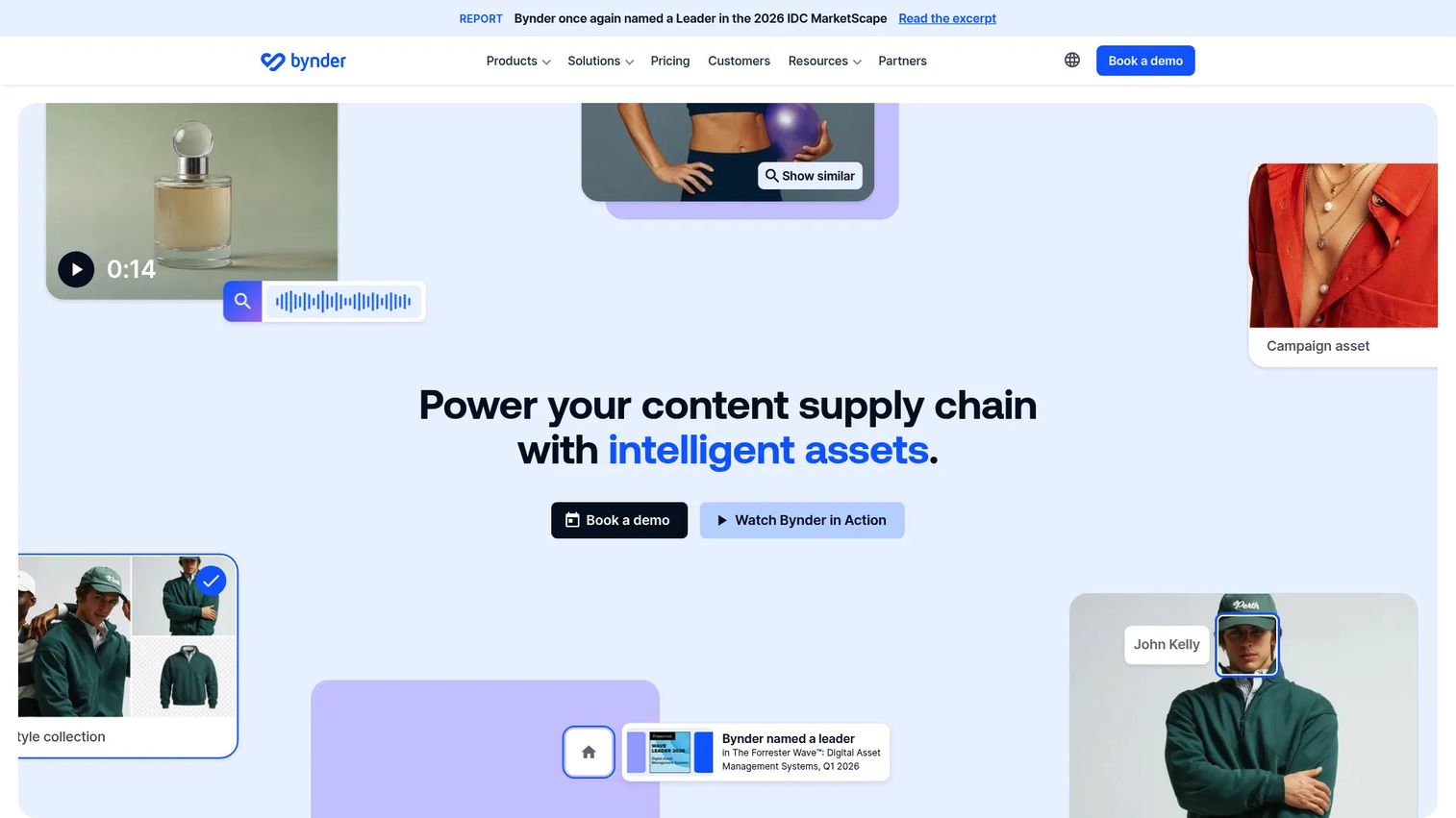
Bynder is an enterprise digital asset management platform for large content libraries. Its focus combines content discovery with workflows for briefing, review, and approval. Treat it as an asset-operations candidate when production volume makes informal file organization difficult.
Best for: Enterprise marketing and creative teams managing extensive digital content collections.
The practical question is whether employees can retrieve the right material without knowing how creative organized it. Bring searches that a salesperson would type, rather than filenames supplied by your administrator.
Bynder supports natural-language and image-based discovery. Its search capabilities also include optical character recognition and speech-to-text, making content inside files relevant to the evaluation.
Key features
- Centralized enterprise asset storage
- Natural-language and image search
- Similarity-based content discovery
- OCR and speech-to-text search
- Briefing, review, and approval workflows
Why choose Bynder: Choose Bynder when enterprise content operations are the priority. Evaluate its DAM foundation against your library’s complexity and production handoffs.
For PMM, a useful pilot is one product line containing several audiences and campaigns. Ask different users to find the current materials independently. Document whether search terminology matches the language people use in requests.
Avoid assuming that importing everything improves adoption. Decide which approved assets deserve migration first.
Bynder pricing: Ask Bynder for current pricing.
G2 rating: 4.5/5.
3. Brandfolder
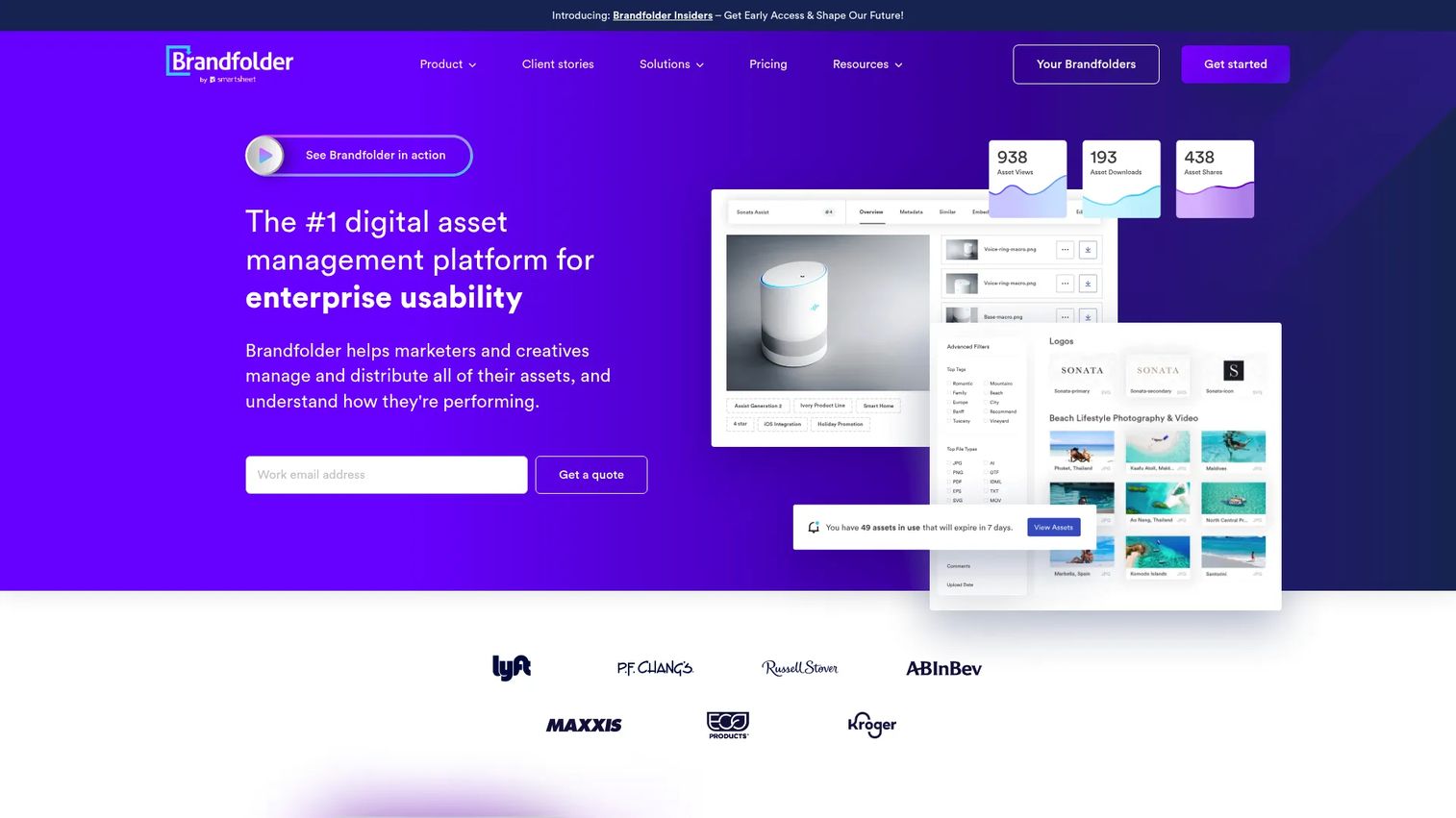
Brandfolder organizes branded content through collections, labels, filtering, and custom fields. Its brand asset management software also supports collaboration and usage analysis. That makes it relevant when approved materials exist but people struggle to locate them.
Best for: Marketing and creative teams distributing searchable assets to sales and other internal audiences.
PMMs can evaluate it around a recurring request, such as finding the latest presentation for a particular industry. Test the task without coaching the user through your folder structure.
Its documented integrations include Adobe, Salesforce, and Microsoft Office. An open API provides another integration path, although buyers should evaluate the specific data exchange they require.
Key features
- Collections, sections, labels, and custom fields
- AI tagging and smart search
- Comments, approvals, versioning, and proofing
- Asset analytics and usage insights
- Adobe, Salesforce, and Microsoft Office integrations
Why choose Brandfolder: Choose it when asset discovery and distribution are the main obstacles to enablement adoption. Its collaboration capabilities also suit teams reviewing content before release.
Measure the pilot through retrieval success and repeated requests. Usage insights deserve a separate discussion from revenue attribution; opening an asset does not establish its influence on a deal.
Ask Sales to participate in taxonomy design. A library organized exclusively around campaign names may miss the language sellers use.
Brandfolder pricing: Custom pricing for Premium and Enterprise plans.
G2 rating: 4.4/5.
4. Canto
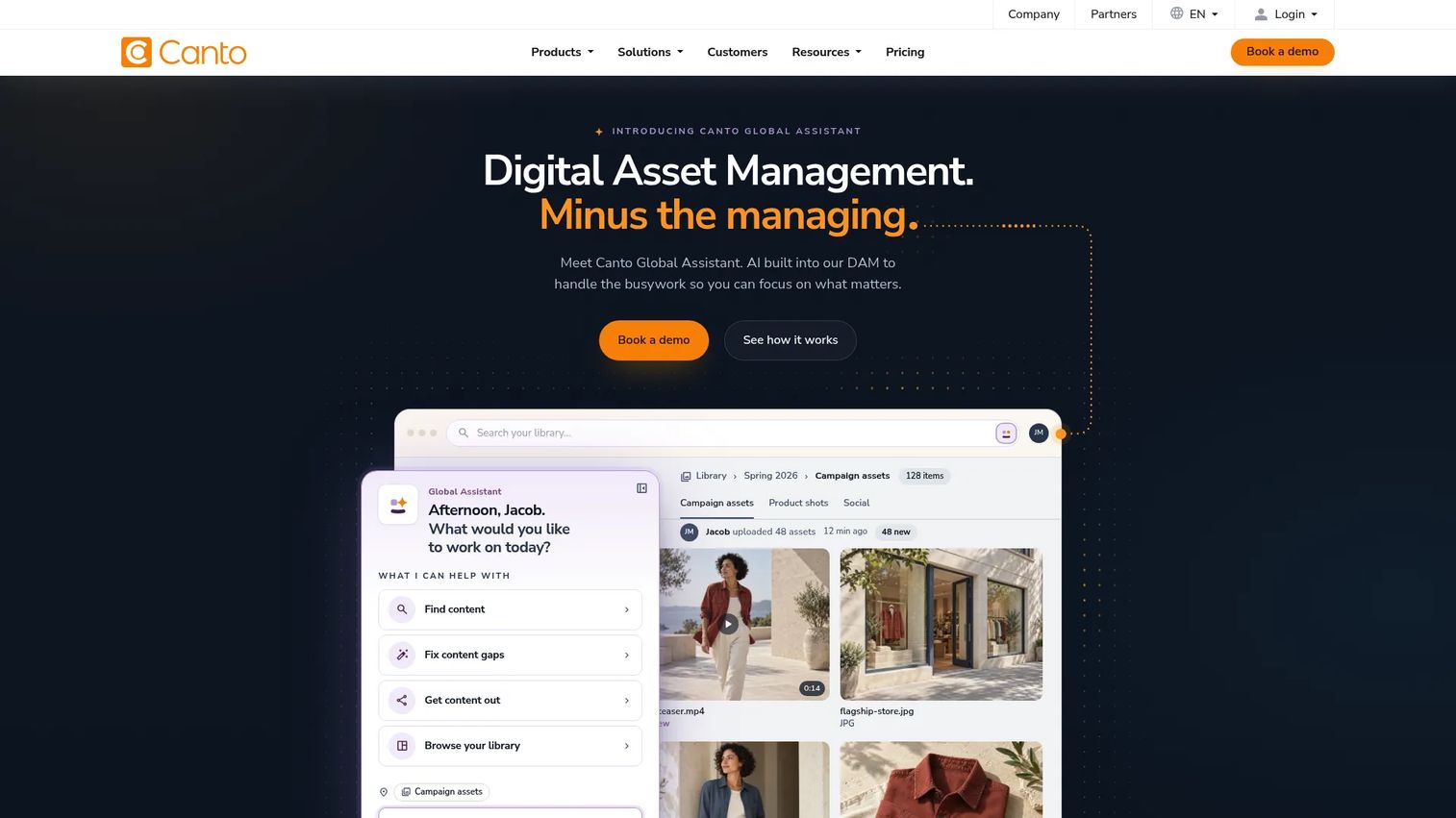
Canto provides digital asset management for brand and product content. It combines visual discovery with portals and collaboration workflows. Rights management and expiration controls also make it relevant when approved files have restrictions.
Best for: Creative and marketing teams managing visual content with access and usage requirements.
A PMM evaluation should include more than uploading launch images. Test how users distinguish materials approved for external distribution from files intended for internal work.
Canto also includes style guides and product information capabilities. Assess those against your existing systems before expanding the purchase beyond asset management.
Key features
- AI-powered visual search
- Asset portals and style guides
- Digital rights and expiration controls
- Collaboration and approval workflows
- API, SSO, and integrations
Why choose Canto: Choose Canto when visual discovery and controlled asset distribution need to work together. Its rights capabilities deserve attention for licensed campaign content.
Use representative files during evaluation, including an asset approaching expiration. Ask what an ordinary user sees and how administrators manage the change. The answer matters more than a polished library populated with unrestricted sample content.
Keep migration selective. Start with the visuals people need for active launches, then expand according to demonstrated demand.
Canto pricing: Custom pricing across DAM Essentials, Plus, Pro, Retail Suite, and Brand Suite packages.
G2 rating: 4.4/5.
5. Brandkit
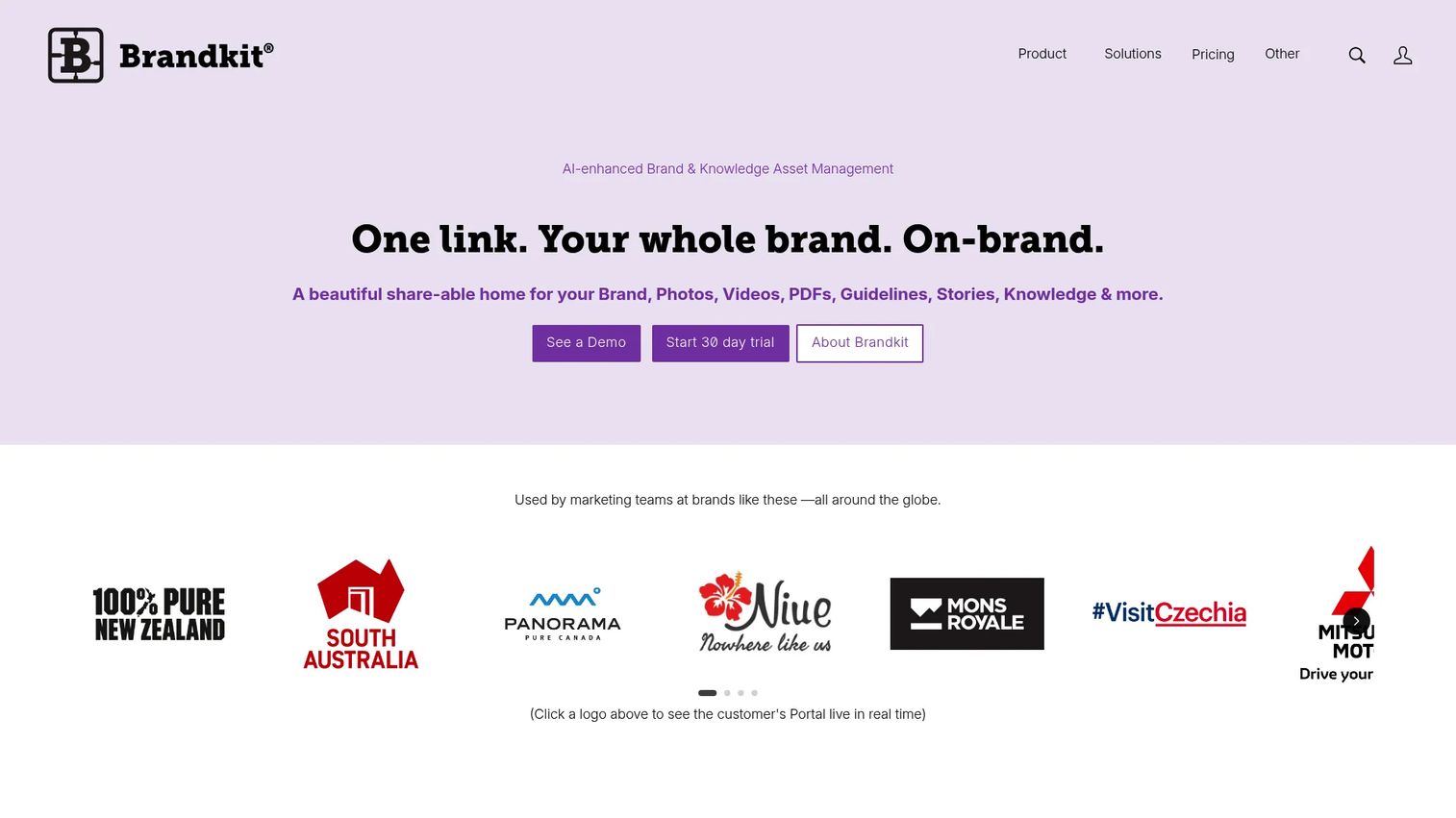
Brandkit combines a brand portal with digital and knowledge asset management. Its offering includes guidelines and an integrated CMS, alongside licensing controls. This makes it relevant when external distribution is central to the brand operation.
Best for: Partner-heavy organizations sharing approved materials through a branded destination.
For a PMM supporting channel partners, the evaluation should begin with the recipient’s task. Can someone find appropriate materials and understand the conditions for using them?
Brandkit includes custom domains and multiple portals. Those capabilities support an evaluation involving distinct audiences, rather than assuming every contributor should encounter the same content.
Key features
- Branded portals and custom domains
- Digital assets and knowledge libraries
- Brand guidelines and integrated CMS
- Visual and semantic search
- Licensing and rights management
Why choose Brandkit: Choose it when controlled self-service distribution matters as much as internal organization. Its combination of files and supporting knowledge suits materials that need explanation.
The commercial model includes unlimited users, with usage-based editions. Model expected activity and add-ons before choosing a package; user count alone will not describe the total cost.
Have an agency test the download journey and ask which information remains unclear. Use that feedback to improve portal content before broad release.
Brandkit pricing: TEAM costs $99/month or $1,099/year. A 30-day free trial is available; no free plan is offered.
G2 rating: 4.5/5.
6. IntelligenceBank
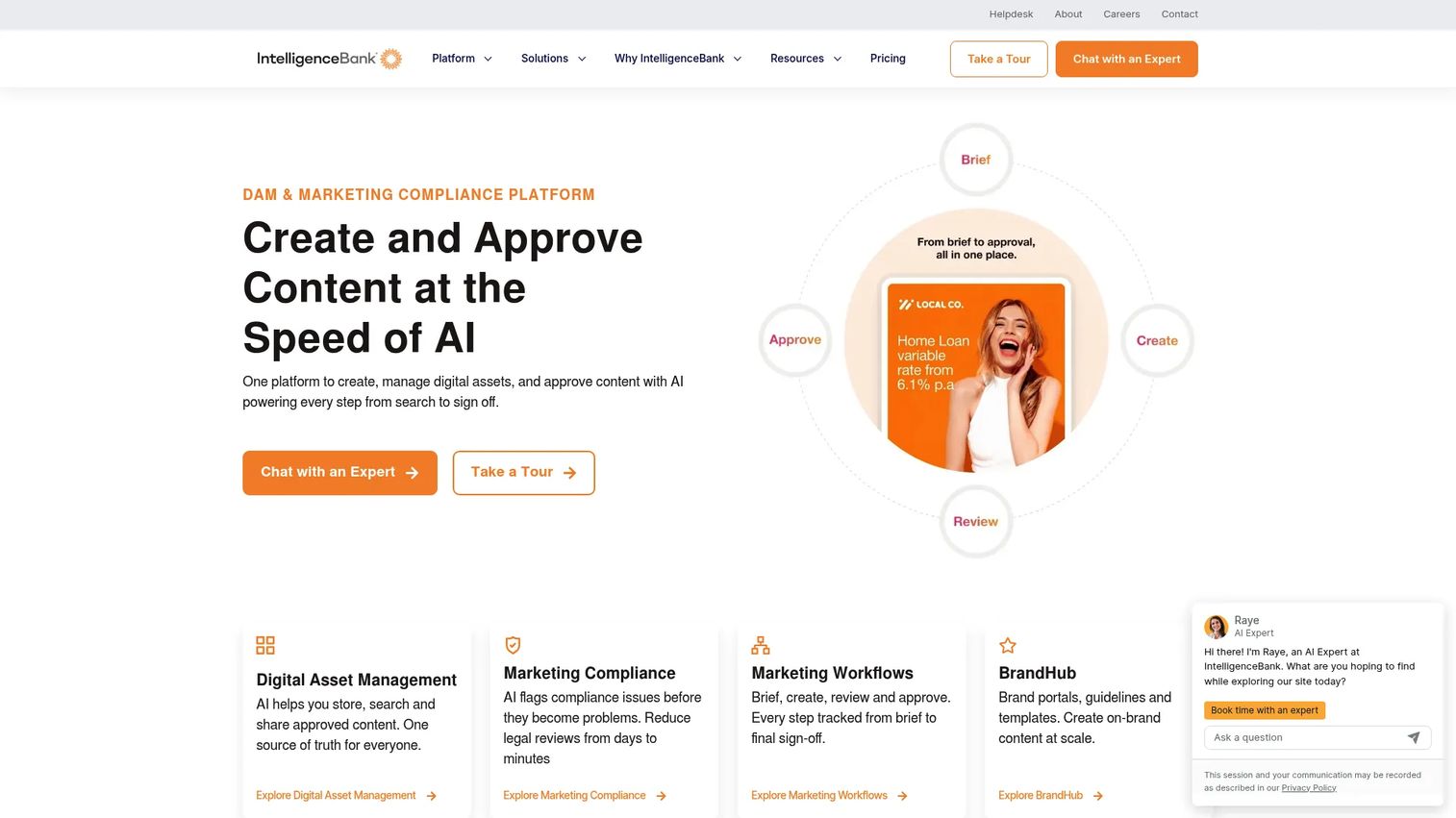
IntelligenceBank combines asset management with marketing workflows and content risk review. Its brand management software addresses the process around approved content, including requests and proofing. That scope matters when PMM shares accountability with legal or compliance teams.
Best for: Organizations where content approval and marketing risk controls shape release schedules.
Bring a campaign that previously required several review rounds. Map how the brief entered the process and who authorized the final material. This gives you a concrete basis for evaluating workflow fit.
Its AI content risk reviews cover documents and images, alongside video, audio, websites, social media, and Google Ads. Treat those capabilities as assistance within a defined review process.
Key features
- Asset permissions and audit trails
- Proofing, markup, and approval workflows
- Briefs, forms, and campaign management
- Brand portals and creative templates
- AI-powered content risk reviews
Why choose IntelligenceBank: Choose it when governance needs operational controls around content creation. It suits teams evaluating brand compliance together with marketing workflow management.
Ask reviewers to assess the proposed process themselves. A platform purchase should clarify responsibility rather than introduce another approval queue.
Separate brand-policy checks from legal judgment. Software can support review, but your organization still needs accountable decision-makers and documented standards.
IntelligenceBank pricing: Digital Asset Management starts at $567/month, billed annually. Other packages use custom pricing.
G2 rating: 4.5/5.
7. BrandHub
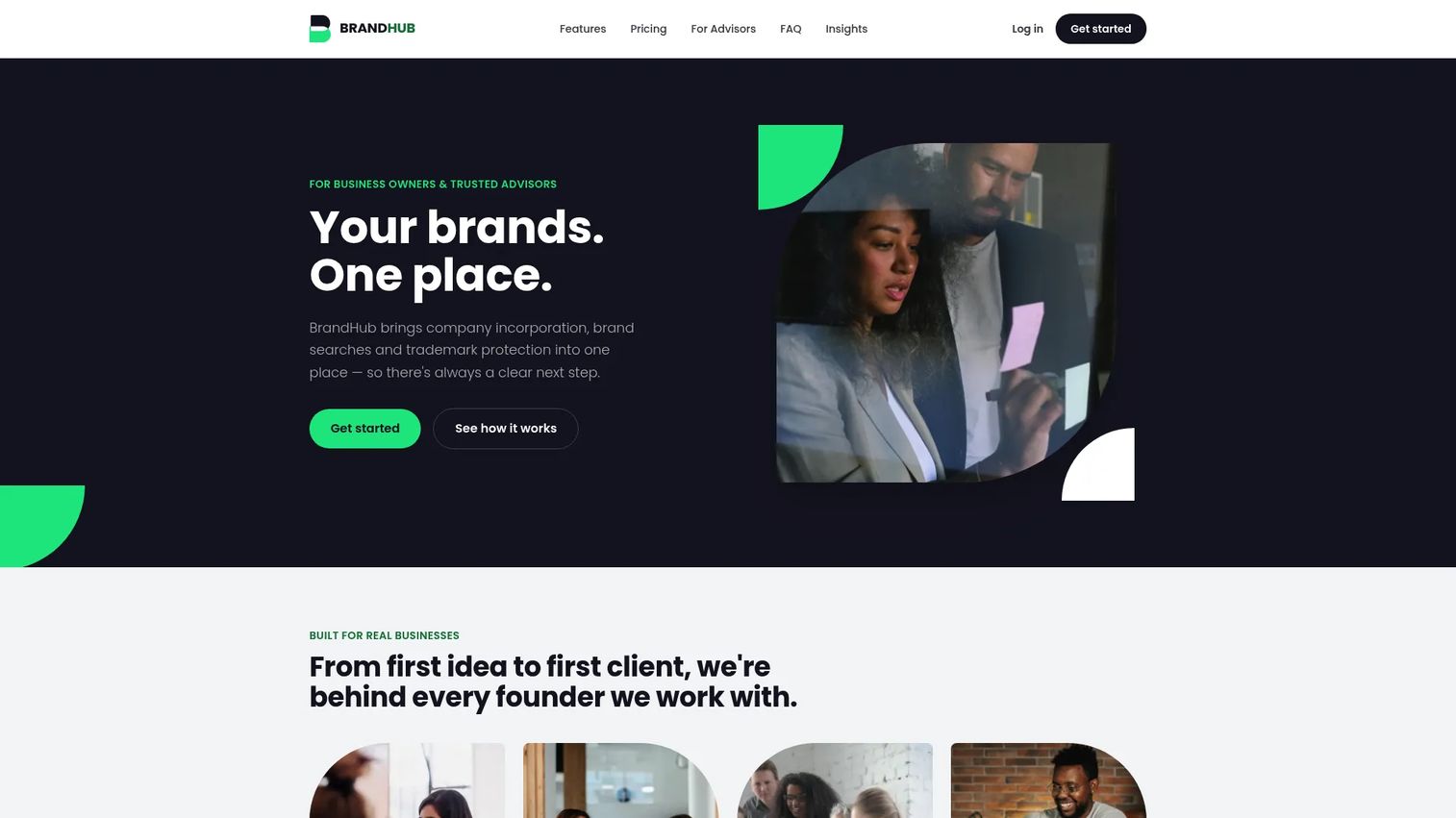
BrandHub serves brand protection and company administration rather than online brand guidelines. It combines incorporation workflows with trademark searches and monitoring. The product is aimed at Australian advisors managing client company and brand portfolios.
Best for: Australian advisory firms handling company formation and trademark-related work.
Its inclusion represents a different meaning of brand management. PMMs evaluating asset libraries should treat this as a specialist legal-administration use case, not a substitute for DAM.
The platform includes availability exploration and company documentation management. A corporate wallet holds company and brand documents, while similarity reporting supports trademark research.
Key features
- Company incorporation workflows
- Brand availability searches
- Trademark similarity reporting
- Automatic IP validation
- Corporate document wallet
Why choose BrandHub: Choose it when the responsibility involves client brand portfolios or company formation. Look elsewhere in this list for creative guidelines and asset distribution.
Before evaluation, identify who owns the buying decision. An advisor responsible for corporate documentation has different requirements from a PMM maintaining launch materials.
Ask the vendor to demonstrate the workflow for a representative client portfolio. Review document handling and the boundaries of the search output with the professionals responsible for those decisions.
BrandHub pricing: Simple Advisor costs A$85/month; Premium Advisor costs A$125/month, excluding GST. No free plan or trial is offered.
8. Canva
Canva is a visual communication platform for producing branded content. It offers templates and Brand Kits alongside a drag-and-drop editor. Its role in brand management centers on creation, especially when marketing supports contributors without design expertise.
Best for: Teams producing repeatable campaign graphics and presentations across departments.
A PMM can evaluate it with a common request, such as adapting an approved presentation for a regional event. Focus on how contributors locate the starting material and preserve the intended story.
Canva also provides collaboration and team administration. Test the relevant controls in the plan you are considering rather than treating every subscription as equivalent.
Key features
- Drag-and-drop visual editor
- Brand Kits and brand-management tools
- Templates and stock media
- AI design and content tools
- Collaboration and social content scheduling
Why choose Canva: Choose Canva when recurring content production consumes creative-team capacity. Define approved starting points before inviting everyone to create their own versions.
Template availability alone does not establish a governance process. Specify what contributors may change and where completed work should go.
During a pilot, assess output against the brief, not just visual polish. Your positioning can drift inside an attractive slide when nobody owns the messaging review.
Canva pricing: Free is available; Pro costs $144/year for one person. Business costs $250/person/year; Enterprise uses custom pricing.
G2 rating: 4.7/5.
9. Marq
Marq is a brand enablement platform built around controlled content creation. Template locking and data automation support repeated adaptation of approved collateral. It is relevant when local teams need flexibility within defined brand boundaries.
Best for: PMMs supporting sales or regional contributors who repeatedly customize collateral.
Think about a seller adapting a product sheet for an account. The evaluation should separate permitted changes from elements that must remain consistent.
Marq supports smart fields and collaboration workflows. Its publishing options include social and web distribution, with print integration for physical materials.
Key features
- Brand templates and template locking
- Smart fields and data automation
- Collaboration and approval workflows
- Social, web, and print distribution
- Brand asset and project management
Why choose Marq: Choose Marq when controlled adaptation is the job. It fits teams that want contributors creating from approved structures rather than editing arbitrary source files.
Bring a template with specific exceptions, such as a region-specific disclaimer. Ask the vendor to show how those requirements fit the authoring process.
Include print requirements in the test if field teams depend on physical collateral. A successful screen preview should not be your only acceptance criterion.
Marq pricing: Free is available; Pro costs $12/month, billed monthly. Enterprise uses custom pricing.
G2 rating: 4.5/5.
10. monday.com
monday.com manages work through shared documents, forms, dashboards, and automation. Its brand-management relevance sits in coordination rather than asset governance. Consider it when requests disappear between departments or campaign ownership becomes unclear.
Best for: Marketing teams organizing cross-functional work around brand execution.
Start by mapping a recurring launch process. Identify the request intake point and the decisions required before publication. Then evaluate whether the workspace makes responsibility easier to understand.
Its documented capabilities include AI workflows and integrations. Assess them against specific handoffs instead of buying automation before agreeing on the process.
Key features
- Shared dashboards
- Documents and forms
- Workflow automations
- Integrations
- AI agents and workflows
Why choose monday.com: Choose it when the bottleneck is coordinating work. Treat it as the operational layer around your brand resources rather than assuming workflow software replaces DAM.
A useful pilot follows one request from submission through completion. Ask participants where they still need to chase context outside the board.
Define completion carefully. A task marked done should mean the approved asset reached its intended destination, not simply that someone uploaded a draft.
monday.com pricing: Free supports two seats; Basic costs A$14/seat/month, billed annually. Standard costs A$19 and Pro A$30 per seat monthly, billed annually.
G2 rating: 4.7/5.
11. Sprout Social
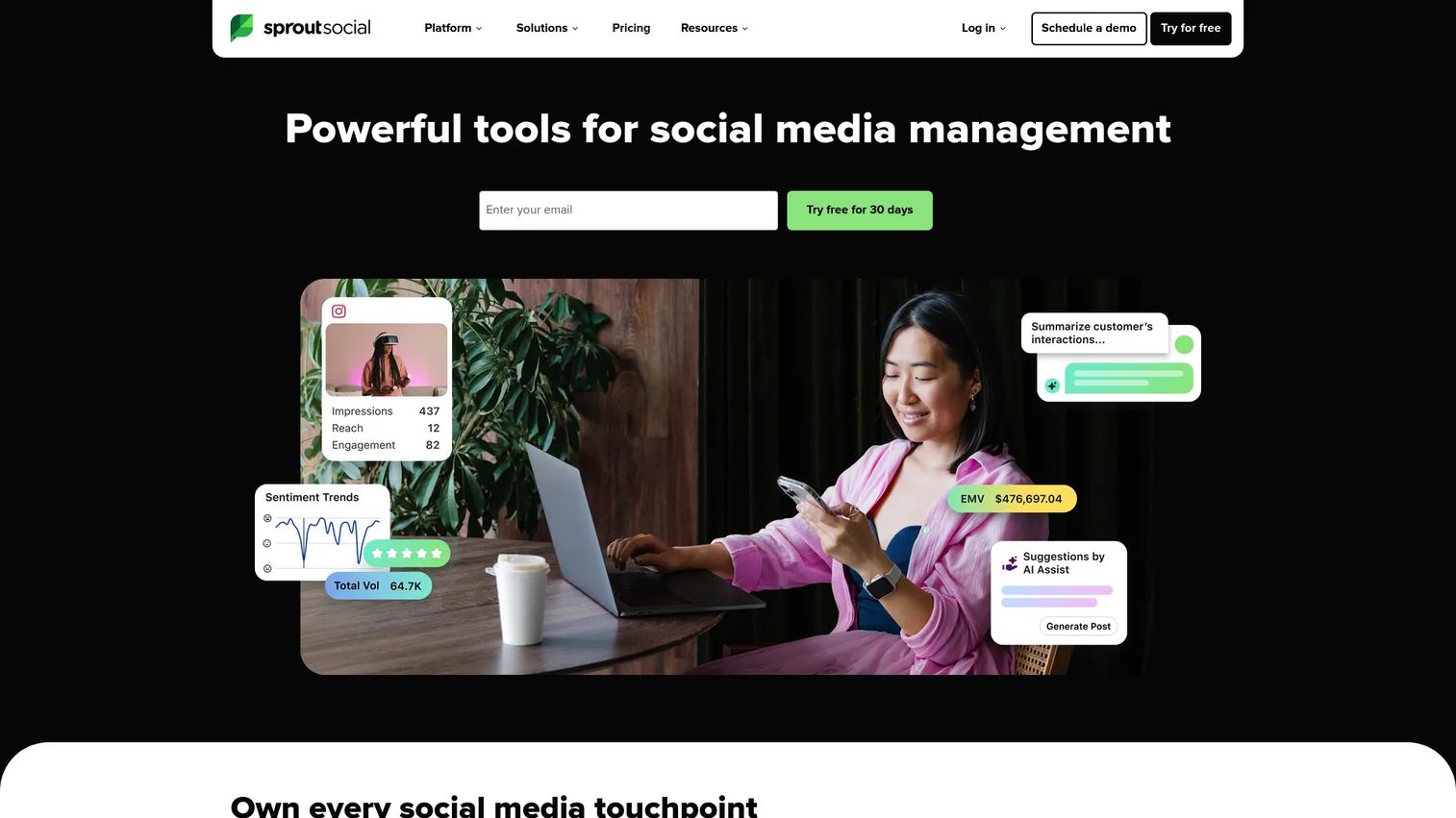
Sprout Social combines social publishing with engagement and reporting. Listening and social intelligence extend its role beyond the content calendar. For PMMs, it supports coordination with the team managing public conversations around a launch.
Best for: Organizations managing social profiles and customer engagement across channels.
A consistent launch message also needs a response process. Evaluate how the social team handles questions that require product knowledge or escalation.
The platform’s Smart Inbox is a central capability for engagement work. Competitor and trend reporting add context for teams assessing what audiences are discussing.
Key features
- Smart Inbox
- Multi-profile publishing and scheduling
- Social analytics and reporting
- Social listening
- Competitor and trend reporting
Why choose Sprout Social: Choose it when social voice and engagement are central to brand operations. Establish an explicit handoff between PMM and social specialists.
Bring examples of product questions rather than testing only scheduled posts. Ask who should answer each one and how approved messaging reaches that person.
Compare reporting with the decisions you need to make after launch. Engagement figures should prompt investigation into audience response, rather than stand alone as a positioning verdict.
Sprout Social pricing: Essentials starts at $79/seat/month, billed annually. A 30-day free trial is available; there is no permanent free plan.
G2 rating: 4.4/5.
12. Hootsuite
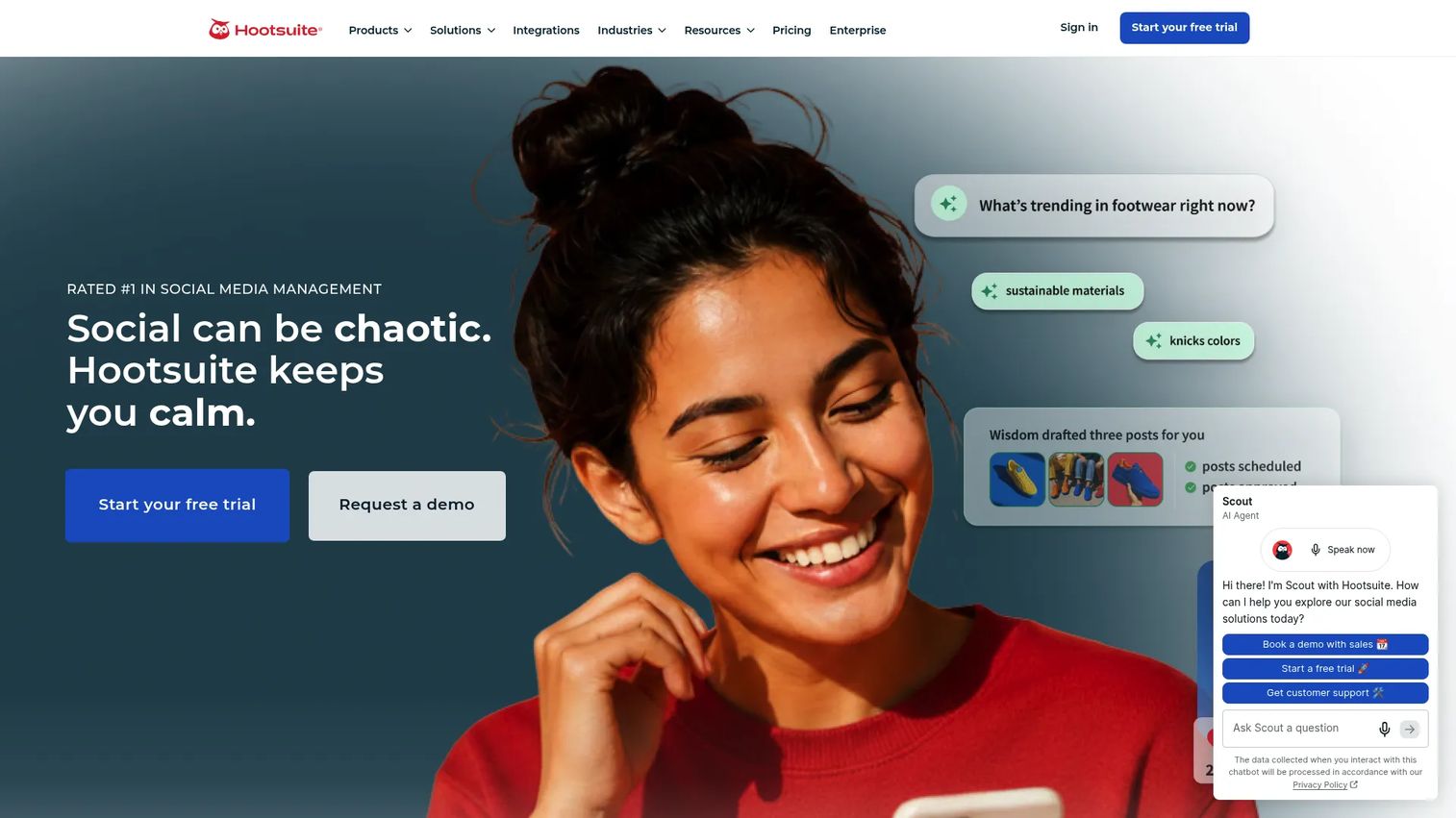
Hootsuite supports social publishing and conversation management across networks. It also offers listening and performance analysis. Its brand-management role fits teams that need coordinated public execution across several social accounts.
Best for: Organizations managing channel operations and social publishing responsibilities.
Evaluate the content calendar alongside the inbox. A campaign can be well scheduled while responses remain disconnected from the positioning behind it.
Hootsuite’s plans distinguish account capacity and governance capabilities. Advanced adds team approvals and collaboration, while Enterprise includes broader governance controls. Match the package to the operating process you intend to run.
Key features
- Social drafting, scheduling, and publishing
- Centralized conversation inbox
- Listening and sentiment analysis
- Reporting and competitive benchmarking
- AI caption and content assistance
Why choose Hootsuite: Choose it when multi-account social operations are the main requirement. Test approval ownership and response handling with the people responsible for each channel.
For a launch pilot, include a late copy change. Ask the vendor to show how contributors review the update before release.
Your evaluation should also cover reporting responsibilities. Decide which insights go to PMM and which remain part of day-to-day channel optimization.
Hootsuite pricing: Standard starts at $99/user/month, billed annually. Paid plans include a 14-day trial; no free plan is offered.
G2 rating: 4.3/5.
13. Brandwatch
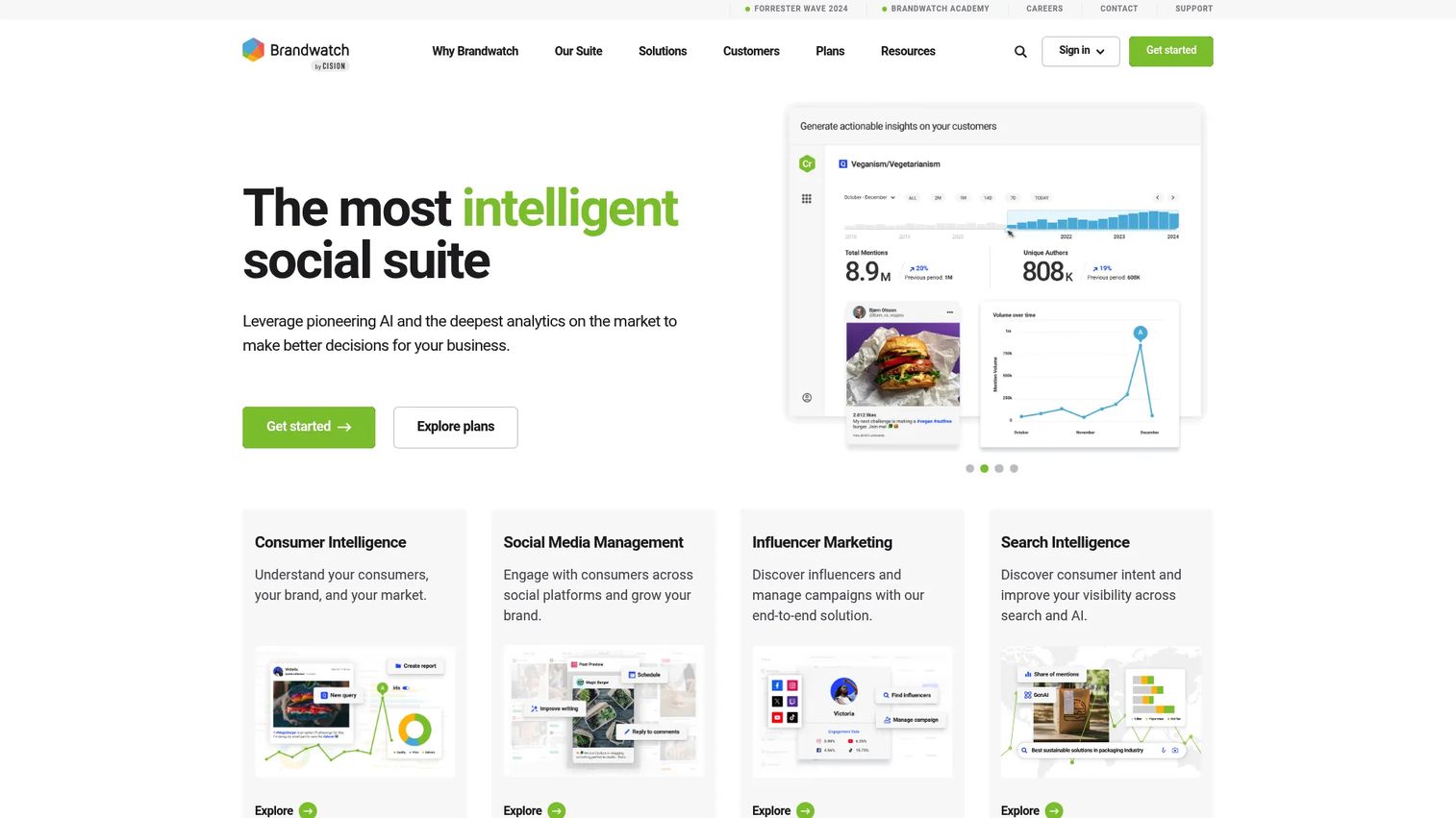
Brandwatch provides consumer intelligence and social listening within a broader intelligence suite. It also covers social management, influencer marketing, and search intelligence. Its value for PMM lies in understanding market conversations and consumer intent.
Best for: Enterprise insights and marketing teams conducting ongoing audience research.
For competitive intelligence, start with a defined research question. Ask what buyers associate with your category and how those associations differ from your intended positioning.
Boolean search and historical data support deeper investigation than a simple mention count. Sentiment analysis and alerts help teams identify conversations worth examining.
Key features
- Consumer research and intelligence
- Boolean listening queries and historical data
- Sentiment analysis and smart alerts
- Social management and benchmarking
- Influencer and search intelligence
Why choose Brandwatch: Choose it when research depth matters more than file control. Assign an owner who can interpret findings and feed them into messaging decisions.
Test query quality before trusting a dashboard. Ambiguous product names and unrelated mentions can distort the picture you present to leadership.
Ask the vendor to demonstrate how your team would investigate a specific narrative change. Brand awareness measurement needs context about the audience and conversation, not just an expanding chart.
Brandwatch pricing: Custom pricing across Consumer Intelligence, Social Media Management, Influencer Marketing, and Search Intelligence.
G2 rating: 4.2/5.
14. Brand24
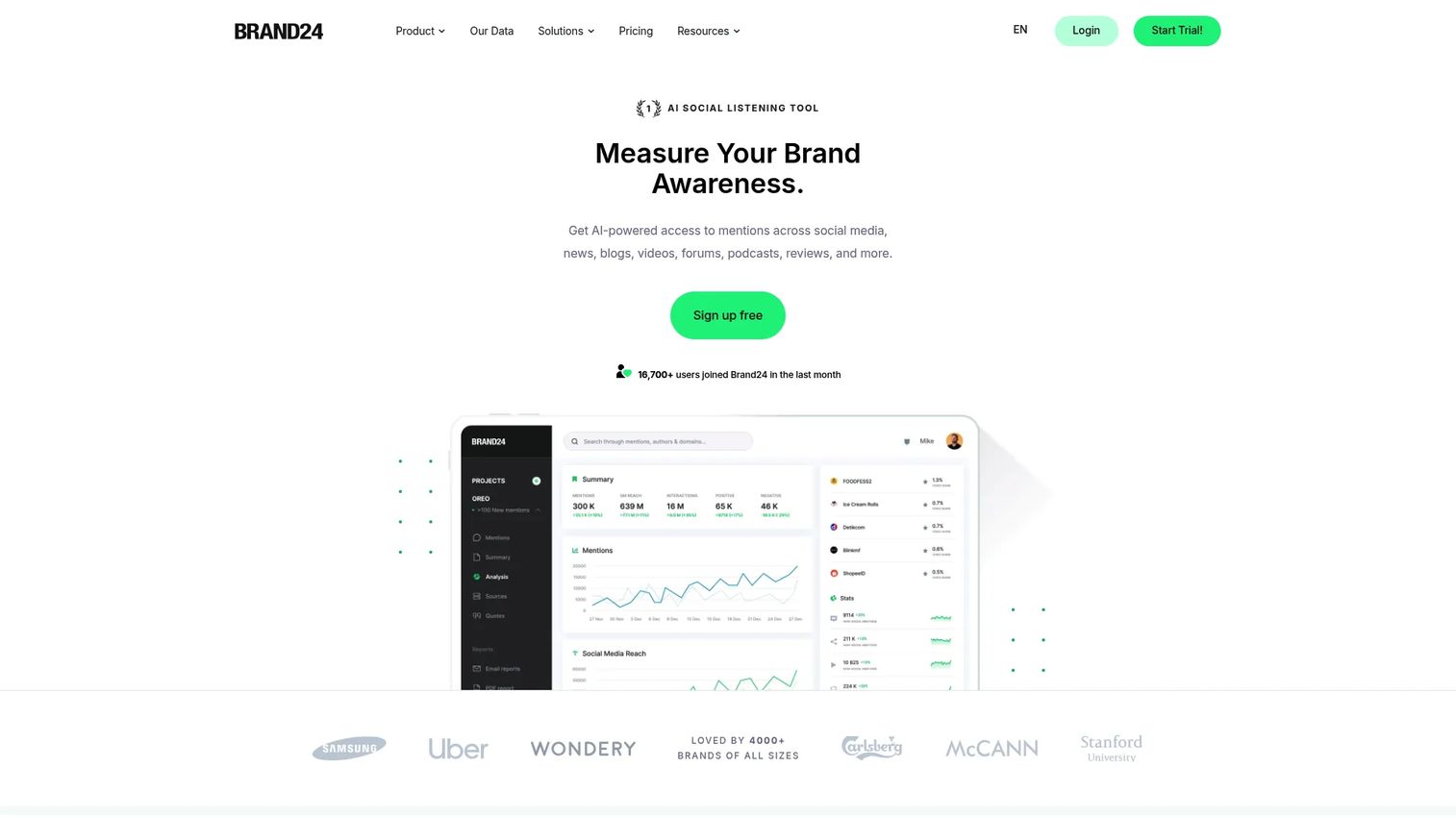
Brand24 tracks online mentions across social media and other sources. Its coverage includes news, forums, podcasts, blogs, reviews, and video. The product fits teams that need an ongoing view of conversations surrounding a brand or launch.
Best for: Marketing and PR teams focused on mention monitoring and actionable alerts.
For PMMs, a useful starting project is a launch phrase combined with product and company names. Define what constitutes a relevant mention before evaluating the reporting.
Brand24 includes sentiment analysis and AI-assisted interpretation. It also provides source analysis and reporting tools for investigating where attention originates.
Key features
- Cross-channel mention monitoring
- Sentiment analysis
- Reach and source analysis
- AI insights and event detection
- Alerts, dashboards, and reporting
Why choose Brand24: Choose it when the priority is maintaining awareness of online conversations. Establish response thresholds so routine mentions do not compete with urgent issues.
Pricing increases with monitoring and collaboration requirements. Model expected keyword coverage and mention volume before selecting a package.
During a trial, inspect the underlying conversations behind automated summaries. Share representative examples with product marketing colleagues to assess whether the findings inform decisions.
Brand24 pricing: Individual costs $249/month or $199/month billed annually. A 14-day free trial is available; there is no free plan.
G2 rating: 4.6/5.
15. Meltwater
Meltwater combines media intelligence with social signals and communications workflows. Its offering includes journalist outreach and consumer insights. Consider it when brand perception depends on earned media as well as owned-channel activity.
Best for: PR and marketing teams evaluating coverage across media and social channels.
A PMM supporting a category campaign needs more than a list of mentions. Define which messages should appear in coverage and what audience each publication reaches.
Meltwater also includes AI visibility tracking. Evaluate that separately from traditional media monitoring, with a clear question about what the additional signal will change.
Key features
- Media monitoring and real-time alerts
- Social listening
- Journalist outreach and media relations
- Consumer insights
- PR reporting and AI visibility tracking
Why choose Meltwater: Choose it when communications teams need research and media workflows together. Its breadth suits an evaluation shared by PMM and PR leaders.
Prepare a reporting brief before the vendor presentation. Ask for coverage analysis that distinguishes announcement repetition from discussion of your intended differentiators.
Be specific about required sources and markets during procurement. Coverage requirements are part of the commercial discussion, alongside users and selected modules.
Meltwater pricing: Custom pricing for Starter, Pro, Enterprise, and Agency plans. No free plan or self-service free trial is offered.
G2 rating: 4.1/5.
16. Cision
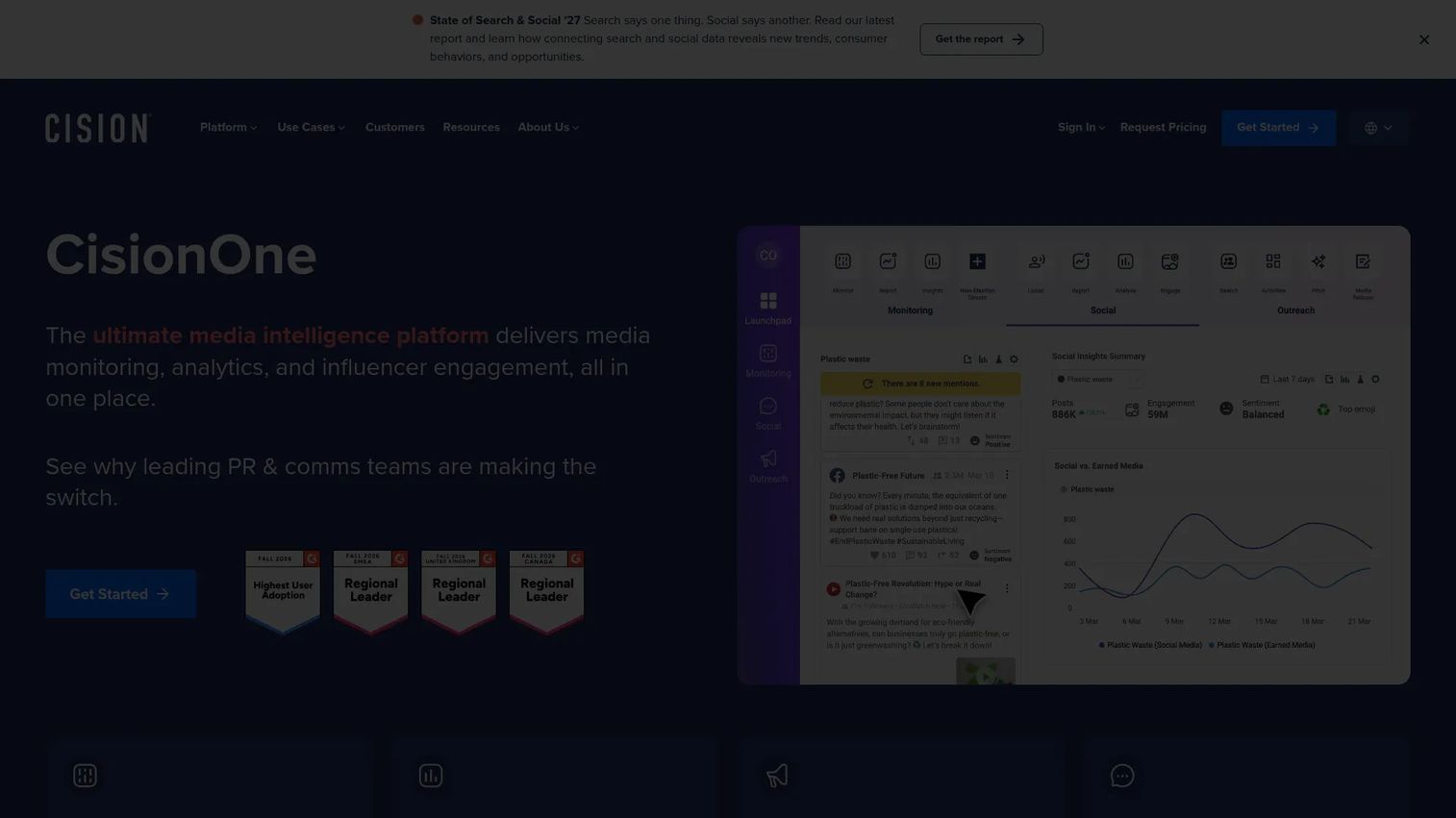
Cision provides media intelligence and communications software. It combines journalist research with outreach and coverage monitoring. Its relevance to brand management comes from earned media and communications execution, rather than maintaining a creative asset library.
Best for: PR teams managing media relationships and evaluating coverage.
For PMMs working with communications, the shared question is whether the market repeats the intended story. Build a reporting brief around product claims and category positioning before discussing dashboards.
Cision monitors traditional and digital media. Its capabilities include sentiment analysis and share-of-voice measurement, alongside reporting for leadership audiences.
Key features
- Journalist and influencer research
- Media outreach and pitching
- Press-release distribution
- Traditional and digital media monitoring
- Sentiment and share-of-voice reporting
Why choose Cision: Choose it when journalist relationships and earned-media workflows drive the requirement. Keep your approved messaging resources connected to the communications process.
Ask the vendor to demonstrate a campaign from media research through reporting. Include the people who pitch stories, not only the executives receiving summaries.
Avoid treating every mention as equally meaningful. Define what qualifies as relevant coverage and how you will evaluate whether key claims appeared accurately.
Cision pricing: Custom pricing for Journalist Outreach, Media Monitoring, Media Monitoring + Social, and CisionOne Suite.
G2 rating: 3.9/5.
17. Birdeye
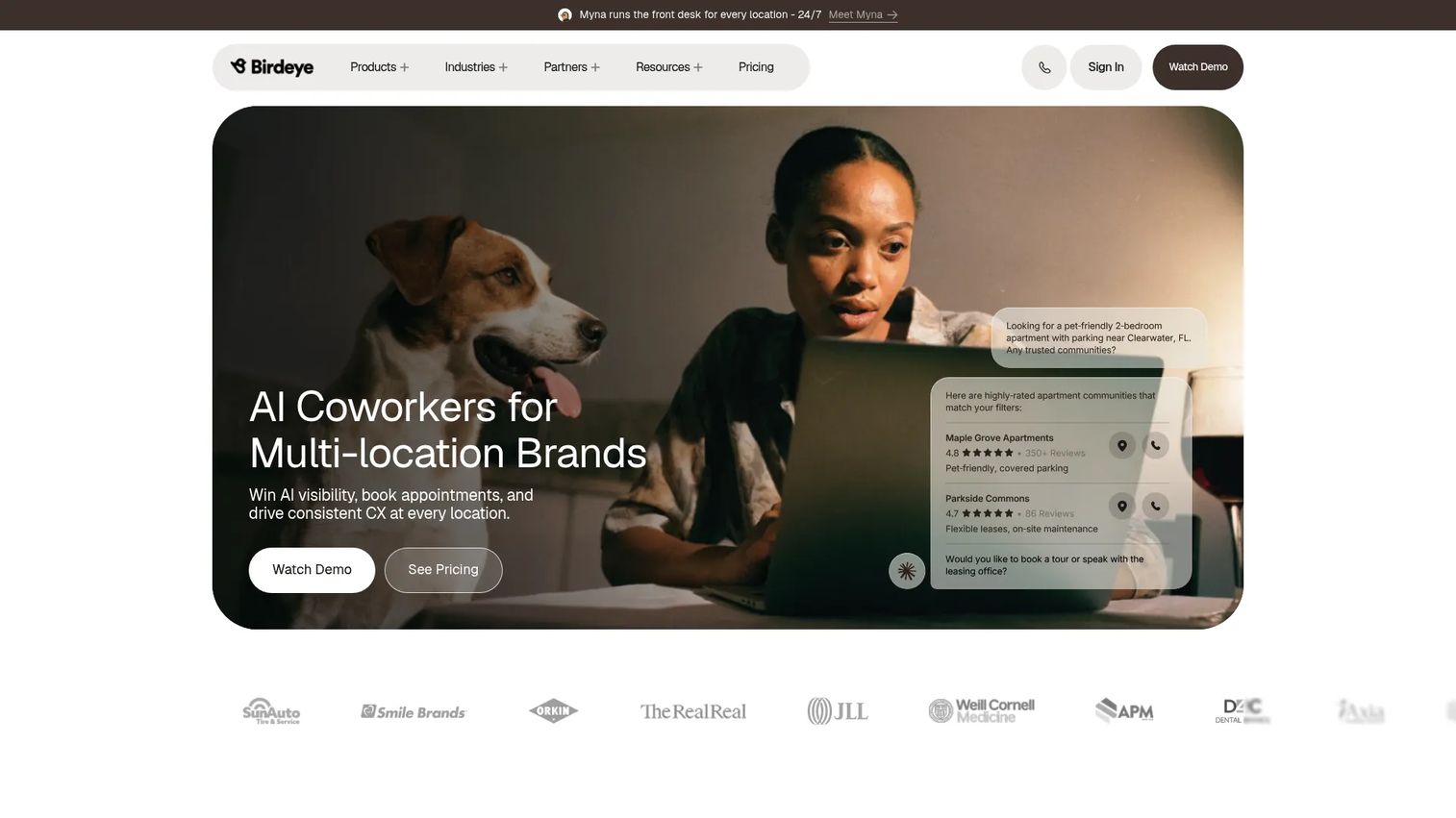
Birdeye serves multi-location businesses managing reputation and customer engagement. It combines reviews with listings management and local marketing capabilities. This is a customer-facing brand-management use case, particularly where local experiences shape perception.
Best for: Organizations overseeing reviews and location information across a distributed business.
For PMMs at location-based brands, the promise in campaign messaging needs to match what customers encounter locally. Evaluate reporting that helps central teams identify recurring issues without obscuring location differences.
Birdeye also includes surveys and messaging. Those capabilities expand the evaluation beyond review responses to the broader customer feedback process.
Key features
- Review generation and responses
- Multi-location listings management
- Local search optimization
- Social publishing and engagement
- Surveys, messaging, and insights
Why choose Birdeye: Choose it when local reputation is the core brand problem. Assign clear responsibilities between central marketing and location operators.
Pilot with locations that have different operating conditions. A process that works for a large flagship site may need adjustment elsewhere.
Ask who receives customer feedback and what happens after an issue is identified. Reporting becomes useful when an accountable team can act on the pattern.
Birdeye pricing: Custom pricing per location per month across Starter, Growth, and Dominate plans.
G2 rating: 4.7/5.
Considerations when choosing brand management software
Decide which brand problem comes first
Separate asset discovery from governance, workflow coordination, and external monitoring. Choose the category that addresses your most costly recurring issue.
Document what the new platform replaces. That makes the buying case clearer than a list of additional capabilities.
Test external permissions
Evaluate access from an agency or partner account. Ask about expiration dates, usage rights, approval status, and download controls where those requirements apply.
Include offboarding in the test. Someone should own the decision to remove access when an engagement ends.
Examine template governance
Ask contributors to customize a representative asset. Evaluate locked elements and editable fields against your approval process.
Include localization requirements before rollout. A template that works for headquarters needs testing with the teams expected to adapt it.
Map integrations to actual handoffs
Identify the specific exchange required between systems, such as approved assets moving into a creative workflow. An integration logo does not explain permissions or synchronization behavior.
Assign ownership for failures. PMM should know whom to contact when a connection stops supporting the publishing process.
Establish measurement before migration
Record asset-request volume and approval turnaround before implementation. Add retrieval success or template usage if adoption is the primary concern.
For monitoring tools, define how insights will influence decisions. Avoid combining operational efficiency and brand perception into one vague ROI claim.
Conclusion
The right brand management software keeps positioning connected to execution after launch.
Frontify is a strong starting point for guidelines and distributed governance. Bynder fits enterprise asset operations, while Brandfolder and Canto deserve consideration for searchable libraries.
Canva and Marq address repeatable content creation. monday.com organizes work around the materials, while IntelligenceBank connects approvals with marketing governance.
For external perception, match the platform to the channel. Brandwatch and Brand24 serve conversation analysis; Meltwater and Cision bring communications workflows into the picture. Birdeye fits local reputation.
Shortlist against a defined task, then ask the people doing that work to evaluate it. Use your own files and approval requirements. A successful pilot should show which manual steps disappear and which responsibilities remain.
Keep adjacent needs separate from the purchase. Interactive demos can support product launches, sales enablement, onboarding, and partner education alongside your brand system.
Show your product alongside your brand system
Start your journey with Guideflow today!
FAQs
Brand management software helps teams maintain approved assets and guidelines, with capabilities that may include permissions, templates, approvals, or monitoring. The category includes specialist products as well as broader platforms combining several functions. Define the operational job before comparing vendors, because a brand management system for creative governance differs from software tracking public perception.
Digital asset management centers on organizing and distributing files, with search and metadata helping users retrieve appropriate content. Brand management software can add usage rules, maintained guidelines, controlled templates, and processes around publication. Some DAM platforms include those functions, so evaluate the workflow rather than treating the labels as mutually exclusive categories.
Product marketing and brand teams use it to coordinate approved messaging and materials across the organization. Creative departments maintain visual resources, while sales enablement and regional contributors need access to appropriate content. Agencies and partners may use controlled portals; PR and customer-facing teams work with monitoring or reputation tools to understand external responses.
Start with the capability tied to your primary problem, whether that is asset retrieval, brand guidelines, creative approvals, or monitoring. Then test permissions and integrations using the workflow your team already follows. Ask how administrators maintain content and how ordinary contributors find it, because both experiences influence adoption after rollout.
It gives contributors a maintained destination for approved materials and the rules governing their use. Depending on the product, templates and approval workflows can also guide how new content gets produced. Consistency still requires ownership, especially when positioning changes or assets expire. Include retirement and replacement procedures in your rollout rather than stopping at upload.
Identify the recurring task that creates the most rework, then shortlist products designed for that task. Run the same practical evaluation in each candidate, involving an administrator and someone who will use it occasionally. Compare the complete commercial requirements, including billing currency and relevant packages. Choose against demonstrated workflow fit rather than the broadest feature list.
AI can support asset search and tagging, while intelligence tools use it for sentiment analysis or summarizing conversations. Some marketing governance platforms also offer content risk review, and design products provide generation capabilities. Evaluate each function against representative material and a defined acceptance standard. Keep human review responsible for brand claims and decisions requiring contextual judgment.
A small team can start with a limited asset collection and a clear approval process. The case for dedicated software grows when agencies or distributed contributors create recurring coordination work. Estimate the cost of repeated requests and corrections before committing to a larger platform. Start with the narrowest useful deployment, then expand when adoption demonstrates the need.