



You have a product shot due for tomorrow's ad set. The background is a cluttered desk. You open a design tool, start tracing the edges by hand, and forty minutes later the cutout still has a white halo around the shoulders.
That is the tax marketers pay on visual assets nobody talks about. Every landing page hero, every carousel ad, every email banner needs a clean subject, and manual selection eats hours you should be spending on the campaign itself.
The category exists because that math got absurd. The background removal software market was valued at USD 1.78 billion in 2025 and is projected to reach USD 5.65 billion by 2033, according to Claritas Intelligence (2025). The demand is real, and the reason is simple: Automated cutouts turn a forty-minute chore into a five-second one.
Good background removal software gives you a transparent PNG without edge tracing, without cleanup, and without a design ticket. That is the promise this guide holds these tools against.
What's inside
This guide is for growth and digital marketers who need clean cutouts fast, without adding another heavyweight tool to an already crowded stack.
We picked and ranked these four tools on the criteria that actually matter when you are shipping campaign assets:
- Speed and ease of use: How fast you get from upload to a usable transparent PNG
- Output quality: Whether edges hold up in ads, thumbnails, and hero images
- Free tier or trial access: What you can do before paying anything
- Workflow fit: Whether the tool replaces part of your stack or just does one job
No tool made the cut on marketing hype. Each earned its place on how it performs when you need product photos and social graphics out the door today.
TL;DR
- Best overall for marketers who live in a design workflow: Canva pairs one-click background removal with templates, so the cutout and the finished asset happen in one place.
- Best for free, no-download access: Adobe Express removes backgrounds in the browser with no account required to start.
- Best for browser-based AI editing on a budget: Pixlr offers free AI cutouts plus paid plans starting at $1.99/month.
- Best for e-commerce and batch product photos: Photoroom is built for catalog-scale product imagery and bulk editing.
What is background removal software?
Background removal software is a tool that automatically detects the subject in an image and separates it from its background, producing a clean cutout you can export or place on a new background.
Most modern tools use AI to identify the subject edge without manual selection. You upload an image, the software isolates the person or product, and you download a transparent PNG or drop in a replacement background. What used to require a pen tool and a steady hand now takes one click.
For marketers, the "software" part matters more than the "removal" part. The best tools do not just cut out a subject. They fit into how you produce assets, whether that means dropping the cutout onto a template, batch-processing a product catalog, or exporting straight to your ad platform.
Core features to look for:
- Automatic AI detection: One-click subject isolation with no manual tracing
- Transparent PNG output: Clean alpha-channel exports for flexible placement
- Background replacement: Swap in solid colors, gradients, or scene backgrounds
- Batch processing: Handle many images at once for catalogs and campaigns
- Format support: JPG and PNG in, PNG and often other formats out
- Editing handoff: A path from cutout to finished graphic without switching apps
The category splits into two rough camps. Standalone removers do the cutout job and little else. Broader creative platforms fold background removal into a full design or e-commerce editor, which is where marketers tend to get more mileage because the next step lives in the same tool.
That distinction drives the whole buying decision. If you only ever need a clean subject, a fast remover works. If the cutout is step one of five in building a campaign asset, a platform earns its keep.
When to use background removal software
Create product shots for landing pages and ads
Clean cutouts make your visuals consistent across a campaign. When every product sits on the same white or brand-colored background, your landing page and ad set look intentional instead of pieced together. Background removal also lets you drop one product into multiple backgrounds without a photo reshoot, which cuts creative production time when you are testing variations.
Make social graphics and presentation visuals
Headshots, promo graphics, and slide assets all improve when the subject is isolated. Remove the background from a team photo and you can place it on a branded template in seconds. For social ads, a transparent PNG of your product or spokesperson gives you room to layer copy and design elements without a distracting scene fighting for attention.
Prepare e-commerce listings at scale
Marketplace listings and catalog pages demand uniform backgrounds across hundreds of images. Doing that by hand is not a job, it is a punishment. Batch background removal processes a full product set at once, exports transparent PNGs or white backgrounds in bulk, and keeps your catalog visually consistent so shoppers focus on the product, not the clutter behind it.
Comparison table
Here is how the four tools stack up on the factors marketers weigh first. Pricing and G2 ratings below were verified against each vendor's pricing page and G2 listing as of August 2026. Sort order runs from broadest workflow fit to most specialized.
| # | Product | Best for | Key differentiator | Pricing | G2 rating |
|---|---|---|---|---|---|
| 1 | Canva | Design-first marketing teams | Background removal built into a full design editor | Free; Pro US$144/year | 4.7/5 |
| 2 | Adobe Express | Fast free cutouts with Adobe handoff | No account or download needed to start | Free; Premium US$9.99/mo | 4.5/5 |
| 3 | Pixlr | Browser-based AI editing on a budget | Free AI cutouts plus low-cost paid tiers | Free; Plus from US$1.99/mo | Not listed |
| 4 | Photoroom | E-commerce product photos at scale | Product-focused batch and automation tools | Free start; paid Pro, Max, Ultra | 4.3/5 |
Each tool solves the core job. The difference is what happens after the cutout, and how far the tool carries you toward a finished asset.
Best 4 tools for background removal
1. Canva
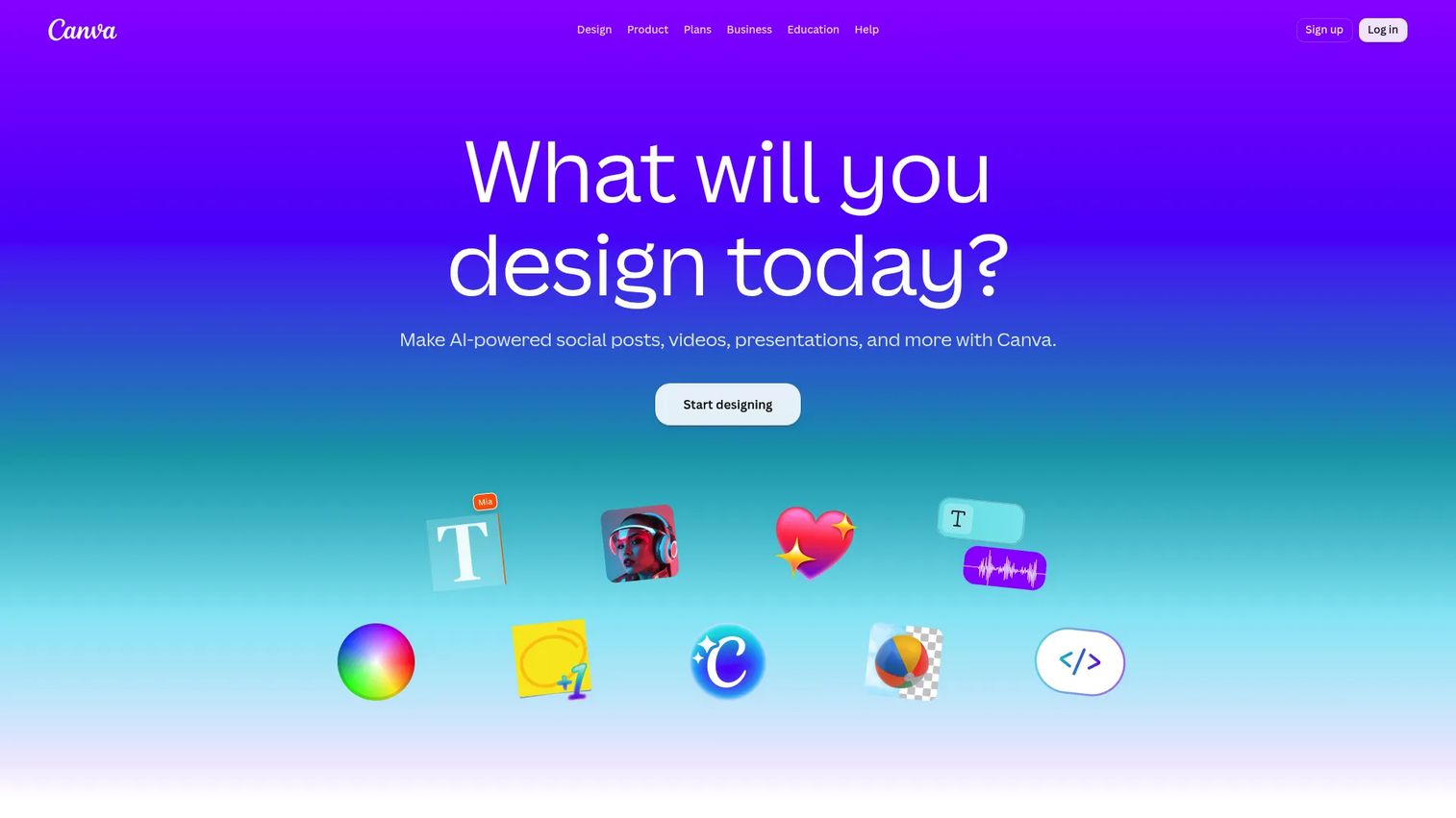
Canva folds background removal into a design platform most marketers already use. Instead of cutting out a subject in one tool and importing it to another, you remove the background and build the finished graphic in the same editor. The BG Remover isolates your subject in one click, then hands you templates, brand kits, and layout tools to finish the asset.
Best for: Marketing teams who already build social graphics, decks, and campaign assets in Canva.
Key features
- One-click background removal in the editor
- Background replacement with colors, images, and scenes
- 100+ million templates and stock assets
- Brand kit and team collaboration
- AI photo and image tools
Why choose Canva: If your team lives in Canva, the cutout and the next four steps happen without leaving the app. That is the consolidation win: One tool covering removal plus the entire design workflow around it.
Canva pricing starts with a free plan for one person. Canva Pro runs US$144/year for a single user, which includes the background remover and premium design features. Enterprise and education plans are also offered, with larger organization pricing varying.
On G2, Canva holds a 4.7/5 rating.
2. Adobe Express
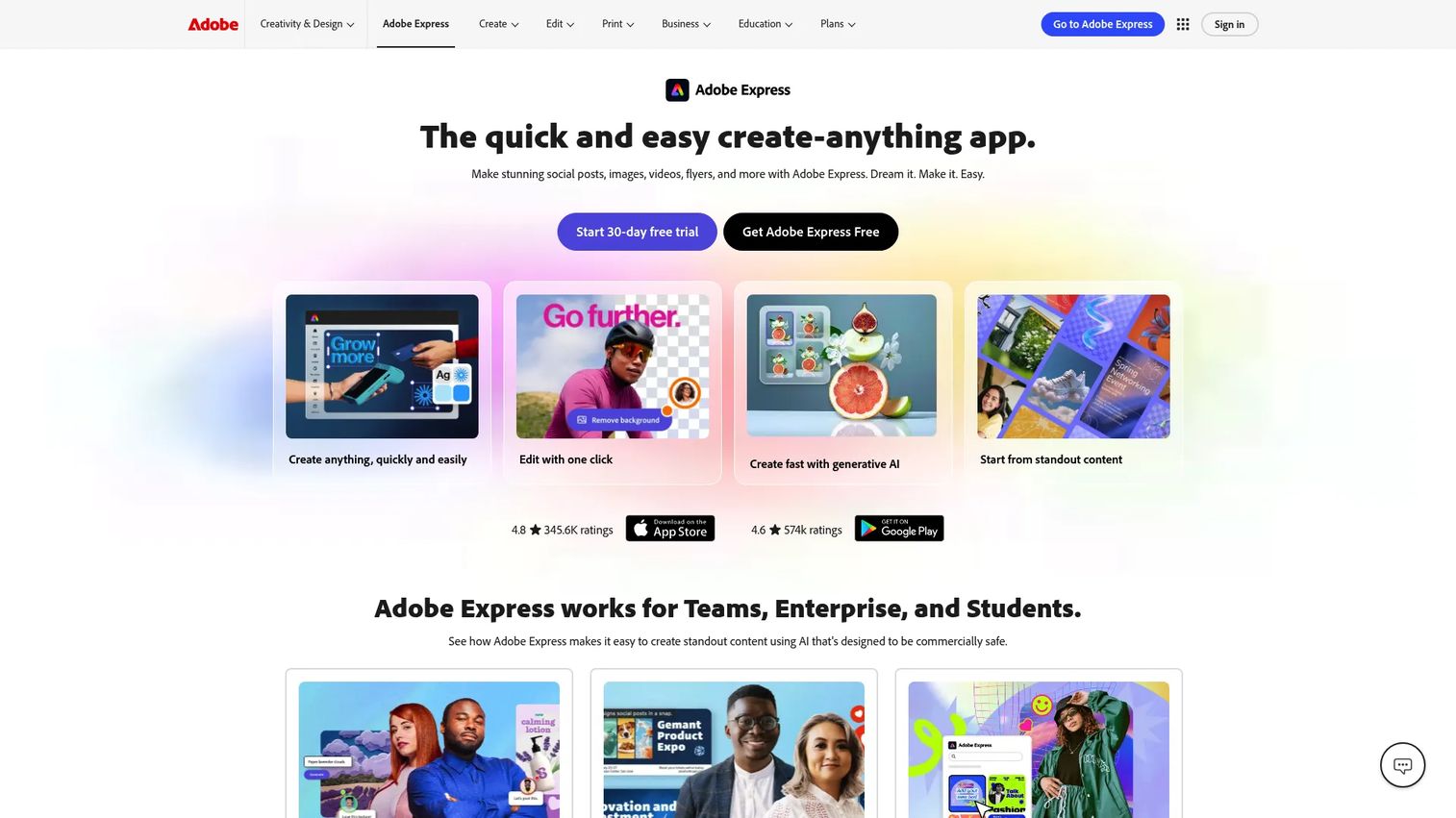
Adobe Express removes backgrounds in the browser with no download and no account needed to try it. You upload an image, Adobe's AI detects the subject automatically, and you get a transparent PNG in seconds. From there you can drop into the Express editor for quick brand work or hand off into the wider Adobe toolset.
Best for: Marketers who want fast, free cutouts and occasional handoff into Adobe's creative tools.
Key features
- Automatic AI background detection
- Transparent PNG export
- One-click resize for multiple channels
- 100,000+ templates in the free plan
- Adobe Stock and Fonts access on Premium
Why choose Adobe Express: It shines for one-off and lightweight brand work, especially if your team already touches Adobe tools elsewhere. The free browser access means you can cut out an image without provisioning anything.
Adobe Express pricing includes a free plan at US$0.00. Premium runs US$9.99/month with a 30-day free trial, and Teams starts at US$7.99/month per license with a 14-day trial. Enterprise pricing is available through Adobe's sales team.
On G2, Adobe Express holds a 4.5/5 rating.
3. Pixlr
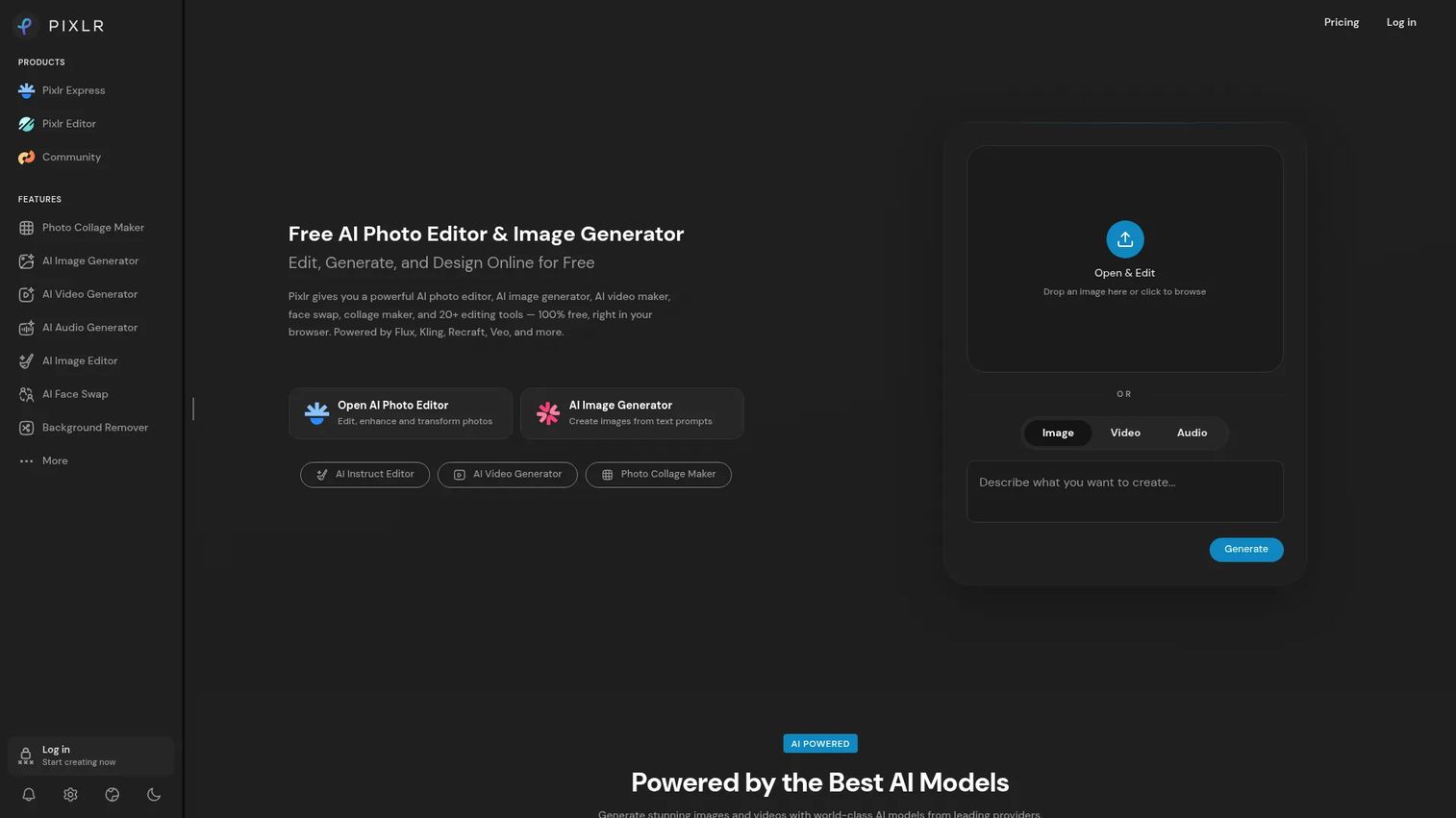
Pixlr is a browser-based AI photo editor that handles background removal alongside a broader set of image tools. You get free AI cutouts, then a full editor for cleanup, replacement, and adjustment. For marketers who want more than a one-trick remover but do not want a heavy install, Pixlr sits in a useful middle ground.
Best for: Individuals and small teams needing free browser-based AI editing with room to grow into paid tiers.
Key features
- AI background removal
- AI image generation
- Full browser-based photo editor
- AI video and audio tools
- Multiple background options
Why choose Pixlr: The paid tiers are among the cheapest here, so it fits scrappy budgets that still want AI editing beyond the cutout itself. You get the remover plus a real editor without a big commitment.
Pixlr pricing starts free on the web app. Paid plans begin at US$1.99/month for Plus billed yearly, or US$2.49/month billed monthly. Premium runs US$7.99/month yearly, Ultra US$19.99/month yearly, and Ultra MAX US$39.99/month yearly.
A current G2 rating for Pixlr was not confirmed from a primary source during research, so treat its standing as unverified here.
4. Photoroom
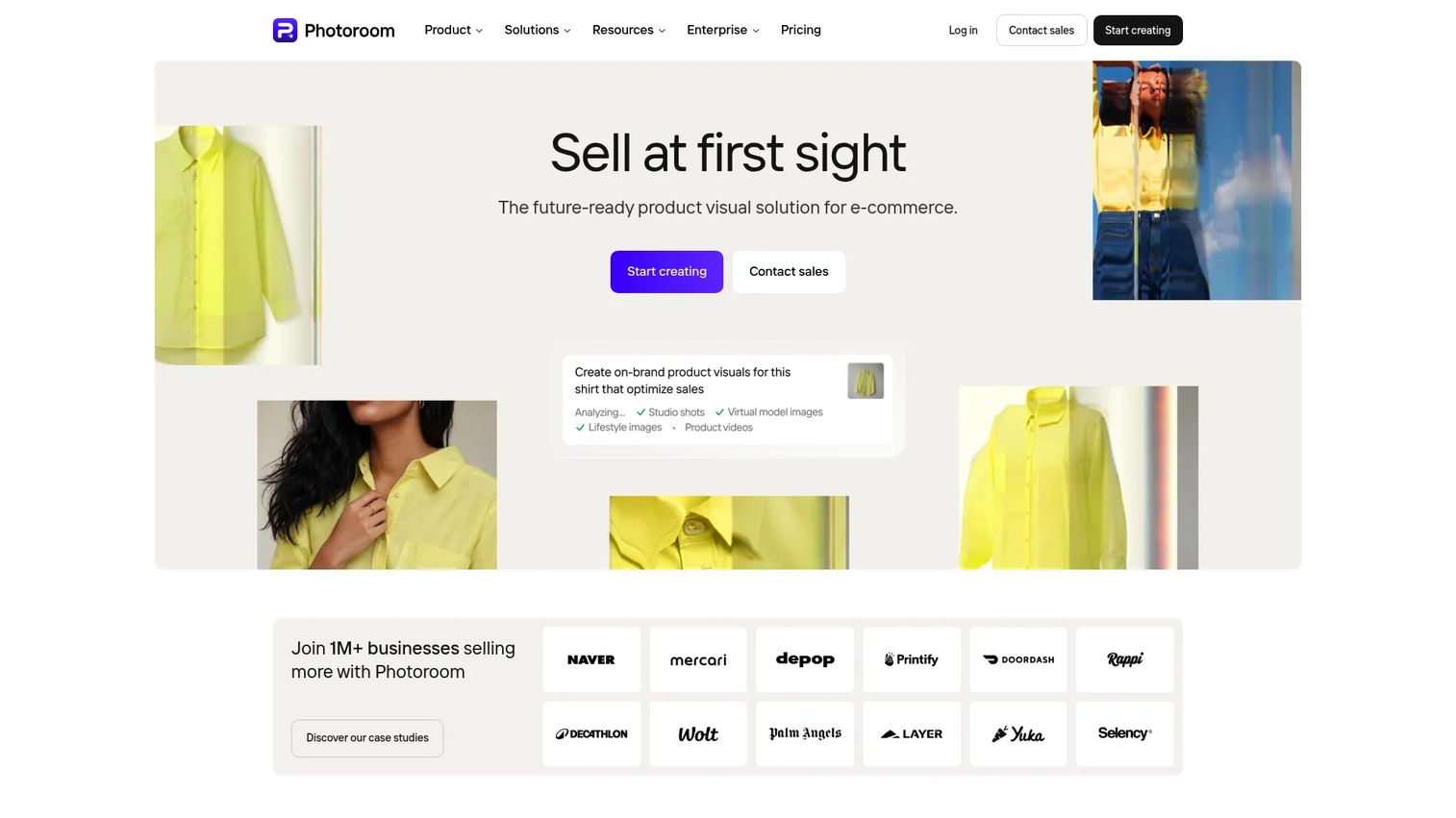
Photoroom is built for e-commerce product visuals at scale. It removes backgrounds with AI, then adds product-specific tools like Ghost Mannequin, Flat Lay, Product Staging, and Product Beautifier. If you manage a catalog and need hundreds of consistent product shots, this is the tool designed for that exact job, batch mode included.
Best for: E-commerce sellers and marketing teams producing product photos at catalog scale.
Key features
- AI background removal
- Batch editing for large image sets
- Product Staging and Ghost Mannequin tools
- Flat Lay and Product Beautifier
- API for automation
Why choose Photoroom: It carries the strongest commercial use case here. When your image ops are a volume problem, the automation and batch tools turn a manual grind into a repeatable pipeline.
Photoroom pricing offers a free start, then paid Pro, Max, and Ultra tiers billed yearly, plus a custom Enterprise plan. The plan tiers are listed on Photoroom's pricing page, though numeric prices were not exposed in the source read during research, so confirm current figures on the pricing page before you commit.
On G2, Photoroom holds a 4.3/5 rating.
Considerations
Before you commit a card, run each tool against this checklist. The right pick depends on what happens after the cutout, not just how clean the cutout looks.
Output quality
Check edge accuracy on hard subjects: Hair, fur, transparent glass, and fine product detail. A cutout that looks fine at thumbnail size can show a halo or jagged edge when it scales up to a hero image. Test your actual assets, not the vendor's demo photo, before you trust the output in a live ad.
Workflow speed
Decide whether you need one-click simple or can accept some cleanup. For high campaign volume, every extra step multiplies across hundreds of assets. A tool that gets you 90% there instantly beats one that gets you 99% there after manual fixes.
Batch and scale
If you manage product catalogs, bulk processing is non-negotiable. Look for batch upload, consistent background application across a set, and zipped exports. Removing backgrounds one at a time does not scale past a few dozen images.
Ecosystem fit
This is the consolidation question every marketer asks: Does this replace something you already pay for? A standalone remover solves one task. A broader editor handles the cutout plus the design or product-photo steps that follow, which can retire another line item from your stack.
Pricing and usage limits
Read the free plan restrictions carefully. Export caps, watermarks, and resolution limits often gate the free tier in ways that push you to paid. Then ask whether the paid plan earns its cost by replacing a tool you already use, or just adds another subscription.
Conclusion
Four tools, four clear jobs. Canva wins for teams who already build assets in its editor and want the cutout to flow straight into a finished graphic. Adobe Express is the fast, free browser pick when you need a transparent PNG with no account and no download. Pixlr covers budget-conscious marketers who want AI editing beyond the cutout without a heavy install. Photoroom is the specialist for e-commerce product photos at catalog scale, with batch and automation built in.
Your next step depends on your workflow. If speed and free access lead, start with Adobe Express. If you manage a product catalog, test Photoroom's batch mode on a real image set. If your team already lives in a design tool, Canva keeps everything in one place.
And if your goal is turning visual assets into conversions, remember that a clean product image is one piece of a larger picture. The way you show your product to a prospect matters as much as how it looks. Guideflow lets you turn your product into self-serve interactive demos your buyers can explore on their own, so marketing teams can capture real product flows, personalize them per audience, and analyze how prospects engage.
Start your journey with Guideflow today!
FAQs
Upload your image to a background removal tool, let its AI detect and isolate the subject, then export as a PNG. PNG supports an alpha channel, which stores transparency, so the removed area comes out clear instead of white. JPG does not support transparency, so always choose PNG when you need a transparent cutout.
Modern tools use AI models trained to recognize subjects like people, products, and animals against varied backgrounds. The software predicts the subject's edge pixel by pixel, then masks out everything behind it. This replaces the old manual method of tracing edges with a pen tool, which is why a cutout now takes seconds instead of many minutes.
Yes. After removing the original background, most tools let you drop in a solid color, a gradient, a stock scene, or your own image. This is how marketers place one product across multiple backgrounds without a reshoot, and how you match a subject to your brand palette for a consistent campaign look.
Yes, several tools offer free background removal. Adobe Express removes backgrounds in the browser with no account needed to start, Pixlr offers free AI cutouts on its web app, and Canva includes its remover in the free plan. Free tiers often cap resolution, exports, or add watermarks, so check the limits against your output needs.
For product photos at scale, Photoroom is purpose-built, with batch editing, Product Staging, and Ghost Mannequin tools aimed at e-commerce catalogs. If you produce fewer product shots and already design in Canva, its remover plus templates covers the job. Match the tool to your volume: Specialist for catalogs, general editor for occasional shots.
Upload high-resolution JPG or PNG source images so the AI has clean detail to work with. Export transparent cutouts as PNG, since it preserves the alpha channel. If you are placing the subject on a solid background with no transparency needed, JPG keeps file sizes smaller for faster page loads on landing pages and ads.
Significantly, if you work with volume. Processing a full product set or campaign batch in one pass removes the per-image overhead that makes manual cutouts unworkable at scale. For a catalog of a few hundred items, batch mode turns days of editing into a single automated run, which frees you to spend time on the campaign itself.










